
Hyperbrowser alternatives
12 products compared · Updated November 6, 2026
The short answer
The three strongest alternatives to Hyperbrowser are Browserless, Browserbase, and E2B. Browserless suits engineering teams with existing Puppeteer or Playwright scripts that want a hosted browser swap with no code rewrite. Browserbase suits teams building browser agents that need logins, form filling, and many parallel sessions with CAPTCHA solving. E2B suits teams building coding or data agents that must run code in an isolated machine they control.
Your shortlist, at a glance
Read the comparisons ↓- BBrowserbase$0.12/browser hrEngineering teams building browser agents that need to log in to sites, fill forms and run many sessions in parallel
- BBrowserlessFrom $0.0015 / unitEngineering teams with existing Puppeteer or Playwright scripts that want a hosted browser swap with no code rewrite
- EE2B$150/mo + usageEngineering teams building coding or data agents that must run code in an isolated machine they control
- FFirecrawlFrom $16/mo (annual)Developer teams building AI apps that need search and scraped web content fed into a model or knowledge base
- SSteel$0.10/hr + usageEngineering teams running browser agents or scraping jobs that want an open-source option they can self-host
- AAnchor BrowserNot publishedEnterprise teams automating logged-in web workflows that need HIPAA, SSO or regional data residency
- DDaytona$0.0504/vCPU-hrEngineering teams that need fast, isolated sandboxes to run AI-generated code, with GPU options for heavier workloads
Axiom.aiNot publishedOperations and sales teams that want no-code scrapers, form fillers, and scheduled monitors that push results into Google Sheets or a CRM
 NotteSee websiteReliable Web Agents for Enterprise
 SmoothSee websiteFast, simple, reliable AI browser agent
 Browser UseSee websiteLeading open-source web agent project with 50k stars in 3 months
- PPlaywrightNot publishedEngineering teams that want to run end-to-end tests and browser automation on their own infrastructure without paying per session.
About Hyperbrowser and its alternatives
Hyperbrowser is web infrastructure for AI agents. According to its site, it offers cloud browsers, isolated sandboxes, and web data APIs, and it lets agents run Playwright, Puppeteer, HyperAgent, Browser Use, or computer-use models in a managed browser.
When comparing alternatives in this category, weigh the pricing structure first, since some tools bill per browser hour, some per credit or unit, and some per second of compute. Check which regions the service runs in, which integrations and SDKs it supports, how much support is included at your tier, and what the contract terms require, especially for enterprise or self-hosted deployments.
Explore the alternatives
- B$0.12/browser hr
1.Browserbase
Best for: Engineering teams building browser agents that need to log in to sites, fill forms and run many sessions in parallel
- Pricing
- $0.12/browser hr
- Category
- Other
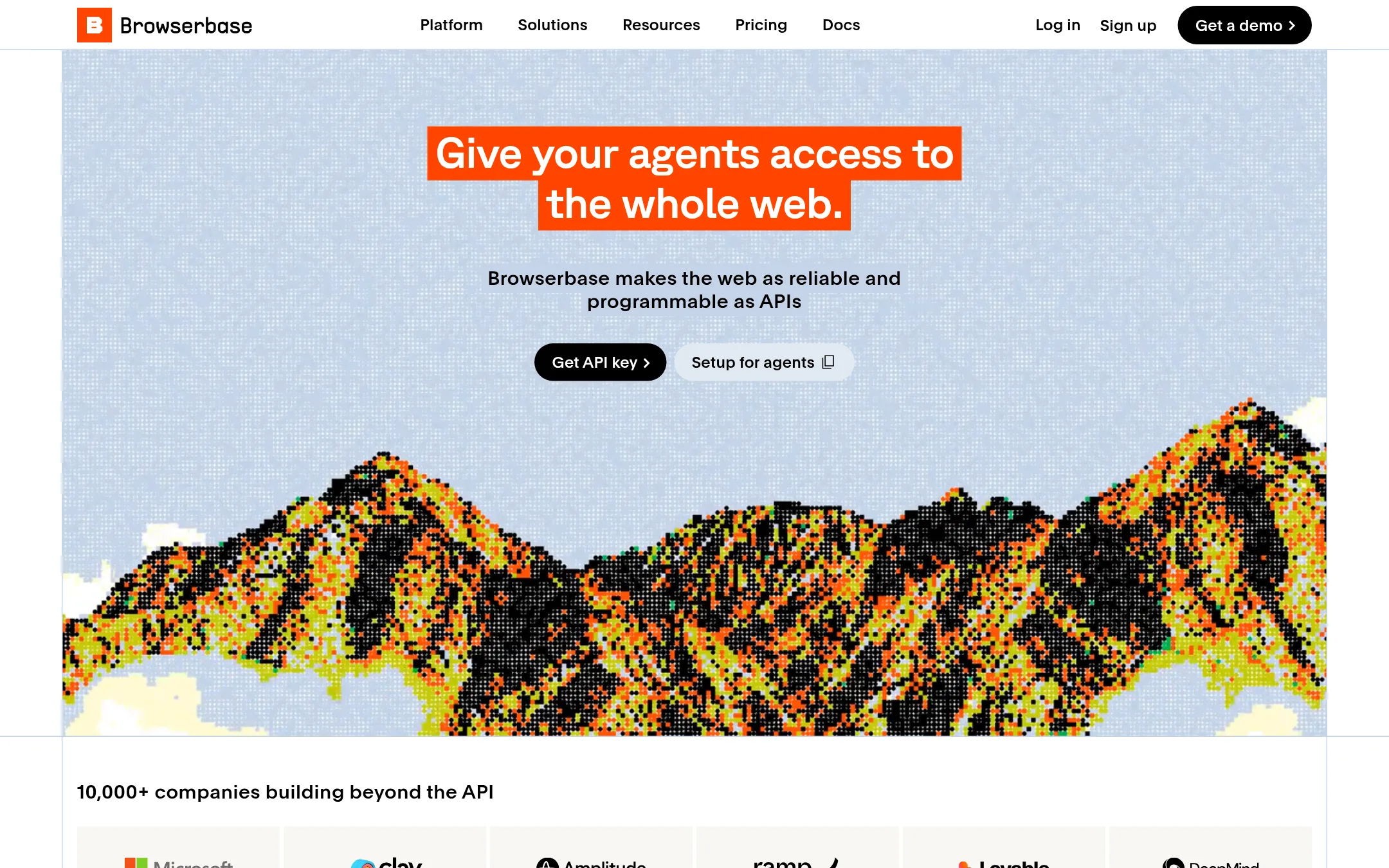
Browserbase gives AI agents managed headless browsers, plus Search and Fetch APIs for pulling web context. Teams pick it over Hyperbrowser when their main need is browser automation at scale, with login handling, CAPTCHA solving and a model gateway bundled into the same plan. The site also lists functions and a runtime for running agents on its infrastructure.
Where it is strong
- Search and Fetch APIs give agents web context without running a full browser
- Auto CAPTCHA solving is included from the Developer plan up
- A model gateway with $5 of included tokens lets you use Stagehand without a separate model account
Where it falls short
- The site does not describe sandboxes for running arbitrary code, which Hyperbrowser offers
- Enterprise pricing for high volume is quoted by sales rather than published per unit
- Pricing:
- The Free tier includes 3 concurrent browsers, 1 browser hour and 1,000 Fetch calls, the Developer plan includes 100 browser hours then $0.12 per browser hour, and the Startup plan includes 500 browser hours then $0.10 per browser hour.
- BFrom $0.0015 / unit
2.Browserless
Best for: Engineering teams with existing Puppeteer or Playwright scripts that want a hosted browser swap with no code rewrite
- Pricing
- From $0.0015 / unit
- Category
- Other
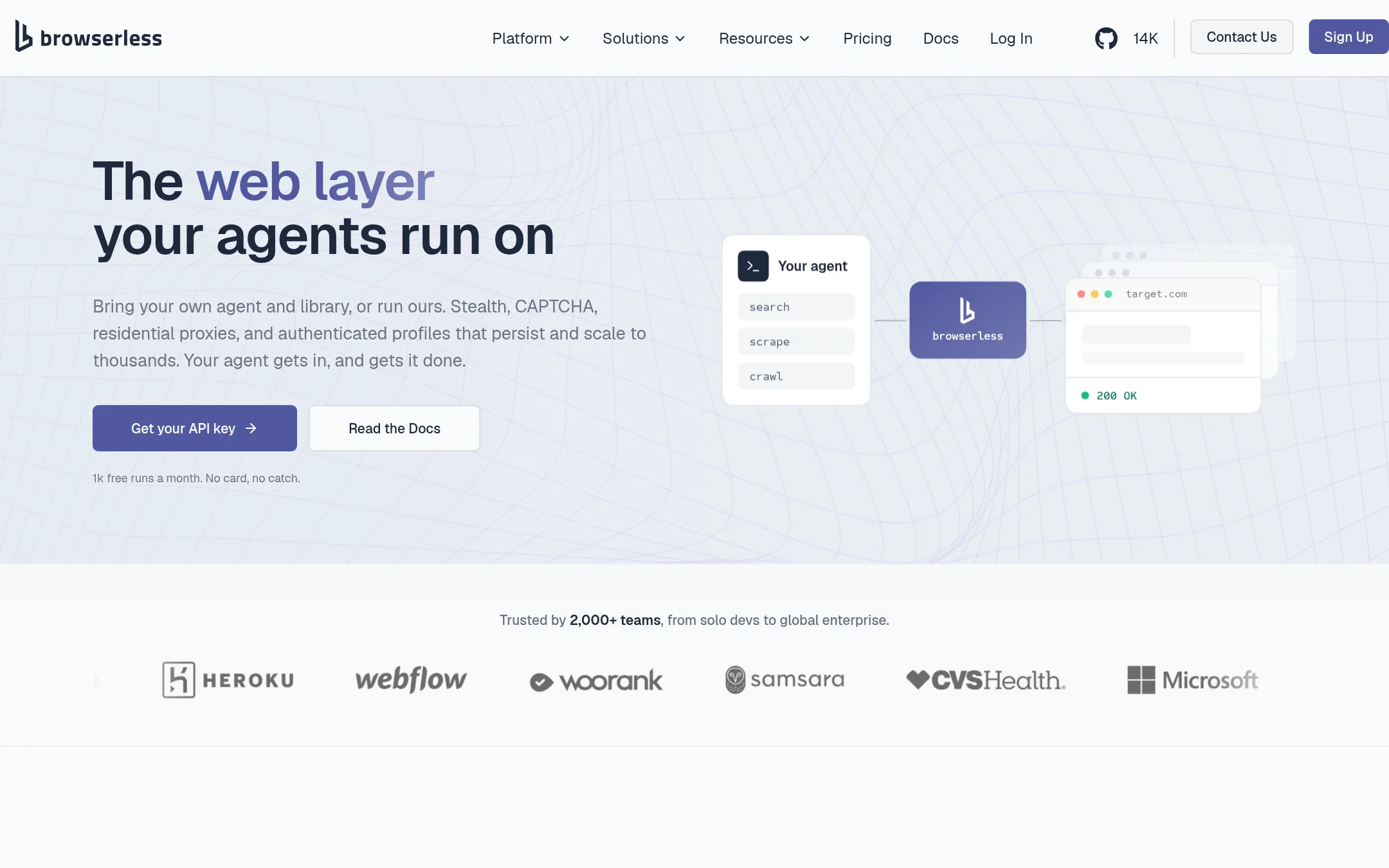
Browserless runs cloud Chrome sessions that you connect to with Puppeteer or Playwright by changing one endpoint. It adds stealth, CAPTCHA solving, residential proxies and persistent logins, and it also offers an MCP interface and its own browser agent. Teams pick it over Hyperbrowser when they mainly want a hosted browser for existing scripts and can also run it on their own hardware.
Where it is strong
- Connects to existing Puppeteer or Playwright code by changing the endpoint
- Offers self-hosting with Docker and Kubernetes, plus GPU and custom cloud options
- Includes an MCP interface and a managed browser agent for AI workflows
Where it falls short
- Covers browsers and scraping, with no isolated sandbox compute product like Hyperbrowser's
- Session time is capped per connection, at 2 to 60 minutes depending on plan
- Pricing:
- Pricing is billed in units, with a free plan of 1k units per month, Prototyping at 20k units, Starter at 180k units, and Scale at 500k units, with overage rates from $0.0015 to $0.0020 per unit.
- E$150/mo + usage
3.E2B
Best for: Engineering teams building coding or data agents that must run code in an isolated machine they control

- Pricing
- $150/mo + usage
- Category
- Other
E2B runs an isolated Linux microVM for each AI agent session, so the agent can run code, use a shell, browse, and keep files without touching your application. Choose it over Hyperbrowser when your agent needs a full machine with a filesystem and a secrets vault, or when you need the runtime inside your own AWS, GCP, or Azure account. Hyperbrowser is built more around cloud browsers and web data, and E2B is built more around the sandbox itself.
Where it is strong
- Each agent session gets its own microVM with shell, filesystem, and network controls
- A secrets vault lets agents use keys without reading them
- Runs in E2B Cloud or in your own AWS, GCP, or Azure account with the same SDK
Where it falls short
- Browser automation is a sandbox feature, not the core product the way it is with Hyperbrowser
- BYOC and private cloud deployment sit behind enterprise sales
- Pricing:
- E2B bills per second of a running sandbox, with a $100 one-time usage credit on the free Hobby tier, $150 per month on Pro plus usage, and custom enterprise commits starting at $2,000 per month.
- FFrom $16/mo (annual)
4.Firecrawl
Best for: Developer teams building AI apps that need search and scraped web content fed into a model or knowledge base
- Pricing
- From $16/mo (annual)
- Category
- Analytics & Data
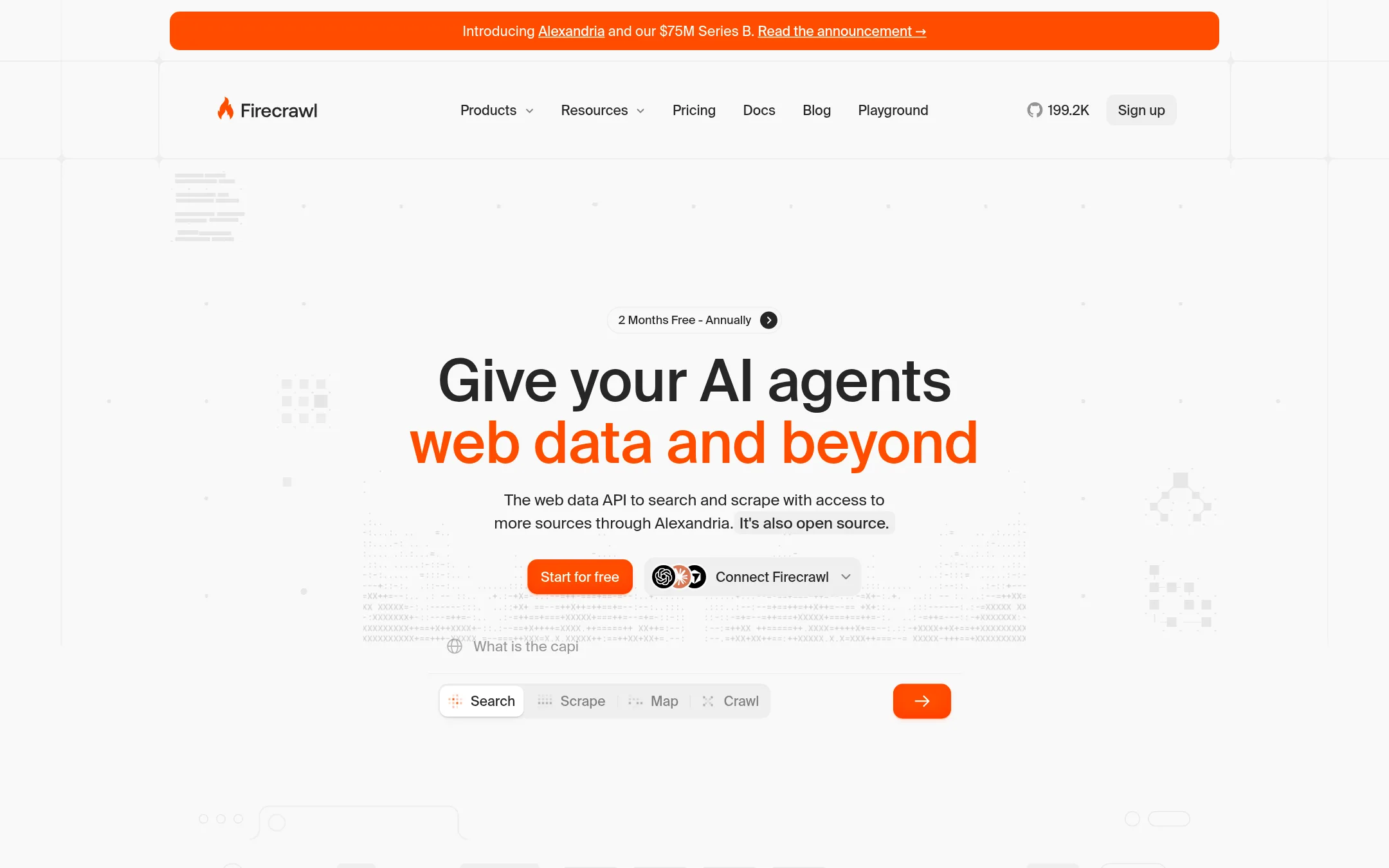
Firecrawl is a web data API that searches the web and scrapes pages into clean, token-efficient output for AI applications. Teams pick it over Hyperbrowser when the job is getting content and search results from the web, not running browser sessions or sandboxes for an agent to drive.
Where it is strong
- Search and scrape come through one API with one credit balance
- Open source, so you can inspect or self-host the core code
- Pay-as-you-go top-ups let you keep scraping after credits run out on paid plans
Where it falls short
- It does not offer cloud browser sessions or isolated sandboxes for agents to control
- Enterprise plans are custom priced and need a sales conversation
- Pricing:
- Pricing is not published on the site in a single fixed form, since plans run from a free tier of 1,000 credits a month to a Standard plan at $99/month billed monthly or $83/month billed annually.
- S$0.10/hr + usage
5.Steel
Best for: Engineering teams running browser agents or scraping jobs that want an open-source option they can self-host
- Pricing
- $0.10/hr + usage
- Category
- Other
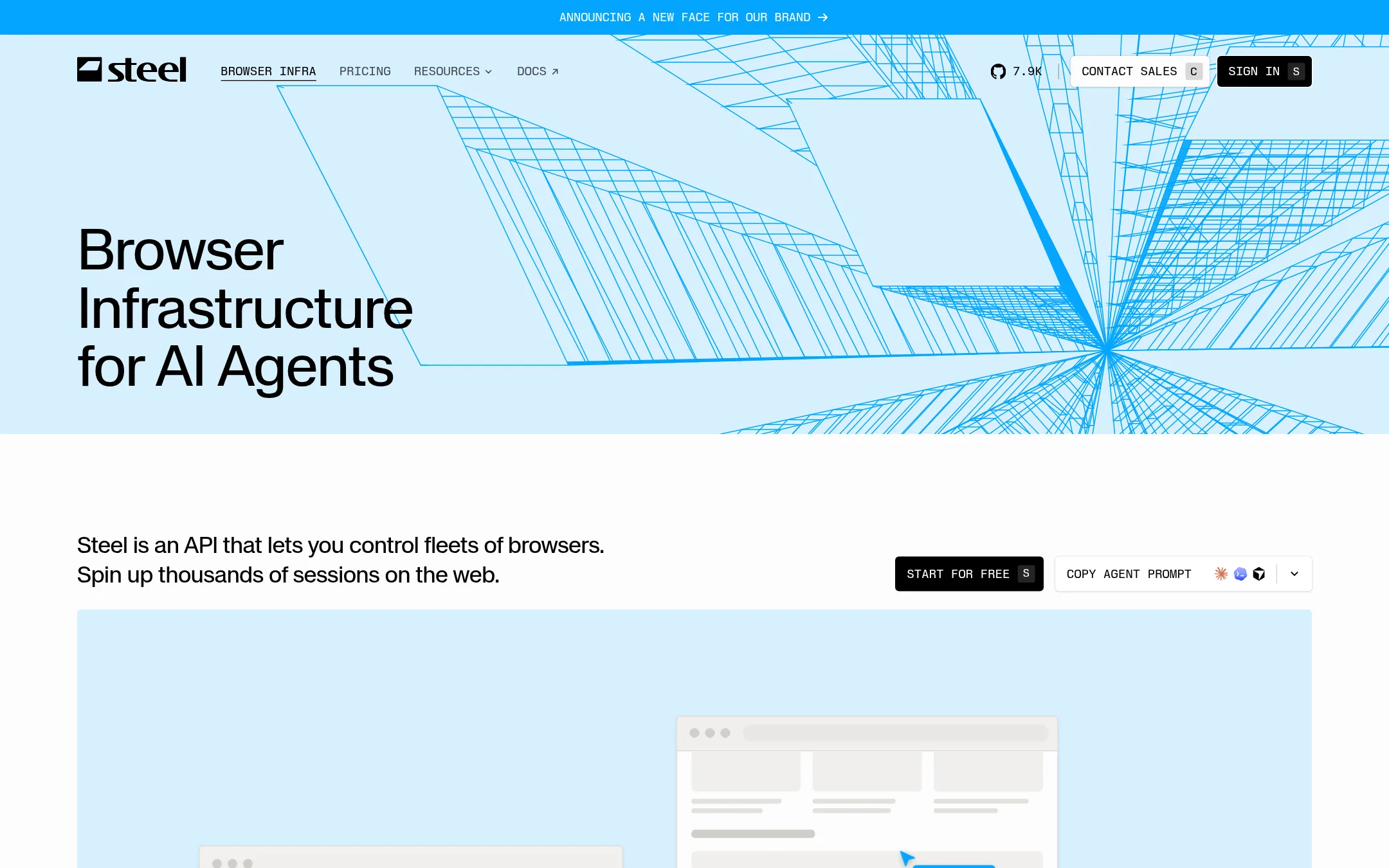
Steel is cloud browser infrastructure for AI agents, with an open-source server you can self-host and a managed cloud version. Its Playwright, Puppeteer and Selenium compatibility, plus built-in stealth, CAPTCHA solving and residential proxies, make it a fit for teams who want the browser layer without the full sandbox and web data stack Hyperbrowser offers. Pick it when your need is mainly browser sessions and you want the option to run them yourself.
Where it is strong
- Open-source Steel Browser you can host yourself and read in full on GitHub
- Works with Playwright, Puppeteer and Selenium over a standard CDP WebSocket URL
- Session viewer and recordings let a person watch or take over a running session
Where it falls short
- Covers browser sessions, not isolated sandboxes or a managed web data API the way Hyperbrowser does
- Session length is capped at 15 minutes on Launch and 1 hour on Scale, with up to 24 hours only on Enterprise
- Pricing:
- Launch is $0 per month plus usage with $30 of one-time credits, Scale is $250 per month plus usage with $100 of monthly credits, and browser hours are $0.10 on Launch and $0.08 on Scale.
- ANot published
6.Anchor Browser
Best for: Enterprise teams automating logged-in web workflows that need HIPAA, SSO or regional data residency
- Pricing
- Not published
- Category
- Other
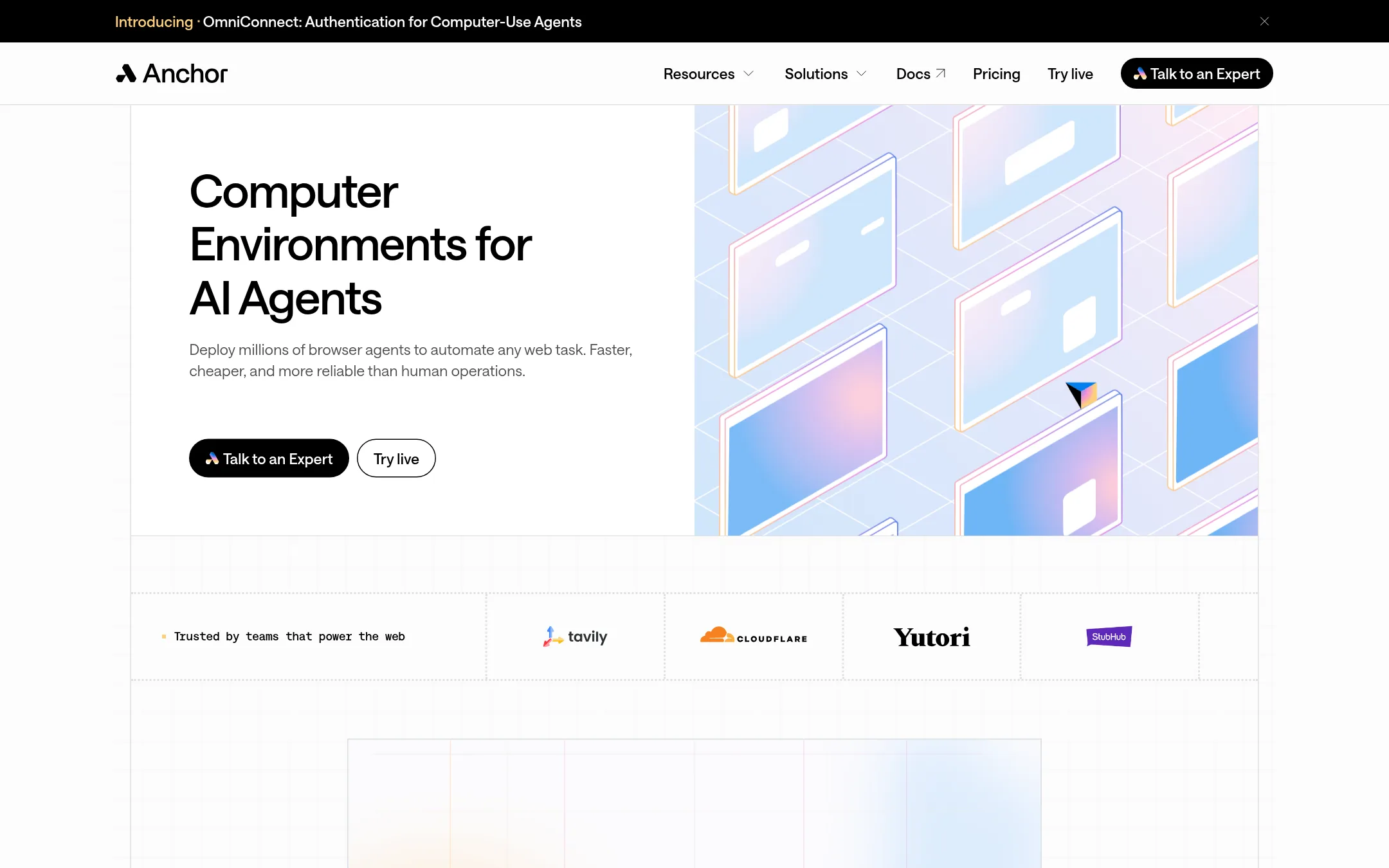
Anchor Browser is a cloud-hosted browser that lets AI agents work on websites the way a person would, including logins, cookies and multi-step forms. Teams pick it over Hyperbrowser when their main need is authenticated, human-like browsing on sites without an API, with enterprise security options such as SOC 2, HIPAA and custom regions.
Where it is strong
- Authenticated browser sessions handle logins and session management for agent tasks.
- Claims SOC 2 Type 2, ISO 27001 and GDPR compliance on higher tiers.
- Enterprise plan offers custom regions, BAA and HIPAA, and bring-your-own-cloud deployment.
Where it falls short
- Pricing details are not published, so budgeting requires talking to sales.
- The site does not list a web data API, sandboxes or session recording, which Hyperbrowser offers.
- Pricing:
- Pricing is not published on the site.
- D$0.0504/vCPU-hr
7.Daytona
Best for: Engineering teams that need fast, isolated sandboxes to run AI-generated code, with GPU options for heavier workloads
- Pricing
- $0.0504/vCPU-hr
- Category
- Other
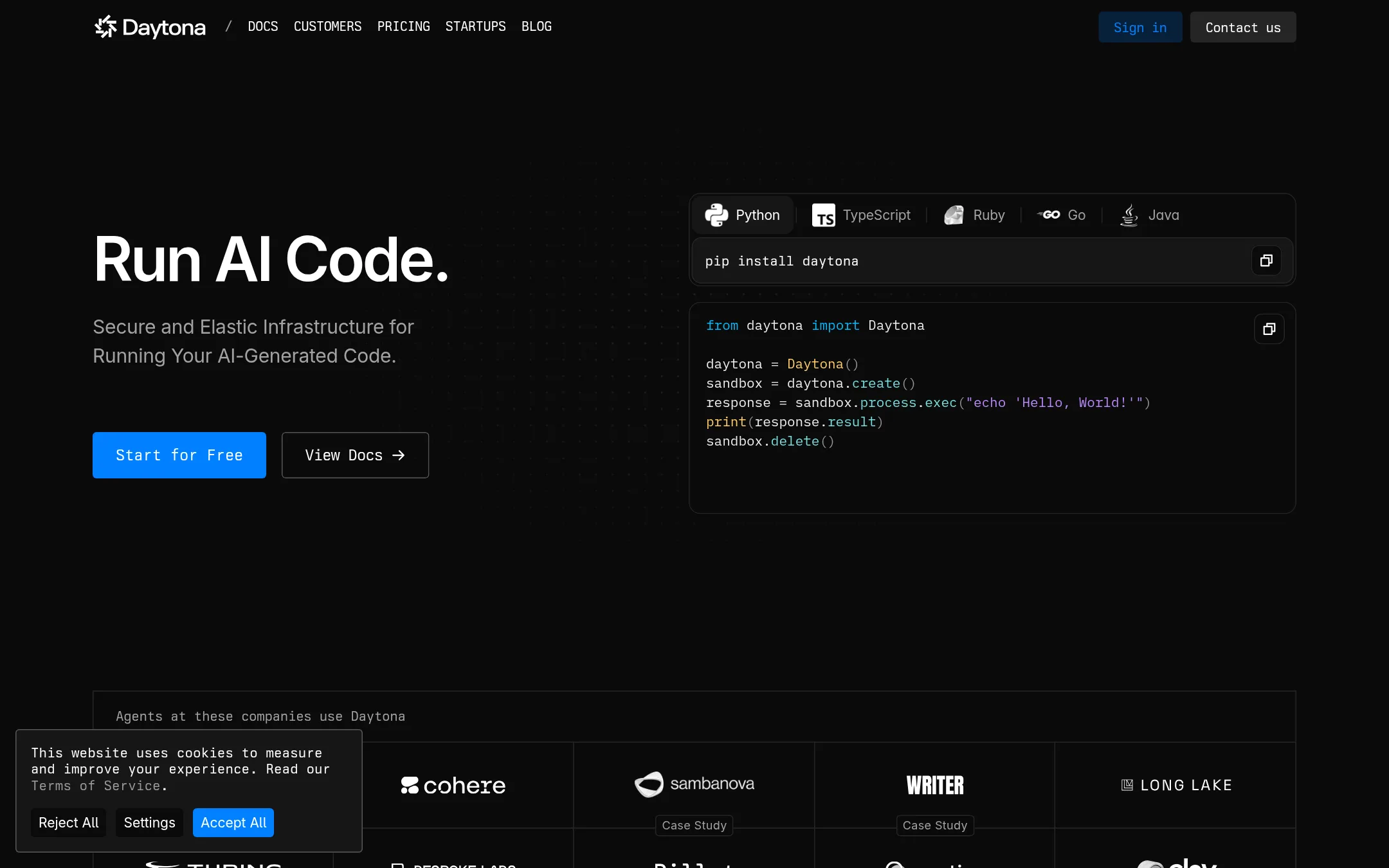
Daytona runs AI-generated code in isolated sandboxes that start in milliseconds and shut down just as fast. Teams pick it over Hyperbrowser when the main job is executing code safely and elastically, rather than driving browser sessions. The site also offers GPU compute, which Hyperbrowser's pricing does not cover.
Where it is strong
- Sandboxes start in milliseconds and shut down just as quickly.
- Billing is per second, so short runs cost little.
- Offers GPU compute, from RTX 4090 up to Nvidia B300, on preemptible or on-demand terms.
Where it falls short
- The site describes its focus as running code, so browser automation and web data extraction are not its core product.
- Larger limits, SSO, audit logs, and BYOC are reserved for business plans that require a sales conversation.
- Pricing:
- Pricing is pay-as-you-go: vCPU is $0.0504 per hour, memory $0.0162 per GiB per hour, and new accounts get $200 in free compute, with usage billed per second.
- Not published
8.Axiom.ai
Best for: Operations and sales teams that want no-code scrapers, form fillers, and scheduled monitors that push results into Google Sheets or a CRM
- Pricing
- Not published
- Category
- AI & Machine Learning
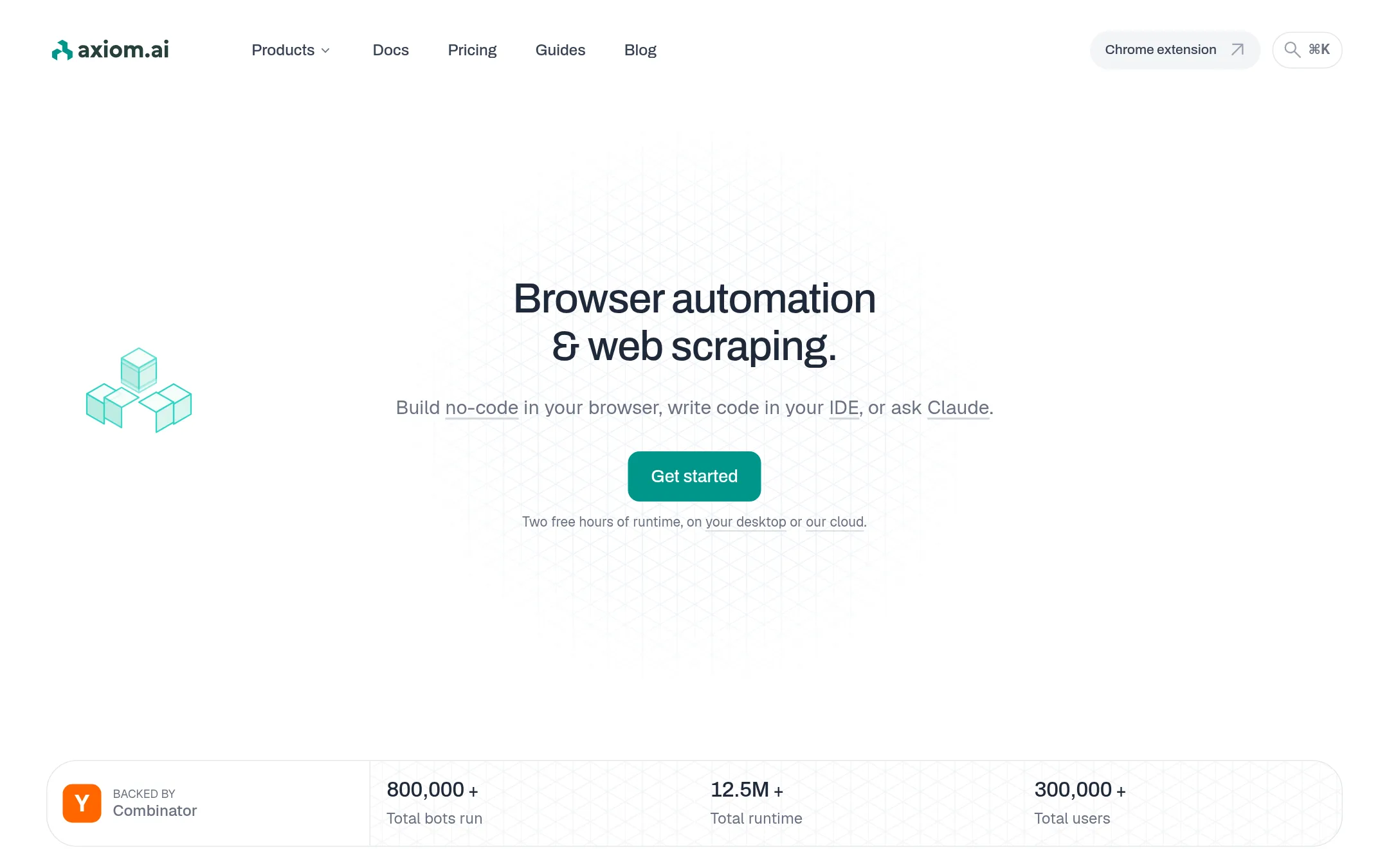
Axiom.ai is a browser automation tool that lets you build bots without code, by describing a task to the AI builder or assembling steps by hand in a Chrome extension. It also offers code paths: a Chrome API that connects Puppeteer or other CDP clients to cloud browsers, and a Step API for single actions. Someone would choose it over Hyperbrowser when the team wants non-developers to build scrapers, form fillers, and monitors without writing code.
Where it is strong
- Build bots by describing them to the AI builder or by placing steps yourself.
- Desktop runs have no concurrency limit and no time limit per run.
- Connects to Zapier, Make, Google Sheets, Excel, and 2Captcha.
Where it falls short
- Cloud runs are capped at one hour to twelve hours per bot, depending on the plan.
- Hyperbrowser offers sandboxes and a web data API for agents, which Axiom.ai does not describe offering.
- Pricing:
- Pricing is published as plan tiers with included runtime and concurrency limits, but the page text supplied does not list the monthly dollar amounts for each plan.
- See website
9.Notte
Developer Tools
Reliable Web Agents for Enterprise
- See website
10.Smooth
Developer Tools
Fast, simple, reliable AI browser agent
- See website
11.Browser Use
Developer Tools
Leading open-source web agent project with 50k stars in 3 months
- PNot published
12.Playwright
Best for: Engineering teams that want to run end-to-end tests and browser automation on their own infrastructure without paying per session.
- Pricing
- Not published
- Category
- Developer Tools
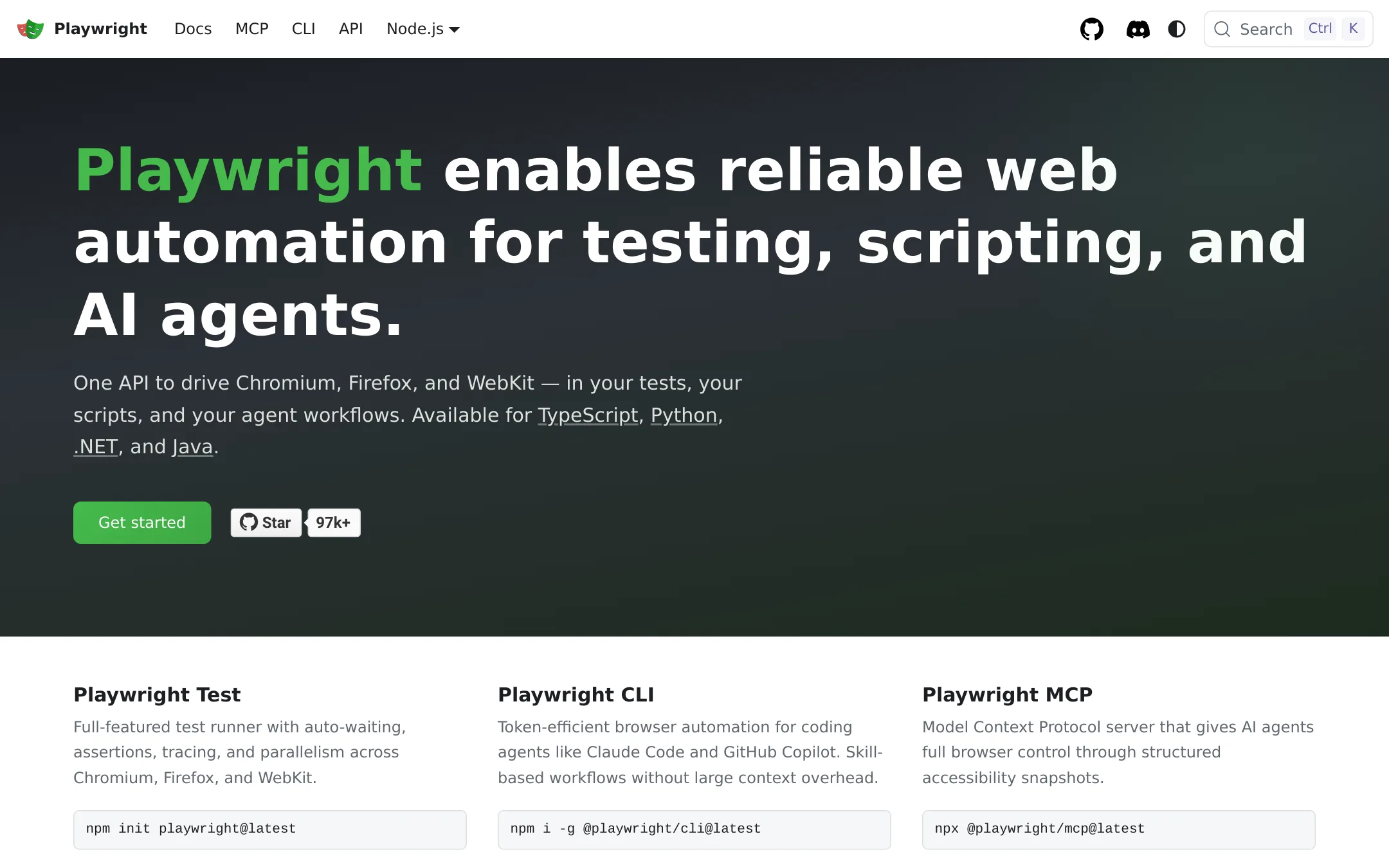
Playwright is an open browser automation and testing library that drives Chromium, Firefox, and WebKit from code. Teams pick it over Hyperbrowser when they want to run browsers on their own machines or CI and keep full control of the environment. It also ships an MCP server and a CLI so coding agents can drive a browser locally.
Where it is strong
- Supports Chromium, Firefox, and WebKit from one API.
- Includes a built-in test runner with auto-waiting, assertions, tracing, and parallel runs.
- Offers an MCP server and CLI for AI agents, with structured accessibility snapshots.
Where it falls short
- Browsers run where you host them, so there is no managed cloud, sandbox, or web data API like Hyperbrowser offers.
- Anti-bot handling, proxies, and CAPTCHA solving are not part of the library.
- Pricing:
- Pricing is not published on the site.
- Switching from Hyperbrowser:
- Moving from Hyperbrowser means hosting your own browsers and rewriting any calls to Hyperbrowser's session and sandbox APIs against Playwright's local browser launch.
See more comparisons in Developer Tools alternatives.
FAQ
Questions about Hyperbrowser alternatives
What is Hyperbrowser best known for?
According to its site, Hyperbrowser is known for cloud browsers, isolated sandboxes, and web data APIs built for AI agents. It lets teams spin up Chrome sessions and run agents in a managed browser with a single call.
Which alternative is best if I already have Puppeteer or Playwright scripts?
Browserless is built for that case, since it connects to existing Puppeteer or Playwright code by changing one endpoint. It also offers self-hosting with Docker and Kubernetes if you want to run it on your own hardware.
Which alternative is best for running AI-generated code safely?
E2B runs an isolated Linux microVM for each agent session, with a shell, filesystem, and secrets vault. Daytona is another option for fast, isolated sandboxes, with per-second billing and GPU compute.
How does pricing compare across these tools?
Browserbase's Developer plan bills $0.12 per browser hour after 100 included hours, and Browserless bills in units with a free plan of 1k units per month. E2B bills per second of a running sandbox, and Daytona bills vCPU and memory per hour with per-second billing. Hyperbrowser charges $0.10 per browser hour, with other products billed per credit.
Should I choose a no-code tool instead of a developer platform?
Choose a no-code tool like Axiom.ai if non-developers on your team need to build scrapers, form fillers, and scheduled monitors without writing code. Developer platforms such as Hyperbrowser, Browserless, or E2B are better suited when engineers will write and maintain the automation.
Last updated November 6, 2026.