Hyprnote alternatives
6 products compared · Updated November 4, 2026
The short answer
For founders and operators comparing alternatives to Hyprnote, the three strongest options are Taskade for teams that want to build custom business apps from a prompt with AI agents and automations, Notion for teams that need a shared workspace for docs, wikis, projects, and databases with AI assistance, and Obsidian for individuals and teams who want a private, offline, and highly customizable knowledge base. Taskade suits those who need to build and run tools like CRMs or dashboards, Notion suits those who want a single hub for team knowledge and workflows, and Obsidian suits those who prior
Your shortlist, at a glance
Read the comparisons ↓ NotionFree / $10+ per user/mTeams that want a single workspace for docs, wikis, projects, and databases, with AI assistance built in.
- MMemNot publishedTeams that want an AI chief of staff to organize context and follow up on tasks across notes and meetings.
- RReflectNot publishedIndividuals and small teams who want a private, local Markdown note system with backlinks and optional AI, not meeting transcription.
 ObsidianFree. Sync from $4/moIndividuals and teams who want a private, offline, and highly customizable knowledge base instead of an AI meeting assistant.
 Roam ResearchNot publishedResearchers, writers, and academics who need to connect notes and ideas associatively rather than capture meeting decisions.
 TaskadeFrom $10/user/moTeams that want to build custom business apps from a prompt without writing code, with AI agents and automations included.
About Hyprnote and its alternatives
Hyprnote is an AI meeting notetaker that captures system audio locally, supports 45+ languages, and works with Zoom, Meet, Teams, phone, and in-person calls. It is known for being open source, free forever, and fully local, with no bots joining your calls and no calendar permissions. The product has been renamed Anarlog, and the original Char name now applies to a different AI todo notepad.
When comparing alternatives in this category, weigh pricing structure (free tiers, per-user costs, AI credits), regions (whether pricing is published and in which currency), integrations (meeting platforms, automation tools), support (community vs. dedicated), and contract terms (annual billing, commercial licenses, or no published pricing).
Explore the alternatives
- Free / $10+ per user/m
1.Notion
Best for: Teams that want a single workspace for docs, wikis, projects, and databases, with AI assistance built in.
- Pricing
- Free / $10+ per user/m
- Category
- Productivity & Project Management
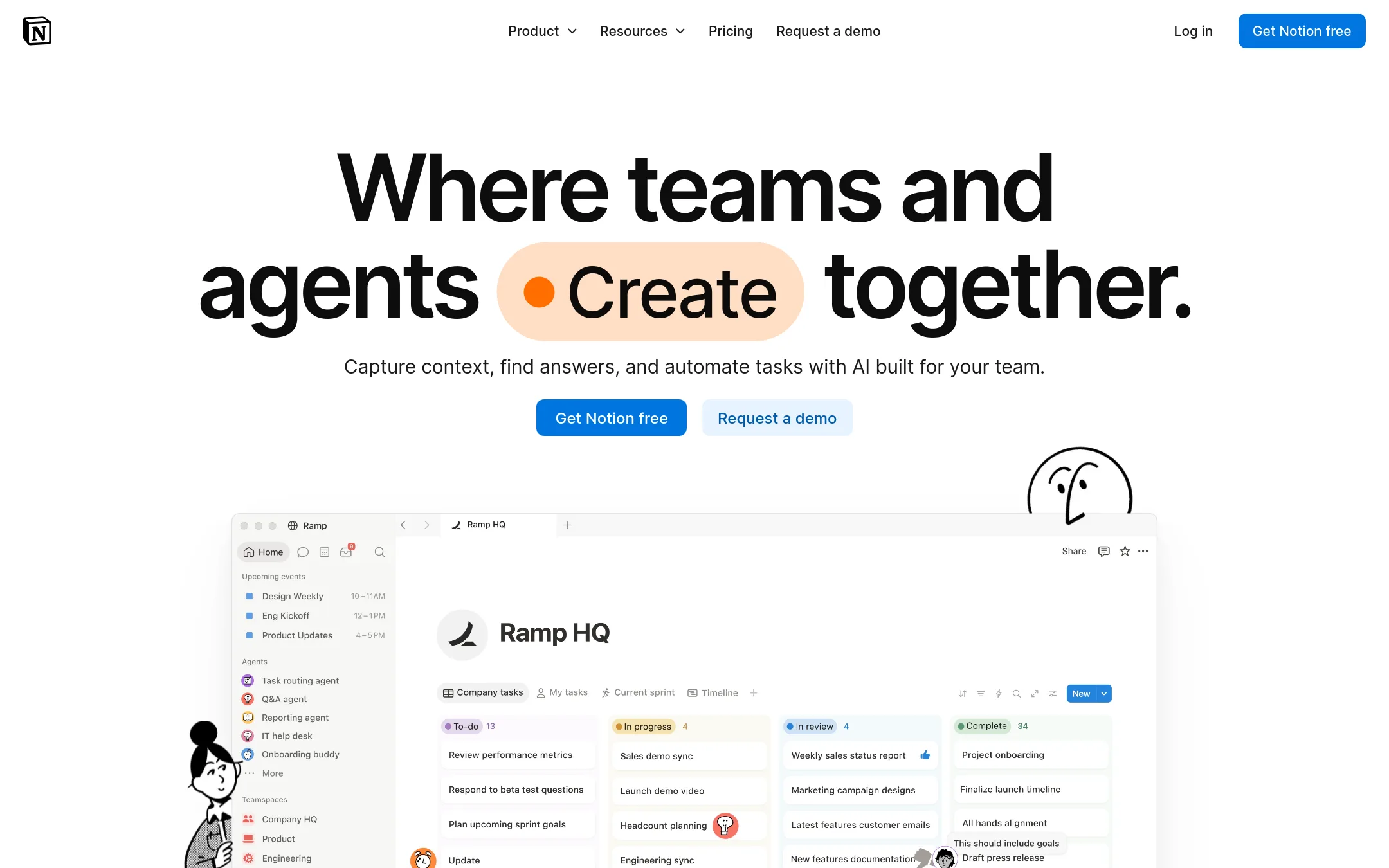
Notion is a full workspace for docs, wikis, projects, and databases, with AI features layered on top. Choose it when you need a shared hub for your whole team's knowledge and workflows, not just a personal AI notepad for meeting notes and todos.
Where it is strong
- Flexible pages and databases for any workflow
- AI meeting notes and agent features on Business plan
- Strong collaboration with comments and shared spaces
Where it falls short
- AI features are limited on lower tiers
- Can be overwhelming to set up for simple note-taking
- Pricing:
- In the United States, the Free plan is $0, Plus starts at $10 per user per month, Business at $20 per user per month, and Enterprise is custom. Custom Agents cost $10 per 1,000 monthly credits.
- Switching from Hyprnote:
- Moving from Hyprnote means rebuilding your note structure in Notion's page and database system, and re-creating any automations or AI workflows.
- MNot published
2.Mem
Best for: Teams that want an AI chief of staff to organize context and follow up on tasks across notes and meetings.
- Pricing
- Not published
- Category
- Other
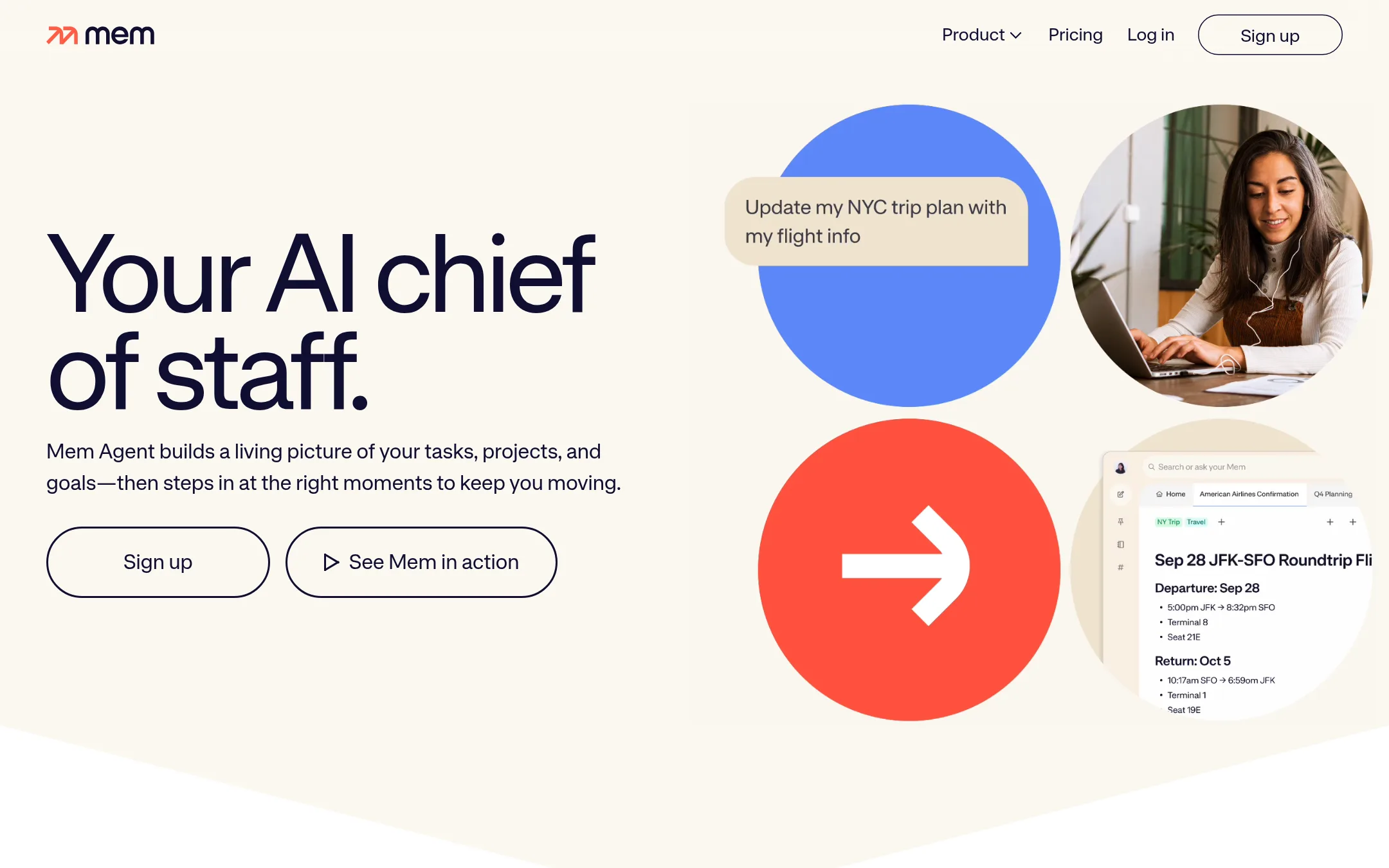
Mem is an AI-powered workspace that captures notes, meetings, and ideas, then uses an agent to keep tasks and projects moving. Choose it over Hyprnote when you want a persistent memory of your work that proactively nudges you, not just meeting transcriptions.
Where it is strong
- Captures notes, meetings, and web saves without manual organization
- Agent proactively nudges with relevant context and next steps
- Visible memory you can see and shape, not a hidden chat log
Where it falls short
- Pricing is not published, so cost is unclear for budgeting
- No mention of local-only or open-source options, unlike Hyprnote's Anarlog
- Pricing:
- Pricing is not published on the site.
- RNot published
3.Reflect
Best for: Individuals and small teams who want a private, local Markdown note system with backlinks and optional AI, not meeting transcription.
- Pricing
- Not published
- Category
- Other
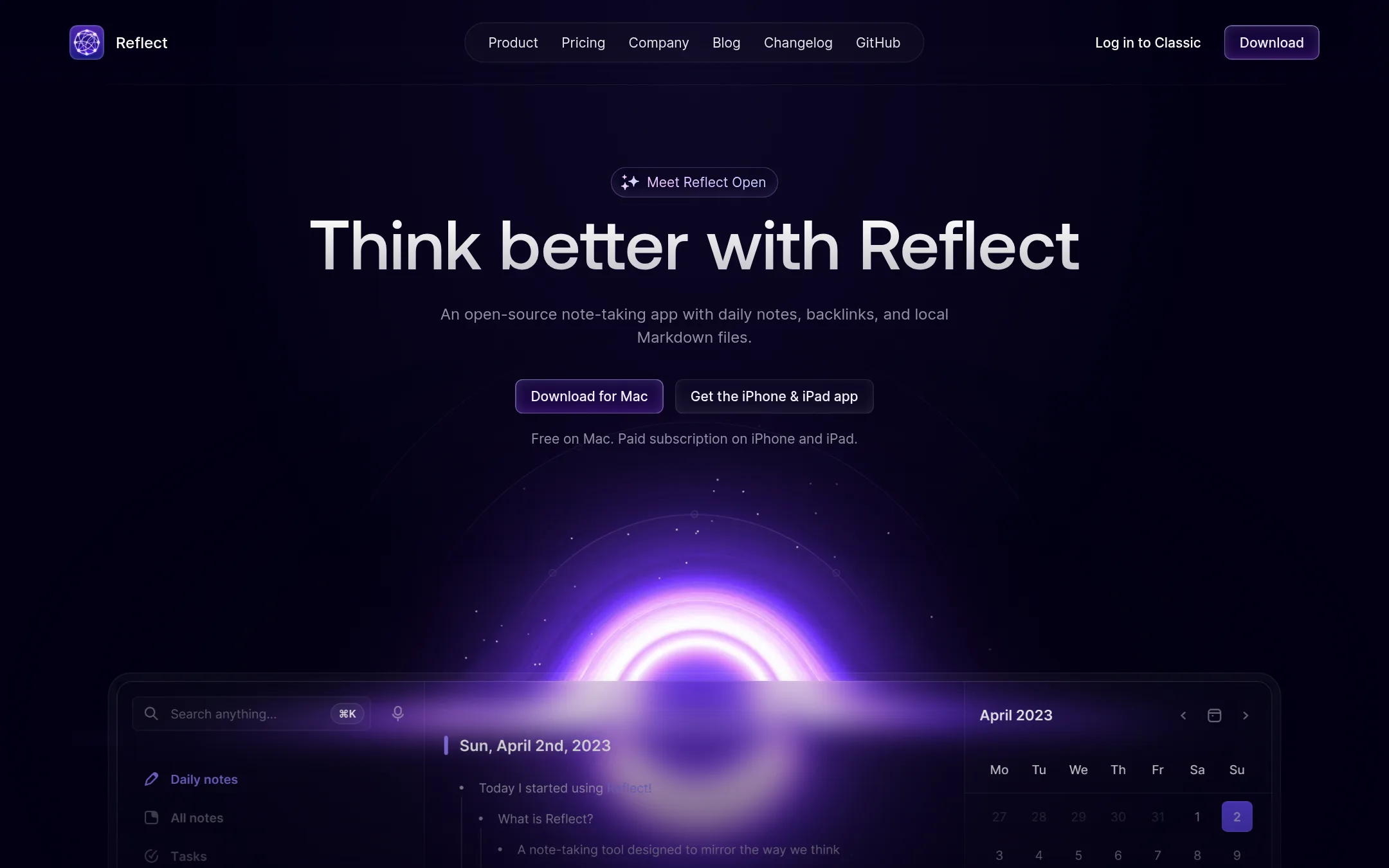
Reflect is a local-first Markdown note-taking app with backlinks and an optional AI assistant that uses your own API key. Choose it over Hyprnote if you want a private, file-based knowledge base rather than an AI meeting notetaker, and you're comfortable bringing your own AI provider.
Where it is strong
- Notes are stored as local Markdown files in a folder you choose, so you own your data.
- Backlinks help you connect ideas and build a second brain.
- AI is optional and uses your own API key, so requests go directly to your provider.
Where it falls short
- No built-in meeting transcription or bot-free call capture like Hyprnote.
- Paid subscription required for iPhone and iPad apps. Mac app is free.
- Pricing:
- Pricing is not published on the site.
- Switching from Hyprnote:
- Moving from Hyprnote means shifting from AI meeting notes to a manual note-taking workflow. You can import existing notes but there's no automated migration from meeting recordings.
- Free. Sync from $4/mo
4.Obsidian
Best for: Individuals and teams who want a private, offline, and highly customizable knowledge base instead of an AI meeting assistant.
- Pricing
- Free. Sync from $4/mo
- Category
- Productivity & Project Management
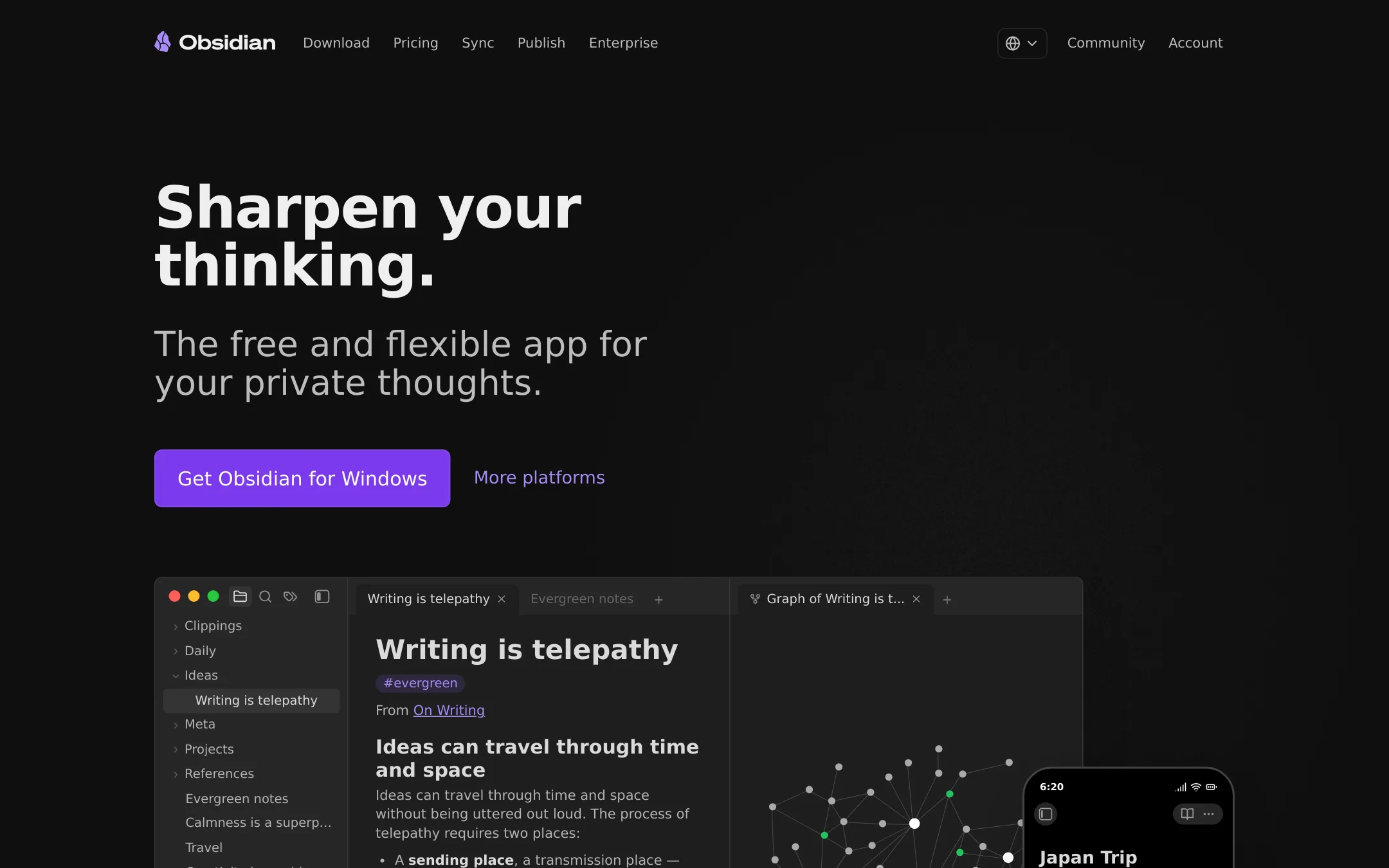
Obsidian is a local-first note app that keeps your data in plain Markdown files on your device. You would choose it over Hyprnote if you want full control over your notes, offline access, and the ability to customize everything with plugins, rather than relying on an AI meeting notetaker.
Where it is strong
- Notes stored locally in open Markdown files, so you own your data.
- Thousands of plugins and themes to tailor the app to your workflow.
- Optional Sync with end-to-end encryption and version history.
Where it falls short
- No built-in AI meeting transcription or action-item generation like Hyprnote.
- Requires manual setup and plugin management to get advanced features.
- Pricing:
- The core app is free with no limits. Optional paid services: Sync at $4/user/month billed annually or $5 billed monthly, and Publish at $8/site/month billed annually or $10 billed monthly. Commercial license is $50/user/year.
- Switching from Hyprnote:
- Moving from Hyprnote means exporting your meeting notes and setting up your own note-taking structure, since Obsidian doesn't capture meeting audio or generate summaries automatically.
- Not published
5.Roam Research
Best for: Researchers, writers, and academics who need to connect notes and ideas associatively rather than capture meeting decisions.
- Pricing
- Not published
- Category
- Productivity & Project Management
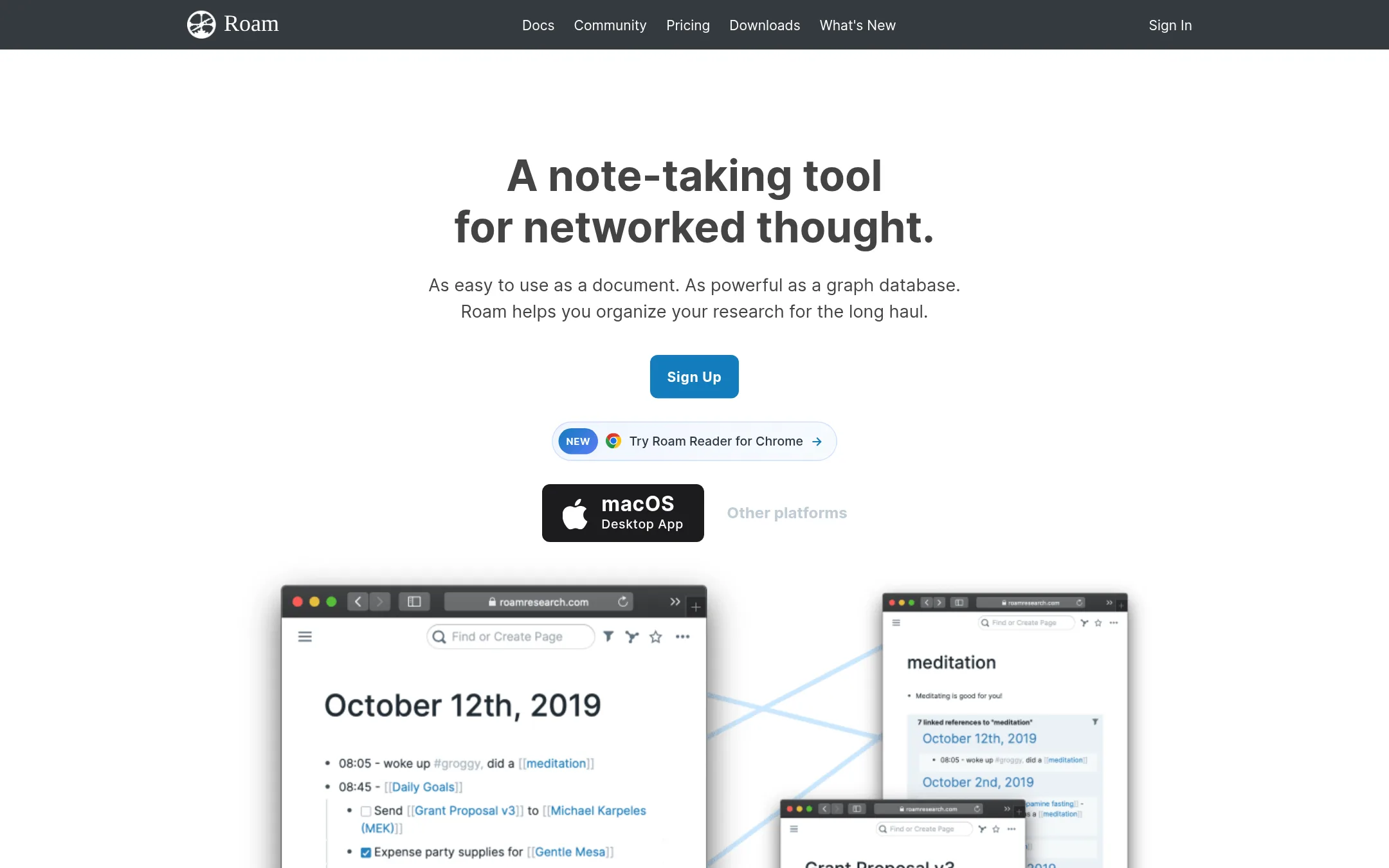
Roam Research is a networked note-taking tool that links ideas through backlinks and a graph database, built for long-term knowledge management rather than meeting transcription. Choose it over Hyprnote if your work is research, writing, or thinking that needs to be connected over time, not action items from calls.
Where it is strong
- Bi-directional links make it easy to connect related notes and ideas.
- Daily notes with automatic backlinks encourage a fluid, non-hierarchical workflow.
- Real-time collaboration and local data storage options are available.
Where it falls short
- No built-in meeting transcription or audio capture features.
- Steep learning curve for new users unfamiliar with networked note-taking.
- Pricing:
- Pricing is not published on the site.
- Switching from Hyprnote:
- Moving from Hyprnote means giving up automated meeting notes and action items. You would manually transcribe or import notes into Roam's linked structure.
- From $10/user/mo
6.Taskade
Best for: Teams that want to build custom business apps from a prompt without writing code, with AI agents and automations included.
- Pricing
- From $10/user/mo
- Category
- Productivity & Project Management
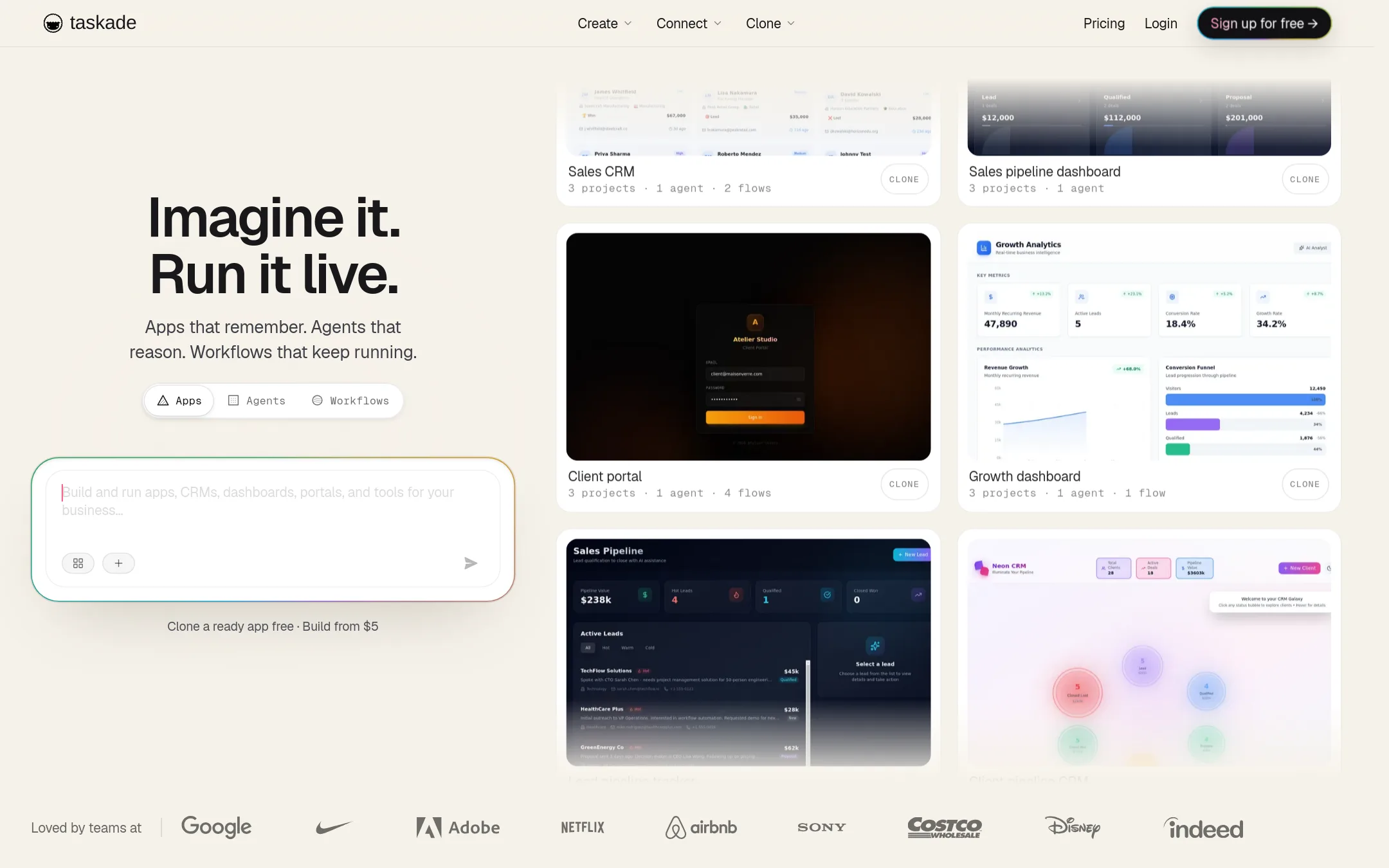
Taskade is a workspace that turns a single prompt into a live app with AI agents, data, and automated workflows. Choose it over Hyprnote when you need to build and run business tools like CRMs, dashboards, or client portals, not just take meeting notes.
Where it is strong
- Build full-stack apps from a single prompt, with hosting and database included
- AI agents with persistent memory and custom tools, deployable on your site
- Automations with durable execution and 100+ integrations
Where it falls short
- Free plan limits you to 3 apps and no AI credits, so real use requires a paid plan
- Not a dedicated meeting notetaker, so you'd need a separate tool for that
- Pricing:
- Free plan includes up to 3 published apps and no monthly AI credits. Starter costs $10 per user per month (billed annually) and includes 10,000 AI credits, 3 agents, and 350 automation runs.
- Switching from Hyprnote:
- Moving from Hyprnote means adopting a broader workspace, so you'd set up your own apps and agents rather than just importing meeting notes.
See more comparisons in Productivity & Project Management alternatives.
FAQ
Questions about Hyprnote alternatives
Which alternative is best for building custom business tools without coding?
Taskade is the strongest choice. It lets you build full-stack apps from a single prompt, with hosting and database included, plus AI agents and automations. The free plan limits you to 3 apps and no AI credits, so real use requires a paid plan.
Which alternative is best for a team that needs a shared workspace for docs and projects?
Notion is the best fit. It offers flexible pages and databases, strong collaboration, and AI features on the Business plan. Pricing in the US starts at $10 per user per month for Plus, with AI credits sold separately.
Which alternative is best for someone who wants full control over their notes and offline access?
Obsidian is the best choice. It stores notes locally in open Markdown files, is free with no limits, and offers thousands of plugins. It has no built-in AI meeting transcription, so you'd need to add that separately.
Are there any alternatives with published pricing that are free to start?
Yes. Obsidian's core app is free with no limits, and optional Sync and Publish are paid. Notion has a Free plan at $0, and Taskade's free plan includes up to 3 published apps but no AI credits. Roam Research, Mem, and Reflect do not publish pricing.
Which alternative is best for research and writing that needs to connect ideas over time?
Roam Research is built for that. It uses bi-directional links and daily notes to connect ideas associatively, which suits researchers and academics. It has no meeting transcription, and pricing is not published.
Last updated November 4, 2026.