
IcePanel alternatives
12 products compared · Updated November 4, 2026
The short answer
For teams that need a living, collaborative architecture model with governance and automation, IcePanel remains the strongest choice. If you prefer a code-first workflow, Structurizr offers strict C4 model compliance with version-controlled DSL. For lightweight, ad-hoc diagramming without vendor lock-in, draw.io is a free, privacy-first option. Lucidchart suits teams needing a versatile diagramming tool with AI and data linking across many use cases.
Your shortlist, at a glance
Read the comparisons ↓- SStructurizrNot publishedEngineering teams that want to version-control their architecture as code and need C4 model compliance.
 NeutralinoJSNot publishedDevelopers who want to ship small, fast desktop apps with JavaScript, HTML, and CSS without the bloat of Electron.
- PPlantUMLOpen sourceEngineering teams that prefer text-based, code-first diagramming and want to keep diagrams in their Git repository.
- AArchiFree (open source)Enterprise architects and students who need a free, cross-platform ArchiMate modelling tool and prefer local desktop software over a hosted collaboration workspace.
- LLucidchartFrom $10/user/moTeams that need a flexible diagramming tool for process flows, org charts, and technical diagrams, with AI and data-driven features.
draw.ioFree (open source)Teams that want a free, offline-friendly diagramming tool with no vendor lock-in and full control over their data.
 GitHub ProjectsNot publishedSoftware teams already using GitHub that want to plan and track work without leaving their code repository.
- GGliffyFrom $3.80/user/moTeams using Confluence Cloud or Data Center that want native diagramming with AI generation and compliance options like Zero Egress.
- EEnterprise ArchitectNot publishedLarge enterprises and systems engineering teams that need rigorous, standards-based modeling and traceability across business, software, and systems architecture.
- VVisual ParadigmNot publishedTeams that need a multi-purpose modeling tool for UML, BPMN, and enterprise architecture with AI-assisted diagram creation.
- AArchiMateNot publishedEnterprise architecture teams that need a standardized notation for modeling across business, application, and technology layers.
- CC4 ModelNot publishedDevelopment teams that want a simple, free diagramming standard and are comfortable managing diagrams in their own tools.
About IcePanel and its alternatives
IcePanel is a collaborative diagramming and modeling tool for software architecture. It helps engineering and product teams align on technical decisions by creating an interactive map of software systems. IcePanel is known for its living architecture model that stays in sync with production, governance features like ownership and risk tracking, and integrations with the tools teams already use.
When comparing alternatives, consider how each tool handles pricing structure, whether it offers a free tier or per-editor fees, and if it supports the regions your team operates in. Look at integrations with your existing stack, the level of support and contract terms, and whether the tool provides a living model or just static diagrams. Also weigh the learning curve and whether the tool is purpose-built for software architecture or a general diagramming solution.
Explore the alternatives
- SNot published
1.Structurizr
Best for: Engineering teams that want to version-control their architecture as code and need C4 model compliance.
- Pricing
- Not published
- Category
- Other
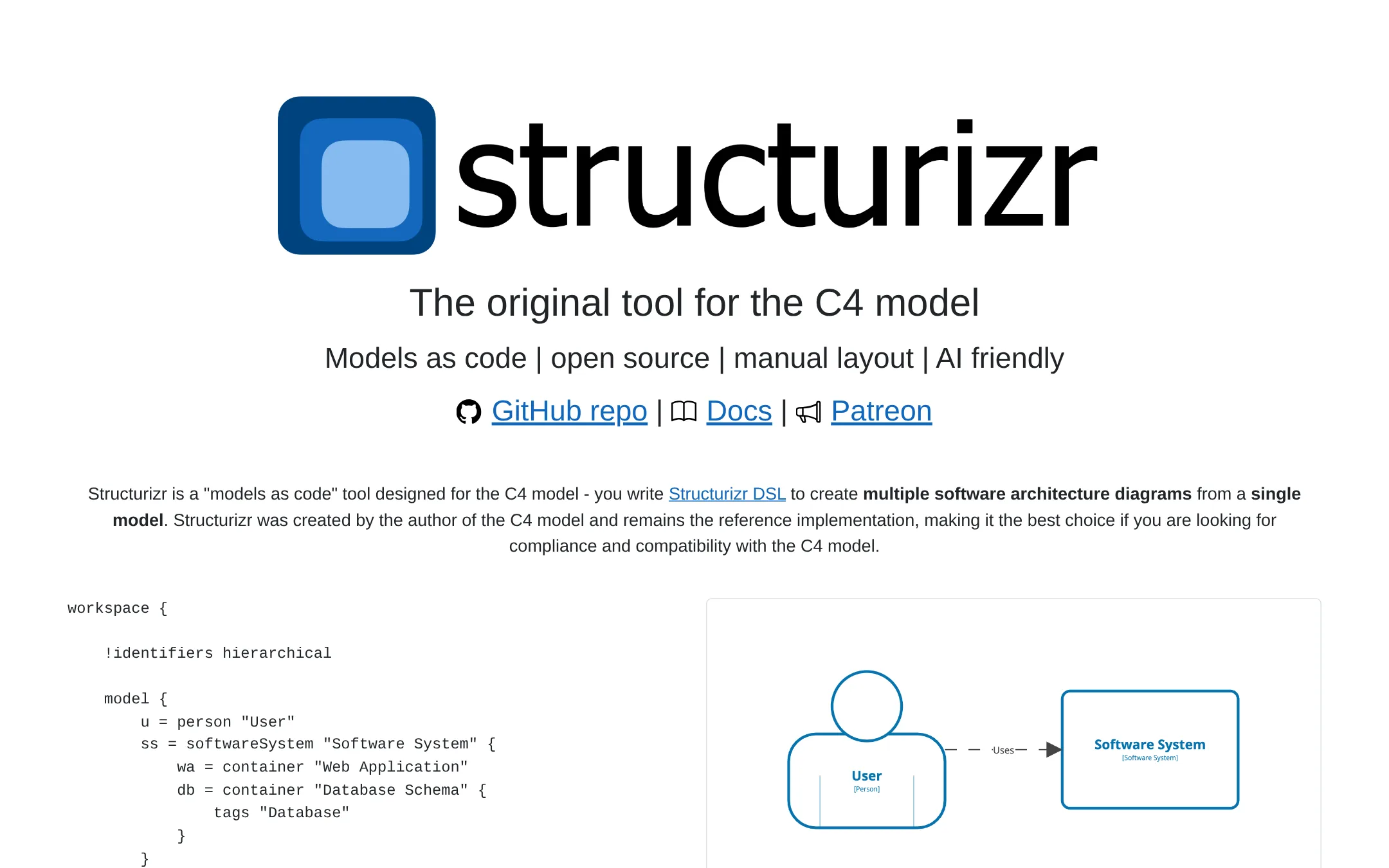
Structurizr is a models-as-code tool built specifically for the C4 model, created by its author. You would choose it over IcePanel if you want to define your architecture in text-based DSL and generate diagrams from a single model, especially if you need strict C4 compliance or prefer a code-first workflow.
Where it is strong
- Text-based DSL makes diagrams easy to review and version in Git.
- Reference implementation of the C4 model, ensuring compliance.
- Open source core with self-hosted options.
Where it falls short
- Requires learning the DSL, not a visual drag-and-drop tool.
- Manual layout needed. No automated syncing with production.
- Pricing:
- Pricing is not published on the site.
- Switching from IcePanel:
- Moving from IcePanel means adopting a code-first workflow, rewriting your architecture as DSL, and losing the collaborative real-time editing features.
- Not published
2.NeutralinoJS
Best for: Developers who want to ship small, fast desktop apps with JavaScript, HTML, and CSS without the bloat of Electron.
- Pricing
- Not published
- Category
- Developer Tools
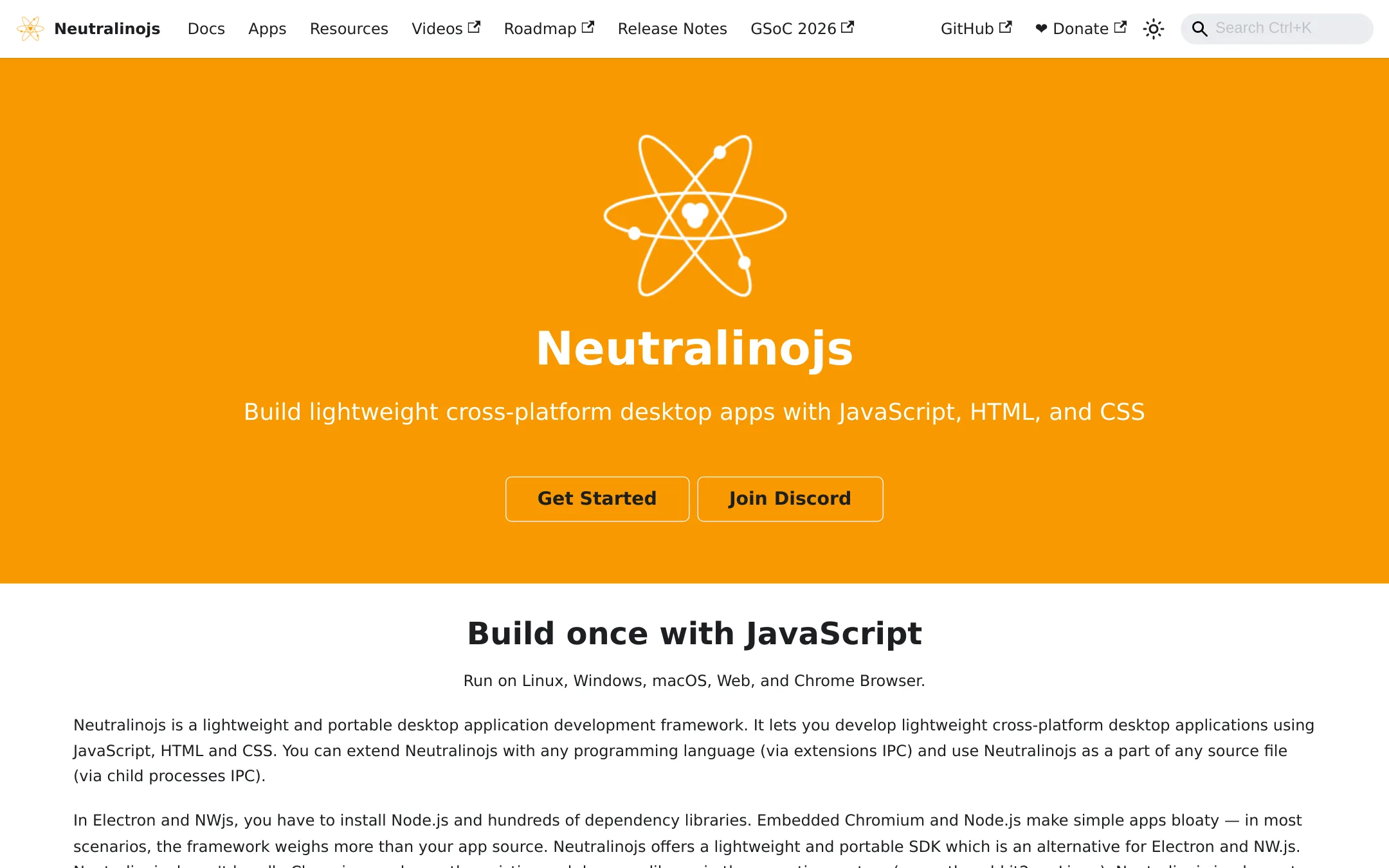
Neutralinojs is a lightweight framework for building cross-platform desktop apps with web technologies, using the OS's native webview instead of bundling Chromium. Choose it over IcePanel when you need to build desktop applications, not diagram software architecture.
Where it is strong
- Apps are tiny: ~2MB uncompressed, ~0.5MB compressed
- Runs on Linux, Windows, macOS, Web, and Chrome
- Works with any frontend framework and backend language via IPC
Where it falls short
- No collaborative diagramming or architecture modeling features
- Not a SaaS product. You self-host and manage your own apps
- Pricing:
- Pricing is not published on the site.
- POpen source
3.PlantUML
Best for: Engineering teams that prefer text-based, code-first diagramming and want to keep diagrams in their Git repository.
- Pricing
- Open source
- Category
- Other
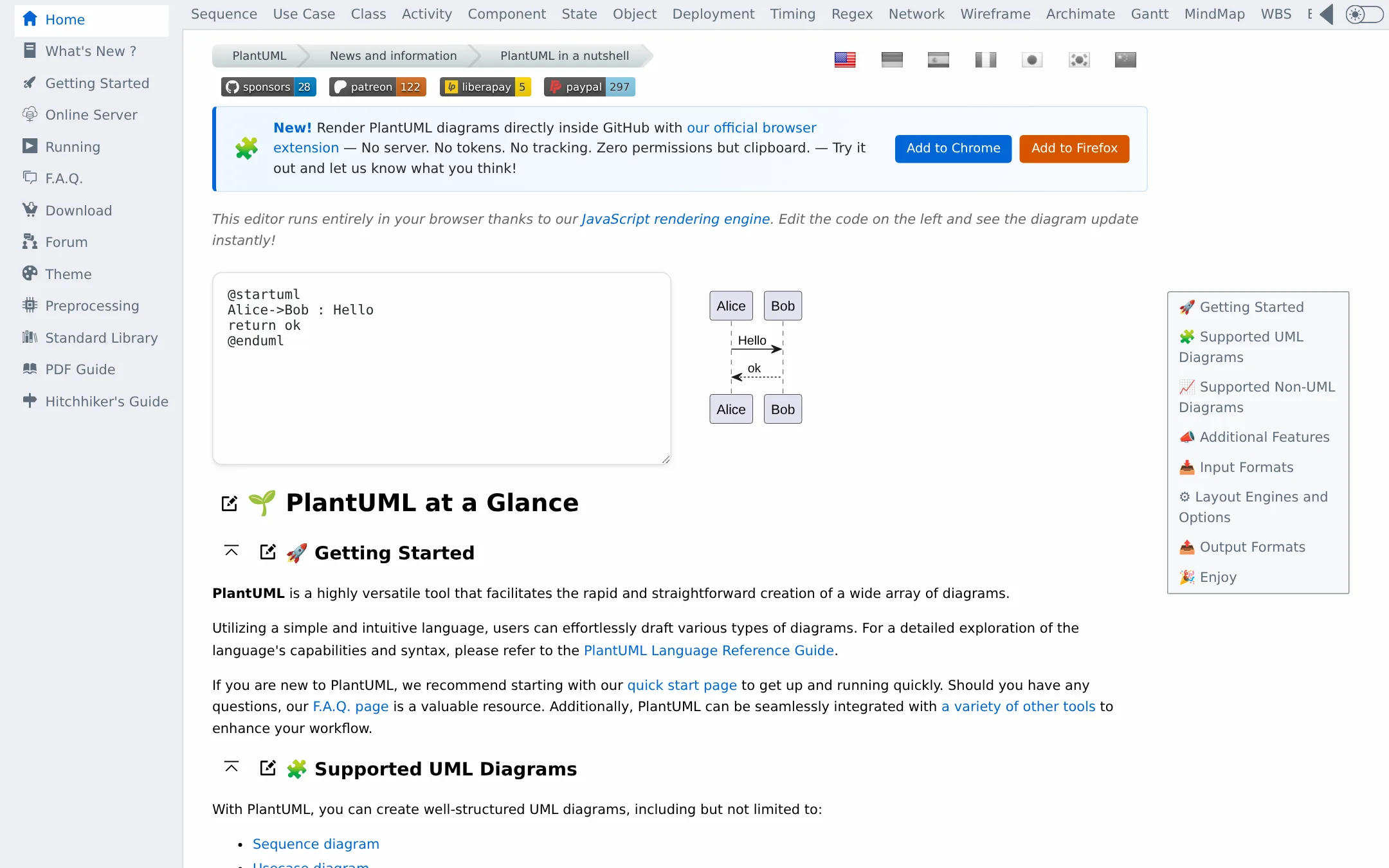
PlantUML is an open-source tool that generates diagrams from plain text descriptions. Choose it over IcePanel if you want version-controlled diagrams in your codebase and don't need a collaborative architecture model.
Where it is strong
- Text-based diagrams are easy to version and review in code
- Supports many UML and non-UML diagram types
- Free to use and self-host
Where it falls short
- No collaborative model or live sync with production
- Layout can be tricky and requires manual tweaking
- Pricing:
- Pricing is not published on the site.
- Switching from IcePanel:
- Moving from IcePanel means replacing a living architecture model with static text files, so you lose collaboration features and automated sync.
- AFree (open source)
4.Archi
Best for: Enterprise architects and students who need a free, cross-platform ArchiMate modelling tool and prefer local desktop software over a hosted collaboration workspace.
- Pricing
- Free (open source)
- Category
- Other
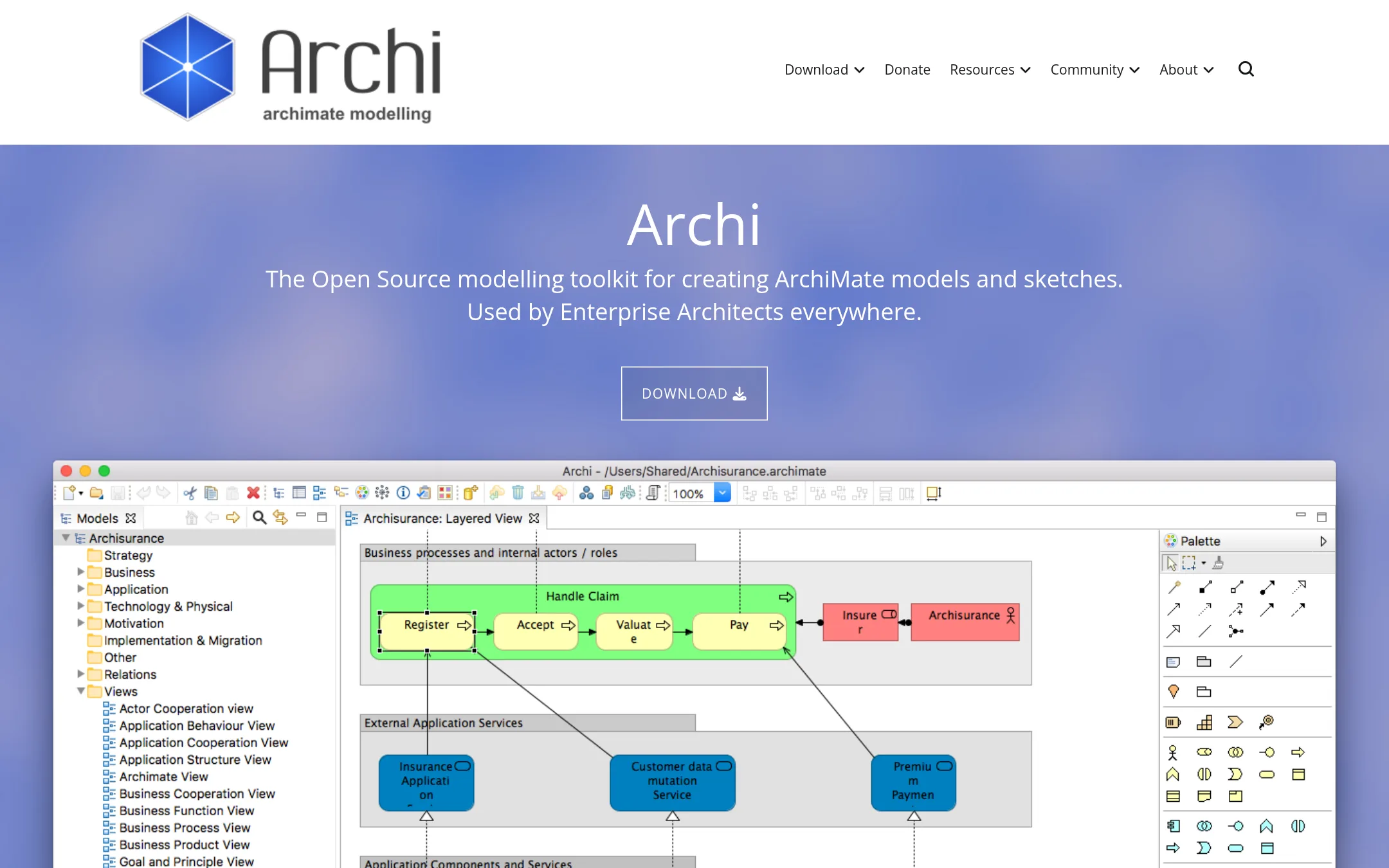
Archi is a free, open-source desktop tool for creating ArchiMate models and sketches. Choose it over IcePanel if you need a standards-based enterprise architecture tool that runs locally on Windows, Mac, or Linux, and you don't need cloud collaboration or live sync with production.
Where it is strong
- Free and open source, with no per-editor fees
- Supports the full ArchiMate 3.2 language and viewpoints
- Runs on Windows, macOS, and Linux
Where it falls short
- No built-in collaboration or cloud sharing
- No automation or live sync with production systems
- Pricing:
- Pricing is not published on the site.
- Switching from IcePanel:
- Moving from IcePanel means giving up the hosted collaborative workspace and live model sync. You'll work locally with ArchiMate files and manage sharing yourself.
- LFrom $10/user/mo
5.Lucidchart
Best for: Teams that need a flexible diagramming tool for process flows, org charts, and technical diagrams, with AI and data-driven features.
- Pricing
- From $10/user/mo
- Category
- Other
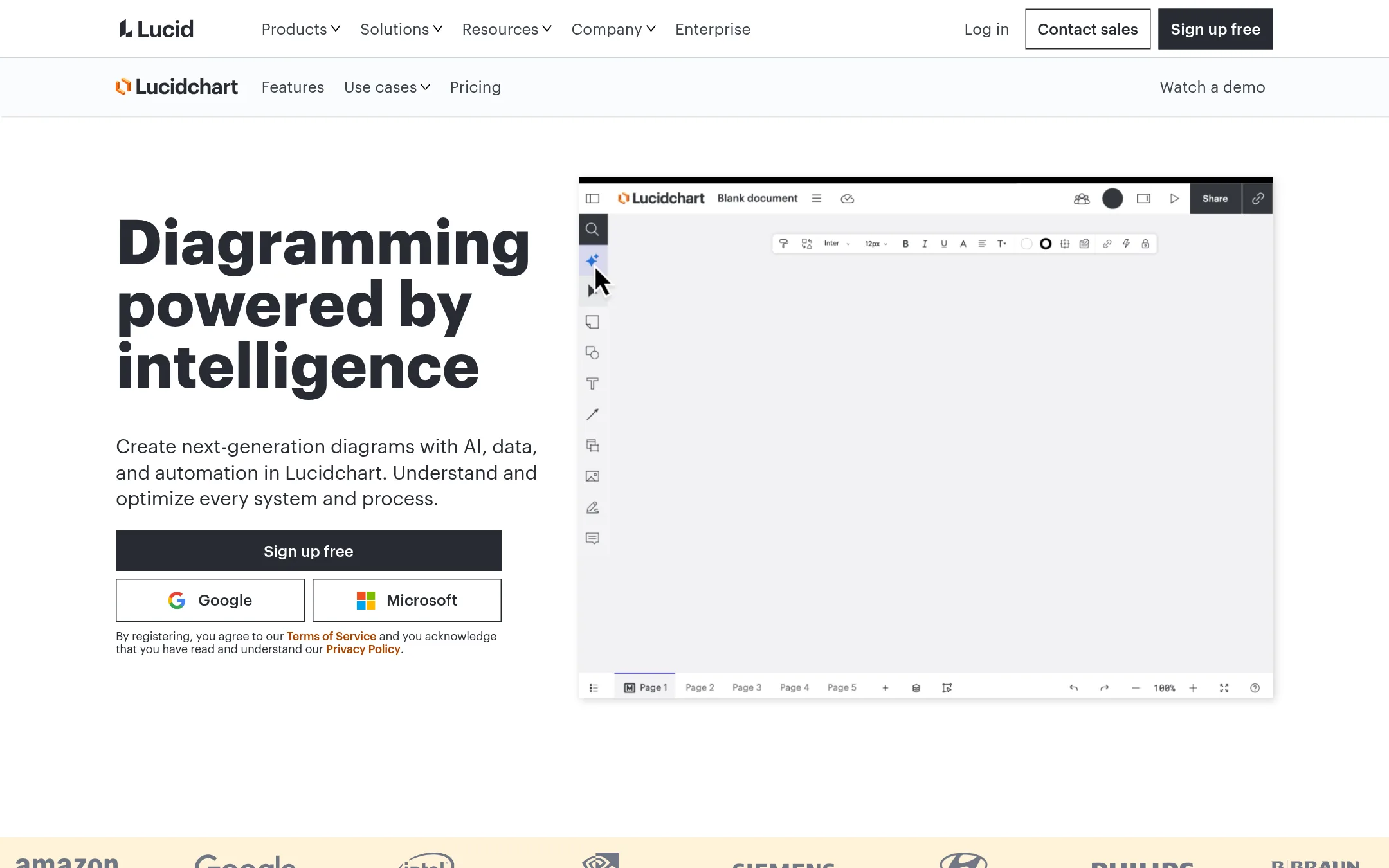
Lucidchart is a general-purpose diagramming tool with AI-generated diagrams, data linking, and a wide range of templates for process maps, org charts, and technical diagrams. Choose it over IcePanel if you need a versatile diagramming tool for many use cases beyond software architecture, or if you want AI assistance and deep integrations with tools like Jira, Confluence, and Slack.
Where it is strong
- AI-generated diagrams from text prompts
- Data linking from Google Sheets, Excel, or CSV
- Integrations with Jira, Confluence, Slack, and Teams
Where it falls short
- Free plan limits to 3 documents and 75 shapes per document
- Not purpose-built for software architecture modeling like IcePanel
- Pricing:
- Free plan includes 3 editable documents and 75 shapes per document. Individual plan is not priced on the page. Team plan is $10 per user. Enterprise is contact sales.
- Switching from IcePanel:
- Moving from IcePanel means adapting to a general diagramming canvas without IcePanel's living architecture model and automation sync.
- Free (open source)
6.draw.io
Best for: Teams that want a free, offline-friendly diagramming tool with no vendor lock-in and full control over their data.
- Pricing
- Free (open source)
- Category
- Other
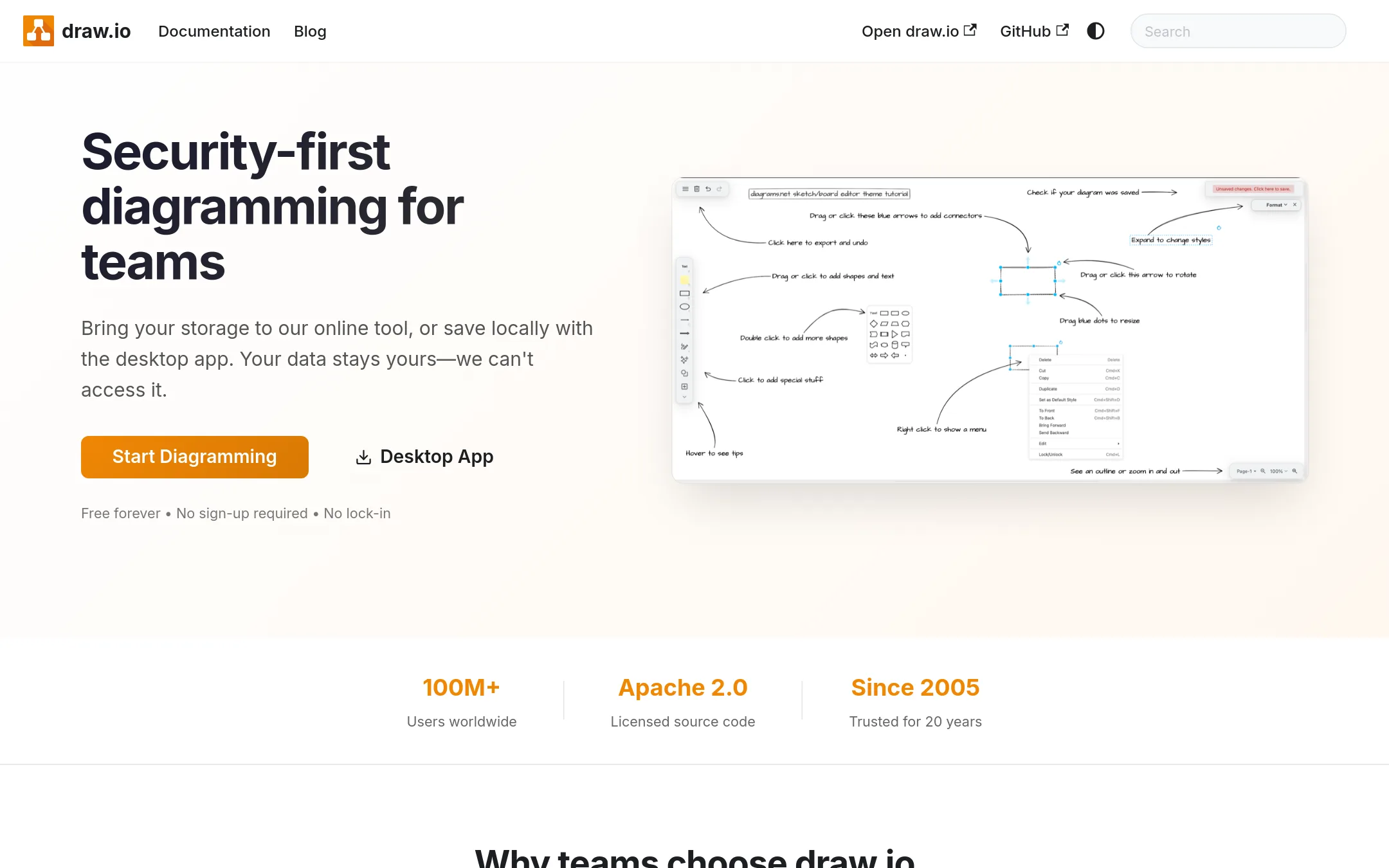
draw.io is a free, privacy-first diagramming tool that works with files you store yourself, so it suits teams that need simple, no-account diagramming without a shared architecture model. Choose it over IcePanel when you want a lightweight, open-source option for ad-hoc diagrams and don't need live model sync or governance.
Where it is strong
- Free with Apache 2.0 license, no paywalls or account required
- Files are stored on your own infrastructure, so the vendor can't access them
- Backwards compatible with diagram files from 2005
Where it falls short
- No built-in architecture model or live sync with production systems
- Lacks governance features like ownership tracking and audit logs
- Pricing:
- Pricing is not published on the site.
- Not published
7.GitHub Projects
Best for: Software teams already using GitHub that want to plan and track work without leaving their code repository.
- Pricing
- Not published
- Category
- Productivity & Project Management
GitHub Projects is a project planning tool built into GitHub, so it tracks issues and work items right next to the code. Choose it over IcePanel if your team already lives in GitHub and you need lightweight task tracking rather than a dedicated architecture modeling workspace.
Where it is strong
- Native integration with GitHub issues and pull requests
- Free for public repositories and small teams
- No separate tool to learn if you already use GitHub
Where it falls short
- No architecture diagramming or system modeling features
- Limited to GitHub ecosystem. Not a standalone planning tool
- Pricing:
- Pricing is not published on the site.
- GFrom $3.80/user/mo
8.Gliffy
Best for: Teams using Confluence Cloud or Data Center that want native diagramming with AI generation and compliance options like Zero Egress.

- Pricing
- From $3.80/user/mo
- Category
- Other
Gliffy is a diagramming tool that lives inside Atlassian Confluence, so teams that already document in Confluence can create and edit diagrams without leaving their pages. Choose it over IcePanel if your main need is quick, collaborative diagrams in Confluence rather than a living architecture model with governance and automation.
Where it is strong
- Native Confluence integration with drag-and-drop and searchable diagram text
- AI generates editable diagrams from natural language prompts
- SOC 2 Type II compliant and ISO 42001 certified
Where it falls short
- Diagrams are stored as Confluence attachments, not a living architecture model
- No governance features like ownership, status, or risk tracking
- Pricing:
- For Gliffy Diagrams for Confluence, up to 10 users is free. 11-100 users is $3.80 per user per month billed annually. Zero Egress is $2.80 per user per month for 1-100 users.
- Switching from IcePanel:
- Moving from IcePanel means replacing a living architecture model with static diagrams in Confluence, so you lose automation and governance capabilities.
- ENot published
9.Enterprise Architect
Best for: Large enterprises and systems engineering teams that need rigorous, standards-based modeling and traceability across business, software, and systems architecture.

- Pricing
- Not published
- Category
- Other
Enterprise Architect is a heavyweight modeling tool for UML, SysML, BPMN, and enterprise architecture frameworks like TOGAF. Choose it over IcePanel when you need deep standards-based modeling, simulation, and traceability across large, multi-team engineering organizations, rather than a lightweight collaborative architecture diagramming workspace.
Where it is strong
- Supports UML, SysML, BPMN, TOGAF, and UPDM out of the box
- Single shared repository for models across teams
- Includes simulation, testing, and project management tools
Where it falls short
- Steep learning curve compared to IcePanel's simpler diagramming
- No free tier or published pricing. Requires contacting sales
- Pricing:
- Pricing is not published on the site.
- Switching from IcePanel:
- Moving from IcePanel means adopting a more complex, standards-driven modeling environment, so expect a significant learning curve and re-platforming of your architecture diagrams.
- VNot published
10.Visual Paradigm
Best for: Teams that need a multi-purpose modeling tool for UML, BPMN, and enterprise architecture with AI-assisted diagram creation.
- Pricing
- Not published
- Category
- Other
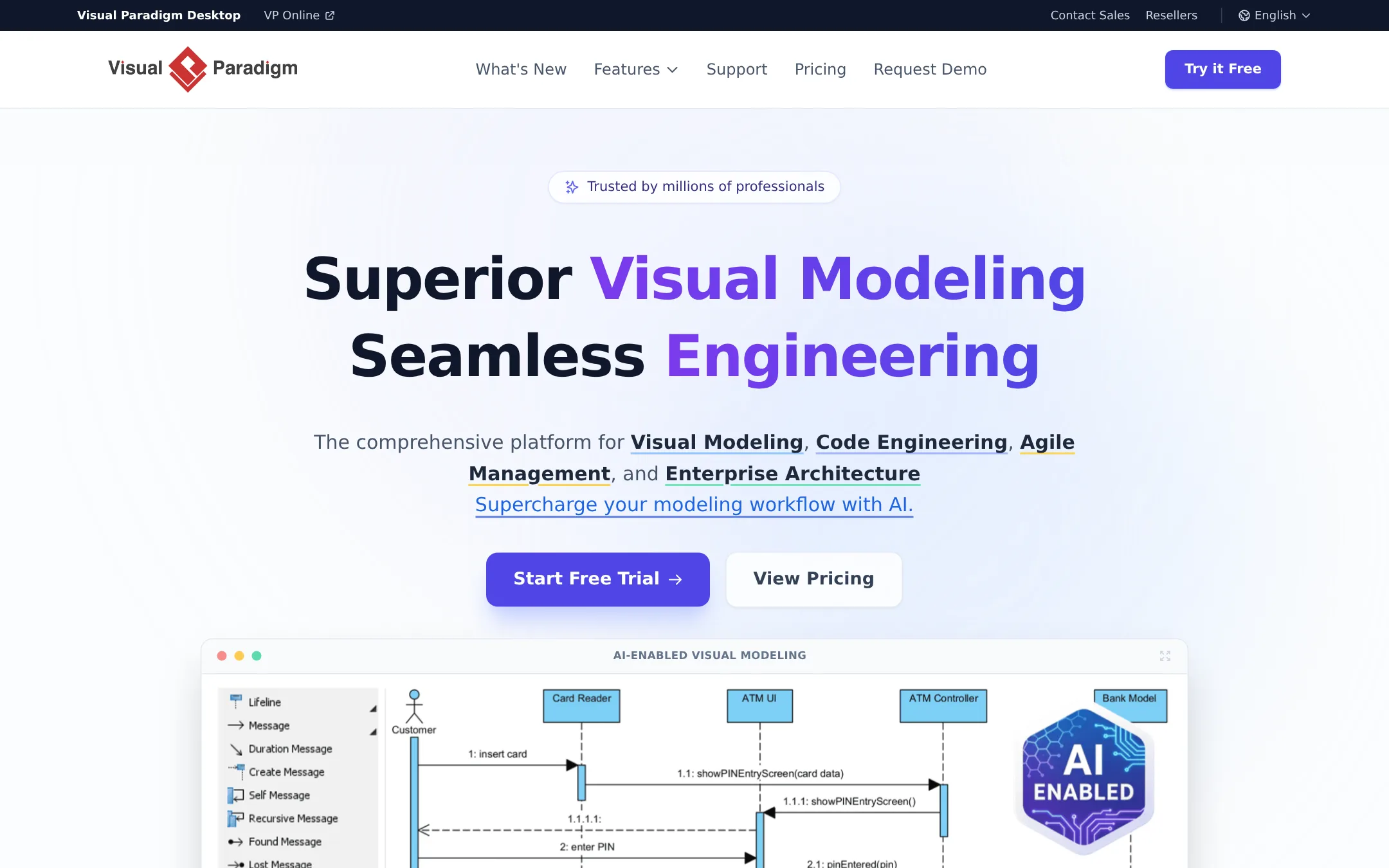
Visual Paradigm is a broad modeling platform covering UML, BPMN, enterprise architecture, and agile management, with AI-assisted diagram generation. Choose it over IcePanel if you need a general-purpose modeling tool for multiple disciplines, not just software architecture, and want to generate diagrams from text descriptions.
Where it is strong
- AI can generate diagrams from text descriptions
- Covers UML, BPMN, enterprise architecture, and agile management
- Cloud and desktop versions with synchronized workspace
Where it falls short
- Pricing is not published, so you must contact sales
- Broader scope than IcePanel, so less focused on living software architecture models
- Pricing:
- Pricing is not published on the site.
- ANot published
11.ArchiMate
Best for: Enterprise architecture teams that need a standardized notation for modeling across business, application, and technology layers.

- Pricing
- Not published
- Category
- Other
ArchiMate is an open standard for enterprise architecture modeling, not a hosted collaboration tool. Choose it if you need a formal, vendor-neutral notation for documenting enterprise architecture and are willing to manage your own tooling and diagrams. It suits teams that prioritize standards compliance over real-time collaboration and living models.
Where it is strong
- Open standard with broad industry recognition
- Free to use, no licensing costs
- Covers multiple architecture layers in one notation
Where it falls short
- No hosted collaboration or shared live model
- Requires separate tooling and manual diagram maintenance
- Pricing:
- Pricing is not published on the site.
- CNot published
12.C4 Model
Best for: Development teams that want a simple, free diagramming standard and are comfortable managing diagrams in their own tools.
- Pricing
- Not published
- Category
- Other
The C4 model is a free, notation- and tooling-independent approach to diagramming software architecture using hierarchical abstractions and diagrams. Choose it over IcePanel if you want a lightweight, developer-friendly method without committing to a specific collaborative platform or paying for a tool.
Where it is strong
- Free and open to use with any diagramming tool
- Easy to learn, developer-friendly hierarchy
- Tooling independent, so no vendor lock-in
Where it falls short
- No built-in collaboration or live model sync
- Requires manual upkeep of diagrams as systems change
- Pricing:
- Pricing is not published on the site.
See more comparisons in Design & Creative alternatives.
FAQ
Questions about IcePanel alternatives
What is the best free alternative to IcePanel?
draw.io is the strongest free alternative because it is open source, has no account requirements, and stores files on your own infrastructure. It lacks a living architecture model and governance features, but it is excellent for ad-hoc diagrams. Structurizr is also free and open source, but it requires learning a text-based DSL.
Which alternative is best for teams that want to version-control their architecture?
Structurizr is the best choice for version-controlling architecture because it uses a text-based DSL that can be stored in Git. PlantUML also supports text-based diagrams and is easy to version, but it lacks C4 model compliance. Both are code-first and require manual layout.
Are there alternatives that integrate with Confluence or Jira?
Gliffy is built specifically for Confluence, allowing you to create and edit diagrams directly in your pages. Lucidchart also integrates with Jira, Confluence, and Slack, and offers data linking. These are good options if your team already relies on Atlassian tools.
Which alternative is best for enterprise architecture modeling?
Enterprise Architect is a heavyweight tool that supports UML, SysML, BPMN, and TOGAF, making it ideal for large enterprises. Archi is a free, open-source option for ArchiMate modeling that runs locally. Both are more complex than IcePanel and require a steeper learning curve.
Do any alternatives offer AI-powered diagram generation?
Lucidchart and Visual Paradigm both offer AI-generated diagrams from text prompts. Gliffy also has AI generation for diagrams in Confluence. These tools are useful if you want to quickly create diagrams from descriptions, but they may not provide the same living model and governance as IcePanel.
Last updated November 4, 2026.