
Inspector alternatives
6 products compared · Updated November 13, 2026
The short answer
For developers who want a full cloud app builder with hosting, Replit suits non-developers and product managers who need to ship a hosted app without local setup. For engineering teams that want an AI agent inside their editor with enterprise admin controls, Cursor fits best. For teams that want to hand whole software tasks to sandboxed cloud agents and review the pull requests, Gitpod (now Ona) is the option to compare.
Your shortlist, at a glance
Read the comparisons ↓ CursorFrom $0/mo, Teams $30/Engineering teams of any size that want an AI coding agent inside their editor, with admin controls such as SSO and audit logs for larger organizations.
- VVS Code (with Jupyter extension)Free (VS Code)Developers across Windows, macOS and Linux who want a free editor with Jupyter notebook support
 GitHub ProjectsNot publishedEngineering teams already hosting code on GitHub that want task tracking tied directly to their repositories and pull requests
 ReplitNot publishedProduct managers and non-developers who want to turn an idea into a hosted, publishable app without local tooling
- SStackBlitzFree tier + Teams planFrontend and product teams that want to build and share web apps in the browser without local setup
- GGitpodNot publishedEngineering teams that want to delegate software tasks to sandboxed cloud agents and review the resulting pull requests
About Inspector and its alternatives
Inspector is a browser-based AI IDE for front-end development, marketed on its site as a macOS browser where coding agents run in parallel next to PRs, docs, terminals and localhost servers, with Claude Code, Codex and Cursor Agent usable without a new subscription.
When comparing alternatives in this category, weigh the pricing structure first, since some tools bill by seat, some by usage, and some charge separately for third-party models. Also check regions and platform support, which vary widely, along with integrations, support options and contract terms for teams that need admin controls.
Explore the alternatives
- From $0/mo, Teams $30/
1.Cursor
Best for: Engineering teams of any size that want an AI coding agent inside their editor, with admin controls such as SSO and audit logs for larger organizations.
- Pricing
- From $0/mo, Teams $30/
- Category
- AI & Machine Learning
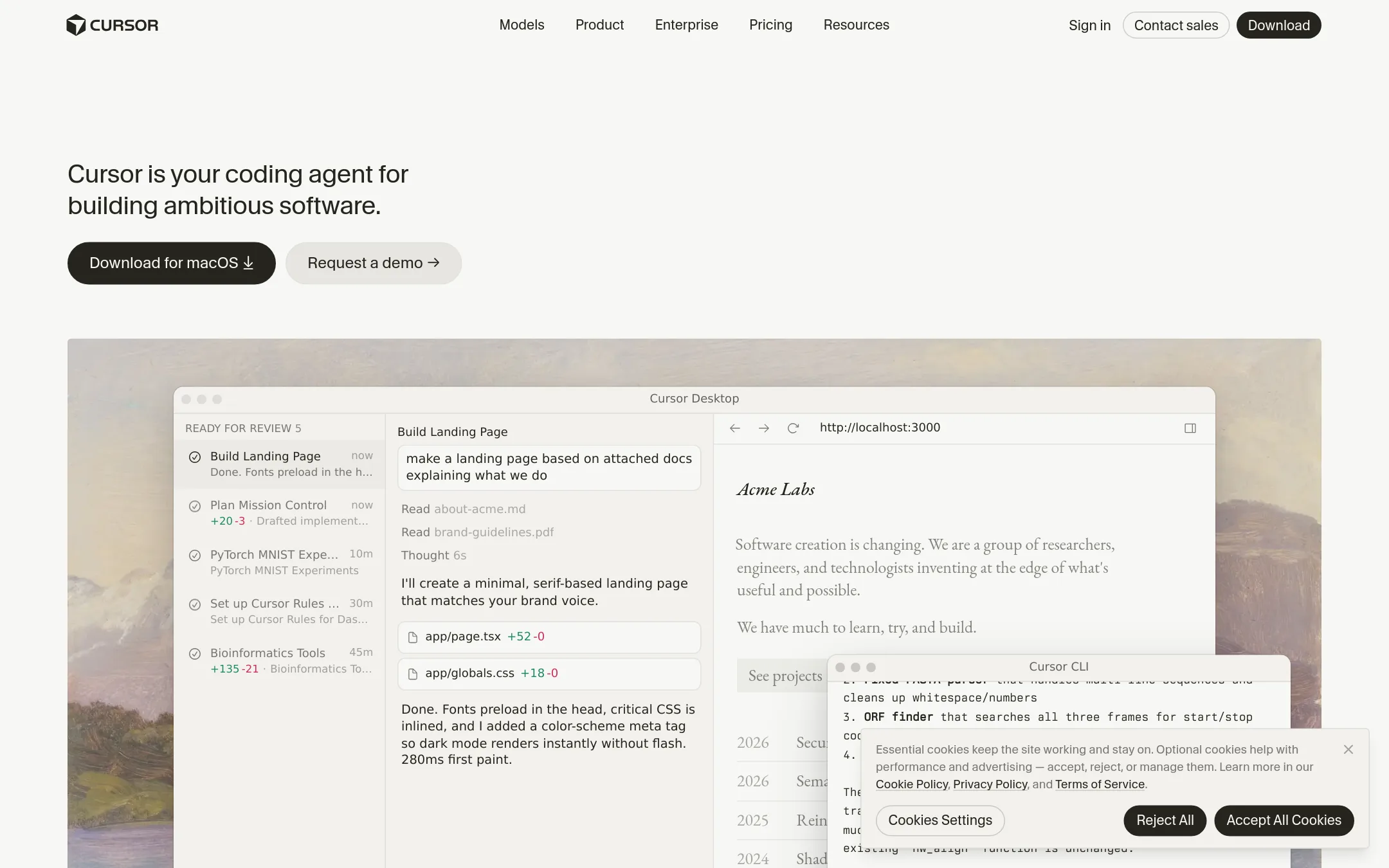
Cursor is an AI coding agent built into an editor, with autonomous agents, multi-model choice, and background agents that take tasks in parallel. Teams pick it over Inspector when they want the editor itself to be the agent workspace, and when they need enterprise administration like SSO, SCIM, and audit logs.
Where it is strong
- Multiple AI models can be used, and users can choose the best model for each task.
- Background cloud agents can run tasks, and code reviews are available through Bugbot.
- Team tiers include SSO, SCIM seat management, audit logs, and spend controls.
Where it falls short
- Third-party model usage is billed separately from the monthly plan price.
- Usage pools reset weekly and can run out on heavy days, with top-offs needed to continue.
- Pricing:
- Cursor has a free tier, Plus at $8/month, Premium at $30/month, Super at $100/month, Ultra at $200/month, Teams at $30 per user per month, and custom Enterprise pricing, with third-party model usage billed separately.
- Switching from Inspector:
- Switching from Inspector to Cursor is not described on the site, so no migration steps can be stated.
- VFree (VS Code)
2.VS Code (with Jupyter extension)
Best for: Developers across Windows, macOS and Linux who want a free editor with Jupyter notebook support

- Pricing
- Free (VS Code)
- Category
- Other
VS Code is a free, general-purpose code editor that runs on Windows, macOS and Linux. With the Jupyter extension it can run notebooks alongside regular code, which covers data and scripting work that Inspector does not address. Someone would pick it over Inspector when they want a standalone editor with broad language support rather than a browser that hosts agents, terminals and diffs as tabs.
Where it is strong
- VS Code is free to download on Windows, macOS and Linux.
- Extensions cover just about any programming language, including Jupyter notebooks.
- Copilot and IntelliSense are built in for AI-assisted coding and code completion.
Where it falls short
- It is an editor first, so agents, terminals and diffs do not sit together in one browser window the way they do in Inspector.
- The Visual Studio IDE with the full feature set is Windows-focused and costs money at the professional tier.
- Pricing:
- The free Visual Studio Code editor is listed on the pricing page, and paid Visual Studio subscriptions start at $45 per user per month for Professional monthly, with Enterprise monthly at $250 per user per month.
- Switching from Inspector:
- Moving from Inspector to VS Code is not covered by the facts supplied, so no specific steps can be described here.
- Not published
3.GitHub Projects
Best for: Engineering teams already hosting code on GitHub that want task tracking tied directly to their repositories and pull requests
- Pricing
- Not published
- Category
- Productivity & Project Management
GitHub Projects is a planning and tracking layer that sits next to your code repositories, with issues, boards and roadmaps tied to pull requests. Teams pick it over Inspector when their work is about coordinating tasks and code review across a repo rather than running coding agents in a browser. Inspector is an AI IDE for front-end work, so the two solve different parts of the job.
Where it is strong
- Issues and projects sit alongside the repositories and pull requests they describe
- Works on the GitHub platform most developers already use for code review
- Free plan includes unlimited public and private repositories with issues and projects
Where it falls short
- It does not run coding agents in parallel the way Inspector's browser-based workflow does
- The pricing page lists plan tiers, but the figures that apply to Projects specifically are not given in the supplied text
- Pricing:
- Pricing is not published on the site.
- Not published
4.Replit
Best for: Product managers and non-developers who want to turn an idea into a hosted, publishable app without local tooling
- Pricing
- Not published
- Category
- Developer Tools
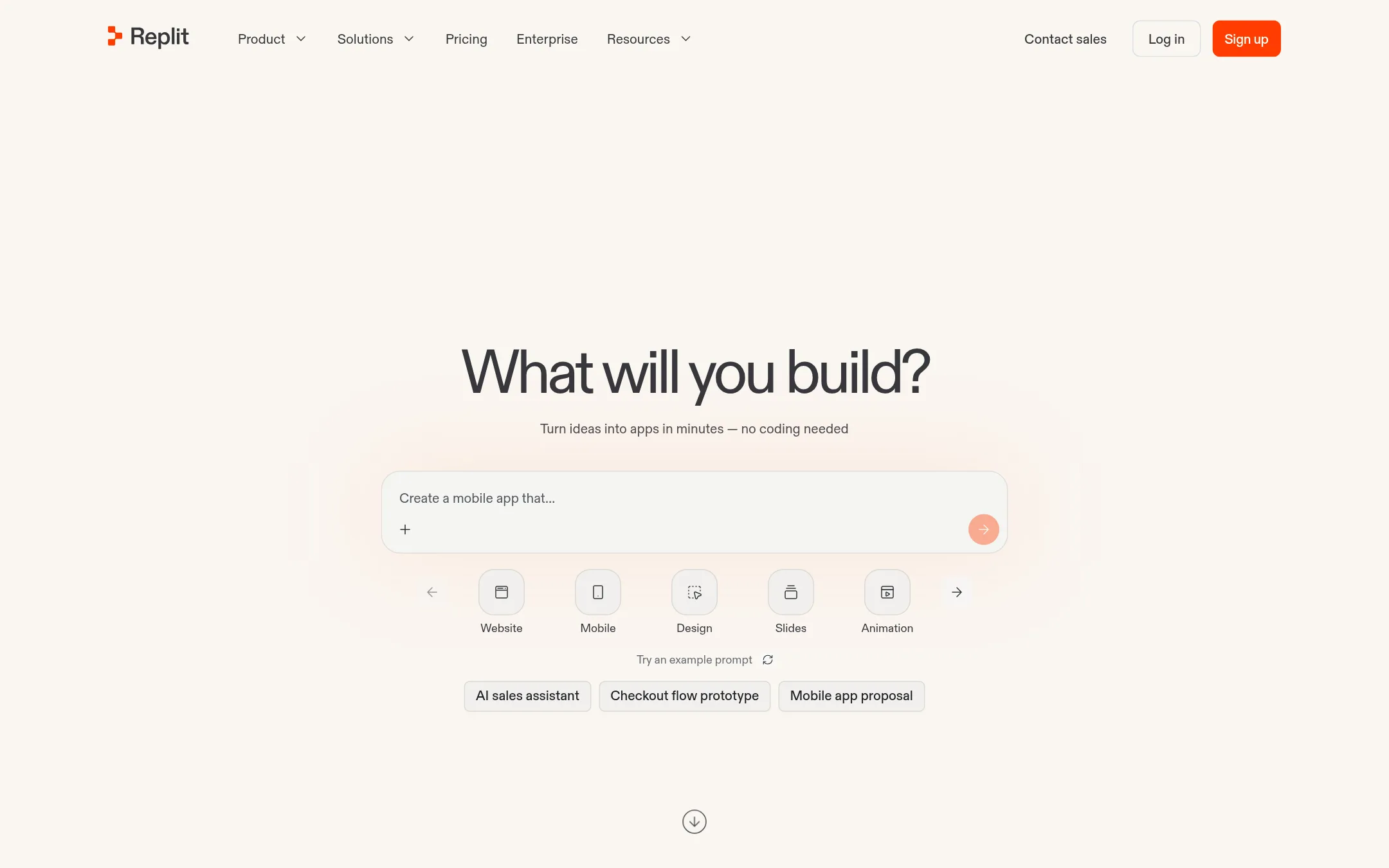
Replit is a browser-based builder where you describe an app in plain language and it writes, hosts, and publishes the code. It bundles authentication, a database, hosting, and monitoring, plus 100+ integrations. Someone would pick it over Inspector if they want to ship a full app or website without a local dev setup, or if a non-developer needs to build something end to end.
Where it is strong
- Describe an app and get a hosted, publishable result without local setup
- Built-in authentication, database, and hosting from the start
- Enterprise controls including SSO/SAML and SOC 2 for larger teams
Where it falls short
- Built around its own cloud environment rather than your local machine and editor
- Its focus is building apps, not running coding agents in parallel across your own worktrees alongside your browser tabs
- Pricing:
- Pricing is not published on the site.
- SFree tier + Teams plan
5.StackBlitz
Best for: Frontend and product teams that want to build and share web apps in the browser without local setup
- Pricing
- Free tier + Teams plan
- Category
- Other
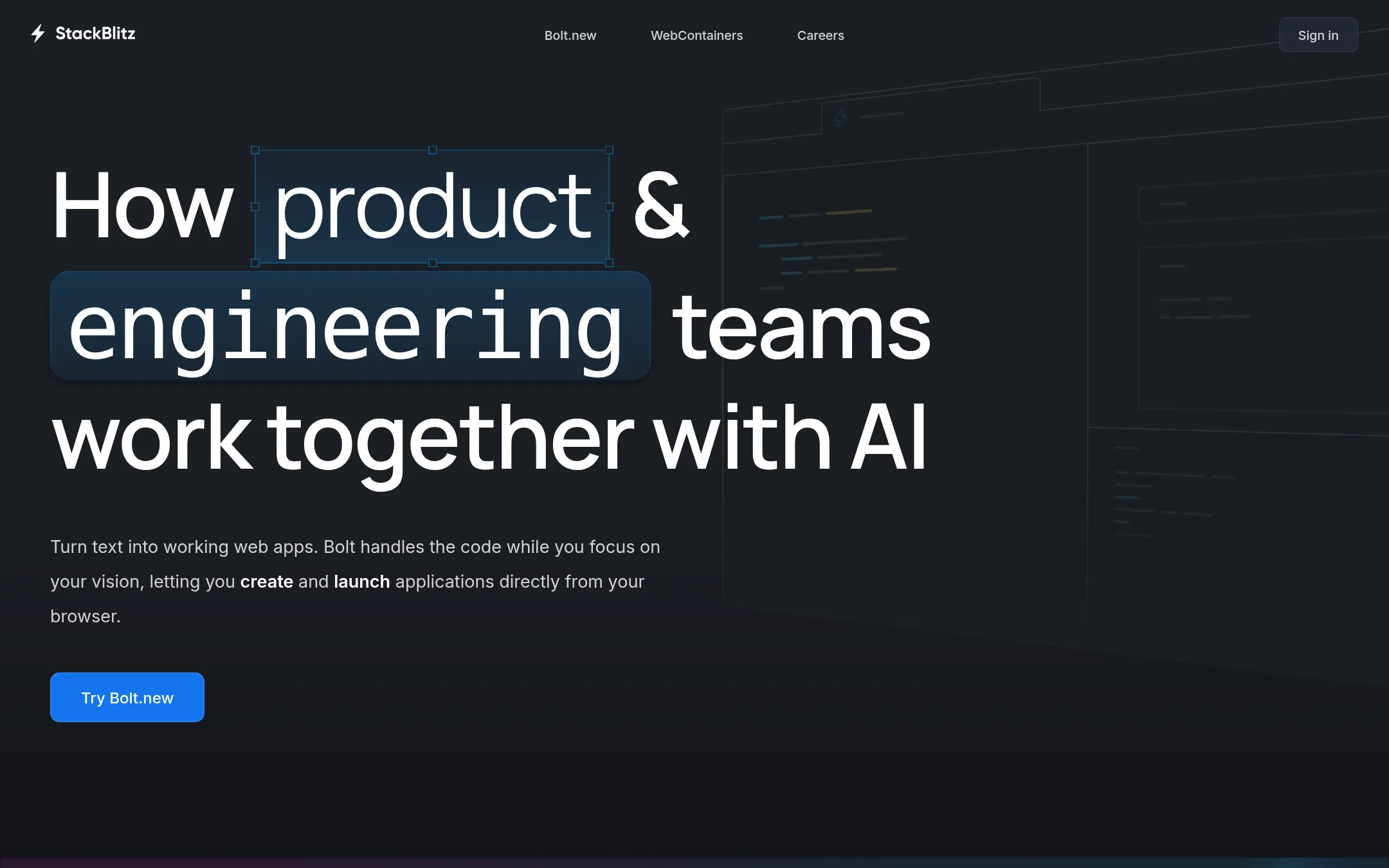
StackBlitz runs full development environments inside the browser tab using WebContainers, so projects boot in milliseconds with no local setup. It suits frontend and product teams who want to prototype or share a running web app without installing anything. Pick it over Inspector if you want a browser IDE rather than a macOS browser built around running coding agents alongside your tabs.
Where it is strong
- Environments boot in milliseconds inside the browser tab
- Free Personal plan includes unlimited public projects and repositories
- Teams accounts sync members from your GitHub organization
Where it falls short
- Private repositories and team collaboration require a paid Teams plan
- Saving work and collaborating requires a GitHub account
- Pricing:
- Pricing is not published in the supplied text beyond a free Personal plan with unlimited public projects and a paid Teams plan, with enterprise plans available on request.
- GNot published
6.Gitpod
Best for: Engineering teams that want to delegate software tasks to sandboxed cloud agents and review the resulting pull requests

- Pricing
- Not published
- Category
- Other
Gitpod is now Ona, a cloud platform where parallel software agents write code, run tests, and open pull requests inside sandboxed environments. Someone would pick it over Inspector if they want agents running in the cloud rather than on their own Mac, or if they want to hand off whole tasks and review a pull request instead of working alongside a local agent.
Where it is strong
- Agents run in the cloud, so your laptop does not need to stay on or handle the workload.
- Agents work in sandboxed environments, which suits high-autonomy tasks.
- You can jump into the IDE to inspect agent output or pair program with it.
Where it falls short
- Gitpod Classic was sunset on Oct 15, so the product is now Ona and existing setups need to move.
- It is not a browser, so it does not bring PRs, docs, terminals and localhost servers into one window the way Inspector does.
- Pricing:
- Pricing is not published on the site.
- Switching from Inspector:
- Gitpod Classic has been sunset and the product now runs as Ona, so moving means setting up a new Ona account instead of keeping your Gitpod environment.
See more comparisons in Developer Tools alternatives.
FAQ
Questions about Inspector alternatives
Is Inspector free?
According to its site, Radius is free and works with the Claude, Codex or Cursor account you already use, adding no subscription of its own. It currently runs only on macOS. Alternatives like Cursor list paid tiers, so cost comparisons depend on whether you need those extra features.
Which alternative is best for non-developers?
Replit suits product managers and non-developers who want to turn an idea into a hosted, publishable app without local tooling. It bundles authentication, a database and hosting. Inspector assumes you already work in a local development environment with your own agents.
Which tool should a team pick if it wants admin controls?
Cursor lists team tiers that include SSO, SCIM seat management, audit logs and spend controls, which suits larger engineering organizations. Replit also lists enterprise controls including SSO/SAML and SOC 2. Inspector's site does not describe comparable team administration features.
Do any alternatives run agents in the cloud instead of on my laptop?
Yes. Gitpod, now Ona, runs parallel software agents in sandboxed cloud environments that write code, run tests and open pull requests, so your laptop does not need to stay on. Cursor also offers background cloud agents. Inspector runs agents locally, with worktrees and sessions kept on your machine.
Which option is best if I only need a free editor?
VS Code is free to download on Windows, macOS and Linux, and the Jupyter extension adds notebook support. It is an editor first, so agents, terminals and diffs do not sit together in one browser window as they do in Inspector. Choose it if broad language support matters more than a browser-based workspace.
Last updated November 13, 2026.