
Jitter alternatives
9 products compared · Updated October 17, 2026
The short answer
For teams that need interactive 3D scenes, Spline is the strongest alternative to Jitter. For those building full websites with animations, Webflow or Framer are better fits. For deep 2D animation control, Adobe Animate is the professional choice.
Your shortlist, at a glance
Read the comparisons ↓ FramerFrom $10/moFounders and marketing teams who want to design, animate, and launch a professional site without writing code.
 RiveFrom $9/seat/moProduct teams building interactive UI, game interfaces, or app animations that need to ship natively across web, mobile, and game engines.
 WebflowNot publishedMarketing and design teams that need to build, publish, and optimize websites without relying on developers.
- PPrincipleNot publishedUI/UX designers on macOS who need to prototype app flows and micro-interactions with a timeline and device presets.
 LottieFilesFrom $19.99/moDesign and development teams that need to create, manage, and implement lightweight Lottie animations across websites and apps, with a strong emphasis on developer handoff.
Canva WhiteboardsNot publishedTeams that want a simple, collaborative whiteboard for brainstorming and planning inside Canva, without needing animation features.
 FigJamNot publishedProduct and design teams that need a shared canvas for workshops, planning, and low-fidelity collaboration before moving into design tools.
 Adobe AnimateNot publishedAnimators and studios that need frame-by-frame control and integration with other Adobe tools
 SplineFrom $36/seat/yrTeams building interactive 3D experiences for websites or mobile apps who want AI agents to help create scenes.
About Jitter and its alternatives
Jitter is a collaborative motion design tool that lets you create professional animations in minutes, no matter your experience with motion. It is known for its AI-powered features, such as generating animations from prompts, and its ability to scale from one to hundreds of animations with batch export and components.
When comparing alternatives, weigh pricing structure (per seat vs. flat), regional availability, integrations with design tools like Figma, support options, and contract terms like annual vs. monthly billing. Each product in this category serves a different primary use case, so match the tool to your team's workflow and output needs.
Explore the alternatives
- From $10/mo
1.Framer
Best for: Founders and marketing teams who want to design, animate, and launch a professional site without writing code.
- Pricing
- From $10/mo
- Category
- Design & Creative
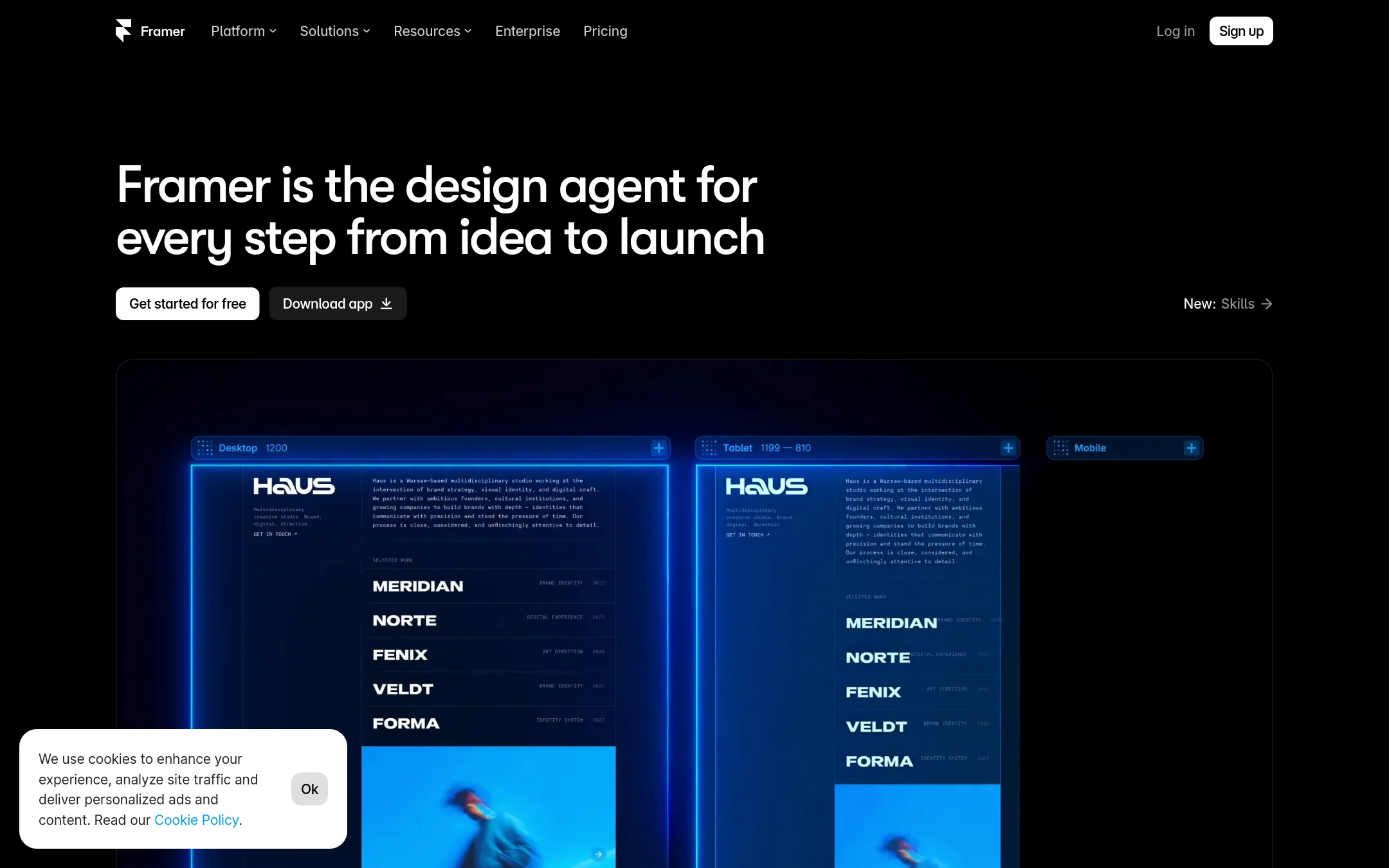
Framer is a no-code website builder with AI design, CMS, and hosting built in. Choose it instead of Jitter when you need to ship a full website with animations, not just standalone motion graphics.
Where it is strong
- AI design agent builds and edits on the canvas
- Hosting, SEO, and CMS included
- Free plan with 500 AI credits
Where it falls short
- Focused on websites, not standalone animations
- No Lottie or GIF export like Jitter
- Pricing:
- Pricing starts at $10 per month for the Basic plan with yearly billing, which includes a custom domain, 2 CMS collections, and 50 GB bandwidth.
- From $9/seat/mo
2.Rive
Best for: Product teams building interactive UI, game interfaces, or app animations that need to ship natively across web, mobile, and game engines.
- Pricing
- From $9/seat/mo
- Category
- Design & Creative
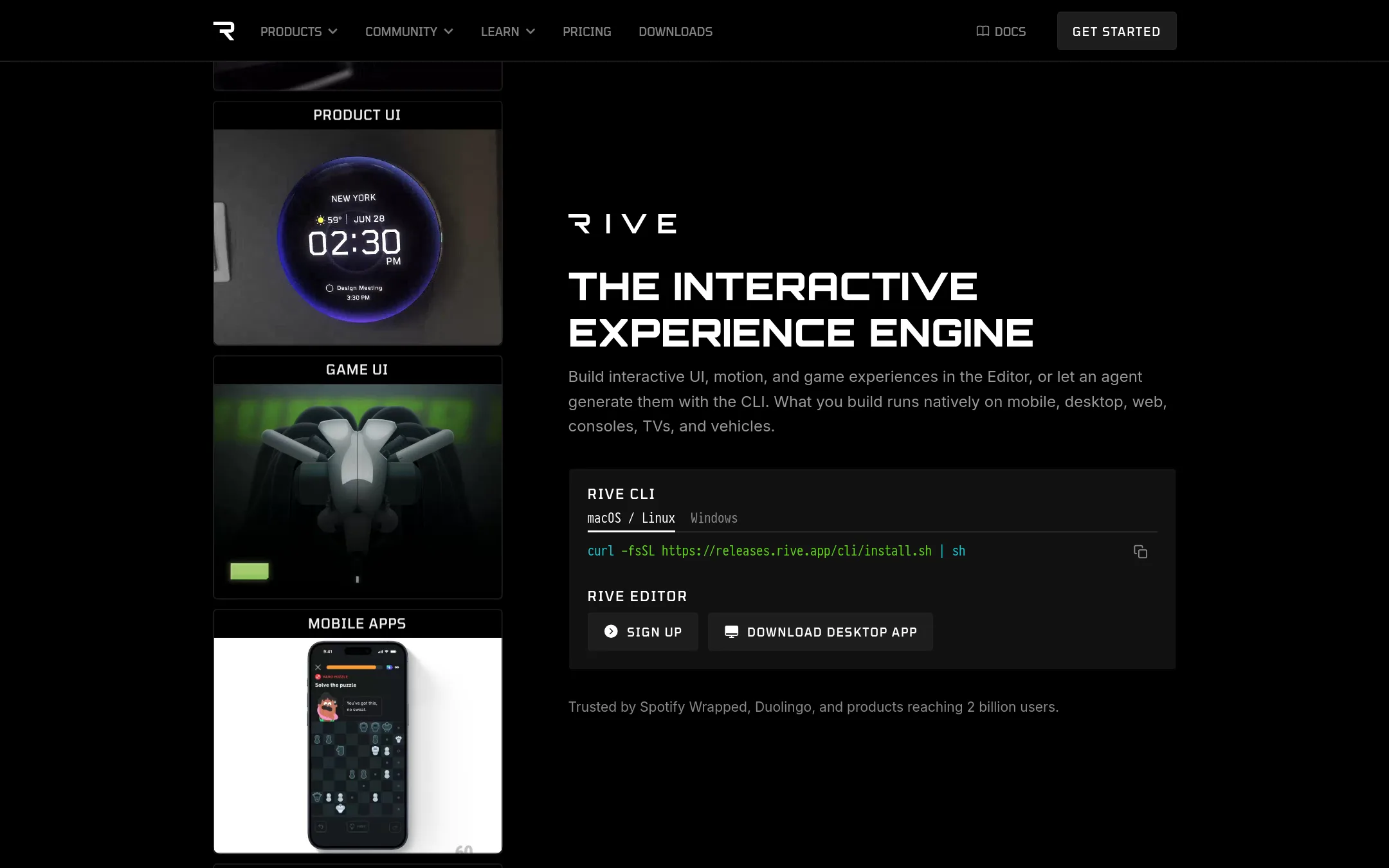
Rive is an interactive animation engine where designers and developers build UI, motion, and game experiences that run natively across platforms. Choose it over Jitter when you need production-ready, interactive animations embedded directly in apps, games, or websites, rather than exported video or GIFs.
Where it is strong
- State Machine for interactive animations and game logic
- Open source runtimes for iOS, Android, web, Unity, Unreal, and more
- File sizes up to 90% smaller than Lottie or CSS animations
Where it falls short
- Free plan limits to 3 collaborative files and adds a splash screen
- Steeper learning curve for designers used to timeline-based tools like Jitter
- Pricing:
- Free plan includes 3 collaborative files and exports with a splash screen. Cadet is $9/seat/mo (3 seats max) for unlimited files and no splash screen. Voyager is $32/seat/mo (25 seats max) with Libraries and advanced Agent credits. Enterprise is $120/seat/mo f
- Switching from Jitter:
- Moving from Jitter means adopting a code-friendly workflow: you'll design and animate in Rive's editor, then integrate .riv files into your app or website via runtimes, rather than exporting video files.
- Not published
3.Webflow
Best for: Marketing and design teams that need to build, publish, and optimize websites without relying on developers.
- Pricing
- Not published
- Category
- Design & Creative
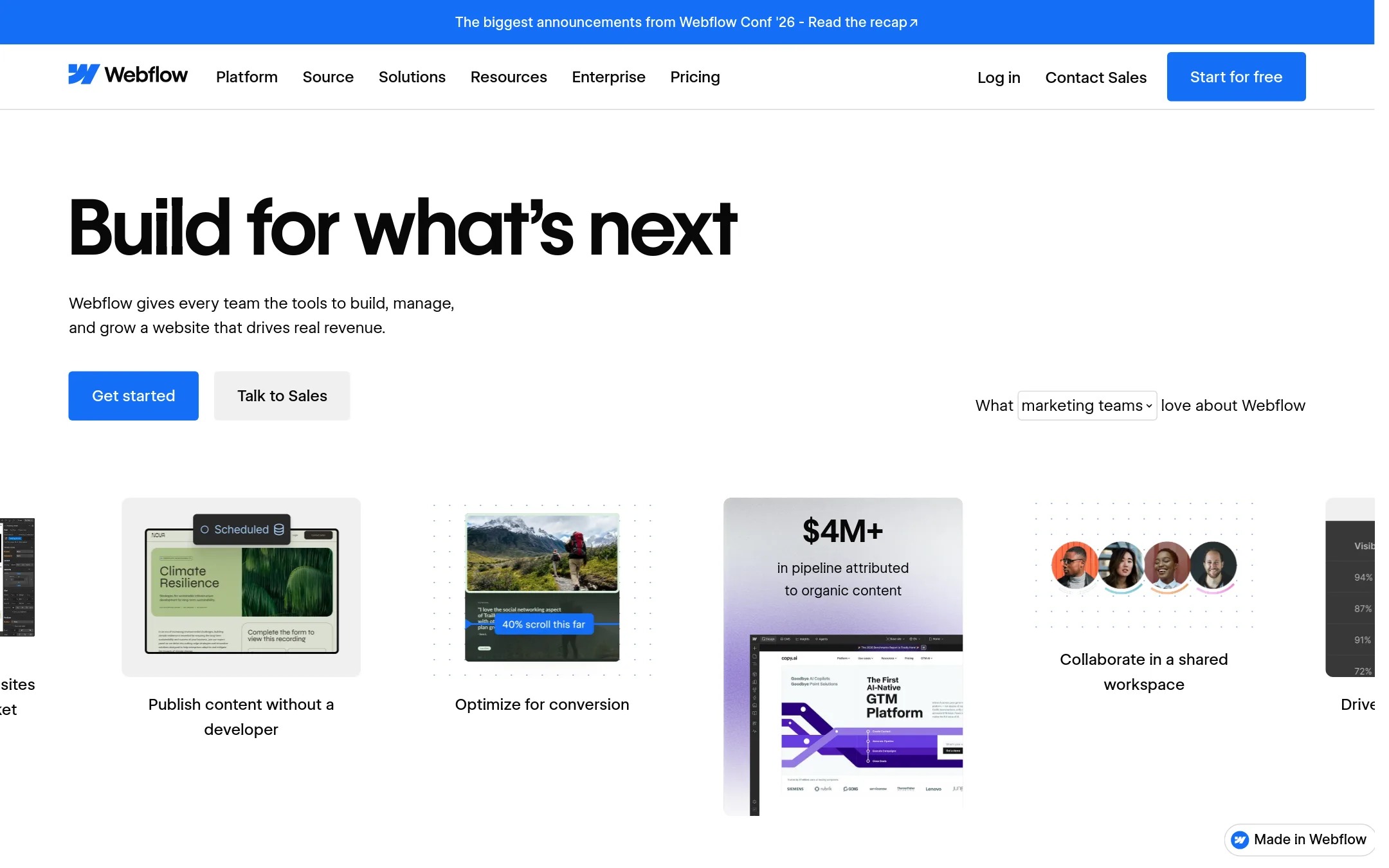
Webflow is a website design and publishing platform, not an animation tool. You would choose it over Jitter if you need to build and manage a full website, including CMS content, SEO, and hosting, rather than just creating motion graphics.
Where it is strong
- Visual canvas for building and editing websites
- Built-in CMS and SEO tools
- AI features for content generation and personalization
Where it falls short
- Not an animation tool. Motion is limited to interactions
- Pricing requires contacting sales for most plans
- Pricing:
- Pricing is not published on the site.
- PNot published
4.Principle
Best for: UI/UX designers on macOS who need to prototype app flows and micro-interactions with a timeline and device presets.
- Pricing
- Not published
- Category
- Design & Creative
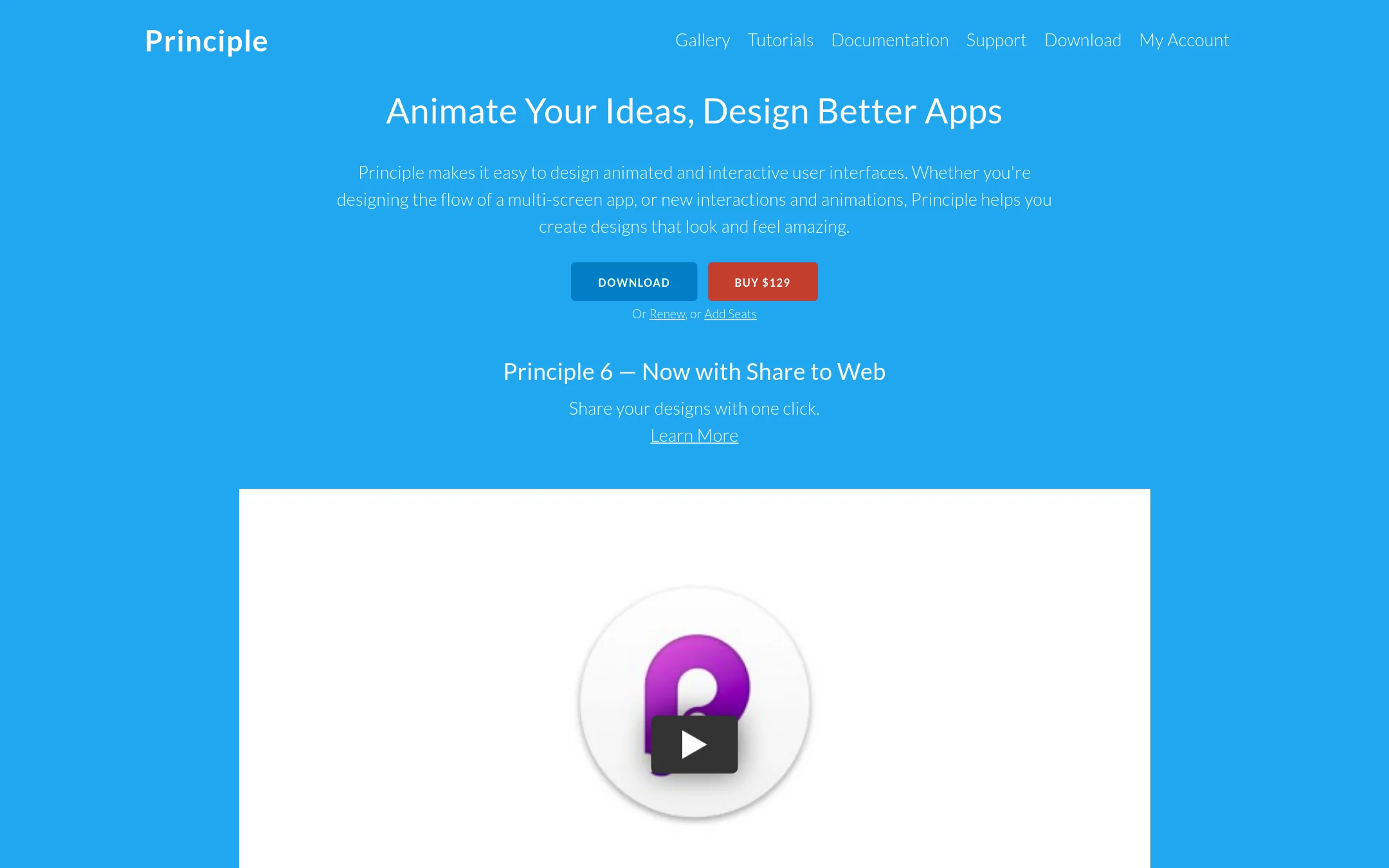
Principle is a native macOS app for designing animated and interactive user interfaces. Choose it over Jitter when you need precise timeline-based animation and interaction prototyping for multi-screen apps, especially if you work in Figma or Sketch and want to import your designs.
Where it is strong
- Timeline-based animation with precise easing and bounce control
- Imports from Figma and Sketch with intelligent merging
- One-click sharing to web for viewing on any device
Where it falls short
- Only available on macOS, no web or Windows version
- No built-in AI features or batch export like Jitter
- Pricing:
- Pricing is not published on the site.
- From $19.99/mo
5.LottieFiles
Best for: Design and development teams that need to create, manage, and implement lightweight Lottie animations across websites and apps, with a strong emphasis on developer handoff.
- Pricing
- From $19.99/mo
- Category
- Design & Creative
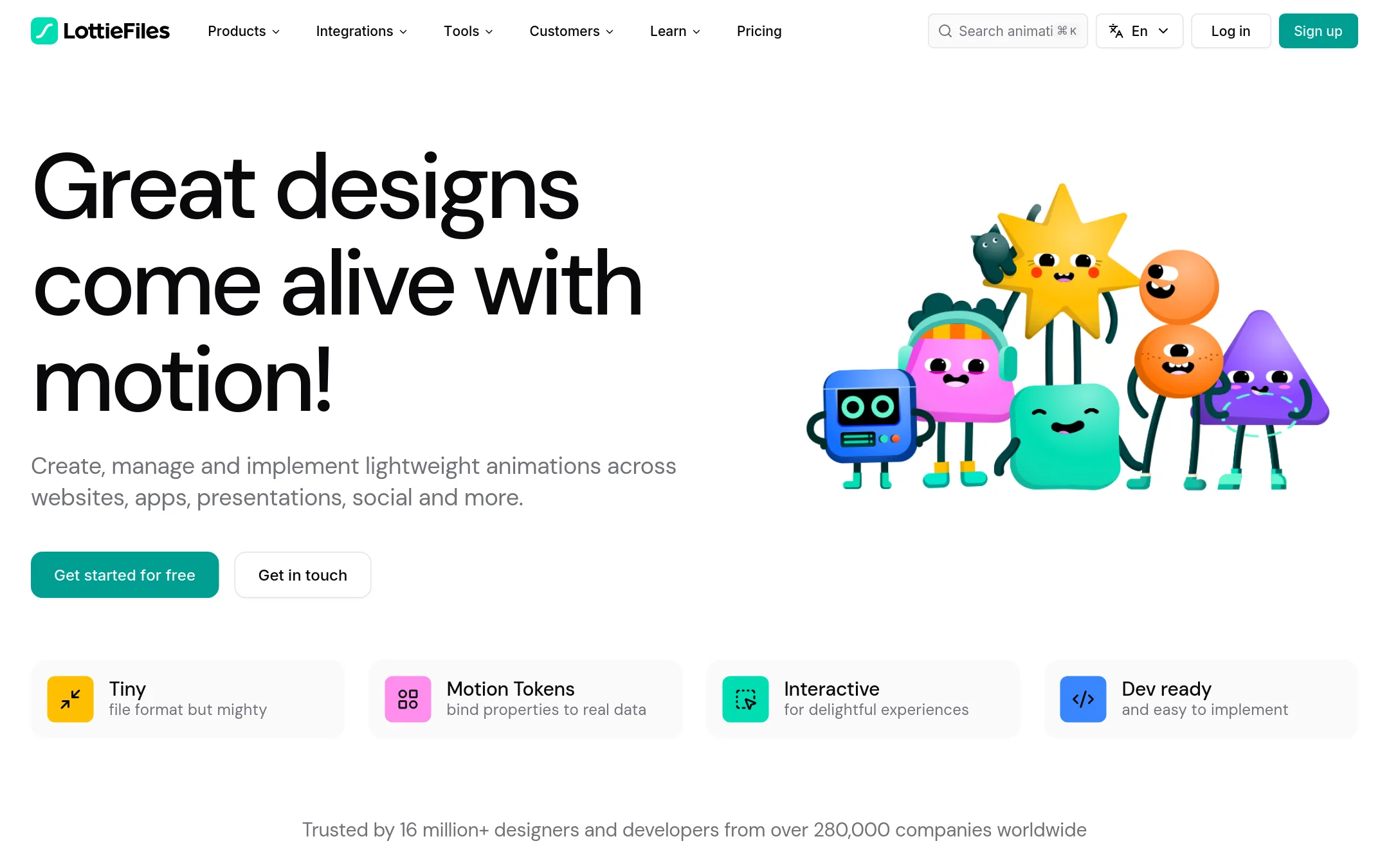
LottieFiles is a platform for creating, hosting, and shipping lightweight Lottie animations, with a large library of ready-to-use assets and developer tools like CDN and runtimes. Choose it instead of Jitter when your focus is on web and app performance, and you need to hand off animations to developers or manage a team's animation assets.
Where it is strong
- Access to over 800,000 free and premium animations
- Built-in CDN and developer libraries for easy implementation
- Integrates with Figma, After Effects, Canva, and more
Where it falls short
- Animation creation is less intuitive than Jitter's AI-driven approach
- Free plan likely has limited features compared to paid tiers
- Pricing:
- Individual plan is $19.99 per user per month billed annually. Team plan is $24.99 per user per month. Enterprise pricing is custom via contact sales.
- Switching from Jitter:
- Moving from Jitter means adopting a Lottie-centric workflow, where animations are created or imported as Lottie files and managed through LottieFiles' workspace and developer tools.
- Not published
6.Canva Whiteboards
Best for: Teams that want a simple, collaborative whiteboard for brainstorming and planning inside Canva, without needing animation features.
- Pricing
- Not published
- Category
- Communication & Collaboration
Canva Whiteboards is a visual collaboration space for brainstorming and planning, not a motion design tool. Choose it instead of Jitter when your team needs a shared canvas for ideation, sticky notes, and diagrams, and you already use Canva for design.
Where it is strong
- Familiar Canva interface for quick adoption
- Real-time collaboration with comments and reactions
- Free to use with a Canva account
Where it falls short
- No animation or motion design capabilities
- Limited to Canva's ecosystem. No standalone whiteboard focus
- Pricing:
- Pricing is not published on the site.
- Not published
7.FigJam
Best for: Product and design teams that need a shared canvas for workshops, planning, and low-fidelity collaboration before moving into design tools.
- Pricing
- Not published
- Category
- Communication & Collaboration
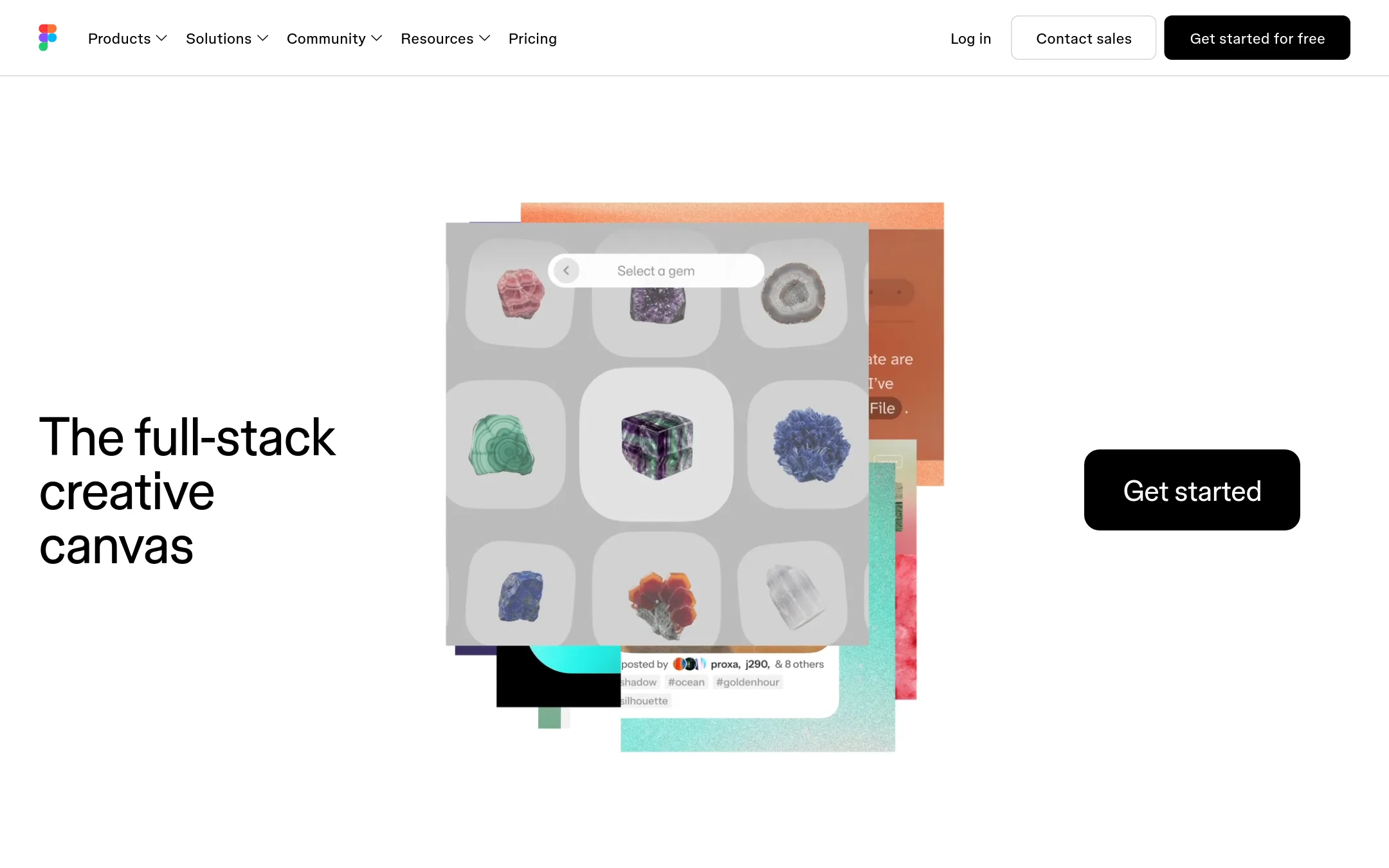
FigJam is a digital whiteboard for brainstorming, diagramming, and team collaboration, not an animation tool. Choose it instead of Jitter when your priority is early-stage ideation and alignment with your team, rather than producing polished motion graphics.
Where it is strong
- Real-time collaboration with comments and reactions
- Hundreds of pre-made templates for common activities
- Integrates with Figma design files
Where it falls short
- No animation or motion design capabilities
- Limited to whiteboard-style interactions, not video export
- Pricing:
- Pricing is not published on the site.
- Not published
8.Adobe Animate
Best for: Animators and studios that need frame-by-frame control and integration with other Adobe tools
- Pricing
- Not published
- Category
- Design & Creative
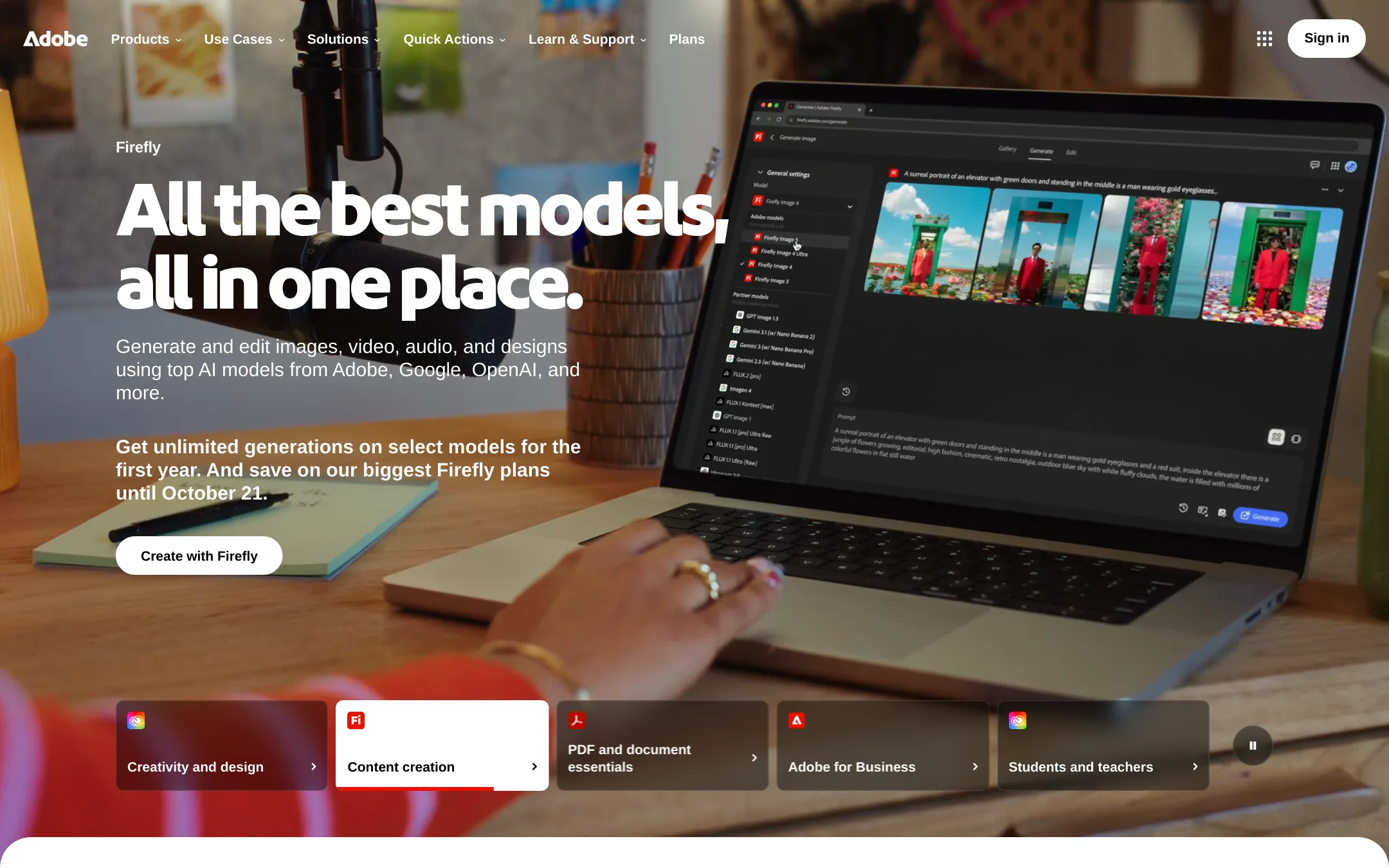
Adobe Animate is a professional 2D animation tool for frame-by-frame and vector animation, with a steep learning curve. Choose it over Jitter when you need deep animation control and are already in the Adobe ecosystem.
Where it is strong
- Frame-by-frame animation control
- Vector and bone rigging tools
- Integrates with Adobe Creative Cloud
Where it falls short
- Steep learning curve
- Requires desktop software, not browser-based
- Pricing:
- Pricing is not published on the site.
- From $36/seat/yr
9.Spline
Best for: Teams building interactive 3D experiences for websites or mobile apps who want AI agents to help create scenes.
- Pricing
- From $36/seat/yr
- Category
- Design & Creative
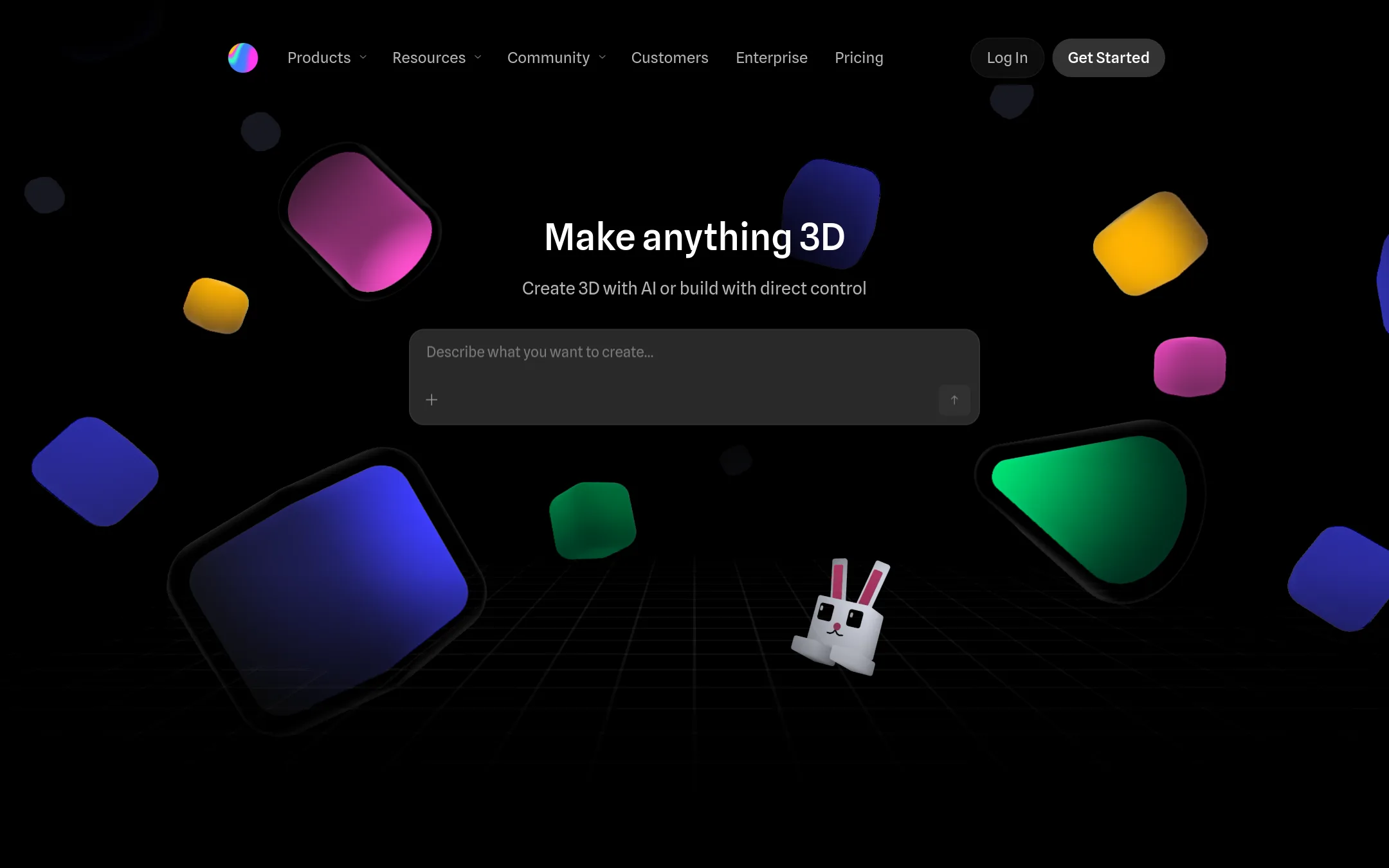
Spline is a browser-based 3D design tool where your team and AI agents build interactive 3D scenes in a shared editor. Choose it over Jitter when you need interactive 3D for web, iOS, or Android, not just 2D motion graphics.
Where it is strong
- Real-time collaboration in the browser
- AI agents via MCP can build and edit scenes
- Export natively to web, iOS, and Android
Where it falls short
- Free plan has limited personal files and watermarked exports
- 3D focus means it's not suited for 2D motion graphics like Jitter
- Pricing:
- Free plan with limited files and watermarked web exports. Hobby starts at $36/seat/yr (billed annually), Pro at $60/seat/yr, Max at $120/seat/yr. Enterprise has custom pricing.
See more comparisons in Design & Creative alternatives.
FAQ
Questions about Jitter alternatives
What is the best Jitter alternative for interactive 3D animations?
Spline is the best choice for interactive 3D. It lets you build 3D scenes in a browser with real-time collaboration and AI agents. It exports natively to web, iOS, and Android.
Which alternative is best for building a website with animations?
Webflow and Framer are both strong for full websites. Webflow offers a visual canvas with CMS and SEO tools. Framer includes hosting, SEO, and an AI design agent.
Is there a free alternative to Jitter?
Spline and Rive both offer free plans. Spline's free plan has limited files and watermarked exports. Rive's free plan includes 3 collaborative files and exports with a splash screen.
Which alternative is best for frame-by-frame animation?
Adobe Animate is the professional choice for frame-by-frame and vector animation. It has a steep learning curve but offers deep control and integrates with Adobe Creative Cloud.
Which alternative is best for lightweight animations on websites and apps?
LottieFiles is ideal for lightweight Lottie animations. It offers a large library, CDN, and developer tools for easy implementation. Rive is also good for interactive animations with smaller file sizes.
Last updated October 17, 2026.