
Julius alternatives
10 products compared · Updated November 17, 2026
The short answer
The three strongest alternatives to Julius are Quadratic, Livedocs, and Powerdrill. Quadratic suits finance and ops teams that live in spreadsheets and need live links to QuickBooks, Plaid, or databases. Livedocs suits data teams that write SQL and want shared, reactive notebooks they can publish as apps. Powerdrill suits finance, market, and growth teams that analyze uploaded files and want agents that learn from past analyses.
Your shortlist, at a glance
Read the comparisons ↓ ChatGPTNot publishedIndividuals and small teams in the United States who want one general-purpose AI chatbot for writing, research, images and code.
ClaudeNot publishedTeams that want one general AI assistant for writing, analysis, and coding, with Team seats for shared admin and billing
Microsoft Azure CycleCloudNot publishedEngineering and research teams already on Azure that run large batch or HPC jobs and want to manage clusters themselves
- RRecordBookNot publishedSmall and medium businesses that want a mobile app for tracking structured business records
- PPowerdrillFrom $0 (Free plan)Finance, market and growth teams that analyze uploaded files and want agents that learn from past analyses
- QQuadraticFrom $18/user/moFinance and ops teams that live in spreadsheets and need live links to QuickBooks, Plaid, or databases
 1stCollab20% of creator spendBrands and marketing teams that run influencer campaigns and want creator discovery, deal management and payouts in one place
Carousel TechnologiesNot publishedCorporate finance, investment banking, consulting, private equity and asset management teams that build models in Excel
 LivedocsNot publishedData teams that write SQL and want shared, reactive notebooks they can publish as apps.
 DataRobotNot publishedEnterprise IT and data teams that need to move AI agents from pilot into governed production across complex environments.
About Julius and its alternatives
Julius is an AI workspace that describes itself as an AI data scientist. According to its site, it is known for analyzing data and research, and for creating presentations, reports, dashboards, websites, images, and video in one place. Its pricing starts with a free tier and moves to Plus, Pro, and Business plans that add credits, frontier models, and team controls.
When comparing alternatives in this category, weigh the pricing structure first. Some tools charge per seat, some charge by credit, and some publish no prices at all. Check which regions the tool serves, which data sources and integrations it connects to, what support is included, and what the contract terms require.
Explore the alternatives
- Not published
1.ChatGPT
Best for: Individuals and small teams in the United States who want one general-purpose AI chatbot for writing, research, images and code.

- Pricing
- Not published
- Category
- AI & Machine Learning
ChatGPT is a general AI chatbot for answering questions, writing, creating images, finishing work, and coding in one place. Someone would pick it over Julius when they want a broad assistant for everyday questions and writing rather than a workspace built around data analysis, presentations, dashboards and websites.
Where it is strong
- Answers questions, writes, and creates images in one chat.
- Can help with code as well as writing and research.
- Free to start with a sign-up.
Where it falls short
- Does not appear to offer the built-in presentation, dashboard and website builders that Julius focuses on.
- Chats may be reviewed and used to improve its AI models, according to the site.
- Pricing:
- In the United States, the pricing page loaded only as page code with no plan prices visible, so the exact figures could not be confirmed.
- Not published
2.Claude
Best for: Teams that want one general AI assistant for writing, analysis, and coding, with Team seats for shared admin and billing

- Pricing
- Not published
- Category
- AI & Machine Learning
Claude is a general AI assistant from Anthropic for writing, analysis, coding, and research, with options to create files, run code, and search the web. Someone would pick it over Julius when they want a broad thinking partner across many kinds of work rather than a workspace built around data analysis and creating presentations, dashboards, websites, images and video.
Where it is strong
- Handles writing, analysis, coding, and research in one assistant
- Can create files and run code, and connects to outside apps and tools
- Team plan adds central billing, admin controls, and single sign-on
Where it falls short
- Does not list image or video generation among its features
- Julius lists data connectors such as Snowflake, BigQuery and Postgres that the Claude page does not mention
- Pricing:
- Pricing is not published on the site.
- Not published
3.Microsoft Azure CycleCloud
Best for: Engineering and research teams already on Azure that run large batch or HPC jobs and want to manage clusters themselves
- Pricing
- Not published
- Category
- Developer Tools
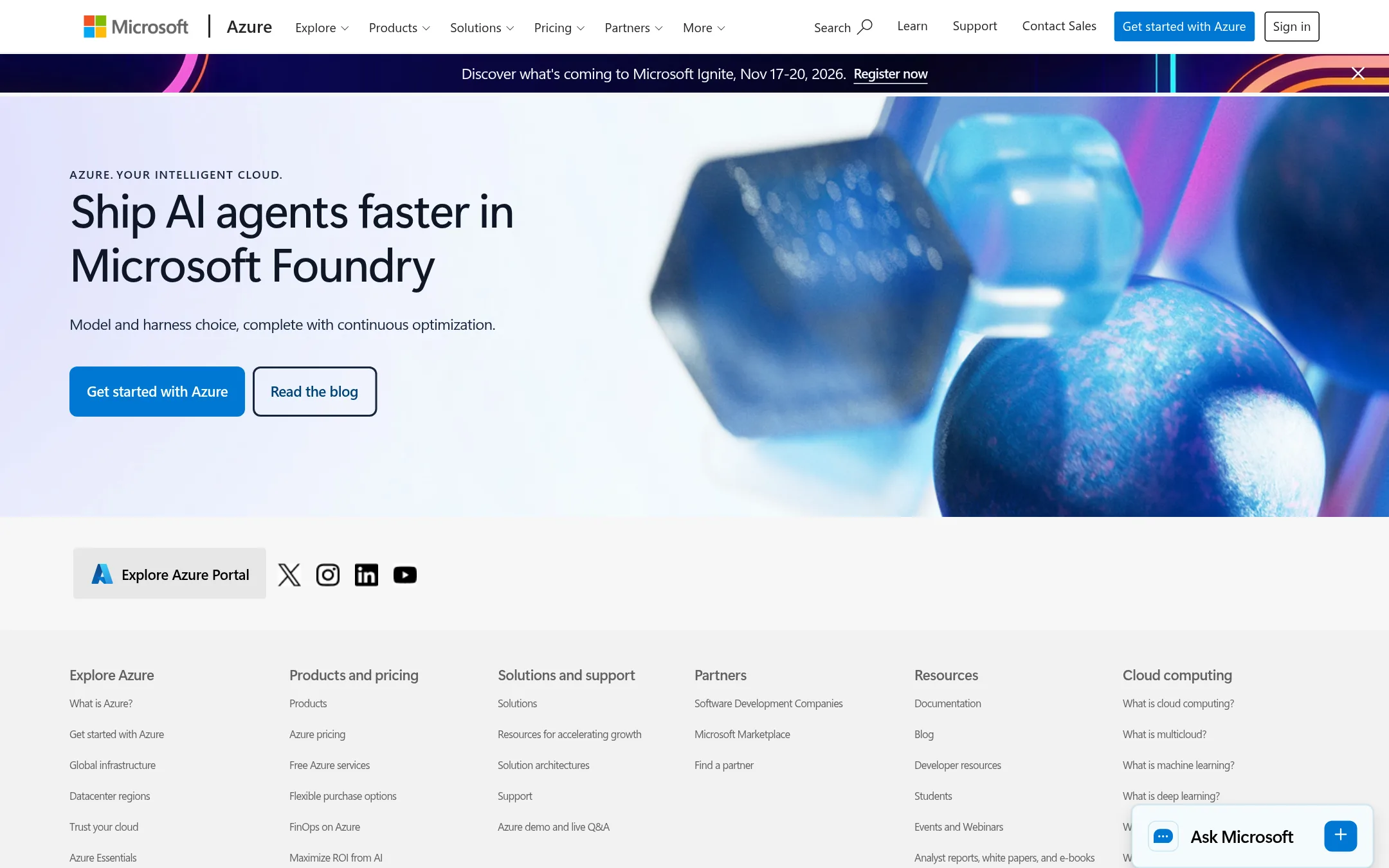
Azure CycleCloud is Microsoft's tool for building and managing HPC clusters on Azure, with schedulers and autoscaling for compute-heavy jobs. A team would pick it over Julius when the work is large-scale simulation or batch compute that needs to run on their own cloud infrastructure, rather than analysis and document creation in a chat workspace.
Where it is strong
- Built for HPC cluster orchestration and autoscaling on Azure
- Sits inside the Azure ecosystem alongside other Azure services
- Gives teams direct control over the compute infrastructure they run
Where it falls short
- It is an infrastructure tool, not an AI analyst, so it does not generate presentations, reports or websites like Julius does
- Pricing is not published on the site, so costs need to be estimated through Azure's pricing tools
- Pricing:
- Pricing is not published on the site.
- RNot published
4.RecordBook
Best for: Small and medium businesses that want a mobile app for tracking structured business records
- Pricing
- Not published
- Category
- Productivity & Project Management
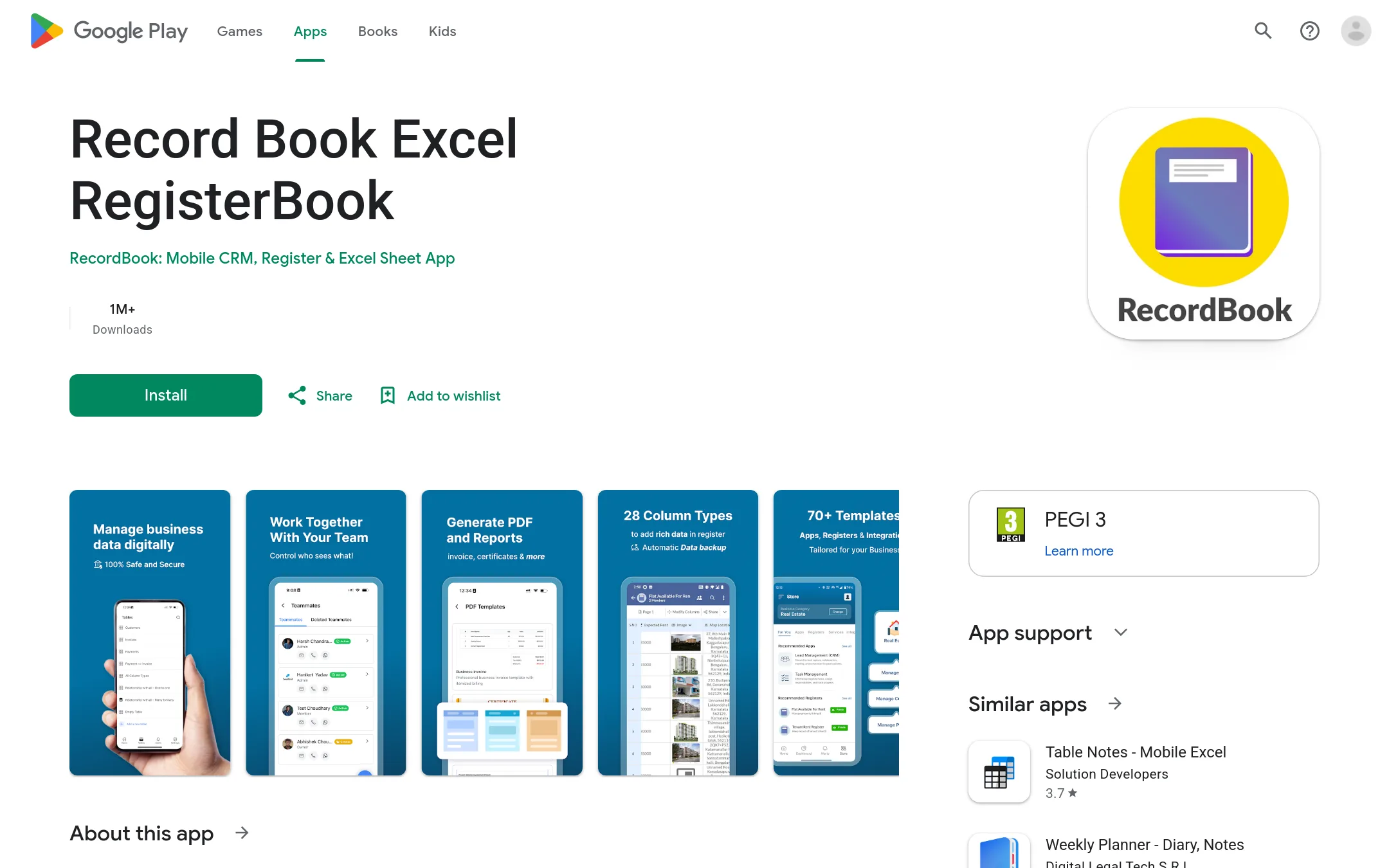
RecordBook is a mobile app on Google Play that positions itself as Airtable for small businesses. Its listing points to structured record keeping for small and medium businesses rather than data analysis. Pick it over Julius when you need a simple record-tracking tool for day-to-day business data and do not need AI-driven analysis, presentations, or video.
Where it is strong
- Runs as a mobile app on Google Play
- Aimed at small and medium businesses
- Built around structured records, not AI tasks
Where it falls short
- No AI analysis, reporting or content generation is described in the listing
- Only the Google Play listing was available, with no published pricing or feature detail
- Pricing:
- Pricing is not published on the site.
- PFrom $0 (Free plan)
5.Powerdrill
Best for: Finance, market and growth teams that analyze uploaded files and want agents that learn from past analyses
- Pricing
- From $0 (Free plan)
- Category
- Other
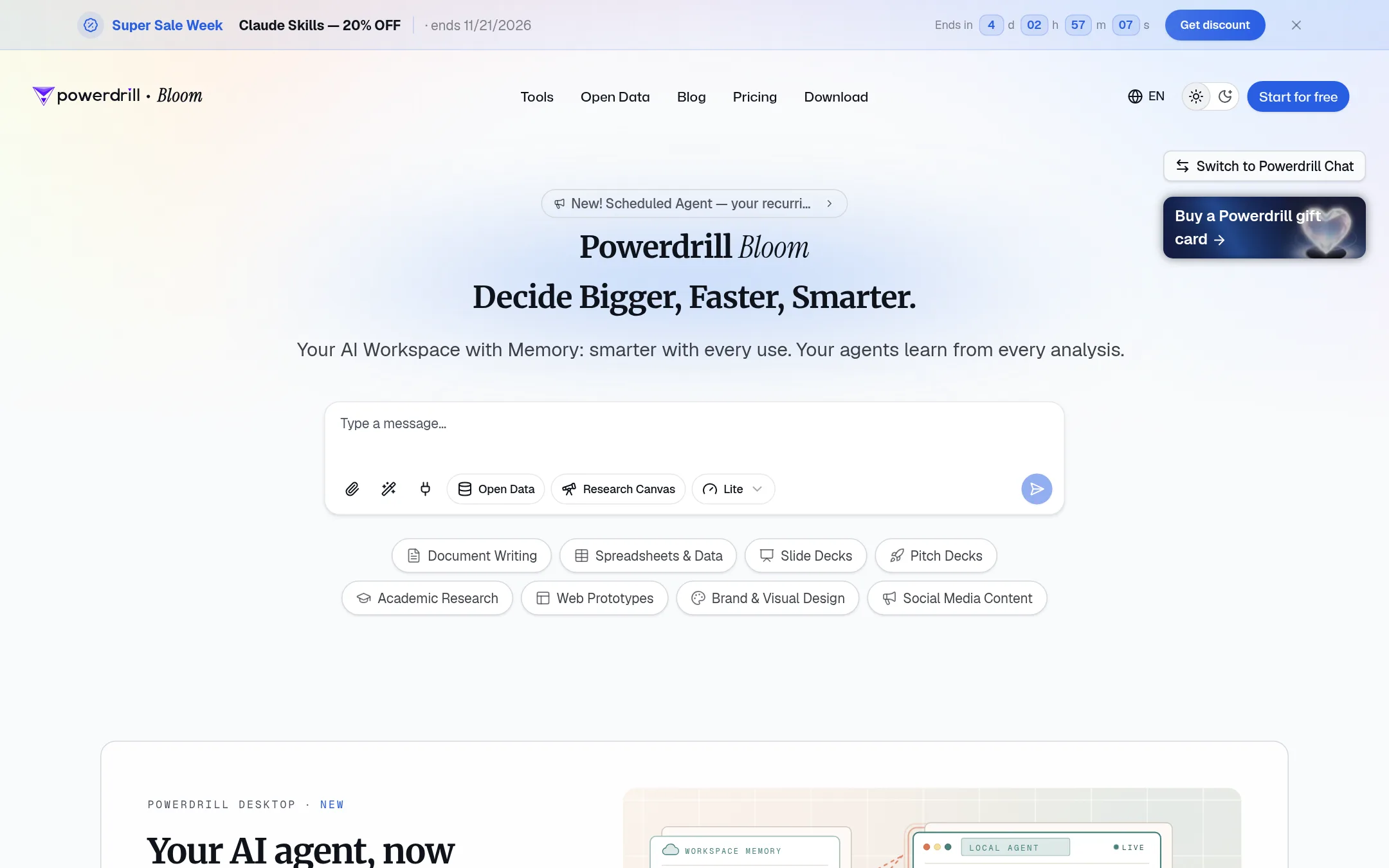
Powerdrill is an AI data analysis workspace where you upload Excel, CSV, PDF and documents and get insights, charts and summaries. It also runs agent skills and can produce slides, docs and images. Pick it over Julius when you want agents that retain memory across analyses and a desktop app that works on local files and scripts.
Where it is strong
- Free plan includes 1,000 daily credits and file uploads plus basic charts and slides
- Desktop app runs on local files and scripts and keeps the memory of your Bloom workspace
- Team plan lets members share one credit pool, billed per seat
Where it falls short
- Credit-based limits mean heavy users may need top-ups or higher tiers
- The site does not publish a comparison of model access or enterprise security controls against Julius
- Pricing:
- Pricing is listed in USD: Free is $0 with 1,000 daily credits, Pro is $199.00/year billed annually ($159.20 first year), Plus is $399.00/year ($319.20 first year), and Team Pro is priced per seat with a 60,000 monthly credit tier at $1,990.00/year ($1,592.00 f
- Switching from Julius:
- Moving from Julius would mean re-uploading your files and rebuilding saved analyses in Powerdrill, since the pricing page does not describe an import path.
- QFrom $18/user/mo
6.Quadratic
Best for: Finance and ops teams that live in spreadsheets and need live links to QuickBooks, Plaid, or databases
- Pricing
- From $18/user/mo
- Category
- Other
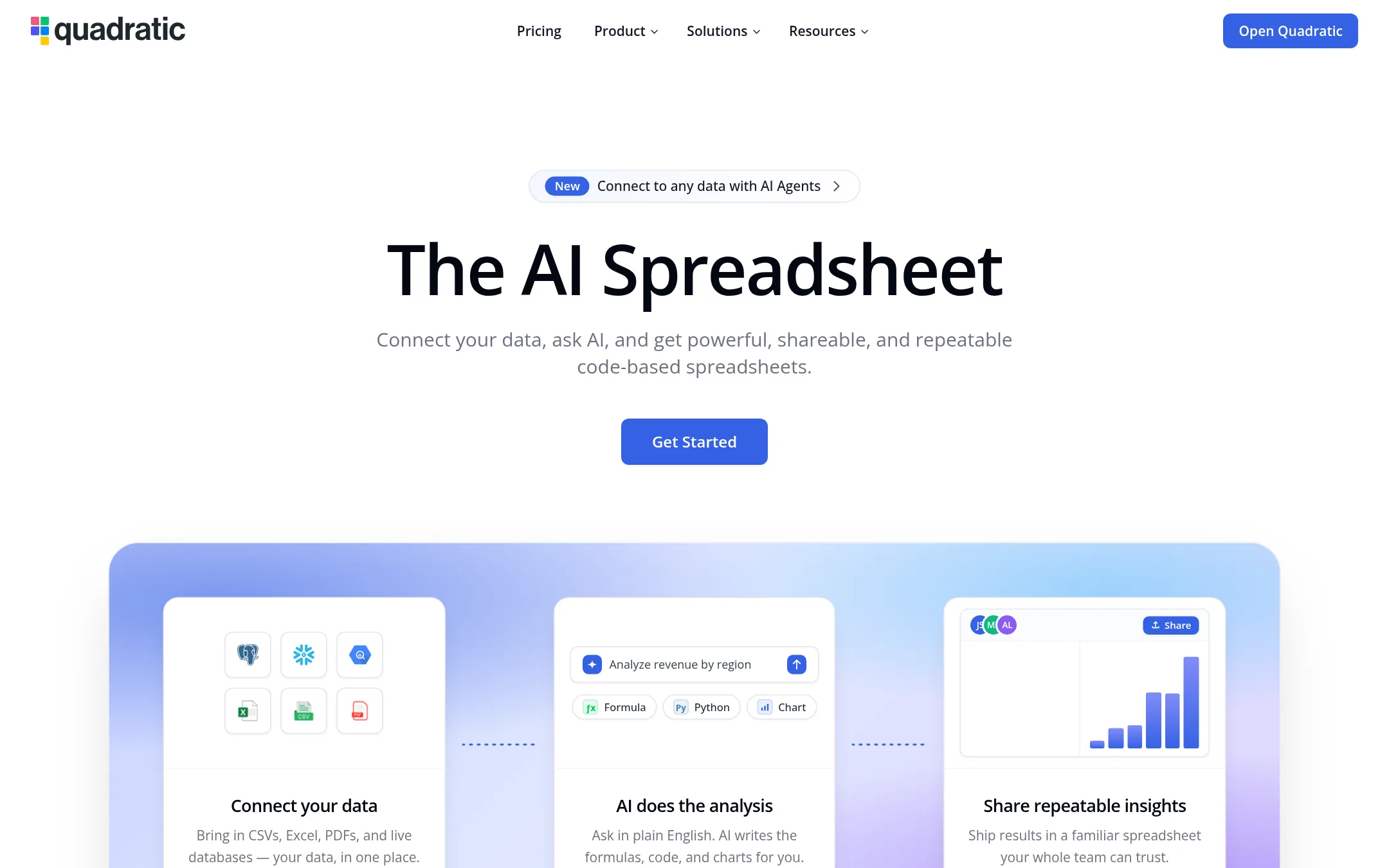
Quadratic is an AI spreadsheet that connects to live data sources and answers questions in plain language. It writes Python and SQL cells, and shows its method so each step can be checked and edited. Someone would pick it over Julius when the work lives in a spreadsheet and they want live links to tools like QuickBooks or Plaid, plus auditable cell-level logic.
Where it is strong
- Live connections to QuickBooks, Plaid, and databases keep the sheet current without CSV exports
- AI analysis writes visible Python and SQL cells that can be checked and edited
- Handles datasets up to 100 million rows without slowing sorting or filtering
Where it falls short
- Julius covers presentations, websites, images, and video, which Quadratic does not list
- Pricing is per user, so cost rises with every team member
- Pricing:
- Pro costs $18 per user per month billed annually with $20 in AI credits per month, and Business costs $36 per user per month billed annually with $40 in AI credits per month.
- Switching from Julius:
- Quadratic imports Excel and Google Sheets files, so existing spreadsheets can move over, though the Julius workflow itself would need rebuilding in a sheet.
- 20% of creator spend
7.1stCollab
Best for: Brands and marketing teams that run influencer campaigns and want creator discovery, deal management and payouts in one place

- Pricing
- 20% of creator spend
- Category
- Marketing & Sales
1stCollab is an influencer marketing platform that matches brands with creators, manages campaign outreach and payments, and tracks creator performance. A team would pick it over Julius when the goal is running creator partnerships and paying influencers, not analyzing data or building presentations, websites, images or video.
Where it is strong
- Creator discovery and campaign matching for brands that want influencer reach
- Managed campaigns handle outreach, contracts and usage rights, so the brand's team does less
- A free tier with unlimited influencer tracking and team members
Where it falls short
- Fully Managed plans need at least $5,000 per month in campaign spend
- Covers influencer marketing only, with none of Julius's data analysis, presentation or content generation
- Pricing:
- Pricing is not published on the site. The site lists a free tier, and a Fully Managed plan at 20% of creator spend with a $5,000 per month minimum, plus a custom Scaled plan.
- Not published
8.Carousel Technologies
Best for: Corporate finance, investment banking, consulting, private equity and asset management teams that build models in Excel
- Pricing
- Not published
- Category
- Productivity & Project Management
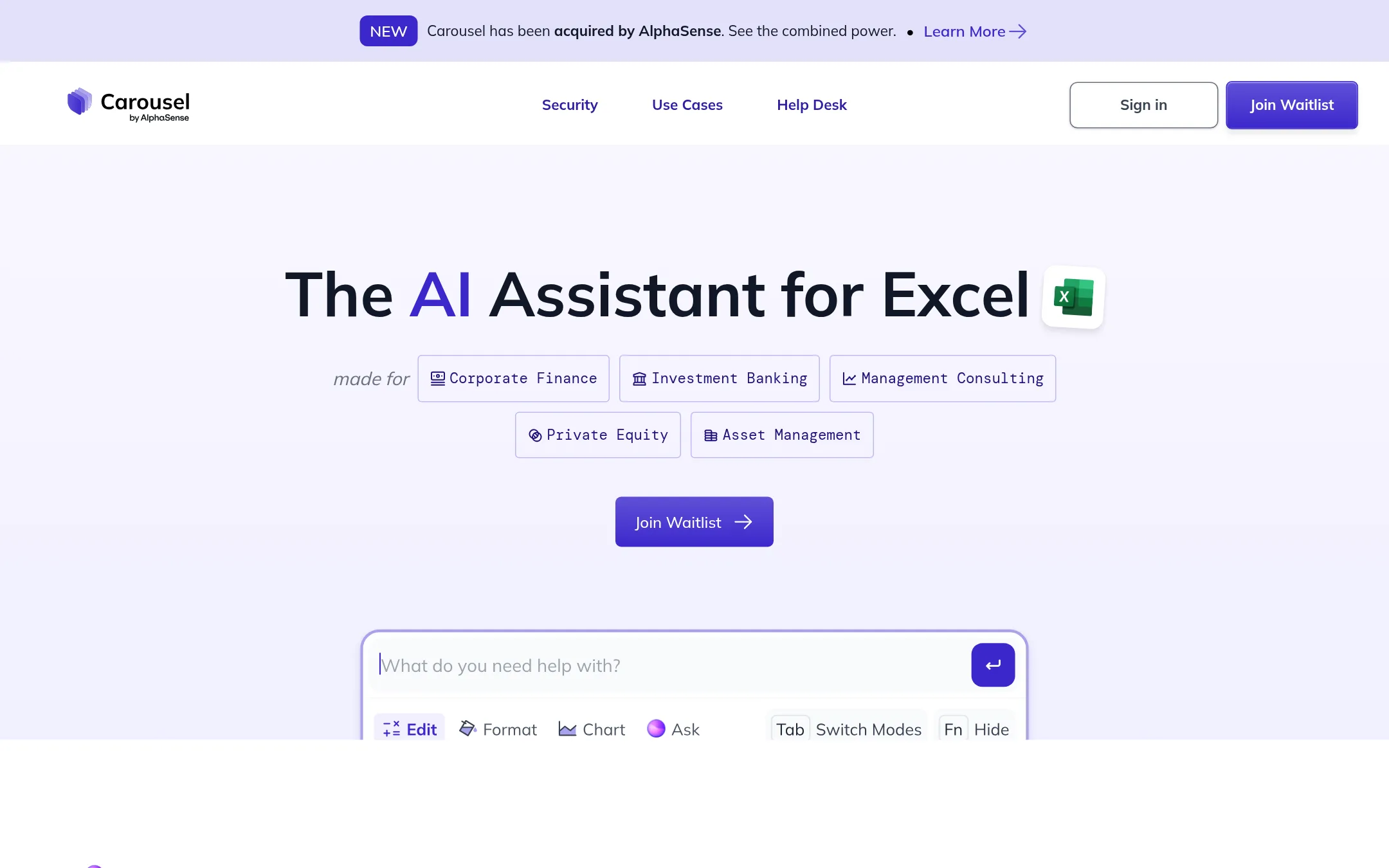
Carousel is an AI assistant that works inside Excel, building models from scratch, explaining formulas, and formatting tables and charts. Choose it over Julius when the work lives in an Excel workbook and you want the AI to act there rather than in a separate workspace.
Where it is strong
- Builds complete Excel models from minimal instructions and asks for clarification on key details
- Explains complex formulas step by step and maps how cells depend on each other
- Ctrl + Enter lets you change or improve a selected range or chart in place
Where it falls short
- It is an Excel assistant, so it does not cover presentations, websites, images or video the way Julius does
- Custom data integrations are limited to Deal Team plan customers who request them
- Pricing:
- Pricing is not published on the site.
- Not published
9.Livedocs
Best for: Data teams that write SQL and want shared, reactive notebooks they can publish as apps.
- Pricing
- Not published
- Category
- Analytics & Data
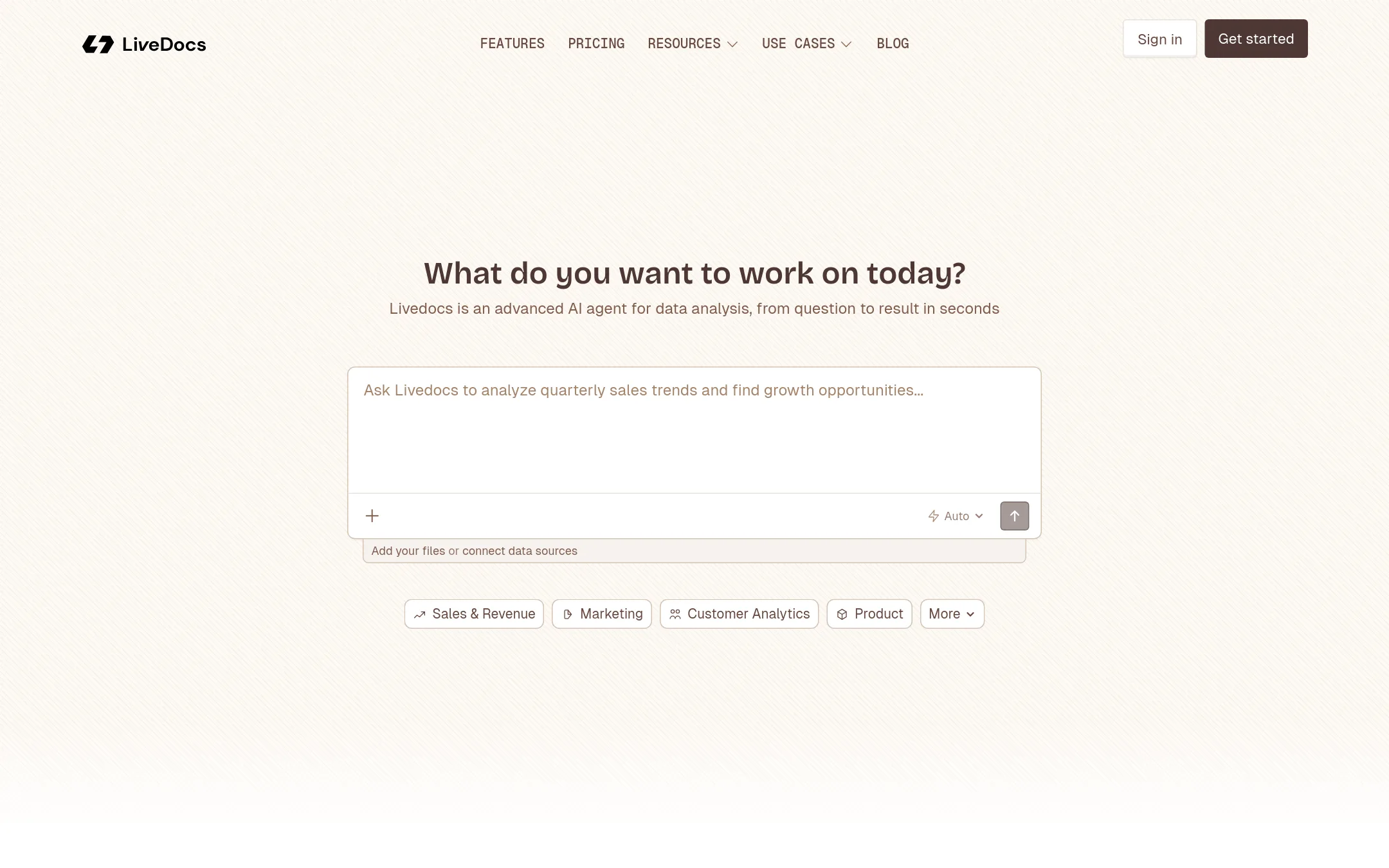
Livedocs is a reactive notebook platform for data analysis. Cells re-run when their inputs change, much like a spreadsheet, and it adds built-in SQL, charts, real-time collaboration, and publishing notebooks as shareable apps. Choose it over Julius when your work lives in notebooks and SQL and you want a team to build and share data stories together, rather than generating presentations, websites, images, and video.
Where it is strong
- Notebooks re-run dependent cells automatically, so results stay current as inputs change.
- Built-in SQL, charts, and real-time collaboration sit in the same notebook.
- Notebooks can be published as shareable apps without writing deployment code.
Where it falls short
- Its site lists no image, video, website, or presentation generation, which Julius covers.
- Premium data sources such as Snowflake, Databricks, and BigQuery are listed only on the paid tiers.
- Pricing:
- Pricing is not published on the site.
- Not published
10.DataRobot
Best for: Enterprise IT and data teams that need to move AI agents from pilot into governed production across complex environments.
- Pricing
- Not published
- Category
- AI & Machine Learning
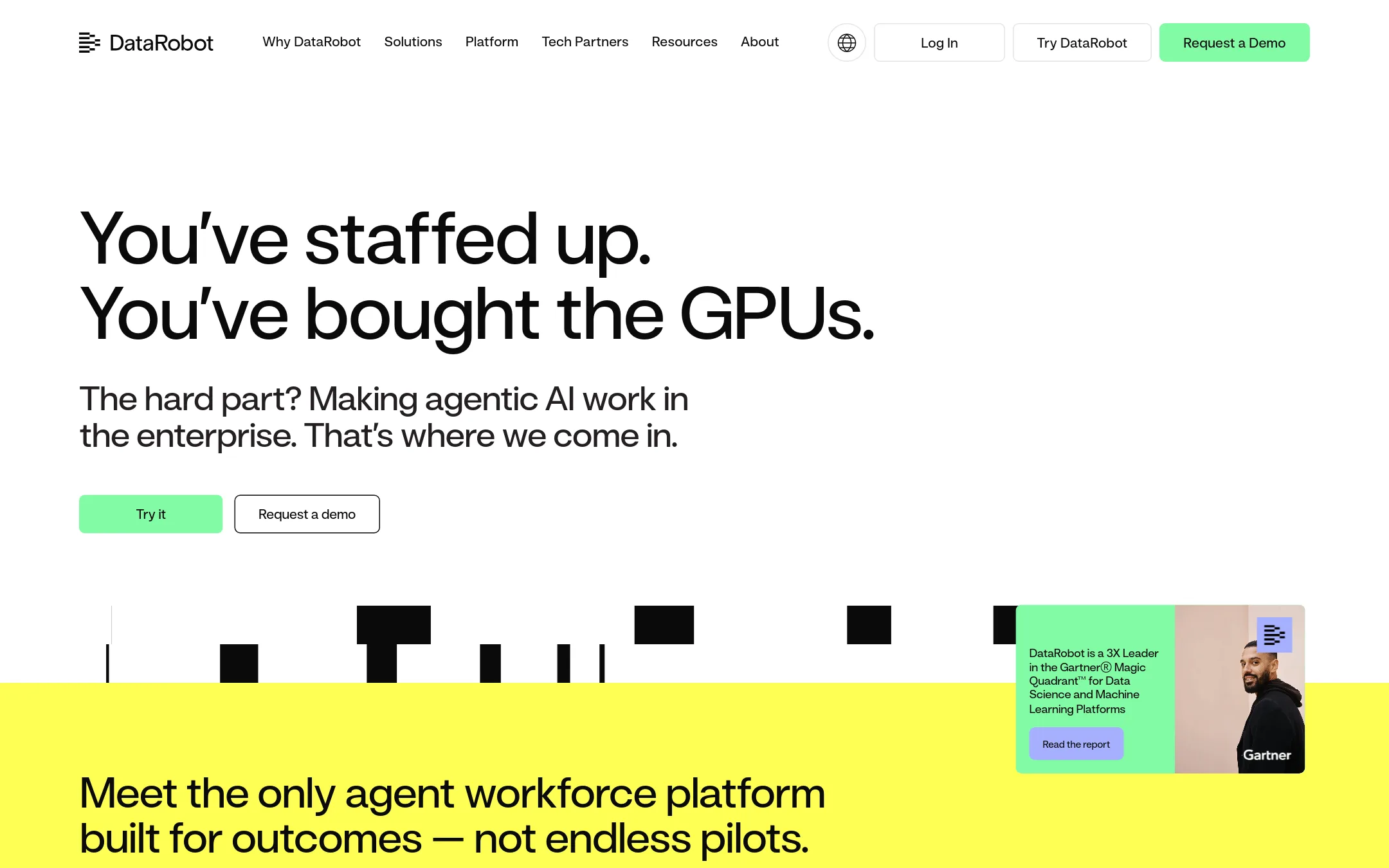
DataRobot is an enterprise platform for building, deploying, and governing AI agents and machine learning models at scale. It targets teams that need to run agents in production across edge, cloud, or on-prem environments, with monitoring, access control, and audit documentation. Choose it over Julius when the work is operational AI for a large organization rather than a single analyst or team producing reports, decks, and sites.
Where it is strong
- Covers the full agent lifecycle: building, operating, and governing agents in one platform.
- Deploys agents on edge, cloud, or on-prem infrastructure.
- Offers audit documentation and enforceable access controls for compliance needs.
Where it falls short
- Built for enterprise AI programs, so it is heavier than a tool for individual analysis or content creation.
- Does not publish pricing, so cost has to come from a sales conversation.
- Pricing:
- Pricing is not published on the site.
See more comparisons in AI & Machine Learning alternatives.
FAQ
Questions about Julius alternatives
What is the best Julius alternative for spreadsheet work?
Quadratic is an AI spreadsheet that connects to live data sources such as QuickBooks, Plaid, and databases. It writes Python and SQL cells and shows its method so each step can be checked and edited. It suits finance and operations teams that work in spreadsheets.
Which alternative is best for SQL and notebooks?
Livedocs is a reactive notebook platform where cells re-run when their inputs change. It includes built-in SQL, charts, and real-time collaboration, and notebooks can be published as shareable apps. It suits data teams that write SQL and want to share data stories.
Can I use an alternative to analyze uploaded files without writing code?
Powerdrill lets you upload Excel, CSV, PDF, and document files to get insights, charts, and summaries. It also runs agent skills and can produce slides, docs, and images. Its Free plan includes 1,000 daily credits.
Which alternatives do not publish pricing?
Several entries do not publish pricing on their sites, including Livedocs, Carousel Technologies, Microsoft Azure CycleCloud, DataRobot, and Claude. For those tools, cost has to be confirmed through the vendor or a sales conversation. Julius itself lists plan prices on its pricing page.
Do any alternatives cover presentations, websites, images, or video like Julius?
Based on their listed features, most alternatives on this page do not cover all of those outputs. Powerdrill can produce slides, docs, and images, and ChatGPT creates images, but none of the entries lists website or video creation alongside data analysis the way Julius does.
Last updated November 17, 2026.