
Kaagaz alternatives
11 products compared · Updated November 3, 2026
The short answer
For document scanning and PDF tools, CamScanner is the strongest alternative because it offers OCR in 41 languages and cloud sync across devices. For marketing and poster design, PosterMyWall is best for small businesses that need templates and event tools. For a broad PDF toolkit on desktop, iLovePDF is the most transparent choice with a clear free tier and published pricing.
Your shortlist, at a glance
Read the comparisons ↓- CCamScannerFree tier. Premium froTeams and individuals who need a reliable document scanner with OCR and PDF tools across multiple devices and regions.
 Adobe AnimateNot publishedAnimators and motion designers who need a full-featured 2D animation tool with timeline and vector drawing.
Canva WhiteboardsNot publishedTeams that need a shared whiteboard for remote workshops, sprint planning, or design thinking sessions.
Microsoft Azure CycleCloudPay-as-you-goResearch teams and enterprises running HPC workloads on Azure that need automated cluster scaling and orchestration.
- SScanner ProNot publishedIndividuals and teams on Apple devices who want a reliable document scanner without extra business features
- SSmallpdfNot publishedTeams and individuals who work mostly on desktop and need a broad set of PDF tools with e-signature and integrations.
- TTiny ScannerNot publishedIndividuals and small teams that need a simple, no-frills mobile scanner for documents and receipts.
- GGenius ScanNot publishedIndividuals and small teams that want a simple, focused scanner app for digitizing documents on the go.
- iiLovePDFFrom $5/mo (annual)Teams and individuals who need a reliable, cross-platform PDF toolkit with OCR, e-signatures, and batch processing.
- DDesygnerFree. $19/user/moTeams and individuals who want a free, multi-purpose design and document tool with import from Canva, Figma, and Adobe.
- PPosterMyWallNot publishedSmall businesses and solo operators who want to design marketing materials and run event promotions without hiring a designer.
About Kaagaz and its alternatives
Kaagaz is a mobile-first document and marketing suite for Indian users. It combines a PDF scanner, poster maker, AI resume builder, and AI marketing tools in one app. The site emphasizes simplicity, speed, and no learning curve for Bharat users.
When comparing alternatives, weigh pricing structure, regional focus, integrations, and support. Kaagaz is free with no subscriptions, while competitors may offer freemium tiers or require paid plans. Consider whether you need mobile-only tools, desktop workflows, or a mix. Check if the product supports your region and languages. Look at contract terms, especially for team plans or annual billing.
Explore the alternatives
- CFree tier. Premium fro
1.CamScanner
Best for: Teams and individuals who need a reliable document scanner with OCR and PDF tools across multiple devices and regions.
- Pricing
- Free tier. Premium fro
- Category
- Other
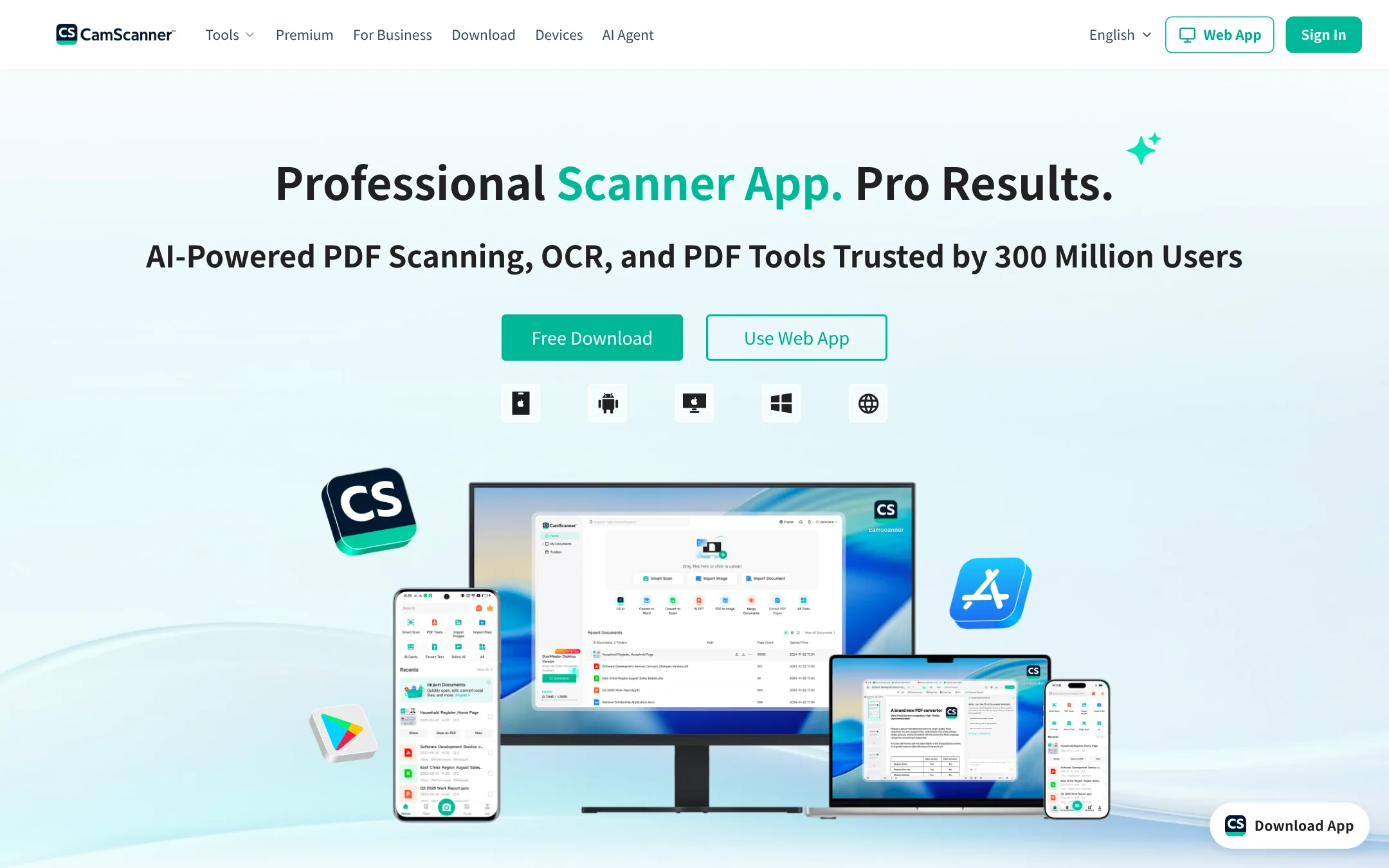
CamScanner is a global document scanning app with OCR, PDF editing, and cloud sync. Choose it over Kaagaz if you need a scanner that works across many countries and languages, not just India, and you want advanced AI features like tamper detection and photo restoration.
Where it is strong
- AI-powered scan enhancement that removes shadows and corrects perspective
- OCR supports 41 languages, including Chinese, English, Japanese, and Korean
- Cloud sync across mobile, web, and desktop with easy sharing via email and WhatsApp
Where it falls short
- Some advanced features require a Premium subscription
- Not tailored for the Indian market like Kaagaz, so lacks India-specific tools like poster and resume makers
- Pricing:
- In the United States, CamScanner offers a free tier with basic scanning and PDF tools. Premium plans start at $4.99 per month.
- Switching from Kaagaz:
- Moving from Kaagaz to CamScanner means setting up a new account and re-scanning or uploading existing documents, as there is no direct migration path.
- Not published
2.Adobe Animate
Best for: Animators and motion designers who need a full-featured 2D animation tool with timeline and vector drawing.
- Pricing
- Not published
- Category
- Design & Creative
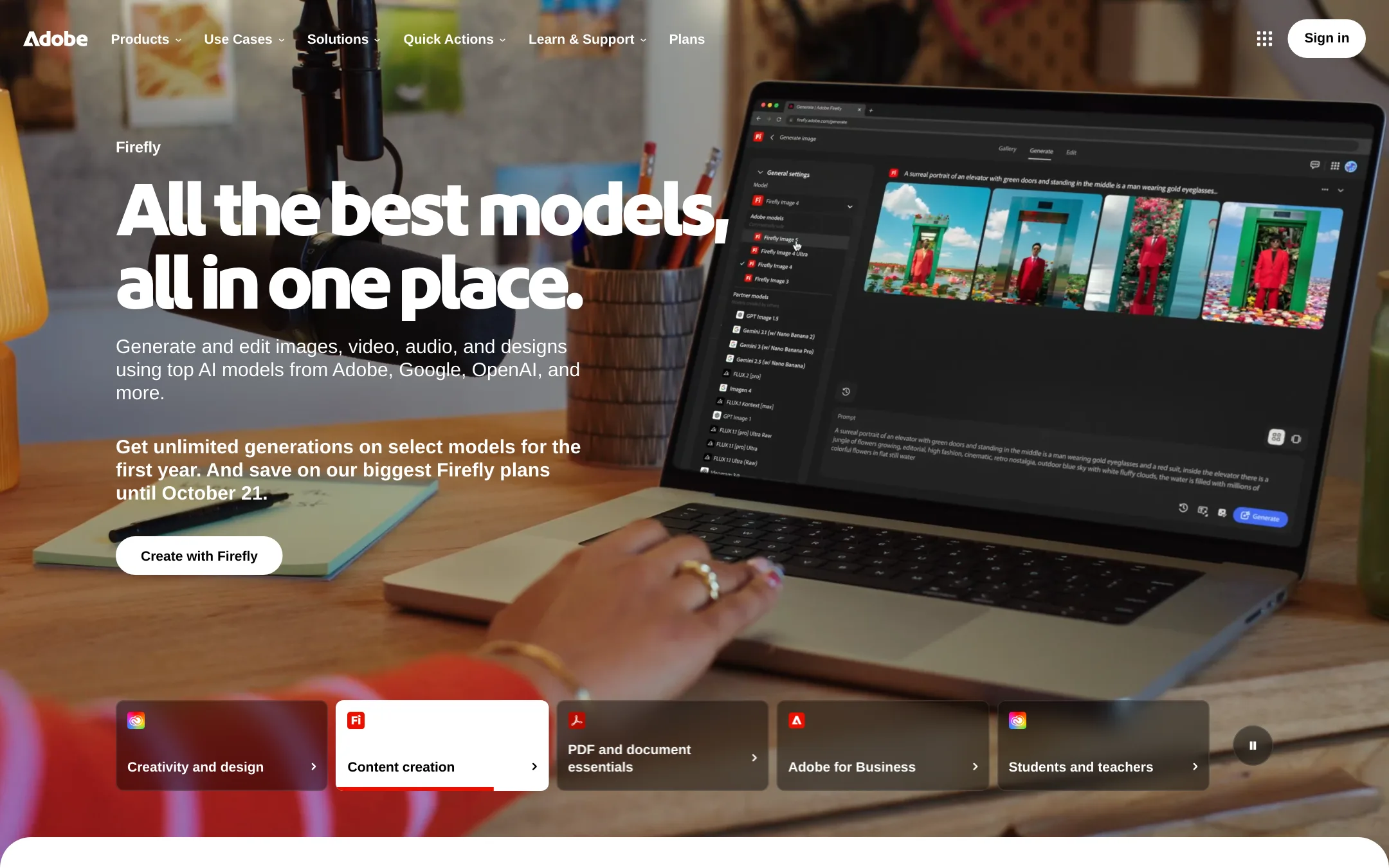
Adobe Animate is a professional 2D animation tool for creating vector animations, interactive content, and character rigs. You would choose it over Kaagaz if your work is animation or motion graphics, not document scanning or poster making.
Where it is strong
- Industry-standard for 2D animation and interactive content.
- Deep integration with other Adobe Creative Cloud apps.
- Supports vector art and timeline-based animation.
Where it falls short
- Subscription-based, no free tier.
- Steep learning curve for beginners.
- Pricing:
- Pricing is not published on the site.
- Not published
3.Canva Whiteboards
Best for: Teams that need a shared whiteboard for remote workshops, sprint planning, or design thinking sessions.
- Pricing
- Not published
- Category
- Communication & Collaboration
Canva Whiteboards is a visual collaboration tool for brainstorming, planning, and mapping ideas with your team in real time. Choose it over Kaagaz when your work is about co-creating diagrams and boards rather than scanning documents or making posters.
Where it is strong
- Real-time collaboration with your team on an infinite canvas.
- Tight integration with Canva's design assets and templates.
- Easy to use with drag-and-drop sticky notes, shapes, and connectors.
Where it falls short
- No document scanning or PDF editing features like Kaagaz.
- Requires a Canva account and a modern browser. No dedicated mobile scanner workflow.
- Pricing:
- Pricing is not published on the site.
- Pay-as-you-go
4.Microsoft Azure CycleCloud
Best for: Research teams and enterprises running HPC workloads on Azure that need automated cluster scaling and orchestration.
- Pricing
- Pay-as-you-go
- Category
- Developer Tools
Microsoft Azure CycleCloud is an HPC orchestration tool for managing and scaling compute clusters in the cloud. Choose it over Kaagaz if you run complex simulations, rendering, or other high-performance workloads that need dynamic cluster management on Azure.
Where it is strong
- Automates cluster provisioning and scaling
- Integrates with Azure HPC services and schedulers
- Supports hybrid and multicloud environments
Where it falls short
- Requires Azure expertise to set up and manage
- No mobile-first document tools like Kaagaz
- Pricing:
- Pricing is not published on the site. Azure charges per resource used, with options like reservations and savings plans.
- SNot published
5.Scanner Pro
Best for: Individuals and teams on Apple devices who want a reliable document scanner without extra business features
- Pricing
- Not published
- Category
- Other
Scanner Pro is a focused document scanning app for iPhone, iPad, and Mac. It handles scanning, OCR, and PDF export well, but it does not include marketing tools like poster or resume makers. Choose it if you need a clean, Apple-only scanner and already have separate tools for business promotion.
Where it is strong
- Optimized for iPhone, iPad, and Mac with tight Apple integration
- Includes OCR and automated expense report features
- Part of a broader Readdle productivity ecosystem
Where it falls short
- No Android or web version
- Lacks marketing tools like poster and resume makers
- Pricing:
- Pricing is not published on the site.
- SNot published
6.Smallpdf
Best for: Teams and individuals who work mostly on desktop and need a broad set of PDF tools with e-signature and integrations.
- Pricing
- Not published
- Category
- Other
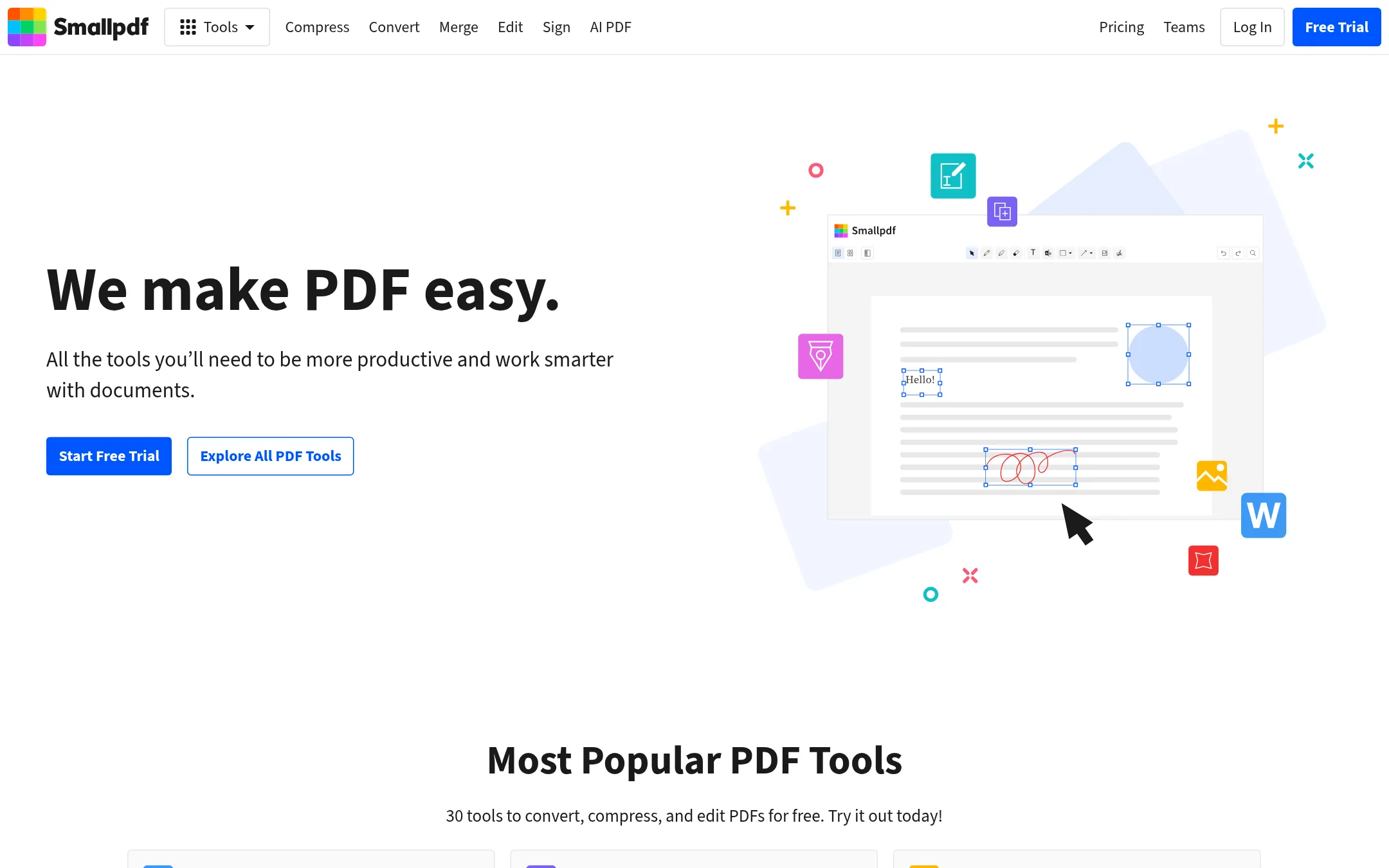
Smallpdf is a web-based PDF toolset with 30 tools for converting, compressing, editing, and signing PDFs. Choose it over Kaagaz if you need a desktop-friendly, browser-based PDF workflow with e-signature features and team plans, rather than a mobile-first Indian document suite.
Where it is strong
- 30 tools covering convert, merge, compress, edit, sign, and more
- Web-based, works on any device without installing an app
- E-signature features with request and tracking capabilities
Where it falls short
- No AI-powered poster or resume maker like Kaagaz's Growth Suite
- Free tier limits daily usage, and pricing details are not transparent
- Pricing:
- Pricing is not published on the site.
- Switching from Kaagaz:
- Moving from Kaagaz means shifting from a mobile-first Indian app to a web-based global tool, so you'll need to re-upload documents and adjust to a different interface.
- TNot published
7.Tiny Scanner
Best for: Individuals and small teams that need a simple, no-frills mobile scanner for documents and receipts.
- Pricing
- Not published
- Category
- Other
Tiny Scanner is a straightforward document scanning app for turning physical papers into PDFs. You would choose it over Kaagaz if you only need basic scanning and sharing, without the extra marketing tools like poster and resume makers.
Where it is strong
- Focused on core scanning and PDF creation
- Simple interface with quick share options
- Works offline for basic scans
Where it falls short
- No built-in design or marketing tools
- Website is currently unreachable, which may signal instability
- Pricing:
- Pricing is not published on the site.
- GNot published
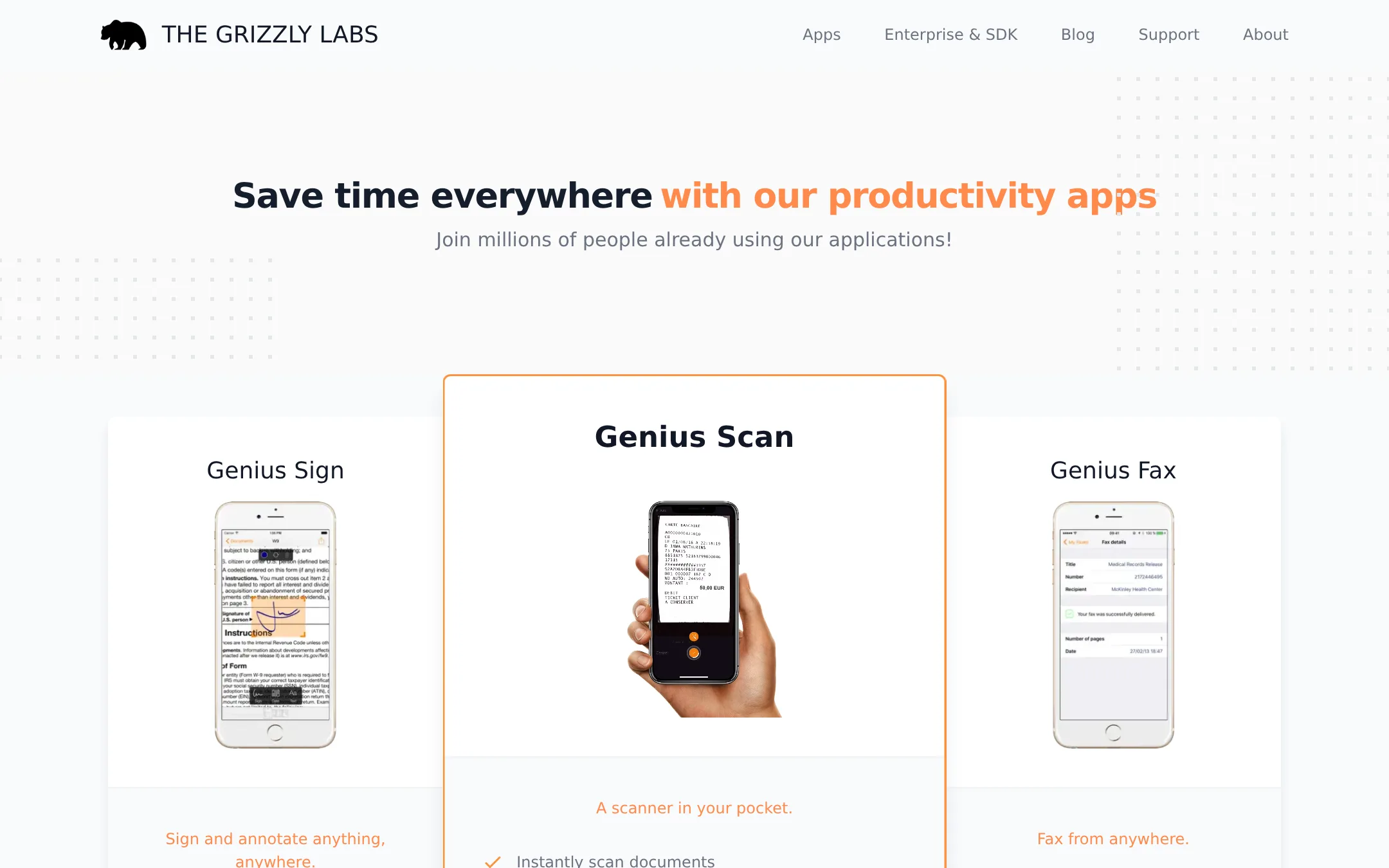
8.Genius Scan
Best for: Individuals and small teams that want a simple, focused scanner app for digitizing documents on the go.
- Pricing
- Not published
- Category
- Other
Genius Scan is a straightforward document scanner that turns your phone into a PDF maker. You would choose it over Kaagaz if you only need scanning and PDF creation without the extra poster, resume, and AI marketing tools.
Where it is strong
- Fast, reliable scanning with automatic edge detection
- Clean, minimal interface that gets out of your way
- Works offline for scanning without an internet connection
Where it falls short
- No built-in poster or resume maker like Kaagaz
- Lacks AI-powered marketing tools for business promotion
- Pricing:
- Pricing is not published on the site.
- iFrom $5/mo (annual)
9.iLovePDF
Best for: Teams and individuals who need a reliable, cross-platform PDF toolkit with OCR, e-signatures, and batch processing.
- Pricing
- From $5/mo (annual)
- Category
- Other
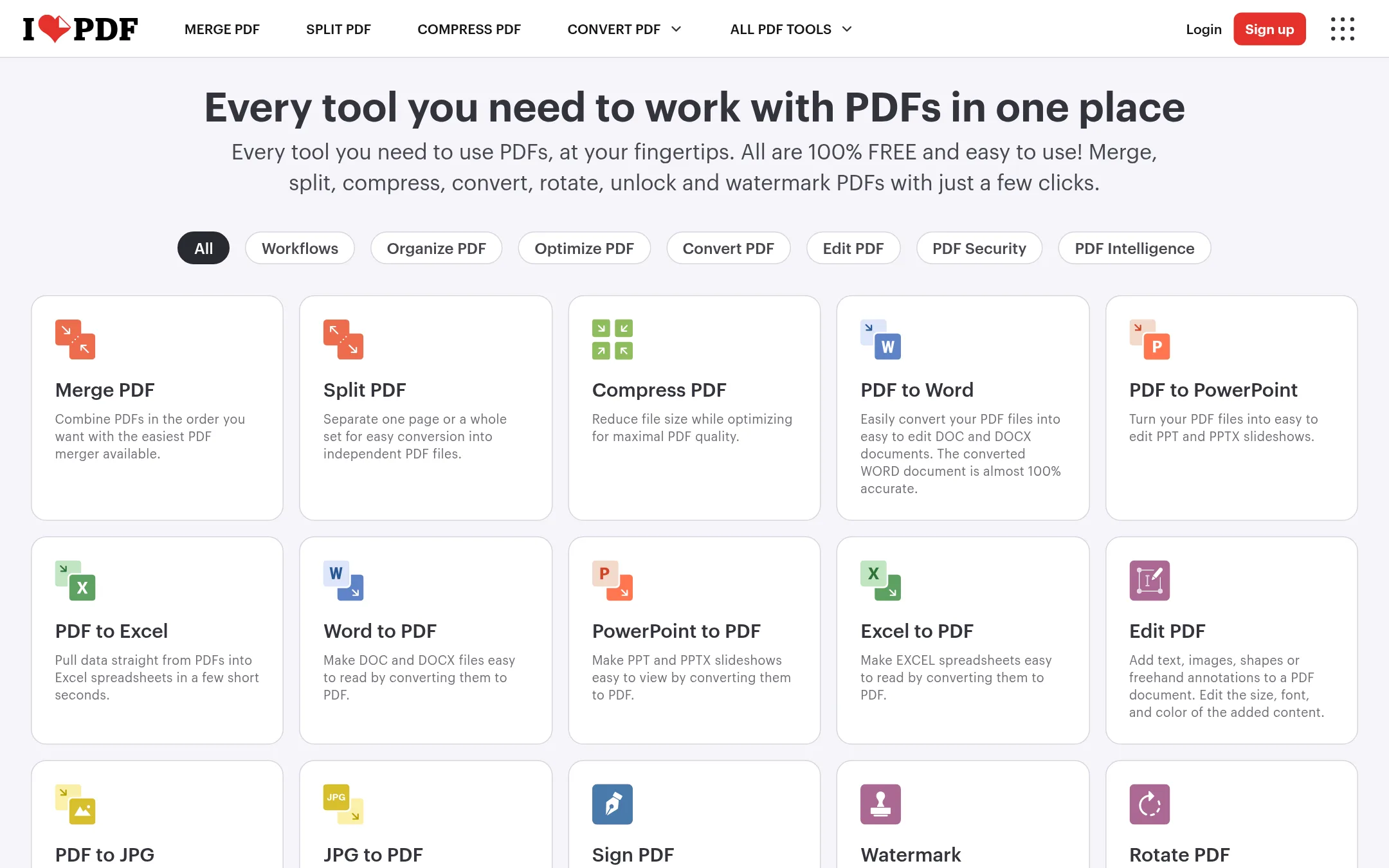
iLovePDF is a web-based PDF toolkit for merging, splitting, compressing, converting, and editing PDFs. Choose it over Kaagaz if you work mostly on desktop and need a broad set of PDF tools without the mobile-first, India-specific marketing and poster features.
Where it is strong
- Free tier covers essential tools like merge, split, and compress.
- Premium includes unlimited processing and access on web, mobile, and desktop.
- Offers advanced features like OCR, e-signatures, and AI summarizer.
Where it falls short
- Free plan limits file size to 100 MB and processing volume.
- No India-specific tools like poster maker or resume builder that Kaagaz provides.
- Pricing:
- Premium is $5 per month billed annually ($60/year) or $9 billed monthly. A free Basic plan is available with limited processing.
- Switching from Kaagaz:
- Moving from Kaagaz means shifting from a mobile-first, India-focused app to a desktop-friendly web service. You'll need to re-upload documents and adjust to a different interface.
- DFree. $19/user/mo
10.Desygner
Best for: Teams and individuals who want a free, multi-purpose design and document tool with import from Canva, Figma, and Adobe.
- Pricing
- Free. $19/user/mo
- Category
- Other
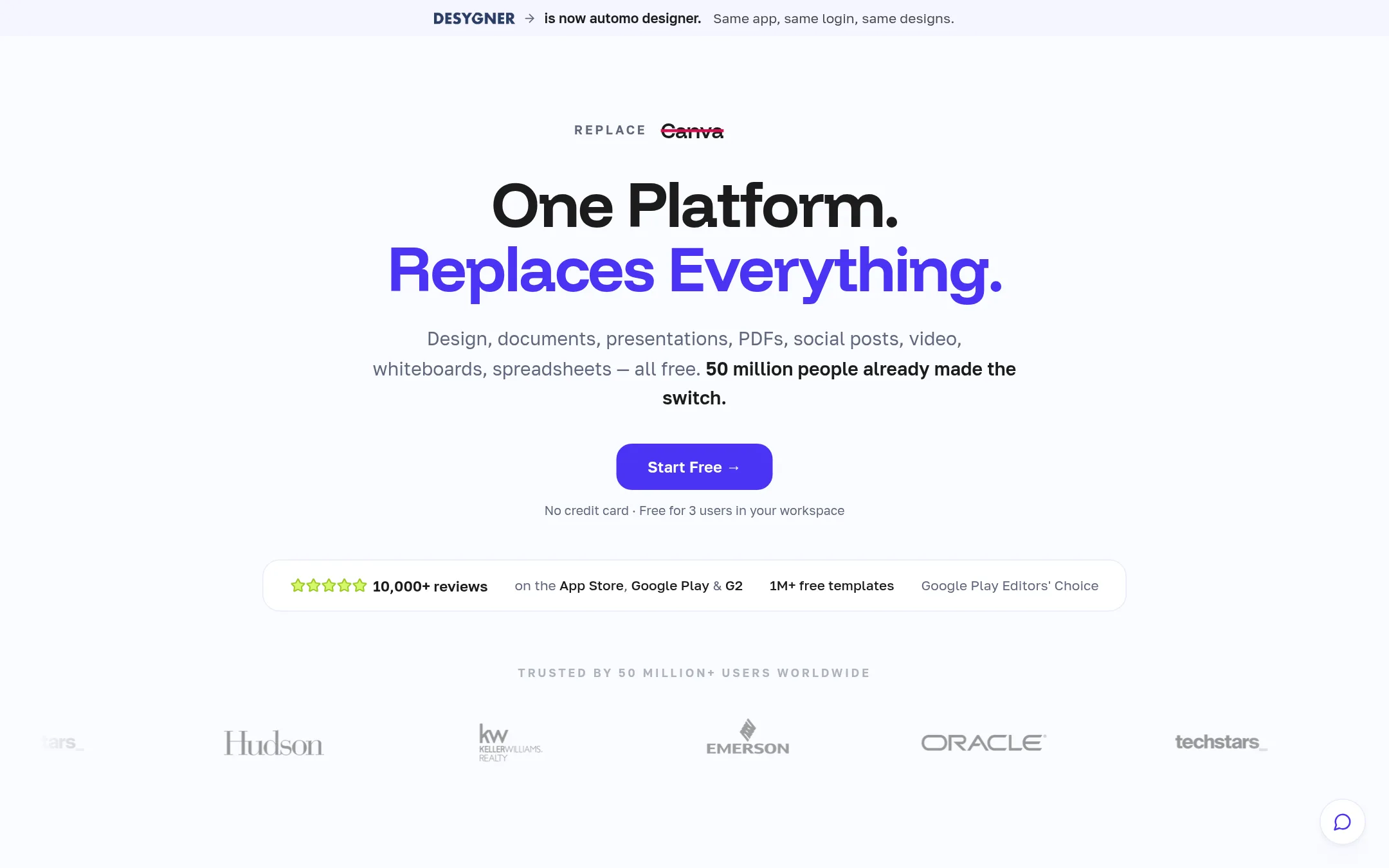
Desygner is a design and document platform that replaces Canva, Adobe, Figma, PowerPoint, Word, and Excel. Choose it over Kaagaz if you need a broader creative suite with template imports from other tools, not just mobile document scanning and poster making.
Where it is strong
- Free plan covers 3 core apps and 1M+ templates
- Import designs from Canva, Figma, Adobe, and Microsoft
- Team 100 flat rate at $333/mo for up to 100 users
Where it falls short
- Free plan limits you to 3 core apps and 100 projects
- No mobile-first document scanning like Kaagaz's PDF app
- Pricing:
- Free plan includes 3 core apps, 1M+ templates, 3 users, 100 projects, 20 AI credits/month, and 5GB storage. Business costs $19/user/mo with annual billing, and Team 100 is $333/mo flat.
- Switching from Kaagaz:
- Moving from Kaagaz means exporting your designs as PDFs and importing them into Desygner, which takes less than 5 minutes.
- PNot published
11.PosterMyWall
Best for: Small businesses and solo operators who want to design marketing materials and run event promotions without hiring a designer.
- Pricing
- Not published
- Category
- Other
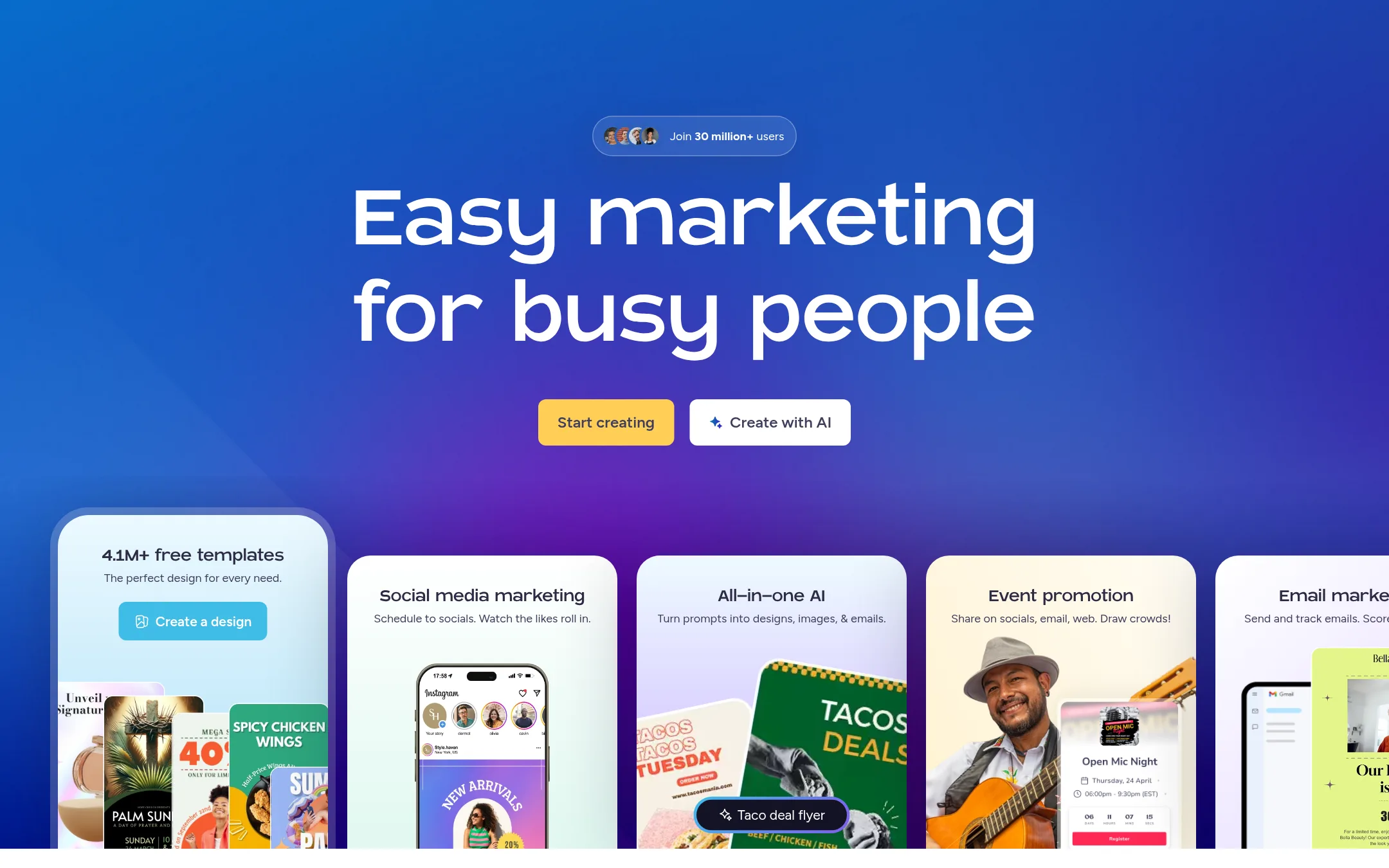
PosterMyWall is a web-based design and marketing tool for creating posters, social media posts, event pages, and email campaigns. Choose it over Kaagaz if you need a broader marketing toolkit with templates and scheduling, rather than a mobile-first document scanner and PDF manager for the Indian market.
Where it is strong
- 4.1M+ free templates for posters, social media, and events
- Built-in AI tools for generating designs, images, and emails
- Includes event pages, ticketing, and email marketing in one platform
Where it falls short
- No document scanning or PDF management features like Kaagaz
- Web-based tool, not designed for mobile-first offline use in India
- Pricing:
- Pricing is not published on the site.
See more comparisons in Productivity & Project Management alternatives.
FAQ
Questions about Kaagaz alternatives
What is the best free alternative to Kaagaz for document scanning?
CamScanner offers a free tier with basic scanning and PDF tools. It supports OCR in 41 languages and cloud sync. For a simple, no-frills option, Tiny Scanner and Genius Scan also work offline, but they lack advanced features.
Which alternative has the most transparent pricing?
iLovePDF publishes its pricing clearly: Premium is $5 per month billed annually or $9 monthly. It also has a free Basic plan with limited processing. Desygner lists a free plan and business pricing at $19 per user per month.
Can I use these alternatives on mobile like Kaagaz?
CamScanner, Scanner Pro, Tiny Scanner, and Genius Scan are mobile apps. Scanner Pro is Apple-only, while the others work on Android and iOS. Web-based tools like Smallpdf and iLovePDF work in mobile browsers but are not designed for mobile-first workflows.
Do any alternatives include marketing tools like Kaagaz's poster maker?
PosterMyWall offers 4.1M+ templates for posters and social media, plus AI design tools. Desygner includes design templates and imports from Canva and Figma. CamScanner and other scanners do not include marketing features.
Which alternative is best for teams?
Desygner has a Team 100 plan at $333 per month flat for up to 100 users. Smallpdf offers team plans with e-signature features. PosterMyWall is suited for solo operators, not large teams.
Last updated November 3, 2026.