
kapa.ai alternatives
5 products compared · Updated November 11, 2026
The short answer
The three strongest kapa.ai alternatives are Intercom, Zendesk Chat and Document360. Intercom suits support teams that want one helpdesk with AI answers built into the inbox and messenger. Zendesk Chat suits teams already running tickets in Zendesk who want chat and AI agents in the same platform. Document360 suits support and documentation teams that want to write, publish and maintain a knowledge base in one place.
Your shortlist, at a glance
Read the comparisons ↓ Zendesk ChatFrom $19/agent/moSupport teams already on Zendesk that want live chat, messaging and AI agents in one platform
 Intercom$0.99 per outcomeSupport teams that want a single helpdesk with AI answers built into the inbox and messenger
- DDocument360Custom quoteSupport and documentation teams that want to author, publish and maintain a customer-facing or internal knowledge base in one place
- HHelpjuiceFrom $249/moSupport and operations teams that want to write and maintain a branded help center and internal knowledge base in one place
- SSanaNot publishedInternal teams across a company that want one AI assistant for search, chat and meeting knowledge, rather than a customer support agent for technical products
About kapa.ai and its alternatives
kapa.ai is an AI support agent for technical products. According to its site, it answers questions from docs, manuals and past tickets, and it is built for software and hardware teams. Its site cites up to 91% of questions answered without a ticket and reports that more than 200 companies use it.
When comparing alternatives in this category, weigh the pricing structure first, since some tools charge per seat, some per outcome and some only on request. Check which regions and hosting options are available, which integrations connect to your existing tools such as Zendesk, Salesforce or GitHub, how support is delivered, and what the contract terms require.
Explore the alternatives
- From $19/agent/mo
1.Zendesk Chat
Best for: Support teams already on Zendesk that want live chat, messaging and AI agents in one platform
- Pricing
- From $19/agent/mo
- Category
- Customer Support
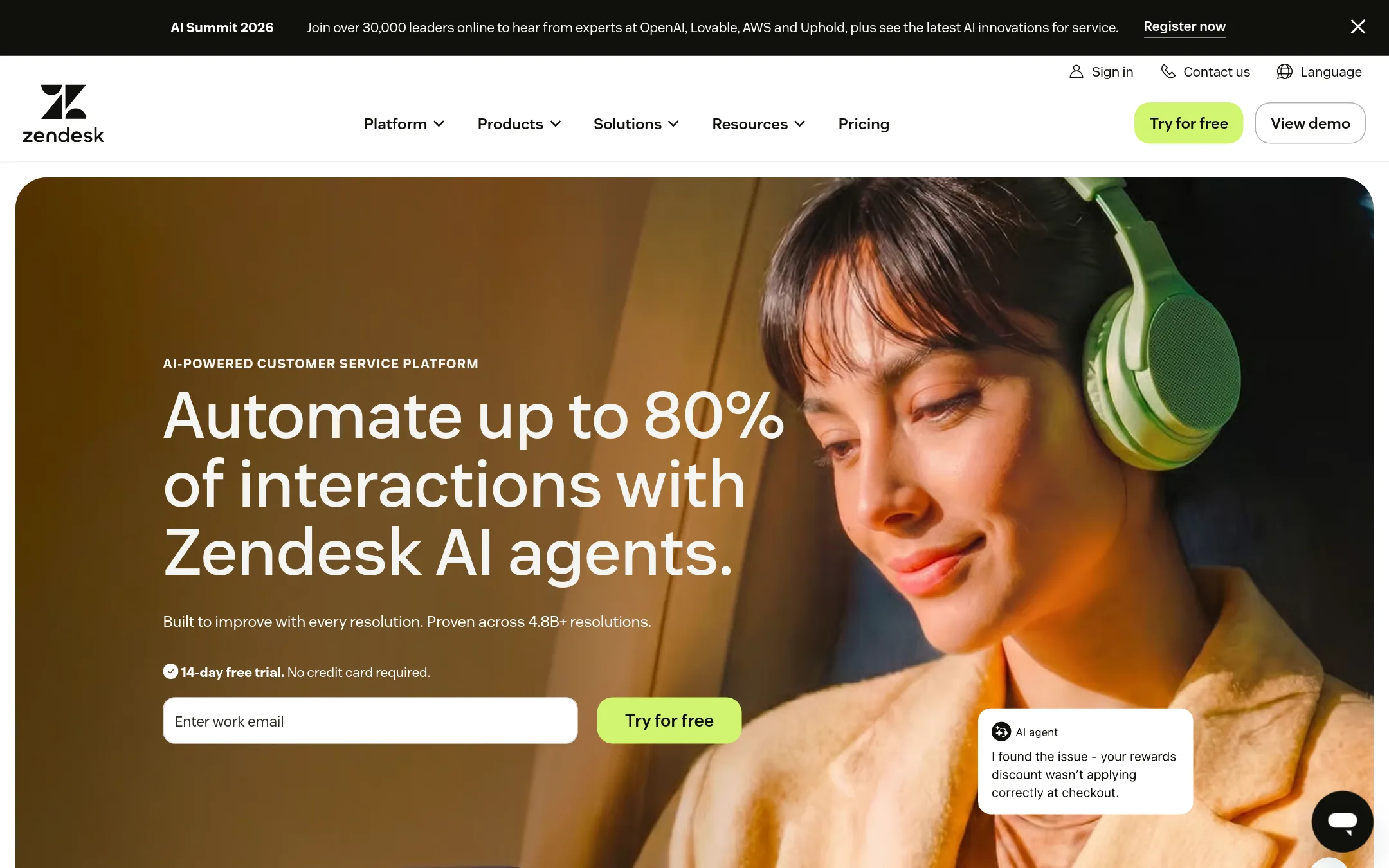
Zendesk Chat is live chat and messaging inside the Zendesk support suite, with AI agents that handle conversations on your website or mobile app. Choose it over kapa.ai if your team already runs tickets in Zendesk and wants chat, ticketing, telephony and AI agents in one platform. Kapa.ai is narrower and focused on answering questions from technical content.
Where it is strong
- Live chat, messaging, ticketing and telephony sit in one system
- AI agents can act on tickets through actions and integrations
- Marketplace lists 1,800+ apps, partners and integrations
Where it falls short
- Per-agent pricing adds up quickly for large support teams
- Its focus is the full support desk, so it does more than answer technical questions from docs
- Pricing:
- Support Team is $19 per agent per month paid yearly, Suite Team is $55 per agent per month paid yearly, and Suite Professional is $115 per agent per month paid yearly, with Suite Enterprise + Copilot priced separately.
- Switching from kapa.ai:
- Moving from kapa.ai means setting up the Zendesk suite and connecting your knowledge sources, since kapa.ai's answering setup does not transfer directly.
- $0.99 per outcome
2.Intercom
Best for: Support teams that want a single helpdesk with AI answers built into the inbox and messenger
- Pricing
- $0.99 per outcome
- Category
- Customer Support
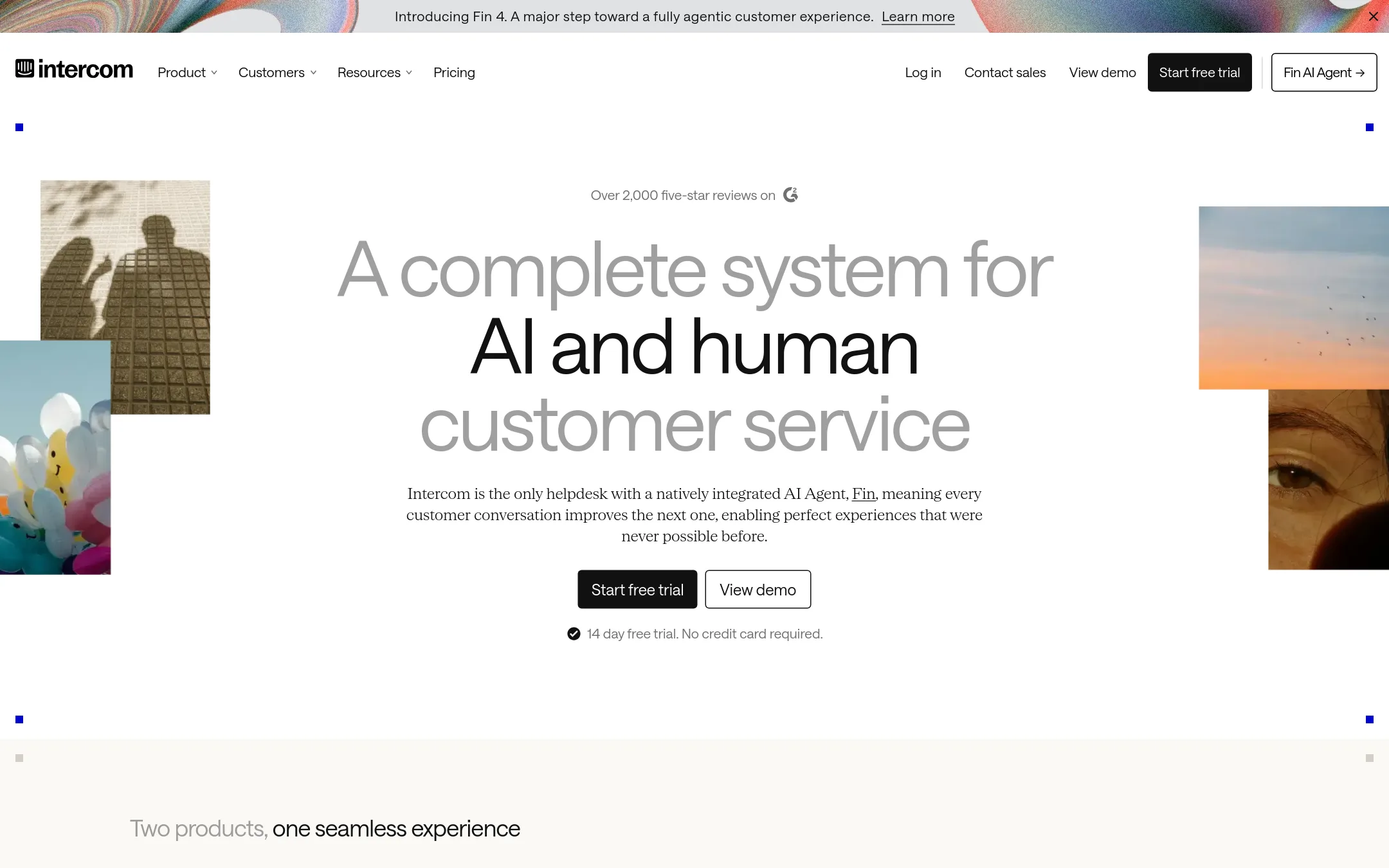
Intercom is a full customer service helpdesk with a shared inbox, messenger, ticketing and help center, and its AI agent Fin sits on top of it. Teams choose it over kapa.ai when they want one platform for live chat, ticketing and AI answers rather than an AI layer over their documentation. Fin can also run on an existing helpdesk such as Salesforce, which suits teams that are not ready to move their support tooling.
Where it is strong
- Fin works on email, live chat and phone, and can hand off to human agents in the preferred inbox
- Fin can run alongside an existing helpdesk such as Salesforce without a seat cost
- Covers helpdesk, messenger, help center and outbound messaging in one product
Where it falls short
- Costs combine per-seat fees with per-outcome charges, which makes budgeting harder than a flat rate
- Its strength is customer conversations, so it does not offer the developer-focused MCP server or the kapa.ai style of answering from technic
- Pricing:
- Pricing is published by plan: Essential, Advanced and Expert carry per-seat costs, Fin is priced at $0.99 per outcome with a minimum monthly commitment such as 50 outcomes, and add-ons like Pro and Copilot are sold separately.
- DCustom quote
3.Document360
Best for: Support and documentation teams that want to author, publish and maintain a customer-facing or internal knowledge base in one place
- Pricing
- Custom quote
- Category
- Other
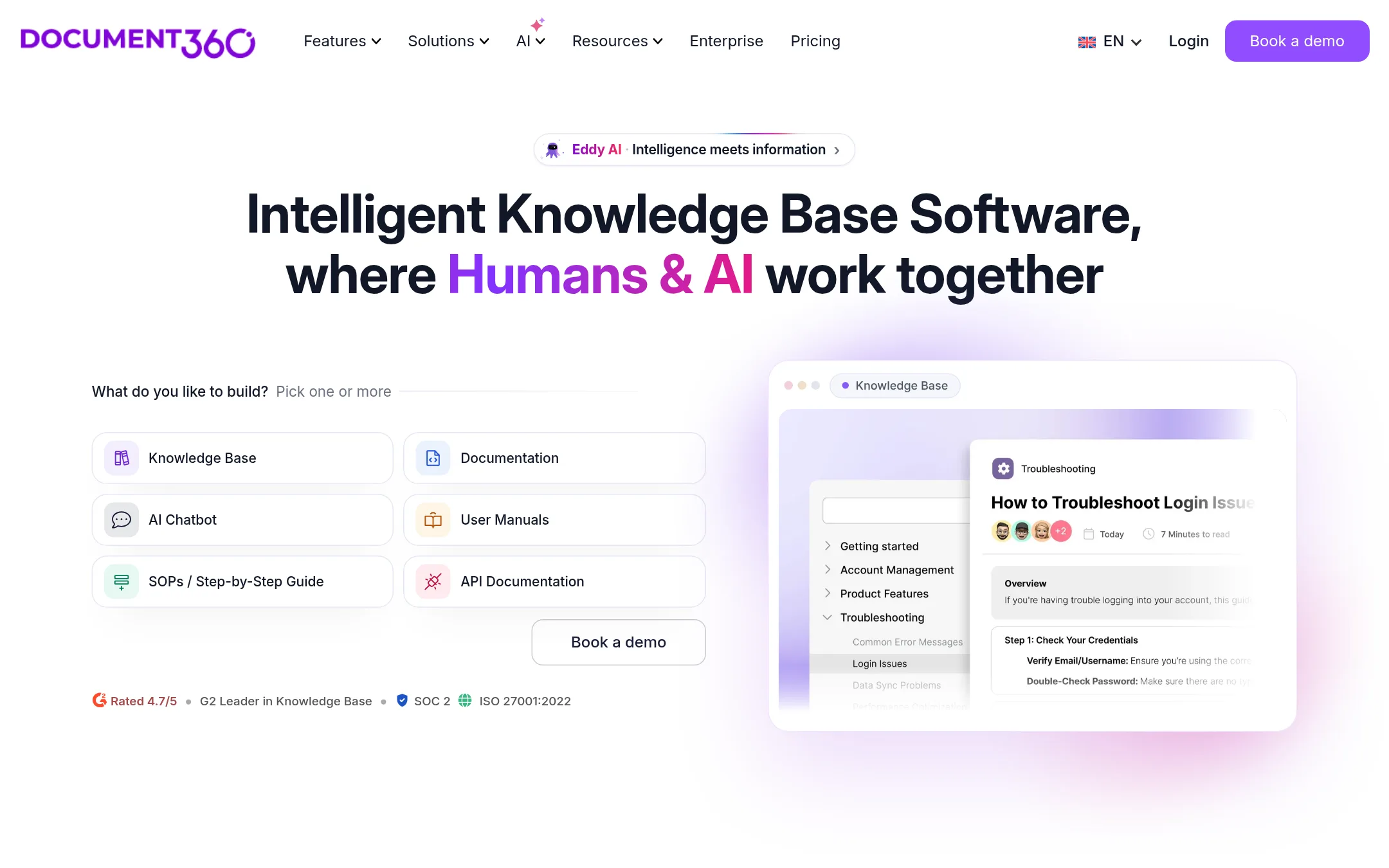
Document360 is a knowledge base platform for writing, publishing and maintaining help content, with AI search and a chatbot added on top. Teams pick it over kapa.ai when the main need is a full documentation system with editors, workflows and analytics rather than an AI layer that answers questions from existing content.
Where it is strong
- Built-in editor, workflows, collaborative editing and article analytics for writers and reviewers
- Public and internal knowledge bases on one platform, with SSO and SCIM
- Migration help and hands-on training from its team
Where it falls short
- Its answer engine is a feature of a documentation tool, not the focus of the product the way kapa.ai is
- Pricing requires a sales conversation, so budgeting ahead of a demo is harder
- Pricing:
- Pricing is not published on the site.
- Switching from kapa.ai:
- Moving from kapa.ai would mean migrating your content into Document360 first, and the site offers a content migration service with quality checks.
- HFrom $249/mo
4.Helpjuice
Best for: Support and operations teams that want to write and maintain a branded help center and internal knowledge base in one place
- Pricing
- From $249/mo
- Category
- Other
Helpjuice is a knowledge base platform where teams write and publish help articles, FAQs and internal documentation, with AI search and an AI chatbot that answer from that content. A team would pick it over kapa.ai when the main need is a publishing and documentation hub that employees and customers browse and search, rather than an AI agent that is built mainly on existing docs, tickets and sources.
Where it is strong
- Includes a searchable knowledge base with AI search, an AI chatbot and AI article writing in the same product
- Covers 40+ languages through AI article translation, plus localization options
- Offers a Chrome extension that keeps the knowledge base content in front of users, plus SSO on the paid tiers
Where it falls short
- Pricing is published only for the Knowledge Base tiers shown, and unlimited users appear only on the top plan
- The site does not list connectors to outside sources such as Zendesk, Salesforce or GitHub in the way kapa.ai does, so it is less suited to
- Pricing:
- Plans are listed at $249 per month for the Customized Knowledge Base tier, $449 per month for the AI-Powered tier and $799 per month for the Unlimited tier, with user and file storage limits that differ by plan.
- SNot published
5.Sana
Best for: Internal teams across a company that want one AI assistant for search, chat and meeting knowledge, rather than a customer support agent for technical products
- Pricing
- Not published
- Category
- Other
Sana is a general AI workplace assistant that lets teams chat with and search across their company knowledge, including meeting content. Someone would pick it over kapa.ai when the need is broad internal knowledge and meeting search for the whole company rather than customer-facing support on technical documentation.
Where it is strong
- Chat and search across all your company knowledge in one place
- Covers meeting content as well as documents
- Offers a free account to start
Where it falls short
- Built for internal work rather than support on technical products
- Public pricing details were not visible in the page text we reviewed
- Pricing:
- In the United States, the pricing page does not show plan prices in the text we could read, so specific figures are not confirmed here.
See more comparisons in Customer Support alternatives.
FAQ
Questions about kapa.ai alternatives
What is the best alternative to kapa.ai for a team already using Zendesk?
Zendesk Chat is the closest fit for a team already on Zendesk. It puts live chat, messaging, ticketing, telephony and AI agents in one platform. Pricing is per agent, starting at $19 per month on the Support Team plan when paid yearly.
Which alternative is best if we mainly need a documentation system?
Document360 is built for writing, publishing and maintaining a knowledge base, with editors, workflows and article analytics. Its AI search and chatbot sit on top of that content. Pricing is not published, so you will need to talk to sales before budgeting.
Can Intercom work without replacing our current helpdesk?
Yes. Intercom's Fin AI agent can run on an existing helpdesk such as Salesforce without a seat cost, according to its entry. Fin is priced at $0.99 per outcome with a minimum monthly commitment, and seat fees apply to the wider Intercom plans.
Is any alternative a good fit for internal company knowledge rather than customer support?
Sana is an AI workplace assistant for chat and search across company knowledge, including meeting content. It is built for internal work rather than support on technical products, so it is a different category from kapa.ai. Public pricing details were not visible on the page we reviewed.
What should we check first when comparing these tools?
Start with how each product charges, since per-seat, per-agent and per-outcome models produce very different bills. Then confirm which sources and channels each one connects to, and whether it supports the regions and security controls you need. Several entries here publish prices clearly, while others require a sales conversation.
Last updated November 11, 2026.