
Kernel alternatives
9 products compared · Updated November 24, 2026
The short answer
The three strongest Kernel alternatives are Browserbase, Browser Use, and Browserless. Browserbase suits product teams that want browser sessions alongside Search and Fetch APIs from one vendor. Browser Use suits engineering teams that want an MIT-licensed open-source core they can self-host or deploy on-prem. Browserless suits engineering teams that want one API they can move between hosted cloud and their own infrastructure.
Your shortlist, at a glance
Read the comparisons ↓- BBrowserbaseFrom $0 · $0.12/browseProduct teams building agents that run search, fetch and browser tasks together and want one vendor for all three
- BBrowserless$25/mo + $0.002/unitEngineering teams that want an agent browser layer they can move between hosted cloud and their own infrastructure.
- SSteel$0.10 per browser hourEngineering teams that want an open source browser backend they can self-host or run on Steel Cloud for agents and scraping jobs
- AAnchor BrowserNot publishedEnterprise teams that need agents to log into and act on websites with no API and want a managed browser fleet
Hyperbrowser$0.10 / browser hourTeams that want browsers, sandboxes and web data APIs under one billing model
 Browser Use$0.06/hr + $5/GBEngineering teams that want an open-source browser agent they can self-host or deploy on-prem, with EU hosting in Frankfurt
- AApifyNot publishedStartups that need ready-made scrapers for social, maps or e-commerce data without building browser infrastructure
- BBrowserflowFrom $0/mo, Business $Non-technical operators who need to scrape or automate repetitive tasks on websites without an API
- HHyperbeamNot publishedProduct teams building real-time collaboration or watch-together features that need shared web sessions embedded in their app
About Kernel and its alternatives
Kernel is browser infrastructure for AI agents and web automations. Its site says it offers managed auth, reusable sessions, fast spin-up, and autoscaling browsers, and it highlights per-action speed inside a running session and a sub-second boot from cold request to ready browser.
When comparing alternatives, look at how pricing is structured, since some vendors bill by browser hour, some by credit, and some by data transferred. Check which regions browsers run in, which integrations and APIs come with the plan, how support is delivered at each tier, and what the contract terms say about data retention, compliance certifications and minimum commitments.
Explore the alternatives
- BFrom $0 · $0.12/browse
1.Browserbase
Best for: Product teams building agents that run search, fetch and browser tasks together and want one vendor for all three
- Pricing
- From $0 · $0.12/browse
- Category
- Other
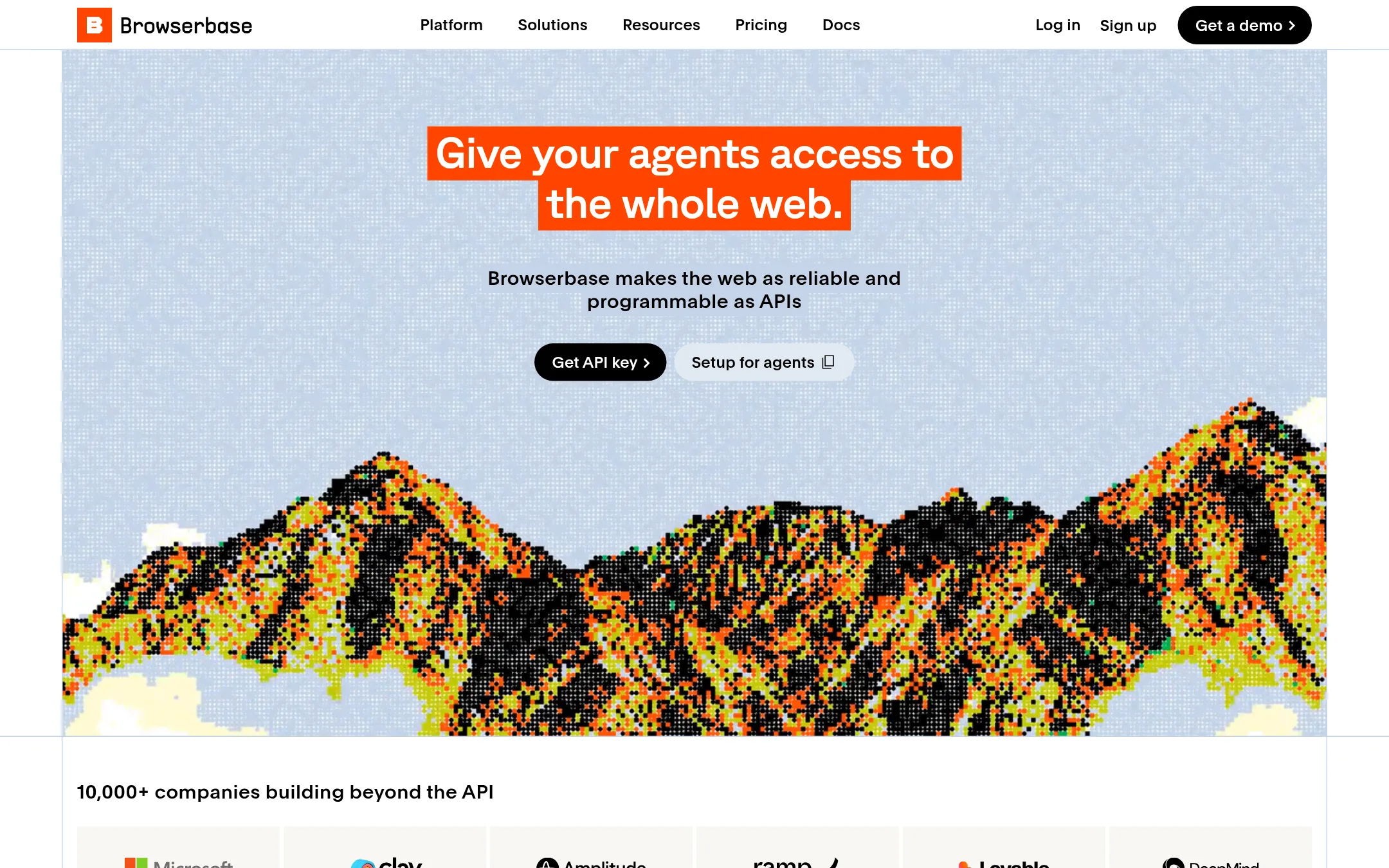
Browserbase gives agents a managed fleet of real browsers, plus Search and Fetch APIs for pulling web content without driving a browser. Teams pick it over Kernel when they want those extra APIs alongside browser sessions, or when they need a plan tier that spans from free trials up to enterprise contracts with HIPAA and SSO.
Where it is strong
- Search and Fetch APIs sit alongside browser sessions, so agents can pull web content without a browser
- Model Gateway lets teams route agent tokens through one billing setup
- Enterprise tier offers HIPAA with a BAA, DPA and SSO
Where it falls short
- Browser sizes beyond Regular cost extra per hour, which raises spend for heavier workloads
- Kernel publishes a single usage rate that is easier to forecast, while Browserbase layers proxies, captcha solving and Search calls on separ
- Pricing:
- Plans run from a free tier with 3 concurrent browsers and 1 browser hour, to Developer at $20 per month with 25 concurrent browsers and 100 browser hours at $0.12 per hour, to Startup with 100 concurrent browsers and 500 hours at $0.10 per hour, and custom ent
- B$25/mo + $0.002/unit
2.Browserless
Best for: Engineering teams that want an agent browser layer they can move between hosted cloud and their own infrastructure.
- Pricing
- $25/mo + $0.002/unit
- Category
- Other
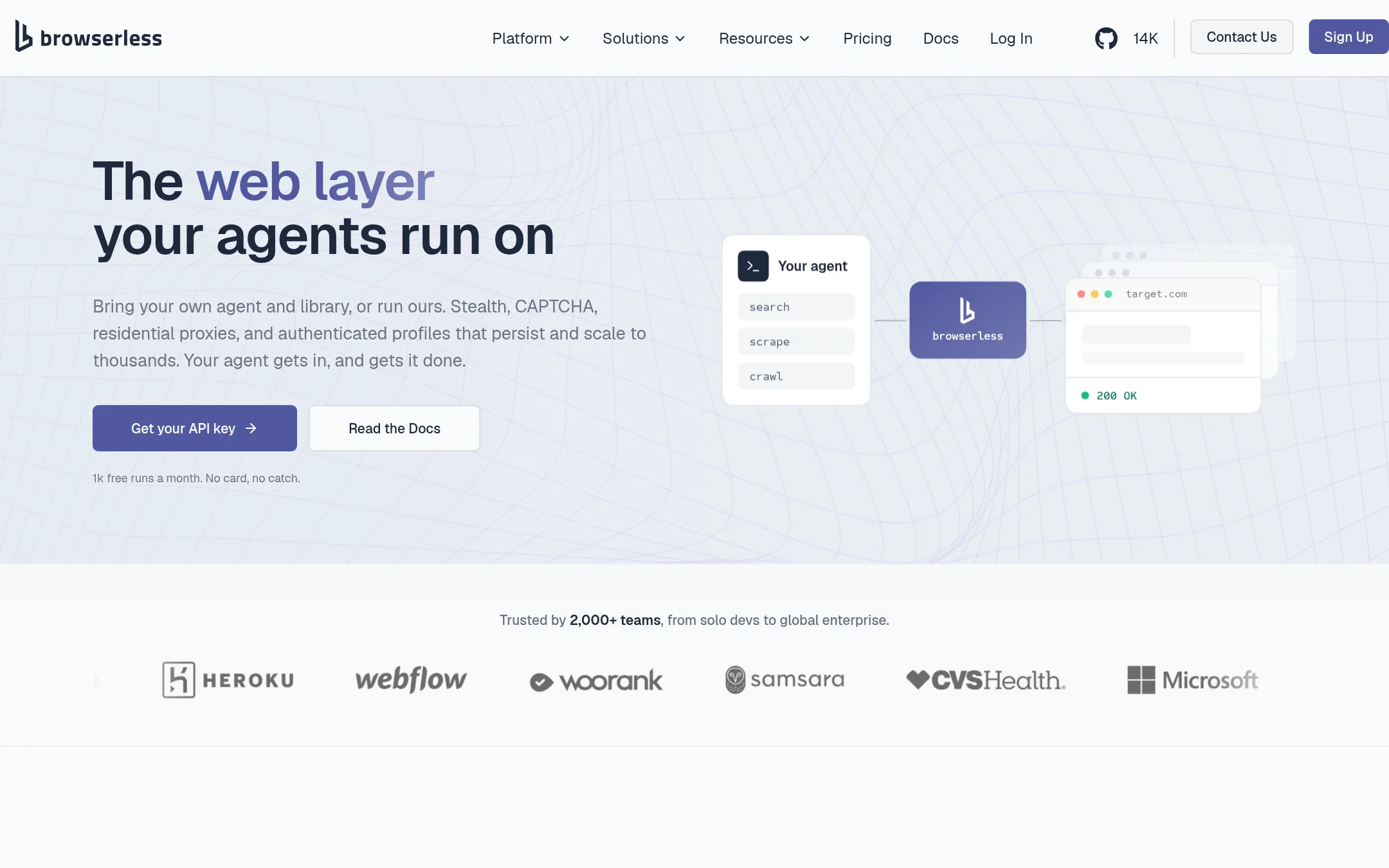
Browserless runs cloud browsers that AI agents and scripts connect to over Puppeteer, Playwright, or MCP, with stealth, CAPTCHA solving, residential proxies, and authenticated profiles built in. Teams pick it over Kernel when they want to self-host the same API on their own hardware or keep a mix of cloud and private deployments, since the site offers cloud, managed cloud, or self-hosted options behind one API.
Where it is strong
- Connects over Puppeteer, Playwright, and MCP, so existing scripts need only a one-line change.
- Authenticated Profiles keep logins across runs without storing credentials in code.
- Self-hosting is offered with the same API as the cloud version.
Where it falls short
- Kernel's site lists a much faster spin-up and per-action speed claim, which Browserless does not make.
- Free plan sessions are capped at 2 minutes and 2 concurrent browsers.
- Pricing:
- Pricing is published in units, with a free plan at 1,000 units per month and paid plans from $25 to $350 per month plus overage rates, while Enterprise pricing is custom.
- Switching from Kernel:
- Moving from Kernel means swapping the connection call in your automation code, since Browserless uses the same launch-to-connect pattern.
- S$0.10 per browser hour
3.Steel
Best for: Engineering teams that want an open source browser backend they can self-host or run on Steel Cloud for agents and scraping jobs
- Pricing
- $0.10 per browser hour
- Category
- Other
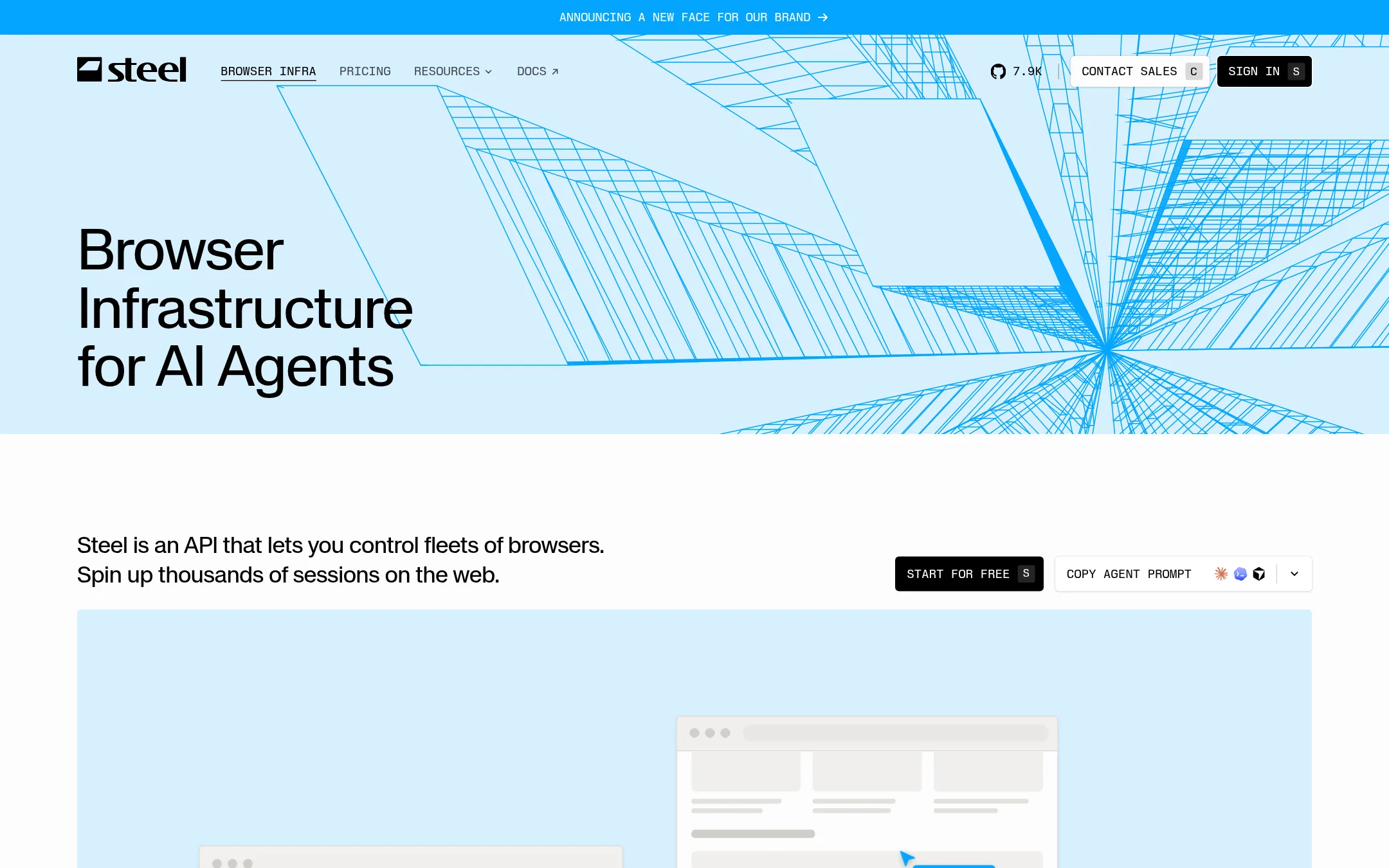
Steel is an open source browser API for AI agents and scraping jobs, with cloud sessions that start in under a second, stealth and residential proxies, CAPTCHA solving, and a live viewer for taking over a stuck run. Teams pick it over Kernel when they want to self-host the server with Steel Browser on GitHub, or when they want a human to step in on 2FA or payments mid-run.
Where it is strong
- Steel Browser is open source on GitHub and can be self-hosted
- Live 1080p viewer and human takeover for 2FA or payments
- Sessions can resume with the same cookies, tabs and state
Where it falls short
- Launch caps sessions at 15 minutes and Scale at one hour, while Kernel's plans do not list a session cap
- Residential proxy pricing starts at $10/GB, and Kernel's pricing does not list a per-GB proxy rate
- Pricing:
- Launch is $0 per month plus usage with $30 of one-time credits, Scale is $250 per month plus usage with $100 of monthly credits, and Enterprise is custom, with browser hours at $0.10 on Launch and $0.08 on Scale.
- ANot published
4.Anchor Browser
Best for: Enterprise teams that need agents to log into and act on websites with no API and want a managed browser fleet
- Pricing
- Not published
- Category
- Other
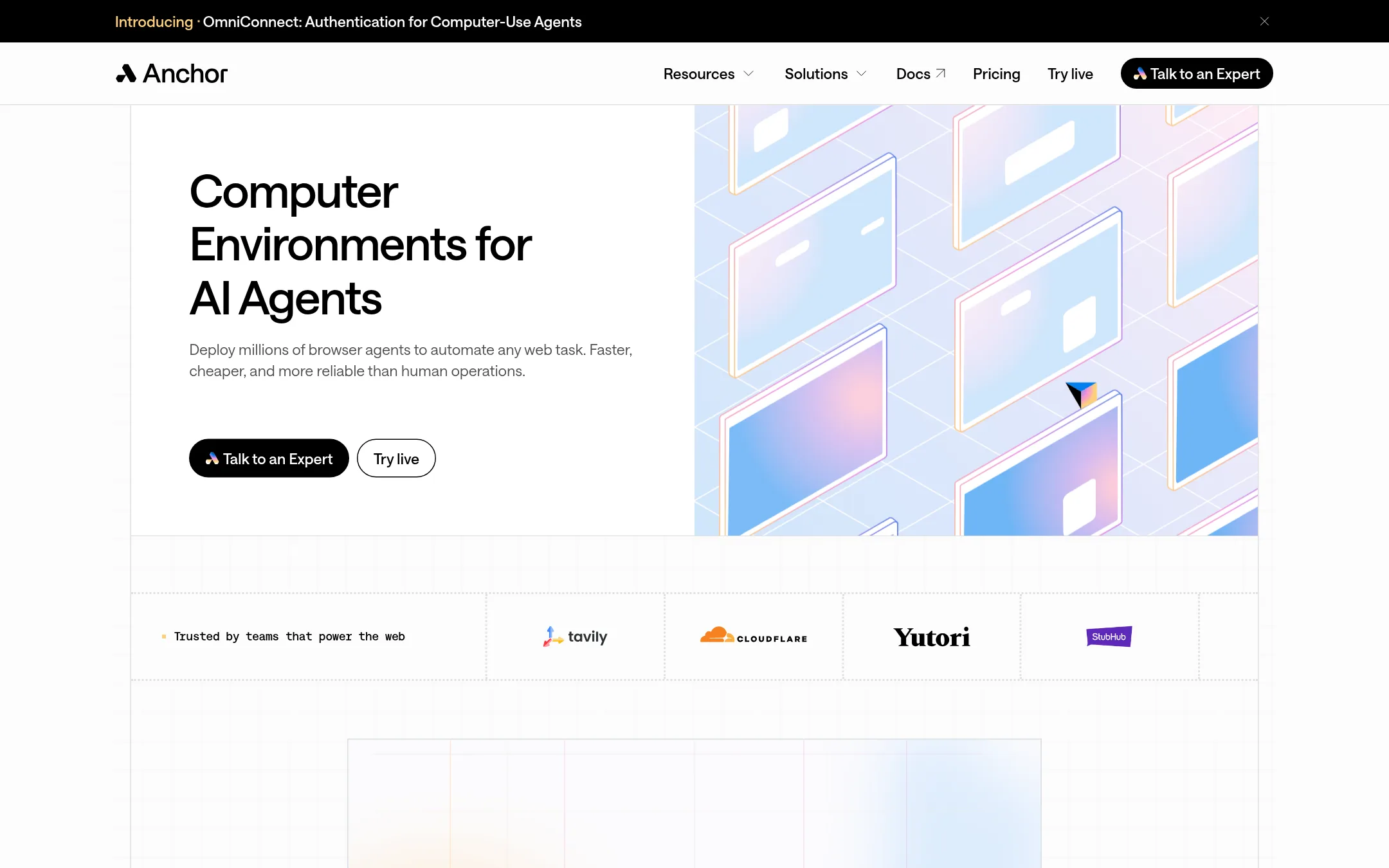
Anchor Browser runs managed Chromium instances in the cloud so AI agents can act on websites that have no API. It handles authenticated sessions, bot protection and scaling for browser workloads. Teams pick it over Kernel when they want built-in enterprise VPN networking, a deterministic task-planning approach, or deployment into their own cloud.
Where it is strong
- Managed authentication for agents, including onboarding and management of human login methods
- Built-in enterprise VPN instead of relying on third-party proxies
- Bring-your-own-cloud and on-premise deployment options on enterprise plans
Where it falls short
- Pricing details are not published, so costs have to be checked through sales
- Speed and cost claims come from the vendor's own comparisons rather than independent benchmarks
- Pricing:
- Pricing is not published on the site.
- $0.10 / browser hour
5.Hyperbrowser
Best for: Teams that want browsers, sandboxes and web data APIs under one billing model
- Pricing
- $0.10 / browser hour
- Category
- Developer Tools
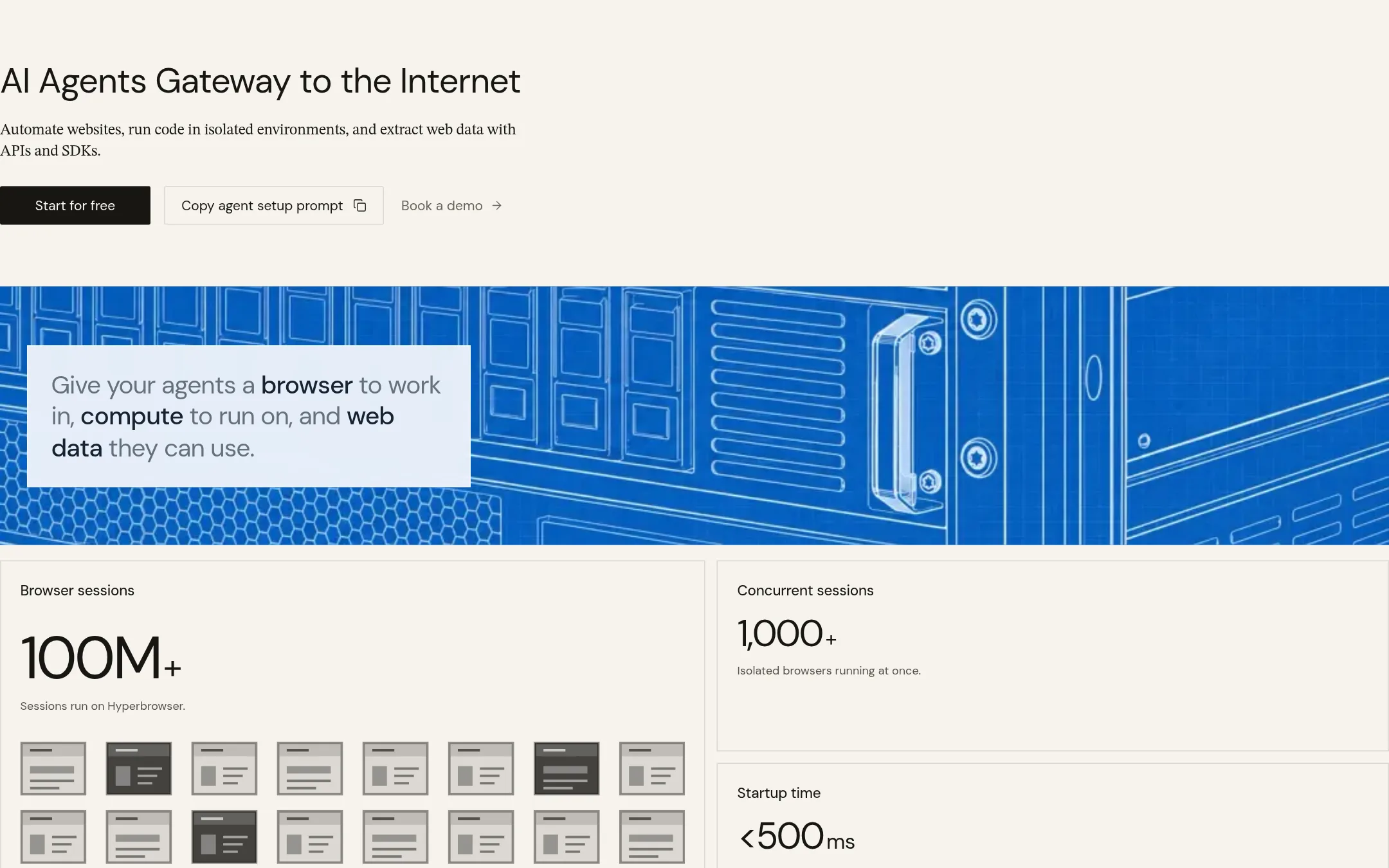
Hyperbrowser offers cloud Chrome sessions that you drive with Playwright or Puppeteer, plus isolated sandboxes and a web data API for fetching, crawling and searching. A team would pick it over Kernel if it needs browsers, code execution and web data from one vendor, or wants to run agents like HyperAgent or Browser Use in a managed browser.
Where it is strong
- Browsers, sandboxes and web APIs share one credit balance
- Saved browser profiles and sandbox snapshots keep logins and environments between runs
- Session recordings and live views help debug failed runs
Where it falls short
- Kernel's stated per-action speed claims are not matched by any figure published here
- Enterprise pricing and capacity are only available through sales
- Pricing:
- Pricing is published in credits, with 1,000 credits equal to $1 in usage, a free tier of 5,000 credits, Startup at $30 of included usage per month, Scale at $100, and browser sessions at $0.10 per hour.
- Switching from Kernel:
- Moving from Kernel means rewriting session and auth handling around Hyperbrowser's saved profiles and credential fill, since the two platforms use different session models.
- $0.06/hr + $5/GB
6.Browser Use
Best for: Engineering teams that want an open-source browser agent they can self-host or deploy on-prem, with EU hosting in Frankfurt
- Pricing
- $0.06/hr + $5/GB
- Category
- Developer Tools
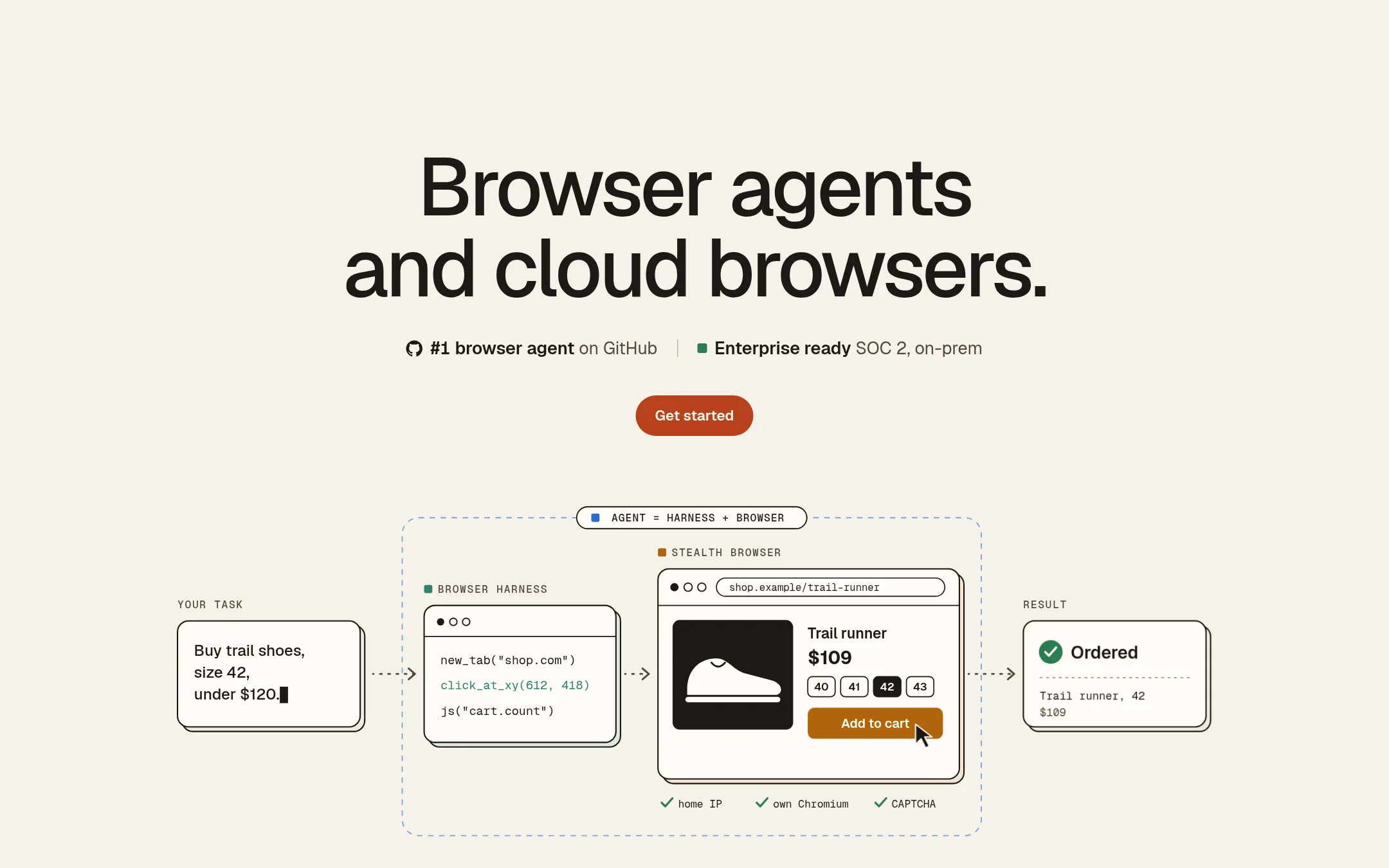
Browser Use is an open-source browser agent project, the most-starred one on GitHub, that also sells hosted cloud browsers and a Browser Harness for coding agents like Claude Code and Codex. Someone would pick it over Kernel if they want an MIT-licensed core they can run themselves, or on-prem deployment on their own network.
Where it is strong
- The open-source core is MIT licensed and can be self-hosted
- Published benchmarks compare visit success and task completion against other providers
- SOC 2 Type II, with HIPAA and zero data retention available on enterprise plans
Where it falls short
- Pricing for proxies and model tokens adds up quickly on traffic-heavy tasks
- Concurrency beyond 1,000 browsers requires talking to sales
- Pricing:
- Cloud browsers are $0.06 per hour, billed by the minute with a 1-minute minimum, home-IP proxy traffic is $5 per GB, and credits start at $5 with no subscription or concurrency fees.
- Switching from Kernel:
- Kernel's browser API is not the same as Browser Use's, so moving over means rewriting calls to the new SDK and re-testing auth and session flows.
- ANot published
7.Apify
Best for: Startups that need ready-made scrapers for social, maps or e-commerce data without building browser infrastructure
- Pricing
- Not published
- Category
- Other
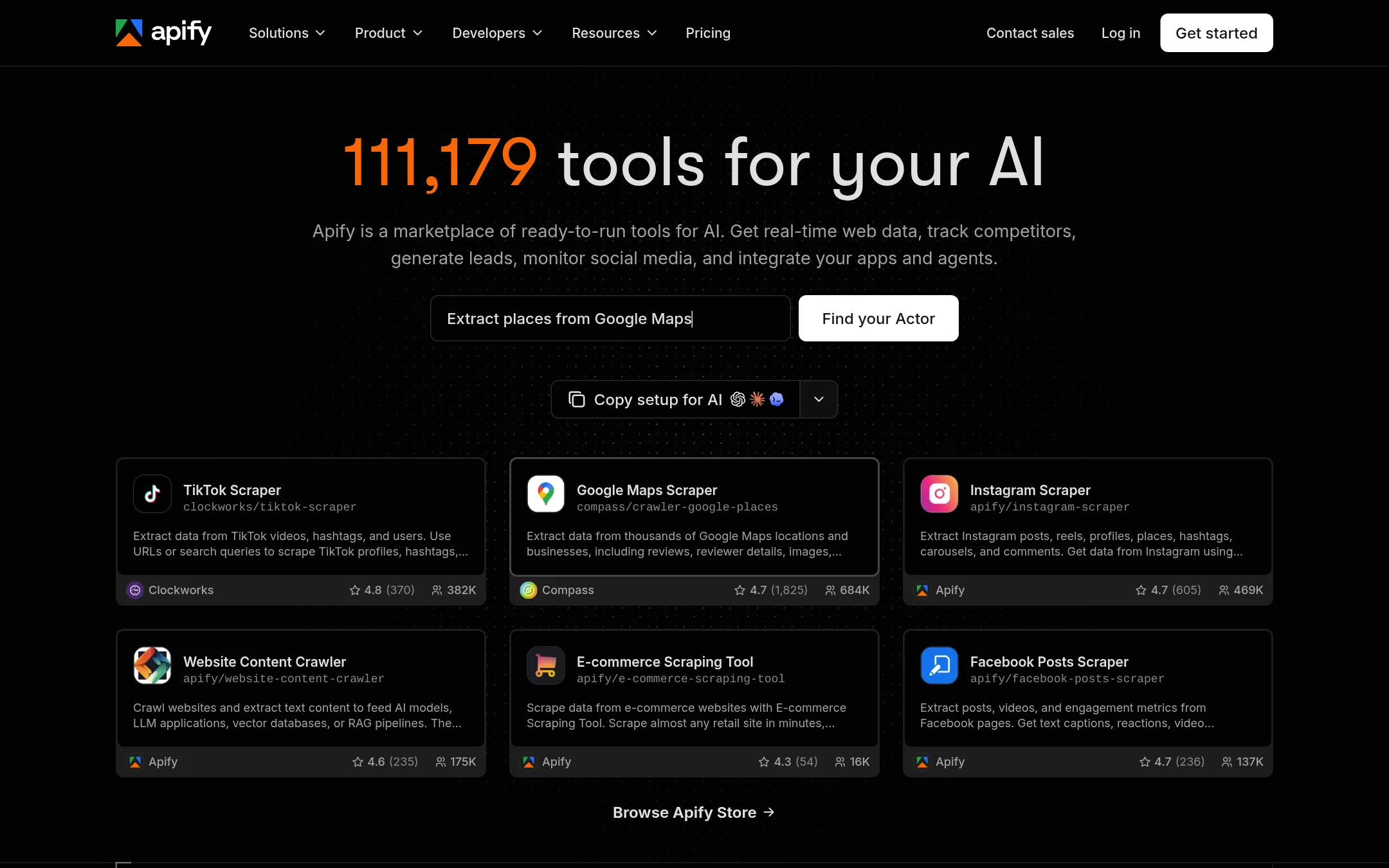
Apify is a marketplace of ready-made scrapers and automation tools called Actors, plus a platform to build and run your own. Teams pick it over Kernel when they need web data or a ready-to-run scraper for a specific site, such as Google Maps, Instagram or TikTok, rather than a browser to drive themselves. It also suits teams that want to publish and sell their own tools to others.
Where it is strong
- Over 131,000 ready-to-run tools in the marketplace
- Covers web data for sites like Google Maps, Instagram and TikTok out of the box
- Lets you publish your own Actor and earn from it
Where it falls short
- Built around scraping jobs, so it is less suited to browser sessions and authentication flows than Kernel
- Compute and proxy costs add up quickly at high volume
- Pricing:
- Pricing is not published on the site.
- Switching from Kernel:
- Moving from Kernel means rebuilding your browser automations as Actors on Apify's platform, which is a rewrite rather than a configuration change.
- BFrom $0/mo, Business $
8.Browserflow
Best for: Non-technical operators who need to scrape or automate repetitive tasks on websites without an API
- Pricing
- From $0/mo, Business $
- Category
- Other
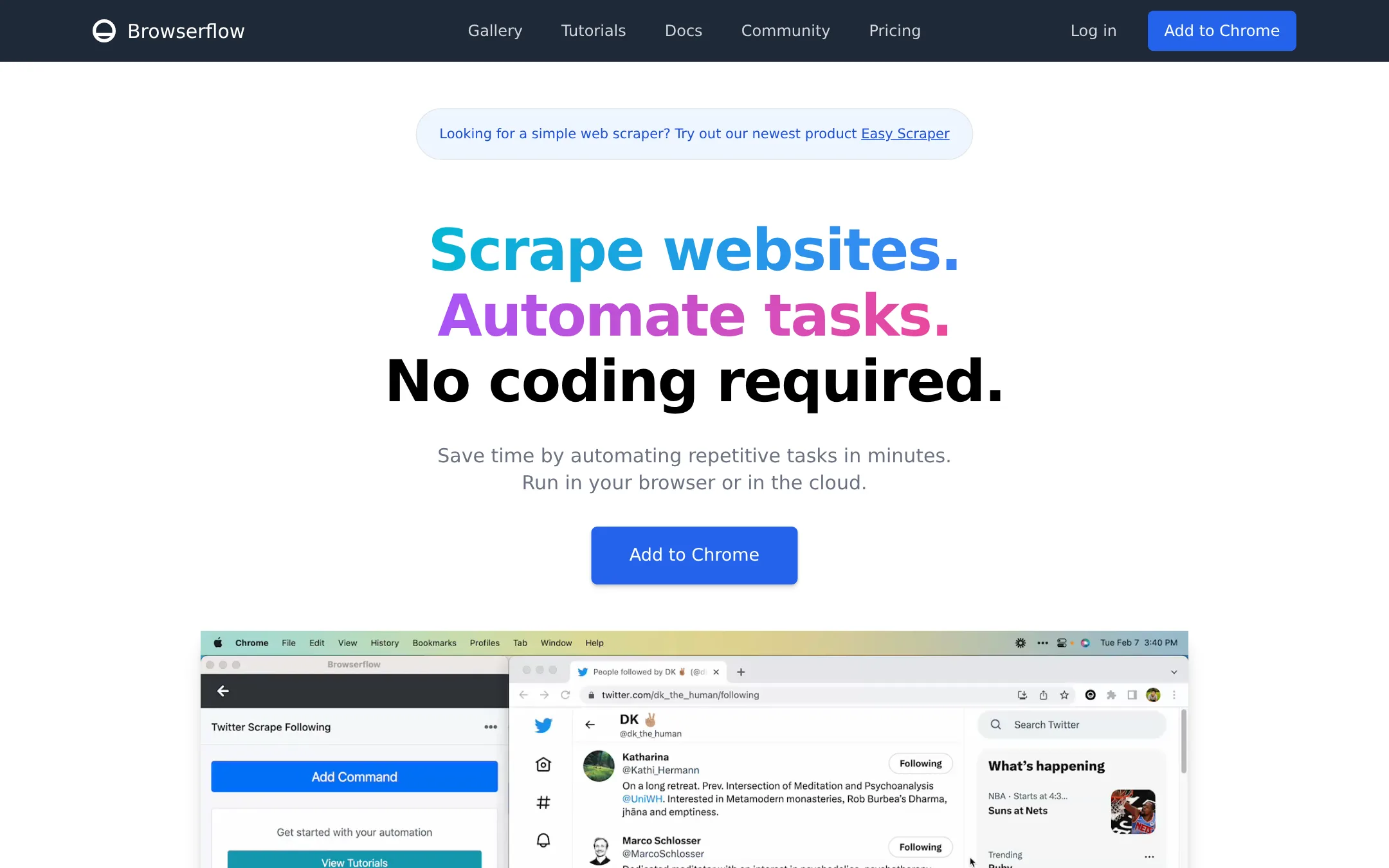
Browserflow is a no-code tool for scraping sites and automating repetitive browser tasks, with a visual editor and recording. It runs flows on your own desktop or in the cloud on a schedule, which suits teams that want Zapier-style automation for sites without an API. Pick it over Kernel when you need browser automation without building agents or managing browser infrastructure yourself.
Where it is strong
- Visual, no-code editor with simple recording of actions
- Cloud flows run on a schedule even when your computer is off
- Google Sheets integration for reading and writing data
Where it falls short
- Cloud runs are capped in frequency, with the free plan limited to once a day
- It is a flow-based automation tool, not browser infrastructure for building AI agents
- Pricing:
- Pricing is listed in USD per month: Free at $0, Starter at $19 per month billed yearly, Professional at $49 per month, and Business at $199 per month.
- HNot published
9.Hyperbeam
Best for: Product teams building real-time collaboration or watch-together features that need shared web sessions embedded in their app
- Pricing
- Not published
- Category
- Developer Tools
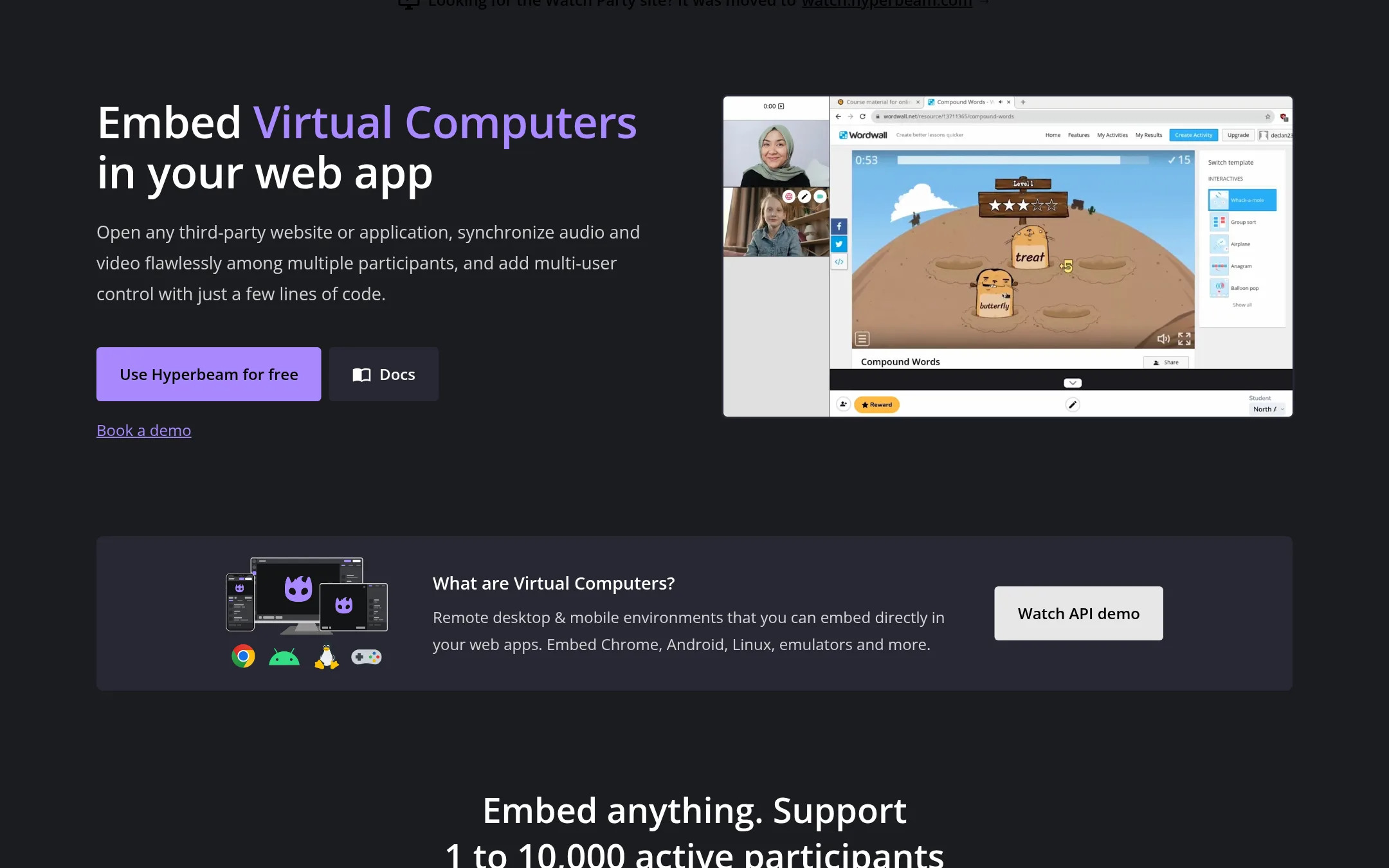
Hyperbeam is an API for embedding shared virtual computers inside your own web app. It lets users open third-party sites, Chrome, Android or Linux desktops in a frame, with audio and video synced across participants and multi-user control. Pick it over Kernel when your product needs a shared, embedded browser session for end users rather than headless browsers that agents drive.
Where it is strong
- Embeds almost any third-party website without per-site integration work
- Synchronizes audio, video and control among multiple participants
- Offers programmatic control and a REST API with an NPM client package
Where it falls short
- Built for human participants in shared sessions, not for autonomous agent automation at scale
- Kernel's agent-focused features such as managed auth and session replays are not listed for Hyperbeam
- Pricing:
- Pricing is not published on the site.
See more comparisons in AI & Machine Learning alternatives.
FAQ
Questions about Kernel alternatives
Which Kernel alternative is best if I want an open-source option?
Browser Use has an MIT-licensed open-source core that you can self-host, and it also offers on-prem deployment on your own network. Steel also publishes its browser as open source on GitHub and can be self-hosted. Browserless can be self-hosted with the same API as its cloud version.
Which alternative is best if I need search and fetch APIs as well as browsers?
Browserbase offers Search and Fetch APIs alongside its managed browser sessions, so agents can pull web content without driving a browser. Hyperbrowser also bundles browsers, isolated sandboxes and a web data API under one credit balance. Apify fits teams that mainly need ready-made scrapers for specific sites.
Are there alternatives for non-technical teams?
Browserflow is a no-code tool with a visual editor and recording, and it can run flows on a schedule in the cloud. Its free plan is limited to one cloud run per day. It is designed for automation of repetitive browser tasks rather than for building AI agents.
Which alternative is designed for embedding shared browsers in my own product?
Hyperbeam is built for embedding shared virtual computers inside your own web app, so end users can browse third-party sites together with synced audio, video and control. It is aimed at human participants in shared sessions rather than autonomous agent automation at scale.
What should I check on pricing before choosing?
Compare the unit each vendor bills in, since Kernel charges per GB-second with no charge for idle time, while others bill by browser hour, credit or GB of proxy traffic. Several alternatives charge extra for proxies, captcha solving or larger browser sizes, and some do not publish enterprise pricing at all, so ask for a quote if you expect heavy usage.
Last updated November 24, 2026.