Kino AI alternatives
9 products compared · Updated November 3, 2026
The short answer
The strongest Kino AI alternatives are Descript for podcasters and small content teams that want to edit by text, Frame.io for creative teams needing structured review and approval, and LucidLink for teams that need instant cloud access to large files without local copies. Each serves a different primary workflow, so choose based on whether your focus is editing, review, or file access.
Your shortlist, at a glance
Read the comparisons ↓- FFrame.ioFrom $15/moCreative teams and agencies that need a secure, centralized review and approval workflow with precise feedback and custom branding.
 DescriptFrom $16/moPodcasters and small content teams that want to edit video and audio by editing text, with built-in recording and publishing tools.
 Adobe AnimateNot publishedAnimators and motion designers who need a dedicated 2D animation tool with manual frame control.
- DDaVinci ResolveNot publishedProfessional editors and post-production houses that need a complete, non-AI editing and color grading tool with camera and broadcast hardware support.
 TypeLessNot publishedIndividuals on iOS who want AI-generated message suggestions for faster personal chatting.
- LLucidLinkFrom $27/member/moTeams in media, architecture, and marketing that need instant, secure access to large files from anywhere without local copies.
- DDropbox SignFrom $9.99/moTeams that need secure file storage and legally binding e-signatures for documents, not video editing.
- SShadeSee websiteOther
- HHyperFramesNot publishedTeams that have prior experience with HyperFrames and need its specific video workflow, not for teams evaluating new tools today.
About Kino AI and its alternatives
Kino AI is an AI video editor that stores, searches, and edits footage in one place. It is known for agent-driven editing, camera-original playback, and browser-based review links.
When comparing alternatives, weigh pricing structure, region availability, integrations, support, and contract terms. Check whether the tool supports your camera formats, whether it offers a free tier, and how it handles storage and collaboration.
Explore the alternatives
- FFrom $15/mo
1.Frame.io
Best for: Creative teams and agencies that need a secure, centralized review and approval workflow with precise feedback and custom branding.
- Pricing
- From $15/mo
- Category
- Other
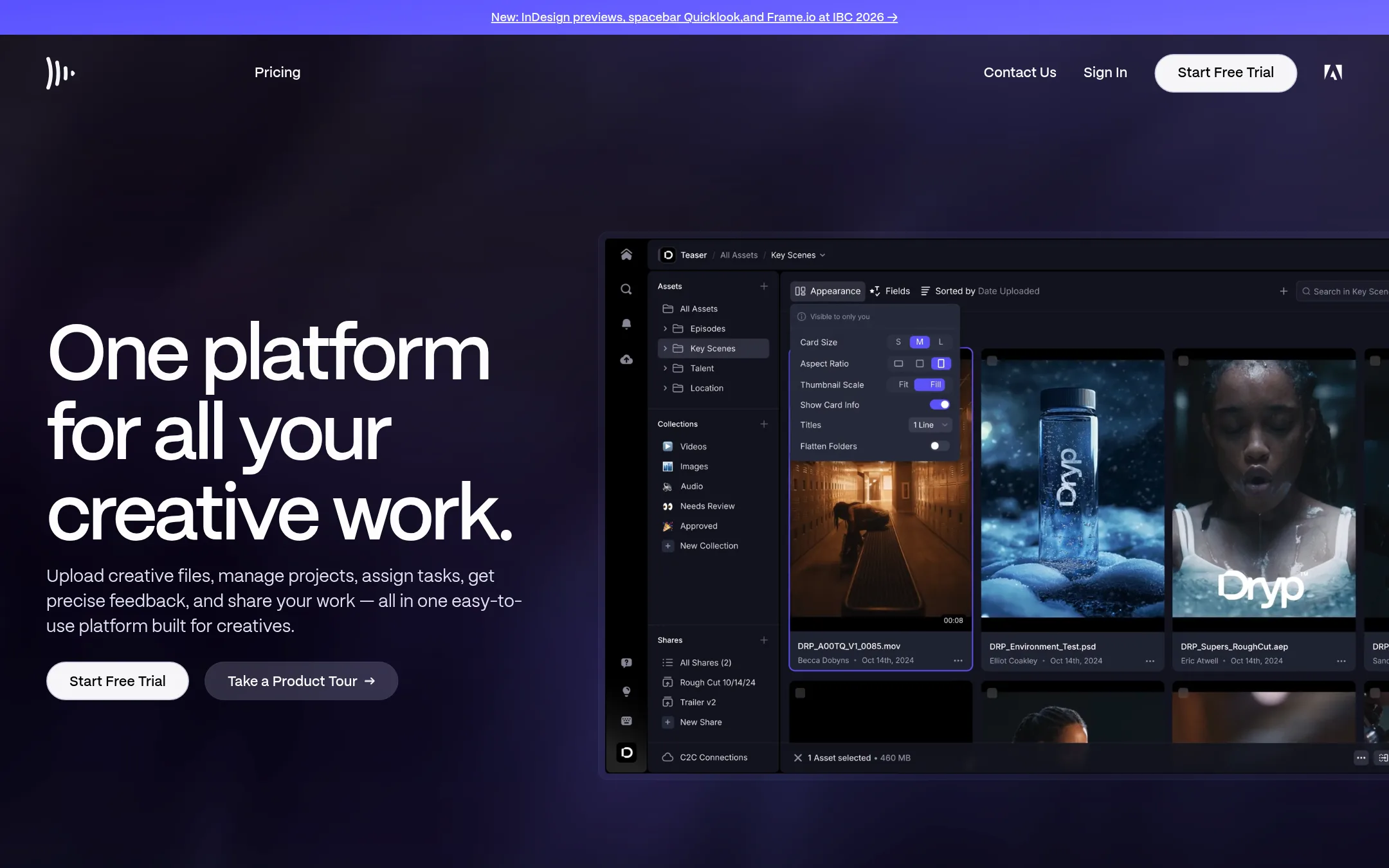
Frame.io is a review and approval platform for creative teams. It centralizes files, feedback, and people, with precise commenting and secure sharing. Choose it over Kino AI when your main need is structured client reviews and approvals, not AI-assisted editing or footage organization.
Where it is strong
- Frame-accurate comments and range-based feedback for precise reviews.
- Custom-branded shares and passphrase-protected links for client presentations.
- Transcription and captions with automatic speaker identification.
Where it falls short
- No AI editing or agent-based workflows like Kino AI.
- Free plan is limited to 2 projects and 2GB storage.
- Pricing:
- Free plan with 2 members, 2GB storage, and 2 projects. Paid plans start at $15/mo for Pro (2 members, 2TB storage, unlimited projects) and $25/mo for Team (5 members, 3TB storage). Enterprise is custom.
- Switching from Kino AI:
- Moving from Kino AI means shifting from an AI-driven editing and footage management tool to a review-focused platform, so you would need to handle editing separately.
- From $16/mo
2.Descript
Best for: Podcasters and small content teams that want to edit video and audio by editing text, with built-in recording and publishing tools.
- Pricing
- From $16/mo
- Category
- Media & Entertainment
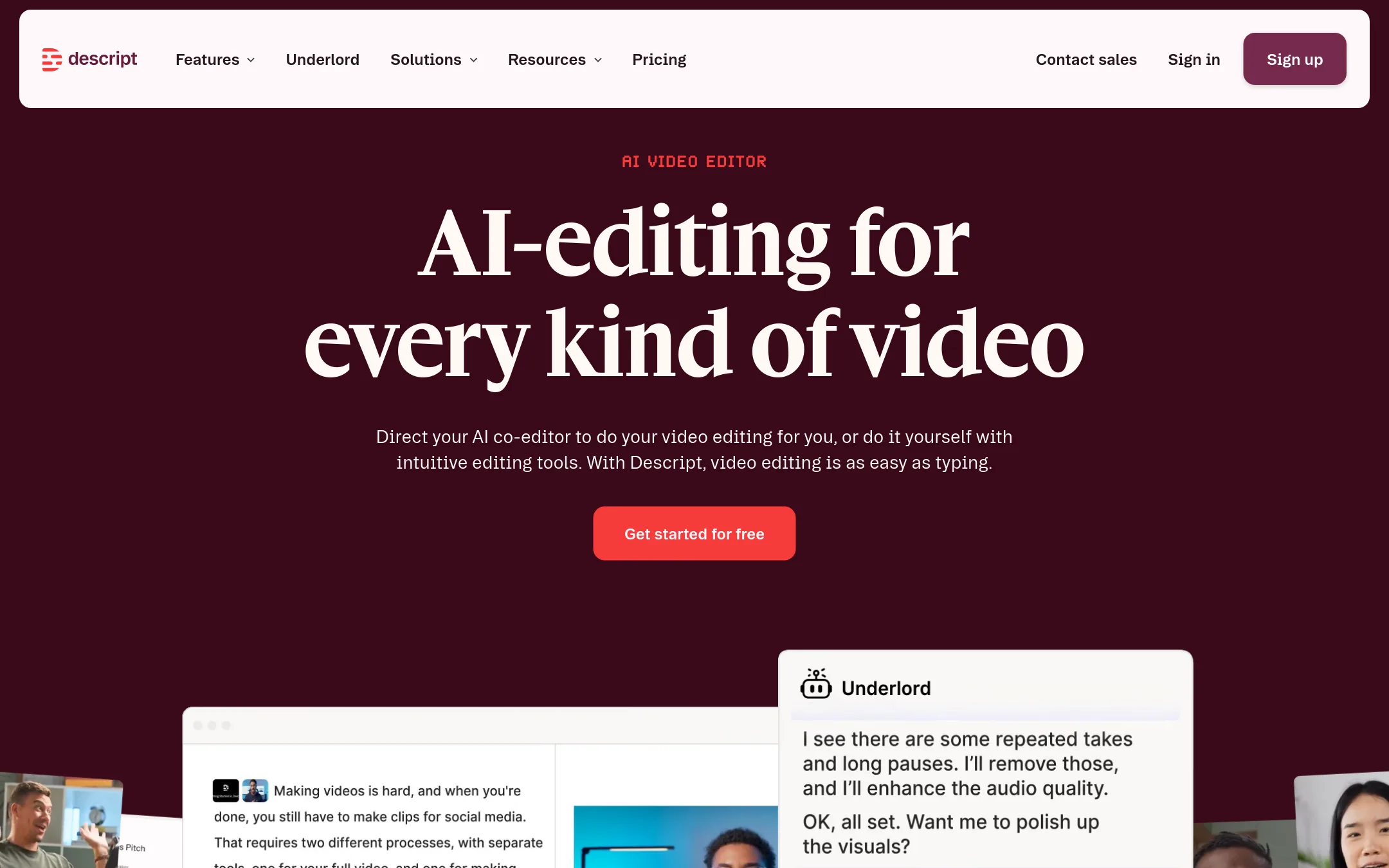
Descript is a text-based video and audio editor that transcribes your footage and lets you edit by editing the transcript. It also includes AI tools like Underlord, Studio Sound, and clip creation. Choose Descript over Kino AI if you want a simpler, more accessible editing workflow that focuses on podcasts and short-form content, rather than Kino's agent-driven, camera-original editing.
Where it is strong
- Edit video by editing the transcript, which is fast and intuitive.
- Includes AI tools like Studio Sound, filler word removal, and clip creation.
- Free plan available with no credit card required.
Where it falls short
- Media hours and AI credits are limited on lower plans, which may restrict heavy use.
- Does not support camera-original formats like RED or Blackmagic RAW natively. You may need to transcode.
- Pricing:
- Hobbyist is $16 per person per month (billed annually) or $24 monthly, with 10 media hours and 400 AI credits. Creator is $35 per month for 3 people, Business is $50 per person per month (billed annually) or $65 monthly, and Enterprise is custom.
- Switching from Kino AI:
- Moving from Kino AI to Descript means adapting to a text-based editing workflow and uploading your footage to Descript's cloud, which may require transcoding for high-end camera formats.
- Not published
3.Adobe Animate
Best for: Animators and motion designers who need a dedicated 2D animation tool with manual frame control.
- Pricing
- Not published
- Category
- Design & Creative
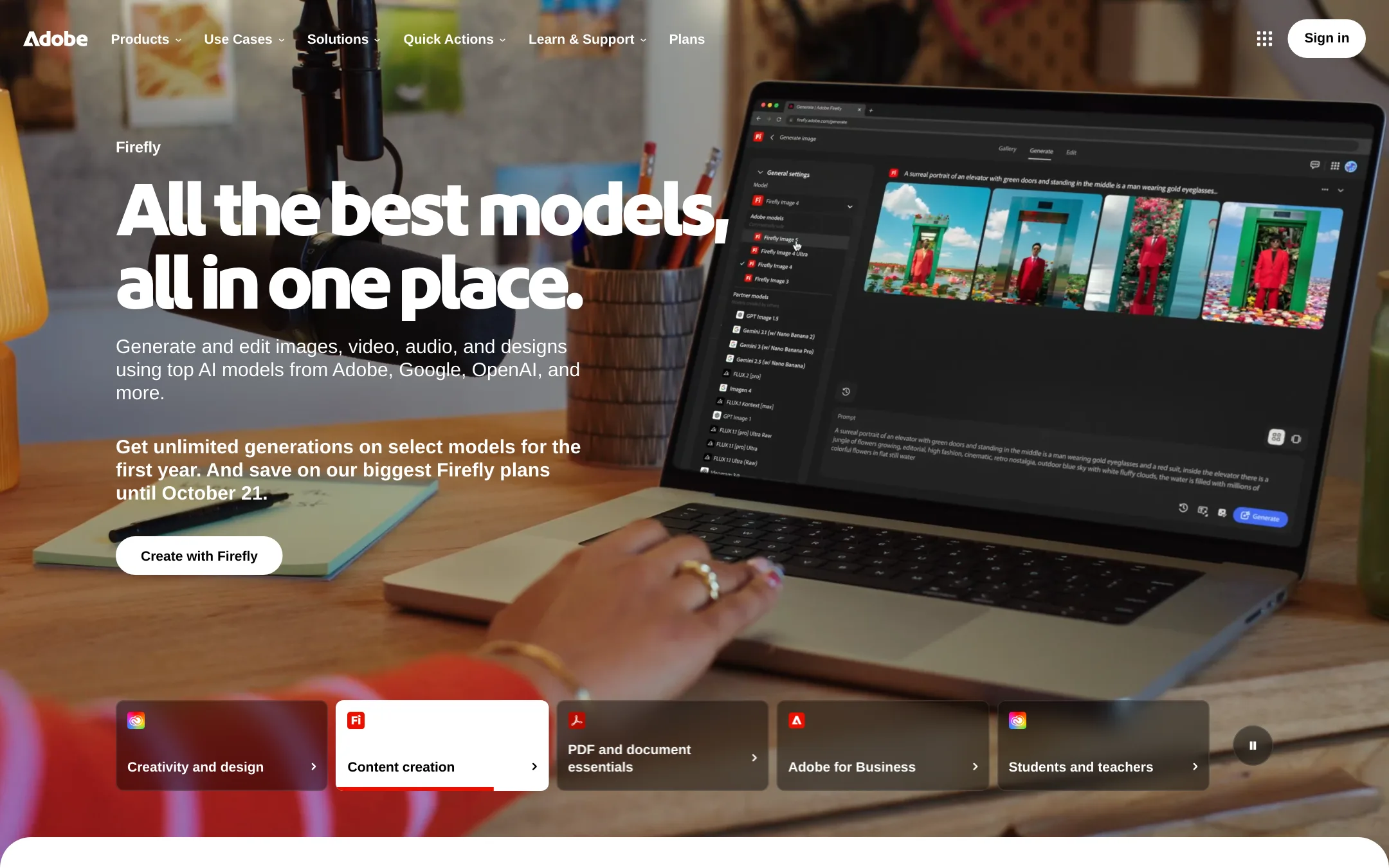
Adobe Animate is a traditional 2D animation tool for frame-by-frame and vector animation, not an AI video editor. Choose it if you need precise manual animation control and are comfortable with a classic creative suite workflow, rather than Kino's AI-driven footage organization and editing.
Where it is strong
- Industry-standard for 2D animation and vector art.
- Deep manual control over every frame and element.
- Integrates with other Adobe Creative Cloud apps.
Where it falls short
- No AI-based footage organization or search.
- Requires manual editing. No agent or automation.
- Pricing:
- Pricing is not published on the site.
- DNot published
4.DaVinci Resolve
Best for: Professional editors and post-production houses that need a complete, non-AI editing and color grading tool with camera and broadcast hardware support.
- Pricing
- Not published
- Category
- Other
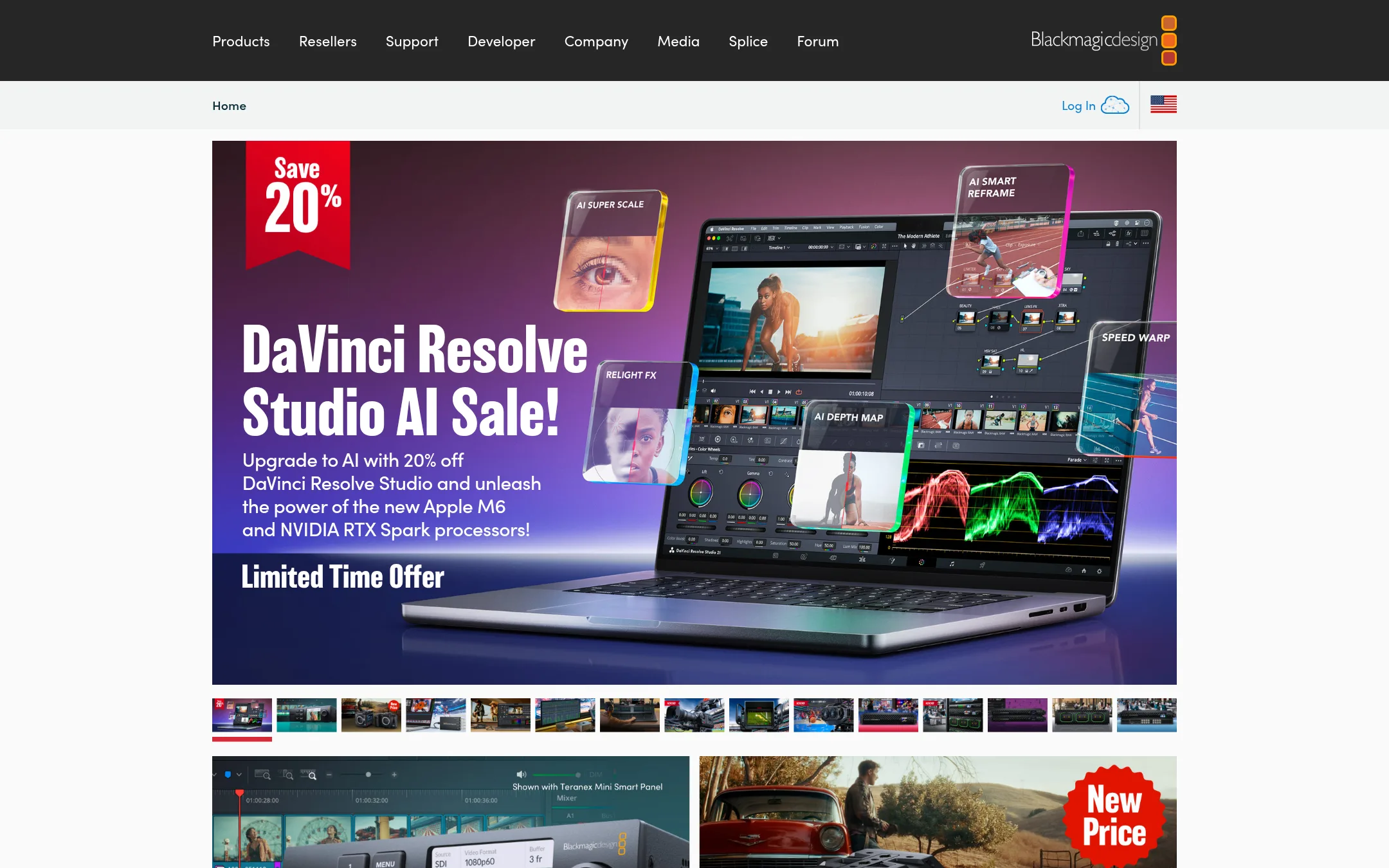
DaVinci Resolve is a professional video editor and color grading suite used across film and broadcast. Choose it instead of Kino AI when you need a full-featured NLE with advanced color tools and hardware integration, and you don't need AI-driven footage organization or agent collaboration.
Where it is strong
- Professional color grading and editing tools
- Supports high-end camera formats and broadcast workflows
- Free version available with many features
Where it falls short
- No AI footage search or transcription
- No built-in agent collaboration or review link sharing
- Pricing:
- Pricing is not published on the site.
- Not published
5.TypeLess
Best for: Individuals on iOS who want AI-generated message suggestions for faster personal chatting.
- Pricing
- Not published
- Category
- Communication & Collaboration
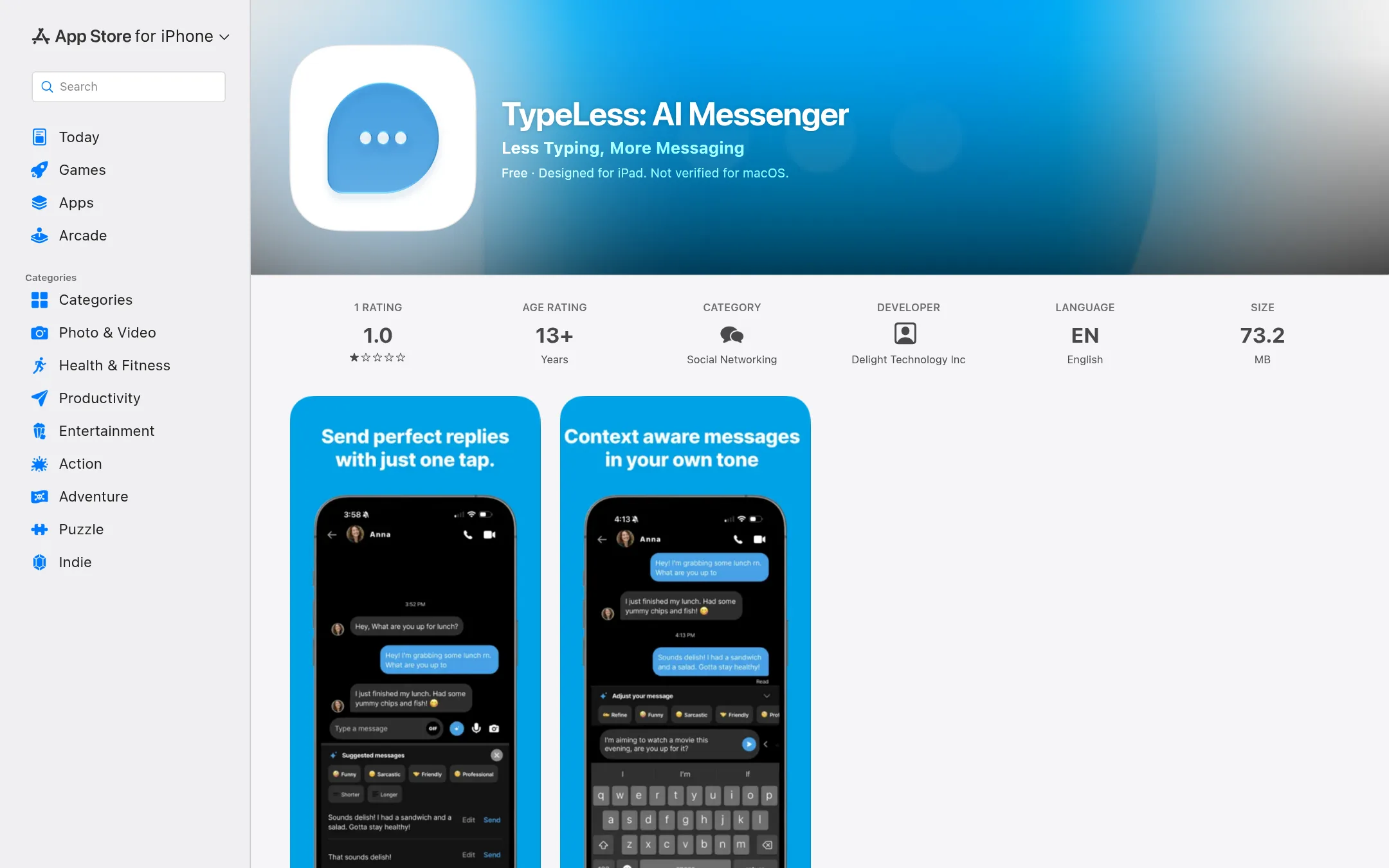
TypeLess is an AI messaging app that suggests replies based on your chat history, location, calendar, and tweets. It is for people who want to spend less time typing in personal conversations, not for video editing or team collaboration. Choose it if you need quick message suggestions on iOS, not if you need footage organization or review tools.
Where it is strong
- Suggests replies based on your context, like chat history and calendar.
- Learns your preferences and style over time.
- Available on iPhone, iPad, Mac, and Apple Vision.
Where it falls short
- Invite-only, so you cannot sign up directly.
- No video editing or footage management features like Kino AI.
- Pricing:
- Pricing is not published on the site.
- LFrom $27/member/mo
6.LucidLink
Best for: Teams in media, architecture, and marketing that need instant, secure access to large files from anywhere without local copies.
- Pricing
- From $27/member/mo
- Category
- Other
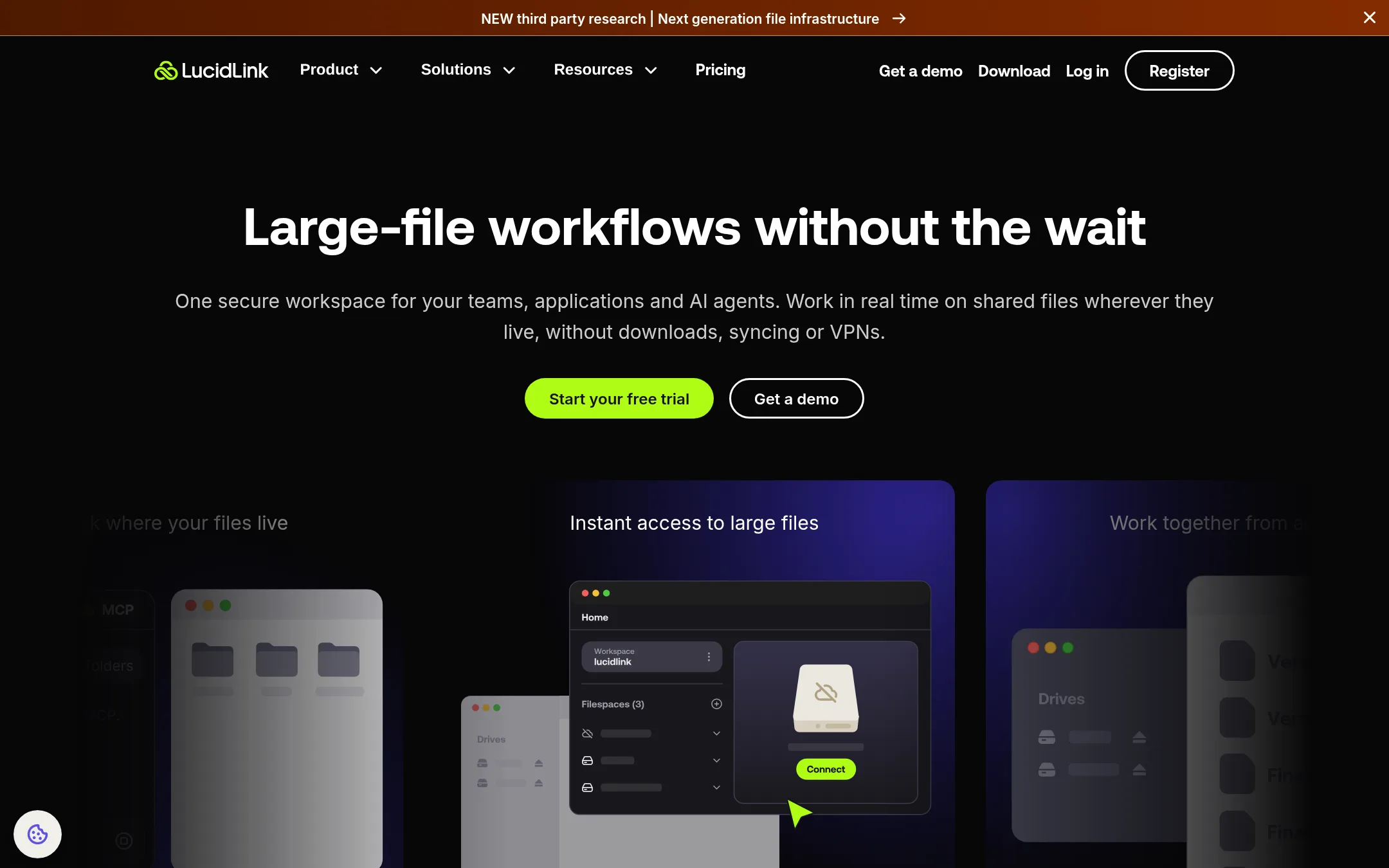
LucidLink is a cloud file streaming service that lets teams access and edit large files directly from the cloud without downloading or syncing. Choose it instead of Kino AI when your priority is a shared, secure file workspace for any large-file workflow, not just video editing, and you need enterprise-grade security and governance.
Where it is strong
- Streams files on demand, so large files open instantly without downloads.
- Zero-knowledge encryption and compliance certifications (SOC 2, ISO 27001, GDPR).
- Works with AI tools like Claude and Codex via MCP Server.
Where it falls short
- No built-in video editing or review features like Kino AI.
- Starter plan limited to 10 members and 1 TB storage.
- Pricing:
- Starter is $27 per member per month with 100 GB per member included, and Business is $27 per member per month with 400 GB per member included. Additional storage is $7 or $8 per 100 GB per month.
- Switching from Kino AI:
- Moving from Kino AI to LucidLink means giving up the AI editing and review workflow, but you can keep your footage in a shared cloud filespace that streams to your existing editing tools.
- DFrom $9.99/mo
7.Dropbox Sign
Best for: Teams that need secure file storage and legally binding e-signatures for documents, not video editing.
- Pricing
- From $9.99/mo
- Category
- Other
Dropbox Sign is a document signing and storage service, not a video editor. It handles contracts and approvals, while Kino AI organizes footage and edits video. Choose Dropbox Sign when your team needs e-signatures and file sharing, not video post-production.
Where it is strong
- Secure cloud storage with 256-bit AES encryption
- E-signatures and PDF editing built in
- Integrates with AI tools like OpenAI and Anthropic
Where it falls short
- No video editing or footage organization features
- Storage limits start at 2 TB, which may be small for video files
- Pricing:
- Pricing starts at $9.99 per month for Plus (1 person, 2 TB), $15 per user per month for Standard (3 TB team storage), and $24 per user per month for Advanced (15 TB team storage).
- SSee website
8.Shade
Other
A collaborative video editing platform with AI features, similar to Kino's agent-based editing.
- HNot published
9.HyperFrames
Best for: Teams that have prior experience with HyperFrames and need its specific video workflow, not for teams evaluating new tools today.

- Pricing
- Not published
- Category
- Other
HyperFrames is a video tool whose site is currently unreachable, so its features and pricing are unknown. You would choose it only if you already know it from elsewhere and need a specific capability it offers. For most teams, Kino AI is the safer choice because its editor, storage, and review workflow are documented and working.
Where it is strong
- No pricing information means no commitment to a paid plan.
- The site is down, so there is no risk of being locked into a broken tool.
- If you already use HyperFrames, you may have a workflow that fits your needs.
Where it falls short
- The website is unreachable, so you cannot evaluate features or support.
- No pricing or feature details are available to compare against Kino AI.
- Pricing:
- Pricing is not published on the site.
See more comparisons in Media & Entertainment alternatives.
FAQ
Questions about Kino AI alternatives
What is the best alternative for editing podcasts?
Descript is the best choice for podcasters. It lets you edit video and audio by editing the transcript, and it includes AI tools like Studio Sound and filler word removal. The Hobbyist plan starts at $16 per person per month.
Which alternative is best for client reviews and approvals?
Frame.io is built for review and approval workflows. It offers frame-accurate comments, custom-branded shares, and passphrase-protected links. Paid plans start at $15 per month for Pro.
Can I use LucidLink for video editing?
LucidLink is a cloud file streaming service, not a video editor. It lets teams access and edit large files directly from the cloud without downloading. It is suitable for teams that need secure, instant access to large files, but you will need a separate editing tool.
Does any alternative support camera-original formats like RED or Blackmagic RAW?
DaVinci Resolve supports high-end camera formats and broadcast workflows. It is a professional NLE with advanced color grading, but it does not offer AI footage search or agent collaboration. Pricing is not published on the site.
What should I consider when choosing between these alternatives?
Consider your primary workflow: editing, review, or file access. Check pricing structure, whether a free tier exists, and if the tool integrates with your existing stack. Also verify support for your camera formats and whether the tool offers a free trial or annual billing discounts.
Last updated November 3, 2026.