LifeAt alternatives
8 products compared · Updated November 3, 2026
The short answer
For teams needing a visual kanban board, Trello is the strongest alternative. ClickUp suits teams that want a full project management hub with AI and multiple views. Notion is best for teams that need a shared workspace for documentation and databases. Todoist is a solid choice for individuals wanting a simple, cross-platform task manager.
Your shortlist, at a glance
Read the comparisons ↓ NotionFrom $10/seat/moTeams that need a shared workspace for documentation, databases, and project tracking with AI assistance.
 TodoistFree / $4/mo / $6/userIndividuals and teams who need a reliable, cross-platform task manager with shared projects and deep integrations.
- FFocus@WillNot publishedKnowledge workers and creatives who want scientifically tuned background music to sustain deep focus during work sessions.
- BBrain.fm$14.99/mo or $99.99/yrIndividuals and teams who want evidence-based focus music, especially those with ADHD, and already use separate tools for task management.
TrelloFree, $6/mo, $12.50/moTeams that want a simple, visual kanban board to manage projects and tasks collaboratively.
ClickUpNot publishedTeams that need a customizable project management hub with AI features, multiple views, and collaboration tools beyond individual focus.
- FForestNot publishedStudents, remote workers, and people doing digital detoxes who need a strict app-blocking focus timer with a free tier.
- MMomentumNot publishedIndividuals who want a distraction-free new tab page with a daily focus and task list, rather than a full productivity suite.
About LifeAt and its alternatives
LifeAt is a productivity tool that combines task management, a daily planner, and focus ambiance in one place. It is known for its immersive moving backgrounds, focus music, and science-backed features, and it offers free, Pro, and Business plans.
When comparing alternatives, weigh pricing structure, including free tiers and per-user costs. Consider the regions where the product operates, integrations with other tools, and the level of support offered. Also check contract terms, such as annual versus monthly billing and whether pricing is transparent.
Explore the alternatives
- From $10/seat/mo
1.Notion
Best for: Teams that need a shared workspace for documentation, databases, and project tracking with AI assistance.
- Pricing
- From $10/seat/mo
- Category
- Productivity & Project Management
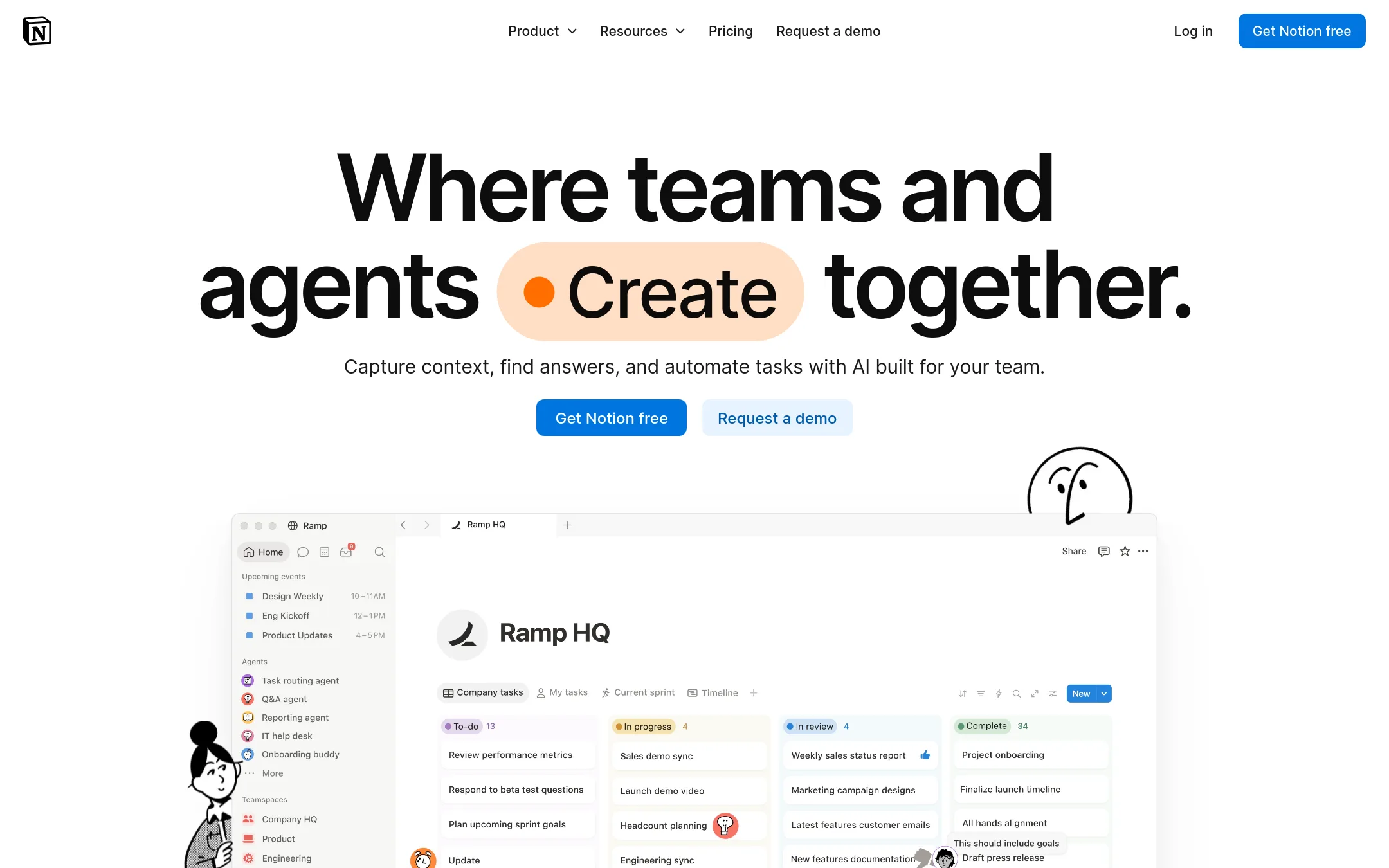
Notion is a flexible workspace for notes, databases, wikis, and project management, with AI features and integrations. Choose it over LifeAt if you need a team knowledge base and structured data workflows rather than focus ambiance and personal planning.
Where it is strong
- Flexible pages and databases for any workflow
- AI features for writing, search, and automation
- Strong collaboration with comments and permissions
Where it falls short
- No built-in focus ambiance or background spaces
- Steeper learning curve for complex setups
- Pricing:
- In the United States, Notion offers a Free plan, Plus at $10 per seat per month billed annually, Business at $15 per seat per month billed annually, and Enterprise with custom pricing.
- Switching from LifeAt:
- Moving from LifeAt means replacing focus tools with Notion's templates and databases, and losing the immersive background and soundboard.
- Free / $4/mo / $6/user
2.Todoist
Best for: Individuals and teams who need a reliable, cross-platform task manager with shared projects and deep integrations.
- Pricing
- Free / $4/mo / $6/user
- Category
- Productivity & Project Management
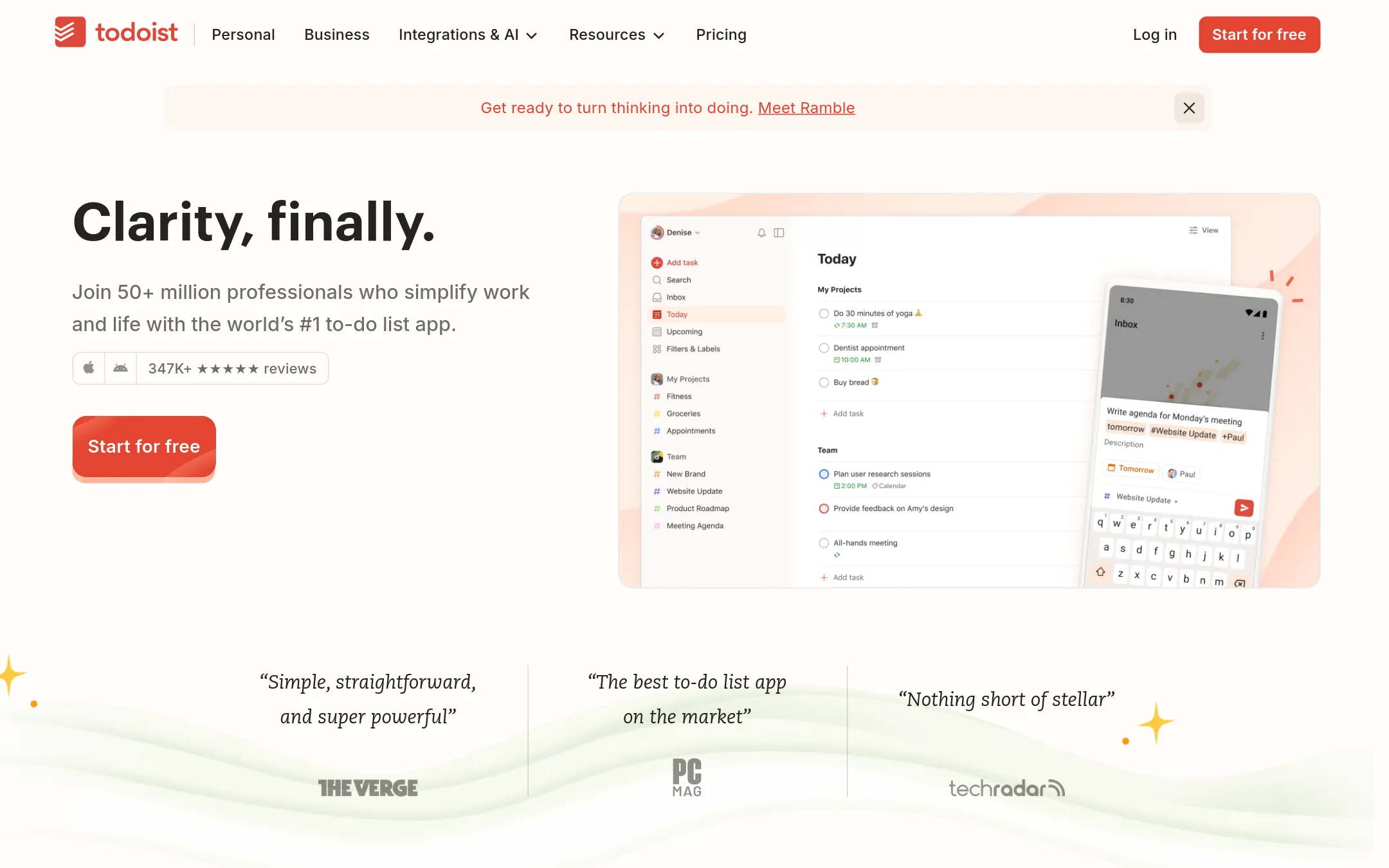
Todoist is a straightforward task manager for capturing and organizing tasks with natural language, recurring due dates, and shared team projects. Choose it over LifeAt if you want a no-frills to-do list that works across every device and integrates with 90+ tools, rather than a focus-ambiance workspace.
Where it is strong
- Natural language quick add captures tasks fast
- Shared team projects with roles and permissions
- 90+ integrations including Google Calendar, Slack, and Zapier
Where it falls short
- No built-in focus music or ambient backgrounds
- Free plan limited to 5 personal projects and 1 week activity history
- Pricing:
- Beginner is free with 5 personal projects. Pro is $4/month billed yearly or $5/month billed monthly. Business is $6/user/month billed yearly or $8/user/month billed monthly.
- FNot published
3.Focus@Will
Best for: Knowledge workers and creatives who want scientifically tuned background music to sustain deep focus during work sessions.
- Pricing
- Not published
- Category
- Other
Focus@Will is a music service with channels engineered for deep work, backed by 16 years of research. Choose it over LifeAt if your main need is scientifically optimized focus music rather than a full productivity workspace with task management and calendars.
Where it is strong
- Channels engineered for different cognitive energy bands
- Adaptive runtime personalizes sessions over time
- Existing Focus@Will subscribers carry over automatically
Where it falls short
- No task management, planner, or calendar features
- Pricing not shown on the site
- Pricing:
- Pricing is not published on the site.
- B$14.99/mo or $99.99/yr
4.Brain.fm
Best for: Individuals and teams who want evidence-based focus music, especially those with ADHD, and already use separate tools for task management.
- Pricing
- $14.99/mo or $99.99/yr
- Category
- Other
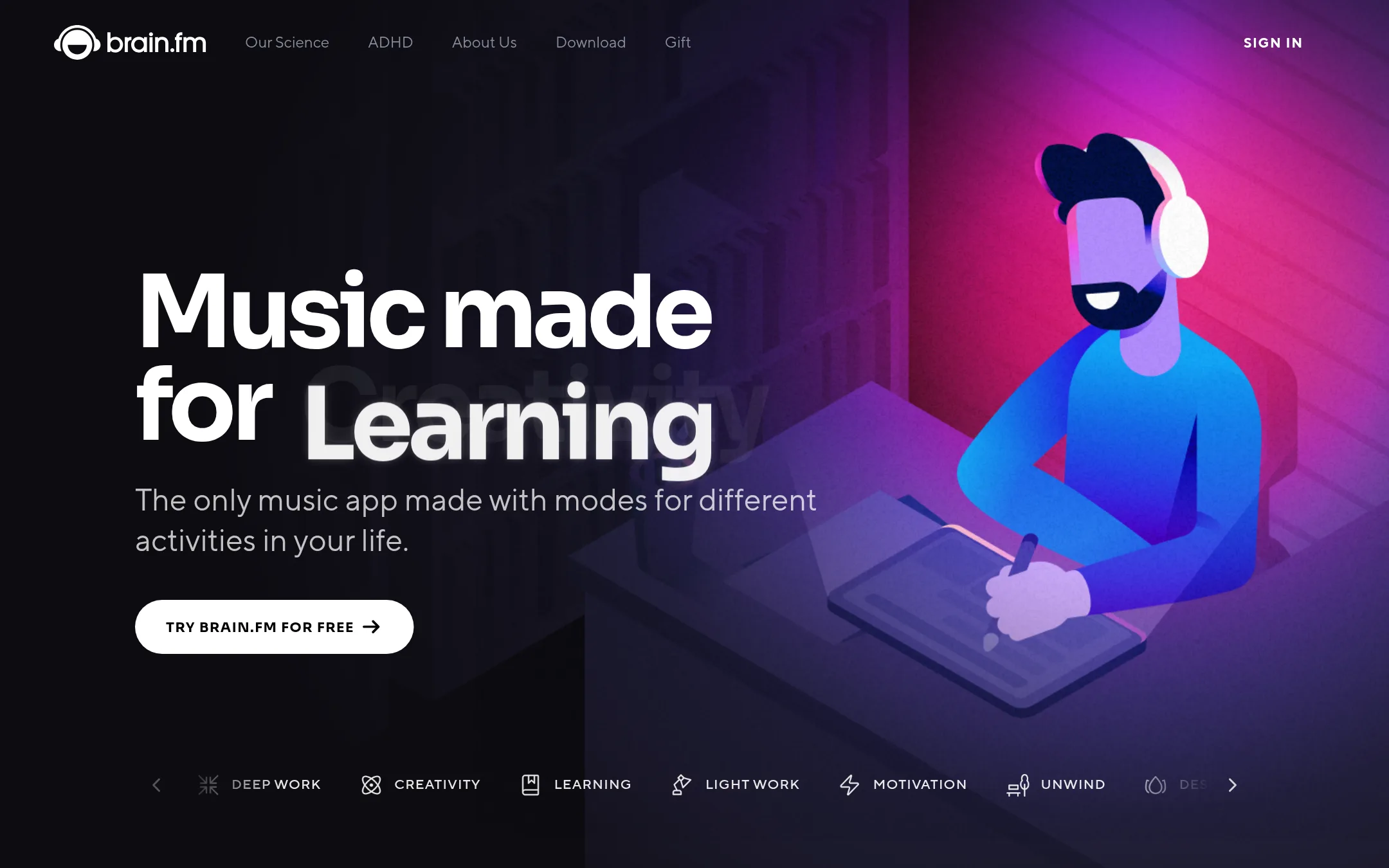
Brain.fm is a music service that uses patented audio technology to help you focus, relax, sleep, or meditate. Choose it instead of LifeAt if you want science-backed audio for mental states and don't need task management or visual workspaces.
Where it is strong
- Patented neuromodulation technology backed by peer-reviewed research and NSF funding.
- Modes for focus, sleep, relaxation, and meditation, with timers that adapt to your workflow.
- Works on web, iOS, Android, and desktop, with no headphones required.
Where it falls short
- No task management, planner, or calendar features like LifeAt.
- Pricing is higher than LifeAt's free tier, and there is no free plan mentioned.
- Pricing:
- Monthly plan is $14.99 billed monthly. Yearly plan is $99.99 billed annually.
- Switching from LifeAt:
- Moving from LifeAt means you'll need to keep your task management elsewhere, as Brain.fm only provides audio.
- Free, $6/mo, $12.50/mo
5.Trello
Best for: Teams that want a simple, visual kanban board to manage projects and tasks collaboratively.
- Pricing
- Free, $6/mo, $12.50/mo
- Category
- Productivity & Project Management
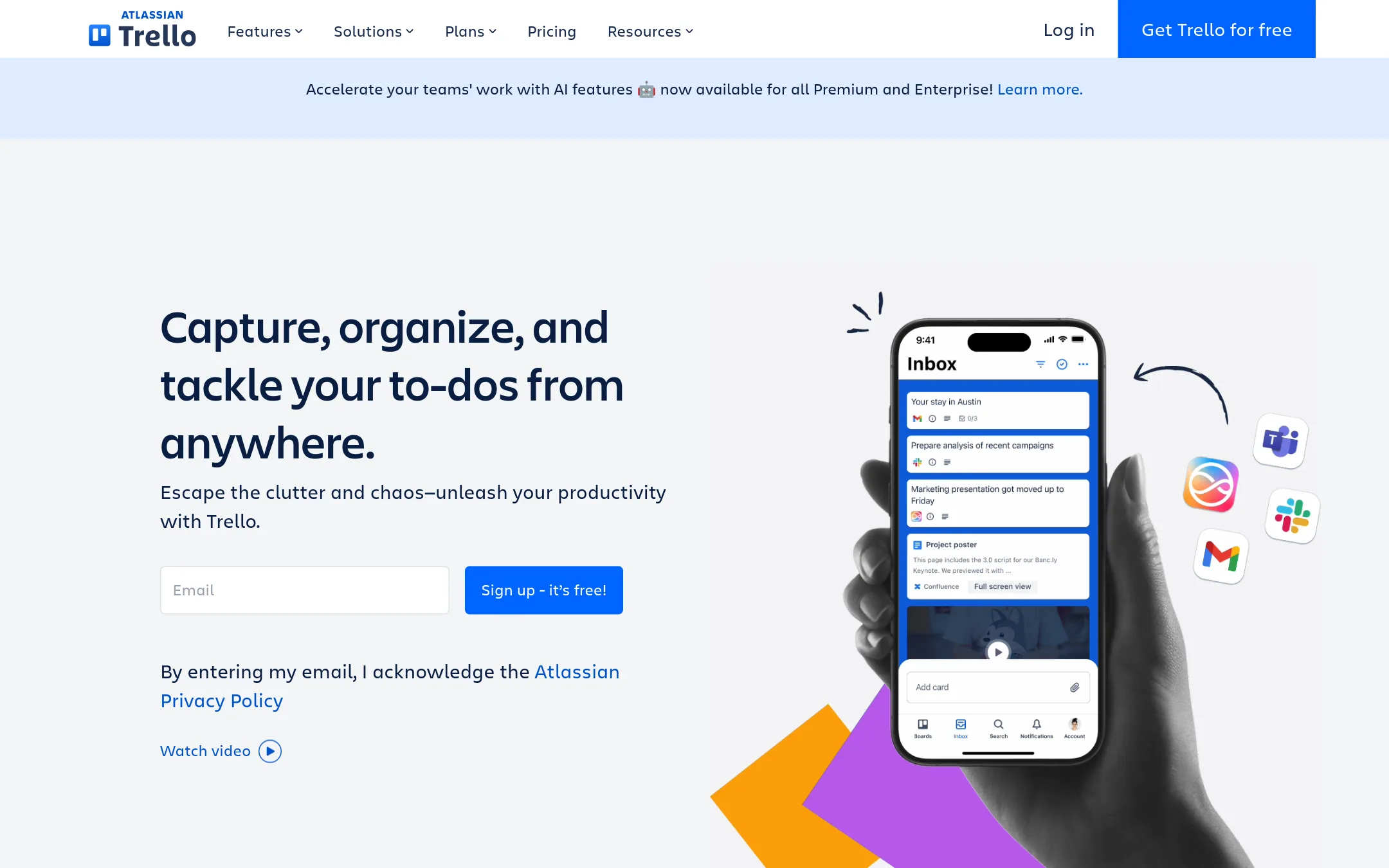
Trello is a visual board-based project management tool that helps teams organize tasks with cards, lists, and automation. Choose it over LifeAt when you need a straightforward, collaborative kanban workflow for team projects rather than a focus-ambiance workspace.
Where it is strong
- Unlimited cards and Power-Ups on the Free plan
- Built-in automation and AI features on paid plans
- Mobile apps for iOS and Android
Where it falls short
- No focus ambiance or immersive backgrounds like LifeAt
- Free plan limits boards to 10 per Workspace
- Pricing:
- Free for up to 10 collaborators per Workspace. Standard is $6 per user/month billed annually ($6 billed monthly). Premium is $12.50 per user/month billed annually ($12.50 billed monthly). Enterprise is $210.00 annual price per user.
- Not published
6.ClickUp
Best for: Teams that need a customizable project management hub with AI features, multiple views, and collaboration tools beyond individual focus.
- Pricing
- Not published
- Category
- Productivity & Project Management
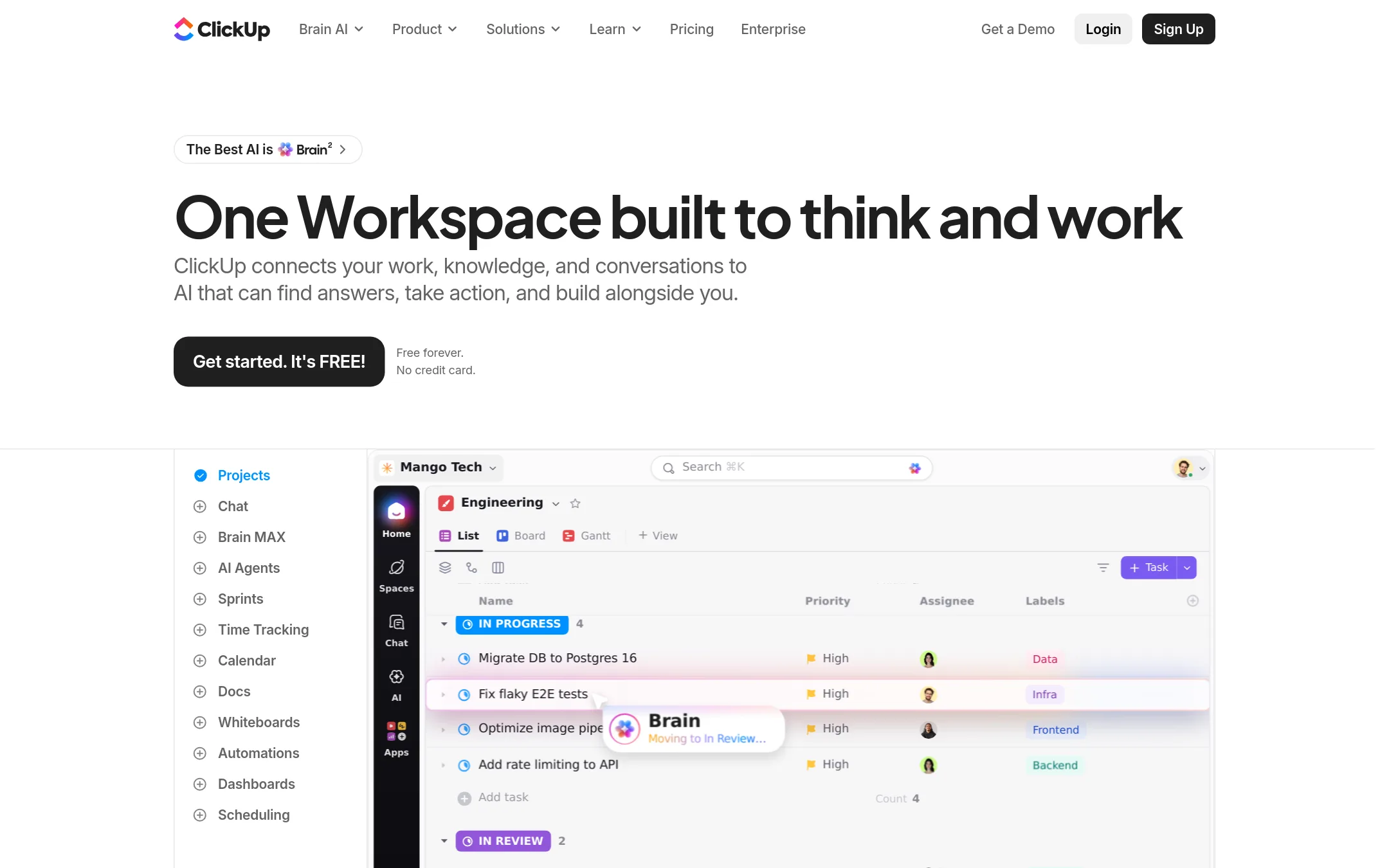
ClickUp is a full project management platform with tasks, docs, whiteboards, sprints, and AI agents, while LifeAt focuses on personal focus and task planning. Choose ClickUp when you need a team-wide workspace with deep project tracking, not just a personal productivity tool.
Where it is strong
- Includes AI agents, Brain², and 20+ tools in one workspace
- Multiple views: List, Board, Gantt, Calendar, Table, Mind Maps, Whiteboards
- Free forever plan with no credit card required
Where it falls short
- Pricing not transparent on the site. Requires contacting sales for Enterprise
- Steeper learning curve than LifeAt due to extensive features
- Pricing:
- Pricing is not published on the site. Plans are Free, Core, Business, Enterprise, and Max, with yearly billing saving up to 33%.
- FNot published
7.Forest
Best for: Students, remote workers, and people doing digital detoxes who need a strict app-blocking focus timer with a free tier.
- Pricing
- Not published
- Category
- Other
Forest is a gamified focus timer that grows a virtual tree for every completed session and kills it if you leave the app. Choose it over LifeAt when your main problem is phone distraction and you want a simple, consequence-driven way to stay off your device, not a full workspace with task management and calendars.
Where it is strong
- Free tier includes the core timer, app blocking, and group focus rooms with no expiration.
- Real trees planted through Trees for the Future, over 2 million since 2014.
- Works offline for timer, tree growth, and stats.
Where it falls short
- No task management, calendars, or notes like LifeAt offers.
- Pricing for Plus is not published, so you can't compare costs upfront.
- Pricing:
- Pricing is not published on the site.
- MNot published
8.Momentum
Best for: Individuals who want a distraction-free new tab page with a daily focus and task list, rather than a full productivity suite.
- Pricing
- Not published
- Category
- Other
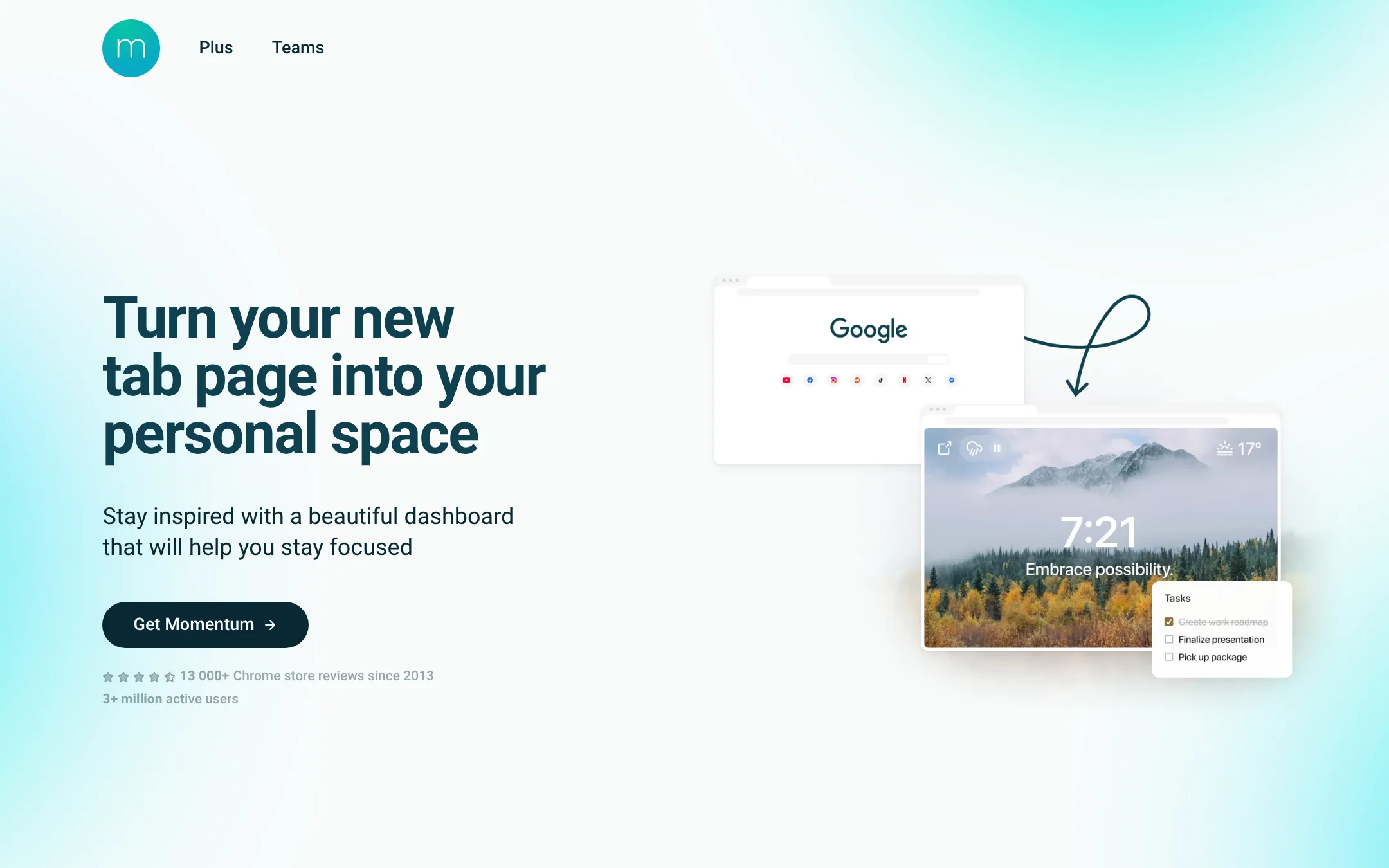
Momentum turns your browser's new tab page into a focused dashboard with a daily goal, to-do list, and inspiring background. It's a lightweight alternative to LifeAt if you want a simple, always-visible reminder of your priorities without a full project management workspace.
Where it is strong
- Replaces your new tab page with a focused dashboard
- Simple daily goal and to-do list setup
- Millions of users, including at top organizations
Where it falls short
- No project management or collaboration features
- Pricing not transparent on the site
- Pricing:
- Pricing is not published on the site.
See more comparisons in Productivity & Project Management alternatives.
FAQ
Questions about LifeAt alternatives
Which alternative is best for a small team that needs simple project tracking?
Trello is the strongest choice for small teams that want a simple, visual kanban board. It offers a free plan for up to 10 collaborators per Workspace, with unlimited cards and Power-Ups. Paid plans start at $6 per user per month billed annually.
Which alternative has the most transparent pricing?
Trello, Todoist, and Brain.fm publish clear pricing on their sites. Trello lists per-user monthly and annual rates, Todoist shows per-month and per-user costs, and Brain.fm has a flat monthly or annual fee. ClickUp, Forest, and Momentum do not publish pricing, so you may need to contact sales.
Which alternative offers focus music or ambiance like LifeAt?
Focus@Will and Brain.fm are dedicated focus music services. Focus@Will offers channels engineered for deep work, while Brain.fm uses patented audio technology for focus, sleep, and relaxation. Forest is a gamified focus timer that blocks apps, but it does not provide music.
Which alternative is best for individuals who want a simple to-do list?
Todoist is the best fit for individuals who need a reliable, cross-platform task manager. It has a free Beginner plan with 5 personal projects, and Pro starts at $4 per month billed yearly. It supports natural language quick add and integrates with 90+ tools.
Which alternative is best for teams that need documentation and project tracking together?
Notion is the strongest choice for teams that need a shared workspace for documentation, databases, and project tracking. It offers flexible pages and databases, AI features, and strong collaboration tools. Pricing starts at $10 per seat per month billed annually in the US.
Last updated November 3, 2026.