LottieFiles alternatives
12 products compared · Updated November 1, 2026
The short answer
For most teams, Rive is the strongest LottieFiles alternative because it combines design, animation, and interactive code in one file with open-source runtimes. If you need to produce full animated videos for marketing or training, Animaker is the best fit. For macOS designers who want to build interactive HTML5 content without coding, Tumult Hype is a solid choice.
Your shortlist, at a glance
Read the comparisons ↓ RiveFrom $9/seat/moTeams building interactive UI, games, or apps who want a single file that works across platforms and who use coding agents like Claude Code or Cursor.
- HHaiku AnimatorNot publishedDesigners and developers who want to create animations that integrate directly into React, Vue, or Angular codebases.
 Adobe AnimateNot publishedDesigners and animators who need a professional-grade timeline editor and are comfortable working outside a Lottie-specific workflow.
 FigJamFree / $12–$90 per useProduct and design teams that need a collaborative whiteboard for workshops, flowcharts, and planning sessions.
- SSVGatorNot publishedDesigners, product teams, and agencies that need to create and export animated SVGs quickly, with some Lottie cross-platform support.
- MMotionalNot publishedAutomotive and mobility companies that need autonomous vehicle technology for ride-hail or delivery services.
 JitterNot publishedDesign teams and freelancers who want a fast, collaborative, web-based motion design tool with AI-assisted animation creation.
 StewdioSee websiteAll-in-one AI creative platform
 TumultNot publishedDesigners and developers on macOS who want to create animated and interactive HTML5 content without writing code.
 AnimakerFrom $10/mo (yearly)Marketing, L&D, and HR teams that need to produce animated explainer and training videos quickly without coding or design skills.
 FramerFrom $10/moDesigners and teams who want to build and launch a professional website without writing code, with built-in hosting and CMS.
 Google Web DesignerFreeTeams producing HTML5 display ads and interactive web content, especially those already using Google Ads or Studio.
About LottieFiles and its alternatives
LottieFiles is a platform for creating, managing, and shipping lightweight Lottie animations. It is known for its large animation library, AI-powered creator tools, and integrations with design tools like Figma and After Effects. Teams use it to reduce file sizes and speed up web and app performance.
When comparing alternatives, weigh pricing structure (free tiers, per-seat costs, annual billing), output formats (Lottie JSON, SVG, HTML5, video), and integrations with your existing design and development stack. Also consider platform support (macOS, Windows, browser), collaboration features, and whether the tool offers a library of ready-made assets or requires you to build from scratch.
Explore the alternatives
- From $9/seat/mo
1.Rive
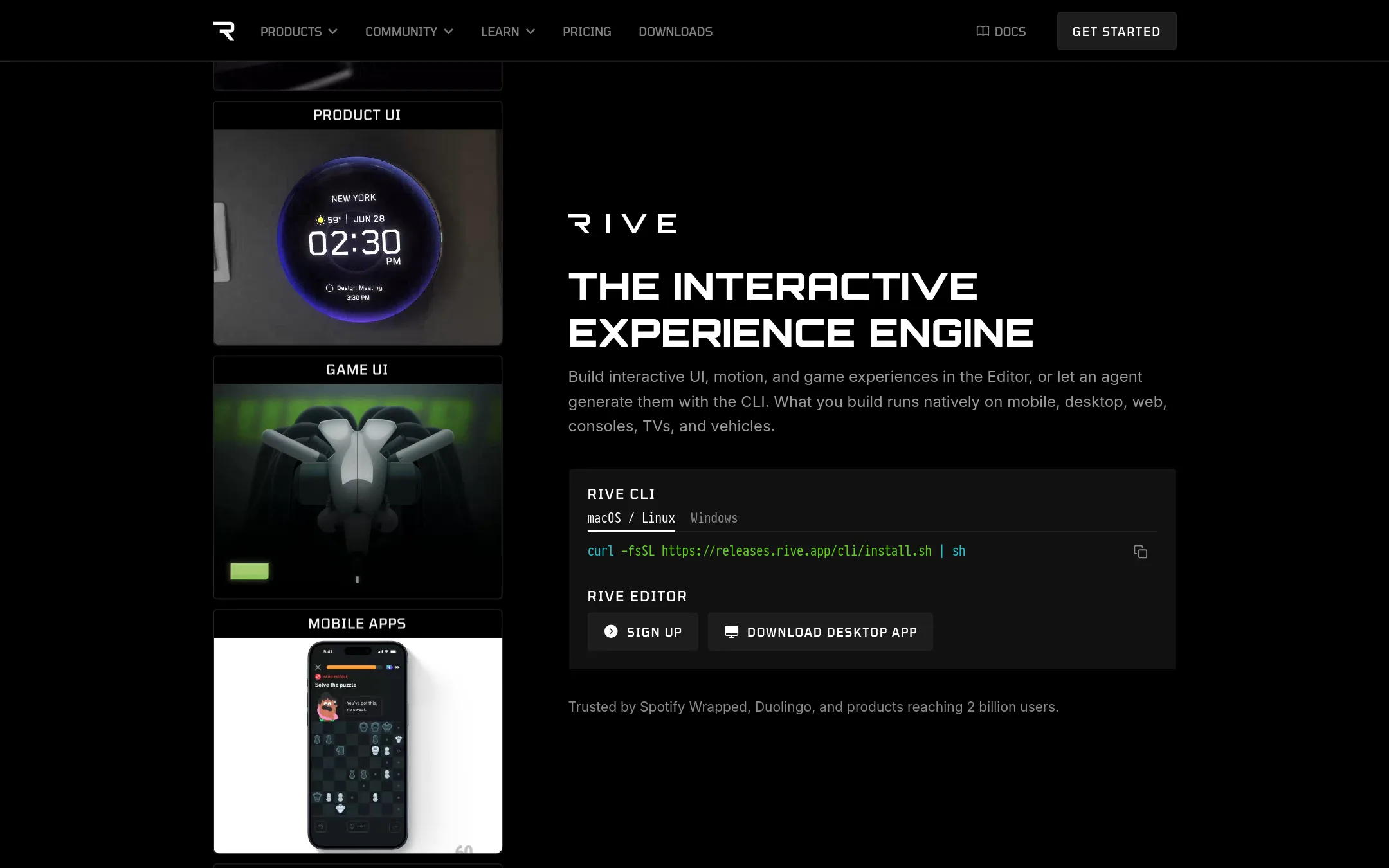
Best for: Teams building interactive UI, games, or apps who want a single file that works across platforms and who use coding agents like Claude Code or Cursor.
- Pricing
- From $9/seat/mo
- Category
- Design & Creative
Rive is a design and animation tool that also lets you build interactive UI, games, and apps. You would choose it over LottieFiles when you need to ship interactive experiences, not just animations, and when you want your coding agent to help build them. It's a good fit if you want one file that works across many platforms without runtime fees.
Where it is strong
- One file holds design, animation, and code, so there's no handoff between tools.
- Open-source runtimes with no royalties or runtime fees.
- Works with coding agents like Claude Code, Codex, and Cursor.
Where it falls short
- Free exports include a Rive splash screen, which you need to pay to remove.
- Paid plans have seat limits (3 for Cadet, 25 for Voyager), which may not suit larger teams.
- Pricing:
- Free plan includes a splash screen on exports and 3 collaborative files. Paid plans start at $9 per seat per month (Cadet) and $32 per seat per month (Voyager), billed annually. Enterprise is $120 per seat per month.
- Switching from LottieFiles:
- Moving from LottieFiles means recreating your animations in Rive's editor, since the file formats are different. You'll need to redo any existing Lottie animations.
- HNot published
2.Haiku Animator
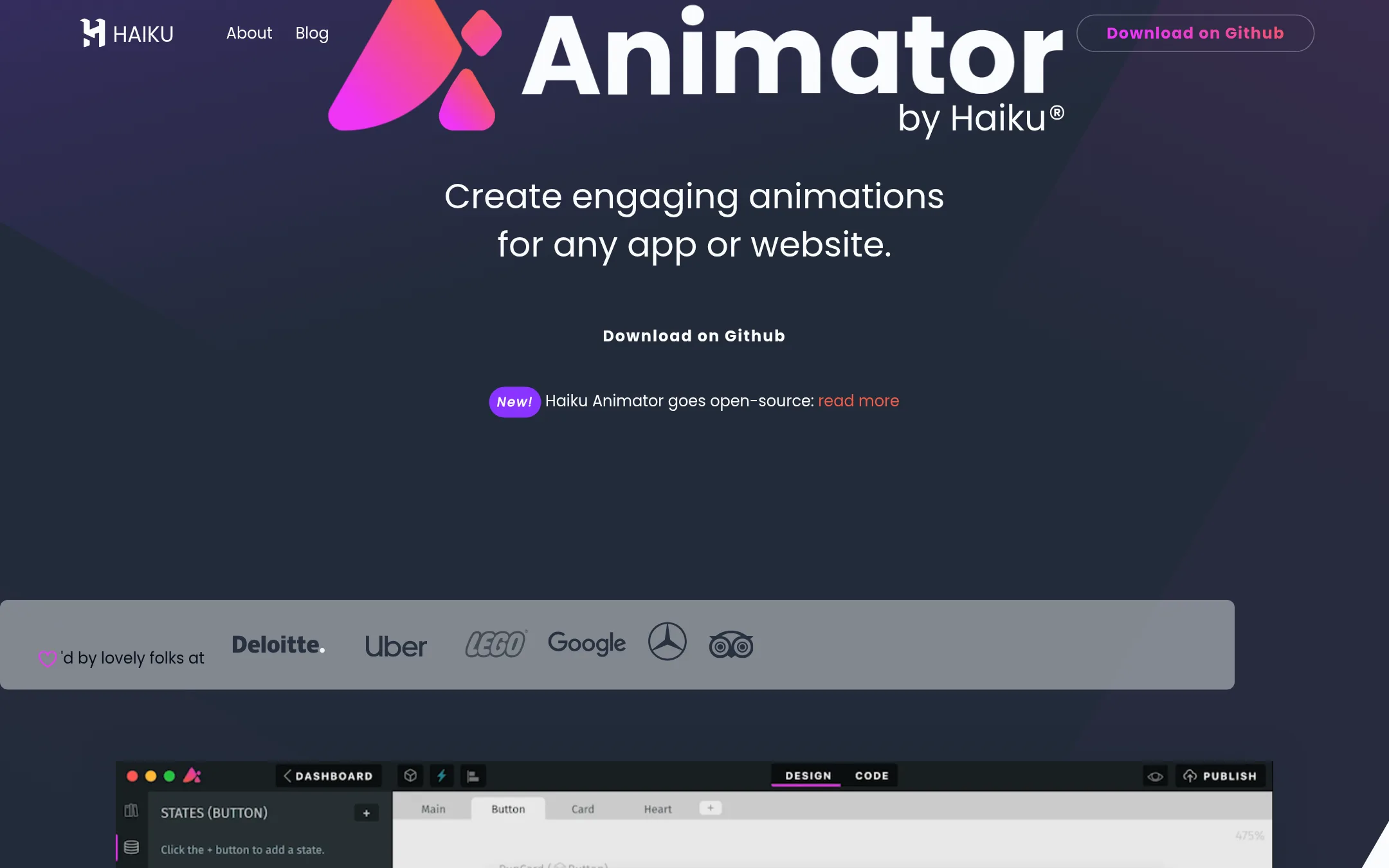
Best for: Designers and developers who want to create animations that integrate directly into React, Vue, or Angular codebases.
- Pricing
- Not published
- Category
- Other
Haiku Animator is a motion design tool that lets you create Lottie animations and dynamic web components. It is a good choice if you want to animate directly from code or need first-class support for React, Vue, and Angular. It also offers a timeline and code mode, plus beginner-friendly scripting tools for interactivity.
Where it is strong
- Open-source and free forever
- Timeline and code mode for visual or code-based animation
- First-class support for React, Vue, and Angular
Where it falls short
- Lottie engine has certain limitations
- No mention of a built-in animation library or marketplace
- Pricing:
- Pricing is not published on the site.
- Not published
3.Adobe Animate
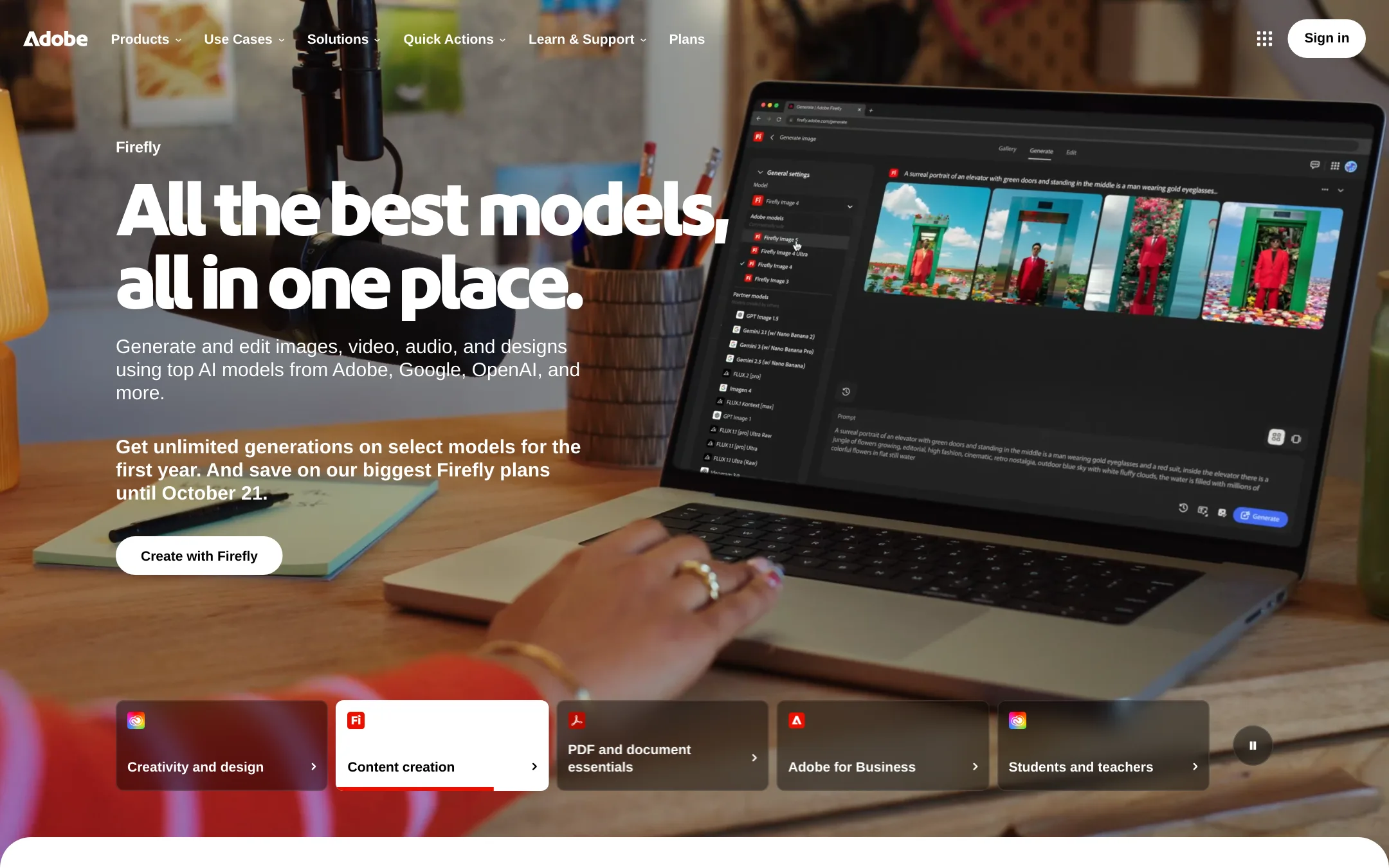
Best for: Designers and animators who need a professional-grade timeline editor and are comfortable working outside a Lottie-specific workflow.
- Pricing
- Not published
- Category
- Design & Creative
Adobe Animate is a full animation tool for frame-by-frame, vector, and interactive content. Choose it when you need deep authoring control and are already in the Adobe ecosystem, not when you want a library of ready-made Lottie files or a team collaboration hub.
Where it is strong
- Full timeline and frame-by-frame control
- Exports to multiple formats, including HTML5 canvas and video
- Part of Creative Cloud, so it integrates with Photoshop and Illustrator
Where it falls short
- No built-in Lottie library or hosting
- Requires manual export and handoff to developers
- Pricing:
- Pricing is not published on the site.
- Free / $12–$90 per use
4.FigJam
Best for: Product and design teams that need a collaborative whiteboard for workshops, flowcharts, and planning sessions.
- Pricing
- Free / $12–$90 per use
- Category
- Communication & Collaboration
FigJam is a digital whiteboard for brainstorming, diagramming, and team collaboration. Choose it over LottieFiles when your focus is on early-stage ideation and alignment, not on shipping production-ready animations.
Where it is strong
- Free plan includes unlimited drafts and 150 AI credits per day.
- Built-in templates for brainstorming, retros, and flowcharts.
- Integrates with Figma design files for quick context sharing.
Where it falls short
- No native Lottie animation creation or editing.
- Animation playback is limited to simple prototype transitions, not Lottie JSON export.
- Pricing:
- Starter is free. Professional is $16 per user per month billed monthly or $12 billed annually. Organization is $55 per user per month billed annually. Enterprise is $90 per user per month billed annually.
- Switching from LottieFiles:
- Moving from LottieFiles to FigJam means giving up animation creation and delivery. You would use FigJam only for planning and hand off animation work to other tools.
- SNot published
5.SVGator
Best for: Designers, product teams, and agencies that need to create and export animated SVGs quickly, with some Lottie cross-platform support.
- Pricing
- Not published
- Category
- Other
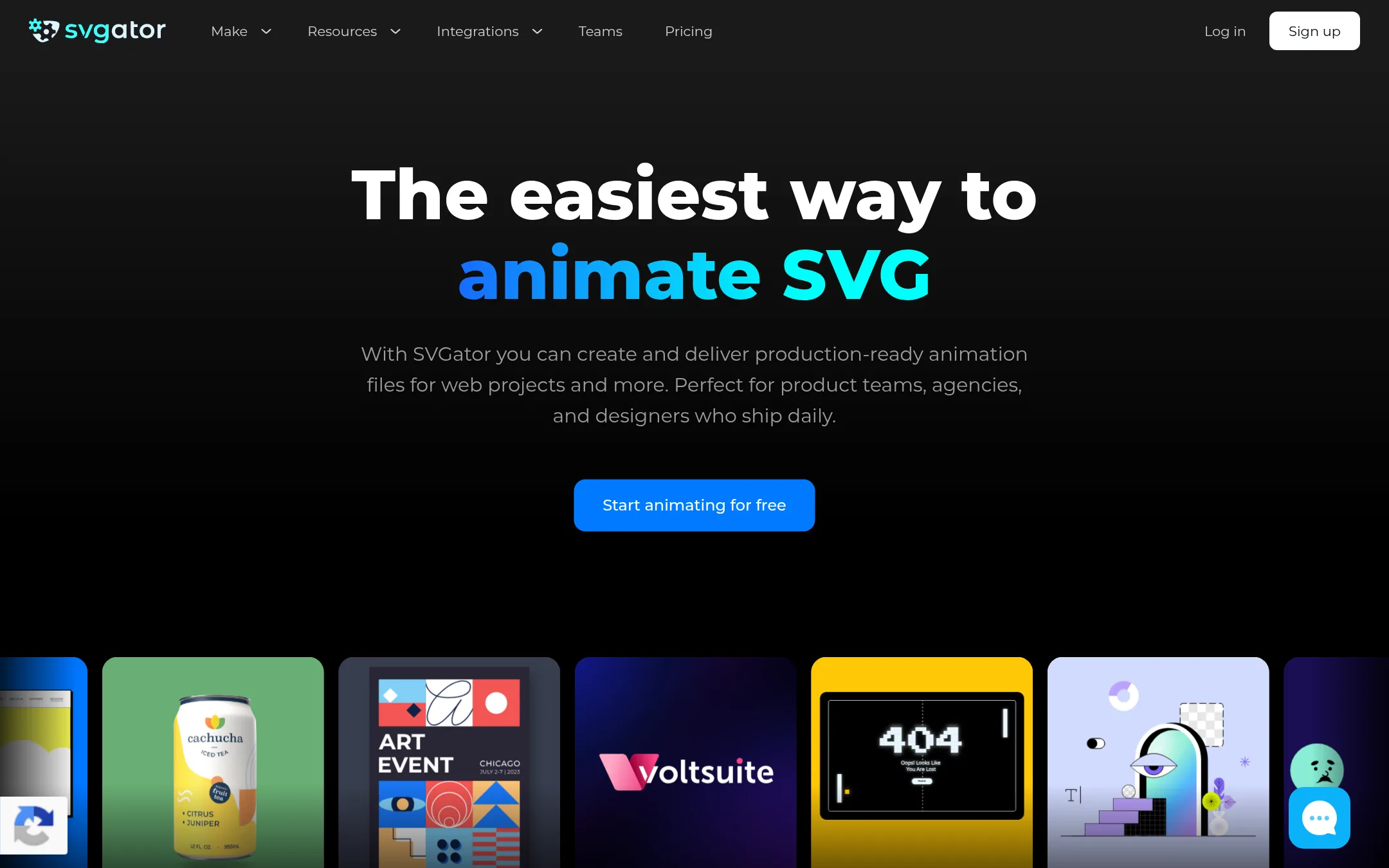
SVGator is a browser-based SVG animation tool that lets you create and export production-ready SVG files without writing code. It also supports importing Lottie files and exporting to Lottie, Flutter, and React Native formats. Choose SVGator if you want a simpler, code-free workflow focused on SVG output, with Lottie compatibility as a secondary option.
Where it is strong
- No-code SVG animation with an intuitive timeline and easing presets
- Exports to SVG, Lottie, Flutter, and React Native formats
- Team features like shared folders, timestamped comments, and edit access
Where it falls short
- Pricing details are not listed on the site, so you must contact sales or sign up to see costs
- Lottie support is secondary to SVG, so complex Lottie features may be limited
- Pricing:
- Pricing is not published on the site.
- Switching from LottieFiles:
- You can import existing Lottie files into SVGator and export them as SVG or Lottie, so moving from LottieFiles is straightforward for basic animations.
- MNot published
6.Motional
Best for: Automotive and mobility companies that need autonomous vehicle technology for ride-hail or delivery services.
- Pricing
- Not published
- Category
- Other
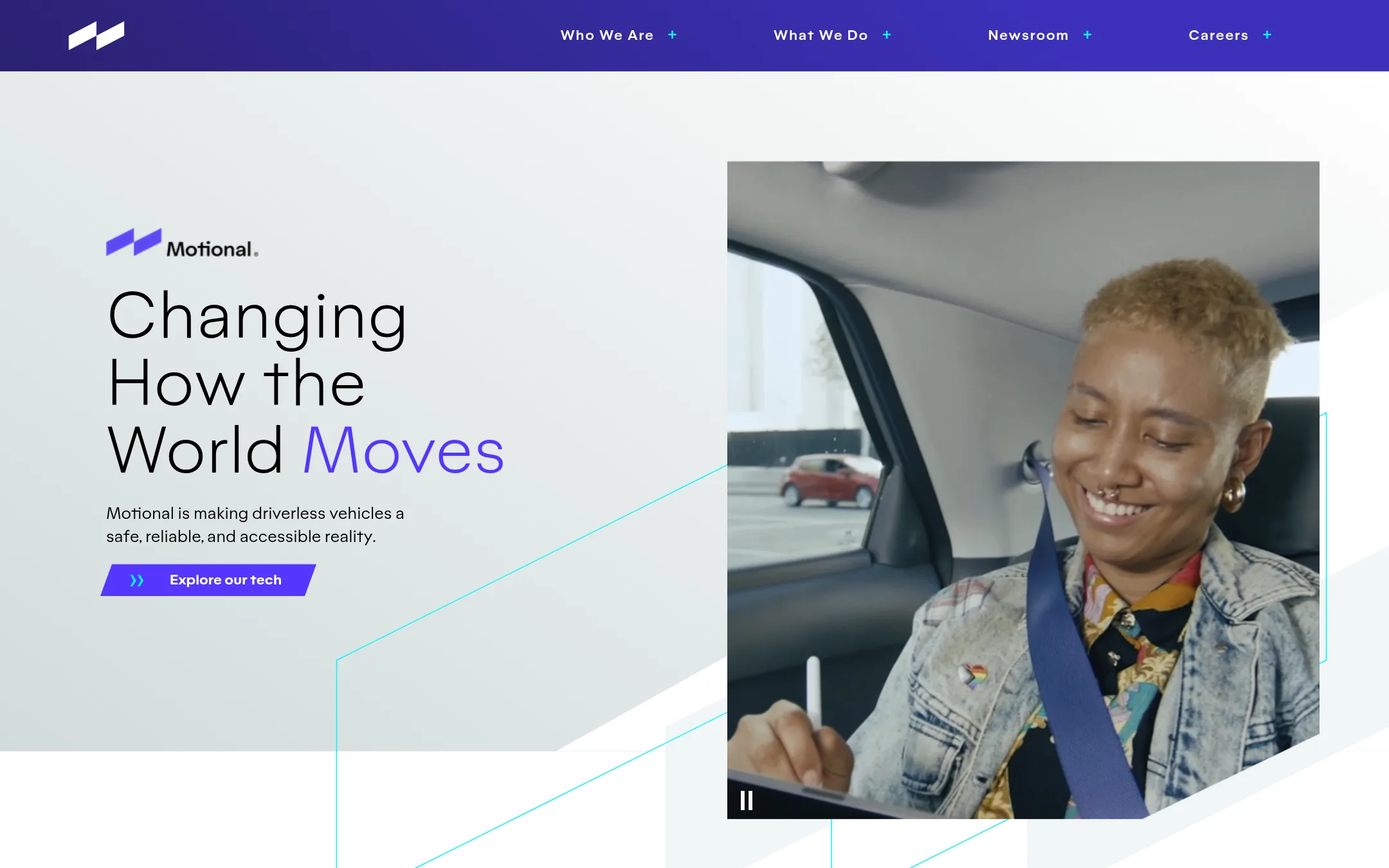
Motional builds autonomous vehicle technology, not animation tools. It is a joint venture between Hyundai and Aptiv focused on driverless ride-hail and delivery. You would choose Motional if you are in the automotive or mobility industry and need self-driving systems, not if you need motion graphics.
Where it is strong
- Backed by Hyundai and Aptiv, giving it strong industry credibility.
- Open-sources datasets like nuReasoning to advance autonomous driving research.
- Has active robotaxi deployments, such as on the Uber app in Las Vegas.
Where it falls short
- No animation or design features, so it cannot replace LottieFiles for motion graphics.
- Limited to autonomous vehicle applications, not a general-purpose creative tool.
- Pricing:
- Pricing is not published on the site.
- Not published
7.Jitter
Best for: Design teams and freelancers who want a fast, collaborative, web-based motion design tool with AI-assisted animation creation.
- Pricing
- Not published
- Category
- Design & Creative
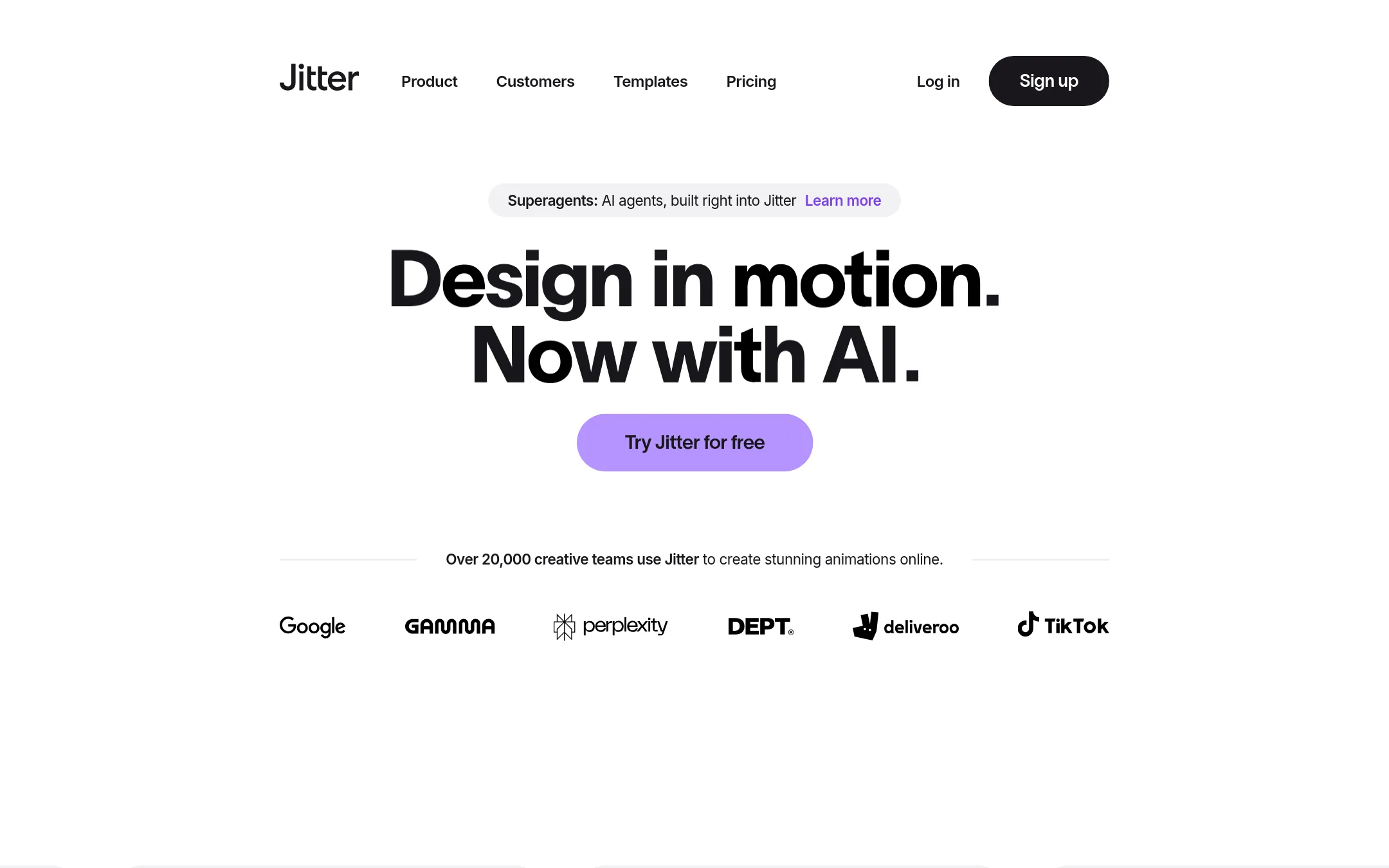
Jitter is a browser-based motion design tool that lets you create animations with a familiar interface, AI assistance, and templates. It is a good choice if you want to produce video, GIF, or Lottie exports without installing desktop software and need collaboration features for your team.
Where it is strong
- AI-powered animation generation and custom effects
- Batch export to video, GIF, and Lottie
- Collaborative workspace with comments and approvals
Where it falls short
- Free plan limits to 3 workspace files and 720p export
- Pricing details are not listed on the site
- Pricing:
- Pricing is not published on the site.
- See website
8.Stewdio
Design & Creative
All-in-one AI creative platform
- Not published
9.Tumult
Best for: Designers and developers on macOS who want to create animated and interactive HTML5 content without writing code.

- Pricing
- Not published
- Category
- Design & Creative
Tumult Hype is a macOS app for creating animated and interactive HTML5 content without coding. It is a good choice if you want to build web animations and interactive scenes directly, rather than managing a library of Lottie files. You would choose it over LottieFiles when your focus is on producing HTML5 output and you prefer a desktop authoring tool.
Where it is strong
- No coding required to create animations and interactive content.
- Output is HTML5, which works on desktops, smartphones, and iPads.
- Includes a professional upgrade with responsive layouts, physics, and symbols.
Where it falls short
- Only available for macOS, so Windows and Linux users are left out.
- No mention of a Lottie export or a library of ready-to-use animations.
- Pricing:
- Pricing is not published on the site.
- From $10/mo (yearly)
10.Animaker
Best for: Marketing, L&D, and HR teams that need to produce animated explainer and training videos quickly without coding or design skills.
- Pricing
- From $10/mo (yearly)
- Category
- Design & Creative
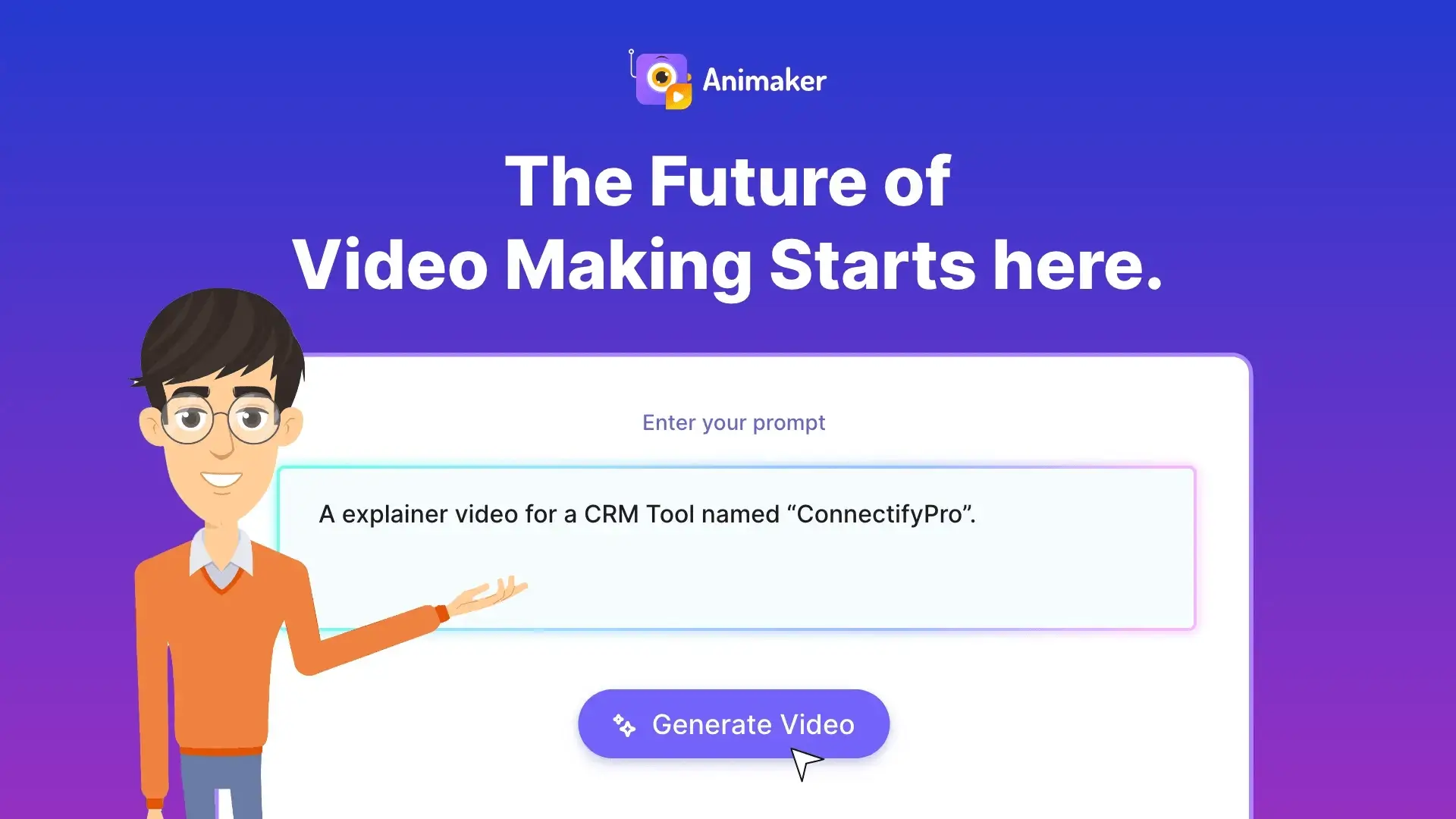
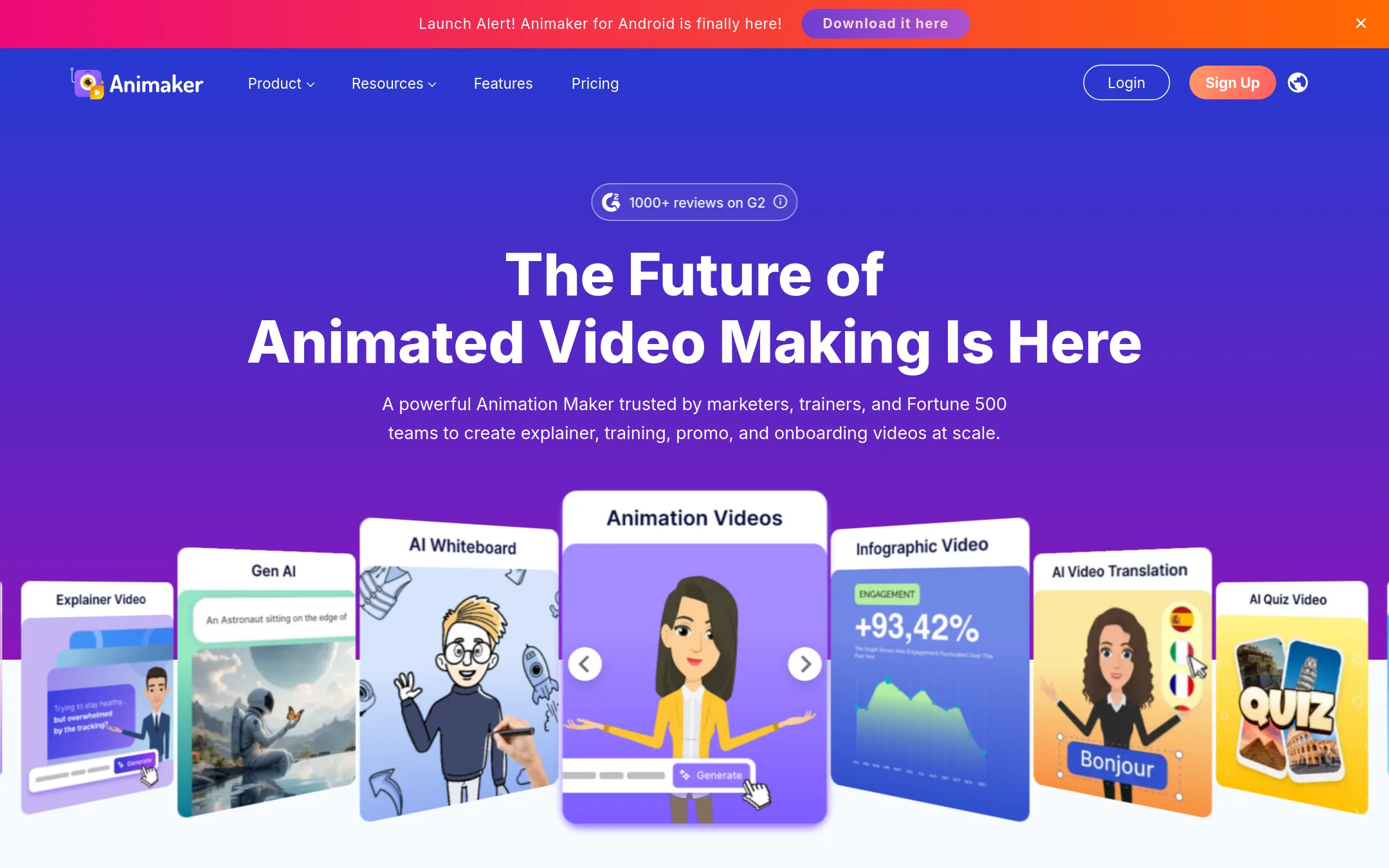
Animaker is an online animation maker that turns text prompts into full animated videos with characters, voiceovers, and scenes. Choose it instead of LottieFiles when you need complete videos for training, marketing, or onboarding, not just lightweight motion graphics for apps and websites.
Where it is strong
- AI generates full videos from a text prompt, including characters, voiceover, and lip sync.
- Includes a large library of templates, stock media, and music tracks.
- Supports 4K exports and one-click translation into 100+ languages.
Where it falls short
- Output is video (MP4, GIF, WebM), not Lottie JSON, so it won't integrate with design tools like Figma or After Effects.
- Free plan adds watermarks and limits exports. Some features like custom characters require higher tiers.
- Pricing:
- Pricing starts at $10 per month for Basic (yearly) and $19 per month for Starter (yearly), with a free plan that includes watermarked exports.
- From $10/mo
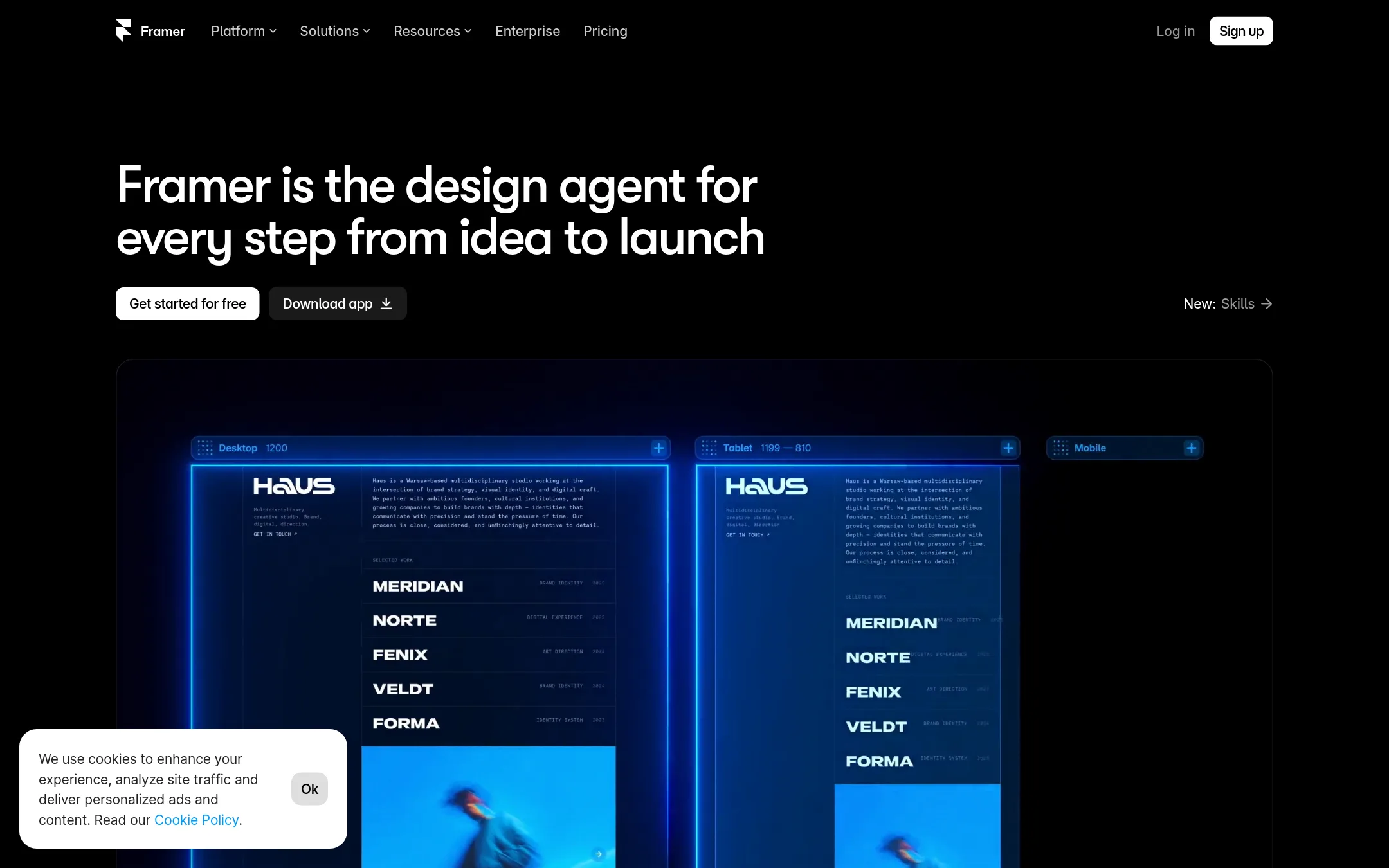
11.Framer
Best for: Designers and teams who want to build and launch a professional website without writing code, with built-in hosting and CMS.
- Pricing
- From $10/mo
- Category
- Design & Creative
Framer is a no-code website builder with AI, CMS, and design freedom for professional sites. Choose it over LottieFiles when your priority is building and shipping a full website with animations, not just creating and managing Lottie files.
Where it is strong
- Free plan to start
- Built-in SEO and CMS
- AI design agent included
Where it falls short
- No native Lottie animation library
- Animation features are more basic than LottieFiles
- Pricing:
- Free plan includes 500 AI credits, 1 GB bandwidth, and a Framer domain. Basic is $10 per month with a custom domain and 50 GB bandwidth. Pro is $30 per month with 10 CMS collections and 100 GB bandwidth.
- Switching from LottieFiles:
- Moving from LottieFiles to Framer means you'll lose the Lottie-specific tools like the animation library and After Effects plugin, but you can still embed Lottie files in Framer sites.
- Free
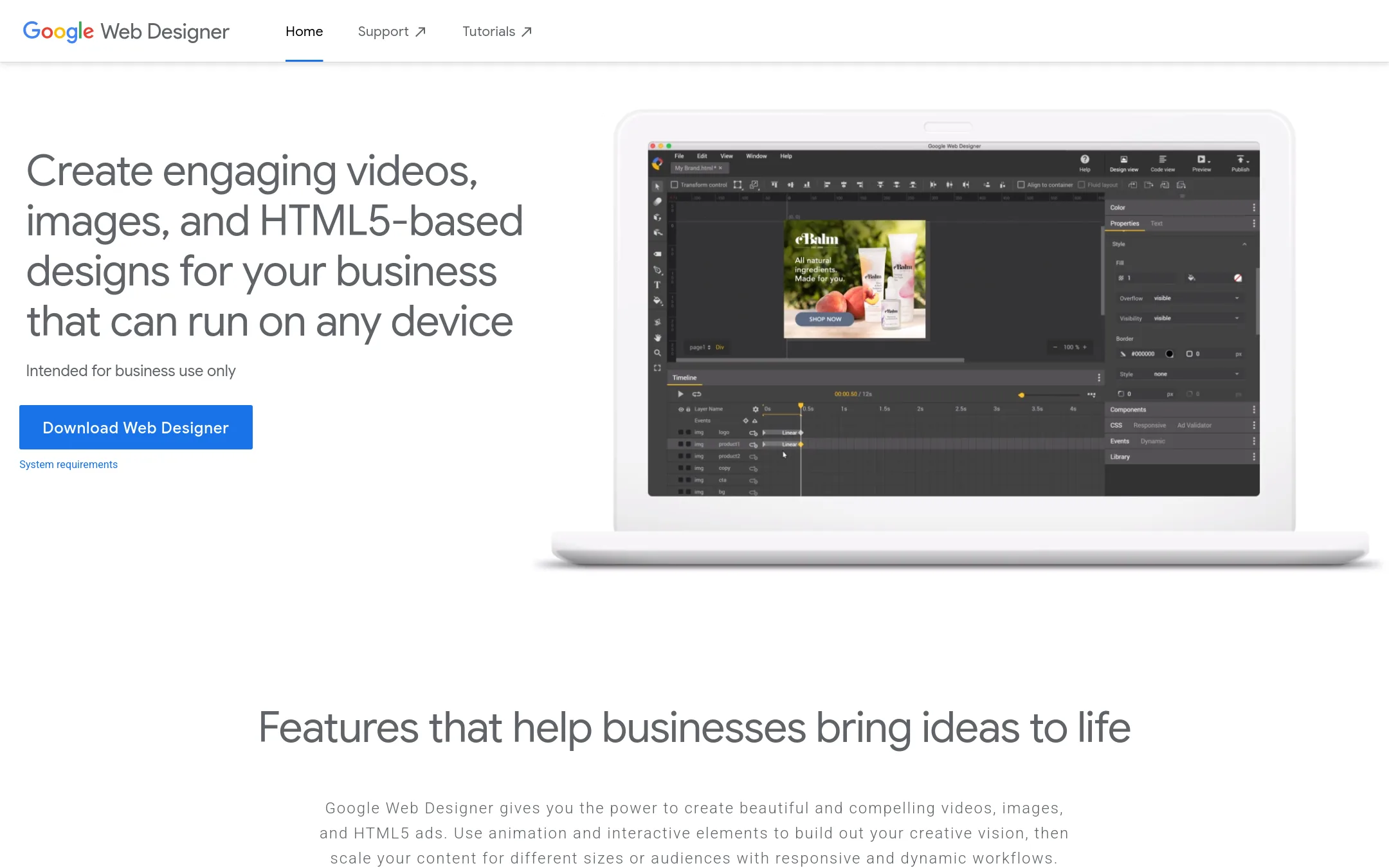
12.Google Web Designer
Best for: Teams producing HTML5 display ads and interactive web content, especially those already using Google Ads or Studio.
- Pricing
- Free
- Category
- Design & Creative
Google Web Designer is a free desktop tool for building HTML5 ads, videos, and interactive content with animation and 3D capabilities. Choose it over LottieFiles if you need to create ad creatives that run on any device and integrate with Google's ad ecosystem, rather than shipping Lottie animations for apps and websites.
Where it is strong
- Free to download and use for business purposes
- Built-in templates and Easy Mode for quick ad creation
- Direct publishing to Google Studio and Drive
Where it falls short
- Output is HTML5, not Lottie, so no native Lottie support
- Requires desktop installation, no cloud collaboration
- Pricing:
- Pricing is not published on the site.
See more comparisons in Design & Creative alternatives.
FAQ
Questions about LottieFiles alternatives
Which alternative is best for teams that need to ship interactive animations?
Rive is the best fit because it lets you build interactive UI, games, and apps with a single file that works across platforms. It has open-source runtimes with no royalties and integrates with coding agents like Claude Code and Cursor. Free exports include a splash screen, which you pay to remove.
Are there free options among these alternatives?
Yes. Rive has a free plan with 3 collaborative files, and Haiku Animator is open-source and free forever. Framer offers a free plan with 500 AI credits and 1 GB bandwidth. Animaker has a free plan but adds watermarks to exports.
Which alternative is best for creating marketing videos?
Animaker is the strongest choice for animated explainer and training videos. It generates full videos from text prompts, includes characters and voiceovers, and supports 4K exports. Output is video (MP4, GIF, WebM), not Lottie JSON, so it won't integrate with design tools like Figma.
Do any alternatives support Lottie export?
Yes. Jitter exports to Lottie, and SVGator exports to Lottie as a secondary format. Haiku Animator creates Lottie animations but has engine limitations. Adobe Animate does not have built-in Lottie export, and Principle exports video or GIF instead.
Which alternative is best for macOS users who want to avoid coding?
Tumult Hype is a macOS app for creating animated HTML5 content without coding. It outputs HTML5 that works on desktops, smartphones, and iPads. Principle is also Mac-only but exports video or GIF, not Lottie files.
Last updated November 1, 2026.