Lucid alternatives
6 products compared · Updated November 22, 2026
The short answer
The three strongest alternatives to Lucid for teams comparing diagramming and visual collaboration tools are Miro, FigJam and Whimsical. Miro suits product, design and operations teams running ideation workshops that need a shared board with AI assistance. FigJam suits product and design teams already working in Figma, and Whimsical suits product teams that need to map flows, sketch wireframes and write docs together. Lucid is known for interactive video models, which none of these alternatives provide.
Your shortlist, at a glance
Read the comparisons ↓ MiroCustom quoteProduct, design, and operations teams that run ideation workshops and need a shared visual board with AI assistance
 FigJamFrom $0 (Starter, freeProduct and design teams already working in Figma that want brainstorming and workshop boards next to their design files
- DDraw.io (diagrams.net)Not publishedEngineering and product teams that need free, privacy-conscious diagrams embedded in docs and wikis
- CCreatelyNot publishedOperations and HR teams that need org charts, process maps or cloud diagrams built from their existing spreadsheets, documents and AWS accounts.
- WWhimsicalFrom $0 / editor / monProduct teams that need to map flows, sketch wireframes and write docs together in one shared workspace
Canva WhiteboardsNot publishedSmall teams that already use Canva and want brainstorming boards without adding another diagramming tool
About Lucid and its alternatives
Lucid describes itself as a simulation company and is known on its site for interactive video models. Its homepage centers on dreaming, memory and manifesting rather than on the diagramming and whiteboard work many buyers look for in this category.
When comparing alternatives, weigh the pricing structure first, including whether a free plan exists, how plans are priced per seat or per organization, and what triggers an Enterprise agreement. Also check which regions data can be stored in, which integrations the tool connects to, how support is provided, and what the contract terms require.
Explore the alternatives
- Custom quote
1.Miro
Best for: Product, design, and operations teams that run ideation workshops and need a shared visual board with AI assistance

- Pricing
- Custom quote
- Category
- Communication & Collaboration
Miro is a visual workspace where teams brainstorm, map processes, and plan products on a shared board, with AI features built in. Teams pick it over Lucid when they want an open canvas for product design, workshops, and program planning, with AI assistance and two-way integrations into the other tools they already use.
Where it is strong
- Free plan includes 3 editable boards and access to AI features to try
- Enterprise plan adds SCIM provisioning, audit logs, and data residency in the EU, US, Australia, and Japan
- Business plan includes a 14-day free trial before buying
Where it falls short
- Free plan is limited to 3 editable boards, and AI credits are capped by plan
- Enterprise pricing is custom and requires at least 30 members
- Pricing:
- Pricing is not published in the supplied text beyond plan names: Free, Starter, Business, and a custom-priced Enterprise plan starting at 30 members, with a 14-day free trial of the Business plan.
- From $0 (Starter, free
2.FigJam
Best for: Product and design teams already working in Figma that want brainstorming and workshop boards next to their design files
- Pricing
- From $0 (Starter, free
- Category
- Communication & Collaboration
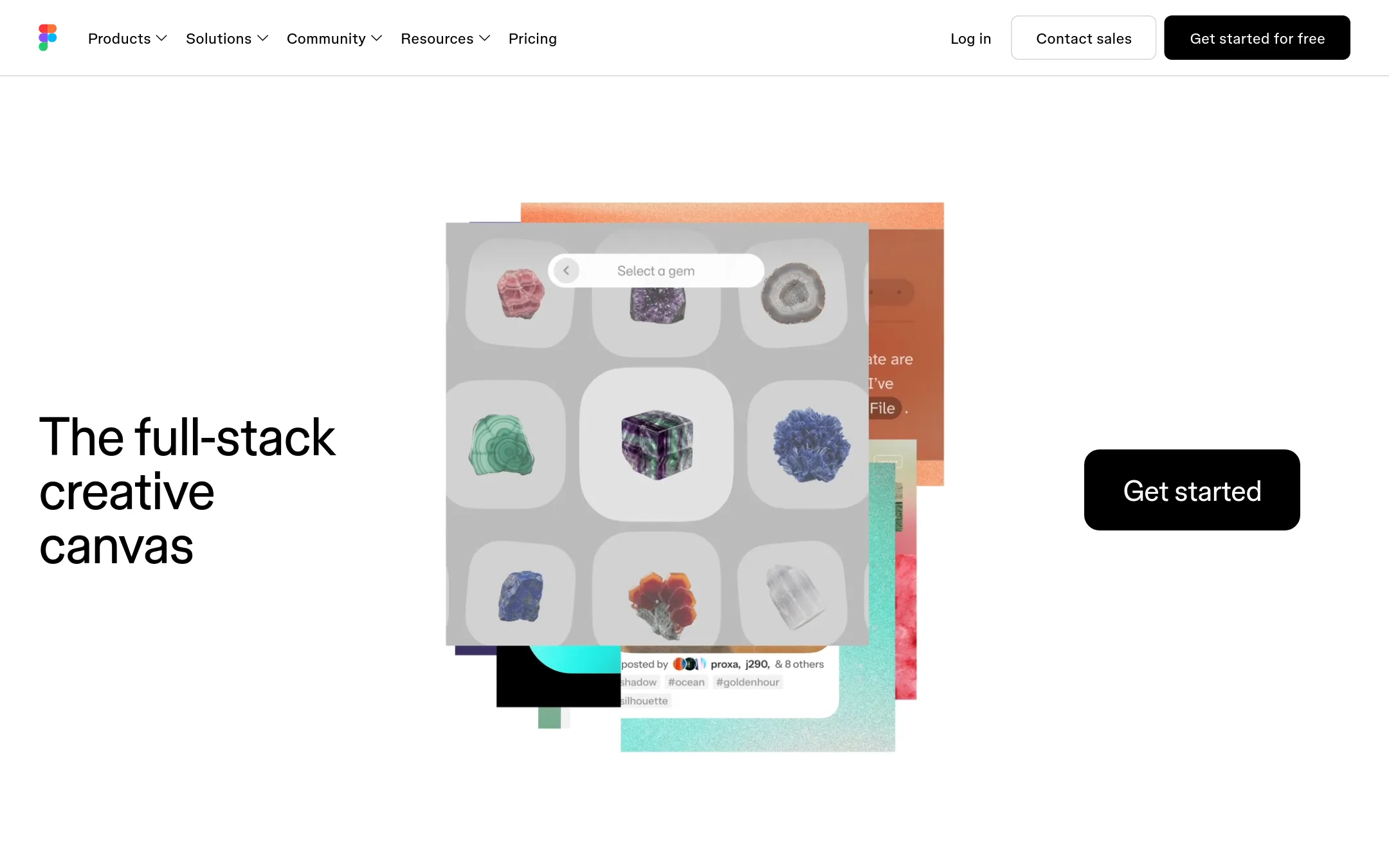
FigJam is Figma's digital whiteboard for brainstorming, mapping and workshops, with teammates and AI agents working on the same canvas. Teams pick it over Lucid when their planning work already lives in Figma and they want diagrams, stickies and design files in one place rather than a separate diagramming tool.
Where it is strong
- Shares one workspace with Figma design files, so boards and designs sit side by side
- Teammates and AI agents work on the same canvas with shared context
- A free Starter plan is available for small trials
Where it falls short
- The pricing page does not break out FigJam as a standalone product, so the cost depends on the Figma plan chosen
- The site's material centers on design and development tooling, so it may be heavier than a team needs for simple diagramming
- Pricing:
- FigJam is sold as part of Figma's plans, and the page lists Starter free, Professional at $16 per full seat per month billed monthly ($12 billed annually), Organization at $55 per month ($25 billed annually) and Enterprise at $90 per month ($35 billed annually
- DNot published
3.Draw.io (diagrams.net)
Best for: Engineering and product teams that need free, privacy-conscious diagrams embedded in docs and wikis
- Pricing
- Not published
- Category
- Other
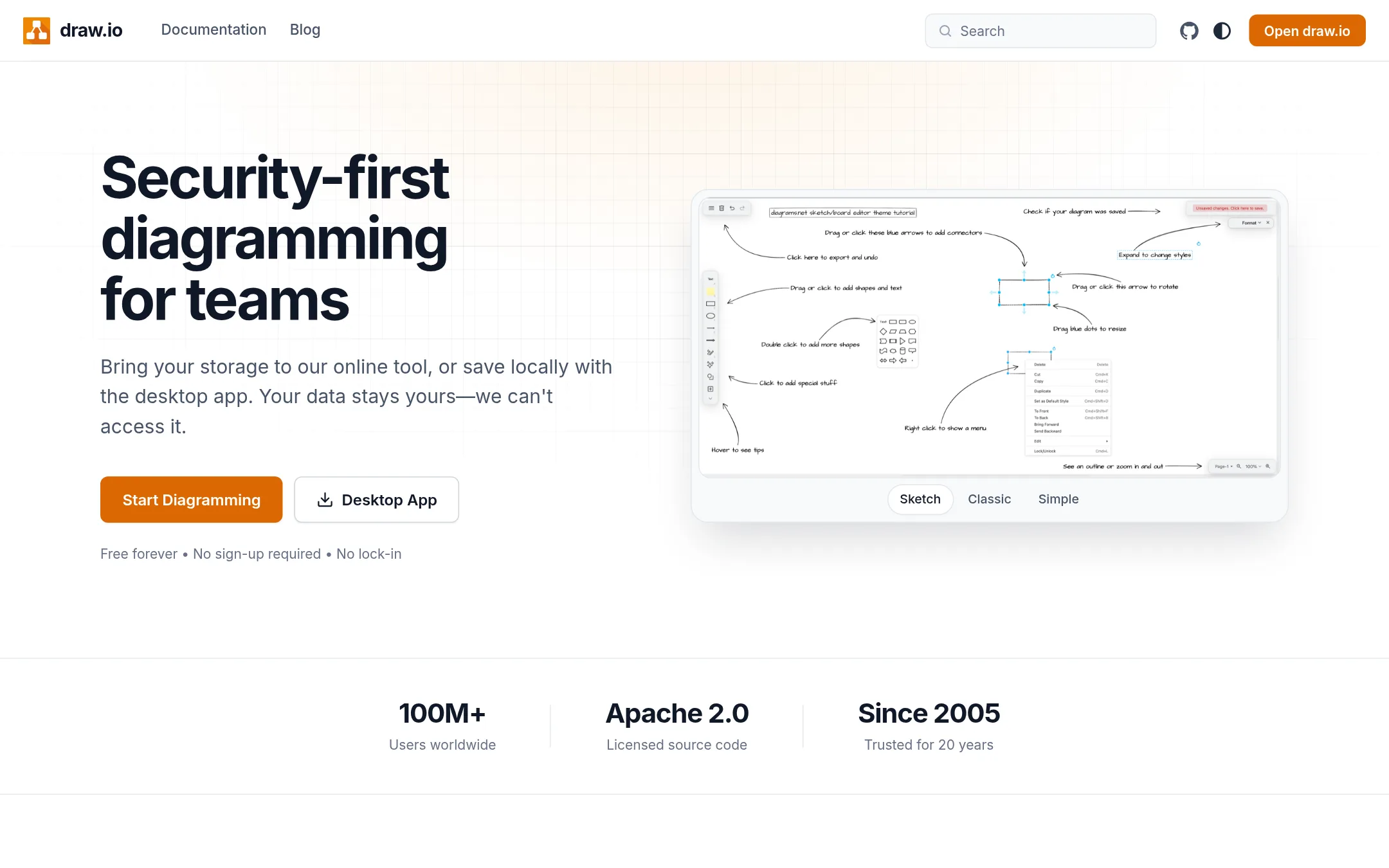
Draw.io is a free diagramming app for flowcharts, architecture maps and org charts, not a tool for generating interactive video. Teams pick it over Lucid when they need diagrams, not simulations, and want their files kept wherever they choose since the company says it cannot access stored data.
Where it is strong
- Free to use, with no account or credit card needed to start
- Files can be stored wherever you want, and the company says it cannot access them
- Diagrams export to SVG, PNG and PDF or stay editable, and can be embedded in other tools
Where it falls short
- It does not create interactive video or simulations, so it covers a different job than Lucid
- The site does not describe its collaboration features in detail beyond shared cursors
- Pricing:
- Pricing is not published on the site.
- CNot published
4.Creately
Best for: Operations and HR teams that need org charts, process maps or cloud diagrams built from their existing spreadsheets, documents and AWS accounts.
- Pricing
- Not published
- Category
- Other
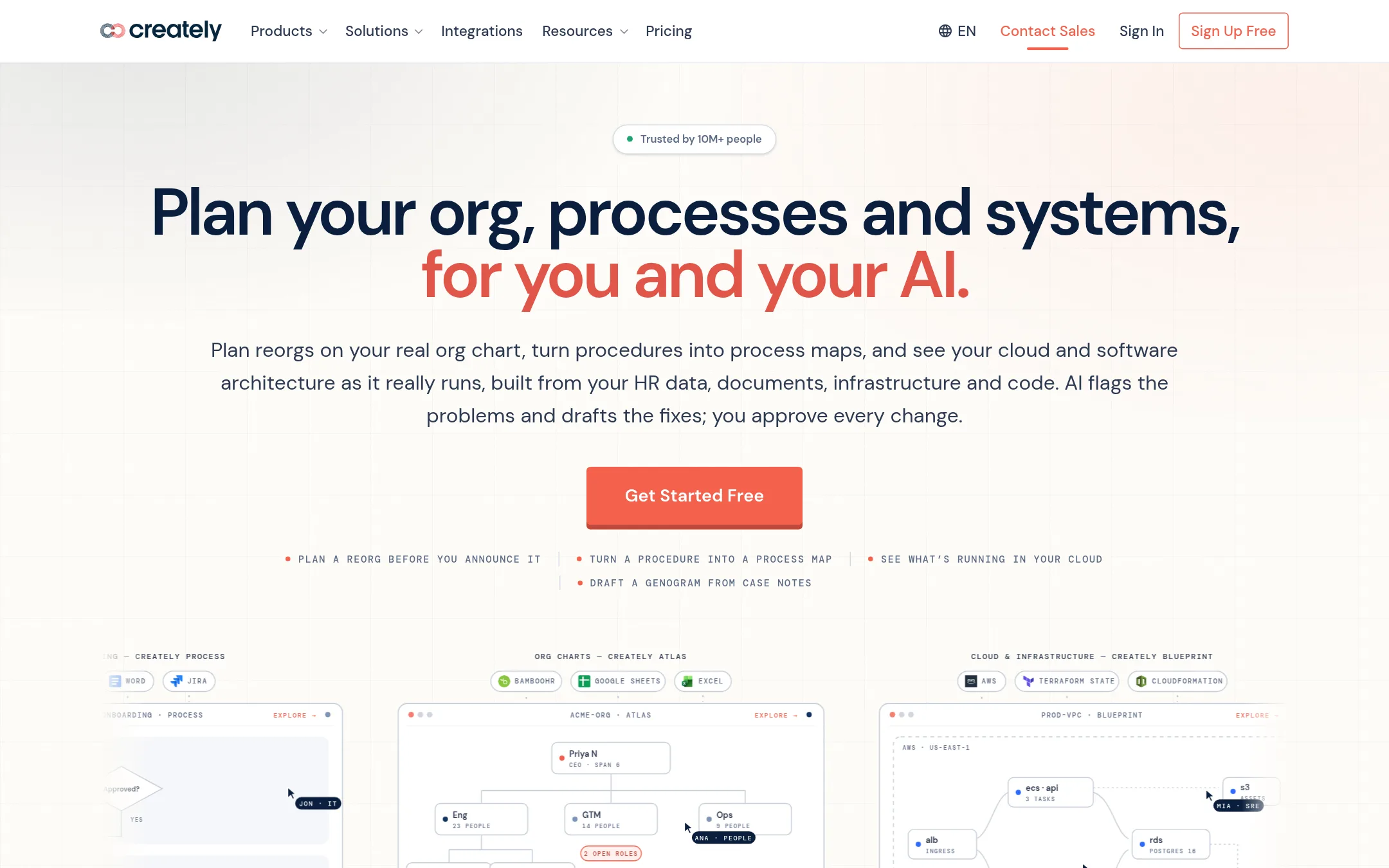
Creately is a diagramming and planning tool that builds org charts, process maps, cloud architecture diagrams and compliance views, drawing them from data you already have such as staff lists, procedure documents and AWS accounts. Someone would choose it over Lucid when the work is about organizations, processes or infrastructure rather than interactive video or simulation.
Where it is strong
- Builds org charts and process flowcharts from uploaded spreadsheets and documents
- Free plan includes basic features across all products
- Shared canvas where teams edit and comment together in real time
Where it falls short
- Built for organizational and infrastructure diagramming, with no interactive video or simulation features
- Several advanced features, such as SSO, SCIM and data residency, sit behind an Enterprise annual agreement
- Pricing:
- Pricing is not published on the site.
- WFrom $0 / editor / mon
5.Whimsical
Best for: Product teams that need to map flows, sketch wireframes and write docs together in one shared workspace
- Pricing
- From $0 / editor / mon
- Category
- Other
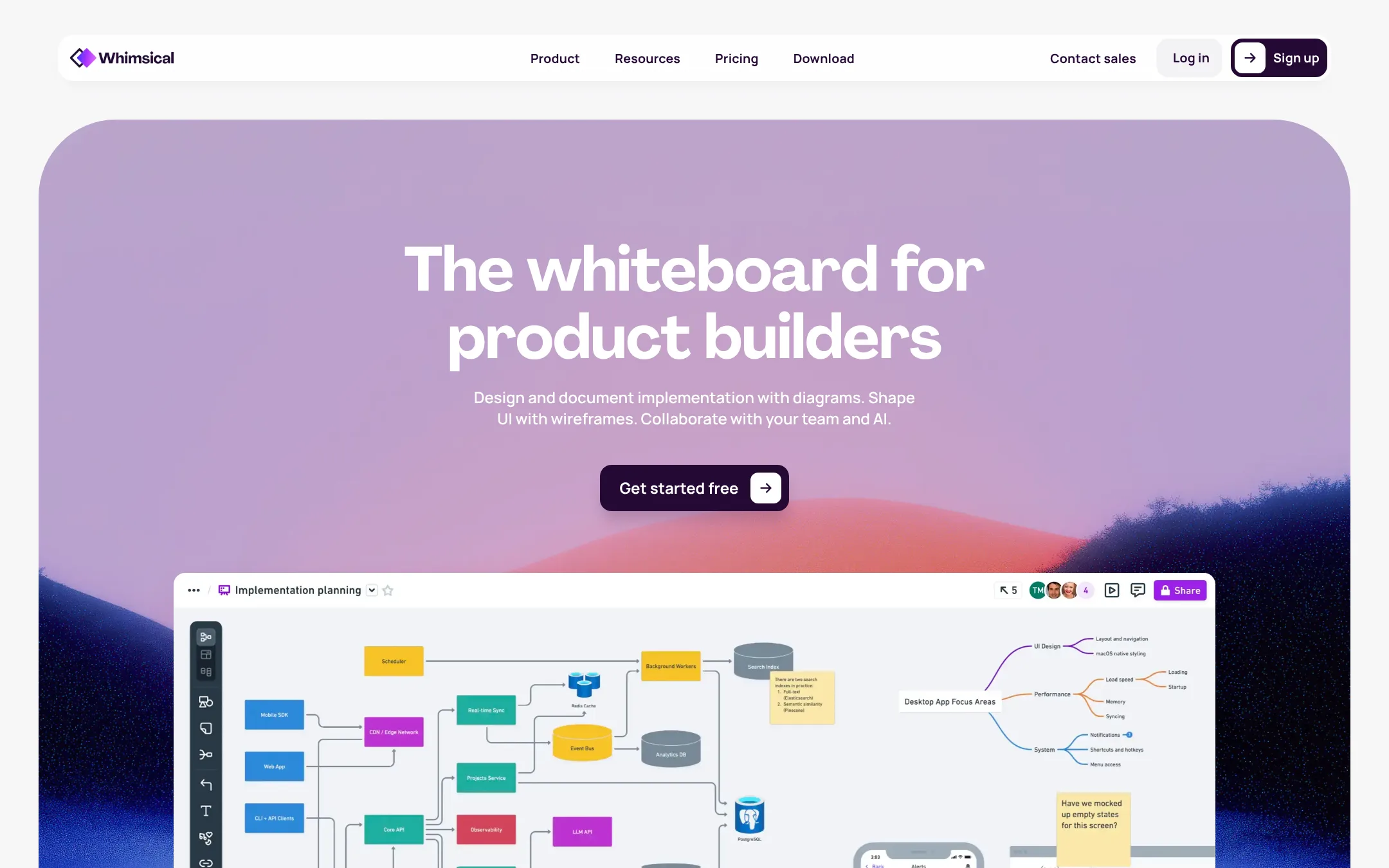
Whimsical is a collaborative whiteboard for product teams that combines flowcharts, wireframes, mind maps, diagrams and docs in one workspace. Someone would choose it over Lucid if they need to plan product flows and interfaces with their team rather than build interactive video models, and it offers a free plan with unlimited boards and guests.
Where it is strong
- Free plan includes unlimited boards, docs and guests
- Covers flowcharts, wireframes, mind maps and docs in one tool
- Connects to AI agents such as Claude, ChatGPT and Cursor through an MCP server
Where it falls short
- No dedicated mobile app, only browser viewing and commenting on mobile
- Free plan caps new board objects and doc blocks at 50 each per month
- Pricing:
- The Free plan is $0 with limits of 50 board objects and 50 doc blocks per month, Pro is $10 per editor per month billed annually, and Business is $20 per editor per month billed annually.
- Not published
6.Canva Whiteboards
Best for: Small teams that already use Canva and want brainstorming boards without adding another diagramming tool
- Pricing
- Not published
- Category
- Communication & Collaboration
Canva Whiteboards is a visual collaboration space for brainstorming, mapping and sticky-note style work, built into the wider Canva design tool. A team would pick it over Lucid when the work is mainly brainstorming and visual planning inside a tool many members already use for design.
Where it is strong
- Sits inside the Canva app many teams already use
- Simple sticky-note and board style for brainstorming
- Easy for non-designers to join and edit
Where it falls short
- The site we could read shows only an unsupported-browser notice, so feature details are unverified
- Likely lighter than Lucid for complex diagramming or interactive simulation work
- Pricing:
- Pricing is not published on the site.
See more comparisons in Media & Entertainment alternatives.
FAQ
Questions about Lucid alternatives
What is Lucid known for?
According to its site, Lucid is a simulation company known for interactive video models. Its homepage focuses on dreams, memory and imagination rather than on diagramming or whiteboard work.
Which alternative is best for product and design teams already using Figma?
FigJam suits product and design teams already working in Figma. It places brainstorming and workshop boards next to design files, and teammates and AI agents work on the same canvas.
Is there a free option among these alternatives?
Yes. Miro has a Free plan with 3 editable boards, Whimsical has a Free plan with unlimited boards and guests, and Draw.io is free to use with no account needed to start. FigJam offers a free Starter plan on the Figma pricing page.
Which tool should operations or HR teams consider?
Creately suits operations and HR teams that need org charts, process maps or cloud diagrams built from existing spreadsheets, documents and AWS accounts. Several of its advanced features sit behind an Enterprise annual agreement.
Do any of these alternatives create interactive video or simulations like Lucid?
None of the alternatives listed here offer interactive video or simulation features. Draw.io's site states it does not create interactive video, and Creately is built for organizational and infrastructure diagramming, so teams needing simulations should evaluate this separately.
Last updated November 22, 2026.