Luminar Neo alternatives
12 products compared · Updated November 1, 2026
The short answer
For e-commerce teams producing product images at scale, Photoroom is the strongest alternative with batch editing and brand consistency. For photographers who want a one-time purchase and precise control, ON1 Photo RAW offers a complete workflow without subscriptions. For quick, free browser-based retouching, Cleanup.pictures is the best choice for object removal and simple fixes.
Your shortlist, at a glance
Read the comparisons ↓ Adobe AnimateNot publishedAnimators and motion designers who need frame-by-frame animation and vector art for web or broadcast.
- AAffinity PhotoNot publishedPhotographers and designers who want a full-featured desktop editor with a one-time payment instead of a subscription.
- CCapture One ProNot publishedProfessional photographers and studios that shoot tethered and need precise color grading and file management
- OON1 Photo RAWNot publishedPhotographers who want a perpetual license and a complete editing workflow without monthly fees.
- DDxO PhotoLabSee websiteOther
- SSkylum Luminar AINot publishedPhotographers and small teams who want a one-time purchase for photo editing across desktop, mobile, and web, with optional annual AI tool renewal.
 PhotoroomNot publishedE-commerce teams and marketplaces that need to produce thousands of product images and videos at scale with consistent brand rules.
 Claid.aiNot publishedE-commerce and fashion teams that need to produce realistic lifestyle and on-model photos from basic product shots at scale.
 Cleanup.picturesFree / $5/mo or $36/yrPhotographers, real estate agents, and e-commerce teams that need to clean up images fast without a full photo editor.
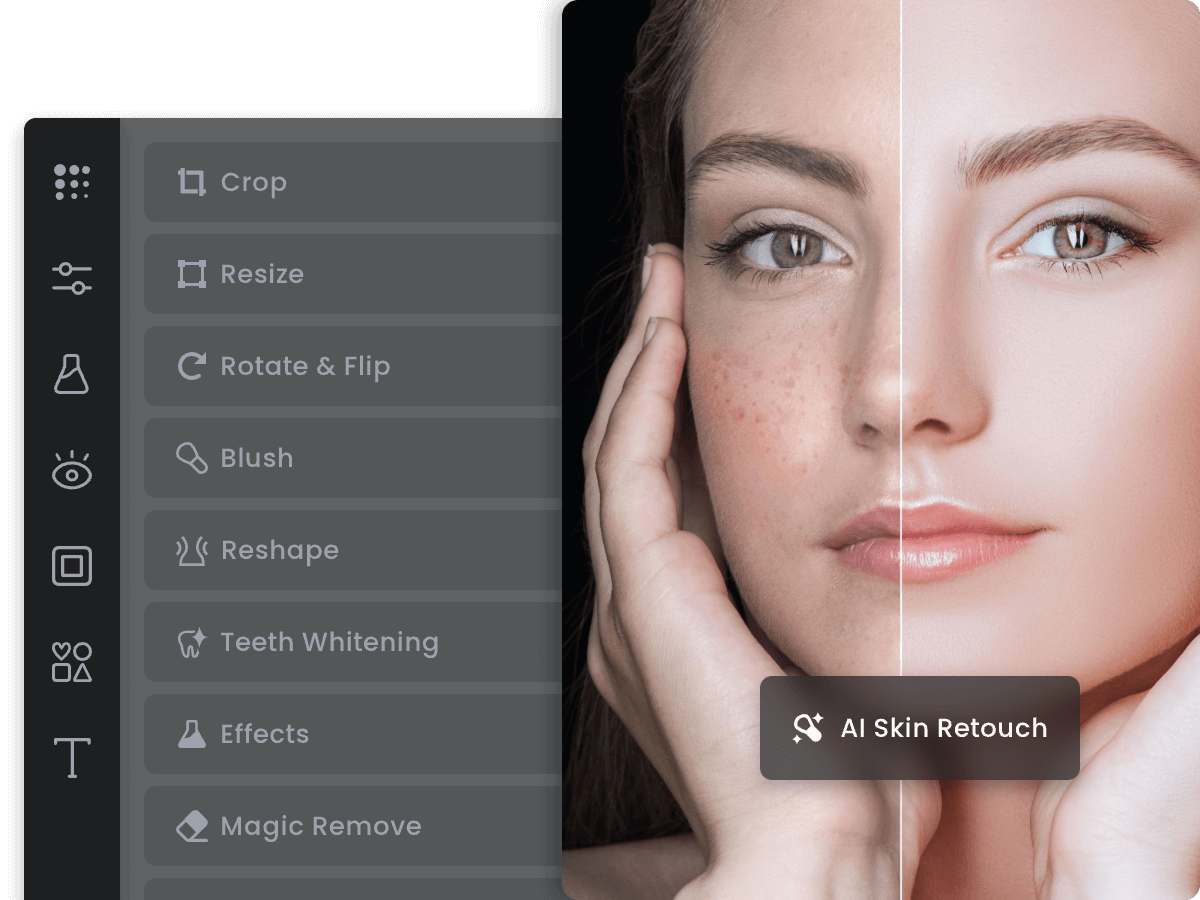 FotorNot publishedCasual users and small teams who need fast, browser-based photo edits without a learning curve.
 PhotopeaNot publishedStudents, freelancers, and small business owners who need professional-grade editing without paying or installing software.
 PicsartNot publishedContent creators and small teams who need quick image and video edits with AI templates and stock assets
About Luminar Neo and its alternatives
Luminar Neo is an AI-powered photo editing software from Skylum, known for tools like sky replacement, relight, and one-click enhancements. It is a desktop app that focuses on automated editing for photographers and creators.
When comparing alternatives, weigh the pricing structure: subscriptions, one-time purchases, or free tiers. Consider the regions where pricing is published, the integrations and file formats supported, the level of customer support, and the contract terms like annual renewals or usage limits.
Explore the alternatives
- Not published
1.Adobe Animate
Best for: Animators and motion designers who need frame-by-frame animation and vector art for web or broadcast.

- Pricing
- Not published
- Category
- Design & Creative
Adobe Animate is a vector animation tool for creating interactive web content, cartoons, and games. Choose it over Luminar Neo when your work is about motion and interactivity, not photo retouching.
Where it is strong
- Frame-by-frame animation with a timeline and onion skinning.
- Vector tools for scalable, resolution-independent artwork.
- Exports to HTML5 canvas, WebGL, and video formats.
Where it falls short
- Steep learning curve for beginners compared to Luminar Neo.
- No photo editing or AI enhancement features.
- Pricing:
- Pricing is not published on the site.
- ANot published
2.Affinity Photo
Best for: Photographers and designers who want a full-featured desktop editor with a one-time payment instead of a subscription.

- Pricing
- Not published
- Category
- Other
Affinity Photo is a desktop photo editor for people who want professional retouching and compositing without a subscription. Choose it over Luminar Neo if you prefer a one-time purchase and want a tool that behaves more like Photoshop than an AI-driven editor. It suits photographers and designers who need precise control rather than automated enhancements.
Where it is strong
- One-time purchase model, no subscription required
- Professional-grade retouching and compositing tools
- Works offline as a native desktop application
Where it falls short
- No AI-powered editing features like Luminar Neo's automated tools
- Browser-based site was showing an unsupported client warning, so check system requirements
- Pricing:
- Pricing is not published on the site.
- CNot published
3.Capture One Pro
Best for: Professional photographers and studios that shoot tethered and need precise color grading and file management
- Pricing
- Not published
- Category
- Other
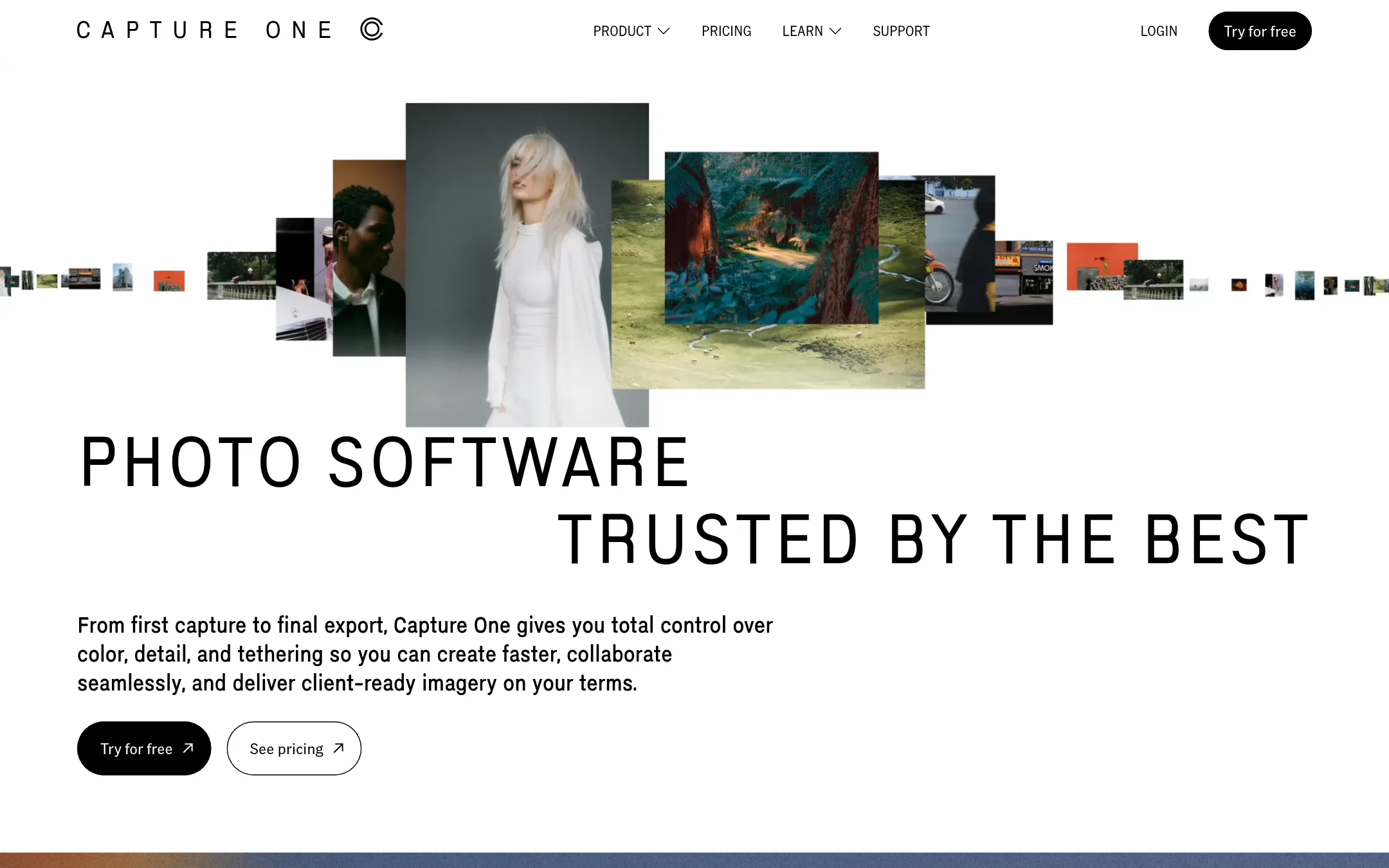
Capture One Pro is a desktop photo editor built for photographers who need precise color control, reliable tethering, and support for over 550 cameras. Choose it over Luminar Neo when you work in a studio or on set and need dependable RAW conversion and asset management over AI-driven one-click edits.
Where it is strong
- Industry-leading tethering with camera controls and live view
- Support for 550+ cameras and superior RAW conversion
- Advanced color profiles and masking tools for fine control
Where it falls short
- No AI-powered one-click edits like Luminar Neo's sky replacement or relight
- Steeper learning curve for beginners used to Luminar's simplicity
- Pricing:
- Pricing is not published on the site. The page lists plans (Pro, All in One, Studio, Mobile) but no dollar amounts.
- Switching from Luminar Neo:
- Moving from Luminar Neo means learning a new workflow, especially if you rely on AI presets, but you can import your existing RAW files and start editing with Capture One's color tools.
- ONot published
4.ON1 Photo RAW
Best for: Photographers who want a perpetual license and a complete editing workflow without monthly fees.
- Pricing
- Not published
- Category
- Other
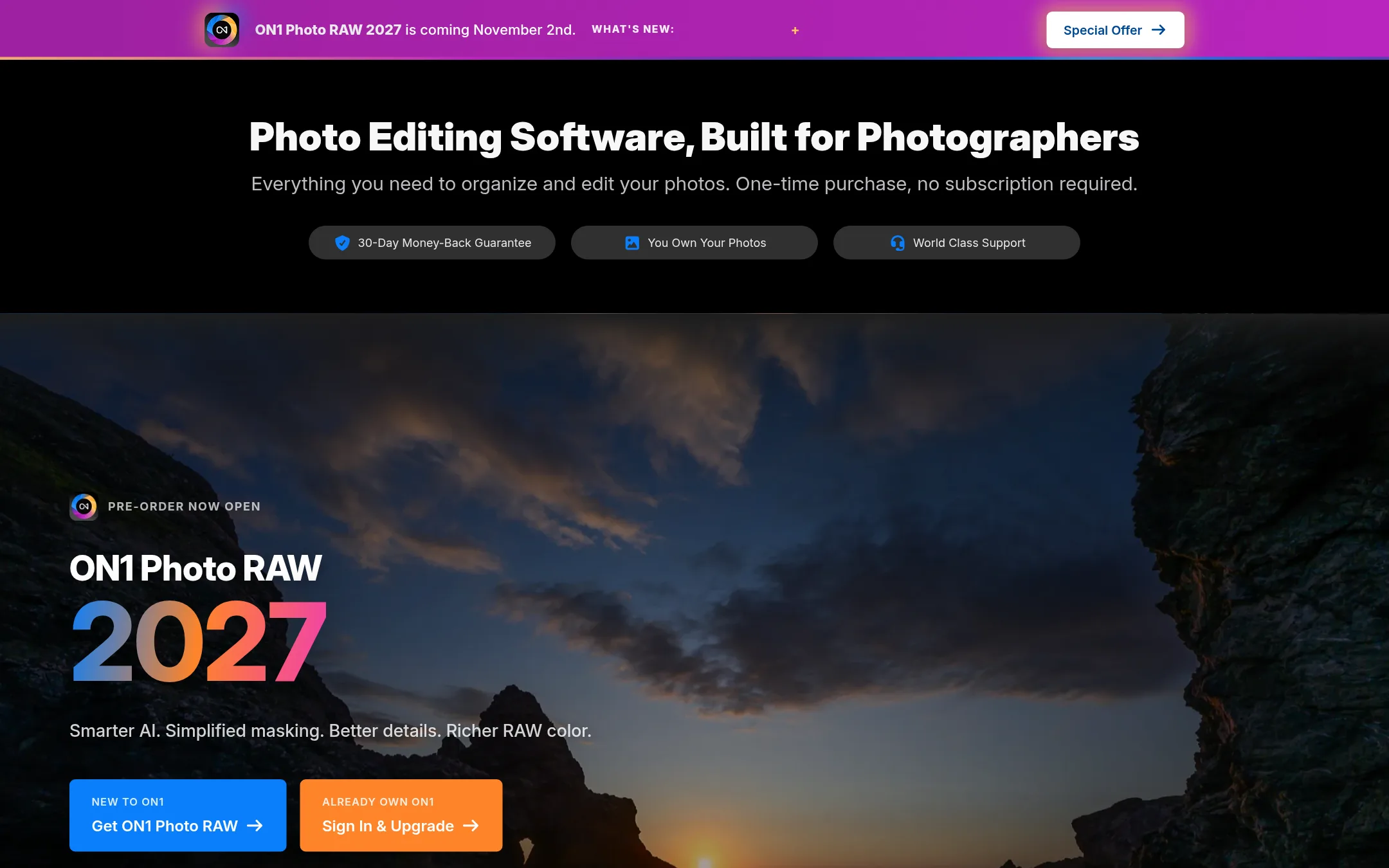
ON1 Photo RAW is a one-time purchase photo editor that combines RAW processing, organizing, and AI tools like masking, noise reduction, and portrait retouching in a single app. You would choose it over Luminar Neo if you want to avoid subscriptions and keep your files in your own folders without forced catalogs.
Where it is strong
- One-time purchase, no subscription required
- Includes AI masking, NoNoise AI, Portrait AI, and Effects built in
- Browser keeps files in original folders without catalogs
Where it falls short
- Pricing details not shown on the site
- No mention of a mobile or cloud sync workflow
- Pricing:
- Pricing is not published on the site.
- DSee website
5.DxO PhotoLab
Other
Raw-focused editor with superior lens corrections and noise reduction.
- SNot published
6.Skylum Luminar AI
Best for: Photographers and small teams who want a one-time purchase for photo editing across desktop, mobile, and web, with optional annual AI tool renewal.

- Pricing
- Not published
- Category
- Other
Skylum Luminar AI is the same product family as Luminar Neo, now sold under the Skylum brand with a focus on cross-device editing. You would choose it if you want a perpetual license that works on desktop, mobile, and web, with AI tools that renew annually. It suits photographers who want to own their software rather than subscribe monthly.
Where it is strong
- Perpetual license for desktop, mobile, and web with one-time payment.
- Cross-device editing: start on mobile, continue on desktop, sync work.
- Includes AI tools like GenErase, GenSwap, and GenExpand with annual renewal.
Where it falls short
- AI tools and asset library require annual renewal after 365 days.
- Big upgrades may require extra payments beyond the initial license.
- Pricing:
- Pricing is not published on the site.
- Switching from Luminar Neo:
- Moving from Luminar Neo to Skylum Luminar AI is straightforward because it is the same product line. Your existing edits and presets carry over, and you just choose a new license plan.
- Not published
7.Photoroom
Best for: E-commerce teams and marketplaces that need to produce thousands of product images and videos at scale with consistent brand rules.

- Pricing
- Not published
- Category
- Design & Creative
Photoroom is an AI photo and video editor built for e-commerce, turning product photos into listing images and videos. Choose it over Luminar Neo when you need batch editing, brand consistency, and catalog-scale visual production for online sales.
Where it is strong
- Batch editing at catalog scale, handling thousands of images in one job.
- Brand Library applies your backgrounds, colors, logos, and formats automatically.
- Custom AI models trained on your products and brand rules for Enterprise contracts.
Where it falls short
- Pricing details are not shown on the site, so you must contact sales or start a trial to see costs.
- Video generation and AI fashion models are limited on lower plans, with credit caps.
- Pricing:
- Pricing is not fully published on the site. The page shows Pro, Max, and Ultra plans with AI credits and export limits, but no dollar amounts are listed.
- Switching from Luminar Neo:
- Moving from Luminar Neo means shifting from a general photo editor to an e-commerce pipeline, so you'll need to upload your product images and set up brand rules in Photoroom's web app or API.
- Not published
8.Claid.ai
Best for: E-commerce and fashion teams that need to produce realistic lifestyle and on-model photos from basic product shots at scale.

- Pricing
- Not published
- Category
- Media & Entertainment
Claid.ai turns simple product shots into photoshoot-quality images using AI. It generates realistic lifestyle scenes, on-model photos, and clean cutouts. Choose it over Luminar Neo when you need automated, detail-first visuals for e-commerce or fashion rather than manual photo editing.
Where it is strong
- Produces realistic 4K lifestyle and on-model scenes from simple shots
- Handles clean cutouts and detail-first results automatically
- Free tier available to start
Where it falls short
- Pricing details are not publicly listed
- Focused on product and fashion photography, not general-purpose editing
- Pricing:
- On the United States site, pricing is not published on the page.
- Free / $5/mo or $36/yr
9.Cleanup.pictures
Best for: Photographers, real estate agents, and e-commerce teams that need to clean up images fast without a full photo editor.
- Pricing
- Free / $5/mo or $36/yr
- Category
- Media & Entertainment
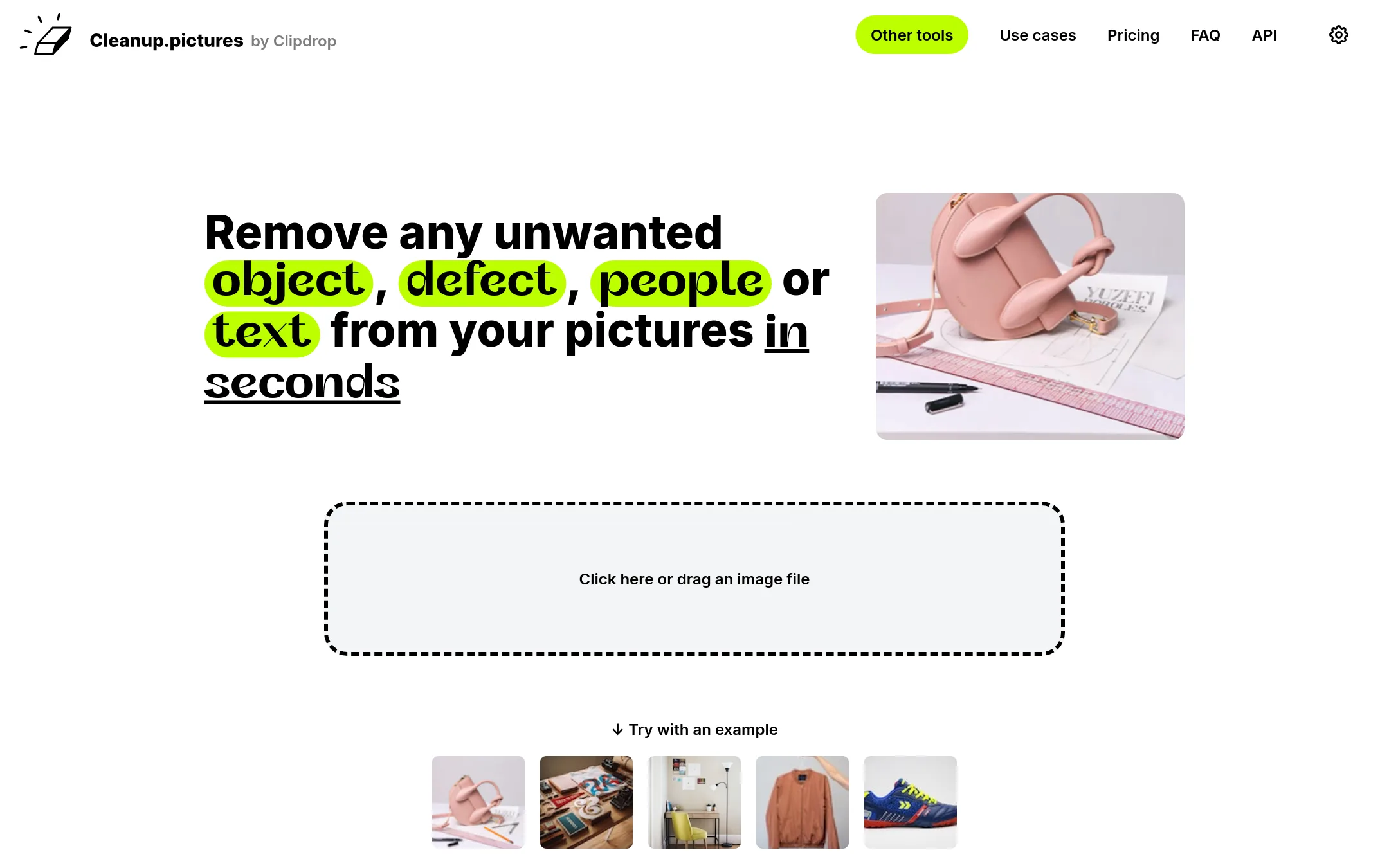
Cleanup.pictures is a web-based tool that removes objects, people, text, and defects from photos using AI inpainting. Choose it over Luminar Neo when you need a quick, free, and browser-based retouching tool without installing desktop software.
Where it is strong
- Free plan with unlimited images, though export is capped at 720p.
- AI guesses what's behind removed objects, so no clone stamp needed.
- Works in the browser on mobile and desktop. No install required.
Where it falls short
- Limited to object removal and inpainting, not a full photo editor like Luminar Neo.
- Pro subscription is per user, and the API requires separate usage-based pricing.
- Pricing:
- In the United States, the free plan exports at 720p. Pro costs $5 per month or $36 per year ($3 per month) for unlimited resolution and a high-quality refiner.
- Switching from Luminar Neo:
- Moving from Luminar Neo means switching from a desktop editor to a browser tool, so you'll redo workflows but can start by dragging and dropping images directly.
- Not published
10.Fotor
Best for: Casual users and small teams who need fast, browser-based photo edits without a learning curve.

- Pricing
- Not published
- Category
- Media & Entertainment
Fotor is a free online photo editor that runs in the browser, so you can crop, add text, apply effects, and retouch images without installing software. Choose it over Luminar Neo if you need quick edits on any device and don't want to pay for a desktop app. It's a lighter tool for everyday photo tasks, not a full editing suite for professionals.
Where it is strong
- Free to use online
- No installation needed
- Handles basic retouching and effects
Where it falls short
- No desktop app for offline work
- Fewer advanced AI tools than Luminar Neo
- Pricing:
- Pricing is not published on the site.
- Not published
11.Photopea
Best for: Students, freelancers, and small business owners who need professional-grade editing without paying or installing software.
- Pricing
- Not published
- Category
- Media & Entertainment
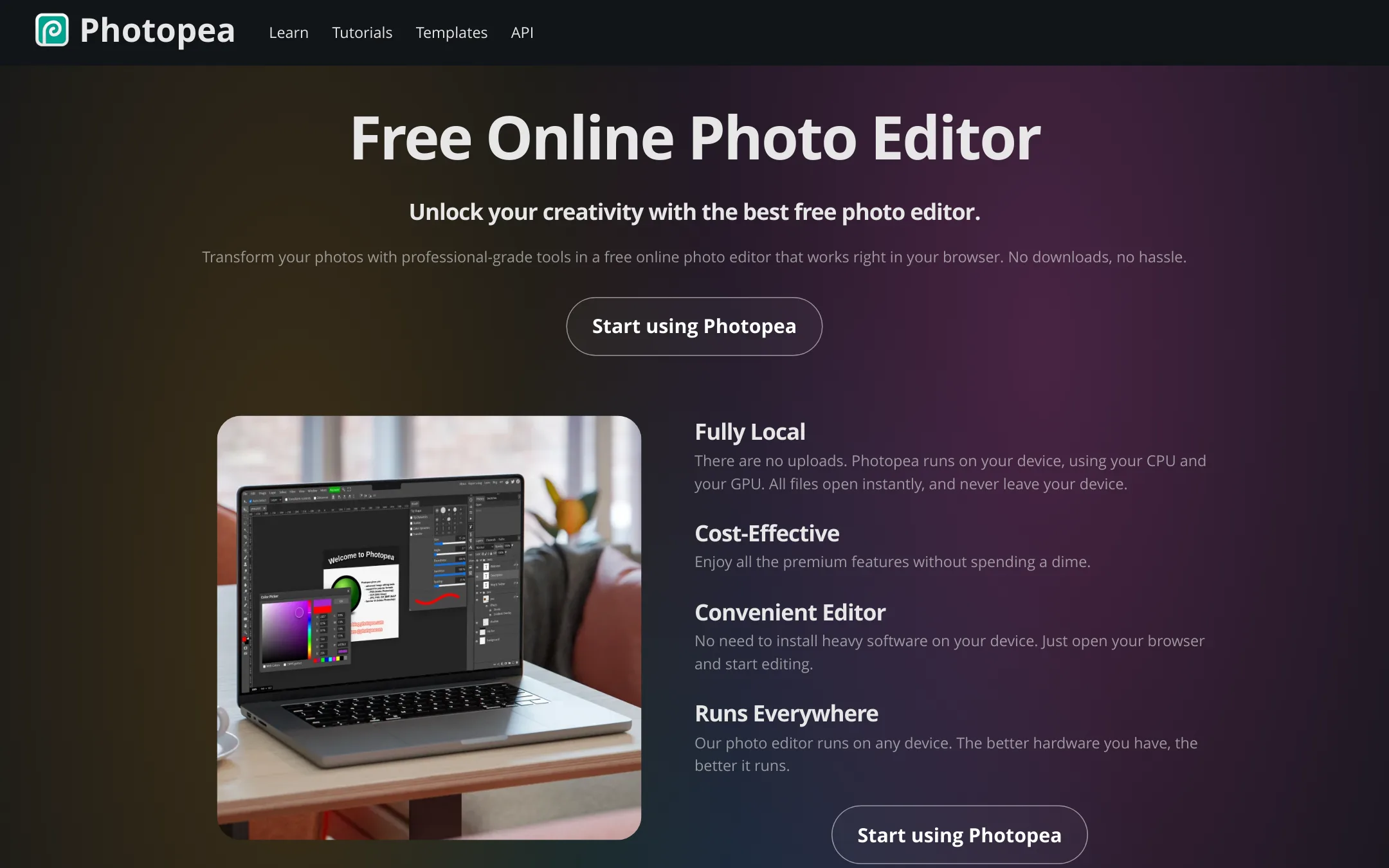
Photopea is a browser-based photo editor that runs entirely on your device, so files never leave your machine. It supports PSD and a wide range of formats, including RAW, and includes AI tools like background removal. Choose it over Luminar Neo if you want a free, no-install editor that works on any hardware.
Where it is strong
- Runs in the browser with no downloads or uploads
- Full PSD support and 40+ other formats
- AI features like one-click background removal
Where it falls short
- No dedicated desktop app or offline mode
- Performance depends on your device's hardware
- Pricing:
- Pricing is not published on the site.
- Not published
12.Picsart
Best for: Content creators and small teams who need quick image and video edits with AI templates and stock assets

- Pricing
- Not published
- Category
- Media & Entertainment
Picsart is a browser-based creative platform for images, video, and design, with a heavy focus on AI models and templates. You would choose it over Luminar Neo if you need a broader content creation tool for social media, ads, and video, rather than dedicated photo editing.
Where it is strong
- Includes video generation and editing, not just photos
- Access to 180+ AI models and stock libraries
- Bulk editing up to 50 images on Pro, 100 on Ultra
Where it falls short
- No clear pricing figures on the site, making cost comparison hard
- Heavier focus on templates and AI generation, less on precise photo retouching
- Pricing:
- Pricing is not published on the site. Only plan names (Pro, Ultra) and feature lists are shown.
- Switching from Luminar Neo:
- Moving from Luminar Neo means shifting from a desktop photo editor to a web-based platform, and you would need to re-learn the workflow around templates and AI prompts.
See more comparisons in Media & Entertainment alternatives.
FAQ
Questions about Luminar Neo alternatives
Which alternative is best for e-commerce product photo editing?
Photoroom is the strongest choice for e-commerce teams. It offers batch editing at catalog scale, a Brand Library for consistent visuals, and custom AI models for Enterprise contracts. Claid.ai is also good for generating realistic lifestyle and on-model photos from basic product shots.
Are there any one-time purchase alternatives to Luminar Neo?
Yes, ON1 Photo RAW and Affinity Photo both offer one-time purchases. ON1 Photo RAW includes AI masking, noise reduction, and portrait retouching in a single app. Affinity Photo provides professional retouching and compositing tools without a subscription.
What is the best free alternative for quick photo edits?
Fotor is a free online editor that runs in the browser and handles basic retouching and effects. Photopea is also free and runs entirely in the browser, supporting PSD and RAW formats with AI tools like background removal. Cleanup.pictures offers a free plan for object removal, though exports are capped at 720p.
Which alternative is best for professional photographers who shoot tethered?
Capture One Pro is built for studio photographers with industry-leading tethering, support for over 550 cameras, and advanced color profiles. It lacks AI one-click edits but provides precise control and reliable RAW conversion.
Do any alternatives offer cross-device editing like Luminar Neo?
Skylum Luminar AI, the same product family as Luminar Neo, offers a perpetual license for desktop, mobile, and web with cross-device editing. It includes AI tools like GenErase and GenSwap, but these require annual renewal after 365 days.
Last updated November 1, 2026.