
Mailparser.io alternatives
12 products compared · Updated November 2, 2026
The short answer
For teams that need to automate workflows across many apps, Zapier or Make are the strongest alternatives to Mailparser.io. If your main need is turning emailed orders into ERP-ready drafts with approval workflow, Response is the best fit. For parsing scanned documents and PDFs with OCR, Docparser or Parsio are the strongest choices.
Your shortlist, at a glance
Read the comparisons ↓- PParseurFrom $49/mo (100 pagesTeams that process high volumes of invoices, shipping documents, or leads and need AI-based extraction from varied layouts, especially those with EU data residency requirements.
- EEmail ParserNot publishedTeams that need AI-driven extraction from emails and attachments, especially those already using Google Sheets, MySQL, or REST APIs.
 ZapierFrom free, paid TBDTeams that want to automate workflows across many apps and need flexible, AI-powered integrations beyond email parsing.
 DocparserFrom $32.50/moTeams that need to parse invoices, bank statements, or contracts from PDFs and scanned images, especially in accounting, logistics, or legal work.
- PParsioFrom $24/moTeams that need to parse scanned documents or invoices with OCR and want AI-powered extraction without building custom rules.
- CCloudHQNot publishedTeams already using Gmail or Google Workspace who want to export emails to spreadsheets, save them as PDFs, or back up their cloud data without setting up complex parsing rules.
 MailgunNot publishedDevelopment teams that need a transactional email API with high-volume sending and deliverability controls.
 SendGridFrom $19.95/moTeams that need a dependable email API or marketing campaign tool, not email data extraction.
 Automate.ioFree / $10+ per user/mTeams that want to automate multi-step workflows across their existing apps and don't need deep email data extraction.
- PParserrSee websiteOther
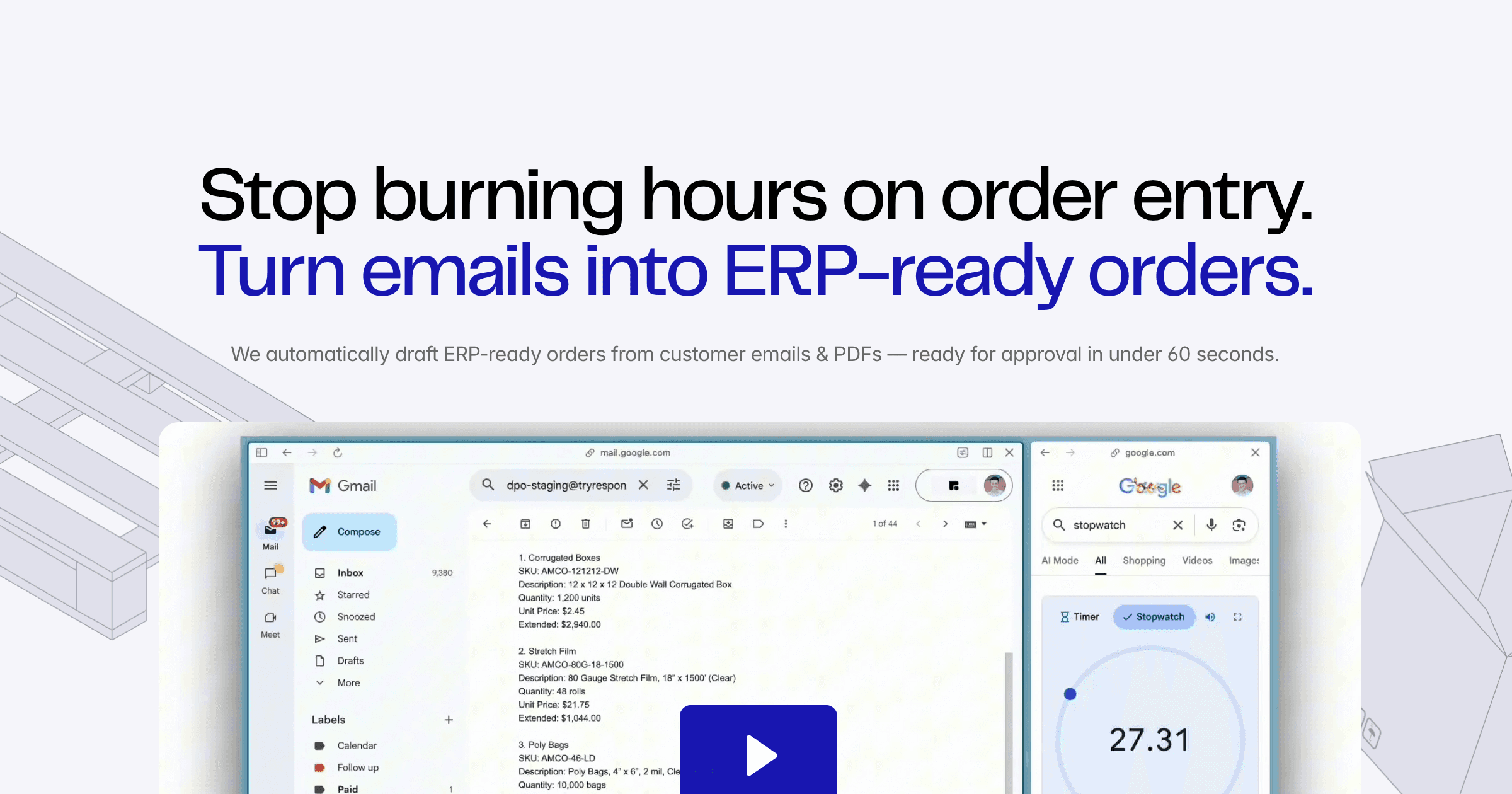 ResponseNot publishedWholesalers, packaging distributors, and B2B sellers that process orders by email and need ERP-ready drafts with approval workflow.
 MakeCredit-basedTeams that want to automate workflows across many apps and AI models, not just parse emails.
About Mailparser.io and its alternatives
Mailparser.io is an email parsing tool that extracts data from incoming emails and attachments, then sends it to spreadsheets, CRMs, databases, or APIs. It is known for custom parsing rules, 1,500+ integrations through Zapier, and a free trial with no credit card required.
When comparing alternatives, weigh pricing structure (per email, per page, or per user), whether you need OCR for scanned documents, the number and type of integrations, support options, and contract terms like annual billing or free plans. Some tools are general automation platforms, while others are dedicated parsers.
Explore the alternatives
- PFrom $49/mo (100 pages
1.Parseur
Best for: Teams that process high volumes of invoices, shipping documents, or leads and need AI-based extraction from varied layouts, especially those with EU data residency requirements.
- Pricing
- From $49/mo (100 pages
- Category
- Other
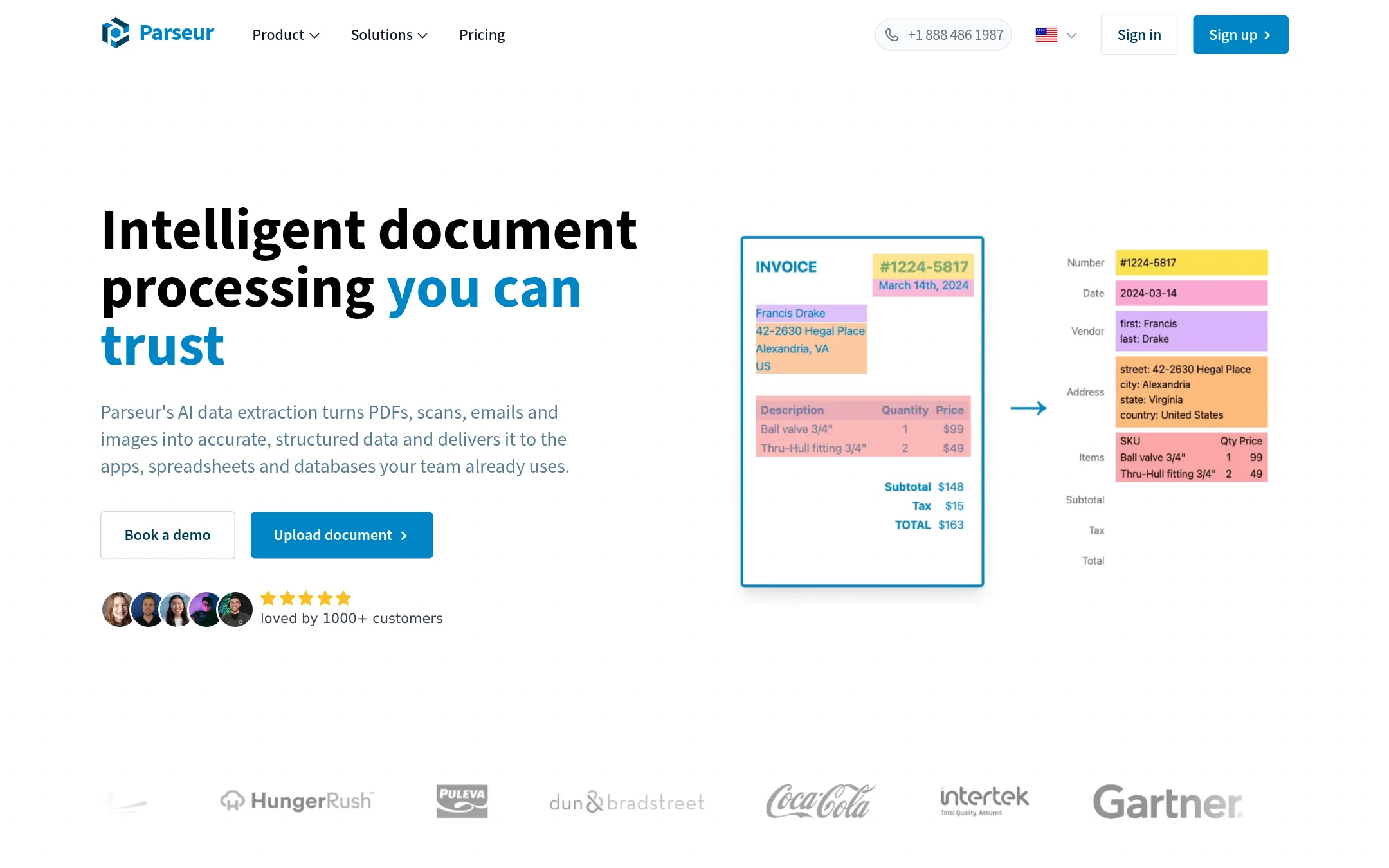
Parseur is an AI data extraction tool that turns PDFs, scans, emails, and images into structured data. You would choose it over Mailparser.io when you need to handle messy or scanned documents, because it uses AI to read layouts without manual template setup. It also offers EU-hosted infrastructure and compliance with GDPR, CCPA, and PDPA, which matters for privacy-sensitive teams.
Where it is strong
- AI reads documents without needing custom templates for each layout
- EU-hosted infrastructure with GDPR, CCPA, and PDPA compliance
- Free plan includes 20 pages per month, no credit card required
Where it falls short
- Pricing is based on pages processed, which can get expensive at high volumes
- Does not offer the same 1,500+ integrations via Zapier as Mailparser.io. Relies on Zapier, Make, and n8n
- Pricing:
- Plans start at $49 per month for 100 pages, with a free tier for up to 20 pages. Yearly billing is available at a discount, and enterprise plans are custom-quoted.
- Switching from Mailparser.io:
- Moving from Mailparser.io means setting up new parsing rules in Parseur, but you can forward emails to a dedicated Parseur address and use its AI to define fields in plain English, which may reduce template maintenance.
- ENot published
2.Email Parser
Best for: Teams that need AI-driven extraction from emails and attachments, especially those already using Google Sheets, MySQL, or REST APIs.
- Pricing
- Not published
- Category
- Other
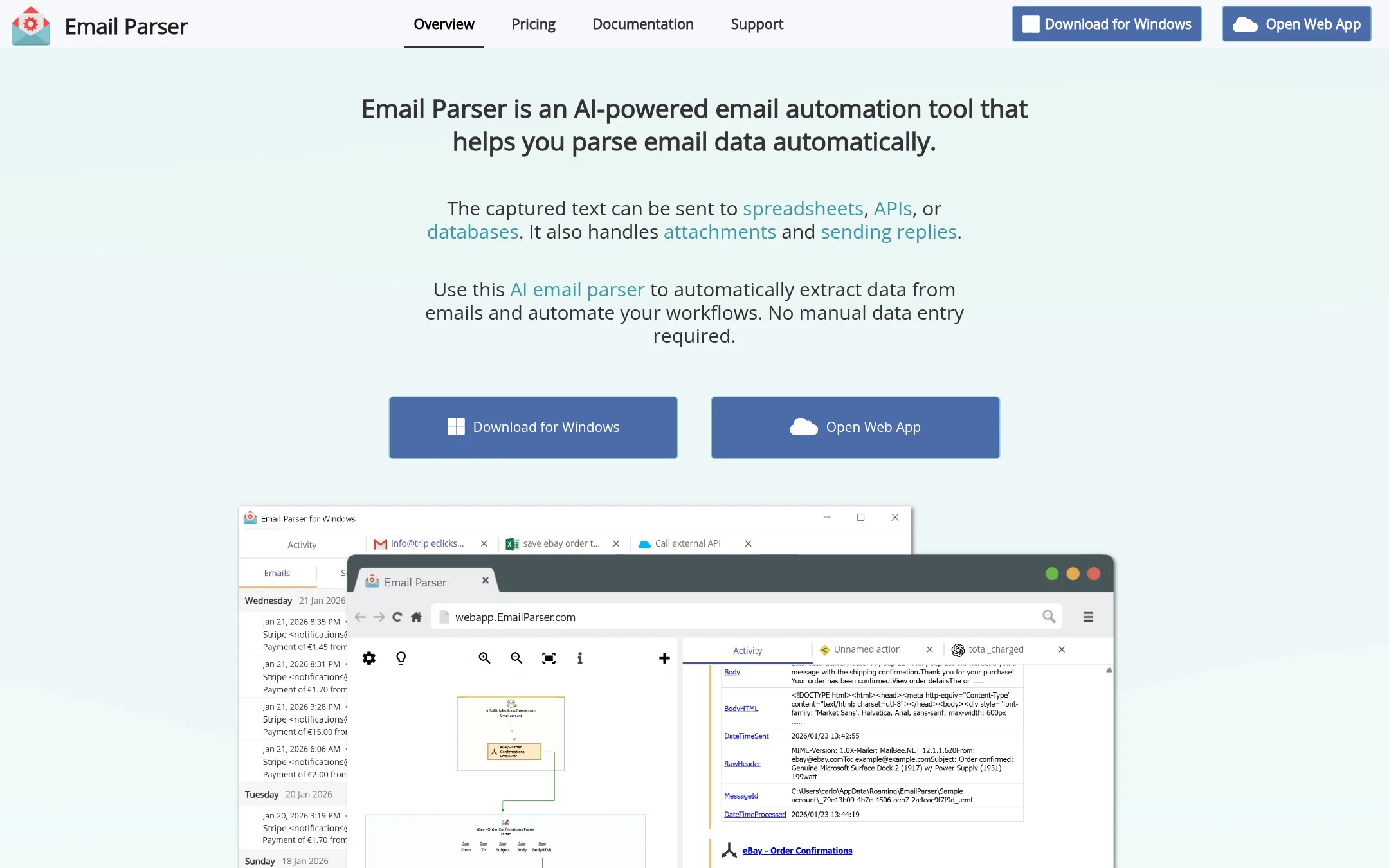
Email Parser is an AI-powered email parsing tool that extracts data from emails and attachments, then sends it to spreadsheets, databases, or APIs. You would choose it over Mailparser.io if you need natural language extraction with OpenAI GPT models or want to process existing emails in your inbox, not just new ones.
Where it is strong
- AI-powered extraction with natural language prompts, no regex needed
- Processes existing emails in your inbox, not just new ones
- Supports custom JavaScript and C# scripts for advanced logic
Where it falls short
- Pricing not disclosed, so cost comparison is difficult
- No mention of a free trial or credit-based plans like Mailparser
- Pricing:
- Pricing is not published on the site.
- Switching from Mailparser.io:
- Moving from Mailparser.io involves setting up new parsing rules or AI prompts, as the configuration and workflow triggers are different.
- From free, paid TBD
3.Zapier
Best for: Teams that want to automate workflows across many apps and need flexible, AI-powered integrations beyond email parsing.
- Pricing
- From free, paid TBD
- Category
- Productivity & Project Management
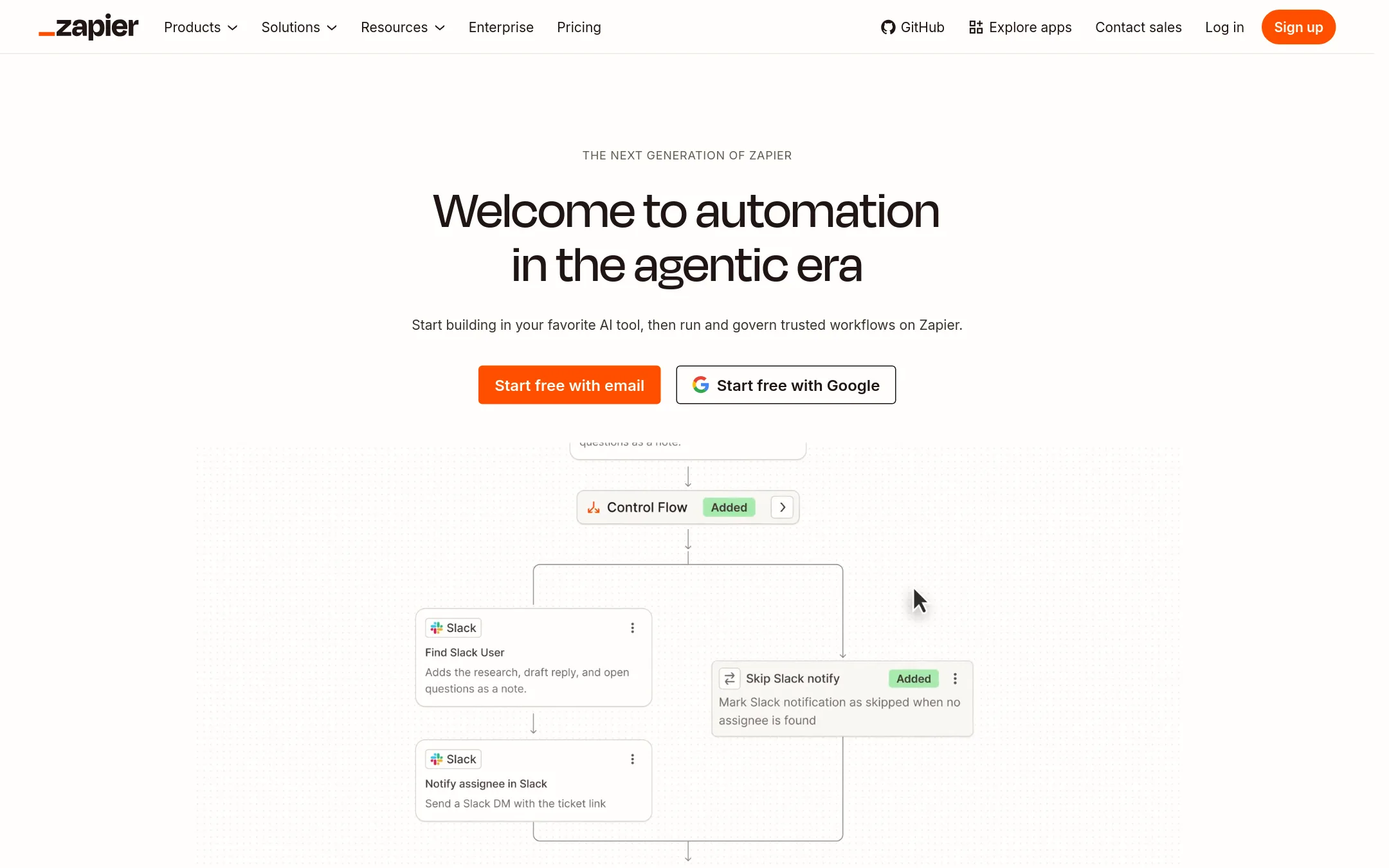
Zapier is a general-purpose automation platform that connects thousands of apps. You would choose it over Mailparser.io when you need to automate workflows across many tools, not just email parsing, and you want to build multi-step automations with AI assistance.
Where it is strong
- Connects to 9,000+ apps, far more than Mailparser.io's 1,500+ integrations.
- Supports deterministic, AI-assisted, and fully agentic workflows.
- Includes Tables and Forms for data storage and collection.
Where it falls short
- Email parsing is not a core feature. You need to build custom Zaps for that.
- Pricing is task-based, which can get expensive for high email volumes.
- Pricing:
- Free plan includes 100 tasks per month. Paid plans start at Professional, but the site does not list specific prices.
- Switching from Mailparser.io:
- Moving from Mailparser.io means rebuilding your email parsing rules as Zaps, and you will need to handle attachments and custom parsing logic manually.
- From $32.50/mo
4.Docparser
Best for: Teams that need to parse invoices, bank statements, or contracts from PDFs and scanned images, especially in accounting, logistics, or legal work.
- Pricing
- From $32.50/mo
- Category
- Productivity & Project Management
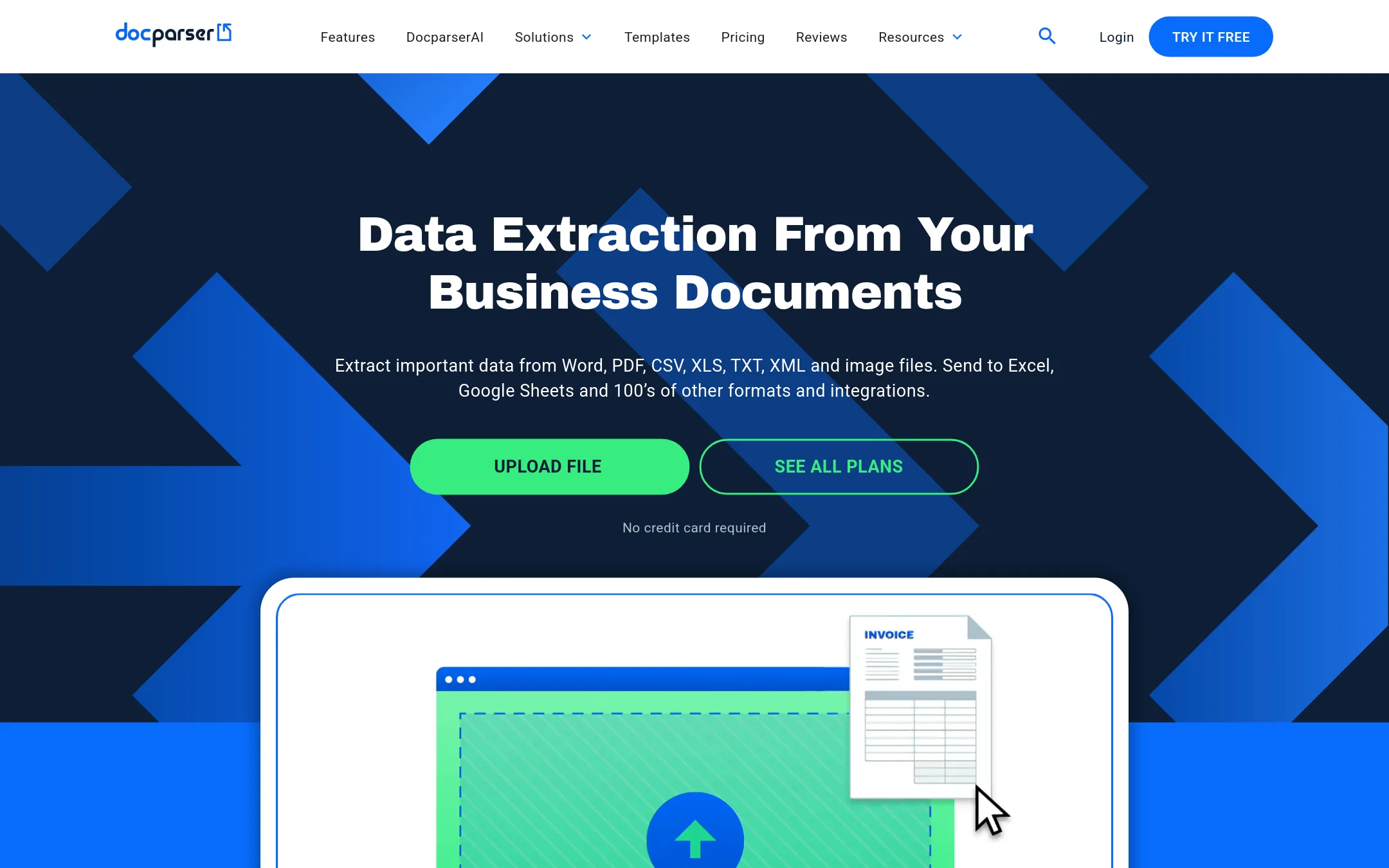
Docparser extracts data from PDFs, Word documents, and image files using OCR and pattern recognition, then sends it to Excel, Google Sheets, or other apps. Choose it over Mailparser.io when your data is trapped in scanned documents or complex layouts, not just email text and attachments.
Where it is strong
- Zonal OCR lets you drag rectangles to define extraction areas on scanned documents.
- Built-in barcode and QR code scanning for shipping notes and delivery documents.
- Parsing Assistant add-on sets up a custom parser for you if you lack time or have complex documents.
Where it falls short
- Pricing is based on documents, not emails, so high-volume email parsing may cost more.
- No mention of parsing email bodies directly. You must upload or email files as attachments.
- Pricing:
- Starter is $32.50 per month, Professional is $61.50 per month, Business is $133.00 per month, and Enterprise is custom. Annual plans are $39.00, $74.00, and $159.00 per month respectively.
- Switching from Mailparser.io:
- Moving from Mailparser.io means shifting from email-forwarding workflows to uploading or importing documents, and rebuilding your parsing rules in Docparser's template system.
- PFrom $24/mo
5.Parsio
Best for: Teams that need to parse scanned documents or invoices with OCR and want AI-powered extraction without building custom rules.
- Pricing
- From $24/mo
- Category
- Other
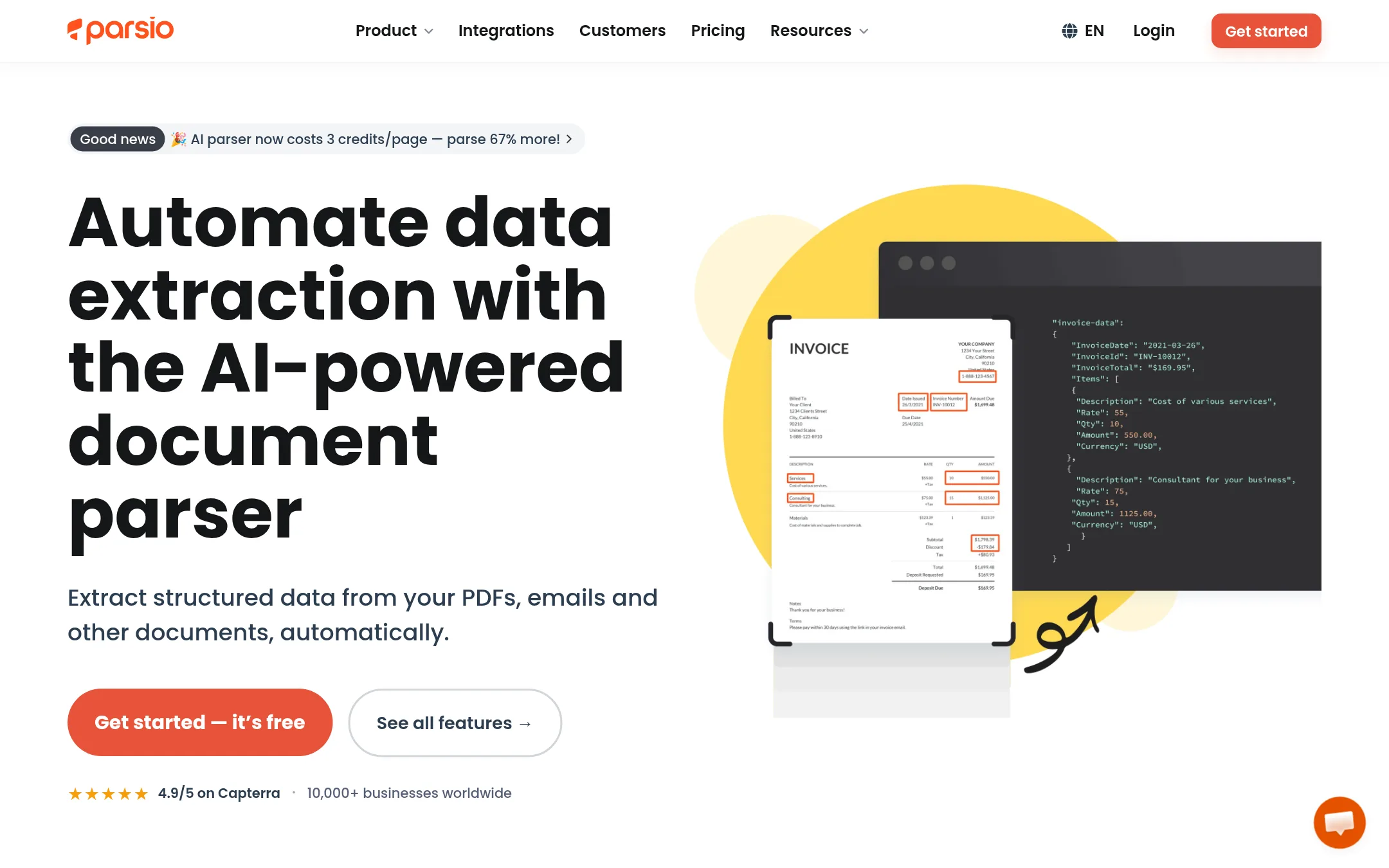
Parsio is an AI-powered document and email parser that extracts structured data from PDFs, emails, invoices, and scanned documents without requiring templates. Choose it over Mailparser.io when you need OCR for scanned documents or want to parse a wide variety of document types with pre-trained AI models.
Where it is strong
- Supports OCR for scanned documents and images, which Mailparser does not.
- Pre-trained AI models for invoices, receipts, and other common document types.
- Built-in templates for platforms like HARO, Airbnb, and LinkedIn.
Where it falls short
- Pricing is based on credits per page, which can be less predictable for high-volume email parsing.
- Free plan has only 30 credits per month, limiting trial use.
- Pricing:
- Free plan with 30 credits per month. Paid plans start at $24/month (billed annually) for 100 credits, $124/month for 5,000 credits, and $249/month for 12,000 credits.
- Switching from Mailparser.io:
- Moving from Mailparser.io means recreating your parsing rules as templates or using the AI parser, and you may need to adjust to the credit-based pricing model.
- CNot published
6.CloudHQ
Best for: Teams already using Gmail or Google Workspace who want to export emails to spreadsheets, save them as PDFs, or back up their cloud data without setting up complex parsing rules.
- Pricing
- Not published
- Category
- Other
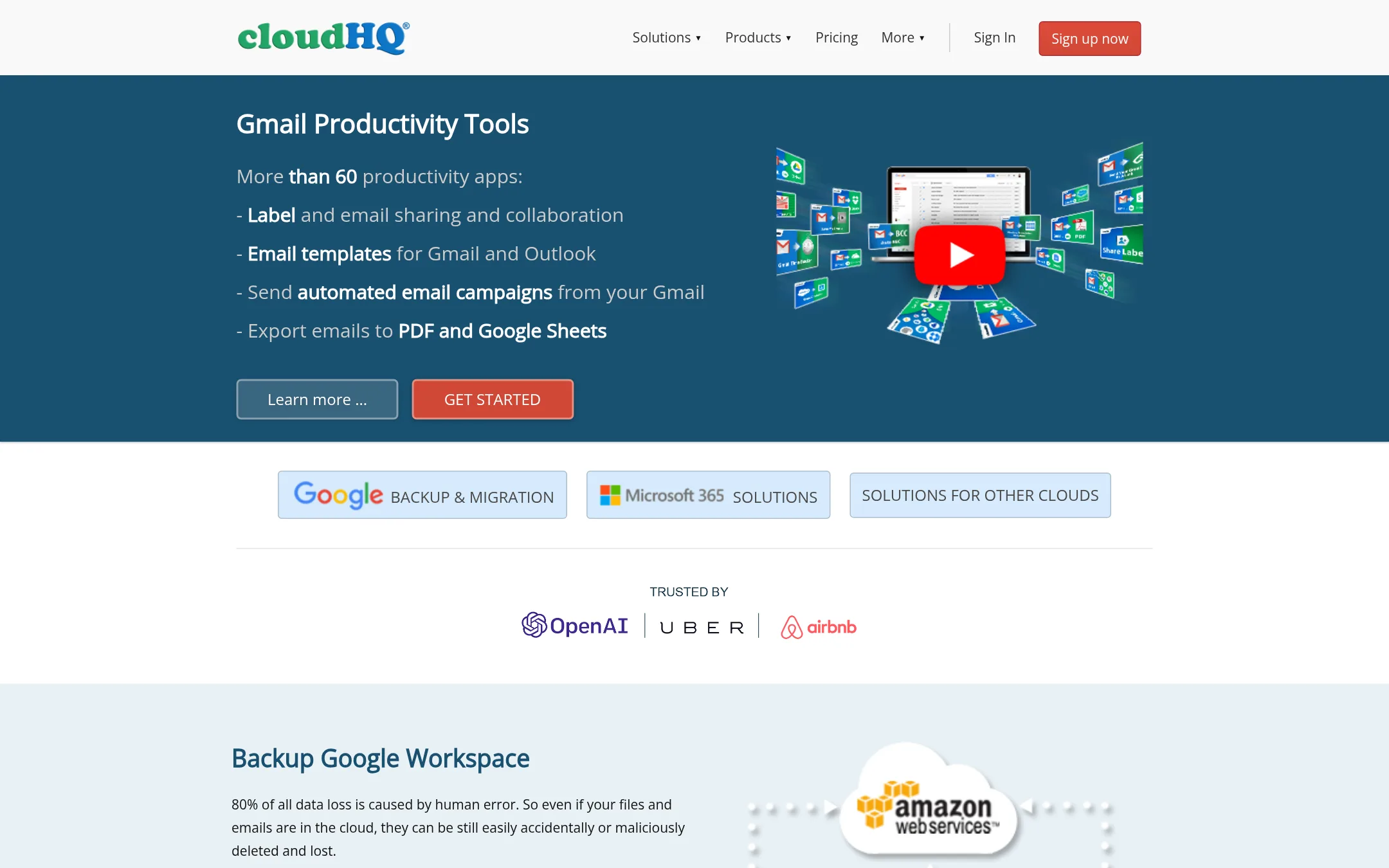
CloudHQ is a suite of Gmail productivity tools and backup/sync services, not a dedicated email parser. You would choose it over Mailparser.io if you need to export Gmail emails to Google Sheets, save emails as PDFs, share labels, or back up your cloud accounts, rather than building custom parsing rules for recurring emails.
Where it is strong
- Exports Gmail emails to Google Sheets with parsing for leads, orders, and invoices.
- Saves emails as PDF, including attachments, with options to package multiple emails.
- Offers backup and sync for many cloud services like Google Drive, Dropbox, and Microsoft 365.
Where it falls short
- Not a dedicated email parser. Lacks custom parsing rules and webhook integrations like Mailparser.io.
- Pricing is not transparent, requiring a demo or sign-up to learn costs.
- Pricing:
- Pricing is not published on the site. Only plan names (Free, Premium, Business, Enterprise) are listed without prices.
- Switching from Mailparser.io:
- Moving from Mailparser.io means giving up custom parsing rules and webhooks. CloudHQ focuses on exporting and backing up emails rather than automated data extraction.
- Not published
7.Mailgun
Best for: Development teams that need a transactional email API with high-volume sending and deliverability controls.
- Pricing
- Not published
- Category
- Marketing & Sales
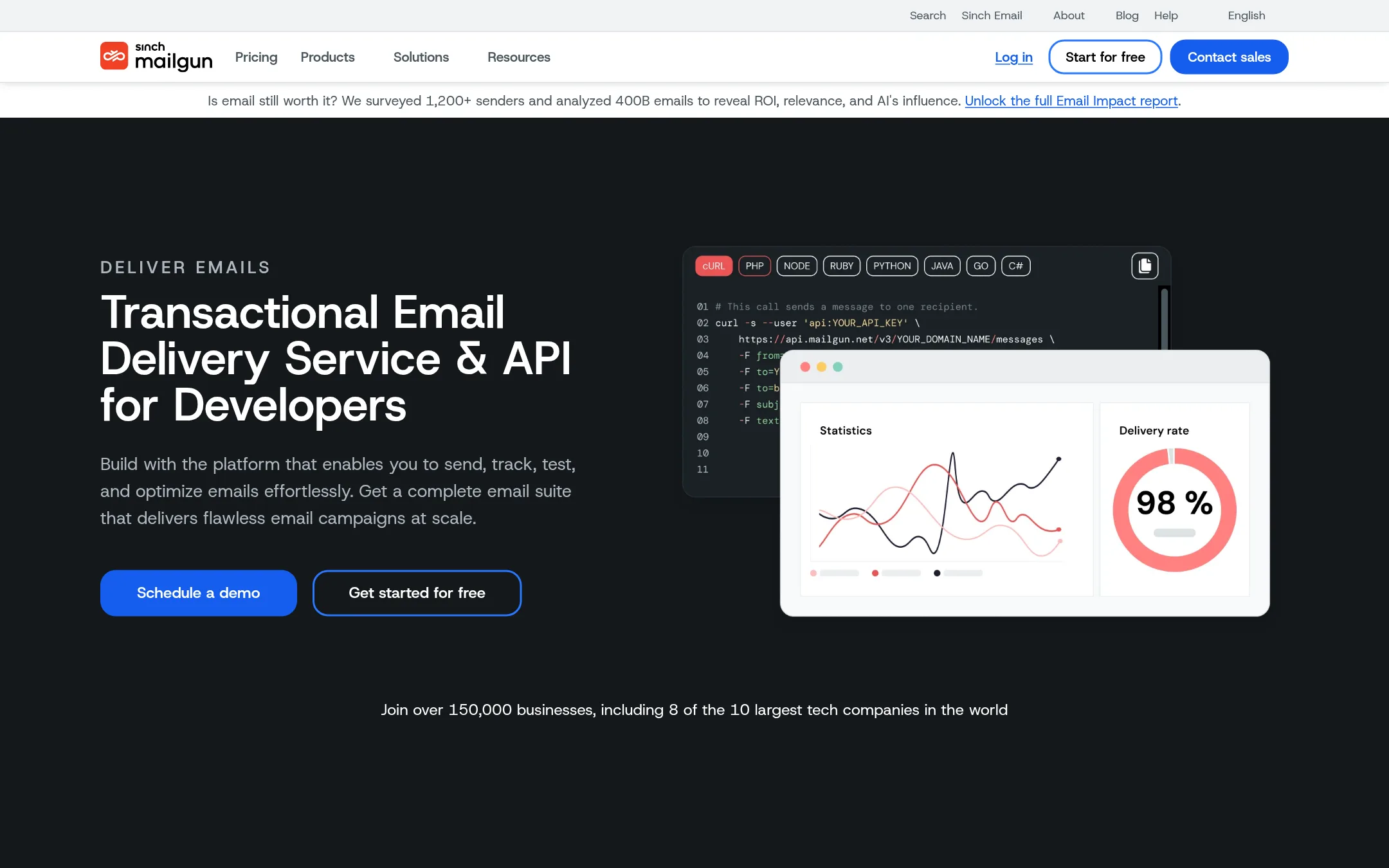
Mailgun is a transactional email API for developers who need to send, track, and optimize emails at scale. You would choose it instead of Mailparser.io when your main need is reliable email delivery and deliverability tooling, not extracting data from incoming emails. It handles high volumes and offers validation, testing, and analytics, which Mailparser does not focus on.
Where it is strong
- Built for developers with RESTful APIs and SMTP relay
- Includes email validation, inbox preview, and send time optimization
- Choose US or EU data residency from a single account
Where it falls short
- No email parsing or data extraction features like Mailparser
- Pricing is not transparent on the site, requiring contact for quotes
- Pricing:
- Pricing is not published on the site. Plans are described by feature tiers, with the lowest tier including 100 emails per day.
- Switching from Mailparser.io:
- Moving from Mailparser.io means giving up email parsing and instead using Mailgun's APIs to send and track emails, so you would need to build your own data extraction logic elsewhere.
- From $19.95/mo
8.SendGrid
Best for: Teams that need a dependable email API or marketing campaign tool, not email data extraction.
- Pricing
- From $19.95/mo
- Category
- Marketing & Sales
SendGrid is an email delivery platform, not an email parser. It sends and receives email at scale, but it does not extract structured data from incoming emails or attachments. Choose SendGrid when your need is reliable email sending, not parsing.
Where it is strong
- Delivers over 200 billion emails per month, proven at scale.
- Usage-based pricing with a free tier for low volume.
- Part of Twilio, so you can combine email with SMS, voice, and other channels.
Where it falls short
- No email parsing or data extraction features.
- Requires API or campaign setup, not a forward-and-parse workflow.
- Pricing:
- In the United States, the Email API starts free at 100 emails/day, with paid plans from $19.95/month. Marketing Campaigns start at $15/month.
- Free / $10+ per user/m
9.Automate.io
Best for: Teams that want to automate multi-step workflows across their existing apps and don't need deep email data extraction.
- Pricing
- Free / $10+ per user/m
- Category
- Productivity & Project Management
Automate.io is a no-code workflow automation tool that connects apps and automates tasks. You would choose it over Mailparser.io if your main need is broader workflow automation across many apps, not specifically parsing data from emails. It is not a dedicated email parser, so it lacks the custom parsing rules and attachment extraction that Mailparser.io offers.
Where it is strong
- No-code automation builder with pre-built integrations for common apps.
- Free plan available for individuals to start automating.
- Custom Agents can handle repetitive tasks autonomously, with a usage-based pricing model.
Where it falls short
- Not a dedicated email parser. Lacks custom parsing rules and attachment extraction.
- Pricing is per user per month, which can add up for larger teams.
- Pricing:
- In the United States, Notion (the product at this URL) offers a Free plan, Plus at $10 per user per month, Business at $20 per user per month, and Enterprise with custom pricing. Custom Agents cost $10 per 1,000 monthly credits.
- PSee website
10.Parserr
Other
An email parser that extracts data and integrates with many apps, a direct competitor.
- Not published
11.Response
Best for: Wholesalers, packaging distributors, and B2B sellers that process orders by email and need ERP-ready drafts with approval workflow.
- Pricing
- Not published
- Category
- Customer Support
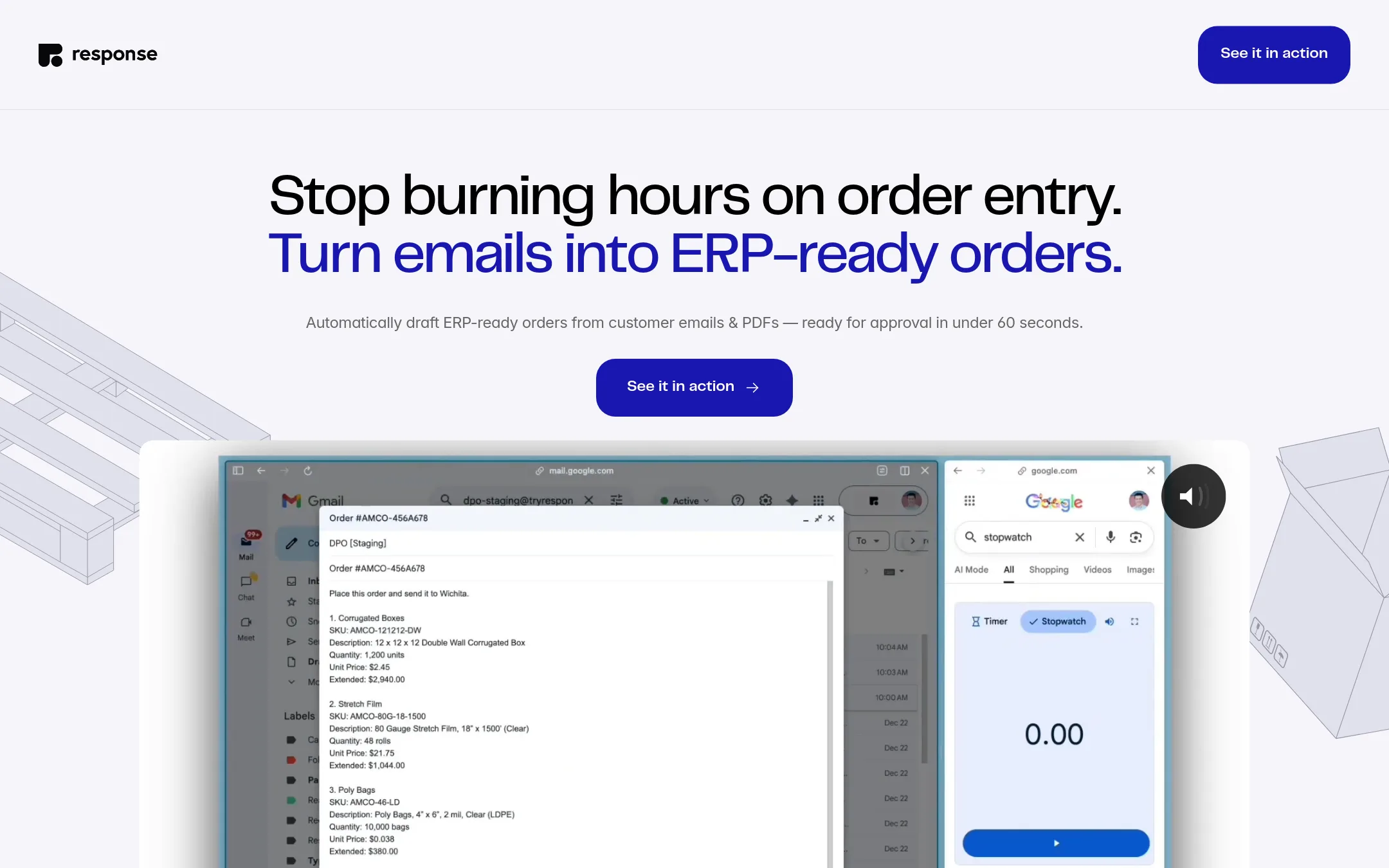
Response turns customer emails and PDFs into ERP-ready draft orders, so teams can approve and hand off to QuickBooks, NetSuite, Odoo, or Sage without copy-paste. Choose it over Mailparser.io if your main need is order intake with built-in review and ERP integration, not general email data extraction.
Where it is strong
- Drafts ERP-ready orders from messy emails and PDFs in under 60 seconds
- Flags unexpected prices, mismatches, or margin risk before approval
- Hands off approved orders to QuickBooks, NetSuite, Odoo, Sage, or CSV export
Where it falls short
- No public pricing, so you must contact sales for a quote
- Focused only on order intake, not general email parsing or data extraction
- Pricing:
- Pricing is not published on the site.
- Switching from Mailparser.io:
- Moving from Mailparser.io means shifting from custom parsing rules to Response's order-specific workflow, so you'll need to set up your ERP integration and approval process anew.
- Credit-based
12.Make
Best for: Teams that want to automate workflows across many apps and AI models, not just parse emails.
- Pricing
- Credit-based
- Category
- Productivity & Project Management
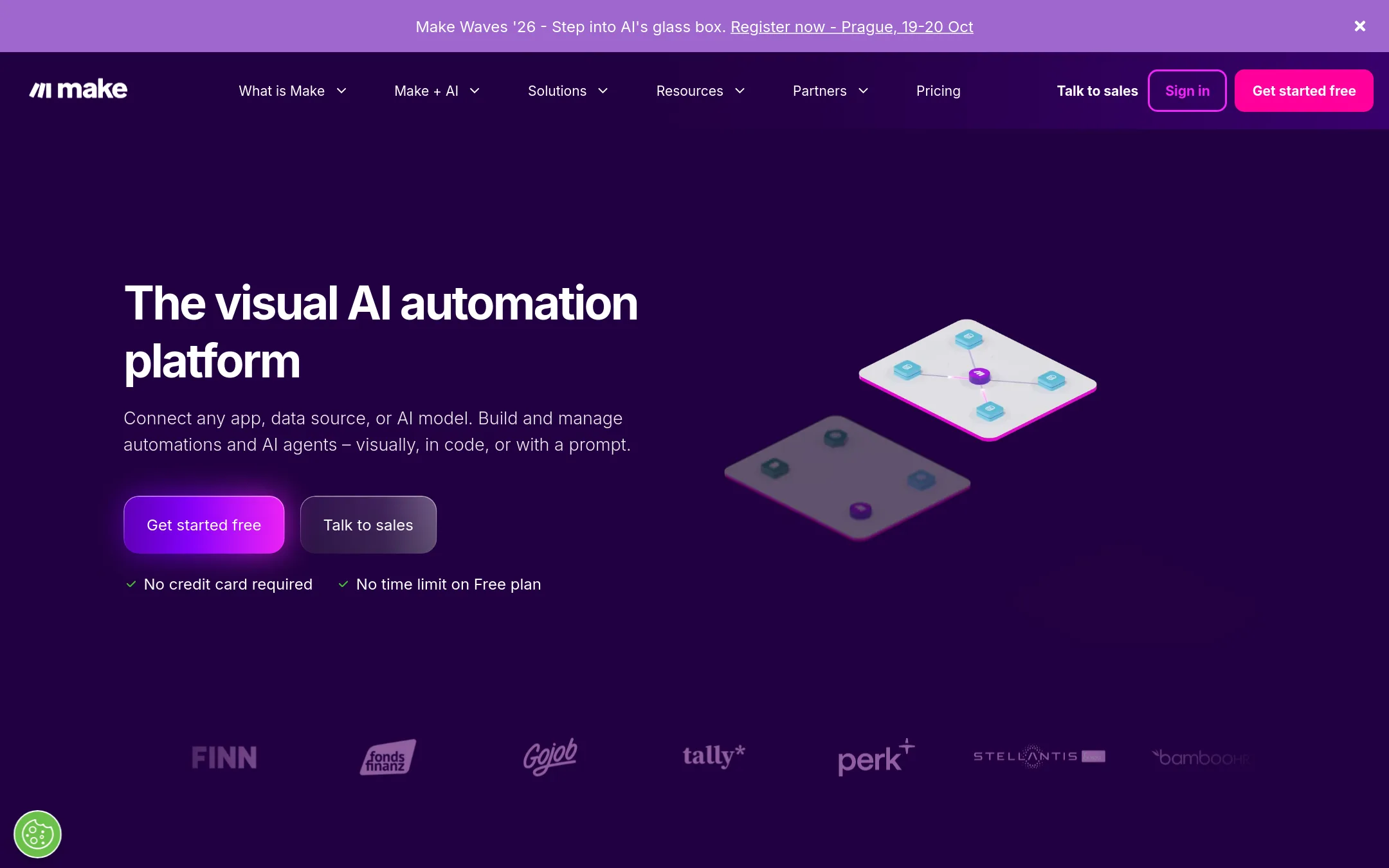
Make is a visual automation platform that connects 3,500+ apps and AI models, letting you build workflows by drag-and-drop or prompting. Choose it instead of Mailparser.io when you need broader workflow automation beyond email parsing, such as orchestrating AI agents, custom code, and complex multi-step processes across your entire stack.
Where it is strong
- Visual builder with drag-and-drop and prompt-based creation
- 3,500+ app integrations plus custom API connections
- Free plan with no time limit and no credit card required
Where it falls short
- No dedicated email parsing rules like Mailparser's templates
- Credit system can be complex for high-volume email processing
- Pricing:
- Pricing is not published on the site. Plans are credit-based, with most actions consuming 1 credit and extra credits available in bundles of 1,000 or 10,000.
- Switching from Mailparser.io:
- Moving from Mailparser.io means rebuilding your email parsing logic as Make scenarios, since Make lacks pre-built email parsing templates and requires setting up triggers and data extraction manually.
See more comparisons in Productivity & Project Management alternatives.
FAQ
Questions about Mailparser.io alternatives
What is the main difference between Mailparser.io and general automation platforms like Zapier or Make?
Mailparser.io is a dedicated email parser with custom rules for extracting data from email bodies and attachments. Zapier and Make are broader automation platforms that connect thousands of apps, but email parsing is not their core feature. You would choose them if you need to automate workflows across many tools, not just parse emails.
Which alternative is best for processing scanned documents or PDFs?
Docparser and Parsio both support OCR for scanned documents and images, which Mailparser.io does not. Docparser offers zonal OCR and barcode scanning, while Parsio uses pre-trained AI models for invoices and receipts. Both are better suited for documents with complex layouts.
Are there alternatives with transparent pricing?
Yes. Docparser lists prices starting at $32.50 per month, Parsio starts at $24 per month billed annually, and SendGrid has a free tier and paid plans from $19.95 per month. Zapier, Make, Response, and CloudHQ do not publish specific prices on their sites.
Which tool is best for turning emailed orders into ERP-ready drafts?
Response is designed specifically for that. It drafts ERP-ready orders from emails and PDFs, flags pricing or margin issues, and hands off to QuickBooks, NetSuite, Odoo, or Sage. It is not a general email parser, so it suits teams whose main need is order intake.
Do any alternatives offer a free plan or trial?
Yes. Zapier has a free plan with 100 tasks per month, Make has a free plan with no time limit, Parsio offers 30 free credits per month, and SendGrid's Email API starts free at 100 emails per day. Mailparser.io itself offers a 30-day free trial with 30 credits.
Last updated November 2, 2026.