Microsoft To Do alternatives
12 products compared · Updated October 30, 2026
The short answer
For teams needing project planning and cross-team coordination, Asana is the strongest choice. Trello suits teams that prefer visual kanban boards with automation. Notion is best for teams wanting a customizable workspace that combines tasks, notes, and databases.
Your shortlist, at a glance
Read the comparisons ↓ TodoistNot publishedIndividuals and small teams who want a flexible, cross-platform task manager with strong collaboration features and AI-assisted capture.
- AAny.doNot publishedSmall teams and families that want a simple shared task board with AI agent support and WhatsApp reminders.
- TTickTickNot publishedIndividuals and small teams who want a single app for tasks, habits, and focus sessions without paying for a full project management suite.
- WWunderlistNot publishedNo one, since the product is not available and the site cannot be reached.
- RRemember The MilkNot publishedIndividuals and small teams who want AI-assisted task entry and reminders across many devices.
- RRecordBookNot publishedSmall and medium businesses that need a flexible, mobile-first database for tracking records and workflows rather than a simple task list.
- TThingsApp Store pricingIndividuals and small teams on Mac and iOS who want a design-focused task manager that feels native to Apple devices.
- OOmniFocusNot publishedApple-centric professionals who need advanced task management with tags, perspectives, and defer dates.
TrelloFree, $6/mo, $12.50/moTeams that prefer kanban-style boards and need to manage collaborative projects with custom fields, views, and automation.
- AAsanaNot publishedTeams that need project planning, cross-team coordination, and visibility into deadlines and workloads.
 NotionFree. Plus $10/moTeams that want a single workspace for tasks, notes, and project tracking with customizable databases.
- HHabiticaNot publishedIndividuals and small groups who want gamified habit tracking and task management with social accountability.
About Microsoft To Do and its alternatives
Microsoft To Do is a simple task management app from Microsoft. It helps you focus on daily tasks, from work to personal life, and integrates with Microsoft 365 tools.
When comparing alternatives, consider how each product handles pricing, whether it offers a free tier, and what regions it supports. Look at integrations with tools you already use, the level of customer support, and whether contracts are monthly or annual. Some tools are cross-platform, while others are limited to Apple devices.
Explore the alternatives
- Not published
1.Todoist
Best for: Individuals and small teams who want a flexible, cross-platform task manager with strong collaboration features and AI-assisted capture.
- Pricing
- Not published
- Category
- Productivity & Project Management
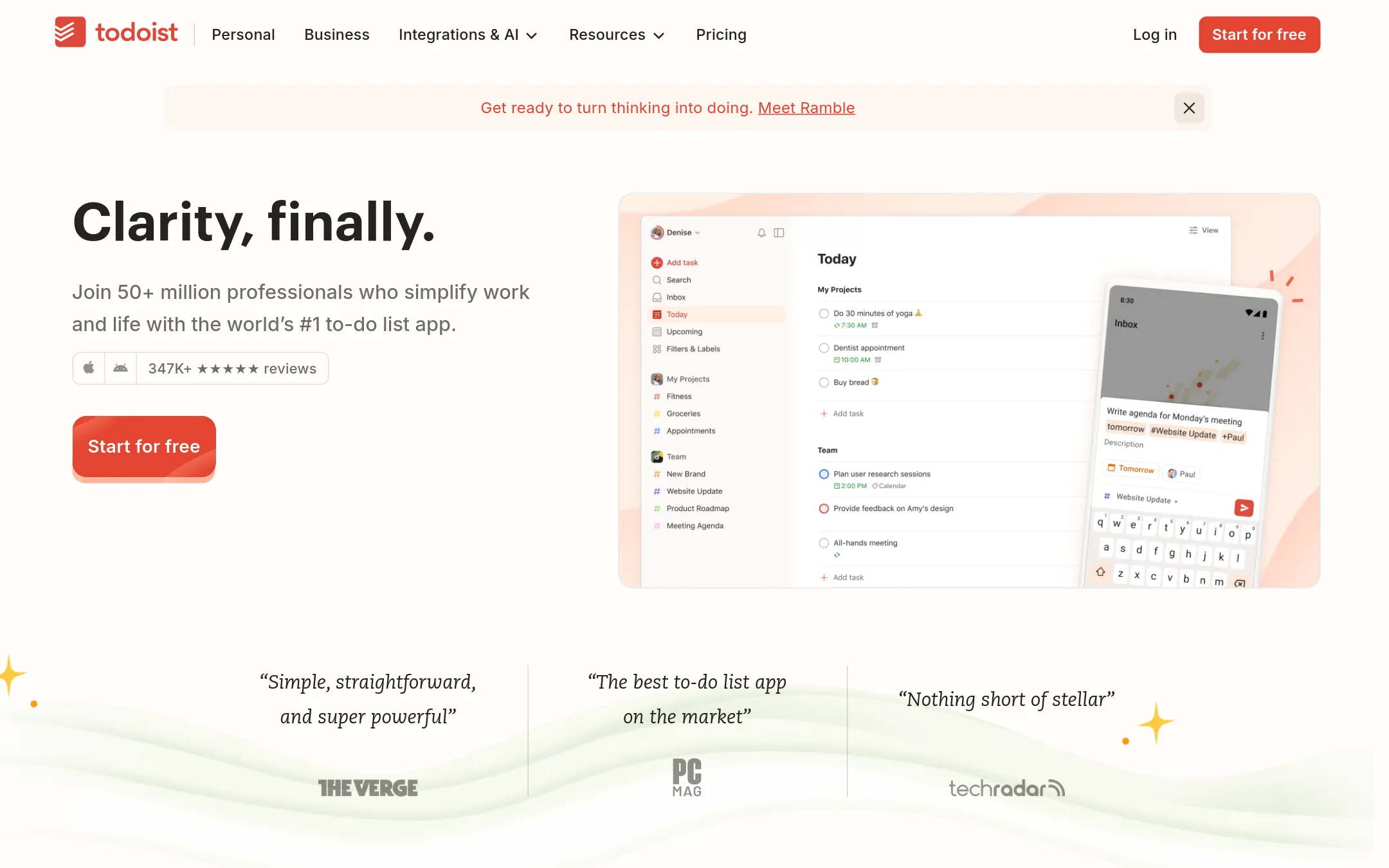
Todoist is a task manager that works for both personal and team projects, with shared workspaces, assignments, and project health insights. Choose it over Microsoft To Do if you need a cross-platform to-do list with natural language capture, recurring tasks, and integrations like Slack and Google Calendar.
Where it is strong
- Natural language quick add captures tasks fast
- Shared team projects with roles and permissions
- 90+ integrations including Slack and Google Calendar
Where it falls short
- Free plan limits to 5 personal projects and 3 filter views
- Advanced features like calendar layout and task duration require Pro or Business
- Pricing:
- Pricing is not published on the site.
- Switching from Microsoft To Do:
- Moving from Microsoft To Do is straightforward: import tasks via CSV or use the built-in migration tool, then set up projects and labels to match your workflow.
- ANot published
2.Any.do
Best for: Small teams and families that want a simple shared task board with AI agent support and WhatsApp reminders.
- Pricing
- Not published
- Category
- Other
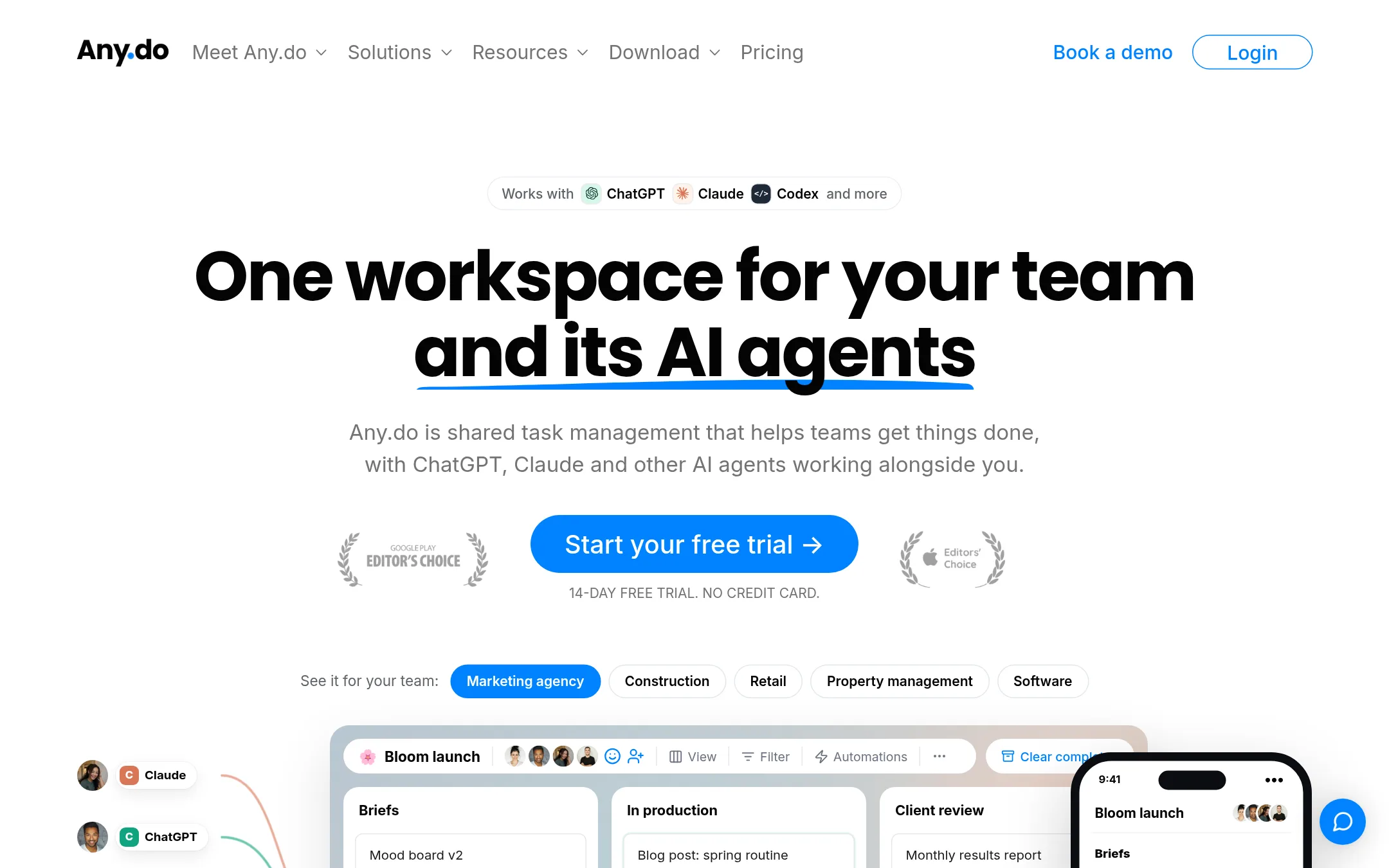
Any.do is a shared task board for small teams and a personal to-do list with calendar, reminders, and AI agent integration. Choose it over Microsoft To Do if you want a single workspace where your team and AI assistants like ChatGPT or Claude can create and update tasks together.
Where it is strong
- AI agents (ChatGPT, Claude, Codex) can add and update tasks via MCP connector.
- Board, calendar, and table views with custom fields.
- WhatsApp reminders and family sharing up to 4 members.
Where it falls short
- Pricing details are not shown on the site.
- May lack deep integration with Microsoft 365 apps compared to Microsoft To Do.
- Pricing:
- Pricing is not published on the site.
- Switching from Microsoft To Do:
- Moving from Microsoft To Do involves importing your tasks manually or via CSV, then setting up your board and AI connections.
- TNot published
3.TickTick
Best for: Individuals and small teams who want a single app for tasks, habits, and focus sessions without paying for a full project management suite.
- Pricing
- Not published
- Category
- Other
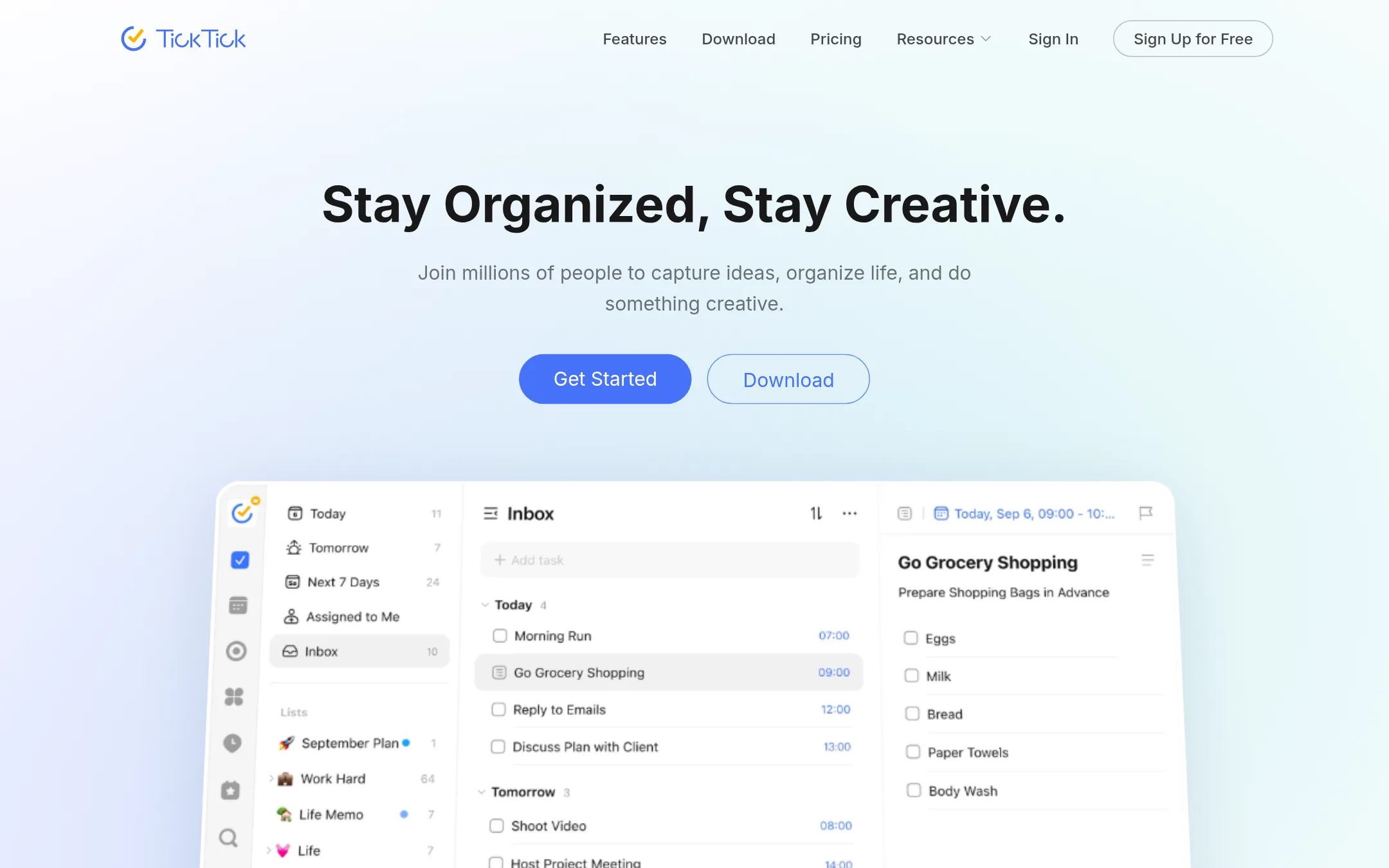
TickTick is a task manager that bundles to-do lists, calendars, habits, and a Pomodoro timer into one app. You would choose it over Microsoft To Do if you want habit tracking and focus timers alongside your tasks, or if you need a tool that works across desktop, mobile, and tablet with a free tier.
Where it is strong
- Includes a built-in habit tracker and Pomodoro timer.
- Syncs across all major platforms, including desktop, mobile, and tablet.
- Free version is usable, with a 25% education discount for Premium.
Where it falls short
- No published pricing details on the site, so cost is unclear.
- May be more feature-heavy than Microsoft To Do, which could feel cluttered for simple task lists.
- Pricing:
- Pricing is not published on the site.
- Switching from Microsoft To Do:
- Moving from Microsoft To Do to TickTick is straightforward: you can manually recreate lists and tasks, but there is no mention of an automated import tool.
- WNot published
4.Wunderlist
Best for: No one, since the product is not available and the site cannot be reached.
- Pricing
- Not published
- Category
- Other
Wunderlist is a discontinued task management app. Its website is unreachable, so there is no working product to evaluate or use. You would not choose it instead of Microsoft To Do, because the service is offline and cannot be used.
Where it is strong
- Simple task lists were its original focus.
- Had a loyal user base before shutdown.
- No longer requires any setup or subscription.
Where it falls short
- The website is down and the service is unreachable.
- No active product, support, or data access remains.
- Pricing:
- Pricing is not published on the site.
- RNot published
5.Remember The Milk
Best for: Individuals and small teams who want AI-assisted task entry and reminders across many devices.
- Pricing
- Not published
- Category
- Other
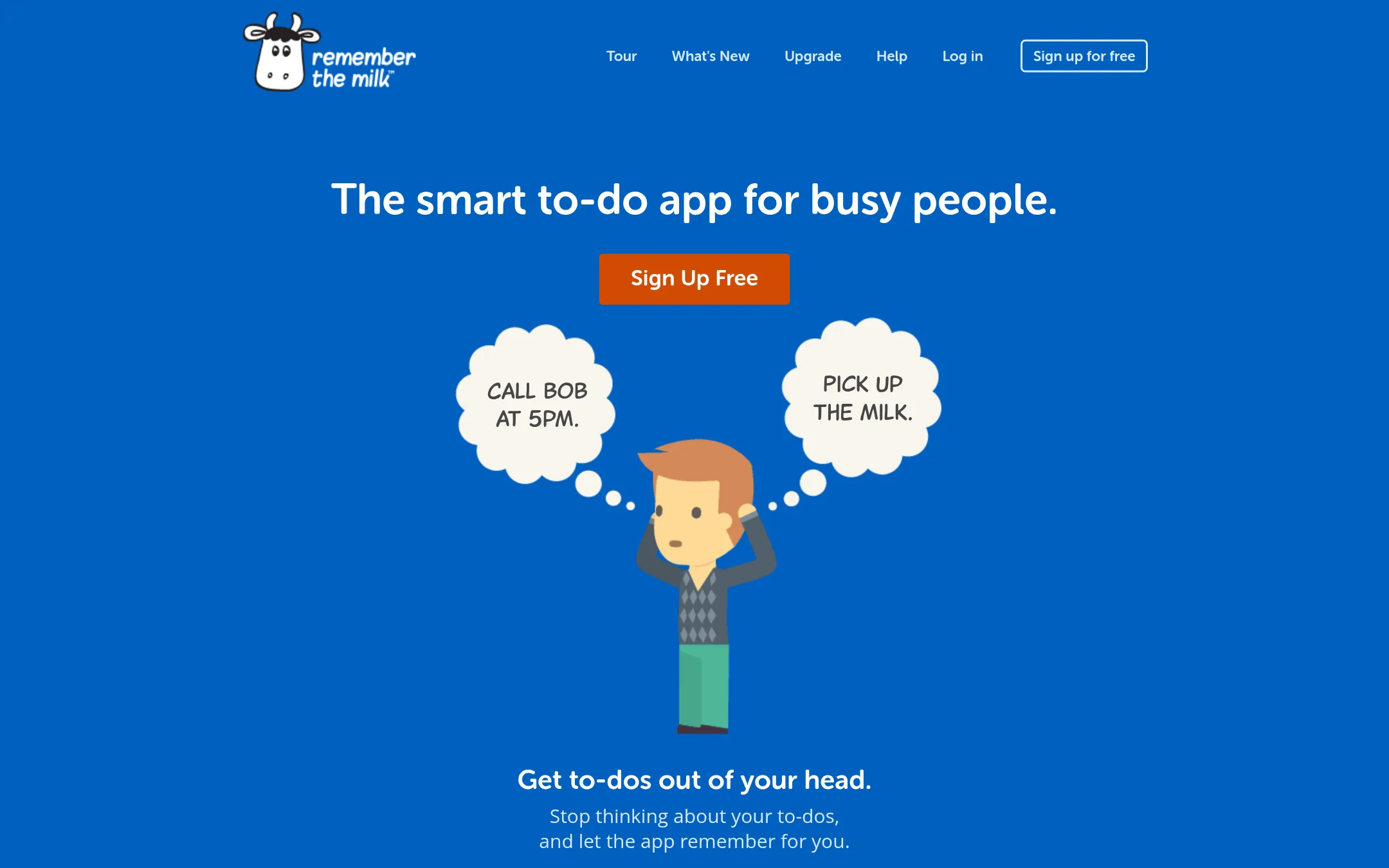
Remember The Milk is a task manager that focuses on getting to-dos out of your head with reminders and syncing across devices. You'd choose it over Microsoft To Do if you want AI-assisted task entry and sharing lists with others.
Where it is strong
- AI integration with Claude, ChatGPT, and Cursor to add and organize tasks.
- Syncs across all your devices automatically.
- Share lists and assign tasks to others for collaboration.
Where it falls short
- No pricing details are available on the website.
- May lack some deep Microsoft 365 integrations that Microsoft To Do offers.
- Pricing:
- Pricing is not published on the site.
- Switching from Microsoft To Do:
- Moving from Microsoft To Do involves exporting your tasks and setting up new lists in Remember The Milk, but the core task management features are similar.
- RNot published
6.RecordBook
Best for: Small and medium businesses that need a flexible, mobile-first database for tracking records and workflows rather than a simple task list.
- Pricing
- Not published
- Category
- Productivity & Project Management
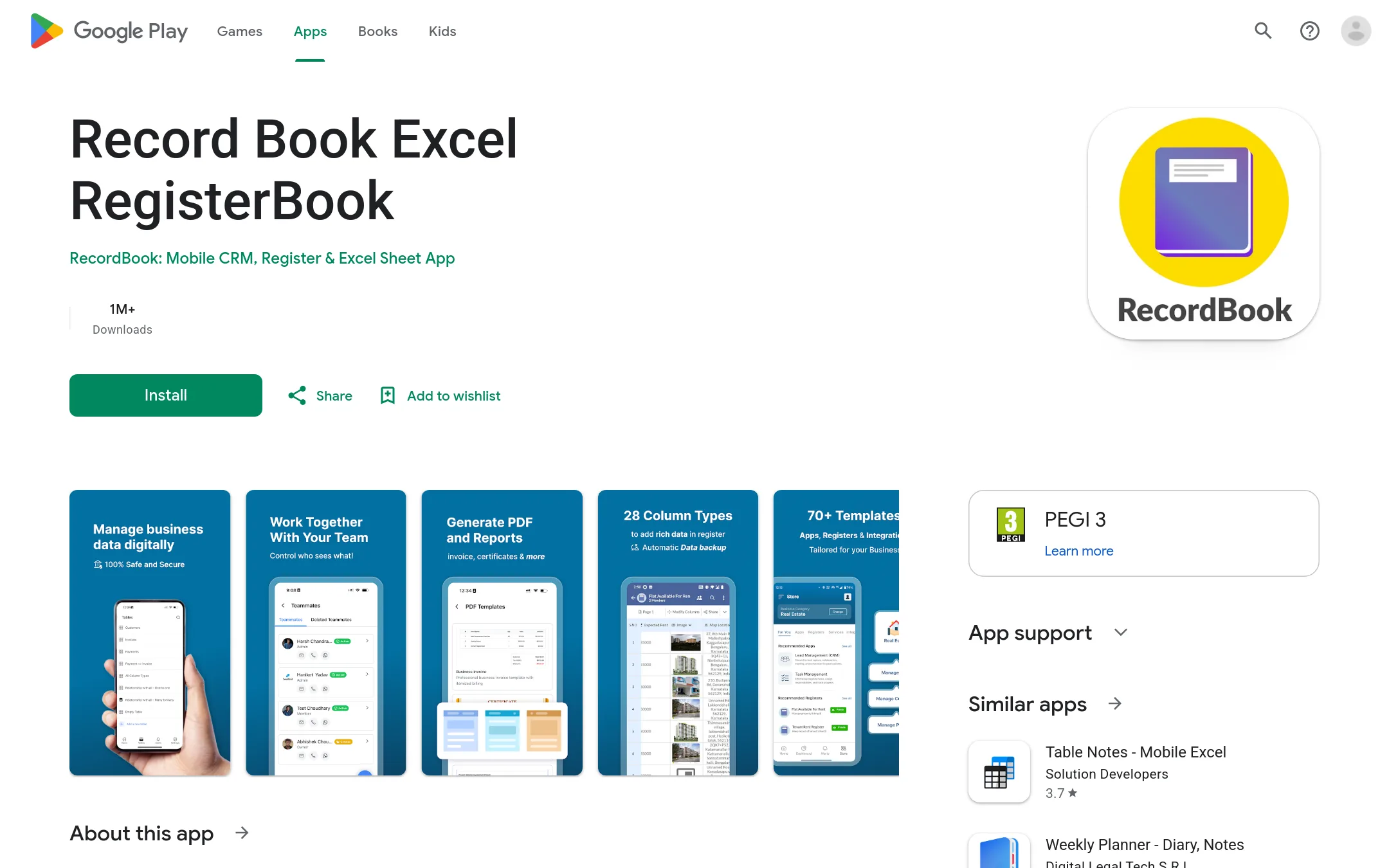
RecordBook is a mobile app that positions itself as an Airtable-like database tool for small businesses. You would choose it over Microsoft To Do if you need to organize business records, inventories, or workflows in a structured way, not just manage personal tasks.
Where it is strong
- Airtable-like flexibility for structuring data
- Built for mobile, accessible on the go
- Targets SMBs with a global focus
Where it falls short
- No desktop or web version mentioned
- No pricing details available
- Pricing:
- Pricing is not published on the site.
- TApp Store pricing
7.Things
Best for: Individuals and small teams on Mac and iOS who want a design-focused task manager that feels native to Apple devices.
- Pricing
- App Store pricing
- Category
- Other
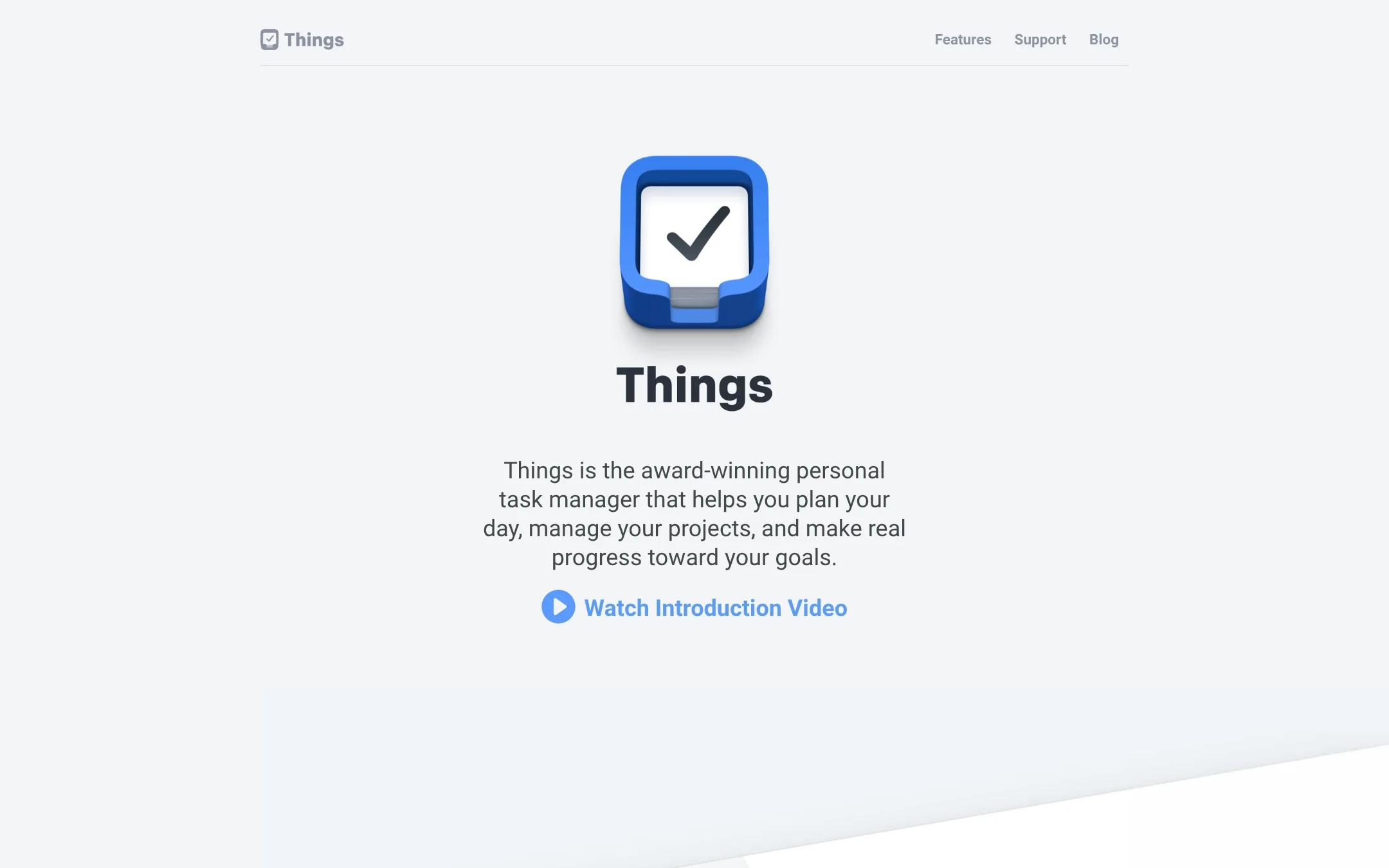
Things is a polished personal task manager for Mac and iOS that helps you organize daily tasks and long-term projects. You would choose it over Microsoft To Do if you live in the Apple ecosystem and want a beautiful, keyboard-friendly app with deep features like Markdown notes and Shortcuts support.
Where it is strong
- Award-winning design, twice honored with Apple Design Award
- Fast sync and native Shortcuts support
- Markdown notes in projects and tasks
Where it falls short
- No Windows or Android app, so not cross-platform
- No built-in collaboration features for teams
- Pricing:
- Pricing is set in US dollars, and Apple converts to your local currency. Check the App Store for exact prices.
- Switching from Microsoft To Do:
- Moving from Microsoft To Do means manually recreating tasks, as there is no import tool mentioned on the site.
- ONot published
8.OmniFocus
Best for: Apple-centric professionals who need advanced task management with tags, perspectives, and defer dates.
- Pricing
- Not published
- Category
- Other
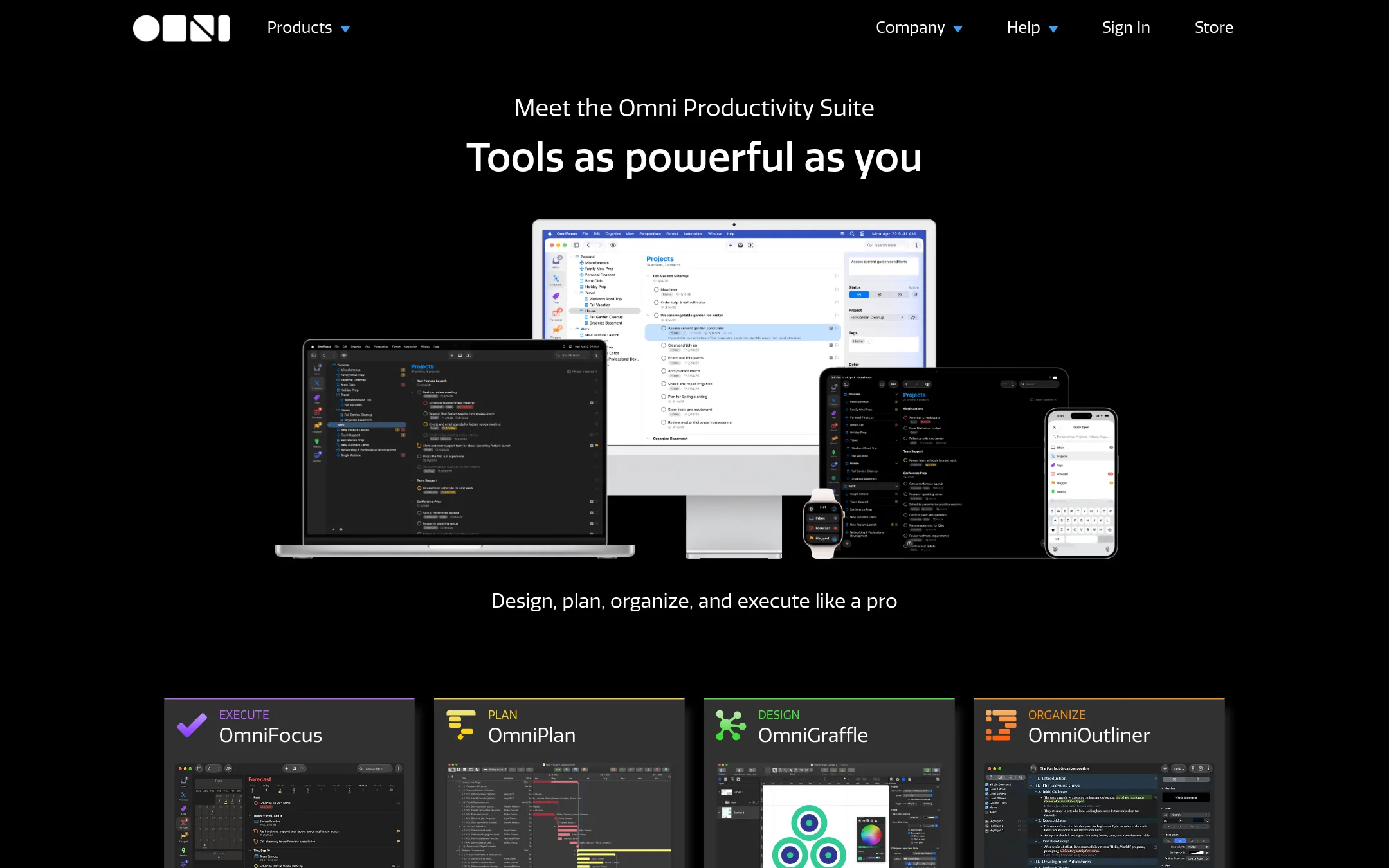
OmniFocus is a deep task management app for Apple users who need to organize complex projects and focus on the right tasks at the right time. It's a good fit if you rely on Mac, iPad, and iPhone and want more control than Microsoft To Do offers.
Where it is strong
- Designed for Apple devices with native apps.
- Supports complex task organization with tags and perspectives.
- Focus on the right tasks at the right time with defer dates.
Where it falls short
- No Windows or Android support.
- Pricing is not transparent on the site.
- Pricing:
- Pricing is not published on the site.
- Switching from Microsoft To Do:
- Moving from Microsoft To Do involves learning a new system and manually migrating tasks, as OmniFocus uses its own data format.
- Free, $6/mo, $12.50/mo
9.Trello
Best for: Teams that prefer kanban-style boards and need to manage collaborative projects with custom fields, views, and automation.
- Pricing
- Free, $6/mo, $12.50/mo
- Category
- Productivity & Project Management
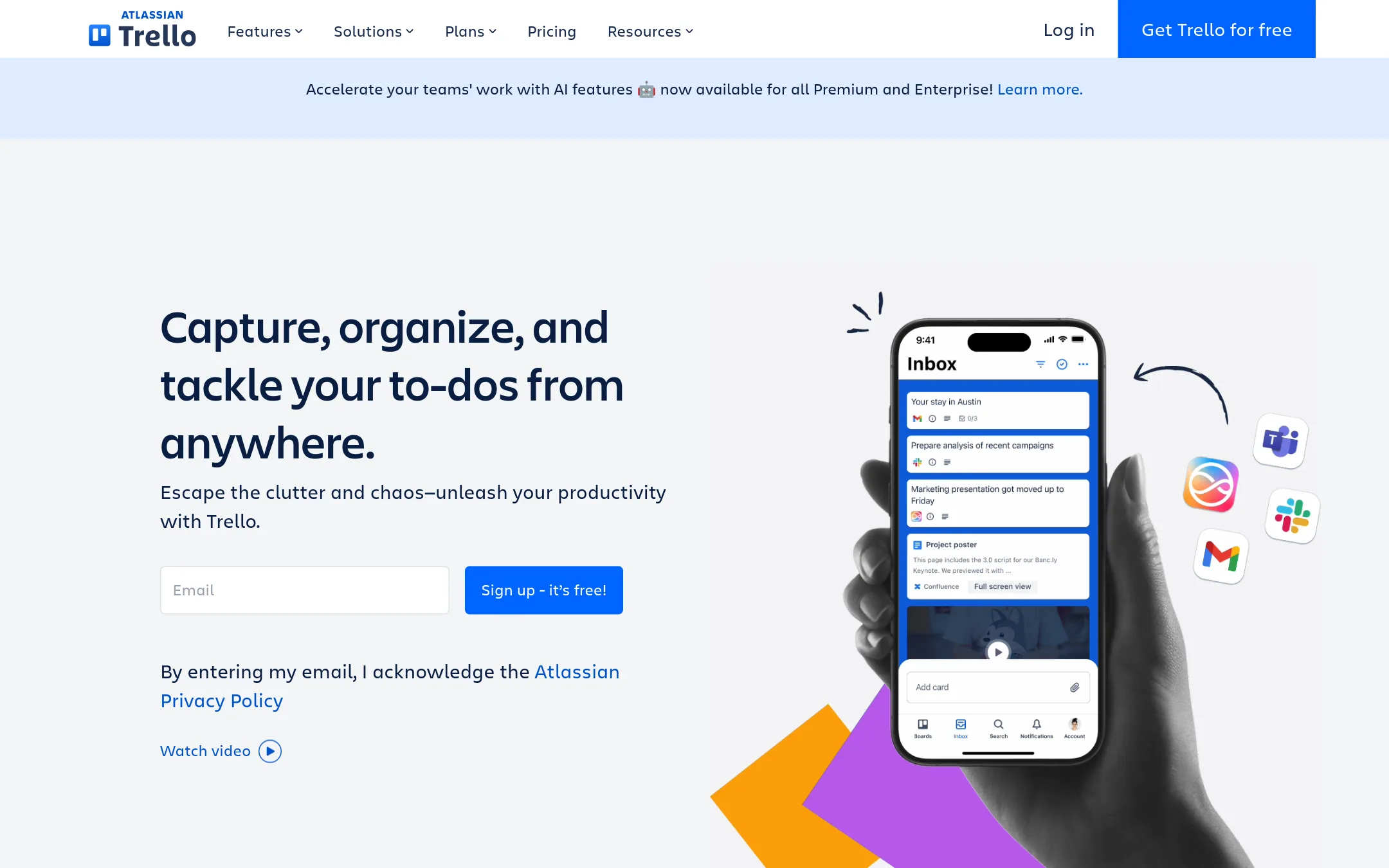
Trello is a visual task manager built around boards, lists, and cards, with automation and integrations. You would choose it over Microsoft To Do when your team needs a shared, visual workspace for projects, not just personal to-dos.
Where it is strong
- Visual boards with cards, lists, and drag-and-drop organization.
- Built-in automation and 200+ Power-Up integrations.
- Free plan supports up to 10 collaborators per Workspace.
Where it falls short
- Free plan limits you to 10 boards per Workspace.
- No native time tracking or Gantt charts without Power-Ups.
- Pricing:
- Free for up to 10 collaborators per Workspace. Standard is $6 per user/month billed annually ($6 billed monthly). Premium is $12.50 per user/month billed annually ($12.50 billed monthly). Enterprise is $210.00 annual price per user.
- Switching from Microsoft To Do:
- Moving from Microsoft To Do involves recreating tasks as cards on boards, but you can import tasks via CSV or use the quick capture from email and Slack.
- ANot published
10.Asana
Best for: Teams that need project planning, cross-team coordination, and visibility into deadlines and workloads.
- Pricing
- Not published
- Category
- Productivity & Project Management
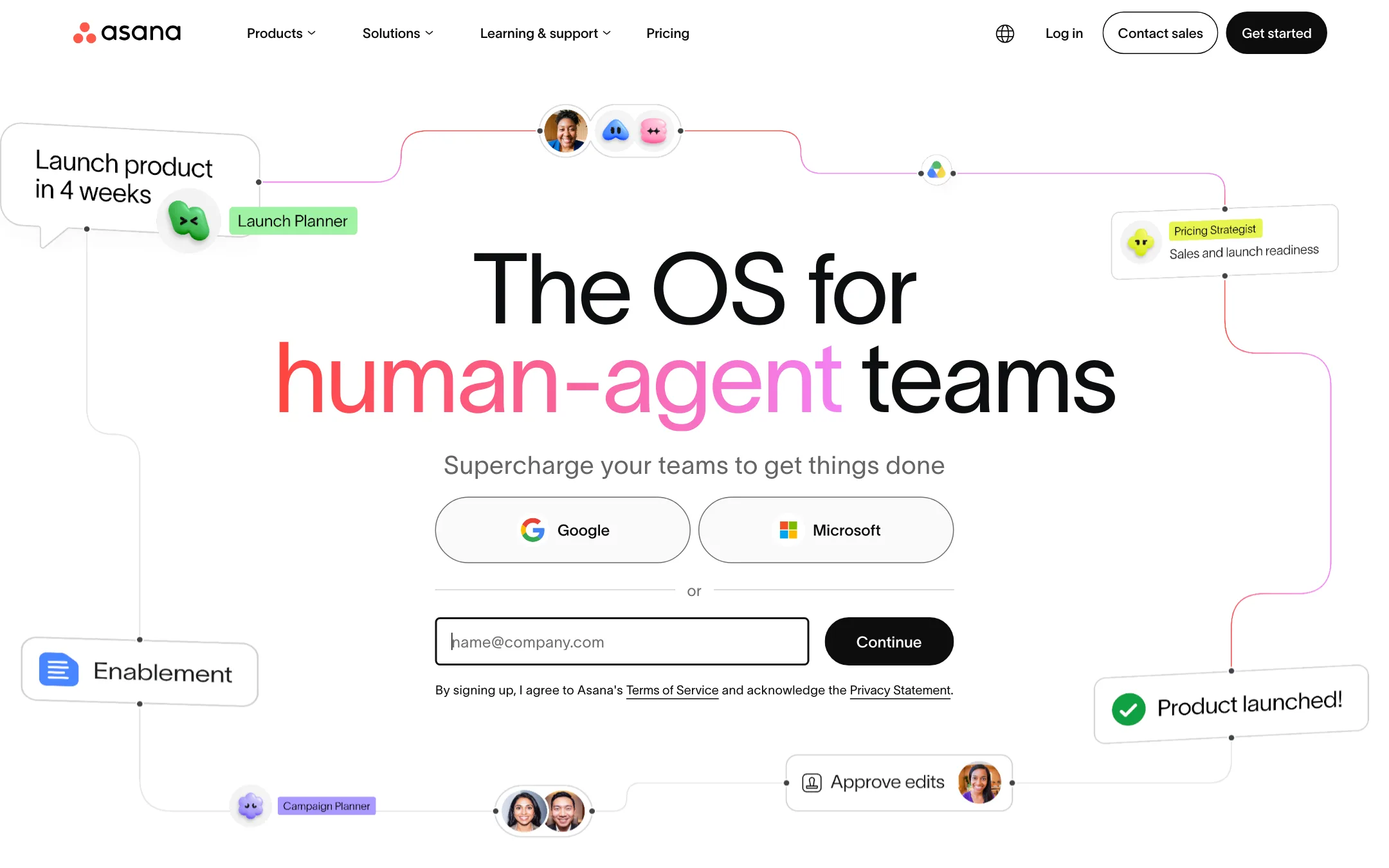
Asana is a full work management platform for teams that need to plan projects, track dependencies, and coordinate work across many people. You would choose it over Microsoft To Do when you need shared timelines, reporting dashboards, and automations, not just a personal task list.
Where it is strong
- Unlimited tasks and projects on the free Personal plan
- List, board, and calendar views to see work your way
- 100+ free integrations with tools like Slack and Google Drive
Where it falls short
- Free plan is limited to 2 users
- Advanced features like portfolios and goals require the Advanced tier
- Pricing:
- Pricing is not published on the site.
- Switching from Microsoft To Do:
- Moving from Microsoft To Do means importing or recreating your tasks, and learning Asana's project-based structure, which is more complex than a simple to-do list.
- Free. Plus $10/mo
11.Notion
Best for: Teams that want a single workspace for tasks, notes, and project tracking with customizable databases.
- Pricing
- Free. Plus $10/mo
- Category
- Productivity & Project Management
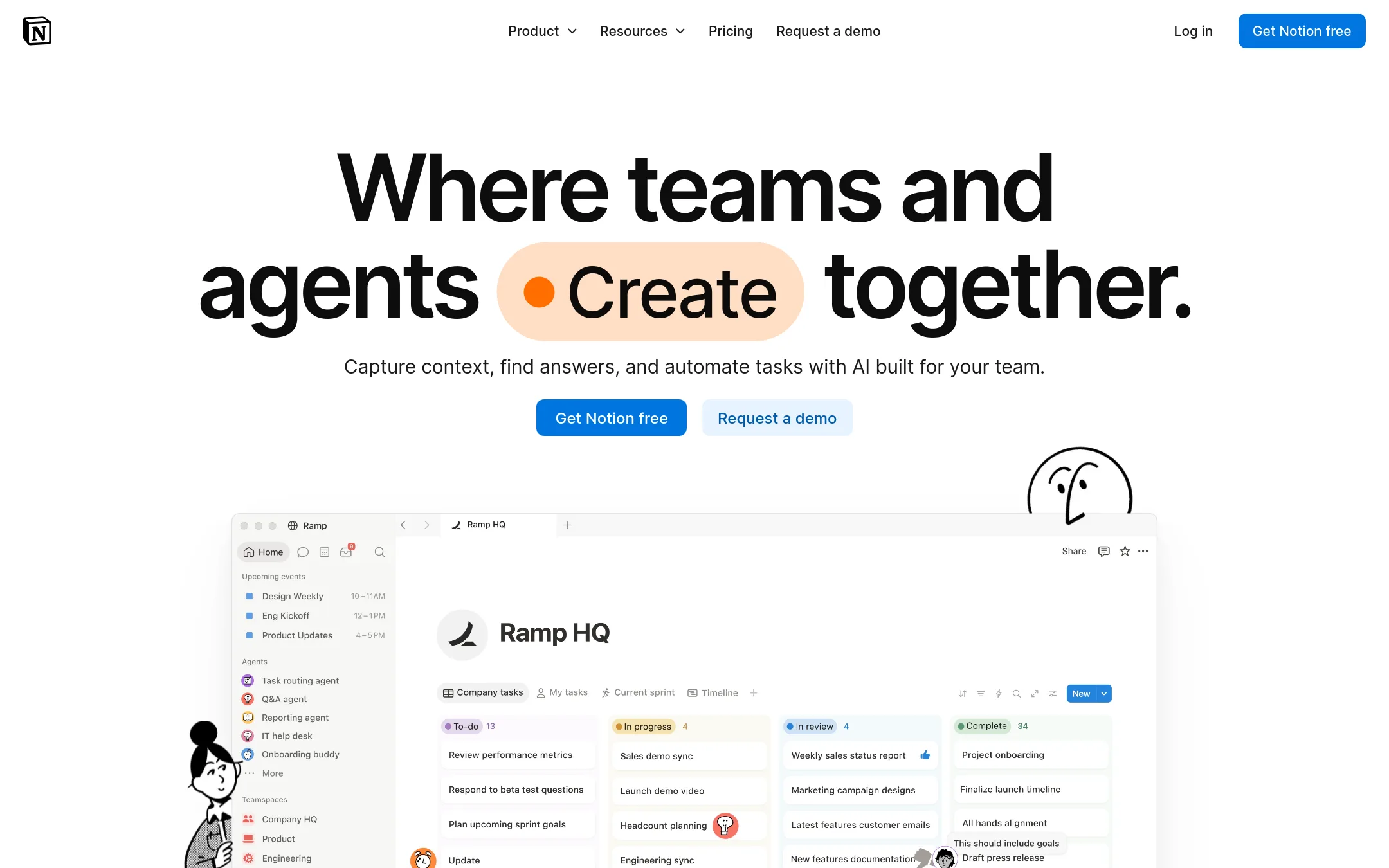
Notion is a flexible workspace where you can build custom databases, docs, and task lists all in one place. You would choose it over Microsoft To Do when you need a shared project hub with subtasks, dependencies, and custom properties, not just a personal checklist.
Where it is strong
- Custom databases with subtasks, dependencies, and properties
- Built-in AI for generating docs and automating workflows
- Collaborative pages and shared teamspaces
Where it falls short
- No native offline mode for mobile apps
- Steeper learning curve than a simple task list
- Pricing:
- In the United States, Notion is free for individuals, Plus starts at $10 per user per month, Business at $20 per user per month, and Enterprise has custom pricing.
- Switching from Microsoft To Do:
- Moving from Microsoft To Do means recreating tasks in Notion databases and learning its block-based editor, but you can import data from other tools.
- HNot published
12.Habitica
Best for: Individuals and small groups who want gamified habit tracking and task management with social accountability.
- Pricing
- Not published
- Category
- Other
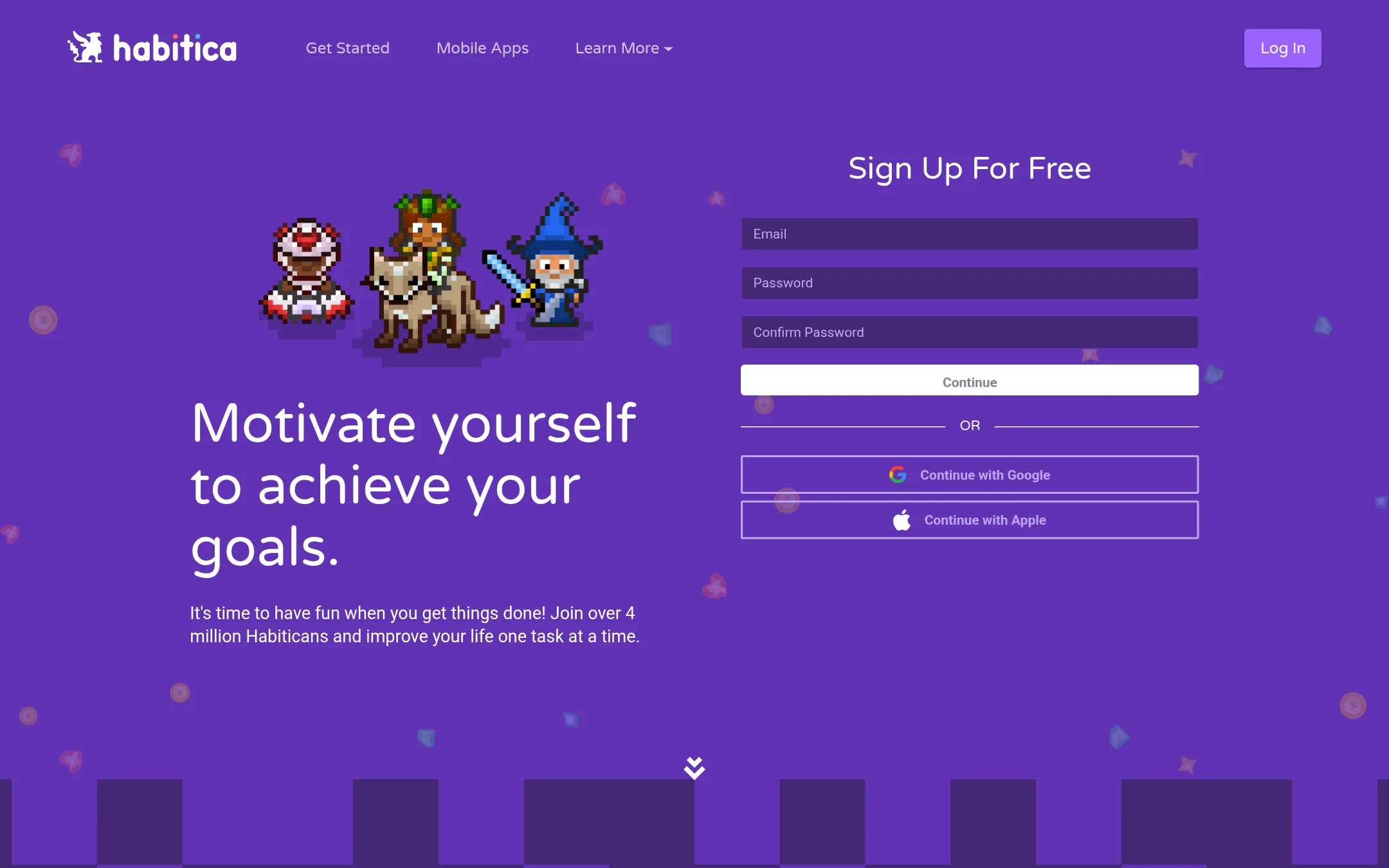
Habitica turns your task list into a role-playing game, with avatars, rewards, and social quests. Choose it when you need external motivation and accountability that Microsoft To Do doesn't provide. It's for people who respond to gamification and community pressure.
Where it is strong
- Game mechanics like levels, pets, and quests make tasks fun.
- Social features let you join parties and fight monsters together.
- Free to start with mobile and web access.
Where it falls short
- No native integration with Microsoft 365 or Outlook tasks.
- Gamification may feel gimmicky for serious work projects.
- Pricing:
- Pricing is not published on the site.
See more comparisons in Productivity & Project Management alternatives.
FAQ
Questions about Microsoft To Do alternatives
What is the best Microsoft To Do alternative for teams?
Asana is the best for teams that need project planning, cross-team coordination, and visibility into deadlines. It offers unlimited tasks on the free plan and integrates with 100+ tools. Trello is also good for teams that prefer visual boards.
Which alternative has a free plan?
Trello offers a free plan for up to 10 collaborators per Workspace. Asana has a free Personal plan limited to 2 users. Notion is free for individuals, and TickTick has a usable free version.
Are there alternatives that work on Windows and Android?
Yes, Todoist, TickTick, and Remember The Milk are cross-platform and work on Windows, Android, and other devices. Things and OmniFocus are only for Apple devices, so they are not suitable if you need Windows or Android support.
Which alternative has the best integrations with other tools?
Trello has 200+ Power-Up integrations, and Todoist offers 90+ integrations including Slack and Google Calendar. Asana also has 100+ free integrations. If you rely on Microsoft 365, Microsoft To Do itself may have the deepest integration.
Which alternative is best for habit tracking and focus?
TickTick includes a built-in habit tracker and Pomodoro timer, making it ideal for combining tasks with focus sessions. Habitica gamifies tasks with levels and quests, which can help with motivation and accountability.
Last updated October 30, 2026.