
Mintlify alternatives
12 products compared · Updated November 7, 2026
The short answer
The three strongest Mintlify alternatives are ReadMe, GitBook and Docusaurus. ReadMe suits API companies that want usage metrics and an AI writer tied to pull requests. GitBook suits product and support teams that want one hub for docs, help content and AI answers, with a visual editor for non-engineers. Docusaurus suits engineering teams with React experience who want full control over their documentation site and its hosting.
Your shortlist, at a glance
Read the comparisons ↓ GitBookFrom $65/mo per siteProduct and support teams that want one knowledge hub for docs, help center and AI answers, with editors who prefer a visual block editor
 ReadMeNot publishedAPI companies whose developers need usage metrics, request history and an AI writer that keeps docs in step with pull requests
 DocusaurusNot publishedEngineering teams with React experience that want full control over their documentation site and its hosting.
- RRead the DocsFrom $50/moEngineering and open source teams that already write docs with Sphinx, MkDocs or Docusaurus and want hosted builds with versioning.
JiraNot publishedSoftware, IT and business teams that need to plan sprints, track bugs and manage workflows across many projects
 NotionFrom $0 (free plan)Startup and growing teams in the United States that want one workspace for internal wikis, project tracking and company docs
 Cognition DevinNot publishedEngineering teams with large or complex codebases that want an AI agent to handle repetitive coding work.
- PPromptlessSee websiteAn AI teammate that automatically updates your customer-facing docs
 TheneoSee websiteStripe-like API Docs in just a few clicks
 ApiaryNot publishedEngineering teams that design APIs spec-first and want mock servers and contract testing alongside their API docs
 PostmanFrom $0 / $9 / $19 useEngineering teams that build and test many APIs and want agents to work from a live map of them
 RedocNot publishedBackend API teams that already maintain an OpenAPI spec and want a generated reference page without a hosted platform.
About Mintlify and its alternatives
Mintlify is a documentation platform. According to its site, it offers self-updating documentation for startups, enterprises and AI agents, with hosting, search, a web editor, an MCP server and an API playground. Docs are stored as Markdown or MDX in Git, and the site lists customers including Anthropic, Coinbase and HubSpot.
When comparing alternatives, weigh the pricing structure first, since some products charge per site, per user or per AI add-on. Check which regions and integrations each product supports, how much support is included, and what the contract terms say about exporting and moving your content later.
Explore the alternatives
- From $65/mo per site
1.GitBook
Best for: Product and support teams that want one knowledge hub for docs, help center and AI answers, with editors who prefer a visual block editor
- Pricing
- From $65/mo per site
- Category
- Developer Tools
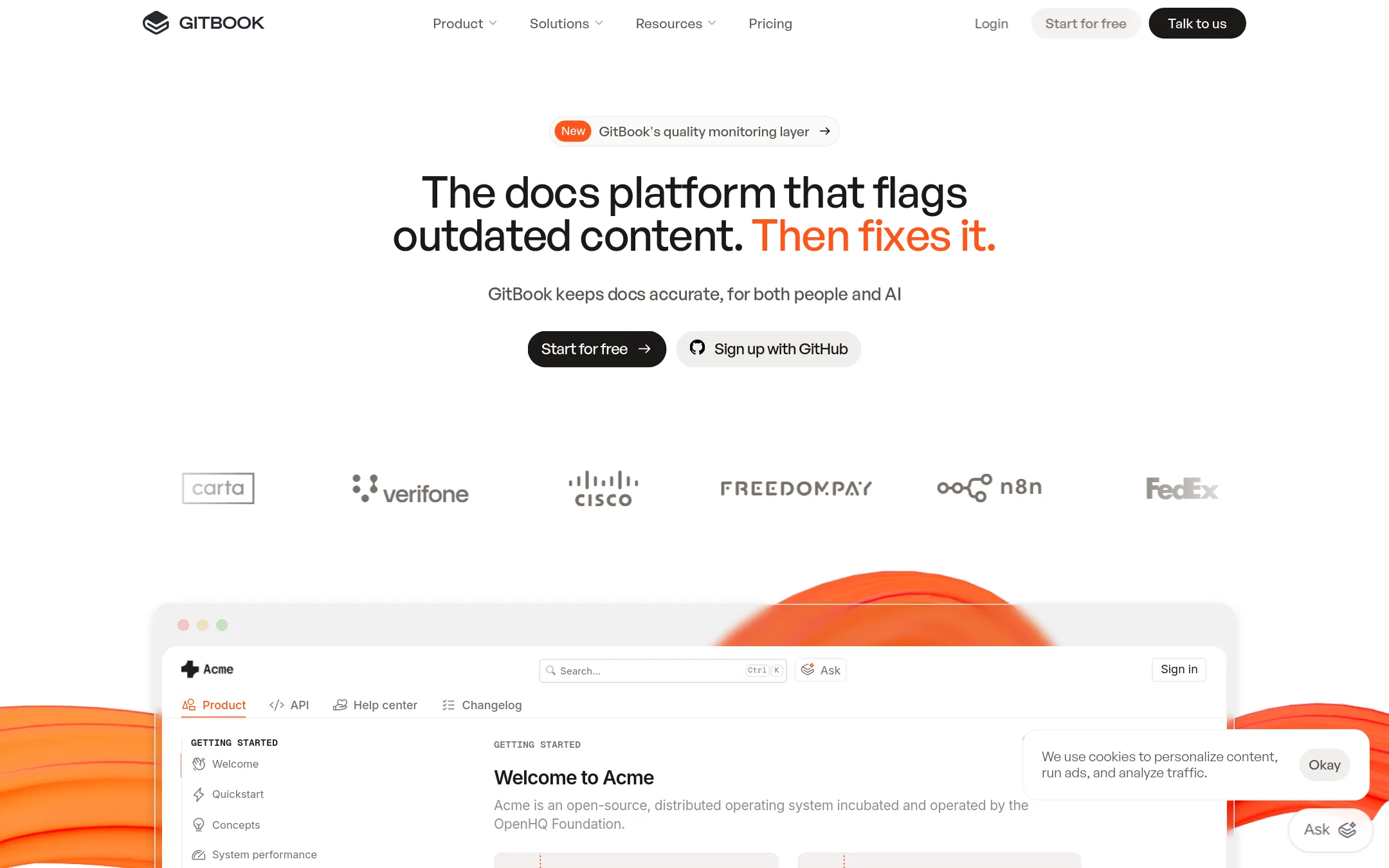
GitBook is a docs and knowledge platform that covers public docs sites, help centers and product hubs, with an AI assistant and a monitoring layer that flags outdated content. Teams often pick it over Mintlify when they want a single place for docs, help content and AI answers, plus a visual block-based editor for non-engineers.
Where it is strong
- Visual block-based editor with custom blocks suits non-engineers
- AI insights show where users' questions reveal knowledge gaps
- Free plan includes AI-ready docs, GitHub or GitLab sync and preview deployments
Where it falls short
- AI Assistant chat and GitBook Agent require the Ultimate plan
- Per-site and per-user pricing adds up for multi-site setups
- Pricing:
- GitBook's Free plan is for individuals, Essential is $65 per site per month and Ultimate is $249 per site per month when billed annually, with additional users at $12 per user per month, and Enterprise pricing is custom.
- Switching from Mintlify:
- GitBook offers a white-glove migration service on Enterprise, and its Git sync can keep content in your repository, but moving from Mintlify still means rebuilding navigation and custom components.
- Not published
2.ReadMe
Best for: API companies whose developers need usage metrics, request history and an AI writer that keeps docs in step with pull requests
- Pricing
- Not published
- Category
- Developer Tools
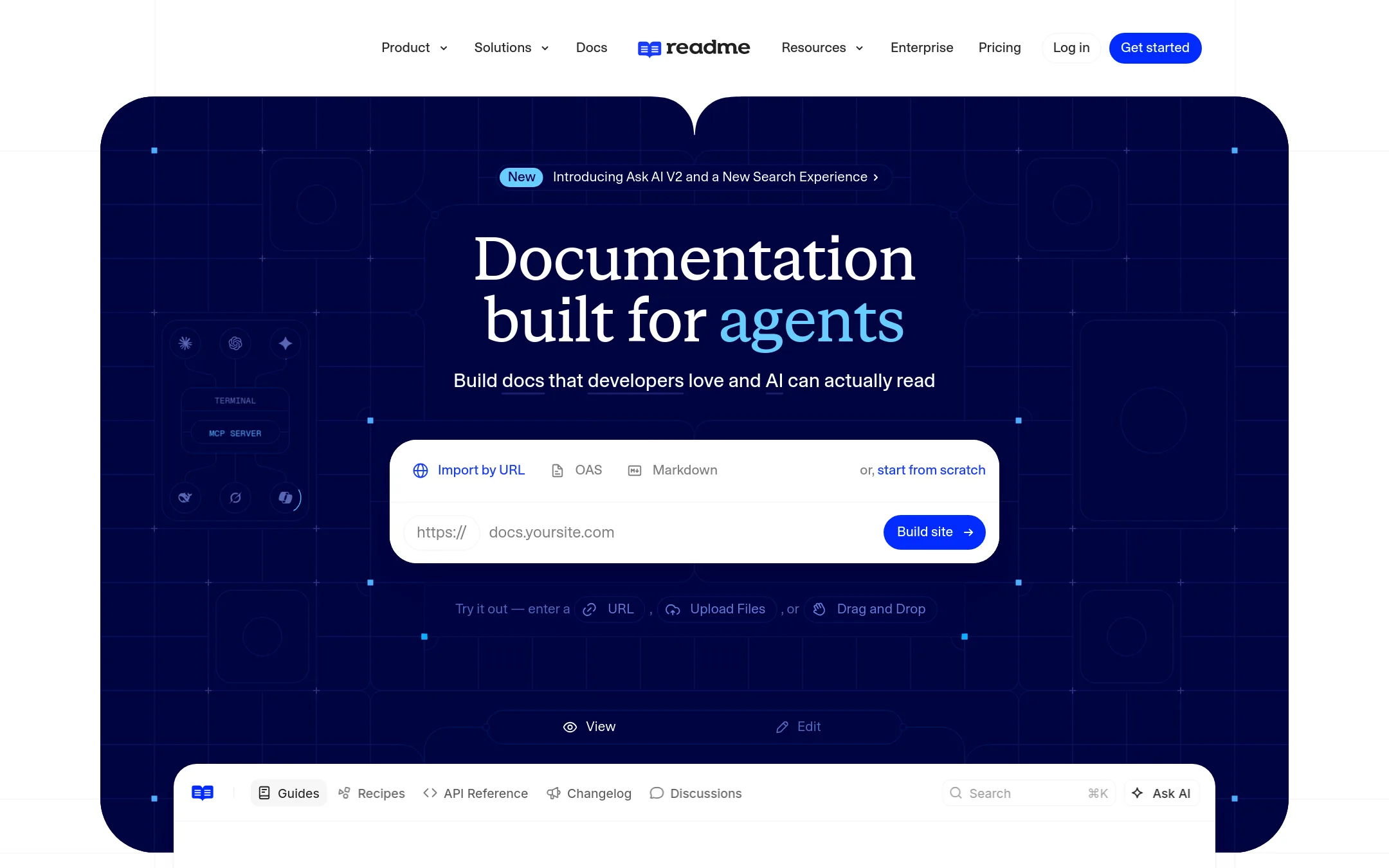
ReadMe is a documentation platform built around API reference and developer hubs, with a WYSIWYG editor, Git sync, and an AI writer that drafts doc updates from pull requests. Teams pick it over Mintlify when they want heavier product-side tooling for developer usage data, Ask AI analytics, and an in-app writing workflow with review permissions and multiplayer editing.
Where it is strong
- Bi-directional sync with GitHub, GitHub Enterprise Server and GitLab, with branch review and merge inside ReadMe
- AI Writer drafts doc updates from pull requests and Slack threads, and an AI linter enforces a custom style guide
- Developer dashboard, request history and My Developers usage data are built in, which Mintlify's listed features do not cover
Where it falls short
- Several capabilities such as Ask AI, Ask AI Analytics and the AI Writer appear as separate paid add-ons on the pricing page, so costs can st
- The free tier is limited to one project and one published version, with documentation metrics kept for only 7 days
- Pricing:
- Pricing is not published on the site.
- Not published
3.Docusaurus
Best for: Engineering teams with React experience that want full control over their documentation site and its hosting.
- Pricing
- Not published
- Category
- Developer Tools
Docusaurus is an open source site generator built on React that turns Markdown and MDX files into static documentation sites. Teams choose it over Mintlify when they want to host and control the site themselves, and when they need to embed custom React components and extend the layout in code.
Where it is strong
- Free and open source, so there is no subscription fee to run it.
- Built-in document versioning keeps docs in sync with project releases.
- Localization works out of the box with Git, Crowdin, or other translation managers.
Where it falls short
- You set up and maintain your own hosting, which Mintlify handles for you.
- The site does not list an interactive API playground or an MCP server the way Mintlify does.
- Pricing:
- Pricing is not published on the site.
- RFrom $50/mo
4.Read the Docs
Best for: Engineering and open source teams that already write docs with Sphinx, MkDocs or Docusaurus and want hosted builds with versioning.
- Pricing
- From $50/mo
- Category
- Other
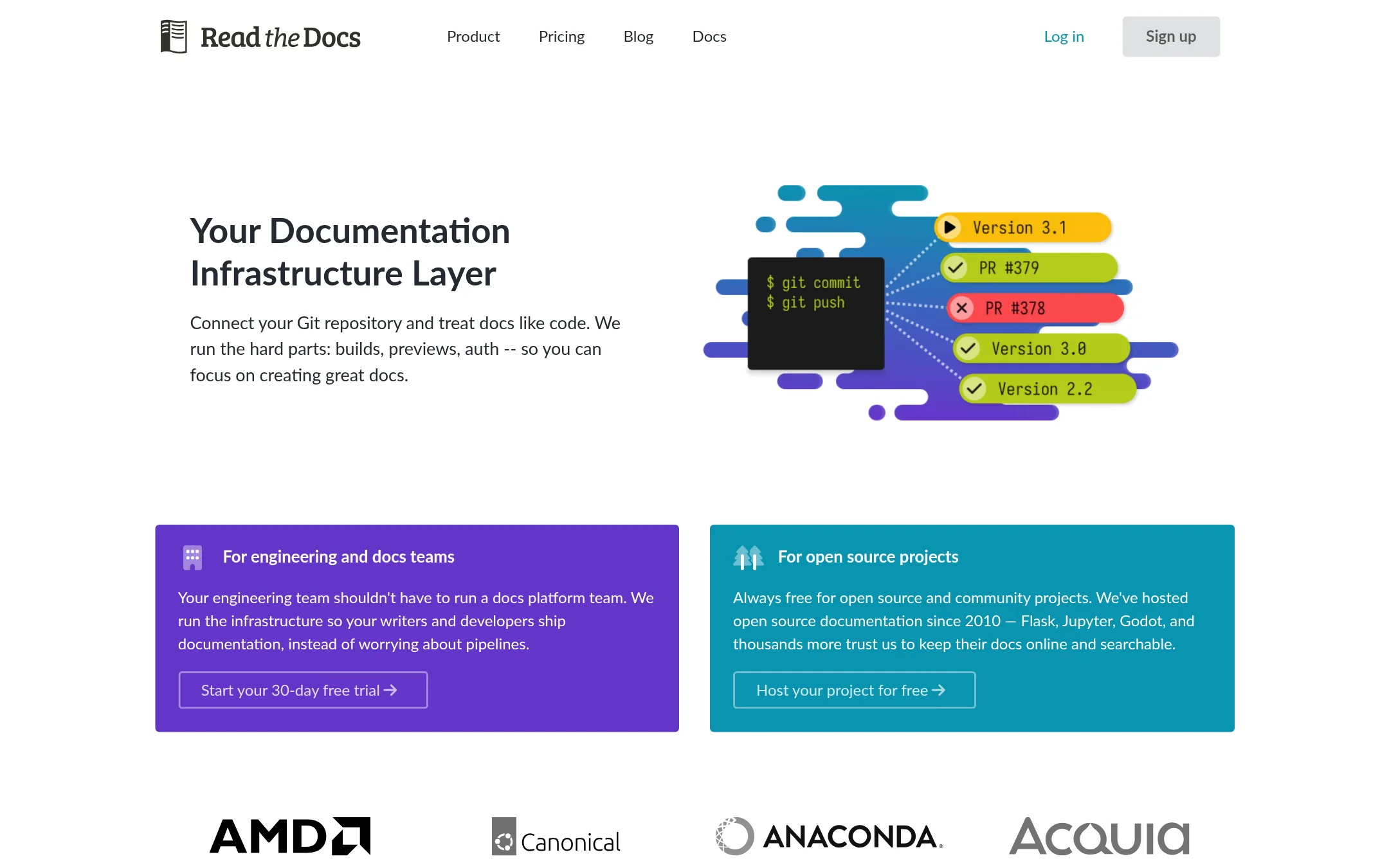
Read the Docs is a documentation build and hosting platform that connects to a Git repository and builds docs from code. It supports tools like Sphinx, MkDocs and Docusaurus, and offers pull request previews with visual diffs. Choose it over Mintlify when your docs already live in one of those generators and you want to keep that toolchain rather than adopt a managed editor.
Where it is strong
- Free for open source and community projects, hosting docs there since 2010.
- Works with any documentation tool, including Sphinx, MkDocs and Docusaurus.
- Pull request previews with a visual diff against production catch regressions before merge.
Where it falls short
- Single sign-on and private repository support sit behind the Business tier.
- It is built around Git-based builds, so non-engineers have no browser editor like Mintlify's.
- Pricing:
- Pricing is published with plans starting at $50 per month for the Basic tier, $150 for Advanced and $250 for Pro, and Enterprise plans from $10,000 per year, while open source documentation is free.
- Switching from Mintlify:
- Moving from Mintlify would mean rebuilding your navigation and custom components in whichever generator you choose, since Mintlify's Markdown or MDX pages are not a drop-in fit for Sphinx or MkDocs.
- Not published
5.Jira
Best for: Software, IT and business teams that need to plan sprints, track bugs and manage workflows across many projects
- Pricing
- Not published
- Category
- Productivity & Project Management
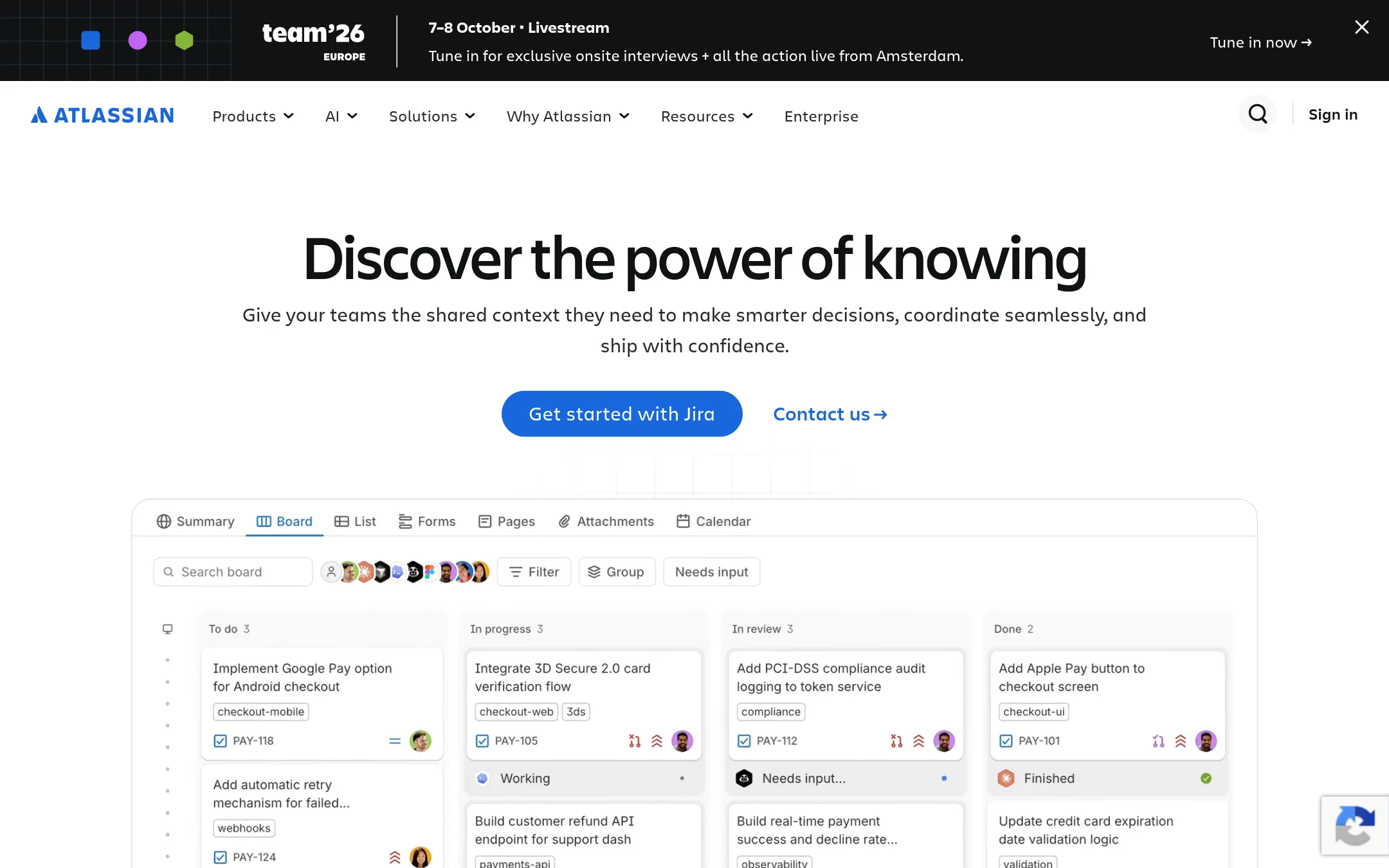
Jira is a project and issue tracker from Atlassian for software, IT and business teams. Choose it over Mintlify when your problem is tracking work across sprints, tickets and releases rather than publishing documentation for readers.
Where it is strong
- Built for issue tracking, sprint planning and workflow management
- Suited to software, IT and non-technical business teams alike
- Part of the wider Atlassian collaboration suite
Where it falls short
- It is a project tracker, so it does not publish documentation sites or serve docs to readers the way Mintlify does
- Pricing details were not available in the supplied material, so cost comparison needs a direct check
- Pricing:
- Pricing is not published on the site.
- From $0 (free plan)
6.Notion
Best for: Startup and growing teams in the United States that want one workspace for internal wikis, project tracking and company docs
- Pricing
- From $0 (free plan)
- Category
- Productivity & Project Management
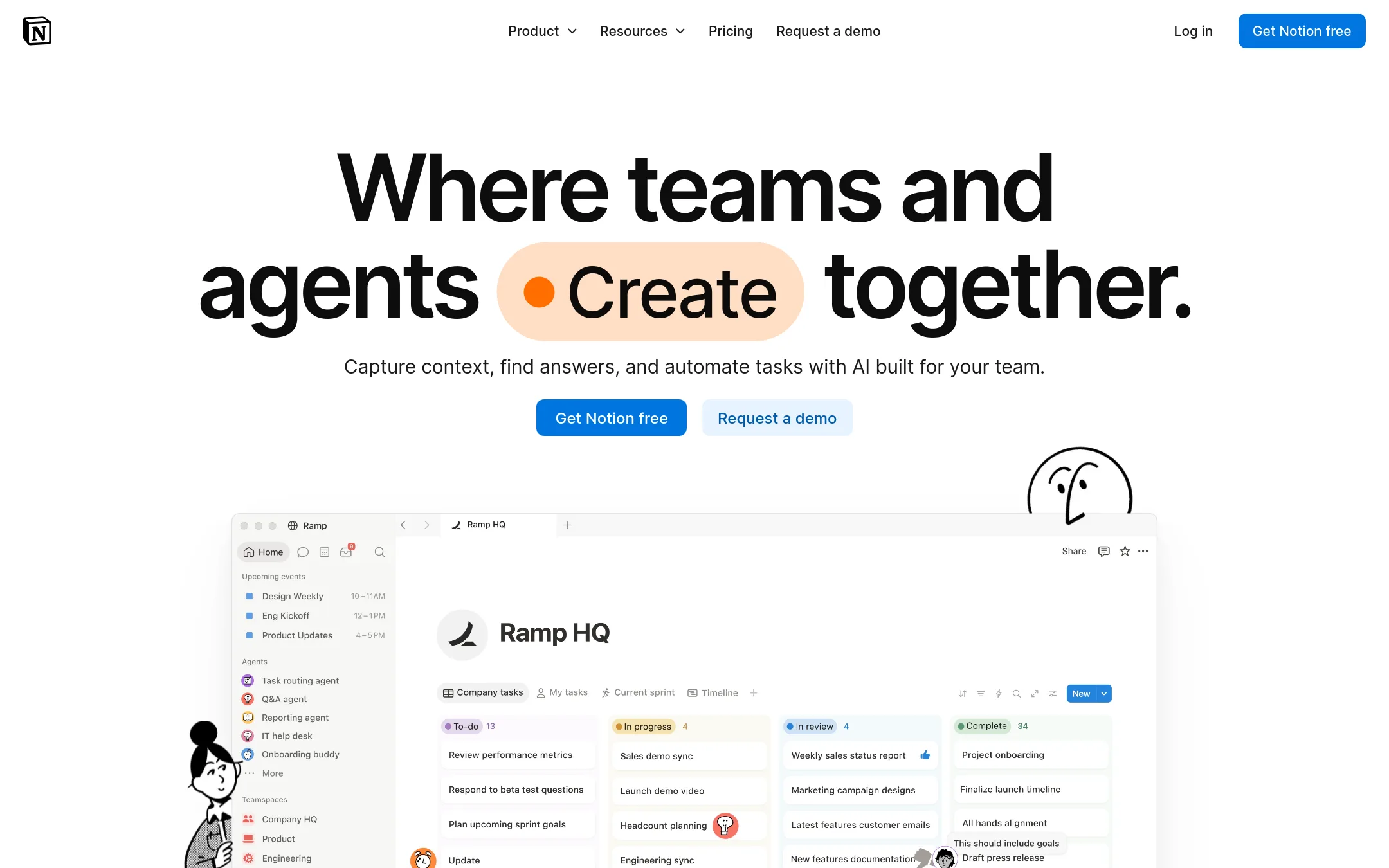
Notion is a general workspace for docs, wikis, projects and databases, built for internal knowledge and team coordination rather than developer documentation. A team would pick it over Mintlify when they need one place for internal wikis, project tracking and company docs, and do not need a Git-backed site for public product or API documentation.
Where it is strong
- Databases, wikis and project pages sit in one workspace
- Notion AI and Custom Agents can automate routine team tasks
- A free plan is available for individuals and small projects
Where it falls short
- Built for internal knowledge and collaboration, not published developer or API reference docs
- Advanced security and admin controls such as SAML SSO and SCIM sit on higher-priced tiers
- Pricing:
- In the United States, Notion's Free plan is $0, Plus is listed on the pricing page for small teams, Business is the tier for growing businesses with AI and SAML SSO, and Enterprise is for organizations needing SCIM and audit logs.
- Switching from Mintlify:
- Moving from Mintlify to Notion means rebuilding Markdown or MDX docs as Notion pages, since Notion does not read your Git repository directly.
- Not published
7.Cognition Devin
Best for: Engineering teams with large or complex codebases that want an AI agent to handle repetitive coding work.
- Pricing
- Not published
- Category
- AI & Machine Learning
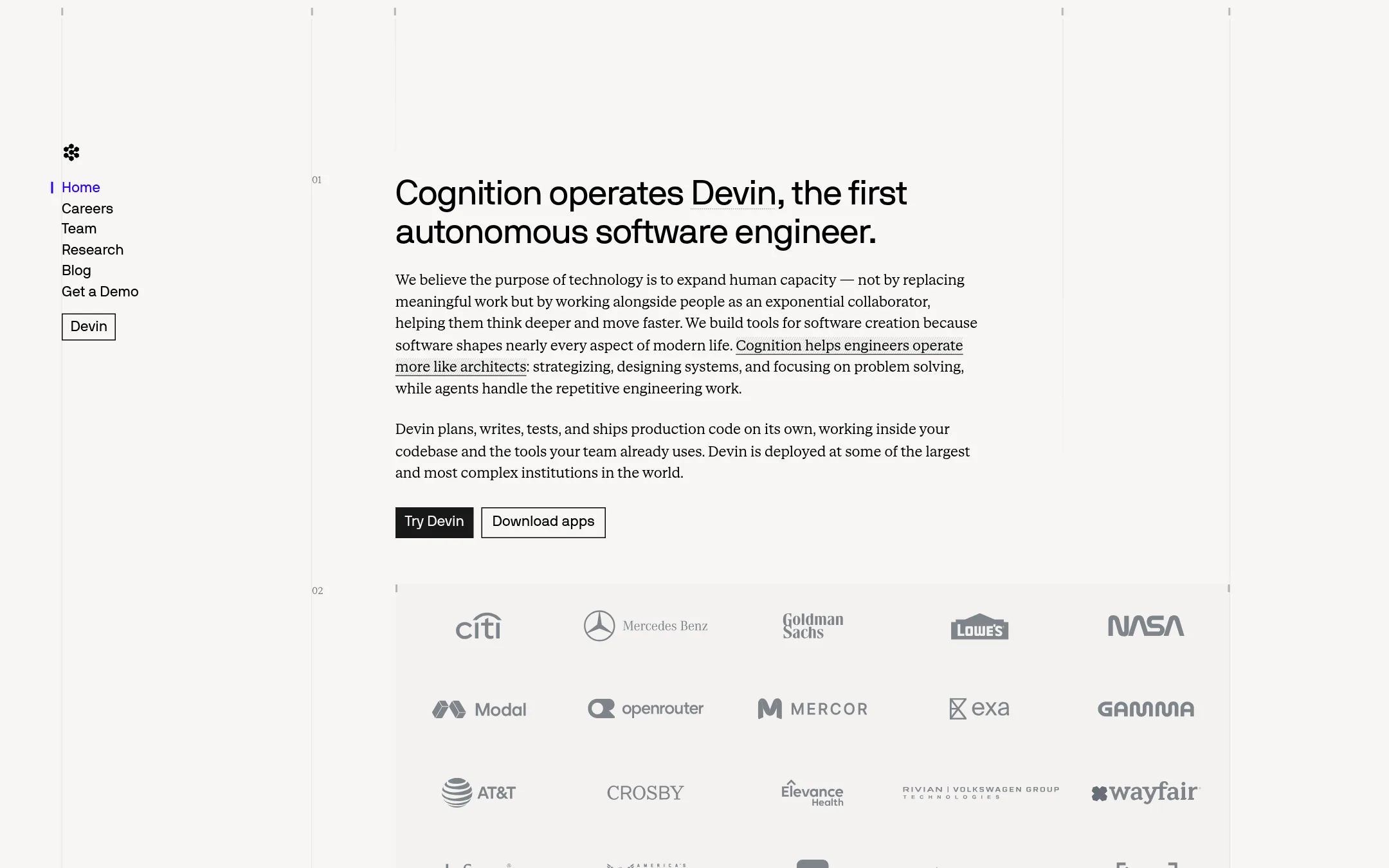
Cognition Devin is an autonomous AI software engineer that plans, writes, tests and ships production code inside your existing codebase and tools. It is built for engineering work rather than documentation, so it is a different category from Mintlify, which hosts and maintains docs sites. A team would pick Devin over Mintlify when the goal is to offload coding tasks, not to publish or keep documentation current.
Where it is strong
- Plans, writes, tests and ships code on its own.
- Works inside your existing codebase and the tools your team already uses.
- Publishes FrontierCode, a benchmark that checks whether code would be merged by a maintainer.
Where it falls short
- It does not host documentation, search or a docs site, so it cannot replace Mintlify for that job.
- Pricing is not published, so cost is hard to judge before a sales conversation.
- Pricing:
- Pricing is not published on the site.
- PSee website
8.Promptless
Customer Support
An AI teammate that automatically updates your customer-facing docs
- See website
9.Theneo
Developer Tools
Stripe-like API Docs in just a few clicks
- Not published
10.Apiary
Best for: Engineering teams that design APIs spec-first and want mock servers and contract testing alongside their API docs
- Pricing
- Not published
- Category
- Developer Tools
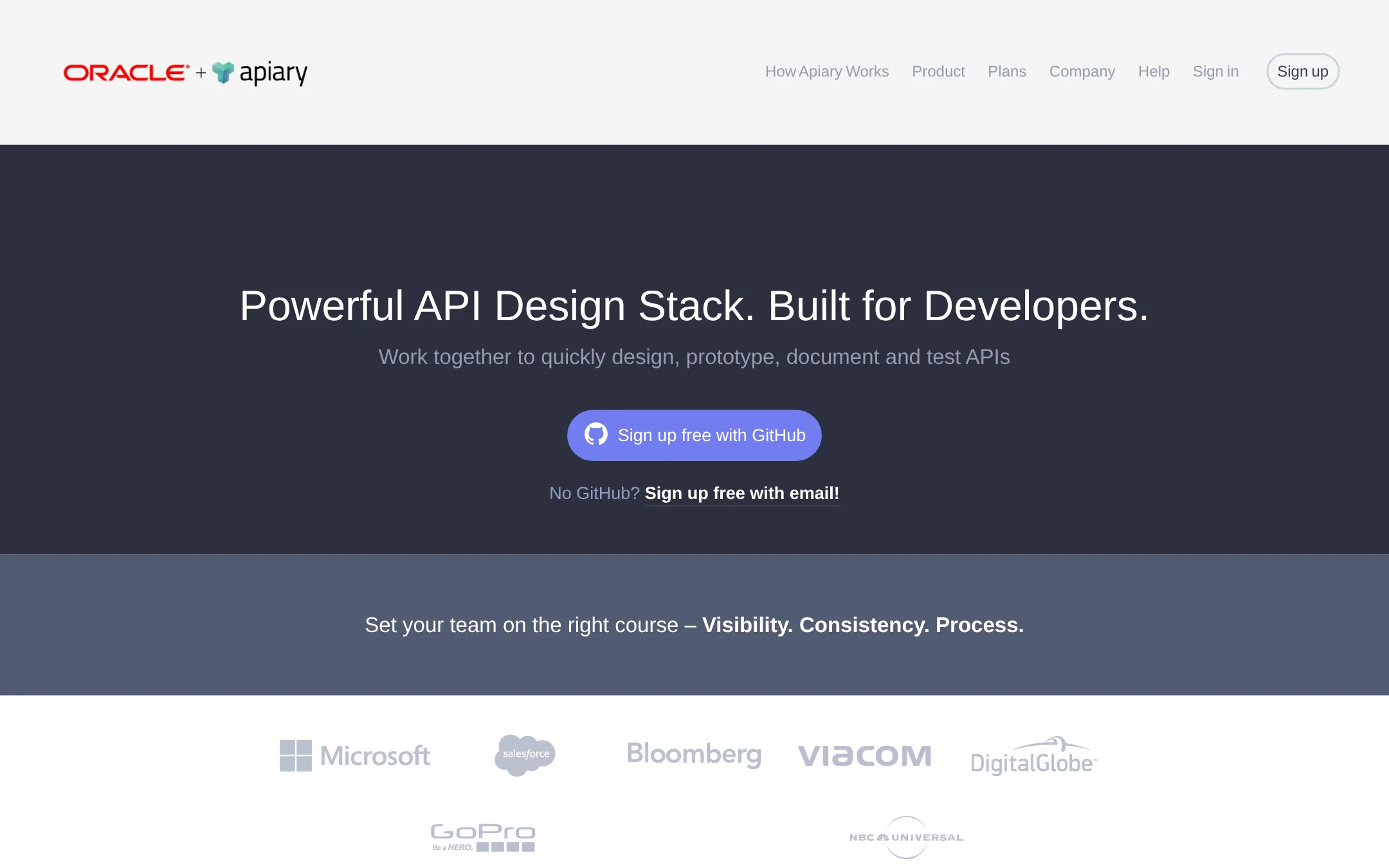
Apiary is an API design and documentation platform built around API Blueprint and OpenAPI. Teams pick it when their work centers on designing and mocking APIs before code exists, or when they want to test a live API against its spec. It is less of a general docs site builder than Mintlify.
Where it is strong
- Supports both API Blueprint and OpenAPI (Swagger) formats
- Mock servers and interactive docs come from the same API description
- GitHub sync keeps API descriptions in step with your repository
Where it falls short
- Pricing details are not clearly published, and the free plan's features are marked as deprecated on the pricing page
- Built around API design rather than guides, tutorials or a general help center, which Mintlify covers
- Pricing:
- Pricing is not published as exact figures on the page. The site lists Free, Standard and Pro plans, and Apiary is now part of Oracle Cloud.
- From $0 / $9 / $19 use
11.Postman
Best for: Engineering teams that build and test many APIs and want agents to work from a live map of them
- Pricing
- From $0 / $9 / $19 use
- Category
- Developer Tools
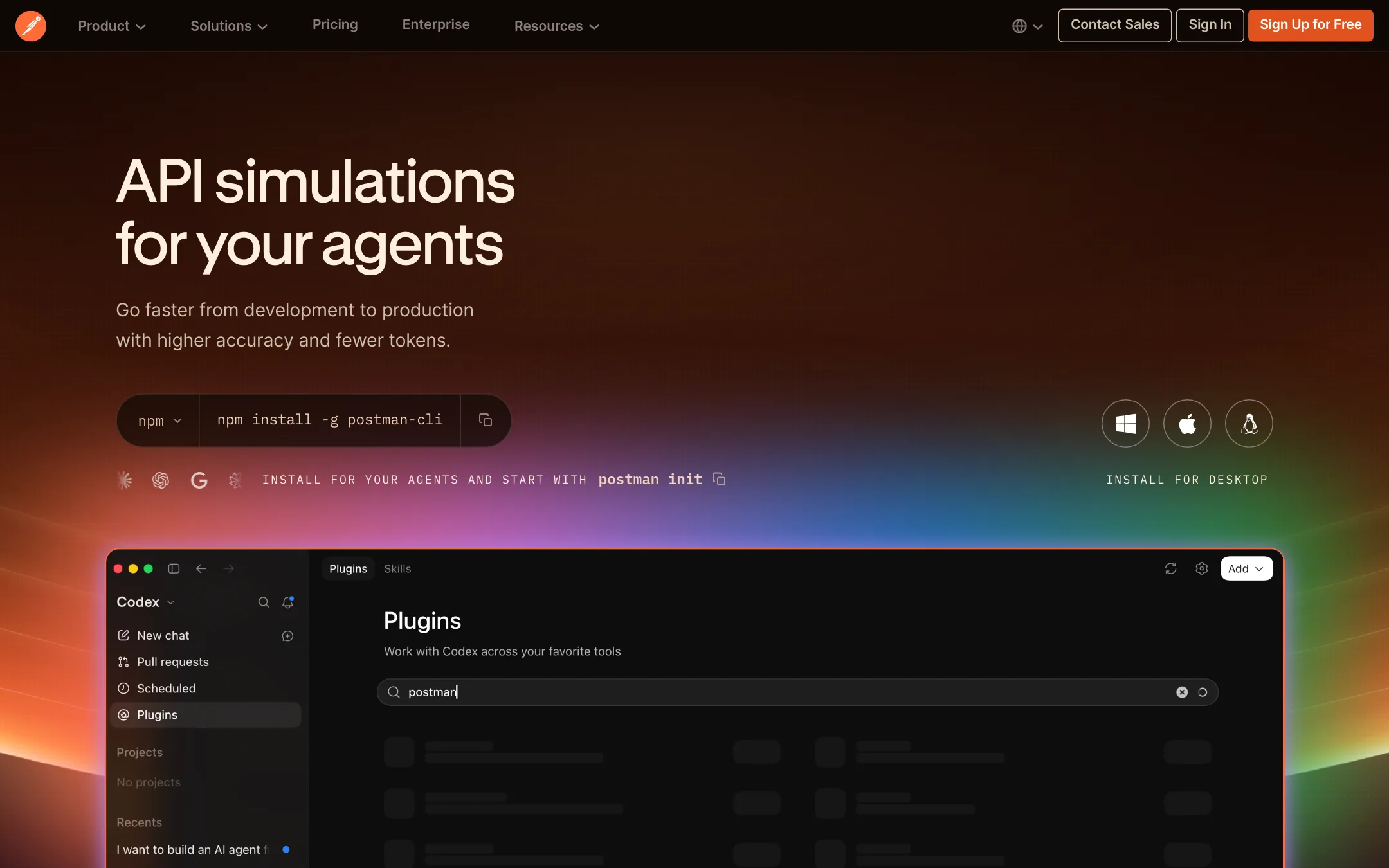
Postman is an API platform for building, testing, mocking, monitoring and governing APIs, with a Context Graph that gives AI agents a structured view of your APIs. Choose it over Mintlify when your main problem is API development and testing, not publishing documentation. It fits teams that need collections, mock servers, CI checks and production monitoring alongside their API work.
Where it is strong
- Covers API testing, mock servers, monitoring and performance testing in one place.
- Context Graph gives agents a queryable map of your APIs and their relationships.
- Free plan includes the API client, specs, mock servers and native Git.
Where it falls short
- Documentation publishing is a smaller part of the product than it is for Mintlify.
- AI credits are capped on each plan, with overage charges beyond the included amount.
- Pricing:
- Postman's Free plan costs $0, Solo is $9 per month billed annually, Team is $19 per user per month billed annually, and Enterprise is quoted on request.
- Not published
12.Redoc
Best for: Backend API teams that already maintain an OpenAPI spec and want a generated reference page without a hosted platform.

- Pricing
- Not published
- Category
- Developer Tools
Redoc generates API reference documentation directly from an OpenAPI specification, with a clean three-panel layout and a self-hosted option. Someone would pick it over Mintlify when they want a pure API reference that is generated from their spec and ships as a static page, without a managed documentation platform around it.
Where it is strong
- Builds reference pages straight from an OpenAPI specification
- Has a widely used open source project behind it with over 24k GitHub stars
- Can be self-hosted as a static page
Where it falls short
- Covers API reference only, not guides, tutorials or a help center
- Lacks the built-in editor, AI features and agent tooling Mintlify offers
- Pricing:
- Pricing is not published on the site.
- Switching from Mintlify:
- Moving from Mintlify to Redoc would mean giving up the guides, web editor and hosted search you have in Mintlify and rebuilding navigation around a spec-driven reference.
See more comparisons in Developer Tools alternatives.
FAQ
Questions about Mintlify alternatives
What is the best free alternative to Mintlify?
Docusaurus is free and open source, so there is no subscription fee to run it. You host and maintain the site yourself, which Mintlify handles for you. It suits engineering teams comfortable with React who want control over layout and hosting.
Which Mintlify alternative is best for non-technical editors?
GitBook offers a visual block-based editor with custom blocks, which suits non-engineers. Its AI insights also show where user questions reveal knowledge gaps. The AI Assistant chat and GitBook Agent require its Ultimate plan.
Which alternative works best for API documentation?
ReadMe suits API companies that need developer usage metrics, request history and an AI writer that drafts doc updates from pull requests. Redoc is a narrower option that generates API reference pages straight from an OpenAPI specification, but it covers reference content only.
Can I keep my docs in Git when switching away from Mintlify?
Mintlify stores your pages as Markdown or MDX in Git, and you keep those files and their history if you leave. Read the Docs and Docusaurus also build from Git repositories, so the content can move with you. A new platform may still need adjustments to navigation or custom components.
Is pricing for these alternatives published?
It varies. GitBook lists per-site and per-user prices, and Read the Docs publishes plans from $50 per month. ReadMe, Replit, Notion and Docusaurus do not publish exact prices on their sites, so budgeting requires a direct check with the vendor.
Last updated November 7, 2026.