
Mixpanel alternatives
12 products compared · 1 verified · Updated November 14, 2026
The short answer
The three strongest Mixpanel alternatives for most buyers are PostHog, Amplitude and FullStory. PostHog suits engineering-led product teams that want analytics, session replay and feature flags in one platform, with a self-hosting option. Amplitude suits early-stage product teams that want AI-assisted analysis and a free tier with 2M events per month. FullStory suits product and UX teams that need session replay and friction analysis alongside funnels and retention.
Your shortlist, at a glance
Read the comparisons ↓ AmplitudeFree to 2M events/moEarly-stage product teams that want AI-assisted analysis and a generous free tier before paying for analytics.
 HeapFree to 10k sessions/mProduct teams with limited engineering capacity that want to analyze user behavior they did not plan to track up front
 PostHogNot publishedEngineering-led product teams that want analytics, session replay and feature flags in one platform and may want the option to self-host.
 PendoNot publishedProduct teams that want analytics and in-app guidance in one tool, with no engineering needed for each guide.
 FullStoryNot publishedProduct and UX teams that need session replay and friction analysis alongside funnels and retention
- RRecordBookNot publishedSmall businesses that need simple record tracking on their phones instead of product event analytics
 AvoNot publishedProduct and data teams with several apps or brands that need one shared event taxonomy across all of them.
 ConvertNow AnalyticsFreeWordPress publishers and multi-author blogs that want cookieless analytics with data kept on their own server
- GGoogle AnalyticsNot publishedContent sites and marketing teams that need traffic and acquisition reporting on a zero budget
- HHockeyStackNot publishedB2B revenue and marketing teams that need multi-touch attribution across marketing, sales, and product data
- HHuman BehaviorNot publishedFast-moving startup product teams that want an AI to watch sessions and act on bugs without someone building dashboards first
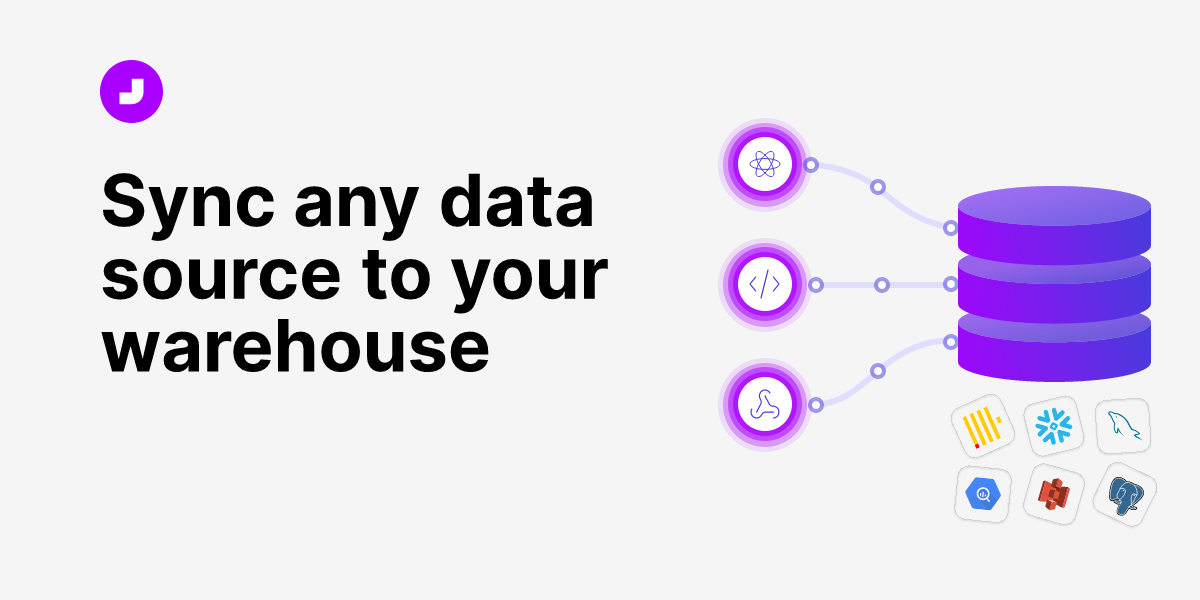 JitsuFrom $99/mo + $40/1MData teams that already run a warehouse and want clean, owned event data without vendor lock-in
About Mixpanel and its alternatives
Mixpanel is event analytics for product teams. According to its site, it combines analytics, session replay, experiments, feature flags and AI-powered insights in one product intelligence platform. It is known for helping builders find answers in their event data quickly.
When comparing alternatives, weigh the pricing structure first, since some vendors publish plan prices and others require a sales conversation. Check event and session volume limits, the regions and data residency options you need, which integrations your stack depends on, the level of support included, and the contract terms such as annual commitments.
Explore the alternatives
- Free to 2M events/mo
1.Amplitude
Best for: Early-stage product teams that want AI-assisted analysis and a generous free tier before paying for analytics.
- Pricing
- Free to 2M events/mo
- Category
- Analytics & Data
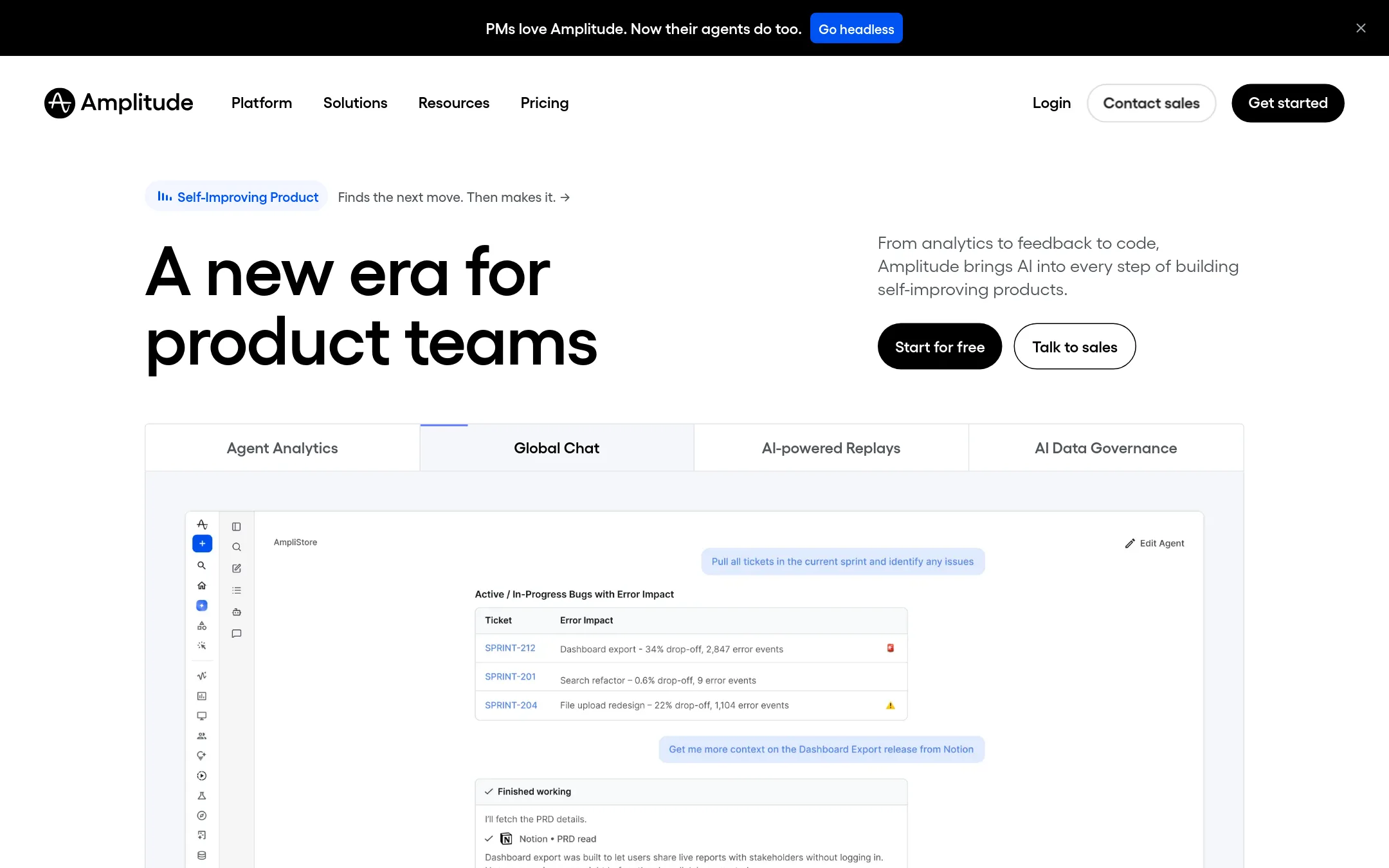
Amplitude is a product analytics platform that adds AI analysis, session replay, experiments, feedback analysis and a set of AI agents in one place. Teams pick it over Mixpanel when they want AI-driven recommendations and agent analytics, or when they want a large free tier with 2M events per month.
Where it is strong
- Free plan includes 2M events per month with no credit card required
- AI agents and an MCP integration let you query insights from tools like Claude or Cursor
- Feature experimentation, session replay, heatmaps and surveys sit on the same platform
Where it falls short
- Growth and Enterprise pricing is custom, so you need a quote to compare costs at scale
- Session replay volumes and experiment limits are lower on the Plus tier than on the paid tiers
- Pricing:
- The Free plan includes 2M events per month and no credit card, the Plus plan starts at $0 for the first 2M events and then scales up to 70M events, and Growth and Enterprise are custom quotes.
- Free to 10k sessions/m
2.Heap
Best for: Product teams with limited engineering capacity that want to analyze user behavior they did not plan to track up front
- Pricing
- Free to 10k sessions/m
- Category
- Analytics & Data
Heap captures every user interaction automatically with a single snippet, so teams can query events they never thought to track. It pairs that capture with session replay and automated friction detection. Choose it over Mixpanel when you want retroactive analysis of behavior you did not instrument in advance and cannot spare engineering time for tracking plans.
Where it is strong
- Captures all user interactions automatically after one snippet install, with no engineering work required
- Can analyze behavior retroactively, so you do not have to predict which events matter
- Session replay and error analysis sit inside the same product as analytics
Where it falls short
- Paid tier prices are custom and not published, so budgeting takes a sales conversation
- Session replay is an add-on on the higher plans rather than included
- Pricing:
- Pricing is not published for paid tiers beyond the free plan, which offers up to 10k monthly sessions, with Growth, Pro and Premier plans listed as custom session pricing, and a free snippet for an estimate.
- Switching from Mixpanel:
- Moving from Mixpanel means reinstrumenting tracking with Heap's snippet and rebuilding dashboards and funnels in Heap, since historical Mixpanel data does not carry over automatically.
- Not published
3.PostHog
Best for: Engineering-led product teams that want analytics, session replay and feature flags in one platform and may want the option to self-host.

- Pricing
- Not published
- Category
- Productivity & Project Management
PostHog combines product analytics, session replay, feature flags, experiments and error tracking in one open platform. Someone would pick it over Mixpanel when they want analytics, replay and flags in one tool and value the option to self-host or work with a tool that can automatically diagnose bugs and open pull requests.
Where it is strong
- Analytics, session replay, feature flags and experiments sit in one platform.
- Automatic diagnosis of problems and bug fixes can reduce time spent triaging issues.
- Positioned as an open platform, which may suit teams that care about control over their data.
Where it falls short
- The retrieved pricing content did not show plan limits or costs, so budgeting needs a direct check on the site.
- Its AI features focus on diagnosing and fixing issues, which may be less relevant to a team mainly wanting business-level growth dashboards.
- Pricing:
- Pricing is not published in the text we retrieved from the PostHog pricing page.
- Not published
4.Pendo
Best for: Product teams that want analytics and in-app guidance in one tool, with no engineering needed for each guide.
- Pricing
- Not published
- Category
- Analytics & Data
Pendo combines product analytics, session replay, in-app guides, user sentiment surveys and AI agent analytics in one platform. Teams usually pick it over Mixpanel when they want to act on what they see, such as launching in-app guides or nudges, not just analyse events. It also suits teams that want to track how AI agents perform alongside their product.
Where it is strong
- Adds in-app guides and nudges to analytics, so insights can drive action without a separate tool
- Includes session replay and sentiment surveys such as NPS and CSAT on its plans
- Offers agent analytics for tracking AI feature adoption and where agents fail
Where it falls short
- Pricing is not published on the site, so costs need a sales conversation to confirm
- Pricing is based on monthly active users, so costs rise as your user base grows
- Pricing:
- Pricing is not published on the site.
- Not published
5.FullStory
Best for: Product and UX teams that need session replay and friction analysis alongside funnels and retention
- Pricing
- Not published
- Category
- Analytics & Data
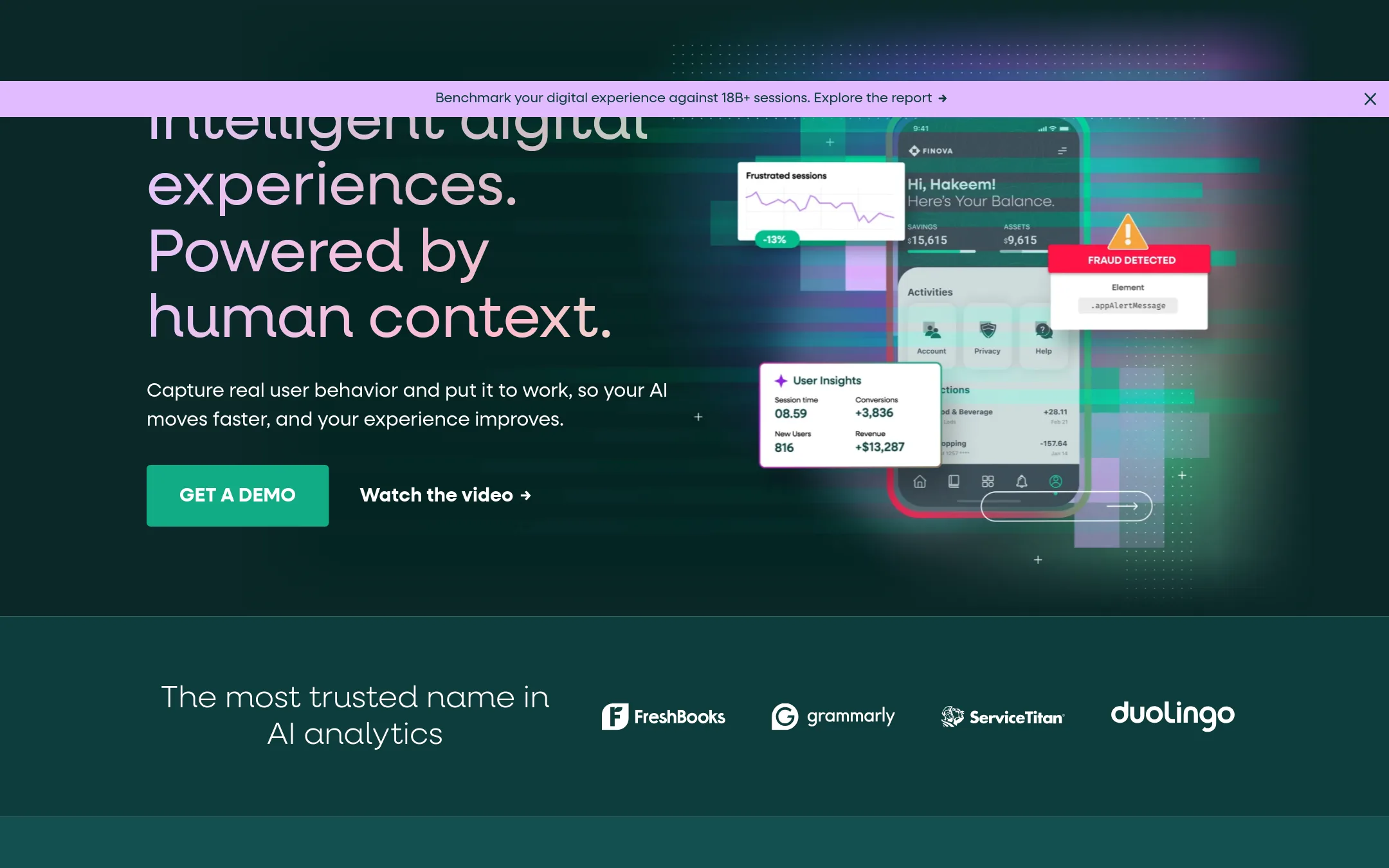
FullStory captures every user interaction automatically and pairs it with session replay, heatmaps, and AI summaries, so teams can see what users actually did before they ask a question. Choose it over Mixpanel when the main question is why people struggle in the interface, not only what they clicked or how many converted. It also covers employee tool usage through its Workforce product.
Where it is strong
- Captures user interactions automatically, so teams do not need to predefine every event
- Session replay, heatmaps, and click maps sit alongside funnels and retention analysis
- Includes Workforce for mapping how employees use internal digital tools
Where it falls short
- Plan details are only available by requesting a demo or viewing a feature table, with no public price list
- Its feature focus leans toward behavioral and qualitative analysis, so teams wanting Mixpanel-style event analytics as the core may find les
- Pricing:
- Pricing is not published on the site.
- RNot published
6.RecordBook
Best for: Small businesses that need simple record tracking on their phones instead of product event analytics
- Pricing
- Not published
- Category
- Productivity & Project Management
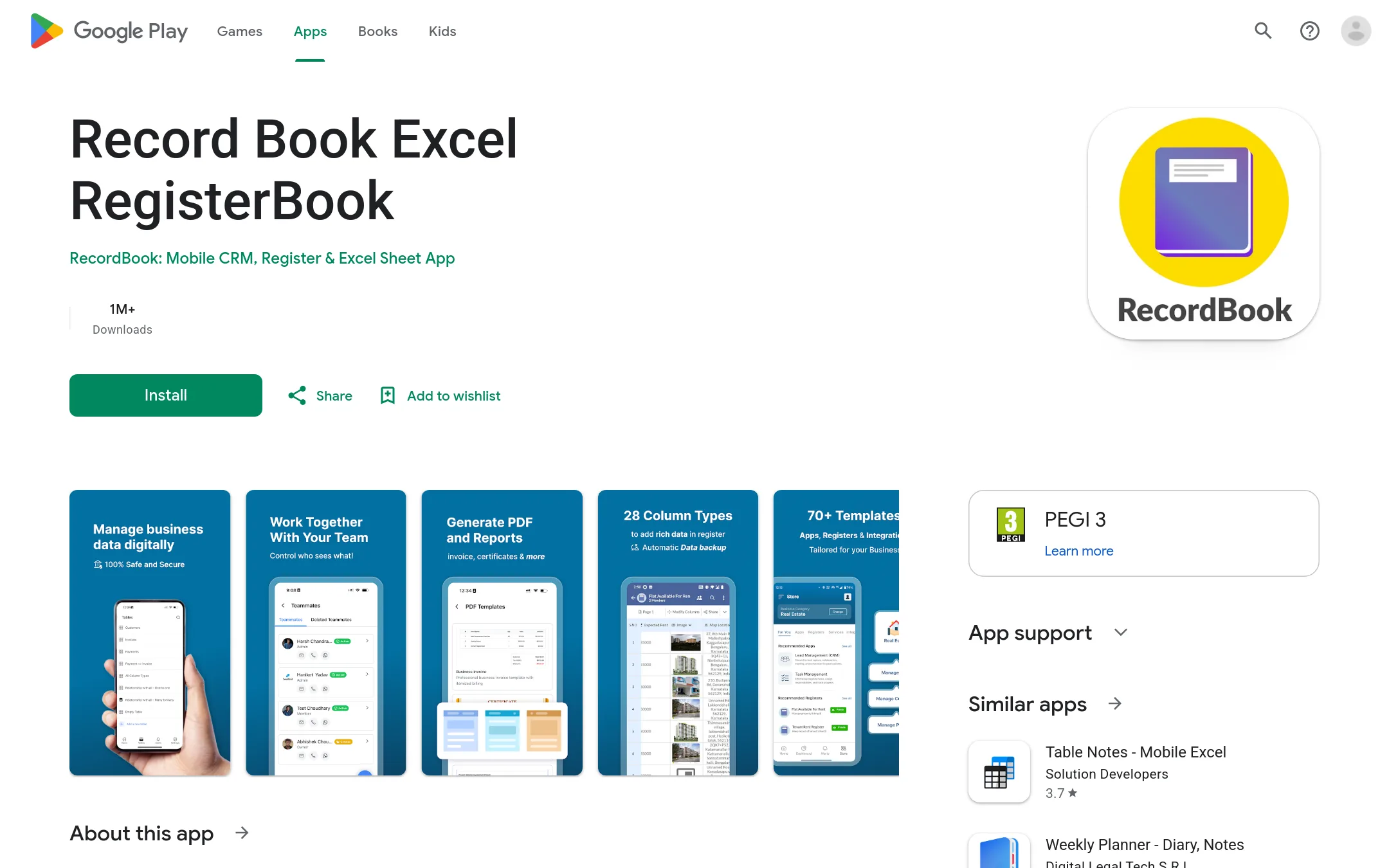
RecordBook is a mobile app for small businesses that want to track records and data in an Airtable-style format, with the homepage pitching it as Airtable for small businesses globally. Choose it over Mixpanel when you need a simple record-keeping tool for business operations rather than product event analytics.
Where it is strong
- Built as a mobile app for managing records on the go
- Airtable-style structure for organizing business data
- Aimed at small and medium businesses, not product teams
Where it falls short
- It is not a product analytics tool, so it cannot track user events, funnels or retention the way Mixpanel does
- Little public detail is available on the site about features or integrations
- Pricing:
- Pricing is not published on the site.
- Not published
7.Avo
Best for: Product and data teams with several apps or brands that need one shared event taxonomy across all of them.
- Pricing
- Not published
- Category
- Analytics & Data
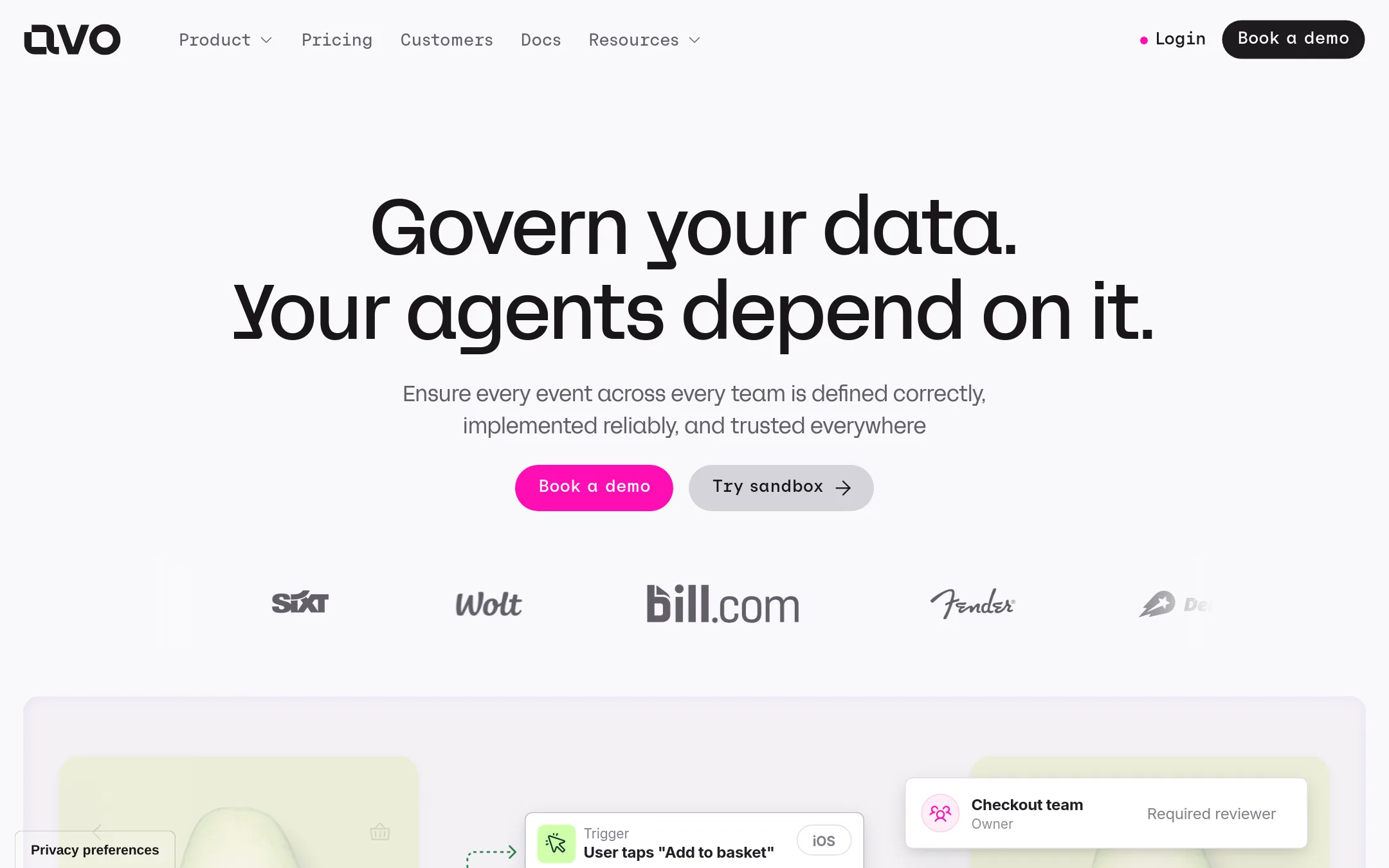
Avo is a data governance layer for product analytics. It lets teams design a shared tracking plan, route changes through the right reviewers, and check that events are implemented correctly in code and in production. Someone would choose it over Mixpanel when their problem is messy or inconsistent event data rather than a lack of analysis tools, especially when many teams and platforms send events.
Where it is strong
- Visual tracking plan that teams across the company can edit within a shared framework
- Review and approval flow pulls in the right stakeholders before tracking changes ship
- Real-time alerts when production tracking drifts from the plan
Where it falls short
- It governs data but does not provide analytics, session replay, or experiments the way Mixpanel does
- Its value depends on having an event tracking setup worth governing
- Pricing:
- Pricing is not published on the site.
- Free
8.ConvertNow AnalyticsVerified
Best for: WordPress publishers and multi-author blogs that want cookieless analytics with data kept on their own server
- Pricing
- Free
- Category
- Analytics & Data
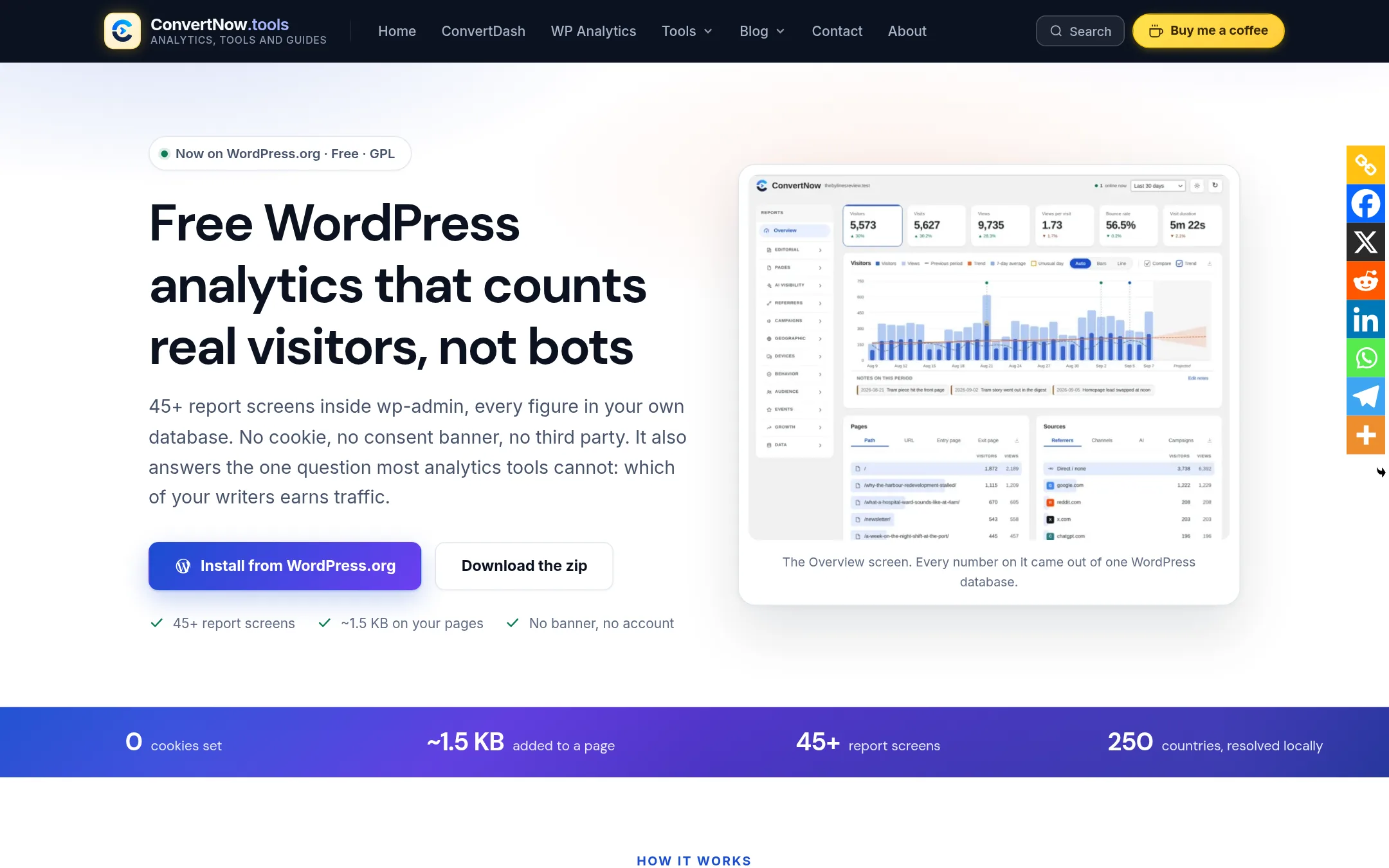
ConvertNow Analytics is a free WordPress plugin that tracks visits inside wp-admin, with no cookies, no consent banner and no third-party service. Data stays in your own database, and it reports which authors earn traffic and which AI assistants and crawlers reach your site. Choose it over Mixpanel if your site runs on WordPress and you want page-level reporting without product analytics setup or a separate vendor.
Where it is strong
- Installs from the WordPress plugin directory and needs no script in your theme or account to create
- Counts real visitors, filters bots and labels AI assistant traffic as its own source
- Ships country lookup data inside the plugin, so no outside geolocation service is contacted
Where it falls short
- Built for WordPress only, so it does not cover native apps or non-WordPress sites the way Mixpanel does
- Reports on pages, visits and goals rather than user-level event analysis, session replay or experiments
- Pricing:
- Pricing is not published on the site, and the plugin is described as free with no paid tier.
- GNot published
9.Google Analytics
Best for: Content sites and marketing teams that need traffic and acquisition reporting on a zero budget
- Pricing
- Not published
- Category
- Analytics & Data
Google Analytics is a free web and app analytics tool that tracks traffic sources, page views and basic user behavior. Teams choose it over Mixpanel when they mainly need traffic and acquisition reporting, or want a no-cost starting point, and do not need deep event-level product funnels or per-user analysis.
Where it is strong
- No cost to start, with no pricing page to compare against
- Traffic and acquisition reports that marketing teams already know
- Connects to a wide range of Google products
Where it falls short
- Product-level event analysis is shallower than Mixpanel's
- Pricing and limits are not published in the supplied material
- Pricing:
- Pricing is not published on the site.
- HNot published
10.HockeyStack
Best for: B2B revenue and marketing teams that need multi-touch attribution across marketing, sales, and product data
- Pricing
- Not published
- Category
- Marketing & Sales
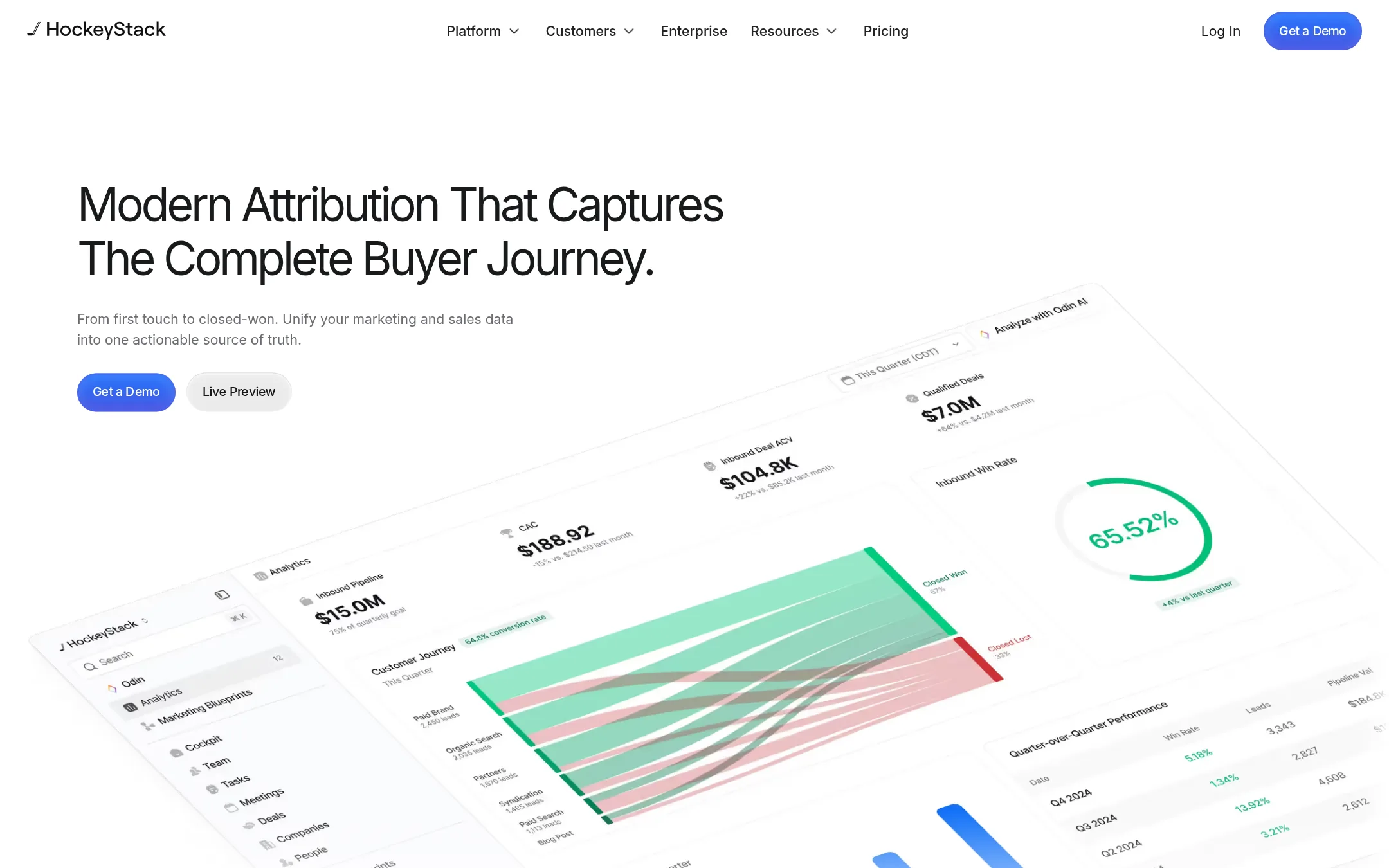
HockeyStack is a B2B revenue data platform that unifies marketing, product, and sales data across the customer lifecycle. It attributes pipeline, upsell, and churn to specific buyer and in-product behavior, which makes it a fit for revenue teams whose main question is which spend and touchpoints produce revenue. Teams choose it over Mixpanel when they care more about multi-touch attribution and account-level go-to-market data than about product event analytics.
Where it is strong
- Multi-touch attribution and lift analysis for marketing spend
- Connects product behavior to upsell, churn, and expansion
- Account and lead scoring for sales prioritization
Where it falls short
- Built for GTM and revenue questions, so it is not a replacement for Mixpanel's product event analytics
- Session replay, experiments, and feature flags that Mixpanel bundles are not part of the offering described
- Pricing:
- Pricing is not published on the site.
- HNot published
11.Human Behavior
Best for: Fast-moving startup product teams that want an AI to watch sessions and act on bugs without someone building dashboards first

- Pricing
- Not published
- Category
- Analytics & Data
Human Behavior is an AI-driven session replay and product analytics tool that watches every session, flags bugs and broken funnels, and can open pull requests or send customer follow-ups from what it finds. Teams would pick it over Mixpanel when they want the tool to surface problems and trigger fixes on its own, rather than building dashboards and reports for a human analyst to read.
Where it is strong
- One SDK collects session replays, logs, traces, web analytics and performance
- An AI watches replays, triages bugs and monitors funnels around the clock
- Agents can open PRs, create Linear issues, and draft customer follow-up emails
Where it falls short
- Pricing is not published, so cost comparison with Mixpanel is hard before a sales conversation
- Mixpanel offers a deeper, longer-established set of analytics, experiments and feature flags that this listing does not describe
- Pricing:
- Pricing is not published on the site.
- From $99/mo + $40/1M
12.Jitsu
Best for: Data teams that already run a warehouse and want clean, owned event data without vendor lock-in
- Pricing
- From $99/mo + $40/1M
- Category
- Analytics & Data
Jitsu is an open-source event collection tool that captures data from websites, apps, email, chatbots and CRMs, then streams it into a data warehouse like Snowflake, BigQuery, Redshift or Postgres. Teams choose it over Mixpanel when they want the warehouse to be the source of truth and prefer to run their own analytics on top of it, rather than using a hosted analytics product with its own dashboards and session replay.
Where it is strong
- Open source under the MIT license and self-hostable on your own infrastructure
- Adding tracking is a single script tag, similar to Google Analytics
- Sends events to your own warehouse in real time, with custom JavaScript functions to filter or change events first
Where it falls short
- It is a data pipeline, so you need a warehouse and your own BI tooling. It does not ship dashboards, session replay, experiments or feature
- The free plan allows only one daily active sync and no monthly syncs beyond that, so higher-frequency syncing requires a paid plan
- Pricing:
- The free plan covers 200k events per month, a Business plan starts at $99 per month with 2M events included and $40 per additional 1M events, and Enterprise is custom.
See more comparisons in Analytics & Data alternatives.
FAQ
Questions about Mixpanel alternatives
Which Mixpanel alternative has the best free tier?
Amplitude's free plan includes 2M events per month with no credit card required, which is a generous starting point. Google Analytics is also free but focuses on traffic and acquisition rather than product event analysis. PostHog's pricing was not shown in the content we retrieved, so check its site for current free limits.
Which alternative combines analytics with session replay and feature flags?
PostHog combines product analytics, session replay, feature flags, experiments and error tracking in one open platform. Amplitude also bundles session replay, experiments and feature experimentation with analytics. FullStory pairs session replay and heatmaps with funnels and retention analysis.
Which tool suits a team that did not plan its event tracking in advance?
Heap captures every user interaction automatically after one snippet install, so you can analyse behaviour you did not instrument in advance. FullStory also captures interactions automatically and pairs them with session replay. Both reduce the engineering time needed to set up tracking plans.
Which alternative fits a team that wants data stored in its own warehouse?
Jitsu is an open-source event collection tool that streams data into warehouses such as Snowflake, BigQuery, Redshift or Postgres. It has a free plan of 200k events per month and a Business plan from $99 per month. It does not include dashboards, session replay or experiments, so you would need your own BI tooling.
Which alternative is best for a WordPress site rather than a product?
ConvertNow Analytics is a free WordPress plugin that tracks visits without cookies or a consent banner and keeps data in your own database. It reports page-level traffic and which authors earn visits, but it is built for WordPress only and does not offer user-level event analysis. Google Analytics is the other free option if you mainly need traffic reporting.
Last updated November 14, 2026.