
Mosaic alternatives
9 products compared · Updated November 22, 2026
The short answer
Mosaic is an agentic video editing tool, so its closest alternatives are the ones that also edit or produce video. OpusClip suits creators and marketing teams who repurpose long videos into short social clips. Descript suits podcasters and marketers who cut talking-head recordings by editing a transcript. Kapwing suits marketing, internal comms and education teams that need a collaborative browser editor for everyday video.
Your shortlist, at a glance
Read the comparisons ↓- OOpusClipFrom $15/moCreators and marketing teams that repurpose long-form video into short clips for social platforms on a regular schedule
 DescriptFrom $16/mo per personPodcasters and marketing teams editing talking-head recordings who want to cut video by editing a transcript
 RunwayNot publishedMobile engineering teams that ship iOS or Android apps and need automated, visible release cycles
Canva WhiteboardsNot publishedTeams that need a shared visual workspace for brainstorming and planning, not video production
 KapwingNot publishedMarketing, internal comms and education teams that need a collaborative editor for everyday video
VEED.IONot publishedMarketers and solo creators who need branded, subtitled social videos made quickly in one browser tool
- SSynthesiaFrom $19/moEnterprise training and L&D teams that need presenter videos translated into many languages
- CCreatifyFrom $10/mo, annualEcommerce and app brands that need many paid social ad variations, tested quickly across Meta, Google and TikTok.
 AbacumNot publishedFinance teams that need one connected planning, forecasting and reporting platform instead of spreadsheets
About Mosaic and its alternatives
Mosaic is an applied AI product lab. Its site describes Motion, a video agent for video editing, motion design and video understanding, and says the product is used by teams at several media and technology companies.
When comparing alternatives in this category, weigh what kind of video work you do, since tools range from clip repurposing to avatar presenters to ad generation. Also check the pricing structure (flat plans, credits, or custom enterprise billing), which regions and languages a tool supports, which integrations it connects to, how responsive support is, and what the contract terms require.
Explore the alternatives
- OFrom $15/mo
1.OpusClip
Best for: Creators and marketing teams that repurpose long-form video into short clips for social platforms on a regular schedule
- Pricing
- From $15/mo
- Category
- Other
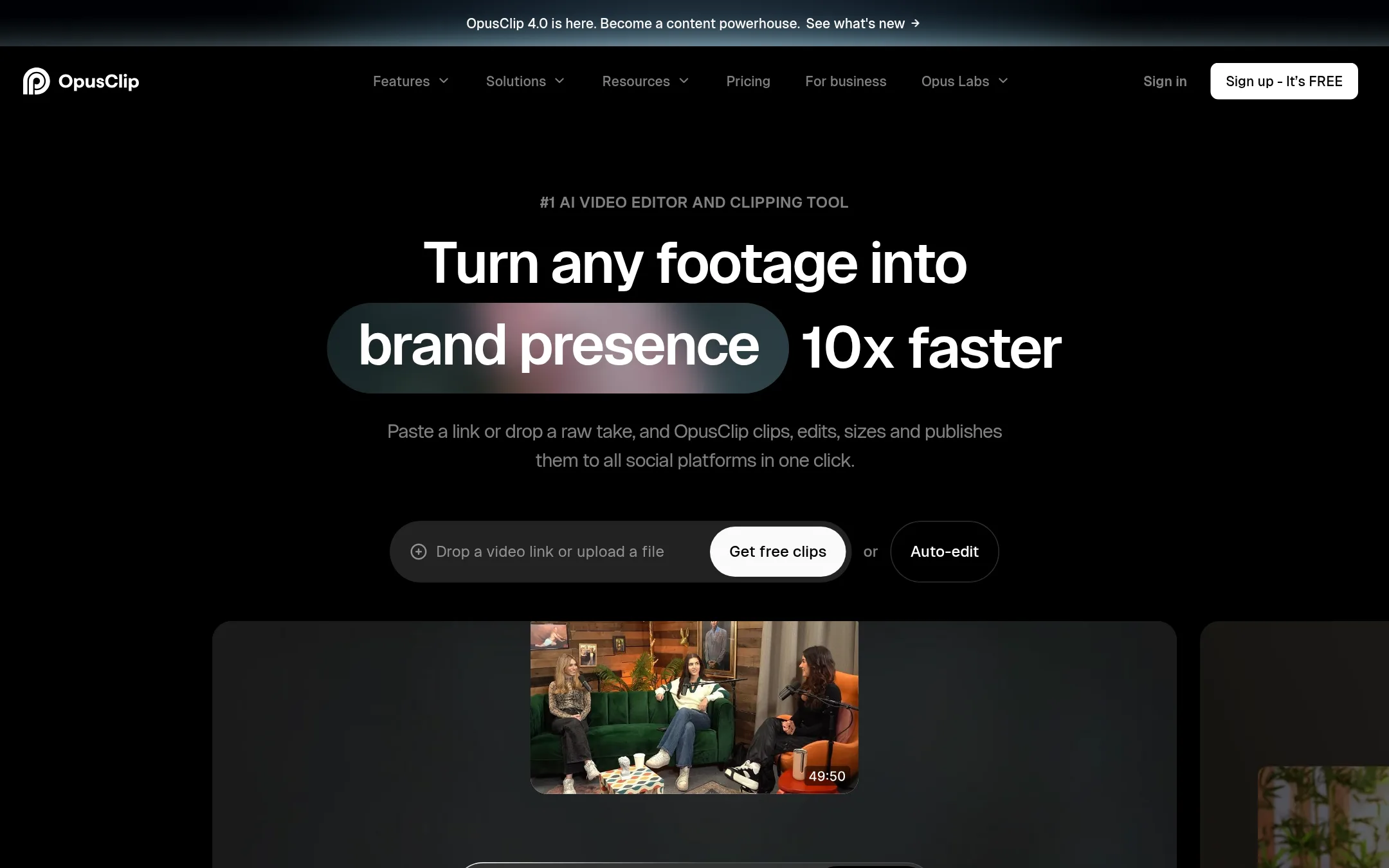
OpusClip turns long videos into short clips for social platforms. It picks the highlight moments, adds captions and reframes the video to vertical formats. Choose it over Mosaic if your main job is repurposing long-form podcasts, interviews or vlogs into shorts rather than building custom editing agents.
Where it is strong
- Clips any video genre, including vlogs, gaming, sports and interviews, not just podcasts.
- Automatic captions with support for many languages and a free tier that stays open.
- Has a public API, Zapier integration and CMS integration for automating publishing.
Where it falls short
- Its core strength is clipping and reframing, so it has less depth for motion design and general video editing than Mosaic's agent focus.
- Free-tier exports carry a watermark and are limited to 1080p, with files expiring after three days.
- Pricing:
- Plans include a free tier with 60 credits a month, Starter at $15/mo, Pro at $29/mo, and a custom-priced Business plan.
- From $16/mo per person
2.Descript
Best for: Podcasters and marketing teams editing talking-head recordings who want to cut video by editing a transcript
- Pricing
- From $16/mo per person
- Category
- Media & Entertainment
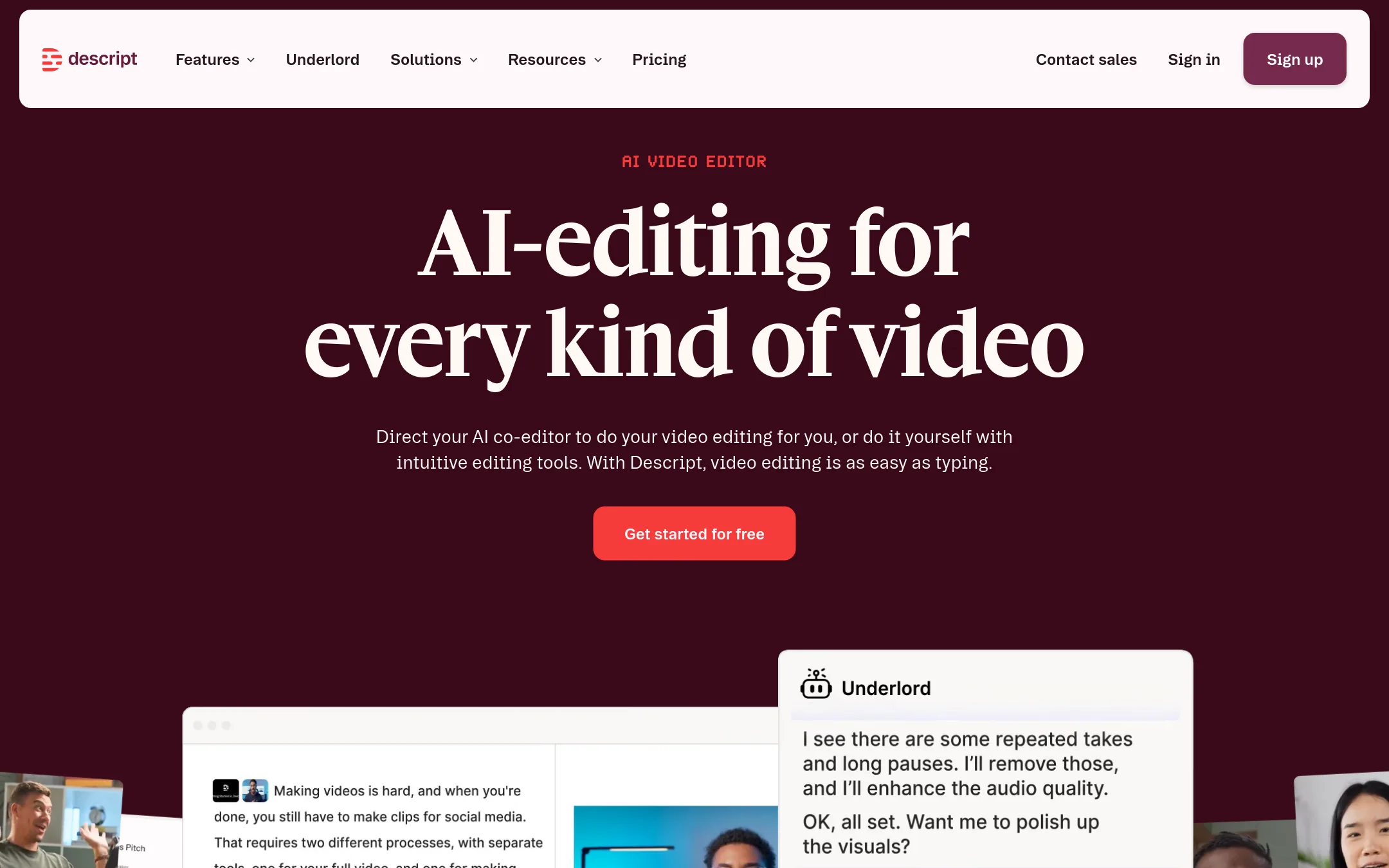
Descript is a text-based video and audio editor. You edit by deleting or moving words in a transcript, and the footage follows. It suits podcasters and marketing teams who mostly cut talking-head recordings and need captions, clips and translations. Pick it over Mosaic when your work is recording-first and you want a familiar document-style editing flow rather than agent-driven editing.
Where it is strong
- Editing works like a document, so most people make first cuts within minutes
- Transcription, filler-word removal and studio-style audio cleanup are built in
- Free plan available with no credit card required
Where it falls short
- Mosaic's agentic workflows and motion design are not part of Descript's core product
- Media hours and AI credits are capped on each plan, with top-ups needed for heavy use
- Pricing:
- Hobbyist is $16 per month billed annually ($24 monthly), Creator is $35 per month, Business is $50 per month billed annually ($65 monthly), and Enterprise is custom.
- Not published
3.Runway
Best for: Mobile engineering teams that ship iOS or Android apps and need automated, visible release cycles
- Pricing
- Not published
- Category
- Developer Tools
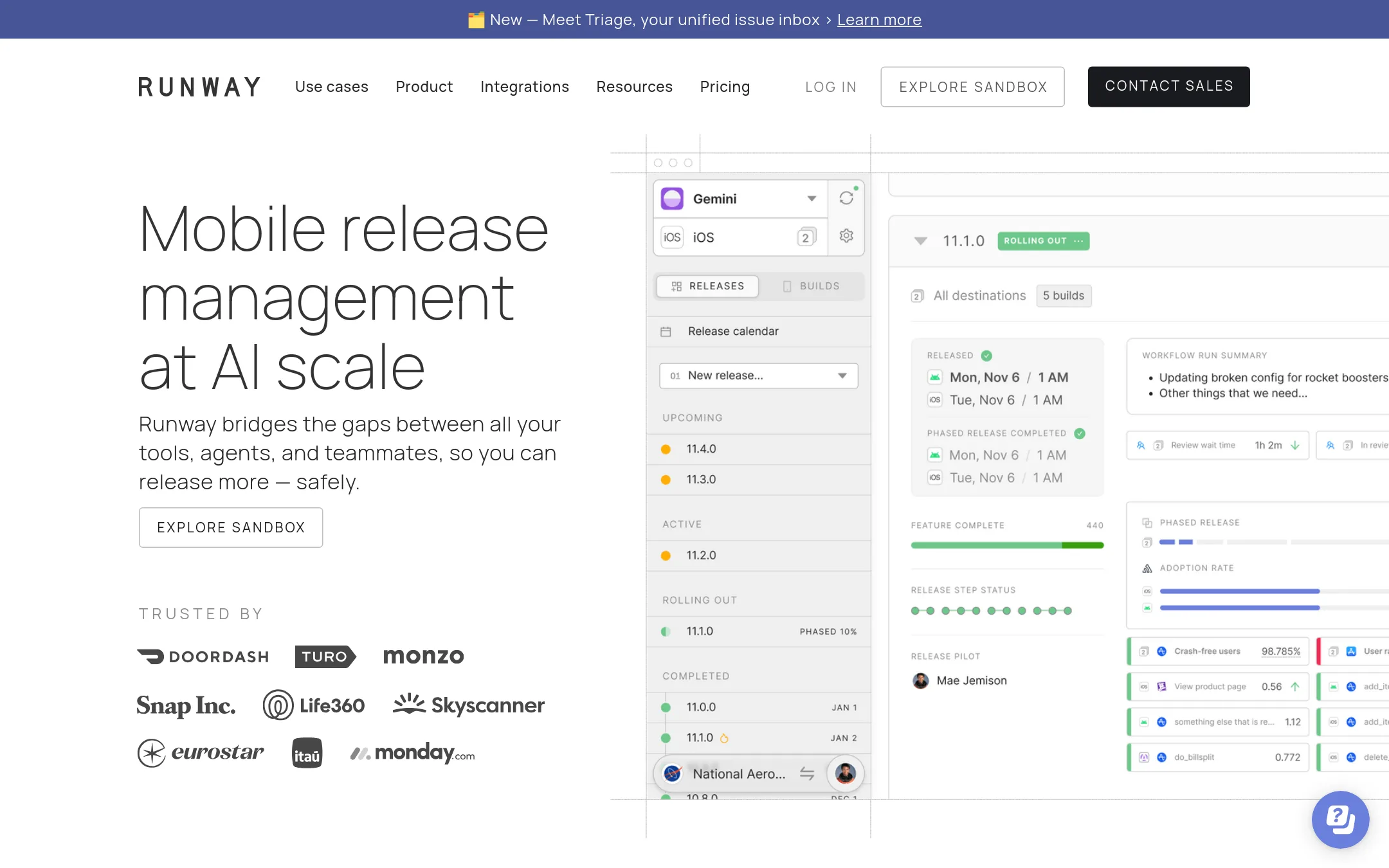
Runway is a release management platform for mobile app teams. It tracks and automates the steps of shipping an iOS or Android app, from builds and distribution to rollouts and rollbacks. Pick it over Mosaic when your problem is getting mobile releases out reliably, not editing video.
Where it is strong
- Manages the full mobile release cycle from one place
- Automates release steps so routine releases need little manual work
- Gives the whole team a shared view of release status
Where it falls short
- Built for mobile app releases, so it does not handle video editing or video understanding like Mosaic
- Advanced features such as SSO, rollouts and self-hosted integrations sit in the higher tiers
- Pricing:
- Pricing is not published on the site.
- Not published
4.Canva Whiteboards
Best for: Teams that need a shared visual workspace for brainstorming and planning, not video production
- Pricing
- Not published
- Category
- Communication & Collaboration
Canva Whiteboards is a visual collaboration tool for brainstorming, mapping and sticky-note style planning inside the Canva suite. Someone would pick it over Mosaic when the job is shared visual thinking with a team rather than editing video footage.
Where it is strong
- Built for brainstorming and visual planning with a team
- Sits inside the wider Canva design suite
- Works from the browser on common platforms
Where it falls short
- Does not edit or produce video, unlike Mosaic
- The site we could read shows only a browser-update notice, so feature details are limited
- Pricing:
- Pricing is not published on the site.
- Not published
5.Kapwing
Best for: Marketing, internal comms and education teams that need a collaborative editor for everyday video
- Pricing
- Not published
- Category
- Other
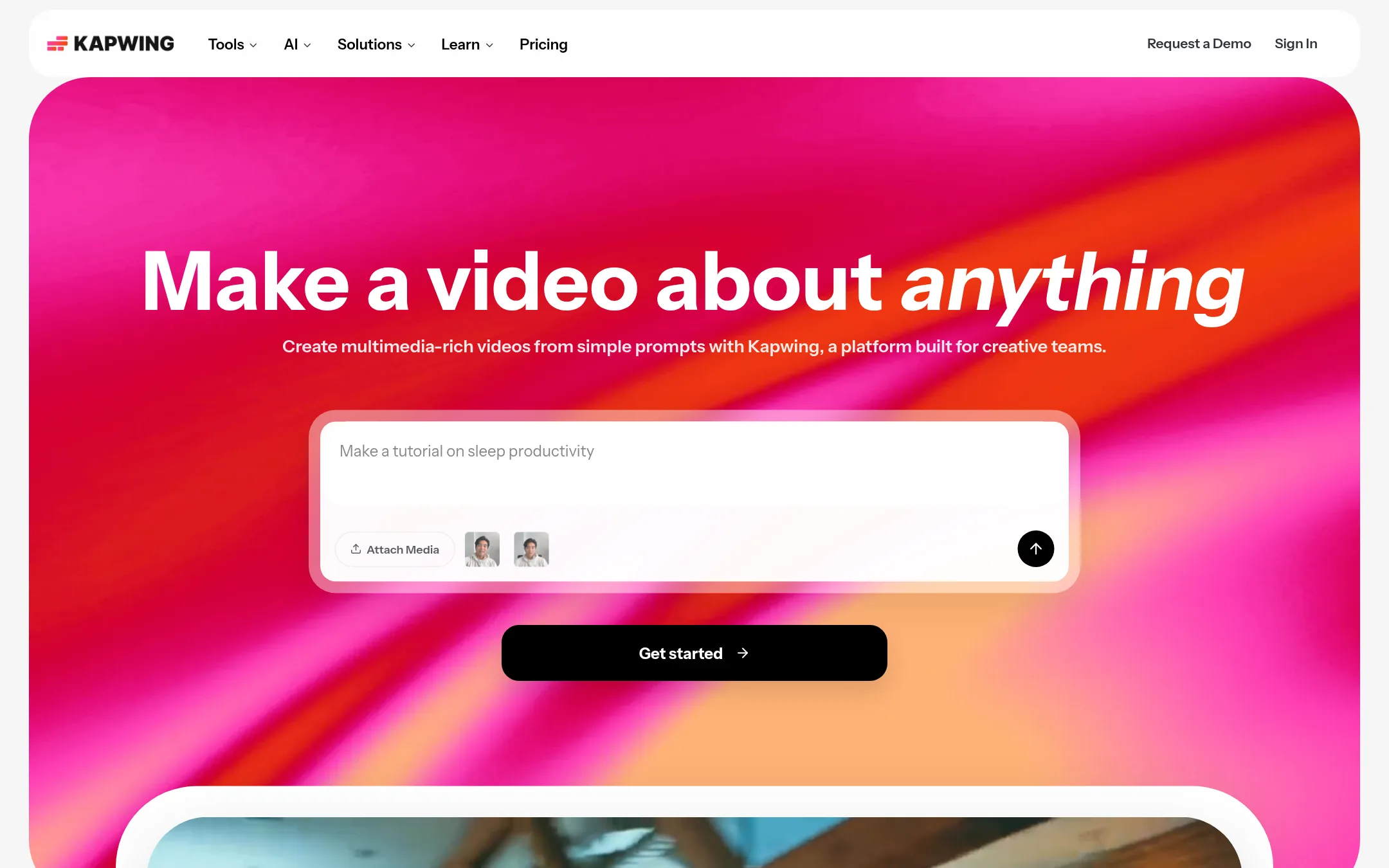
Kapwing is a browser-based video editor with a drag-and-drop timeline, shared team workspaces, and AI tools that turn a text prompt into a video with voiceover, subtitles, music and visuals. Teams choose it when they want general-purpose editing and simple collaboration for marketing, internal comms or education, rather than Mosaic's agent-driven workflow for high-volume edits and automation.
Where it is strong
- Drag-and-drop timeline with overlays and trimming that is easy to learn
- Shared workspace and brand kit for team collaboration
- Text-to-video generation with voiceover, subtitles and music from a single prompt
Where it falls short
- Enterprise plans use custom billing, so costs are set through sales
- Free tier exports carry a watermark and cap video length at 4 minutes
- Pricing:
- Pricing is not published as exact figures in the supplied text, but the plans include a Pro tier with 4K export, a 200 GB storage allowance and auto-subtitling of up to 1,000 minutes a month, plus an Enterprise tier with custom billing.
- Not published
6.VEED.IO
Best for: Marketers and solo creators who need branded, subtitled social videos made quickly in one browser tool
- Pricing
- Not published
- Category
- Other
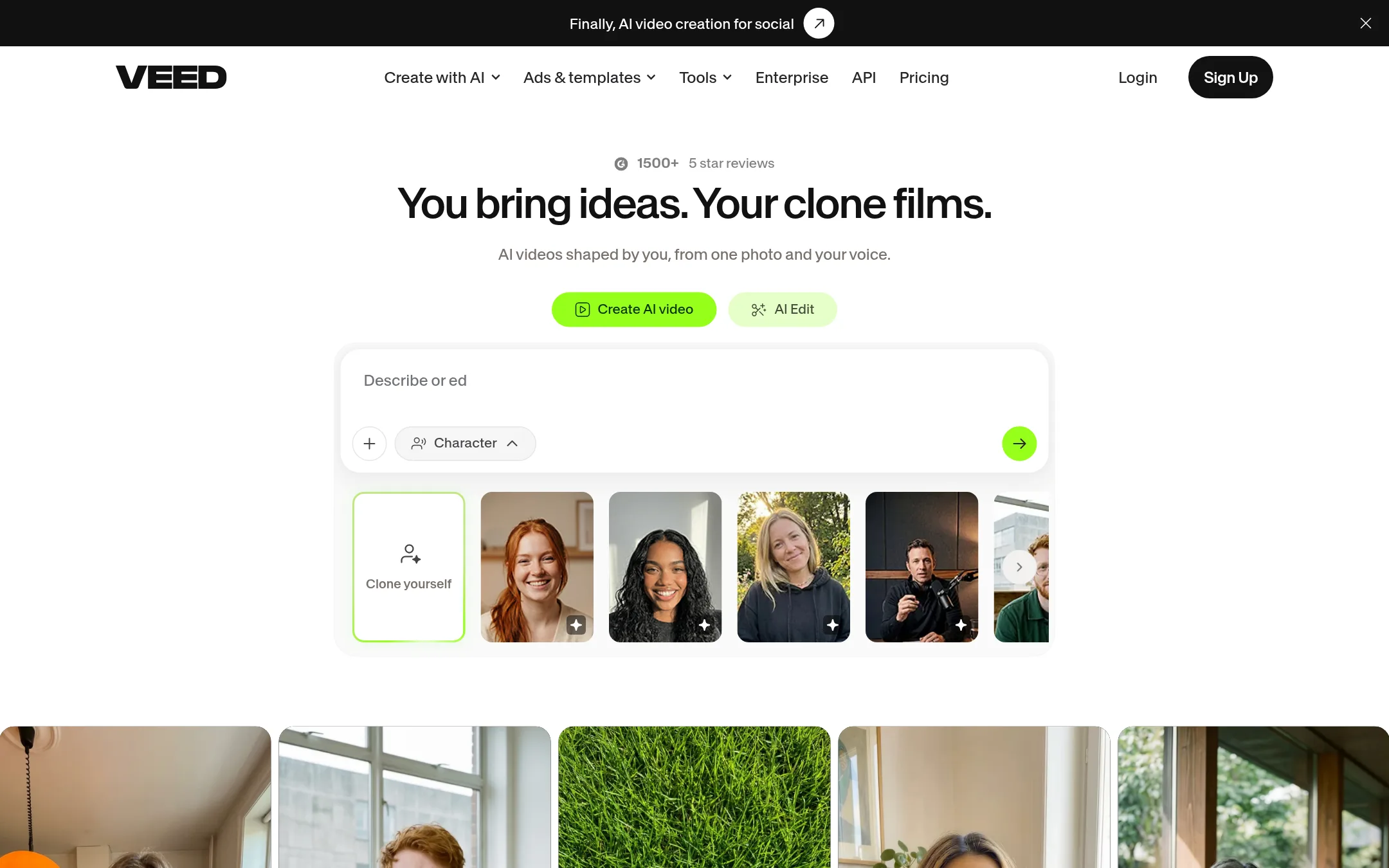
VEED.IO is a browser-based video creation platform that covers generating, editing, dubbing and subtitling in one workflow. It suits marketers and solo creators who want to make social-ready videos without a camera or a timeline editor. Choose it over Mosaic when the job is branded marketing video and captions rather than agentic editing of raw footage.
Where it is strong
- Generates videos from an idea, with no camera needed
- Applies brand colours, fonts, logos and voice to every video
- Built-in subtitles, dubbing and noise reduction in the same tool
Where it falls short
- Does not describe the agentic timeline and A/B variant workflow that Mosaic is built around
- No API or automation triggers are described on the page
- Pricing:
- Pricing is not published on the site.
- SFrom $19/mo
7.Synthesia
Best for: Enterprise training and L&D teams that need presenter videos translated into many languages
- Pricing
- From $19/mo
- Category
- Other
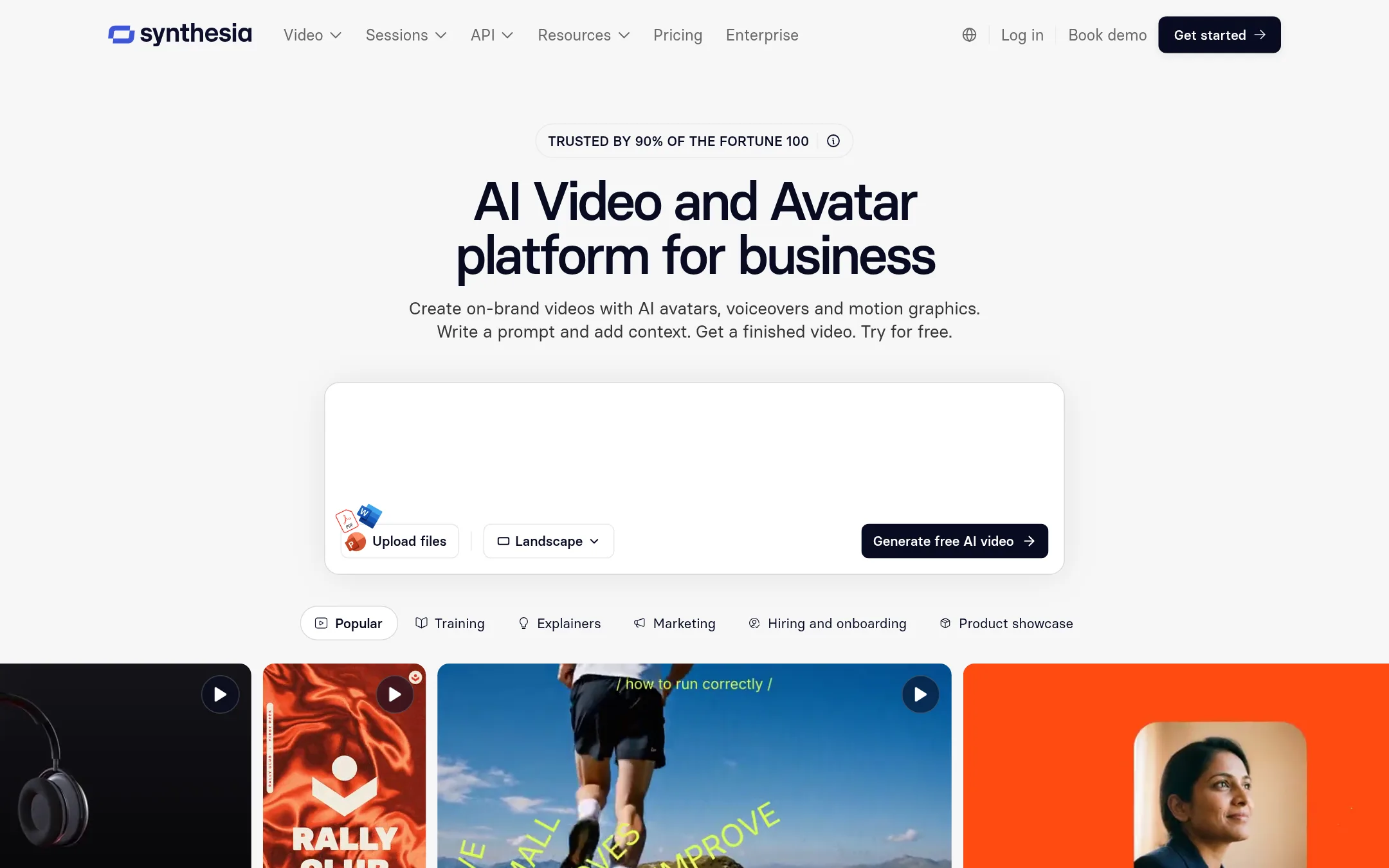
Synthesia makes AI avatar videos for business. You can start from a document, slide deck or link, pick a presenter, and get a finished video in 140+ languages, with approval workflows and analytics. Teams pick it over Mosaic when the job is presenter-led training, onboarding or sales videos rather than editing existing footage.
Where it is strong
- Starts from a PowerPoint, document or link and builds a draft video
- Translates finished videos into 140+ languages with glossary controls
- Keeps videos on brand with Brand Kits, roles and approval before publishing
Where it falls short
- Built around avatar presenters, so it does not edit raw footage the way Mosaic does
- The full avatar library and higher limits sit on the Enterprise plan, which uses custom pricing
- Pricing:
- Pricing is not published on the site for the Enterprise tier, and the Basic plan is free with 500 credits a month, while Pro is listed at $19 per month and Business at $89 per month on the default page.
- CFrom $10/mo, annual
8.Creatify
Best for: Ecommerce and app brands that need many paid social ad variations, tested quickly across Meta, Google and TikTok.
- Pricing
- From $10/mo, annual
- Category
- Other
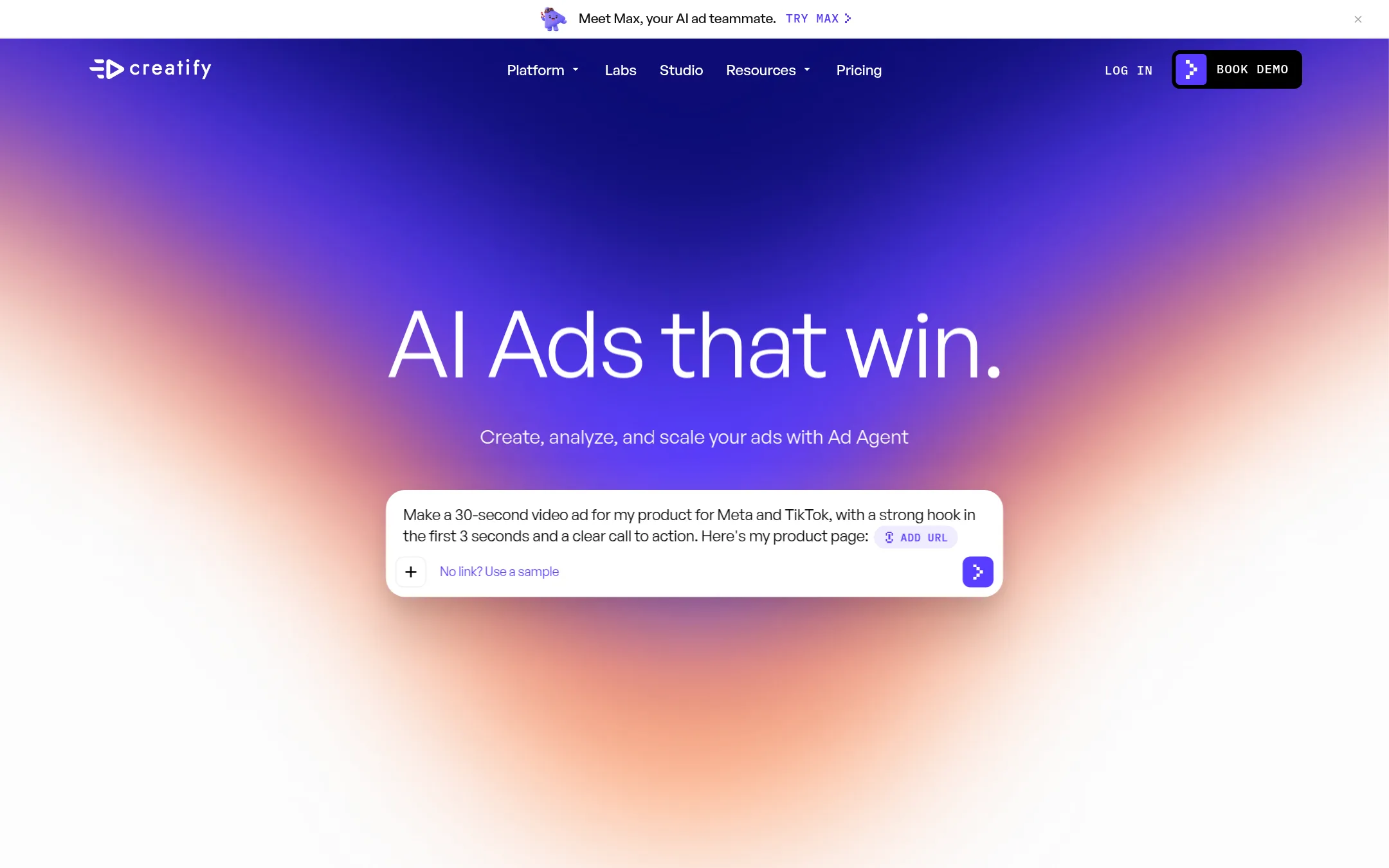
Creatify makes AI image and video ads for performance marketing. It generates ad variations, connects to ad accounts like Meta and Google, and includes an Ad Agent that can analyze competitor ads and recommend campaign changes. Pick it over Mosaic when your goal is ad creative production and paid media analysis rather than general video editing.
Where it is strong
- Ad Agent can read ad accounts and recommend pausing or scaling campaigns
- Launches directly to Meta, Google, TikTok and other ad platforms
- Competitor Ad Tracker and a shared credit pool on the Business plan
Where it falls short
- Built for ad creative, so it does not match Mosaic's focus on general video editing and motion design
- Credit-based usage means heavy generation can get costly, and Business and Enterprise need sales contact for custom terms
- Pricing:
- Creatify's default prices are $10 per month on Standard billed yearly, $38 on Pro, $66 on Ultra and $136 on Business, with credits per month. Enterprise and Studio pricing is custom.
- Switching from Mosaic:
- Moving from Mosaic would mean rebuilding timeline edits and templates inside Creatify's ad-focused tools, since the sources do not describe a migration path.
- Not published
9.Abacum
Best for: Finance teams that need one connected planning, forecasting and reporting platform instead of spreadsheets
- Pricing
- Not published
- Category
- Finance & Accounting
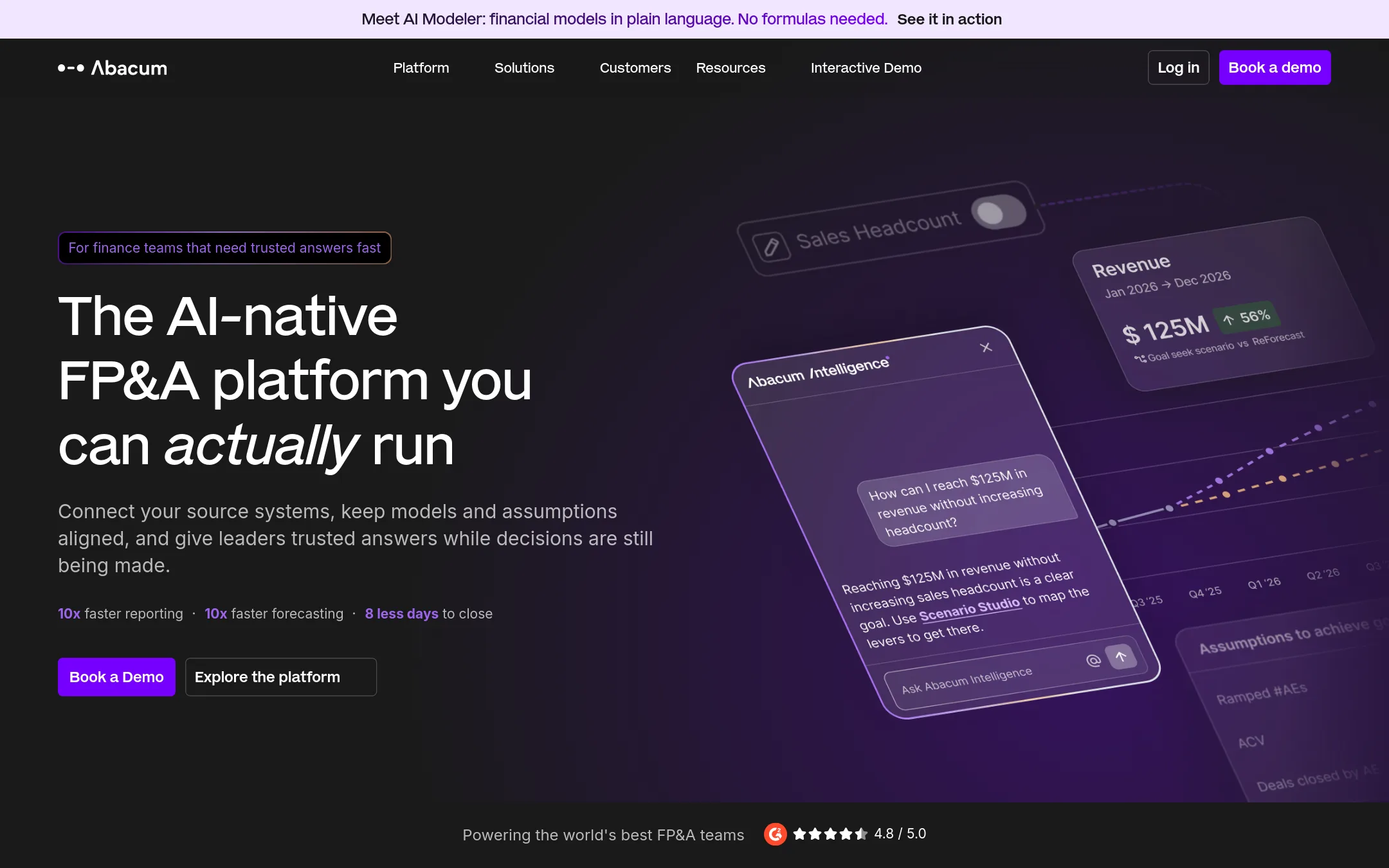
Abacum is an AI-native FP&A and business planning platform. Finance teams use it to connect actuals, assumptions and plans in one place, and to run forecasts, scenarios and reporting. It fits a finance team that is buried in spreadsheet reconciliation and wants live planning. Mosaic, by contrast, is built for video editing and motion design, so the two do not compete on the same job.
Where it is strong
- Connects actuals, assumptions and plans in one place
- Abra agent handles modeling, forecasting and board-pack drafts
- Permissions, approval workflows and audit trails are built in, with SOC 2 Type II, ISO 27001 and GDPR listed
Where it falls short
- Built for finance and business planning, so it does not cover video work the way Mosaic does
- No public pricing, so cost has to come from a sales conversation
- Pricing:
- Pricing is not published on the site.
See more comparisons in Media & Entertainment alternatives.
FAQ
Questions about Mosaic alternatives
Which alternative is best for turning long videos into short social clips?
OpusClip is built for this job. It picks highlight moments from long-form video, adds captions and reframes footage to vertical formats. It has a free tier, though free exports carry a watermark and are limited to 1080p.
Can I edit video by working with the transcript instead of a timeline?
Descript lets you edit video and audio by deleting or moving words in a transcript, and the footage follows. It is aimed at podcasters and marketing teams working mainly with talking-head recordings.
What should a marketing team without video editing skills use?
VEED.IO and Kapwing both work in the browser and need no camera. VEED.IO focuses on generating branded, subtitled social videos from an idea, while Kapwing offers a drag-and-drop timeline and shared team workspaces.
Which tool suits enterprise training videos in many languages?
Synthesia makes presenter-led videos from a document, slide deck or link, and translates them into 140+ languages with approval workflows. Its full avatar library and higher limits sit on the Enterprise plan, which uses custom pricing.
Is any alternative here focused on paid ad creative rather than general video editing?
Creatify generates image and video ads for Meta, Google and TikTok and includes an Ad Agent that can recommend campaign changes. Its credit-based pricing means heavy generation can get costly, and Business and Enterprise plans need sales contact for custom terms.
Last updated November 22, 2026.