
Motion alternatives
12 products compared · Updated November 3, 2026
The short answer
The strongest Motion alternatives are Sunsama, Akiflow, and Reclaim.ai. Sunsama suits professionals who want a calm daily planning ritual with existing tools. Akiflow fits busy individuals who prefer time blocking and quick capture. Reclaim.ai is best for teams needing AI-driven calendar optimization and focus time protection.
Your shortlist, at a glance
Read the comparisons ↓ClickUpNot publishedTeams that want a single customizable workspace for tasks, docs, chat, and whiteboards, with AI features included.
- AAsanaNot publishedTeams that need structured project management with portfolios, goals, and resource management, and want AI assistance within a familiar work management interface.
 TodoistNot publishedIndividuals and small teams that want a lightweight, cross-platform to-do list with optional AI assistance, not a full AI project manager.
 NotionFree / $10 /seat/moTeams that want a shared workspace for docs, wikis, and databases with optional AI assistance.
Monday.comFrom $9/seat/moTeams that need a flexible work OS with AI agents and automation across multiple departments, like marketing, sales, and IT.
 Reclaim.aiFree / $10–$15 per seaTeams and enterprises that need AI-driven calendar optimization, focus time protection, and meeting load balancing across the organization.
 Akiflow$19/mo (yearly)Busy professionals and C-levels who want a focused daily planning ritual with time blocking and quick capture.
 GetCruxSee websiteAI Creative Strategist
 KnowlifySee websiteConvert textual content into explainer videos in < 15s
 Sterling Labs, IncSee websiteCurrently in stealth - previously FocusBuddy
 SunsamaNot publishedProfessionals who already use Asana, Jira, or Trello and want a daily planning layer that respects their existing workflow.
 VelaSee websiteThe AI Scheduling Assistant that truly knows you.
About Motion and its alternatives
Motion is an AI-powered work management platform that combines tasks, projects, calendar, meetings, docs, and notes. It is known for its AI Task Planner that auto-schedules and prioritizes work, AI Project Manager that generates projects, and AI Meeting Notetaker that captures summaries and action items. Motion is built for individuals and teams of all sizes, with pricing starting at $19 per seat per month.
When comparing alternatives, weigh pricing structure (monthly vs annual, per-seat vs flat), regions supported, integrations with your existing tools, customer support quality, and contract terms like free trials or cancellation policies. Consider whether you need full project management or just calendar and task planning, and whether AI automation is essential or optional.
Explore the alternatives
- Not published
1.ClickUp
Best for: Teams that want a single customizable workspace for tasks, docs, chat, and whiteboards, with AI features included.
- Pricing
- Not published
- Category
- Productivity & Project Management
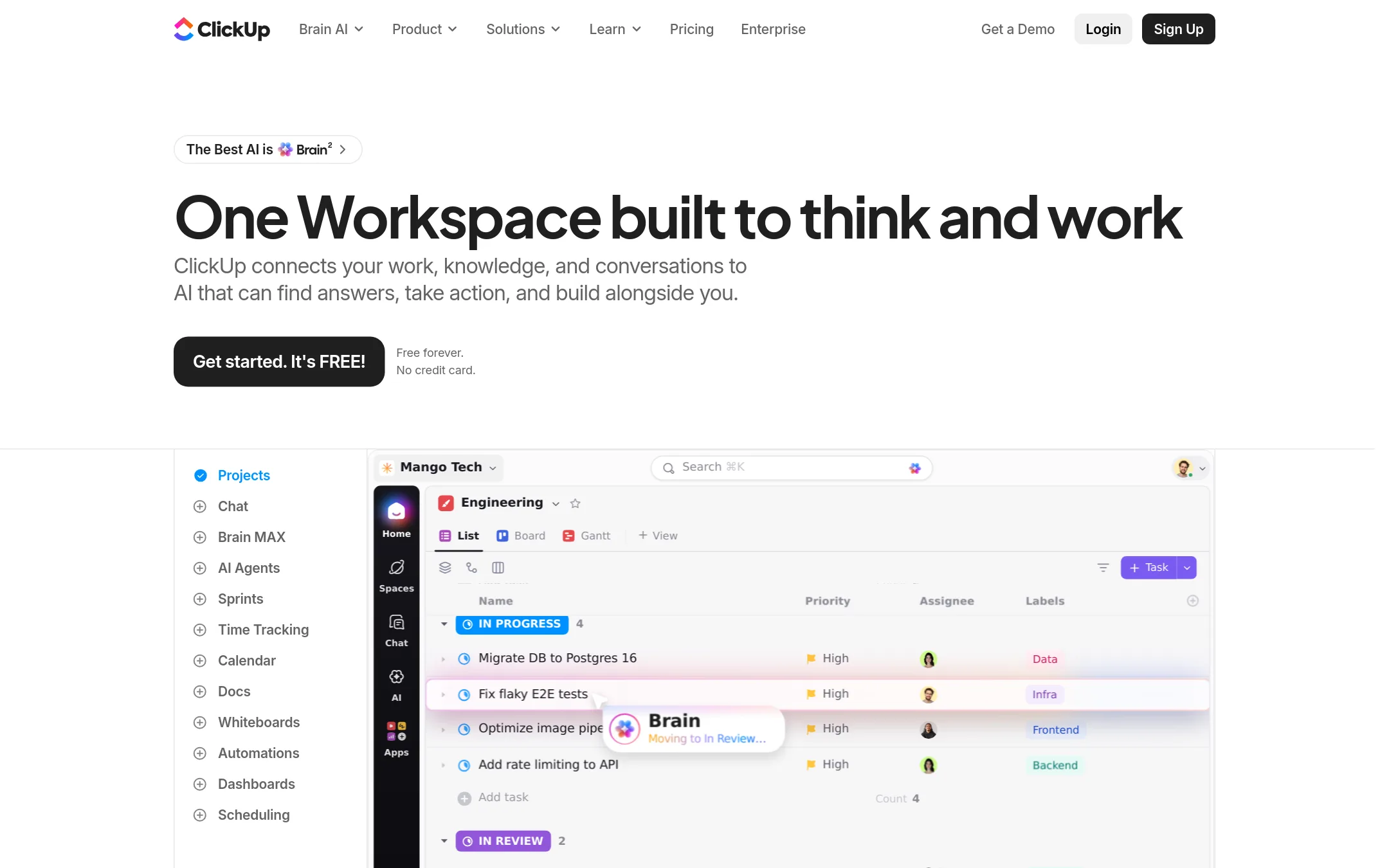
ClickUp is a broad work management platform that combines tasks, docs, chat, whiteboards, and AI agents in one workspace. Choose it over Motion if you want a highly customizable tool that can replace multiple apps and you're willing to trade Motion's automatic scheduling for more manual control.
Where it is strong
- Free forever plan with no credit card required
- Includes 20+ tools like docs, whiteboards, chat, and time tracking
- AI agents and Brain² AI are included in all plans
Where it falls short
- No automatic scheduling or AI-driven task prioritization like Motion
- Pricing details are not clearly listed on the site
- Pricing:
- Pricing is not published on the site.
- Switching from Motion:
- Moving from Motion means giving up automatic scheduling and AI task prioritization. You'll manage tasks manually in ClickUp.
- ANot published
2.Asana
Best for: Teams that need structured project management with portfolios, goals, and resource management, and want AI assistance within a familiar work management interface.
- Pricing
- Not published
- Category
- Productivity & Project Management
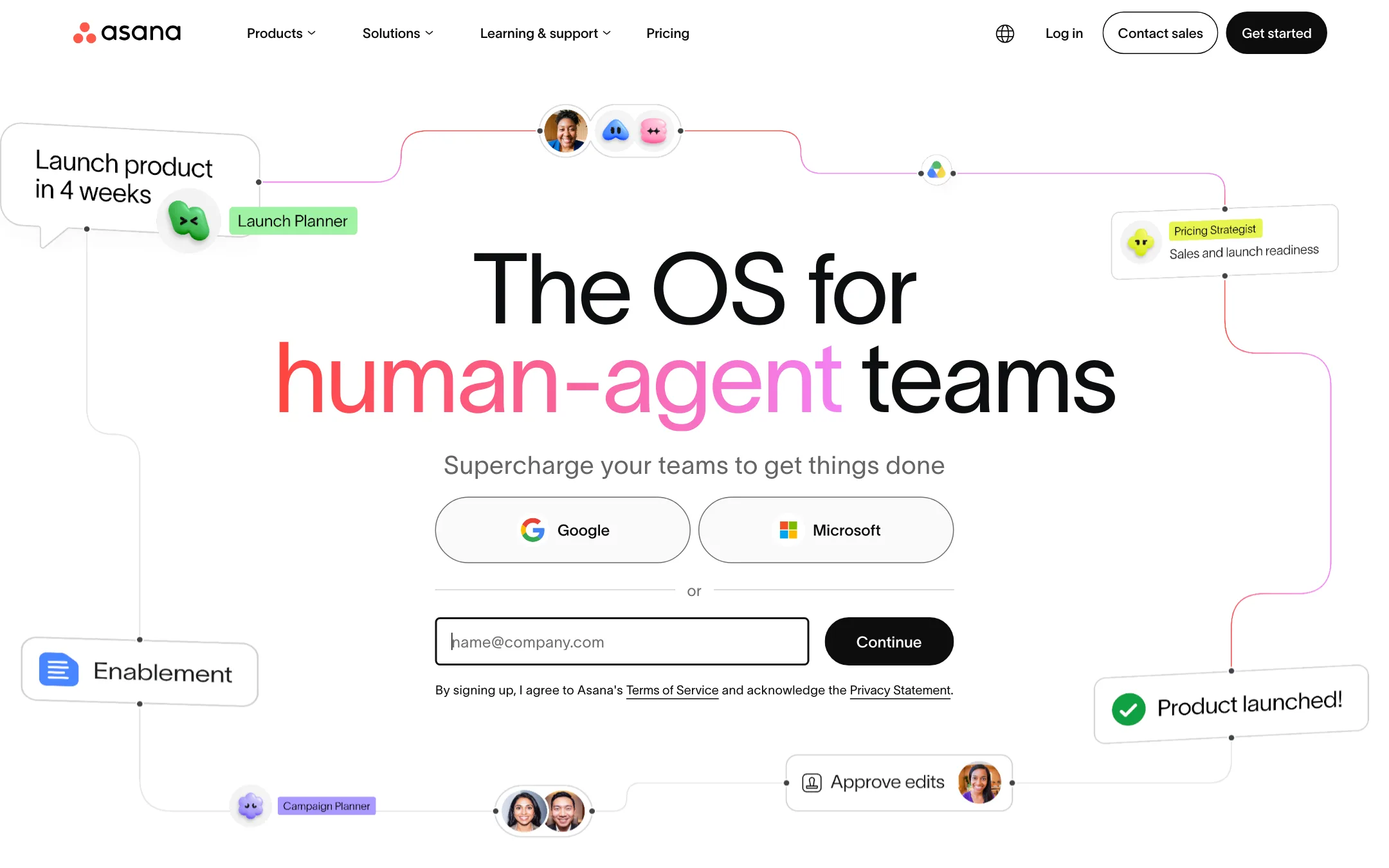
Asana is a work management platform that helps teams plan, track, and manage projects and tasks. It includes AI features like AI Teammates and AI Studio for automation and insights. Choose Asana instead of Motion if you need a more traditional project management tool with strong reporting, portfolios, and resource management, rather than Motion's AI-driven calendar and task prioritization.
Where it is strong
- Includes AI Teammates and AI Studio with credits for automation and insights.
- Offers portfolios, goals, and resource management on the Advanced plan.
- Provides unlimited free guests for external collaboration.
Where it falls short
- Pricing is not transparent. You must contact sales for paid plans.
- AI features are limited by request or credit caps depending on the plan.
- Pricing:
- Asana's pricing is not published on the site. Plans start with a free Personal tier, and paid plans are billed annually per user, but specific prices are not shown.
- Switching from Motion:
- Moving from Motion to Asana means shifting from AI-driven scheduling to manual project setup, but you can import tasks and projects to get started.
- Not published
3.Todoist
Best for: Individuals and small teams that want a lightweight, cross-platform to-do list with optional AI assistance, not a full AI project manager.
- Pricing
- Not published
- Category
- Productivity & Project Management
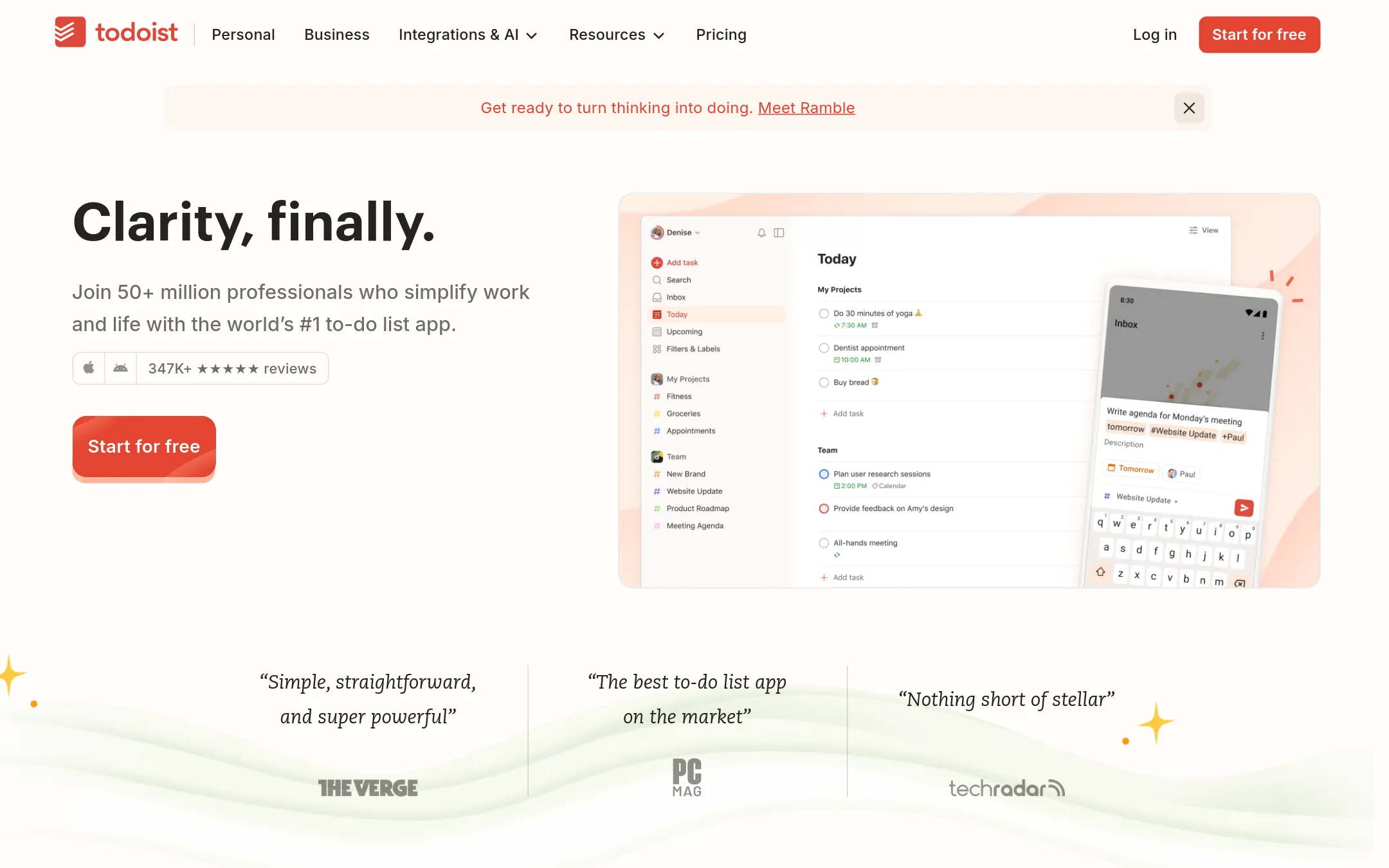
Todoist is a straightforward to-do list and task manager for individuals and teams, with natural language capture, projects, and integrations. Choose it over Motion if you want a simple, reliable task list without Motion's AI-driven auto-scheduling and project management.
Where it is strong
- Natural language quick add makes capturing tasks fast.
- Available on every major platform, including watch and desktop.
- SOC2 Type II certified for enterprise security.
Where it falls short
- No AI auto-scheduling or project management like Motion.
- File uploads limited to 5 MB on free plan, 100 MB on paid.
- Pricing:
- Pricing is not published on the site. Plans are listed as Beginner (free), Pro, and Business, but no dollar amounts are shown.
- Free / $10 /seat/mo
4.Notion
Best for: Teams that want a shared workspace for docs, wikis, and databases with optional AI assistance.
- Pricing
- Free / $10 /seat/mo
- Category
- Productivity & Project Management
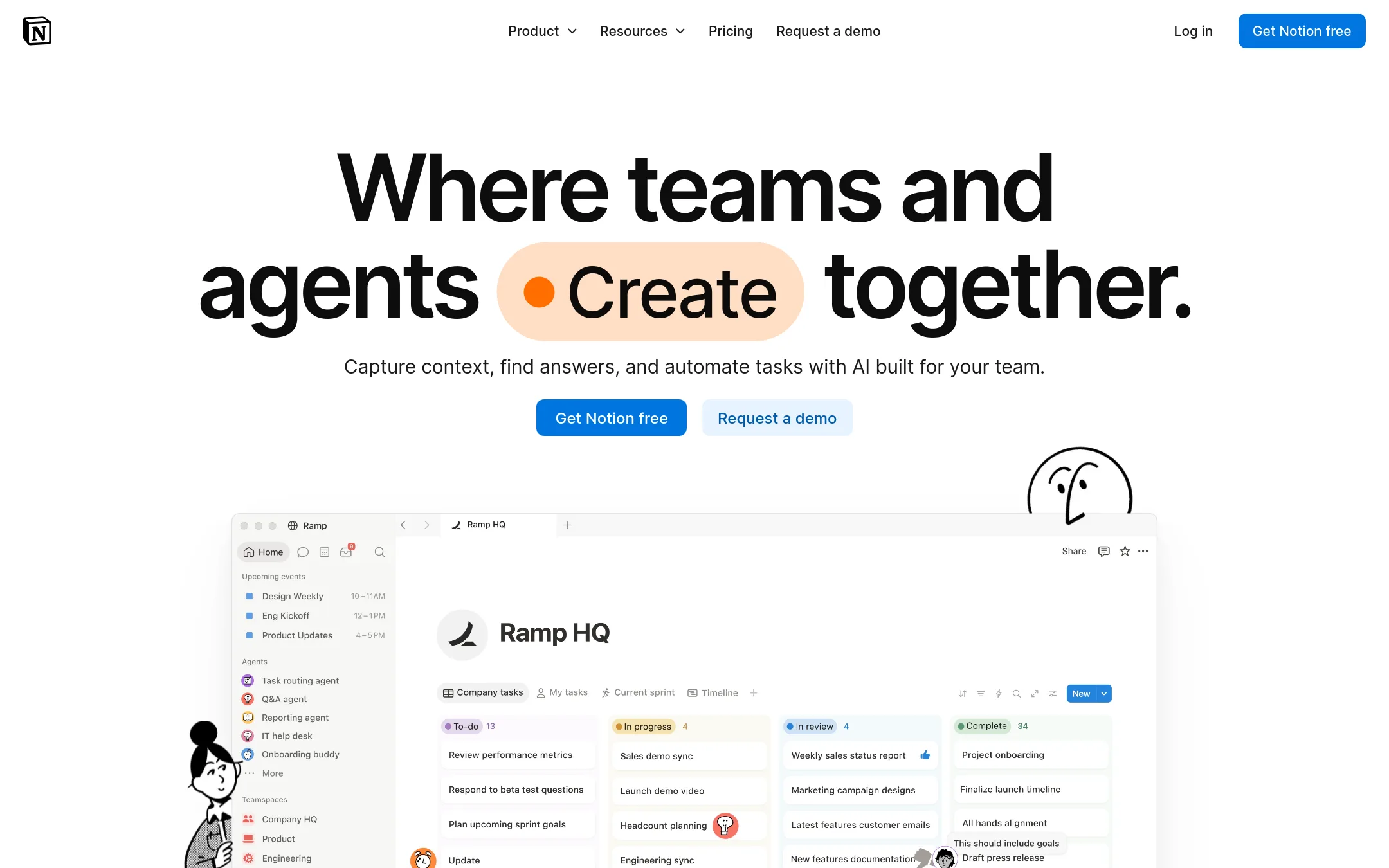
Notion is a flexible workspace for notes, docs, wikis, and databases, with AI features for automation and search. Choose it if you want a customizable hub for knowledge and project tracking rather than Motion's AI-driven auto-planning and scheduling.
Where it is strong
- Flexible pages and databases for notes, wikis, and project tracking
- AI features include meeting notes, search across apps, and custom agents
- Used by over 100 million people and 62% of the Fortune 100
Where it falls short
- No built-in AI calendar or automatic task prioritization like Motion
- Advanced AI and security features require Business or Enterprise plans
- Pricing:
- In the United States, Notion's Free plan is $0, Plus is $10 per seat per month, Business is $20 per seat per month, and Enterprise is custom. AI credits cost $10 per 1,000 monthly credits.
- Switching from Motion:
- Moving from Motion means replacing automatic scheduling with manual or database-driven planning, and you'll need to set up your own workflows and templates in Notion.
- From $9/seat/mo
5.Monday.com
Best for: Teams that need a flexible work OS with AI agents and automation across multiple departments, like marketing, sales, and IT.
- Pricing
- From $9/seat/mo
- Category
- Productivity & Project Management
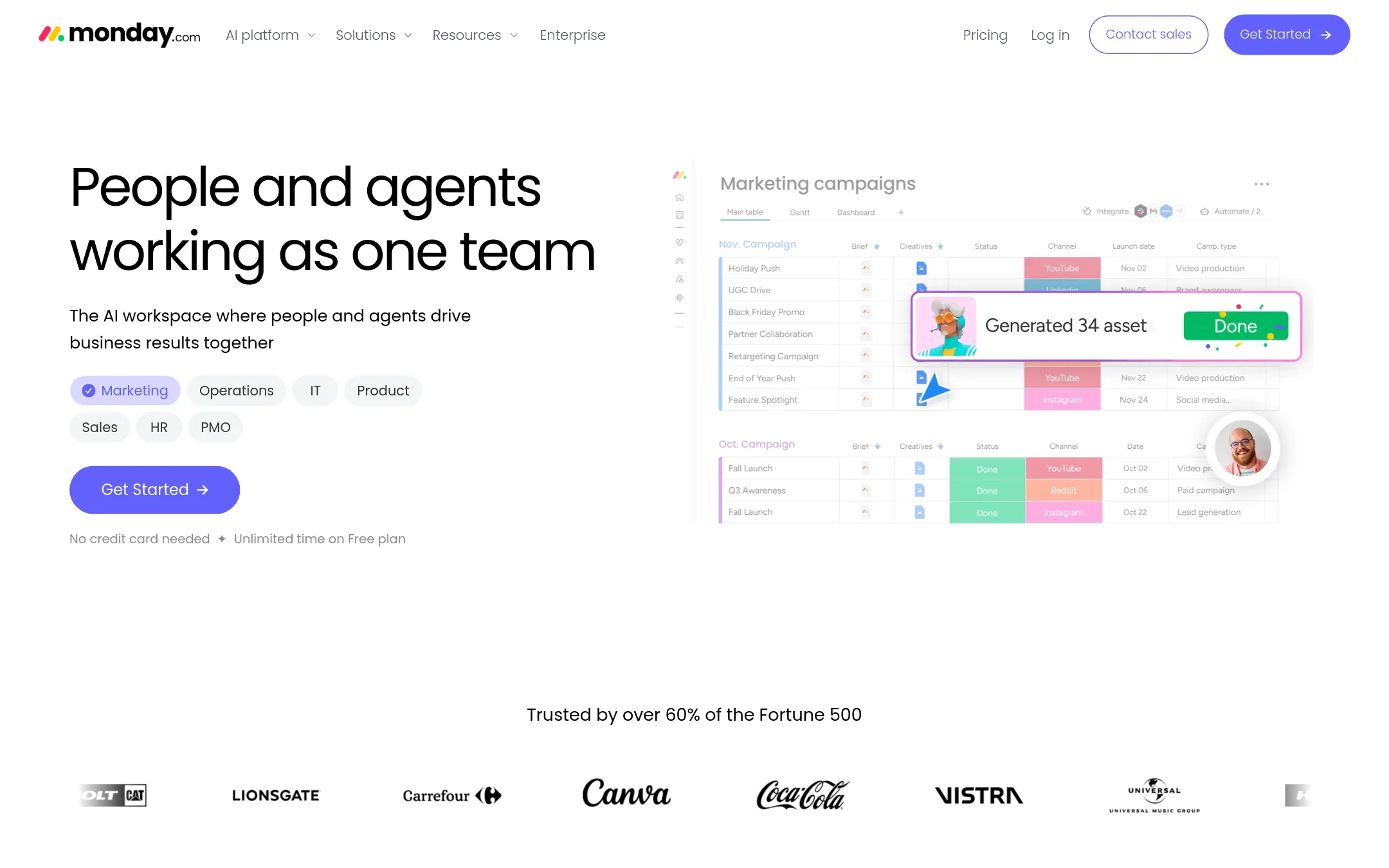
Monday.com is a work platform that combines project management with AI agents and automation. It's a good fit if you need to build custom workflows, manage complex projects, and want AI to handle repetitive tasks across marketing, sales, IT, and other teams. Choose it over Motion if you prefer a more structured, board-based approach with extensive automation and agent capabilities.
Where it is strong
- AI agents for specialized tasks like lead sourcing and meeting prep
- Customizable boards and 200+ templates for any workflow
- Enterprise-grade security and compliance recognized by Gartner and Forrester
Where it falls short
- AI features and credits are limited on lower tiers
- No built-in AI calendar or meeting notetaker like Motion's
- Pricing:
- Pricing starts free for up to 2 seats, then Basic at $9/seat/month, Standard at $12/seat/month, Pro at $19/seat/month (billed annually), with Enterprise custom-priced.
- Switching from Motion:
- Moving from Motion to Monday.com means rebuilding your projects and tasks in boards, and setting up agents and automations to replace Motion's AI planning and scheduling.
- Free / $10–$15 per sea
6.Reclaim.ai
Best for: Teams and enterprises that need AI-driven calendar optimization, focus time protection, and meeting load balancing across the organization.
- Pricing
- Free / $10–$15 per sea
- Category
- Productivity & Project Management
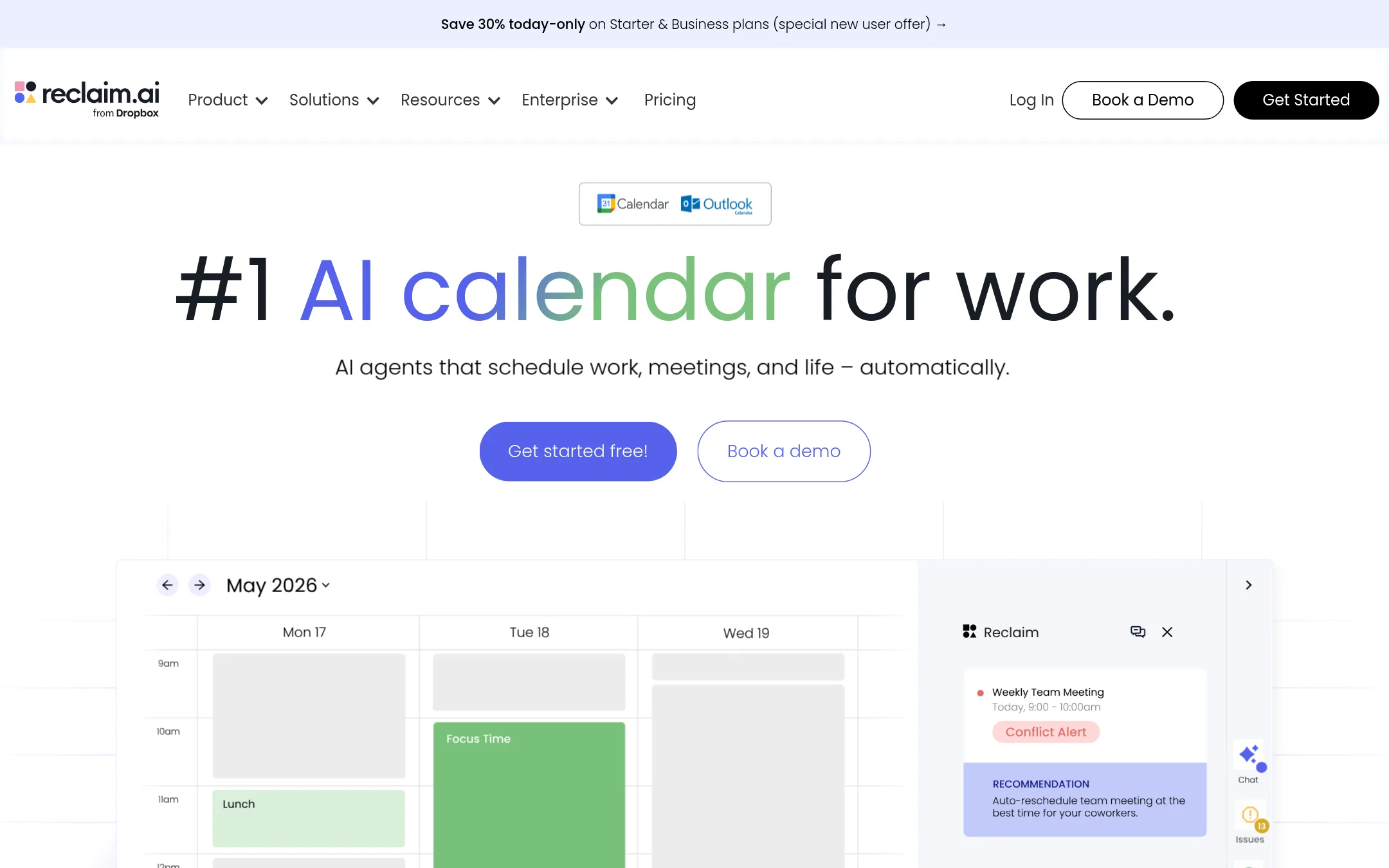
Reclaim.ai is an AI calendar that automatically schedules tasks, habits, and focus time around your existing meetings. Choose it over Motion if your main pain point is calendar overload and you want a tool that defends deep work and balances team workloads, rather than a full project management suite.
Where it is strong
- Automatically schedules tasks, habits, and focus time around meetings
- Provides executive dashboards for time allocation and meeting hygiene
- Offers discounts for students, nonprofits, startups, and switchers from Motion
Where it falls short
- Requires Google Calendar or Outlook Calendar to function
- Does not include project management features like task dependencies or Gantt charts
- Pricing:
- Pricing starts free for Lite, then $10/seat/month for Starter and $15/seat/month for Business, with annual billing discounts and add-ons available.
- Switching from Motion:
- Moving from Motion to Reclaim means shifting from a project-first tool to a calendar-first one. You'll need to set up your tasks and habits in Reclaim and may lose Motion's built-in project automation.
- $19/mo (yearly)
7.Akiflow
Best for: Busy professionals and C-levels who want a focused daily planning ritual with time blocking and quick capture.
- Pricing
- $19/mo (yearly)
- Category
- Productivity & Project Management
Akiflow is a time-blocking planner that merges tasks, calendars, and an AI assistant into one workspace. Choose it over Motion if you want a simpler, calendar-first approach to daily planning and prefer a tool focused on individual productivity rather than AI-driven project management.
Where it is strong
- Combines calendar and tasks in one time-blocking view
- Quick capture and daily planning ritual keep your day structured
- Aki AI assistant and MCP Connector included in Pro
Where it falls short
- No free plan, only a 7-day trial with a card required
- AI Meeting Assistant is a $19/month add-on, not included
- Pricing:
- Akiflow Pro is $34 per month billed monthly, or $19 per month billed yearly ($228 per year). A 7-day free trial is available, but there is no free plan.
- Switching from Motion:
- Moving from Motion means shifting from AI-generated project plans to manual time blocking, so you'll need to set up your own daily schedule and tasks.
- See website
8.GetCrux
Marketing & Sales
AI Creative Strategist
- See website
9.Knowlify
Education
Convert textual content into explainer videos in < 15s
- See website
10.Sterling Labs, Inc
Productivity & Project Management
Currently in stealth - previously FocusBuddy
- Not published
11.Sunsama
Best for: Professionals who already use Asana, Jira, or Trello and want a daily planning layer that respects their existing workflow.
- Pricing
- Not published
- Category
- Productivity & Project Management
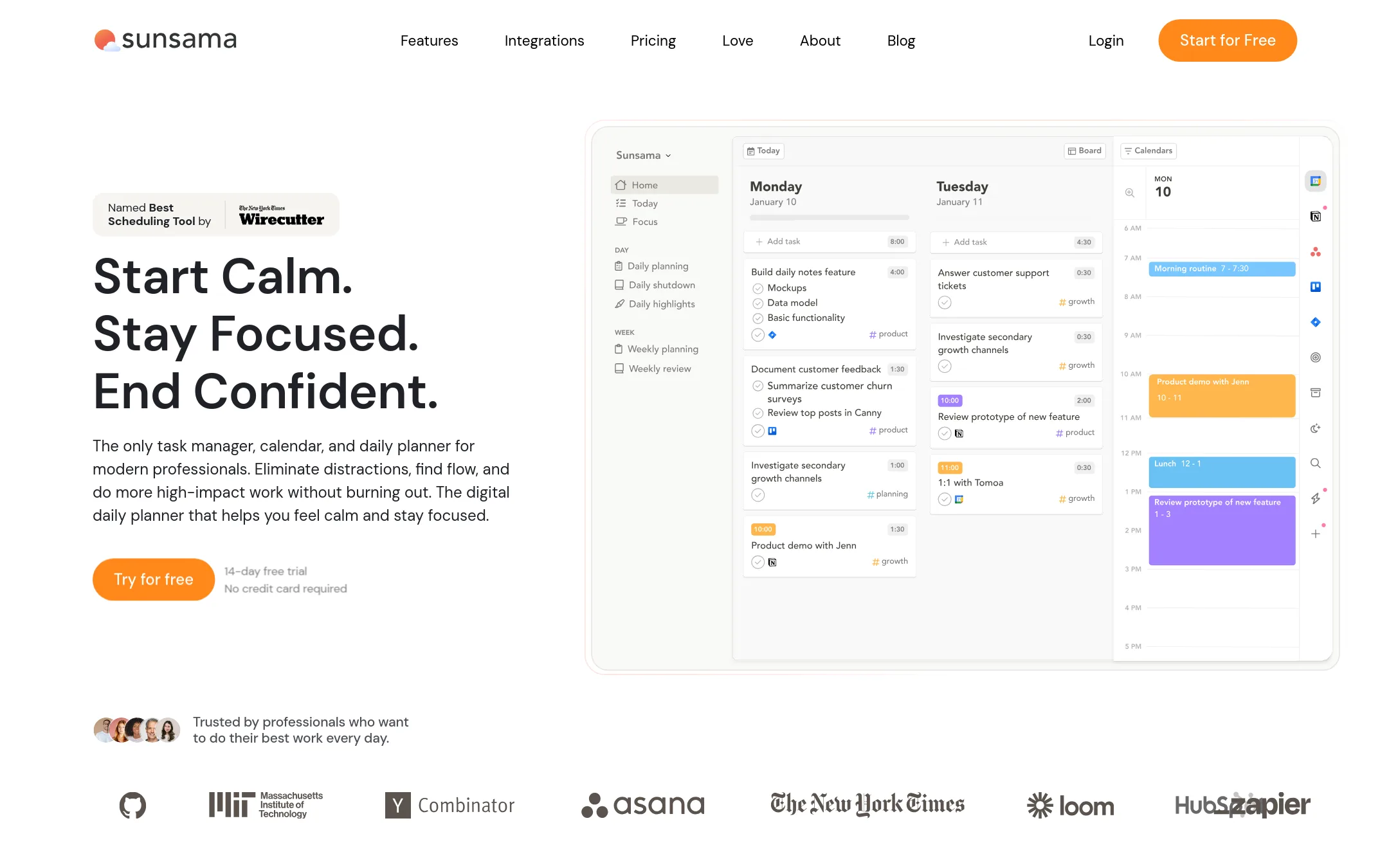
Sunsama is a daily planner that pulls tasks from your existing tools into one focused list, then timeboxes them on your calendar. Choose it over Motion if you want a calmer, more intentional planning ritual rather than an AI that auto-schedules everything for you.
Where it is strong
- Pulls tasks from Asana, Trello, Jira, and email into one daily list
- Bi-directional sync with Google, Outlook, and Apple calendars
- Built-in Pomodoro timer and weekly objectives to keep you focused
Where it falls short
- No AI project generation or auto-scheduling like Motion
- Pricing not shown on the site, so you must contact sales or trial first
- Pricing:
- Pricing is not published on the site. Only a 14-day free trial is mentioned.
- See website
12.Vela
Productivity & Project Management
The AI Scheduling Assistant that truly knows you.
See more comparisons in Productivity & Project Management alternatives.
FAQ
Questions about Motion alternatives
What is the best Motion alternative for someone who already uses Asana or Jira?
Sunsama is the strongest choice because it pulls tasks from Asana, Jira, Trello, and email into a single daily list. It focuses on intentional daily planning rather than AI auto-scheduling, so it respects your existing workflow.
Which alternative offers the most affordable pricing for a small team?
Reclaim.ai starts at $10 per seat per month for Starter, and Monday.com starts at $9 per seat per month for Basic (billed annually). Both are cheaper than Motion's $19 per seat per month, but check feature limits on lower tiers.
Do any alternatives include AI meeting note-taking like Motion?
Calendly includes an AI assistant that can schedule over email and provides meeting recaps, but it is not a full project management tool. Akiflow offers an AI Meeting Assistant as a $19 per month add-on, not included in the base plan.
Which alternative is best for protecting focus time and reducing calendar overload?
Reclaim.ai is designed for this. It automatically schedules tasks, habits, and focus time around your existing meetings, and offers executive dashboards for time allocation. It requires Google Calendar or Outlook Calendar to function.
Are there any free plans among the alternatives?
Yes. Asana offers a free Personal tier, Monday.com has a free plan for up to 2 seats, ClickUp has a free forever plan, and Reclaim.ai has a free Lite tier. Notion also has a free plan. Paid features and limits vary.
Last updated November 3, 2026.