
NoviSign alternatives
8 products compared · Updated November 1, 2026
Your shortlist, at a glance
Read the comparisons ↓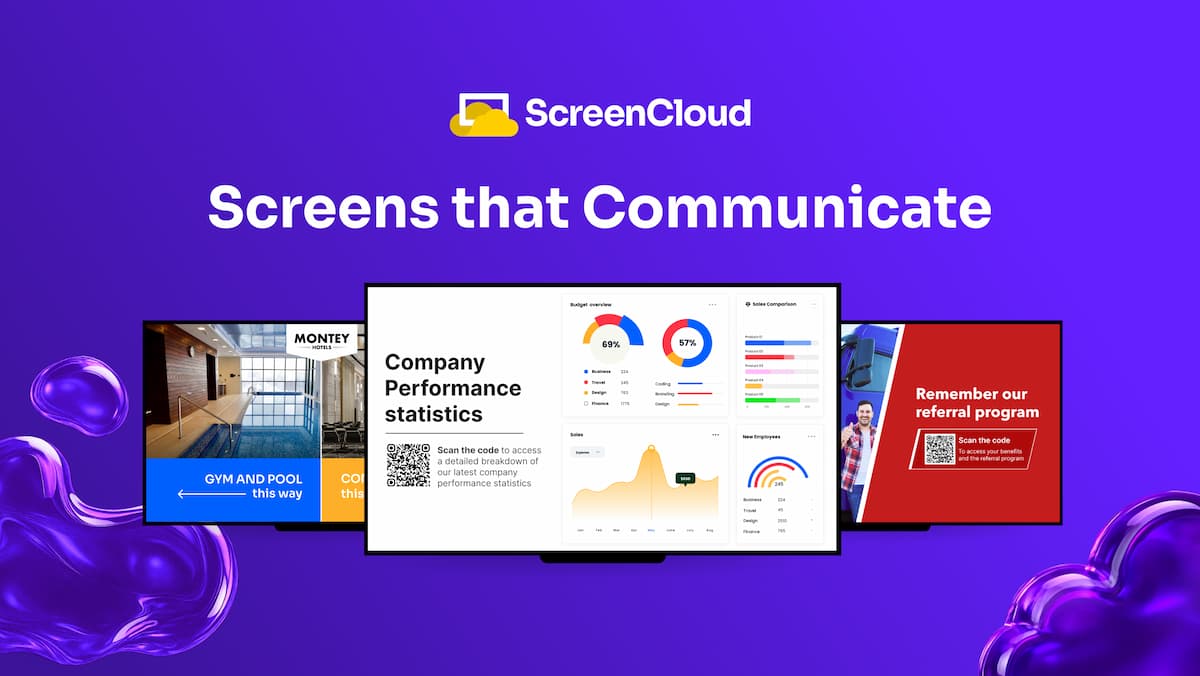 ScreenCloudFrom $20/screen/moEnterprises running digital signage at scale that need secure deployment, role-based access, and a mix of first-party and third-party hardware.
 OptiSignsFrom $10/screen/moTeams that want a large app ecosystem and a free plan to test digital signage on a few screens.
 YodeckFrom $8/screen/moSmall businesses and multi-location teams that need affordable digital signage with a free single-screen option and a free hardware player.
 PosterBookingFree up to 10 screensSmall businesses and multi-location operators who want a low-cost, easy way to loop menus, ads, or videos on existing TVs.
- LL SquaredNot publishedBusinesses seeking short-term financing or factoring services rather than digital signage software.
 EnplugNot publishedAutomotive dealerships and retail businesses that want digital signage bundled with kiosks, music, and WiFi marketing.
 Rise VisionNot publishedSchools and districts that want digital signage, screen sharing, and emergency alerts in one platform.
 Samsung MagicINFONot publishedOrganizations standardized on Samsung displays that want a CMS from the same vendor for easier hardware-software pairing.
About NoviSign and its alternatives
Users searching for NoviSign alternatives are typically looking for digital signage platforms that match its intuitive drag-and-drop interface, broad device support, and quick deployment for menus, lobbies, and internal communications. NoviSign stands out with its 15-year track record, SOC 2 certification, AI widgets, and emphasis on simplicity after users found tools like Xibo overly complex. Alternatives often differ in pricing transparency, template variety, hardware partnerships, or advanced features such as real-time data integrations and multi-location scheduling. Whether you need lower costs for franchise use, stronger analytics, or easier content approval workflows, comparing these options helps identify the best fit for your screens, OS mix, and team size without sacrificing ease of use or reliability.
Explore the alternatives
- From $20/screen/mo
1.ScreenCloud
Best for: Enterprises running digital signage at scale that need secure deployment, role-based access, and a mix of first-party and third-party hardware.
- Pricing
- From $20/screen/mo
- Category
- Media & Entertainment
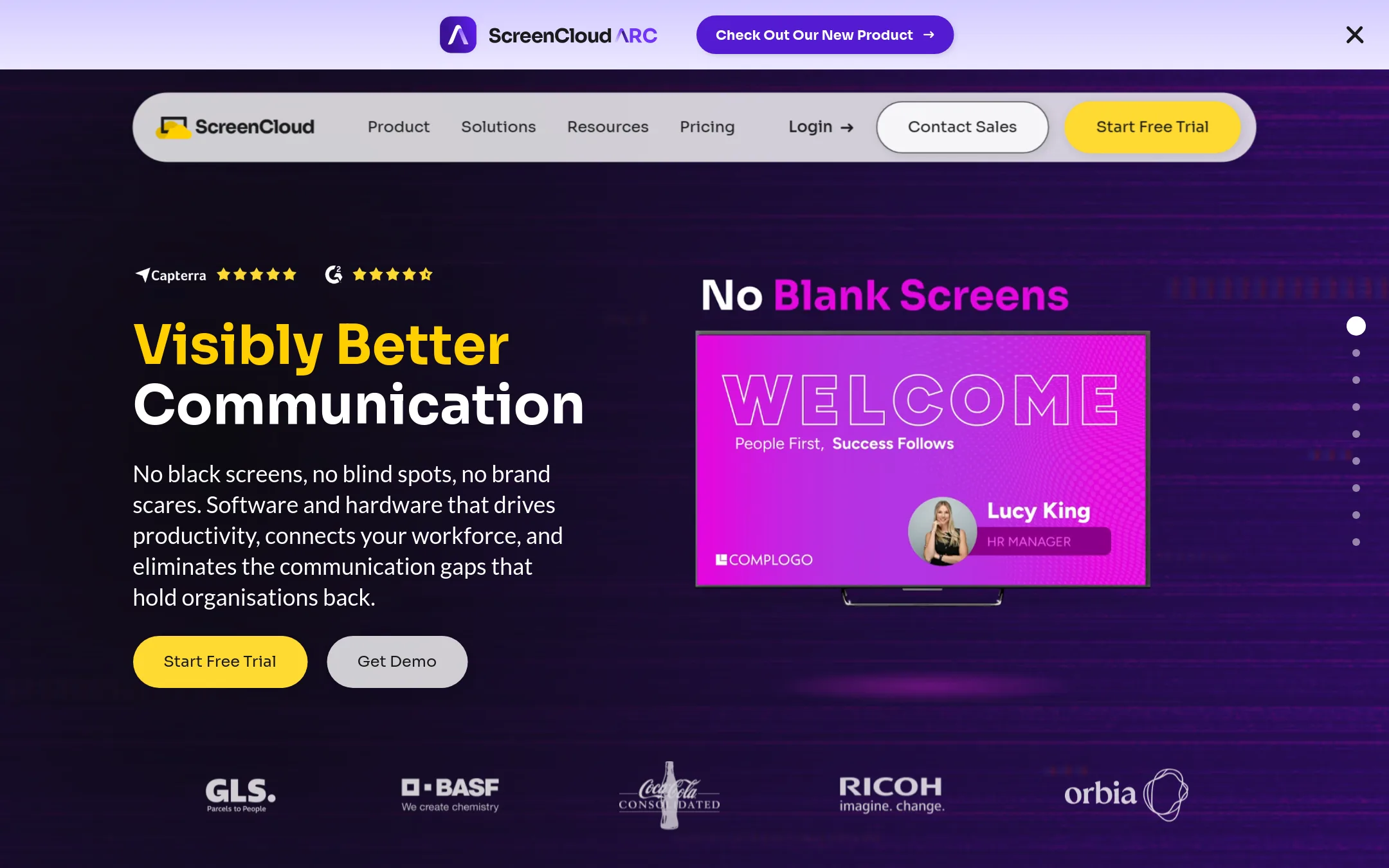
ScreenCloud is a full-stack digital signage platform with its own hardware and software, aimed at enterprises that need secure, scalable deployments. Choose it over NoviSign if you want a vendor that also sells purpose-built players and offers advanced security features like SSO and granular access control.
Where it is strong
- Own hardware (PIXI) plus support for other devices
- Enterprise-grade security: SSO, encryption, role-based access
- 80+ apps and integrations, including custom Playgrounds
Where it falls short
- Core plan lacks advanced analytics and content features
- Enterprise features and premium support require custom quote
- Pricing:
- Core plan is $20 per screen per month billed annually. Pro is $30 per screen per month billed annually. Enterprise pricing is custom.
- Switching from NoviSign:
- Moving from NoviSign involves re-creating your content and playlists in ScreenCloud, but you can keep existing hardware if it's supported.
- From $10/screen/mo
2.OptiSigns
Best for: Teams that want a large app ecosystem and a free plan to test digital signage on a few screens.
- Pricing
- From $10/screen/mo
- Category
- Media & Entertainment
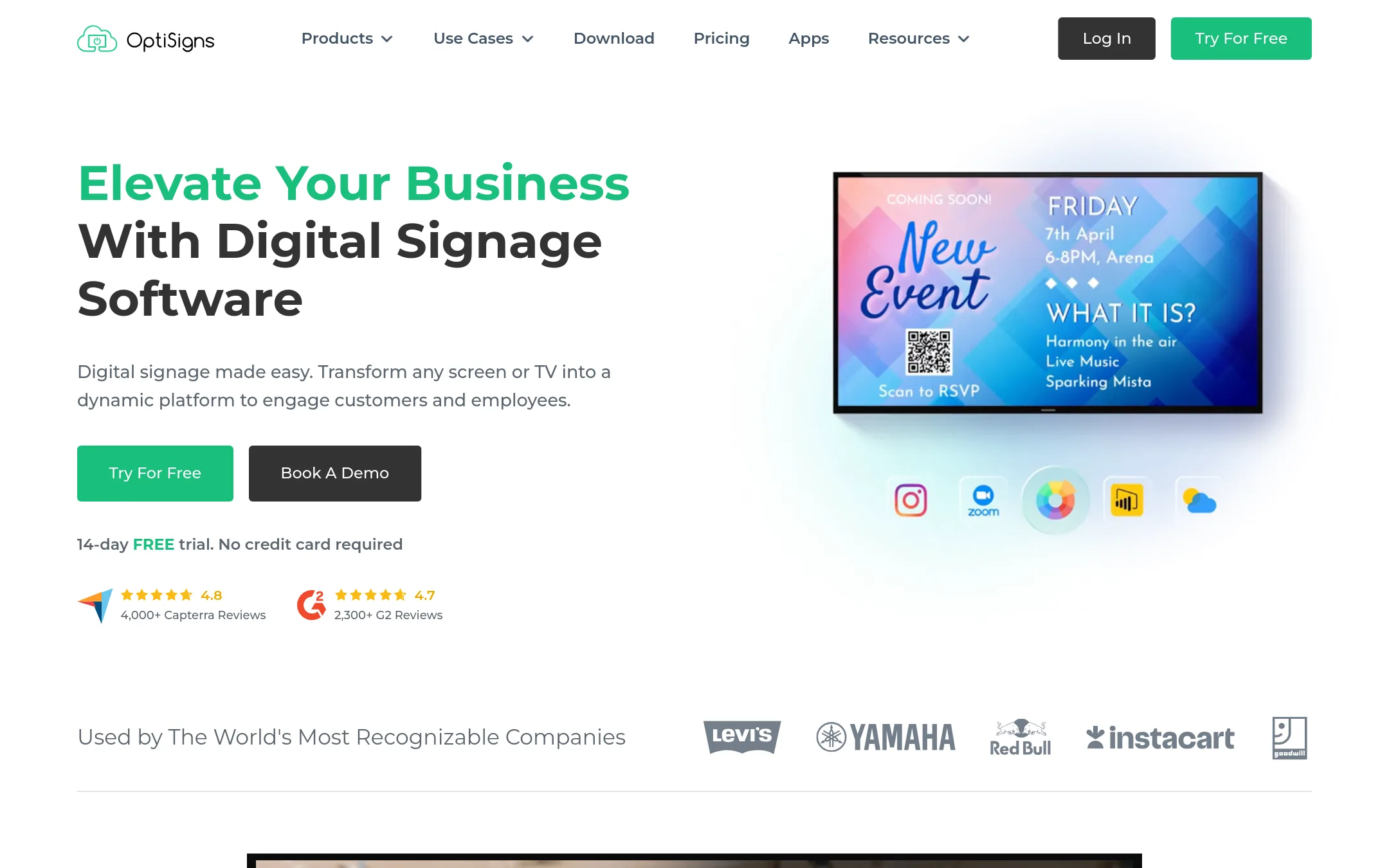
OptiSigns is a digital signage platform that turns any screen into a display with a drag-and-drop CMS and over 140 app integrations. Choose it over NoviSign if you need a broader range of integrations, including Power BI, Salesforce, and Slack, or if you want a free tier for up to three screens.
Where it is strong
- Free plan for up to 3 screens with no credit card required.
- 140+ app integrations including Power BI, Salesforce, and Slack.
- US-based customer support via email, phone, or support system.
Where it falls short
- Free plan includes OptiSigns logo on screens and limits apps to 25 basic ones.
- Advanced features like custom data residency and on-premise deployment are only on the $45/mo enterprise plan.
- Pricing:
- Paid plans start at $10.00 per screen per month (billed annually), with a free plan for up to 3 screens and 1GB storage.
- Switching from NoviSign:
- Moving from NoviSign involves exporting your content and rebuilding playlists in OptiSigns, but the drag-and-drop editor and similar scheduling features make the transition straightforward.
- From $8/screen/mo
3.Yodeck
Best for: Small businesses and multi-location teams that need affordable digital signage with a free single-screen option and a free hardware player.
- Pricing
- From $8/screen/mo
- Category
- Media & Entertainment
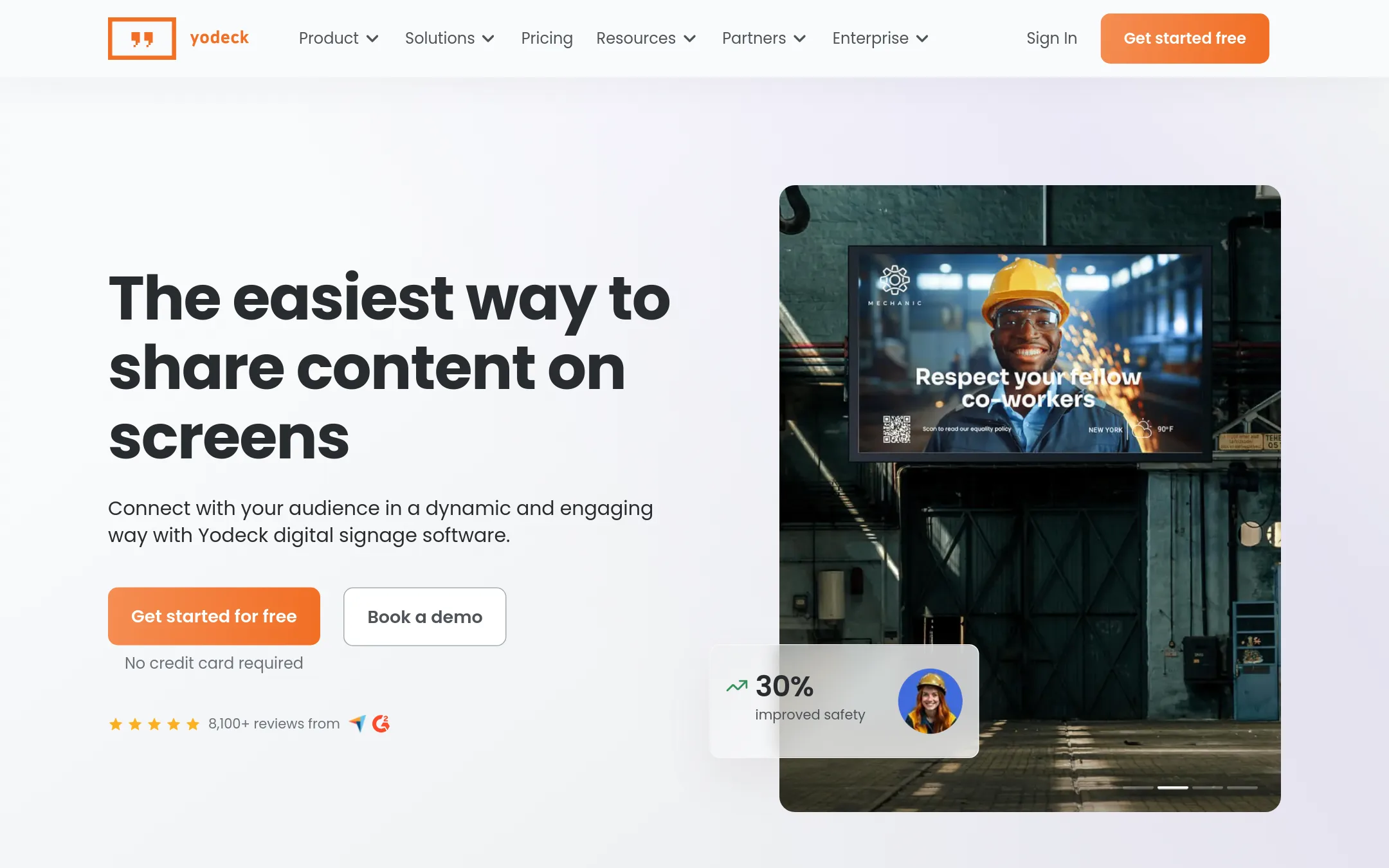
Yodeck is a cloud-based digital signage CMS for creating, scheduling, and managing content on screens. Choose it over NoviSign if you want a free single-screen plan, a free player with annual plans, and a large template library at a lower starting price.
Where it is strong
- Free plan supports one screen with no credit card required.
- Free Yodeck Player (Raspberry Pi) included with annual plans.
- 800+ free templates and 147+ app integrations.
Where it falls short
- Free plan is limited to one screen. More screens require a paid plan.
- Advanced features like Power BI and Tableau are only in Premium and above.
- Pricing:
- Free plan for one screen. Paid plans start at $8 per screen per month (Basic), $12 (Premium), and $16 (Enterprise) when billed annually.
- Switching from NoviSign:
- Moving from NoviSign to Yodeck is supported with 15 hours of free transition help, and you can run Yodeck on your existing Android TVs or web browsers.
- Free up to 10 screens
4.PosterBooking
Best for: Small businesses and multi-location operators who want a low-cost, easy way to loop menus, ads, or videos on existing TVs.
- Pricing
- Free up to 10 screens
- Category
- Other
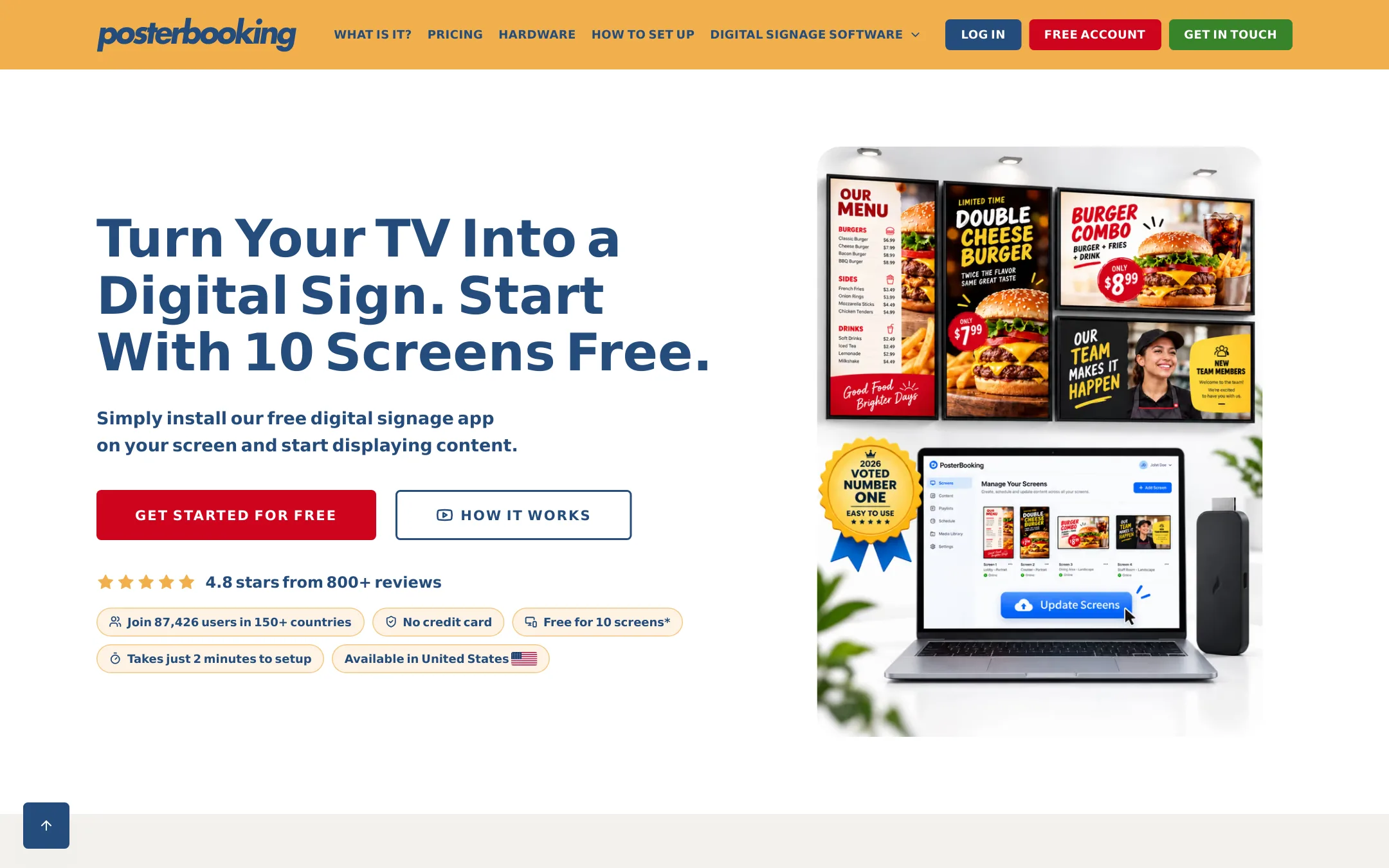
PosterBooking is a simple cloud digital signage tool that turns any TV into a sign using a Fire TV Stick, Android box, or Raspberry Pi. Choose it over NoviSign if you want a free start for up to 10 screens and don't need AI content creation or advanced integrations.
Where it is strong
- Free tier for 10 screens with no credit card required
- Works with cheap players like Fire TV Stick and Raspberry Pi
- White-label dashboard available on paid plans
Where it falls short
- No AI content creation or advanced integrations like Zapier or Canva
- Free screens show a watermark after 3 months
- Pricing:
- First 10 screens free for 3 months, then $6.49 per screen per month. Home Basic is $52 per month for 10 screens without watermark. Business Pro is $520 per month for unlimited screens.
- Switching from NoviSign:
- Moving from NoviSign involves exporting your content and rebuilding playlists in PosterBooking, as there is no direct migration tool.
- LNot published
5.L Squared
Best for: Businesses seeking short-term financing or factoring services rather than digital signage software.
- Pricing
- Not published
- Category
- Other
L Squared is a specialty finance lender, not a digital signage platform. It offers working capital and financing solutions for businesses that need cash flow support, which is a completely different use case from NoviSign's screen management. You would choose L Squared if your priority is funding, not content display on screens.
Where it is strong
- Focuses on specialty finance, so it may suit companies with invoice or asset-based lending needs.
- Established lender with a clear industry focus.
- No hardware or screen management requirements.
Where it falls short
- Not a digital signage tool, so it cannot create, schedule, or broadcast content to screens.
- No information on pricing or plans is available on the site.
- Pricing:
- Pricing is not published on the site.
- Not published
6.Enplug
Best for: Automotive dealerships and retail businesses that want digital signage bundled with kiosks, music, and WiFi marketing.
- Pricing
- Not published
- Category
- Other
Enplug is now part of Spectrio, which offers digital signage along with interactive kiosks, on-hold marketing, and scent marketing. You'd choose it over NoviSign if you want a broader customer engagement suite beyond just screen content, especially for automotive dealerships or retail.
Where it is strong
- Includes interactive kiosks and on-hold marketing
- Fully licensed music playlists for on-premise messaging
- WiFi marketing with customer analytics and coupons
Where it falls short
- Pricing is not transparent. Requires contacting Spectrio
- Site focuses on Spectrio's full suite, not standalone Enplug signage
- Pricing:
- Pricing is not published on the site.
- Not published
7.Rise Vision
Best for: Schools and districts that want digital signage, screen sharing, and emergency alerts in one platform.
- Pricing
- Not published
- Category
- Media & Entertainment
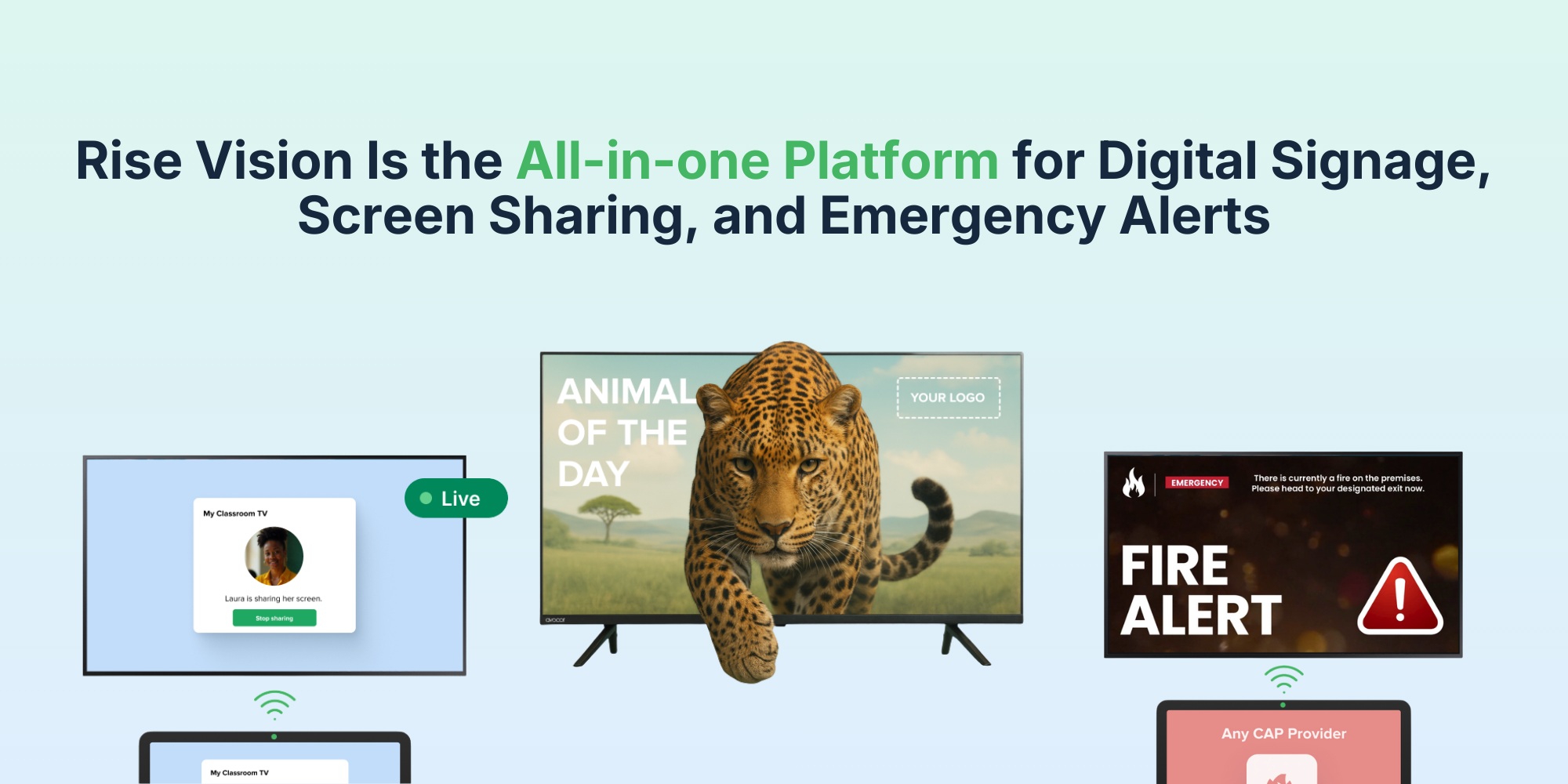
Rise Vision is a cloud digital signage platform with 750+ templates, screen sharing, and emergency alerts. Choose it over NoviSign if you need built-in emergency alert integrations or wireless screen sharing for classrooms and meeting rooms.
Where it is strong
- 750+ customizable templates and an AI presentation tool
- Built-in screen sharing and emergency alert integrations
- Runs on any hardware and OS, with unlimited users and storage
Where it falls short
- Pricing not transparent. Requires contacting sales
- Emergency alerts and screen sharing are only on higher tiers
- Pricing:
- Pricing is not published on the site. Plans are Basic, Advanced, and Enterprise, with optional add-ons for interactive templates and AI credits.
- Switching from NoviSign:
- Switching from NoviSign involves re-creating your content in Rise Vision's template editor and re-scheduling your playlists, but your existing hardware will likely work since Rise Vision supports any OS.
- Not published
8.Samsung MagicINFO
Best for: Organizations standardized on Samsung displays that want a CMS from the same vendor for easier hardware-software pairing.
- Pricing
- Not published
- Category
- Media & Entertainment
Samsung MagicINFO is Samsung's digital signage content management system, designed to work closely with Samsung displays. Choose it if you already run Samsung screens and want a CMS that integrates tightly with that hardware, rather than a hardware-agnostic platform like NoviSign.
Where it is strong
- Tight integration with Samsung displays and SmartThings ecosystem.
- Likely simpler setup when using Samsung hardware.
- Backed by Samsung's global support and enterprise reputation.
Where it falls short
- Limited to Samsung hardware, unlike NoviSign's hardware-agnostic approach.
- Pricing not transparent, requiring direct sales contact.
- Pricing:
- Pricing is not published on the site.
- Switching from NoviSign:
- Moving from NoviSign to MagicINFO means re-creating your content and schedules within Samsung's CMS, and ensuring your displays are Samsung-compatible.
See more comparisons in Media & Entertainment alternatives.
FAQ
Questions about NoviSign alternatives
What makes NoviSign easier than Xibo for multi-campus deployments?
NoviSign users report switching from Xibo because its intuitive UI and centralized cloud management eliminate the complexity of handling multiple CMS flavors across locations, enabling faster content updates and fewer IT headaches.
How does NoviSign compare on pricing for restaurant menu boards?
While exact pricing is not published, NoviSign offers a 30-day free trial and is described as price-efficient for franchises; competitors may charge per screen or require hardware bundles that increase total cost for QSR chains.
Can NoviSign alternatives handle interactive kiosks like Disney World deployments?
NoviSign supports interactive kiosk broadcasting with multi-device control; alternatives vary in kiosk-specific features, with some focusing more on passive displays and others offering stronger touch integration or payment add-ons.
Which NoviSign alternative works best for real-time Power BI dashboards on screens?
NoviSign includes Power BI integration for live data; alternatives may require custom plugins or third-party connectors, making NoviSign preferable when quick dashboard embedding without extra development is needed.
Is there a NoviSign alternative with better AI content tools?
NoviSign offers AI-powered signage features; some competitors provide more advanced generative AI for layouts or predictive scheduling, though they may sacrifice the simple widget-based workflow NoviSign users value.
How do NoviSign alternatives support ChromeOS and Tizen devices?
NoviSign explicitly supports ChromeOS, Tizen, webOS, Windows, and Android; alternatives often cover fewer operating systems or require paid add-ons for full cross-platform compatibility.
Last updated November 1, 2026.