Ollama alternatives
10 products compared · Updated November 6, 2026
The short answer
The three strongest alternatives to Ollama are Together AI, Fireworks AI, and Hugging Face. Together AI suits product teams that need hosted open-model inference at production scale, including image, video, or voice workloads. Fireworks AI suits product teams shipping open-model features to production traffic that need reserved capacity and a throughput SLA. Hugging Face suits ML teams that need a shared hub for models, datasets, and GPU-hosted demos. Ollama is a local runtime, so these alternatives are cloud services that send requests off your machine.
Your shortlist, at a glance
Read the comparisons ↓- LLM StudioNot publishedNon-engineers and small teams who want a desktop app with a document and coding agent running on local open models.
 Hugging FaceFrom $0.40/hr GPUML teams that need a shared hub for models, datasets and GPU-hosted demos
- TTogether AIFrom $0.15 / 1M tokensProduct teams that need hosted open-model inference at production scale, including image, video, or voice workloads.
- GGroqNot publishedTeams building production apps that need fast, large-scale model inference without running their own hardware
- FFireworks AIFrom $0.05 / 1M tokensProduct teams shipping open-model features to production traffic that need reserved capacity and a throughput SLA
- RReplicatePer second of computeProduct teams that need image, video or audio generation from a hosted API without running GPUs themselves
- GGPT4AllNot publishedDevelopers and power users who want to run open models locally with document chat on their own machines
- JJanNot publishedIndividuals and small teams who want a ChatGPT-style app that runs local open models and also connects to hosted providers.
 LlamaFarmNot publishedEngineering teams building offline or edge AI products that need local RAG over their own documents
- LLangChainFrom $0 (Developer plaEngineering teams shipping LLM agents to production that need tracing, evals and monitoring
About Ollama and its alternatives
Ollama is a tool for running and building with open AI models locally or in the cloud on macOS, Windows, and Linux. According to its site, it is known as the most popular way to build with open models, with over 9 million monthly installs and more than a billion model downloads. Its site states that prompts are never stored or trained on.
When comparing alternatives in this category, weigh the pricing structure first, since some tools charge per token, some per second of GPU time, and some per seat or by plan. Check which regions and deployment options are available, especially if data must stay on your own hardware or within a specific country. Look at integrations with the tools your team already uses, the support and service terms offered, and the contract terms for usage limits, commitments, and enterprise security reviews.
Explore the alternatives
- LNot published
1.LM Studio
Best for: Non-engineers and small teams who want a desktop app with a document and coding agent running on local open models.
- Pricing
- Not published
- Category
- Other
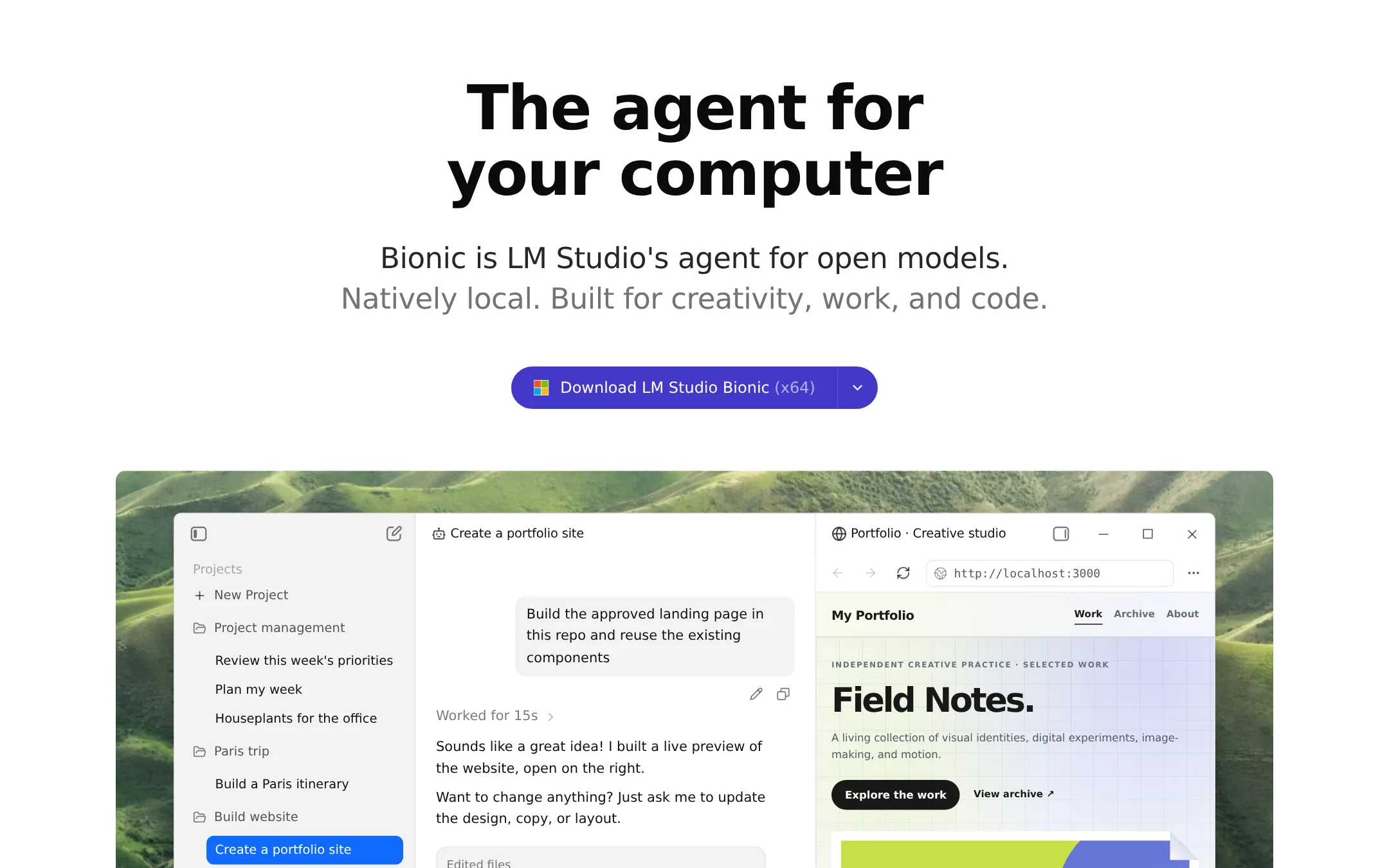
LM Studio is a desktop app for running open models on your own machine, with a visual interface and built-in chat. Bionic is its agent layer, which can create documents, slides, PDFs and code, and it can run local models or frontier open models in the cloud. Choose it over Ollama if you want a graphical app and a bundled agent for work and coding rather than a command-line runtime.
Where it is strong
- Graphical desktop app, so no terminal is needed to download and run models.
- Bionic agent can create and edit documents, slides and PDFs, and also handles coding tasks.
- Voice transcription runs locally and audio never leaves the device.
Where it falls short
- The cloud service is described as Zero Data Retention, but the page lists no cloud model prices, so the cost of frontier models is unclear.
- Its site describes an agent for work and code rather than a developer API server, so it may not suit teams that want to build their own back
- Pricing:
- Pricing is not published on the site.
- From $0.40/hr GPU
2.Hugging Face
Best for: ML teams that need a shared hub for models, datasets and GPU-hosted demos
- Pricing
- From $0.40/hr GPU
- Category
- AI & Machine Learning
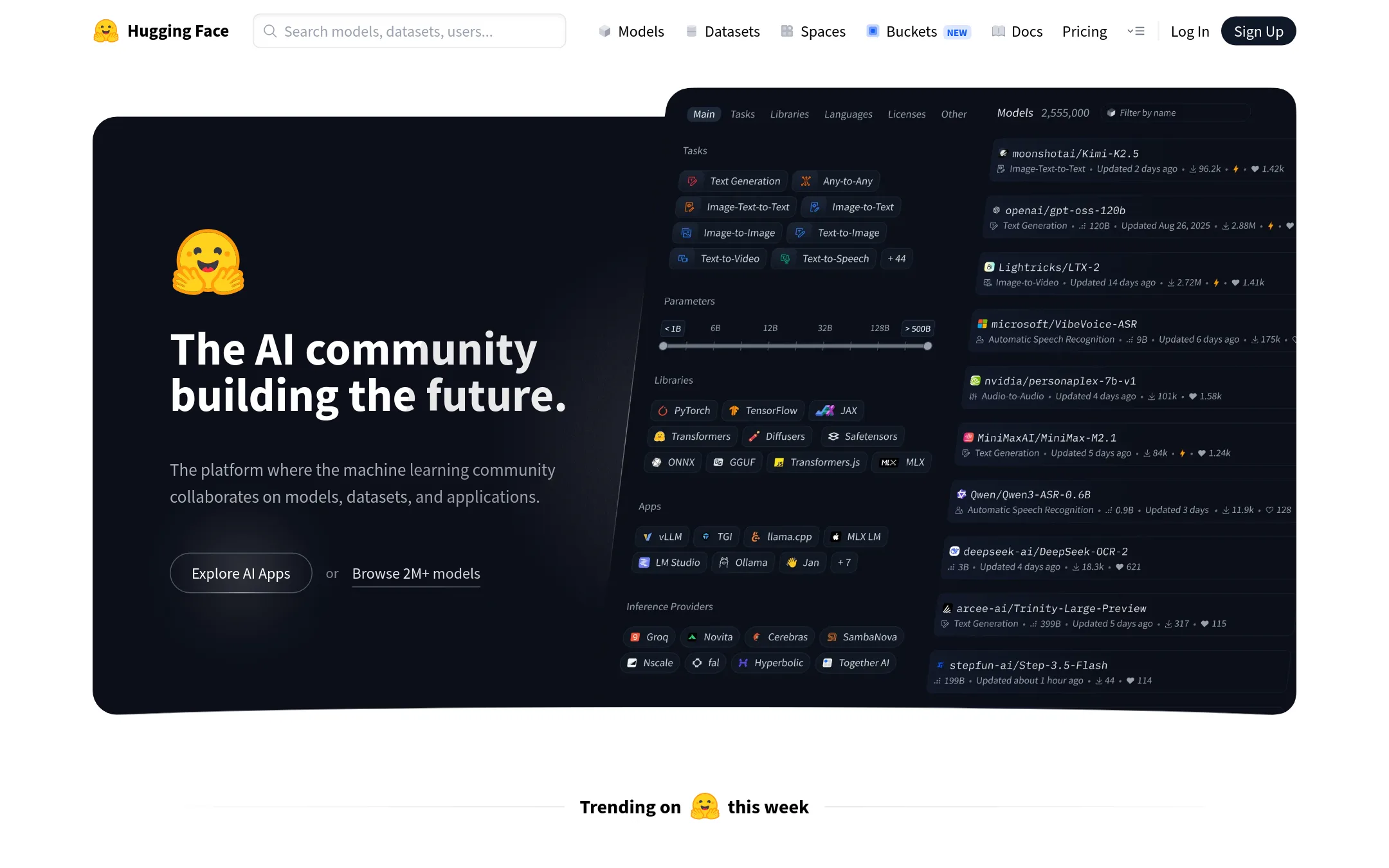
Hugging Face is a hub where teams host, share and collaborate on models, datasets and apps across text, image, video, audio and 3D. It also rents GPU hardware for Spaces and dedicated inference endpoints. Choose it over Ollama when you need to find and deploy many different models, or to host your own demos and ML pipelines rather than just run open models through a local or cloud runtime.
Where it is strong
- Hosts models, datasets, Spaces and apps in one place with Git-based collaboration
- Offers a wide range of on-demand GPU hardware, from T4 to 8x A100 and RTX PRO 6000
- Provides dedicated inference endpoints that scale and avoid cold starts
Where it falls short
- Running a model on your own machine with Ollama is not what this platform centers on, so local-only setups need a different tool
- Costs climb quickly on large GPU tiers, with 8x configurations listed at $14,400 to $15,840 per month
- Pricing:
- Pricing is not published on the site in a single figure. The page lists Spaces GPU hardware from $0.40 per hour (T4 small), dedicated inference from $0.033 per hour, a PRO plan at $9 per month, and Team and Enterprise plans starting at $20 per user per month.
- Switching from Ollama:
- Moving from Ollama means packaging your models for the Hub or deploying them to an endpoint or Space, which is a different workflow from pulling a model by name and running it locally.
- TFrom $0.15 / 1M tokens
3.Together AI
Best for: Product teams that need hosted open-model inference at production scale, including image, video, or voice workloads.
- Pricing
- From $0.15 / 1M tokens
- Category
- Other
Together AI is a hosted cloud for running open models through an API, with serverless endpoints, dedicated and provisioned capacity, and GPU clusters. A team would pick it over Ollama when it needs to serve models at production scale without running its own hardware, or when it needs image, video, or audio models alongside text.
Where it is strong
- Serves a wide range of open text, image, video, and audio models from one platform.
- Offers serverless, provisioned, and dedicated options, so capacity can grow with the product.
- Lists separate batch and cached-input rates, which can cut costs for large or repeated workloads.
Where it falls short
- Requires sending data to a hosted cloud, which Ollama avoids when run on your own machine.
- The site lists many models and tiers, so comparing costs takes careful reading of each price table.
- Pricing:
- Serverless text models are priced per million tokens, for example Kimi K3 at $3.00 input and $15.00 output, and GLM-5.3-Flash at $0.15 input and $0.50 output, with Batch API and cached-input rates listed separately.
- Switching from Ollama:
- Moving from Ollama means swapping local model calls for Together's hosted API endpoints and checking that your chosen model is available on the platform.
- GNot published
4.Groq
Best for: Teams building production apps that need fast, large-scale model inference without running their own hardware
- Pricing
- Not published
- Category
- Other
Groq runs open models through a cloud API and is built for fast inference, using its own LPU hardware alongside NVIDIA GPUs. Someone would choose it over Ollama when they need high-throughput serving in the cloud rather than running models on their own machine.
Where it is strong
- Built specifically for fast inference, with its own LPU hardware
- Managed cloud service, so no local hardware to maintain
- Designed to scale to large token volumes
Where it falls short
- Runs in the cloud, so it does not offer Ollama's local, on-device option
- Published pricing and plan details were not available to compare
- Pricing:
- Pricing is not published on the site.
- FFrom $0.05 / 1M tokens
5.Fireworks AI
Best for: Product teams shipping open-model features to production traffic that need reserved capacity and a throughput SLA
- Pricing
- From $0.05 / 1M tokens
- Category
- Other
Fireworks AI runs open models through a hosted API, with serverless pay-per-token access and reserved throughput for steady traffic. Teams pick it over Ollama when they need production-scale inference, guaranteed throughput with an SLA, or training and fine-tuning on their own data, which Ollama's local runtime does not offer.
Where it is strong
- Runs many open models behind one hosted endpoint, with no servers to manage
- Offers reserved throughput with an SLA for steady production traffic
- Includes cache discounts and batch pricing that lower the cost of repeated or offline work
Where it falls short
- Requests leave your machine, so it is a cloud service rather than a local runtime like Ollama
- Sovereign deployment in your own cloud is in private preview for Enterprise and needs a sales conversation
- Pricing:
- Pricing is not published as a single flat rate. Serverless starts from $0.05 per million input tokens, with Standard and Priority rates listed per model, for example Kimi K3 at $3 input and $15 output per million tokens.
- Switching from Ollama:
- Moving from Ollama means pointing your application at Fireworks' hosted endpoints instead of a local server and choosing a supported model in the catalog.
- RPer second of compute
6.Replicate
Best for: Product teams that need image, video or audio generation from a hosted API without running GPUs themselves
- Pricing
- Per second of compute
- Category
- Other
Replicate runs open-source and proprietary AI models through a cloud API, so you do not need to install or host anything yourself. It also lets you deploy your own custom models by packaging them with Cog, its open-source tool. Pick it over Ollama when you need hosted image, video or audio models, or when your own model has to run as a scalable cloud API rather than on your own machine.
Where it is strong
- Hosts thousands of community models, plus proprietary models from providers such as OpenAI and Google, behind one API.
- Scales up automatically under load and scales to zero when idle, so you do not pay for unused capacity on public models.
- Cog lets you package and deploy your own custom model as an API without managing servers.
Where it falls short
- Runs in the cloud only, so your prompts and data leave your machine, unlike Ollama's local option.
- Costs vary by hardware and model, so budgeting takes work because you must estimate per-second or per-token usage.
- Pricing:
- You pay for the time a public model runs, with hardware priced per second, such as $0.000225 per second on an Nvidia T4 GPU, and some models are billed per input and output instead.
- Switching from Ollama:
- Moving from Ollama means changing from running models on your own hardware to calling a hosted API, and any custom model you built for Ollama would need to be packaged with Cog to deploy here.
- GNot published
7.GPT4All
Best for: Developers and power users who want to run open models locally with document chat on their own machines
- Pricing
- Not published
- Category
- Other
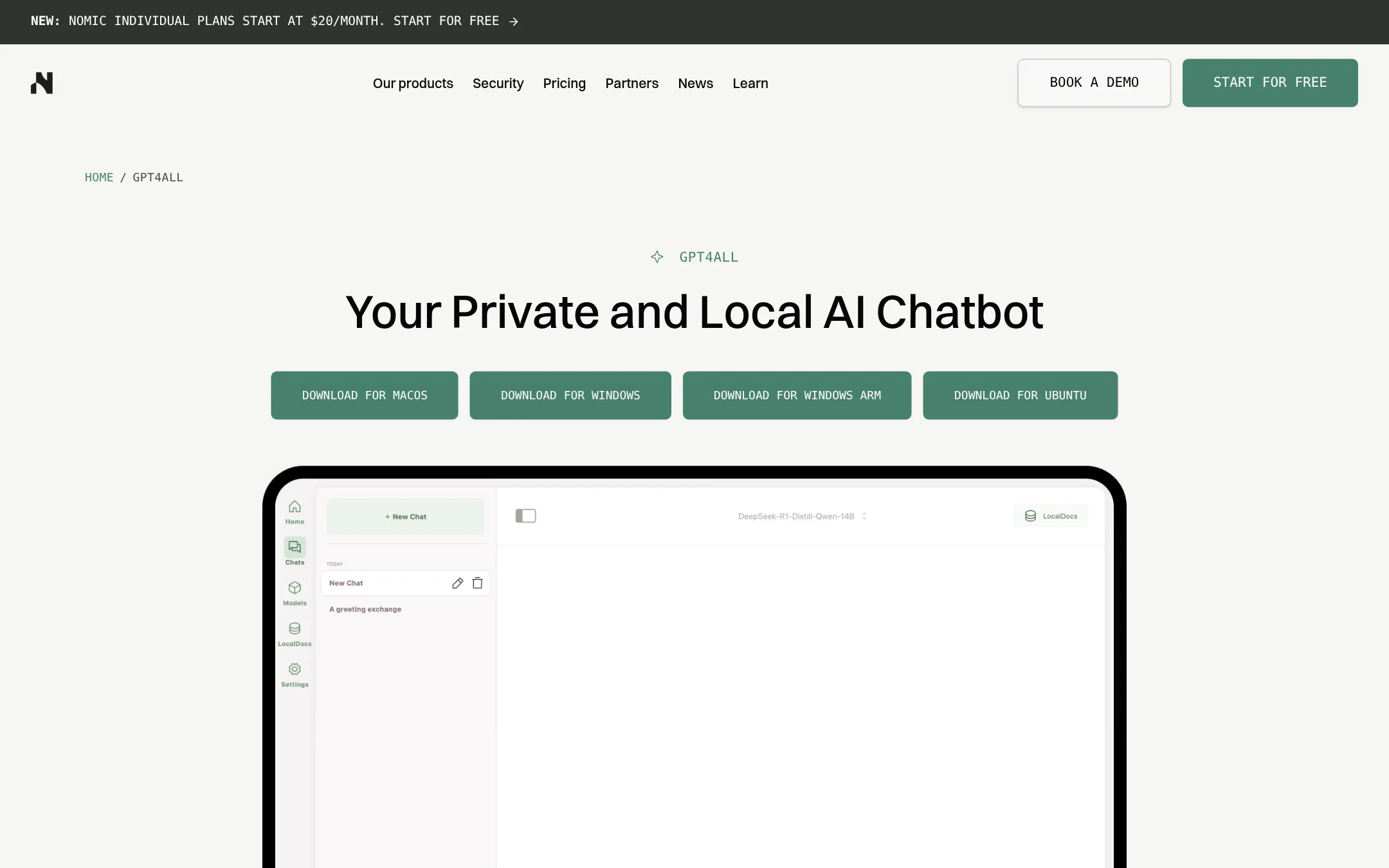
GPT4All is a desktop app that runs open-source language models on Windows, macOS, and Linux. It includes LocalDocs, which lets you chat with your own files on the machine. Choose it over Ollama when you want a graphical chat app and document chat without using a terminal, or when your work centres on private local documents.
Where it is strong
- Runs open-source models on Windows, macOS, and Linux with no cloud required
- LocalDocs lets you chat with your own documents on the device
- Supports thousands of models and is built for developers and power users
Where it falls short
- The listed product description does not mention a server or API mode comparable to Ollama's
- Pricing is not published, so cost is hard to judge in advance
- Pricing:
- Pricing is not published on the site.
- JNot published
8.Jan
Best for: Individuals and small teams who want a ChatGPT-style app that runs local open models and also connects to hosted providers.
- Pricing
- Not published
- Category
- Other
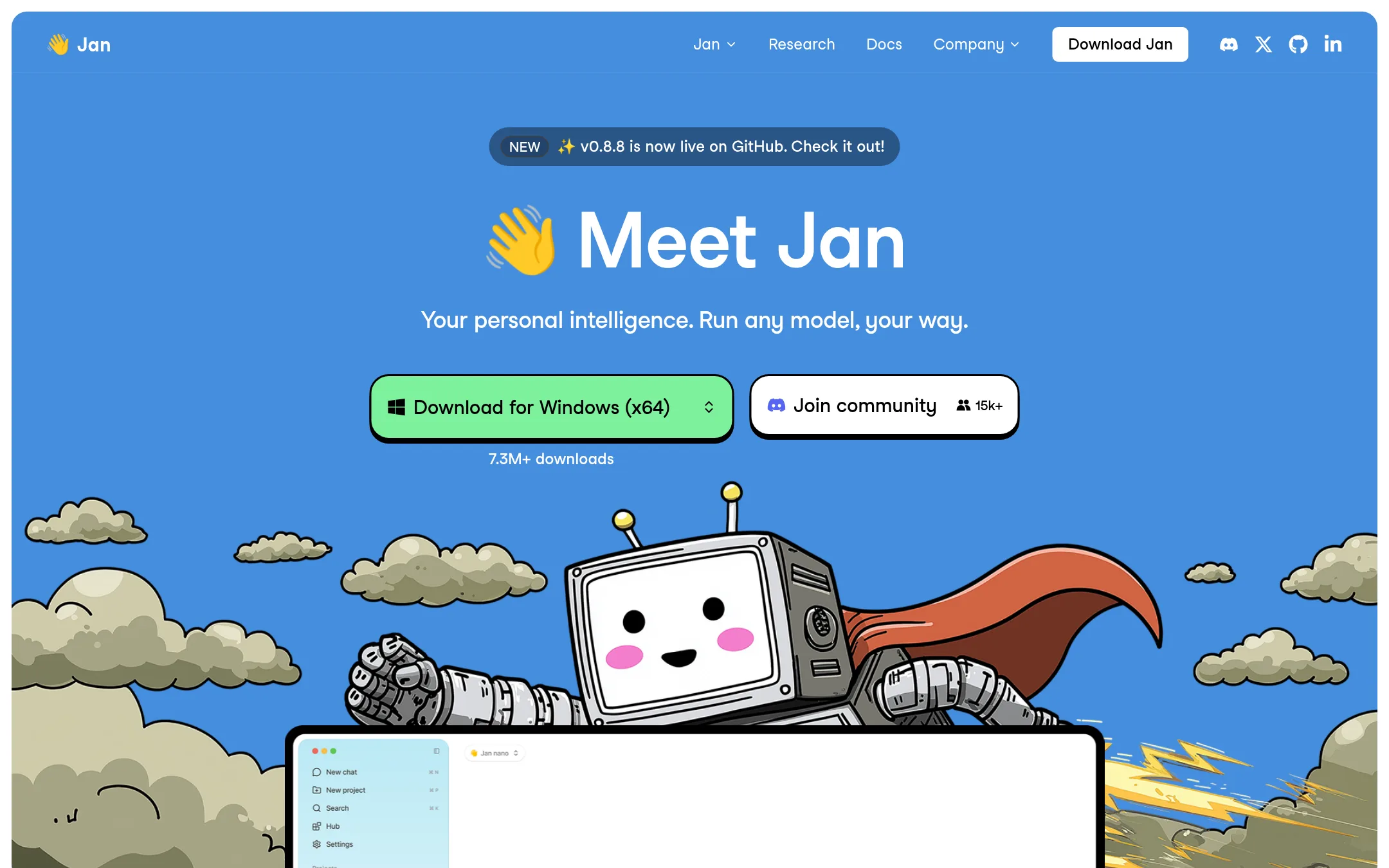
Jan is an open-source desktop app that runs open models on your own machine, and it can also connect to cloud models such as GPT and Claude. Someone would pick it over Ollama if they want a chat interface out of the box rather than a command-line runtime, or if they want to mix local and hosted models in one app.
Where it is strong
- Open source, with a desktop app to install instead of a command line
- Runs open models locally and can also connect to cloud models like GPT and Claude
- Over 6 million downloads, and the project is built in public
Where it falls short
- Its homepage describes a Memory feature as coming soon, so it is not available yet
- Unlike Ollama, it does not offer a cloud model service of its own on the site
- Pricing:
- Pricing is not published on the site.
- Not published
9.LlamaFarm
Best for: Engineering teams building offline or edge AI products that need local RAG over their own documents
- Pricing
- Not published
- Category
- AI & Machine Learning
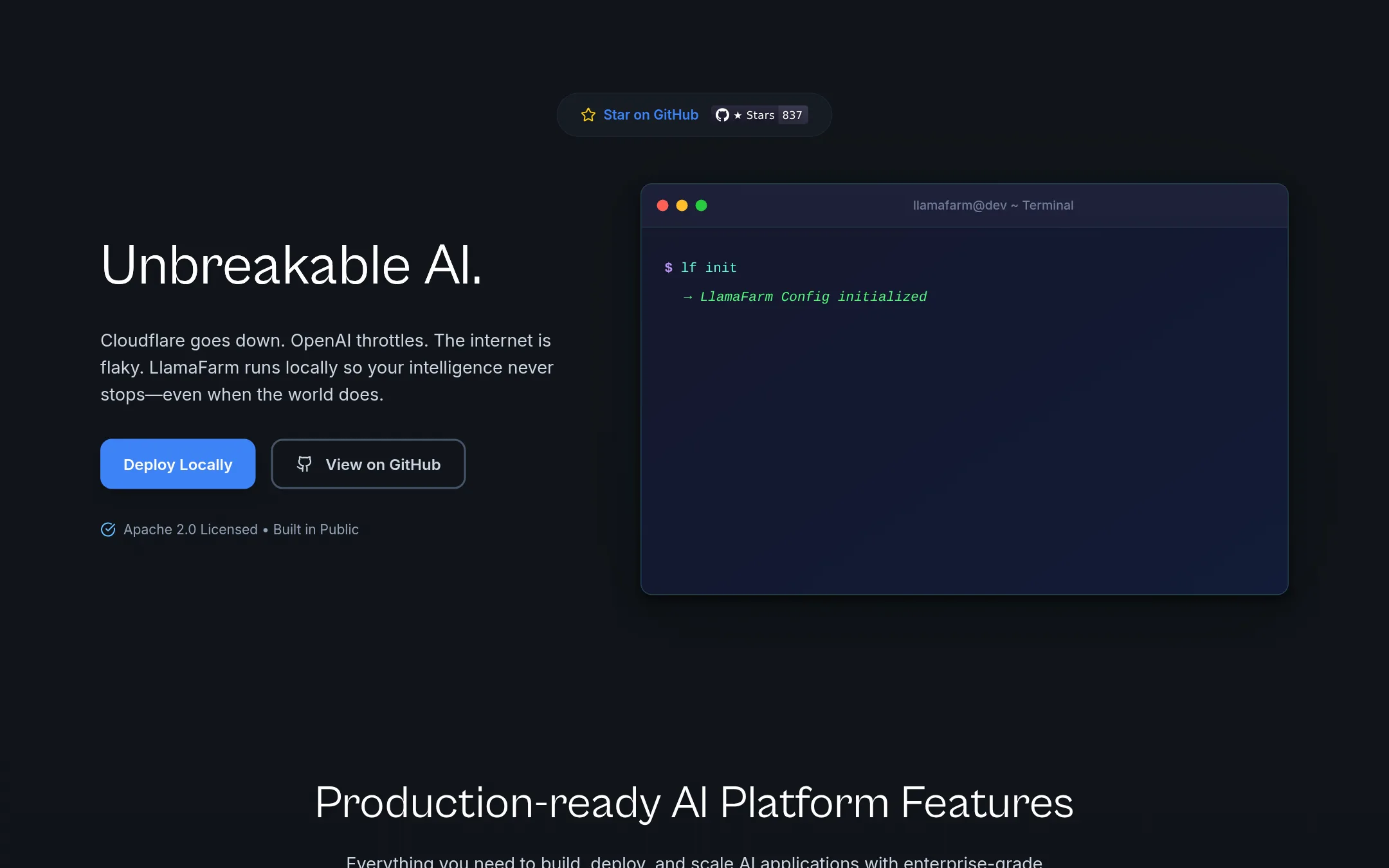
LlamaFarm is an open source platform for building AI projects that run locally, with RAG, agents, and pipelines defined in JSON or YAML config. Someone would pick it over Ollama when they need a local system that keeps working through network outages and wants retrieval, classifiers, speech and vision models in one place, not just a runtime for chat models.
Where it is strong
- Config driven, so pipelines are defined in version-controlled YAML or JSON files
- Built-in RAG with multiple databases, parsing strategies and embedding models
- Covers speech, vision, classifiers, anomaly detection and reranking alongside LLMs
Where it falls short
- Its own homepage lists several features as coming soon, including vision model support and fine-tuning
- It is aimed at building full AI projects, so it is heavier than a simple model runner
- Pricing:
- Pricing is not published on the site.
- Switching from Ollama:
- Moving from Ollama means defining your models and retrieval setup in LlamaFarm's config files and pointing your app at its OpenAI-compatible API, since that API is offered as a drop-in replacement.
- LFrom $0 (Developer pla
10.LangChain
Best for: Engineering teams shipping LLM agents to production that need tracing, evals and monitoring
- Pricing
- From $0 (Developer pla
- Category
- AI & Machine Learning
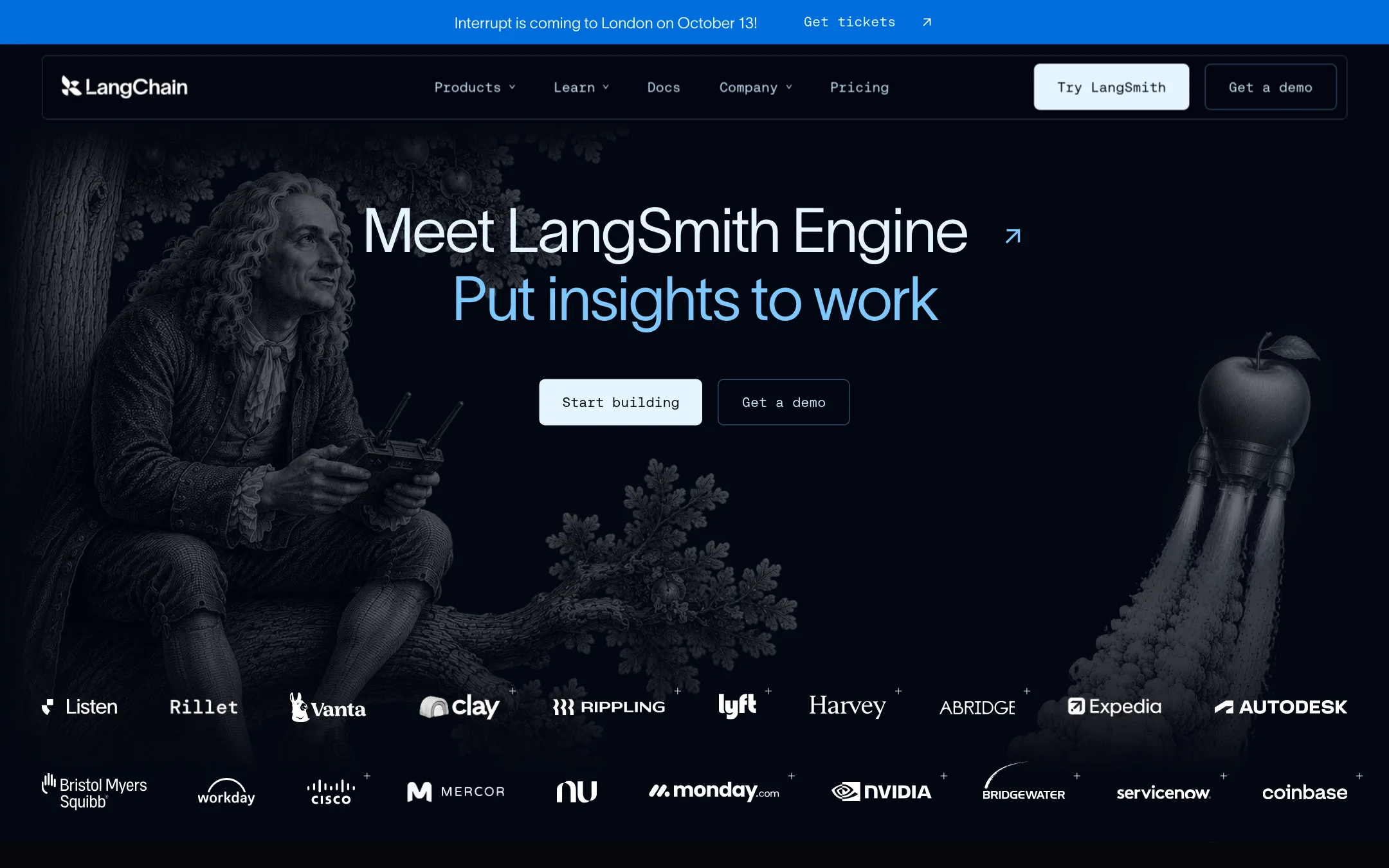
LangChain is a set of open source frameworks for building agents, plus LangSmith, a platform for tracing, evaluating, deploying and monitoring them. You would choose it over Ollama when your problem is the agent workflow itself, not running the model. Ollama runs models, while LangChain sits above the model layer and works with any model provider.
Where it is strong
- Open source frameworks cover both batteries-included agent patterns and low-level control.
- LangSmith shows step-by-step traces, so you can see where an agent run went wrong.
- Online evals and alerts run against production agent runs and catch regressions.
Where it falls short
- Pricing beyond the included traces is metered in LangChain Standard Units, which makes costs harder to predict.
- It does not run models for you, so you still need a model provider or a local runtime such as Ollama.
- Pricing:
- The Developer plan has 5k base traces per month and 1 seat, the Plus plan has 10k base traces per month with unlimited seats for $0 per seat listed, and Enterprise pricing is custom.
- Switching from Ollama:
- Moving from Ollama means you keep your models and add LangChain as the layer that builds and observes the agent around them, rather than replacing the runtime.
See more comparisons in AI & Machine Learning alternatives.
FAQ
Questions about Ollama alternatives
Which Ollama alternative is best for running models on my own machine?
Ollama is itself a local runtime, and the strongest local options in this list are LM Studio, GPT4All, and Jan. LM Studio offers a graphical desktop app with a bundled agent, GPT4All adds LocalDocs for chatting with files on the device, and Jan provides a ChatGPT-style interface that can also connect to hosted models. Choose among them based on whether you want a graphical app, document chat, or a mix of local and cloud models.
Which alternative is best for serving models to production traffic?
Fireworks AI and Together AI are built for production inference through hosted APIs. Fireworks AI offers reserved throughput with an SLA for steady traffic, while Together AI offers serverless, provisioned, and dedicated options. Both charge per token, so compare their rate tables for the specific models you plan to use.
Which alternative should I pick if I need to build a full AI project, not just run a model?
LlamaFarm is an open source platform for building local AI projects with RAG, agents, and pipelines defined in version-controlled config files. It covers speech, vision, classifiers, and reranking alongside language models, so it is heavier than a simple model runner. LangChain is another option if your main concern is the agent workflow, with tracing, evaluation, and monitoring, though it needs a separate model provider or local runtime such as Ollama.
How do the pricing models of these alternatives compare?
Pricing varies widely across the list. Together AI and Fireworks AI charge per million tokens, Replicate charges for the time a model runs on hardware priced per second, and Hugging Face offers GPU hardware by the hour plus plan-based subscriptions. Several entries, including Groq, GPT4All, LM Studio, and Jan, do not publish pricing on their sites, so you will need to contact them for figures.
Do any of these alternatives keep my data off third-party servers?
LM Studio, GPT4All, and Jan run models on your own machine, and LM Studio notes that voice transcription runs locally so audio never leaves the device. Cloud services such as Together AI, Fireworks AI, Groq, and Replicate send requests to hosted infrastructure. Fireworks AI lists sovereign deployment in your own cloud as a private preview for Enterprise customers, which requires contacting sales.
Last updated November 6, 2026.