
Omnivore alternatives
10 products compared · Updated November 2, 2026
The short answer
For a polished Apple-centric read-it-later app with excellent audio, choose Matter. For a unified hub that imports and reviews highlights from Kindle and other sources, choose Readwise Reader. For a simple, dependable save-for-later tool with strong eReader support, choose Instapaper.
Your shortlist, at a glance
Read the comparisons ↓ Readwise ReaderFrom $5.59/moReaders who want a unified hub for saving articles and revisiting highlights from Kindle and other sources, with AI-powered search and review.
 InstapaperNot publishedReaders who want a dependable, straightforward save-for-later tool with strong eReader support.
 PocketNot publishedProfessionals like therapists, realtors, and sales reps who need automatic notes from client calls and meetings.
 MatterNot publishedReaders on Apple devices who want a premium reading experience with excellent audio and newsletter integration.
 Raindrop.ioNot publishedCreatives and coders who want a flexible bookmark manager with collections, tags, and full-text search across all saved content.
- WWallabagNot publishedPrivacy-focused readers who want to self-host their reading archive or use a managed service with support.
 Read BeanSee websiteLearn language with real-world content, at your level
EvernoteFree / paid tiersTeams and individuals who want a full note-taking and task management system with AI features and real-time collaboration.
 GoodLinksNot publishedApple-only users who want a polished, one-time-purchase read-it-later app with iCloud sync and Shortcuts support.
 NotionFree / $10+ per user/mTeams that want a single workspace for docs, wikis, and project tracking with AI assistance.
About Omnivore and its alternatives
Omnivore is a free, open source, read-it-later app for serious readers. It saves articles, PDFs, and newsletters, and offers distraction-free reading, highlighting, notes, labels, and text-to-speech on iOS. It syncs with Logseq and Obsidian, and its open-source platform ensures your library is never locked in.
When comparing alternatives, weigh pricing structure, since some are free, subscription-based, or one-time purchases. Consider device coverage, as some apps are Apple-only or lack Android support. Check integrations with PKM tools, eReaders, and AI features. Review support options and contract terms, especially for self-hosted or managed services.
Explore the alternatives
- From $5.59/mo
1.Readwise Reader
Best for: Readers who want a unified hub for saving articles and revisiting highlights from Kindle and other sources, with AI-powered search and review.
- Pricing
- From $5.59/mo
- Category
- Productivity & Project Management
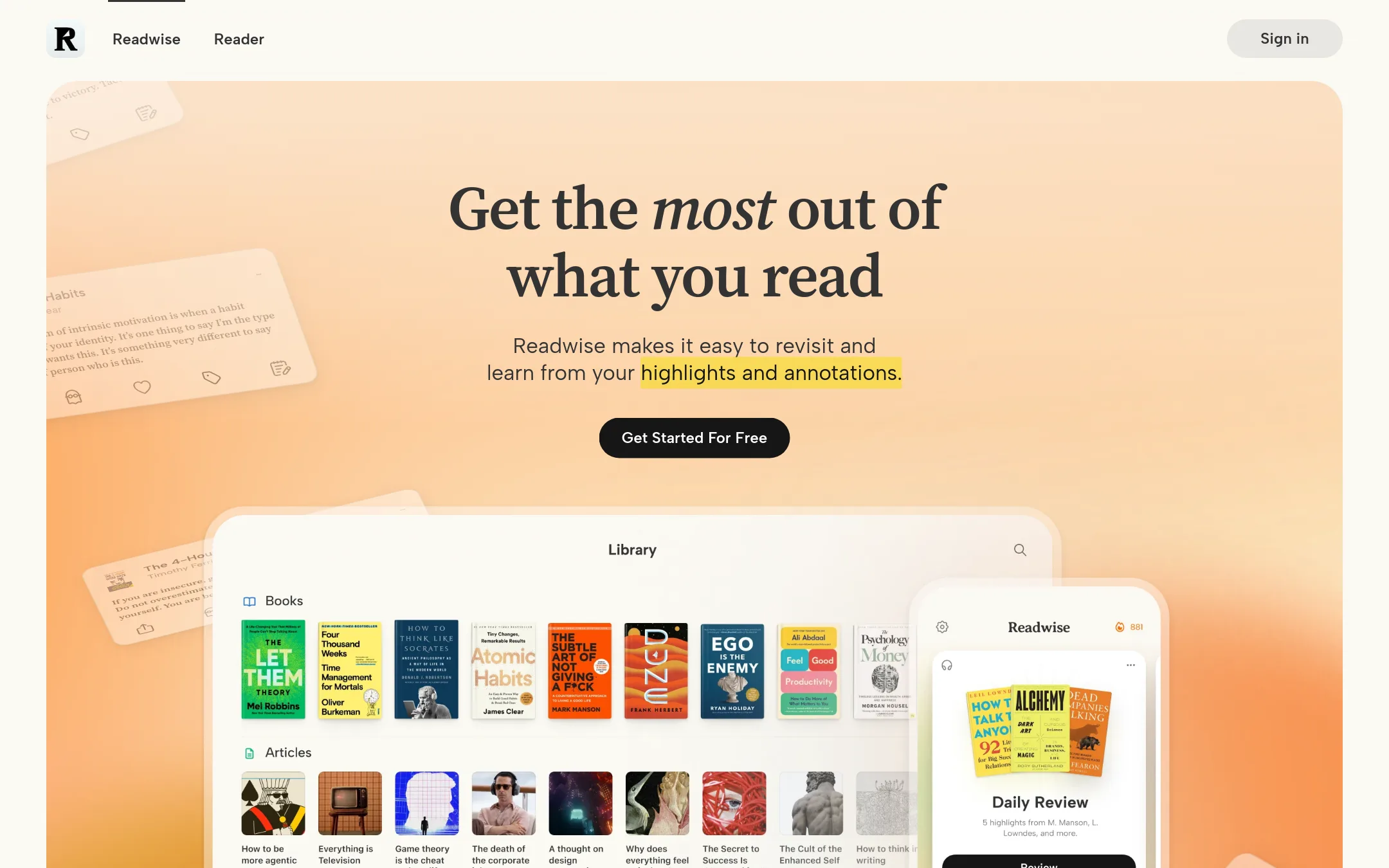
Readwise Reader is a paid read-it-later app that also imports highlights from Kindle and 40+ other sources, and uses spaced repetition to resurface them. Choose it over Omnivore if you want a polished, AI-assisted reading and highlight review workflow, and you're willing to pay for it.
Where it is strong
- Imports highlights from Kindle, Apple Books, Kobo, and 40+ other sources
- Spaced repetition and Daily Review help you remember what you read
- Ghostreader AI can summarize, explain, and translate any document
Where it falls short
- Paid subscription, while Omnivore is free and open source
- Reader-only plan lacks highlight import and export features
- Pricing:
- Pricing starts at $5.59/mo for Highlights Lite, $7.99/mo for Highlights, and Reader only is available. Yearly billing saves up to 23%.
- Switching from Omnivore:
- Moving from Omnivore means exporting your library and highlights, then importing them into Readwise Reader, which supports imports from many sources but not directly from Omnivore.
- Not published
2.Instapaper
Best for: Readers who want a dependable, straightforward save-for-later tool with strong eReader support.
- Pricing
- Not published
- Category
- Productivity & Project Management
Instapaper is a simple, long-standing read-it-later tool that saves articles and videos for offline reading on phones, tablets, and eReaders. Choose it over Omnivore if you want a no-frills service with mature Kindle and eReader support and don't need open-source flexibility or note-taking integrations.
Where it is strong
- Works on Kindle, Kobo, and Boox eReaders
- Highlights and comments are easy to store and share
- Simple, focused interface for saving and reading
Where it falls short
- No open-source self-hosting option
- No built-in text-to-speech or PKM integrations like Obsidian
- Pricing:
- Pricing is not published on the site.
- Not published
3.Pocket
Best for: Professionals like therapists, realtors, and sales reps who need automatic notes from client calls and meetings.
- Pricing
- Not published
- Category
- Productivity & Project Management
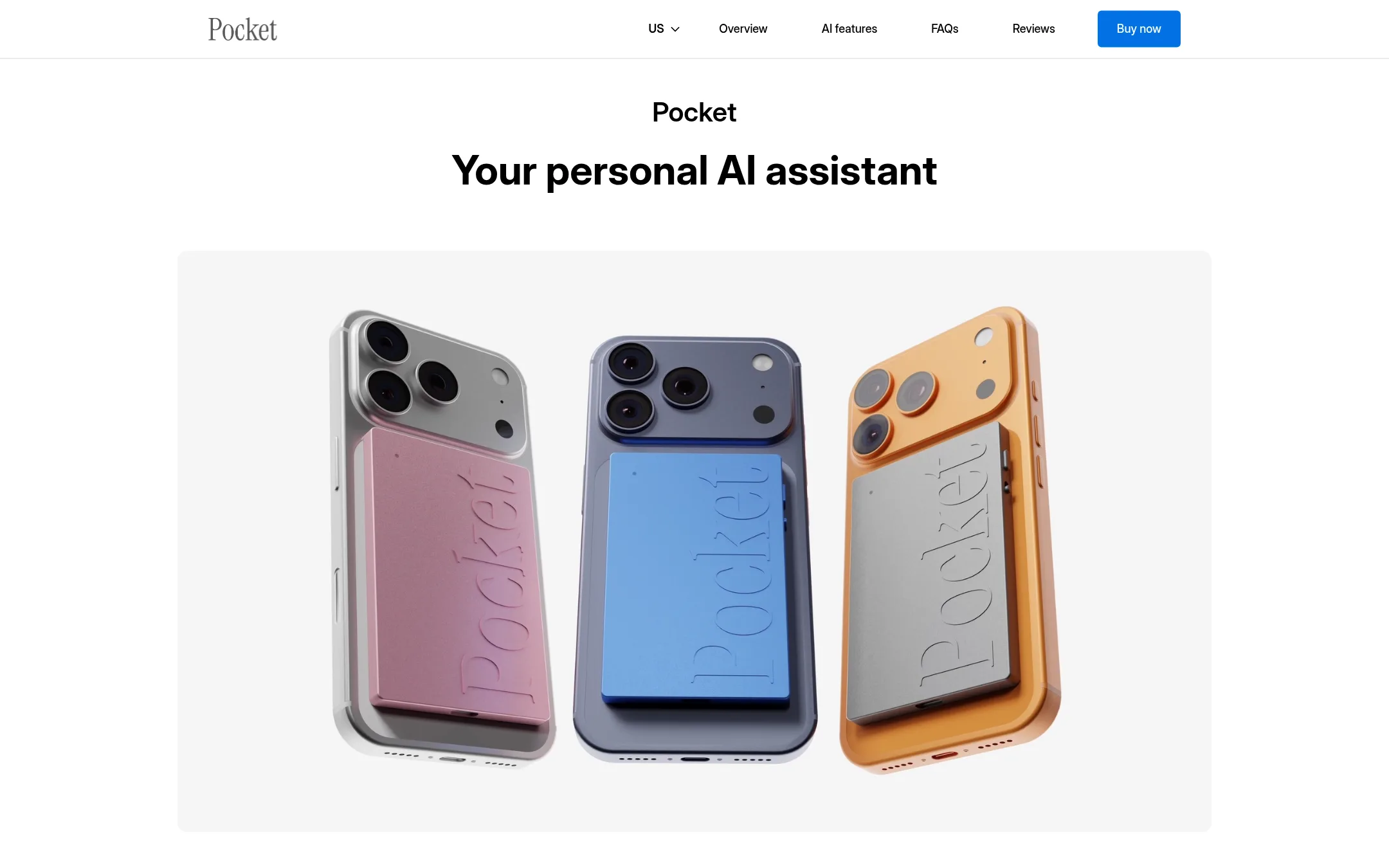
Pocket is a hardware AI note-taking device that records conversations and turns them into summaries and action items. Choose it over Omnivore if you want to capture spoken ideas and meetings hands-free, not save articles for later reading.
Where it is strong
- Records conversations with clear audio and speaker separation
- Generates summaries and action items automatically
- Works in 120+ languages and syncs with calendars and tasks
Where it falls short
- Requires buying a physical device, not a software-only solution
- Subscription needed after the first 30 days for advanced features
- Pricing:
- Pricing is not published on the site.
- Not published
4.Matter
Best for: Readers on Apple devices who want a premium reading experience with excellent audio and newsletter integration.
- Pricing
- Not published
- Category
- Media & Entertainment
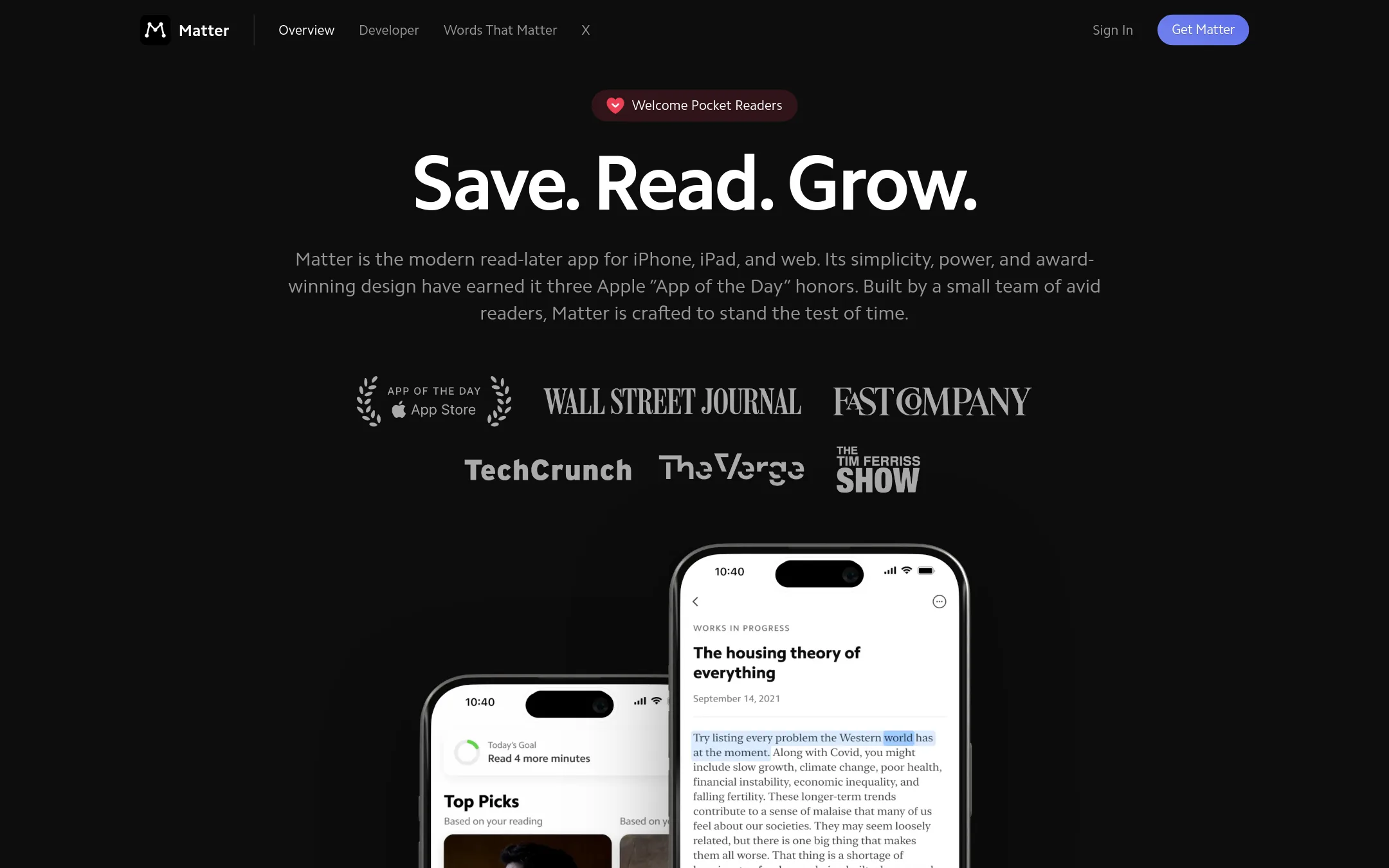
Matter is a polished read-it-later app for iPhone, iPad, and web with a focus on audio playback and newsletter management. Choose it if you want a beautiful, modern interface and human-like text-to-speech, rather than Omnivore's open-source, cross-platform approach.
Where it is strong
- Award-winning design with three Apple App of the Day honors.
- Advanced parsing for distraction-free reading.
- Audio playback with a natural-sounding voice, plus audio highlights.
Where it falls short
- No Android app or browser extensions mentioned, limiting device coverage.
- Lacks the open-source transparency and self-hosting options that Omnivore offers.
- Pricing:
- Pricing is not published on the site.
- Switching from Omnivore:
- Moving from Omnivore involves exporting your library and highlights, then importing them into Matter, though the process isn't detailed on the site.
- Not published
5.Raindrop.io
Best for: Creatives and coders who want a flexible bookmark manager with collections, tags, and full-text search across all saved content.
- Pricing
- Not published
- Category
- Productivity & Project Management
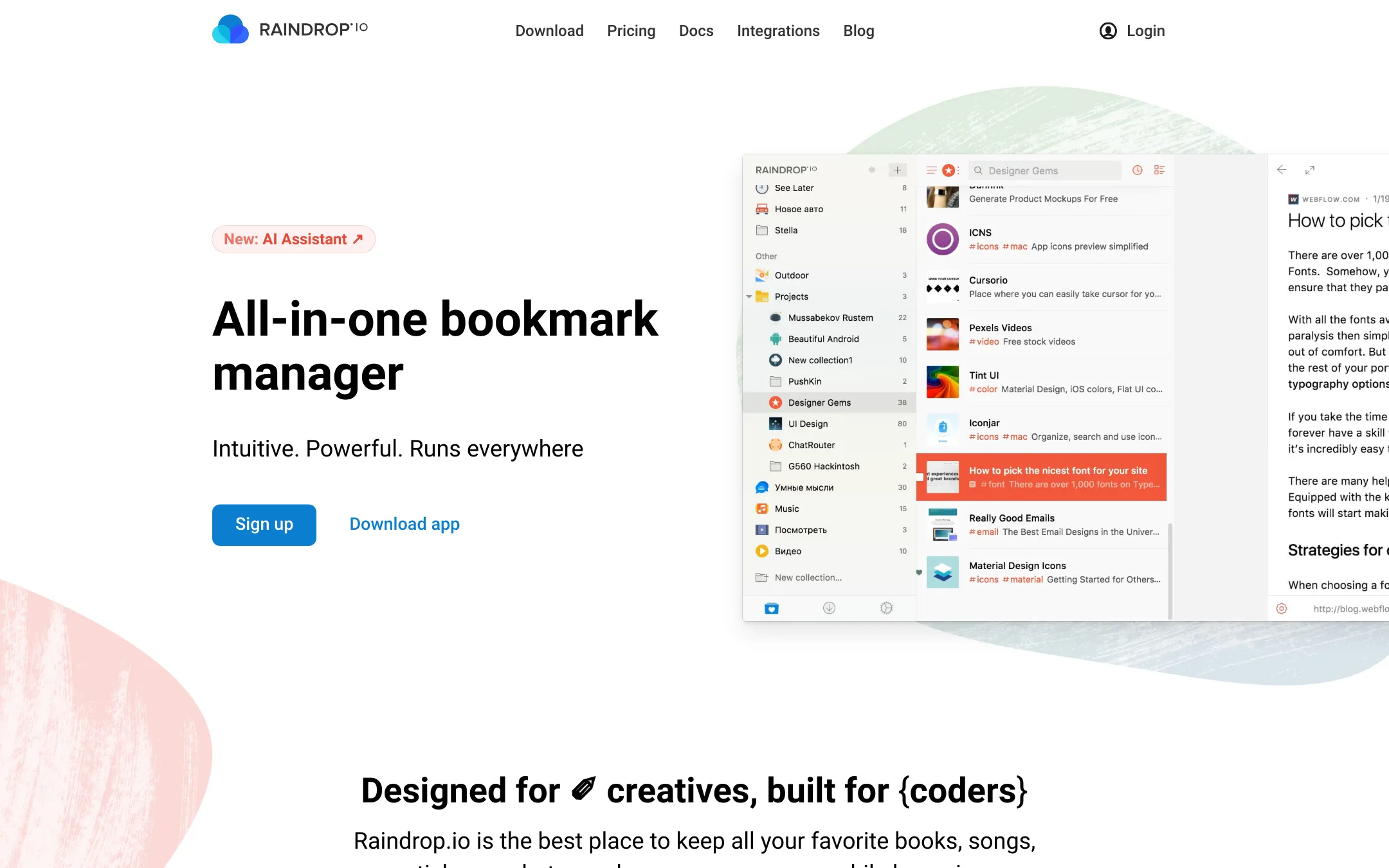
Raindrop.io is a bookmark manager that also handles read-it-later needs, with full-text search, annotations, and automatic backups of saved pages. Choose it over Omnivore if you want a more general-purpose tool for organizing bookmarks, media, and documents, not just articles and newsletters.
Where it is strong
- Full-text search covers web pages, PDFs, and even YouTube videos.
- Automatic backups of saved pages and files, with optional cloud drive backup.
- Available on all major platforms plus browser extensions and AI app integrations.
Where it falls short
- No built-in text-to-speech for reading articles aloud.
- No direct sync with PKM tools like Obsidian or Logseq.
- Pricing:
- Pricing is not published on the site.
- WNot published
6.Wallabag
Best for: Privacy-focused readers who want to self-host their reading archive or use a managed service with support.
- Pricing
- Not published
- Category
- Other
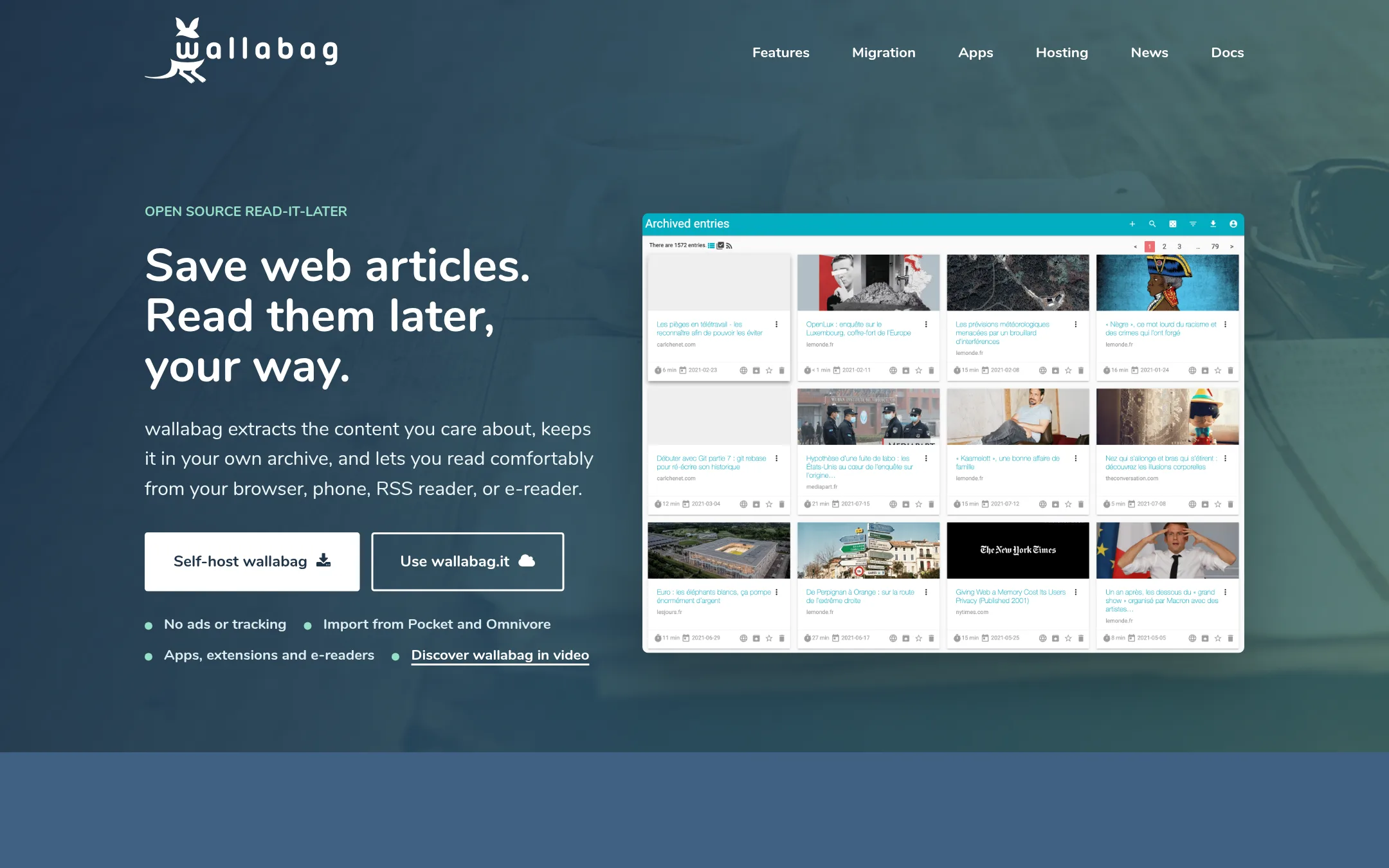
Wallabag is a self-hostable read-it-later app that gives you full control over your saved articles. Choose it over Omnivore if you want to run your own instance or prefer a managed service with professional support.
Where it is strong
- Self-hostable for full control over data
- Imports from Pocket, Omnivore, Instapaper, and Pinboard
- Open ecosystem with apps, extensions, RSS, and API
Where it falls short
- No built-in text-to-speech
- Self-hosting requires technical setup
- Pricing:
- Pricing is not published on the site.
- Switching from Omnivore:
- You can import your Omnivore export directly into wallabag.
- See website
7.Read Bean
Education
Learn language with real-world content, at your level
- Free / paid tiers
8.Evernote
Best for: Teams and individuals who want a full note-taking and task management system with AI features and real-time collaboration.
- Pricing
- Free / paid tiers
- Category
- Productivity & Project Management
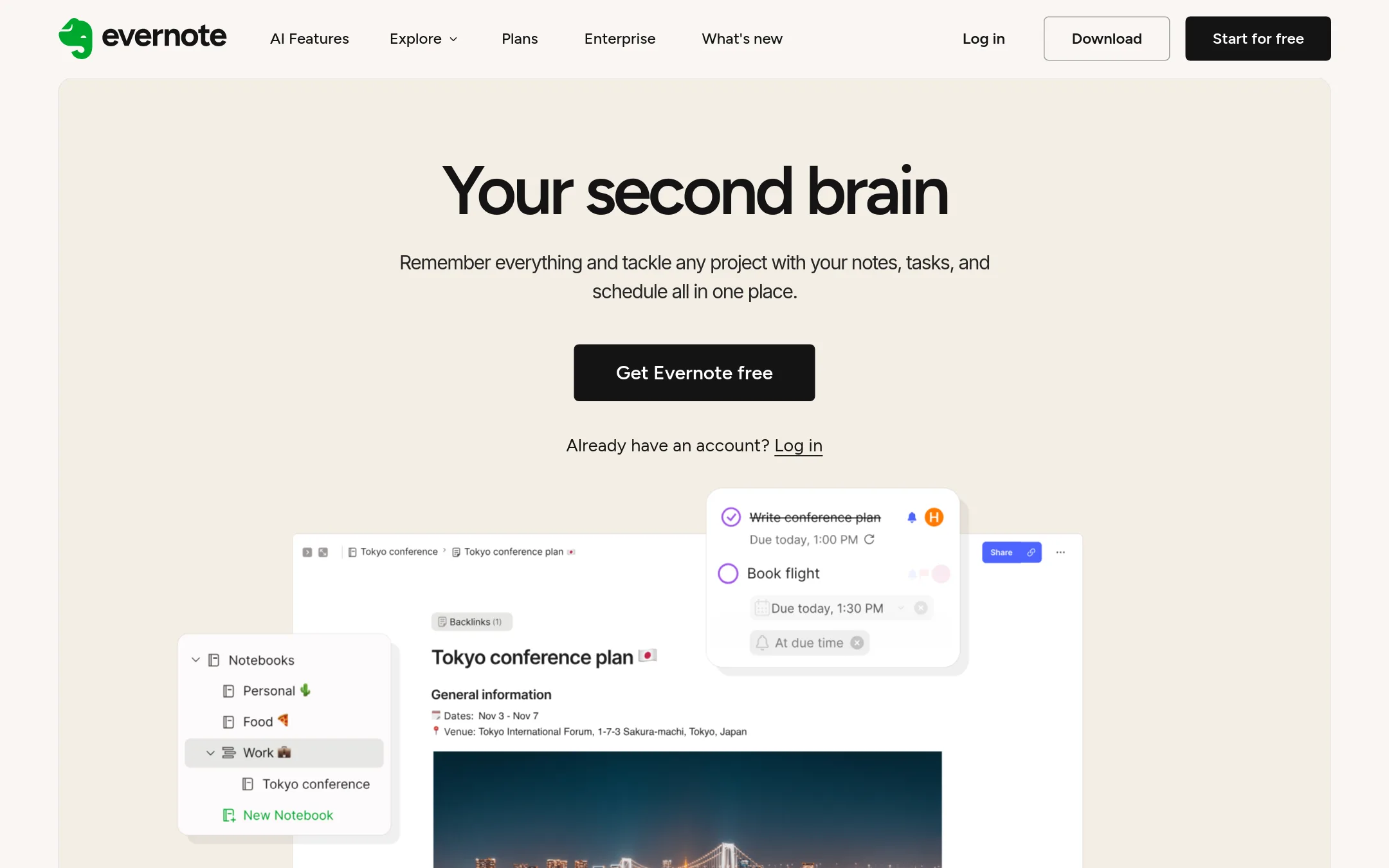
Evernote is a general-purpose note-taking app that also handles tasks, calendars, and team collaboration. Choose it over Omnivore if you want a single workspace for notes, projects, and meetings, not just a read-it-later tool.
Where it is strong
- Real-time collaboration with comments and task assignment
- AI features for search, transcription, and note cleanup
- Integrates with Google, Microsoft, and Slack
Where it falls short
- Free plan limited to 1 device and 1 GB storage
- Not focused on read-it-later or newsletter saving like Omnivore
- Pricing:
- Free plan includes 1,000 notes and 1 GB storage. Paid plans start at Starter, but exact prices are not listed on the page.
- Not published
9.GoodLinks
Best for: Apple-only users who want a polished, one-time-purchase read-it-later app with iCloud sync and Shortcuts support.
- Pricing
- Not published
- Category
- Productivity & Project Management
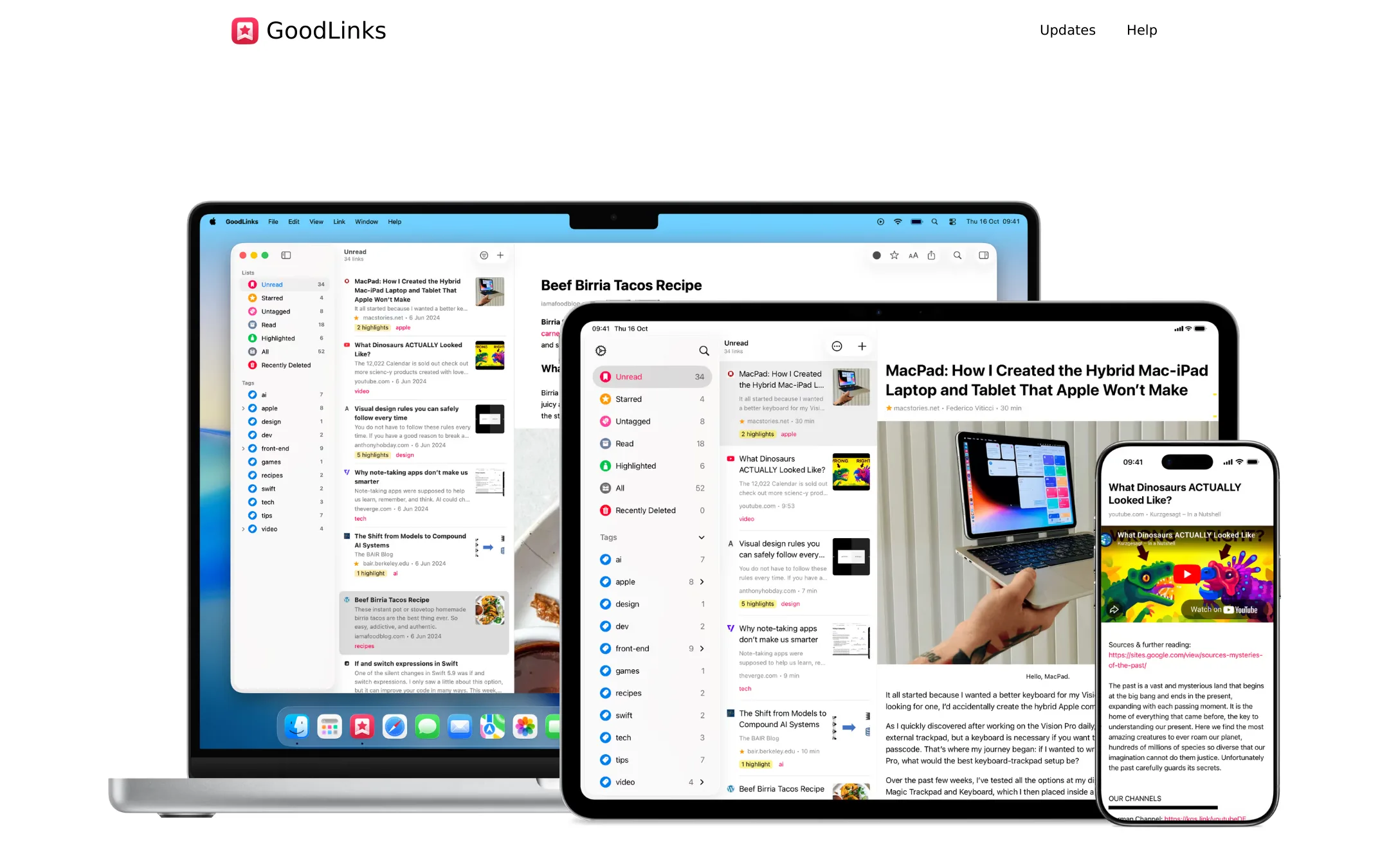
GoodLinks is a paid iOS and macOS read-it-later app with a one-time purchase model. It focuses on a clean reading experience, highlighting, and deep Apple ecosystem integration. Choose it over Omnivore if you live in the Apple world and prefer a native app with iCloud sync over a cross-platform open-source tool.
Where it is strong
- One-time purchase, no subscription
- Native iOS and macOS app with iCloud sync
- Deep Shortcuts, AppleScript, and widget support
Where it falls short
- No Android, Windows, or web app
- No built-in text-to-speech or newsletter ingestion
- Pricing:
- Pricing is not published on the site.
- Free / $10+ per user/m
10.Notion
Best for: Teams that want a single workspace for docs, wikis, and project tracking with AI assistance.
- Pricing
- Free / $10+ per user/m
- Category
- Productivity & Project Management
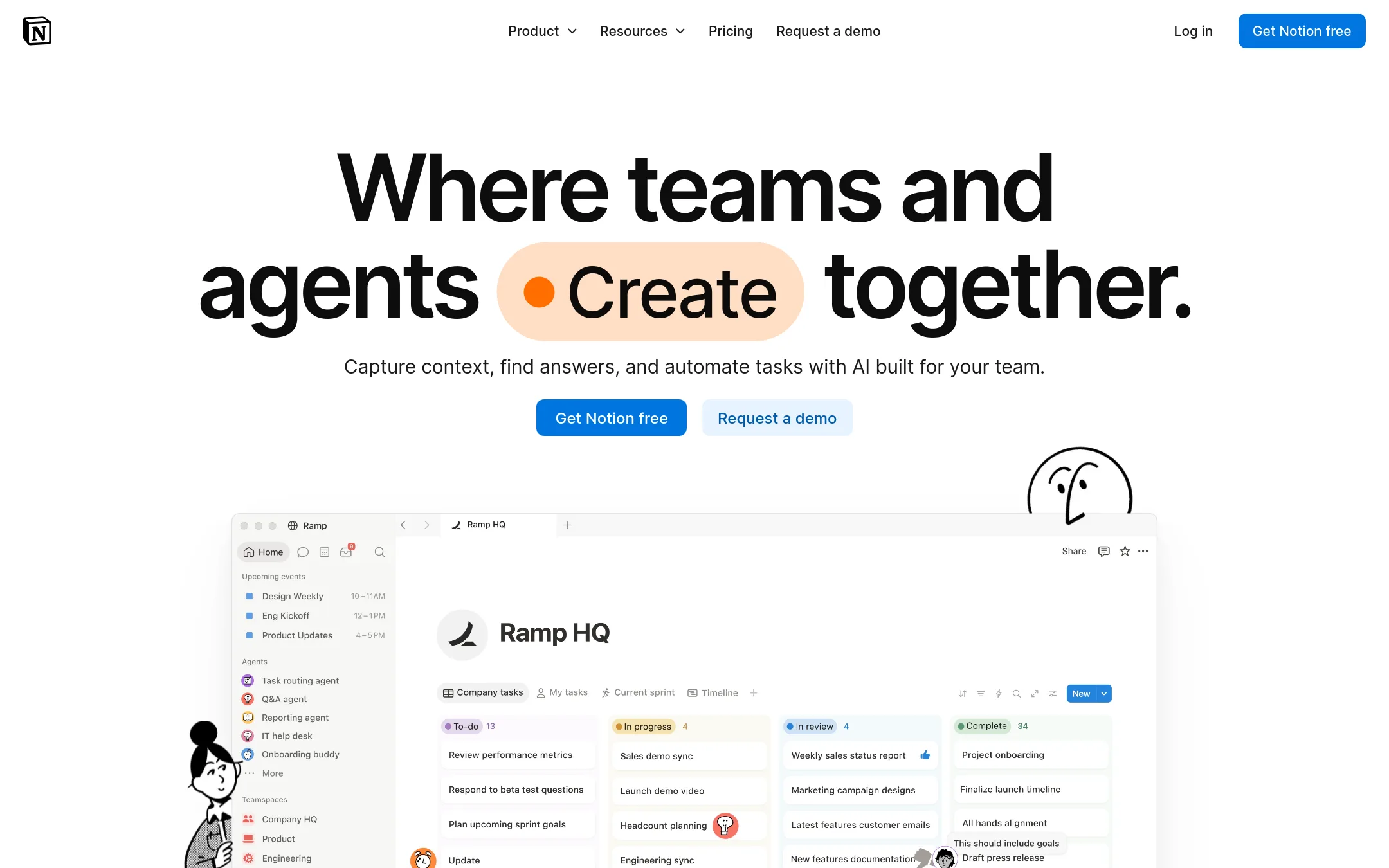
Notion is a general-purpose workspace for notes, docs, wikis, and project management, with AI features and integrations. Choose it if you need a flexible team workspace that goes beyond read-it-later, not a focused reading app.
Where it is strong
- Flexible pages and databases for many use cases
- AI features built into the workspace
- Strong collaboration and sharing
Where it falls short
- Not a dedicated read-it-later app
- Free plan lacks advanced permissions and integrations
- Pricing:
- In the United States, Free for individuals. Plus starts at $10 per user per month billed annually. Business at $20 per user per month billed annually. Enterprise is custom.
See more comparisons in Productivity & Project Management alternatives.
FAQ
Questions about Omnivore alternatives
Which alternative is best for Apple users who want a premium reading experience?
Matter is a polished read-it-later app for iPhone, iPad, and web with excellent audio playback and newsletter management. It has an award-winning design and natural-sounding text-to-speech, but no Android app or browser extensions.
Is there a free alternative to Omnivore?
Pocket is a hardware AI note-taking device, not a software read-it-later app, and its pricing is not published. Notion has a free plan for individuals, but it is a general workspace, not a dedicated reading app. Evernote's free plan is limited to 1,000 notes and 1 GB storage.
Which alternative supports importing highlights from Kindle?
Readwise Reader imports highlights from Kindle, Apple Books, Kobo, and 40+ other sources. It also uses spaced repetition and Daily Review to help you remember what you read, and its Ghostreader AI can summarize or explain documents. It is a paid subscription, starting at $5.59 per month.
Which alternative works best with eReaders like Kindle?
Instapaper works on Kindle, Kobo, and Boox eReaders, making it a dependable choice for eReader users. It is a simple, long-standing read-it-later tool with no open-source self-hosting or built-in text-to-speech.
Can I self-host a read-it-later app?
Wallabag is a self-hostable read-it-later app that gives you full control over your saved articles. It imports from Pocket, Omnivore, Instapaper, and Pinboard, and has an open ecosystem with apps, extensions, RSS, and API. Self-hosting requires technical setup, and pricing is not published.
Last updated November 2, 2026.