Opennote alternatives
6 products compared · Updated November 4, 2026
The short answer
Opennote has been sunset, so the strongest alternatives are Obsidian for individuals and teams who want private, offline-first note-taking with full data control, Notion for teams that need a single workspace for notes, databases, and AI automation, and Evernote for individuals who want a cross-platform notebook with tasks, calendar, and AI search. Each suits a different priority: Obsidian for data ownership, Notion for team collaboration, and Evernote for a mature, actively maintained product.
Your shortlist, at a glance
Read the comparisons ↓ NotionFree, $10/mo, $20/moTeams that want a single workspace for notes, databases, and AI automation across their company.
 ObsidianFree. Sync $4/moIndividuals and teams who want private, offline-first note-taking with full control over their data and the ability to customize workflows via plugins.
EvernoteFree, paid tiersIndividuals and teams who need a cross-platform notebook with tasks, calendar, and AI search, and want a product that is actively maintained.
 Roam ResearchNot publishedResearchers, writers, and academics who need to connect ideas across many notes and build a personal knowledge graph.
- BBear$100/moMarketing teams that want to track AI agent prompts and automate blog generation.
- CCraftFree / $6.4/moIndividuals and small teams who want a flexible, design-forward workspace for notes, tasks, and documents with easy sharing.
About Opennote and its alternatives
Opennote was a notebook that helped people make sense of scattered information. It has been acquired by Reducto and is no longer available. If you need a replacement, you are choosing from note-taking and knowledge management tools that vary in pricing, regions, integrations, support, and contract terms.
When comparing alternatives, weigh how each product handles data ownership, collaboration, and AI features. Check whether pricing is per user or per workspace, and whether free plans have meaningful limits. Consider which regions the product supports for billing and data residency, and what integrations matter for your workflow. Look at support options and whether contracts are monthly, annual, or custom.
Explore the alternatives
- Free, $10/mo, $20/mo
1.Notion
Best for: Teams that want a single workspace for notes, databases, and AI automation across their company.
- Pricing
- Free, $10/mo, $20/mo
- Category
- Productivity & Project Management
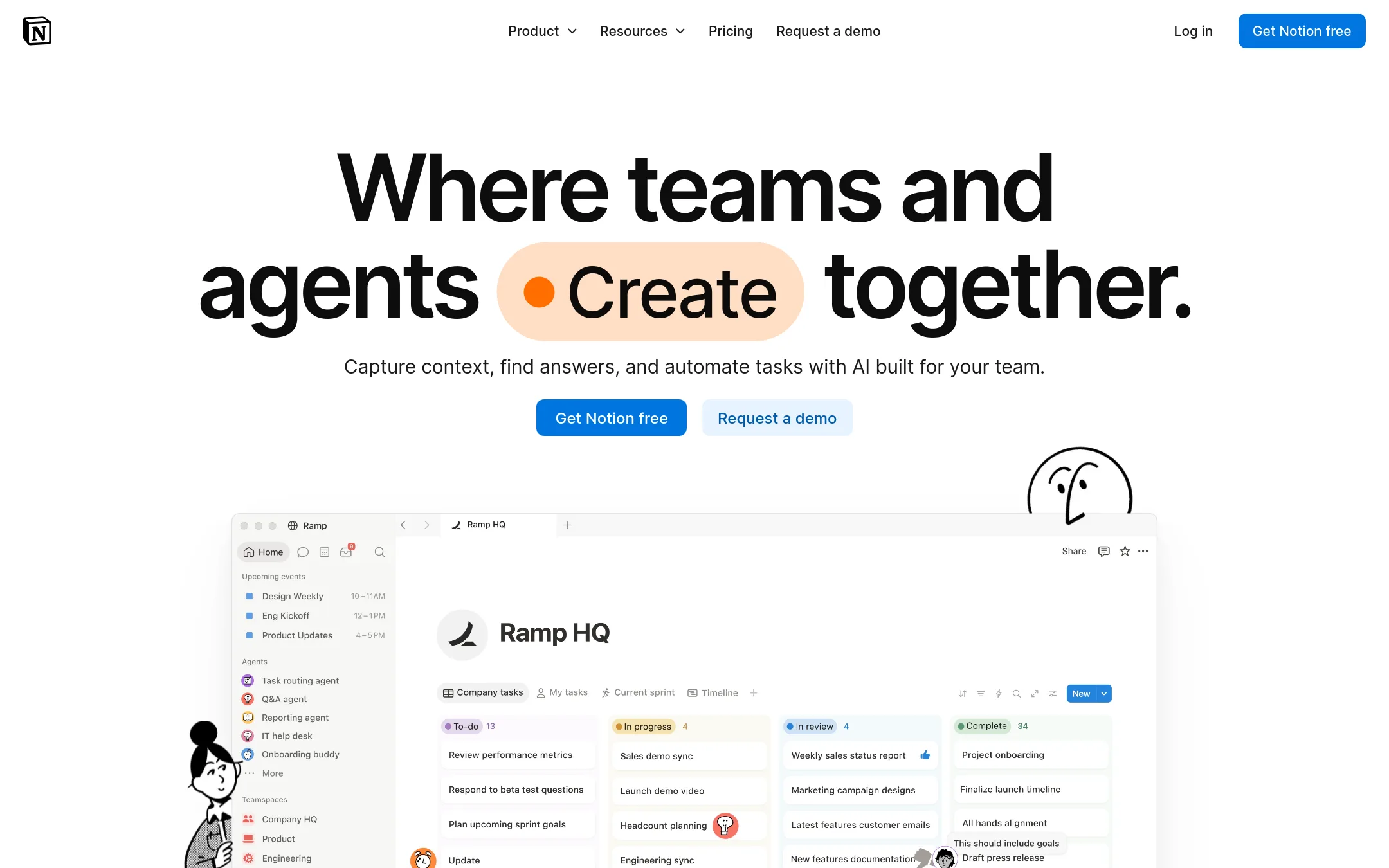
Notion is a flexible workspace for notes, docs, wikis, and project tracking, with AI features like custom agents and meeting notes. Choose it over Opennote if you need a team-wide platform that combines knowledge management with project workflows, especially since Opennote has been sunset.
Where it is strong
- Free plan for individuals with core features
- AI agents and meeting notes on Business plan
- Extensive integrations, including Slack and GitHub
Where it falls short
- Advanced security like SAML SSO only on Business or Enterprise
- AI features require paid plans or credits
- Pricing:
- In the United States, the Free plan includes basic forms and databases. Plus is $10 per user per month. Business is $20 per user per month. Enterprise is custom. AI credits cost $10 per 1,000 monthly.
- Switching from Opennote:
- Since Opennote is no longer available, you would export your data from Opennote support and import it into Notion manually, as there is no direct migration tool.
- Free. Sync $4/mo
2.Obsidian
Best for: Individuals and teams who want private, offline-first note-taking with full control over their data and the ability to customize workflows via plugins.

- Pricing
- Free. Sync $4/mo
- Category
- Productivity & Project Management
Obsidian is a local-first note app that stores your notes as plain Markdown files on your device, with a plugin system and a graph view for linking ideas. You would choose it over Opennote because Opennote has been sunset and acquired by Reducto, so Obsidian gives you a self-hosted, long-term alternative with no lock-in.
Where it is strong
- Stores notes locally as plain Markdown files, so you own your data and can access it offline.
- Thousands of plugins and an open API let you tailor the app to your exact workflow.
- End-to-end encryption on Sync, plus a one-year version history for every note.
Where it falls short
- No built-in AI or automatic summarization features like Opennote had.
- Collaboration requires the paid Sync service, and real-time co-editing is not as seamless as cloud-based tools.
- Pricing:
- The app is free to use with no limits. Optional paid services: Sync costs $4 per user per month billed annually ($5 monthly), Publish costs $8 per site per month billed annually ($10 monthly), Catalyst is a one-time $25 payment, and Commercial licenses are $50
- Switching from Opennote:
- Moving from Opennote involves exporting your notes from Opennote (via support) and importing them into Obsidian, which accepts standard Markdown files, so most notes transfer cleanly.
- Free, paid tiers
3.Evernote
Best for: Individuals and teams who need a cross-platform notebook with tasks, calendar, and AI search, and want a product that is actively maintained.
- Pricing
- Free, paid tiers
- Category
- Productivity & Project Management
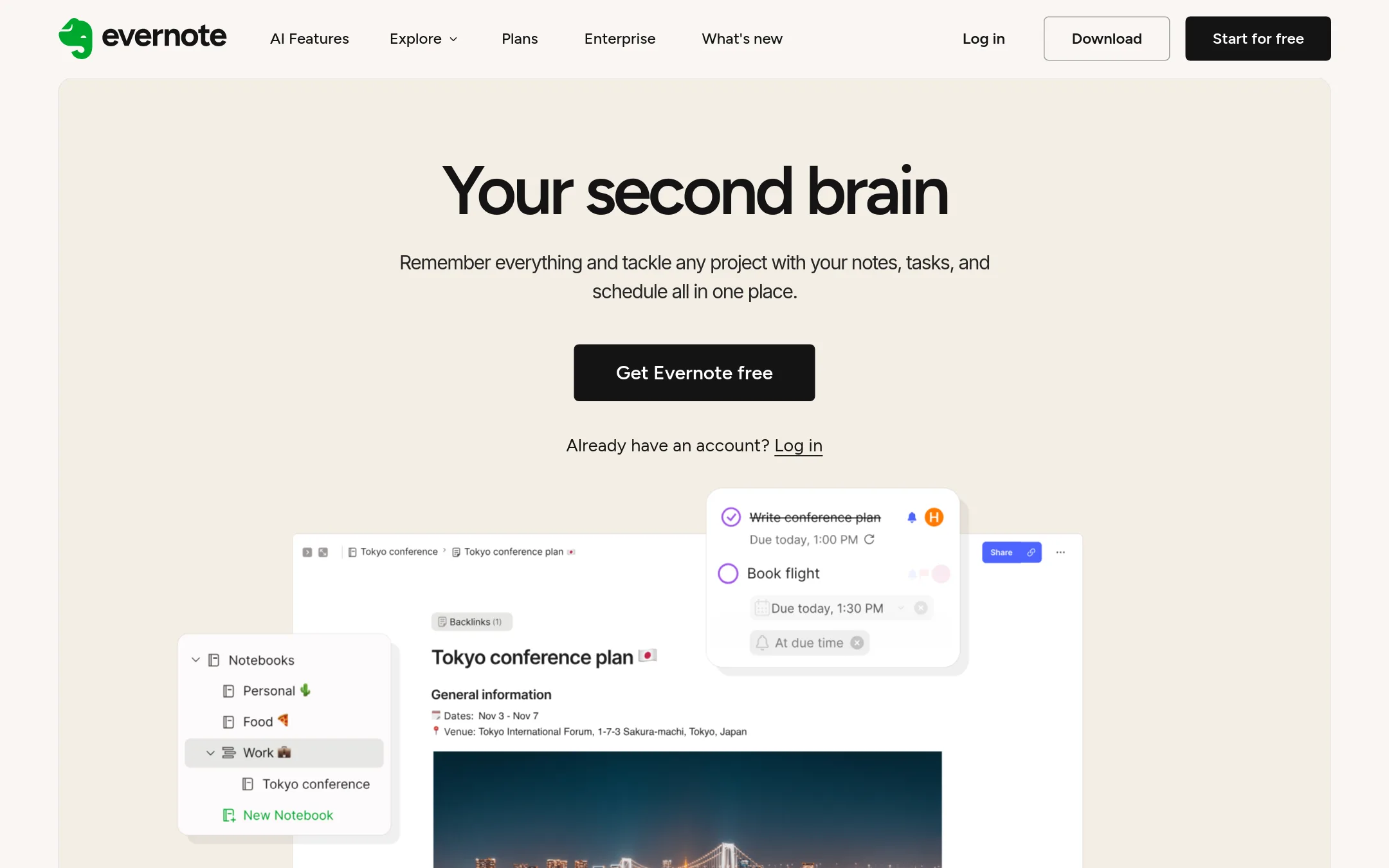
Evernote is a mature note-taking app with tasks, calendar, and AI features, built for people who want a structured second brain across many devices. Since Opennote has been shut down, Evernote is a reliable replacement for capturing and organizing notes, especially if you need collaboration and integrations. Choose it when you want a long-lived product with clear plans and a large user base.
Where it is strong
- Sync across devices and platforms
- Built-in tasks and calendar integration
- AI features for search, transcription, and editing
Where it falls short
- Free plan limits notes and devices
- Advanced features require paid plans
- Pricing:
- Free plan includes 1,000 notes, 1 GB storage, and sync on 1 device. Paid plans start at Starter, with pricing available on the compare-plans page.
- Switching from Opennote:
- Since Opennote is no longer available, you'll need to export your data from Opennote support and import it into Evernote manually. Evernote supports importing from other apps.
- Not published
4.Roam Research
Best for: Researchers, writers, and academics who need to connect ideas across many notes and build a personal knowledge graph.
- Pricing
- Not published
- Category
- Productivity & Project Management
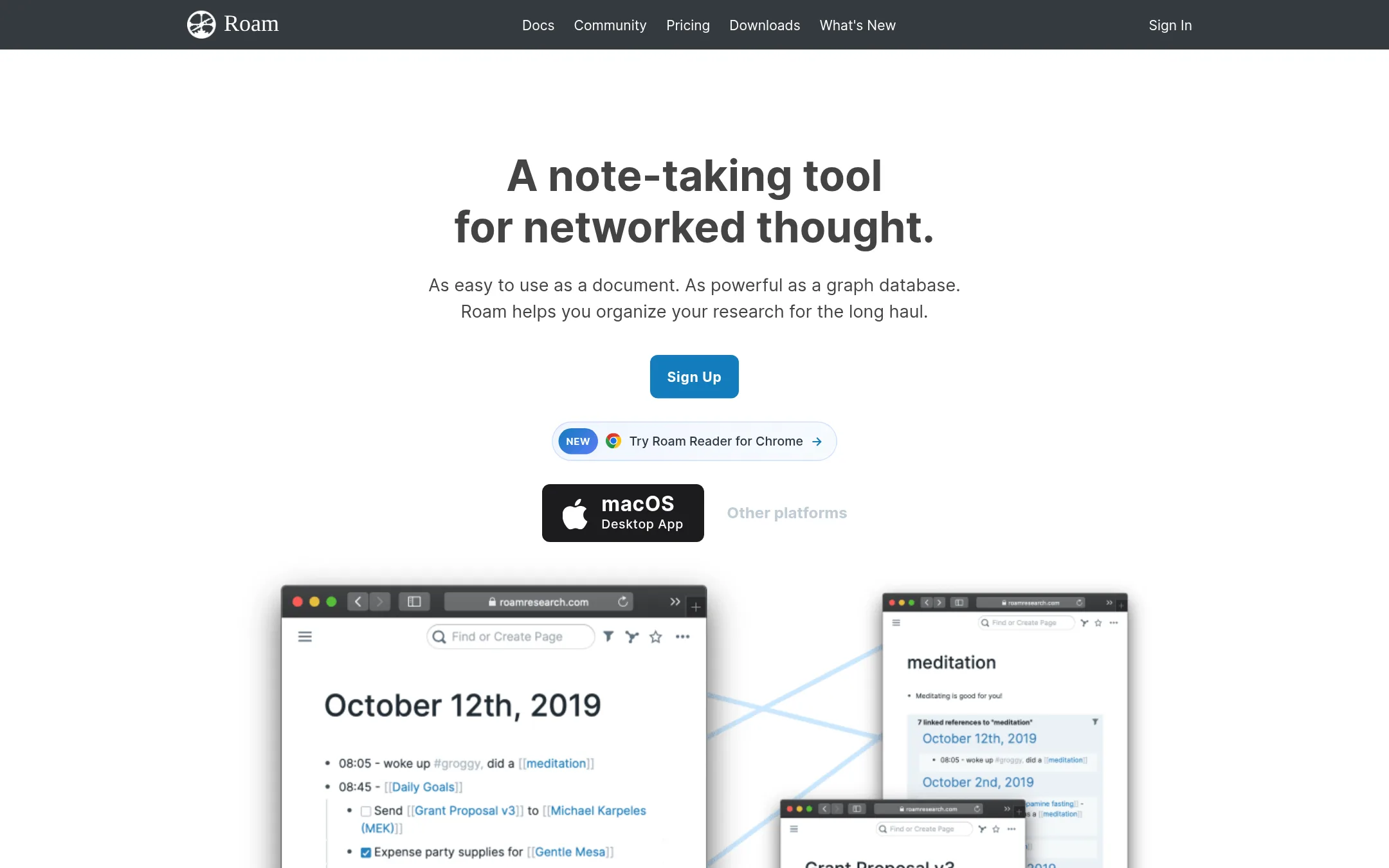
Roam Research is a networked note-taking tool that links ideas through backlinks and a graph database, built for people who think associatively rather than hierarchically. Choose it over Opennote if you want a long-term knowledge system where every note connects to related thoughts, and you're comfortable with a steeper learning curve. Opennote is gone, so Roam is a viable replacement for structured, interconnected notes.
Where it is strong
- Creates automatic backlinks between notes, making connections visible
- Supports real-time collaboration with others
- Works offline with local data storage options
Where it falls short
- Steep learning curve compared to simpler notebooks
- No public pricing, so cost is unclear upfront
- Pricing:
- Pricing is not published on the site.
- Switching from Opennote:
- Moving from Opennote means manually importing or recreating your notes, since Roam uses its own format and there's no direct migration path.
- B$100/mo
5.Bear
Best for: Marketing teams that want to track AI agent prompts and automate blog generation.
- Pricing
- $100/mo
- Category
- Marketing & Sales
Bear is a marketing stack for AI agents, tracking prompts and generating blogs, which is a different use case from Opennote's notebook. You would choose Bear if you need to monitor AI usage and automate content for marketing teams, not for note-taking. Opennote is sunset, so Bear is an alternative for a different purpose.
Where it is strong
- Tracks AI prompts from GPT-5 and other models.
- Includes a blog agent for content generation.
- Email outreach workflow is included in the Basic plan.
Where it falls short
- Basic plan limits prompt tracking to 30 per month.
- No free tier or trial mentioned on the pricing page.
- Pricing:
- Basic plan is $100 per month, which includes tracking up to 30 prompts and generating 2 blogs per month. Enterprise pricing is custom.
- CFree / $6.4/mo
6.Craft
Best for: Individuals and small teams who want a flexible, design-forward workspace for notes, tasks, and documents with easy sharing.
- Pricing
- Free / $6.4/mo
- Category
- Other
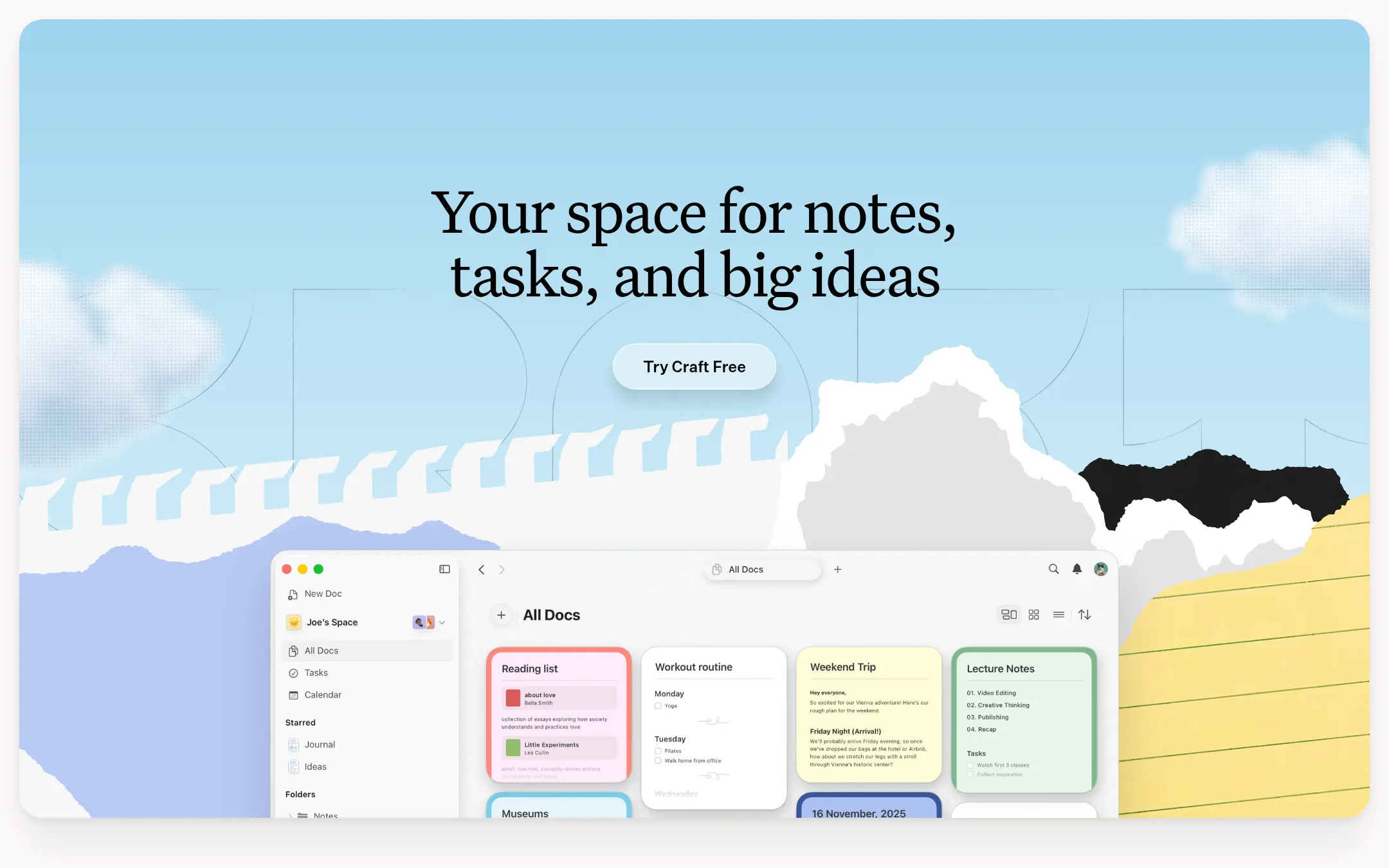
Craft is a notes and productivity app that combines docs, tasks, calendar, and whiteboards in one workspace. If Opennote's shutdown left you needing a polished, cross-device alternative with strong publishing and AI features, Craft is a solid choice.
Where it is strong
- Free plan with no credit card required
- Real-time sync across all devices
- Publish pages with password protection or expiration
Where it falls short
- Free plan limits you to 1,500 blocks and 1 GB storage
- Advanced publishing controls and SSO require paid plans
- Pricing:
- Free plan includes 1,500 blocks and 1 GB storage. Plus is $6.4/month. Family is $12/month for up to 6 accounts. Team is $5/user/month with a minimum of 3 members. Enterprise is custom.
- Switching from Opennote:
- Opennote is sunset, so you'll need to export your data via email support and manually import it into Craft, which supports Markdown and PDF imports.
See more comparisons in Productivity & Project Management alternatives.
FAQ
Questions about Opennote alternatives
What happened to Opennote?
Opennote was acquired by Reducto on May 6, 2026, and the app has been sunset. The team is now working on document intelligence at Reducto. If you need a copy of your data, you can email support@opennote.me.
Which alternative is best for someone who wants full control over their notes?
Obsidian is the strongest choice for data control. It stores notes as plain Markdown files on your device, works offline, and has no lock-in. The app is free, with optional paid services for sync and publishing.
Which alternative is best for team collaboration?
Notion is built for teams, offering a shared workspace for notes, databases, and AI automation. It has a free plan and paid plans starting at $10 per user per month in the United States. Integrations include Slack and GitHub.
Are there any free plans among these alternatives?
Yes. Notion has a free plan for individuals, Evernote includes 1,000 notes and 1 GB storage, Obsidian is free to use, and Craft offers 1,500 blocks and 1 GB storage. Each free plan has limits on features or usage.
Do any of these alternatives have AI features like Opennote?
Evernote includes AI for search, transcription, and editing. Notion offers AI agents and meeting notes on the Business plan, with AI credits costing $10 per 1,000 monthly. Obsidian has no built-in AI, but you can add it via plugins.
Last updated November 4, 2026.