
Palmier alternatives
6 products compared · Updated November 21, 2026
The short answer
Palmier Pro is a macOS video editor that lets Claude or Codex edit on the timeline and generate media in the same project. Among the alternatives reviewed here, DaVinci Resolve suits post-production teams who need a full NLE with color grading and audio finishing, Descript suits marketing and training teams who cut talking-head videos and podcasts by editing a transcript, and CapCut suits social teams making quick short-form videos from templates. Kapwing is the browser-based option for teams that want collaboration and brand kits without a desktop install.
Your shortlist, at a glance
Read the comparisons ↓ Adobe AnimateNot publishedDesigners and animators who build 2D animation and interactive web content by hand
DaVinci ResolveNot publishedPost-production teams and colorists who need a full NLE with grading and audio finishing in one application.
- CCapCutCZK 8990/yr (Pro)Social media teams and solo creators making short-form videos from templates who want a mobile and desktop editor.
 DescriptFrom $16/mo per personMarketing and training teams that cut talking-head videos, podcasts and recorded calls and want edits done by changing a transcript.
 RunwayNot publishedMobile engineering teams that need to automate and track app store releases across their apps
 KapwingNot publishedMarketing, internal comms and education teams that want collaborative video editing and brand kits without a desktop install
About Palmier and its alternatives
Palmier is a video editor built for AI. According to its site, it lets Claude or Codex automate repeatable editing work, generates image, video and audio on the same timeline, and exports to professional editors such as Premiere Pro, DaVinci Resolve and Final Cut. Its site says it requires macOS 26 (Tahoe) and is known for a free core editor with paid tiers that add generation credits.
When comparing alternatives, look at how pricing is structured, since some tools publish monthly prices and others only offer a custom quote. Check which regions and currencies a price applies to, which integrations are included, what support each plan includes, and what the contract terms are for teams. Also check whether the product is a desktop or browser app, and whether it is designed to be driven by an external AI agent or operated by hand.
Explore the alternatives
- Not published
1.Adobe Animate
Best for: Designers and animators who build 2D animation and interactive web content by hand
- Pricing
- Not published
- Category
- Design & Creative
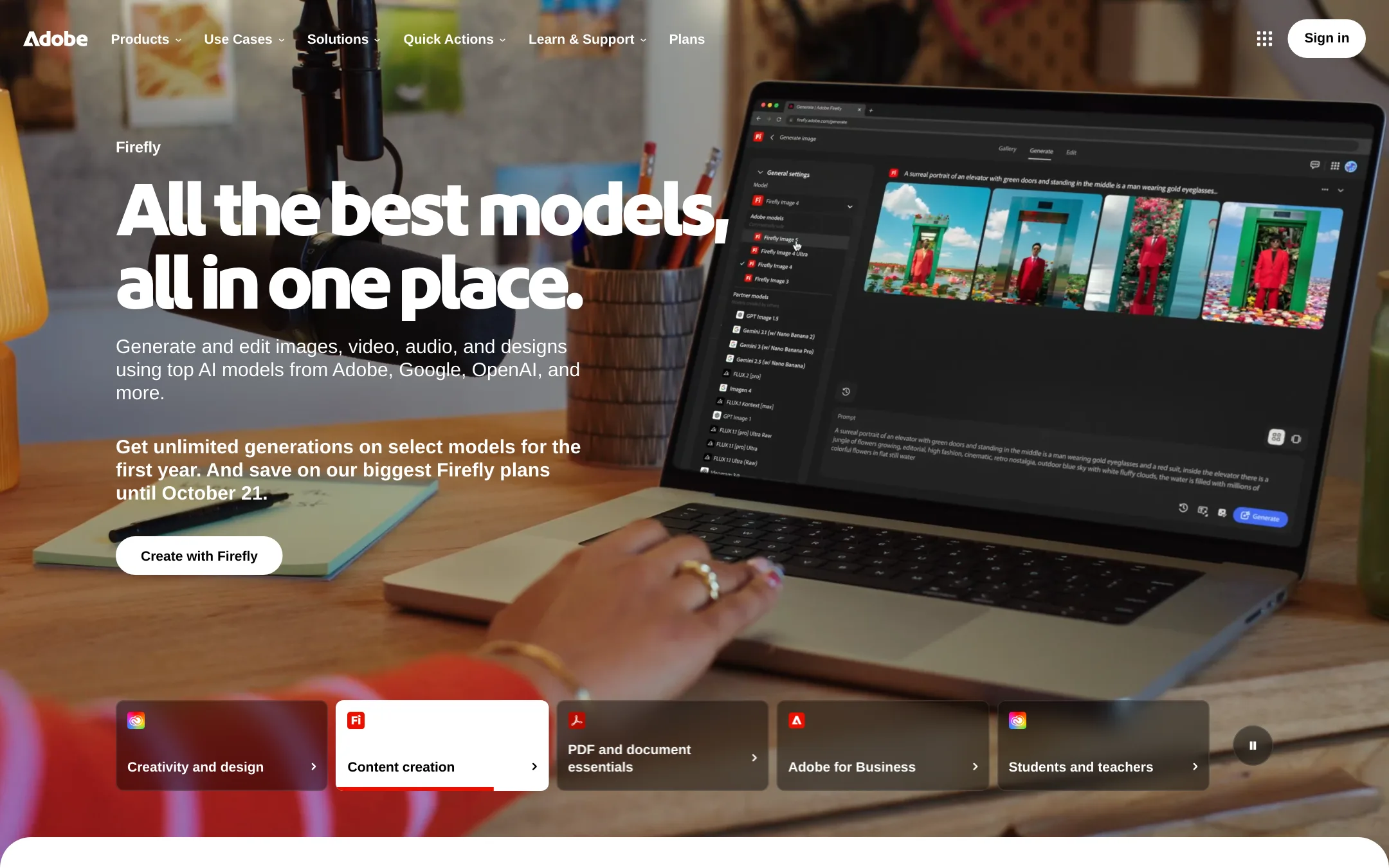
Adobe Animate is a tool for building 2D animation, interactive content and HTML5 canvas output, with the vector drawing and timeline workflow that suits motion graphics and web animation. Someone would pick it over Palmier when they need hand-built animation or interactive assets rather than AI-assisted editing of footage on a timeline.
Where it is strong
- Built for frame-by-frame and vector 2D animation
- Part of the Creative Cloud app family
- Suited to interactive and web animation work
Where it falls short
- Not a video editor for footage, so it cannot edit camera clips the way Palmier does
- Has no built-in AI generation on the timeline like Palmier
- Pricing:
- Pricing is not published on the site.
- Not published
2.DaVinci Resolve
Best for: Post-production teams and colorists who need a full NLE with grading and audio finishing in one application.
- Pricing
- Not published
- Category
- Other
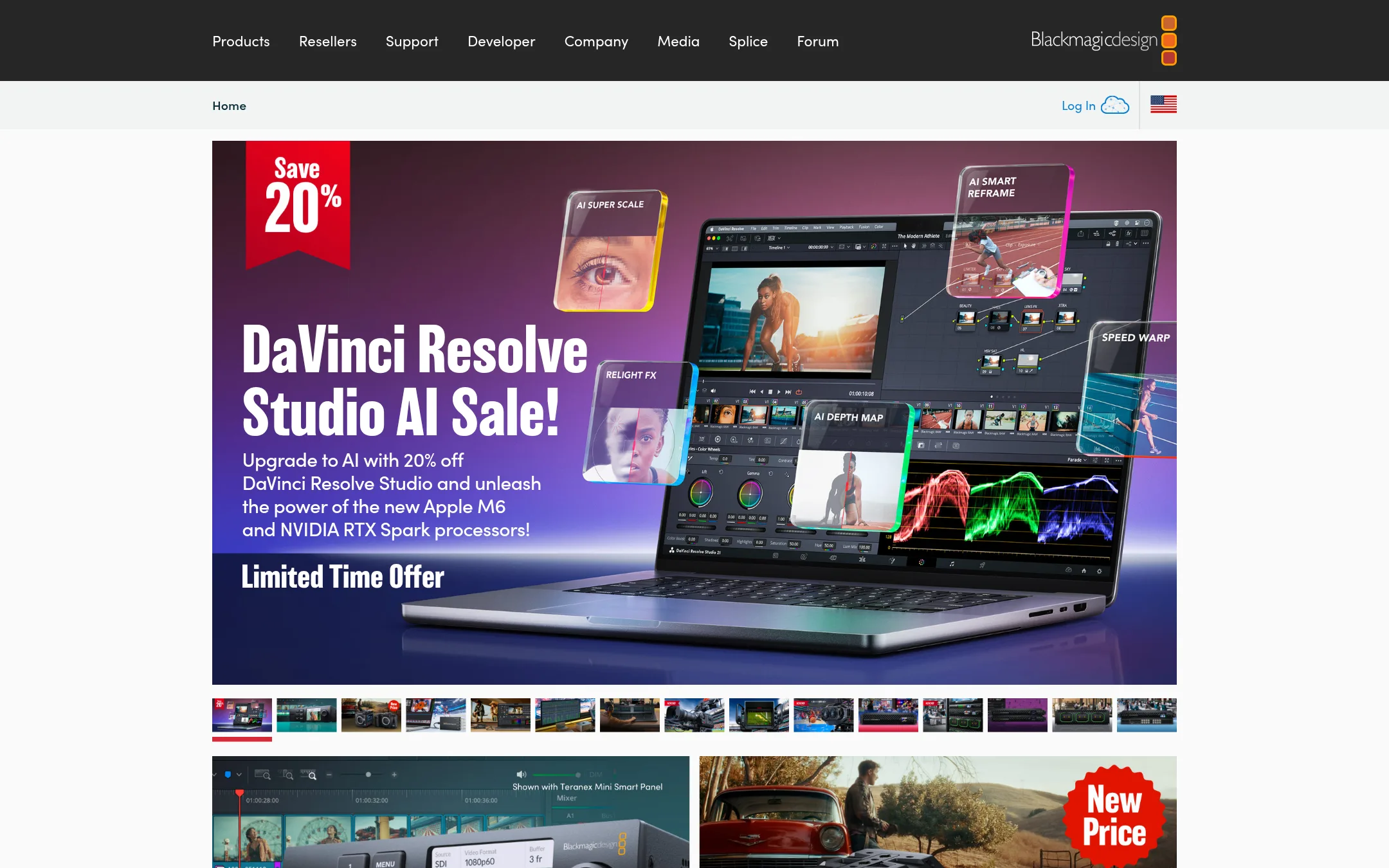
DaVinci Resolve is a full professional video editor, with color grading, audio mixing and visual effects in one app. Someone would choose it over Palmier when the job is a conventional edit that needs a dedicated colorist or audio finishing tools, or when they want a standard NLE with no AI generation on the timeline.
Where it is strong
- Built-in color grading and audio mixing in the same app.
- Full professional NLE that does not depend on an AI agent to work.
- Blackmagic Design hardware ecosystem for capture and playback.
Where it falls short
- Does not generate image, video or audio on the timeline the way Palmier does.
- No published pricing on the page, so cost is unclear from the site alone.
- Pricing:
- Pricing is not published on the site.
- CCZK 8990/yr (Pro)
3.CapCut
Best for: Social media teams and solo creators making short-form videos from templates who want a mobile and desktop editor.
- Pricing
- CZK 8990/yr (Pro)
- Category
- Other
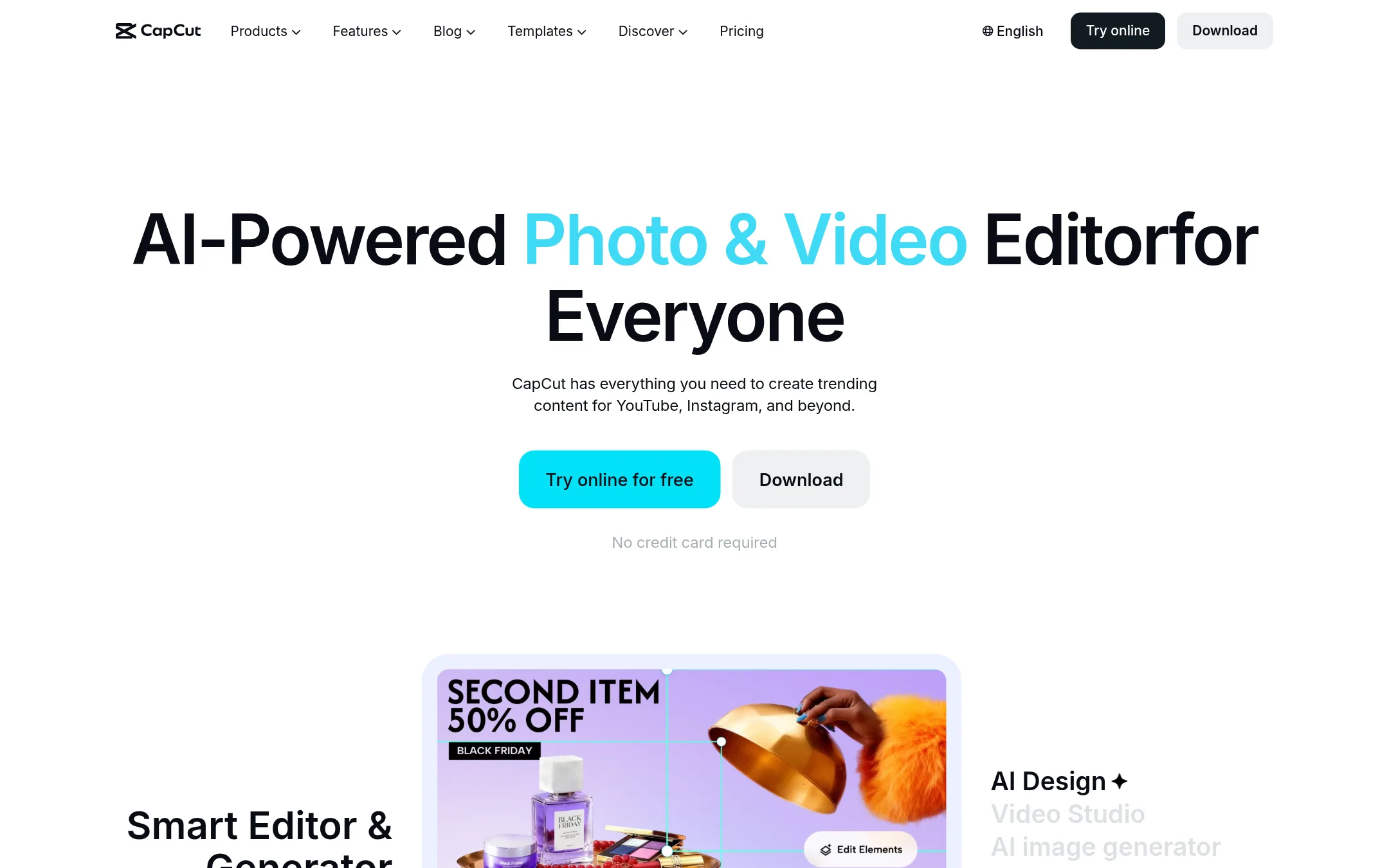
CapCut is a mobile-first and desktop video editor with templates, auto captions, and AI generation tools for short-form social content. Teams choose it over Palmier when they want fast template-driven edits for YouTube and Instagram and don't need to drive the editor from Claude or Codex.
Where it is strong
- Large template library for quick social video starts
- Available on desktop, mobile, and in the browser
- Built-in AI generation and captions alongside the editor
Where it falls short
- Editing is driven by hand and by CapCut's own AI features, not by external agents like Claude or Codex
- Pricing is shown in CZK by default, so the figures are not a global price list
- Pricing:
- Pricing is shown in CZK on the site: Pro is CZK 8990 per year, Ultra is CZK 18900 per year, and Teams starts at CZK 2995 per seat per year, with Seedance 2.5 quoted from $0.12 per second on Pro.
- From $16/mo per person
4.Descript
Best for: Marketing and training teams that cut talking-head videos, podcasts and recorded calls and want edits done by changing a transcript.
- Pricing
- From $16/mo per person
- Category
- Media & Entertainment
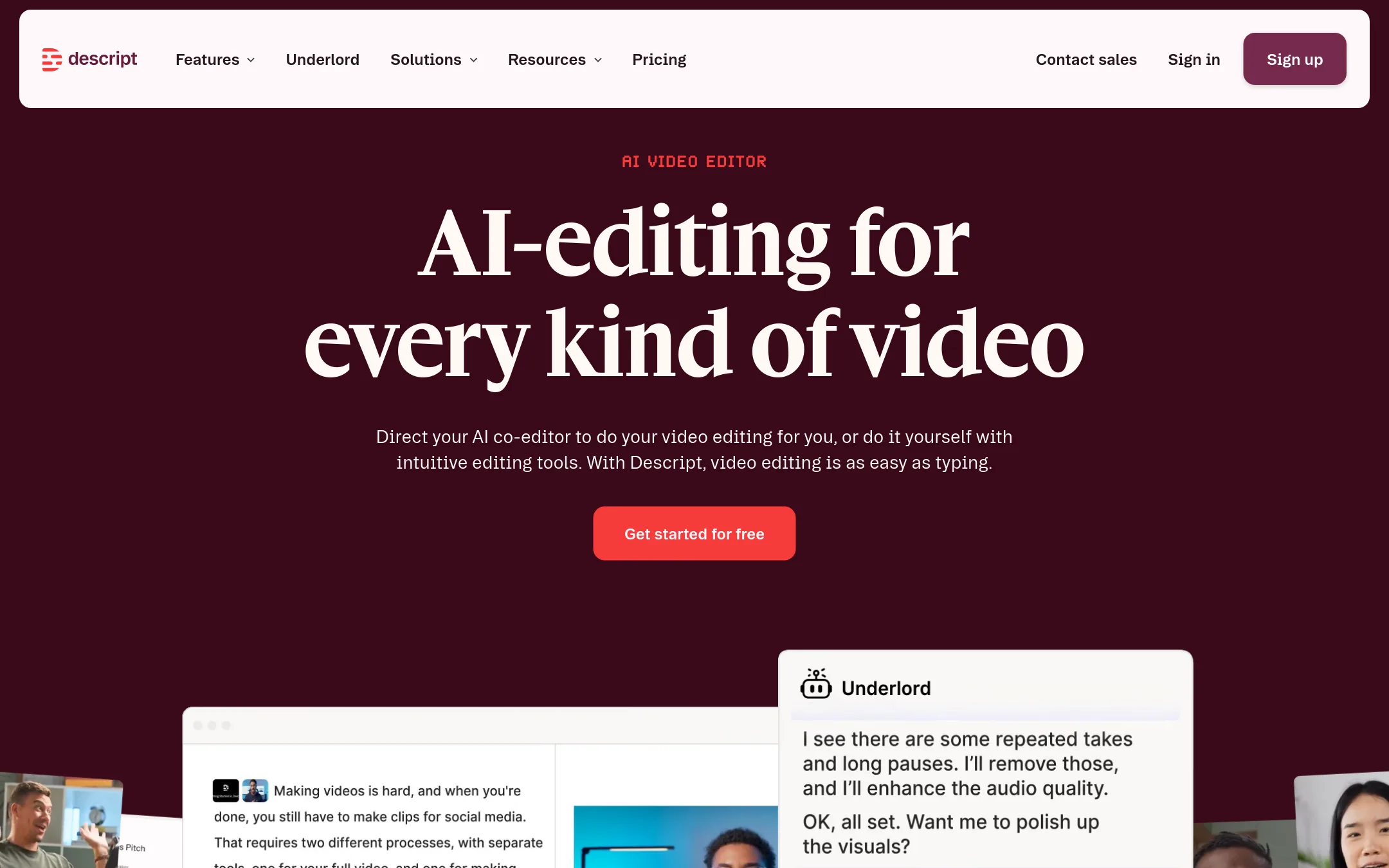
Descript is a text-based video and audio editor. You edit footage by deleting or moving words in an auto-generated transcript, and it adds AI tools like Studio Sound, filler word removal and clip creation. Teams pick it over Palmier when they want to edit spoken-word content like podcasts, talking-head videos or training clips without working in a timeline, and when they need a tool the whole team can use.
Where it is strong
- Edit video by editing a transcript, so most first cuts take minutes.
- Built-in AI tools include Studio Sound, filler word removal and clip creation.
- Offers SOC 2 Type II, SAML SSO and SCIM, plus GDPR compliance, for enterprise security reviews.
Where it falls short
- Its AI is built around editing and cleanup, not generating video models on the timeline the way Palmier does.
- Media hours and AI credits are capped on each plan, so heavy users need top-ups.
- Pricing:
- Pricing is listed by default for Hobbyist at $16 per month on annual billing ($24 monthly), Creator at $35 per month, Business at $50 per month on annual billing ($65 monthly), and Enterprise on custom quote.
- Not published
5.Runway
Best for: Mobile engineering teams that need to automate and track app store releases across their apps
- Pricing
- Not published
- Category
- Developer Tools
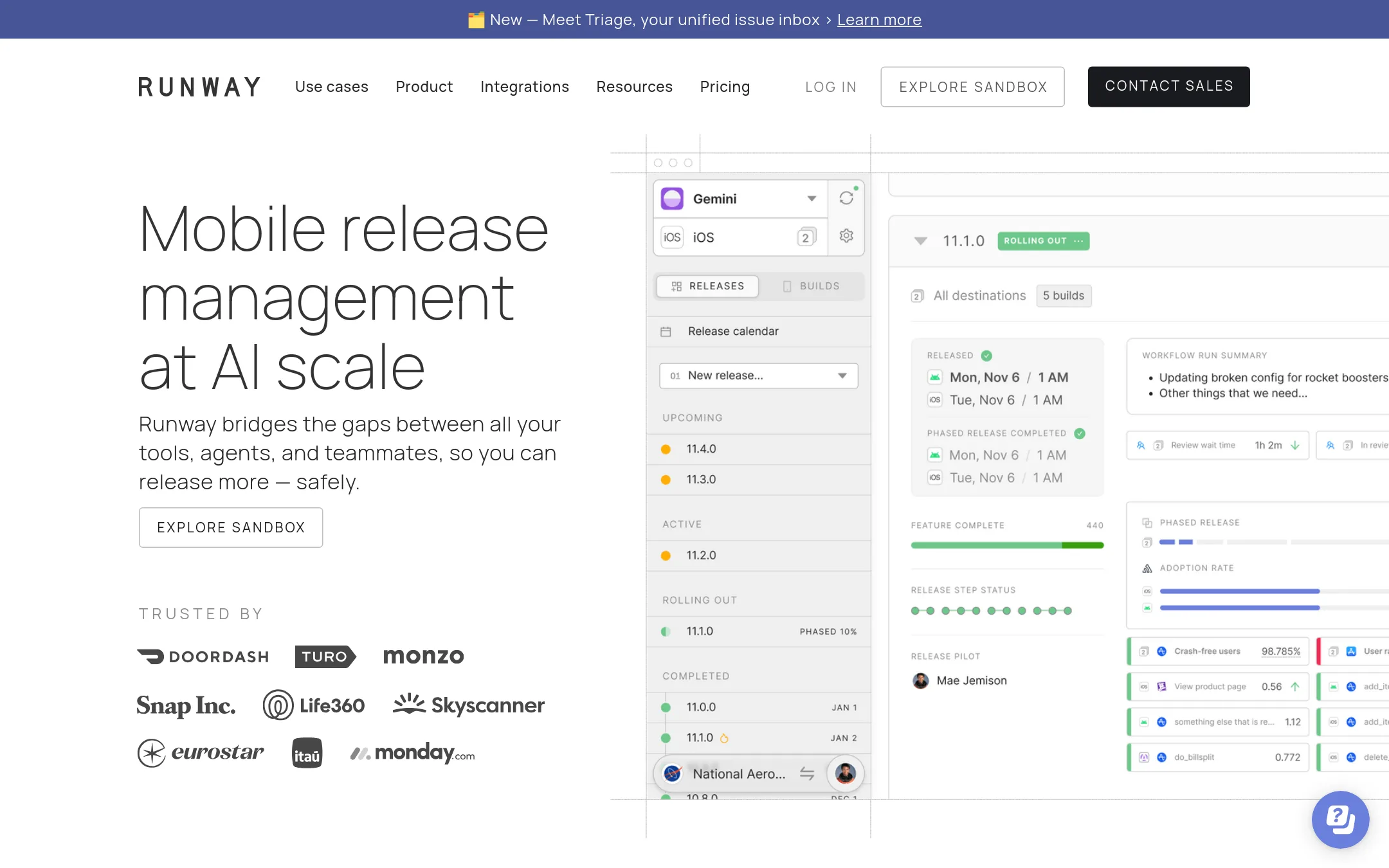
Runway is a mobile release management platform. It handles the release cycle for iOS and Android apps, with automations, release status visibility, build distribution and release health tracking. Someone would pick Runway over Palmier when their problem is shipping mobile apps rather than editing video, since the two products solve unrelated jobs.
Where it is strong
- Covers the full mobile release cycle from one place
- Automations let releases run without a dedicated release engineer
- Release status stays visible to the whole team without manual updates
Where it falls short
- Built for mobile app releases, so it does not edit or generate video
- Advanced features such as SSO, rollouts and self-hosted integrations sit in the higher tier
- Pricing:
- Pricing is not published on the site.
- Not published
6.Kapwing
Best for: Marketing, internal comms and education teams that want collaborative video editing and brand kits without a desktop install
- Pricing
- Not published
- Category
- Other
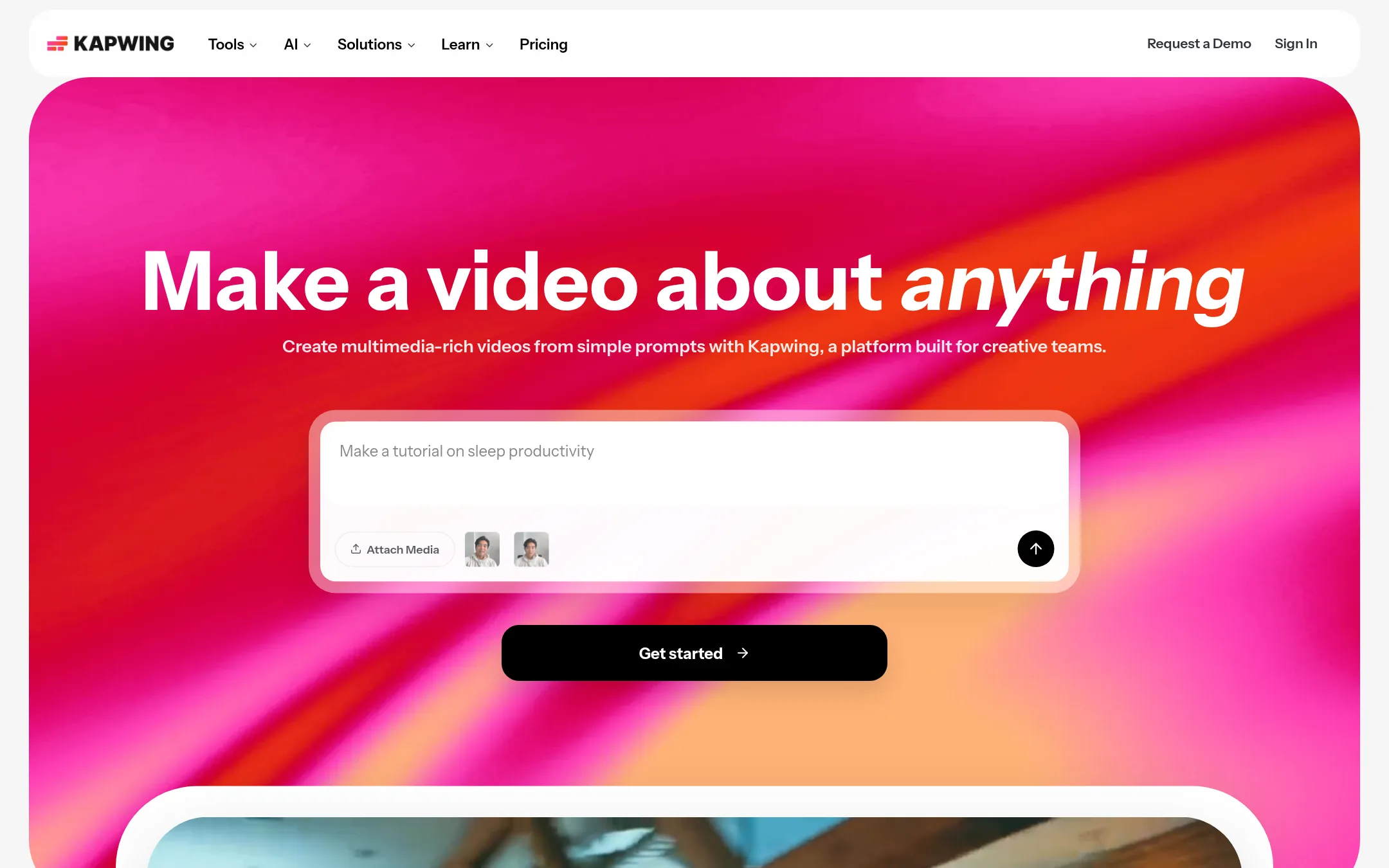
Kapwing is a browser-based video editor with a drag-and-drop timeline, collaboration features, and AI tools that turn a text prompt into a full video project with voiceover, visuals, subtitles and music. Someone would pick it over Palmier if they want a web editor for team collaboration, templates and brand kits rather than a macOS desktop app built to be driven by Claude or Codex.
Where it is strong
- Drag-and-drop timeline with overlays, trimming and shared workspaces for teams
- AI prompt-to-video project creation with voiceover, subtitles and music
- Includes auto-subtitling, dubbing and brand kits on paid plans
Where it falls short
- Free plan exports carry a watermark and are capped at 4 minutes at 720p
- Agent control is through an MCP connection rather than a timeline built to be operated by AI, which is Palmier's core design
- Pricing:
- Kapwing's paid tiers include a free plan with watermarked exports, plus Pro, Business and custom Enterprise plans, but the exact monthly prices are not shown in the supplied pricing text.
See more comparisons in AI & Machine Learning alternatives.
FAQ
Questions about Palmier alternatives
What is Palmier best known for?
According to its site, Palmier is known for letting Claude or Codex edit video on the timeline and generate media in the same project. Its free editor is available for macOS, and paid Pro and Max tiers add generation credits and cloud transcription.
Which alternative is best for a professional colour grade and audio finish?
DaVinci Resolve is built as a full professional editor with color grading, audio mixing and visual effects in one application. It does not generate media on the timeline the way Palmier does, and its pricing is not published on the site.
Which tool should a marketing team pick for editing talking-head videos or podcasts?
Descript lets you edit video and audio by changing a transcript, which suits spoken-word content. Its plans run from Hobbyist to Business with listed monthly prices, and it offers SOC 2 Type II and SAML SSO for enterprise reviews.
Is there a browser-based option that works for teams?
Kapwing is a browser-based editor with a drag-and-drop timeline, shared workspaces and brand kits. Its free plan exports carry a watermark and are capped at 4 minutes at 720p, and it connects to agents through MCP rather than being built around them.
How should I compare pricing across these tools?
Some tools, such as Runway and DaVinci Resolve, do not publish pricing on their sites, so you will need to request a quote. Where prices are shown, check the billing period, the currency, and whether credits or media hours are capped, as CapCut shows CZK prices by default and Descript caps media hours and AI credits per plan.
Last updated November 21, 2026.