
Paloma alternatives
7 products compared · Updated November 3, 2026
The short answer
For founders and operators comparing Paloma alternatives, the strongest options are Notion for teams needing a flexible workspace with AI assistance, Obsidian for those prioritizing a private, offline-first knowledge base, and Tana for AI-native teams wanting real-time meeting automation. Each suits different needs: Notion for general collaboration, Obsidian for data ownership, and Tana for meeting-driven workflows.
Your shortlist, at a glance
Read the comparisons ↓ NotionFree / $10+ per user/mTeams that need a shared knowledge base and project management tool with AI assistance, not operational process automation.
- MMemNot publishedIndividual professionals and small teams who want an AI assistant that remembers their notes and meetings and nudges them at the right moments.
- RReflectNot publishedIndividuals and small teams who want a local-first, open-source note-taking app with backlinks and optional AI assistance.
 ObsidianFree + paid add-onsIndividuals and teams who want a private, offline-first knowledge base with open file formats and deep customization.
 Roam ResearchNot publishedResearchers, writers, and knowledge workers who want a flexible, graph-based thinking tool instead of an operations-focused AI CRM.
 TanaFree, $19/mo, $35/moAI-native teams that want their existing agents to act on meeting content in real time across Zoom, Teams, and Google Meet.
 CodaNot publishedTeams that want a customizable doc-and-app hybrid for project tracking, team hubs, and lightweight internal tools.
About Paloma and its alternatives
Paloma is an AI-native CRM and operational excellence engine that connects scattered data sources like ERPs, emails, and chats into a single source of truth, diagnoses gaps, and runs continuous improvements. It is known for automating post-sales operations, building live dashboards, and providing AI answers with full traceability.
When comparing alternatives, weigh pricing structure (per-user vs. flat), regional availability, integrations with your existing ERP and communication tools, support options, and contract terms. Some tools are free or open-source, while others require subscriptions or custom enterprise agreements.
Explore the alternatives
- Free / $10+ per user/m
1.Notion
Best for: Teams that need a shared knowledge base and project management tool with AI assistance, not operational process automation.
- Pricing
- Free / $10+ per user/m
- Category
- Productivity & Project Management
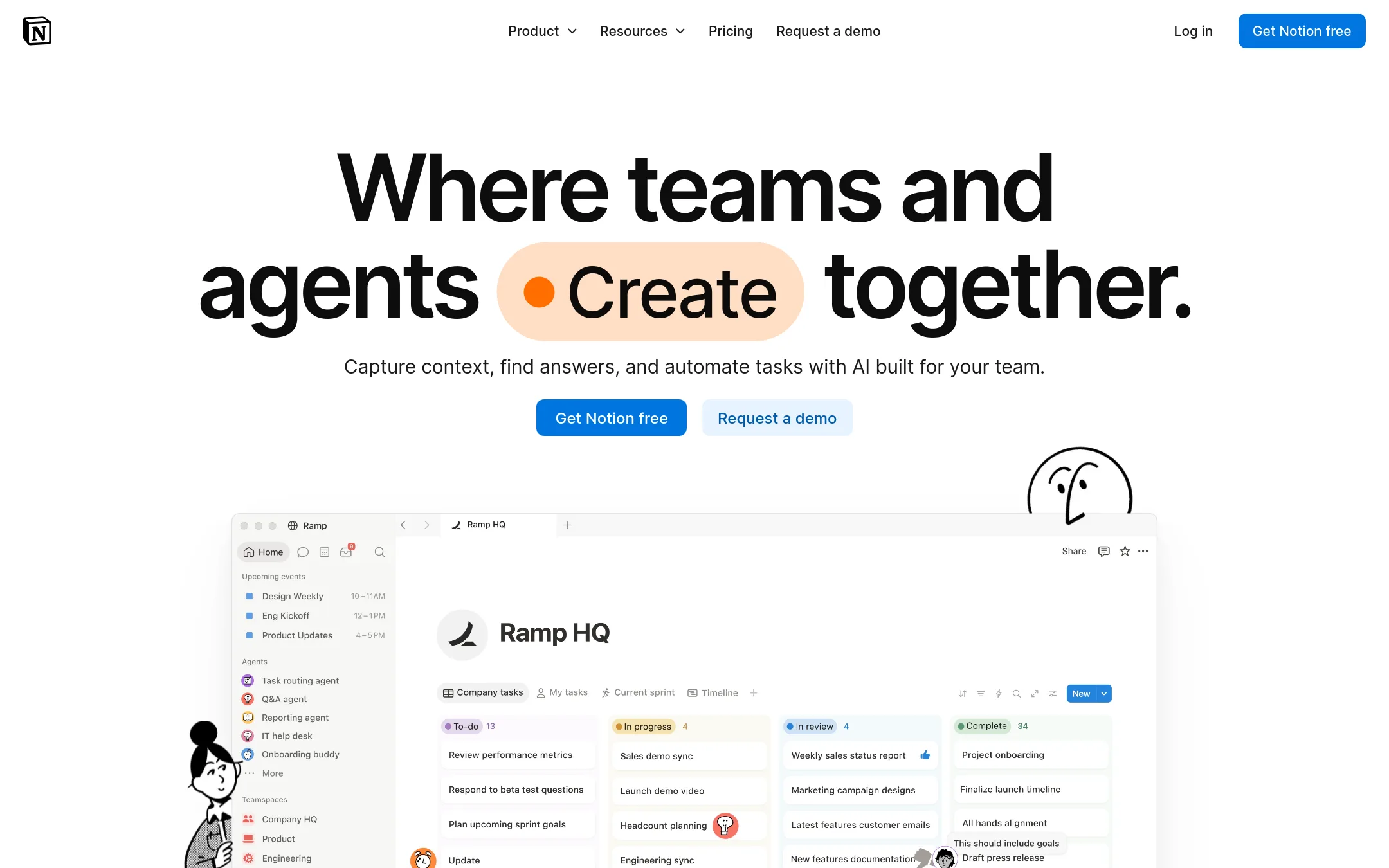
Notion is a flexible workspace for docs, wikis, and project tracking, with AI features layered on top. Choose it over Paloma if you want a general-purpose team workspace rather than a system that connects to your ERP and runs operational improvements.
Where it is strong
- Flexible pages and databases for docs, wikis, and project tracking.
- AI features include meeting notes, search across connected apps, and custom agents.
- Free plan available for individuals and small teams.
Where it falls short
- Not built to connect to ERP or operational data sources like Paloma.
- AI agents cost extra credits beyond the subscription.
- Pricing:
- In the United States, the Free plan has no cost, Plus starts at $10 per user per month, Business at $20 per user per month, and Enterprise is custom.
- MNot published
2.Mem
Best for: Individual professionals and small teams who want an AI assistant that remembers their notes and meetings and nudges them at the right moments.
- Pricing
- Not published
- Category
- Other
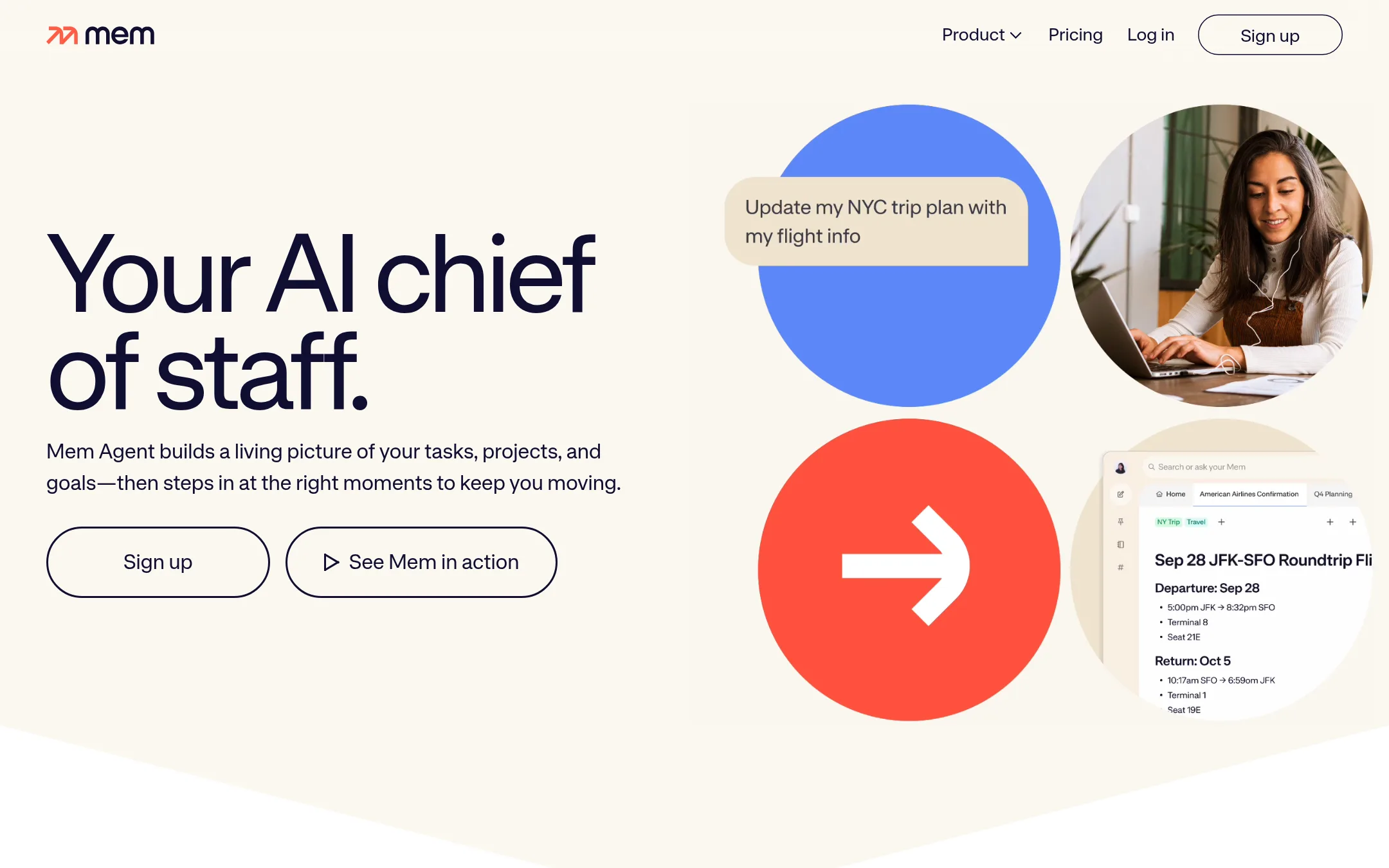
Mem is an AI-powered workspace that captures notes, meetings, and tasks, then uses that context to proactively help you stay on top of work. Choose it instead of Paloma if you need a personal AI chief of staff for your own tasks and projects, not an operational system for your company's data.
Where it is strong
- Captures notes and meetings without manual organization
- Proactive nudges based on your tasks and goals
- Search by meaning, not just keywords
Where it falls short
- No public pricing details
- Focused on personal productivity, not company-wide operations
- Pricing:
- Pricing is not published on the site.
- RNot published
3.Reflect
Best for: Individuals and small teams who want a local-first, open-source note-taking app with backlinks and optional AI assistance.
- Pricing
- Not published
- Category
- Other
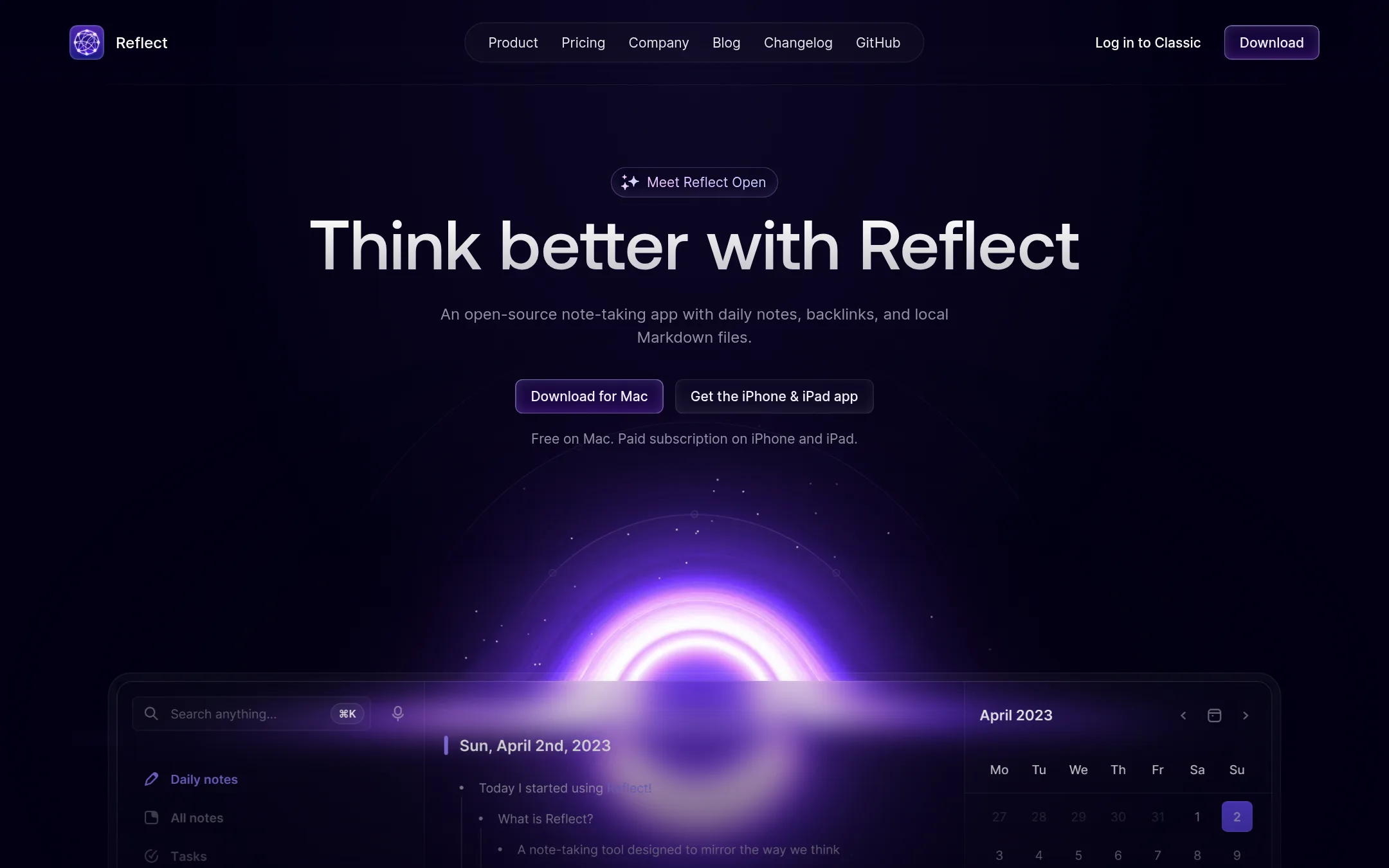
Reflect is a note-taking app that stores notes as local Markdown files and links them with backlinks. It includes an optional AI assistant that uses your own API key. Choose Reflect if you want a personal knowledge base with AI help, not an operations platform for your business.
Where it is strong
- Open source and free on Mac
- Notes stored as local Markdown files
- Optional AI with your own API key
Where it falls short
- Paid subscription required for iPhone and iPad
- No team collaboration or operational features
- Pricing:
- Pricing is not published on the site.
- Free + paid add-ons
4.Obsidian
Best for: Individuals and teams who want a private, offline-first knowledge base with open file formats and deep customization.
- Pricing
- Free + paid add-ons
- Category
- Productivity & Project Management
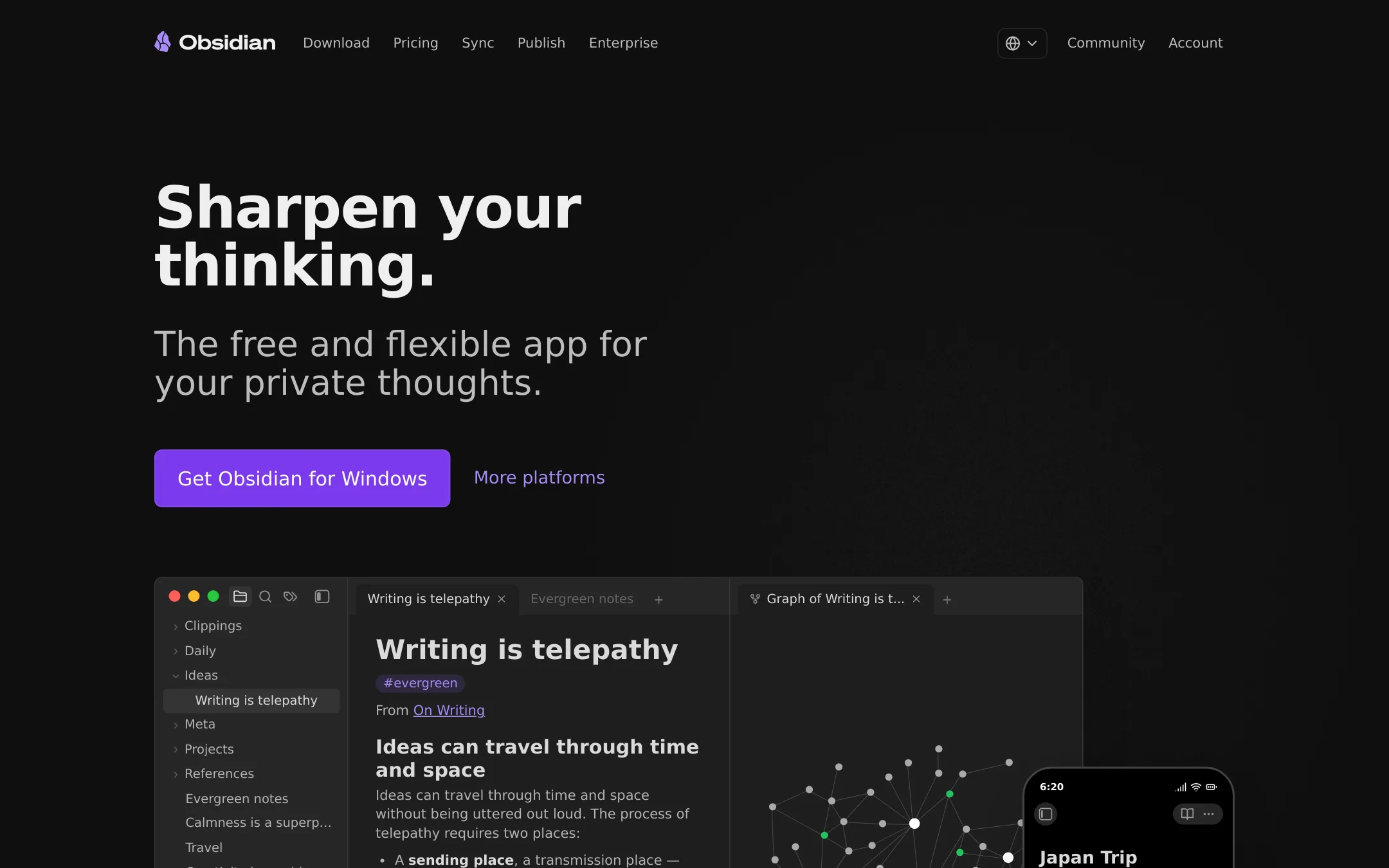
Obsidian is a local-first note-taking app that stores your notes as plain Markdown files, with a plugin ecosystem for linking, graphing, and publishing. Choose it over Paloma when you need a private, flexible workspace for personal knowledge management or team documentation, not an AI-driven operational system that connects to your ERP and automates workflows.
Where it is strong
- Free core app with no limits on notes or features.
- Notes stored locally in open Markdown files, so you own your data.
- Thousands of plugins and themes to tailor the app to your workflow.
Where it falls short
- No built-in AI or automation for operational workflows.
- Requires manual setup and plugin management to get advanced functionality.
- Pricing:
- Pricing is not published on the site.
- Not published
5.Roam Research
Best for: Researchers, writers, and knowledge workers who want a flexible, graph-based thinking tool instead of an operations-focused AI CRM.
- Pricing
- Not published
- Category
- Productivity & Project Management
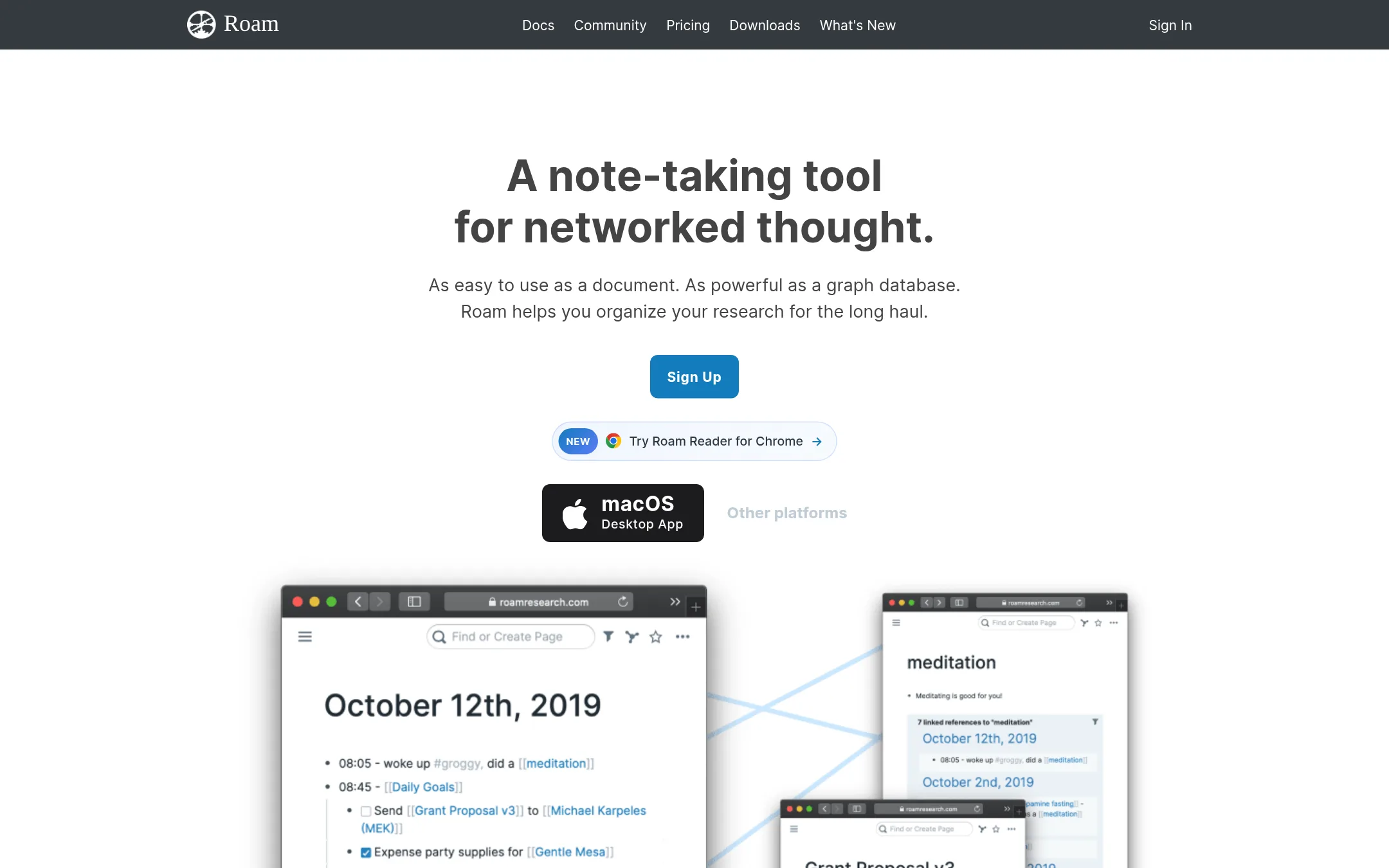
Roam Research is a networked note-taking tool that helps you connect ideas associatively rather than hierarchically. Choose it over Paloma if your main need is personal knowledge management and research, not operational data integration or process automation.
Where it is strong
- Bi-directional links make it easy to connect related thoughts and notes.
- Daily notes and block references support fluid, non-linear organization.
- Real-time collaboration and local data storage options are available.
Where it falls short
- No built-in operational data integration (ERP, emails, chats) like Paloma.
- Steep learning curve for users accustomed to traditional note apps.
- Pricing:
- Pricing is not published on the site.
- Free, $19/mo, $35/mo
6.Tana
Best for: AI-native teams that want their existing agents to act on meeting content in real time across Zoom, Teams, and Google Meet.
- Pricing
- Free, $19/mo, $35/mo
- Category
- Other
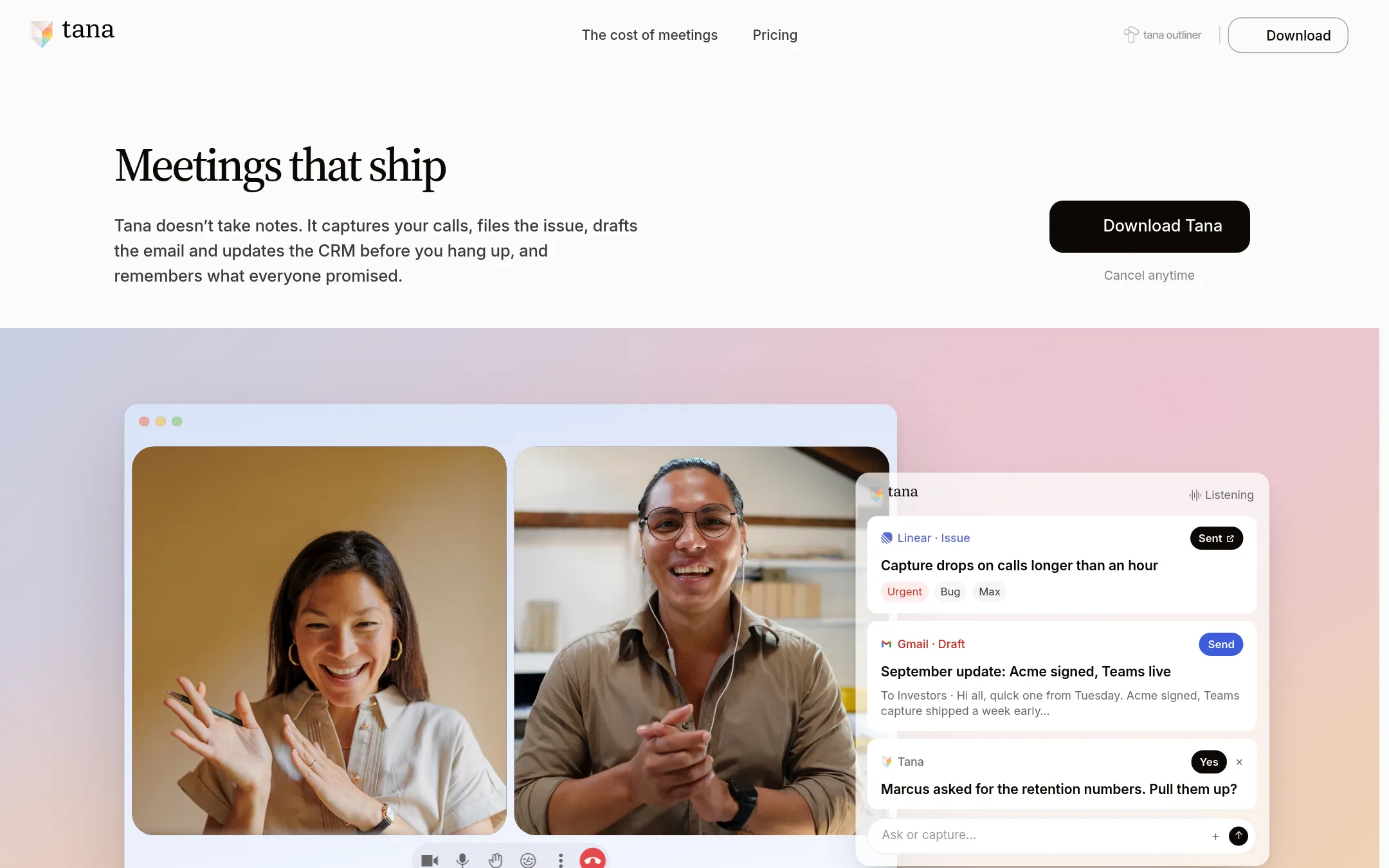
Tana is an agentic meeting platform where AI agents do work during video calls, like updating plans or filing issues, using your own Claude or ChatGPT accounts. Choose it over Paloma if your pain is meeting follow-up and keeping project docs current, not operational data analysis.
Where it is strong
- No bot joins the call. Tana listens from your desktop, so no extra participant.
- Bring your own Claude or ChatGPT, with connectors and memory, to work during the meeting.
- Every meeting adds to a shared context graph, so future meetings and agents have up-to-date context.
Where it falls short
- Limited to meeting capture and follow-up. Not an operational data platform like Paloma.
- HIPAA compliance only expected Q1 2027, and EU hosting is only on the Business plan.
- Pricing:
- Free forever plan. Pro at $19 per member per month billed monthly. Business from $35 per member per month billed yearly.
- Switching from Paloma:
- Moving from Paloma means shifting from operational data analysis to meeting-centric workflows. There is no data migration path mentioned, so you would start fresh with Tana's context graph.
- Not published
7.Coda
Best for: Teams that want a customizable doc-and-app hybrid for project tracking, team hubs, and lightweight internal tools.
- Pricing
- Not published
- Category
- Productivity & Project Management
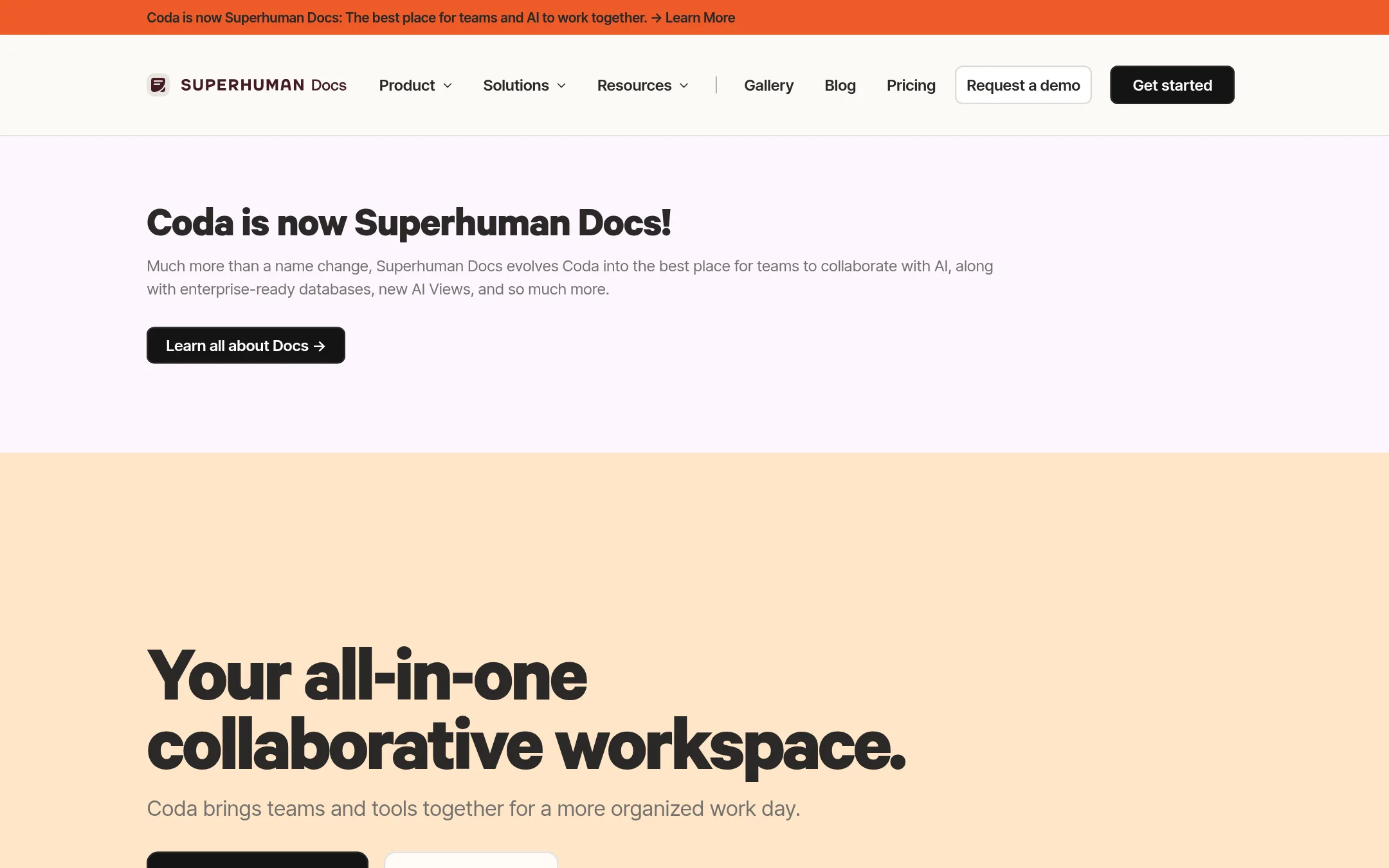
Coda is a flexible workspace that combines documents, spreadsheets, and apps, making it a good fit for teams that want to build their own workflows without heavy coding. Choose it over Paloma if your main need is collaborative knowledge work and custom tools, rather than connecting operational data from ERPs and logistics systems.
Where it is strong
- Combines docs, tables, and apps in one place
- Strong templates for product, sales, and engineering teams
- AI features for drafting, summarizing, and generating tables
Where it falls short
- Not built for operational data like ERP or logistics
- Requires manual setup to replace Paloma's automated data connections
- Pricing:
- Pricing is not published on the site.
See more comparisons in Customer Support alternatives.
FAQ
Questions about Paloma alternatives
What is the best Paloma alternative for a small team that needs a shared workspace?
Notion is a strong choice for small teams needing a shared knowledge base and project tracking. It offers a free plan and flexible pages and databases, with AI features for meeting notes and search. However, it does not connect to ERP or operational data like Paloma.
Which alternative is best for users who prioritize data privacy and local storage?
Obsidian is ideal for privacy-focused users because it stores notes as local Markdown files, giving you full ownership of your data. The core app is free, and you can customize it with plugins. It lacks built-in AI or automation for operational workflows.
Can any alternative automate meeting follow-ups like Paloma automates operations?
Tana is designed for meeting automation, using AI agents to update plans and file issues during video calls. It works with Zoom, Teams, and Google Meet, and you can bring your own Claude or ChatGPT. However, it is limited to meeting capture and not an operational data platform.
Are there free or open-source alternatives to Paloma?
Yes, Obsidian is free and open-source, with no limits on notes or features. Reflect is also open-source and free on Mac, storing notes locally. Both lack operational data integration, so they suit personal knowledge management rather than business operations.
What should I consider when choosing between these alternatives?
Consider your primary need: collaboration, privacy, or meeting automation. Check pricing structure, whether it is per-user or flat, and if there are free tiers. Also evaluate integrations with your existing tools, support availability, and contract terms like annual vs. monthly billing.
Last updated November 3, 2026.