PandasAI alternatives
6 products compared · Updated November 20, 2026
The short answer
The three strongest alternatives to PandasAI are Hex, Deepnote and Databricks. Hex suits data teams that want business users to self-serve answers in one shared workspace with governed metrics. Deepnote suits teams that want collaborative notebooks where they write and review Python and SQL themselves. Databricks suits enterprise data teams that need engineering, warehousing, governance and AI on one platform.
Your shortlist, at a glance
Read the comparisons ↓JuliusNot publishedAnalysts and business teams who need to turn data into slides, reports or websites without switching tools
 DatabricksNot publishedEnterprise data teams that need ETL, warehousing, governance and AI on one platform.
 HexNot publishedData teams at growing companies that want business users to self-serve answers while keeping governed definitions and trusted metrics.
- NNoteableSee websiteOther
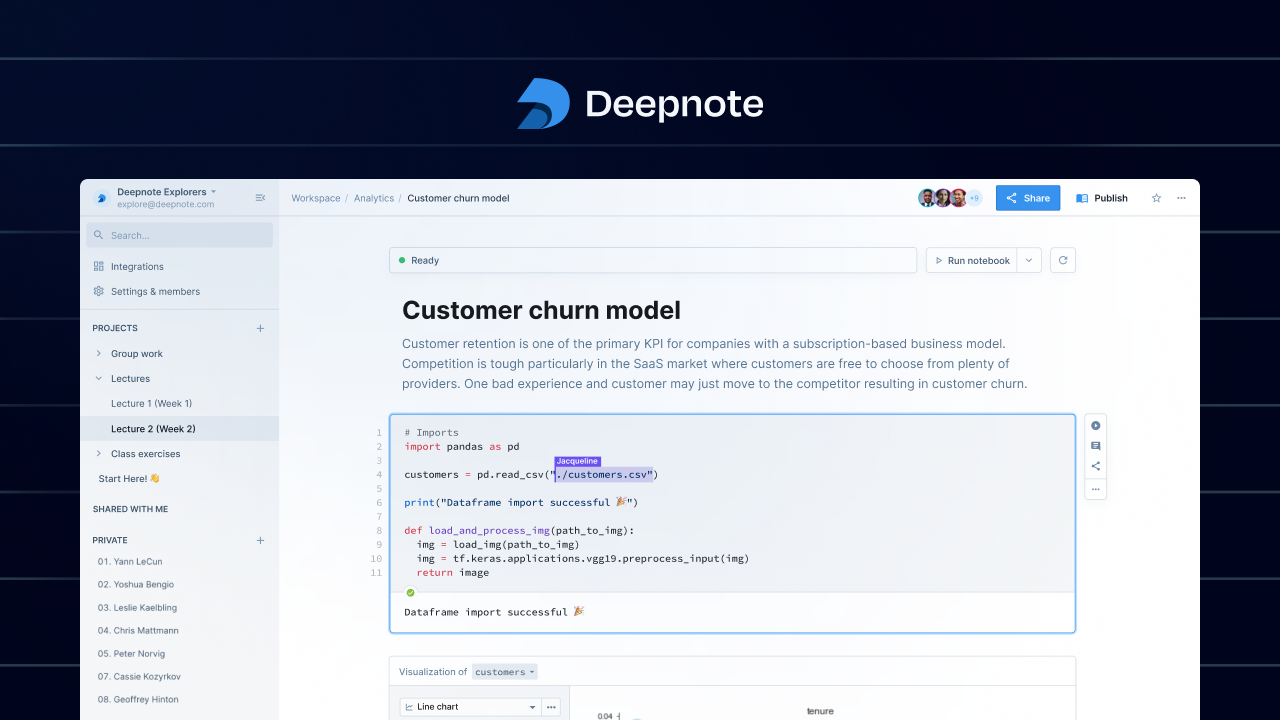 DeepnoteFree / Team / CustomData teams that want shared notebooks, SQL and Python together, and scheduled runs connected to BigQuery, Snowflake or Databricks.
- SSarusFrom $50/moEngineering and docs teams that need versioned, searchable documentation built from Git, with pull request previews.
About PandasAI and its alternatives
PandasAI is an open-source conversational data analysis platform. Its site presents its assistant, Annie, as a way to ask questions of your data in plain language and get charts and dashboards back in seconds, built on the pandas library and trusted by a large developer community.
When comparing alternatives, look at how each product is priced, including free tiers, credit allowances and what sits behind enterprise contracts. Check which regions and deployment options are available, which data connectors are supported, what support levels are included, and what the contract terms require. The right choice depends on whether you want a chat interface doing the analysis or a workspace where your team writes the code.
Explore the alternatives
- Not published
1.Julius
Best for: Analysts and business teams who need to turn data into slides, reports or websites without switching tools
- Pricing
- Not published
- Category
- AI & Machine Learning
Julius is an AI workspace that goes beyond data analysis. It runs analyses and research, but also builds presentations, reports, websites, images and video in the same place. Someone would pick it over PandasAI if they want one tool for both analysis and producing deliverables, not just a conversational layer over their data.
Where it is strong
- Covers analysis plus presentations, dashboards, websites, images and video in one workspace
- Free tier includes daily credits, so you can try it before paying
- Enterprise plan lists SOC 2 Type II compliance, SSO and audit logs
Where it falls short
- Data connectors on the free tier are limited to Google Drive, OneDrive and SharePoint, while PandasAI's pitch centers on connecting to datab
- The page is built around a broad creative toolkit, so teams focused only on BI dashboards may pay for features they do not need
- Pricing:
- Pricing is not published on the site.
- Not published
2.Databricks
Best for: Enterprise data teams that need ETL, warehousing, governance and AI on one platform.
- Pricing
- Not published
- Category
- Analytics & Data
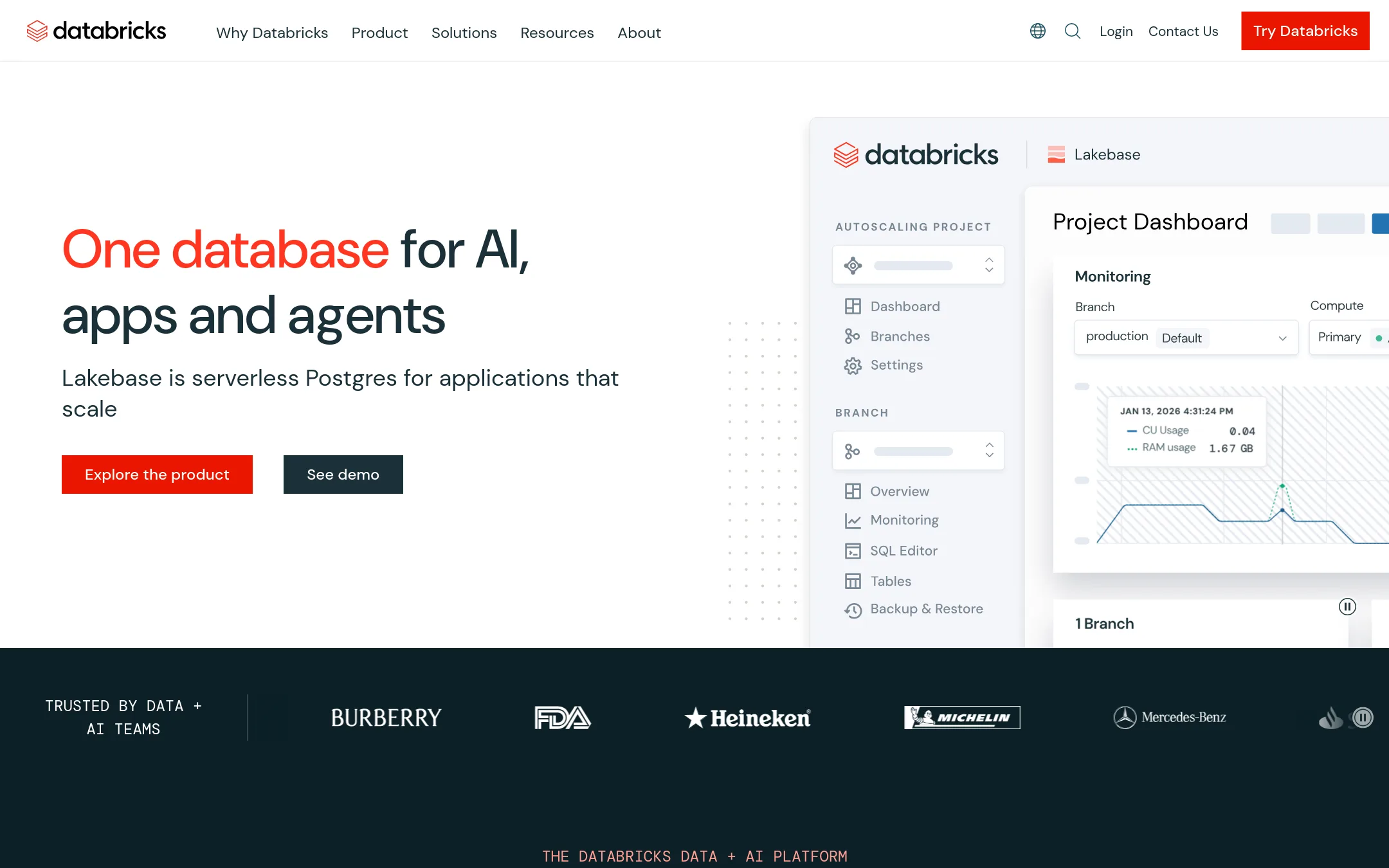
Databricks is a unified platform for data engineering, warehousing, governance and AI, built around its lakehouse architecture. Teams pick it over PandasAI when they need a full data platform rather than a conversational layer on top of a dataframe library, especially for large volumes and enterprise governance.
Where it is strong
- Covers data engineering, warehousing, governance and AI in one platform
- Built on a lakehouse architecture for large, varied data
- Offers a pricing page with multiple plan options
Where it falls short
- Likely more setup and platform complexity than a conversational analytics tool
- Our source material does not show a conversational analysis interface like PandasAI's Annie
- Pricing:
- Pricing is not published in the text we retrieved, so check the pricing page for current plans.
- Not published
3.Hex
Best for: Data teams at growing companies that want business users to self-serve answers while keeping governed definitions and trusted metrics.
- Pricing
- Not published
- Category
- Analytics & Data
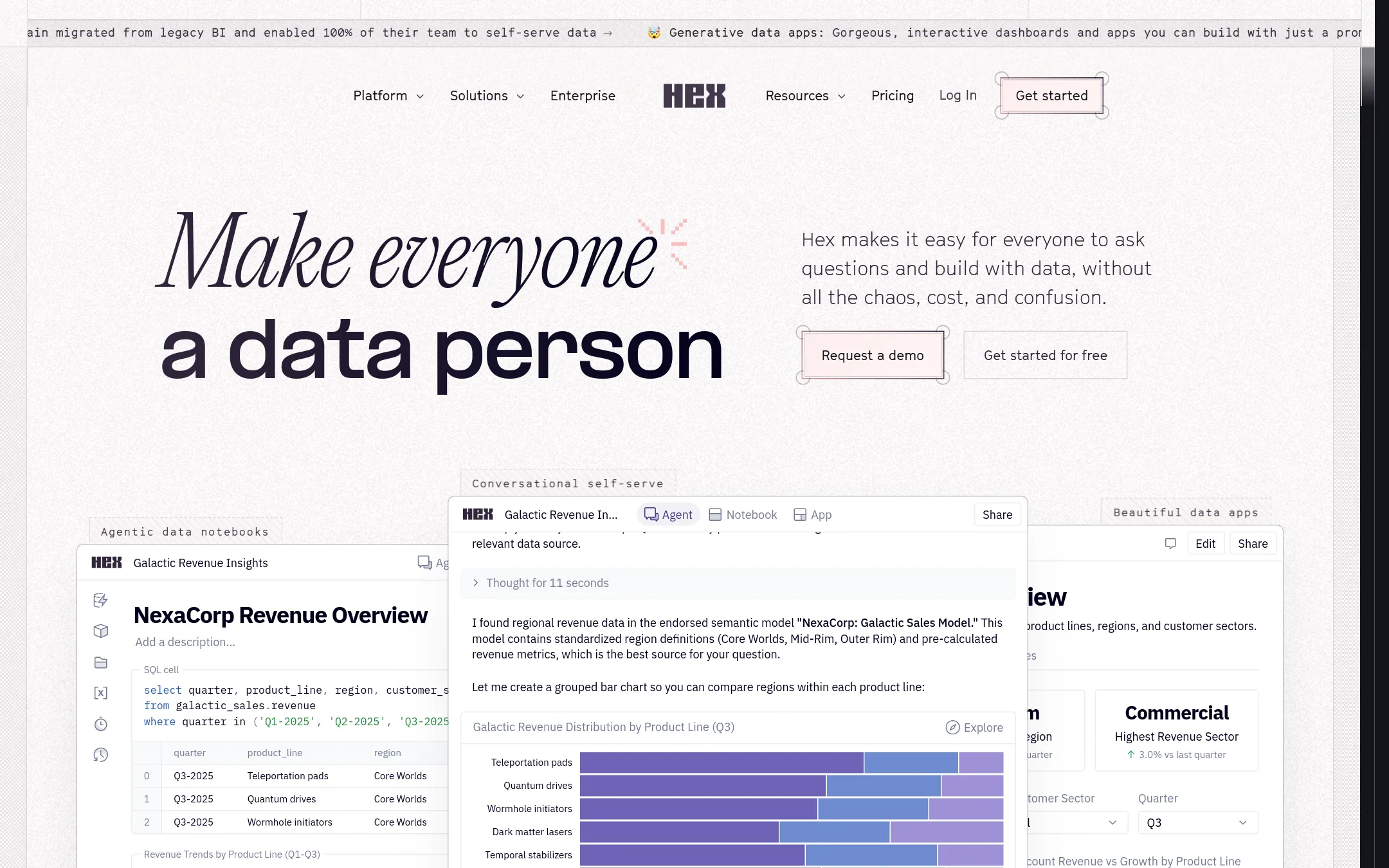
Hex is an analytics workspace where teams ask questions in plain language, build notebooks, and publish dashboards and data apps. You would pick Hex over PandasAI if you want a shared place for the whole team, not just a conversational layer for one analyst, with governance, a semantic model, and eval tools to check whether the answers are right.
Where it is strong
- Notebook, SQL, and conversational analysis sit in one workspace
- Context Studio and Evals show what people ask and whether answers are correct
- Publishes shareable dashboards and data apps, and works with Slack
Where it falls short
- Pricing is not published on the site, so budgeting takes a sales conversation
- Advanced compute is billed per minute on top of plan costs, which can be hard to forecast
- Pricing:
- Pricing is not published on the site.
- NSee website
4.Noteable
Other
A collaborative notebook platform with AI features for generating Python-based data analysis, serving the same Python data science workflow.
- Free / Team / Custom
5.Deepnote
Best for: Data teams that want shared notebooks, SQL and Python together, and scheduled runs connected to BigQuery, Snowflake or Databricks.
- Pricing
- Free / Team / Custom
- Category
- Analytics & Data
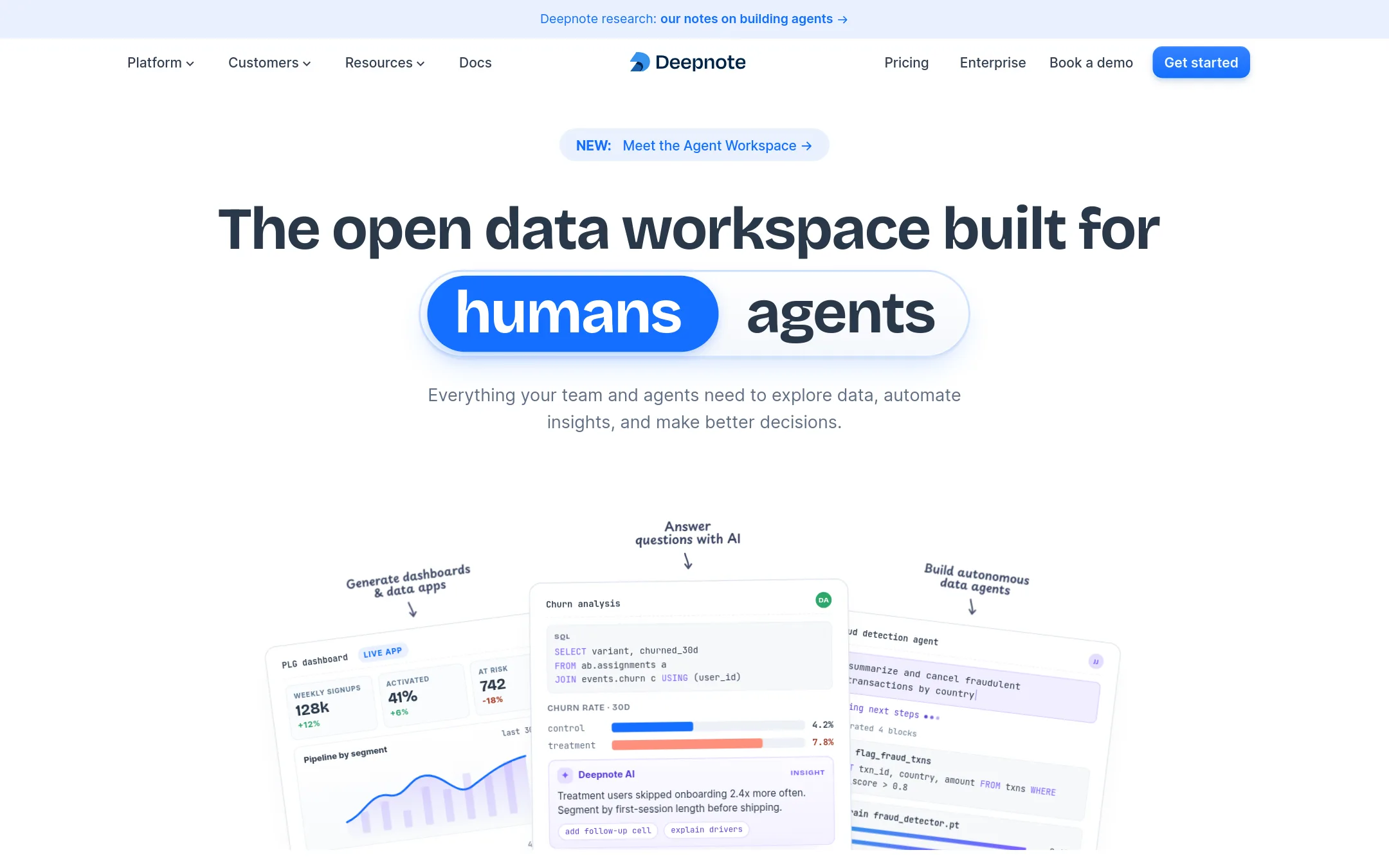
Deepnote is a collaborative notebook workspace where teams write Python and SQL, build dashboards and data apps, and schedule pipelines. Choose it over PandasAI when your team wants to write and review code itself, with real-time collaboration, and does not want a chat interface doing the analysis.
Where it is strong
- Notebooks support Python, SQL, charts and interactive apps in one workspace
- Real-time collaboration, commenting and revision history for team review
- Many warehouse and database integrations, including BigQuery, Snowflake and PostgreSQL
Where it falls short
- Enterprise features such as SSO, audit logs and private deployment sit behind a custom contract
- The free plan limits editors to 3 and projects to 5
- Pricing:
- Pricing is published with a free plan, a Team plan that includes $39 of AI credits, $280 of CPU and $50 of GPU each month, and Enterprise on a custom contract.
- SFrom $50/mo
6.Sarus
Best for: Engineering and docs teams that need versioned, searchable documentation built from Git, with pull request previews.
- Pricing
- From $50/mo
- Category
- Other
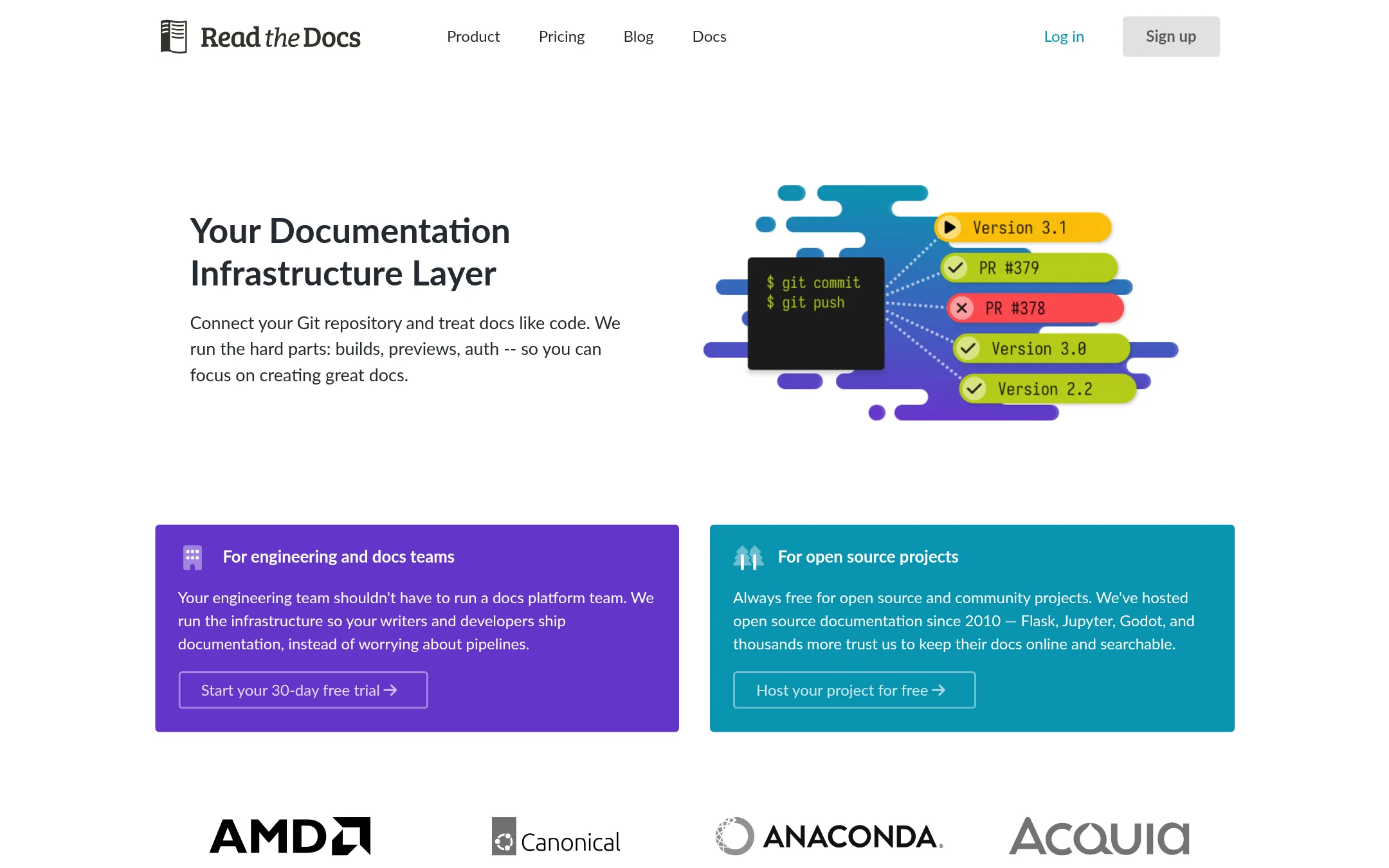
Read the Docs is a documentation hosting platform. It builds docs from a Git repository, previews pull requests against production, and supports tools like Sphinx, MkDocs and Docusaurus. Choose it instead of PandasAI when the job is publishing and maintaining documentation rather than asking questions of your data.
Where it is strong
- Builds docs from Git with versioning from any branch or tag.
- Free for open source and community projects.
- Pull request previews show a visual diff against production.
Where it falls short
- It does not answer natural language questions about data, which is PandasAI's core purpose.
- Single sign-on and private repositories are gated to higher tiers.
- Pricing:
- Plans start at $50 per month for Basic, $150 for Advanced and $250 for Pro, with Enterprise from $10,000 per year, and open source documentation is free.
See more comparisons in Analytics & Data alternatives.
FAQ
Questions about PandasAI alternatives
What is PandasAI best known for?
According to its site, PandasAI is known as an open-source conversational data analysis platform, and its assistant Annie lets people ask questions of their data in natural language. The site says it is built on pandas and is used by over 20,000 developers.
Which alternative is best if my team wants to write Python and SQL together?
Deepnote is built for this. It offers a notebook workspace with Python, SQL, charts and interactive apps, plus real-time collaboration and revision history. Its free plan limits editors to 3 and projects to 5.
Which option suits business users who want to self-serve answers?
Hex is the closest fit. It lets people ask questions in plain language, supports notebooks and SQL in the same workspace, and publishes shareable dashboards. Its Evals tools help check whether answers are correct. Pricing is not published, so expect a sales conversation.
Is Databricks a direct replacement for PandasAI?
Not really. Databricks is a unified platform for data engineering, warehousing, governance and AI built on a lakehouse architecture. Our source material does not show a conversational analysis interface like Annie, so it suits teams that need a full data platform rather than a chat layer on top of data.
What should I check about pricing before choosing?
Compare the free tiers, included credits and what enterprise contracts add. Deepnote publishes its plan allowances, Julius offers daily free credits, and Hex bills advanced compute per minute on top of plan costs. Databricks and Hex do not publish full pricing in the text we retrieved, so ask for a quote before budgeting.
Last updated November 20, 2026.