
Paprika alternatives
12 products compared · Updated November 1, 2026
The short answer
For most people, Plan to Eat is the strongest Paprika alternative if you want a shared meal planner with automatic grocery lists and nutrition tracking. AnyList is best for households that need a real-time shared grocery list with Siri support. Recipe Keeper suits home cooks who want to scan recipes from cookbooks and try a free tier first.
Your shortlist, at a glance
Read the comparisons ↓- MMelaNot publishedTeams or individuals who can access melacook.com and need a recipe management app, though its features are unverified.
- RRecipe KeeperNot publishedHome cooks who want to scan recipes from cookbooks or magazines and need a free option to try before paying.
- CCookbookNot publishedPeople who already use Cookbook and don't need to evaluate alternatives, because no current information is available.
 AnyListNot publishedHouseholds and families who want a shared grocery list with instant sync and Siri support, plus basic recipe and meal planning.
- CChefTapSee websiteOther
- PPlan to Eat$5.95/mo or $49/yrFamilies and households that want a shared meal planning and grocery list tool with automatic ingredient aggregation and nutrition info.
 CoziFree, Gold $39/yrFamilies who want a shared calendar, lists, and meal planning in one free app across iPhone, Android, and web.
Google KeepNot publishedIndividuals who already use Google Workspace and need a lightweight, free way to jot down and organize recipes without dedicated meal-planning tools.
 ListonicNot publishedFamilies or roommates who want a shared, real-time grocery list with budget control and AI-assisted item suggestions.
 Microsoft To DoSee websiteSimple task management from Microsoft
 OurGroceriesNot publishedHouseholds and families that want a real-time shared grocery list with Alexa support and barcode scanning.
 Out of MilkNot publishedShoppers who want a lightweight, shareable grocery list app with barcode scanning and pantry tracking, without recipe management features.
About Paprika and its alternatives
Paprika is a recipe manager app for iOS, Mac, Android, and Windows. It helps you organize recipes, make meal plans, and create grocery lists. Its built-in browser lets you save recipes from any website, and cloud sync works across all your devices. It is known for ingredient scaling, metric and imperial conversion, and automatic timer detection in directions.
When comparing alternatives, weigh pricing structure. Paprika is a one-time purchase, while some alternatives like Plan to Eat are subscriptions. Consider whether you need a shared household list, recipe-specific features like scaling and web clipping, or just a simple shopping list. Check integrations like Siri, Alexa, or Google Workspace, and whether the product has a desktop app or is web-only. Support and contract terms matter too, such as free trials, money-back guarantees, or ads in free plans.
Explore the alternatives
- MNot published
1.Mela
Best for: Teams or individuals who can access melacook.com and need a recipe management app, though its features are unverified.

- Pricing
- Not published
- Category
- Other
Mela is a recipe manager that appears to be unreachable at its website, so it is unclear what it does or how it compares to Paprika. Choose it only if you can access the site and need a recipe app. Otherwise, Paprika is a proven option.
Where it is strong
- Likely offers recipe management, but unverified
- May have a simple interface, but unverified
- Could be a lightweight alternative, but unverified
Where it falls short
- Website is unreachable, so no details are available
- No pricing or feature information can be confirmed
- Pricing:
- Pricing is not published on the site.
- RNot published
2.Recipe Keeper
Best for: Home cooks who want to scan recipes from cookbooks or magazines and need a free option to try before paying.
- Pricing
- Not published
- Category
- Other
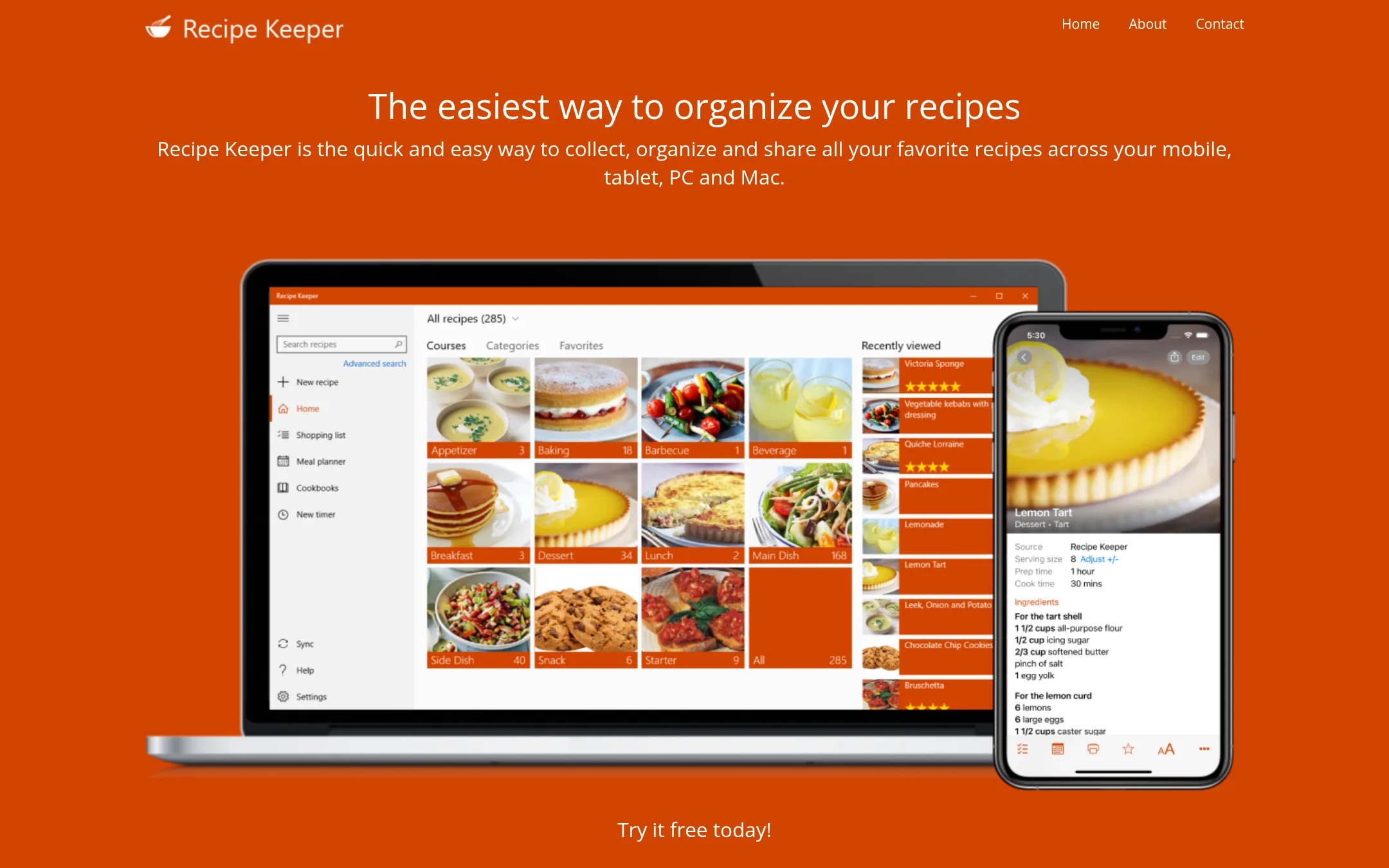
Recipe Keeper is a recipe manager that lets you collect, organize, and share recipes across devices, with extras like OCR scanning and Alexa support. Choose it over Paprika if you want to scan recipes from books or photos, or prefer a free tier to start with.
Where it is strong
- OCR scanning converts photos of recipes to text
- Works with Amazon Alexa for hands-free cooking
- Free tier available to try
Where it falls short
- Pricing details not listed on the site
- No built-in browser for saving recipes like Paprika
- Pricing:
- Pricing is not published on the site.
- CNot published
3.Cookbook
Best for: People who already use Cookbook and don't need to evaluate alternatives, because no current information is available.

- Pricing
- Not published
- Category
- Other
Cookbook is a recipe management app, but its website is currently unreachable, so we cannot verify its features or pricing. You would choose it only if you already know it works for you, since we have no confirmed details to compare against Paprika.
Where it is strong
- Recipe management is the core purpose, similar to Paprika.
- Likely supports saving and organizing recipes, though unverified.
- No marketing claims to wade through, since the site is down.
Where it falls short
- Website is unreachable, so no features or pricing can be confirmed.
- No evidence of meal planning, grocery lists, or cloud sync like Paprika.
- Pricing:
- Pricing is not published on the site.
- Not published
4.AnyList
Best for: Households and families who want a shared grocery list with instant sync and Siri support, plus basic recipe and meal planning.
- Pricing
- Not published
- Category
- Productivity & Project Management
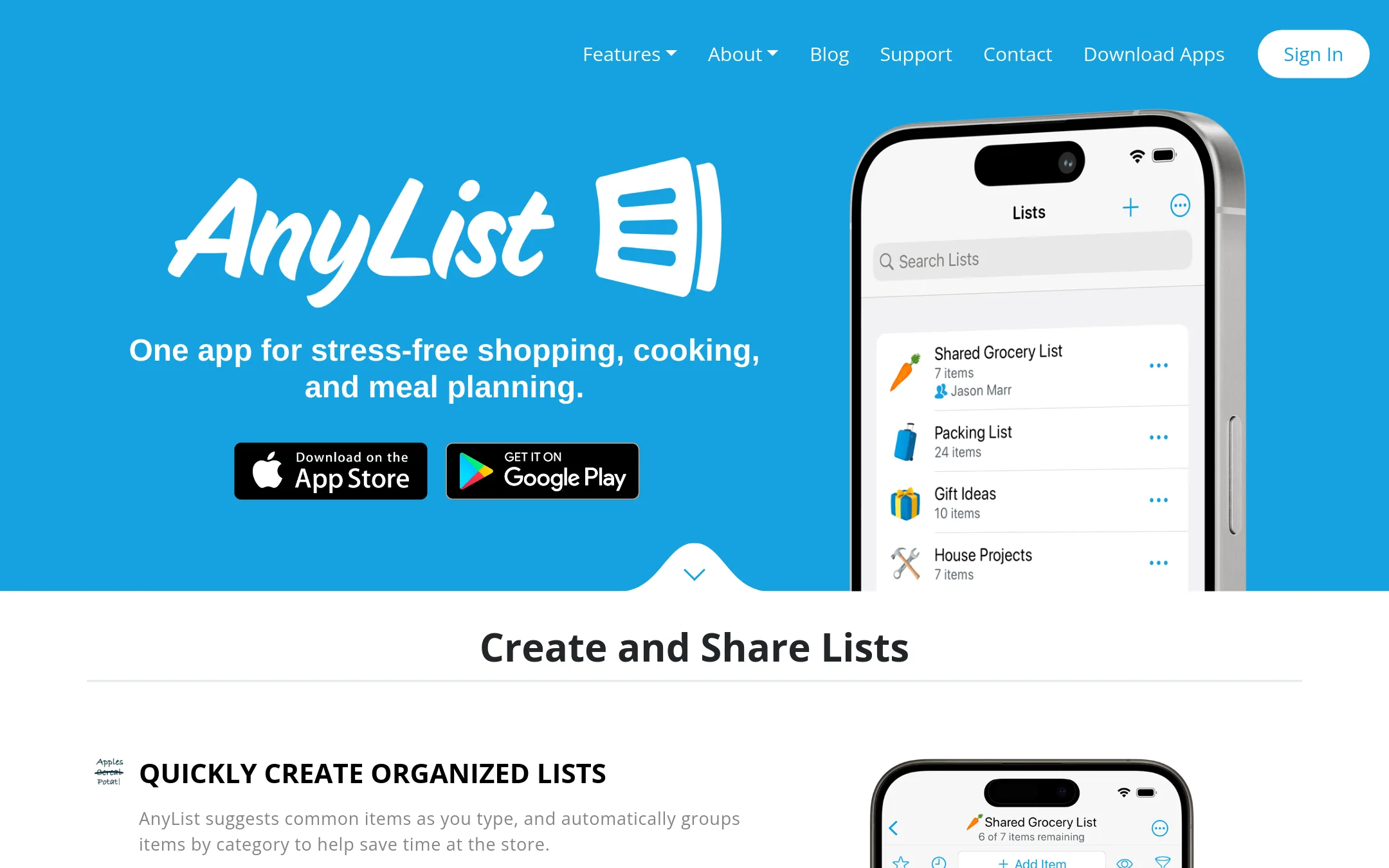
AnyList is a grocery shopping and meal planning app that also stores recipes. You would choose it over Paprika if your main need is a shared, real-time shopping list with family or friends, and you want to add items by voice with Siri.
Where it is strong
- Shared lists update instantly for everyone
- Siri voice input for adding items
- Recipe ingredients can be added to shopping list with one tap
Where it falls short
- No desktop app for Windows, only Mac and web
- Recipe web import is limited to popular sites, not any URL
- Pricing:
- Pricing is not published on the site.
- CSee website
5.ChefTap
Other
Focuses on importing recipes from any website and scaling ingredients, with meal planning.
- P$5.95/mo or $49/yr
6.Plan to Eat
Best for: Families and households that want a shared meal planning and grocery list tool with automatic ingredient aggregation and nutrition info.

- Pricing
- $5.95/mo or $49/yr
- Category
- Other
Plan to Eat is a web-based meal planner that saves recipes from any site, builds a weekly calendar, and auto-generates a grocery list organized by store and aisle. Choose it over Paprika if you want a simpler, subscription-based service with household sharing and nutrition tracking, rather than a one-time purchase app.
Where it is strong
- Recipe clipper works with Instagram, TikTok, and Pinterest
- Grocery list auto-populates from your meal plan and can be organized by store and aisle
- One account works across all devices and can be shared with your household
Where it falls short
- No desktop app. It's web-based only
- No built-in browser to save recipes directly from the app, unlike Paprika
- Pricing:
- Pricing is $5.95 per month or $49 per year, with a 14-day free trial and a 60-day money-back guarantee.
- Free, Gold $39/yr
7.Cozi
Best for: Families who want a shared calendar, lists, and meal planning in one free app across iPhone, Android, and web.
- Pricing
- Free, Gold $39/yr
- Category
- Productivity & Project Management
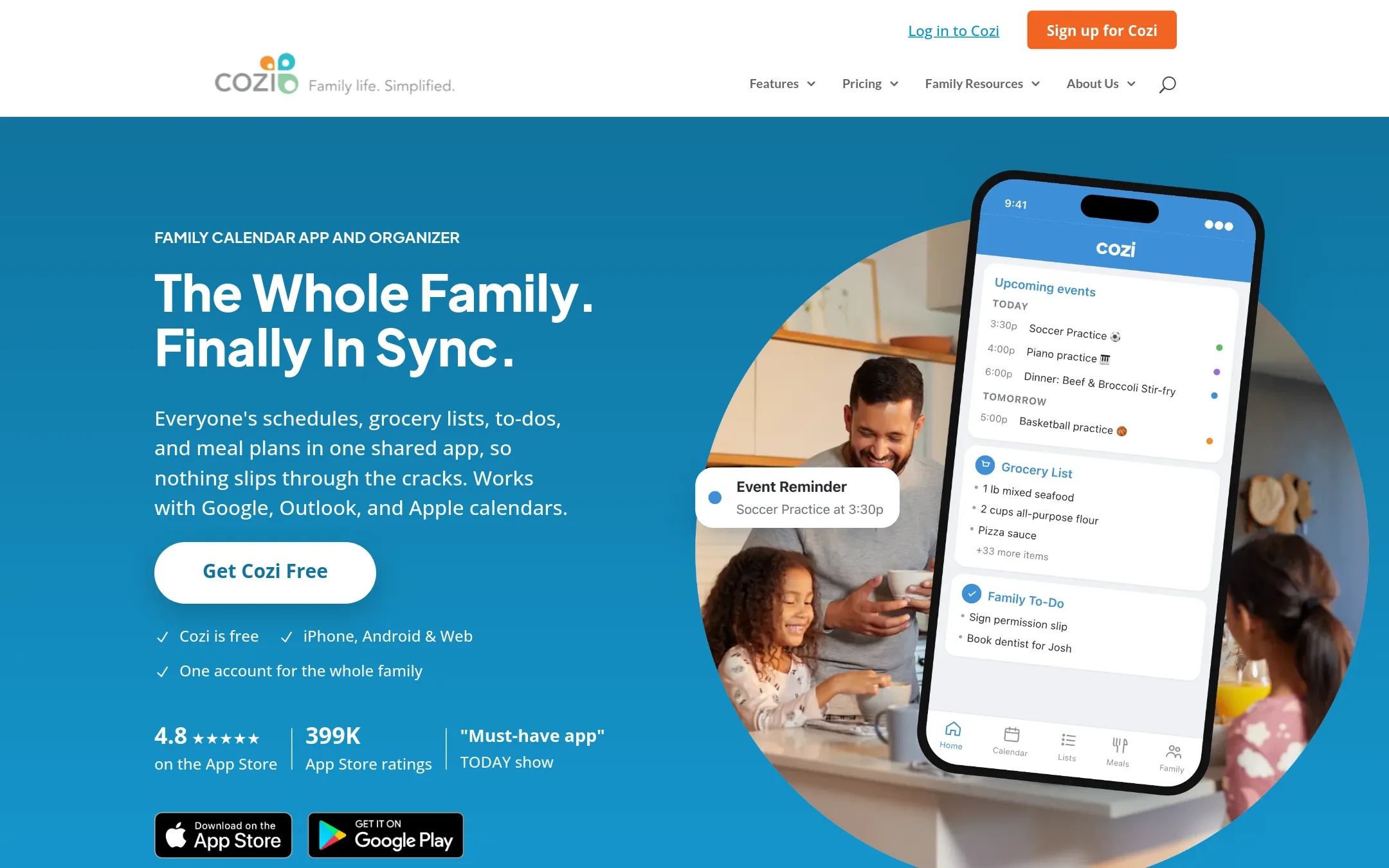
Cozi is a shared family organizer that combines a calendar, grocery lists, to-dos, and meal plans in one app. Choose it over Paprika if you need a whole household to coordinate schedules and chores, not just a personal recipe manager.
Where it is strong
- Shared calendar color-coded by person with reminders and agenda emails
- Real-time grocery and to-do lists that sync across all family members
- Meal planner with recipe box that sends ingredients to the shopping list
Where it falls short
- Recipe management is basic compared to Paprika's web clipper and scaling tools
- Free plan includes ads. Gold is needed for month view and calendar search
- Pricing:
- Pricing is not published on the site.
- Not published
8.Google Keep
Best for: Individuals who already use Google Workspace and need a lightweight, free way to jot down and organize recipes without dedicated meal-planning tools.
- Pricing
- Not published
- Category
- Productivity & Project Management
Google Keep is a general-purpose note-taking app that lets you capture text, lists, images, and audio. You would choose it over Paprika if you want a free, simple tool for storing recipes as notes, but you won't get Paprika's recipe-specific features like ingredient scaling, meal planning, or grocery lists.
Where it is strong
- Free with a Google account
- Syncs across devices via Google
- Supports text, images, and checklists in notes
Where it falls short
- No recipe-specific features like ingredient scaling or meal planning
- No built-in browser to save recipes from the web
- Pricing:
- Pricing is not published on the site.
- Not published
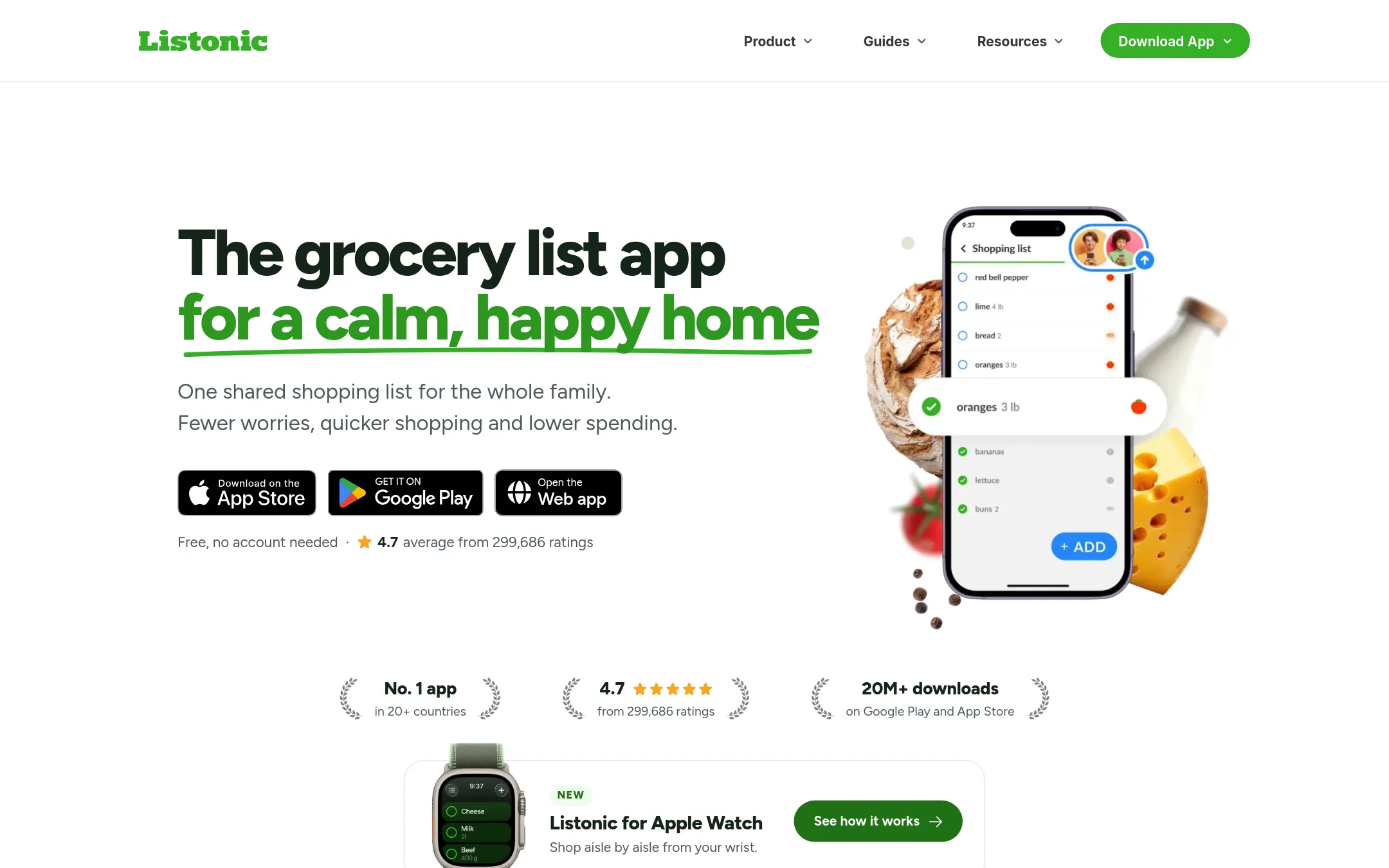
9.Listonic
Best for: Families or roommates who want a shared, real-time grocery list with budget control and AI-assisted item suggestions.
- Pricing
- Not published
- Category
- Productivity & Project Management
Listonic is a grocery shopping list app focused on real-time sharing, aisle sorting, and budget tracking. You would choose it over Paprika if your main need is coordinating household shopping rather than managing a recipe collection and meal planning workflow.
Where it is strong
- Real-time list sharing with instant updates for all members
- Automatic aisle sorting and total cost calculator
- Free to use with no account required
Where it falls short
- No recipe management or meal planning features like Paprika
- Pricing for premium features is not disclosed
- Pricing:
- Pricing is not published on the site.
- See website
10.Microsoft To Do
Productivity & Project Management
Simple task management from Microsoft
- Not published
11.OurGroceries
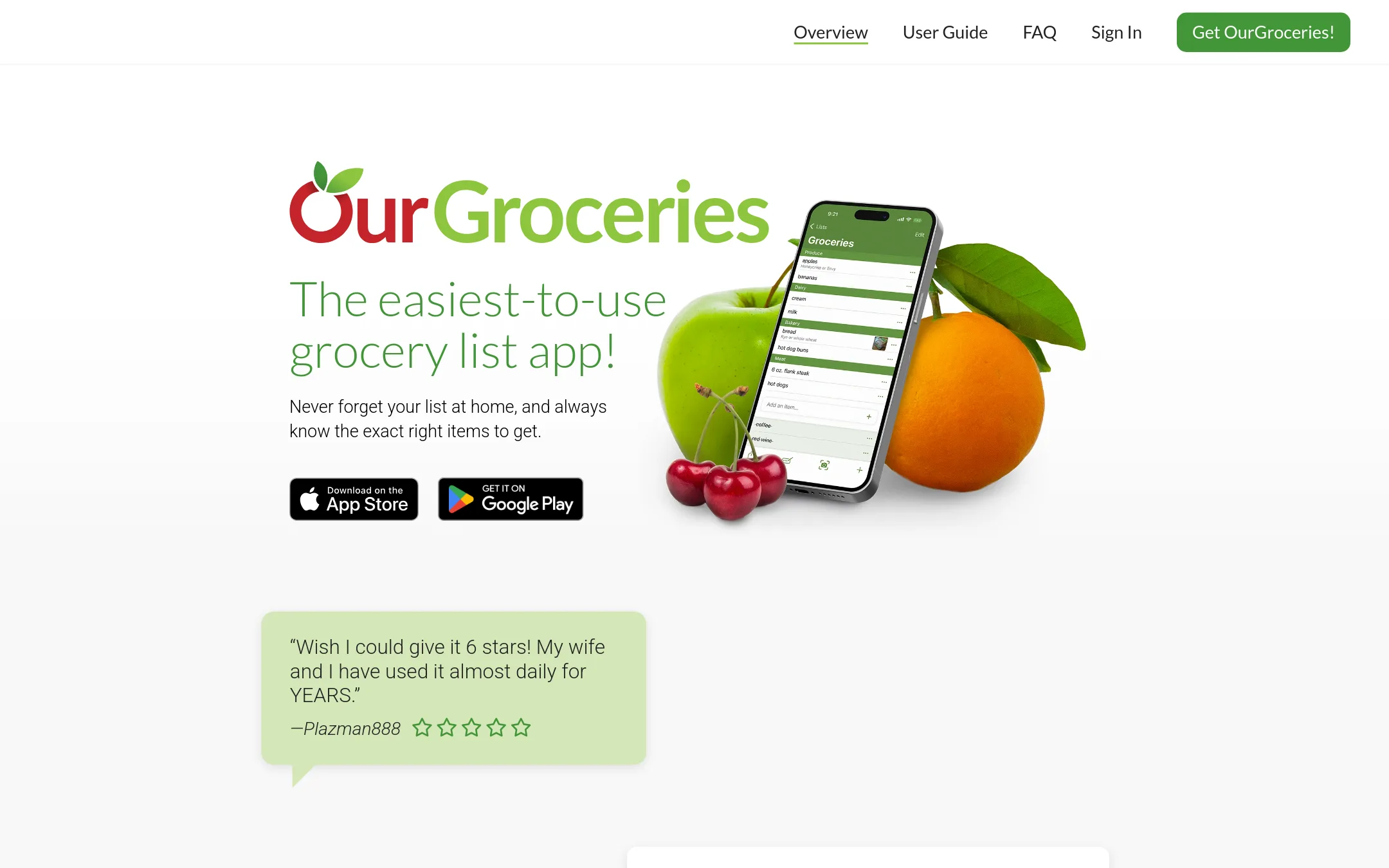
Best for: Households and families that want a real-time shared grocery list with Alexa support and barcode scanning.
- Pricing
- Not published
- Category
- Productivity & Project Management
OurGroceries is a shared grocery list app focused on real-time household coordination. Choose it over Paprika if your main need is a simple, collaborative shopping list rather than full recipe management and meal planning.
Where it is strong
- Real-time sync across all household devices
- Alexa integration for hands-free list updates
- Photos, notes, quantities, and barcodes on list items
Where it falls short
- No meal planner or recipe scaling features
- Limited to grocery lists, not a full recipe manager
- Pricing:
- Pricing is not published on the site.
- Not published
12.Out of Milk
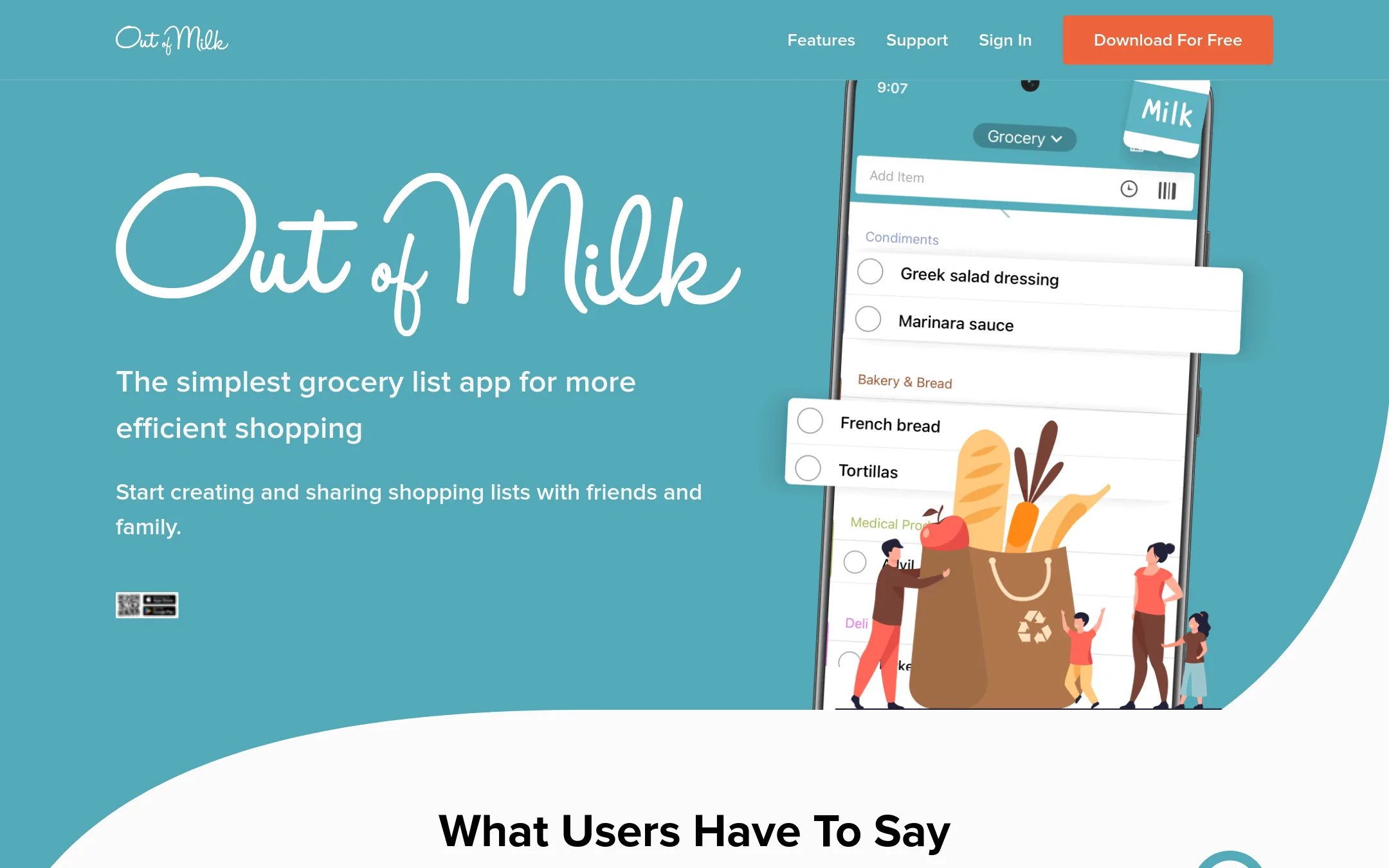
Best for: Shoppers who want a lightweight, shareable grocery list app with barcode scanning and pantry tracking, without recipe management features.
- Pricing
- Not published
- Category
- Productivity & Project Management
Out of Milk is a focused grocery list app for people who mainly need to organize shopping trips, not manage recipes. It lets you create and share lists, scan barcodes, and track pantry items, which makes it a simpler alternative to Paprika if you don't need recipe storage or meal planning.
Where it is strong
- Share lists with family and friends for collaborative shopping
- Barcode scanner to quickly add items
- Track pantry items and see what you need to buy
Where it falls short
- No recipe management or meal planning features
- No built-in web browser to save recipes from the internet
- Pricing:
- Pricing is not published on the site.
See more comparisons in Productivity & Project Management alternatives.
FAQ
Questions about Paprika alternatives
What is the best Paprika alternative for families who need a shared grocery list?
AnyList is a strong choice because shared lists update instantly for everyone and support Siri voice input. OurGroceries also works well for real-time household coordination with Alexa support. Both focus on grocery lists rather than full recipe management.
Which alternative has the most similar recipe management features to Paprika?
Plan to Eat offers a recipe clipper that works with Instagram, TikTok, and Pinterest, plus a weekly meal planner and auto-generated grocery lists. Recipe Keeper lets you scan recipes from cookbooks using OCR and works with Alexa. Both lack Paprika's built-in browser for saving from any URL.
Are there any free alternatives to Paprika?
Google Keep is free with a Google account and can store recipes as notes, but lacks recipe-specific features. Cozi has a free plan with ads, though Gold is needed for month view and calendar search. Listonic is free with no account required, but premium features are not disclosed.
Which alternative is best for someone who only needs a grocery list, not recipe management?
Out of Milk is a lightweight option with barcode scanning and pantry tracking, but no recipe features. Listonic offers real-time sharing, aisle sorting, and budget tracking. OurGroceries is another simple choice with Alexa support and barcode scanning.
What should I check before choosing an alternative to Paprika?
Check whether the pricing is a one-time purchase or a subscription, and if there is a free trial or money-back guarantee. See if the app supports the devices you use, like Windows or web. Look for integrations with Siri, Alexa, or Google, and whether you need shared household access.
Last updated November 1, 2026.