PartSim alternatives
10 products compared · Updated November 1, 2026
The short answer
For browser-based simulation with an AI assistant, CircuitLab is the strongest alternative. For a complete, free PCB design toolchain, KiCad is the best choice. For a free, beginner-friendly simulator with 3D design, Tinkercad Circuits is ideal.
Your shortlist, at a glance
Read the comparisons ↓Falstad Circuit SimulatorSee websitePaul Falstad's interactive circuit simulator applet
 CircuitLabNot publishedHobbyists, students, and professional engineers who want a browser-based circuit simulator with an AI assistant and a free interactive textbook.
- TTINA-TINot publishedHardware engineers working with Texas Instruments components who need a free, offline SPICE simulator
- MMultisimNot publishedEngineering teams that need circuit simulation tied to NI hardware and LabVIEW for automated test and measurement.
 EveryCircuitNot publishedStudents and hobbyists who want an intuitive, animated circuit simulator with a large community gallery.
EasyEDAFree coreHobbyists, students, and small hardware teams that want a free, web-based PCB design tool with integrated manufacturing and component sourcing.
 KiCadFree (open source)Hardware engineers and hobbyists who need a complete, free PCB design tool with SPICE simulation and 3D preview.
 PSpiceNot publishedElectronics engineers and teams designing precision, automotive, or high-reliability circuits who need deep simulation and analysis tools.
 ProteusNot publishedElectronics engineers and embedded developers who need PCB design, microcontroller simulation, and IoT prototyping in a single tool.
 Tinkercad CircuitsFreeStudents, teachers, and hobbyists who need a free, browser-based electronics simulator with 3D design and coding features.
About PartSim and its alternatives
PartSim is a simulation platform for designing and testing circuits. It is known for its browser-based approach and ease of use, though its site is currently unreachable.
When comparing alternatives, weigh pricing structure (free vs. subscription vs. quote-based), platform (browser vs. desktop), target audience (hobbyist vs. professional), and integration with manufacturing or hardware tools. Also consider whether you need advanced features like PCB layout or microcontroller simulation.
Explore the alternatives
- See website
1.Falstad Circuit Simulator
Design & Creative
Free, browser-based circuit simulator with interactive visualization.
- Not published
2.CircuitLab
Best for: Hobbyists, students, and professional engineers who want a browser-based circuit simulator with an AI assistant and a free interactive textbook.
- Pricing
- Not published
- Category
- Developer Tools
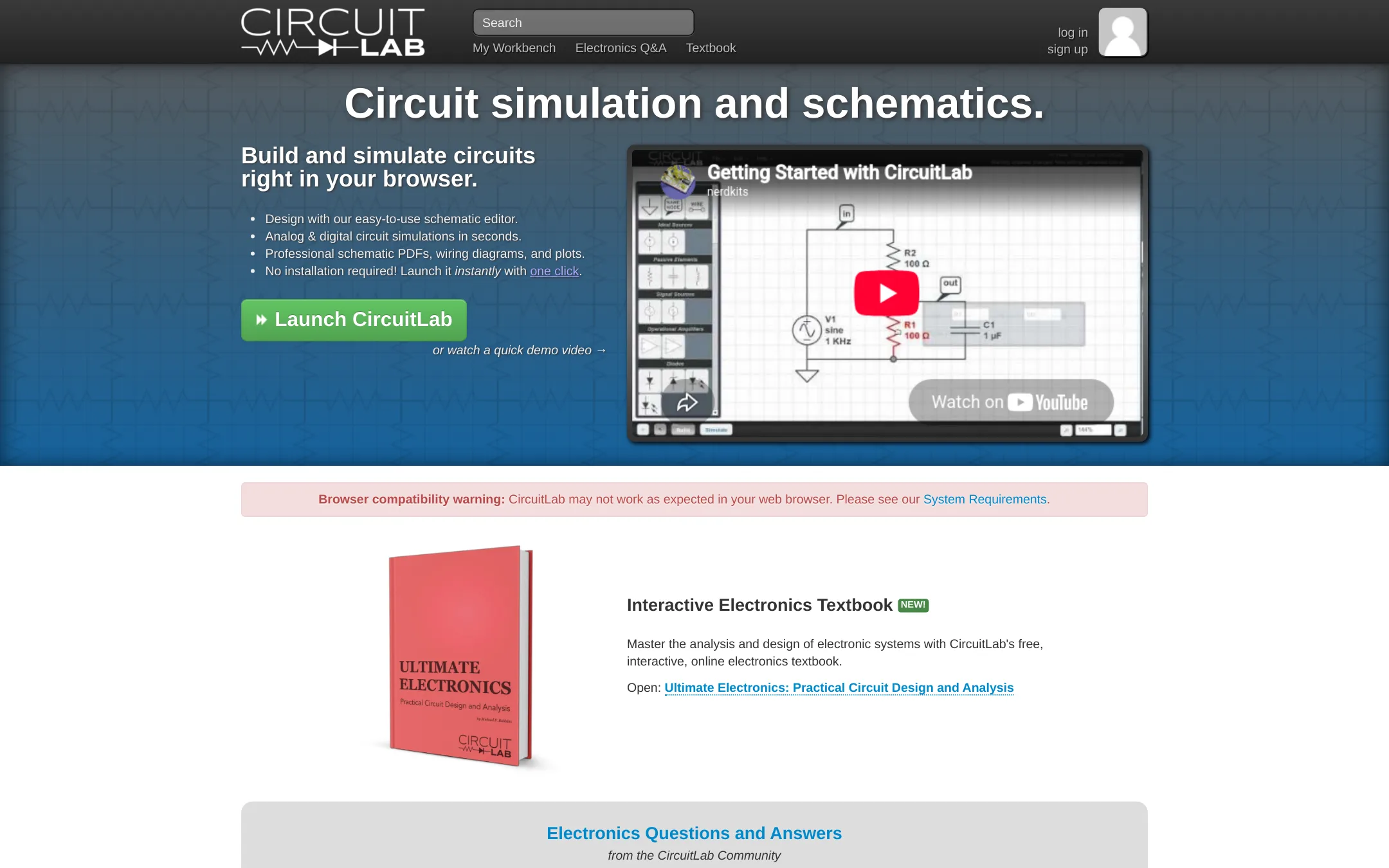
CircuitLab is a browser-based circuit simulator and schematic editor for designing and testing analog and digital circuits. Choose it over PartSim if you need a tool that runs entirely in the browser, includes a built-in AI assistant for creating circuits from descriptions, and offers a free interactive electronics textbook.
Where it is strong
- Runs entirely in the browser with no installation required
- Includes an AI assistant that can create circuits from a description
- Offers a free interactive electronics textbook
Where it falls short
- Pricing details are not publicly listed, so you must contact them to upgrade
- May lack some advanced features found in desktop tools like LTSpice
- Pricing:
- Pricing is not published on the site.
- TNot published
3.TINA-TI
Best for: Hardware engineers working with Texas Instruments components who need a free, offline SPICE simulator

- Pricing
- Not published
- Category
- Other
TINA-TI is a free SPICE-based circuit simulation tool from Texas Instruments, designed for analyzing and designing analog circuits with TI components. Choose it instead of PartSim if you need a reliable, vendor-supported simulator for TI parts and don't require a web-based platform.
Where it is strong
- Free to download and use
- Includes TI component models
- Runs offline on your desktop
Where it falls short
- Windows-only desktop app
- No collaborative or cloud features
- Pricing:
- Pricing is not published on the site.
- Switching from PartSim:
- Moving from PartSim means installing a desktop application and learning its interface, but your SPICE netlists should carry over.
- MNot published
4.Multisim
Best for: Engineering teams that need circuit simulation tied to NI hardware and LabVIEW for automated test and measurement.
- Pricing
- Not published
- Category
- Other
Multisim is NI's circuit simulation software, now part of Emerson's test and measurement portfolio. It is a desktop tool for engineers who need deep integration with NI hardware and LabVIEW for automated test systems. Choose it over PartSim if you are building physical test setups, not just doing schematic-level simulation.
Where it is strong
- Integrates with NI hardware and LabVIEW for automated test.
- Part of a 50-year-old instrumentation ecosystem.
- Wide range of simulation and analysis tools for electronic design.
Where it falls short
- Pricing is not transparent. Likely requires a sales quote.
- Heavy focus on NI ecosystem, which may be overkill for simple simulation tasks.
- Pricing:
- Pricing is not published on the site.
- Not published
5.EveryCircuit
Best for: Students and hobbyists who want an intuitive, animated circuit simulator with a large community gallery.
- Pricing
- Not published
- Category
- Design & Creative
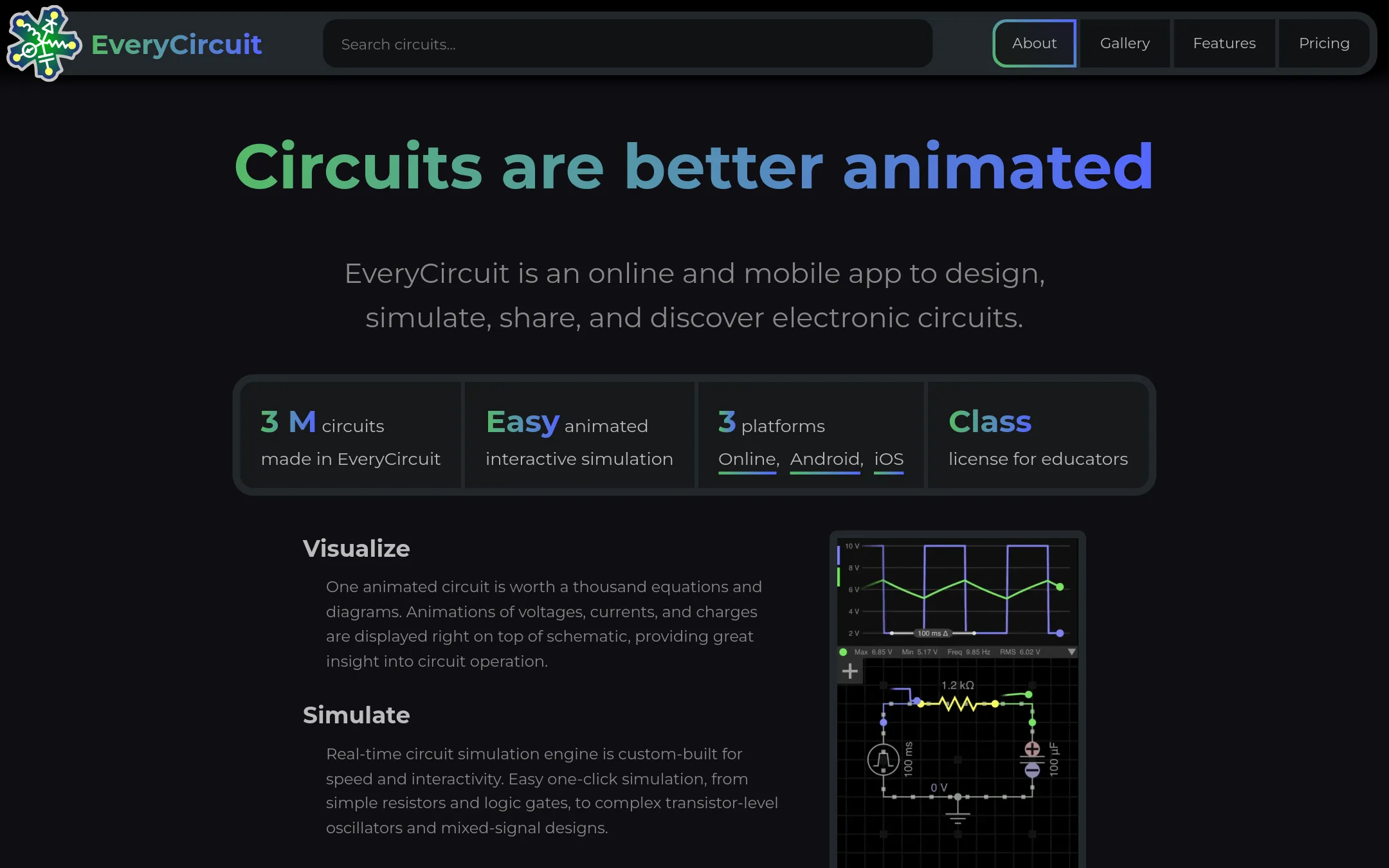
EveryCircuit is an animated interactive circuit simulator that runs in the browser and on mobile, with a gallery of millions of user-designed circuits. Choose it instead of PartSim if you want a visual, real-time simulation experience and the ability to explore and share public circuits.
Where it is strong
- Animated real-time simulation makes circuit behavior easy to understand.
- Includes analog and digital components, AC analysis, and Bode plots.
- One subscription unlocks both online and mobile apps.
Where it falls short
- Pricing details are not shown on the website.
- May lack advanced features needed for professional PCB design.
- Pricing:
- Pricing is not published on the site.
- Free core
6.EasyEDA
Best for: Hobbyists, students, and small hardware teams that want a free, web-based PCB design tool with integrated manufacturing and component sourcing.
- Pricing
- Free core
- Category
- Design & Creative
EasyEDA is a free, browser-based PCB design and circuit simulation tool that also integrates with JLCPCB for prototyping and LCSC for component purchasing. Choose it over PartSim if you need to go from schematic to manufactured board in one workflow, especially for larger or more complex projects.
Where it is strong
- Free core features for everyone
- Runs in the browser, no install needed
- Integrates with JLCPCB and LCSC for manufacturing and parts
Where it falls short
- Pricing for paid plans is not published
- Advanced features like large design support are limited to the Pro Edition
- Pricing:
- Pricing is not published on the site. The core features are free, with optional paid subscriptions mentioned but no specific amounts listed.
- Switching from PartSim:
- Moving from PartSim to EasyEDA means learning a new schematic editor and simulation workflow, but your existing circuit designs can be recreated in EasyEDA's library system.
- Free (open source)
7.KiCad
Best for: Hardware engineers and hobbyists who need a complete, free PCB design tool with SPICE simulation and 3D preview.
- Pricing
- Free (open source)
- Category
- Design & Creative
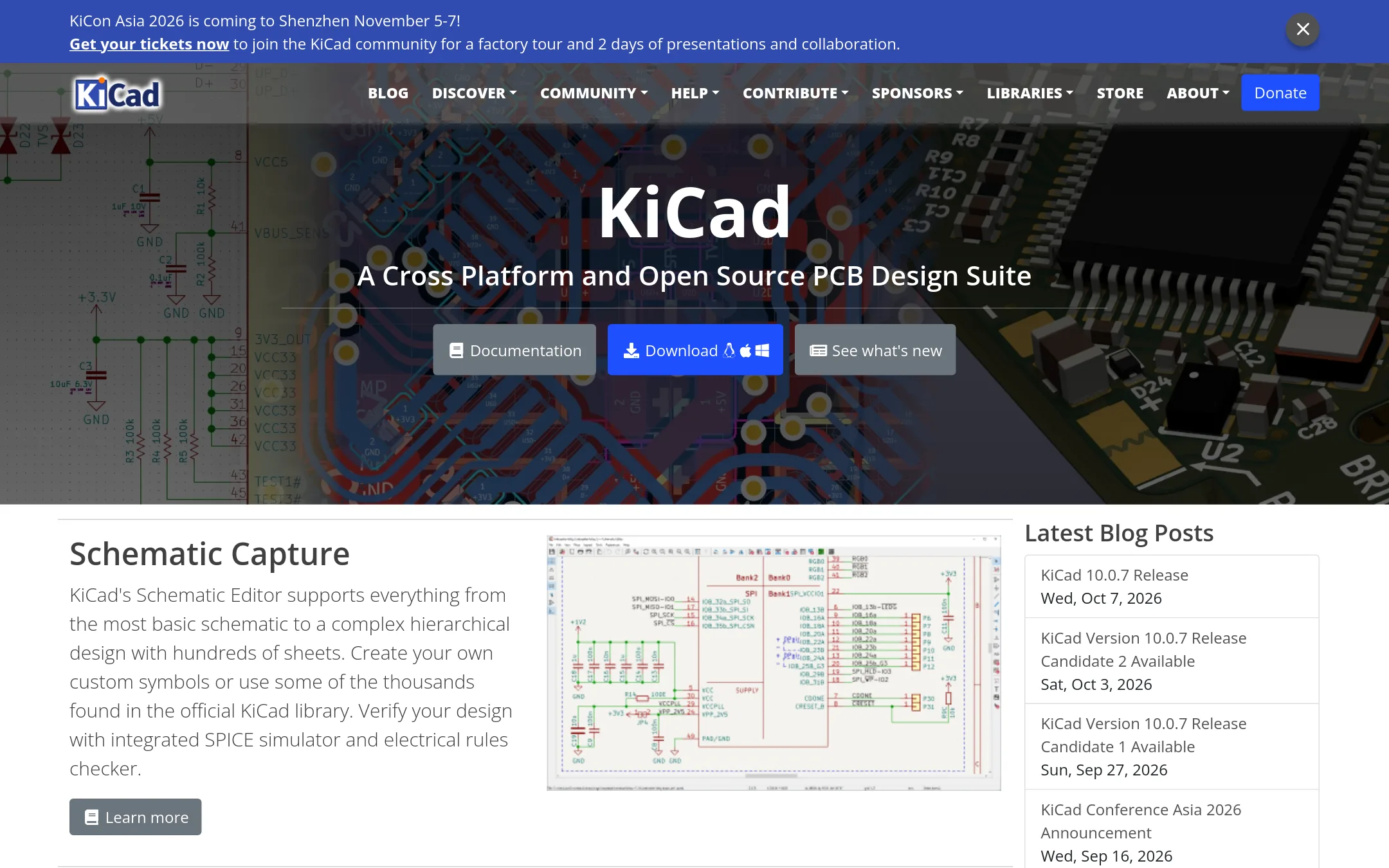
KiCad is a free, open-source suite for schematic capture, PCB layout, and 3D viewing. Choose it over PartSim if you need a full PCB design toolchain that runs locally on Windows, macOS, or Linux, and you want to avoid subscription costs.
Where it is strong
- Free and open source, no licensing fees.
- Includes schematic editor, PCB editor, and 3D viewer.
- Integrated SPICE simulator and electrical rules checker.
Where it falls short
- Steeper learning curve than PartSim for beginners.
- No cloud-based collaboration. Requires local installation.
- Pricing:
- Pricing is not published on the site. The software is free and open source.
- Not published
8.PSpice
Best for: Electronics engineers and teams designing precision, automotive, or high-reliability circuits who need deep simulation and analysis tools.
- Pricing
- Not published
- Category
- Design & Creative
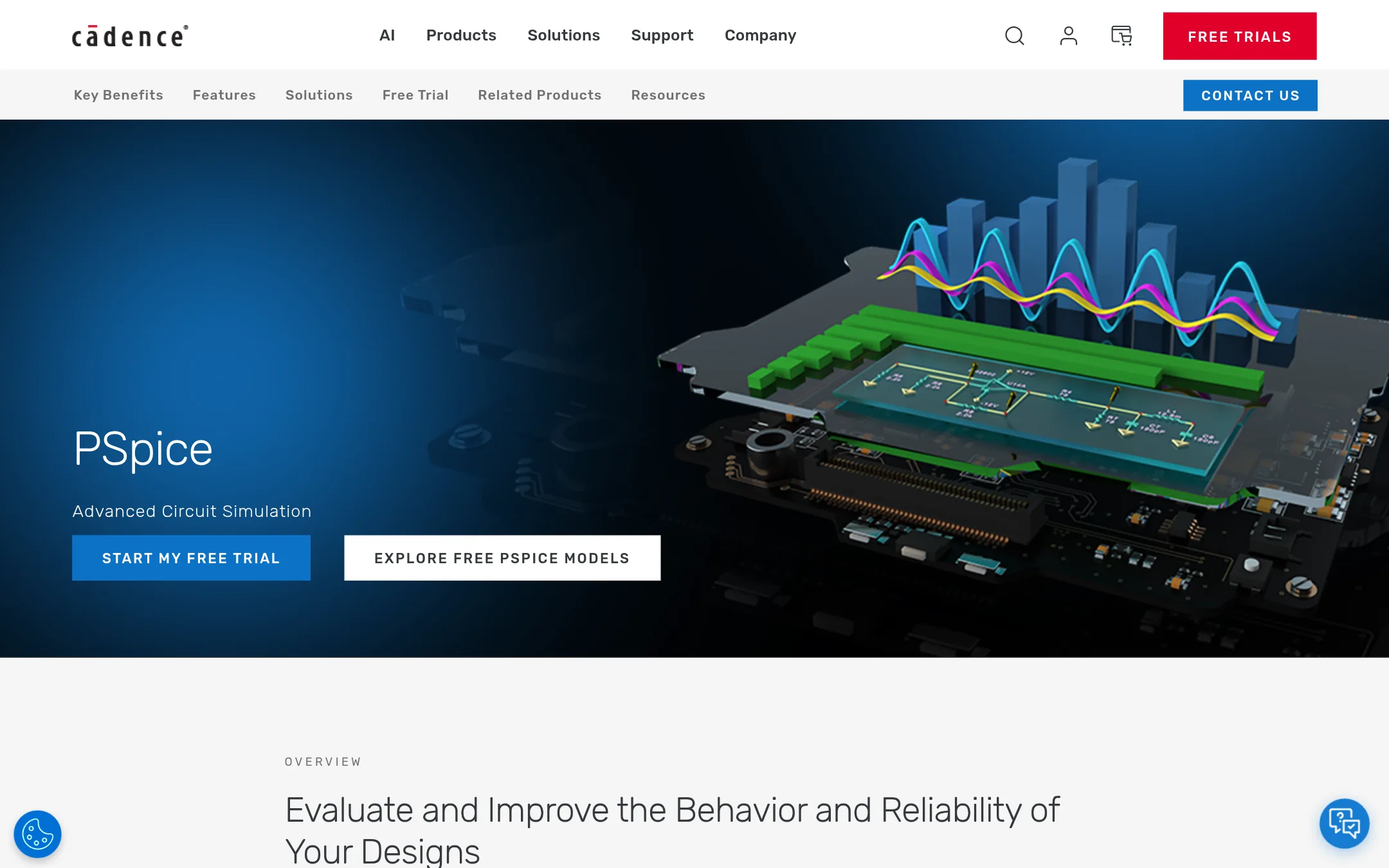
PSpice is a full-featured SPICE simulation environment from Cadence, built for analog and mixed-signal design with advanced analysis like Monte Carlo and smoke analysis. Choose it over PartSim when you need professional-grade circuit verification, a large model library, and integration with MATLAB/Simulink for complex systems.
Where it is strong
- Over 35,000 built-in parametrized models from various IC vendors.
- Advanced analyses: transient, smoke, sensitivity, Monte Carlo, and optimizer.
- Bi-directional integration with MATLAB/Simulink for electro-mechanical co-simulation.
Where it falls short
- Pricing is not transparent. Likely requires a sales quote.
- Steep learning curve compared to simpler tools like PartSim.
- Pricing:
- Pricing is not published on the site.
- Not published
9.Proteus
Best for: Electronics engineers and embedded developers who need PCB design, microcontroller simulation, and IoT prototyping in a single tool.
- Pricing
- Not published
- Category
- Design & Creative
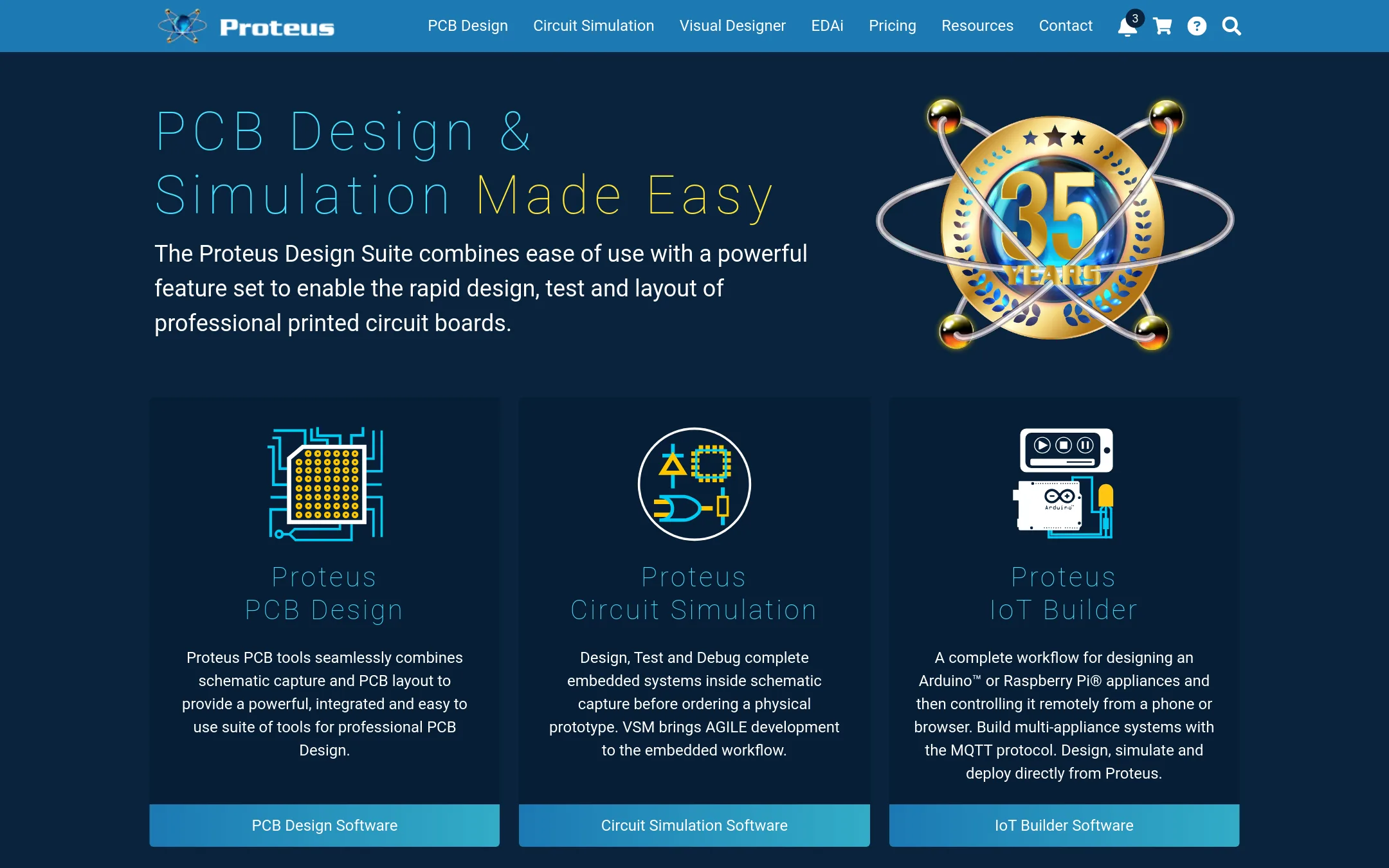
Proteus is a full PCB design and simulation suite for engineers who need to go from schematic to board layout, including microcontroller simulation and IoT prototyping. Choose it over PartSim when you need professional PCB layout tools, MCU simulation, and a large component library in one package.
Where it is strong
- Includes PCB layout with autorouting and high-speed design features
- Simulates microcontrollers and full embedded systems before hardware
- Access to over 15 million library parts
Where it falls short
- Pricing is not transparent on the site
- Heavier and more complex than a simple simulation tool like PartSim
- Pricing:
- Pricing is not published on the site. Packages are listed as Enterprise, Platinum, and Custom with prices shown as $$$price or From $$$price.
- Switching from PartSim:
- Moving from PartSim to Proteus means learning a full EDA suite, but your existing circuit designs can be recreated in Proteus's schematic editor.
- Free
10.Tinkercad Circuits
Best for: Students, teachers, and hobbyists who need a free, browser-based electronics simulator with 3D design and coding features.
- Pricing
- Free
- Category
- Design & Creative
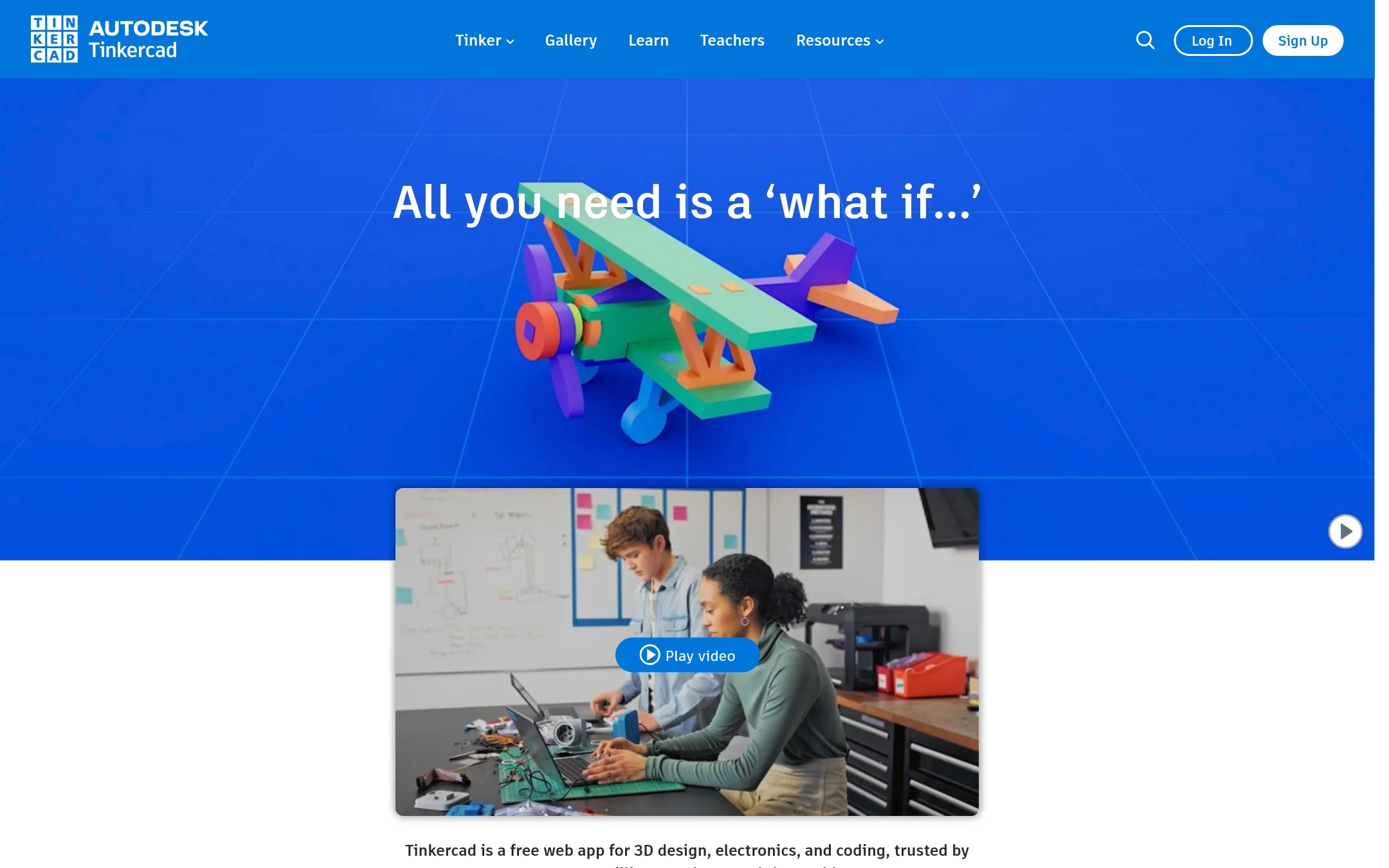
Tinkercad Circuits is a free browser-based tool for simulating electronics and designing 3D models, aimed at beginners and classrooms. Choose it instead of PartSim if you want a no-cost, easy-to-start environment for learning circuit basics and running simple simulations without installing software.
Where it is strong
- Free to use with no downloads required
- Includes 3D design and block-based coding alongside circuits
- KidSAFE certified and ad-free, safe for classrooms
Where it falls short
- Limited to basic circuit simulations, not for advanced or professional analysis
- Requires an Autodesk account to save and share designs
- Pricing:
- Pricing is not published on the site. The homepage states it is free for everyone.
See more comparisons in Design & Creative alternatives.
FAQ
Questions about PartSim alternatives
Which alternative is best for beginners?
Tinkercad Circuits is the best for beginners. It is free, browser-based, and includes 3D design and block-based coding. It is also KidSAFE certified and ad-free, making it safe for classrooms.
Are there any free alternatives to PartSim?
Yes, KiCad, Tinkercad Circuits, EasyEDA, and TINA-TI are all free. KiCad is open source, Tinkercad and EasyEDA are browser-based, and TINA-TI is a free download from Texas Instruments.
Which alternative supports PCB design?
KiCad, EasyEDA, and Proteus all support PCB design. KiCad is free and open source, EasyEDA integrates with JLCPCB for manufacturing, and Proteus offers professional layout with autorouting.
Which alternative is best for professional engineers?
PSpice and Proteus are best for professional engineers. PSpice offers advanced analysis like Monte Carlo and smoke analysis, while Proteus includes microcontroller simulation and a large component library.
Do any alternatives integrate with hardware or test equipment?
Multisim integrates with NI hardware and LabVIEW for automated test. PSpice integrates with MATLAB/Simulink for co-simulation. EasyEDA integrates with JLCPCB and LCSC for manufacturing and parts.
Last updated November 1, 2026.