
Photopea alternatives
12 products compared · Updated October 30, 2026
The short answer
For e-commerce teams that need fast, automated product photos, Photoroom and Remove.bg are the strongest alternatives. For teams that want a guided, template-driven editor for social media graphics, Fotor and Pixlr are good fits. For free, installable desktop editing with extensibility, GIMP is the choice.
Your shortlist, at a glance
Read the comparisons ↓ Adobe AnimateNot publishedAnimators and motion designers who need a dedicated tool for interactive vector animations and are already using Adobe Creative Cloud.
- GGIMPNot publishedDesigners and photographers who want a free, installable editor with strong scripting and plugin support, especially in Linux-based workflows.
 PixlrNot publishedSocial media managers and small business owners who need fast AI photo editing and image generation in the browser.
Canva WhiteboardsNot publishedTeams that need a shared whiteboard for workshops, planning sessions, or visual collaboration and don't require deep photo manipulation.
 FotorNot publishedSocial media managers and small business owners who need fast, template-based photo edits and AI enhancements without learning a professional editor.
- KKritaFreeDigital artists and illustrators who need a professional painting tool with animation support and don't require PSD compatibility.
 PhotoroomNot publishedE-commerce teams and marketplaces that need to produce large volumes of product photos and videos with consistent brand styling.
 PicsartNot publishedContent creators and social media teams that need AI video generation, templates, and stock libraries alongside basic photo editing.
 Claid.aiNot publishedE-commerce teams and fashion brands that need to generate realistic lifestyle and on-model product photos at scale.
 Cleanup.picturesFree / $5/moPhotographers, real estate agents, and e-commerce teams that need quick, AI-powered object removal from photos without full editing tools.
- LLuminar NeoSee websiteAI-powered photo editing software
 Remove.bgNot publishedE-commerce sellers, marketers, and developers who need quick, automated background removal for product photos or headshots without learning a full photo editor.
About Photopea and its alternatives
Photopea is a free, browser-based photo editor that runs fully on your device, so files never leave your computer. It is known for full PSD support, a professional toolset with layers and masks, and the ability to open dozens of formats including RAW files.
When comparing alternatives, weigh pricing structure, since some tools have no published prices and require contacting sales. Consider whether you need browser-based editing or a desktop install, and whether the tool supports PSD files or focuses on AI automation. Check integrations with your existing workflow, support options, and contract terms like free tiers or annual billing.
Explore the alternatives
- Not published
1.Adobe Animate
Best for: Animators and motion designers who need a dedicated tool for interactive vector animations and are already using Adobe Creative Cloud.
- Pricing
- Not published
- Category
- Design & Creative
Adobe Animate is a professional animation tool for creating interactive vector and raster animations, while Photopea is a free browser-based photo editor. You would choose Adobe Animate when your primary need is frame-by-frame animation, interactive content for games or web, and you already work within the Adobe ecosystem. It is not a direct replacement for Photopea's photo editing features, but it covers the animation side of creative work that Photopea does not handle.
Where it is strong
- Dedicated animation timeline and frame-by-frame tools.
- Exports to HTML5 Canvas, WebGL, and other formats for interactive content.
- Integrates with other Adobe apps like Photoshop and Illustrator.
Where it falls short
- Requires a paid Creative Cloud subscription. No free tier.
- No photo editing features like layers, masks, or RAW support that Photopea offers.
- Pricing:
- Pricing is not published on the site.
- GNot published
2.GIMP
Best for: Designers and photographers who want a free, installable editor with strong scripting and plugin support, especially in Linux-based workflows.
- Pricing
- Not published
- Category
- Other
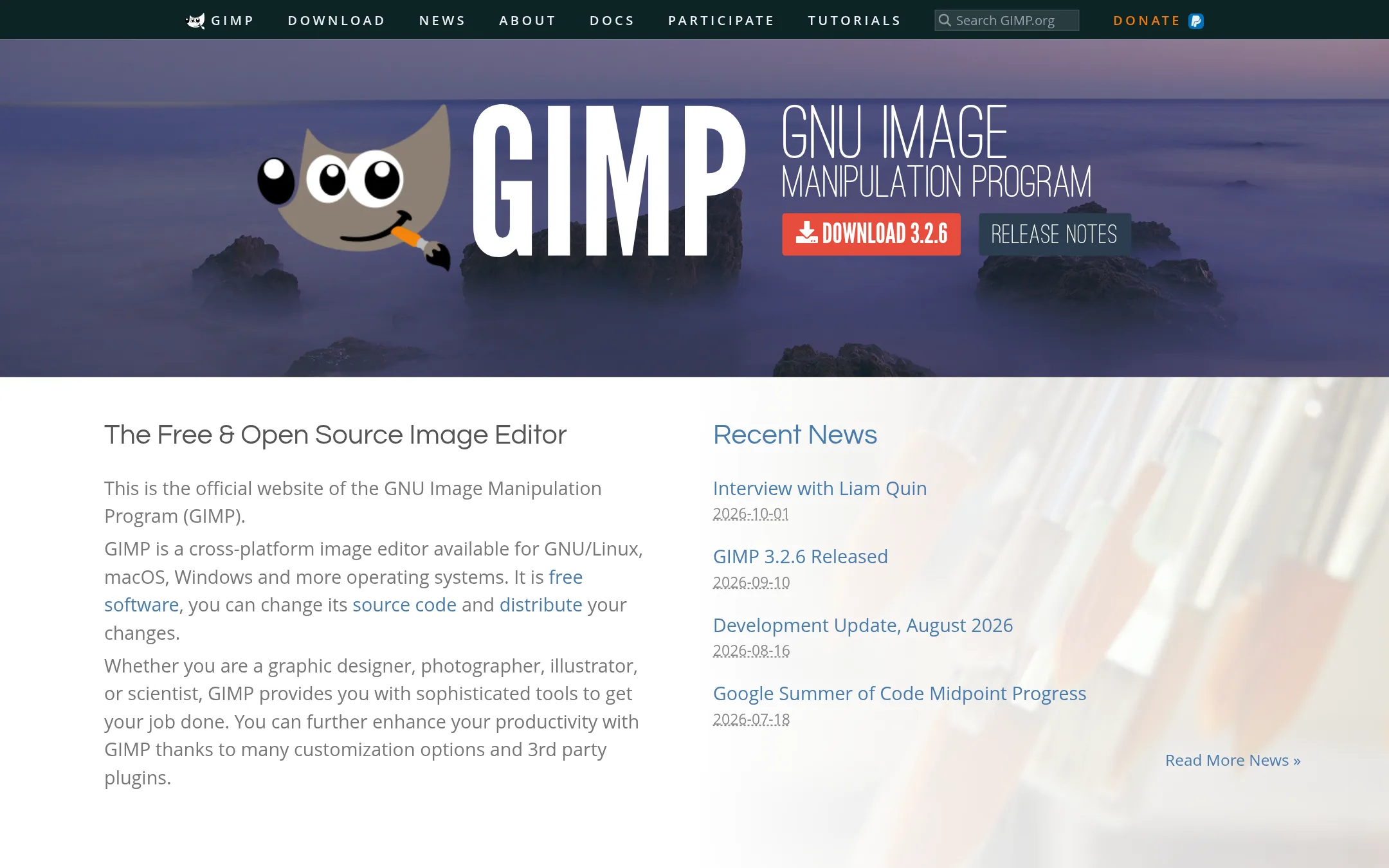
GIMP is a free, open-source image editor that runs as a desktop application on Linux, macOS, and Windows. Choose it over Photopea if you need a native install, deep extensibility through scripts and plugins, and don't require browser-based editing or full PSD compatibility.
Where it is strong
- Free and open source, with no usage limits.
- Runs offline as a desktop app on multiple OSes.
- Extensible via Python, Scheme, and many community plugins.
Where it falls short
- No browser-based editing. Requires installation.
- Lacks full PSD support and some advanced features like Smart Objects.
- Pricing:
- Pricing is not published on the site.
- Switching from Photopea:
- Moving from Photopea means installing GIMP and adapting to a different interface. PSD files may not open perfectly, so test compatibility first.
- Not published
3.Pixlr
Best for: Social media managers and small business owners who need fast AI photo editing and image generation in the browser.
- Pricing
- Not published
- Category
- Media & Entertainment
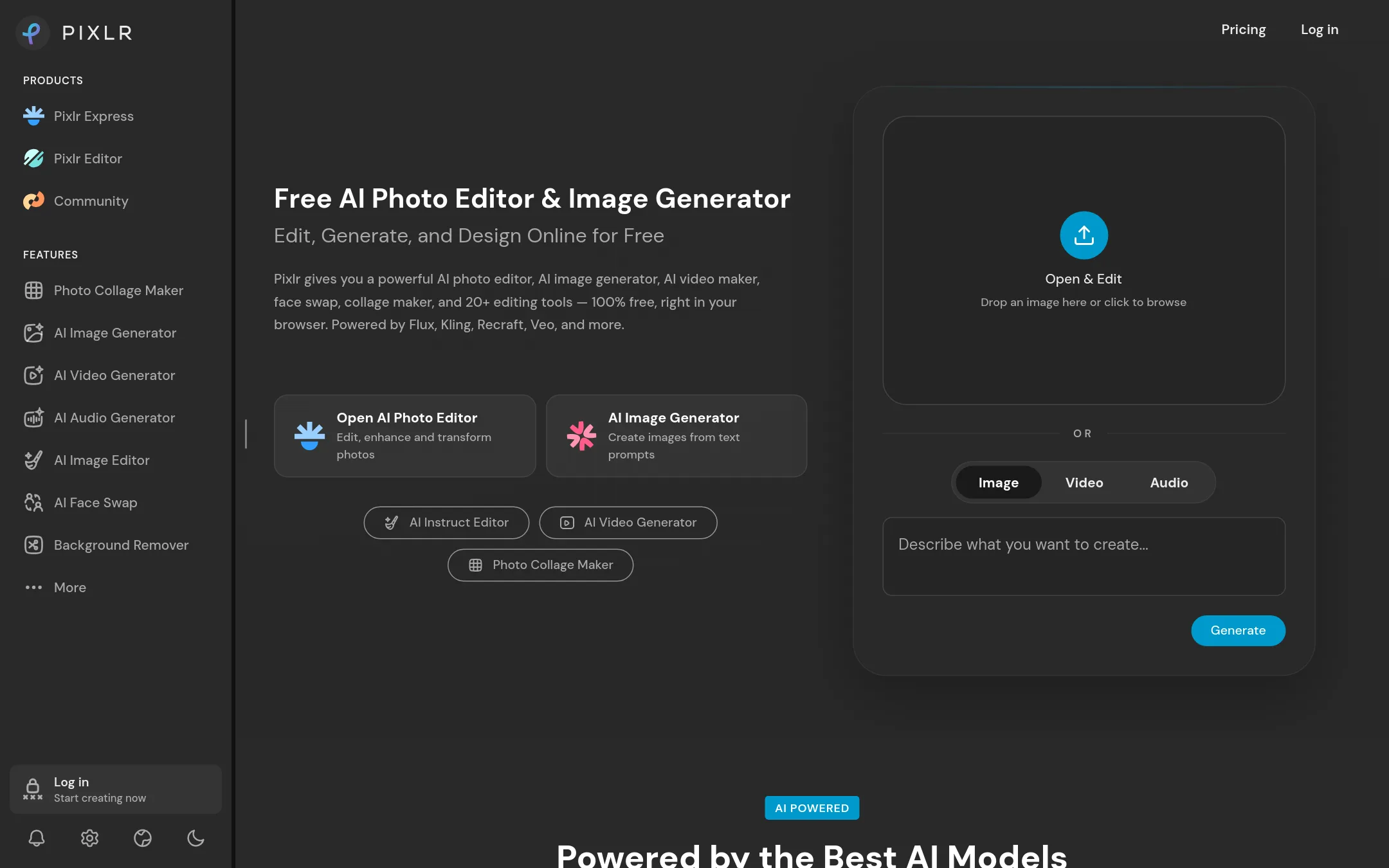
Pixlr is a browser-based photo editor with a strong focus on AI tools like background removal, generative fill, and text-to-image generation. Choose it over Photopea if you want quick AI-powered edits and media generation without learning a full PSD-style workflow.
Where it is strong
- Generative AI tools built in, including text-to-image and face swap
- No install needed, works entirely in the browser
- Free tier available with basic editing features
Where it falls short
- Pricing details are not listed, so costs are unclear
- Less advanced layer and masking controls compared to Photopea
- Pricing:
- Pricing is not published on the site.
- Switching from Photopea:
- Moving from Photopea involves learning Pixlr's AI-first interface, but basic editing tools like crop and layers are similar.
- Not published
4.Canva Whiteboards
Best for: Teams that need a shared whiteboard for workshops, planning sessions, or visual collaboration and don't require deep photo manipulation.
- Pricing
- Not published
- Category
- Communication & Collaboration
Canva Whiteboards is a collaborative visual workspace for brainstorming, planning, and diagramming, not a pixel-level photo editor. You would choose it instead of Photopea when your team needs to think together on a shared canvas, map out ideas, or create simple visuals without needing advanced layer-based editing or PSD support.
Where it is strong
- Real-time collaboration for distributed teams
- Easy to add sticky notes, shapes, and drawings
- Integrates with Canva's design tools
Where it falls short
- No PSD file support or layer-based editing
- Not designed for detailed photo retouching or advanced effects
- Pricing:
- Pricing is not published on the site.
- Not published
5.Fotor
Best for: Social media managers and small business owners who need fast, template-based photo edits and AI enhancements without learning a professional editor.
- Pricing
- Not published
- Category
- Media & Entertainment
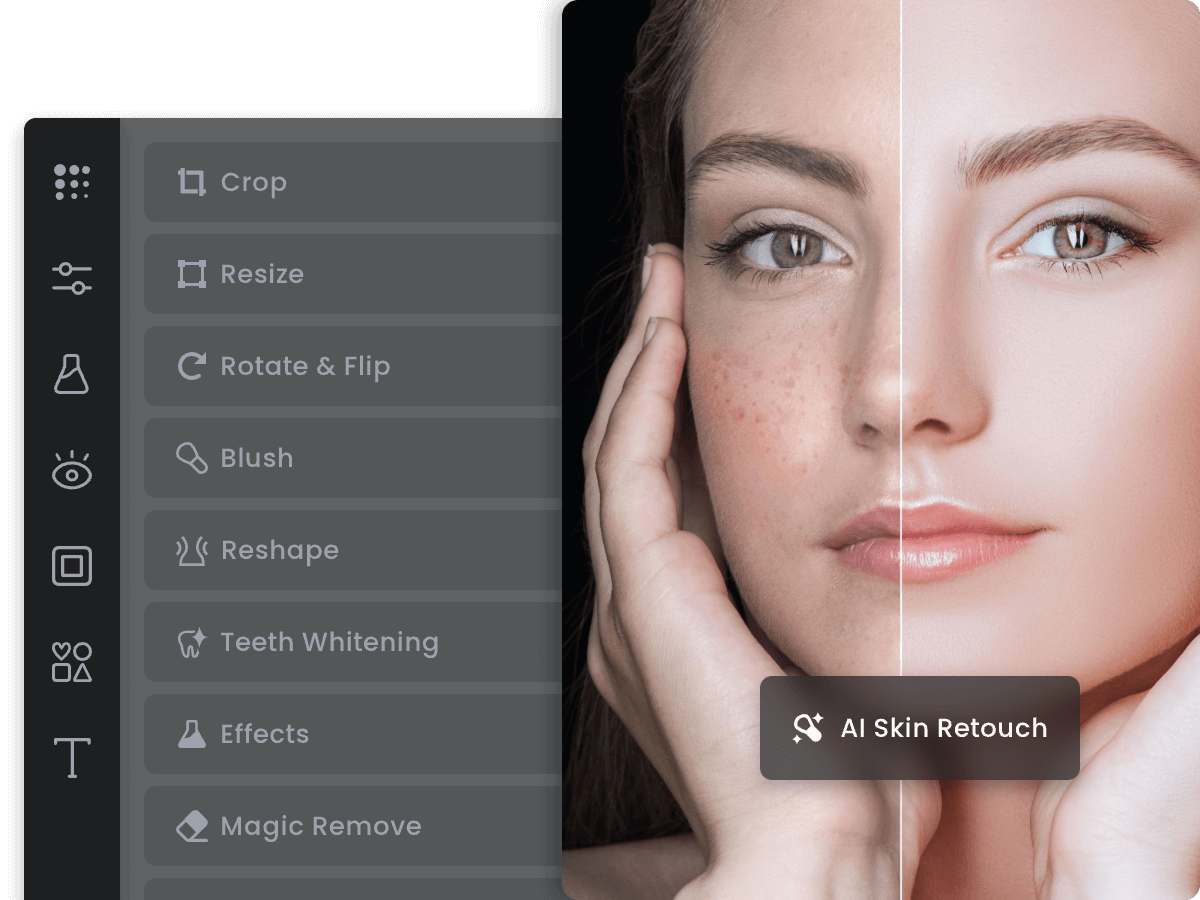
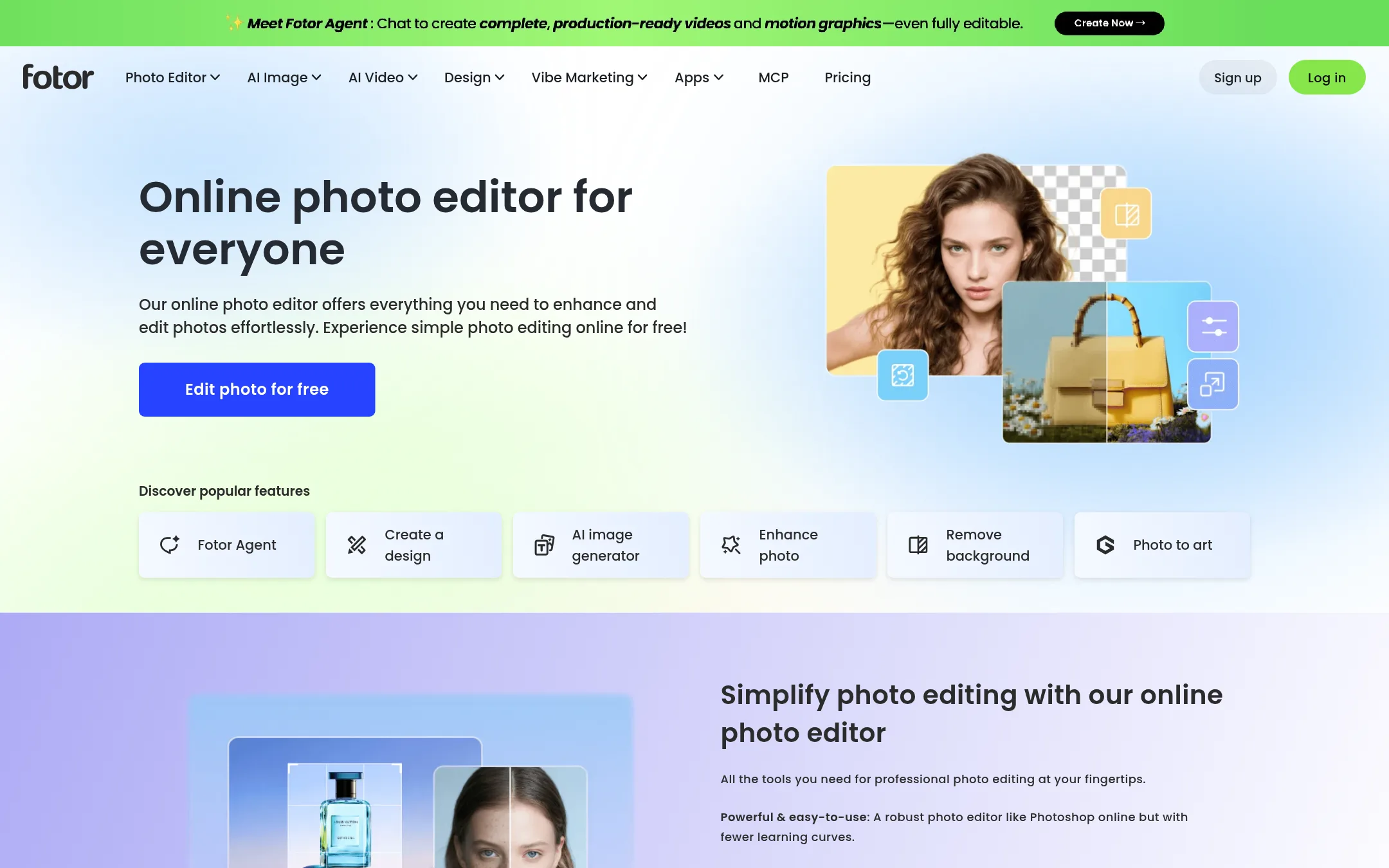
Fotor is a browser-based photo editor with a strong focus on one-click enhancements, templates, and AI tools like background removal and retouching. Choose it over Photopea if you want a more guided, template-driven editing experience rather than a full PSD-compatible workspace. It suits quick social media graphics and casual photo fixes better than deep layer-based work.
Where it is strong
- One-click AI enhancements and background removal are front and center
- Large library of templates and design assets for social posts
- Simpler interface than Photopea, easier for beginners
Where it falls short
- No PSD support, so you cannot open or save Photoshop files
- Advanced layer and mask controls are limited compared to Photopea
- Pricing:
- Pricing is not published on the site.
- Switching from Photopea:
- Moving from Photopea means giving up PSD compatibility and deep layer control, but you gain faster template-based workflows and AI presets.
- KFree
6.Krita
Best for: Digital artists and illustrators who need a professional painting tool with animation support and don't require PSD compatibility.
- Pricing
- Free
- Category
- Other
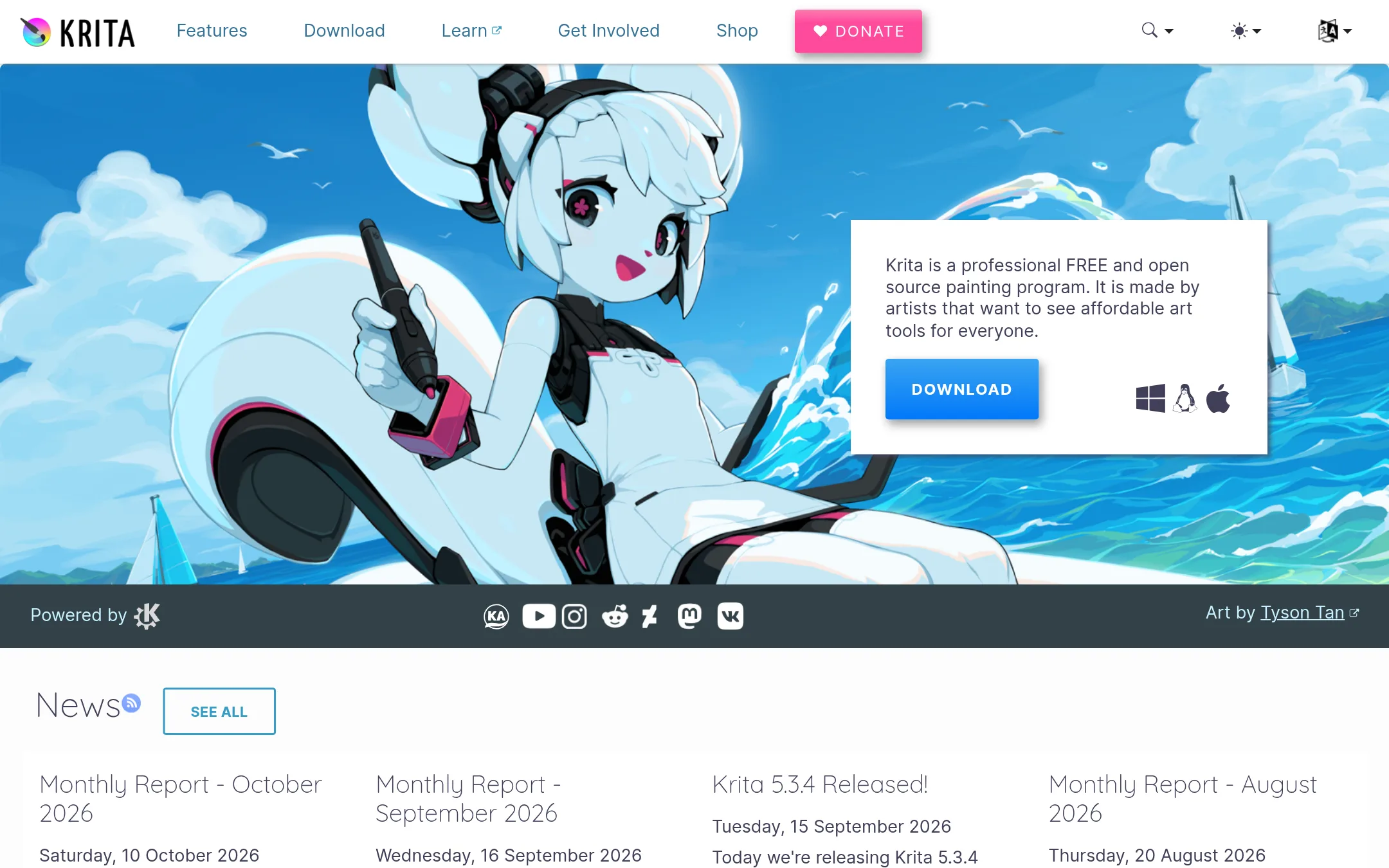
Krita is a free, open-source painting program built by artists for digital illustration, concept art, and animation. Choose it over Photopea when your work is painting and drawing rather than photo editing, and you want a dedicated desktop app with a strong community.
Where it is strong
- Free and open source, with no ads or watermarks.
- Multiple brush types, stabilizers, and drawing assistants for natural painting.
- Built-in animation tools for frame-by-frame work.
Where it falls short
- Not a browser-based tool. Requires installation on your device.
- Limited photo editing features compared to Photopea, such as no full PSD support.
- Pricing:
- Pricing is not published on the site.
- Switching from Photopea:
- Moving from Photopea to Krita means learning a new interface and workflow, and you'll need to export files to formats other than PSD if you rely on that.
- Not published
7.Photoroom
Best for: E-commerce teams and marketplaces that need to produce large volumes of product photos and videos with consistent brand styling.
- Pricing
- Not published
- Category
- Design & Creative
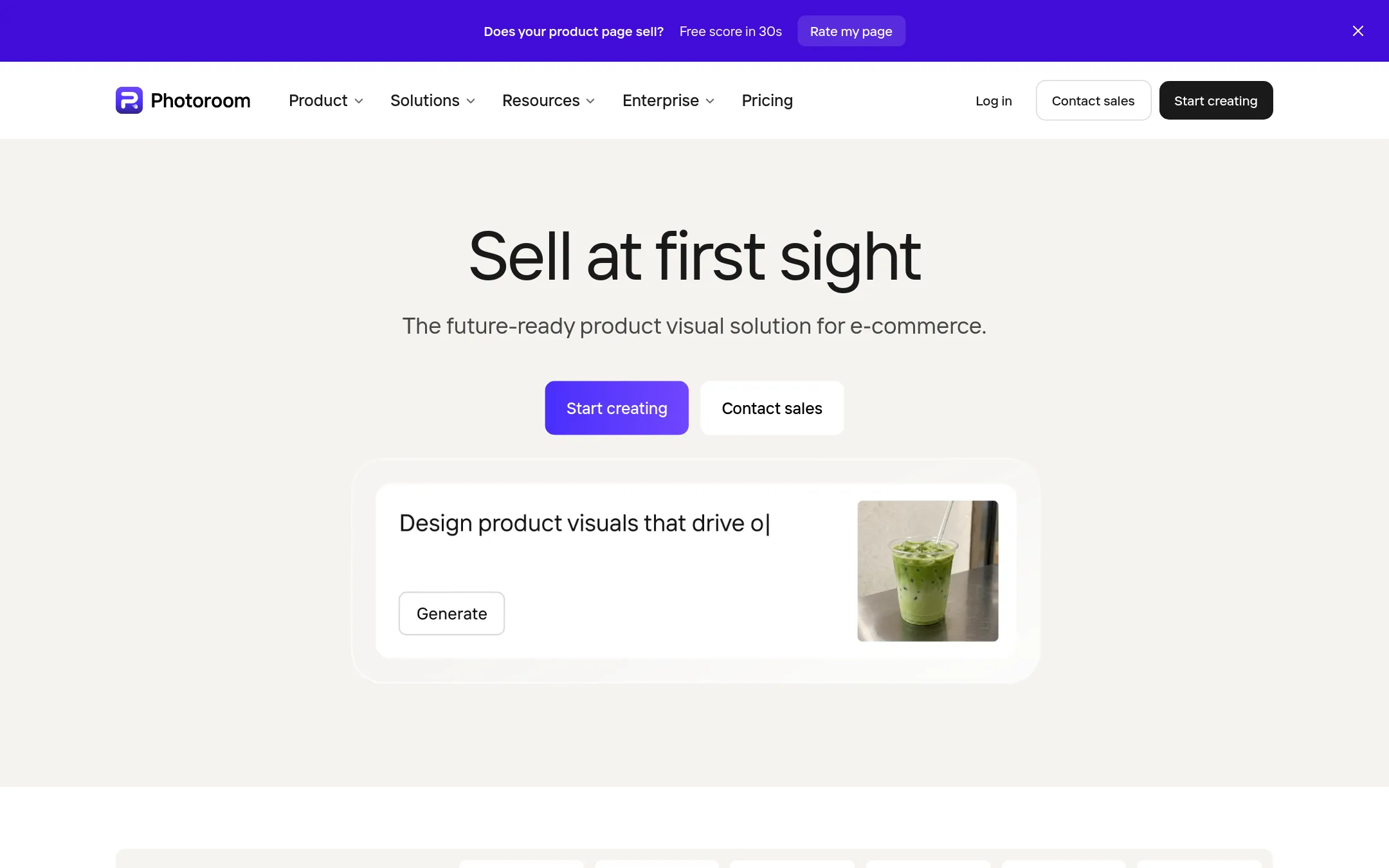
Photoroom is an AI-powered visual editor built specifically for e-commerce product photography. You would choose it over Photopea if you need to generate studio-quality product shots, remove backgrounds at scale, or create listing images and videos without manual editing.
Where it is strong
- AI background removal and product scene generation in seconds
- Batch editing for thousands of images via web app or API
- Brand Library enforces colors, logos, and layouts automatically
Where it falls short
- No free tier or published pricing, unlike Photopea's free browser editor
- Focused on e-commerce workflows, not general-purpose photo editing or PSD support
- Pricing:
- Pricing is not published on the site.
- Not published
8.Picsart
Best for: Content creators and social media teams that need AI video generation, templates, and stock libraries alongside basic photo editing.
- Pricing
- Not published
- Category
- Media & Entertainment
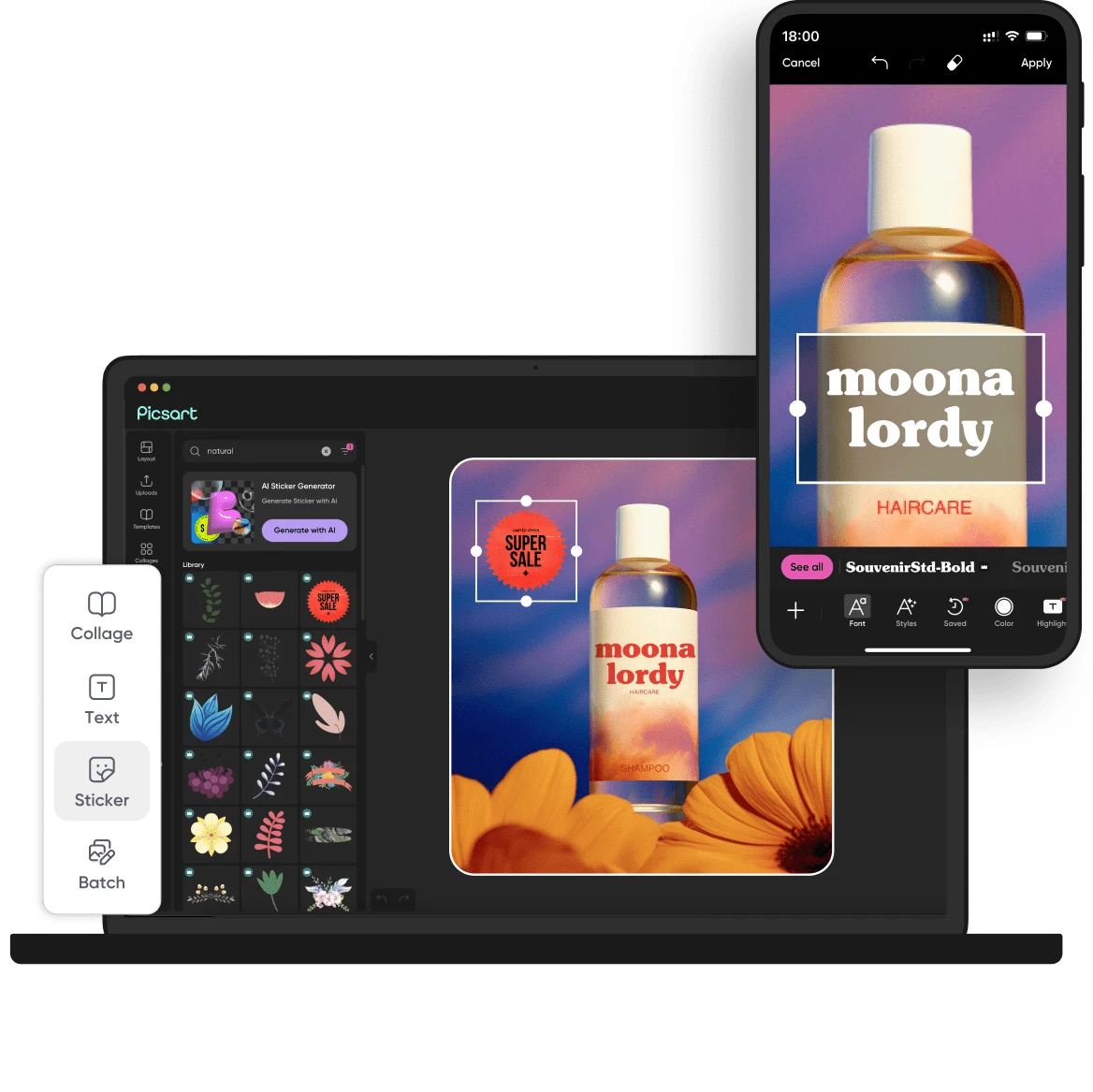
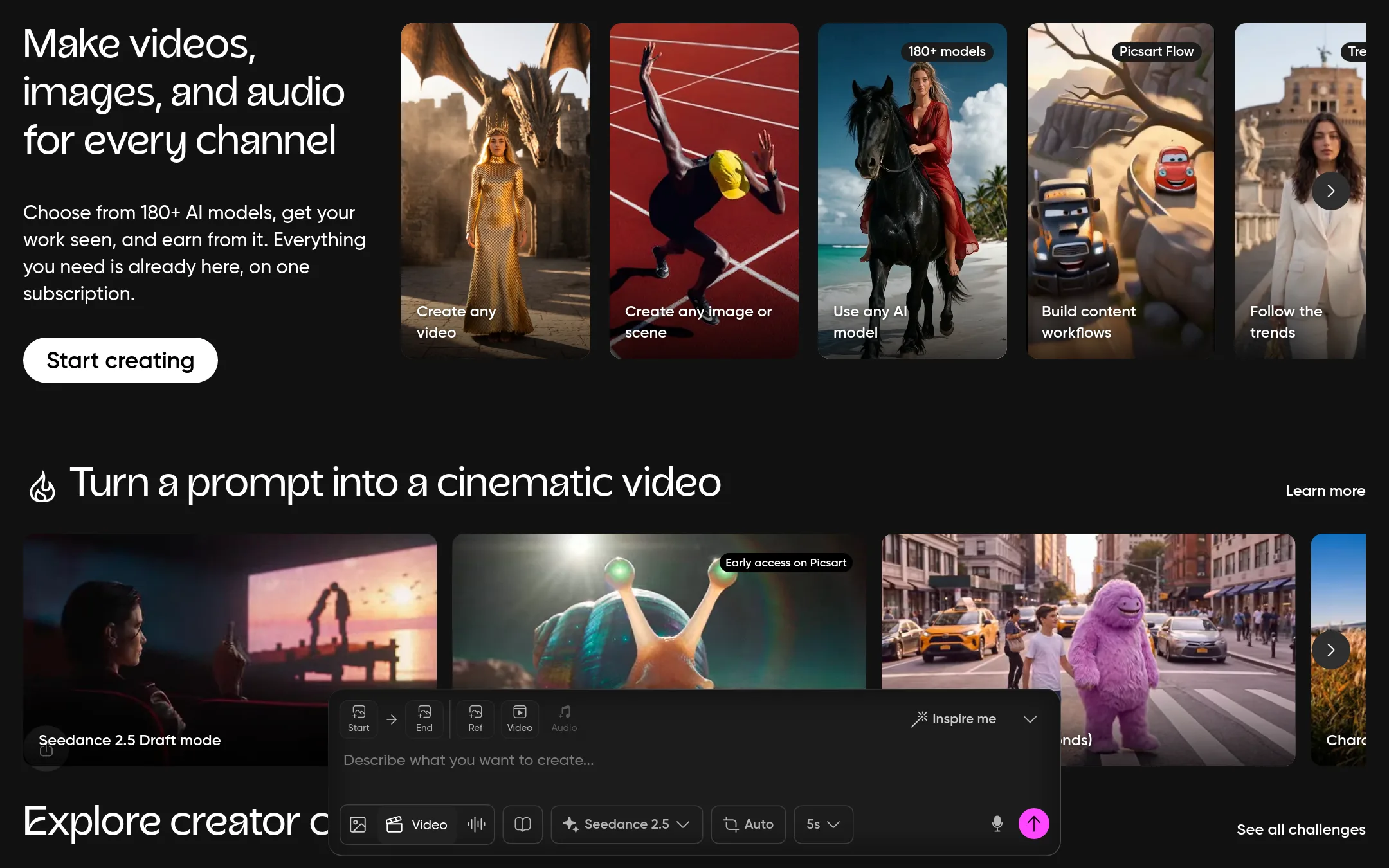
Picsart is a subscription-based creative platform that bundles AI image and video generation with photo editing, templates, and stock assets. Choose it over Photopea when you want a broader content creation workflow with AI models and team features, rather than a free, local-only PSD editor.
Where it is strong
- Includes 200+ AI models for image, video, and audio generation
- Bulk editing up to 100 images at once on Ultra
- Integrates with Claude Code, Cursor, and ChatGPT via MCP
Where it falls short
- No free tier mentioned. Requires a subscription for core features
- Heavier focus on AI generation than manual PSD-style editing
- Pricing:
- Pricing is not published on the site. Plans are listed as Pro and Ultra with feature comparisons but no dollar amounts.
- Switching from Photopea:
- Moving from Photopea means shifting from a local, file-based editor to a cloud subscription, and you will need to upload your PSDs to Picsart's platform.
- Not published
9.Claid.ai
Best for: E-commerce teams and fashion brands that need to generate realistic lifestyle and on-model product photos at scale.
- Pricing
- Not published
- Category
- Media & Entertainment
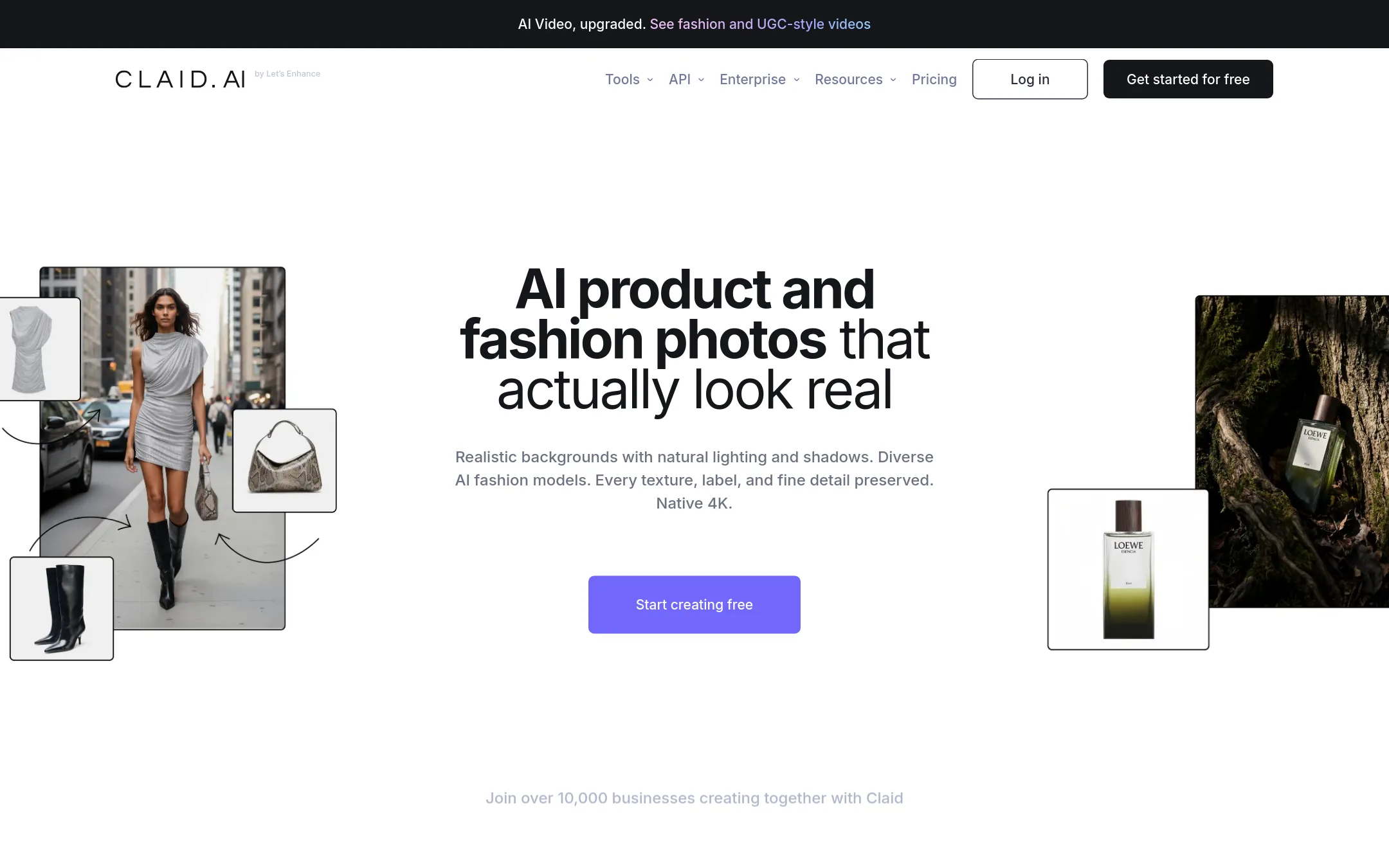
Claid.ai is an AI-powered photo editor focused on turning basic product shots into realistic 4K lifestyle images, on-model photos, and clean cutouts. You would choose it over Photopea when you need automated, high-volume product photography for e-commerce rather than manual layer-based editing in a browser.
Where it is strong
- Generates realistic 4K lifestyle scenes from simple product shots
- Creates on-model photos and clean cutouts automatically
- Detail-first results suited for e-commerce catalogs
Where it falls short
- Pricing is not listed, so you must contact sales for a quote
- No manual layer-based editing like Photopea's PSD workflow
- Pricing:
- In the United States, pricing is not published on the site.
- Free / $5/mo
10.Cleanup.pictures
Best for: Photographers, real estate agents, and e-commerce teams that need quick, AI-powered object removal from photos without full editing tools.
- Pricing
- Free / $5/mo
- Category
- Media & Entertainment
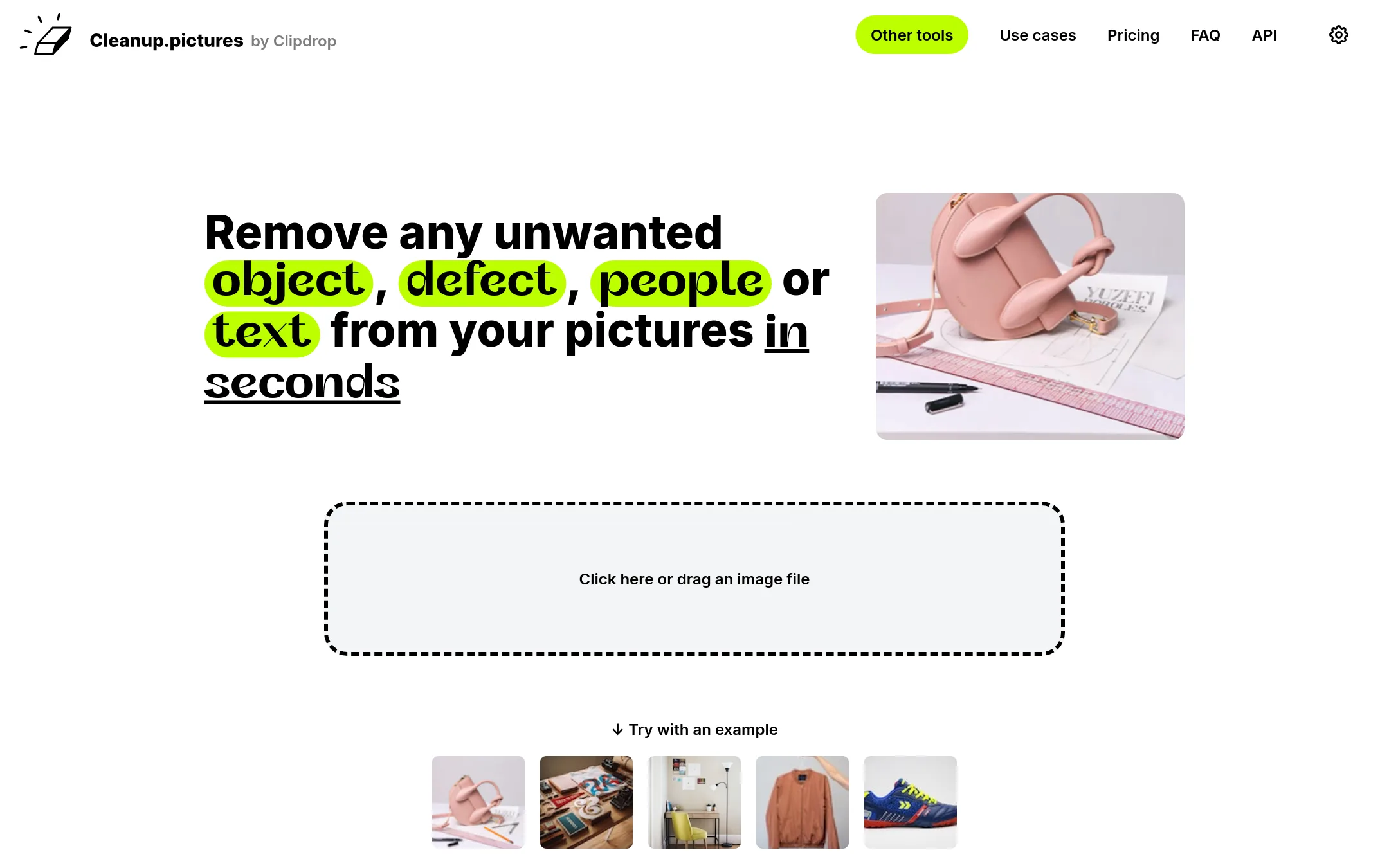
Cleanup.pictures is a specialized AI inpainting tool that removes objects, people, text, and defects from photos with a simple brush. You would choose it over Photopea when you need fast, high-quality object removal without learning a full editor, especially for e-commerce, real estate, or photography cleanup tasks.
Where it is strong
- One-click AI removal of objects, people, text, and watermarks
- Free plan for unlimited images at 720p export
- API available for developers with usage-based pricing
Where it falls short
- Free version limits export resolution to 720p
- No layer-based editing, masking, or PSD support like Photopea
- Pricing:
- In the United States, the free plan exports at 720p, while Pro costs $5 per month or $36 per year ($3 per month) for unlimited resolution and a high-quality refiner.
- Switching from Photopea:
- Moving from Photopea is straightforward: you upload an image, brush over the unwanted area, and download the result, but you lose all layer and adjustment tools.
- LSee website
11.Luminar Neo
Media & Entertainment
AI-powered photo editing software
- Not published
12.Remove.bg
Best for: E-commerce sellers, marketers, and developers who need quick, automated background removal for product photos or headshots without learning a full photo editor.
- Pricing
- Not published
- Category
- Media & Entertainment
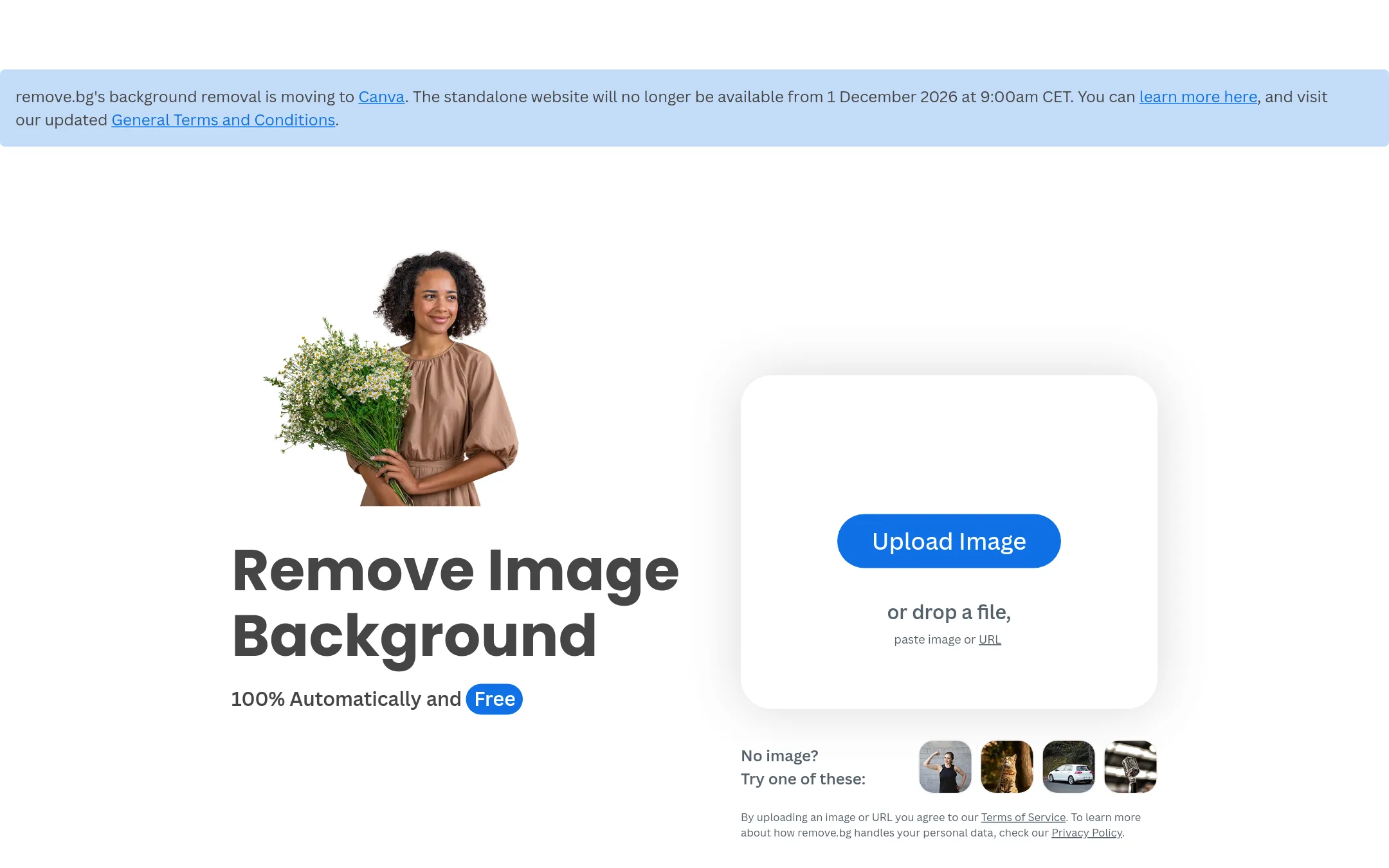
Remove.bg is a specialized AI tool that removes image backgrounds in seconds and can generate custom backdrops. You would choose it over Photopea when you need fast, automated background removal at scale, rather than manual editing with layers and masks.
Where it is strong
- Removes backgrounds automatically in about 5 seconds
- Generates custom backdrops for edited images
- Works through a simple upload, no editing skills needed
Where it falls short
- Limited to background removal, not a full photo editor like Photopea
- Free tier likely has resolution or usage limits, but specifics are not stated
- Pricing:
- Pricing is not published on the site.
- Switching from Photopea:
- Moving from Photopea means giving up manual control over layers and masks, and instead relying on AI output that you can refine only through the tool's own options.
See more comparisons in Media & Entertainment alternatives.
FAQ
Questions about Photopea alternatives
Which alternative is best for e-commerce product photography?
Photoroom is built specifically for e-commerce, with AI background removal, batch editing, and a Brand Library. Remove.bg is also strong if you only need background removal, and Claid.ai generates realistic lifestyle scenes from product shots.
Are there free alternatives to Photopea?
GIMP and Krita are free and open-source, but they require installation and are not browser-based. Pixlr offers a free tier with basic editing, while Photopea itself remains free with no install.
Do any alternatives support PSD files?
Most alternatives do not support PSD files. GIMP has partial support, but it lacks full compatibility like Smart Objects. If you need full PSD support, Photopea is still the best option.
Which tools offer AI-powered editing?
Pixlr, Fotor, and Picsart include generative AI features like text-to-image and background removal. Cleanup.pictures specializes in AI object removal, and Remove.bg focuses solely on background removal.
Which alternatives are best for teams that need collaboration?
Canva Whiteboards is designed for real-time team collaboration on a shared canvas. Picsart also offers team features, but it is more focused on content creation than collaborative planning.
Last updated October 30, 2026.