
Photoroom alternatives
10 products compared · Updated October 16, 2026
The short answer
For e-commerce sellers needing fast background removal, Remove.bg is the strongest alternative. For teams that want realistic on-model and lifestyle product shots, Claid.ai is the best fit. For general-purpose creative editing beyond product photos, Pixlr offers a free, browser-based option.
Your shortlist, at a glance
Read the comparisons ↓ Remove.bgNot publishedE-commerce sellers and designers who need quick, high-quality background removal for product photos and graphics.
Canva WhiteboardsNot publishedTeams that need a collaborative whiteboard for brainstorming, planning, and visual organization, not product photo editing.
 Adobe AnimateNot publishedAnimators and motion designers who need frame-by-frame control and vector output for web, games, or broadcast.
 Claid.aiNot publishedFashion and e-commerce teams that need realistic on-model and lifestyle product images at high resolution.
 PixlrNot publishedFreelancers, small businesses, and social media creators who want a free, browser-based editor with AI generation and editing tools beyond product photos.
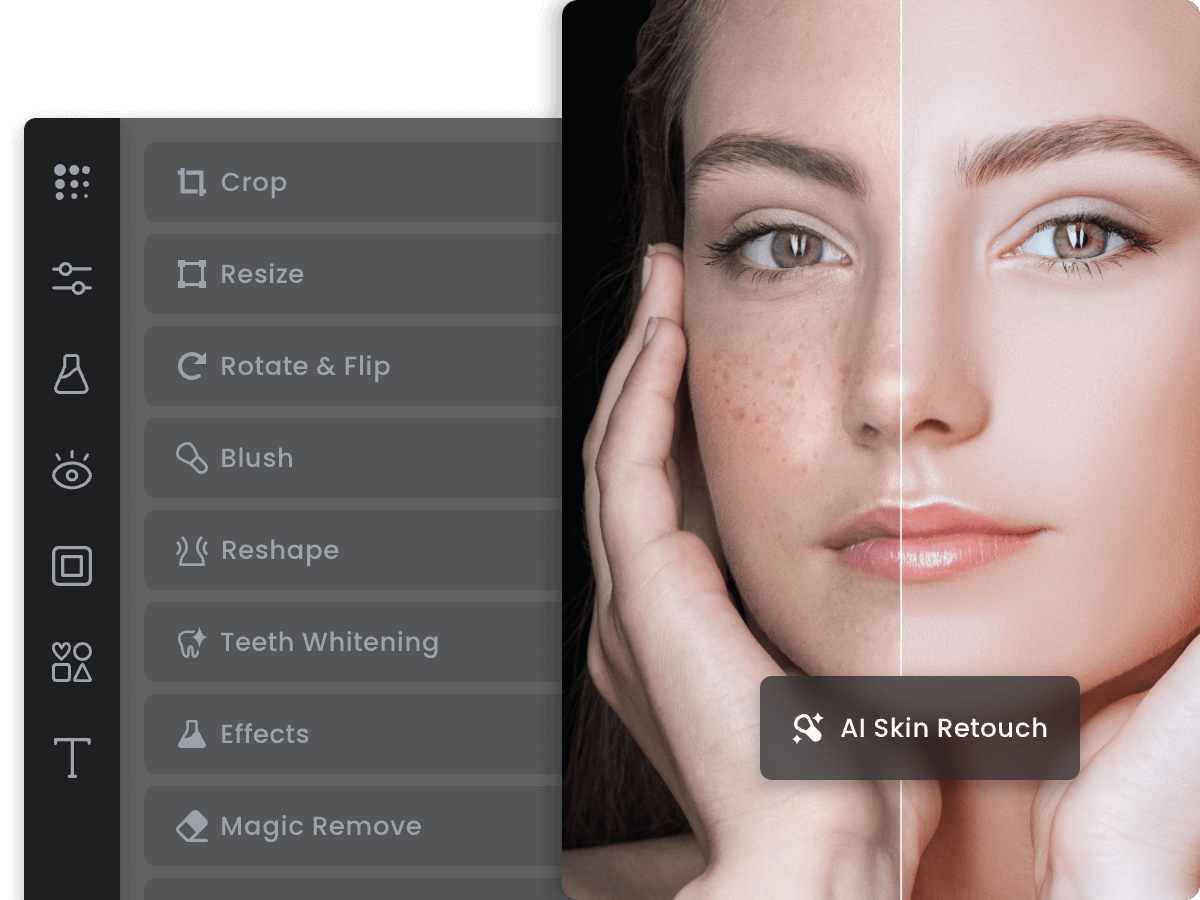 FotorNot publishedCasual creators and small businesses that want a free, browser-based photo editor for everyday image tweaks rather than automated product listing generation.
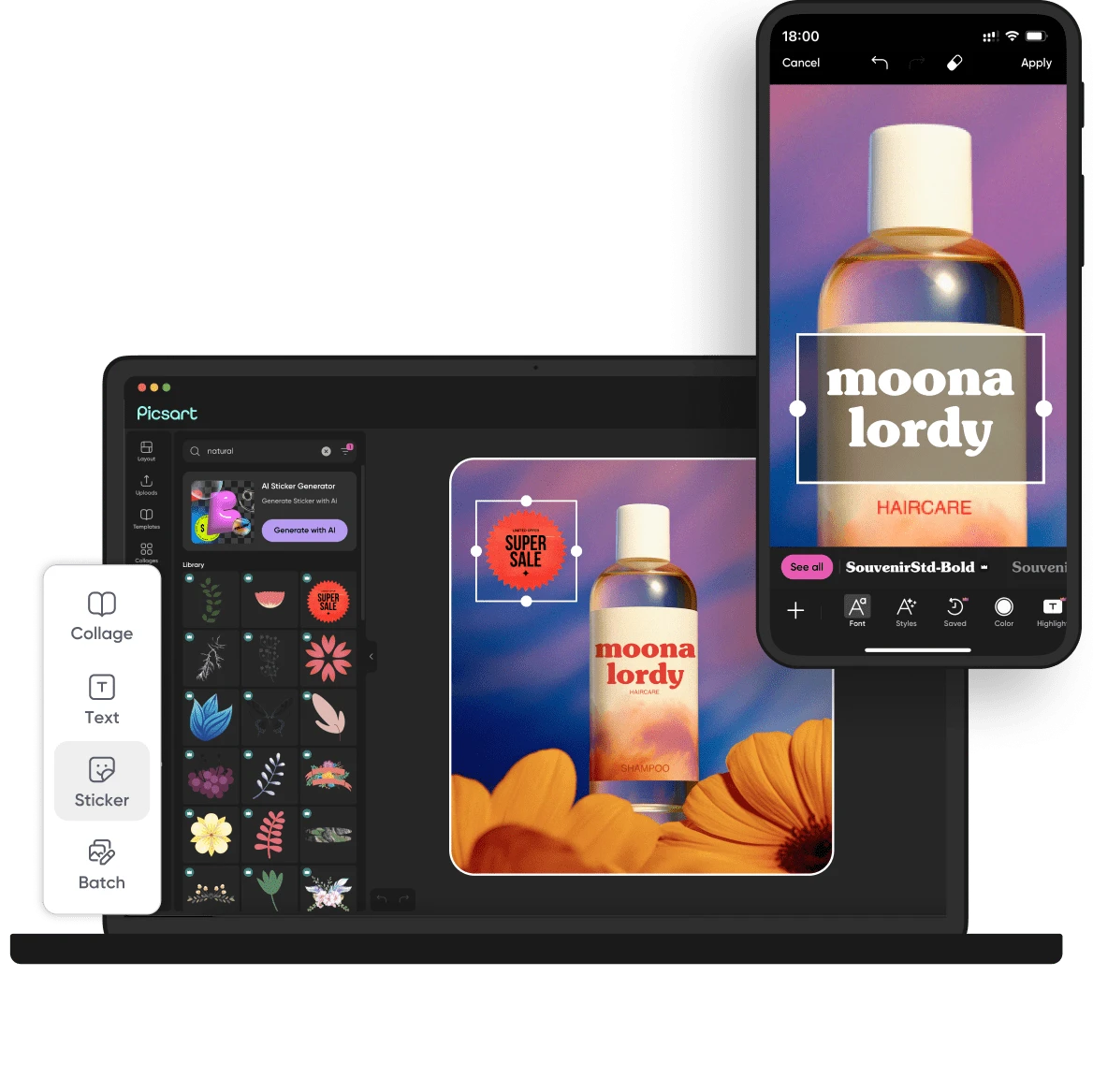 PicsartNot publishedSocial media managers and small creative teams that produce varied visual content and want access to many AI models in one place.
 Cleanup.picturesFree / $5/moPhotographers, real estate agents, and e-commerce sellers who need fast, free object and text removal from single images without a full product photography suite.
- LLuminar NeoSee websiteAI-powered photo editing software
 PhotopeaNot publishedDesigners and small business owners who want a free, professional-grade photo editor in the browser with full PSD support.
About Photoroom and its alternatives
Photoroom is an AI-powered photo editor and listing studio for e-commerce businesses and social media creators. It automates image creation, formats for multiple marketplaces, and produces marketplace-ready listings at scale, with features like background removal, batch editing, and brand kits.
When comparing alternatives, weigh pricing structure, regions, integrations, support, and contract terms. Some tools publish no pricing and require contacting sales. Others offer free tiers or simple monthly plans. Consider whether you need batch editing, API access, or marketplace-specific formats, and whether the tool fits your team's workflow and budget.
Explore the alternatives
- Not published
1.Remove.bg
Best for: E-commerce sellers and designers who need quick, high-quality background removal for product photos and graphics.

- Pricing
- Not published
- Category
- Media & Entertainment
Remove.bg is a focused AI background remover that delivers cutouts in seconds. Choose it over Photoroom when your main need is fast, reliable background removal without the broader editing and listing features.
Where it is strong
- Removes backgrounds in about 5 seconds with one click.
- Supports transparent PNG exports for logos and graphics.
- Simple workflow, no learning curve.
Where it falls short
- No batch editing or catalog-scale features like Photoroom.
- Lacks generative AI tools for backgrounds, shadows, or product fixes.
- Pricing:
- Pricing is not published on the site.
- Switching from Photoroom:
- Moving from Photoroom is straightforward if you only need background removal, but you'll lose access to Photoroom's batch editing, brand kits, and AI generation tools.
- Not published
2.Canva Whiteboards
Best for: Teams that need a collaborative whiteboard for brainstorming, planning, and visual organization, not product photo editing.

- Pricing
- Not published
- Category
- Communication & Collaboration
Canva Whiteboards is a visual collaboration tool for brainstorming and planning, not a product photography editor. You would choose it over Photoroom when your team needs a shared canvas for ideas, diagrams, and workshops rather than batch image generation for e-commerce listings.
Where it is strong
- Real-time collaboration on an infinite canvas
- Integrates with Canva's design tools and templates
- Easy to use for non-designers
Where it falls short
- No AI background removal or product photo editing
- Not built for e-commerce listing workflows
- Pricing:
- Pricing is not published on the site.
- Not published
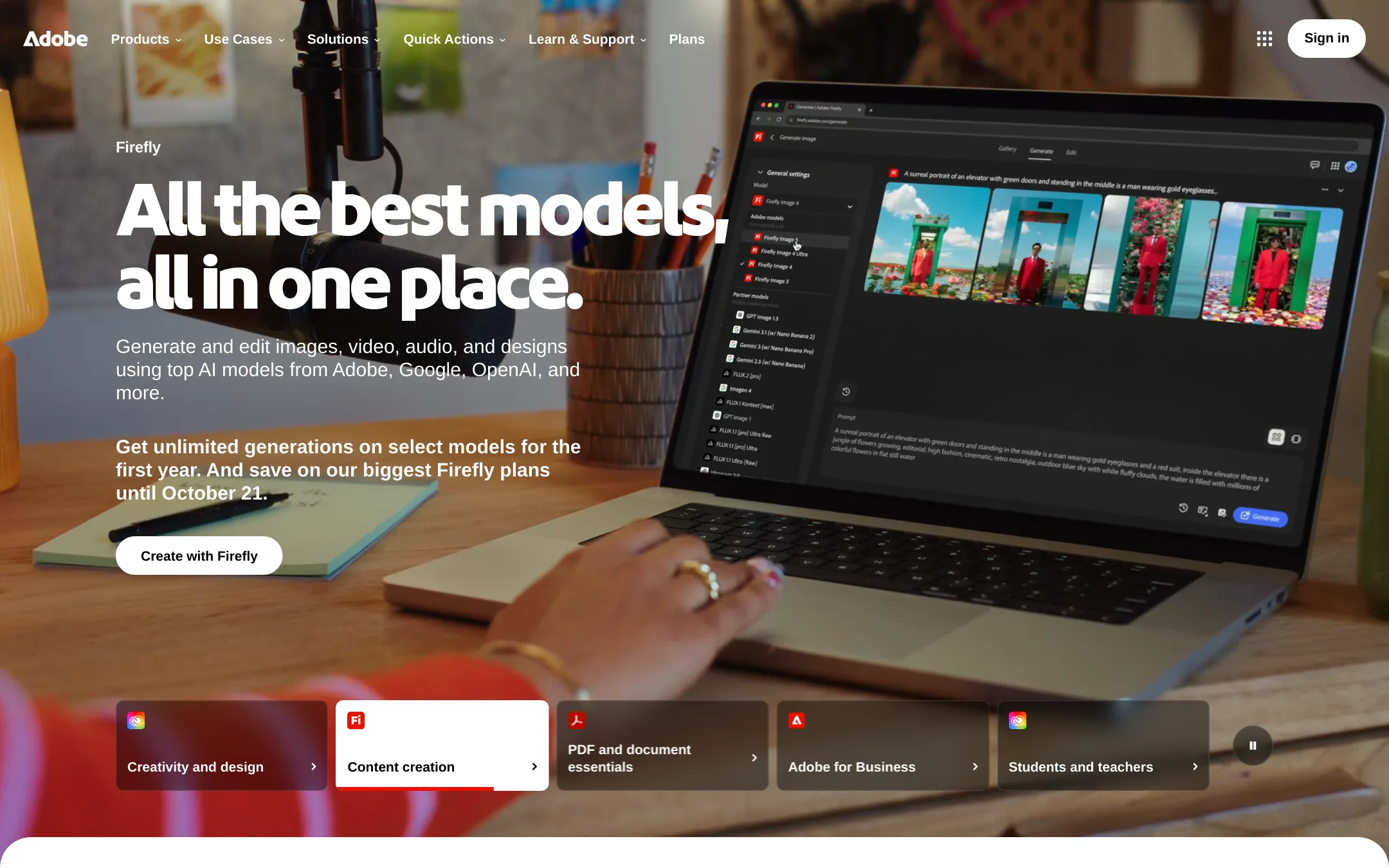
3.Adobe Animate
Best for: Animators and motion designers who need frame-by-frame control and vector output for web, games, or broadcast.
- Pricing
- Not published
- Category
- Design & Creative
Adobe Animate is a professional 2D animation tool for creating vector-based animations, interactive content, and character rigs. You would choose it instead of Photoroom when your work is about motion and interactivity, not static product photos.
Where it is strong
- Industry-standard timeline and frame-by-frame animation tools.
- Vector output scales cleanly for any resolution.
- Built-in asset libraries and rigging for character animation.
Where it falls short
- Steep learning curve compared to Photoroom's simple photo editing.
- No AI background removal or product photo automation.
- Pricing:
- Pricing is not published on the site.
- Switching from Photoroom:
- Moving from Photoroom means abandoning automated product photo workflows entirely, as Animate has no e-commerce image generation features.
- Not published
4.Claid.ai
Best for: Fashion and e-commerce teams that need realistic on-model and lifestyle product images at high resolution.
- Pricing
- Not published
- Category
- Media & Entertainment
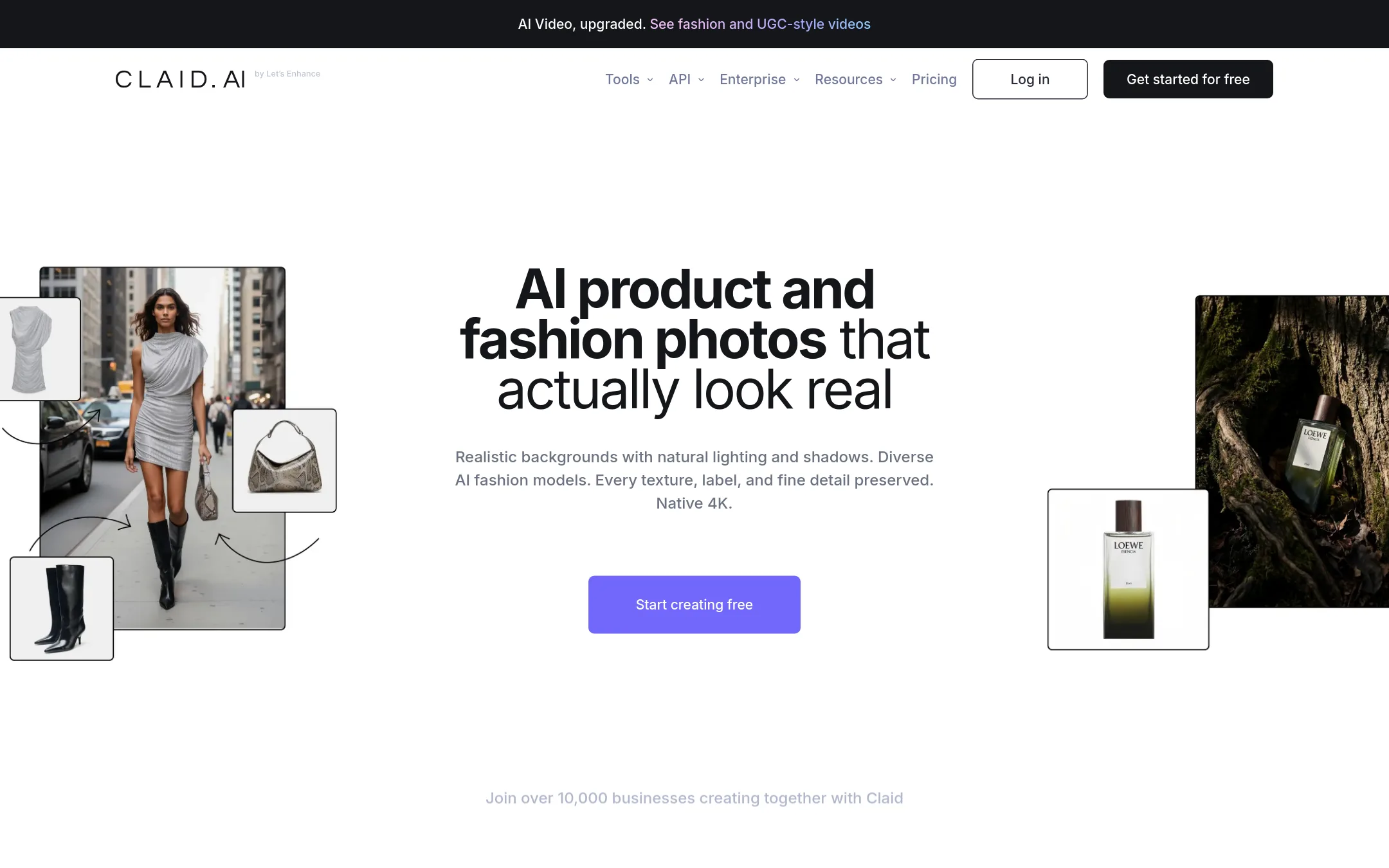
Claid.ai turns simple product shots into photorealistic lifestyle scenes and on-model photos, with a focus on detail and 4K output. It is a good fit if you need high-fidelity fashion or product visuals and want an alternative to Photoroom's broader e-commerce toolkit.
Where it is strong
- Produces realistic lifestyle scenes and on-model photos
- Detail-first results with 4K output
- Clean cutouts for product images
Where it falls short
- Pricing is not published, so you must contact sales
- No mention of batch editing or API integrations on the site
- Pricing:
- In the United States, pricing is not published on the site.
- Not published
5.Pixlr
Best for: Freelancers, small businesses, and social media creators who want a free, browser-based editor with AI generation and editing tools beyond product photos.
- Pricing
- Not published
- Category
- Media & Entertainment
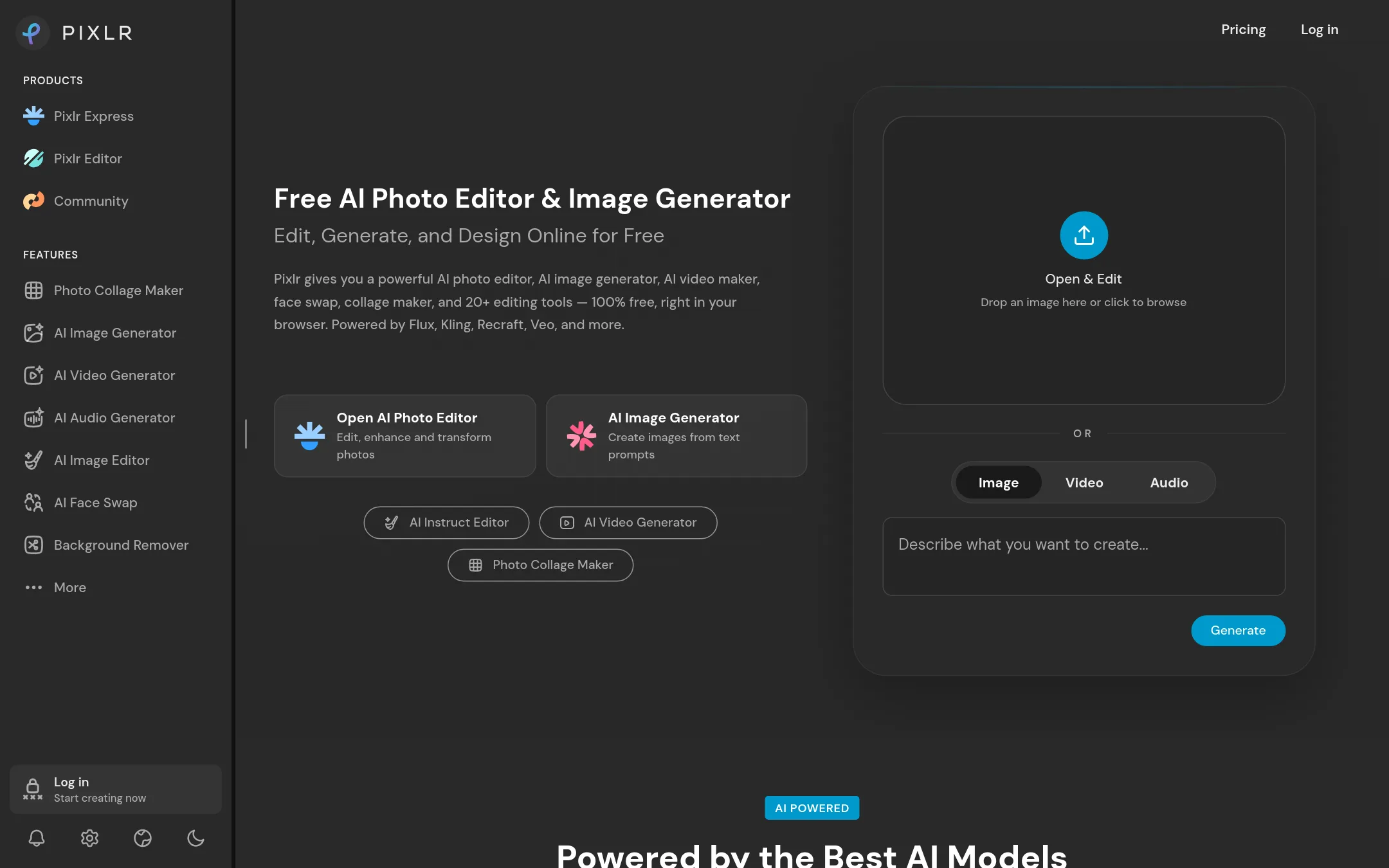
Pixlr is a browser-based AI photo editor and image generator that covers a wide range of creative tasks, from background removal to video and audio generation. You would choose it over Photoroom if you need a general-purpose creative tool rather than a dedicated e-commerce product photography pipeline.
Where it is strong
- Free to use with no install, works entirely in the browser
- Access to multiple AI models for image, video, and audio generation
- Includes a full photo editor with tools like background removal, generative fill, and face swap
Where it falls short
- Pricing details are not shown on the site, so costs are unclear
- Not built for e-commerce batch workflows or marketplace-specific formatting like Photoroom
- Pricing:
- Pricing is not published on the site. The pricing page lists plans with features like AI credits but no dollar amounts.
- Switching from Photoroom:
- Moving from Photoroom means losing e-commerce-specific features like batch editing and marketplace formats, but you gain broader creative tools for social media and general design.
- Not published
6.Fotor
Best for: Casual creators and small businesses that want a free, browser-based photo editor for everyday image tweaks rather than automated product listing generation.
- Pricing
- Not published
- Category
- Media & Entertainment
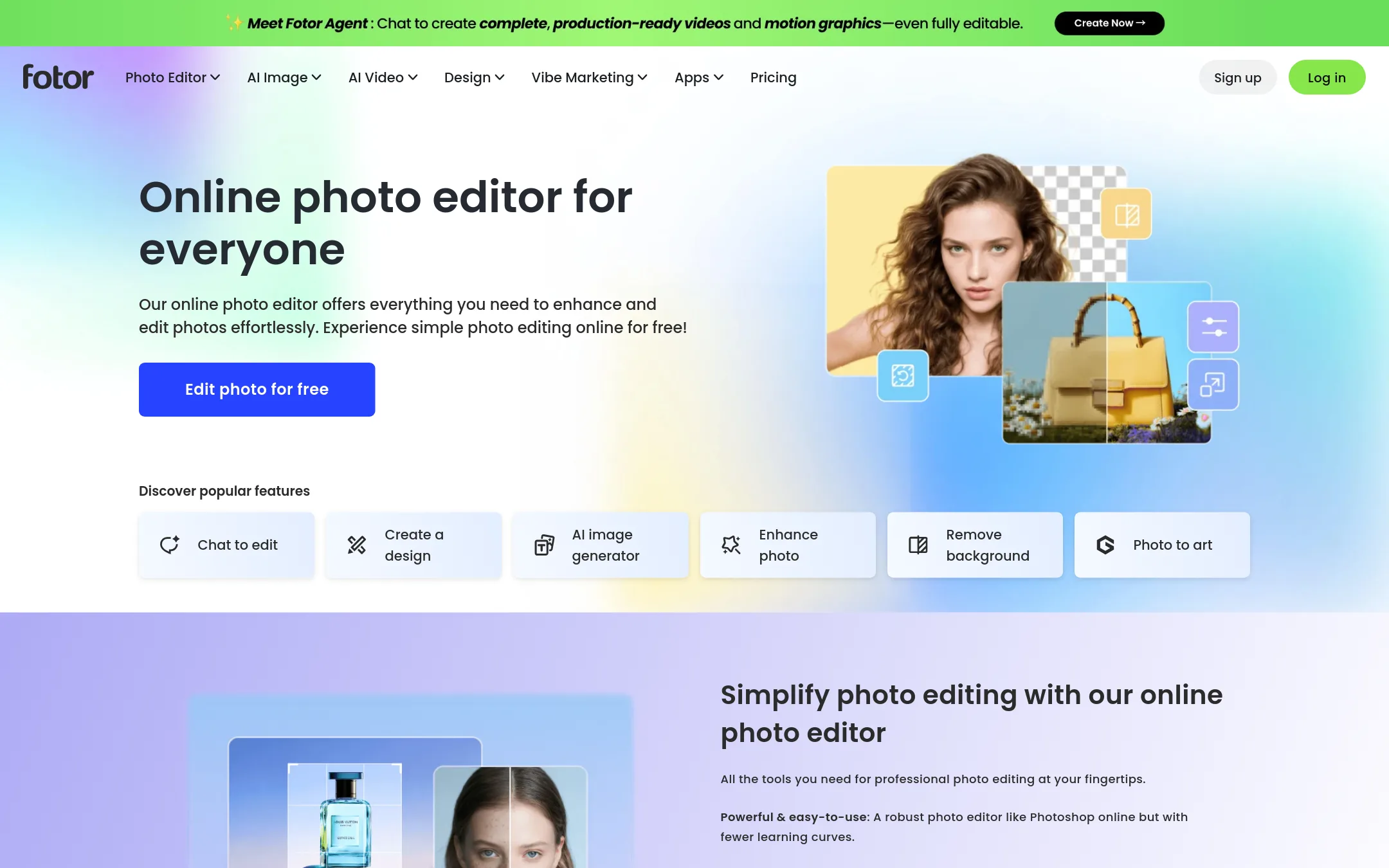
Fotor is a general-purpose online photo editor with retouching, text, effects, and background removal. Choose it over Photoroom when you need a broader editing tool for personal or social media photos, not a dedicated e-commerce product photography pipeline.
Where it is strong
- Free online photo editor with no install required
- Includes retouching, text, effects, and background removal
- Works for general photo editing, not just product shots
Where it falls short
- No batch editing or marketplace-specific formats
- No API or enterprise automation for catalogs
- Pricing:
- Pricing is not published on the site.
- Not published
7.Picsart
Best for: Social media managers and small creative teams that produce varied visual content and want access to many AI models in one place.
- Pricing
- Not published
- Category
- Media & Entertainment
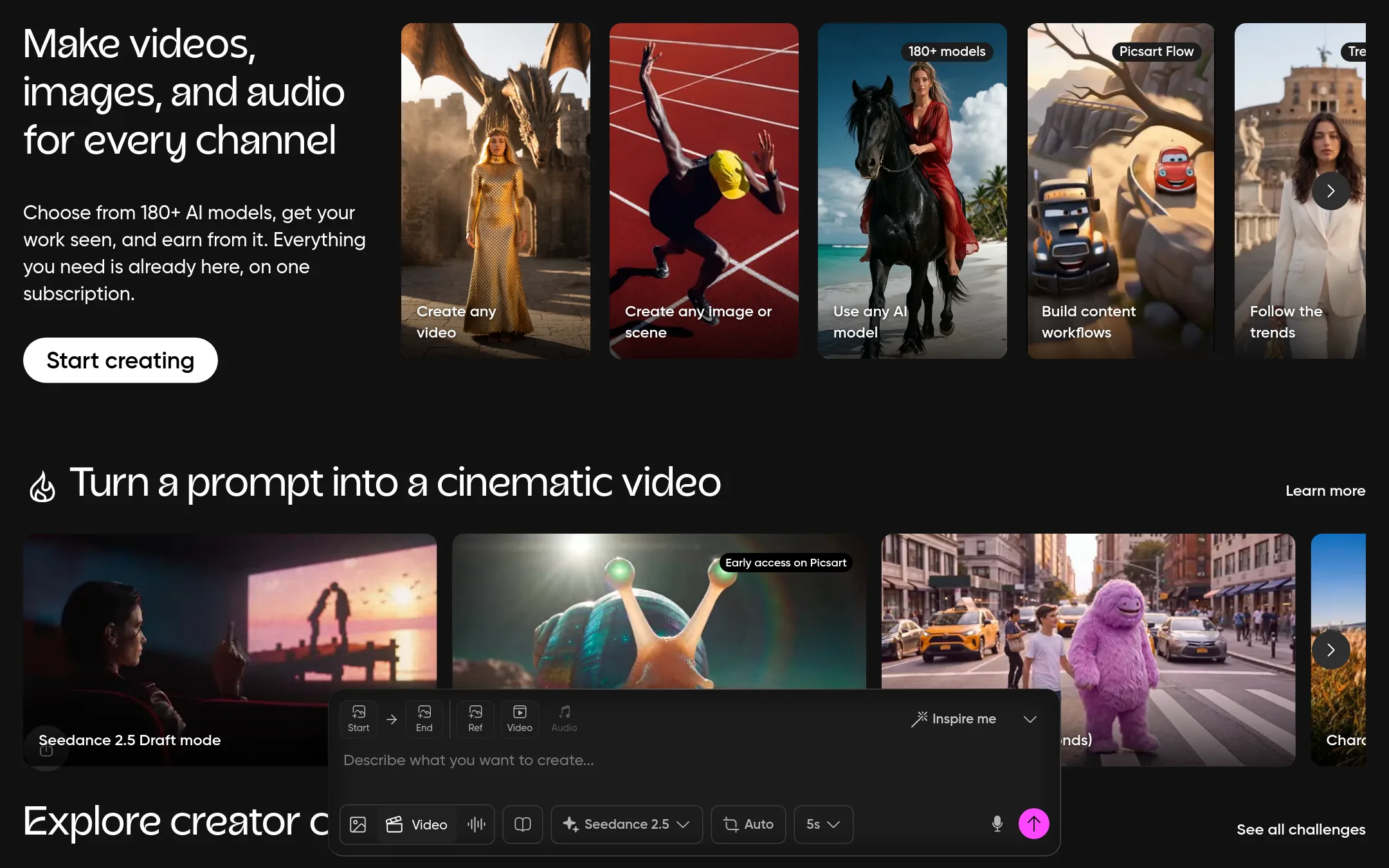
Picsart is a broad creative platform for images, video, and design, with 180+ AI models and tools for social content, not just product photography. Choose it if you need a general-purpose editor for marketing assets, social posts, and short videos, and you want one subscription instead of a commerce-specific tool.
Where it is strong
- Access to 180+ AI models for video, image, and audio generation
- Bulk edit up to 100 images at once on the Ultra plan
- Includes stock photos, Getty video clips, and 100+ GB cloud storage
Where it falls short
- No published pricing, so budgeting is harder
- Not built for e-commerce catalog workflows like Photoroom's batch editing and brand kits
- Pricing:
- Pricing is not published on the site. Only plan names (Pro and Ultra) and feature lists are shown, with no monthly or yearly amounts.
- Switching from Photoroom:
- Moving from Photoroom means redoing your product image pipeline, since Picsart lacks marketplace-specific formats and automated brand rule enforcement.
- Free / $5/mo
8.Cleanup.pictures
Best for: Photographers, real estate agents, and e-commerce sellers who need fast, free object and text removal from single images without a full product photography suite.
- Pricing
- Free / $5/mo
- Category
- Media & Entertainment
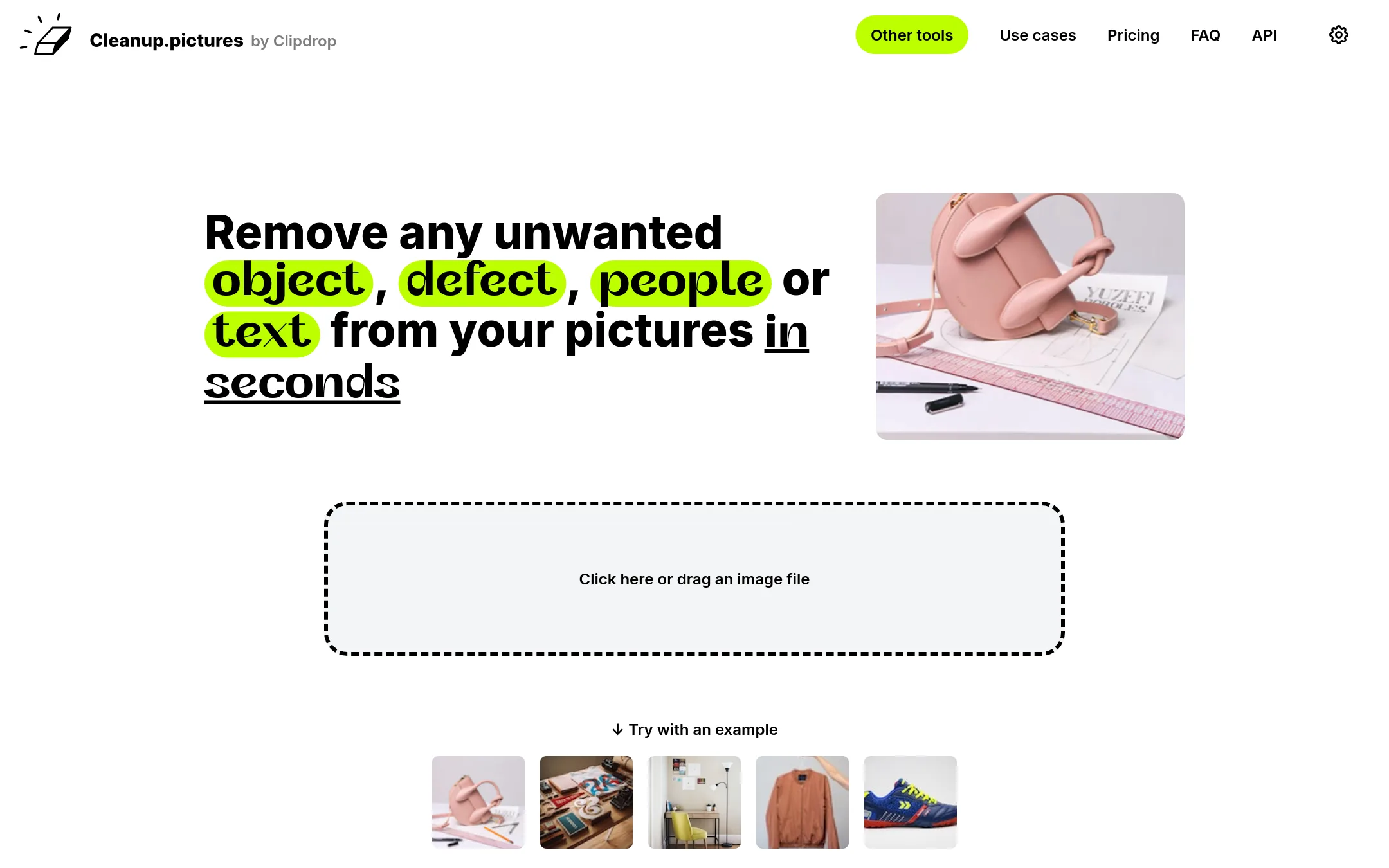
Cleanup.pictures is a focused inpainting tool that removes objects, people, text, and defects from photos using AI. You would choose it over Photoroom when your main need is quick, high-quality retouching of individual images rather than generating product visuals or managing catalog-scale workflows. It is a simple, free option for cleaning up photos before they go elsewhere in your pipeline.
Where it is strong
- Free unlimited image edits at 720p export
- AI inpainting removes objects, people, text, and watermarks in a few clicks
- API available for developers with usage-based pricing
Where it falls short
- No background removal, replacement, or generative fill outside the ClipDrop Pro bundle
- Pro subscription is limited to one user
- Pricing:
- In the United States, the free plan exports at 720p resolution, and Pro costs $5 per month or $36 per year ($3 per month) for unlimited resolution and the high-quality refiner.
- Switching from Photoroom:
- Moving from Photoroom is straightforward for retouching tasks, but you will lose Photoroom's background removal, batch editing, and marketplace formatting features, so Cleanup.pictures works best as a complement rather than a full replacement.
- LSee website
9.Luminar Neo
Media & Entertainment
Luminar Neo provides AI-powered photo enhancement with sky and background tools. It targets photographers more than e-commerce sellers, lacking Photoroom's listing automation and brand consistency features. One-time purchase pricing appeals to individuals but not high-volume teams.
- Not published
10.Photopea
Best for: Designers and small business owners who want a free, professional-grade photo editor in the browser with full PSD support.
- Pricing
- Not published
- Category
- Media & Entertainment
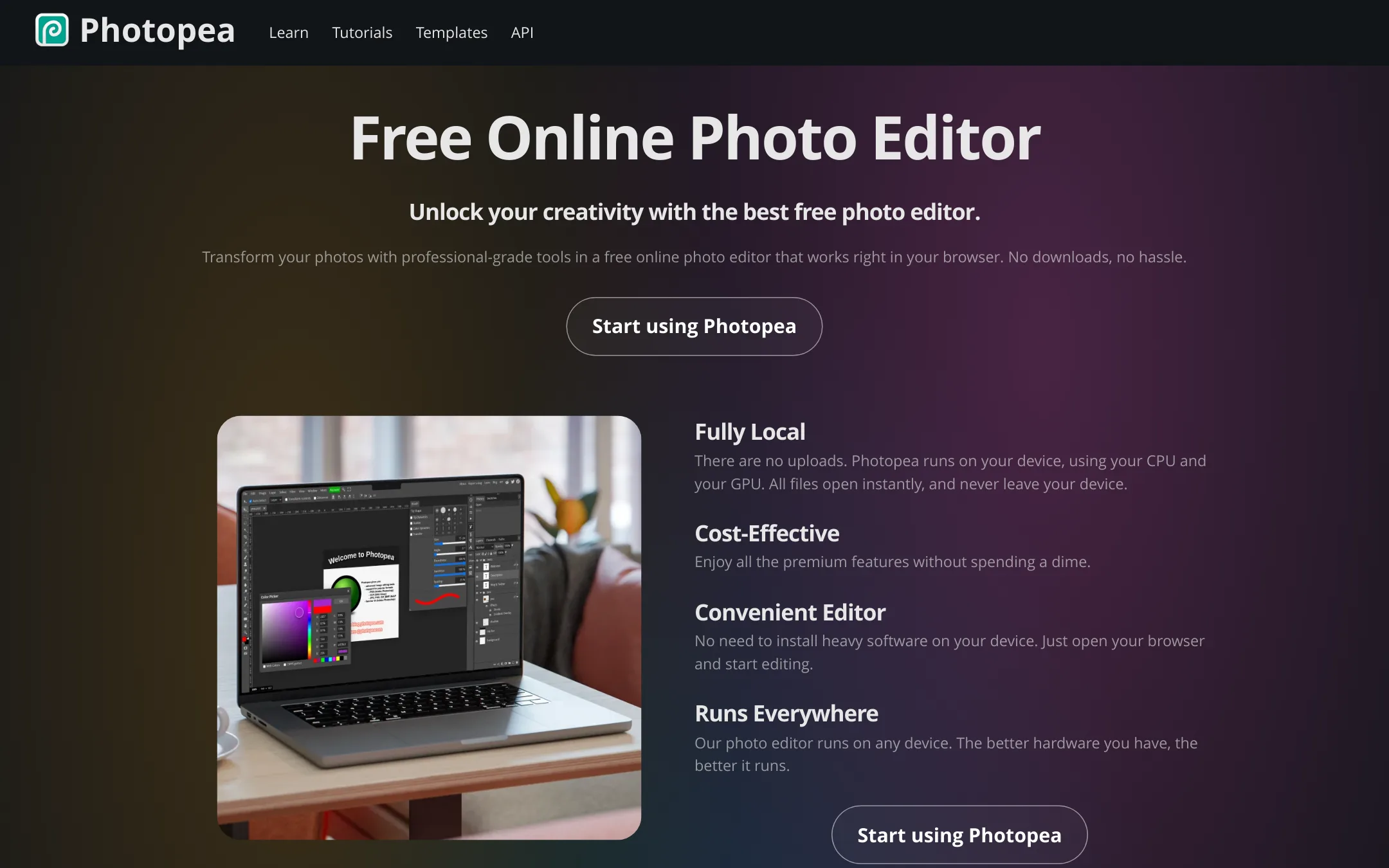
Photopea is a free, browser-based photo editor that runs entirely on your device, so your files never leave your computer. It supports PSD and dozens of other formats, making it a strong choice for designers who need a full editing suite without paying for a subscription. Choose it over Photoroom when you need manual, precise control over images rather than automated e-commerce workflows.
Where it is strong
- Runs fully in the browser with no uploads, so files stay on your device.
- Supports PSD, RAW, SVG, PDF, and 40+ other formats for opening and saving.
- Includes advanced tools like layers, masks, smart objects, and AI background removal.
Where it falls short
- No batch editing or marketplace-specific export formats like Photoroom offers.
- Performance depends on your hardware, so it may be slow on older devices.
- Pricing:
- Pricing is not published on the site.
- Switching from Photoroom:
- Moving from Photoroom means giving up automated background removal and listing templates, but you gain full manual editing control in a familiar Photoshop-like interface.
See more comparisons in Design & Creative alternatives.
FAQ
Questions about Photoroom alternatives
Which alternative is best for quick background removal?
Remove.bg is the strongest choice for fast, one-click background removal. It delivers cutouts in about 5 seconds and supports transparent PNG exports, with no learning curve. It lacks batch editing and generative AI tools, so it suits simple, single-image needs.
Which alternative is best for realistic product photos?
Claid.ai is best for fashion and e-commerce teams that need realistic on-model and lifestyle images. It produces photorealistic scenes with 4K output and clean cutouts. Pricing is not published, so you must contact sales, and there is no mention of batch editing or API integrations.
Which alternative is best for general-purpose editing?
Pixlr is a good fit for freelancers and small businesses that need a free, browser-based editor with AI generation and editing tools beyond product photos. It includes background removal, generative fill, and video and audio generation. Pricing details are not shown on the site, and it lacks e-commerce batch workflows.
Are there free alternatives to Photoroom?
Yes, Photopea is free and runs entirely in the browser, with full PSD support and advanced tools like layers and masks. Cleanup.pictures offers a free plan with unlimited edits at 720p export, and Pro costs $5 per month for unlimited resolution. Pixlr is also free to use in the browser.
Which alternatives have published pricing?
Only Cleanup.pictures publishes specific pricing, with Pro at $5 per month or $36 per year. Other tools like Adobe Animate, Canva Whiteboards, Remove.bg, Claid.ai, Pixlr, Fotor, Picsart, and Photopea do not show dollar amounts on their sites. You may need to contact sales for quotes.
Last updated October 16, 2026.