Picsart alternatives
12 products compared · Updated November 1, 2026
The short answer
For animators needing frame-by-frame control, Adobe Animate is the strongest choice. Teams that want collaborative video editing in the browser should pick Kapwing. Freelancers and small businesses looking for a free, browser-based AI photo editor will find Pixlr the best fit.
Your shortlist, at a glance
Read the comparisons ↓Canva WhiteboardsNot publishedTeams that need a simple, visual space for brainstorming and planning, especially those already using Canva.
 Adobe AnimateNot publishedAnimators and motion designers who need precise frame-by-frame control and vector-based animation.
 FotorNot publishedIndividuals and small teams that need a free, browser-based tool for basic photo editing and enhancement.
- BBeFunkyNot publishedPhotographers, small businesses, and casual creators who need an easy-to-use online photo editor with batch editing and collage tools.
- KKapwingNot publishedMarketing teams, educators, and content creators who need collaborative video editing and AI-assisted production in the browser.
- VVistaCreate$120/yr (Pro)Small businesses and solo operators who need fast, on-brand designs for marketing and e-commerce without a design team.
 PhotopeaNot publishedDesigners, students, and small business owners who need a free, full-featured photo editor in the browser without uploading files.
 PixlrNot publishedFreelancers and small businesses that need a free, browser-based AI photo editor with generation and quick editing tools.
- SSnapseedFreePhotographers and casual users who want a free, focused photo editor without social features or AI tools.
- IInShotNot publishedSocial media creators and casual editors who want a fast, beginner-friendly mobile app for video and photo editing.
- LLumen5From $19/moMarketing and communications teams that need to turn blog posts and scripts into on-brand videos quickly.
- AAnimotoNot publishedSmall businesses and marketing teams that need simple, branded videos for social media and ads without learning a complex editor.
About Picsart and its alternatives
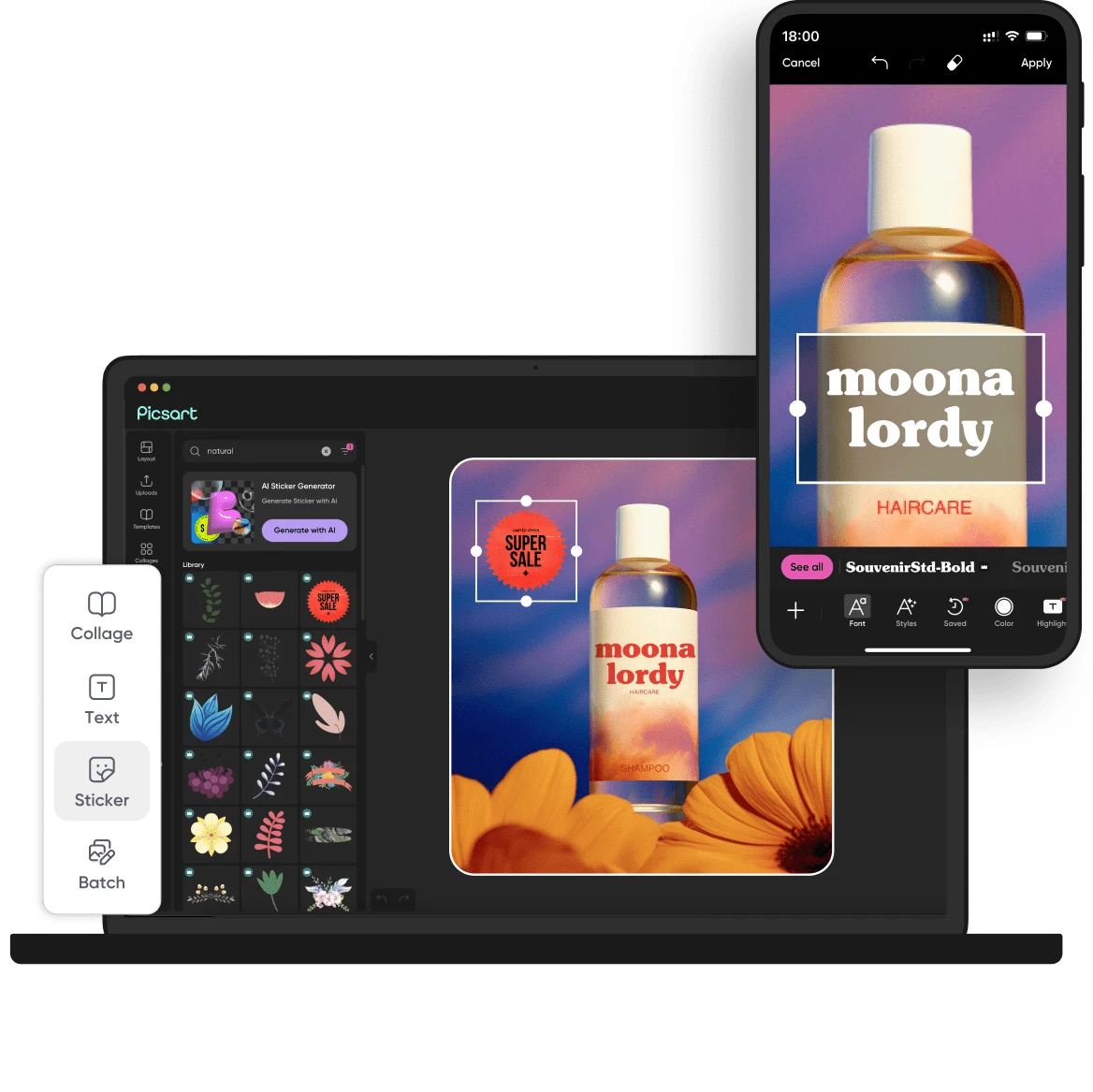
Picsart is an AI creative platform for images, video, and design. It offers a wide selection of free AI design tools, expert-crafted templates, built-in asset libraries, and generative AI features. The platform is known for its 180+ AI models, video production capabilities, and social community features like challenges and trends.
When comparing alternatives, weigh the pricing structure, including free tiers and subscription costs. Consider the regions where the tool operates, integrations with other software, customer support options, and contract terms like annual billing or seat limits. Each product varies in these areas, so match them to your specific workflow.
Explore the alternatives
- Not published
1.Canva Whiteboards
Best for: Teams that need a simple, visual space for brainstorming and planning, especially those already using Canva.
- Pricing
- Not published
- Category
- Communication & Collaboration
Canva Whiteboards is a visual collaboration tool for brainstorming, planning, and mapping ideas on an infinite canvas. Teams that already use Canva for design and want a shared space for workshops, strategy sessions, or project planning would choose it over Picsart, which focuses on image and video creation rather than real-time collaboration.
Where it is strong
- Real-time collaboration with comments and reactions
- Integrates with Canva's design tools and templates
- Free to use with a Canva account
Where it falls short
- No advanced photo or video editing features
- Requires a modern browser. Older browsers are not supported
- Pricing:
- Pricing is not published on the site.
- Not published
2.Adobe Animate
Best for: Animators and motion designers who need precise frame-by-frame control and vector-based animation.
- Pricing
- Not published
- Category
- Design & Creative
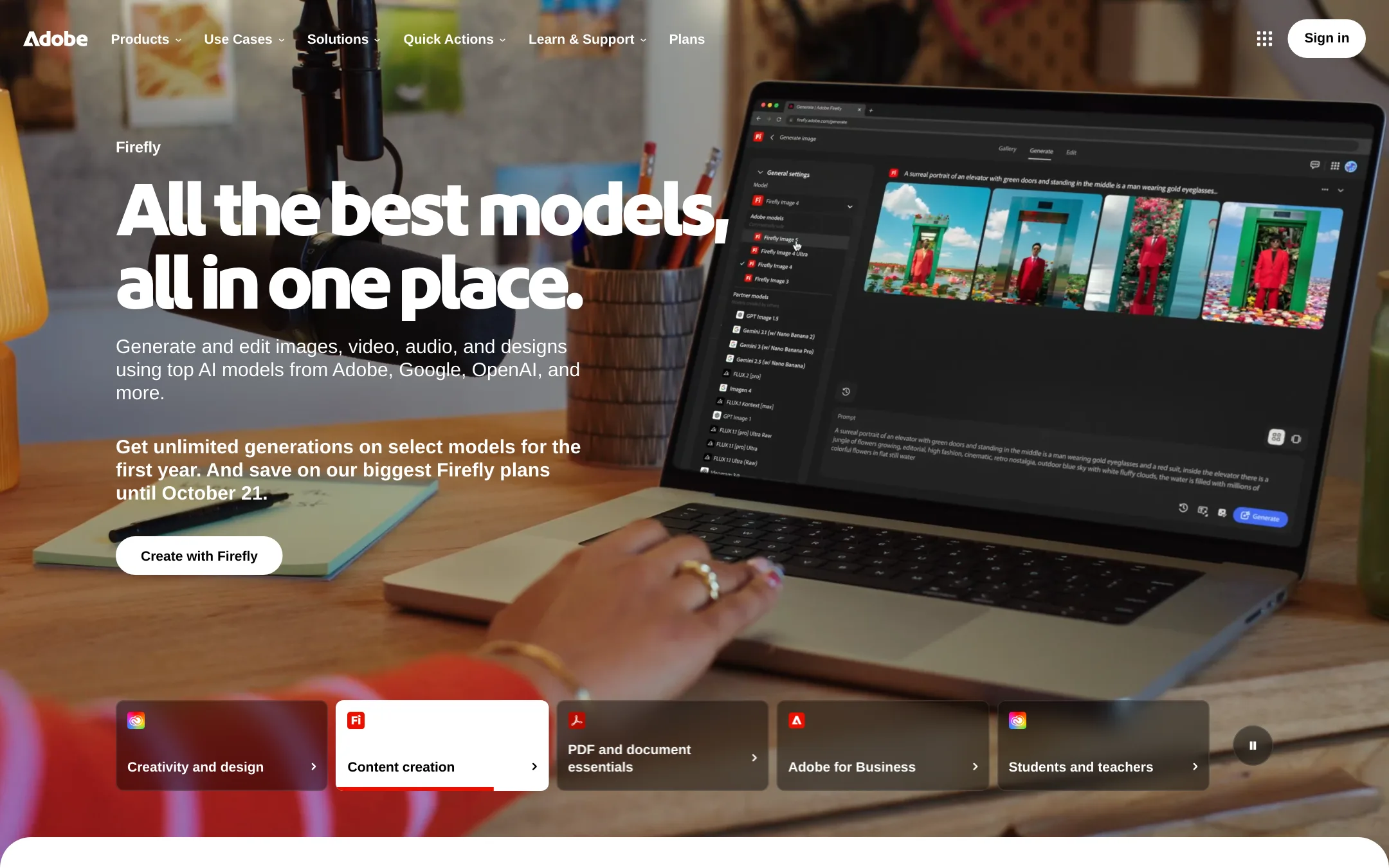
Adobe Animate is a dedicated 2D animation tool for frame-by-frame animation, vector art, and interactive content. Choose it over Picsart when you need professional animation timelines and rigging rather than quick AI-generated edits.
Where it is strong
- Frame-by-frame animation with a full timeline
- Vector art tools for scalable graphics
- Supports interactive and game content
Where it falls short
- Steep learning curve for beginners
- No built-in AI generation tools
- Pricing:
- Pricing is not published on the site.
- Switching from Picsart:
- Moving from Picsart means learning a new timeline-based workflow and importing assets from Picsart into Animate.
- Not published
3.Fotor
Best for: Individuals and small teams that need a free, browser-based tool for basic photo editing and enhancement.
- Pricing
- Not published
- Category
- Media & Entertainment
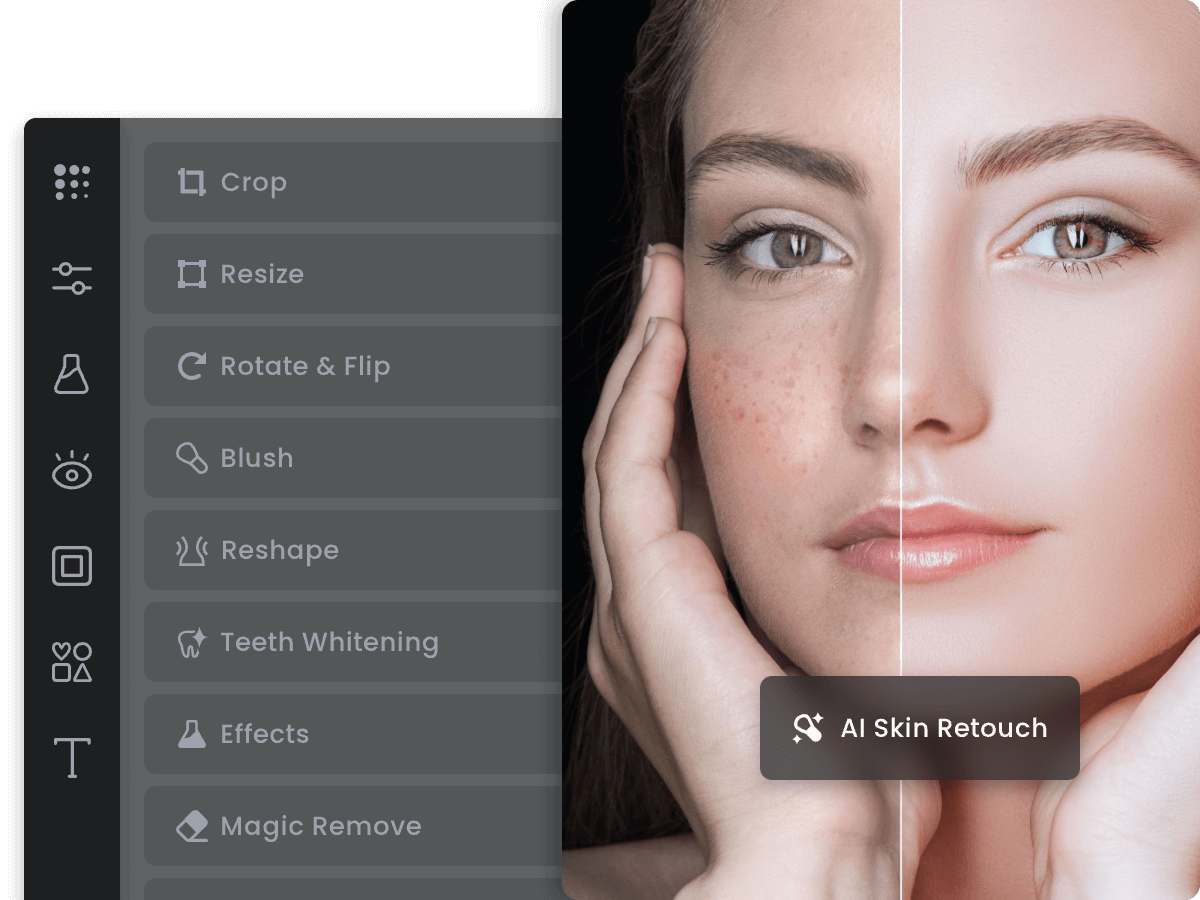
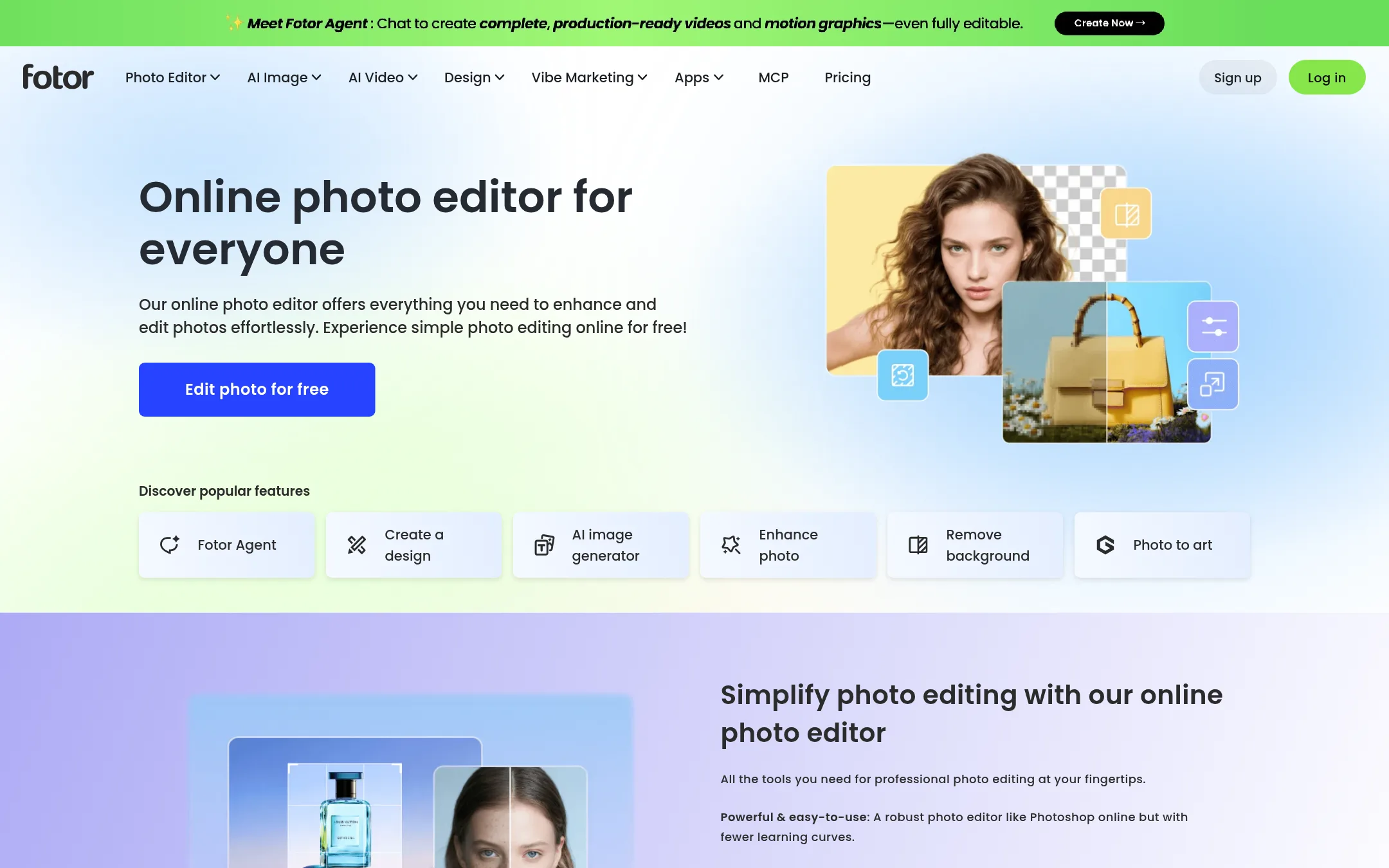
Fotor is a straightforward online photo editor for quick edits like cropping, retouching, and adding text or effects. Choose it over Picsart if you mainly need simple photo fixes without the broader video and AI generation features.
Where it is strong
- Free to use online, no install needed
- Simple tools for cropping, retouching, and adding text
- Works directly in the browser
Where it falls short
- No video editing or AI video generation
- Limited advanced features compared to Picsart
- Pricing:
- Pricing is not published on the site.
- BNot published
4.BeFunky
Best for: Photographers, small businesses, and casual creators who need an easy-to-use online photo editor with batch editing and collage tools.
- Pricing
- Not published
- Category
- Other
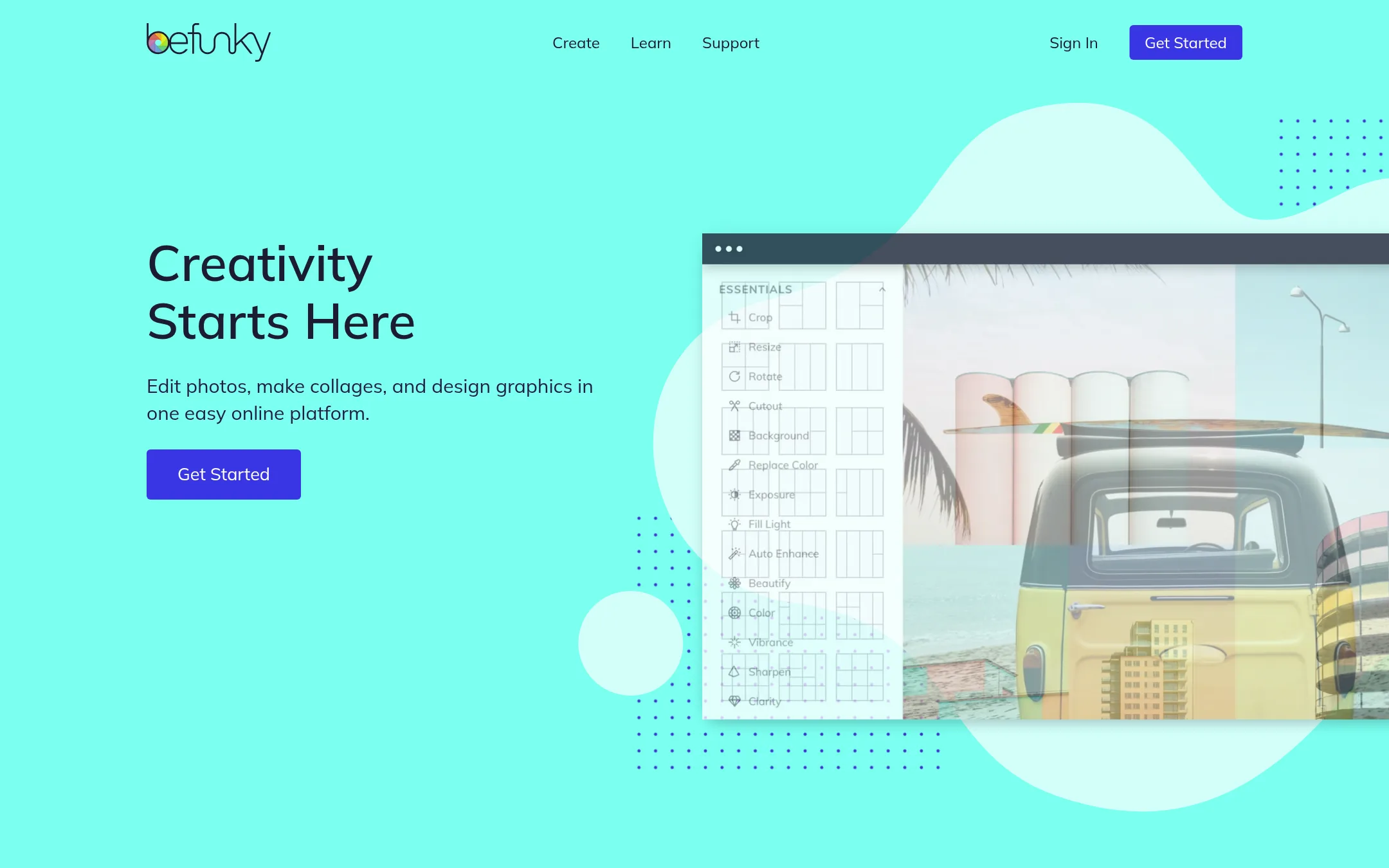
BeFunky is a browser-based photo editor, collage maker, and graphic designer that has focused on photo editing since 2007. Choose it over Picsart if you want a simpler, more straightforward tool for editing photos and making collages without Picsart's broader AI video and content creation features.
Where it is strong
- Photo editing is the core focus, not an add-on.
- Batch editing and batch background removal for multiple images.
- Browser-based, works across devices without installation.
Where it falls short
- No video editing or AI video generation tools.
- AI credits are limited per month and don't roll over.
- Pricing:
- Pricing is not published on the site. The page only mentions free tools and premium features requiring a subscription, with Plus and Pro plans offering different AI credit amounts.
- Switching from Picsart:
- Moving from Picsart to BeFunky is straightforward for photo editing, but you'll lose access to Picsart's video tools and broader AI model library.
- KNot published
5.Kapwing
Best for: Marketing teams, educators, and content creators who need collaborative video editing and AI-assisted production in the browser.
- Pricing
- Not published
- Category
- Other
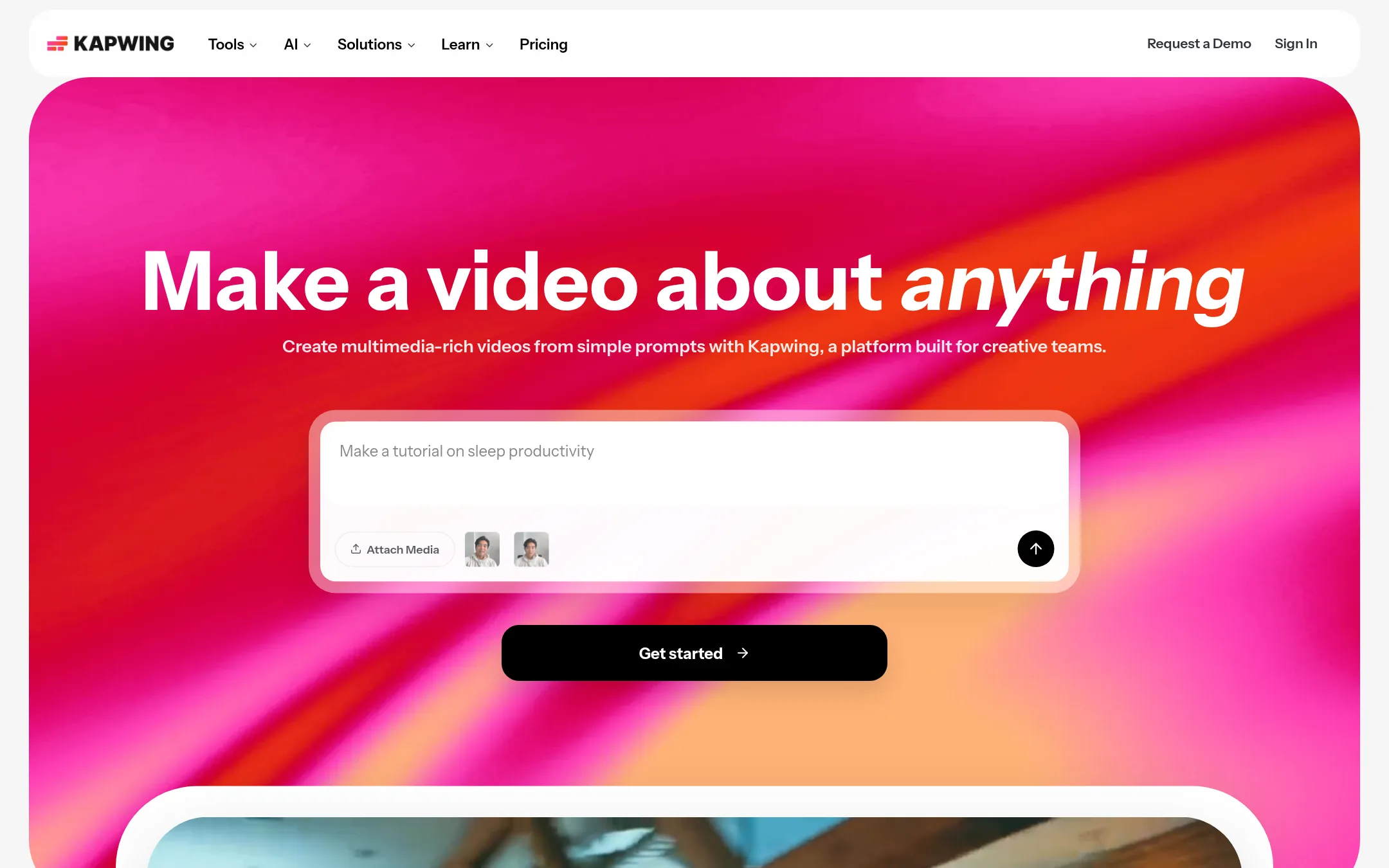
Kapwing is a browser-based video editor with AI tools for generating full projects from a prompt, plus collaborative editing. Choose it over Picsart if your work is mostly video and you need a team workspace with shared feedback and brand kits.
Where it is strong
- Drag-and-drop timeline with overlays and trimming
- AI video generation from text prompts with voiceover and subtitles
- Collaborative workspace with shared projects and feedback
Where it falls short
- No pricing details on the site, so cost is unclear
- Free plan limits exports to 4 minutes and 720p with a watermark
- Pricing:
- Pricing is not published on the site.
- Switching from Picsart:
- Moving from Picsart means importing your existing video files and rebuilding your workflow in Kapwing's timeline-based editor, which is more focused on video than Picsart's broader design suite.
- V$120/yr (Pro)
6.VistaCreate
Best for: Small businesses and solo operators who need fast, on-brand designs for marketing and e-commerce without a design team.

- Pricing
- $120/yr (Pro)
- Category
- Other
VistaCreate is a design platform for small businesses that need quick, professional-looking graphics for social media, ads, product listings, and print. It's a solid choice if you want a simpler, template-driven workflow with AI assistance, rather than Picsart's broader video and AI model lineup.
Where it is strong
- 200K+ templates and 170M+ stock assets
- AI tools for image generation, background removal, and text
- Brand kits and social media scheduling
Where it falls short
- No video editing or AI video generation
- Limited to 10 seats on Pro, no team collaboration features
- Pricing:
- Pro annual subscription is free for 14 days, then $120 USD per year, billed upfront. A free plan is also available.
- Switching from Picsart:
- Moving from Picsart involves adapting to a template-first workflow and losing video editing capabilities, but you can import your brand assets and use similar AI tools for images.
- Not published
7.Photopea
Best for: Designers, students, and small business owners who need a free, full-featured photo editor in the browser without uploading files.
- Pricing
- Not published
- Category
- Media & Entertainment
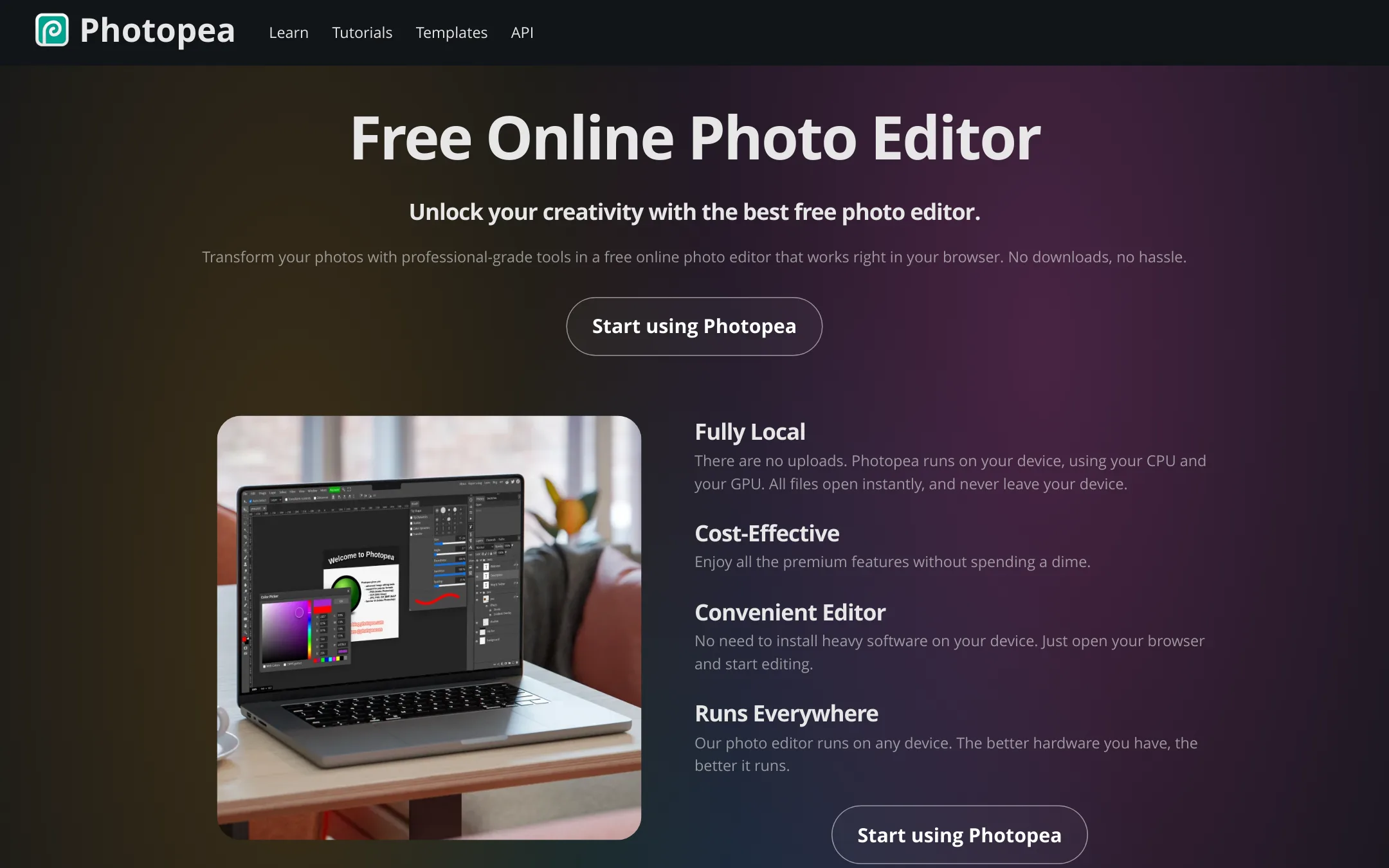
Photopea is a free, browser-based photo editor that runs entirely on your device, so files never leave your machine. It's the right choice when you need professional-grade editing tools with full PSD support but don't want to pay for a subscription or install heavy software.
Where it is strong
- Runs fully in the browser with no uploads. Files stay on your device.
- Full PSD support for opening and saving, plus 40+ other formats.
- Advanced tools like layers, masks, smart objects, and AI background removal.
Where it falls short
- No built-in video editing or AI video generation like Picsart.
- Lacks the template library and social content features of Picsart.
- Pricing:
- Pricing is not published on the site.
- Switching from Picsart:
- Moving from Picsart is straightforward: you can open PSD files directly in Photopea, but you'll lose access to Picsart's templates, stock assets, and AI video tools.
- Not published
8.Pixlr
Best for: Freelancers and small businesses that need a free, browser-based AI photo editor with generation and quick editing tools.
- Pricing
- Not published
- Category
- Media & Entertainment
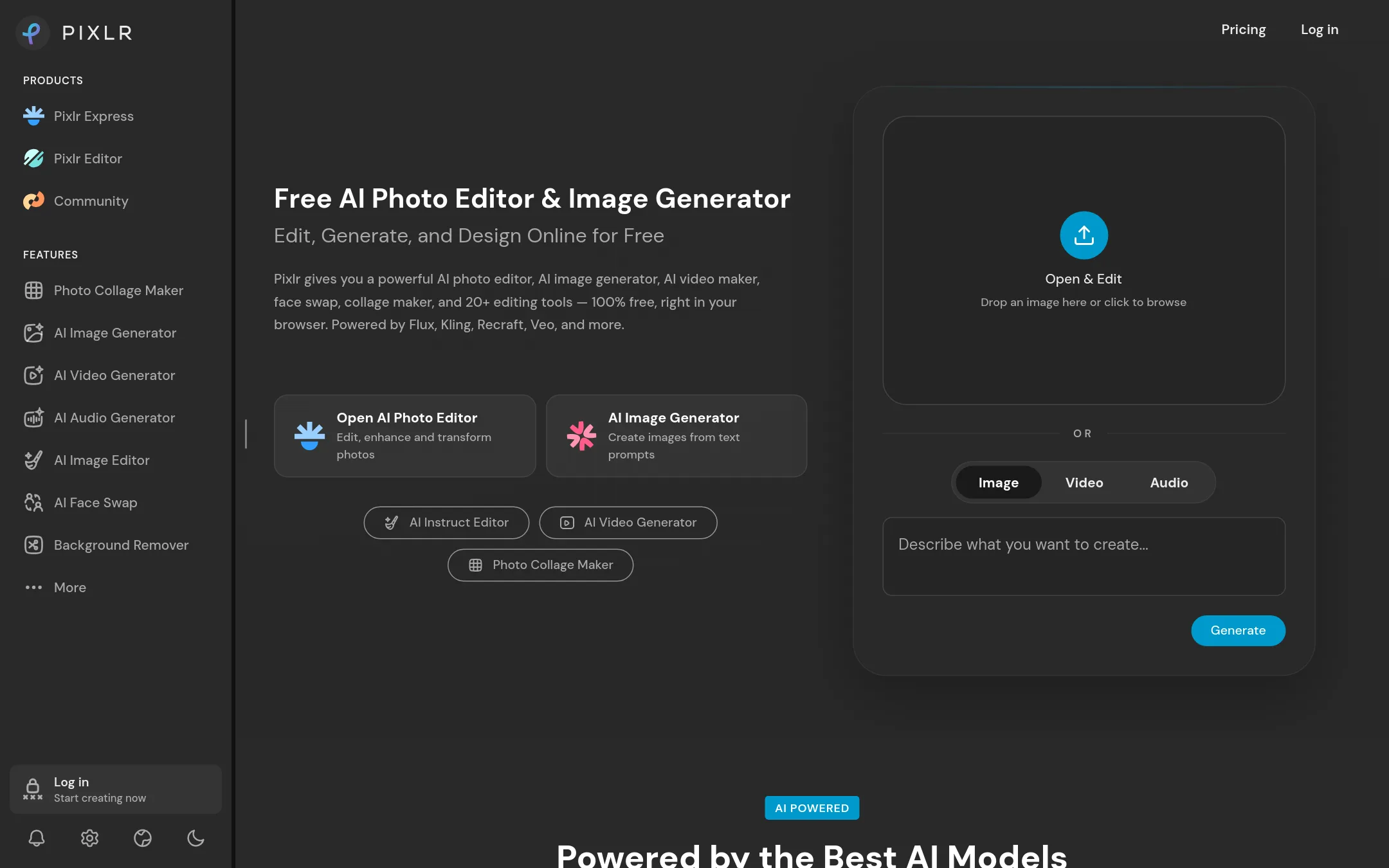
Pixlr is a browser-based AI photo editor and image generator that bundles editing, generation, video, and audio tools into one free tier. Choose it over Picsart if you want a Photoshop-like editor with AI features that runs entirely in the browser, no install needed, and you don't need Picsart's social community or mobile apps.
Where it is strong
- Free tier with no watermarks and unlimited saves
- Runs entirely in the browser, no install needed
- Includes AI video, audio, and face swap tools alongside photo editing
Where it falls short
- Pricing details are not shown on the site, so cost is unclear
- No mobile apps or social community features like Picsart's challenges and trends
- Pricing:
- Pricing is not published on the site. The page lists features for monthly and yearly plans but no prices.
- Switching from Picsart:
- Moving from Picsart means exporting your projects and re-creating them in Pixlr's browser editor, since there's no direct import from Picsart.
- SFree
9.Snapseed
Best for: Photographers and casual users who want a free, focused photo editor without social features or AI tools.

- Pricing
- Free
- Category
- Other
Snapseed is a free photo editing app from Google that focuses on precise, manual adjustments like selective edits, healing, and filters. Choose it over Picsart if you want a simple, no-frills editor for individual photos and don't need templates, video editing, or AI generation.
Where it is strong
- Free to use with no ads or watermarks
- Precise selective editing and healing tools
- Works offline on mobile devices
Where it falls short
- No video editing or AI generation
- Limited to mobile platforms, no desktop version
- Pricing:
- Pricing is not published on the site.
- Switching from Picsart:
- Moving from Picsart means giving up templates, video tools, and AI features. You'll redo edits manually in Snapseed.
- INot published
10.InShot
Best for: Social media creators and casual editors who want a fast, beginner-friendly mobile app for video and photo editing.
- Pricing
- Not published
- Category
- Other
InShot is a mobile-first video and photo editor focused on quick, easy editing for social media content. Choose it over Picsart if you primarily edit on your phone and want a simpler, more straightforward tool for trimming, captions, and music without Picsart's broader AI and design features.
Where it is strong
- Easy to use and intuitive interface, praised by beginners and pros.
- Includes auto captions in multiple languages.
- Large music library and exclusive effects for video editing.
Where it falls short
- No pricing details available on the website.
- Lacks the extensive AI model selection and generative tools found in Picsart.
- Pricing:
- Pricing is not published on the site.
- Switching from Picsart:
- Moving from Picsart to InShot is straightforward if you mainly edit on mobile, but you'll lose access to Picsart's AI video generation and advanced design features.
- LFrom $19/mo
11.Lumen5
Best for: Marketing and communications teams that need to turn blog posts and scripts into on-brand videos quickly.

- Pricing
- From $19/mo
- Category
- Other
Lumen5 turns text into videos using AI, so it's a fit for teams that need to repurpose blog posts, scripts, or documents into video without learning editing. Choose it over Picsart when your focus is on quick, on-brand video creation from written content, not image editing or design.
Where it is strong
- AI builds a first cut from a link, script, or document
- Includes millions of stock photos and videos plus AI generation
- Brand kits and templates keep videos on-brand
Where it falls short
- Free plan limits videos to 2 minutes and 5 per month
- Advanced features like translations and SSO are only on higher tiers
- Pricing:
- Free plan at $0, Basic at $19/mo billed yearly, Starter at $59/mo billed yearly, Pro at $149/mo billed yearly, Team pricing on request.
- Switching from Picsart:
- Moving from Picsart means shifting from a broad creative platform to a video-specific workflow, so you'll redo templates and brand assets in Lumen5.
- ANot published
12.Animoto
Best for: Small businesses and marketing teams that need simple, branded videos for social media and ads without learning a complex editor.
Animoto is a drag-and-drop video maker focused on marketing and training videos, not a general creative suite. Choose it when you need quick, branded videos from templates and stock media, and you don't need Picsart's photo editing or AI generation.
Where it is strong
- Easy drag-and-drop editing with templates
- Built-in screen and webcam recording
- Stock photos and music from Getty Images
Where it falls short
- No AI image generation or advanced photo editing
- Free plan adds a watermark and limits to 720p
- Pricing:
- Pricing is not published on the site.
- Switching from Picsart:
- Moving from Picsart means giving up photo editing and AI tools. You'll redo your workflow around video templates and stock media.
See more comparisons in Media & Entertainment alternatives.
FAQ
Questions about Picsart alternatives
Which alternative is best for professional animators?
Adobe Animate is the strongest choice for animators. It offers frame-by-frame animation with a full timeline and vector art tools. It lacks built-in AI generation, so it suits those who need precise control over animation.
Is there a free browser-based photo editor with AI features?
Pixlr is a free browser-based AI photo editor. It includes AI video, audio, and face swap tools alongside photo editing. The free tier has no watermarks and unlimited saves, making it a solid choice for freelancers.
What tool is best for turning text into videos?
Lumen5 is designed for turning text into videos. It builds a first cut from a link, script, or document. The free plan limits videos to 2 minutes and 5 per month, while paid plans start at $19 per month billed yearly.
Which alternative offers collaborative video editing?
Kapwing provides a collaborative workspace with shared projects and feedback. It includes AI video generation from text prompts and a drag-and-drop timeline. The free plan limits exports to 4 minutes and 720p with a watermark.
Are there any alternatives with no subscription required?
Photopea runs entirely in the browser with no uploads and no subscription. It supports full PSD files and advanced tools like layers and masks. It lacks video editing and AI generation, but it is free to use.
Last updated November 1, 2026.