Pivotal Tracker alternatives
10 products compared · Updated October 30, 2026
The short answer
For teams replacing Pivotal Tracker, the strongest alternatives are Shortcut for software teams wanting modern agile tracking with AI and deep version control integrations, GitHub Projects for teams already on GitHub that want lightweight tracking next to code, and Asana for broader work management across departments. Shortcut suits agile software teams, GitHub Projects suits GitHub-centric developers, and Asana suits multi-department organizations.
Your shortlist, at a glance
Read the comparisons ↓JiraNot publishedTeams that need highly customizable workflows and detailed reporting across software, IT, and business projects.
TrelloNot publishedSmall to mid-sized teams that prefer a visual, customizable board over a story-based agile tracker.
- AAsanaNot publishedTeams that want a single work management hub for multiple departments, with AI assistance and enterprise governance.
 Basecamp$29/mo to $199/moTeams that want a calm, centralized hub for client work and internal projects without the complexity of agile story management.
Monday.comFrom $9/seat/moTeams that want a customizable work management platform with built-in AI agents across multiple departments, not just engineering.
 ShortcutFrom $8.50/user/moSoftware teams that want a fast, flexible project management tool with AI agent support and deep version control integrations.
AcunoteNot publishedTeams from 1 to 100,000 people that want Scrum management with real progress tracking and analytics across departments.
ClickUpNot publishedTeams that want one workspace for projects, docs, chat, and AI without juggling multiple tools.
 GitHub ProjectsFree / $4+ per user/moSoftware teams that already use GitHub and want project tracking without leaving their codebase.
 WrikeNot publishedEnterprises and large teams that need a unified work management platform with dashboards, Gantt charts, and AI features.
About Pivotal Tracker and its alternatives
Pivotal Tracker is an agile project management tool that focuses on story-based planning, iteration tracking, and velocity. It is known for its simplicity and for helping software teams manage sprints and backlogs with real-time collaboration.
When comparing alternatives, weigh pricing structure (per-user vs. flat fees), regional availability, integrations with your existing tools, support options, and contract terms like free plans or annual billing. Consider whether you need agile-specific features like story points or a broader work management platform.
Explore the alternatives
- Not published
1.Jira
Best for: Teams that need highly customizable workflows and detailed reporting across software, IT, and business projects.
- Pricing
- Not published
- Category
- Productivity & Project Management
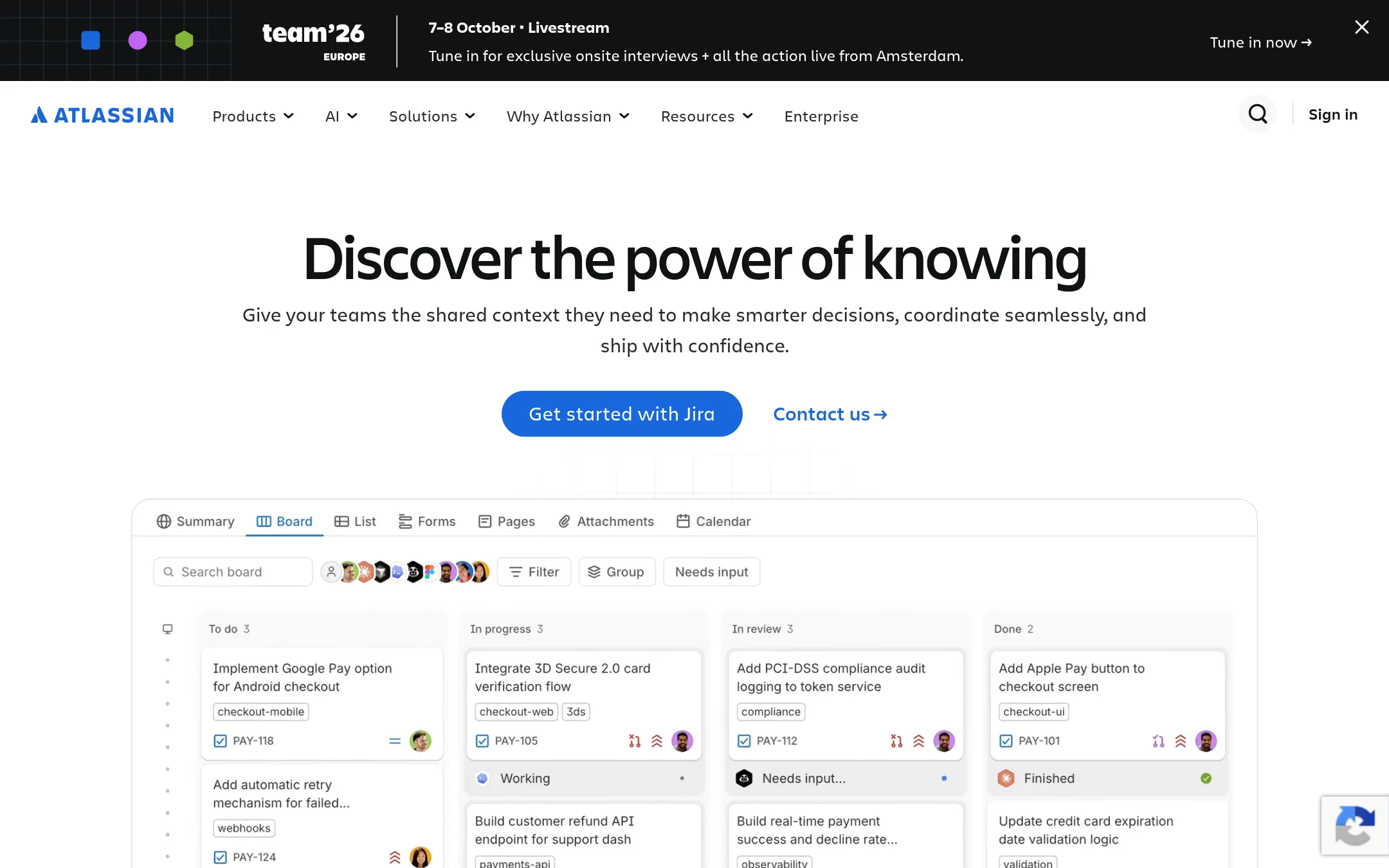
Jira is a flexible project management tool for software, IT, and business teams. Choose it over Pivotal Tracker when you need deep customization, extensive reporting, and a large ecosystem of add-ons.
Where it is strong
- Highly customizable workflows and issue types
- Extensive reporting and dashboards
- Large marketplace of add-ons and integrations
Where it falls short
- Steeper learning curve than Pivotal Tracker
- Can become complex for small teams
- Pricing:
- Pricing is not published on the site.
- Not published
2.Trello
Best for: Small to mid-sized teams that prefer a visual, customizable board over a story-based agile tracker.
- Pricing
- Not published
- Category
- Productivity & Project Management
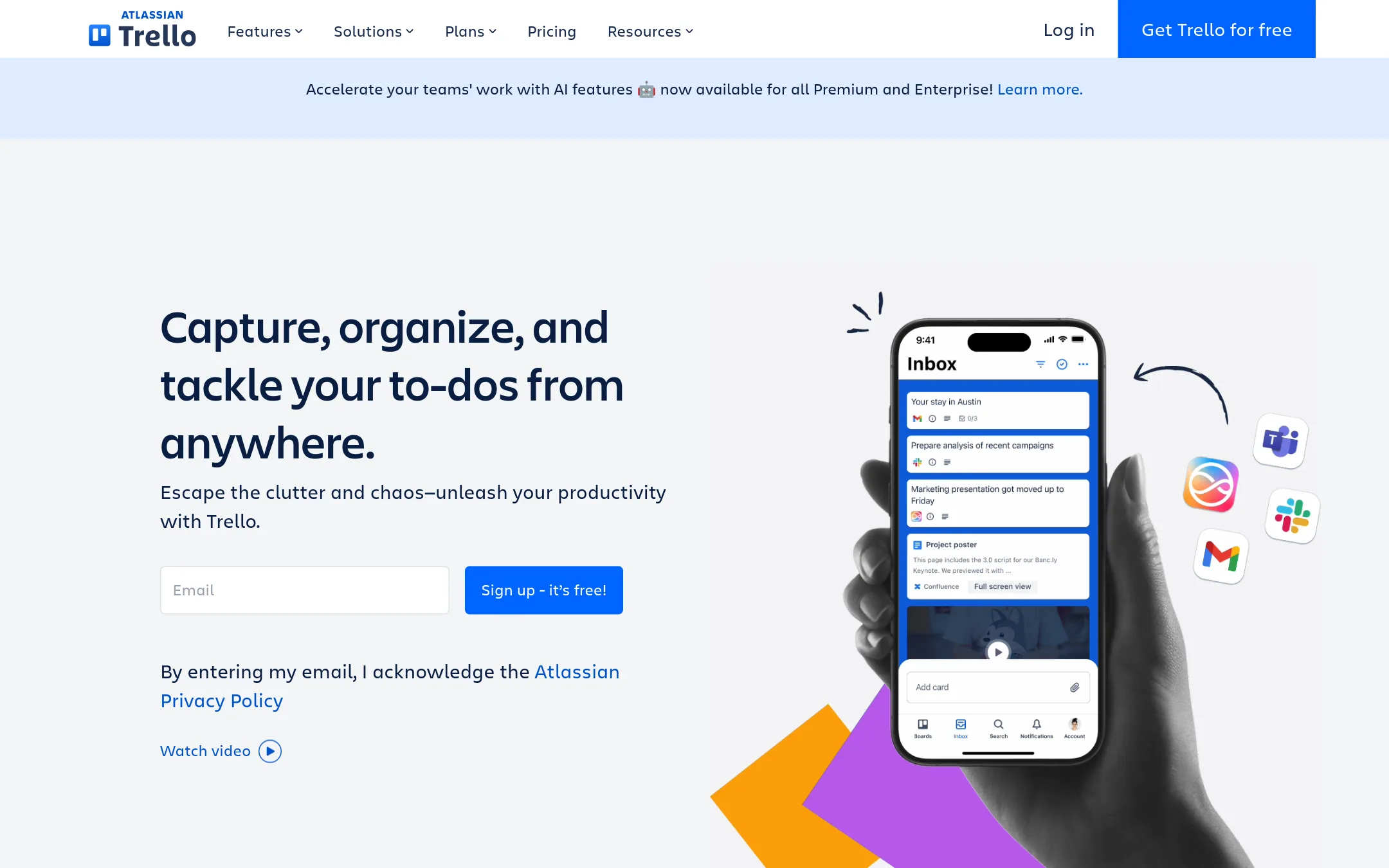
Trello is a visual, card-based project management tool that organizes work into boards, lists, and cards. It is a good fit for teams that want a flexible, low-ceremony way to track tasks and collaborate, rather than the story-point and velocity workflow of Pivotal Tracker.
Where it is strong
- Free plan supports up to 10 collaborators and 10 boards per workspace.
- Unlimited Power-Ups on the free plan, with 200+ integrations available.
- Built-in automation is available on all paid plans, with up to 1,000 command runs per month on Standard.
Where it falls short
- No native story-point estimation or velocity tracking, which are core to Pivotal Tracker.
- Advanced views like Calendar, Timeline, and Dashboard require the Premium plan.
- Pricing:
- Pricing is not published on the site.
- Switching from Pivotal Tracker:
- Moving from Pivotal Tracker means re-creating your stories as cards and setting up your own board structure, since Trello does not import Tracker projects directly.
- ANot published
3.Asana
Best for: Teams that want a single work management hub for multiple departments, with AI assistance and enterprise governance.
- Pricing
- Not published
- Category
- Productivity & Project Management
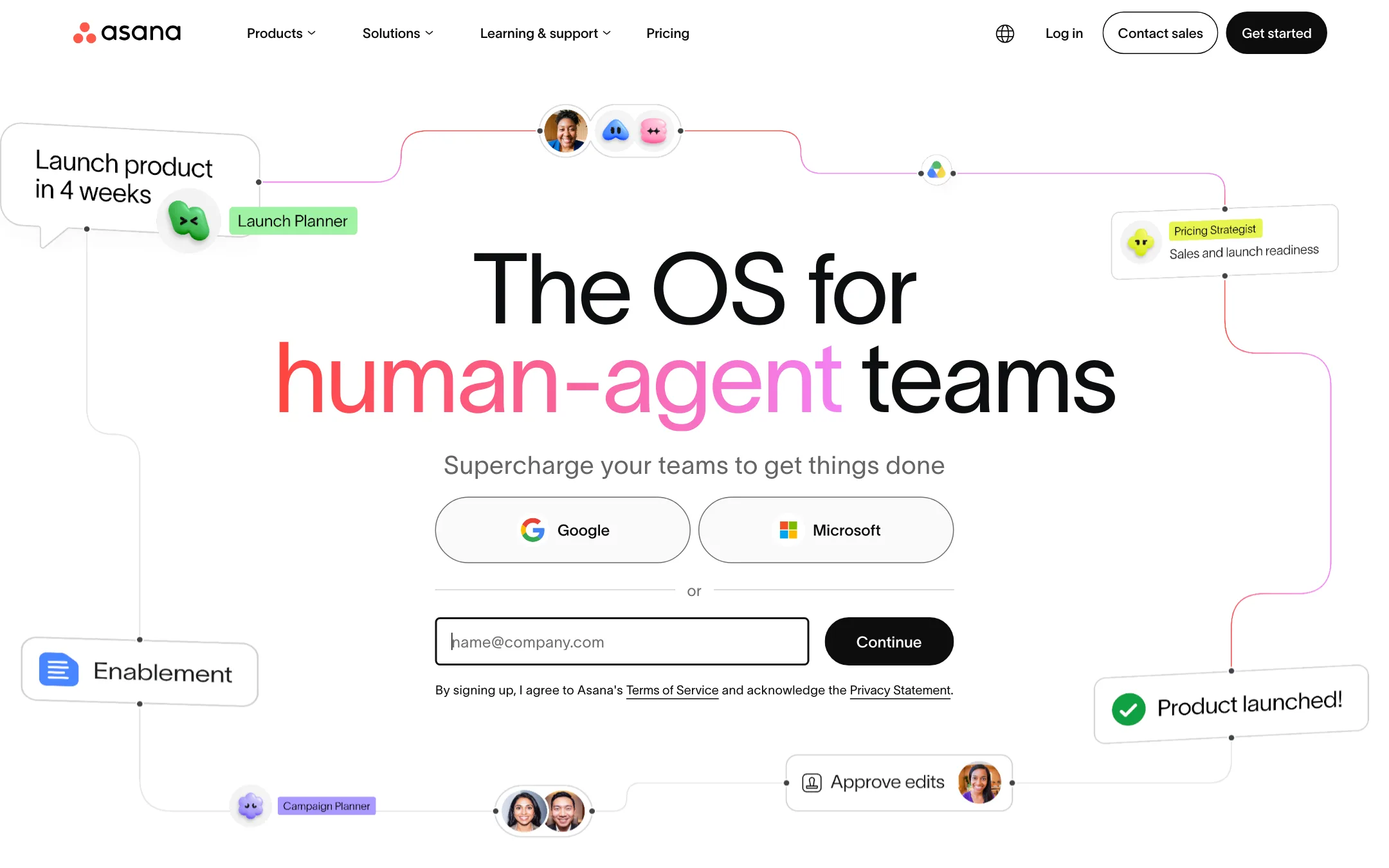
Asana is a general work management platform that covers tasks, projects, goals, and workflows for many teams, with AI agents that can act on the same plan as humans. Choose it over Pivotal Tracker if you need a broader tool beyond agile software development, especially one that handles non-engineering work like marketing, HR, or client services.
Where it is strong
- Free plan for up to 2 users with unlimited tasks and projects.
- Includes AI Teammates and AI Studio in paid plans.
- 100+ integrations with tools like Slack, Google Workspace, and Jira Cloud.
Where it falls short
- No built-in agile-specific features like story points or velocity tracking.
- Pricing is not transparent. Only annual per-user rates are shown, with Enterprise requiring contact sales.
- Pricing:
- Pricing is not published on the site.
- $29/mo to $199/mo
4.Basecamp
Best for: Teams that want a calm, centralized hub for client work and internal projects without the complexity of agile story management.
- Pricing
- $29/mo to $199/mo
- Category
- Productivity & Project Management
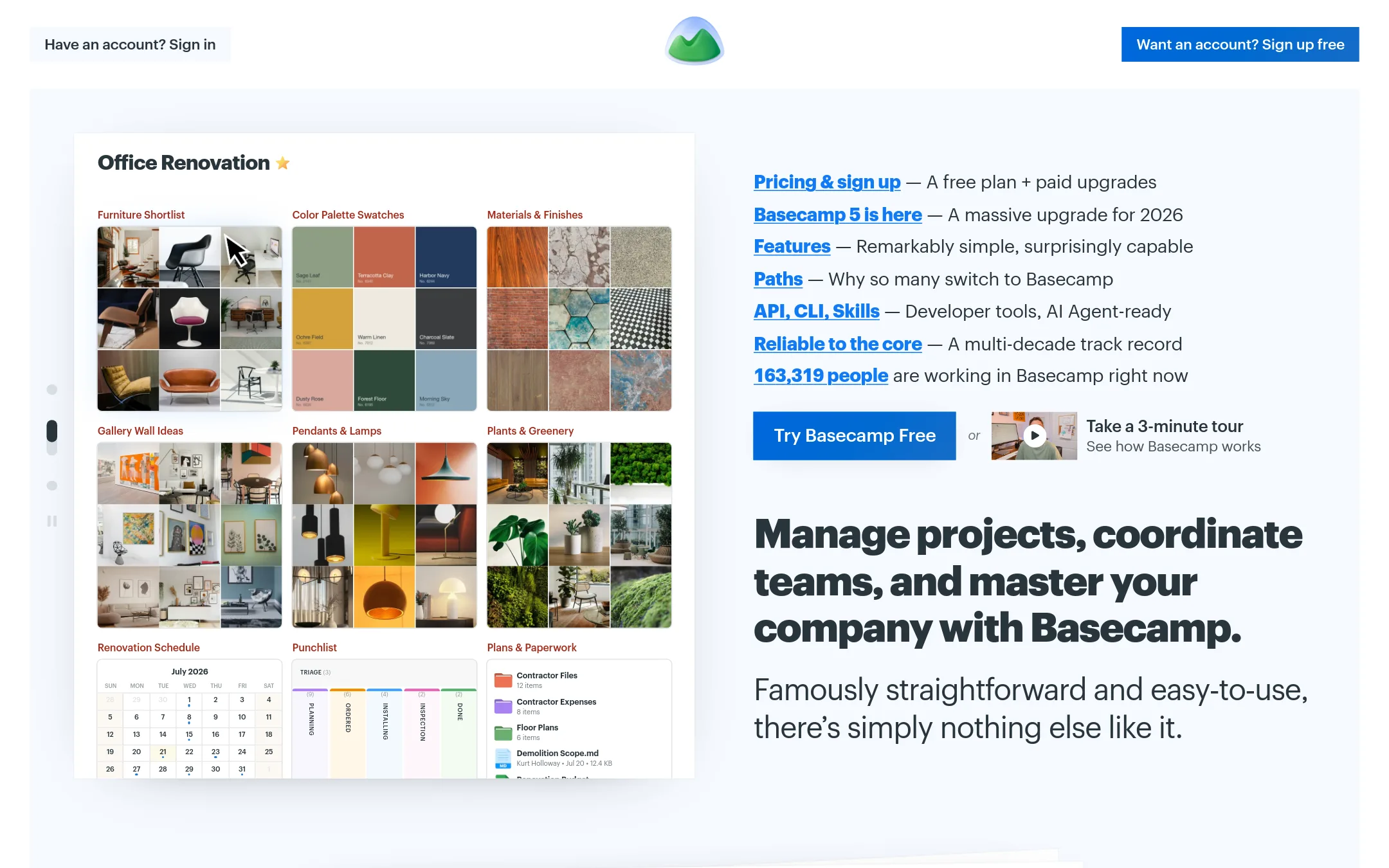
Basecamp is a project management and team communication tool that organizes projects, messages, files, and to-dos in one place. Choose it over Pivotal Tracker if you want a simpler, more structured way to run projects with clients or non-technical teams, rather than a story-point-based agile tracker.
Where it is strong
- Flat monthly pricing per plan, not per user, so costs are predictable.
- Includes message boards, chat, file storage, and to-dos in one tool.
- Free plan available for up to 1 project and 3 users.
Where it falls short
- No story points or sprint-based agile workflow like Pivotal Tracker.
- Higher tiers needed for more than 3 active projects, which may limit scaling.
- Pricing:
- Pricing starts at $29/month for Freelancer (3 projects, up to 5 users), $79/month for Pro (8 projects, up to 10 users), $99/month for Pro Plus (12 projects, up to 15 users), and $199/month billed annually for Pro Unlimited (unlimited projects and users).
- Switching from Pivotal Tracker:
- Moving from Pivotal Tracker means replacing story-based iteration with Basecamp's project-centric to-dos and message boards, so you'll need to reorganize your workflow.
- From $9/seat/mo
5.Monday.com
Best for: Teams that want a customizable work management platform with built-in AI agents across multiple departments, not just engineering.
- Pricing
- From $9/seat/mo
- Category
- Productivity & Project Management
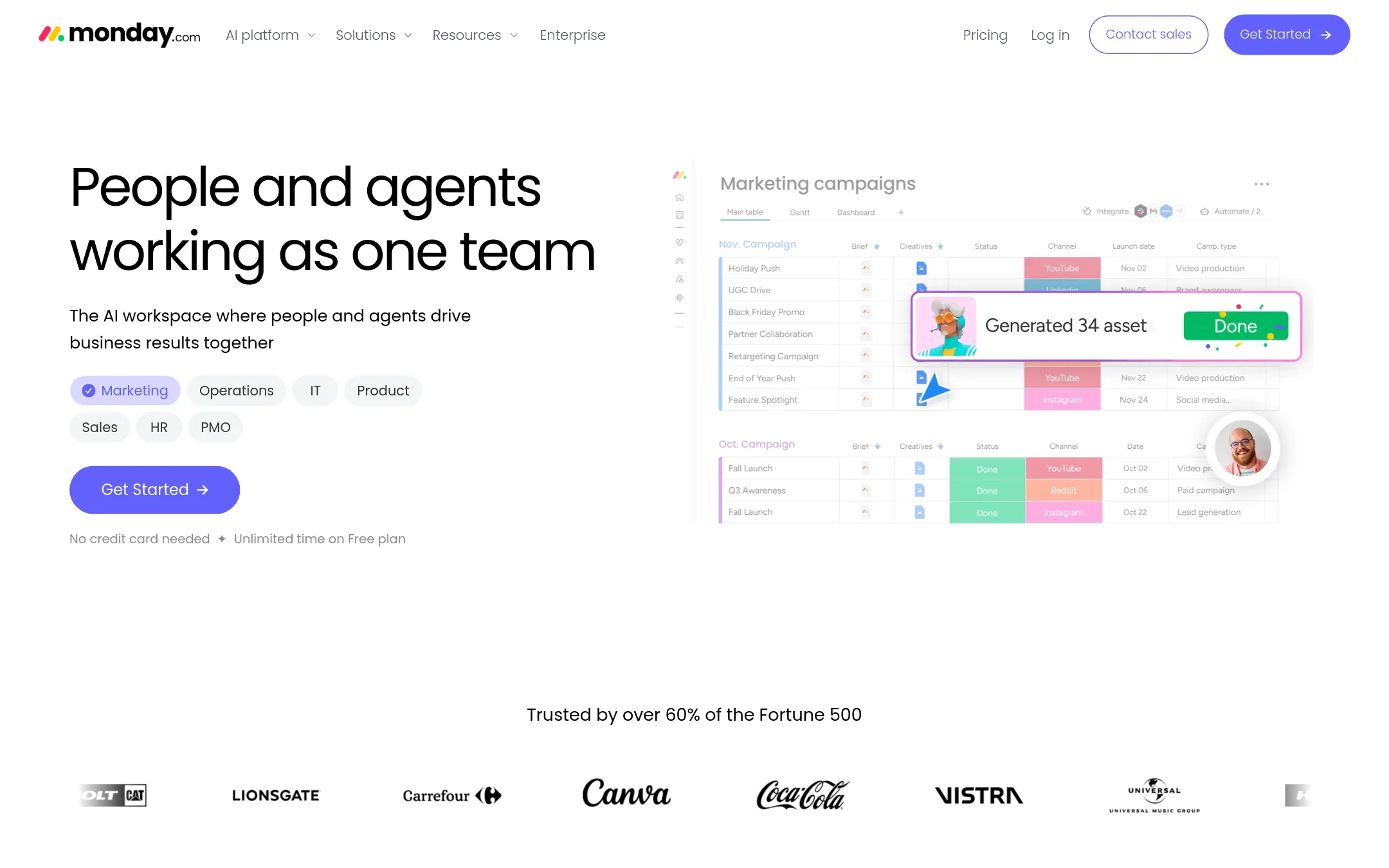
Monday.com is a visual work platform that combines project tracking with AI agents that can automate tasks like lead qualification, meeting prep, and status reporting. Choose it over Pivotal Tracker if you want a more flexible, board-based tool that covers marketing, sales, HR, and IT, not just agile software development.
Where it is strong
- AI agents handle repetitive tasks like lead follow-ups and meeting summaries
- Customizable boards, docs, and templates for any workflow
- Enterprise-grade security and compliance recognized by analysts
Where it falls short
- AI features require credits, which add cost on top of seat fees
- No built-in agile story point estimation or velocity tracking like Pivotal Tracker
- Pricing:
- Free plan for up to 2 seats. Paid plans start at $9 per seat per month billed annually, with higher tiers at $12 and $19 per seat per month.
- Switching from Pivotal Tracker:
- Moving from Pivotal Tracker means re-creating your story hierarchy as boards and items, and re-learning workflow automation in a different paradigm.
- From $8.50/user/mo
6.Shortcut
Best for: Software teams that want a fast, flexible project management tool with AI agent support and deep version control integrations.
- Pricing
- From $8.50/user/mo
- Category
- Other
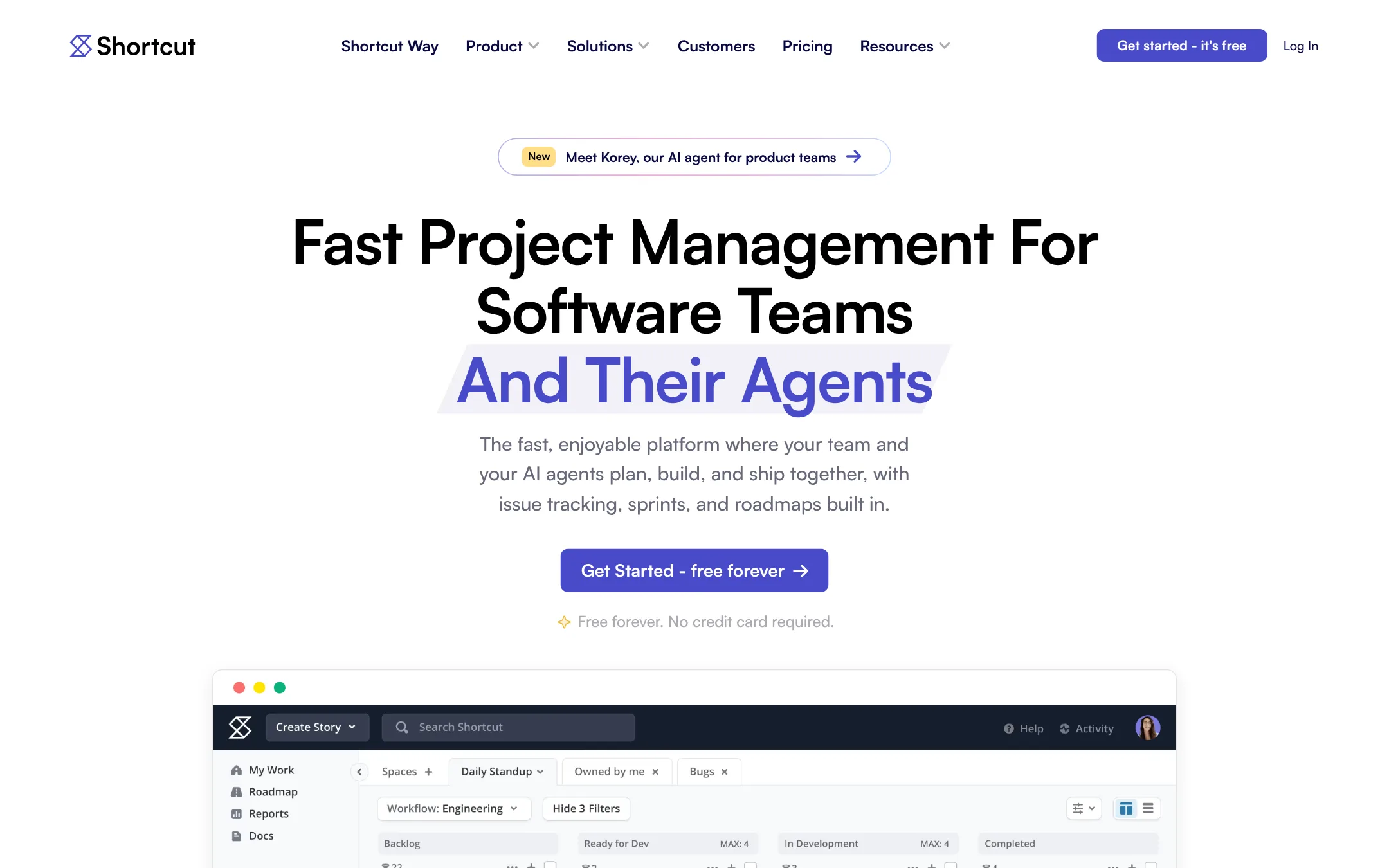
Shortcut is a project management tool for software teams that want to track issues, sprints, and roadmaps in one place, with built-in support for AI agents. Choose it over Pivotal Tracker if you want a modern interface, AI agent collaboration, and integrations with GitHub, GitLab, and Bitbucket.
Where it is strong
- Built-in AI agent collaboration and MCP server for tools like Cursor and Claude Code
- Customizable workflows with Work In Progress limits and custom fields
- Integrates with GitHub, GitLab, Bitbucket, Slack, Figma, and more
Where it falls short
- Advanced features like SSO and HIPAA compliance are only on Enterprise
- Free plan limits users to 5 and lacks advanced reporting
- Pricing:
- Free plan at $0, Team plan at $8.50 per user/month, Business plan at $12 per user/month, Enterprise with custom pricing.
- Switching from Pivotal Tracker:
- Moving from Pivotal Tracker involves migrating your stories and epics, but Shortcut's import tools and similar workflow concepts (Stories, Iterations) should ease the transition.
- Not published
7.Acunote
Best for: Teams from 1 to 100,000 people that want Scrum management with real progress tracking and analytics across departments.
- Pricing
- Not published
- Category
- Productivity & Project Management
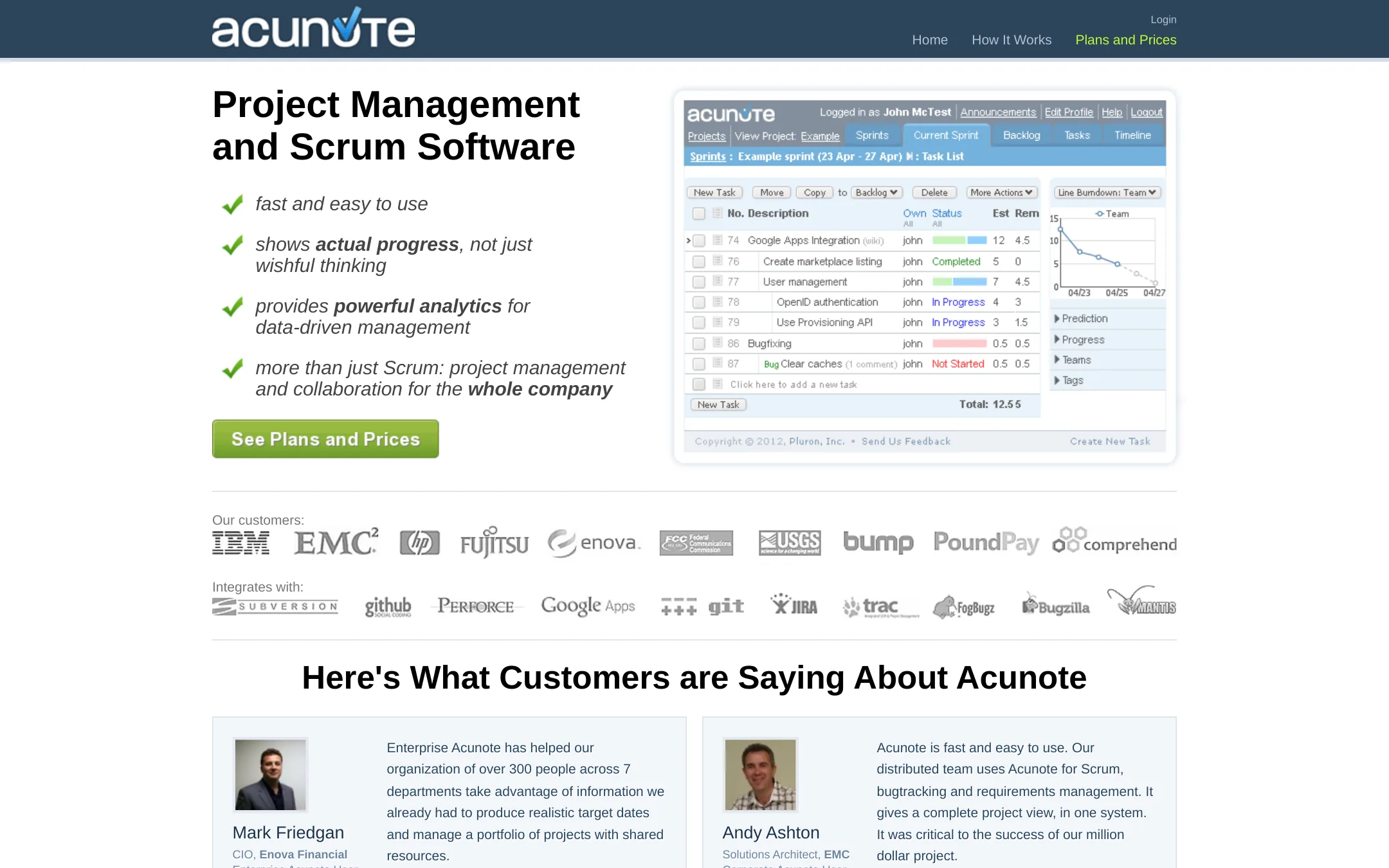
Acunote is a fast Scrum and project management tool that tracks actual progress from daily work, not just planned tasks. It suits teams that want burndown charts and analytics based on real execution data, plus integrations with source control and bug trackers. Choose it over Pivotal Tracker if you need company-wide rollups and cross-department reporting.
Where it is strong
- Fast and easy for both technical and non-technical users
- Shows actual progress via burndowns, not just estimates
- Integrates with Google Apps, GitHub, Bitbucket, JIRA, and more
Where it falls short
- Pricing details are not listed on the site
- No mention of mobile apps or API access
- Pricing:
- Pricing is not published on the site. Only a 30-day free trial is mentioned.
- Switching from Pivotal Tracker:
- Moving from Pivotal Tracker involves re-creating projects and sprints, but Acunote's import options are not specified, so you may need to manually enter data.
- Not published
8.ClickUp
Best for: Teams that want one workspace for projects, docs, chat, and AI without juggling multiple tools.
- Pricing
- Not published
- Category
- Productivity & Project Management
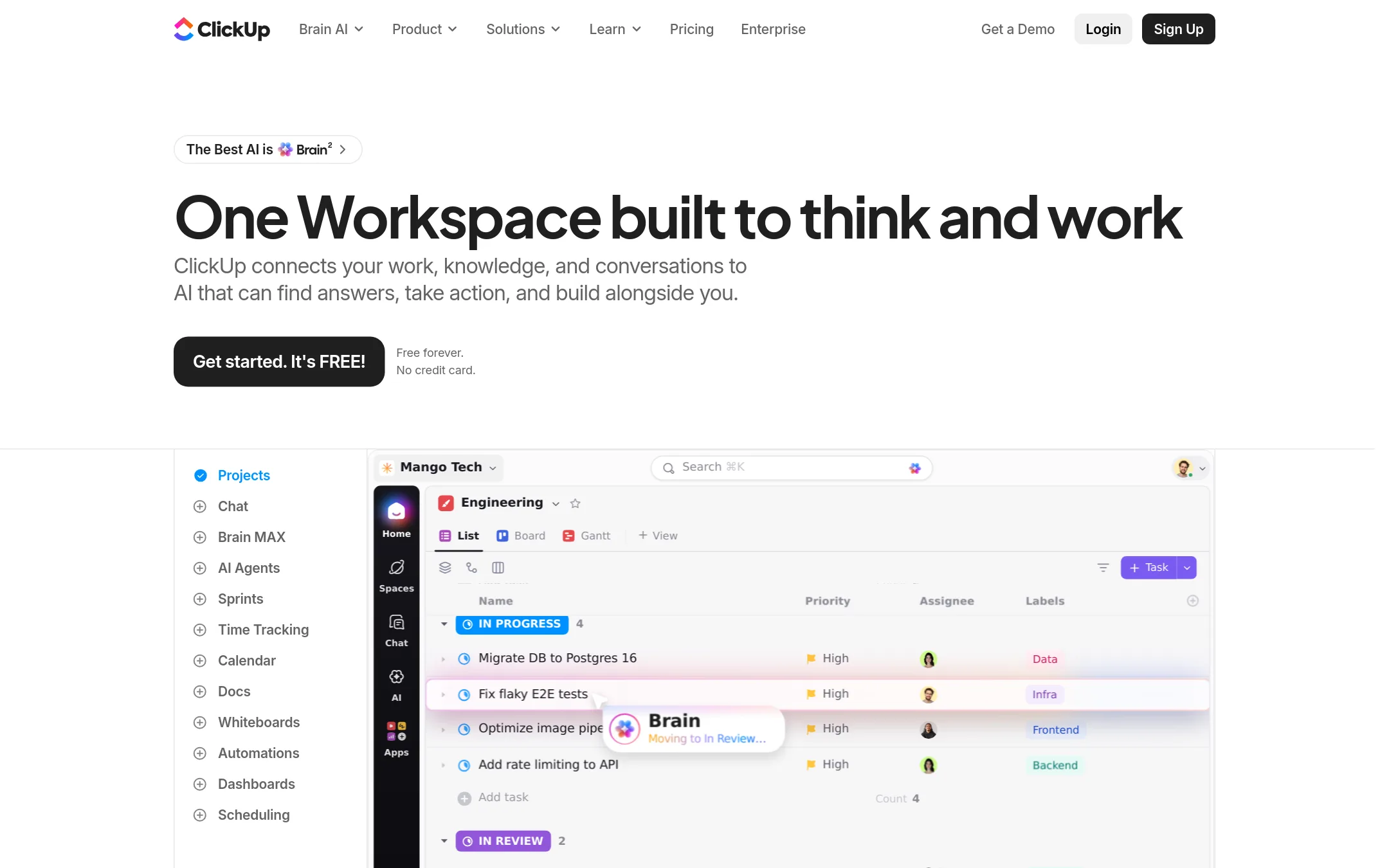
ClickUp is a broad workspace that bundles project management, docs, chat, whiteboards, sprints, and AI agents into one tool. Choose it over Pivotal Tracker if you want to replace several separate apps with a single platform and need more than just agile story tracking.
Where it is strong
- Free forever plan with no credit card required.
- Includes 20+ tools like docs, whiteboards, chat, and time tracking.
- AI agents and workflows are built into every plan.
Where it falls short
- Pricing details are not shown on the pricing page.
- The wide feature set can feel overwhelming compared to Pivotal Tracker's focused agile boards.
- Pricing:
- Pricing is not published on the site.
- Free / $4+ per user/mo
9.GitHub Projects
Best for: Software teams that already use GitHub and want project tracking without leaving their codebase.
- Pricing
- Free / $4+ per user/mo
- Category
- Productivity & Project Management
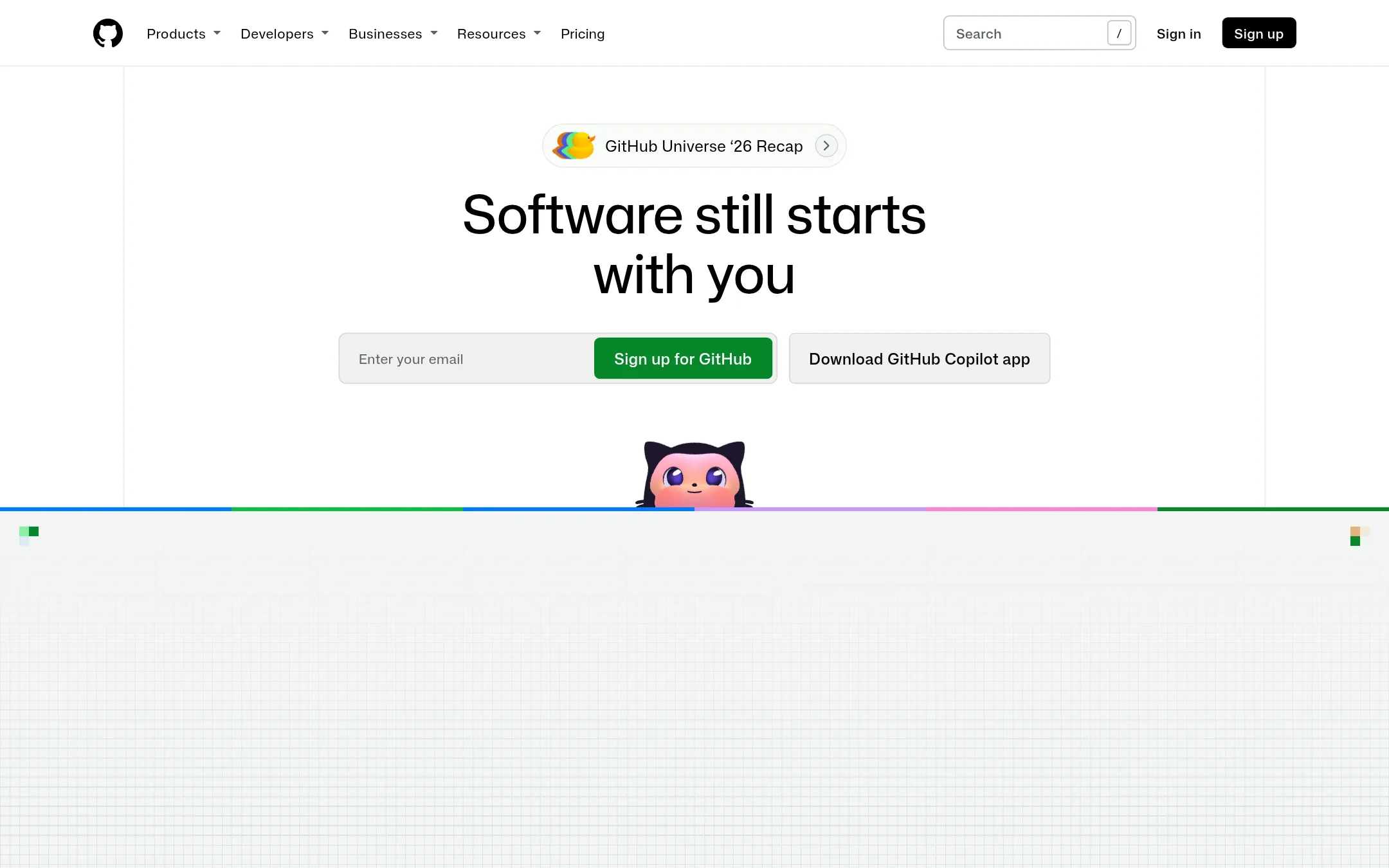
GitHub Projects is a lightweight project tracking tool built into GitHub, so issues, pull requests, and tasks live next to your code. Choose it over Pivotal Tracker if your team already works on GitHub and wants to avoid a separate project management tool.
Where it is strong
- Issues and projects are directly linked to pull requests and branches.
- Free tier includes unlimited repositories and basic project tracking.
- Team plan adds repository rules and required reviewers at a low cost.
Where it falls short
- Project features are simpler than Pivotal Tracker's story-based workflow.
- No built-in velocity tracking or sprint planning like Pivotal Tracker.
- Pricing:
- Free for unlimited public/private repositories with Issues & Projects. Team is $4 per user/month. Enterprise is $21 per user/month.
- Switching from Pivotal Tracker:
- Moving from Pivotal Tracker means recreating stories as GitHub issues and setting up project boards, since there is no direct import tool.
- Not published
10.Wrike
Best for: Enterprises and large teams that need a unified work management platform with dashboards, Gantt charts, and AI features.
- Pricing
- Not published
- Category
- Productivity & Project Management
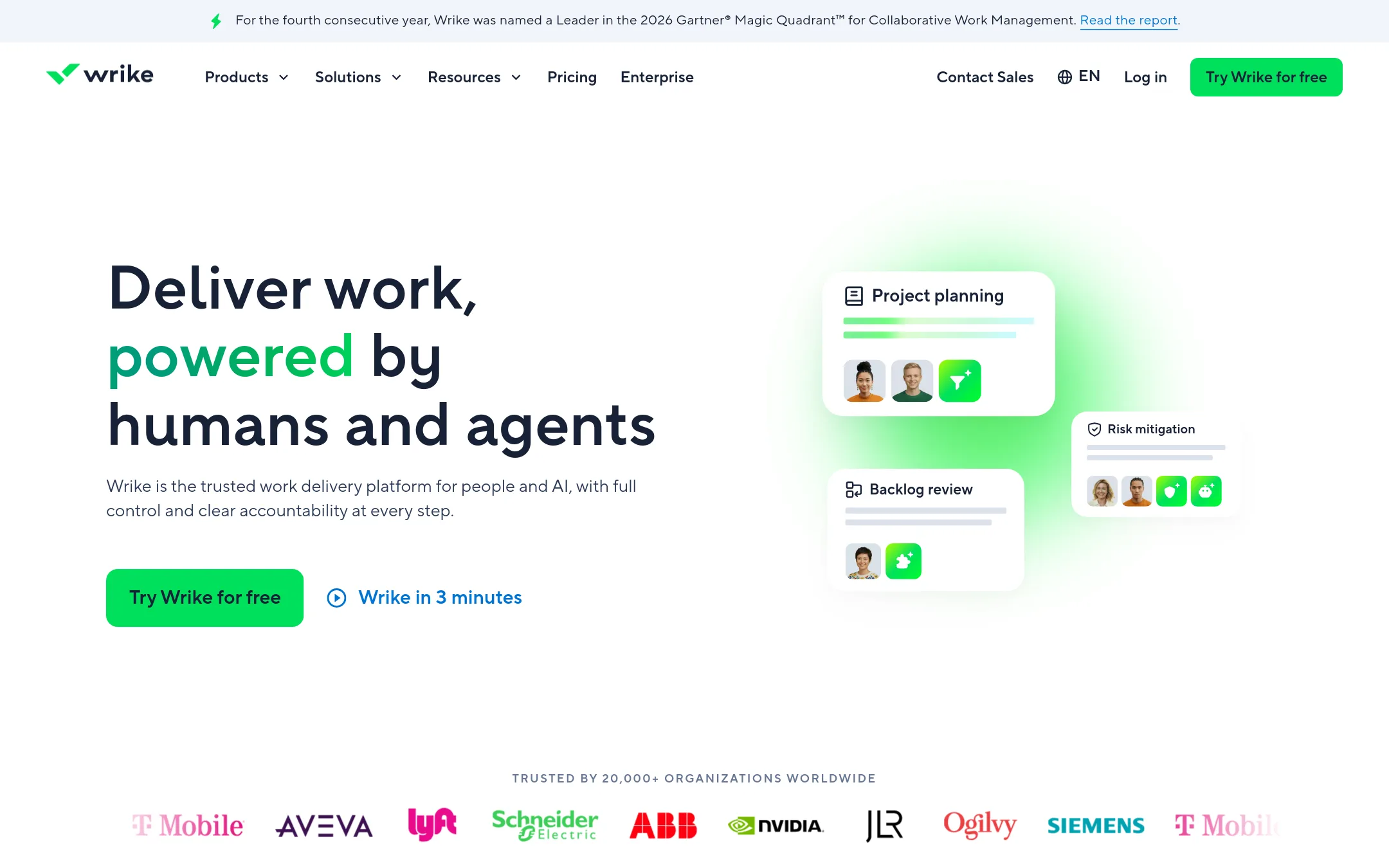
Wrike is an enterprise work management platform that combines project planning, resource management, and AI-assisted automation. Choose it over Pivotal Tracker when your team needs a broader tool for cross-functional work, not just agile story tracking.
Where it is strong
- Includes Gantt charts, resource management, and custom request forms.
- AI features like Copilot and autonomous agents are built in.
- Strong integration ecosystem to sync with other apps.
Where it falls short
- Pricing is not transparent on the website.
- More complex than Pivotal Tracker for simple agile story tracking.
- Pricing:
- Pricing is not published on the site.
See more comparisons in Productivity & Project Management alternatives.
FAQ
Questions about Pivotal Tracker alternatives
What is the best free alternative to Pivotal Tracker?
GitHub Projects offers a free tier with unlimited public and private repositories, including Issues and Projects. Shortcut also has a free plan for up to 5 users. Asana and Trello have free plans but with user limits.
Which alternative is best for agile software teams?
Shortcut is designed for software teams with sprints, story points, and velocity tracking, plus AI agent support. Jira is also strong for agile but has a steeper learning curve. GitHub Projects is simpler but lacks built-in velocity tracking.
Which alternative has transparent pricing?
Basecamp lists flat monthly rates per plan, and GitHub Projects and Shortcut show per-user pricing. Monday.com shows starting prices but requires contact for higher tiers. Many others, like Acunote and Jira, do not publish pricing.
Can these alternatives handle non-engineering work?
Asana, Monday.com, and Wrike are built for cross-department work like marketing and HR. Trello and Basecamp also work for general projects. Pivotal Tracker is more focused on software development, so these broader tools may suit mixed teams.
Do any alternatives integrate with GitHub or GitLab?
Shortcut integrates with GitHub, GitLab, and Bitbucket. Acunote also integrates with GitHub and Bitbucket. GitHub Projects is native to GitHub, so it links issues and pull requests directly.
Last updated October 30, 2026.