
Precious alternatives
6 products compared · Updated October 21, 2026
The short answer
For parents who want automatic baby photo curation and daily AI-generated artwork, Precious is the original choice. If you prefer hands-on editing with milestone designs, Baby Story offers the most control. For a general life-logging video habit, 1 Second Everyday is a strong alternative. Adobe Animate, Canva Whiteboards, Baby Photo Editor, and PicCollage serve different needs and are less direct substitutes.
Your shortlist, at a glance
Read the comparisons ↓- BBaby Photo EditorNot publishedParents who enjoy hands-on photo editing and scrapbooking with free stickers and filters.
- PPicCollageNot publishedFamilies and casual creators who want to make custom cards, scrapbooks, and video collages for any occasion.
Canva WhiteboardsNot publishedTeams and creators who need a flexible canvas for visual brainstorming and collaborative design work.
 Adobe AnimateNot publishedAnimators and designers who need a professional tool for vector animation and interactive content.
- BBaby StoryNot publishedParents who enjoy manually designing baby milestone photos with filters, fonts, and reusable templates.
- 11 Second EverydayNot publishedParents and life-documenters who want a simple daily capture habit and automatic video compilations across any chapter of life.
About Precious and its alternatives
Precious is an AI-powered app that turns baby photos into curated artwork, videos, and albums. It is known for daily surprise creations, time-lapse videos, and automatic organization, so parents can save memories without manual editing.
When comparing alternatives, weigh pricing structure (subscription vs one-time), platform support (iOS, Android, web), whether the tool automates or requires manual editing, and if it offers baby-specific features like milestone frames or calendar exports. Also consider integrations with cloud storage or social sharing, and contract terms like free trials or cancellation policies.
Explore the alternatives
- BNot published
1.Baby Photo Editor
Best for: Parents who enjoy hands-on photo editing and scrapbooking with free stickers and filters.
- Pricing
- Not published
- Category
- Other
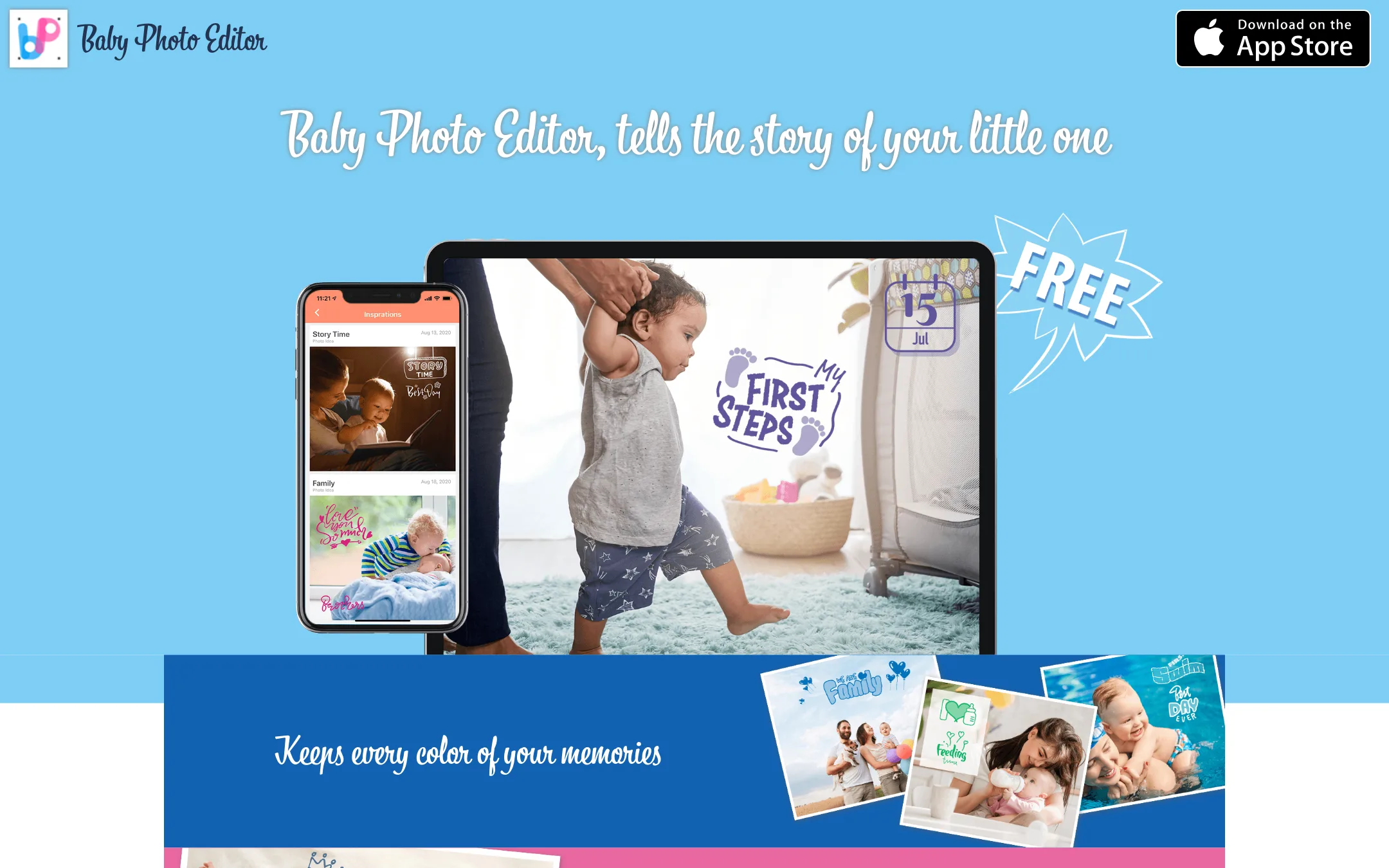
Baby Photo Editor is a DIY editing app for baby photos, letting you adjust colors, apply filters, add stickers and texts, and export. Choose it over Precious if you want full manual control and a large library of free materials, rather than AI-generated artwork and automatic albums.
Where it is strong
- Full manual editing controls for colors, filters, stickers, and text
- Tons of free materials included
- Simple export and save options
Where it falls short
- No AI automation or auto-generated albums
- No time-lapse video or calendar features
- Pricing:
- Pricing is not published on the site.
- PNot published
2.PicCollage
Best for: Families and casual creators who want to make custom cards, scrapbooks, and video collages for any occasion.
- Pricing
- Not published
- Category
- Other
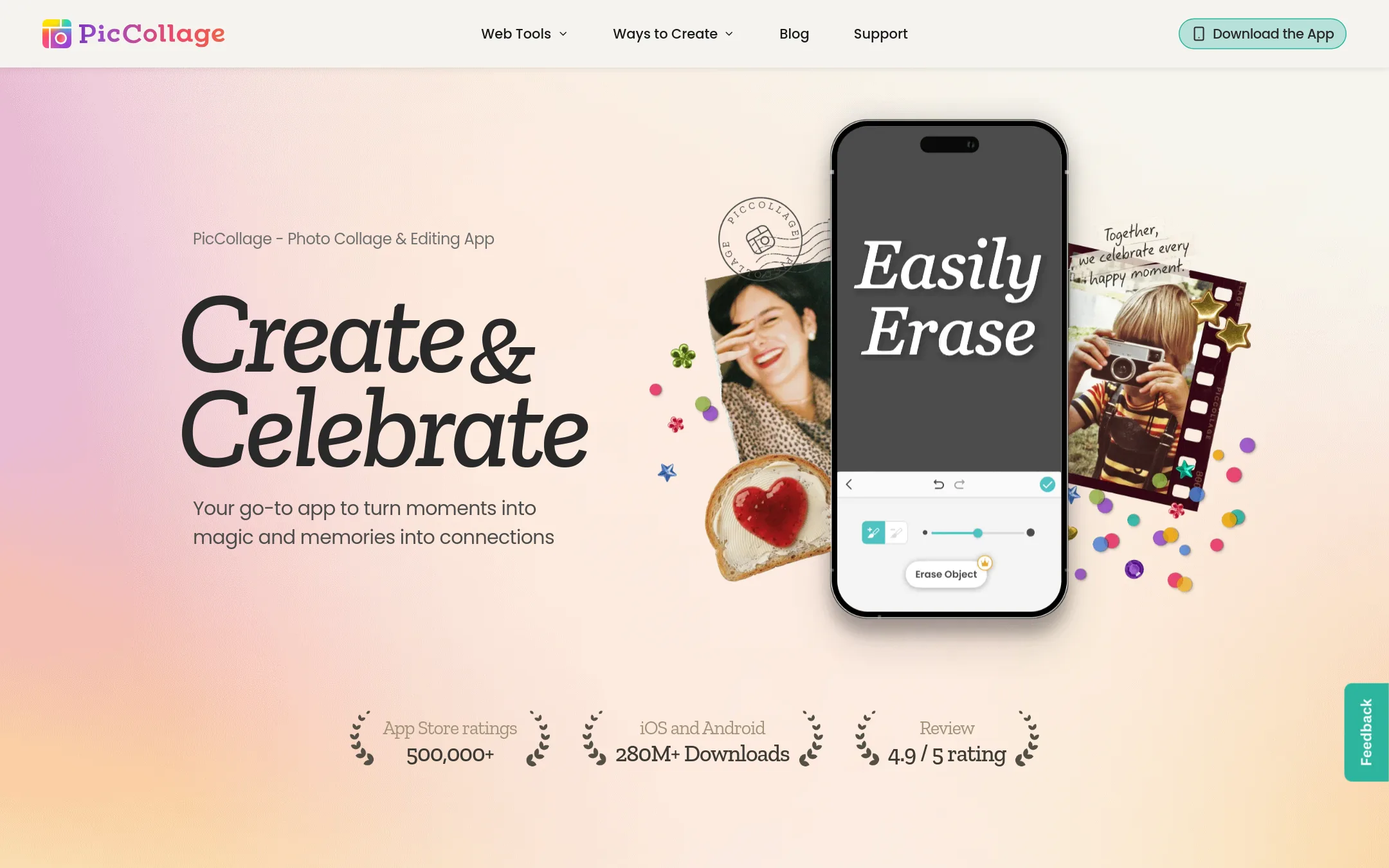
PicCollage is a general-purpose photo and video collage app for making greetings, scrapbooks, and recaps. Choose it over Precious if you want creative control for many occasions, not just baby photos, and don't need automatic curation.
Where it is strong
- Flexible collage layouts for 2 to 12 photos
- AI tools to remove backgrounds and expand shots
- New templates, stickers, and fonts weekly
Where it falls short
- No automatic photo curation or daily artwork
- Not specialized for baby milestones
- Pricing:
- Pricing is not published on the site.
- Not published
3.Canva Whiteboards
Best for: Teams and creators who need a flexible canvas for visual brainstorming and collaborative design work.
- Pricing
- Not published
- Category
- Communication & Collaboration
Canva Whiteboards is a visual collaboration tool for brainstorming and planning, not for photo curation. You would choose it over Precious if you need a shared digital space for team ideation, mapping out projects, or designing presentations, rather than automating baby photo edits.
Where it is strong
- Real-time collaboration with team members on a shared canvas.
- Integrates with Canva's design tools and asset library.
- Works for a wide range of visual planning tasks beyond photos.
Where it falls short
- No AI-powered photo curation or automatic album creation.
- Not designed for baby-specific features like frames or time-lapse videos.
- Pricing:
- Pricing is not published on the site.
- Not published
4.Adobe Animate
Best for: Animators and designers who need a professional tool for vector animation and interactive content.
- Pricing
- Not published
- Category
- Design & Creative
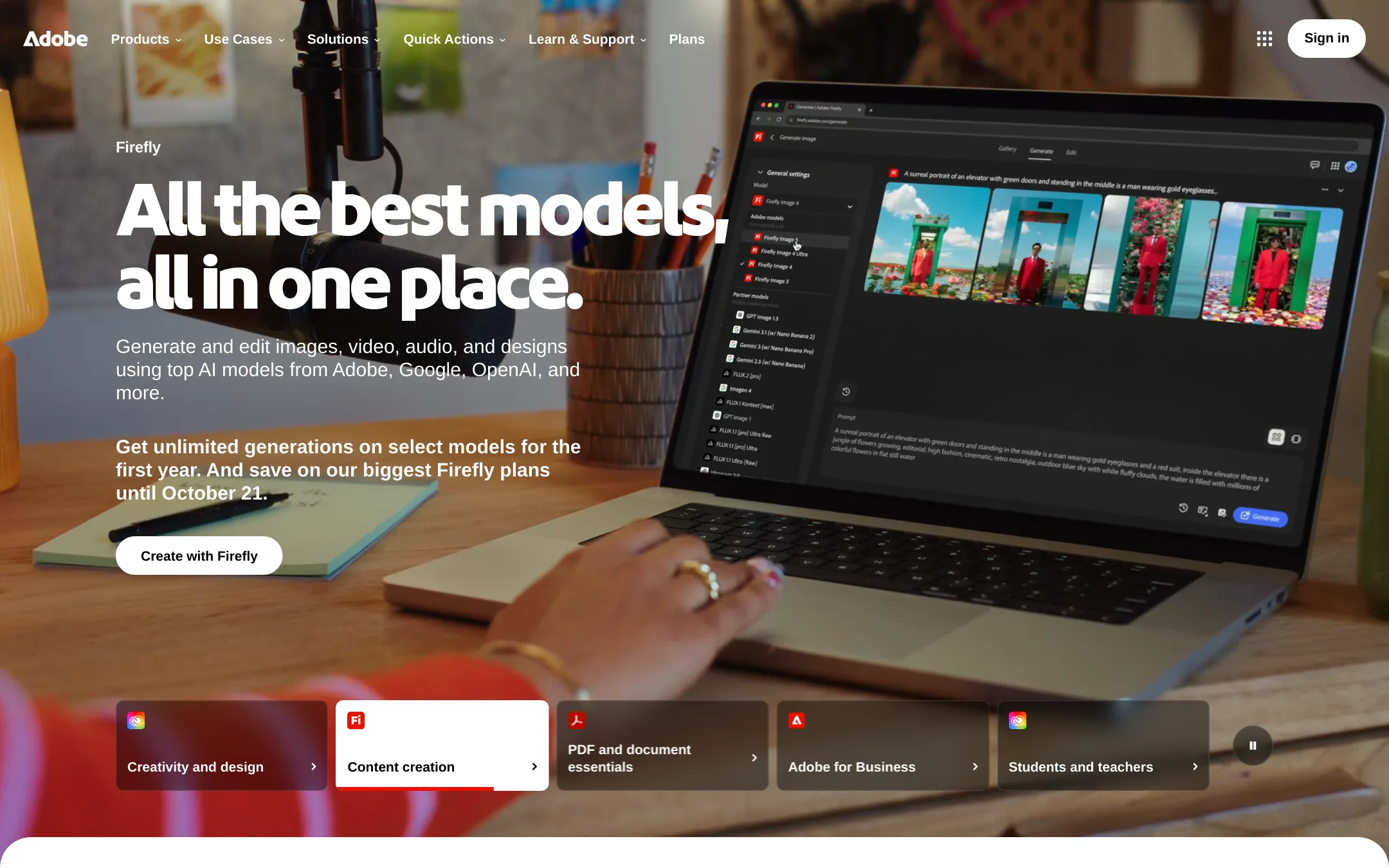
Adobe Animate is a professional animation tool for creating vector-based interactive content, while Precious automatically curates and embellishes baby photos. Choose Adobe Animate if you need full control over animation and design, not automated baby photo editing.
Where it is strong
- Full control over animation and design
- Supports vector graphics and interactive content
- Part of Adobe Creative Cloud ecosystem
Where it falls short
- Steep learning curve for beginners
- Requires subscription to Adobe Creative Cloud
- Pricing:
- Pricing is not published on the site.
- BNot published
5.Baby Story
Best for: Parents who enjoy manually designing baby milestone photos with filters, fonts, and reusable templates.
- Pricing
- Not published
- Category
- Other
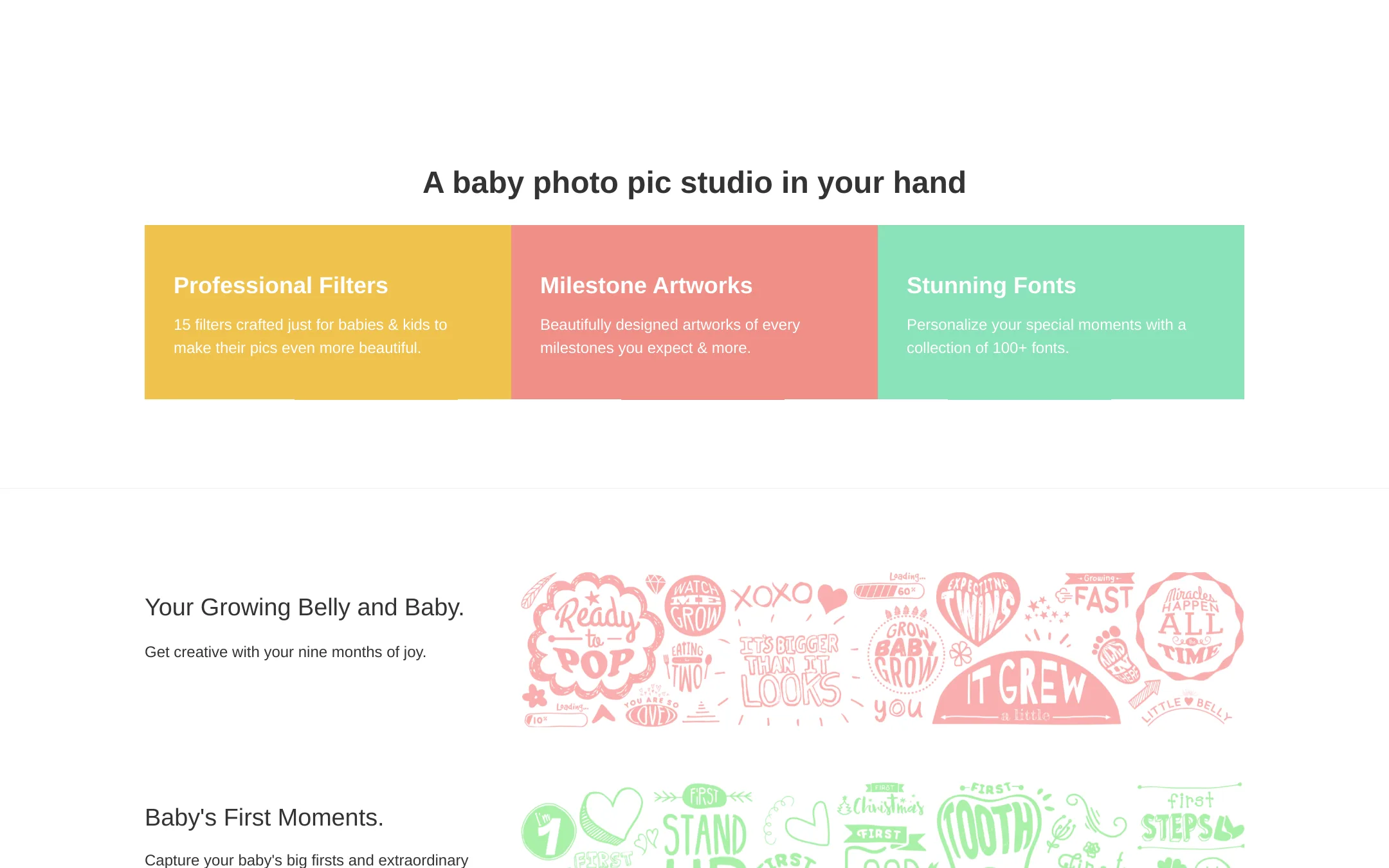
Baby Story is a photo editing app for parents who want to decorate baby and pregnancy photos with milestone artwork, filters, and fonts. Choose it over Precious if you want manual creative control over each picture rather than AI-generated artwork and videos. It offers a large library of milestone designs and reusable templates for consistent monthly photos.
Where it is strong
- 11 packages of milestone artworks plus 11 premium packages
- 100+ fonts and 15 baby-specific filters
- Create and save your own themes for consistent monthly photos
Where it falls short
- No AI-generated photo art or automatic albums
- No time-lapse video feature mentioned
- Pricing:
- Pricing is not published on the site.
- 1Not published
6.1 Second Everyday
Best for: Parents and life-documenters who want a simple daily capture habit and automatic video compilations across any chapter of life.
- Pricing
- Not published
- Category
- Other
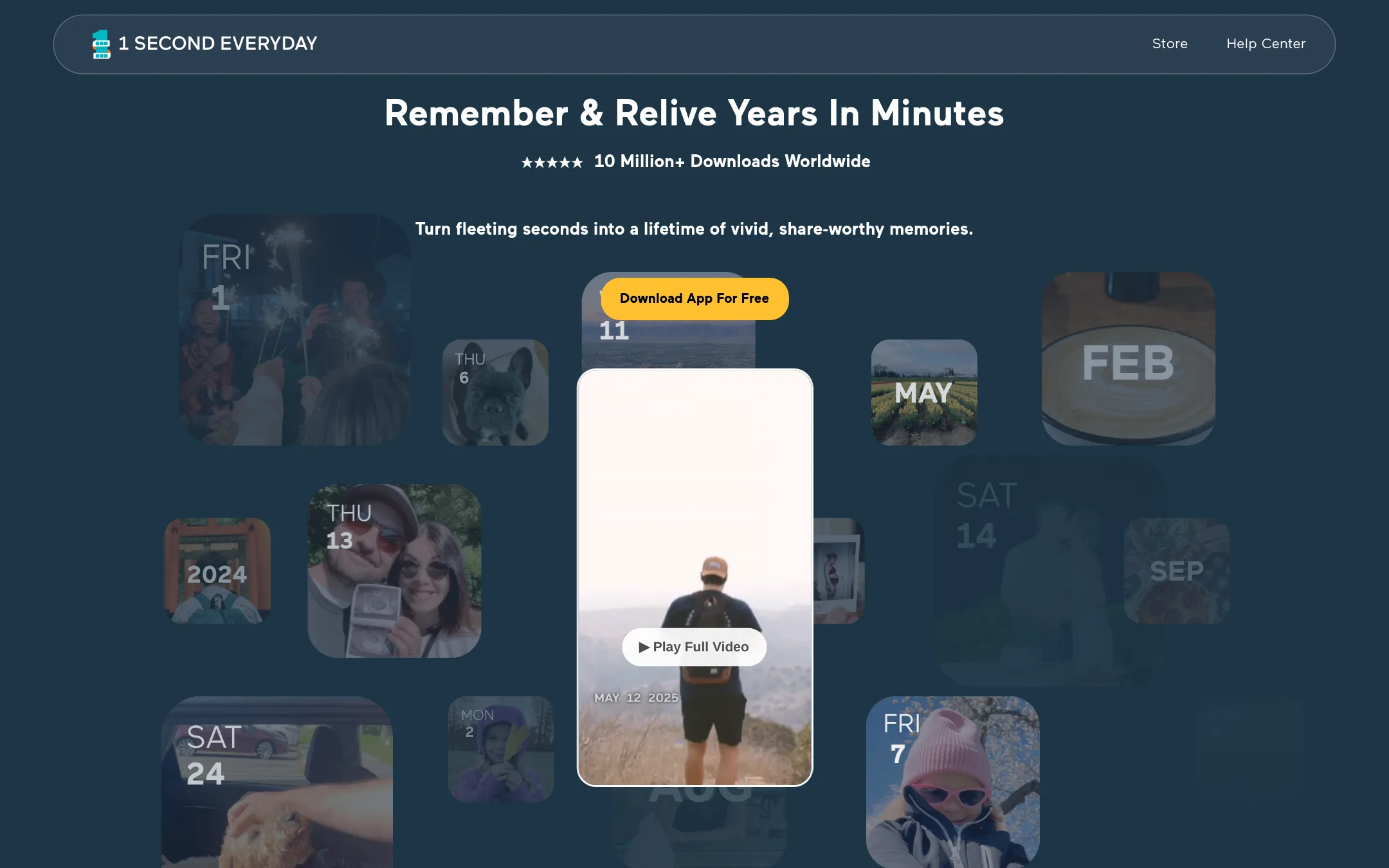
1 Second Everyday is a daily video journal that stitches one-second clips into compilations, letting you relive months or years in minutes. Choose it over Precious if you want a general life-logging tool that works for trips, pets, and everyday moments, not just baby photos.
Where it is strong
- Smart-Fill lets you auto-populate a month in one tap
- Daily reminders help you keep the habit when busy
- Works for any life event, not just babies
Where it falls short
- No AI photo embellishment or frames like Precious
- Focused on video seconds, not still photo art or albums
- Pricing:
- Pricing is not published on the site.
See more comparisons in Media & Entertainment alternatives.
FAQ
Questions about Precious alternatives
Does any alternative automatically create baby photo albums like Precious?
No. Precious is unique among the listed alternatives for automatic album creation. Baby Photo Editor and Baby Story require manual selection and editing. 1 Second Everyday auto-compiles video clips but not still photo albums.
Which alternative is best for parents who want full control over baby photo editing?
Baby Story offers the most manual control with 11 milestone artwork packages, 100+ fonts, and 15 baby-specific filters. Baby Photo Editor also provides manual controls with free stickers and filters, but lacks reusable templates for consistent monthly photos.
Are there any free alternatives to Precious?
Pricing is not published for any of the listed alternatives, including Precious. Baby Photo Editor mentions 'tons of free materials included,' but that refers to stickers and filters, not the app itself. Check each product's site for current pricing and free tiers.
Can I use these alternatives for non-baby photos?
Yes. 1 Second Everyday works for any life event, and PicCollage is for any occasion. Canva Whiteboards is for team brainstorming, not personal photos. Adobe Animate is for professional animation. Baby Story and Baby Photo Editor are baby-specific.
Which alternative is best for creating time-lapse videos of my baby?
Precious is the only one that explicitly offers time-lapse video creation. 1 Second Everyday stitches one-second clips into compilations, which is similar but not a true time-lapse. Baby Story and Baby Photo Editor do not mention video features.
Last updated October 21, 2026.