
Productivity & Project ManagementFreemium
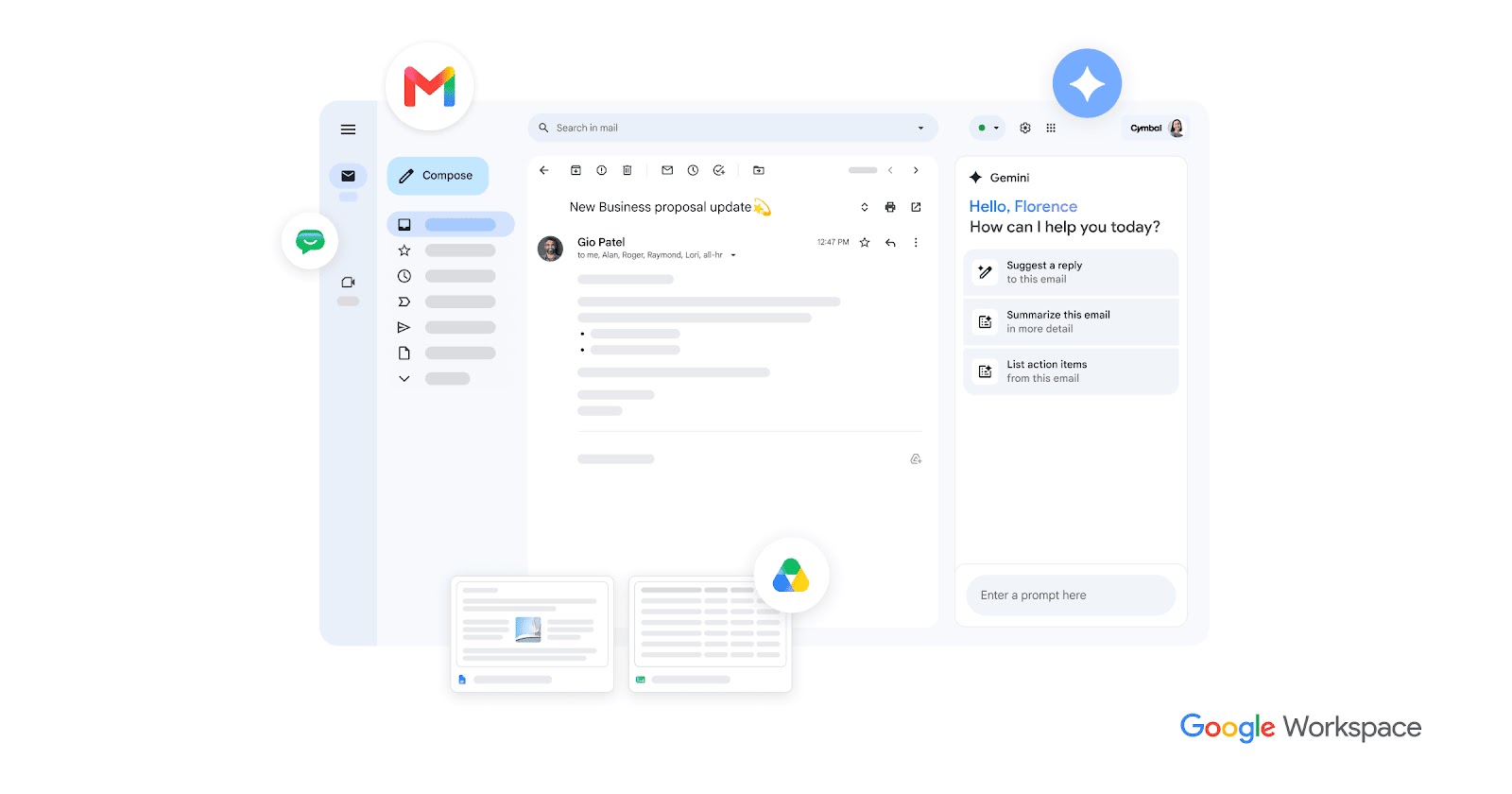
Google Workspace
Business apps and productivity tools for teams and organizations
Screenshots
About Google Workspace
Google Workspace combines Gmail, Drive, Meet and Chat for collaborative productivity with strong mobile support and admin controls. Its subscription model and cloud-only architecture contrast with TeamNote's flexible hosting and hardware-bundled enterprise packages. Teams needing deep legacy system integration or fully offline AI agents may find Workspace less aligned than TeamNote's private deployment focus.
What Google Workspace does
Google Workspace provides business applications and productivity collaboration tools including Gmail for professional email, Drive for cloud storage, Meet for videoconferencing, Chat for team messaging, Calendar, Docs, Sheets, Slides, Forms, Sites, Gemini AI assistant, NotebookLM, Vids, Keep and AppSheet for no-code apps. It offers AI automation, security features and an admin console for organizations of all sizes from startups to large enterprises.
Key features
- Gmail professional email
- Drive cloud storage
- Meet videoconferencing
- Docs Sheets Slides collaboration
- Gemini AI assistant
- Admin console and security
Compare Google Workspace with alternatives
For teams that need structured project tracking, Asana and Monday.com are the strongest alternatives to Google Workspace. Asana suits teams that need task dependencies and progress reporting, while Monday.com fits teams that want AI agents to automate repetitive work. Notion is the best choice for startups that want a single workspace for docs, wikis, and project management.
See Google Workspace alternativesSimilar products

Productivity & Project ManagementFree

Productivity & Project ManagementFreemium