
PSpice alternatives
12 products compared · Updated November 1, 2026
The short answer
For most buyers, the strongest PSpice alternatives are KiCad, CircuitLab, and EasyEDA. KiCad suits startups and small teams that need a free, cross-platform PCB design suite with built-in simulation. CircuitLab suits hobbyists, students, and engineers who want a browser-based tool for quick, shareable simulations. EasyEDA suits hobbyists and small teams doing straightforward PCB design with basic simulation needs and tight budgets.
Your shortlist, at a glance
Read the comparisons ↓- MMultisimNot publishedEngineering teams and educators who want circuit simulation integrated with NI test hardware and LabVIEW.
 Cadence OrCADNot publishedSmall to medium-sized engineering teams that want integrated PCB design and simulation in one tool.
- TTINA-TINot publishedEngineers and students prototyping circuits with Texas Instruments components who need a free, straightforward simulator.
 SourceForgeNot publishedTeams evaluating or downloading business software and open source tools, not for circuit simulation work.
- MMicro-CapNot publishedIndividual engineers or small teams that need a straightforward SPICE simulator for analog and digital circuits without the full Cadence ecosystem.
 CircuitLabNot publishedHobbyists, students, and engineers who want a lightweight, browser-based tool for quick circuit design and simulation without local software setup.
EasyEDANot publishedHobbyists, students, and small teams doing straightforward PCB design with basic simulation needs and tight budgets.
 EveryCircuitNot publishedStudents, hobbyists, and engineers who need a fast, visual circuit simulator for learning and prototyping simple analog and digital circuits.
Falstad Circuit SimulatorSee websitePaul Falstad's interactive circuit simulator applet
 KiCadFree (open source)Hobbyists, startups, and small teams that need a free, cross-platform PCB design suite with built-in simulation.
- PPartSimNot publishedHobbyists and students who want a free, accessible way to simulate simple circuits in a web browser.
 ProteusNot publishedEmbedded engineers and educators who want to simulate microcontrollers and design PCBs in one tool.
About PSpice and its alternatives
PSpice is a circuit simulation and mixed-signal design platform from Cadence. It is known for its large model library of over 35,000 parametrized models, advanced analyses like Monte Carlo and sensitivity, and integration with MATLAB/Simulink for electro-mechanical co-simulation.
When comparing alternatives, weigh pricing structure, since most tools do not publish prices and require contacting sales. Consider whether the tool runs in the browser or needs installation, and whether it integrates with PCB layout or manufacturing services. Check the depth of simulation features, such as Monte Carlo or sensitivity analysis, and the size of the component library. Also review support options and contract terms, like perpetual licenses versus subscriptions.
Explore the alternatives
- MNot published
1.Multisim
Best for: Engineering teams and educators who want circuit simulation integrated with NI test hardware and LabVIEW.
- Pricing
- Not published
- Category
- Other
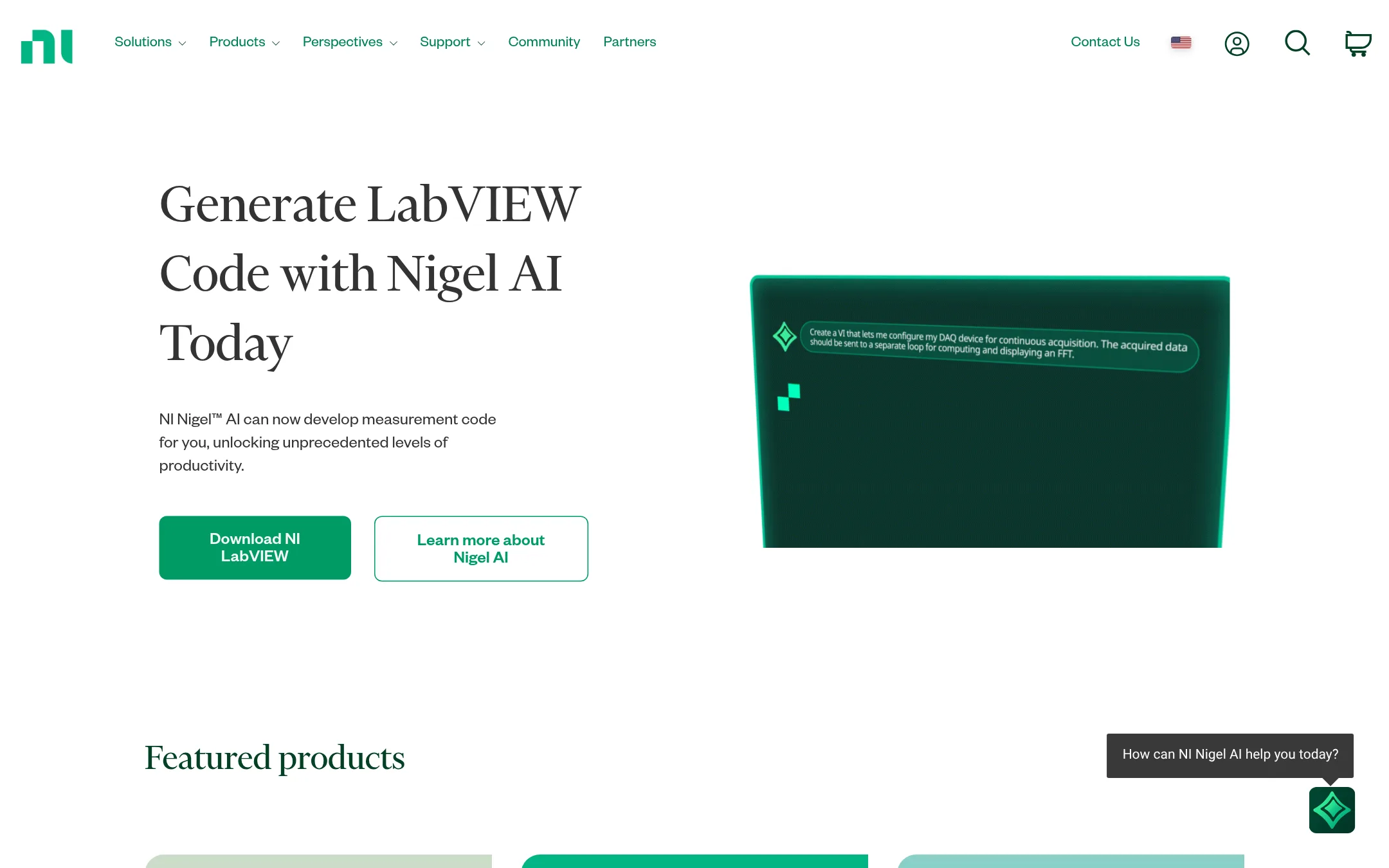
Multisim is a circuit simulation and educational tool from NI, now part of Emerson. It is a good choice when you need to combine circuit simulation with test and measurement workflows, especially if you already use NI hardware or LabVIEW. Choose it over PSpice for academic teaching or when you want tight integration with NI's ecosystem.
Where it is strong
- Integrates with NI hardware and LabVIEW for test and measurement.
- Widely used in academic settings for teaching circuit design.
- Part of the broader NI ecosystem, useful for automated test systems.
Where it falls short
- Less focused on advanced mixed-signal analysis like Monte Carlo and sensitivity.
- May require NI hardware for full functionality, limiting standalone use.
- Pricing:
- Pricing is not published on the site.
- Not published
2.Cadence OrCAD
Best for: Small to medium-sized engineering teams that want integrated PCB design and simulation in one tool.
- Pricing
- Not published
- Category
- Design & Creative
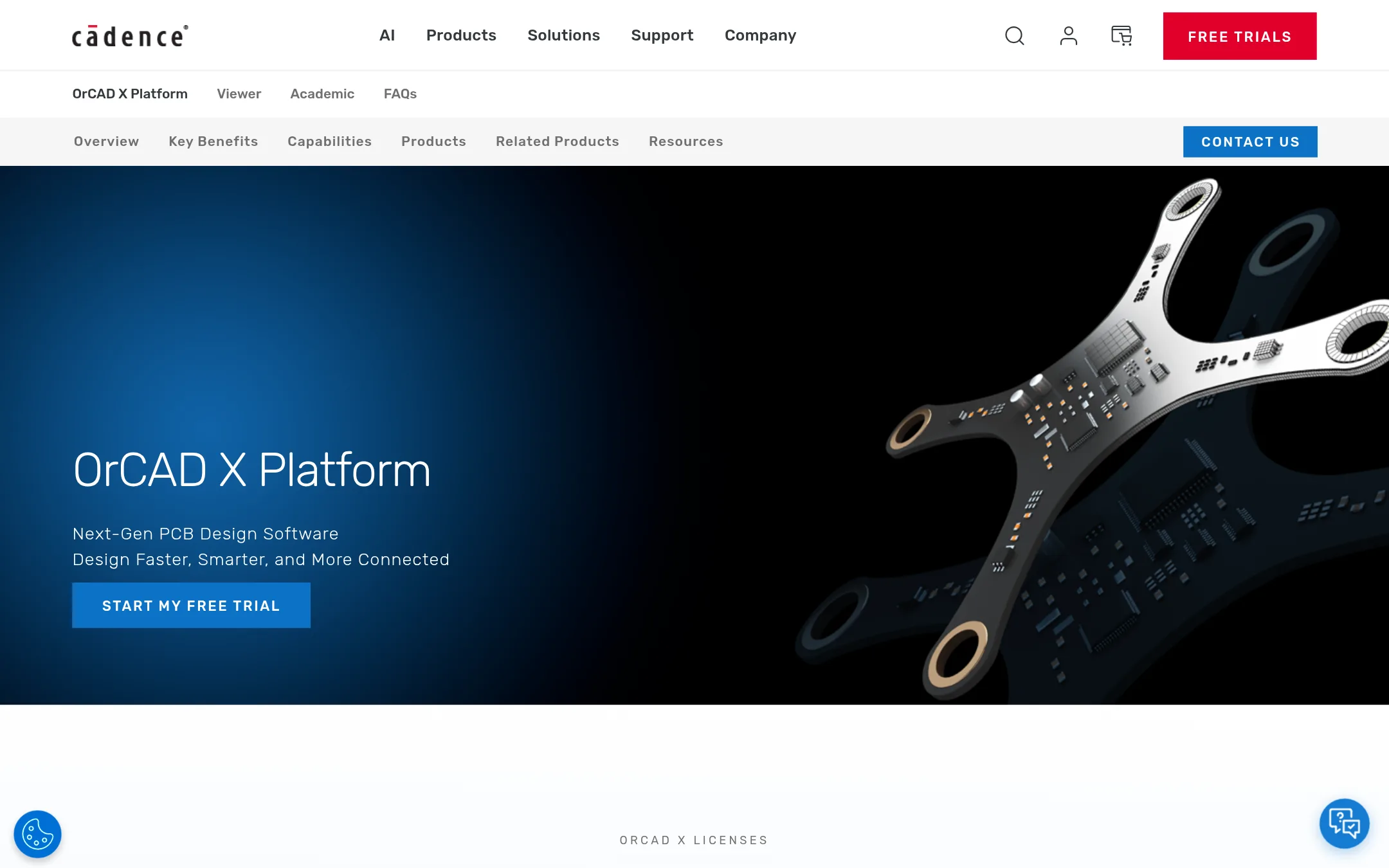
Cadence OrCAD is a PCB design platform that includes schematic capture, layout, and manufacturing collaboration, with built-in PSpice simulation. You would choose it over standalone PSpice when you need the full design flow from circuit simulation to board layout and production, not just simulation.
Where it is strong
- Built-in PSpice for analog and mixed-signal simulation
- Access to 18 million verified components from Ultra Librarian
- Real-time collaboration and cloud-based data management
Where it falls short
- Pricing not public, requires contacting sales
- Full features may be overkill for simulation-only users
- Pricing:
- Pricing is not published on the site.
- Switching from PSpice:
- Moving from PSpice to OrCAD is straightforward since OrCAD includes PSpice, so your existing simulation models and workflows carry over.
- TNot published
3.TINA-TI
Best for: Engineers and students prototyping circuits with Texas Instruments components who need a free, straightforward simulator.

- Pricing
- Not published
- Category
- Other
TINA-TI is a free circuit simulation tool from Texas Instruments, tailored for designing with TI components. Choose it over PSpice if you work primarily with TI parts and want a no-cost option for basic analog and mixed-signal simulation.
Where it is strong
- Free to use with TI parts
- Includes TI component models
- Simple interface for basic simulations
Where it falls short
- Limited to TI ecosystem
- Fewer advanced analysis features than PSpice
- Pricing:
- Pricing is not published on the site.
- Switching from PSpice:
- Moving from PSpice involves recreating your circuits in TINA-TI and relying on TI's model library, which may not cover non-TI parts.
- Not published
4.SourceForge
Best for: Teams evaluating or downloading business software and open source tools, not for circuit simulation work.
- Pricing
- Not published
- Category
- Marketing & Sales
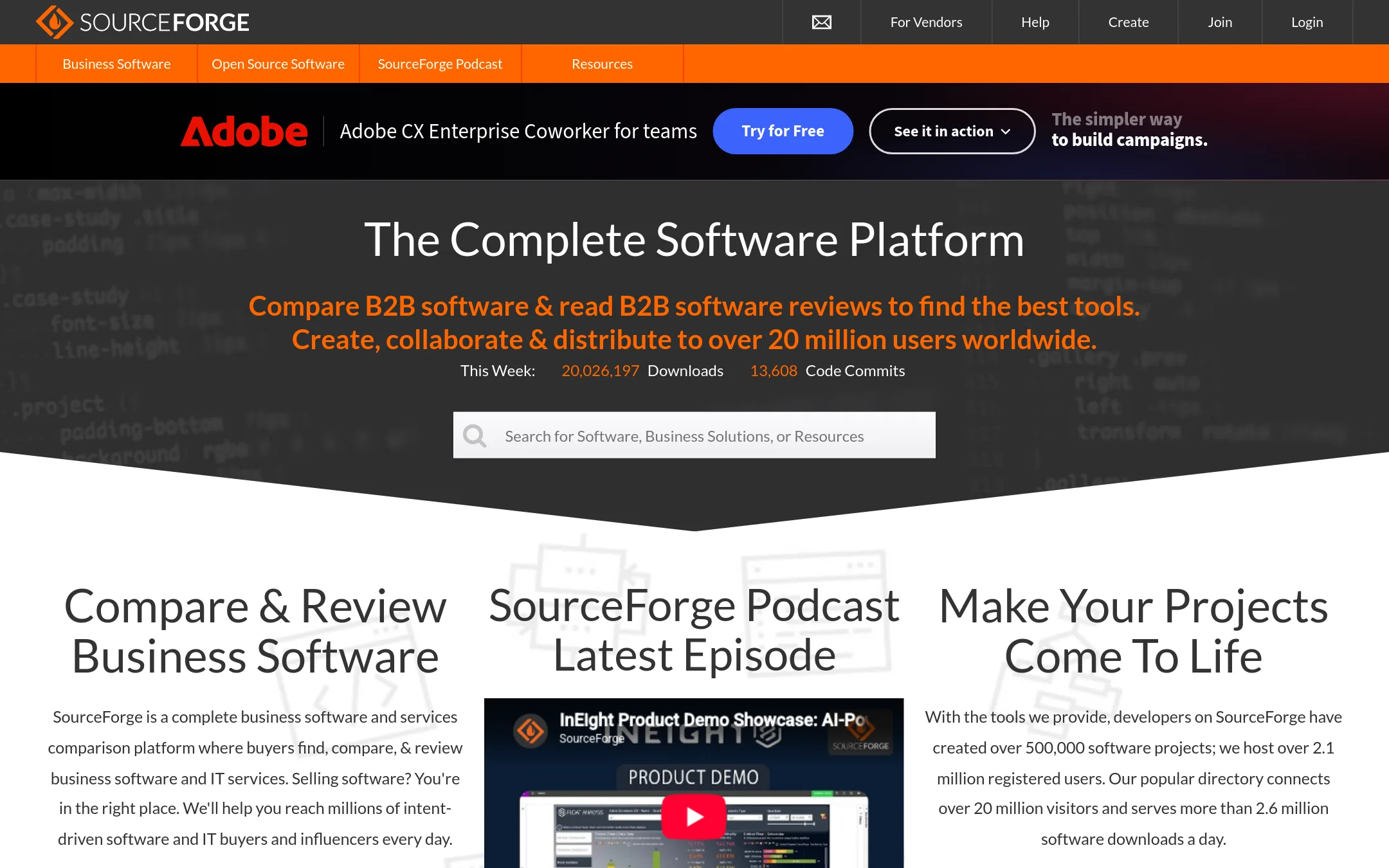
SourceForge is a directory and review platform for business software and open source projects, not a circuit simulation tool. You would choose it instead of PSpice when you are shopping for software, not designing circuits, and want to compare options or download free tools.
Where it is strong
- Large directory of business software and open source projects.
- Over 20 million visitors and 2.6 million downloads per day.
- Free hosting for open source projects with 500,000 projects created.
Where it falls short
- No circuit simulation or SPICE features.
- Focused on software discovery, not engineering design.
- Pricing:
- Pricing is not published on the site.
- MNot published
5.Micro-Cap
Best for: Individual engineers or small teams that need a straightforward SPICE simulator for analog and digital circuits without the full Cadence ecosystem.
- Pricing
- Not published
- Category
- Other
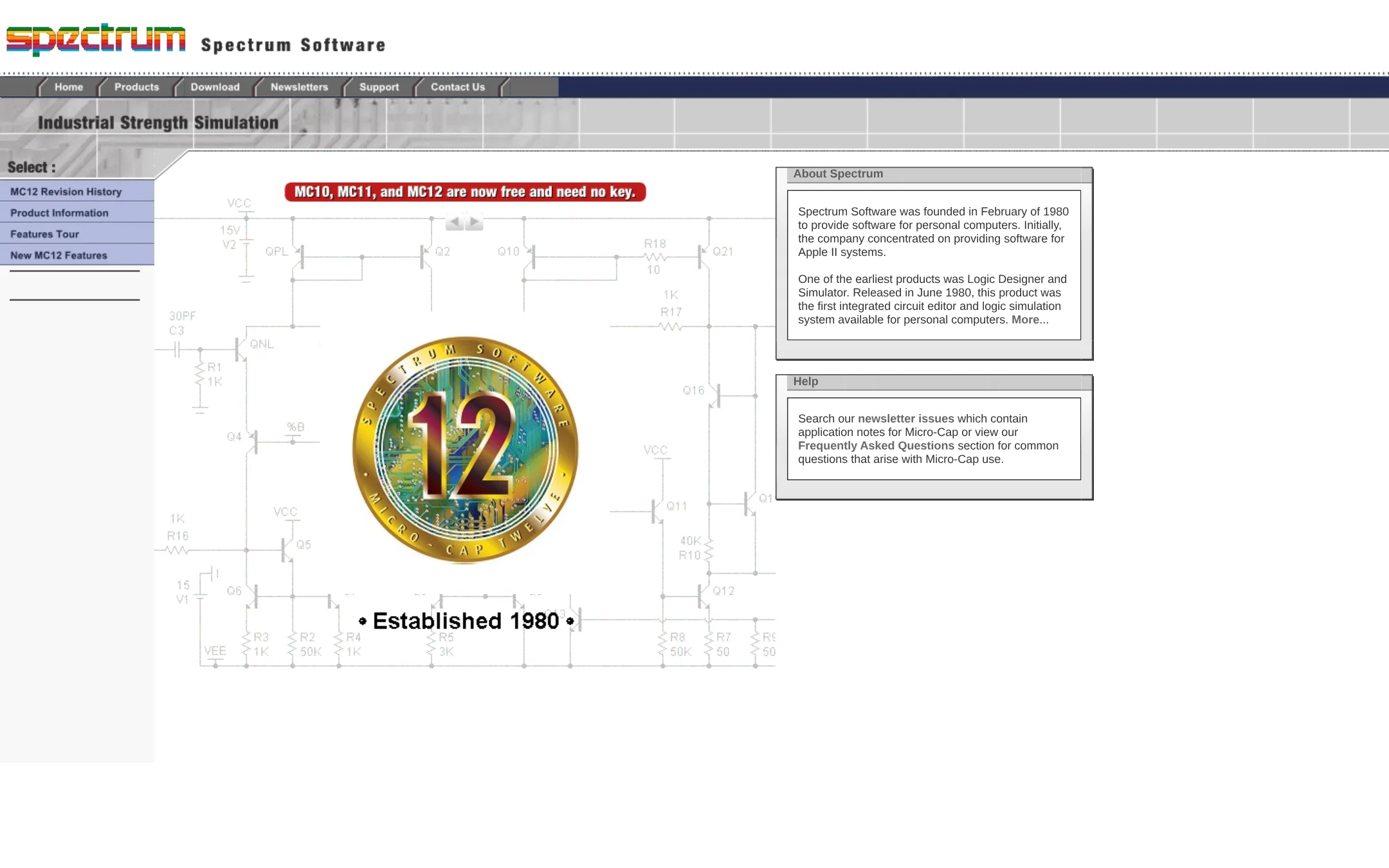
Micro-Cap is a SPICE and PSpice-compatible analog and digital circuit simulator from Spectrum Software. It is a good choice for engineers who want a standalone, low-cost alternative to PSpice for basic circuit simulation and analysis.
Where it is strong
- PSpice-compatible, so existing models and netlists can be reused.
- Includes both analog and digital simulation capabilities.
- Long-standing product from a company founded in 1980, indicating stability.
Where it falls short
- No mention of advanced analysis features like Monte Carlo or sensitivity.
- Limited integration with other EDA tools compared to PSpice's ecosystem.
- Pricing:
- Pricing is not published on the site.
- Not published
6.CircuitLab
Best for: Hobbyists, students, and engineers who want a lightweight, browser-based tool for quick circuit design and simulation without local software setup.
- Pricing
- Not published
- Category
- Developer Tools
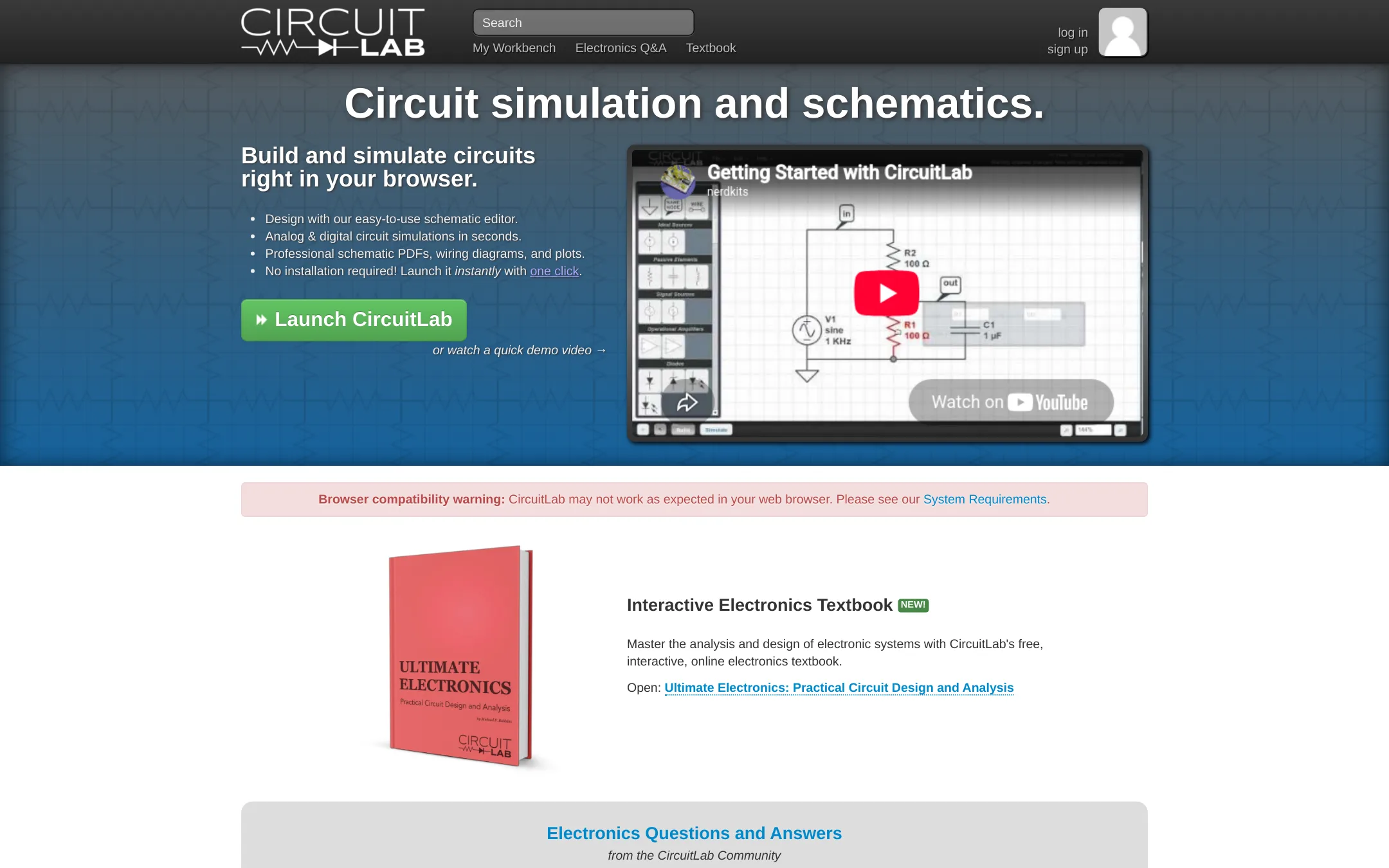
CircuitLab is a browser-based circuit simulator and schematic editor that runs instantly without installation. You would choose it over PSpice when you need quick, shareable simulations for learning, teaching, or early-stage prototyping, and you don't require the deep enterprise integration and model library of Cadence's tool.
Where it is strong
- No installation required, runs directly in the browser.
- Mixed-mode simulation for analog and digital components side-by-side.
- Unique circuit URLs make sharing and collaboration easy.
Where it falls short
- Lacks the extensive model library and advanced analysis tools of PSpice.
- Not designed for enterprise-level PCB design and manufacturing workflows.
- Pricing:
- Pricing is not published on the site.
- Not published
7.EasyEDA
Best for: Hobbyists, students, and small teams doing straightforward PCB design with basic simulation needs and tight budgets.

- Pricing
- Not published
- Category
- Design & Creative
EasyEDA is a free, browser-based PCB design and circuit simulation tool that covers schematic capture, layout, and 3D visualization. Choose it over PSpice when you need a lightweight, collaborative tool for simpler circuits and want to move quickly from design to manufacturing via JLCPCB and LCSC.
Where it is strong
- Free core features for everyone
- Runs in the browser, no install needed
- Integrated with JLCPCB and LCSC for easy prototyping
Where it falls short
- Std Edition limited to 300 devices or 1000 pads
- Simulation is simpler than PSpice's advanced analysis
- Pricing:
- Pricing is not published on the site.
- Switching from PSpice:
- Moving from PSpice means adapting to a simpler simulation environment and a web-based workflow, but your schematic and layout files will need to be recreated in EasyEDA.
- Not published
8.EveryCircuit
Best for: Students, hobbyists, and engineers who need a fast, visual circuit simulator for learning and prototyping simple analog and digital circuits.
- Pricing
- Not published
- Category
- Design & Creative
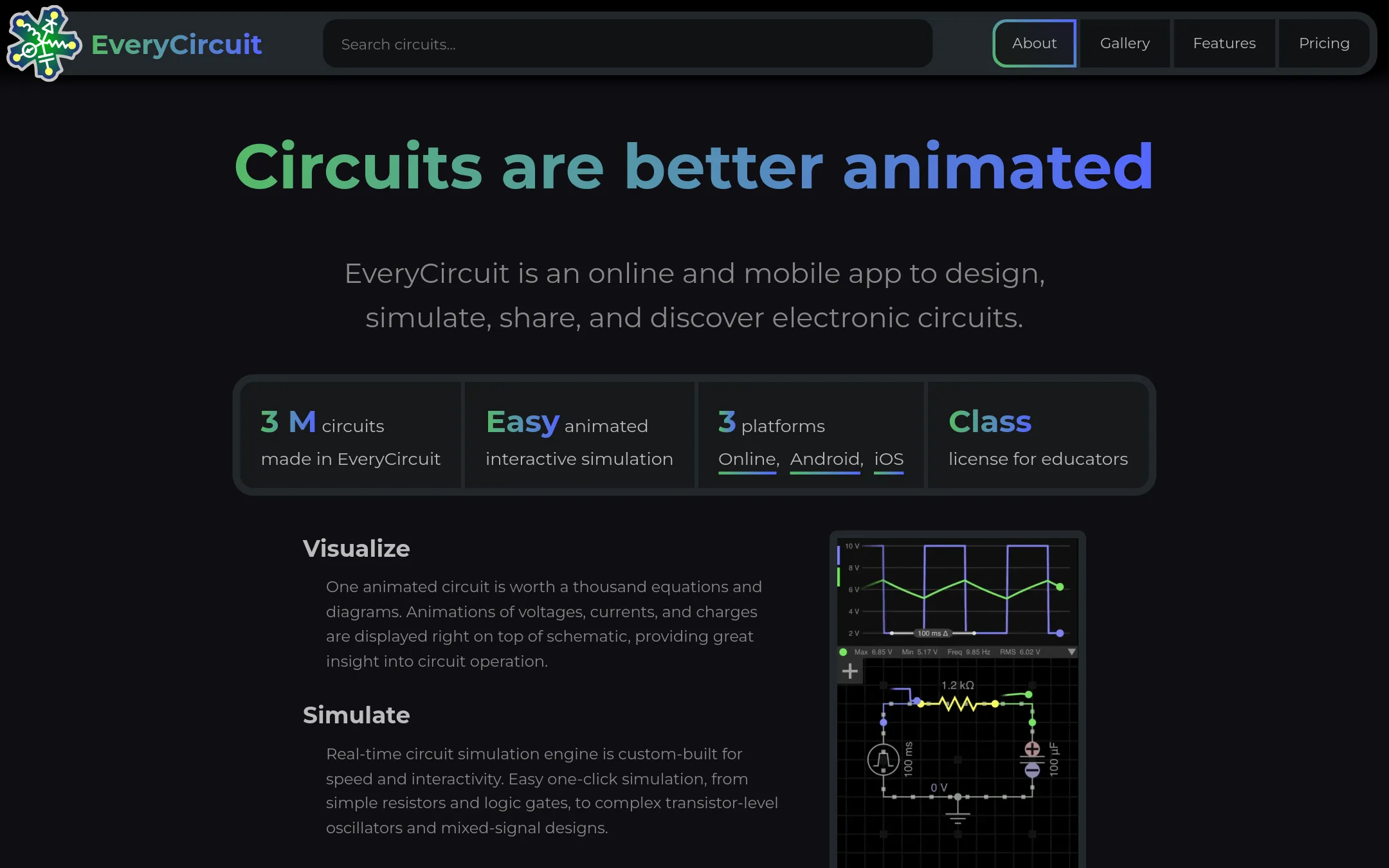
EveryCircuit is an animated interactive circuit simulator for students and engineers. It is a good choice when you want a quick, visual way to design and simulate analog and digital circuits without the complexity of a full SPICE tool. Choose it over PSpice for learning, prototyping, and sharing circuits in a browser or mobile app.
Where it is strong
- Animated visualization of current flow and voltage levels
- Includes analog and digital components in one circuit
- Runs online and on mobile apps with a single subscription
Where it falls short
- Limited to simpler circuits compared to PSpice's advanced analysis
- No advanced features like Monte Carlo or sensitivity analysis
- Pricing:
- Pricing is not published on the site.
- See website
9.Falstad Circuit Simulator
Design & Creative
Paul Falstad's interactive circuit simulator applet
- Free (open source)
10.KiCad
Best for: Hobbyists, startups, and small teams that need a free, cross-platform PCB design suite with built-in simulation.
- Pricing
- Free (open source)
- Category
- Design & Creative
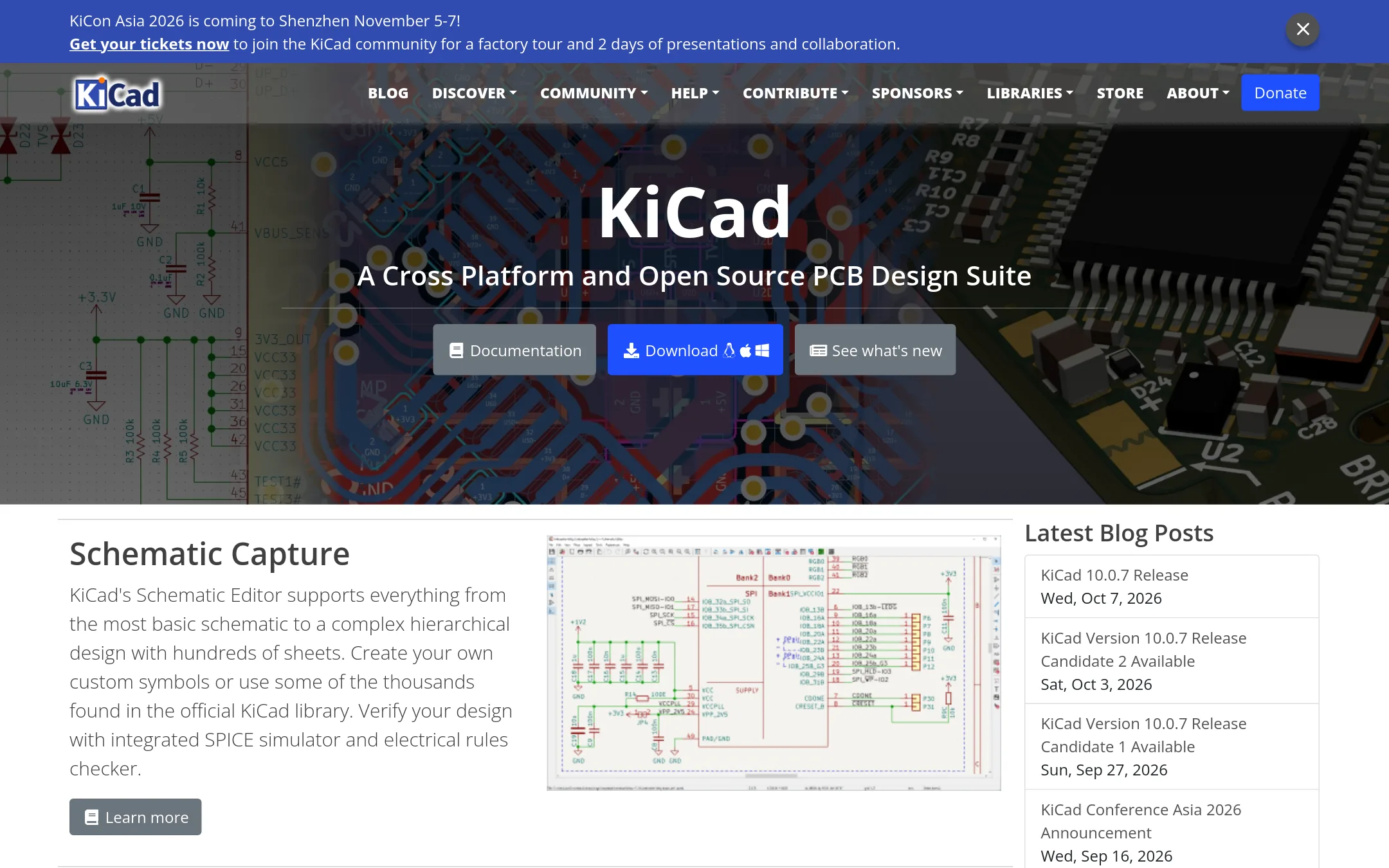
KiCad is a free, open-source schematic capture and PCB design tool with an integrated SPICE simulator. Choose it over PSpice when you need a full PCB design workflow without licensing costs and want to work on Windows, macOS, or Linux.
Where it is strong
- Free and open source, no license fees.
- Cross-platform: Windows, macOS, Linux.
- Integrated SPICE simulator and electrical rules checker.
Where it falls short
- Model library is smaller than PSpice's 35,000+ models.
- Advanced analysis features like Monte Carlo and sensitivity are not as mature.
- Pricing:
- Pricing is not published on the site.
- Switching from PSpice:
- Moving from PSpice to KiCad means learning a new schematic editor and PCB layout workflow, but your existing SPICE netlists can be imported.
- PNot published
11.PartSim
Best for: Hobbyists and students who want a free, accessible way to simulate simple circuits in a web browser.

- Pricing
- Not published
- Category
- Design & Creative
PartSim is a browser-based circuit simulation tool that lets you design and test analog circuits without installing software. You would choose it instead of PSpice if you need a lightweight, quick option for basic simulations and don't require the advanced analysis or large model library that PSpice offers.
Where it is strong
- Runs in the browser, no installation needed
- Free to use for basic simulations
- Simple interface for quick circuit prototyping
Where it falls short
- Limited model library compared to PSpice's 35,000+ models
- No advanced analyses like Monte Carlo or sensitivity
- Pricing:
- Pricing is not published on the site.
- Not published
12.Proteus
Best for: Embedded engineers and educators who want to simulate microcontrollers and design PCBs in one tool.
- Pricing
- Not published
- Category
- Design & Creative
Proteus is a PCB design and circuit simulation suite that pairs schematic capture with layout and microcontroller simulation. Choose it over PSpice when you need to design the board and simulate embedded firmware, not just analyze analog circuits.
Where it is strong
- Simulates microcontrollers with real firmware before hardware.
- Includes PCB layout with autorouting and 15 million library parts.
- Perpetual license, not a subscription.
Where it falls short
- Pricing requires contacting sales. No public numbers.
- Analog simulation depth may be less than PSpice for complex mixed-signal designs.
- Pricing:
- Pricing is not published on the site.
- Switching from PSpice:
- Moving from PSpice involves learning Proteus's schematic and simulation workflow, and you may need to recreate models or use its library.
See more comparisons in Design & Creative alternatives.
FAQ
Questions about PSpice alternatives
What is the best free alternative to PSpice?
KiCad is the strongest free alternative because it is open source and includes a SPICE simulator. It runs on Windows, macOS, and Linux, and covers the full PCB design workflow. CircuitLab and EasyEDA also offer free tiers, but KiCad has the most complete feature set for serious design work.
Which alternative is best for quick, browser-based simulations?
CircuitLab is the best choice for quick, browser-based simulations. It requires no installation and lets you share circuits via unique URLs. EasyEDA and PartSim also run in the browser, but CircuitLab offers a more polished mixed-mode simulation experience.
Are there alternatives that integrate with PCB design and manufacturing?
Yes, EasyEDA integrates directly with JLCPCB and LCSC for prototyping, and KiCad covers the full PCB design flow. Cadence OrCAD also includes PSpice and PCB layout, but it is a commercial product. Proteus pairs schematic capture with layout and microcontroller simulation.
Do any alternatives support microcontroller simulation?
Proteus is the standout for microcontroller simulation. It lets you simulate firmware before building hardware, which is not a focus of PSpice. Multisim also supports some microcontroller simulation, but Proteus is more widely used for embedded work.
How do pricing models compare among the alternatives?
Most alternatives do not publish pricing, so you must contact sales. KiCad is free and open source. EasyEDA and CircuitLab offer free tiers with paid upgrades. Proteus sells perpetual licenses, while others may use subscriptions. Check each product's pricing page for current details.
Last updated November 1, 2026.