ReadMe alternatives
11 products compared · Updated October 16, 2026
The short answer
The three strongest ReadMe alternatives are Mintlify, GitBook, and Stoplight. Mintlify suits startups and enterprises that want self-updating, AI-native documentation and already work in Git. GitBook is best for teams that want AI accuracy checks and MCP support for AI coding assistants. Stoplight fits API-first teams that need design, mocking, and documentation in one tool.
Your shortlist, at a glance
Read the comparisons ↓MintlifyFree, Pro $450/moStartups and enterprises that want self-updating, AI-native documentation and already work in Git.
 PostmanFree, $9/mo, $19/user/API teams that want documentation, testing, and monitoring in one tool, especially those building for AI agents.
 GitBookFrom $65/site/moTeams that want a docs platform with AI accuracy checks and MCP support for AI coding assistants.
 DocusaurusFree (open source)Open-source projects and engineering teams that prefer Git-based workflows and want to own their documentation infrastructure.
 StoplightNot publishedAPI-first teams that need design, mocking, and documentation in one tool, especially those already using Git-based workflows.
 RedocFrom $10/seat/moTeams that already define APIs in OpenAPI and want automated, version-controlled reference docs with governance and collaboration features.
 Swagger UINot publishedTeams that already maintain an OpenAPI file and want a simple, embeddable UI to visualize and try endpoints without a hosted documentation platform.
 ApiaryNot publishedTeams that want to design, prototype, document, and test APIs in one workflow, especially those already using GitHub.
JiraNot publishedSoftware teams that need issue tracking, sprint planning, and workflow management rather than developer-facing docs.
 GitHub ProjectsFree / $4 per user/moDevelopment teams already on GitHub that want lightweight planning and tracking without leaving their codebase.
 TheneoSee websiteStripe-like API Docs in just a few clicks
About ReadMe and its alternatives
ReadMe is a developer-focused API documentation platform that helps you create beautiful, interactive developer hubs. It is known for its AI-powered writing tools, Git integration, and interactive API references, trusted by teams like NVIDIA and Amazon.
When comparing alternatives, weigh pricing structure (free tiers, per-seat vs per-site costs), regional availability, integrations with your existing tools (Git, CI/CD, chat), support quality, and contract terms like annual vs monthly billing. Also consider whether you need a dedicated docs platform or a broader API tool that includes documentation.
Explore the alternatives
- Free, Pro $450/mo
1.Mintlify
Best for: Startups and enterprises that want self-updating, AI-native documentation and already work in Git.
- Pricing
- Free, Pro $450/mo
- Category
- Developer Tools
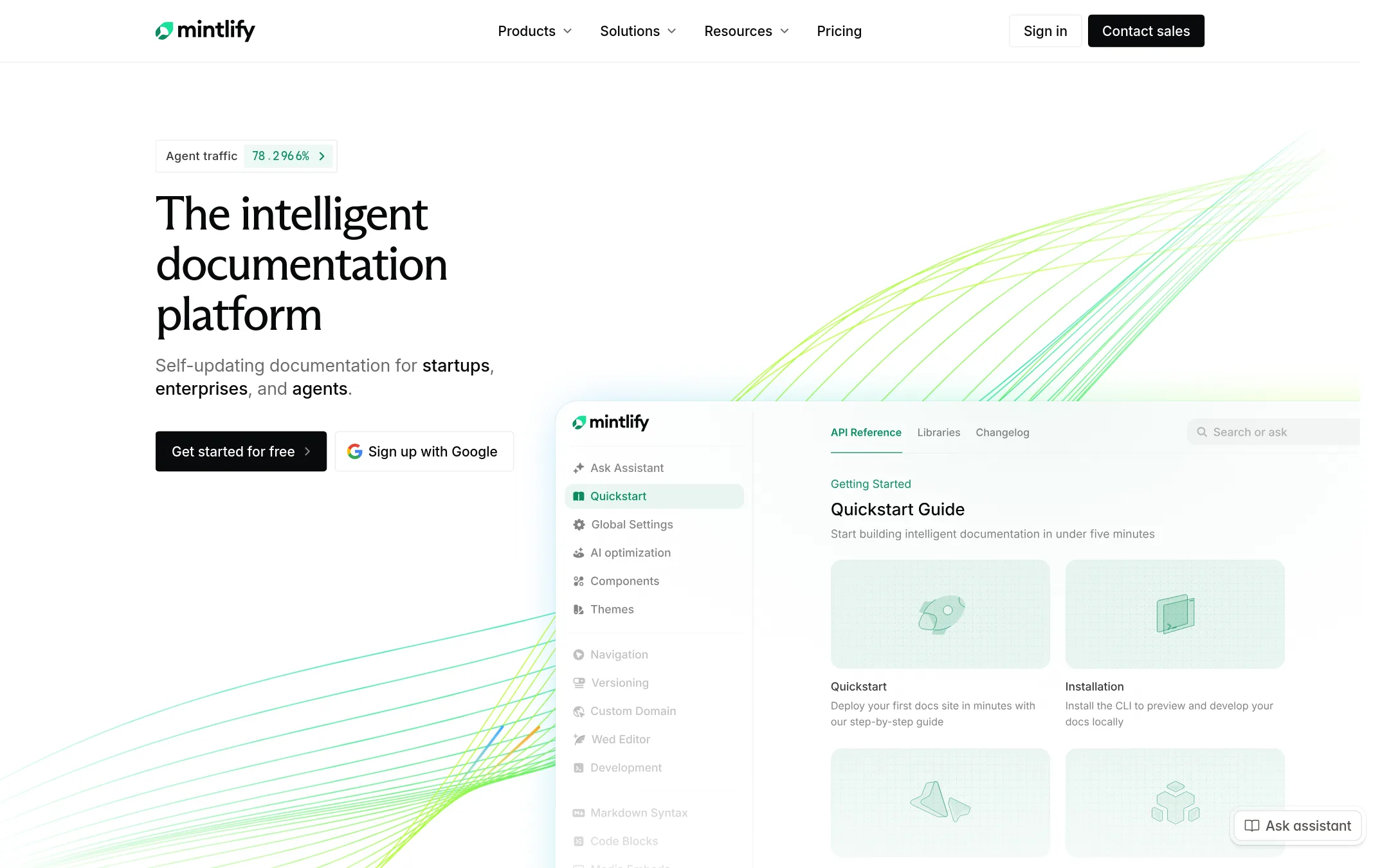
Mintlify is a documentation platform that keeps docs in a Git repository and updates them automatically with AI. Choose it over ReadMe if you want agent-ready docs, AI-driven updates, and a Git-centric workflow.
Where it is strong
- Automated migration from ReadMe is supported
- AI assistant and writing agent included in Pro
- Docs live in Git with full history and local editing
Where it falls short
- AI features cost extra credits beyond the monthly allowance
- Free plan is limited to 5 editor seats
- Pricing:
- Starter is free forever. Pro is $450/month billed annually or $540/month billed monthly. Enterprise pricing is custom.
- Switching from ReadMe:
- Mintlify provides a public package to automatically migrate existing ReadMe documentation.
- Free, $9/mo, $19/user/
2.Postman
Best for: API teams that want documentation, testing, and monitoring in one tool, especially those building for AI agents.
- Pricing
- Free, $9/mo, $19/user/
- Category
- Developer Tools
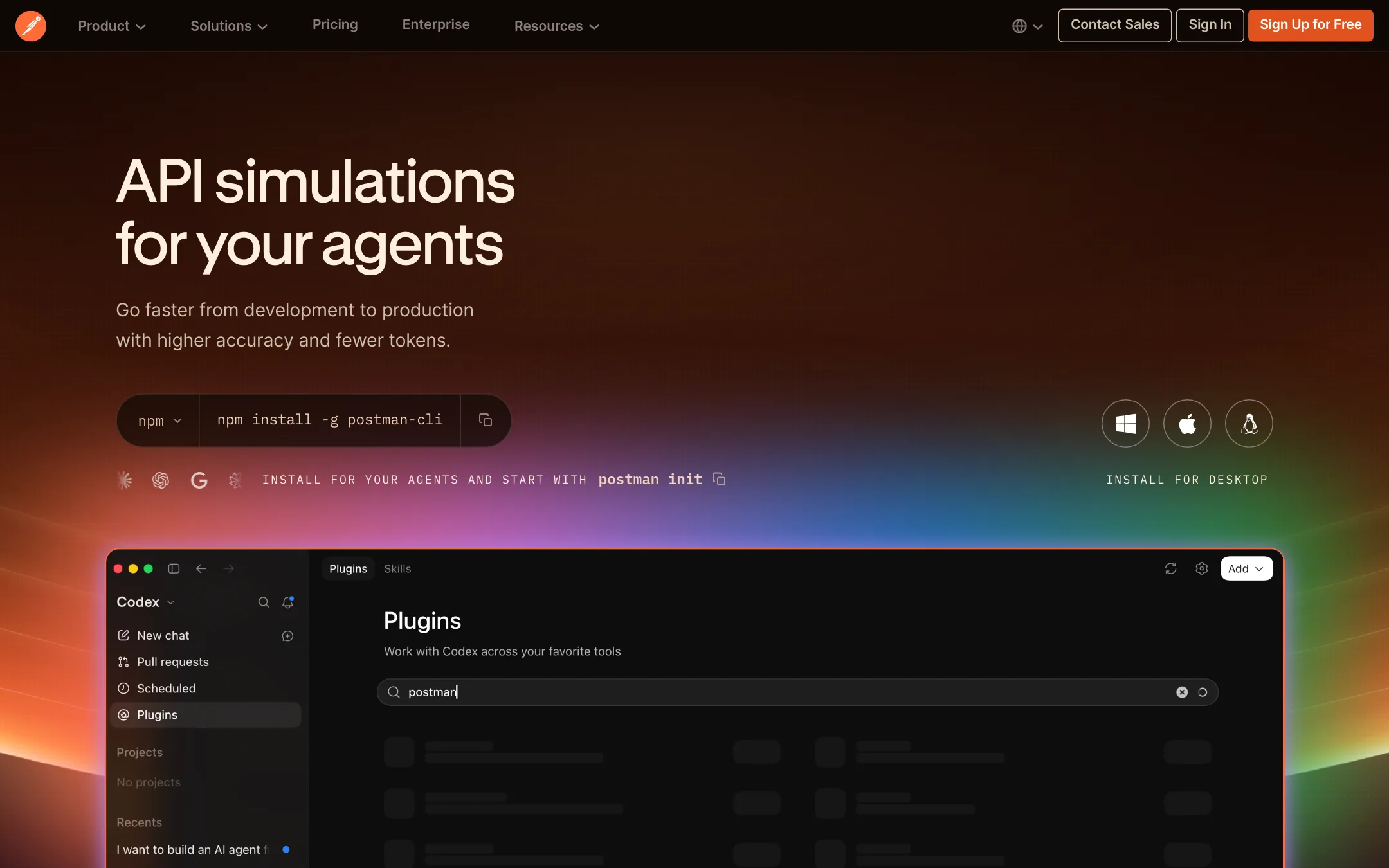
Postman is an API platform for building, testing, and managing APIs, with a focus on AI-native workflows and agent readiness. Choose it over ReadMe if your team needs API testing, mocking, monitoring, and CI integration alongside documentation, rather than docs as the primary product.
Where it is strong
- Includes API client, testing, mocking, and monitoring in one platform
- AI credits and Context Graph for grounding agent-generated calls
- Custom-branded documentation with unlimited custom domains on Solo and above
Where it falls short
- Documentation features are secondary to API development, not a dedicated docs platform
- Advanced security and governance features are enterprise-only or paid add-ons
- Pricing:
- Free plan with 50 AI credits/month. Solo at $9/month (billed annually). Team at $19 per user/month (billed annually). Enterprise is contact sales.
- Switching from ReadMe:
- Moving from ReadMe to Postman means rebuilding docs within Postman's API documentation feature, which supports OpenAPI imports but lacks ReadMe's MDX components and AI writing assistant.
- From $65/site/mo
3.GitBook
Best for: Teams that want a docs platform with AI accuracy checks and MCP support for AI coding assistants.
- Pricing
- From $65/site/mo
- Category
- Developer Tools
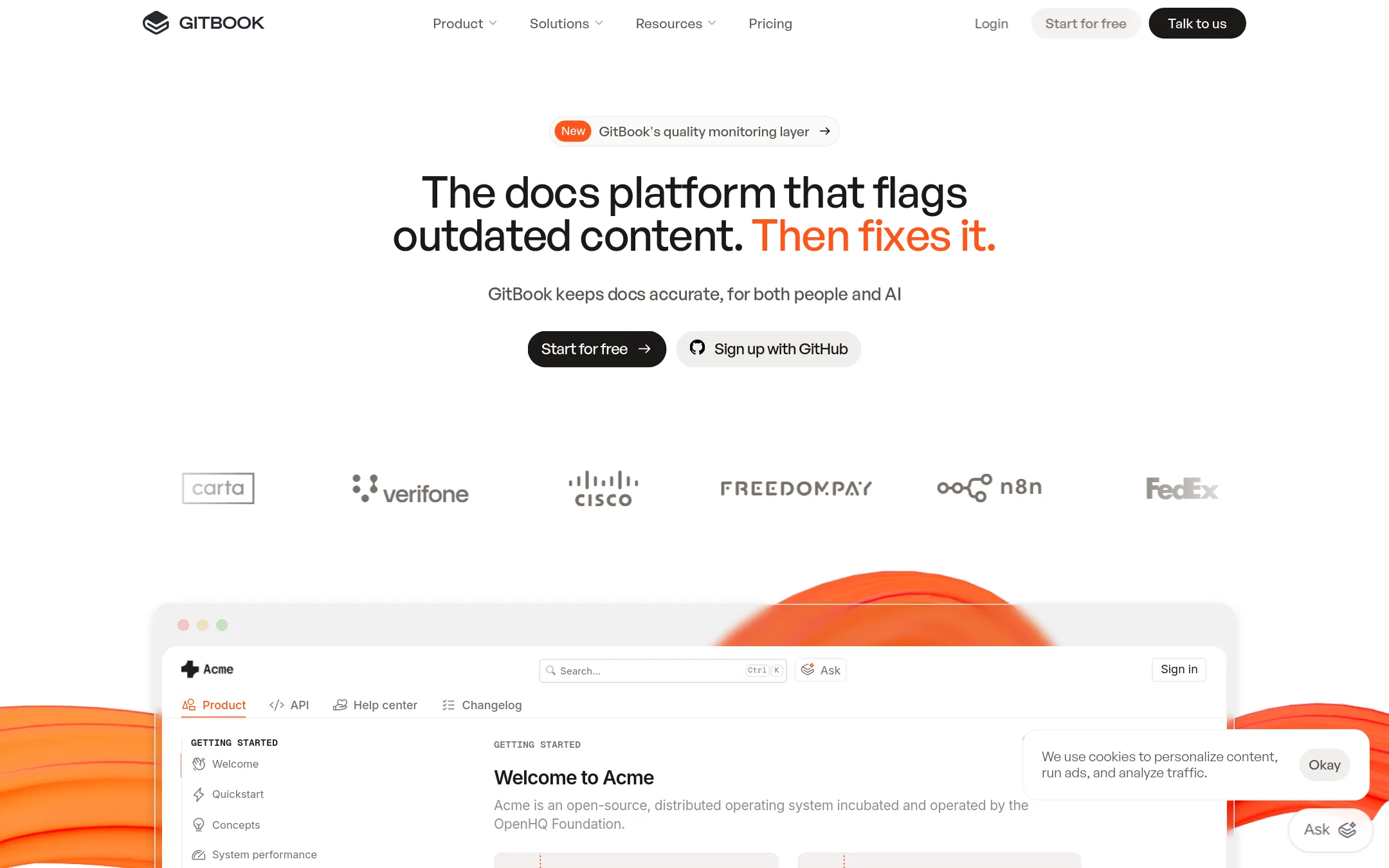
GitBook is a docs platform that keeps content accurate for both people and AI. It flags outdated content and fixes it, and it generates an MCP server for AI coding assistants. Choose it over ReadMe if you want docs-as-code with GitHub or GitLab sync and AI-driven quality monitoring.
Where it is strong
- Auto-generates an MCP server for AI assistants
- Flags outdated content and queues fixes
- Syncs with GitHub or GitLab
Where it falls short
- Advanced AI features like Chat and insights require Ultimate
- Per-user cost adds up for larger teams
- Pricing:
- Free plan for individuals. Essential starts at $65 per site/month and Ultimate at $249 per site/month when billed annually, with additional team members at $12 per user/month. Enterprise pricing is customized.
- Switching from ReadMe:
- Moving from ReadMe involves re-creating your docs in GitBook's block editor and reconfiguring any custom domains or integrations.
- Free (open source)
4.Docusaurus
Best for: Open-source projects and engineering teams that prefer Git-based workflows and want to own their documentation infrastructure.
- Pricing
- Free (open source)
- Category
- Developer Tools
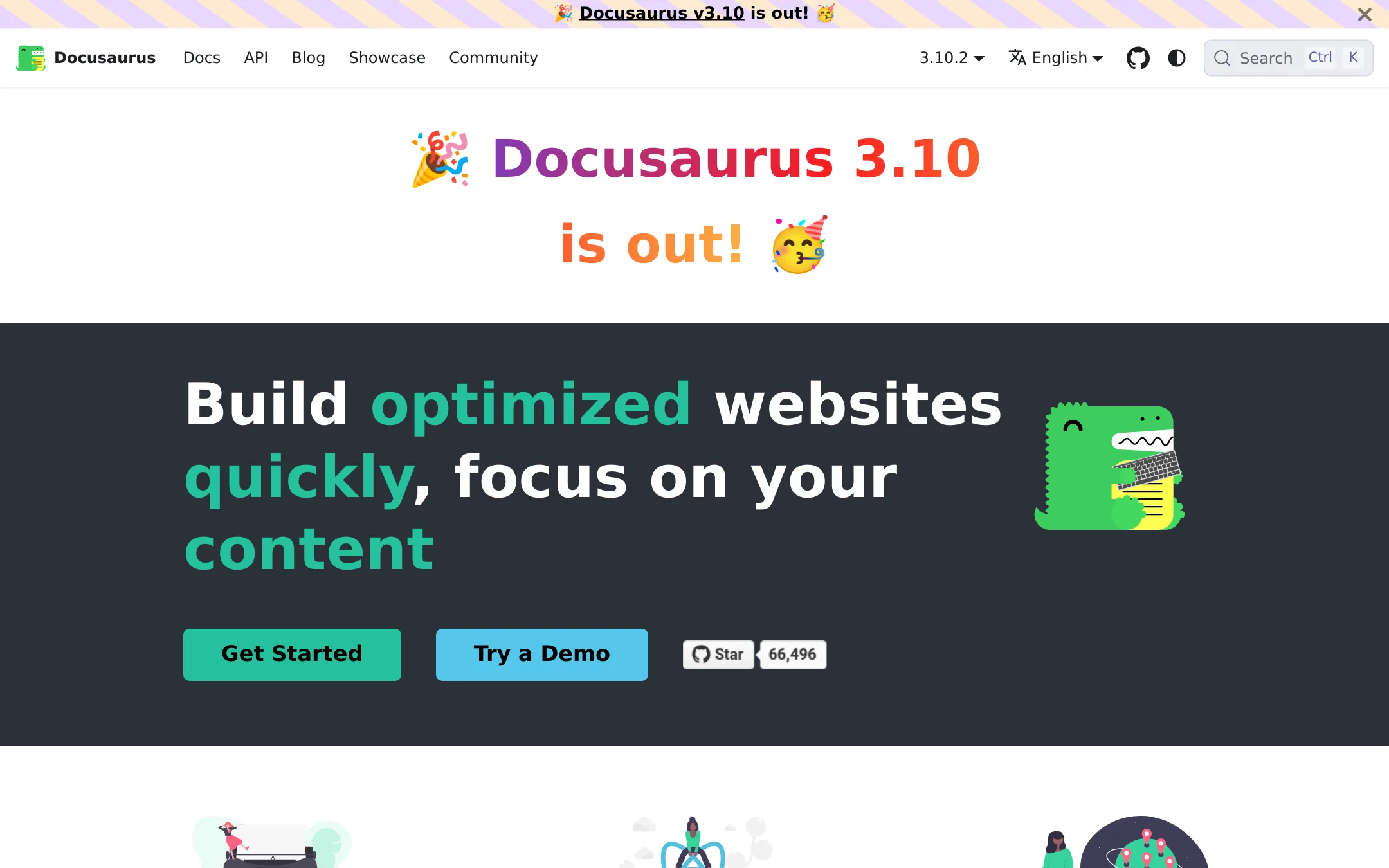
Docusaurus is a static site generator that turns Markdown and MDX files into a fast, self-hosted documentation site. Choose it instead of ReadMe when you want full control over your docs, no vendor lock-in, and the ability to host anywhere for free.
Where it is strong
- Free and open source, with no per-seat or per-project costs
- Versioning and translations built in, so you can support multiple releases and languages
- Customizable with React components and a plugin architecture
Where it falls short
- No built-in API reference or interactive API explorer like ReadMe's
- You must manage hosting, search (e.g., Algolia), and maintenance yourself
- Pricing:
- Pricing is not published on the site.
- Switching from ReadMe:
- Moving from ReadMe means converting your docs to Markdown/MDX and rebuilding your site, since Docusaurus has no import or sync with ReadMe.
- Not published
5.Stoplight
Best for: API-first teams that need design, mocking, and documentation in one tool, especially those already using Git-based workflows.
- Pricing
- Not published
- Category
- Developer Tools
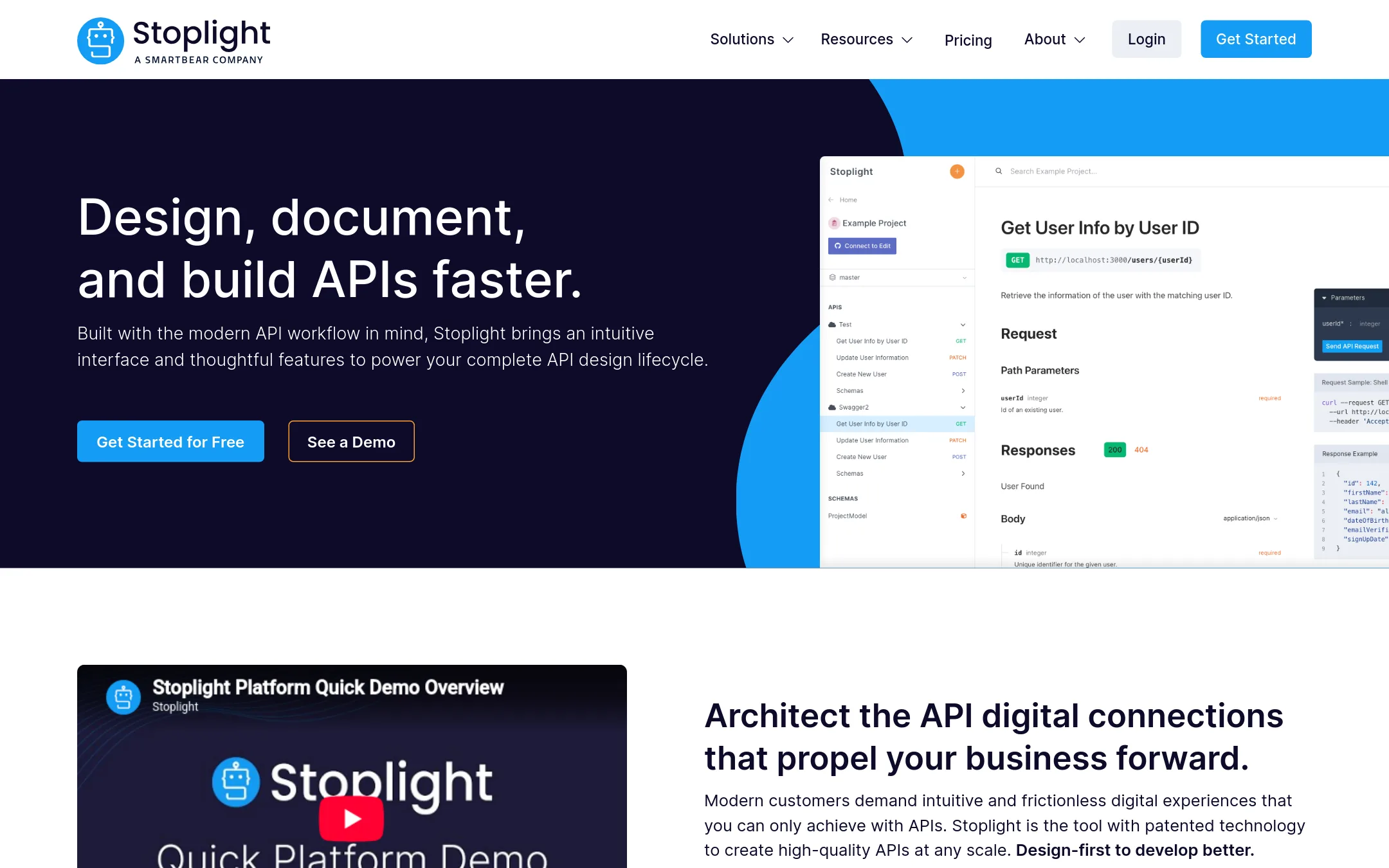
Stoplight is an API design and documentation platform that puts the OpenAPI spec at the center of the workflow. Choose it over ReadMe if your team wants to design APIs first, mock them, and then generate docs from the same source of truth.
Where it is strong
- Design-first workflow with built-in mocking
- Reuse models and components across APIs
- Integrates with GitHub, GitLab, Azure DevOps, and Bitbucket
Where it falls short
- No published pricing, requires contacting sales
- Docs are tied to the OpenAPI spec, less flexible for non-API content
- Pricing:
- Pricing is not published on the site.
- Switching from ReadMe:
- Moving from ReadMe means reworking your docs around the OpenAPI spec and adopting Stoplight's design-first workflow, which may require migrating existing content.
- From $10/seat/mo
6.Redoc
Best for: Teams that already define APIs in OpenAPI and want automated, version-controlled reference docs with governance and collaboration features.

- Pricing
- From $10/seat/mo
- Category
- Developer Tools
Redoc is an OpenAPI-first documentation tool that generates API reference docs directly from your OpenAPI, GraphQL, AsyncAPI, or SOAP definitions. Choose it over ReadMe if you want docs-as-code with Git-based workflows, linting, and a developer hub that lives in your IDE and CI pipeline.
Where it is strong
- Generates docs automatically from OpenAPI, GraphQL, AsyncAPI, and SOAP definitions.
- Includes linting and API governance via Reef scorecards.
- Docs-as-code workflow with Git integration and visual reviews.
Where it falls short
- No built-in WYSIWYG editor like ReadMe. Content is Markdown and OpenAPI files.
- Pricing is per seat and per page, which can add up for larger teams.
- Pricing:
- Pro is $10 per seat per month, billed monthly, with 1 project and 100 pages. Enterprise is $24 per seat per month. Enterprise+ is custom, billed yearly.
- Switching from ReadMe:
- Moving from ReadMe means converting your docs to OpenAPI or Markdown and setting up a Git-based workflow, since Redoc does not offer ReadMe's hosted editor or AI writing assistant.
- Not published
7.Swagger UI
Best for: Teams that already maintain an OpenAPI file and want a simple, embeddable UI to visualize and try endpoints without a hosted documentation platform.
- Pricing
- Not published
- Category
- Developer Tools
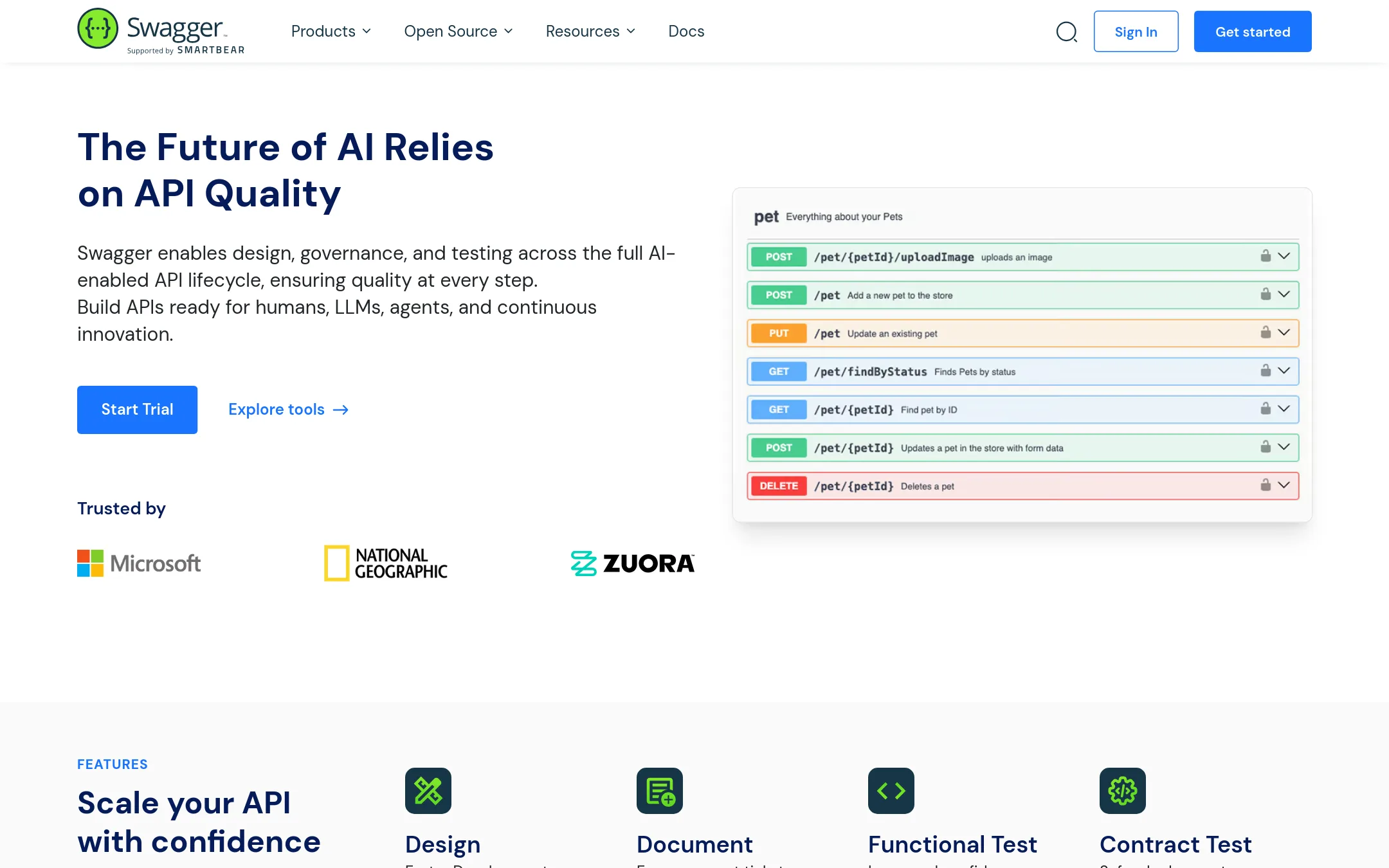
Swagger UI is an open-source tool that renders OpenAPI definitions into an interactive documentation page. Choose it when you want a lightweight, self-hosted reference viewer that stays close to your spec, without the content management, analytics, or AI features of ReadMe.
Where it is strong
- Free and open source, self-hosted
- Directly renders OpenAPI specs with try-it-out
- Lightweight and easy to embed in existing sites
Where it falls short
- No built-in guides, changelog, or discussion forums
- No analytics, AI search, or team collaboration features
- Pricing:
- Pricing is not published on the site.
- Switching from ReadMe:
- Moving from ReadMe means rebuilding guides and interactive elements in your own site, since Swagger UI only renders the API reference from an OpenAPI file.
- Not published
8.Apiary
Best for: Teams that want to design, prototype, document, and test APIs in one workflow, especially those already using GitHub.
- Pricing
- Not published
- Category
- Developer Tools
Apiary is an API design and documentation platform that lets teams define APIs with API Blueprint or OpenAPI, then generates mock servers, interactive docs, and automated tests. Choose it over ReadMe if you want a full API lifecycle tool with built-in testing and GitHub sync, rather than a docs-only hub.
Where it is strong
- Built-in mock server and testing with Dredd
- Supports API Blueprint and OpenAPI formats
- GitHub sync for collaborative editing
Where it falls short
- Pricing not transparent on the site
- No AI-powered docs features like ReadMe's Ask AI or AI Writer
- Pricing:
- Pricing is not published on the site. Plans are Free, Standard, and Pro, but no dollar amounts are listed.
- Not published
9.Jira
Best for: Software teams that need issue tracking, sprint planning, and workflow management rather than developer-facing docs.
- Pricing
- Not published
- Category
- Productivity & Project Management
Jira is a project management tool for software, IT, and business teams. Choose it instead of ReadMe when your priority is tracking work and shipping features, not publishing API documentation.
Where it is strong
- Flexible workflows for software, IT, and business teams
- Strong issue tracking and sprint planning
- Wide adoption and integration ecosystem
Where it falls short
- No built-in API documentation features
- Not designed for publishing developer docs
- Pricing:
- Pricing is not published on the site.
- Free / $4 per user/mo
10.GitHub Projects
Best for: Development teams already on GitHub that want lightweight planning and tracking without leaving their codebase.
- Pricing
- Free / $4 per user/mo
- Category
- Productivity & Project Management
GitHub Projects is a project management layer inside GitHub, not a documentation platform. Choose it when you want to track issues, tasks, and roadmaps next to your code, and you don't need ReadMe's interactive API docs, guides, or changelog features.
Where it is strong
- Tight integration with issues, pull requests, and code reviews
- Free plan includes unlimited public and private repositories
- Built-in wikis and GitHub Pages for basic documentation
Where it falls short
- No API reference or interactive docs like ReadMe
- No AI-powered doc writing or style guide enforcement
- Pricing:
- Free plan at $0 per month. Team plan at $4 per user per month for the first 12 months.
- See website
11.Theneo
Developer Tools
Stripe-like API Docs in just a few clicks
See more comparisons in Developer Tools alternatives.
FAQ
Questions about ReadMe alternatives
What is the best free alternative to ReadMe?
Mintlify's Starter plan is free forever, and Docusaurus is free and open source. Swagger UI is also free and open source if you just need to render an OpenAPI spec. For a free plan with AI features, Mintlify is the strongest choice.
Which alternative is best for teams already using Git?
Mintlify, GitBook, and Redoc all support Git-based workflows. Mintlify keeps docs in a Git repository with full history, GitBook syncs with GitHub or GitLab, and Redoc integrates with Git for version-controlled reference docs. Choose based on whether you want AI updates (Mintlify), AI accuracy checks (GitBook), or OpenAPI governance (Redoc).
Do any alternatives include API testing or mocking?
Yes, Postman includes API testing, mocking, and monitoring in one platform. Stoplight has built-in mocking, and Apiary provides a mock server and automated testing with Dredd. These are better than ReadMe if you need the full API lifecycle, not just docs.
Which alternative has the most transparent pricing?
Mintlify, Postman, GitBook, Redoc, and GitHub Projects publish clear pricing. Mintlify starts at $450/month for Pro, Postman at $9/month for Solo, GitBook at $65 per site/month, Redoc at $10 per seat/month, and GitHub Projects at $4 per user/month. Stoplight, Apiary, Docusaurus, and Swagger UI do not publish pricing on their sites.
Can I migrate from ReadMe to any of these alternatives?
Mintlify explicitly supports automated migration from ReadMe. GitBook and Stoplight also support importing from other platforms, though the process may be manual. Docusaurus and Swagger UI require you to convert content to Markdown or OpenAPI files yourself.
Last updated October 16, 2026.