
Reeder alternatives
12 products compared · Updated November 1, 2026
The short answer
The strongest Reeder alternatives are NewsBlur for power users who want trainable filters and self-hosting, Feedbin for desktop-first readers who want newsletters and podcasts in one subscription, and NetNewsWire for Apple users who want a free, open source RSS-only app. Each suits a different need: NewsBlur for deep customization, Feedbin for cross-platform web access, and NetNewsWire for a simple, no-cost option on Apple devices.
Your shortlist, at a glance
Read the comparisons ↓- NNetNewsWireFreeReaders on Apple platforms who want a free, open source RSS reader with iCloud or third-party sync and don't need video, podcast, or social feed support.
 Feedbin$7/mo or $70/yrPeople who read mostly on a desktop browser but want native apps on their phone, and who want newsletters and podcasts in the same feed.
- RReadKitNot publishedReaders who already use services like Feedly or Instapaper and want a native iOS/macOS client with multi-account support.
- UUnreadNot publishedReaders who prioritize typography and offline reading, especially those who rely on RSS feeds with summaries and want automatic full-text retrieval.
- FFiery FeedsSee websiteOther
- LLireNot publishedRSS power users who want full-text reading and offline access without relying on external services.
 NewsBlur$36/yr to $29/moPower users and teams who want trainable filters, full-text search, and the ability to self-host their news reader.
BazquxNot publishedPeople who read many truncated feeds and want full-text articles plus comments without leaving the reader.
 FeedlyNot publishedCyber threat intelligence teams that need to track vulnerabilities, threat actors, and malware with AI-assisted analysis and security stack integrations.
 FreshRSSNot publishedTeams or individuals who want a self-hosted, customizable feed reader with web scraping and feed generation capabilities.
 InoreaderNot publishedTeams and power users who need RSS, social media monitoring, and automated content workflows in one tool.
The Old ReaderNot publishedPeople who want a no-algorithm RSS reader with social sharing and access from any device.
About Reeder and its alternatives
Reeder is a unified timeline for RSS, podcasts, videos, and social posts with iCloud sync and zero tracking. It is known for its clean interface, timeline syncing across devices, and privacy-first approach.
When comparing alternatives, weigh pricing structure (subscription vs. one-time purchase), supported platforms and regions, integrations with other services, support options, and contract terms. Some tools are self-hosted, others are cloud-based, and many offer free tiers with limits.
Explore the alternatives
- NFree
1.NetNewsWire
Best for: Readers on Apple platforms who want a free, open source RSS reader with iCloud or third-party sync and don't need video, podcast, or social feed support.
- Pricing
- Free
- Category
- Other
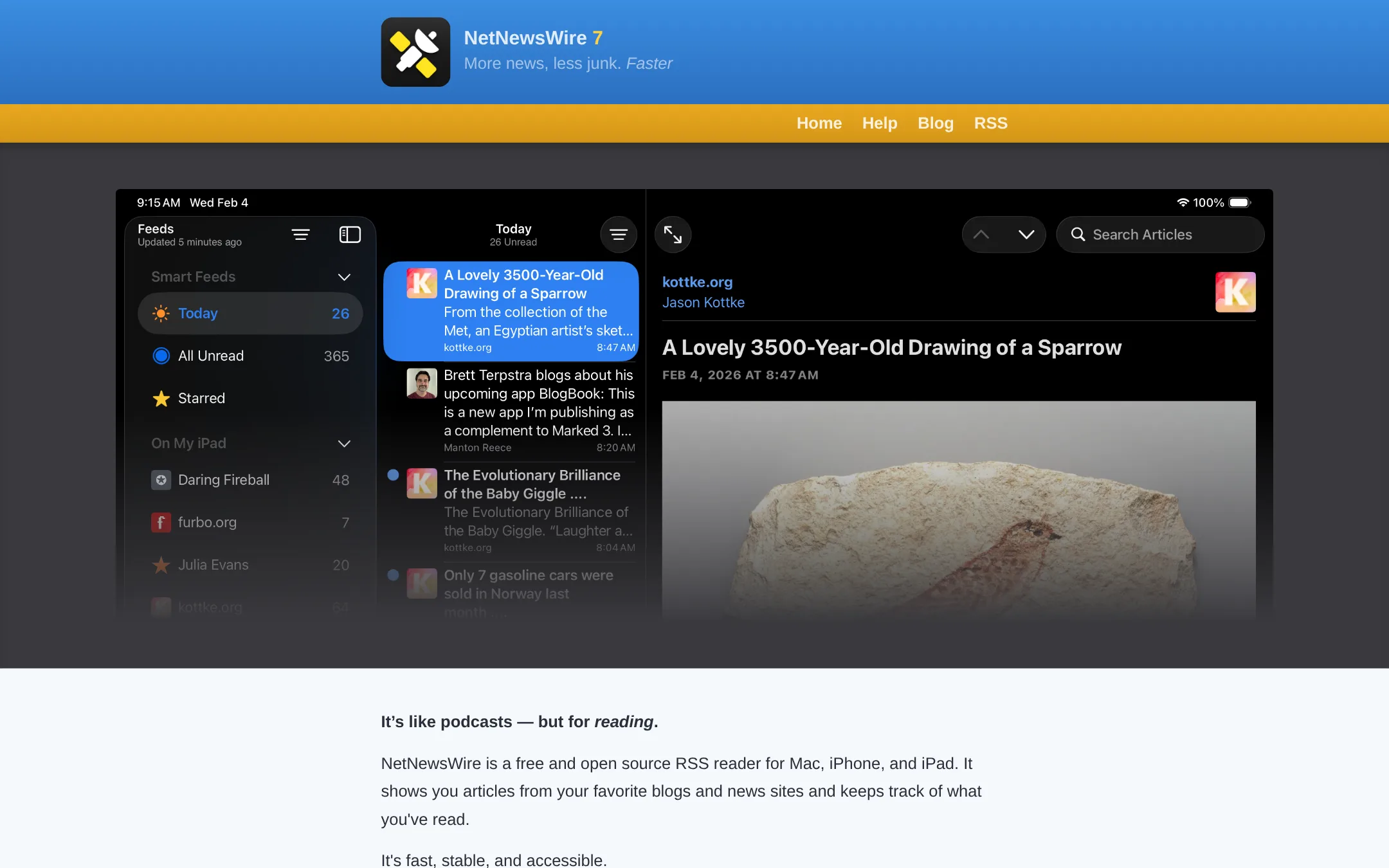
NetNewsWire is a free and open source RSS reader for Mac, iPhone, and iPad. Choose it instead of Reeder if you want a dedicated, no-cost RSS-only app with strong sync options and a focus on speed and stability.
Where it is strong
- Free and open source
- Syncs via iCloud, Feedbin, Feedly, Inoreader, and more
- Fast, stable, and accessible with keyboard navigation
Where it falls short
- RSS only, no video, podcast, or social feeds
- Requires macOS 15 or iOS 26, which may exclude older devices
- Pricing:
- Pricing is not published on the site.
- Switching from Reeder:
- You can import your OPML feed list from Reeder, but you'll lose unified timeline features like video and podcast integration.
- $7/mo or $70/yr
2.Feedbin
Best for: People who read mostly on a desktop browser but want native apps on their phone, and who want newsletters and podcasts in the same feed.
- Pricing
- $7/mo or $70/yr
- Category
- Media & Entertainment
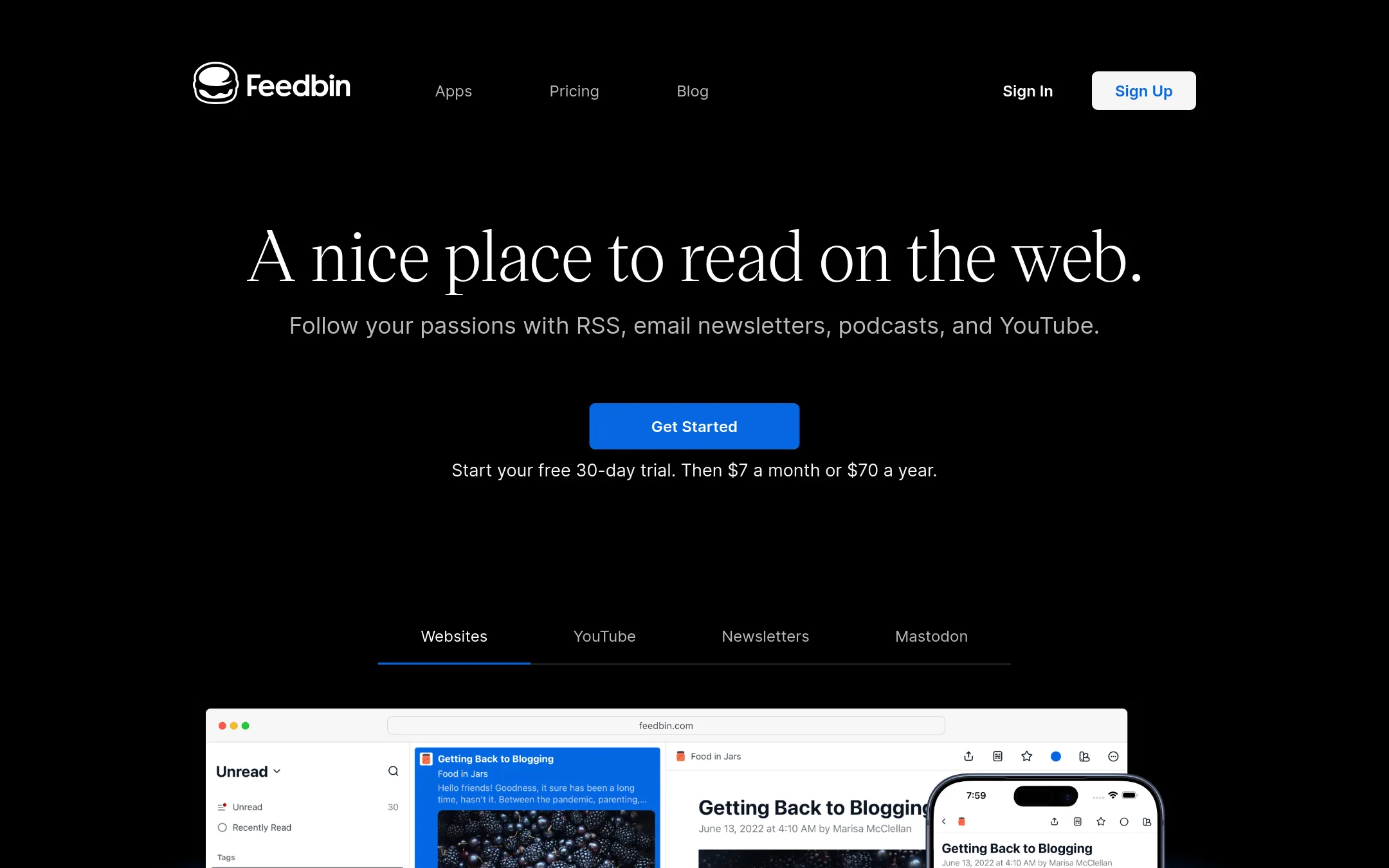
Feedbin is a hosted RSS reader that runs in the browser and syncs with iOS, Mac, and Android apps. It also handles email newsletters, podcasts, and YouTube subscriptions. Choose it over Reeder if you want a web-based reader with a paid service model and cross-platform sync.
Where it is strong
- Clean web interface with customizable themes and typography
- Extracts full content from partial feeds
- Includes newsletters, podcasts, and YouTube in one subscription
Where it falls short
- No native macOS app. Relies on third-party clients for sync
- No social media posts in the unified timeline
- Pricing:
- Start your free 30-day trial. Then $7 a month or $70 a year.
- Switching from Reeder:
- Moving from Reeder means setting up a Feedbin account and re-adding your feeds. Reeder's iCloud sync and local storage won't carry over.
- RNot published
3.ReadKit
Best for: Readers who already use services like Feedly or Instapaper and want a native iOS/macOS client with multi-account support.
- Pricing
- Not published
- Category
- Other
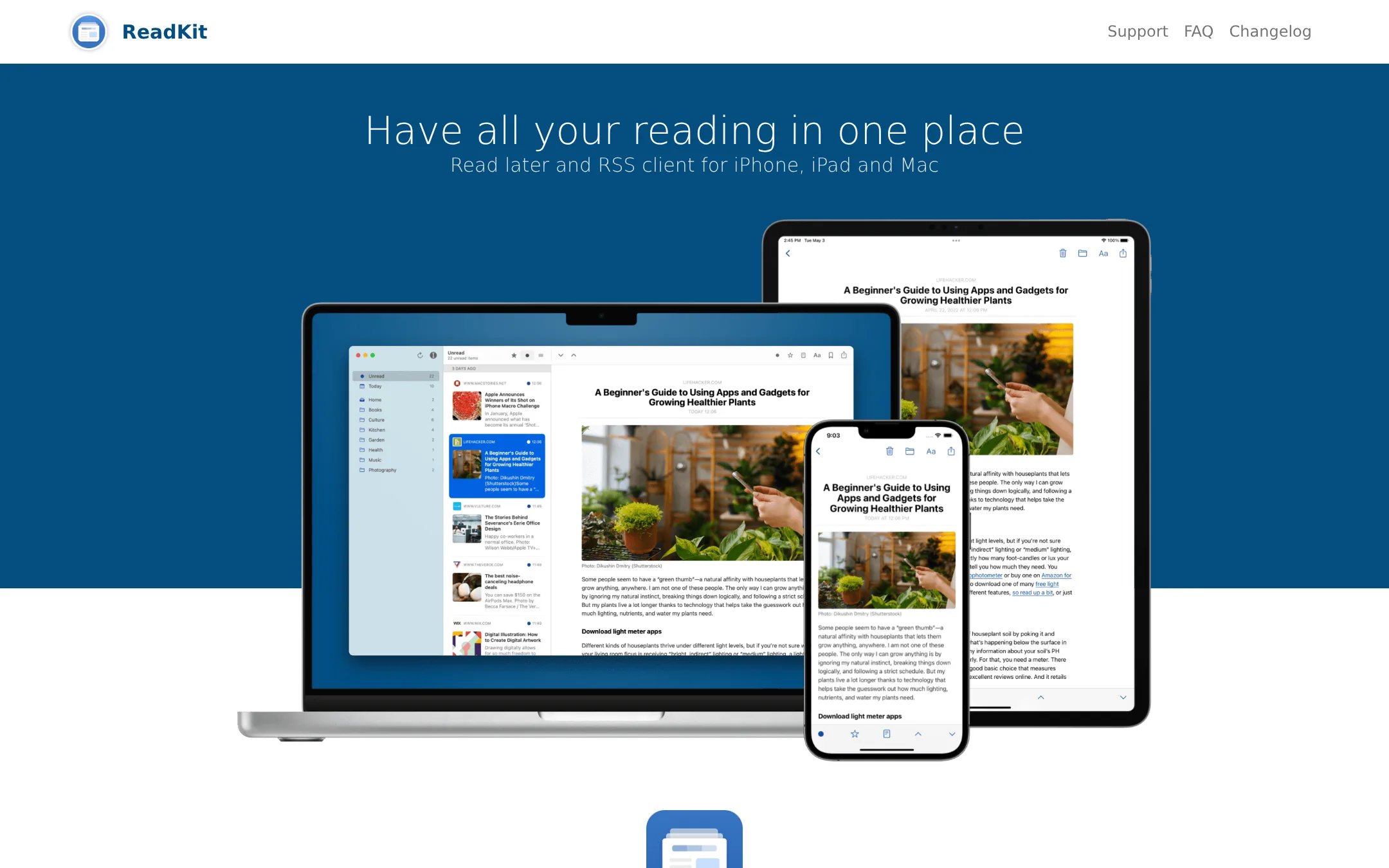
ReadKit is a read-later and RSS client that pulls together multiple accounts from services like Feedly, Feedbin, and Instapaper into one app. You would choose it over Reeder if you rely on third-party sync services or want a built-in read-later workflow with offline caching.
Where it is strong
- Supports many RSS and read-later services, including Feedly, Feedbin, Instapaper, and Wallabag.
- Built-in iCloud RSS and read-later services with offline image caching.
- Free tier covers essential features with no ads or data mining.
Where it falls short
- Premium subscription required for multi-account support and unlimited feeds.
- No unified timeline for podcasts or social posts like Reeder offers.
- Pricing:
- Pricing is not published on the site.
- Switching from Reeder:
- Moving from Reeder means setting up your accounts and importing your OPML subscriptions, but your timeline position and tags won't carry over.
- UNot published
4.Unread
Best for: Readers who prioritize typography and offline reading, especially those who rely on RSS feeds with summaries and want automatic full-text retrieval.
- Pricing
- Not published
- Category
- Other
Unread is a dedicated RSS reader focused on typography and reading comfort, with automatic full-text extraction and support for paywalled articles. Choose it over Reeder if you primarily read text feeds and want a polished, distraction-free reading experience with deep integration for saving articles to other services.
Where it is strong
- Automatic full-text extraction for summary-only feeds
- Supports paywalled articles via in-app login
- Free tier with optional Premium subscription
Where it falls short
- No unified timeline for podcasts, videos, or social posts
- Syncing requires Unread Cloud or external services, not iCloud
- Pricing:
- Pricing is not published on the site.
- Switching from Reeder:
- Switching from Reeder means moving from a unified timeline to a text-focused RSS reader, and you'll need to set up syncing via Unread Cloud or an external service.
- FSee website
5.Fiery Feeds
Other
A powerful RSS client for iOS and Mac with extensive customization and support for various feed types, including JSON feeds.
- LNot published
6.Lire
Best for: RSS power users who want full-text reading and offline access without relying on external services.
- Pricing
- Not published
- Category
- Other
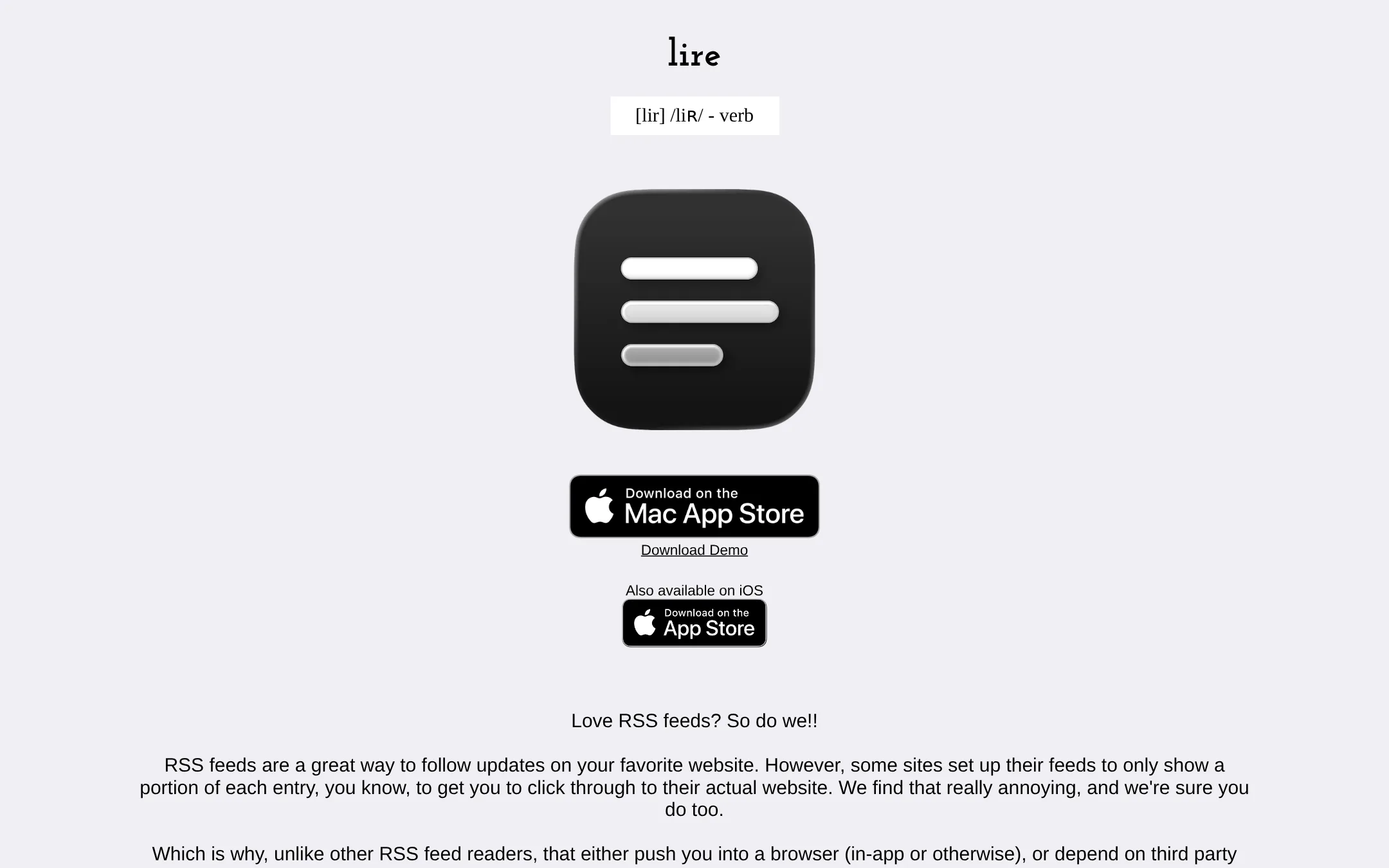
Lire is an RSS reader that automatically converts partial feeds into full-text articles, so you can read without clicking through to the source site. It also caches articles for offline reading. Choose Lire over Reeder if you primarily read RSS feeds and want full content without extra taps or third-party parsing services.
Where it is strong
- Converts partial feeds to full text automatically
- Offline reading after caching
- Available for macOS and iOS
Where it falls short
- No unified timeline for podcasts, videos, or social posts
- No iCloud sync or shared feeds
- Pricing:
- Pricing is not published on the site.
- $36/yr to $29/mo
7.NewsBlur
Best for: Power users and teams who want trainable filters, full-text search, and the ability to self-host their news reader.
- Pricing
- $36/yr to $29/mo
- Category
- Media & Entertainment
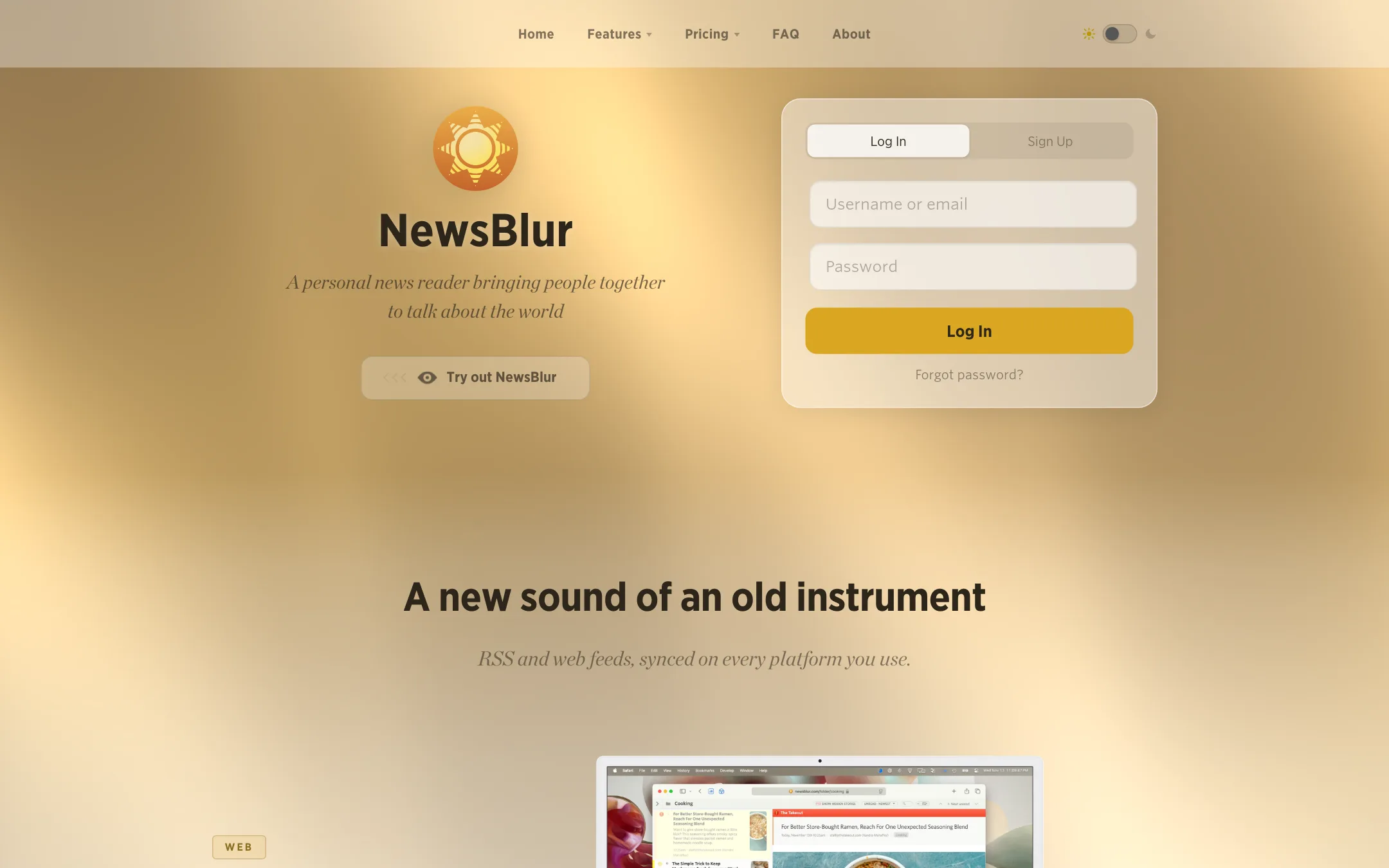
NewsBlur is a full-featured RSS reader with intelligence training, AI summaries, and self-hosting options. Choose it over Reeder if you need deep filtering, full-text search, and a service that syncs across platforms rather than a local app.
Where it is strong
- Train stories by author, tag, title, and full text
- Full-text search and story archive on paid plans
- Open source and self-hostable with Docker
Where it falls short
- Free tier limited to 64 sites
- AI features require the $99/yr Archive plan or higher
- Pricing:
- Premium is $36/yr, Premium Archive is $99/yr, and Premium Pro is $29/mo. A free tier supports up to 64 sites.
- Switching from Reeder:
- You can import your Reeder subscriptions via OPML export and import into NewsBlur.
- Not published
8.Bazqux
Best for: People who read many truncated feeds and want full-text articles plus comments without leaving the reader.
- Pricing
- Not published
- Category
- Media & Entertainment
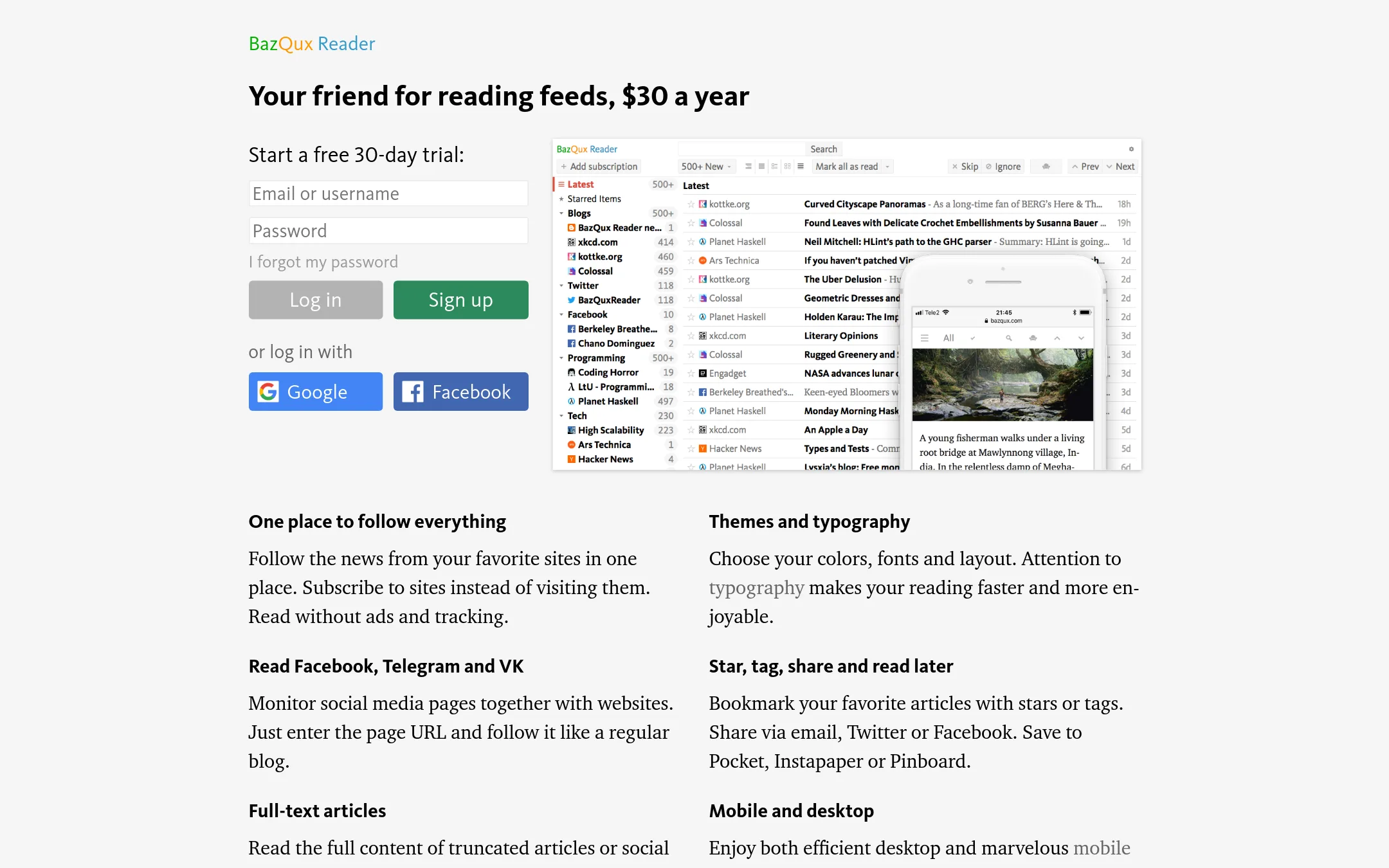
BazQux is a paid RSS reader that fetches feeds for paying users only, so updates arrive on time and aren't rate-limited. It also pulls in Facebook, Telegram, and VK pages, and shows article comments inline. Choose it over Reeder if you want a fast, web-based reader with social media monitoring and full-text extraction.
Where it is strong
- Full-text conversion for truncated feeds
- Read comments without leaving the reader
- Follow Facebook, Telegram, and VK pages
Where it falls short
- No native iOS or macOS app. Web interface only
- No iCloud sync or unified timeline like Reeder
- Pricing:
- Pricing is not published on the site.
- Switching from Reeder:
- You can import your existing feeds via OPML, but you'll lose Reeder's iCloud-synced timeline position and tags.
- Not published
9.Feedly
Best for: Cyber threat intelligence teams that need to track vulnerabilities, threat actors, and malware with AI-assisted analysis and security stack integrations.

- Pricing
- Not published
- Category
- Media & Entertainment
Feedly is an AI-powered threat intelligence platform for cyber security teams, not a general RSS reader. Choose it when you need to collect, analyze, and share actionable intelligence from dark and clear web sources, with AI-generated briefings and STIX integrations. Reeder is for personal reading across RSS, podcasts, and social posts.
Where it is strong
- 1,000+ AI models extract entities and tag TTPs automatically
- Integrates with Open CTI, XSOAR, MISP, Slack, and Microsoft Teams
- Report Builder and newsletter templates for delivering briefings
Where it falls short
- Pricing is not public. Requires a sales conversation
- Focused on threat intel, not general RSS or podcast reading
- Pricing:
- Pricing is not published on the site.
- Not published
10.FreshRSS
Best for: Teams or individuals who want a self-hosted, customizable feed reader with web scraping and feed generation capabilities.
- Pricing
- Not published
- Category
- Media & Entertainment
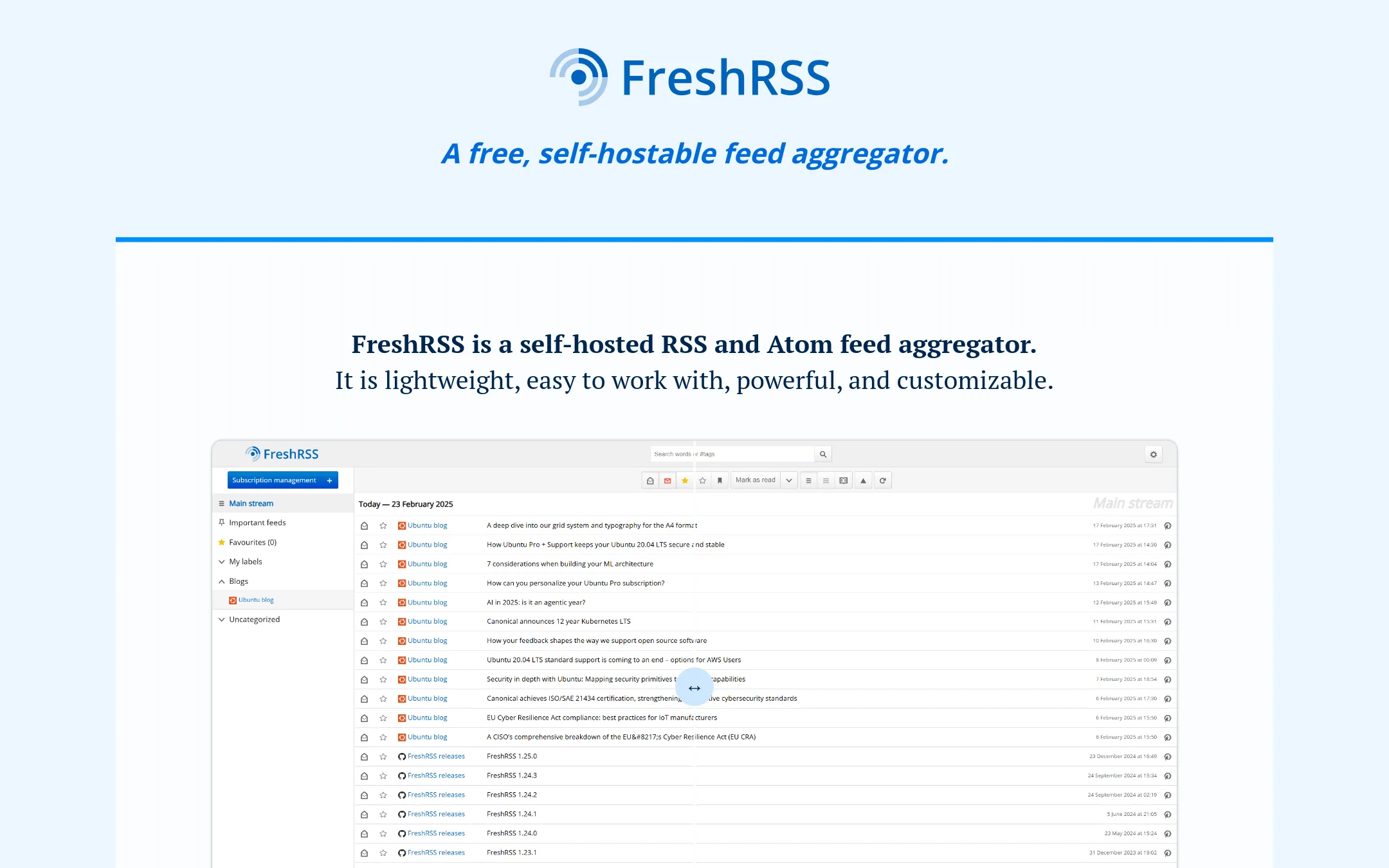
FreshRSS is a self-hosted RSS and Atom feed aggregator that you install on your own server. Choose it instead of Reeder if you want full control over your data and the ability to manage large numbers of feeds without relying on a third-party service.
Where it is strong
- Self-hosted, so you own your data and server.
- Handles 1M+ articles and 50k+ feeds efficiently.
- Supports themes, extensions, and OPML import/export.
Where it falls short
- Requires server setup and maintenance.
- No native iOS or macOS app. Mobile use needs a third-party client.
- Pricing:
- Pricing is not published on the site.
- Not published
11.Inoreader
Best for: Teams and power users who need RSS, social media monitoring, and automated content workflows in one tool.
- Pricing
- Not published
- Category
- Media & Entertainment
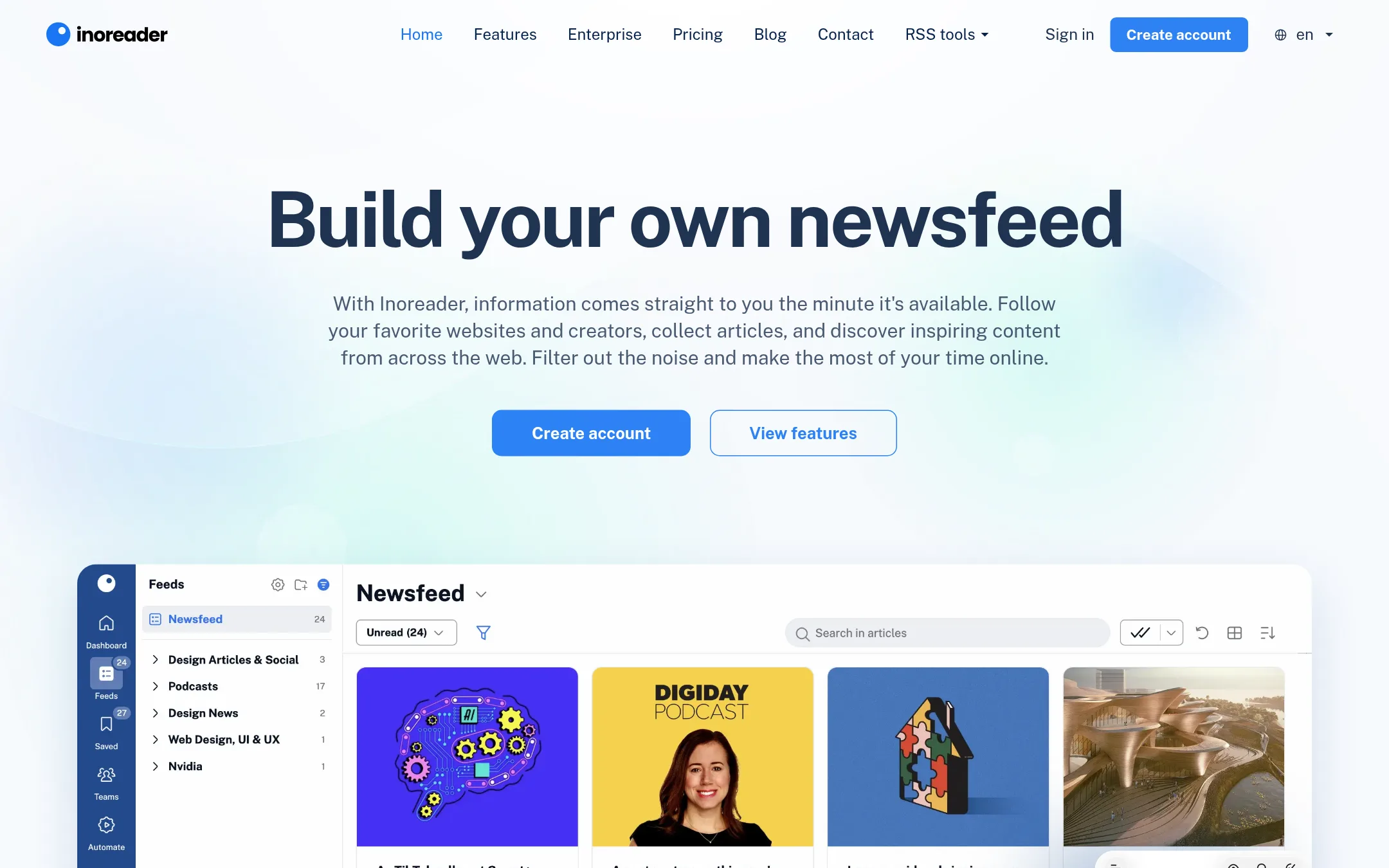
Inoreader is a full-featured RSS reader and news aggregator that adds social listening, monitoring feeds, and automation rules. Choose it over Reeder when you need team collaboration, brand monitoring, or complex filtering across many sources.
Where it is strong
- Supports RSS, social media, podcasts, and newsletters in one feed.
- Automation rules let you tag, filter, and organize incoming content.
- Collaboration features for sharing insights with your team.
Where it falls short
- No iCloud sync. Relies on Inoreader's cloud service.
- Free plan has limits on feeds and features compared to Reeder's one-time purchase.
- Pricing:
- Pricing is not published on the site.
- Switching from Reeder:
- Moving from Reeder means exporting your OPML file and importing it into Inoreader, then re-creating any custom filters or tags.
- Not published
12.The Old Reader
Best for: People who want a no-algorithm RSS reader with social sharing and access from any device.

- Pricing
- Not published
- Category
- Media & Entertainment
The Old Reader is a straightforward RSS reader that focuses on blogs and news feeds, with social features for sharing and finding friends. Choose it over Reeder if you want a simple, web-based reader that works on any device and don't need Reeder's unified timeline for podcasts, videos, and social posts.
Where it is strong
- Works on any device via web or apps
- Import subscriptions in one click
- Connect with friends and share articles
Where it falls short
- No unified timeline for podcasts or videos
- No iCloud sync or timeline position syncing
- Pricing:
- Pricing is not published on the site.
- Switching from Reeder:
- Moving from Reeder means importing your subscriptions into The Old Reader's web-based system, but you'll lose Reeder's unified timeline and iCloud sync.
See more comparisons in Media & Entertainment alternatives.
FAQ
Questions about Reeder alternatives
What is the best free alternative to Reeder?
NetNewsWire is free and open source, with no cost and strong sync options. It supports iCloud, Feedbin, Feedly, Inoreader, and more. However, it is RSS-only and requires macOS 15 or iOS 26.
Which alternative has the best support for podcasts and videos?
Feedbin includes podcasts and YouTube subscriptions in one subscription. Inoreader also supports podcasts and social media. Reeder itself supports podcasts and videos, but these alternatives offer similar features with different sync models.
Can I self-host an RSS reader instead of using a cloud service?
Yes, FreshRSS is self-hosted and gives you full control over your data. It handles large numbers of feeds efficiently and supports themes and extensions. You need your own server and technical setup.
Which alternative offers full-text extraction for truncated feeds?
BazQux, Lire, and Unread all convert partial feeds to full text automatically. Feedbin also extracts full content from partial feeds. These are good choices if you dislike clicking through to source sites.
Are there alternatives that work across multiple platforms?
Feedbin works in the browser and syncs with iOS, Mac, and Android apps. The Old Reader works on any device via web or apps. NewsBlur also syncs across platforms. Reeder is limited to Apple devices.
Last updated November 1, 2026.