
Remove.bg alternatives
12 products compared · Updated November 1, 2026
The short answer
For e-commerce teams needing scalable, on-brand product visuals, Photoroom is the strongest alternative with batch editing and brand libraries. Clipping Magic suits designers who want precise control over edges and shadows at a low cost. Cleanup.pictures is best for quick retouching beyond background removal, with a free tier and affordable Pro plan.
Your shortlist, at a glance
Read the comparisons ↓ Adobe AnimateNot publishedAnimators and motion designers who need a professional animation suite rather than a quick background removal utility.
Canva WhiteboardsNot publishedTeams that already use Canva and want a shared space for brainstorming and planning, not for production-grade background removal.
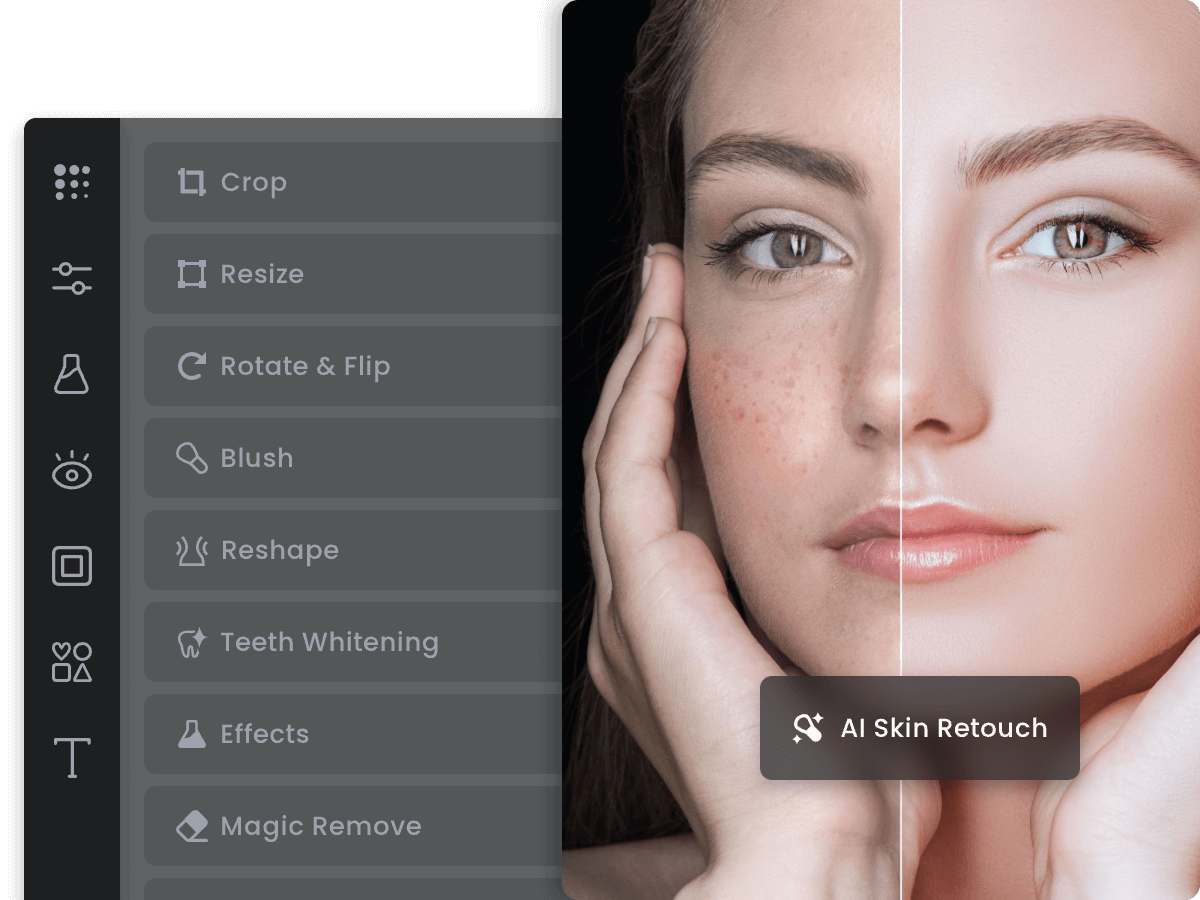 FotorNot publishedSmall teams and solo creators who want a general photo editor with background removal built in, rather than a dedicated background-removal service.
- CClipping MagicFrom $3.99/moEcommerce teams and designers who need precise, consistent product photos with advanced editing tools.
 PhotoroomNot publishedE-commerce teams and marketplaces that need to create consistent product images and videos at scale, with brand rules applied automatically.
- PPixelcutNot publishedE-commerce sellers and small marketing teams that want a single tool for product photos, backgrounds, and short video ads.
- KKapwingNot publishedMarketing teams, content creators, and educators who need to produce and edit videos collaboratively with AI assistance.
- VVanceAIFrom $180/yrCreators and small teams that want a single tool for background removal plus photo and video enhancement.
- EErase.bgNot publishedE-commerce sellers and designers who need free, high-resolution background removal at scale.
- UUnscreenNot publishedContent creators and small teams who edit videos inside Canva and need quick background removal without leaving the platform.
 Claid.aiCustom quoteE-commerce brands and marketplaces that need realistic lifestyle and on-model product images without a photo studio.
 Cleanup.picturesFrom $3/mo (annual)Photographers, real estate agents, and e-commerce teams that need quick photo retouching beyond background removal.
About Remove.bg and its alternatives
Remove.bg is an AI background remover that cuts out images in 5 seconds and generates custom backdrops. It is known for its one-click simplicity, free tier, and focus on e-commerce, logos, and headshots.
When comparing alternatives, weigh pricing structure (subscriptions vs. pay-as-you-go), export resolution limits, whether the tool handles video, integration with your existing workflow (like Canva or APIs), and support options. Some tools are specialized for background removal, while others offer broader editing suites, so match the tool to your primary use case.
Explore the alternatives
- Not published
1.Adobe Animate
Best for: Animators and motion designers who need a professional animation suite rather than a quick background removal utility.
- Pricing
- Not published
- Category
- Design & Creative
Adobe Animate is a full animation and interactive content tool, not a dedicated background remover. You would choose it over Remove.bg when you need to create vector-based animations, interactive web content, or frame-by-frame animation, and background removal is just one small step in a larger creative workflow.
Where it is strong
- Industry-standard animation tools for vector and frame-by-frame work.
- Part of Adobe Creative Cloud, so it integrates with Photoshop and other Adobe apps.
- Supports interactive content for web and games via HTML5 canvas and WebGL.
Where it falls short
- No one-click background removal. You must manually edit or use other tools.
- Requires a Creative Cloud subscription, which is expensive compared to Remove.bg's free tier.
- Pricing:
- Pricing is not published on the site.
- Not published
2.Canva Whiteboards
Best for: Teams that already use Canva and want a shared space for brainstorming and planning, not for production-grade background removal.

- Pricing
- Not published
- Category
- Communication & Collaboration
Canva Whiteboards is a visual collaboration tool for brainstorming and planning, not a dedicated background remover. Choose it when your team needs to sketch ideas, map workflows, or run workshops together, and background removal is only an occasional side task. It replaces Remove.bg only if you already live in Canva and need a shared canvas more than precise cutouts.
Where it is strong
- Real-time collaboration with comments and reactions
- Templates for common brainstorming frameworks
- Integrates with Canva's design tools
Where it falls short
- No dedicated background removal feature
- Requires a modern browser or app. Older setups blocked
- Pricing:
- Pricing is not published on the site.
- Not published
3.Fotor
Best for: Small teams and solo creators who want a general photo editor with background removal built in, rather than a dedicated background-removal service.
- Pricing
- Not published
- Category
- Media & Entertainment
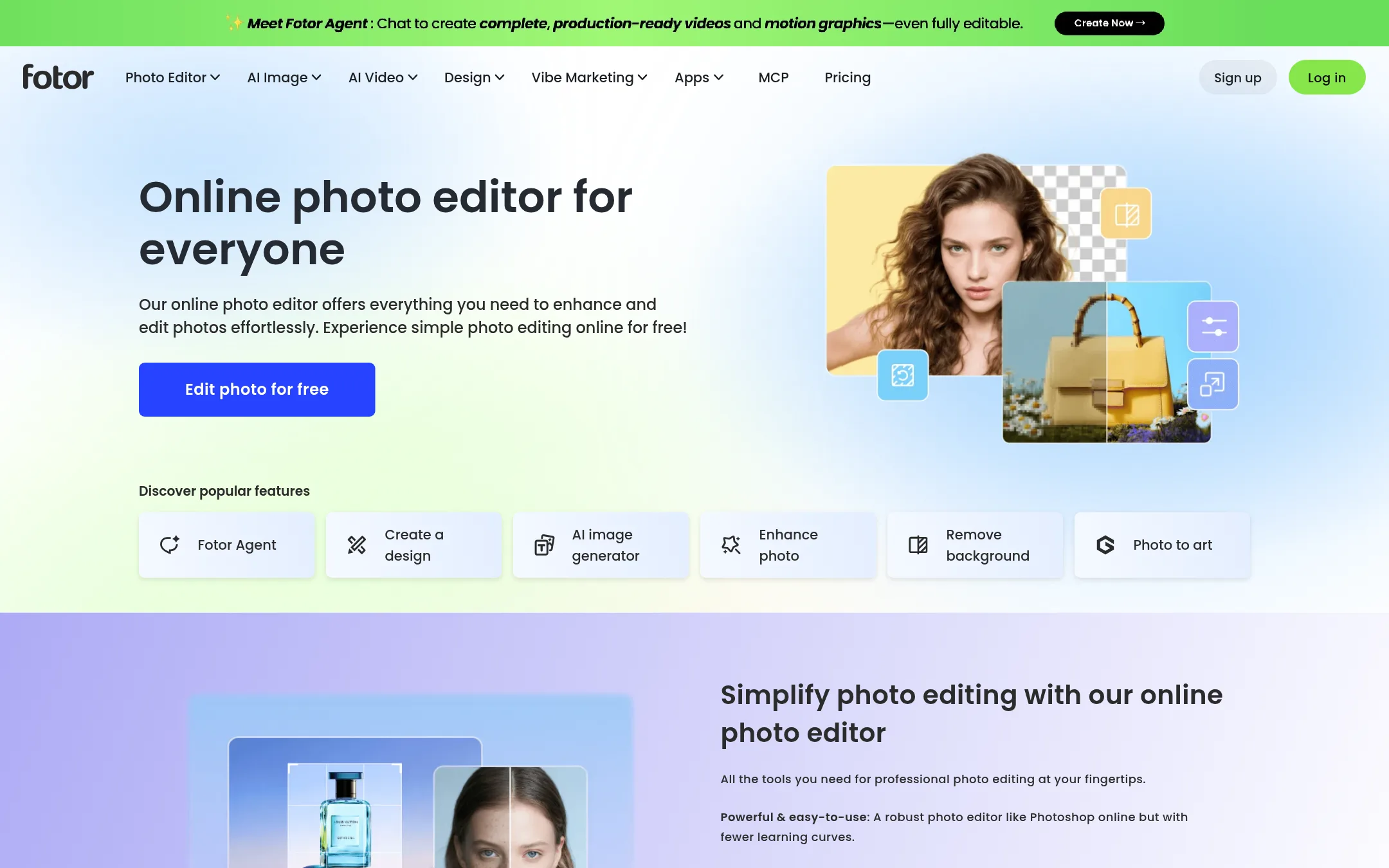
Fotor is a full photo editor with background removal as one of many tools, so you can cut out an image and then keep editing it in the same place. Choose it over Remove.bg when you need more than just background removal, like retouching, adding text, or applying effects. It suits users who want an editor and a background remover in one tool.
Where it is strong
- Background removal is one feature inside a full photo editor
- Free online editor with a wide range of editing tools
- Works in the browser, no install needed
Where it falls short
- No dedicated pricing page, so costs are unclear
- Background removal may be less precise than Remove.bg's specialized AI
- Pricing:
- Pricing is not published on the site.
- CFrom $3.99/mo
4.Clipping Magic
Best for: Ecommerce teams and designers who need precise, consistent product photos with advanced editing tools.
- Pricing
- From $3.99/mo
- Category
- Other
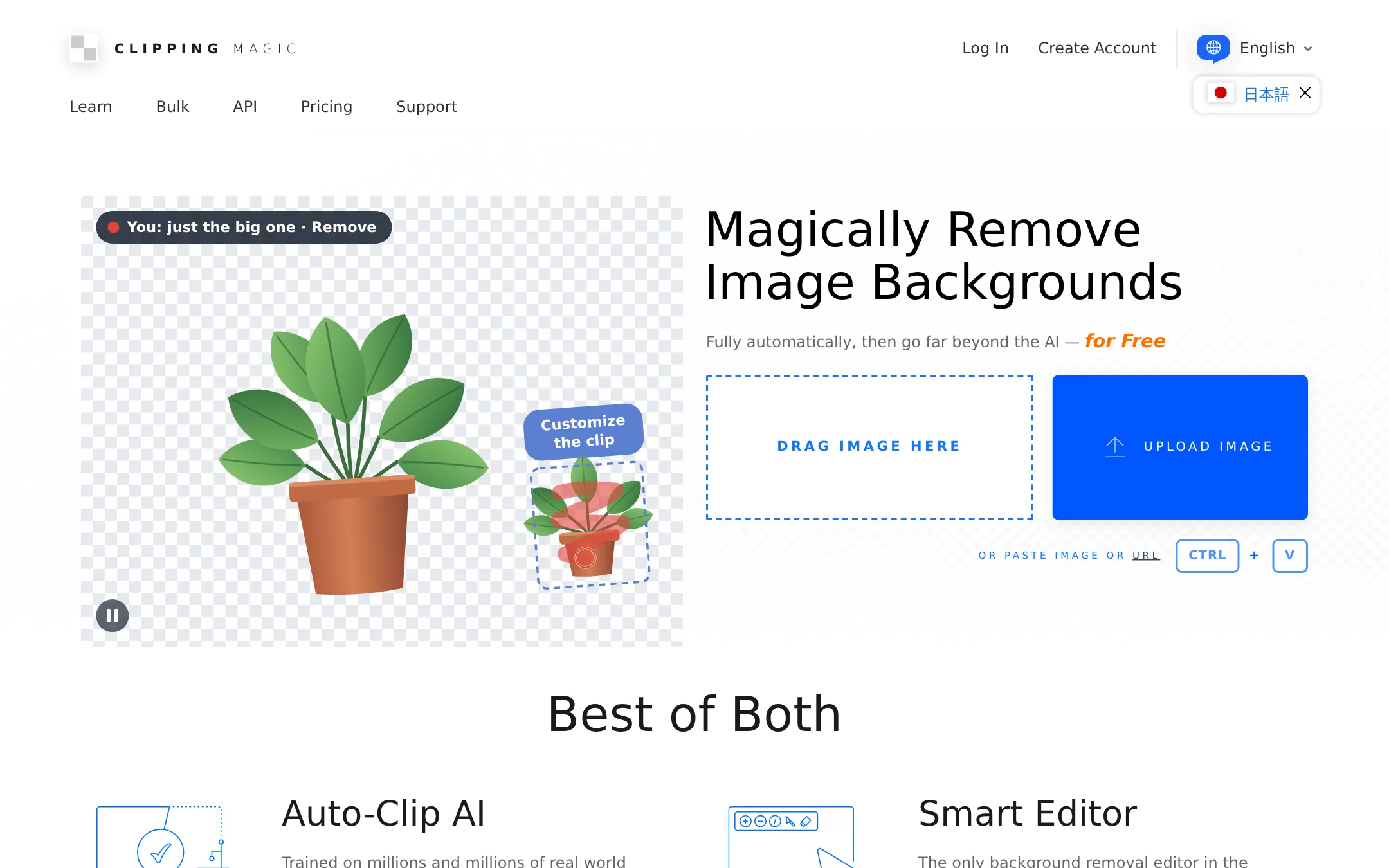
Clipping Magic is a background removal tool with a full editor for fine-tuning edges, hair, and colors. Choose it when you need more control over the final image than Remove.bg offers, such as fixing low-contrast edges or adding shadows and reflections.
Where it is strong
- Includes a Smart Editor with keep, remove, and hair tools for manual touch-ups.
- Bulk clipping for large catalogs with configurable default settings.
- Exports alpha channel masks and clipping paths (SVG/TIFF) for professional workflows.
Where it falls short
- No pay-as-you-go option. Subscriptions are required for downloads.
- Credits are tied to image downloads, not just edits, which may limit heavy users.
- Pricing:
- Plans start at $3.99 per month for 15 credits, with each credit covering one image download.
- Switching from Remove.bg:
- Moving from Remove.bg is straightforward: upload images, edit with the Smart Editor, and download results, but you'll need to subscribe for watermark-free downloads.
- Not published
5.Photoroom
Best for: E-commerce teams and marketplaces that need to create consistent product images and videos at scale, with brand rules applied automatically.
- Pricing
- Not published
- Category
- Design & Creative
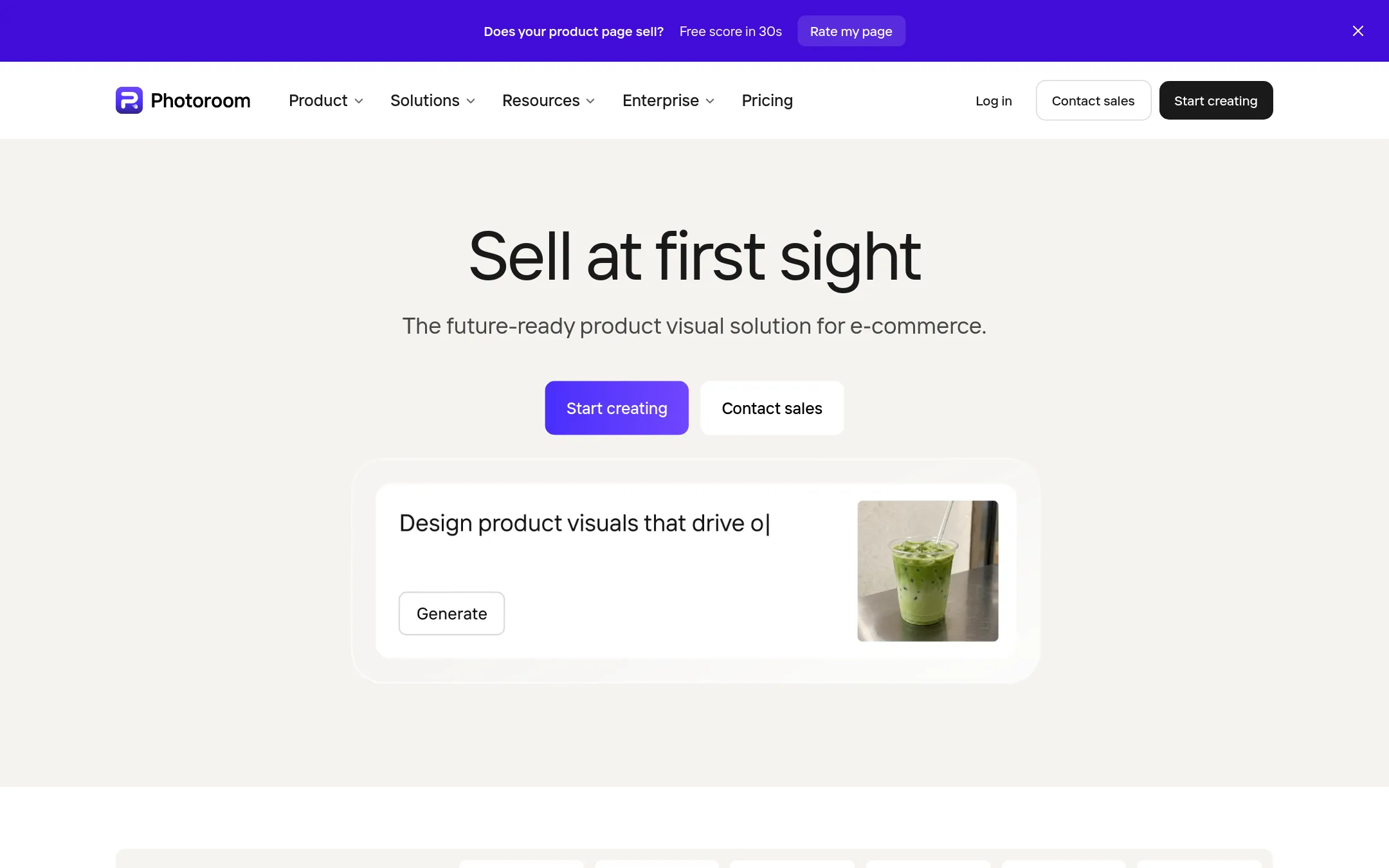
Photoroom is a full AI visual editor for e-commerce, not just a background remover. It turns product photos into listing images and videos, with batch editing, brand libraries, and custom AI models. Choose it when you need to produce large volumes of on-brand product visuals for marketplaces, DTC, and resale channels.
Where it is strong
- Batch editing at catalog scale: thousands of images in one job from web app or API.
- Brand Library locks your rules: backgrounds, padding, colors, logos, and formats applied automatically.
- Custom AI models tuned to your catalog on Enterprise contracts, with a REST API that adopts new models.
Where it falls short
- Pricing is not transparent on the site. You need to contact sales for actual costs.
- Video generation and AI fashion models are limited to higher tiers (Max and Ultra).
- Pricing:
- Pricing is not published on the site. The plans are Pro, Max, and Ultra, with AI credits from 8,000 to 75,000 per month and exports from 1,000 to 10,000 per month.
- Switching from Remove.bg:
- Moving from Remove.bg means adopting a broader workflow: you can upload product photos and generate listing images, but you'll need to set up your brand library and possibly migrate your image pipeline to Photoroom's API.
- PNot published
6.Pixelcut
Best for: E-commerce sellers and small marketing teams that want a single tool for product photos, backgrounds, and short video ads.

- Pricing
- Not published
- Category
- Other
Pixelcut is a broader AI photo and video editor that includes background removal alongside upscaling, expand, retouching, and AI-generated product shots. Choose it over Remove.bg when you need more than just background removal, like building on-brand product images or editing video.
Where it is strong
- Handles both image and video background removal
- Includes upscaling, expand, retouch, and shadow tools
- Batch editing across hundreds of files at once
Where it falls short
- Pricing details are not listed on the site
- Advanced AI models consume credits, which may limit heavy use
- Pricing:
- Pricing is not published on the site. Only plan tiers (Free, Pro, Business) are shown without dollar amounts.
- Switching from Remove.bg:
- Moving from Remove.bg means adapting to a credit-based system and a wider toolset, but the background removal itself works similarly with a simple upload.
- KNot published
7.Kapwing
Best for: Marketing teams, content creators, and educators who need to produce and edit videos collaboratively with AI assistance.
- Pricing
- Not published
- Category
- Other
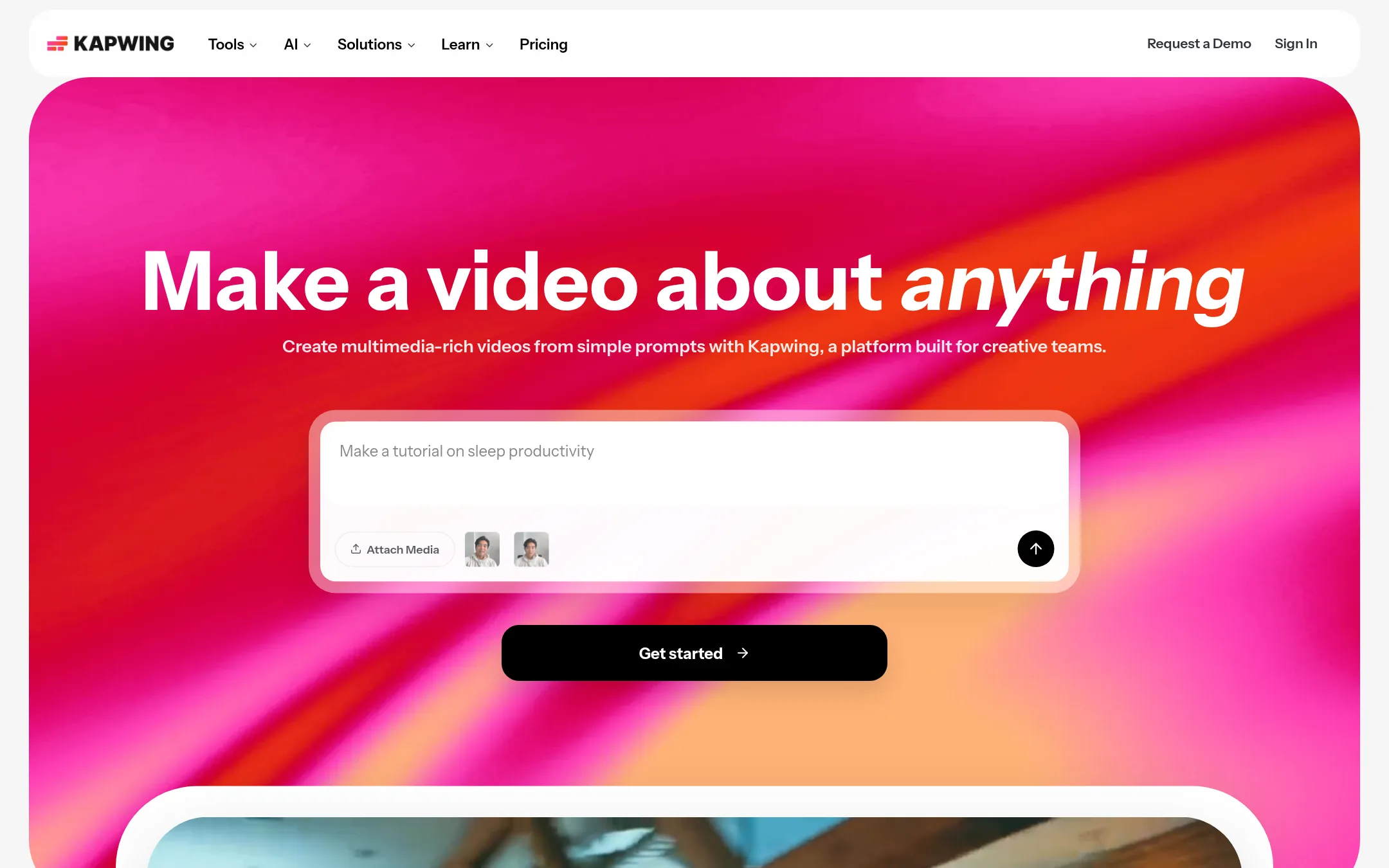
Kapwing is a full video editing suite with AI tools for generating videos from prompts, subtitles, dubbing, and collaboration. Choose it over Remove.bg when your work is about creating and editing video content, not just removing backgrounds from still images.
Where it is strong
- AI video generation from text prompts with voiceover, visuals, and subtitles
- Collaborative workspace with shared projects and brand kits
- Supports 4K exports and files up to 6 GB
Where it falls short
- No dedicated background removal tool for images
- Pricing details are not listed on the pricing page
- Pricing:
- Pricing is not published on the site.
- VFrom $180/yr
8.VanceAI
Best for: Creators and small teams that want a single tool for background removal plus photo and video enhancement.
- Pricing
- From $180/yr
- Category
- Other
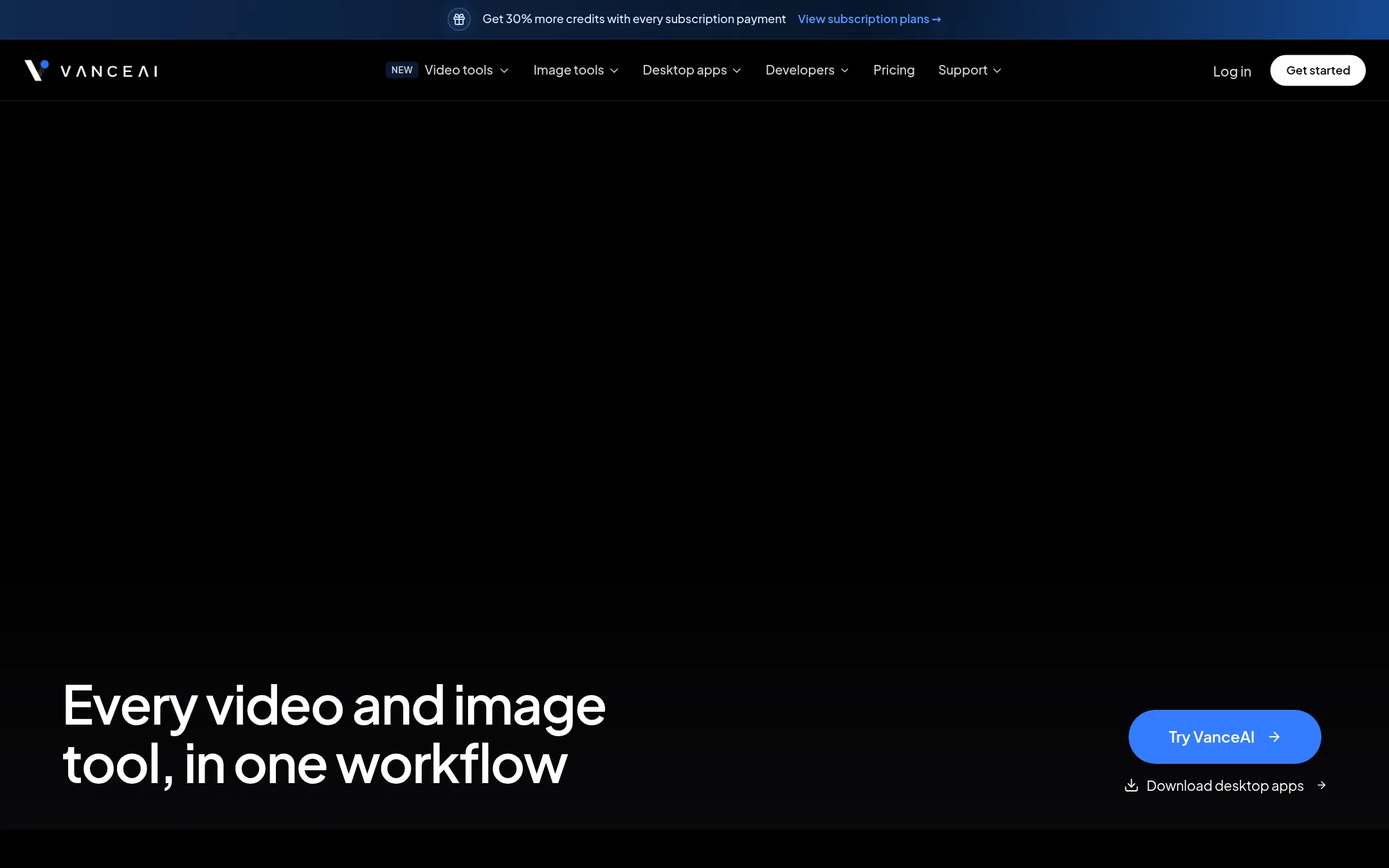
VanceAI is a broader AI photo and video editing suite that includes background removal alongside upscaling, sharpening, denoising, and restoration. Choose it over Remove.bg when you need more than just cutouts, such as enhancing old photos or upscaling images for print.
Where it is strong
- Includes video upscaling, colorization, and denoising, not just background removal
- Desktop app processes images locally with no credit usage
- Unused credits roll over and a 7-day money-back guarantee
Where it falls short
- Background removal is one tool among many, so the interface is less focused than Remove.bg
- Credit-based pricing can be complex for occasional users
- Pricing:
- Annual plans start at $180 billed annually for the Starter plan, with 30% bonus credits in every monthly allocation. A free tier with 10 credits is available.
- Switching from Remove.bg:
- Switching from Remove.bg means learning a credit-based system where background removal costs 1 credit per image, and you'll need to manage a separate account and credit balance.
- ENot published
9.Erase.bg
Best for: E-commerce sellers and designers who need free, high-resolution background removal at scale.
- Pricing
- Not published
- Category
- Other
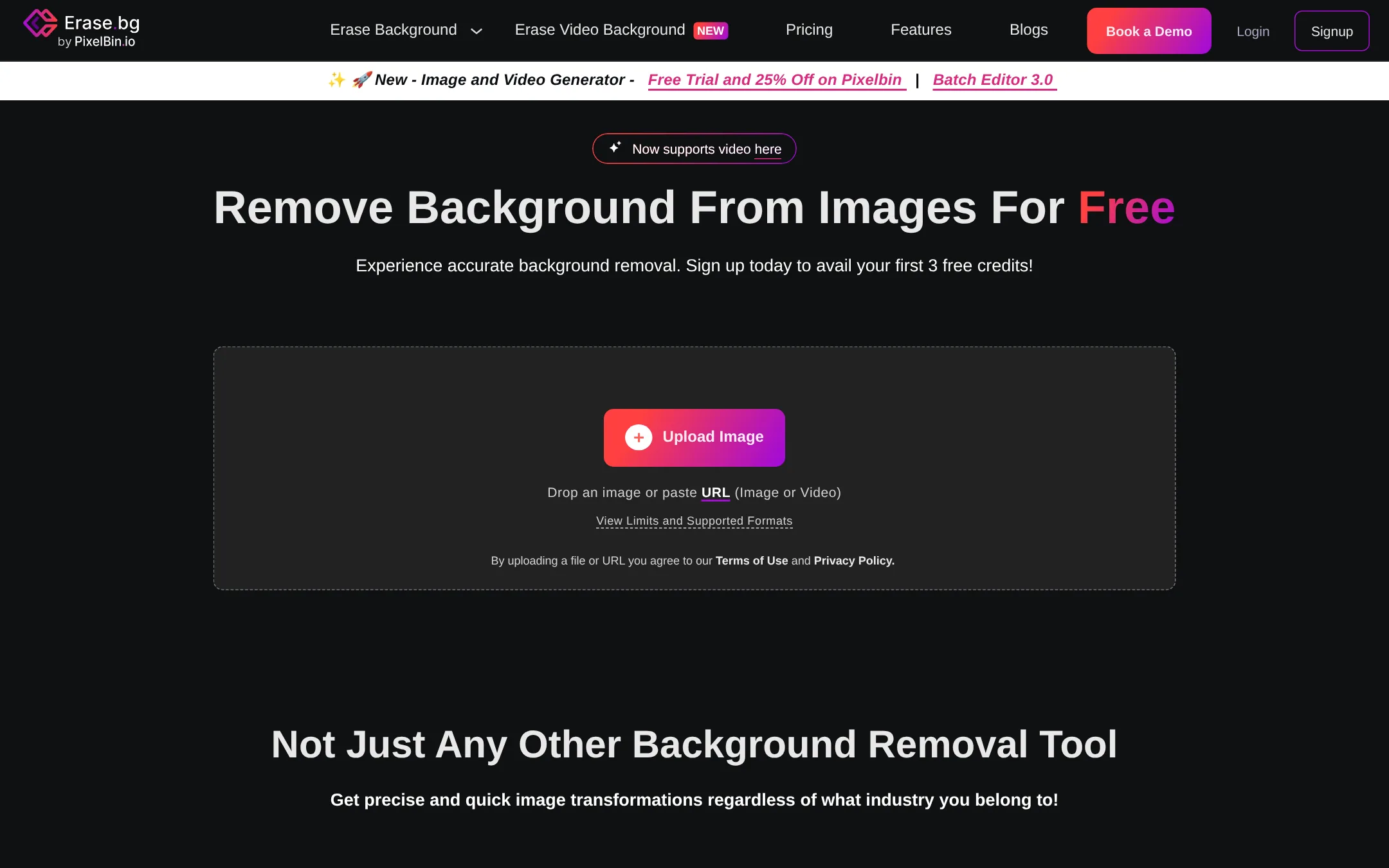
Erase.bg is a free AI background remover that handles HD to 4K images and offers bulk processing and API integration. You would choose it over Remove.bg if you need high-resolution downloads without paying, or if you want to integrate background removal into your existing workflow via API.
Where it is strong
- Free HD to 4K background removal
- Bulk processing for multiple images
- API integration for workflow automation
Where it falls short
- Pricing details are not transparent
- Lacks the custom backdrop generation feature of Remove.bg
- Pricing:
- Pricing is not published on the site.
- Switching from Remove.bg:
- Switching from Remove.bg is straightforward: upload your images to Erase.bg and download the transparent PNGs, no account required for basic use.
- UNot published
10.Unscreen
Best for: Content creators and small teams who edit videos inside Canva and need quick background removal without leaving the platform.
- Pricing
- Not published
- Category
- Other
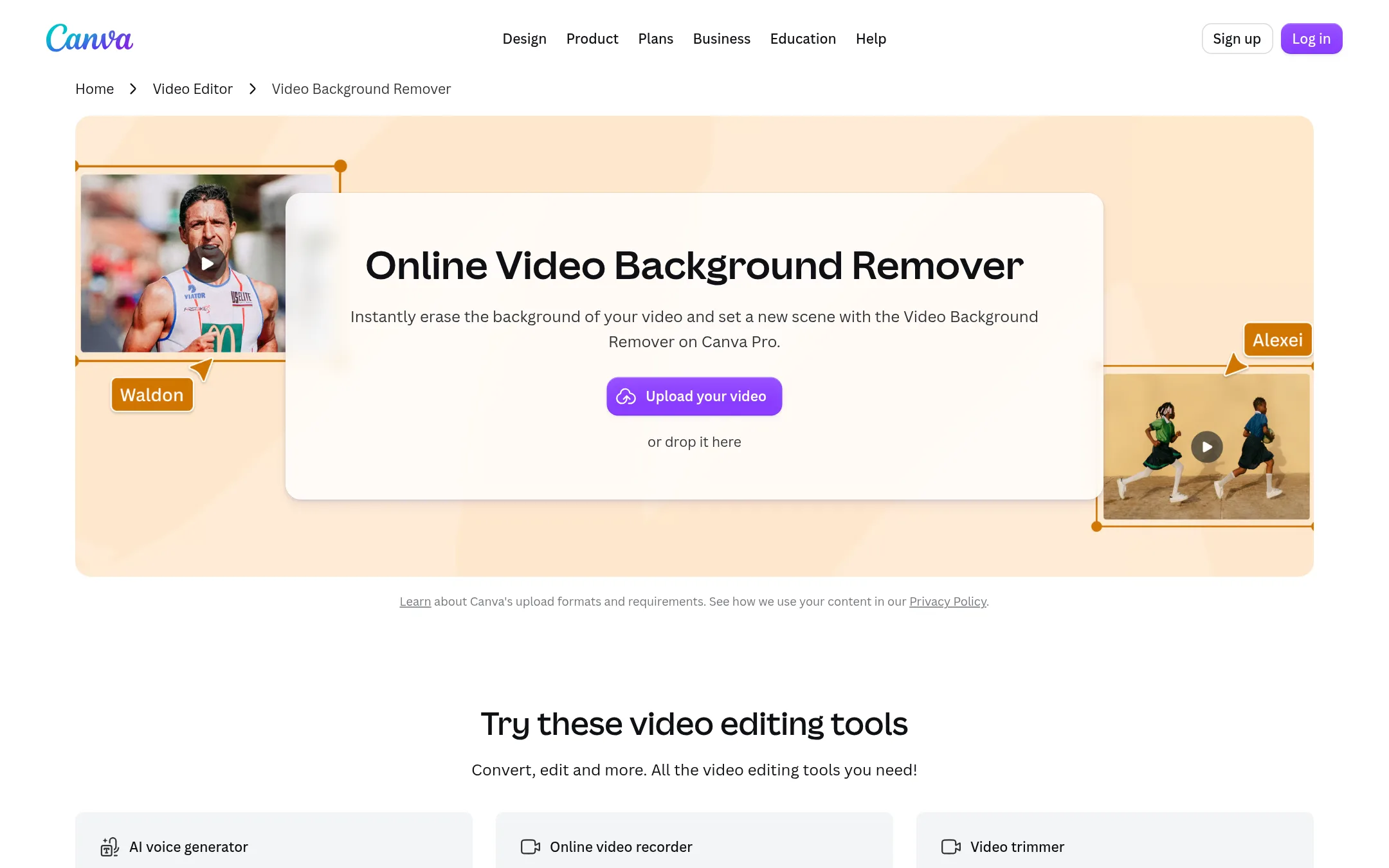
Unscreen is a video background remover built into Canva Pro. It removes the background from video clips in one click, so you can replace the scene without a green screen. Choose it when your work is video-first and you already use Canva for design and editing.
Where it is strong
- Removes video backgrounds automatically, no green screen needed.
- Integrated with Canva's editor, templates, and media library.
- Works on MP4 files and lets you download high-quality results.
Where it falls short
- Requires Canva Pro, so it's not a standalone tool.
- No dedicated pricing page. Cost is tied to Canva's subscription.
- Pricing:
- Pricing is not published on the site.
- Custom quote
11.Claid.ai
Best for: E-commerce brands and marketplaces that need realistic lifestyle and on-model product images without a photo studio.

- Pricing
- Custom quote
- Category
- Media & Entertainment
Claid.ai turns basic product shots into realistic 4K lifestyle scenes and on-model photos, which goes beyond simple background removal. Choose it when you need full product photography output, not just cutouts. It suits teams that want to skip separate photo shoots and generate polished visuals at scale.
Where it is strong
- Creates realistic 4K lifestyle scenes and on-model photos, not just cutouts.
- Detail-first results for clean edges and natural shadows.
- Start free, so you can test before committing.
Where it falls short
- Pricing is not transparent. Requires a sales call.
- Heavier tool than Remove.bg if you only need quick background removal.
- Pricing:
- In the United States, pricing is not published on the site. You must contact sales for a quote.
- Switching from Remove.bg:
- Moving from Remove.bg means reworking your image pipeline to handle full scene generation, not just cutouts, and you will need to contact Claid.ai for a custom plan.
- From $3/mo (annual)
12.Cleanup.pictures
Best for: Photographers, real estate agents, and e-commerce teams that need quick photo retouching beyond background removal.
- Pricing
- From $3/mo (annual)
- Category
- Media & Entertainment
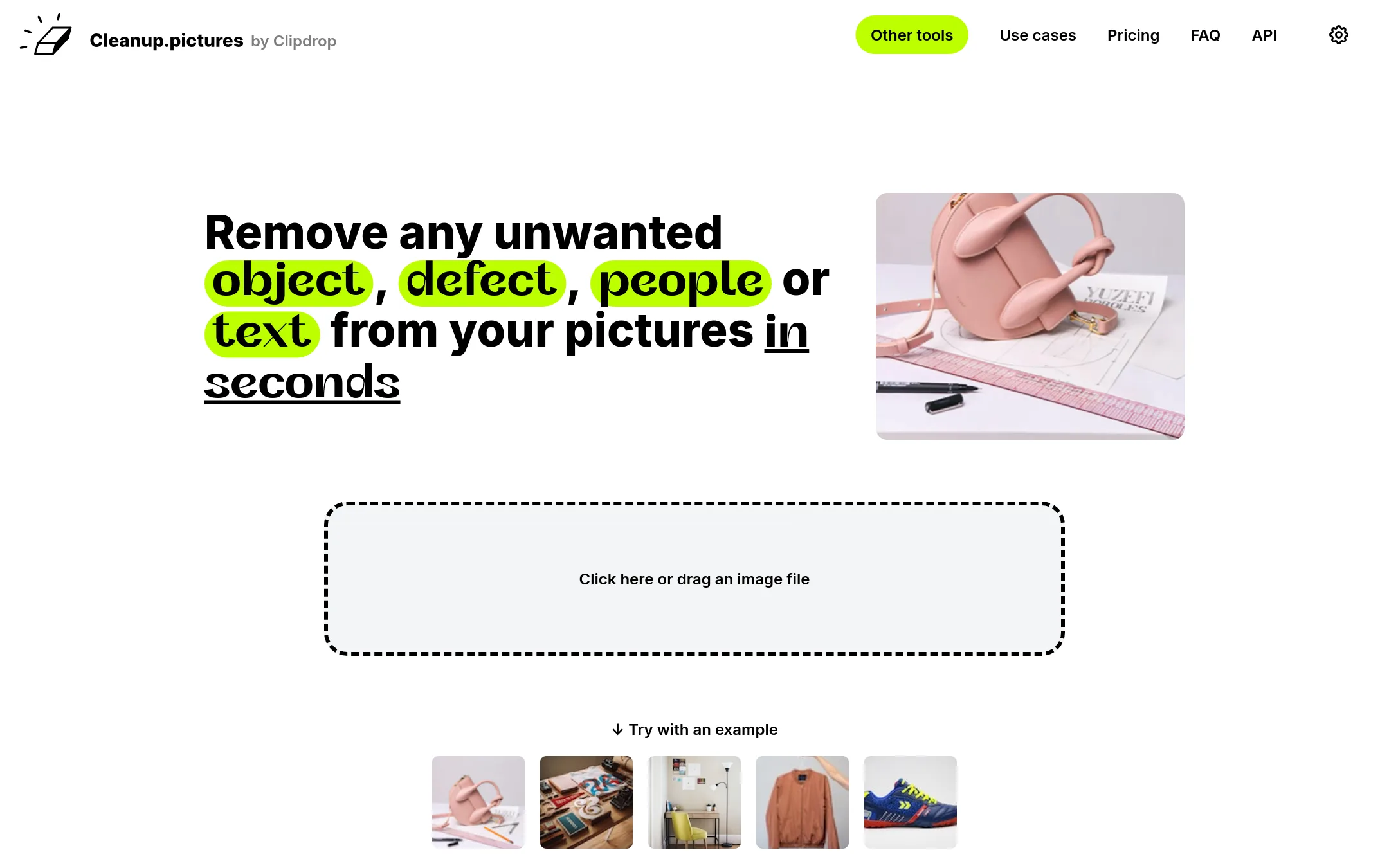
Cleanup.pictures removes unwanted objects, people, text, and defects from photos using AI inpainting. Choose it over Remove.bg when you need to clean up images beyond just background removal, such as erasing tourists, watermarks, or blemishes.
Where it is strong
- Free tier with unlimited images at 720p export
- AI inpainting removes objects, people, text, and defects
- Pro plan is affordable at $5 per month or $36 per year
Where it falls short
- Free version limits export resolution to 720p
- Background removal is not a core feature. It directs users to ClipDrop for that
- Pricing:
- In the United States, Cleanup.pictures is free with 720p export resolution. Pro costs $5 per month or $36 per year ($3 per month) for unlimited resolution and high-quality refiner.
- Switching from Remove.bg:
- Moving from Remove.bg to Cleanup.pictures is straightforward: upload an image, brush over the unwanted element, and download the result, though you may need a separate tool for background removal.
See more comparisons in Media & Entertainment alternatives.
FAQ
Questions about Remove.bg alternatives
Which alternative is best for e-commerce product photos at scale?
Photoroom is the strongest for e-commerce teams because it offers batch editing, brand libraries, and custom AI models. It turns product photos into listing images and videos, but pricing is not transparent and requires contacting sales.
Is there a free alternative with high-resolution downloads?
Erase.bg offers free HD to 4K background removal with bulk processing and API integration. However, pricing details are not published, and it lacks custom backdrop generation.
What if I need precise control over edges and shadows?
Clipping Magic provides a Smart Editor with keep, remove, and hair tools, plus exports alpha masks and clipping paths. Plans start at $3.99 per month for 15 credits, but there is no pay-as-you-go option.
Can any alternative remove video backgrounds?
Unscreen, built into Canva Pro, removes video backgrounds automatically without a green screen. Pixelcut also handles video background removal, but both require subscriptions and lack transparent pricing.
Which tool is best for quick retouching beyond background removal?
Cleanup.pictures uses AI inpainting to remove objects, people, text, and defects. It is free with 720p export, and Pro costs $5 per month or $36 per year for unlimited resolution.
Last updated November 1, 2026.