Response alternatives
8 products compared · Updated October 18, 2026
The short answer
For turning customer emails into ERP-ready orders, Response is the most direct option. If you need broader automation across many apps, Zapier or Make are flexible alternatives. For high-volume document parsing into spreadsheets, Docparser or Mailparser.io are cost-effective choices.
Your shortlist, at a glance
Read the comparisons ↓ ZapierFree, then task-basedTeams that want to automate a wide range of tasks across many apps, with flexible pricing based on usage.
 MakeCredit-basedTeams that want to build custom automations across many apps without writing code, especially those needing AI agents and complex workflows.
Microsoft Azure CycleCloudPay-as-you-goResearch teams and enterprises running HPC workloads on Azure that need scalable cluster management.
 DocparserFrom $32.50/moTeams that need to pull structured data from recurring documents like invoices, purchase orders, or bank statements into spreadsheets or other systems.
 CeligoCustom quoteEnterprise teams that need to automate order processing across multiple apps and systems, with governance and AI capabilities.
WorkatoCustom quoteLarge enterprises that need to orchestrate AI agents, automate workflows across 17,000+ apps, and maintain centralized governance and security.
 Mailparser.ioFrom $24.95/moTeams that need to parse data from recurring emails and attachments into multiple business applications, not just ERP order entry.
 Tray.ioCustom quoteEnterprise IT and automation teams that need governed AI agents, MCP management, and deep integrations across hundreds of apps.
About Response and its alternatives
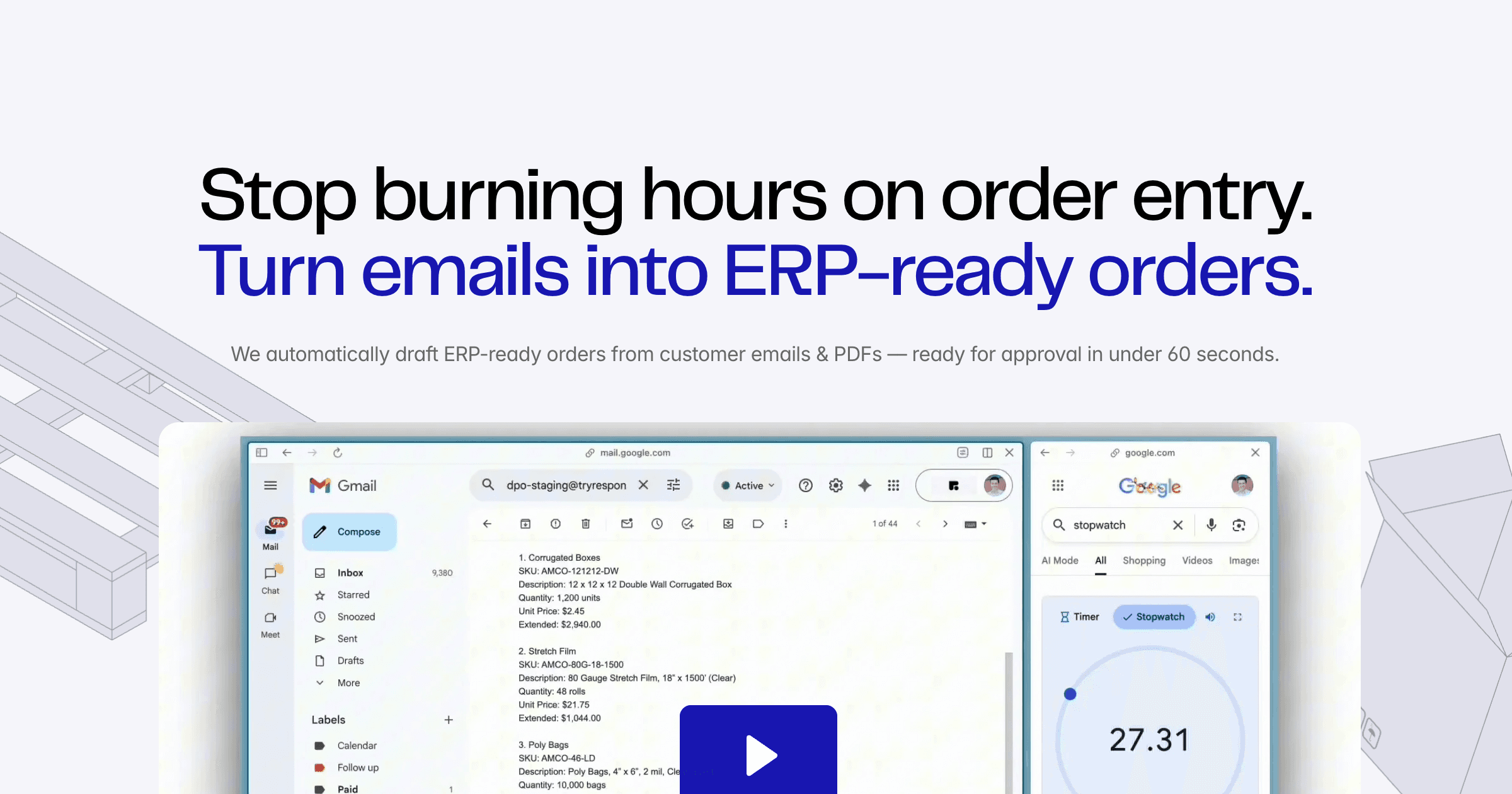
Response is a customer support tool that automates order intake from email. It turns messy emails and PDFs into ERP-ready draft orders in under 60 seconds, with review and approval before handoff to QuickBooks, NetSuite, Odoo, or Sage. It is built for teams that process orders by email, like packaging distributors and wholesalers.
When comparing alternatives, weigh pricing structure (per task, per email, or per endpoint), regions supported, integration depth with your ERP, setup effort, and contract terms. Some tools are purpose-built for order drafting, while others are general automation platforms that require more configuration.
Explore the alternatives
- Free, then task-based
1.Zapier
Best for: Teams that want to automate a wide range of tasks across many apps, with flexible pricing based on usage.
- Pricing
- Free, then task-based
- Category
- Productivity & Project Management
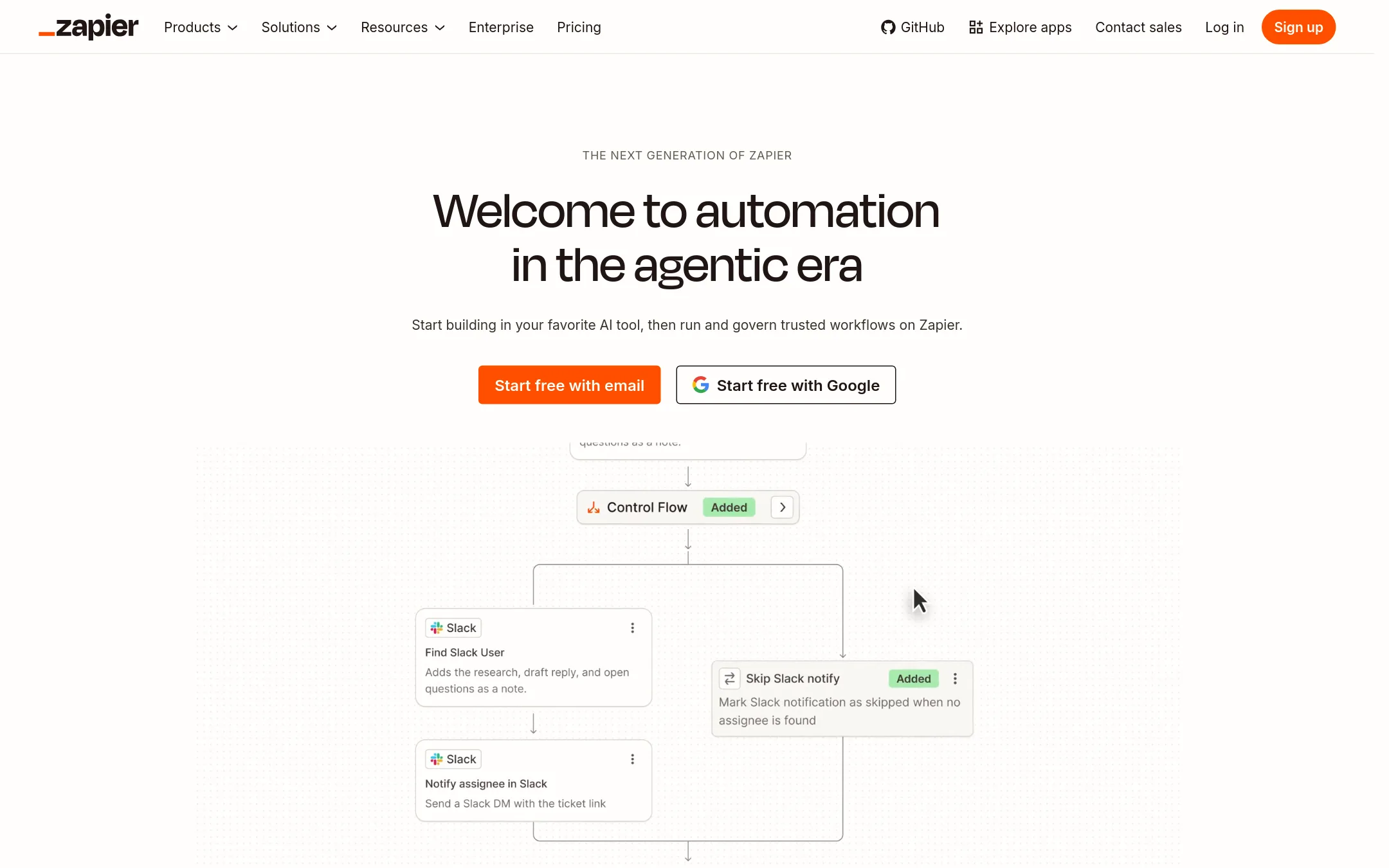
Zapier is a general-purpose automation platform that connects thousands of apps with deterministic workflows and optional AI steps. You would choose it over Response when you need to automate many different business processes, not just email-to-ERP order entry, and you want to build and control the workflows yourself.
Where it is strong
- Connects to 9,000+ apps, so it can automate far more than order intake.
- Deterministic steps run the same way every time, with optional AI for single tasks.
- Free plan available to start, with paid plans scaling by tasks and features.
Where it falls short
- No built-in ERP order drafting or SKU matching like Response offers.
- Requires manual setup and maintenance of workflows, unlike forwarding an email.
- Pricing:
- Pricing starts with a free plan (100 tasks/month), then paid plans with task-based pricing. Exact prices are not shown on the page.
- Credit-based
2.Make
Best for: Teams that want to build custom automations across many apps without writing code, especially those needing AI agents and complex workflows.
- Pricing
- Credit-based
- Category
- Productivity & Project Management
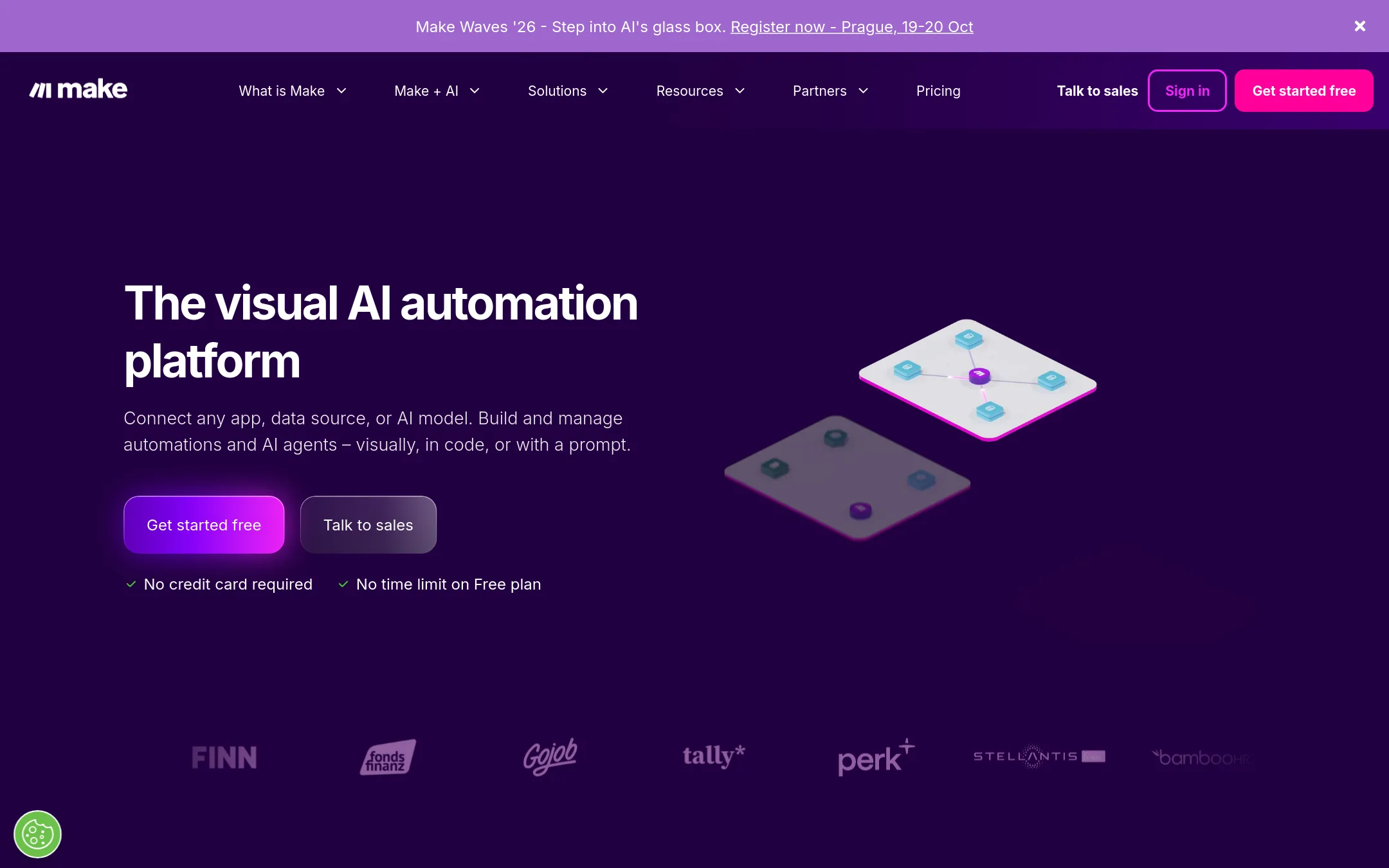
Make is a visual automation platform for building workflows and AI agents across thousands of apps. You would choose it over Response when you need to automate a wide range of business processes beyond order intake, such as syncing data between CRM, marketing, and internal tools.
Where it is strong
- Visual drag-and-drop builder for workflows and AI agents
- Connects to 3,500+ apps out of the box
- Free plan with no credit card required
Where it falls short
- Requires manual setup of order parsing and ERP handoff, unlike Response's purpose-built email-to-ERP flow
- Credit system adds complexity and potential costs for high-volume order processing
- Pricing:
- Pricing is not published on the site. Plans are credit-based, with most actions consuming 1 credit, and extra credits can be purchased in bundles of 1,000 or 10,000.
- Pay-as-you-go
3.Microsoft Azure CycleCloud
Best for: Research teams and enterprises running HPC workloads on Azure that need scalable cluster management.
- Pricing
- Pay-as-you-go
- Category
- Developer Tools
Microsoft Azure CycleCloud is an HPC orchestration tool for building and managing clusters on Azure. Choose it if you need to run large-scale compute workloads like simulations or deep learning, not for processing customer emails into ERP orders.
Where it is strong
- Scales clusters to handle large compute jobs
- Integrates with Azure services and HPC schedulers
- Supports Linux and Windows workloads
Where it falls short
- Requires Azure expertise to set up and manage
- Not designed for order intake or ERP workflows
- Pricing:
- On the United States site, Azure uses a consumption-based model where you pay only for the cloud resources you use, with savings options like reservations and savings plans. Specific prices are not listed.
- From $32.50/mo
4.Docparser
Best for: Teams that need to pull structured data from recurring documents like invoices, purchase orders, or bank statements into spreadsheets or other systems.
- Pricing
- From $32.50/mo
- Category
- Productivity & Project Management
Docparser extracts data from PDFs, images, and other documents using OCR and rules, then sends it to Excel, Google Sheets, or hundreds of apps via integrations. Choose it when you need a general-purpose document parsing tool for invoices, contracts, or forms, rather than a system that drafts ERP-ready orders from emails.
Where it is strong
- Handles a wide range of document types, including scanned images and barcodes.
- No coding needed to set up extraction rules.
- Exports to Excel, CSV, JSON, XML, and connects to Zapier, Workato, and more.
Where it falls short
- Does not automatically create ERP-ready orders or flag pricing issues.
- Requires manual rule setup for each document type, unlike Response's email-forwarding workflow.
- Pricing:
- Starter is $32.50/month, Professional is $61.50/month, Business is $133.00/month, and Enterprise is custom-priced.
- Switching from Response:
- Moving from Response means setting up your own parsing rules and integrations, since Docparser does not have a built-in email-to-order approval flow.
- Custom quote
5.Celigo
Best for: Enterprise teams that need to automate order processing across multiple apps and systems, with governance and AI capabilities.
- Pricing
- Custom quote
- Category
- E-commerce
Celigo is an integration platform that connects apps, data, and AI workflows across your business, with prebuilt connectors and tools for building custom automations. Choose it over Response if you need to orchestrate complex order flows across many systems, not just turn emails into ERP drafts.
Where it is strong
- Charges by endpoints and flows, not per task, so costs stay predictable during peak usage.
- Includes AI agents, MCP servers, and API management on the same platform.
- Offers prebuilt connectors and templates to speed up implementation.
Where it falls short
- Pricing is not transparent, requires contacting sales for a quote.
- May be overkill for simple email-to-ERP order intake, where Response is more focused.
- Pricing:
- Pricing is based on endpoints and flows, not per task or transaction. Specific prices are not published on the site.
- Custom quote
6.Workato
Best for: Large enterprises that need to orchestrate AI agents, automate workflows across 17,000+ apps, and maintain centralized governance and security.
- Pricing
- Custom quote
- Category
- AI & Machine Learning
Workato is an enterprise automation and AI orchestration platform that connects thousands of apps and lets you build and govern AI agents, workflows, and integrations. You would choose it instead of Response when you need a broad platform to automate many business processes beyond email-to-ERP order intake, especially if you're a large organization with complex integration needs.
Where it is strong
- Connects to 17,000+ apps and APIs without custom infrastructure.
- Includes governance, security, and cost controls for AI agents and workflows.
- Offers multiple editions (Standard, Business MCP, Enterprise MCP, Workato ONE) with add-ons for scalability.
Where it falls short
- Pricing is not transparent and likely enterprise-level, not suitable for small teams.
- Requires significant setup and expertise to configure, unlike Response's simple email forwarding.
- Pricing:
- Pricing is not published on the site. You must contact Workato for a quote based on your contract terms.
- Switching from Response:
- Moving from Response to Workato means replacing a focused email-to-ERP tool with a full automation platform, requiring you to build and manage your own order intake workflow from scratch.
- From $24.95/mo
7.Mailparser.io
Best for: Teams that need to parse data from recurring emails and attachments into multiple business applications, not just ERP order entry.
- Pricing
- From $24.95/mo
- Category
- Productivity & Project Management
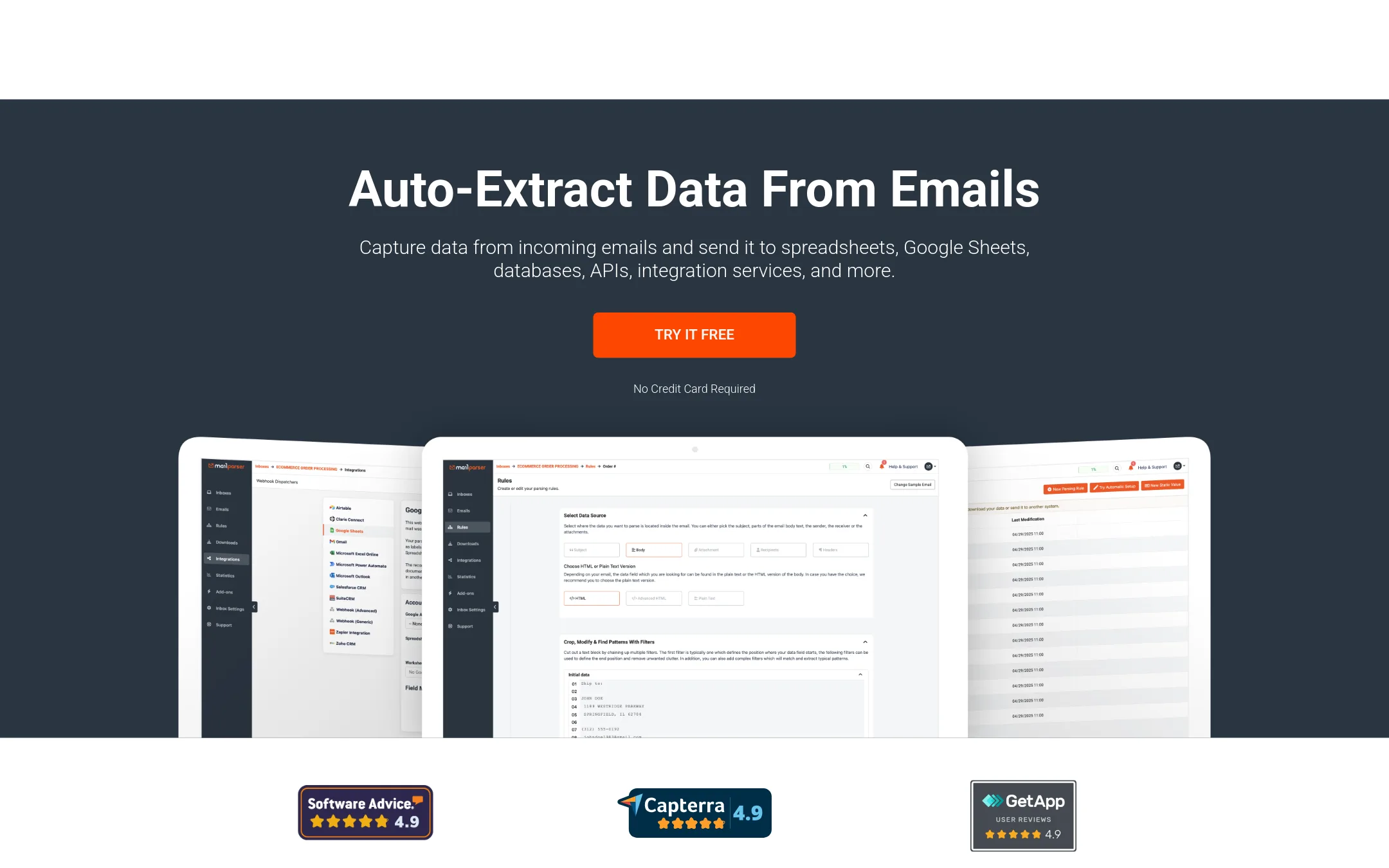
Mailparser.io extracts data from emails and attachments based on custom rules, then sends it to spreadsheets, CRMs, or any API via webhooks. Choose it when you need flexible, rule-based parsing for various document types and want to route data to many different apps, rather than a pre-built order-to-ERP workflow.
Where it is strong
- Custom parsing rules for email body and attachments (PDF, DOC, XLS, CSV).
- 1,500+ integrations via Zapier, plus webhooks and direct CRM integrations.
- Free 30-day trial with 30 credits, no credit card required.
Where it falls short
- Does not support images or scanned documents (no OCR).
- Pricing is based on email volume, which can get costly for high-volume senders.
- Pricing:
- Starter is $24.95/month for 3,000 emails per year, Professional is $33.95/month for 6,000 emails per year, Business is $83.95/month for 24,000 emails per year, and Premium is $249.95/month for 120,000 emails per year.
- Switching from Response:
- Moving from Response means setting up your own parsing rules and integrations, since Mailparser does not include pre-built ERP order drafting or approval workflows.
- Custom quote
8.Tray.io
Best for: Enterprise IT and automation teams that need governed AI agents, MCP management, and deep integrations across hundreds of apps.
- Pricing
- Custom quote
- Category
- Developer Tools
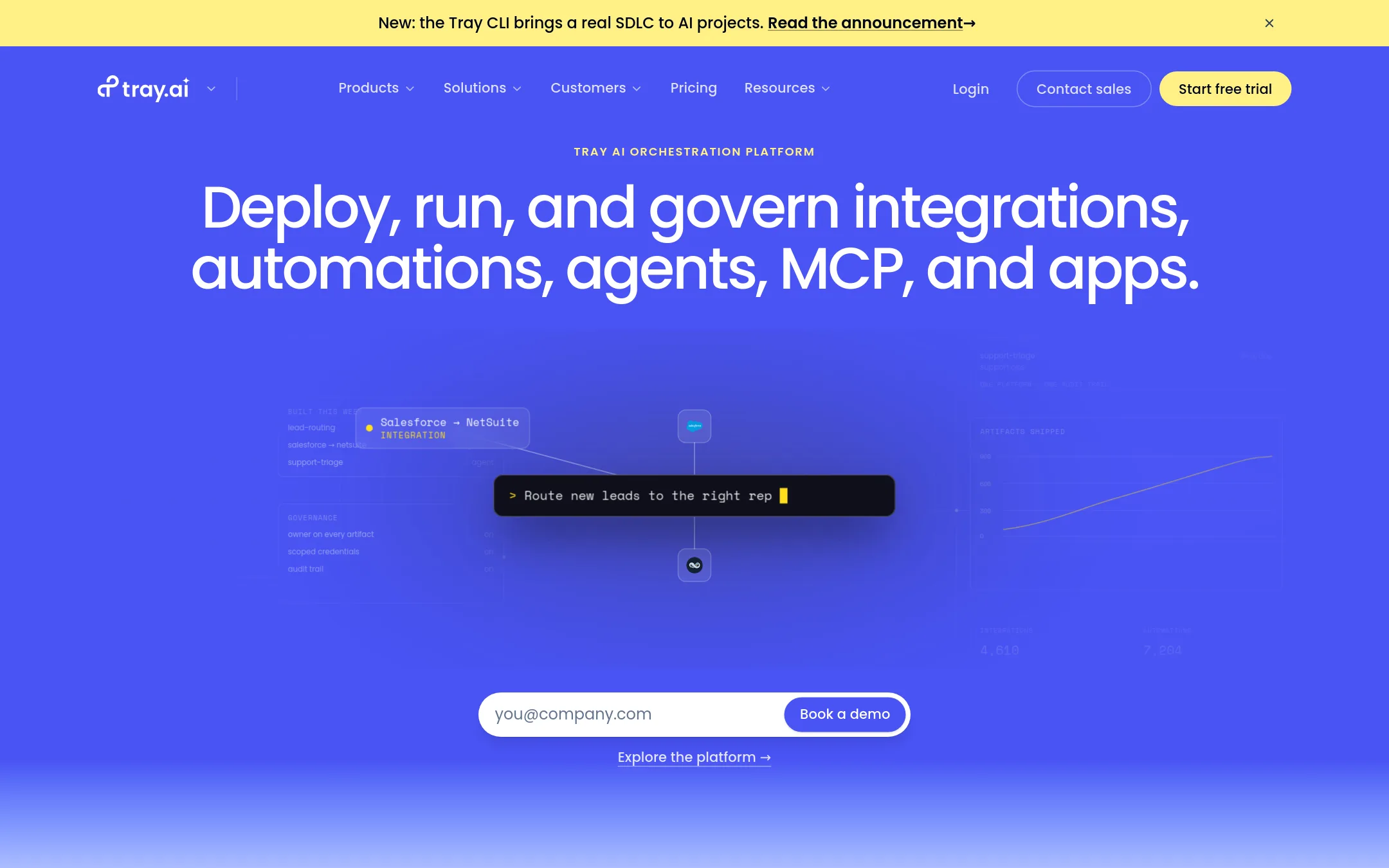
Tray.ai is an enterprise integration platform for connecting 700+ apps, building AI agents, and governing MCP tools. You'd choose it over Response when you need to orchestrate complex workflows across many systems, not just turn emails into ERP orders.
Where it is strong
- 700+ connectors and a low-code builder for complex workflows
- Built-in governance, audit trails, and security for AI agents and MCP
- Deploy AI-built apps to production with one command via Helix
Where it falls short
- Pricing requires a sales conversation, no self-serve tiers
- Overkill if you only need email-to-ERP order drafting
- Pricing:
- Pricing is not published on the site. Plans are Pro, Team, and Enterprise with custom quotes based on usage and features.
- Switching from Response:
- Moving from Response means replacing a focused email-to-ERP tool with a general-purpose iPaaS, so you'd rebuild your order intake as a workflow rather than forwarding emails.
See more comparisons in Customer Support alternatives.
FAQ
Questions about Response alternatives
What is the main difference between Response and general automation tools like Zapier or Make?
Response is purpose-built for email-to-ERP order drafting, with SKU matching and pricing checks built in. Zapier and Make are general platforms that require you to build and maintain the order parsing and ERP handoff yourself.
Which alternative is best for high-volume order processing?
Response is designed for high-volume email order intake, with approval in under 60 seconds. Mailparser.io charges per email volume, so costs can rise quickly. Docparser charges per document, which may be more predictable for steady volumes.
Do any alternatives offer transparent pricing?
Docparser and Mailparser.io publish clear monthly prices. Zapier has a free plan and task-based pricing, but exact paid prices are not shown. Workato, Tray.io, and Celigo require contacting sales for quotes.
Can these alternatives handle scanned documents or images?
Docparser supports scanned images and barcodes via OCR. Mailparser.io does not support images or scanned documents. Response handles PDFs and emails, but its OCR capabilities are not detailed on the site.
Which option is best for a small team that only needs email-to-ERP order entry?
Response is the most direct fit, as it requires no setup beyond forwarding emails. Docparser or Mailparser.io are cheaper if you only need data extraction into spreadsheets, but they do not create ERP-ready orders or flag pricing issues.
Last updated October 18, 2026.