
RetroFix alternatives
6 products compared · Updated November 4, 2026
The short answer
For teams that need governed, scalable automation across many apps, Zapier is the strongest choice with its 9,000+ integrations and SOC 2 compliance. Make suits teams wanting a visual, drag-and-drop builder with enterprise security. n8n is best for technical teams that need code-level flexibility, self-hosting, and full observability.
Your shortlist, at a glance
Read the comparisons ↓ ZapierFree tier. Custom quotTeams that need governed, scalable automation across many apps with SOC 2 compliance and admin controls
 MakeNot publishedTeams that need a visual, governed automation platform with enterprise security and the ability to add custom code.
 n8nNot publishedTechnical teams and developers who want code-level flexibility, self-hosting, and full observability in their automation platform.
- IIntegromat (now part of Make)Not publishedTeams that want full control over complex, multi-step automations with a visual interface and don't mind configuring each step manually.
WorkatoCustom quoteLarge enterprises that need centralized governance, security, and cost controls for AI agents and integrations across thousands of apps.
- TTray.aiFrom $50/mo usage-baseEnterprises that need governed AI agents, MCP management, and integration across many systems with audit trails and compliance.
About RetroFix and its alternatives
RetroFix is an AI workflow automation platform that lets you build automations in plain English. It connects to 2,800+ apps and its AI writes, tests, and monitors workflows for you. It targets freelancers, AI agencies, growing teams, and IT operations with self-healing workflows and a knowledge base for governance.
When comparing alternatives, weigh pricing structure (task-based, credit-based, or usage-based), the number of integrations, regions supported, and the level of support. Consider whether you need a plain-English AI builder or a visual, manual builder. Check contract terms: some platforms require custom quotes or enterprise contracts, while others offer free tiers or transparent monthly pricing.
Explore the alternatives
- Free tier. Custom quot
1.Zapier
Best for: Teams that need governed, scalable automation across many apps with SOC 2 compliance and admin controls
- Pricing
- Free tier. Custom quot
- Category
- Productivity & Project Management
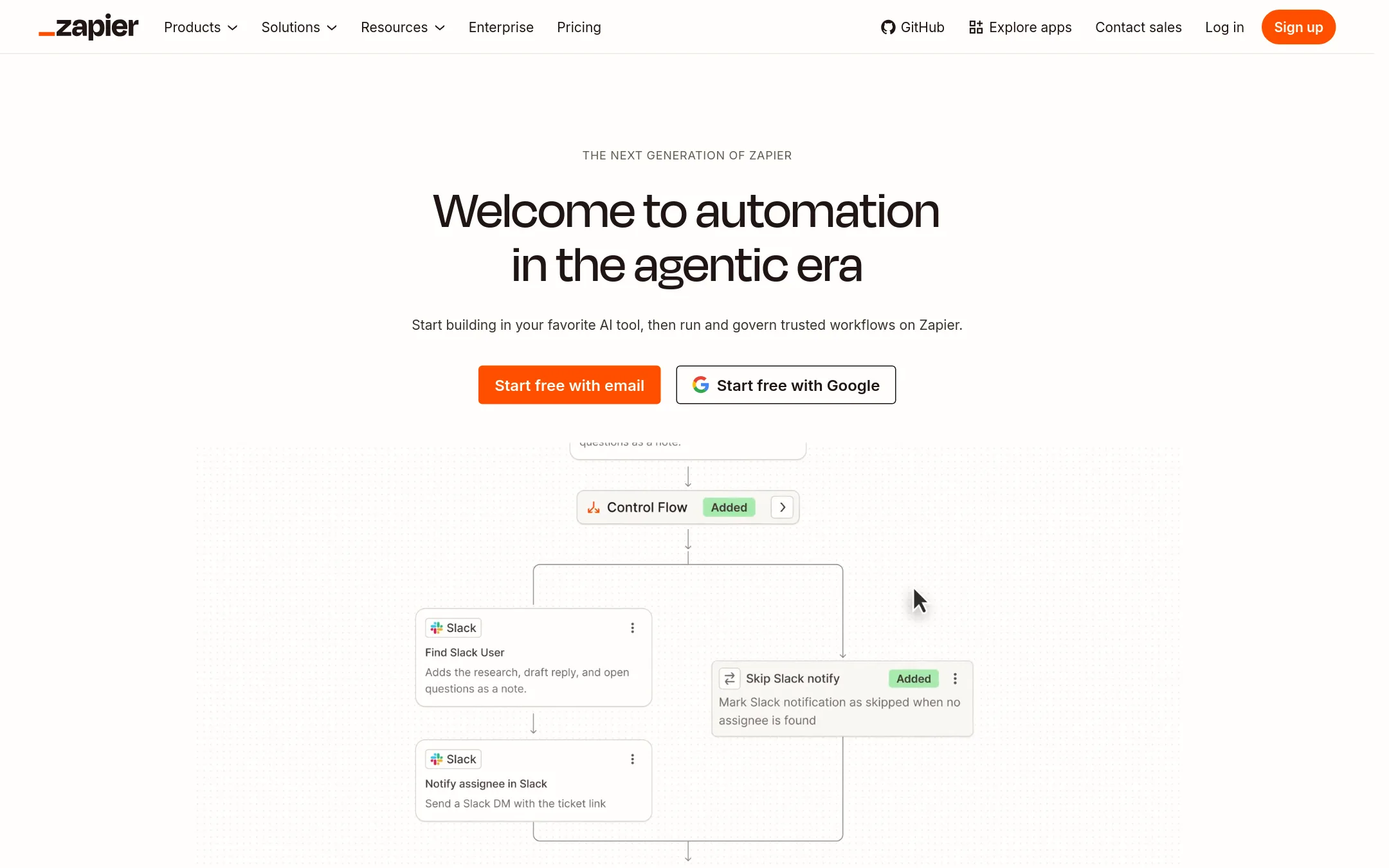
Zapier is a mature automation platform with deterministic workflows and AI agents across 9,000+ apps. Choose it when you need enterprise-grade governance, security compliance, and predictable task-based pricing instead of RetroFix's plain-English AI builder.
Where it is strong
- 9,000+ app integrations
- SOC 2 Type II and GDPR compliance
- Task-based pricing with a free tier
Where it falls short
- No plain-English workflow builder
- Advanced features require Team or Enterprise plans
- Pricing:
- Pricing is not published on the site. Plans start with a Free tier (100 tasks/month) and scale to Professional, Team, and Enterprise with custom quotes.
- Not published
2.Make
Best for: Teams that need a visual, governed automation platform with enterprise security and the ability to add custom code.
- Pricing
- Not published
- Category
- Productivity & Project Management
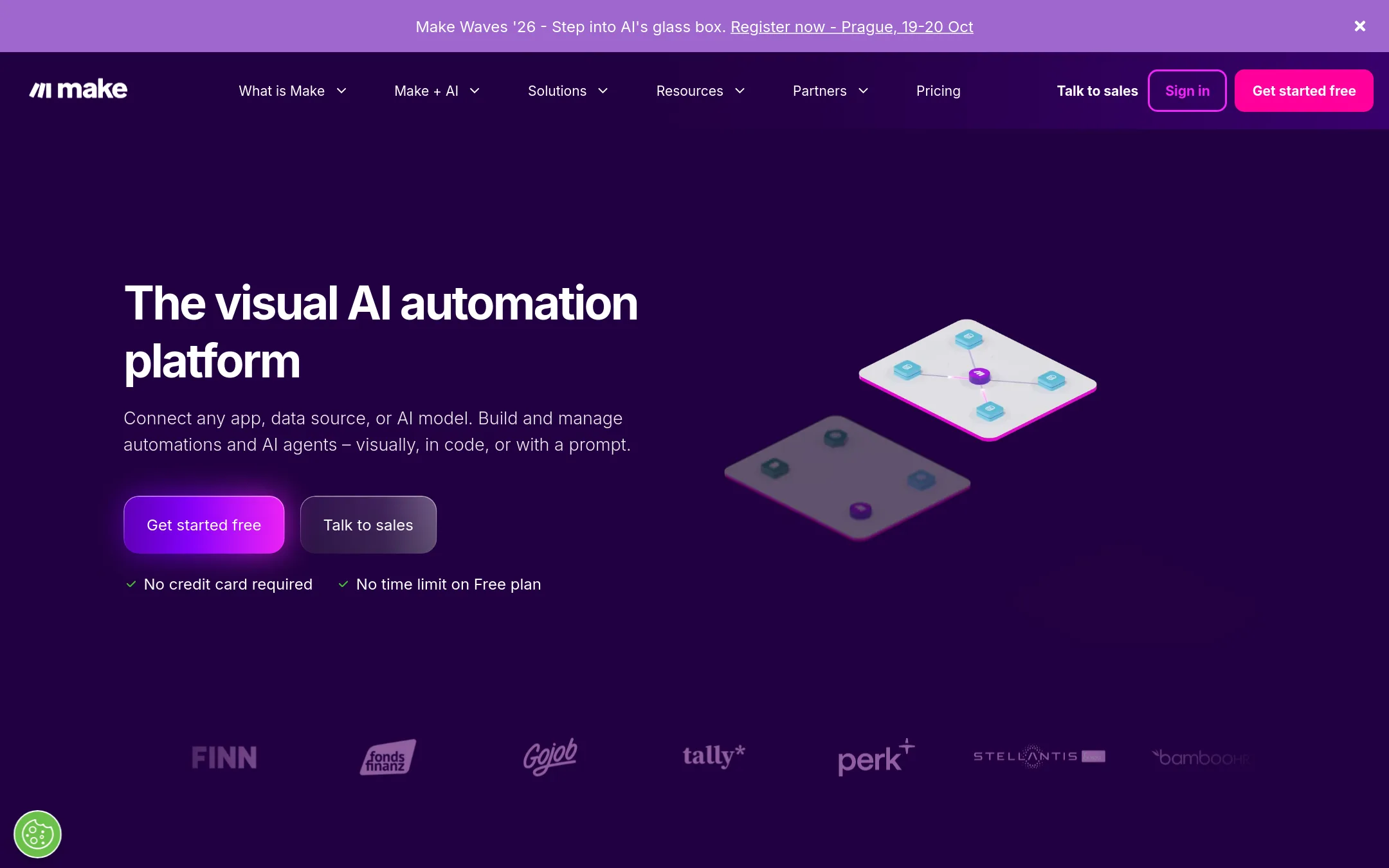
Make is a visual workflow automation platform that connects 3,500+ apps and lets you build by prompting, drag-and-drop, or from AI chats. Choose it over RetroFix if you want a mature, visual builder with strong governance and enterprise security, rather than a plain-English AI that writes workflows for you.
Where it is strong
- Visual builder with drag-and-drop and prompt-based creation
- 3,500+ app integrations and custom API support
- Enterprise-grade security: GDPR, SOC 2 Type II, SSO, audit logs
Where it falls short
- Pricing not transparent. Credit-based model can be complex
- Requires more manual setup than RetroFix's plain-English automation
- Pricing:
- Pricing is not published on the site. Plans are credit-based and the free plan includes enough credits to run real automations.
- Not published
3.n8n
Best for: Technical teams and developers who want code-level flexibility, self-hosting, and full observability in their automation platform.
- Pricing
- Not published
- Category
- AI & Machine Learning
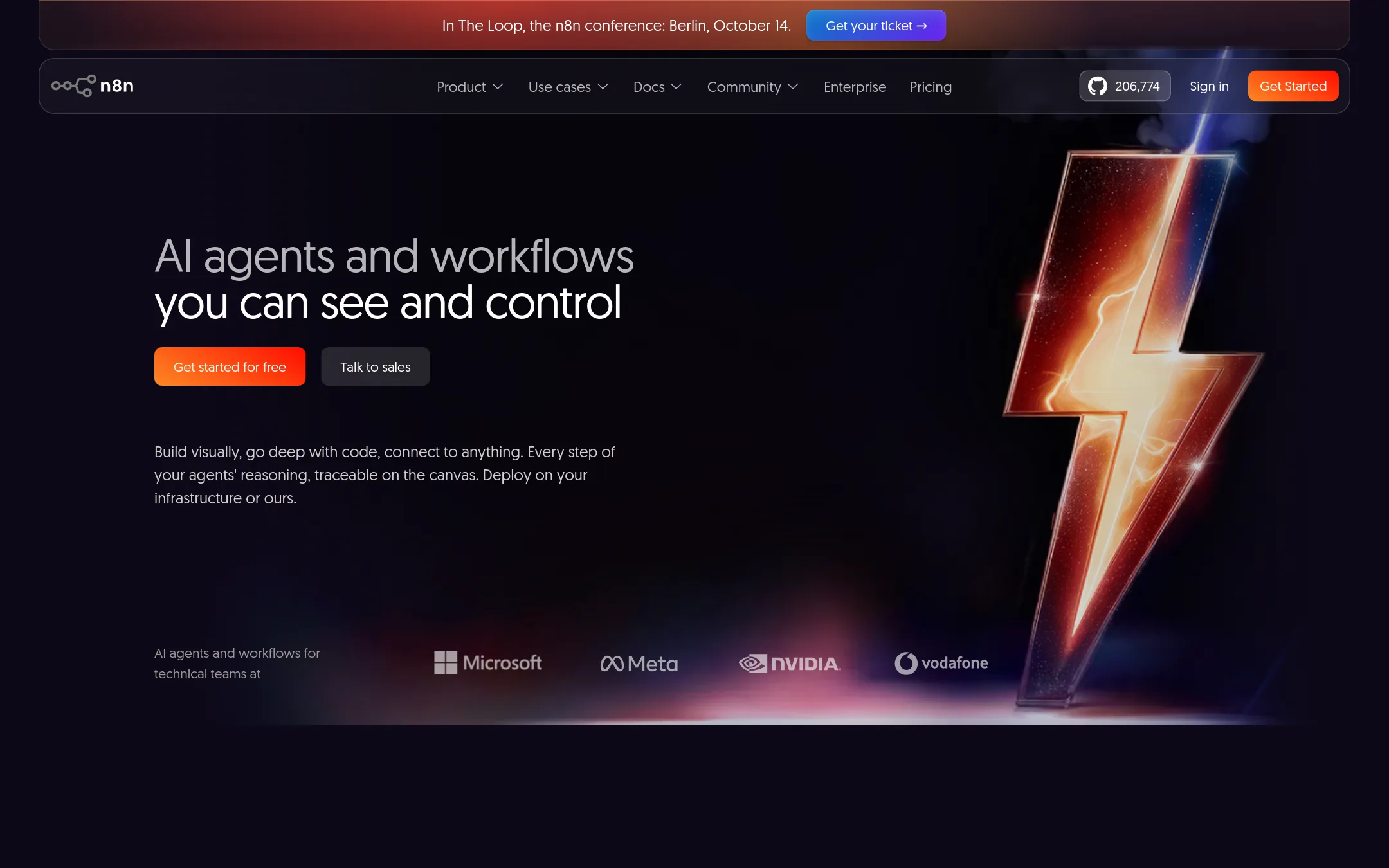
n8n is a workflow automation platform that combines AI capabilities with business process automation, giving technical teams the flexibility of code with the speed of no-code. Choose it over RetroFix when you need deep control, self-hosting options, or full visibility into every step of your workflows.
Where it is strong
- Self-hostable with source code on GitHub
- Full visibility into workflow steps and logs
- Human-in-the-loop approvals and AI governance
Where it falls short
- Pricing not transparent on the site
- May require more technical skill than RetroFix's plain-English builder
- Pricing:
- Pricing is not published on the site. Plans are listed as Starter, Pro, Business, and Enterprise, with a free Community Edition available on GitHub.
- INot published
4.Integromat (now part of Make)
Best for: Teams that want full control over complex, multi-step automations with a visual interface and don't mind configuring each step manually.
- Pricing
- Not published
- Category
- Other
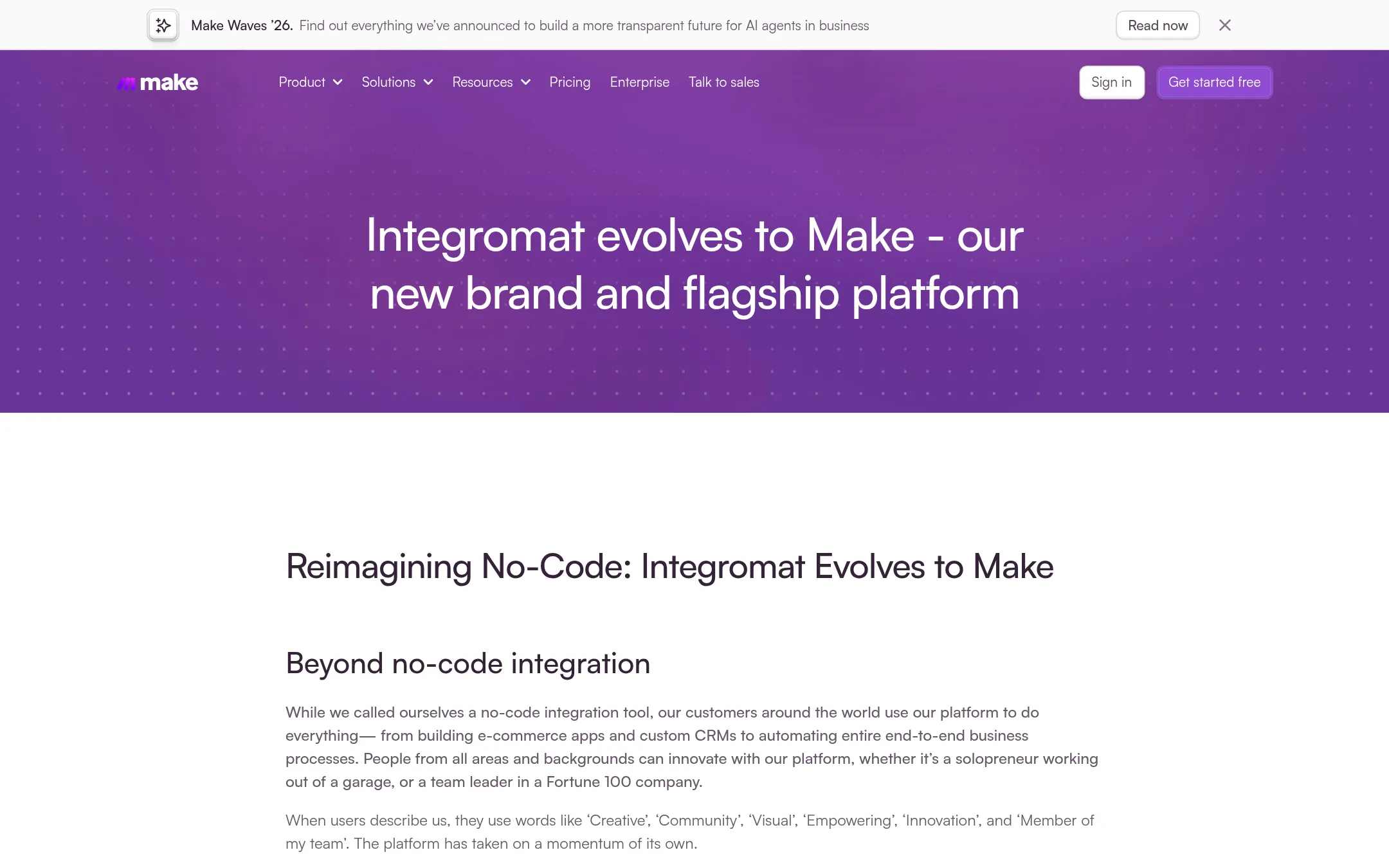
Integromat, now Make, is a visual automation platform for building workflows with a drag-and-drop editor. Choose it over RetroFix if you prefer a hands-on, visual builder over describing workflows in plain English and having AI generate them.
Where it is strong
- Visual scenario builder with real-time execution details
- Supports parallel webhook executions for high-volume requests
- Public API for automating your automations
Where it falls short
- Legacy Integromat support ends in 2023, requiring migration to Make
- Credit-based billing can be complex to estimate costs
- Pricing:
- Pricing is not published on the site.
- Switching from RetroFix:
- Moving from RetroFix to Make means rebuilding your workflows manually in a visual editor, since Make doesn't generate automations from plain English descriptions.
- Custom quote
5.Workato
Best for: Large enterprises that need centralized governance, security, and cost controls for AI agents and integrations across thousands of apps.
- Pricing
- Custom quote
- Category
- AI & Machine Learning
Workato is an enterprise integration platform that connects 17,000+ apps and offers agentic AI governance, orchestration, and token cost controls. Choose it over RetroFix when you need deterministic, governed automation across complex enterprise systems rather than plain-English workflow building.
Where it is strong
- 17,000+ pre-built connectors
- Centralized governance and security for AI agents
- Token economics to control AI spend
Where it falls short
- Enterprise-focused, not for freelancers or small teams
- Pricing not transparent, requires contract
- Pricing:
- Pricing is not published on the site. Plans are Standard, Business MCP, Enterprise MCP, and Workato ONE with usage-based consumption.
- TFrom $50/mo usage-base
6.Tray.ai
Best for: Enterprises that need governed AI agents, MCP management, and integration across many systems with audit trails and compliance.
- Pricing
- From $50/mo usage-base
- Category
- Other
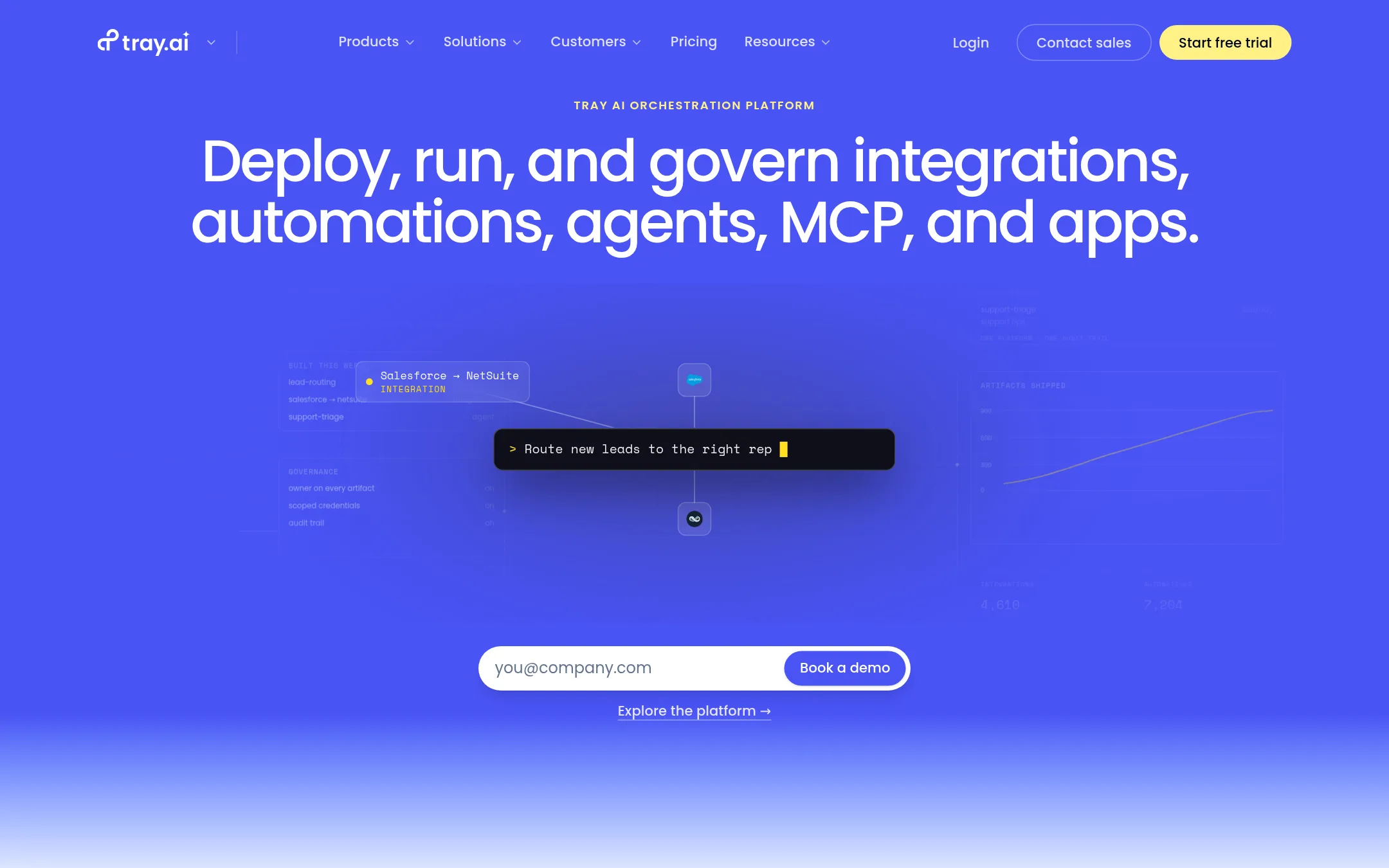
Tray.ai is an enterprise iPaaS for integrating 700+ apps, building AI agents, and governing MCP. You would choose it over RetroFix when you need governed, scalable integration and agent orchestration across departments, not just no-code workflow automation.
Where it is strong
- 700+ connectors and AI-native orchestration
- Built-in governance: RBAC, audit trails, SSO, HIPAA
- Supports MCP governance and agent building
Where it falls short
- Pricing is usage-based and may scale with volume
- Enterprise features like regional hosting require Enterprise plan
- Pricing:
- Starts at $50 a month. Usage-based pricing with no per-user or per-connection fees.
See more comparisons in Productivity & Project Management alternatives.
FAQ
Questions about RetroFix alternatives
What is the main difference between RetroFix and Zapier?
RetroFix uses plain-English AI to build workflows automatically, while Zapier requires manual setup of triggers and actions. Zapier offers more integrations (9,000+) and enterprise governance, but lacks a plain-English builder.
Which alternative is best for a small team with limited technical skills?
Make is a good fit because it offers a visual drag-and-drop builder and prompt-based creation, so you can build workflows without coding. It also has a free plan with enough credits to run real automations, though pricing is not fully transparent.
Can I self-host any of these alternatives?
Yes, n8n offers a free Community Edition on GitHub that you can self-host. This gives you full control and visibility into workflow steps, but it may require more technical skill than RetroFix's plain-English builder.
Which platform is best for enterprise-level governance and security?
Workato is built for large enterprises with centralized governance, security, and token cost controls for AI agents. It supports 17,000+ connectors but requires a contract and is not suited for freelancers or small teams.
Are there any alternatives with transparent pricing?
Tray.ai starts at $50 a month with usage-based pricing and no per-user or per-connection fees. Other platforms like Zapier, Make, and n8n do not publish pricing on their sites, so you may need to contact sales for quotes.
Last updated November 4, 2026.