
Riverside alternatives
12 products compared · Updated October 31, 2026
The short answer
For podcasters and video creators who want to edit by editing text, Descript is the strongest alternative, with AI tools and a free plan. If your priority is dependable remote recording with automatic backup, SquadCast offers rock-solid reliability without built-in editing or hosting. For internal comms and HR teams needing quick, branded employee videos, Spokn is purpose-built, though its pricing is not published.
Your shortlist, at a glance
Read the comparisons ↓ DescriptFrom $16/moPodcasters and video creators who want to edit by editing text and need AI tools like filler word removal and clip creation.
- ZZencastrFree / CustomPodcasters who want a free, mobile-friendly platform for recording, editing, and publishing their shows.
- SSquadCastFrom $16/mo per editorPodcasters and content teams that need dependable remote recording with automatic cloud backup and don't require an all-in-one editing and hosting suite.
- PPodcastleNot publishedCreators and small businesses who want to edit videos through AI chat without learning traditional editing tools.
- RRestreamFree, custom paidLive streamers and teams that need to broadcast to multiple platforms simultaneously and manage cross-platform chat.
- SStreamYardNot publishedLive streamers and podcasters who want to broadcast to multiple platforms simultaneously with minimal setup and no software downloads for guests.
 Adobe AnimateNot publishedAnimators and motion designers who need a professional tool for vector-based 2D animation and interactive content.
- CCleanfeedFree / $12/mo ProPodcasters, radio producers, and voice actors who need reliable, high-fidelity remote audio without video features.
- AAuphonicFree 2h/mo. Paid from Podcasters and video creators who already have recordings and need automated audio cleanup, loudness normalization, and filler-word removal.
- HHeadlinerNot publishedPodcasters and content teams that primarily need to turn existing recordings into social clips and captions
 SpoknNot publishedInternal comms and HR teams that need to produce authentic, branded employee videos without editing experience.
 BiteableFrom $15/mo (annual)Marketing and training teams that need to produce short, branded videos quickly without a production crew.
About Riverside and its alternatives
Riverside is an AI-powered platform for recording, editing, repurposing, and distributing studio-quality video and podcasts. It is known for local recording that keeps video and audio sharp, a text-based editor, AI tools like Magic Clips and filler-word removal, and built-in podcast hosting and live streaming.
When comparing alternatives, weigh pricing structure, including free tiers and annual versus monthly billing. Consider whether you need recording, editing, hosting, or live streaming, and check for integrations like HubSpot or API access. Support options and contract terms, such as recording hour caps or overage fees, also matter.
Explore the alternatives
- From $16/mo
1.Descript
Best for: Podcasters and video creators who want to edit by editing text and need AI tools like filler word removal and clip creation.
- Pricing
- From $16/mo
- Category
- Media & Entertainment
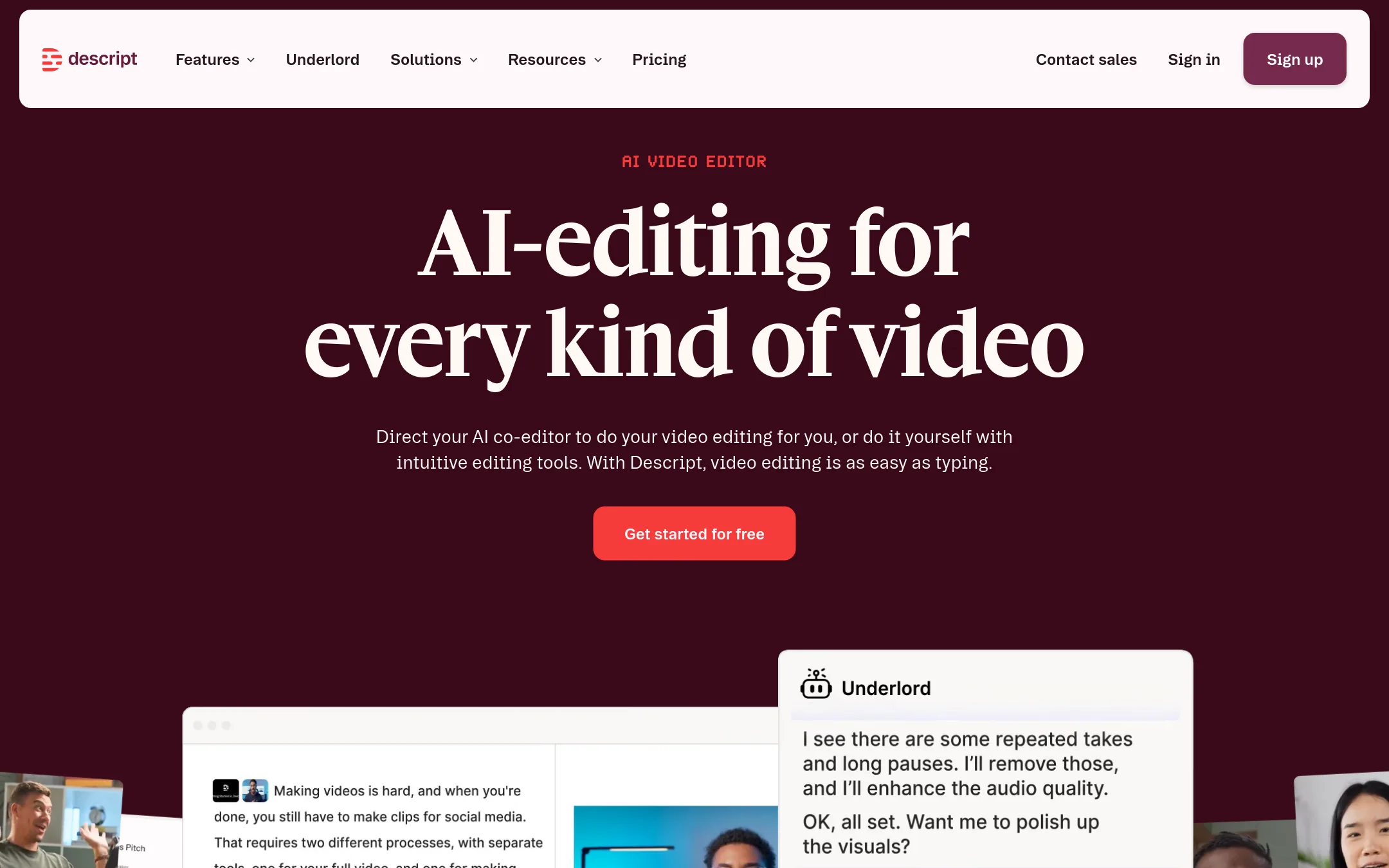
Descript is a text-based video and audio editor that lets you edit recordings by editing the transcript. Choose it instead of Riverside if you need to edit existing footage or recordings from other sources, not just record and edit in one platform.
Where it is strong
- Edit video by editing the transcript, which is fast and intuitive.
- AI tools like Underlord, Studio Sound, and filler word removal are built in.
- Free plan available with no credit card required.
Where it falls short
- Media hours and AI credits are capped on lower plans, which may limit heavy use.
- Live streaming and webinar features are not offered, unlike Riverside.
- Pricing:
- Hobbyist is $16 per person per month (billed annually), Creator is $35 per month, Business is $50 per month, and Enterprise is custom.
- Switching from Riverside:
- Moving from Riverside means importing your recordings into Descript, which will transcribe them for text-based editing, but you lose Riverside's built-in live streaming and webinar capabilities.
- ZFree / Custom
2.Zencastr
Best for: Podcasters who want a free, mobile-friendly platform for recording, editing, and publishing their shows.
- Pricing
- Free / Custom
- Category
- Other
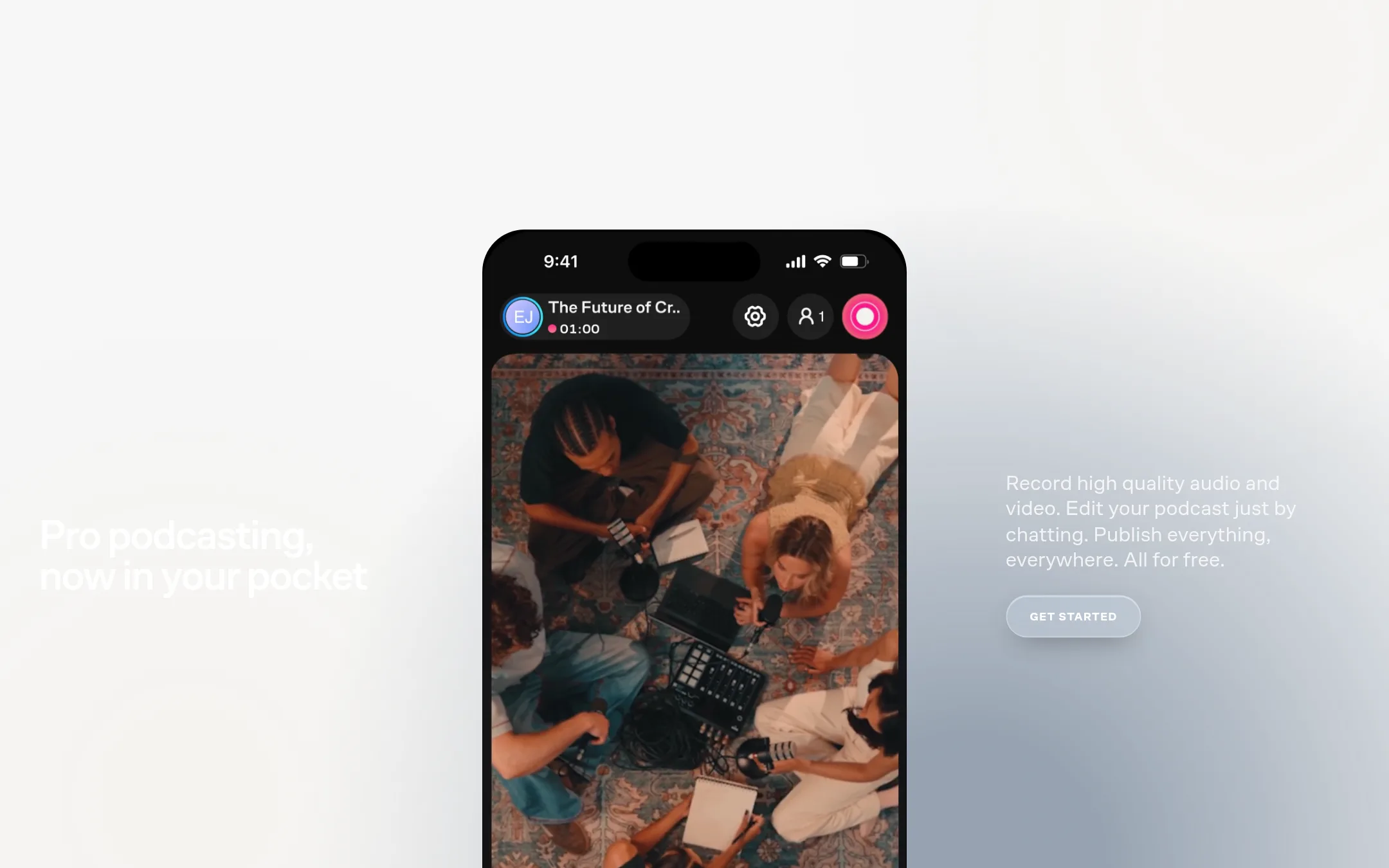
Zencastr is a podcasting platform that covers recording, editing, hosting, and publishing. It's a good fit if you want a free tool that handles the whole podcast workflow, including mobile recording and AI-assisted editing. Choose it over Riverside if you prioritize a free tier and mobile recording.
Where it is strong
- Free plan includes unlimited recording and hosting.
- AI editing via chat to remove pauses and filler words.
- Mobile apps for iOS and web for on-the-go recording.
Where it falls short
- Pricing for paid tiers is not transparent.
- Live streaming quality is limited to 1080p, lower than Riverside's 4K.
- Pricing:
- Pricing is not published on the site. The free plan is available, and enterprise plans are custom.
- Switching from Riverside:
- Moving from Riverside involves re-recording or importing existing files, as Zencastr does not offer direct import from Riverside.
- SFrom $16/mo per editor
3.SquadCast
Best for: Podcasters and content teams that need dependable remote recording with automatic cloud backup and don't require an all-in-one editing and hosting suite.
- Pricing
- From $16/mo per editor
- Category
- Other
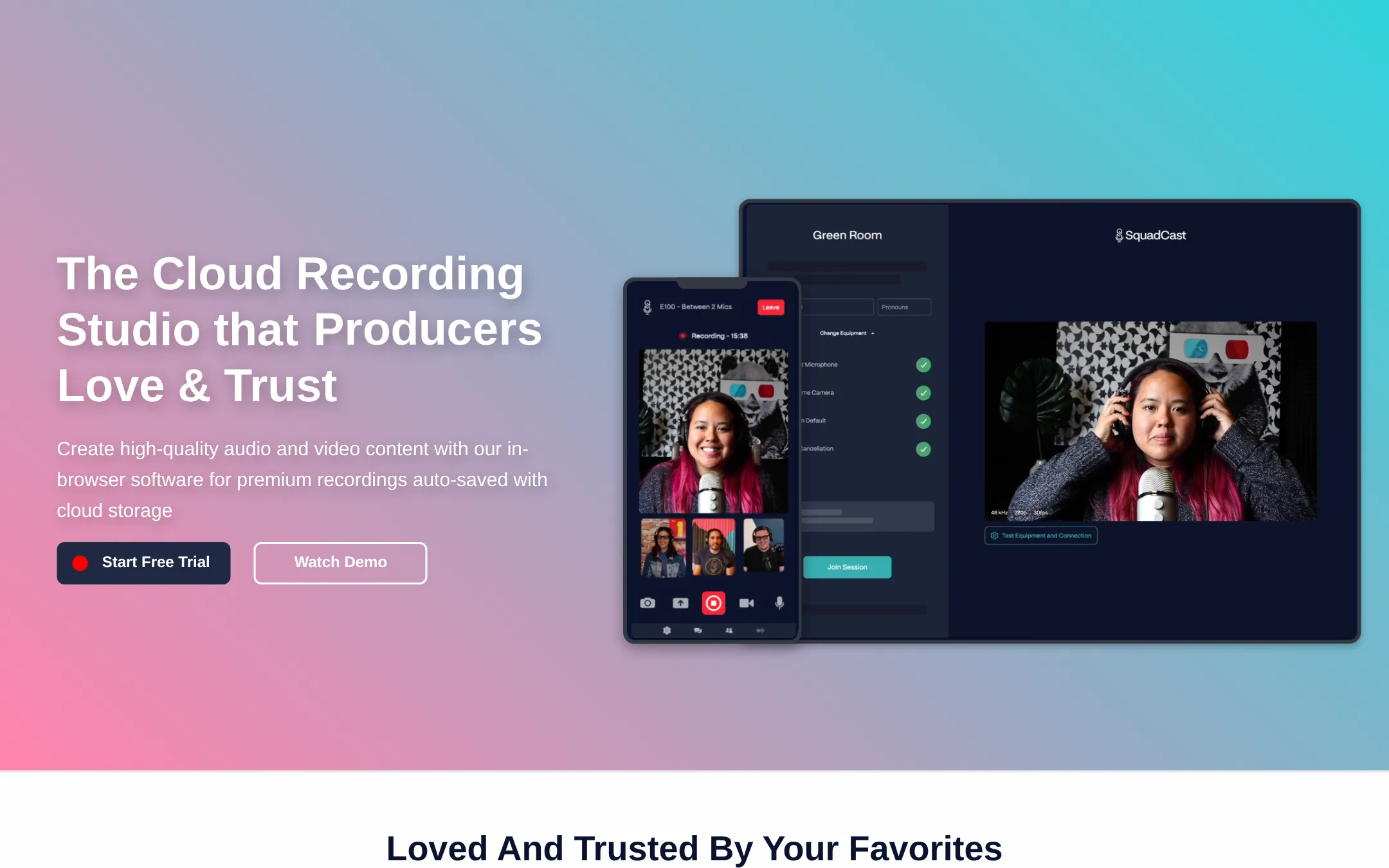
SquadCast is a cloud recording studio focused on reliable, studio-quality remote audio and video capture. Its Progressive Upload technology auto-saves recordings at the source, so you don't lose content even if a guest's connection drops. Choose SquadCast over Riverside if your priority is rock-solid recording reliability and you don't need Riverside's built-in editing, hosting, and live streaming features.
Where it is strong
- Progressive Upload auto-saves recordings at the source, preventing data loss during connectivity issues.
- Separate local audio and video tracks eliminate audio drift and sync problems.
- Integrates with popular editing software and offers API access for custom workflows.
Where it falls short
- No built-in editing, hosting, or live streaming features like Riverside.
- Recording time is capped per plan, with overage charged at $5 per additional hour.
- Pricing:
- Free plan includes 1 recording hour per editor per month. Paid plans start at $16 per person per month (billed annually) for 10 recording hours per editor per month.
- Switching from Riverside:
- Moving from Riverside to SquadCast means you'll need to handle editing and distribution with separate tools, as SquadCast focuses solely on recording.
- PNot published
4.Podcastle
Best for: Creators and small businesses who want to edit videos through AI chat without learning traditional editing tools.
- Pricing
- Not published
- Category
- Other
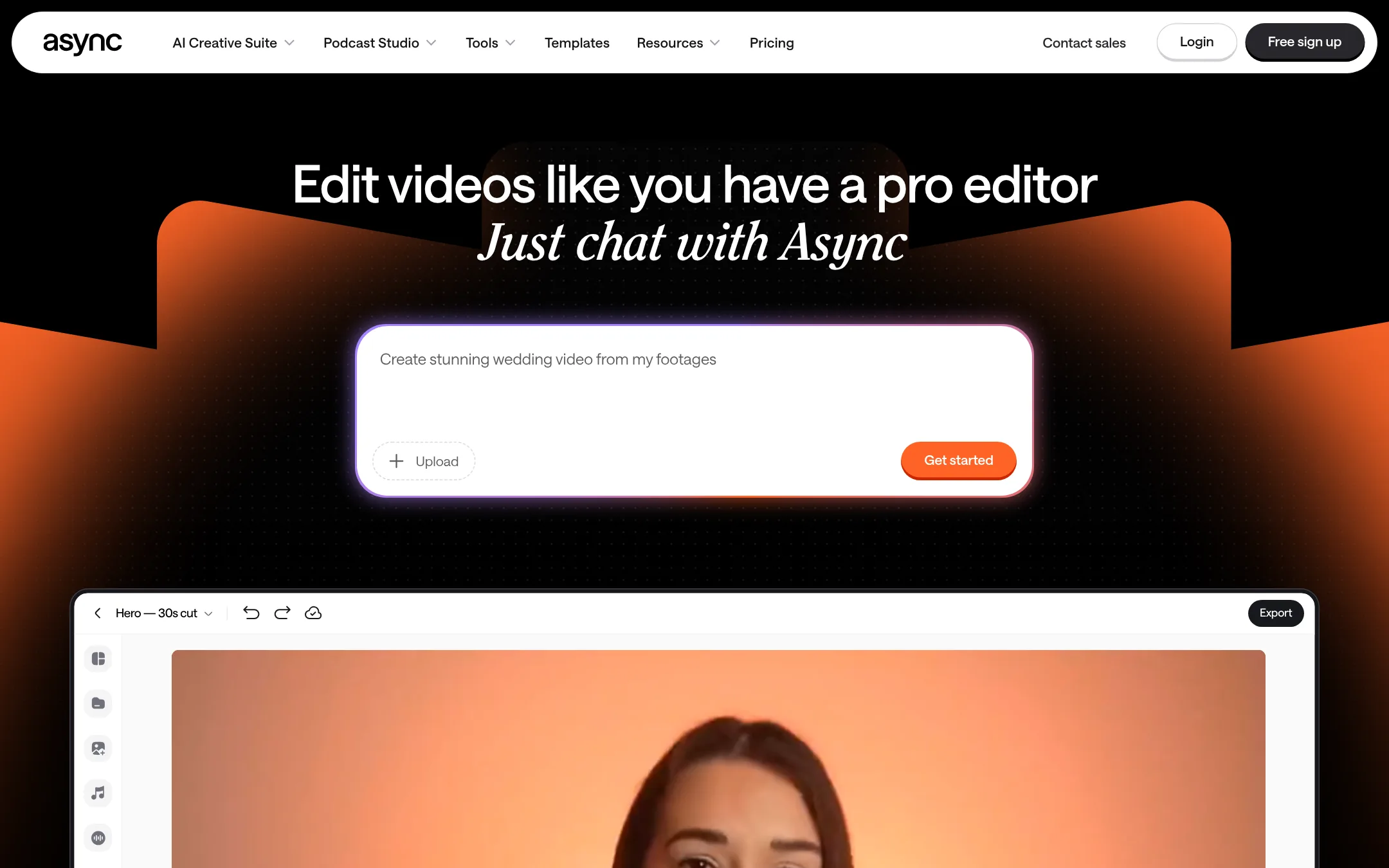
Podcastle is an AI video editor that lets you edit by chatting, removing filler, syncing cuts to music, and generating B-roll or captions. Choose it instead of Riverside when you want a more automated, chat-driven editing workflow rather than manual multi-track editing.
Where it is strong
- Chat-based editing removes filler, pauses, and bad takes automatically.
- Generates B-roll, music, and captions directly in the edit.
- Saves your editing style as a reusable skill.
Where it falls short
- No pricing details available, so cost comparison is unclear.
- Lacks Riverside's built-in podcast hosting and live streaming features.
- Pricing:
- Pricing is not published on the site.
- Switching from Riverside:
- Moving from Riverside means shifting from manual multi-track editing to AI chat-driven editing, and you'll need to handle hosting and distribution separately.
- RFree, custom paid
5.Restream
Best for: Live streamers and teams that need to broadcast to multiple platforms simultaneously and manage cross-platform chat.
- Pricing
- Free, custom paid
- Category
- Other
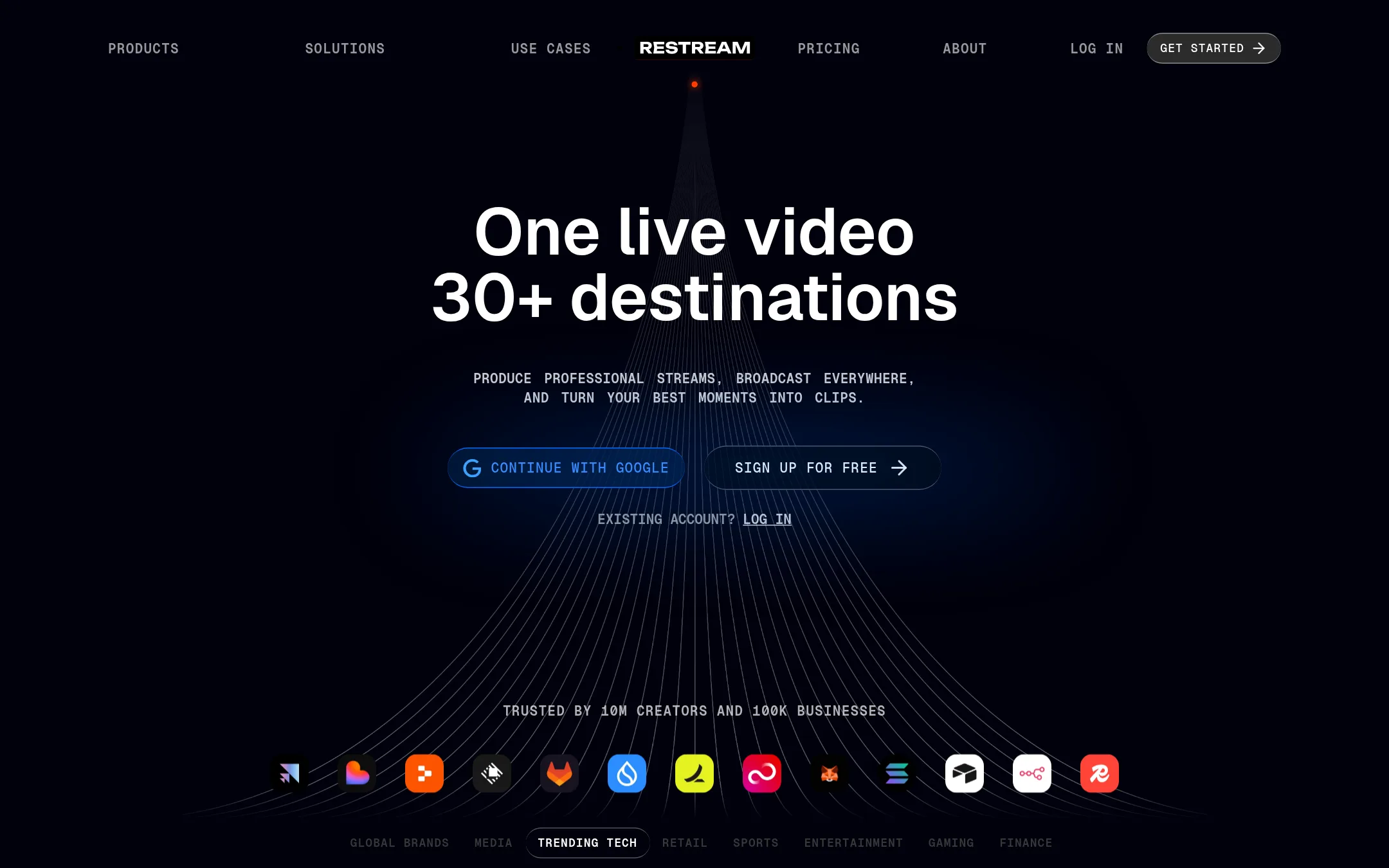
Restream is a live streaming platform focused on broadcasting to multiple destinations at once, with tools for clips, webinars, and guest channels. Choose it over Riverside when your priority is live multistreaming to many platforms, not recording and editing podcast episodes.
Where it is strong
- Multistream to 30+ platforms at once
- Cross-platform chat in one view
- Cloud recordings with transcription
Where it falls short
- No built-in podcast hosting or editing
- Free plan limits to 2 channels and 6 hrs recording
- Pricing:
- Free plan available. Standard at $0/mo (likely a typo, but as shown). Professional and Business plans have custom pricing. Enterprise contact for pricing.
- Switching from Riverside:
- Moving from Riverside means shifting from recording/editing to live streaming. You'd need separate tools for post-production.
- SNot published
6.StreamYard
Best for: Live streamers and podcasters who want to broadcast to multiple platforms simultaneously with minimal setup and no software downloads for guests.
- Pricing
- Not published
- Category
- Other
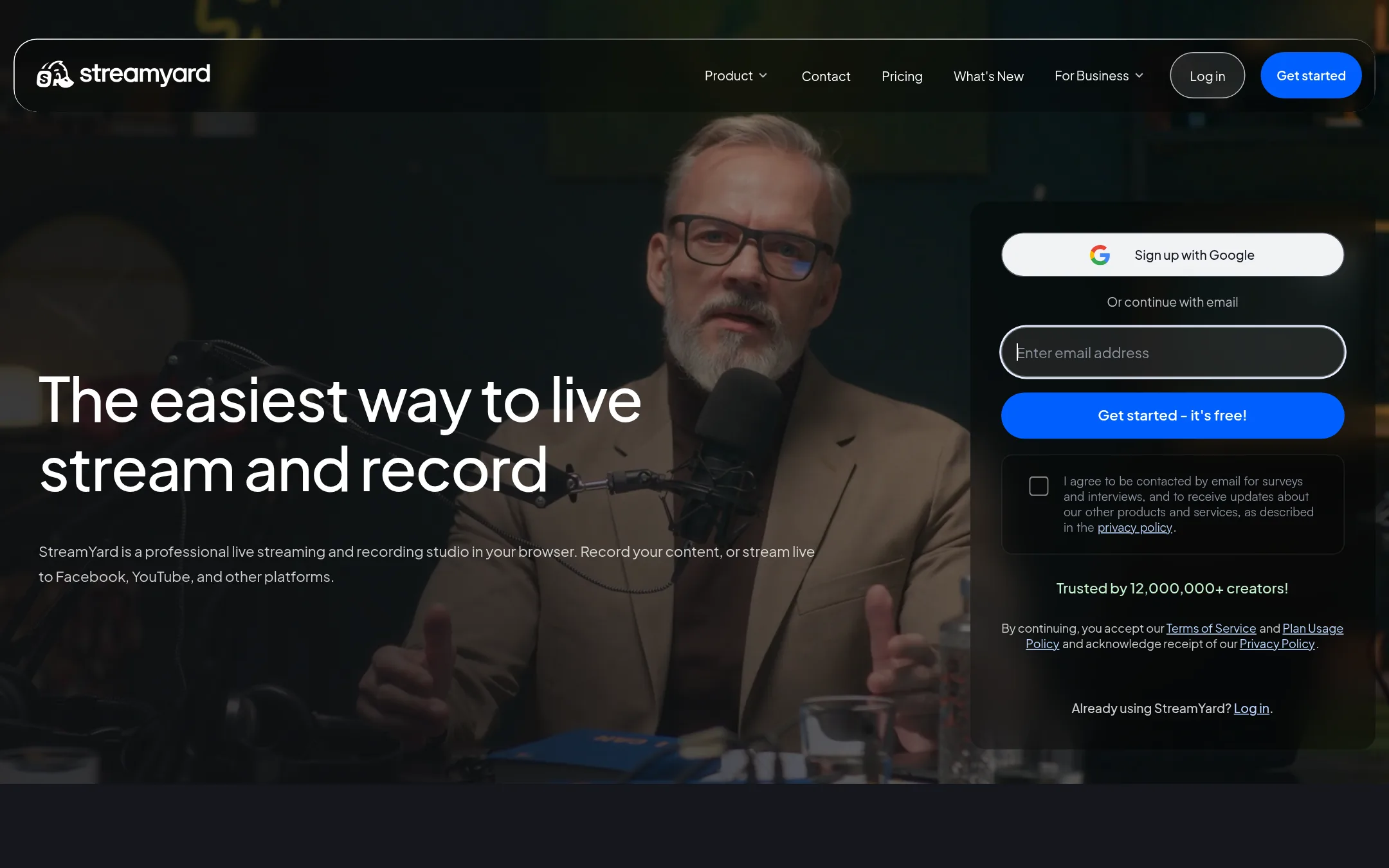
StreamYard is a browser-based live streaming and recording studio that focuses on multistreaming to platforms like Facebook, YouTube, and Instagram. Choose it over Riverside if your priority is live streaming to multiple destinations with easy guest joining, rather than Riverside's deeper editing and AI repurposing tools.
Where it is strong
- Multistream to Facebook, YouTube, Instagram, LinkedIn, X, Twitch, and more at once.
- Local recordings on each participant's device keep quality even with weak internet.
- Guests join from a browser or phone in a few clicks, no downloads needed.
Where it falls short
- Pricing is not transparent on the site. You must sign up to see plans.
- No built-in podcast hosting or advanced editing like Riverside's text-based editor.
- Pricing:
- In the United States, pricing is not clearly published on the page. The site shows a signup prompt and feature details but no specific dollar amounts.
- Switching from Riverside:
- Moving from Riverside to StreamYard means shifting from an editing-first workflow to a live-streaming-first one. You'll need to handle post-production elsewhere.
- Not published
7.Adobe Animate
Best for: Animators and motion designers who need a professional tool for vector-based 2D animation and interactive content.
- Pricing
- Not published
- Category
- Design & Creative
Adobe Animate is a 2D animation tool for creating vector-based interactive animations, cartoons, and motion graphics. Choose it over Riverside when your focus is on producing animated content for web, games, or TV, not on recording live video or podcasts.
Where it is strong
- Industry-standard for 2D animation and vector art
- Supports interactive animations for web and games
- Integrates with other Adobe Creative Cloud apps
Where it falls short
- Steep learning curve for beginners
- Requires a Creative Cloud subscription. No free tier
- Pricing:
- Pricing is not published on the site.
- CFree / $12/mo Pro
8.Cleanfeed
Best for: Podcasters, radio producers, and voice actors who need reliable, high-fidelity remote audio without video features.
- Pricing
- Free / $12/mo Pro
- Category
- Other
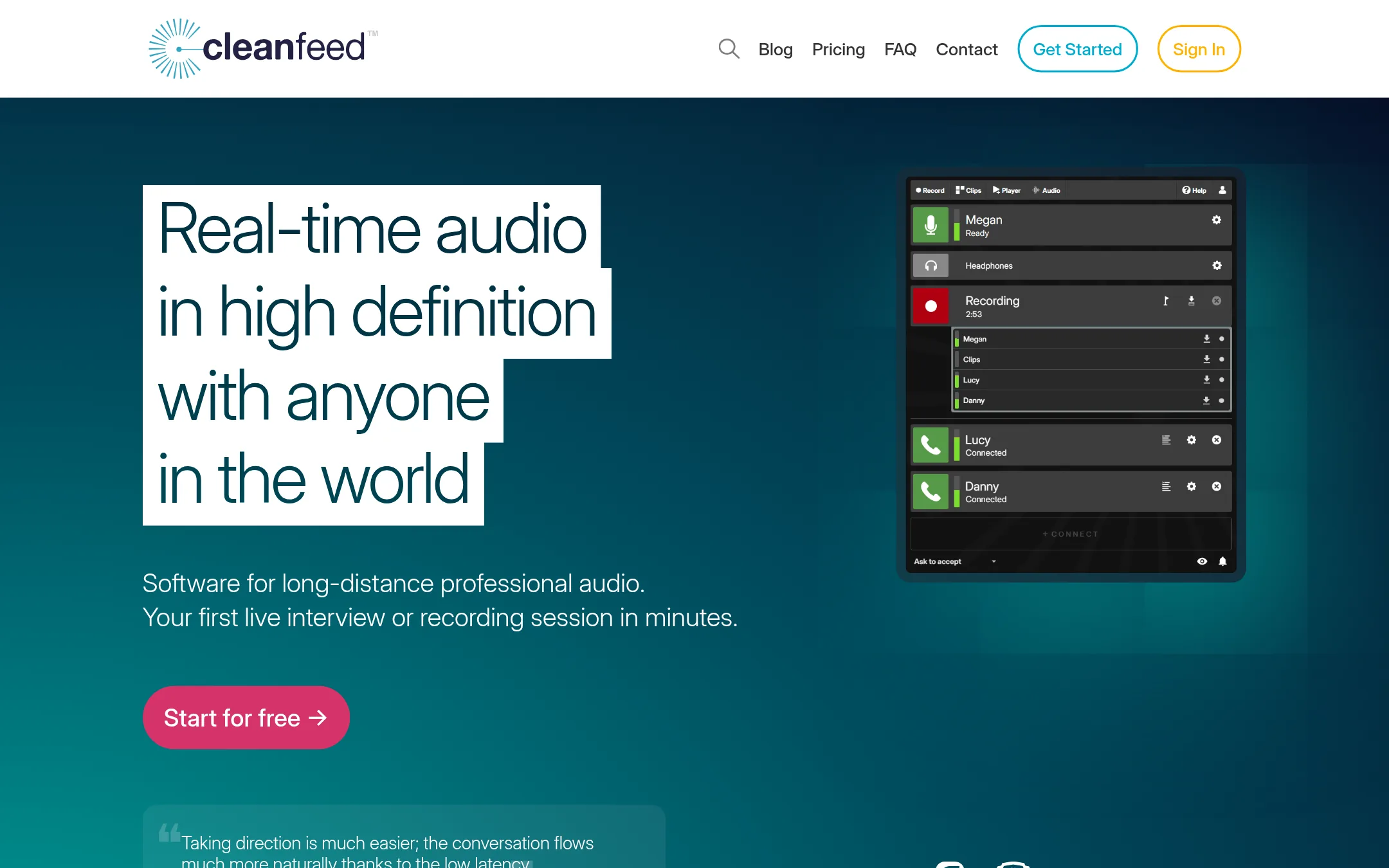
Cleanfeed is a browser-based tool for real-time, studio-quality remote audio recording and live broadcasting. Choose it over Riverside when your priority is pristine audio with low latency for interviews, radio, or voice work, and you don't need video editing or hosting.
Where it is strong
- Low-latency, studio-quality audio for live sessions
- Free tier includes commercial use
- Multitrack recording and auxiliary outputs for professional workflows
Where it falls short
- No video recording or editing features
- Pricing for businesses is higher than individual rate
- Pricing:
- Cleanfeed Lite is free for commercial use. Pro costs $12/month for individuals, $36/month for businesses, or $23/month (£24) for businesses with yearly renewal getting a 20% discount. Cinema is $2,500/year for the first seat.
- Switching from Riverside:
- Moving from Riverside means giving up video recording and editing. You'd use Cleanfeed for audio capture and pair it with separate tools for video and post-production.
- AFree 2h/mo. Paid from
9.Auphonic
Best for: Podcasters and video creators who already have recordings and need automated audio cleanup, loudness normalization, and filler-word removal.
- Pricing
- Free 2h/mo. Paid from
- Category
- Other
Auphonic is an automatic audio post-production service that cleans up, levels, and masters audio files. Choose it instead of Riverside when your main need is fixing poor audio quality from any source, not recording or editing video.
Where it is strong
- Automatically removes noise, reverb, and filler words in multiple languages.
- Processes multitrack recordings with ducking and noise gate.
- Integrates with Zapier, API, and CLI for workflow automation.
Where it falls short
- No recording or video editing capabilities. It only processes existing audio files.
- Free tier adds a jingle to your output, and billing is based on processed audio duration.
- Pricing:
- Free for 2 hours of audio per month. Paid plans start with 9 hours per month for recurring credits, and one-time credits start at 5 hours.
- Switching from Riverside:
- Moving from Riverside means exporting your audio tracks and uploading them to Auphonic for post-production, since Auphonic does not record or host content.
- HNot published
10.Headliner
Best for: Podcasters and content teams that primarily need to turn existing recordings into social clips and captions

- Pricing
- Not published
- Category
- Other
Headliner is a tool for turning audio and video into shareable clips and promotional assets. If your main need is repurposing recorded content into social media posts, Headliner might be a lighter-weight option than Riverside's full recording and editing suite. Choose it when you already have recordings and just need quick clip generation.
Where it is strong
- Focuses on clip creation and social sharing
- Likely simpler for repurposing tasks
- Can be a cheaper alternative if you only need clips
Where it falls short
- Site is currently unreachable, so features are unverified
- May lack Riverside's recording and live streaming capabilities
- Pricing:
- Pricing is not published on the site.
- Not published
11.Spokn
Best for: Internal comms and HR teams that need to produce authentic, branded employee videos without editing experience.
- Pricing
- Not published
- Category
- Communication & Collaboration
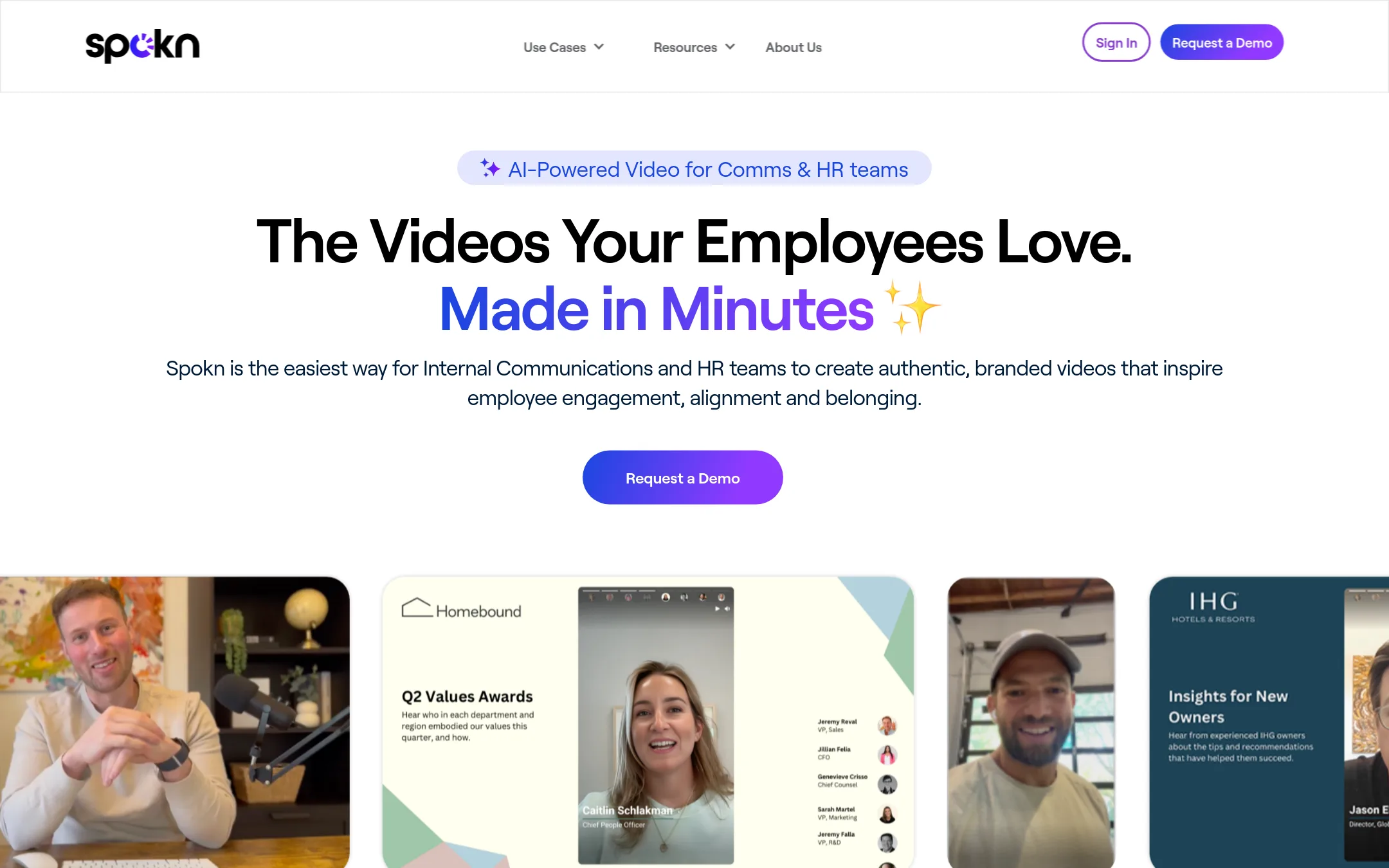
Spokn is an AI-powered video platform built specifically for internal communications and HR teams to create short, branded employee videos quickly. Choose it over Riverside when your focus is on internal engagement, onboarding, recognition, and DEI content rather than podcasting or external media production.
Where it is strong
- Designed for internal comms and HR use cases like onboarding, recognition, and DEI
- Easy video collection from employees with built-in approvals
- Branding tools to keep videos on-message without design skills
Where it falls short
- No podcast hosting or live streaming features like Riverside
- Pricing is not transparent on the website
- Pricing:
- Pricing is not published on the site.
- From $15/mo (annual)
12.Biteable
Best for: Marketing and training teams that need to produce short, branded videos quickly without a production crew.
- Pricing
- From $15/mo (annual)
- Category
- Media & Entertainment
Biteable is an AI-powered online video maker focused on quick, template-based videos for marketing, training, and internal comms. Choose it over Riverside if you need fast, affordable videos with AI avatars and voiceovers, not studio-quality podcast or webinar recording.
Where it is strong
- AI avatars and text-to-speech in 50+ voices
- Unlimited HD exports on Pro
- Collaborative editing and video hosting included
Where it falls short
- No live streaming or webinar features
- Limited to 20-minute videos on Premium
- Pricing:
- Pro is $15 per month billed yearly ($180/year), Premium is $49 per month billed yearly ($588/year), and Business starts at $29 per month billed monthly.
- Switching from Riverside:
- Moving from Riverside means shifting from recording and editing long-form content to template-based short videos, so you'd need to recreate your workflow for quick social clips rather than full episodes.
See more comparisons in Media & Entertainment alternatives.
FAQ
Questions about Riverside alternatives
Which alternative is best for editing podcasts by text?
Descript is the strongest choice for text-based editing, letting you edit video by editing the transcript. It includes AI tools like filler word removal and clip creation, and has a free plan. Riverside also offers text-based editing, but Descript is better if you need to edit existing footage from other sources.
What is the cheapest option for podcast recording?
Zencastr offers a free plan with unlimited recording and hosting, making it the most cost-effective for basic podcasting. Cleanfeed's Lite tier is also free for commercial use, but it only handles audio, not video. Riverside's free plan includes 2 hours of multi-track recording but adds a watermark.
Which tool is best for live streaming to multiple platforms?
Restream and StreamYard both specialize in multistreaming to many platforms at once. Restream supports 30+ platforms and has a free plan, while StreamYard offers browser-based streaming with no downloads for guests. Riverside's Grow plan includes multistreaming, but these alternatives focus more on live broadcasting than editing.
Are there alternatives with transparent pricing?
Descript, Biteable, SquadCast, and Cleanfeed publish clear pricing on their sites. Descript starts at $16 per month, Biteable at $15 per month, SquadCast at $16 per month, and Cleanfeed's Pro is $12 per month for individuals. In contrast, Spokn, Zencastr, Podcastle, and StreamYard do not list prices publicly.
Which alternative is best for internal communications videos?
Spokn is designed specifically for internal comms and HR teams, with features for employee video collection, approvals, and branding. It suits onboarding, recognition, and DEI content. Biteable is also good for quick, branded videos with AI avatars, but it lacks Spokn's internal comms focus.
Last updated October 31, 2026.