
Sapling.ai alternatives
7 products compared · Updated November 5, 2026
The short answer
The three strongest alternatives to Sapling.ai are Grammarly Business, TextExpander and GPTZero. Grammarly Business suits companies with non-technical staff who need writing help across email, docs and browsers under central admin controls. TextExpander suits customer support, healthcare and recruiting teams that send the same messages repeatedly and need shared snippets. GPTZero suits teachers, schools and hiring teams that need to check whether submitted writing is human-written.
Your shortlist, at a glance
Read the comparisons ↓- GGrammarly BusinessCustom quoteCompanies with non-technical staff who need writing help in email, docs and browsers, with central admin controls
- PProWritingAidFrom $0 (Free tier)Fiction writers and authors working on a manuscript who want story-level feedback and writing habit support
- LLanguageToolNot publishedWriters and teams who need grammar and style checking across several languages in browsers, Word and Google Docs
- QQuillBotNot publishedStudents and individual writers who want paraphrasing and grammar help in their documents
- GGPTZeroPer seat, custom quoteTeachers, schools and hiring teams that need to check whether submitted writing is human-written
- OOriginality.aiFrom $12.95/mo (yearlyPublishers, agencies and schools that need to check articles or student work for AI-generated text and plagiarism.
- TTextExpanderNot publishedCustomer support, healthcare, and recruiting teams that send the same messages repeatedly and need shared, consistent snippets
About Sapling.ai and its alternatives
Sapling.ai is a language model toolkit for enterprise applications. According to its site, it offers an API and SDK along with turnkey integrations for grammar and spell checking, autocomplete, AI detection, paraphrasing and sentiment analysis. It is known for connecting these tools to CRM and messaging platforms such as Salesforce, Zendesk and ServiceNow, and for its private cloud security and self-hosting options.
When comparing alternatives in this category, weigh how each product is priced, including whether plans are per seat, per character or metered by usage, and whether enterprise pricing is published. Check which regions and languages each tool supports, which integrations it connects to, what level of support comes with each plan, and what the contract terms require. Decide whether you need a finished tool your staff use directly or a developer API you build into your own software.
Explore the alternatives
- GCustom quote
1.Grammarly Business
Best for: Companies with non-technical staff who need writing help in email, docs and browsers, with central admin controls
- Pricing
- Custom quote
- Category
- Other
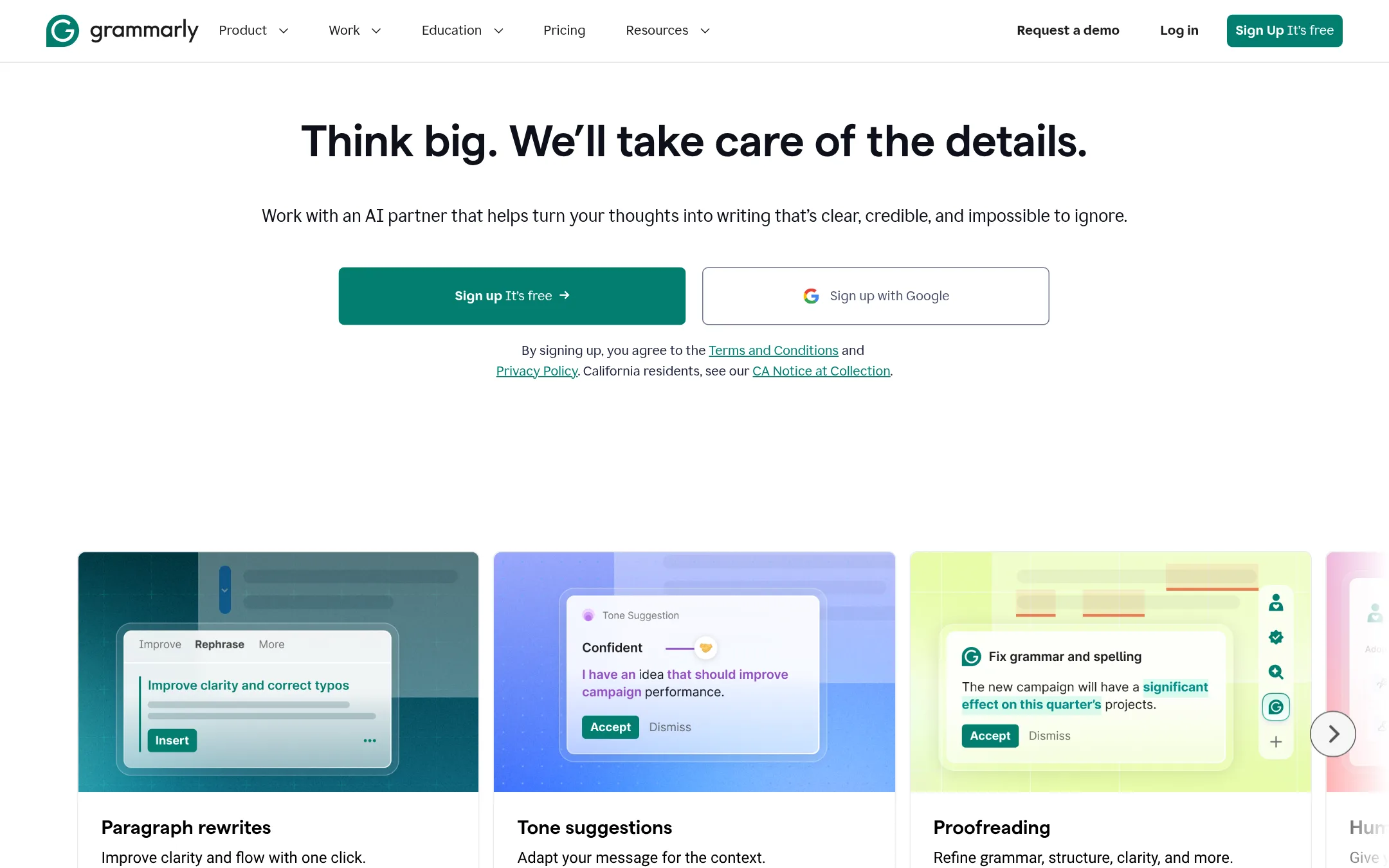
Grammarly Business is a writing assistant that runs across apps and browsers, covering grammar, tone, rewrites and AI text detection. Teams pick it over Sapling.ai when they want a writing tool their staff use in every app and tab, with admin controls, rather than an API they build into their own product.
Where it is strong
- Works across apps and tabs, so staff do not need a separate tool
- Includes tone adjustment and full-sentence rewrites alongside grammar checks
- Offers admin features such as SAML single sign-on, SCIM and data loss prevention
Where it falls short
- It is a finished end-user product, so it is not a developer API for embedding language checks in your own software
- Enterprise pricing is not published, so budgeting takes a sales conversation
- Pricing:
- Pricing is not published for the Business plan on the pricing text, which lists Enterprise without a figure, while Pro is $12 with 2,000 AI prompts per member per month and Enterprise is custom.
- PFrom $0 (Free tier)
2.ProWritingAid
Best for: Fiction writers and authors working on a manuscript who want story-level feedback and writing habit support
- Pricing
- From $0 (Free tier)
- Category
- Other
ProWritingAid is a writing toolkit for novelists and storytellers, covering planning, drafting habits, story critique, line editing and publishing guidance. Someone would pick it over Sapling.ai if they are writing a book or long-form fiction and want craft feedback, not enterprise messaging or API tooling.
Where it is strong
- Chapter Critique and Story Canvas feedback aimed at fiction craft rather than generic grammar
- Works inside common writing apps, so you do not have to move your manuscript
- Free tier includes grammar, spelling, punctuation and a thesaurus with no card needed
Where it falls short
- Built for storytellers, so it lacks the enterprise integrations, API and AI detection that Sapling.ai offers
- Free tier limits line editing runs, rephrases and daily prompts, and deeper manuscript analysis needs paid Story Credits
- Pricing:
- The site lists a Free plan, a Premium plan at $30.00 and a Premium Pro plan at $36.00, with prices shown without a stated billing period in the extracted text, and the page also mentions a save-67% annual option and Story Credits add-ons.
- LNot published
3.LanguageTool
Best for: Writers and teams who need grammar and style checking across several languages in browsers, Word and Google Docs
- Pricing
- Not published
- Category
- Other
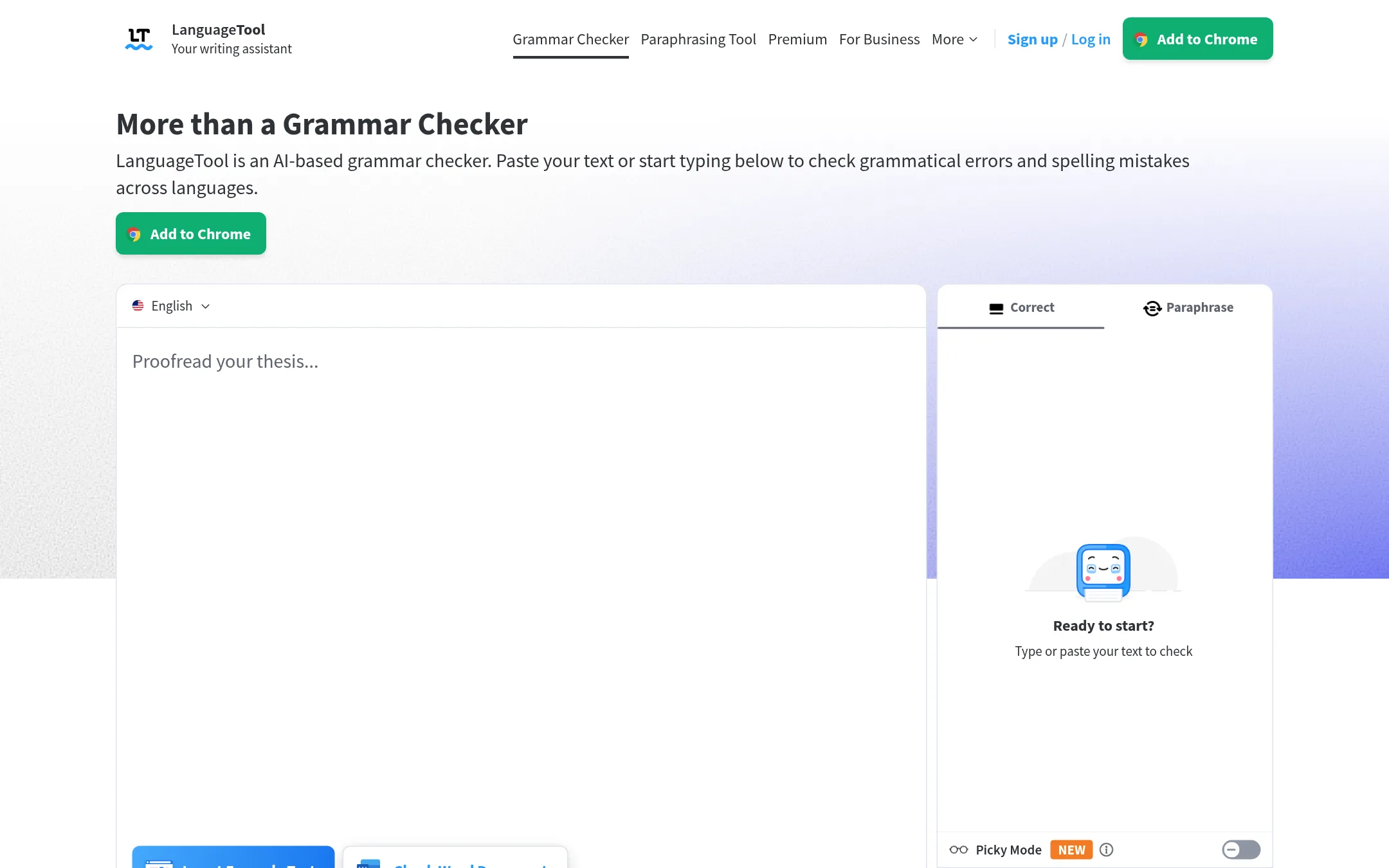
LanguageTool is a grammar, spelling and style checker that works in over 30 languages. Someone would pick it over Sapling.ai when the main need is proofreading in many languages, or when they want a browser add-on, desktop app or Word and Google Docs add-in for writing, rather than an API for enterprise messaging tools.
Where it is strong
- Supports over 30 languages, including English, German, French, Spanish, Dutch and Portuguese
- Browser add-ons and apps for Windows and macOS, plus Word and Google Docs add-ins
- Free basic tier that corrects spelling and simple punctuation and style errors
Where it falls short
- The free version does not show all errors, so the full checks need Premium
- Its focus is writing correction, so it does not offer an API for AI detection or autocomplete in CRM and messaging platforms
- Pricing:
- Pricing is not published on the site.
- QNot published
4.QuillBot
Best for: Students and individual writers who want paraphrasing and grammar help in their documents
- Pricing
- Not published
- Category
- Other
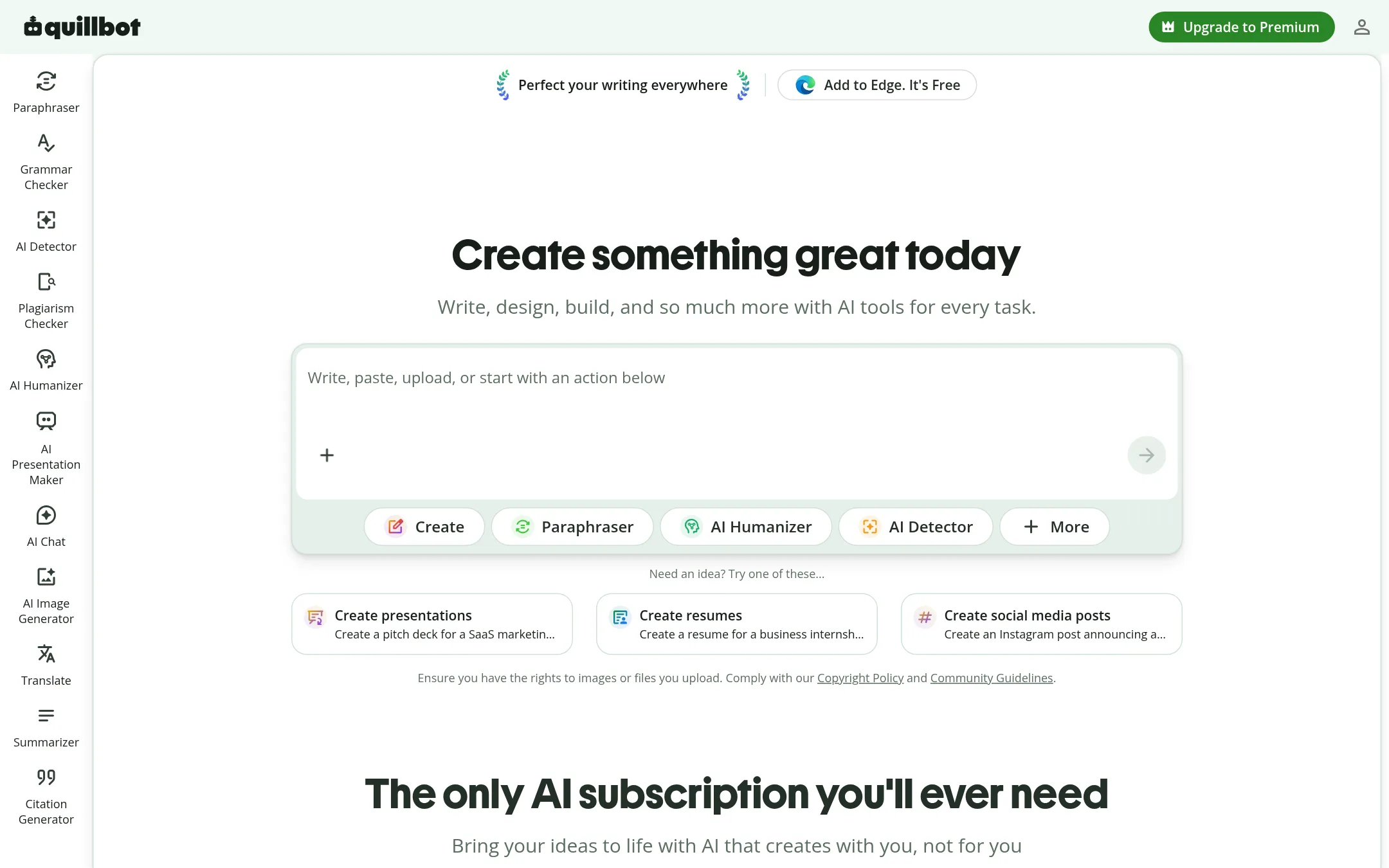
QuillBot is a writing assistant built around paraphrasing, grammar checks and summarizing, aimed at students and general writers. Someone would pick it over Sapling.ai if they mainly want a consumer writing tool for documents and essays rather than an API or enterprise messaging integrations.
Where it is strong
- Strong paraphrasing and rewriting for individual writing tasks
- Works as a standalone web tool without developer setup
- Grammar and style checks sit alongside rephrasing in one place
Where it falls short
- Little indication of an API or SDK for building it into your own product
- Enterprise messaging and CRM integrations are not described on the site
- Pricing:
- Pricing is not published on the site.
- GPer seat, custom quote
5.GPTZero
Best for: Teachers, schools and hiring teams that need to check whether submitted writing is human-written
- Pricing
- Per seat, custom quote
- Category
- Other
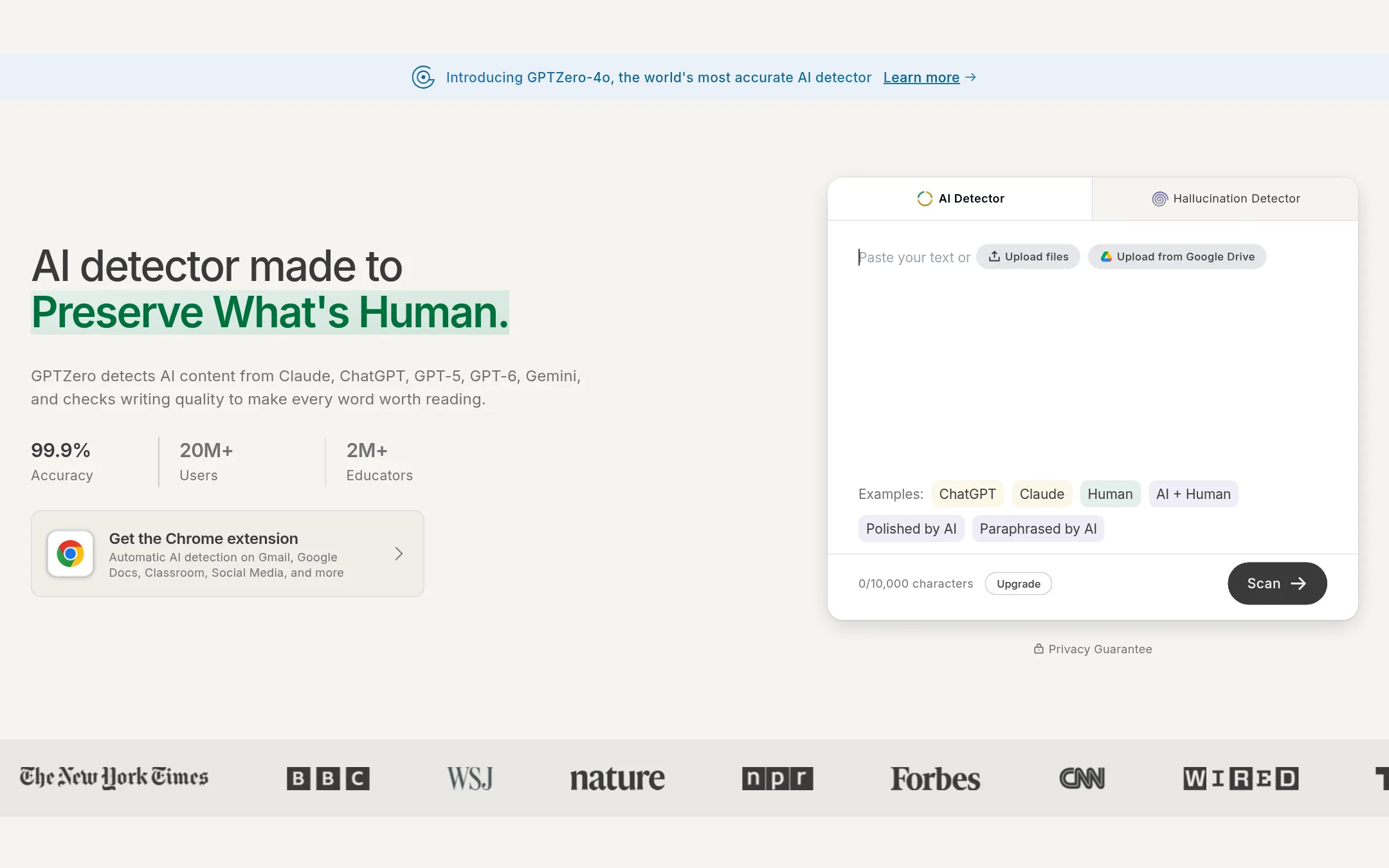
GPTZero is an AI text detector that scores documents for AI-generated content, sentence by sentence, and adds writing process replay and plagiarism checks. Someone would pick it over Sapling.ai when their main need is detecting AI writing in essays, applications or client work, rather than grammar help or autocomplete for messaging tools.
Where it is strong
- Detects AI text from major models including ChatGPT, Gemini, Claude and Llama, with per-sentence highlighting
- Video replay of the writing process in Google Docs shows copy and paste activity and typing patterns
- Includes a plagiarism checker and integrations with Canvas and Google Classroom
Where it falls short
- Focused on AI detection and plagiarism, so it lacks Sapling.ai's autocomplete and messaging-tool suggestions
- Team plan is card-only unless you contact sales for invoicing or purchase orders
- Pricing:
- Pricing is not published on the site for individual plans, but a Professional Team Plan is offered per seat with shared credits of 500,000 words per member per month, paid by card, with invoicing and purchase orders available through sales.
- OFrom $12.95/mo (yearly
6.Originality.ai
Best for: Publishers, agencies and schools that need to check articles or student work for AI-generated text and plagiarism.
- Pricing
- From $12.95/mo (yearly
- Category
- Other
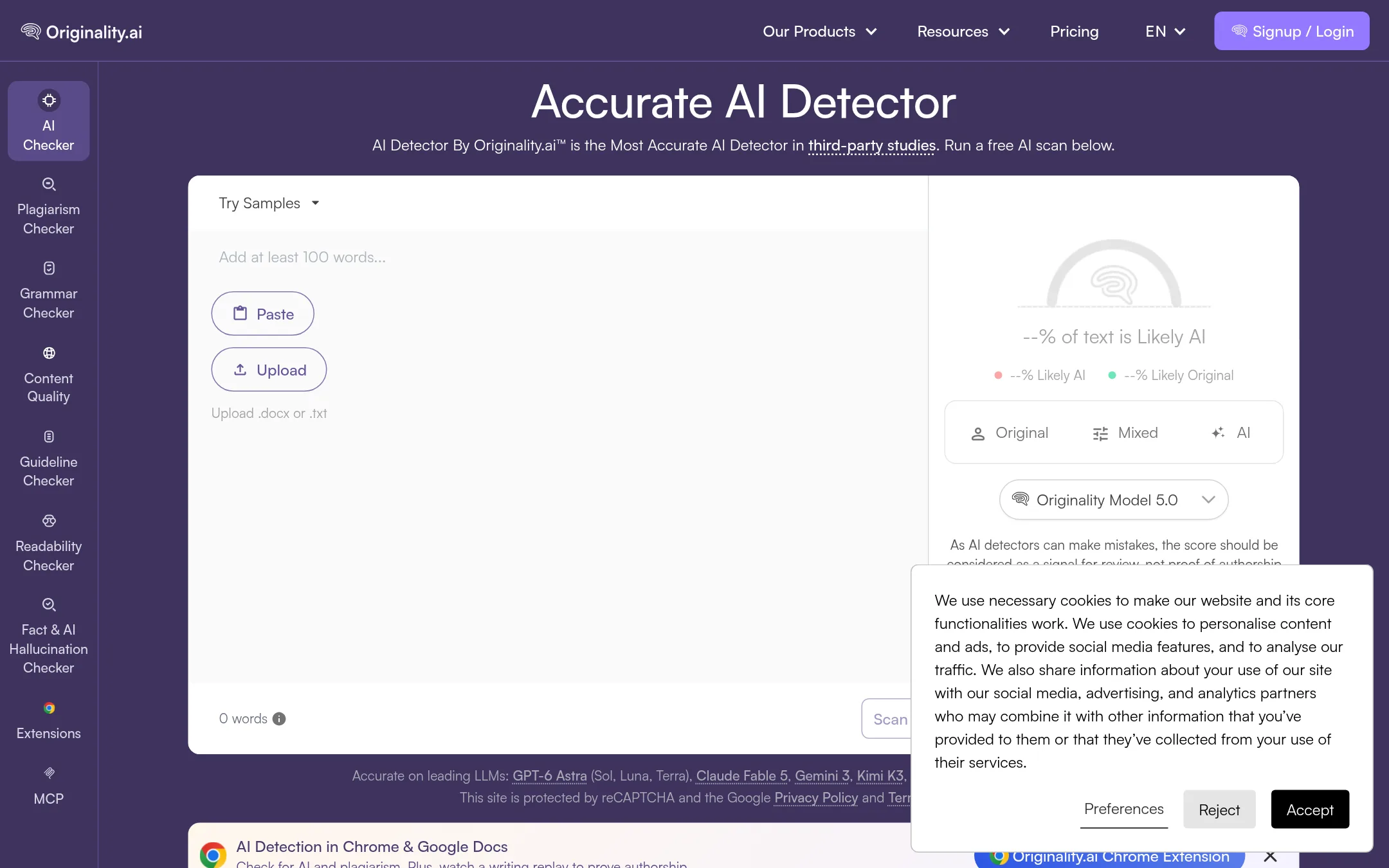
Originality.ai is an AI detector and plagiarism checker aimed at writers, editors, teachers and publishers, with a Chrome extension, Google Docs checks and a writing replay. Someone would pick it over Sapling.ai when the main job is verifying that text is human-written or original rather than improving grammar and autocomplete inside business tools.
Where it is strong
- Built specifically for AI detection with sentence-level highlights and a shareable PDF report
- Chrome extension and Google Docs checks show a writing replay to prove authorship
- Plagiarism checks, readability scoring and a fact checker are included in the same account
Where it falls short
- Its focus is detection and content checks, so it lacks Sapling.ai's autocomplete and CRM or messaging integrations
- The free plan is limited to 10K words one time
- Pricing:
- Pricing is listed in USD: Free with 10K words one time, Pro at $14.95/month or $12.95/month billed yearly for 200K words per month, and Enterprise at $179/month or $136.58/month billed yearly for 1.5M words per month.
- TNot published
7.TextExpander
Best for: Customer support, healthcare, and recruiting teams that send the same messages repeatedly and need shared, consistent snippets
- Pricing
- Not published
- Category
- Other
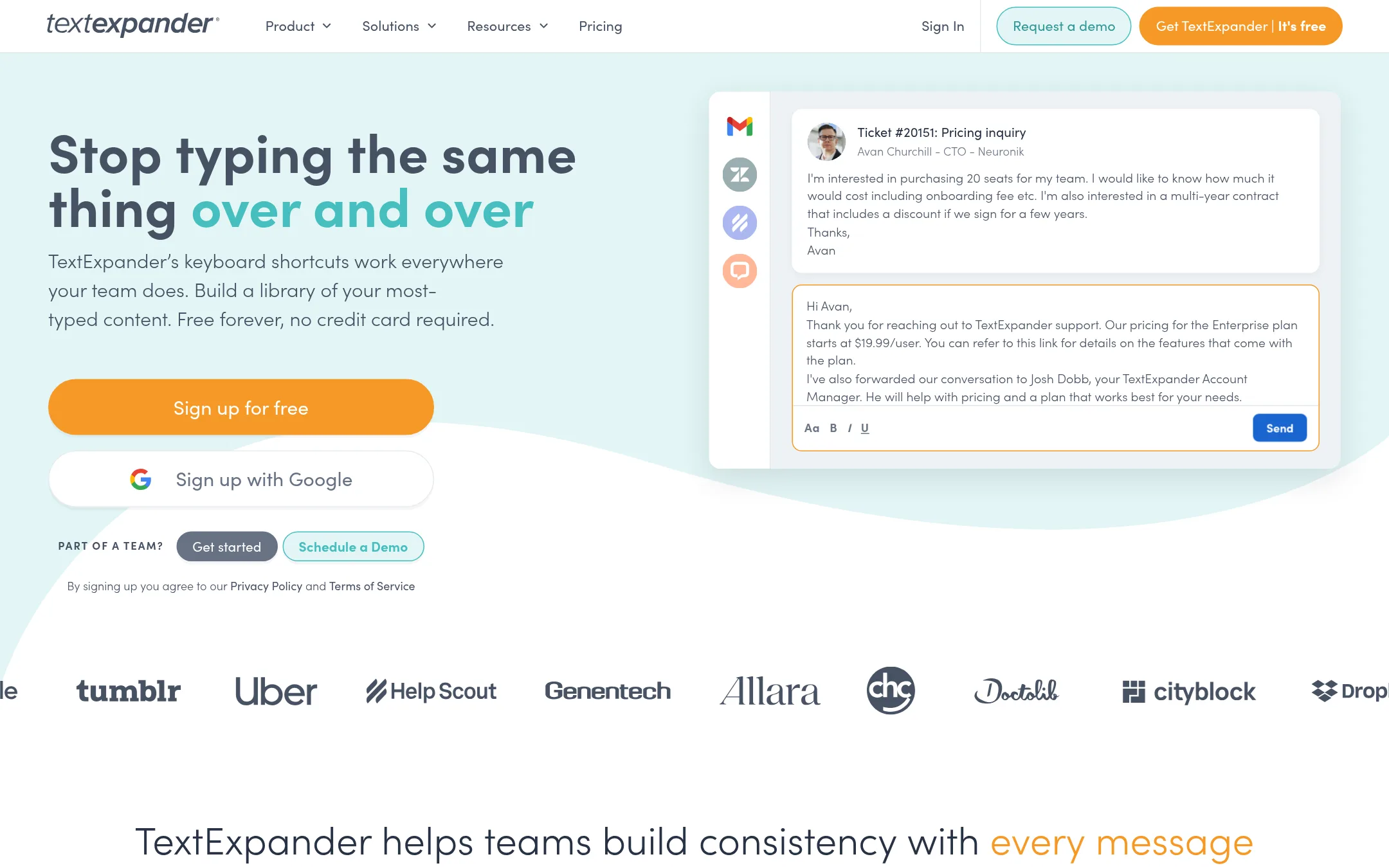
TextExpander is a text replacement tool that expands short keyboard shortcuts into saved snippets, emails, or templates across apps and devices. Someone would choose it over Sapling.ai when the goal is standardizing repetitive messages across a team rather than improving grammar or detecting AI-written text.
Where it is strong
- Snippets work in almost any app or text box on any device.
- Teams can share a central snippet library so messaging stays consistent.
- Fill-in fields let one snippet adapt to each customer or candidate.
Where it falls short
- It does not offer grammar checking, AI detection, or sentiment analysis, which Sapling.ai provides.
- It has no developer API for building language features into your own software.
- Pricing:
- Pricing is not published on the site.
See more comparisons in AI & Machine Learning alternatives.
FAQ
Questions about Sapling.ai alternatives
What is Sapling.ai best known for?
According to its site, Sapling.ai is a language model toolkit for enterprise applications. It is known for grammar checking, autocomplete, AI detection and paraphrasing delivered through an API, SDK and integrations with CRM and messaging platforms.
Which alternative is best if my staff need writing help in every app?
Grammarly Business is the closest fit for that need. It runs across apps and browsers and covers grammar, tone and rewrites, with admin features such as SAML single sign-on and SCIM. Its Enterprise pricing is not published, so budgeting takes a sales conversation.
Is there an alternative if I need a developer API for AI detection?
GPTZero and Originality.ai focus on AI detection, but neither entry describes a developer API for building detection into your own software, so check their documentation before committing. Sapling.ai's API and per-sentence detection are the reason many teams choose it for that purpose.
Which alternatives support multiple languages?
LanguageTool supports over 30 languages, including English, German, French, Spanish, Dutch and Portuguese, and works in browsers, desktop apps and Word and Google Docs. The other entries do not state multilingual support on their sites.
What should I check before choosing between these tools?
Compare whether each tool is a finished product for staff or an API for your own software, and confirm which integrations and admin controls you need. Also look at whether pricing is published, since several alternatives, including Sapling.ai's Custom tier and Grammarly's Enterprise plan, require a quote.
Last updated November 5, 2026.