
SavvyCal alternatives
12 products compared · Updated October 31, 2026
The short answer
The strongest SavvyCal alternatives are Calendly for teams that want a widely adopted tool with AI meeting notes, Acuity Scheduling for service businesses that need payments and client management, and Cal.com for development teams that want an open-source, customizable scheduling engine. Calendly suits teams prioritizing AI features, Acuity suits revenue-driven service businesses, and Cal.com suits developers needing API control.
Your shortlist, at a glance
Read the comparisons ↓ CalendlyNot publishedTeams that want a widely adopted scheduling tool with built-in AI meeting notes and follow-up workflows.
- CCal.comFree / custom quoteDevelopment teams and SaaS companies that need a customizable scheduling engine with API and embeddable components.
- ZZcalerSee websiteOther
- YYouCanBook.meFree plan. Paid TBDSmall businesses and solopreneurs who want a branded booking page with payments, group sessions, and Zapier integrations.
- DDoodleNot publishedTeams that frequently coordinate meetings with large groups or external participants who need to vote on times.
- AAcuity SchedulingNot publishedService businesses like salons, fitness studios, and consultants that need payments, packages, and client management alongside booking.
- SSimplyBook.meFrom €0/moService-based businesses like salons, clinics, and rental companies that need a full booking system with payments and multi-location management.
- SSetmoreFree / $5 user/moSmall service businesses that want a free booking page with payments and reminders.
- AAppointmentCoreFrom $10/user/moSales and growth teams that need CRM-driven routing and automated follow-ups across departments.
 HubSpot CRMFrom $20/mo/seatGrowing teams that want a single CRM to handle marketing, sales pipelines, and customer support alongside their scheduling needs.
 FramerFrom $10/moTeams that want to design and launch a professional website without writing code, with built-in CMS and SEO.
- CCalendeskNot publishedService professionals in therapy, law, education, and fitness who want scheduling plus automated billing and subscriptions.
About SavvyCal and its alternatives
SavvyCal is a scheduling tool for sharing booking links. It is known for letting invitees overlay their own calendar on your link to find a time, plus flexible controls like buffers, limits, and preferred times. Pricing starts at $10 per user per month, with a 30-day money-back guarantee.
When comparing alternatives, weigh pricing structure (per user vs. per booking volume), regional availability, integrations with your existing tools, support options, and contract terms like free trials or annual billing. Some tools focus on one-on-one meetings, while others handle group polls or service business bookings.
Explore the alternatives
- Not published
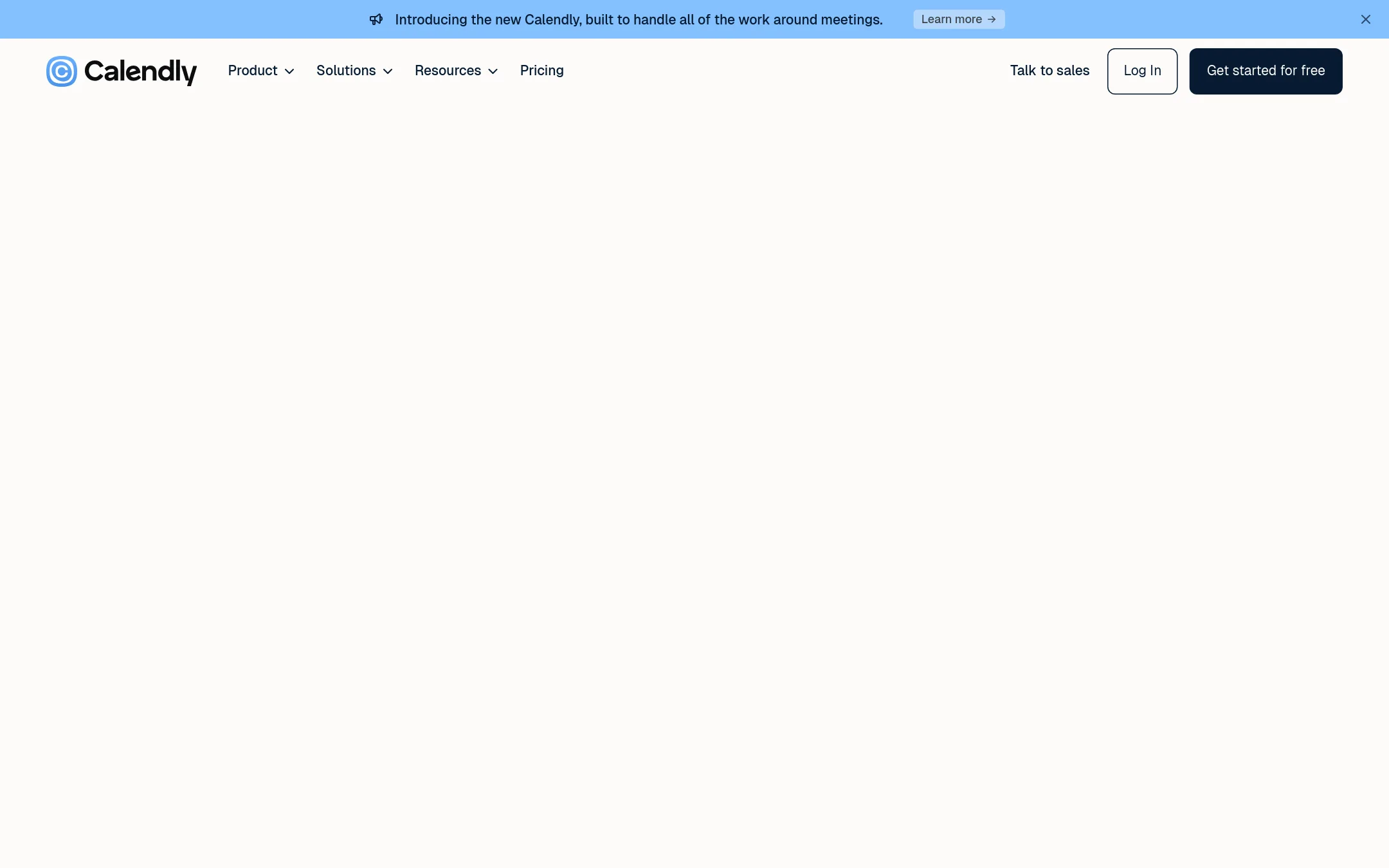
1.Calendly
Best for: Teams that want a widely adopted scheduling tool with built-in AI meeting notes and follow-up workflows.
- Pricing
- Not published
- Category
- Productivity & Project Management
Calendly is a broad scheduling platform that also handles meeting prep, notes, and follow-ups, not just booking links. Choose it over SavvyCal if you want a single tool for the entire meeting lifecycle, including AI assistants and payment features, and you don't need SavvyCal's invitee calendar overlay.
Where it is strong
- AI assistant (Callie) schedules over email without switching tools
- Built-in notetaker provides recaps and action items after meetings
- 150+ integrations, including Salesforce and Marketo on higher tiers
Where it falls short
- No invitee calendar overlay to compare availability directly
- AI features (Notetaker, Callie) are only in English and may require higher plans
- Pricing:
- Pricing is not published on the site. The page lists features per plan but no dollar amounts.
- Switching from SavvyCal:
- Moving from SavvyCal means giving up the overlay feature and adapting to Calendly's event types and workflows, but your calendar connections and booking links will transfer conceptually.
- CFree / custom quote
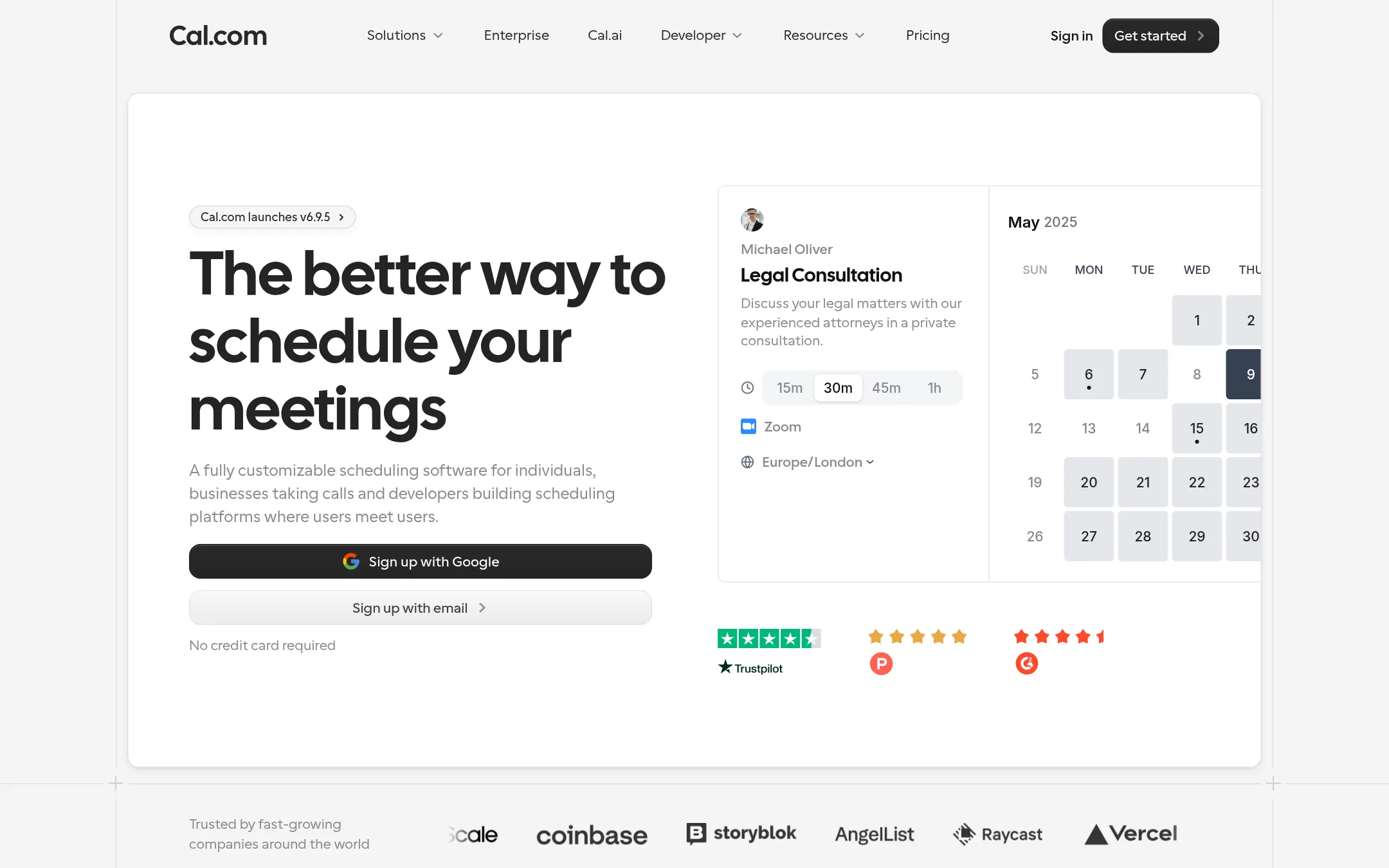
2.Cal.com
Best for: Development teams and SaaS companies that need a customizable scheduling engine with API and embeddable components.
- Pricing
- Free / custom quote
- Category
- Other
Cal.com is an open-source scheduling platform that gives developers and teams deep customization options, including API access, webhooks, and embeddable components. Choose it over SavvyCal if you need to build scheduling directly into your product or want full control over the booking flow.
Where it is strong
- Open-source with extensive developer tools (API, webhooks, embeddable components).
- Free plan includes unlimited event types and calendars for individuals.
- Integrates with 100+ apps and supports Stripe/PayPal payments on the free tier.
Where it falls short
- Pricing for team plans is not transparent. Requires contacting sales.
- May lack SavvyCal's guest calendar overlay feature for invitees.
- Pricing:
- Free plan for individuals with unlimited event types and calendars. Paid team plans start at an unspecified price. Contact sales for details.
- Switching from SavvyCal:
- Switching from SavvyCal is straightforward: Cal.com offers a 1-click import of Calendly events, but you'll need to manually recreate any custom availability rules and branding.
- ZSee website
3.Zcaler
Other
Free scheduling tool with a simple interface and unlimited bookings.
- YFree plan. Paid TBD
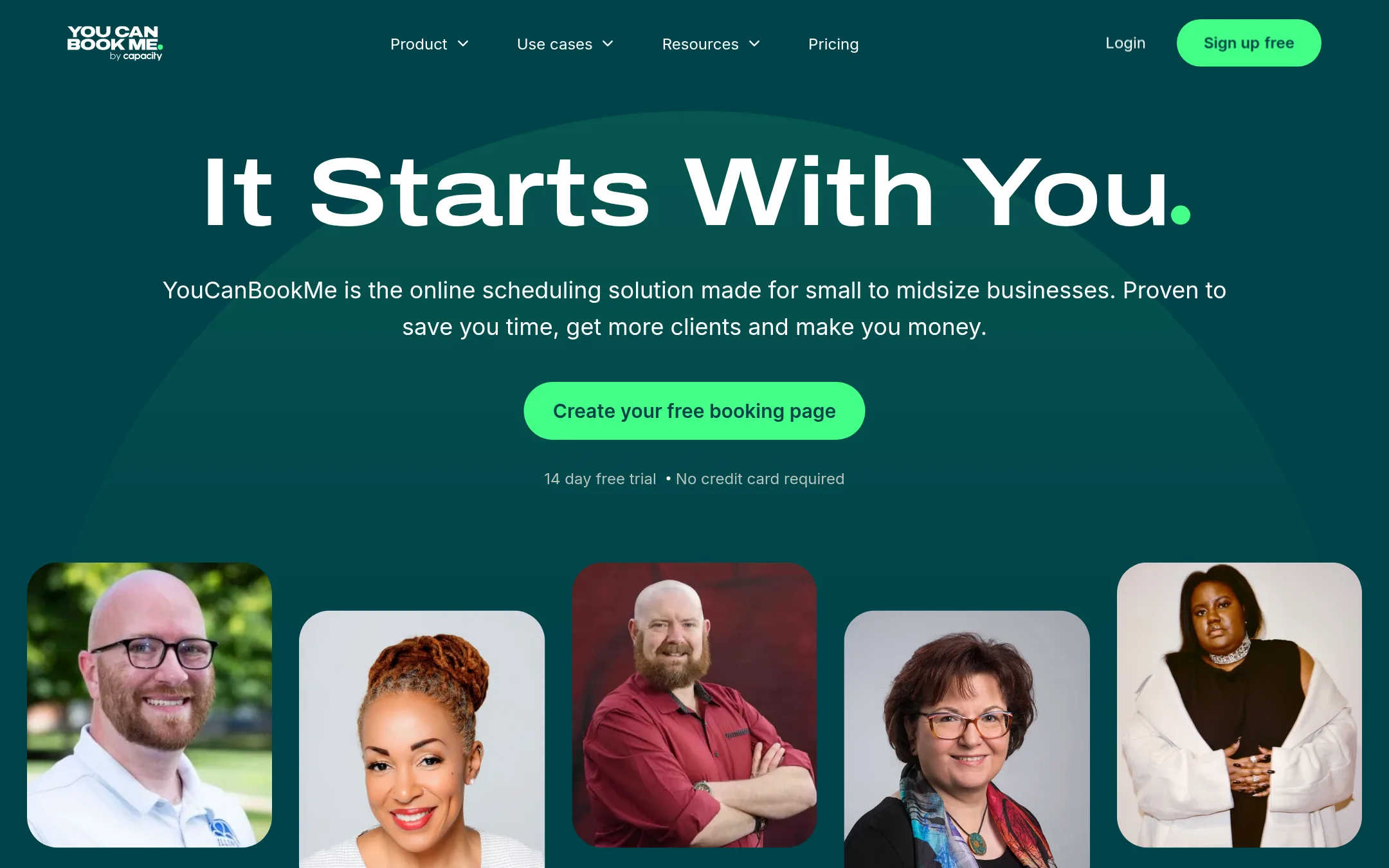
4.YouCanBook.me
Best for: Small businesses and solopreneurs who want a branded booking page with payments, group sessions, and Zapier integrations.
- Pricing
- Free plan. Paid TBD
- Category
- Other
YouCanBook.me is a highly customizable scheduling tool aimed at small to midsize businesses, with strong payment and automation features. You'd choose it over SavvyCal if you need deep branding control, group sessions, and extensive integrations via Zapier, and you prioritize a polished booking page over SavvyCal's invitee calendar overlay.
Where it is strong
- Highly customizable booking pages with your own logo, colors, and background.
- Built-in Stripe payments with Apple Pay, Google Pay, and discount codes.
- Automated workflows for reminders, follow-ups, and no-show management.
Where it falls short
- Specific pricing for paid plans is not published on the site.
- No calendar overlay for invitees like SavvyCal's, which may be less convenient for guests.
- Pricing:
- Pricing starts with a free plan (1 calendar, 1 booking page, 30 bookings/month), then Individual, Professional, and Team plans with yearly billing at 10% off and 2-year billing at 20% off. Specific prices are not listed on the page.
- DNot published
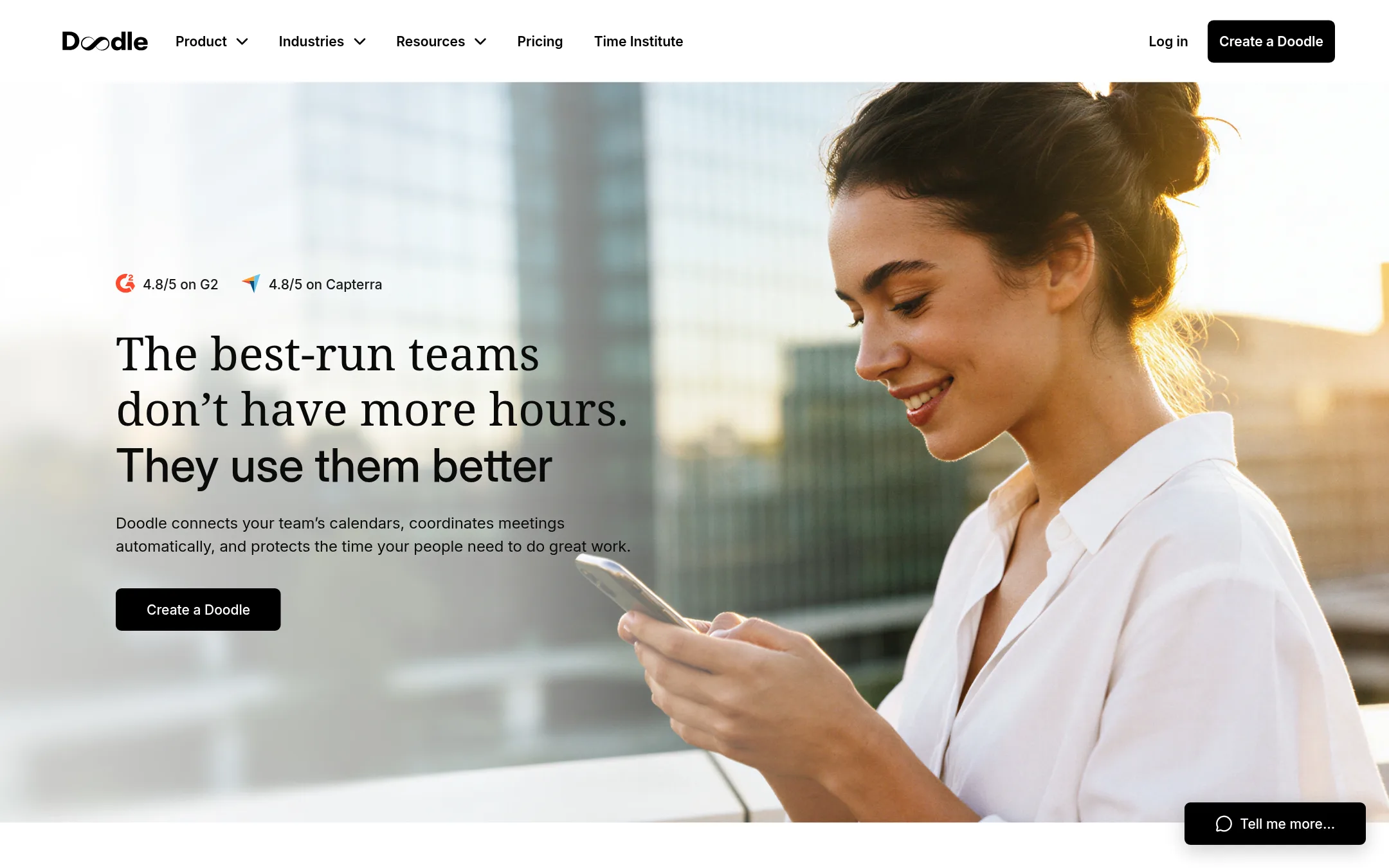
5.Doodle
Best for: Teams that frequently coordinate meetings with large groups or external participants who need to vote on times.
- Pricing
- Not published
- Category
- Other
Doodle is a scheduling tool that focuses on finding the best time for groups by letting people vote on preferred times. Choose it when you need to coordinate meetings across many people, especially if some of them don't use a shared calendar system.
Where it is strong
- Group polls make it easy to find a time that works for many people.
- Works well for cross-company coordination without shared calendar access.
- Includes day view and focus time features to manage your schedule.
Where it falls short
- Less focused on one-on-one booking links with calendar overlay.
- Pricing details are not publicly listed, so you'll need to contact sales.
- Pricing:
- Pricing is not published on the site.
- ANot published
6.Acuity Scheduling
Best for: Service businesses like salons, fitness studios, and consultants that need payments, packages, and client management alongside booking.
- Pricing
- Not published
- Category
- Other
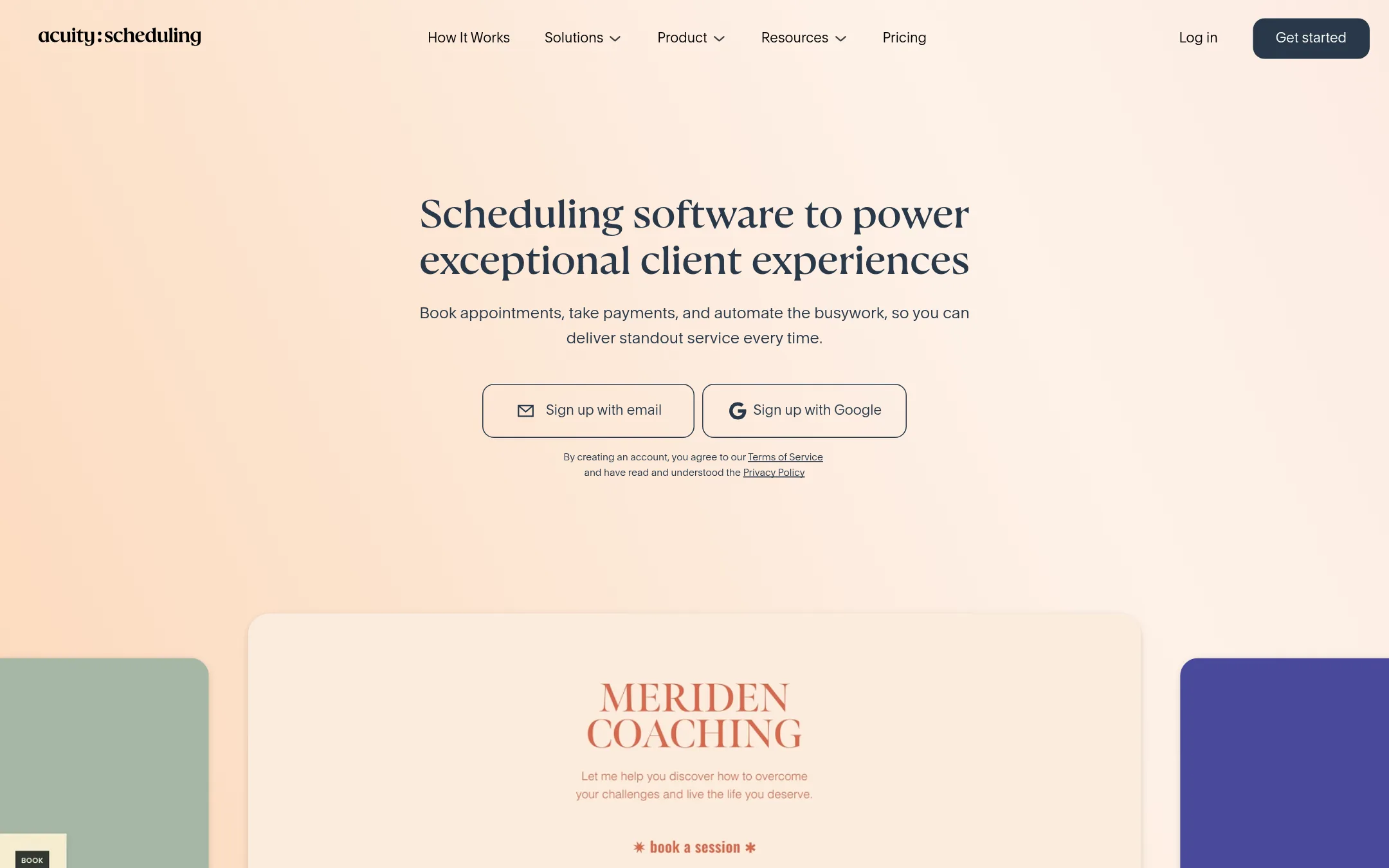
Acuity Scheduling is a full-featured appointment booking platform for service businesses, with payments, packages, memberships, and client management. Choose it over SavvyCal when you need to sell services, manage multiple staff locations, or run a business where scheduling is tied to revenue.
Where it is strong
- Accepts payments via Stripe, Square, PayPal, or Venmo
- Sells packages, subscriptions, memberships, and gift certificates
- Includes a mobile admin app for managing appointments on the go
Where it falls short
- No free plan, only a 7-day trial
- Pricing details are not shown on the site, making cost comparison harder
- Pricing:
- Pricing is not published on the site. Only a 7-day free trial is mentioned, with no specific plan prices listed.
- SFrom €0/mo
7.SimplyBook.me
Best for: Service-based businesses like salons, clinics, and rental companies that need a full booking system with payments and multi-location management.
- Pricing
- From €0/mo
- Category
- Other
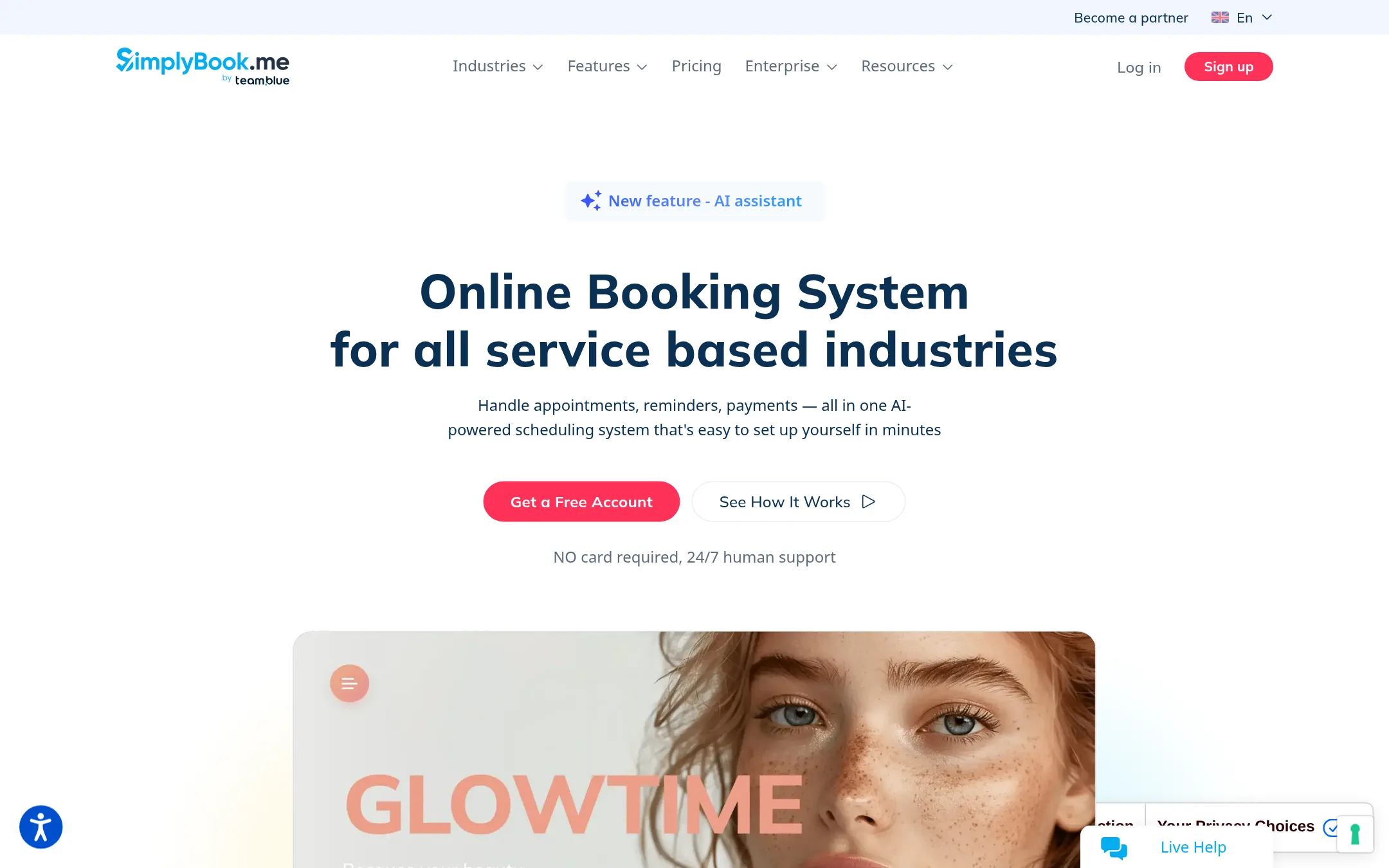
SimplyBook.me is a booking system for service businesses that need to manage appointments, payments, and client communication across multiple locations. Choose it over SavvyCal when you run a salon, clinic, or rental business and need features like POS, gift cards, and multi-location support rather than just one-on-one meeting scheduling.
Where it is strong
- Handles payments, deposits, and tips via Stripe or PayPal
- Supports multiple locations and staff with different services
- Offers AI setup assistance and MCP integration for automation
Where it falls short
- Pricing is based on booking volume, which can get costly as you grow
- Focuses on service industries, so it lacks SavvyCal's invitee calendar overlay for quick one-on-one meetings
- Pricing:
- Plans start at €0 per month for up to 50 bookings, then €11.9 per month for 100 bookings, €24.9 for 500, and €49.9 for 2000, billed annually.
- SFree / $5 user/mo
8.Setmore
Best for: Small service businesses that want a free booking page with payments and reminders.
- Pricing
- Free / $5 user/mo
- Category
- Other
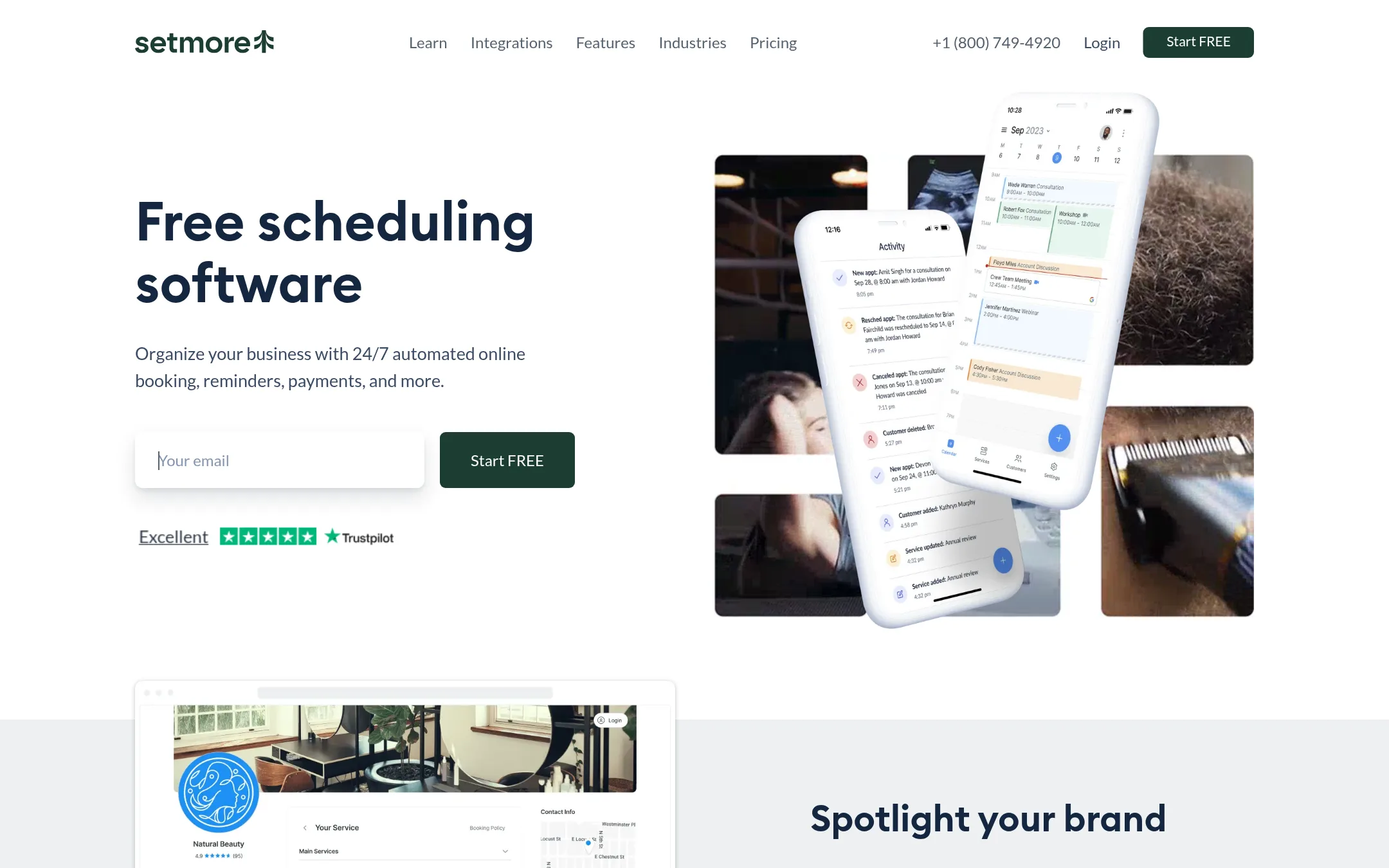
Setmore is a free appointment scheduling tool aimed at small businesses like salons, clinics, and tutors. It offers a Booking Page, calendar sync, reminders, and payment integrations. Choose it over SavvyCal if you need a free plan with unlimited appointments and don't require invitees to overlay their calendars.
Where it is strong
- Free plan supports up to 4 users with unlimited appointments
- Built-in payment integrations with Stripe, Square, and PayPal
- 2-way calendar sync with Google and Office 365
Where it falls short
- No invitee calendar overlay feature like SavvyCal
- SMS reminders and removing branding require paid Pro plan
- Pricing:
- Free plan for up to 4 users. Pro starts at $5 per user per month billed annually, or $12 per user per month billed monthly.
- Switching from SavvyCal:
- Moving from SavvyCal to Setmore means recreating your booking links and setting up new reminders and payment rules, since the two tools handle scheduling differently.
- AFrom $10/user/mo
9.AppointmentCore
Best for: Sales and growth teams that need CRM-driven routing and automated follow-ups across departments.
- Pricing
- From $10/user/mo
- Category
- Other
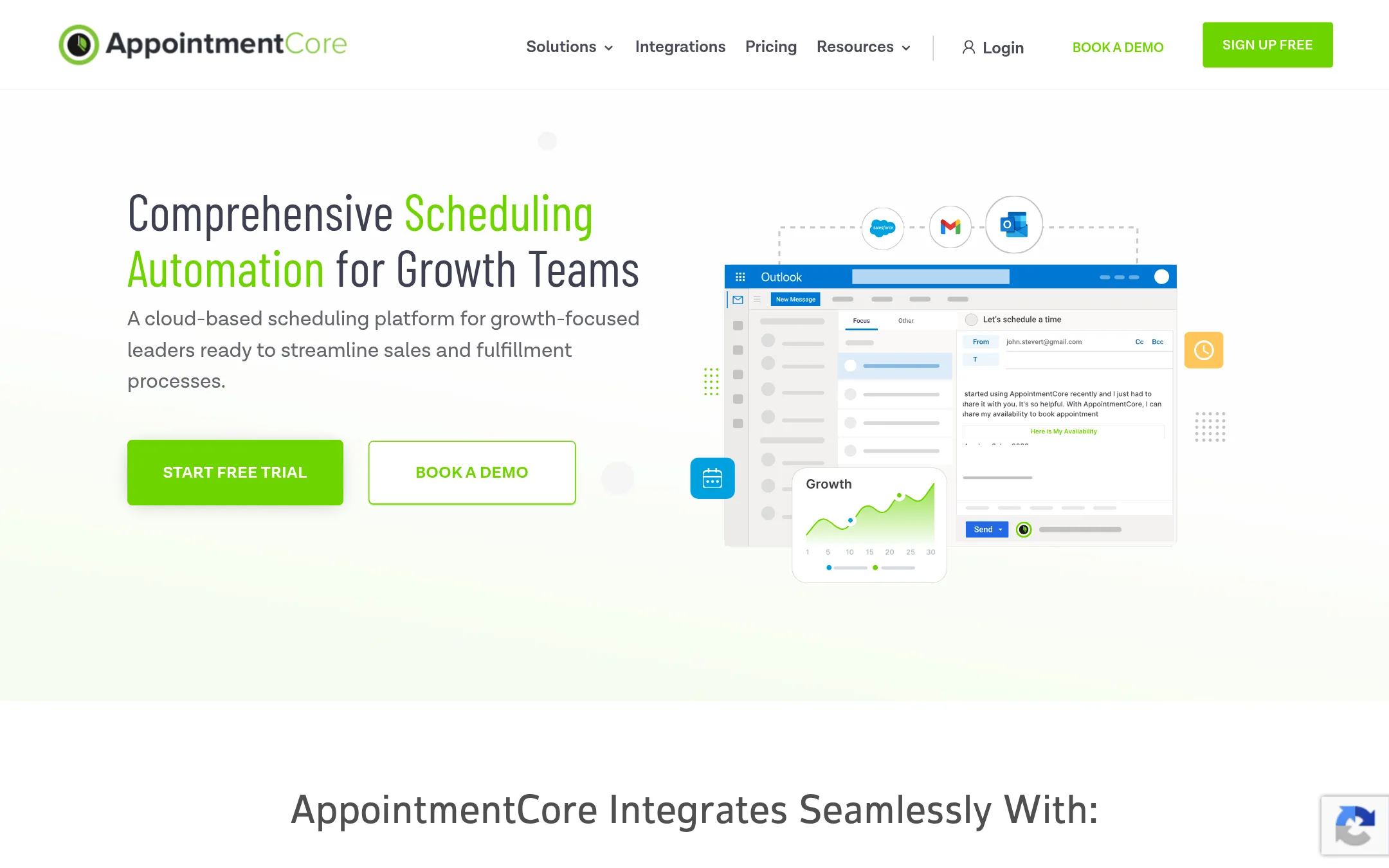
AppointmentCore is a scheduling platform built for sales and growth teams, with smart routing to assign meetings to the best rep and deep CRM integrations. Choose it over SavvyCal if you need to automate complex sales workflows and route leads based on territory or specialty.
Where it is strong
- Smart routing rules assign meetings based on availability, territory, or CRM data.
- Integrates with Salesforce, Keap, Outlook, Google Suite, and Zapier.
- Built to handle up to 100,000 users with high booking volumes.
Where it falls short
- No public pricing details for features per tier, so you may need a demo to compare.
- Lacks the invitee calendar overlay that SavvyCal offers, so guests can't easily check their own availability.
- Pricing:
- Pricing starts at $10 per user per month for the Automate plan, with Grow at $15 and higher tiers at $17, $25, and $27.
- From $20/mo/seat
10.HubSpot CRM
Best for: Growing teams that want a single CRM to handle marketing, sales pipelines, and customer support alongside their scheduling needs.

- Pricing
- From $20/mo/seat
- Category
- Customer Support
HubSpot CRM is a full customer platform covering marketing, sales, service, content, and data, not just scheduling. You would choose it over SavvyCal if you need a unified system to manage the entire customer lifecycle, not just booking meetings.
Where it is strong
- Combines marketing, sales, service, and content tools in one platform.
- AI agents can automate customer inquiries and prospecting.
- 2,000+ integrations with other business tools.
Where it falls short
- Scheduling features are not as focused or flexible as SavvyCal's.
- Professional and Enterprise plans require costly one-time onboarding fees.
- Pricing:
- Marketing Hub starts at $20 per seat per month for Starter, with Professional at $890 per month plus a one-time $3,000 onboarding fee.
- From $10/mo
11.Framer
Best for: Teams that want to design and launch a professional website without writing code, with built-in CMS and SEO.
- Pricing
- From $10/mo
- Category
- Design & Creative
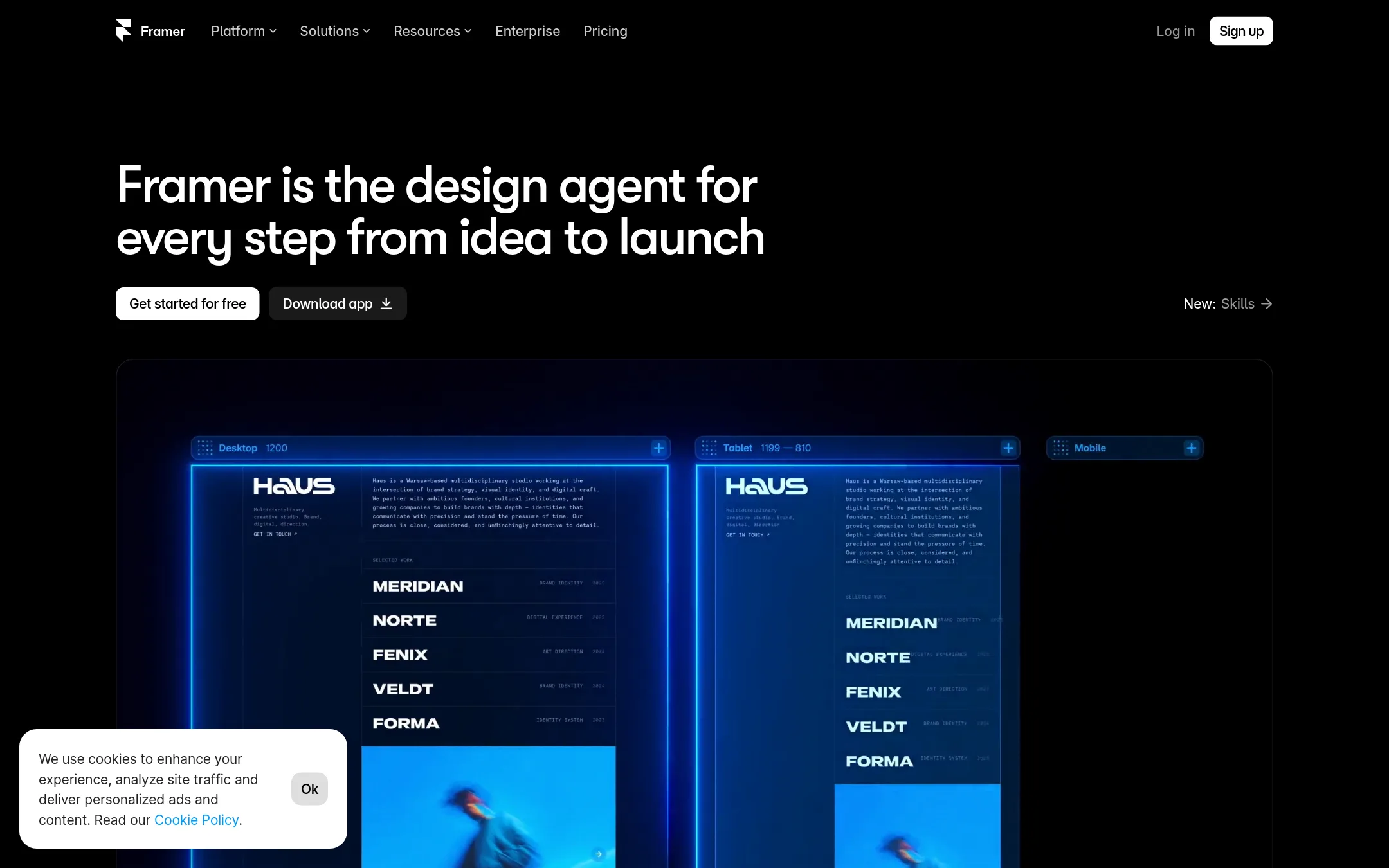
Framer is a no-code website builder with a design agent, CMS, and hosting. Choose it instead of SavvyCal when you need to build a marketing site or landing page, not a scheduling tool.
Where it is strong
- Free plan with AI credits and a Framer domain
- Built-in SEO and CMS collections on Basic
- Staging and branching on Pro
Where it falls short
- No scheduling features like booking links or calendar sync
- Advanced hosting and A/B testing are paid add-ons
- Pricing:
- Free plan includes 500 AI credits and 1 GB bandwidth. Basic is $10 per month. Pro is $30 per month.
- CNot published
12.Calendesk
Best for: Service professionals in therapy, law, education, and fitness who want scheduling plus automated billing and subscriptions.
- Pricing
- Not published
- Category
- Other
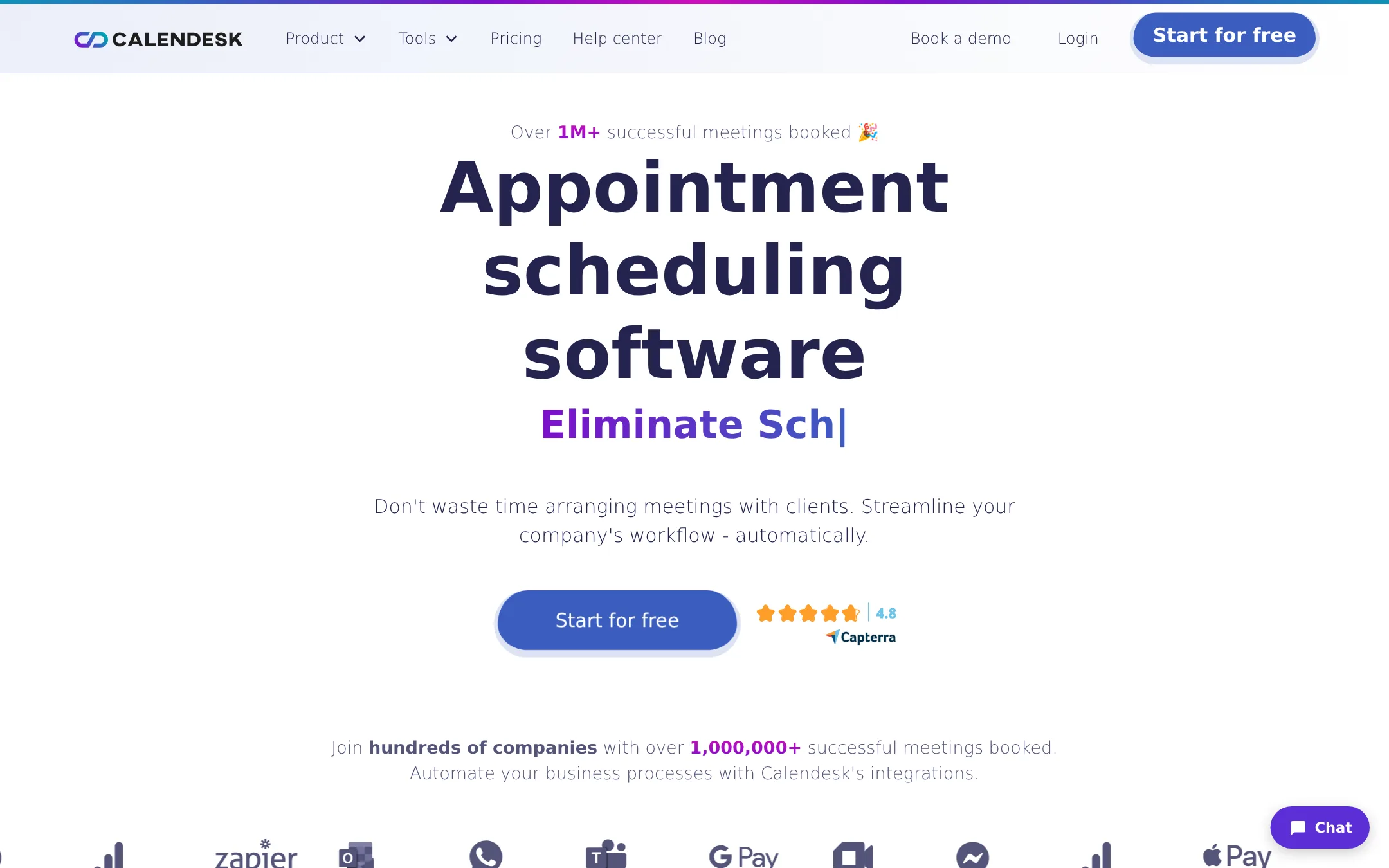
Calendesk is appointment scheduling software built for service businesses like therapy, law, coaching, and fitness. It handles bookings, payments, subscriptions, and invoicing in one place, so you'd choose it over SavvyCal if you need industry-specific features like passes and VAT invoices.
Where it is strong
- Built-in subscriptions, passes, and recurring bookings for regular clients.
- Automated VAT invoices after each transaction via Stripe.
- GDPR-compliant with EU data storage and AI spam protection.
Where it falls short
- Pricing is not transparent. Requires contacting sales.
- No mention of invitee calendar overlay, a key SavvyCal feature.
- Pricing:
- Pricing is not published on the site. You need to contact Calendesk for plan details.
See more comparisons in Productivity & Project Management alternatives.
FAQ
Questions about SavvyCal alternatives
What is the main difference between SavvyCal and Calendly?
SavvyCal lets invitees overlay their own calendar on your booking link to compare availability, which Calendly does not offer. Calendly includes AI meeting notes and follow-up workflows, which SavvyCal lacks. Choose Calendly if you want a broader meeting lifecycle tool.
Which alternative is best for a service business like a salon or clinic?
Acuity Scheduling or SimplyBook.me are strong choices. Acuity supports payments, packages, and client management, while SimplyBook.me handles multi-location bookings and POS. Both are designed for service industries, unlike SavvyCal which is more for one-on-one meetings.
Are there free alternatives to SavvyCal?
Yes, Cal.com offers a free plan for individuals with unlimited event types and calendars. Setmore also has a free plan for up to 4 users with unlimited appointments. These are good options if you need basic scheduling without cost.
Which alternative is best for developers who want to customize scheduling?
Cal.com is open-source and provides API access, webhooks, and embeddable components. It is built for development teams that need to integrate scheduling into their products. SavvyCal offers API and webhooks on higher plans, but Cal.com is more developer-focused.
Do any alternatives offer transparent pricing?
SavvyCal publishes its pricing, and so do Setmore, SimplyBook.me, and AppointmentCore. Calendly, Acuity, Doodle, YouCanBook.me, and Calendesk do not list specific prices on their sites, so you may need to contact sales or start a trial to see costs.
Last updated October 31, 2026.