
Screenleap alternatives
10 products to explore · 2026
Your shortlist, at a glance.
Read the comparisons ↓
Check each product’s website for current pricing and features. A verified badge indicates a verified listing, not a ranking.
About Screenleap and its alternatives
Users searching for Screenleap alternatives often need reliable screen sharing that works instantly across devices without forcing viewers to download software. Screenleap stands out for its zero-install viewer experience, native mobile apps, built-in video and audio conferencing, cloud recording, and simple website embedding that adds live interaction in minutes. Many alternatives require accounts or plugins even for basic viewing, while Screenleap lets anyone join via browser link. It also supports frictionless collaboration with remote control and viewer registration that exports directly to CRMs. When evaluating options, teams compare ease of setup, cross-platform support, and whether recordings or support sessions can be handled without extra tools. Screenleap's focus on quick, browser-based access makes it popular for sales demos, remote support, and ad-hoc meetings where minimizing friction for participants is essential.
Explore the alternatives

1.BuildZoom
E-commerceZoom is a widely used video conferencing platform with screen sharing, recording, and webinar tools. It offers robust mobile apps and breakout rooms but typically requires participants to install software or create accounts for full access, unlike Screenleap's instant browser viewing. Zoom excels in large meetings and enterprise security yet can feel heavier for quick one-on-one support sessions where Screenleap's no-install model shines.

2.TeamViewer
Developer ToolsTeamViewer provides remote desktop access and screen sharing with strong security and unattended access features. It supports cross-platform use and file transfer but often requires software installation on both ends, contrasting Screenleap's browser-only viewer experience. TeamViewer is popular for IT support while Screenleap targets lighter collaboration and demo use cases with simpler setup.

3.AnyDesk
Developer ToolsAnyDesk focuses on fast remote desktop performance with low latency and easy connection codes. It offers mobile support and recording but generally needs an app or client for viewers, differing from Screenleap's zero-install browser access. AnyDesk suits technical remote work better than casual sales demos where Screenleap's speed and simplicity are prioritized.
4.Google Meet
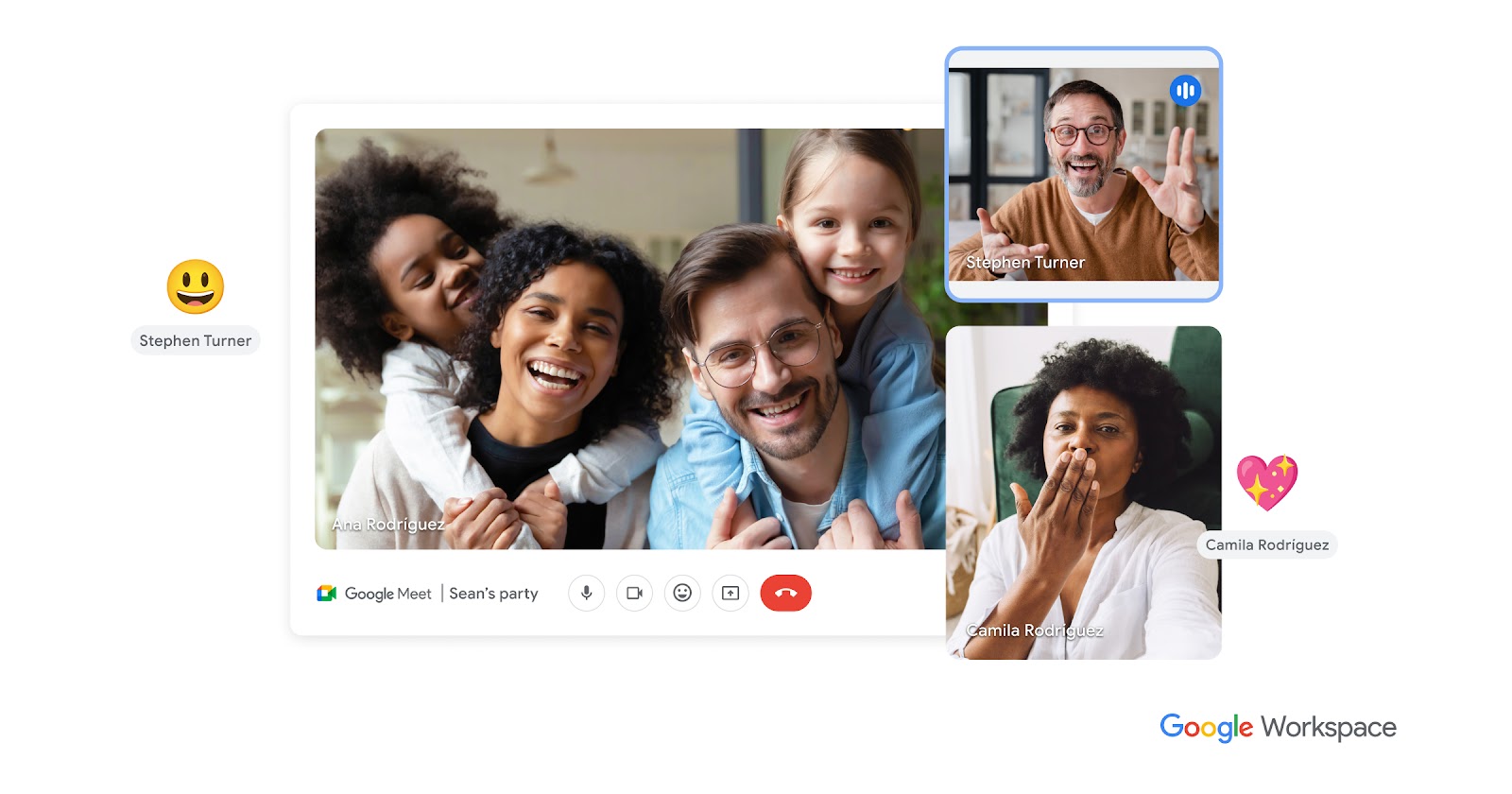
Productivity & Project ManagementGoogle Meet integrates screen sharing into Google's ecosystem with easy calendar links and browser-based participation. It lacks some of Screenleap's dedicated CRM export or website embedding tools but benefits from broad Google Workspace adoption. Meet is convenient for teams already using Gmail yet may require more setup than Screenleap for instant external sharing.
5.Microsoft Teams
Productivity & Project ManagementMicrosoft Teams combines chat, video, and screen sharing with deep Office 365 integration and recording capabilities. It often requires Microsoft accounts for full features, unlike Screenleap's open browser access. Teams is strong for internal collaboration but can be overkill for quick external demos where Screenleap's lightweight approach is preferred.

6.GoToMeeting
Productivity & Project ManagementGoToMeeting specializes in online meetings with screen sharing, recording, and attendee reporting. It provides professional-grade tools but typically involves more formal scheduling than Screenleap's instant sharing. GoToMeeting appeals to sales teams needing analytics while Screenleap offers faster ad-hoc access without accounts for viewers.
- C
7.Cisco Webex
Productivity & Project ManagementCisco Webex delivers enterprise screen sharing, video, and whiteboarding with strong security certifications. It supports large events but often requires downloads for optimal performance, contrasting Screenleap's simple browser viewing. Webex fits regulated industries needing compliance features Screenleap does not emphasize.

8.Join.me
Productivity & Project ManagementJoin.me offers quick screen sharing and meetings with personal room links and basic recording. It provides easy mobile access but has fewer advanced collaboration tools than Screenleap's remote control and website integration. Join.me targets small teams seeking simplicity similar to Screenleap's core offering.

9.Zoho Meeting
Productivity & Project ManagementZoho Meeting provides browser-based screen sharing integrated with Zoho's CRM and productivity suite. It supports recording and webinars but may require Zoho accounts for advanced features, unlike Screenleap's open access. Zoho Meeting benefits users already in the Zoho ecosystem needing tighter CRM ties.
- D
10.Discord
Communication & CollaborationDiscord enables screen sharing within voice channels and servers, popular for casual and gaming groups. It offers free tiers and mobile apps but lacks Screenleap's professional recording export or website embedding. Discord works for informal collaboration yet is less suited for business demos and support sessions.
See more comparisons in Productivity & Project Management alternatives.
Questions about Screenleap alternatives
What are the best free Screenleap alternatives for instant browser-based screen sharing?
Top free or freemium options include tools that allow viewers to join via browser without installs, similar to Screenleap's core strength, while offering varying levels of recording and mobile support.
How does Screenleap compare to Zoom for quick screen sharing without accounts?
Screenleap emphasizes zero-install viewing and instant links, whereas Zoom typically requires an app or account for full features, making Screenleap faster for one-off support or demo sessions.
Are there Screenleap alternatives with better CRM integration for viewer data?
Screenleap exports registration info to CRMs directly; some alternatives offer deeper native CRM connectors but may add complexity or require paid plans for the same workflow.
Which Screenleap alternatives support website embedding for live screen sharing?
Screenleap provides simple website integration for adding screen sharing and video without coding; competitors vary in how easily their widgets can be embedded on marketing or support pages.
What Screenleap alternatives work well for remote customer support on mobile?
Screenleap offers native apps for sharing from tablets and phones; alternatives with strong mobile support often include similar app-based sharing plus optional remote control features.
Do any Screenleap alternatives include automatic cloud recording like Screenleap?
Screenleap records meetings to the cloud automatically; several alternatives provide comparable recording but may limit storage or require manual uploads on lower-tier plans.