
Skope alternatives
5 products compared · Updated November 23, 2026
The short answer
For a browser-based AI agent that works the way a person does, Browser Use suits developers who want to build and host their own agents. For a visual, governed workflow tool across many existing apps, Make suits operations and growth teams. For a general AI employee that covers several roles through email, calendar and messaging, Lindy suits small teams and founders.
Your shortlist, at a glance
Read the comparisons ↓- LLindyFrom $49.99/mo (5k creSmall teams and founders who want one AI employee covering several roles, such as sales follow-up, bookkeeping reminders and executive assistance.
 ZapierFree to custom quoteOperations teams at small to large companies that want to automate tasks across many SaaS apps with their own staff
- RRelevance AICustom quoteRevenue teams at larger companies that want AI agents running sales and customer success workflows with approvals and audit logs
 MakeNot publishedOperations and growth teams that want to automate processes across 3,500+ connected apps with full visibility and governance
 Browser Use$0.06/browser-hour + uDevelopers and engineering teams that want to build browser agents on open-source code or deploy them on-prem and in US or EU cloud regions
About Skope and its alternatives
Skope is an AI agent platform, presented on the Startup OG listing as an AI product for ambitious businesses. The Skope site says its agents work across a company's existing tools, open websites and click through them, and keep running in the background. Its public materials focus on lead intake, service workflows, and a free AI audit of a business's public presence.
When comparing alternatives in this category, weigh the pricing structure first. Some products charge per task, per credit or per seat, while others publish only an enterprise quote, so costs can behave very differently as usage grows. Also check which regions and cloud deployments are offered, which integrations are included, how much support and implementation help comes with the plan, and what the contract terms require.
Explore the alternatives
- LFrom $49.99/mo (5k cre
1.Lindy
Best for: Small teams and founders who want one AI employee covering several roles, such as sales follow-up, bookkeeping reminders and executive assistance.
- Pricing
- From $49.99/mo (5k cre
- Category
- Other
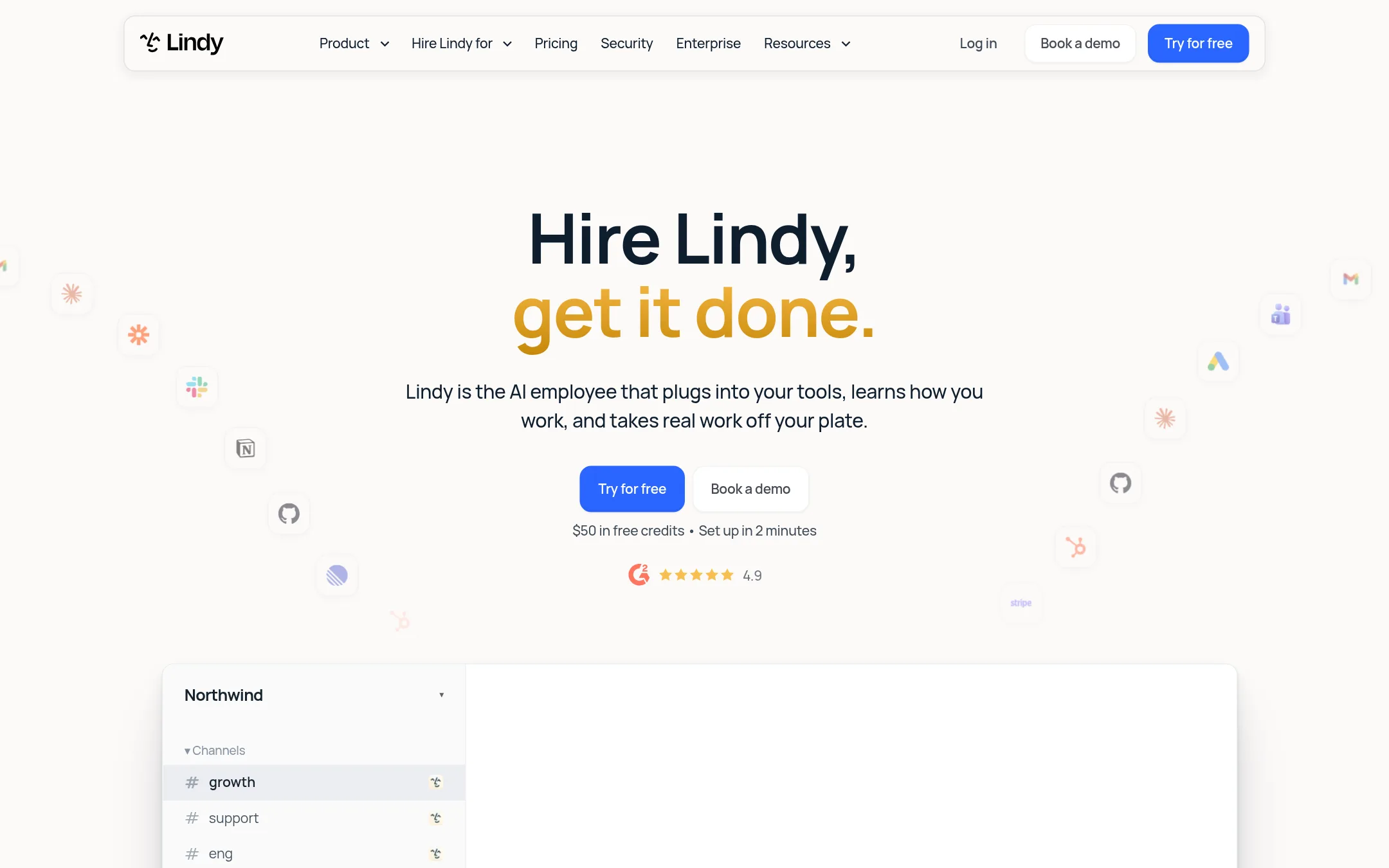
Lindy is an AI employee that connects to your existing email, calendar, messaging and business tools and handles recurring work such as lead replies, invoice reminders, ad management, support triage and meeting prep. Choose it over Skope when you want a general-purpose AI teammate across many roles that works in Slack, email and text, rather than a set of custom agents deployed by a team.
Where it is strong
- Starts with $50 in free credits and a two-minute setup.
- Works across 3,000+ integrations and MCP, including Slack, email, text and calendar.
- Approval gates hold anything with outside impact until you say go.
Where it falls short
- Usage is metered in credits, so heavy workflows cost more and can pause when the pool runs low.
- Enterprise features such as HIPAA, SSO and audit logs sit behind custom pricing.
- Pricing:
- Lindy starts with $50 in free credits, a Team plan includes 5,000 credits for $49.99, and Enterprise pricing is custom.
- Free to custom quote
2.Zapier
Best for: Operations teams at small to large companies that want to automate tasks across many SaaS apps with their own staff
- Pricing
- Free to custom quote
- Category
- Productivity & Project Management
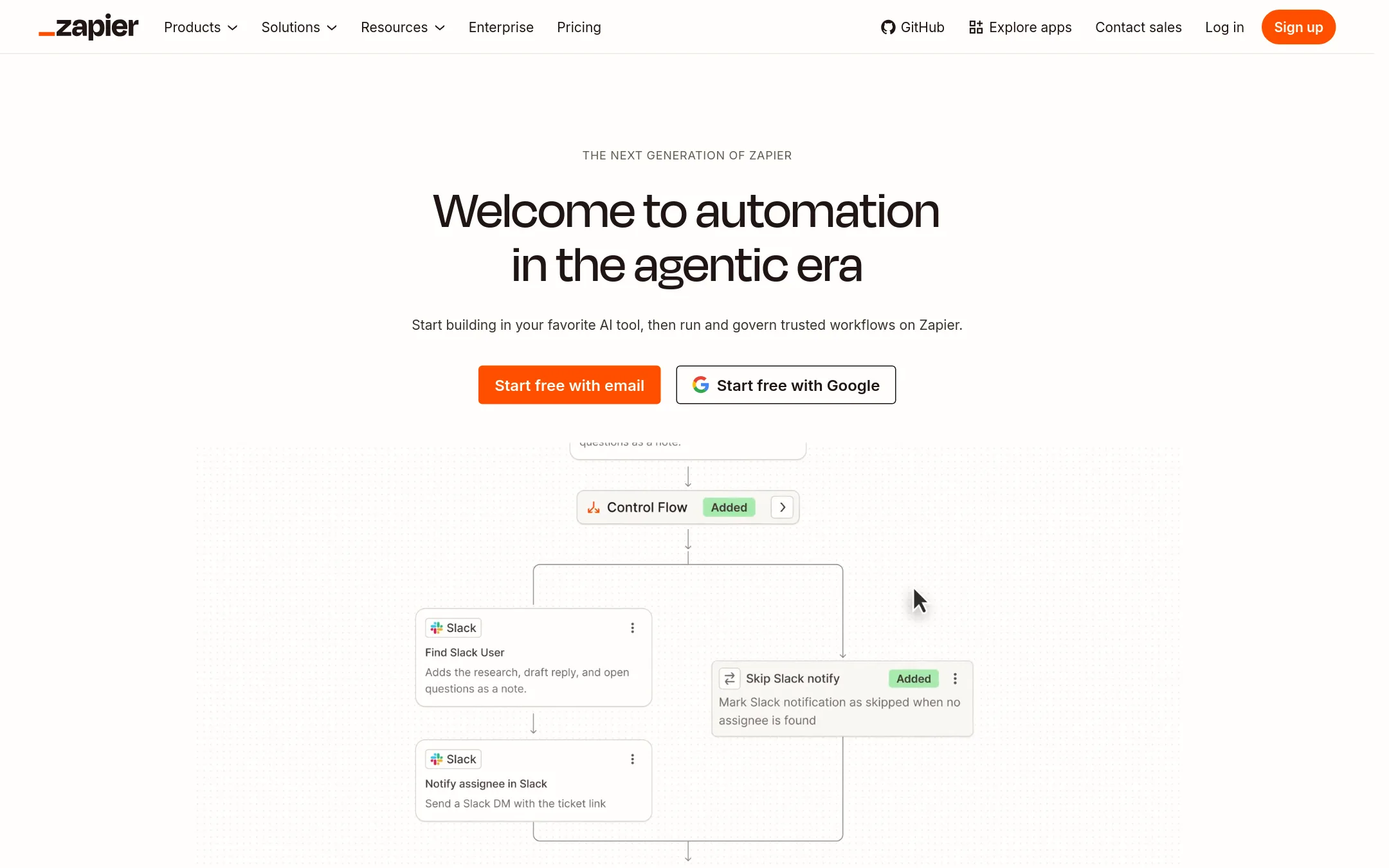
Zapier connects about 9,000 apps and lets teams build workflows with fixed steps, AI steps, or agents that run multi-step work across tools. Choose it over Skope when you need broad app coverage, a visual builder your own team can run, and governance controls like SSO, audit logs and action restrictions. Its pricing is public and tiered by task volume and seats.
Where it is strong
- Connects to over 9,000 apps, according to the site
- Lets teams choose between fixed steps, AI steps and full agents
- Includes SOC 2 Type II, SSO and audit logs on higher tiers
Where it falls short
- Pricing tiers are based on tasks and seats, so costs can grow with volume
- Setting up workflows is a build task that falls on your own team
- Pricing:
- Zapier has a free plan with 100 tasks per month, a Professional plan, a Team plan for 25 users, and a custom-priced Enterprise plan, though the exact dollar figures are not shown in the supplied text.
- RCustom quote
3.Relevance AI
Best for: Revenue teams at larger companies that want AI agents running sales and customer success workflows with approvals and audit logs
- Pricing
- Custom quote
- Category
- Other
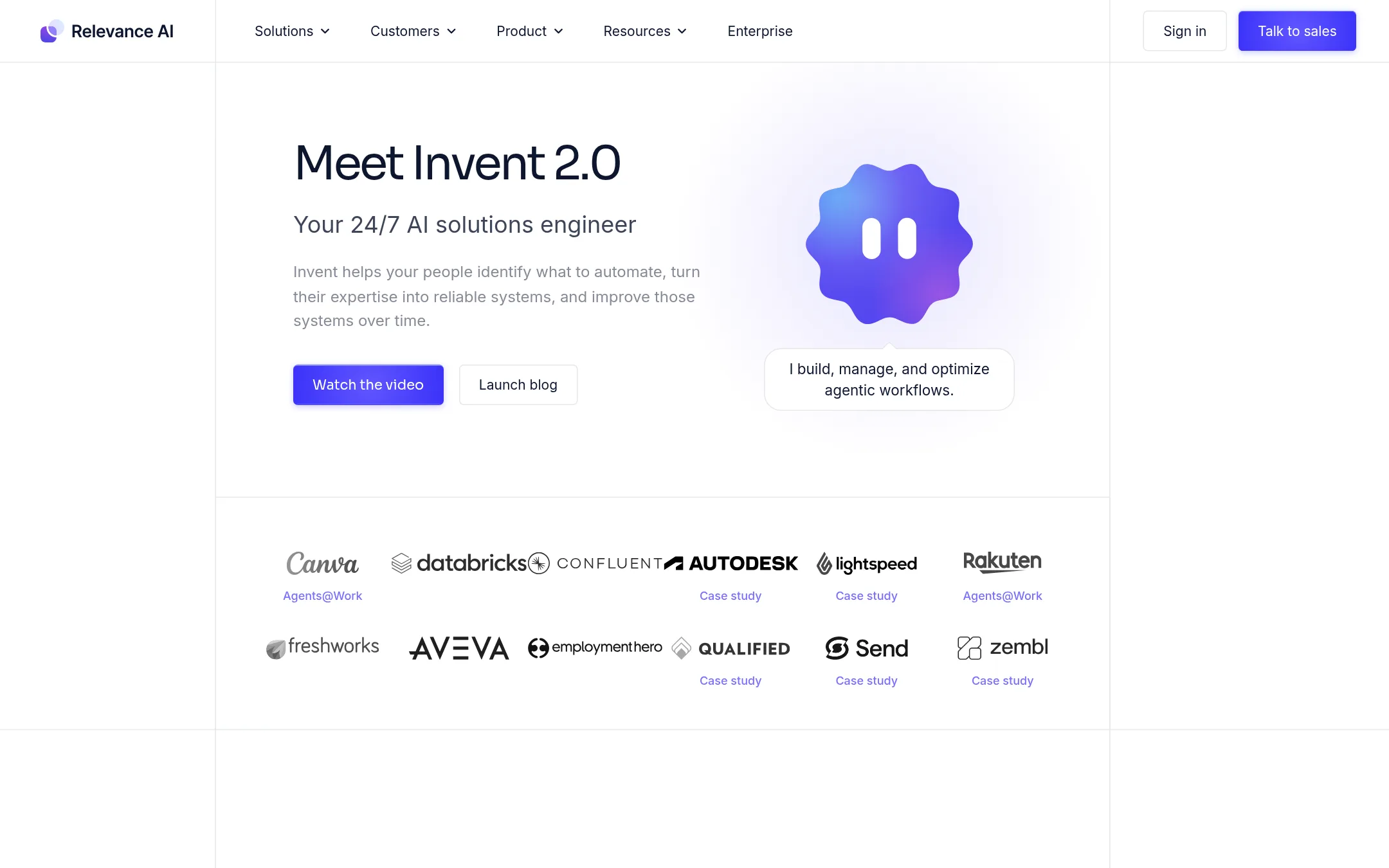
Relevance AI builds AI Factories that run repeatable revenue work such as inbound lead handling, outbound prospecting and renewals, and measures each run against outcomes like pipeline. A team would pick it over Skope when the goal is to grow revenue operations with specialist agents that route work and keep a person in the loop for approvals.
Where it is strong
- Measures agent work against revenue outcomes such as pipeline and renewals
- Enterprise governance with SSO, role-based access, audit logs and SOC 2 Type II
- Lists over 2,000 integrations and a visual canvas for building workflows
Where it falls short
- Only an Enterprise plan is listed, so smaller teams may not have an entry option
- Its focus is revenue workflows, not the legal-practice use case that Skope serves
- Pricing:
- Pricing is not published on the site, and the pricing page only lists an Enterprise plan with custom quotes.
- Not published
4.Make
Best for: Operations and growth teams that want to automate processes across 3,500+ connected apps with full visibility and governance
- Pricing
- Not published
- Category
- Productivity & Project Management
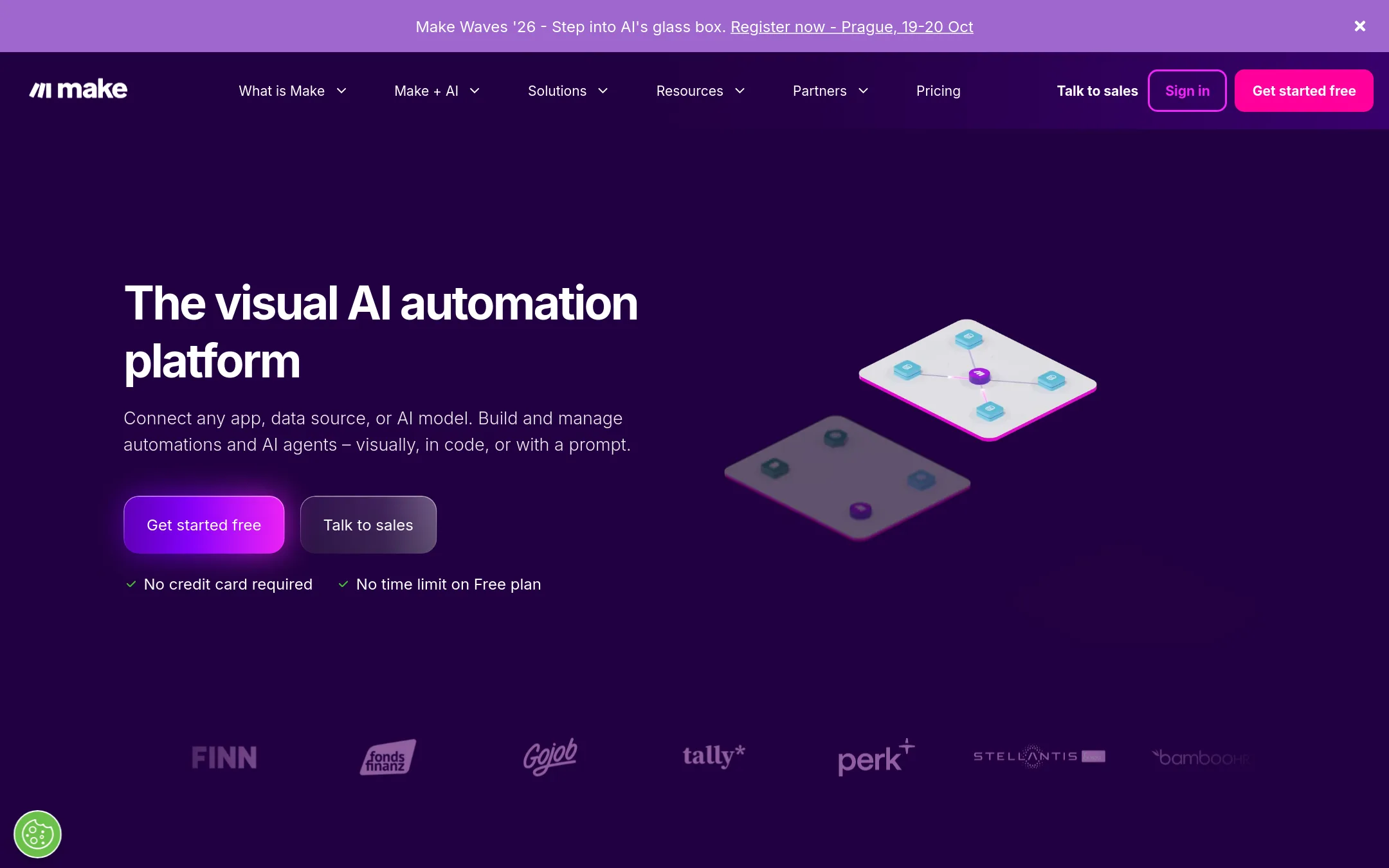
Make is a visual workflow automation platform that connects apps, data sources and AI models through drag-and-drop, prompts or AI chat. Teams would pick it over Skope when they need to wire together many existing tools with visible, governed workflows, rather than deploy AI agents that operate a browser and run tasks on their own.
Where it is strong
- Connects to 3,500+ apps out of the box and any API-based tool via custom integration
- Builds can be made by prompting, drag-and-drop or from Claude, ChatGPT or Gemini, with no coding required
- Offers a free plan with no credit card required and GDPR and SOC 2 Type II compliance
Where it falls short
- Pricing is charged by credits per action, so costs depend on how complex your workflows are
- Its AI agents are configured around goals and tools rather than operating a browser like a person, which Skope's approach emphasises
- Pricing:
- Pricing is not published on the site.
- $0.06/browser-hour + u
5.Browser Use
Best for: Developers and engineering teams that want to build browser agents on open-source code or deploy them on-prem and in US or EU cloud regions
- Pricing
- $0.06/browser-hour + u
- Category
- Developer Tools
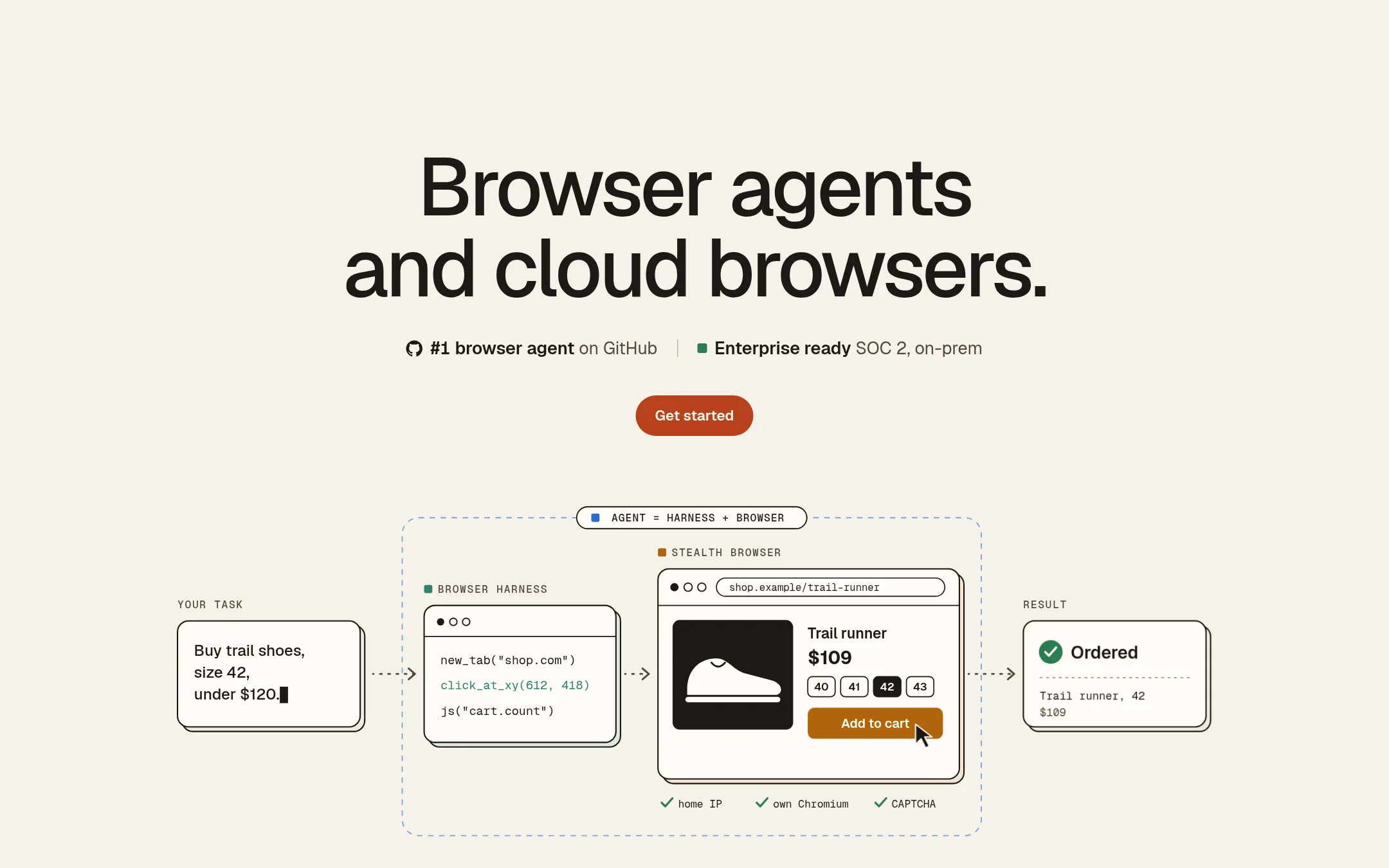
Browser Use is an open-source browser agent project, the most-starred on GitHub, with managed cloud browsers that get past bot checks. Someone would pick it over Skope when they want to build their own browser automation or run agents on infrastructure they control, rather than buying a finished set of AI agents for business workflows.
Where it is strong
- Open-source core under the MIT license, with the most-starred browser agent project on GitHub
- Pay-as-you-go pricing with no subscription and credits that never expire
- SOC 2 Type II, on-prem deployment, and US or EU cloud regions
Where it falls short
- Built for developers, so non-technical operators will need someone to build the workflows
- Heavy automation adds up because traffic through home-IP proxies is billed at $5 per GB
- Pricing:
- Browser Use charges pay as you go with no subscription, with cloud browsers at $0.06 per hour, home-IP proxy traffic at $5 per GB, and credits from $5, while Async's pricing is not published on the site beyond a contact-us Business plan.
- Switching from Skope:
- Moving from Skope to Browser Use means rebuilding your agent workflows yourself in code, since the sites do not describe any import path.
See more comparisons in AI & Machine Learning alternatives.
FAQ
Questions about Skope alternatives
Which alternative is best for building my own browser agents?
Browser Use is an open-source browser agent project with managed cloud browsers and pay-as-you-go pricing with no subscription. It is built for developers, so a non-technical team will need someone to build the workflows. It also offers on-prem deployment and US or EU cloud regions.
Which option connects to the most existing tools?
Make connects to 3,500+ apps out of the box and any API-based tool through custom integration, and its builds can be made with prompts or drag-and-drop. Zapier connects to about 9,000 apps, according to its site. Both let your own team build and run the workflows.
Is there a free way to try these tools?
Make offers a free plan with no credit card required, and Zapier has a free plan with 100 tasks per month. Lindy starts new users with $50 in free credits and a two-minute setup. Pricing for Skope itself is only shown as a contact-us Business plan on its site.
Which option suits revenue teams running sales workflows?
Relevance AI builds AI Factories for inbound lead handling, outbound prospecting and renewals, and measures agent work against outcomes such as pipeline. It includes SSO, role-based access, audit logs and SOC 2 Type II on its Enterprise plan. Its pricing page lists only that Enterprise tier, so smaller teams may not have an entry option.
Which option works best if I want one AI employee across several roles?
Lindy works as an AI employee that connects to your email, calendar, messaging and business tools for tasks such as lead replies, invoice reminders and meeting prep. Usage is metered in credits, so heavy workflows cost more, and features like HIPAA, SSO and audit logs sit behind custom Enterprise pricing.
Last updated November 23, 2026.