
SlideShare alternatives
8 products compared · Updated October 30, 2026
The short answer
For founders and operators comparing SlideShare alternatives, the three strongest options are Issuu for branded, embeddable publications. Prezi for live, interactive presentations. And Speaker Deck for private, polished sharing. Issuu suits publishers and marketers, Prezi suits trainers and educators, and Speaker Deck suits designers and startups needing privacy.
Your shortlist, at a glance
Read the comparisons ↓- RRecordBookNot publishedSmall and medium businesses that want a mobile-first database tool to organize records and workflows.
Canva WhiteboardsNot publishedTeams that want to brainstorm, map ideas, and design together on a shared whiteboard instead of uploading finished presentations for public viewing.
- PPreziNot publishedTrainers, educators, and teams that need live audience participation and measurable learning outcomes from presentations.
- SSlideDogFree / $79 per 2 seatsPresenters, educators, and AV professionals who need to switch between different file types during a live talk and engage their audience with polls and feedback.
- SSpeaker DeckNot publishedDesigners, developers, educators, and startup teams who need polished, private presentation sharing with minimal visual clutter.
ScribdNot publishedTeams and researchers who need to search, read, and download a broad range of documents beyond slide decks.
 IssuuNot publishedPublishers, marketers, and teams that want to host and distribute branded digital magazines, catalogs, or brochures on their own site.
 Project GutenbergFreeReaders and researchers who want free, no-registration access to classic literature and public domain works.
About SlideShare and its alternatives
SlideShare is a presentation-sharing platform where users can discover, upload, and share slide decks. It is known for its large library of over 25 million presentations and a global community of 70 million users, along with AI tools for rewriting and extracting content.
When comparing alternatives, weigh pricing structure, since some tools hide costs behind sales contact. Consider regional availability, as some apps are limited to certain platforms or countries. Check integrations with your existing tools, support options, and contract terms like free versions or annual licenses.
Explore the alternatives
- RNot published
1.RecordBook
Best for: Small and medium businesses that want a mobile-first database tool to organize records and workflows.
- Pricing
- Not published
- Category
- Productivity & Project Management
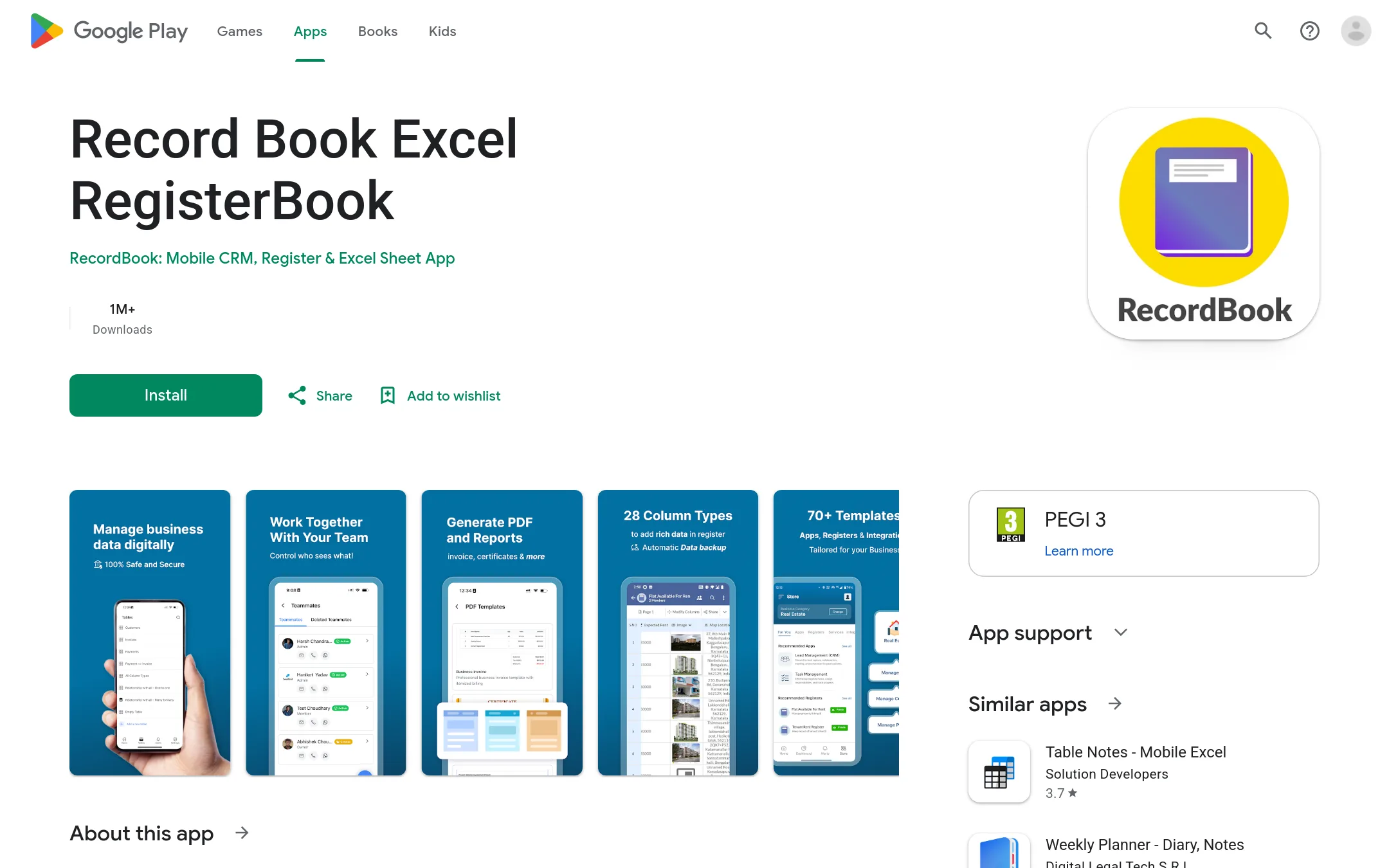
RecordBook is a mobile app that positions itself as an Airtable alternative for small and medium businesses. It is a productivity tool for organizing data and workflows, not a platform for sharing presentations. Choose it instead of SlideShare when you need a structured database app for internal operations rather than a place to publish and discover slide decks.
Where it is strong
- Mobile-first design for on-the-go data management
- Positioned as a simpler alternative to Airtable
- Targets the large SMB market
Where it falls short
- No presentation sharing or discovery features
- Available only on Google Play
- Pricing:
- Pricing is not published on the site.
- Not published
2.Canva Whiteboards
Best for: Teams that want to brainstorm, map ideas, and design together on a shared whiteboard instead of uploading finished presentations for public viewing.
- Pricing
- Not published
- Category
- Communication & Collaboration
Canva Whiteboards is a visual collaboration tool for brainstorming and planning, not a public presentation-sharing library. Choose it when your team needs a shared canvas for real-time ideation, mapping, and design work, rather than a place to publish and discover slide decks.
Where it is strong
- Real-time collaboration on an infinite canvas
- Built-in design tools for sticky notes, shapes, and diagrams
- Integrates with Canva's broader design ecosystem
Where it falls short
- No public library of user-uploaded presentations
- Not designed for sharing finished decks with a wide audience
- Pricing:
- Pricing is not published on the site.
- PNot published
3.Prezi
Best for: Trainers, educators, and teams that need live audience participation and measurable learning outcomes from presentations.
- Pricing
- Not published
- Category
- Other
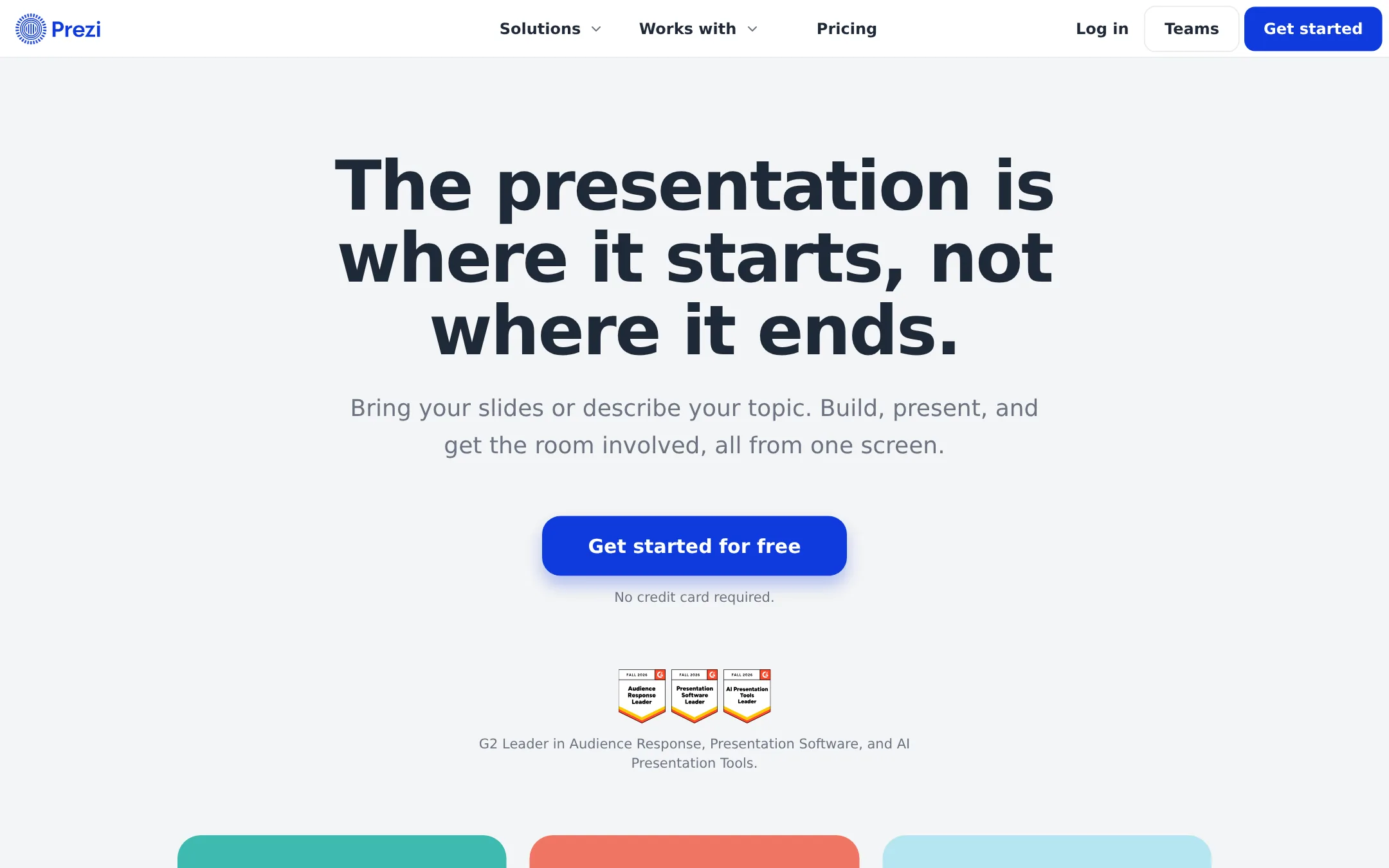
Prezi is an interactive presentation platform that turns existing slides into live sessions with polls, quizzes, and Q&A. Choose it instead of SlideShare when your goal is real-time audience engagement and post-session review, not just sharing static decks.
Where it is strong
- Imports PowerPoint, Google Slides, Canva, and PDF with formatting intact
- Audience joins live polls and quizzes via QR code, no app or login
- Includes flashcards, self-tests, and SCORM export for LMS tracking
Where it falls short
- Pricing details are not listed, so budgeting requires contacting sales
- Focus on live interaction may be overkill for simple slide sharing
- Pricing:
- Pricing is not published on the site.
- SFree / $79 per 2 seats
4.SlideDog
Best for: Presenters, educators, and AV professionals who need to switch between different file types during a live talk and engage their audience with polls and feedback.
- Pricing
- Free / $79 per 2 seats
- Category
- Other
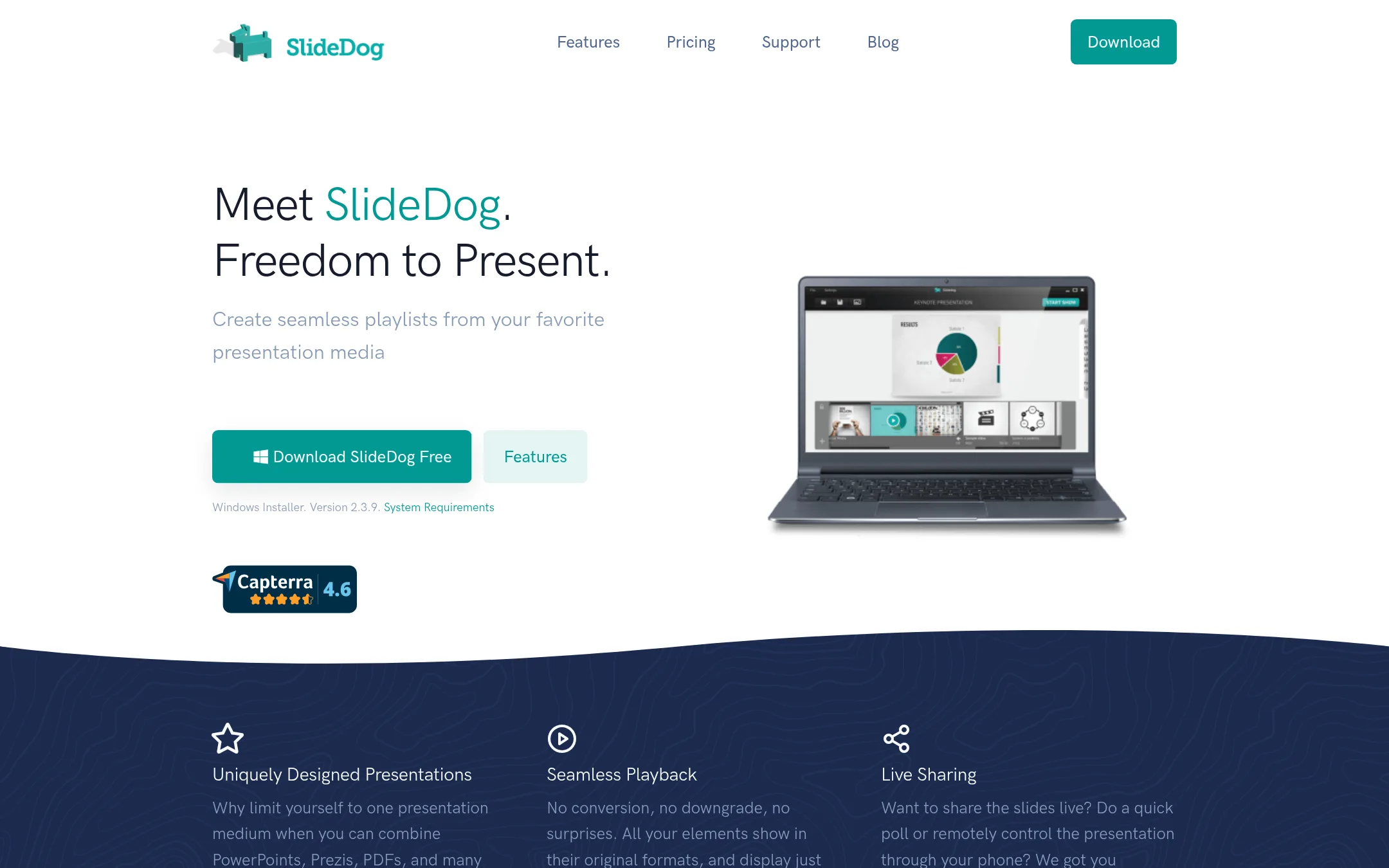
SlideDog is a Windows presentation tool that lets you combine PowerPoint, PDF, Prezi, video, images, websites, Word, and Excel files into a single playlist. You would choose it over SlideShare when you need to present live from multiple file formats without converting them, and want audience interaction like polls and live chat during the presentation.
Where it is strong
- Drag-and-drop playlist combines PowerPoint, PDF, Prezi, video, images, websites, Word, and Excel without conversion.
- Audience can follow live on iOS, Android, or web, and answer polls or ask questions.
- Pro includes presenter view, dual screen, custom background, and no watermark.
Where it falls short
- Windows only. No macOS or Linux version mentioned.
- Free version adds a watermark in the bottom-right corner.
- Pricing:
- Free version available. Pro costs $79 per 2 seats per year (renewal discount to $79 for the 2nd year) or a lifetime license with two major version upgrades. Custom pricing for larger organizations.
- SNot published
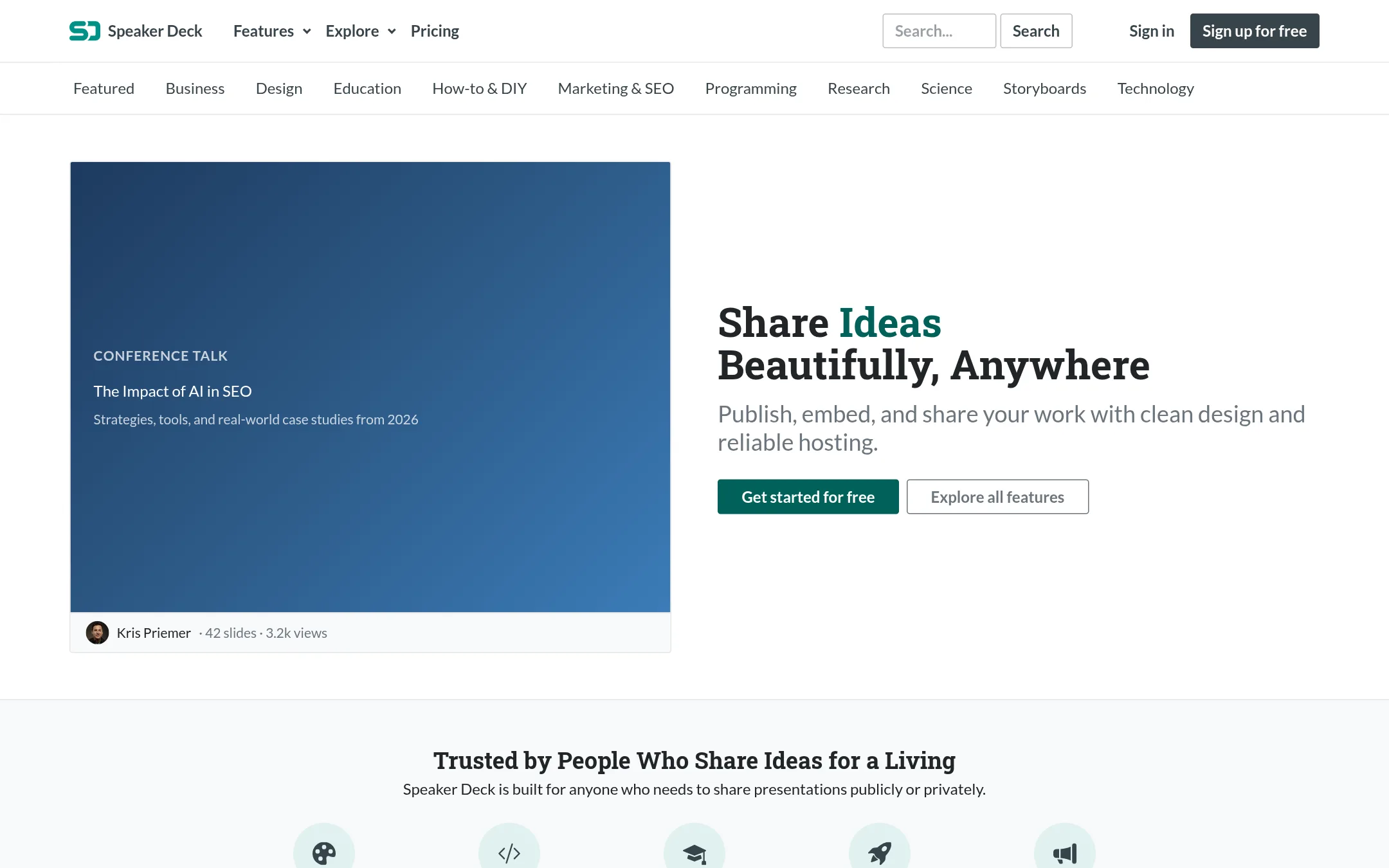
5.Speaker Deck
Best for: Designers, developers, educators, and startup teams who need polished, private presentation sharing with minimal visual clutter.
- Pricing
- Not published
- Category
- Other
Speaker Deck turns PDF uploads into clean, embeddable presentations with a focus on design and privacy. Choose it over SlideShare when you want password protection, private URLs, and control over downloads and embedding domains.
Where it is strong
- Password protection and private URLs for restricted sharing
- Disable downloads and restrict embedding to specific domains
- Ad-free viewing with no third-party branding
Where it falls short
- Free plan caps uploads at 100 and 150MB per file
- No AI rewriting or slide content extraction like SlideShare offers
- Pricing:
- Pricing is not published on the site.
- Switching from SlideShare:
- Moving from SlideShare means exporting your decks as PDFs and re-uploading them, then re-creating any embeds or shared links.
- Not published
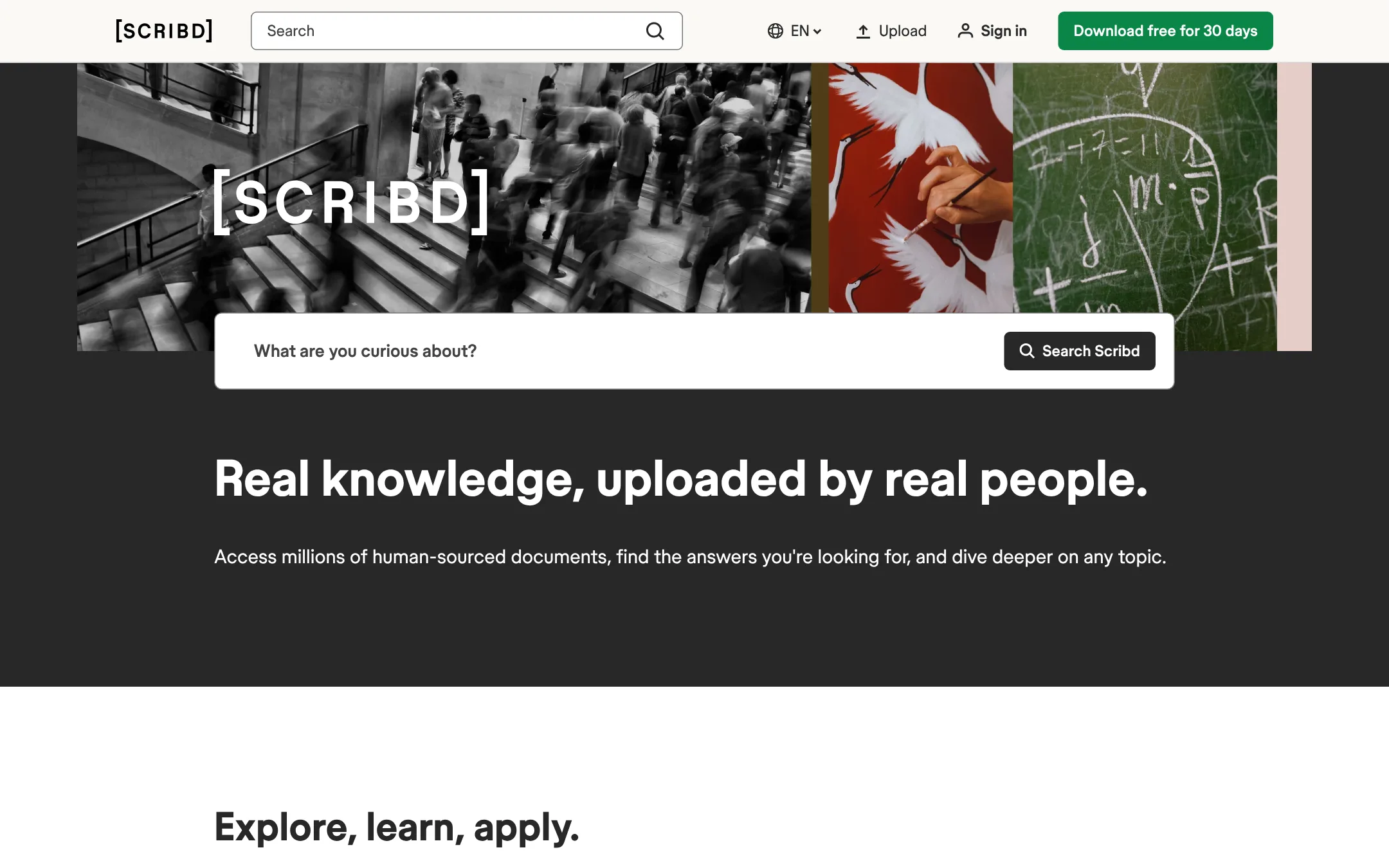
6.Scribd
Best for: Teams and researchers who need to search, read, and download a broad range of documents beyond slide decks.
- Pricing
- Not published
- Category
- Other
Scribd is a document library with over 300 million uploads across categories like law, science, and business. Choose it over SlideShare when you need to read and download full documents, not just browse presentations, and want offline access through its app.
Where it is strong
- 300M+ documents across 30+ categories
- Download documents for offline reading
- Works on web, Android, and iOS
Where it falls short
- Requires subscription for ad-free access and downloads
- Uploads must be copyright-owned, limiting sharing
- Pricing:
- Pricing is not published on the site.
- Not published
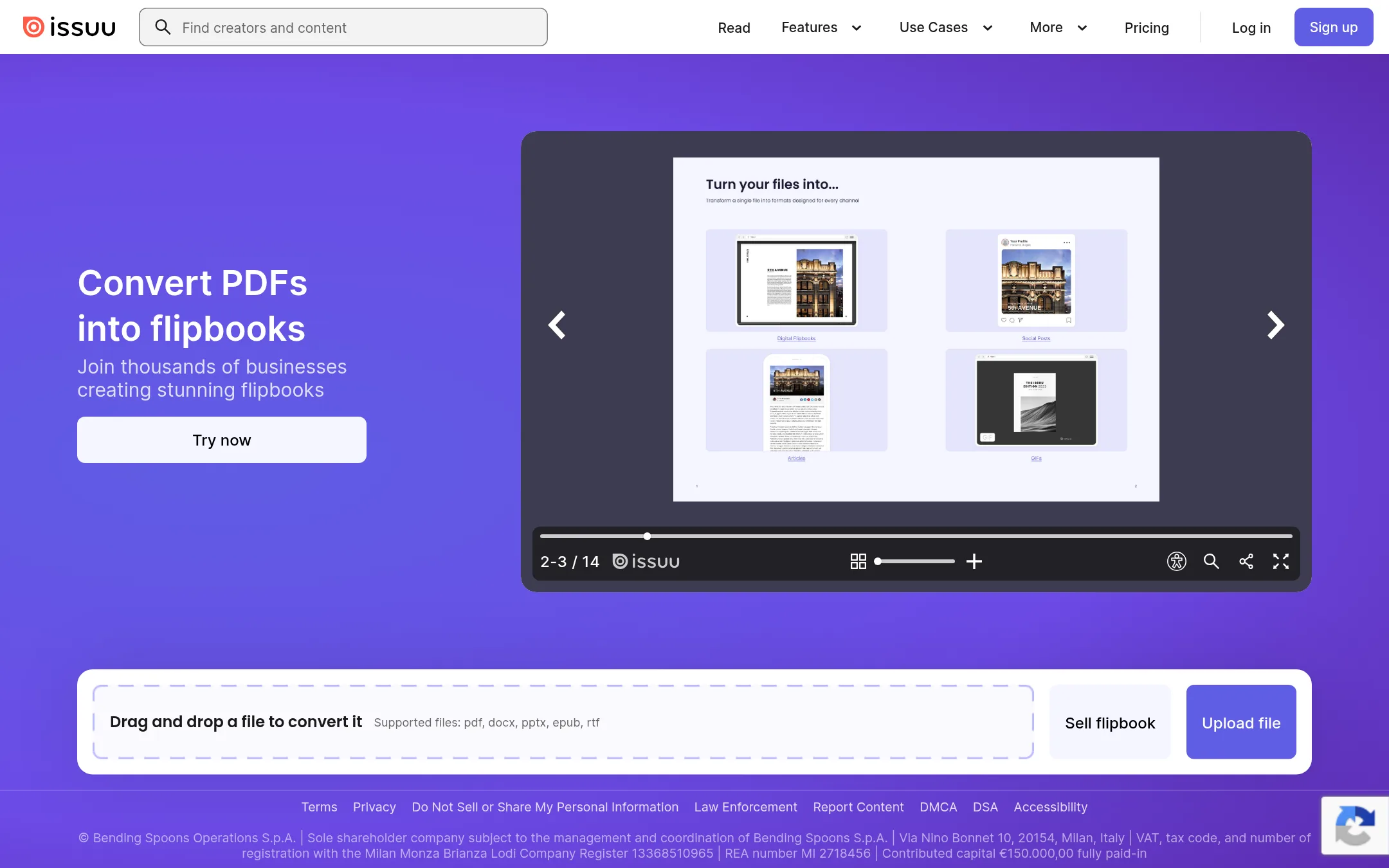
7.Issuu
Best for: Publishers, marketers, and teams that want to host and distribute branded digital magazines, catalogs, or brochures on their own site.
- Pricing
- Not published
- Category
- Media & Entertainment
Issuu turns PDFs, Word docs, and PowerPoint files into interactive flipbooks you can embed on your website, share in fullscreen, and even sell. Choose it over SlideShare when you need branded, embeddable publications with advanced customization and analytics, not a public discovery platform.
Where it is strong
- Unlimited flipbooks on Starter and Unlimited plans
- Sell flipbooks directly from the platform
- Embed flipbooks with custom branding and no Issuu logo on higher tiers
Where it falls short
- Starter plan limits uploads to 500 pages or 100 MB per file
- Advanced features like lead generation and SSO require the Teams plan
- Pricing:
- Pricing is not published on the site.
- Switching from SlideShare:
- Moving from SlideShare means uploading your PDFs or PPTX files to Issuu and re-embedding them, since Issuu focuses on flipbook publishing rather than social discovery.
- Free
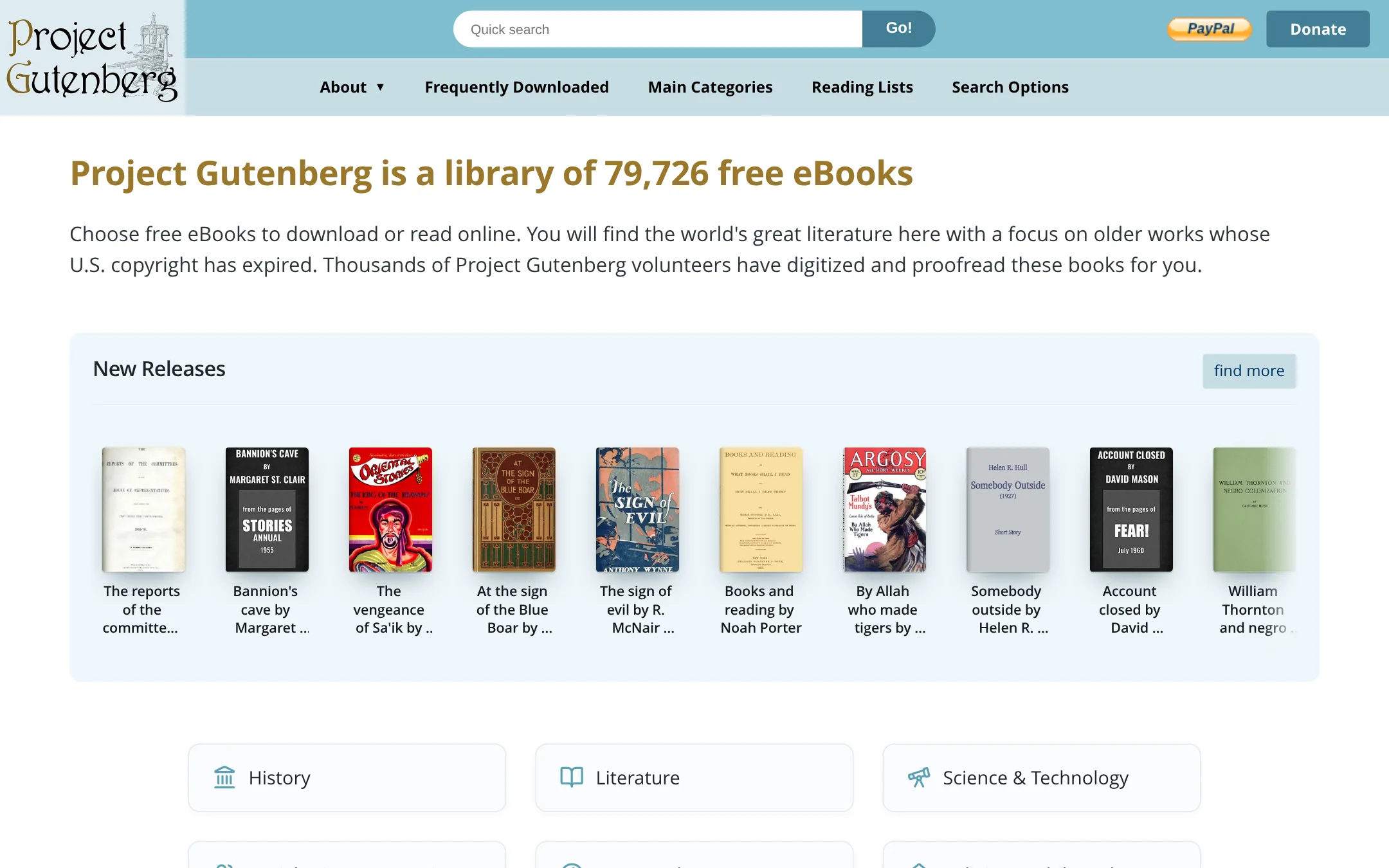
8.Project Gutenberg
Best for: Readers and researchers who want free, no-registration access to classic literature and public domain works.
- Pricing
- Free
- Category
- Education
Project Gutenberg is a free library of over 79,000 public domain eBooks, focused on older literature whose U.S. copyright has expired. Choose it instead of SlideShare when you need to read or download classic texts, not to share or discover slide decks.
Where it is strong
- No fees, registration, or ads
- Over 79,000 public domain eBooks
- Works in regular web browsers and eBook readers
Where it falls short
- No presentation or slide content
- Limited to works with expired U.S. copyright
- Pricing:
- Pricing is not published on the site.
See more comparisons in Education alternatives.
FAQ
Questions about SlideShare alternatives
Which alternative is best for sharing branded publications like magazines or catalogs?
Issuu is the strongest choice for branded publications. It turns PDFs into interactive flipbooks with custom branding and no Issuu logo on higher tiers. You can embed them on your own site and even sell them directly.
What if I need live audience engagement during presentations?
Prezi is built for live interaction. It lets you import existing slides and add polls, quizzes, and Q&A that audiences join via QR code without an app. It also includes flashcards and SCORM export for learning management systems.
Is there a free option for sharing presentations privately?
Speaker Deck offers a free plan with password protection and private URLs. You can disable downloads and restrict embedding to specific domains. The free plan caps uploads at 100 files and 150MB per file.
Can I present from multiple file formats without converting them?
SlideDog is a Windows-only tool that combines PowerPoint, PDF, Prezi, video, images, websites, Word, and Excel into a single playlist. It supports live audience interaction and has a free version with a watermark.
Which alternative has the largest document library?
Scribd has over 300 million documents across 30+ categories, including law, science, and business. It requires a subscription for ad-free access and downloads, and uploads must be copyright-owned.
Last updated October 30, 2026.