
Smartsheet alternatives
12 products compared · Updated October 30, 2026
The short answer
The strongest Smartsheet alternatives depend on your team's focus. Asana suits teams wanting a user-friendly, task-centric tool with AI assistance and a simpler pricing structure. Monday.com is best for teams that want AI agents automating workflows alongside project boards. Teamwork is ideal for agencies and consultancies needing live project profitability and resource planning.
Your shortlist, at a glance
Read the comparisons ↓- AAsanaFrom $13.49/user/moTeams that want a user-friendly project management tool with AI assistance for task automation and reporting
Monday.comFrom $9/seat/moTeams that want AI agents to automate sales, IT, marketing, and HR workflows alongside their project boards
 WrikeNot publishedEnterprise teams that need AI-assisted work management with strong automation and resource visibility
JiraNot publishedSoftware development and IT teams that need sprint planning, issue tracking, and agile reporting.
 Airtable AutomationsNot publishedTeams that want to build custom internal tools and automate repetitive tasks without writing code, especially those already using AI models from OpenAI, Gemini, or Anthropic.
ClickUpNot publishedTeams that want one workspace for projects, docs, chat, and AI without juggling multiple tools
Microsoft Azure CycleCloudPay per useResearch and engineering teams that need to spin up and manage HPC clusters on Azure.
 BasecampFrom $29/moSmall agencies and client-service teams that want a straightforward hub for projects, messages, and files.
 NotionFree. $10–$20/user/moStartups and small teams that want a single place for docs, wikis, and lightweight project tracking without the rigidity of a dedicated PM tool.
 Zoho MeetingNot publishedSmall businesses already using Zoho apps that need a simple meeting and webinar tool rather than project management.
 TeamworkNot publishedAgencies, consultancies, and IT services teams that need live project profitability and resource planning.
 LiquidPlannerNot publishedEngineering and services teams in Jira-heavy environments that need predictive scheduling and automatic workload balancing across a portfolio.
About Smartsheet and its alternatives
Smartsheet is an intelligent work management platform with AI at its core. It is known for grid-based project tracking, Gantt and portfolio views, automations, and integrations with tools like Slack, Microsoft Teams, and Google Workspace. Its pricing starts at a flat rate per month for the Pro plan, with Business and Enterprise tiers adding more features and security controls.
When comparing alternatives, weigh pricing structure (per user vs. flat), regions supported, integrations with your existing stack, customer support options, and contract terms like annual billing or free plans. Some tools focus on specific industries like software development or professional services, so match the tool to your team's primary workflow rather than just feature lists.
Explore the alternatives
- AFrom $13.49/user/mo
1.Asana
Best for: Teams that want a user-friendly project management tool with AI assistance for task automation and reporting
- Pricing
- From $13.49/user/mo
- Category
- Productivity & Project Management
Asana is a work management platform with strong AI features for planning, tracking, and automating work across teams. Choose it over Smartsheet if you want a more intuitive, task-centric interface with built-in AI agents and a simpler pricing structure.
Where it is strong
- AI Teammates and AI Studio are included in paid plans, offering ready-to-use agents and automation building.
- Unlimited free guests on Starter and above, making client collaboration easy.
- Timeline, Gantt, and reporting dashboards are available on Starter, which is a lower tier than Smartsheet's Business plan.
Where it falls short
- No built-in resource management until the Advanced plan, which is more expensive than Smartsheet's Business tier.
- Limited to 100MB per file for storage, which may be restrictive for large attachments.
- Pricing:
- Starter is $13.49 per user per month billed annually, and Advanced is $30.49 per user per month billed annually. Enterprise pricing is available on request.
- Switching from Smartsheet:
- Migrating from Smartsheet involves recreating sheets as projects and re-mapping formulas, as Asana's data model is task-based rather than spreadsheet-based.
- From $9/seat/mo
2.Monday.com
Best for: Teams that want AI agents to automate sales, IT, marketing, and HR workflows alongside their project boards
- Pricing
- From $9/seat/mo
- Category
- Productivity & Project Management
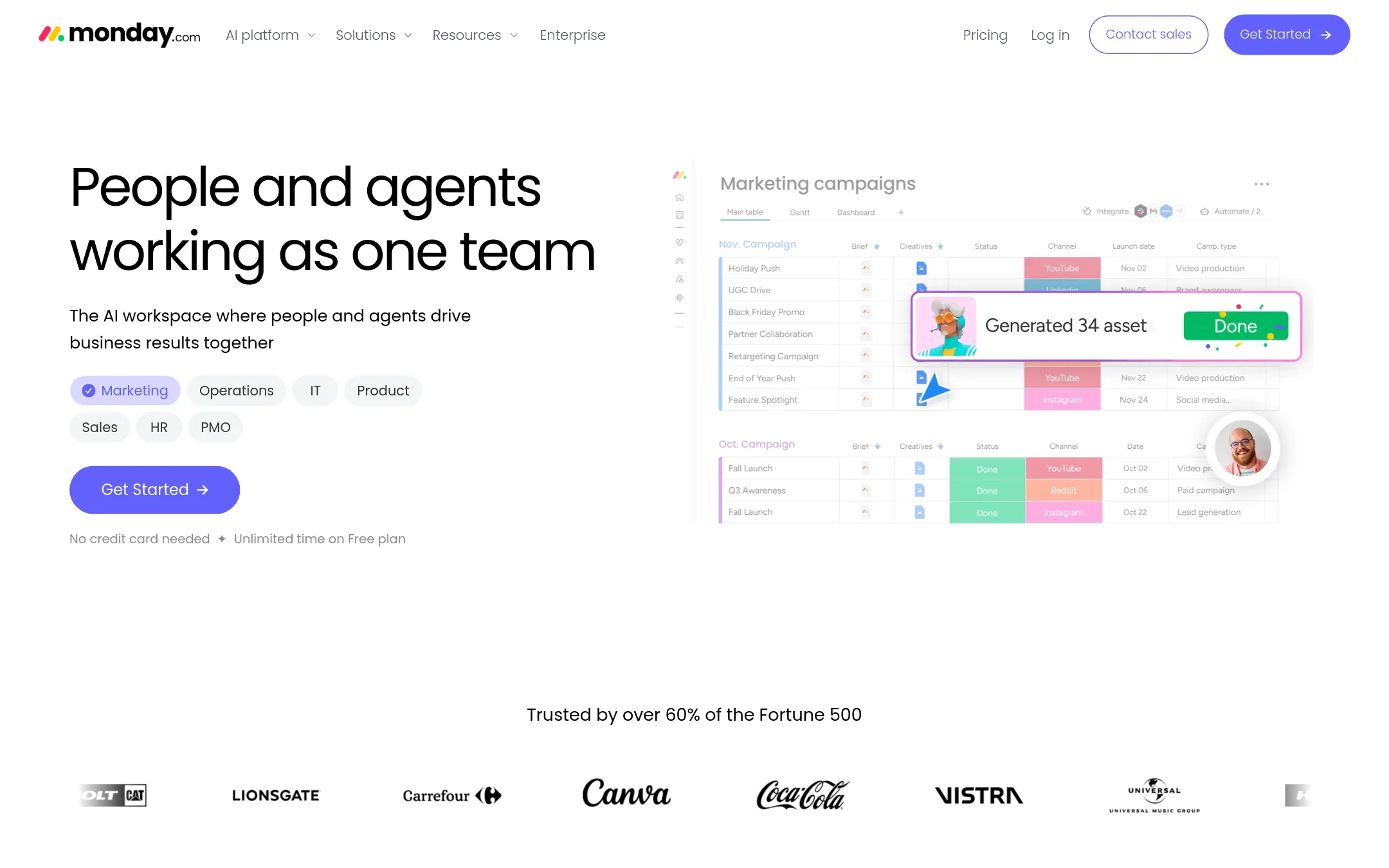
Monday.com is an AI-heavy work platform where agents handle tasks like lead qualification, ticket resolution, and meeting prep. You would choose it over Smartsheet if your team wants AI agents doing repetitive work inside the same boards you already use for project tracking.
Where it is strong
- Built-in AI agents for lead sourcing, meeting prep, and ticket resolution
- Free plan supports up to 2 seats and 3 boards
- AI credits included in every paid plan, not sold separately
Where it falls short
- Per-seat pricing can get expensive for large teams compared to Smartsheet's flat plans
- AI agent features are limited on the Basic plan and may require higher tiers for full access
- Pricing:
- Free plan for up to 2 seats. Paid plans start at $9 per seat per month billed annually, with AI credits included from Basic onward.
- Switching from Smartsheet:
- Moving from Smartsheet means rebuilding your sheets as boards and re-creating automations, but monday.com offers templates and a similar grid-like interface to ease the transition.
- Not published
3.Wrike
Best for: Enterprise teams that need AI-assisted work management with strong automation and resource visibility
- Pricing
- Not published
- Category
- Productivity & Project Management
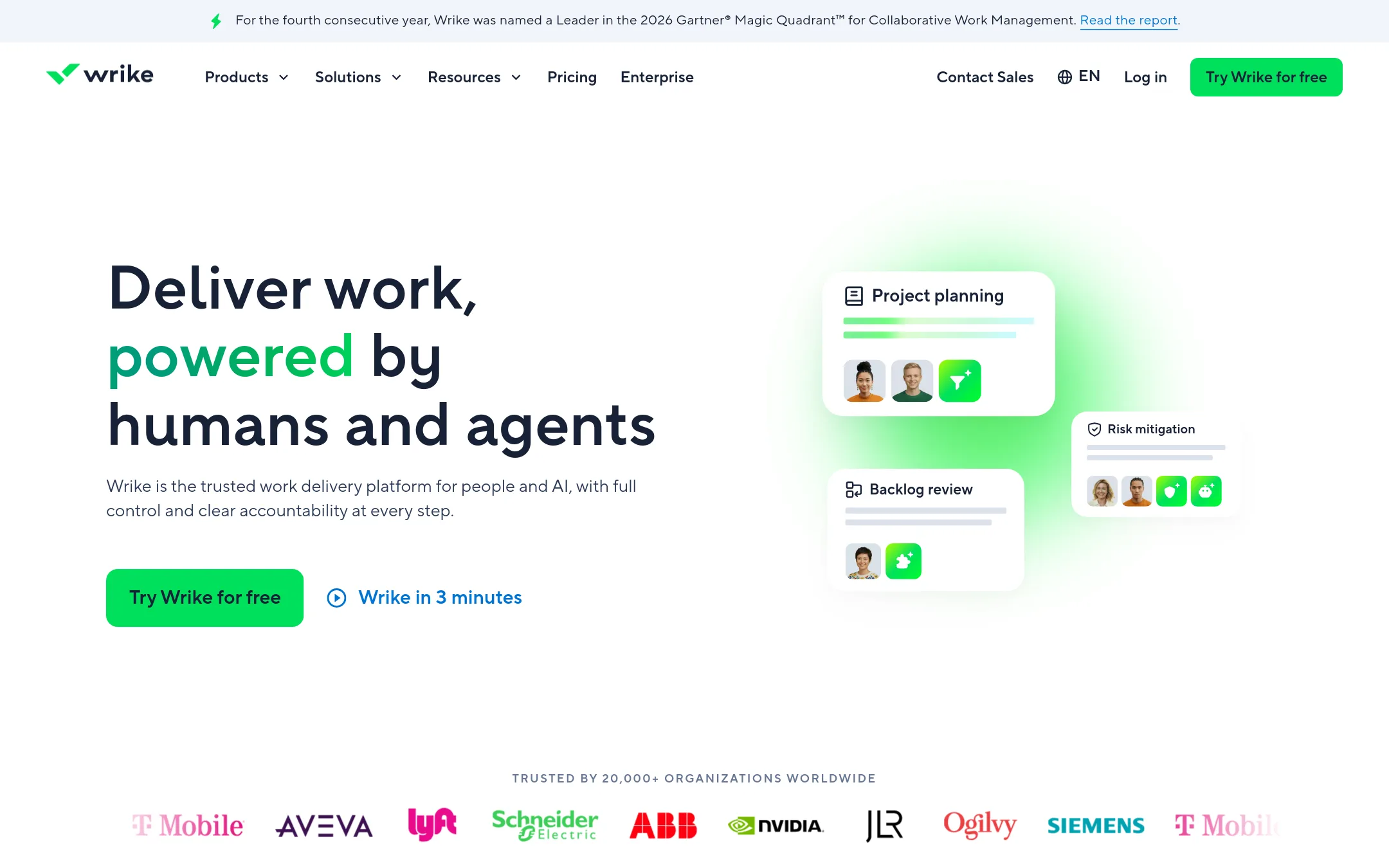
Wrike is an AI-powered work management platform for enterprises that need visibility across projects and teams. It includes AI agents, Copilot, and Work Intelligence to automate workflows and surface insights. Choose it over Smartsheet if you want deeper AI-driven automation and agent collaboration built into the platform.
Where it is strong
- AI agents and Copilot automate workflows and answer questions
- Work Intelligence provides data-driven insights
- Resource management balances team workloads and capacity
Where it falls short
- Pricing is not transparent without contacting sales
- May be heavier than Smartsheet for simple project tracking
- Pricing:
- Pricing is not published on the site.
- Not published
4.Jira
Best for: Software development and IT teams that need sprint planning, issue tracking, and agile reporting.
- Pricing
- Not published
- Category
- Productivity & Project Management
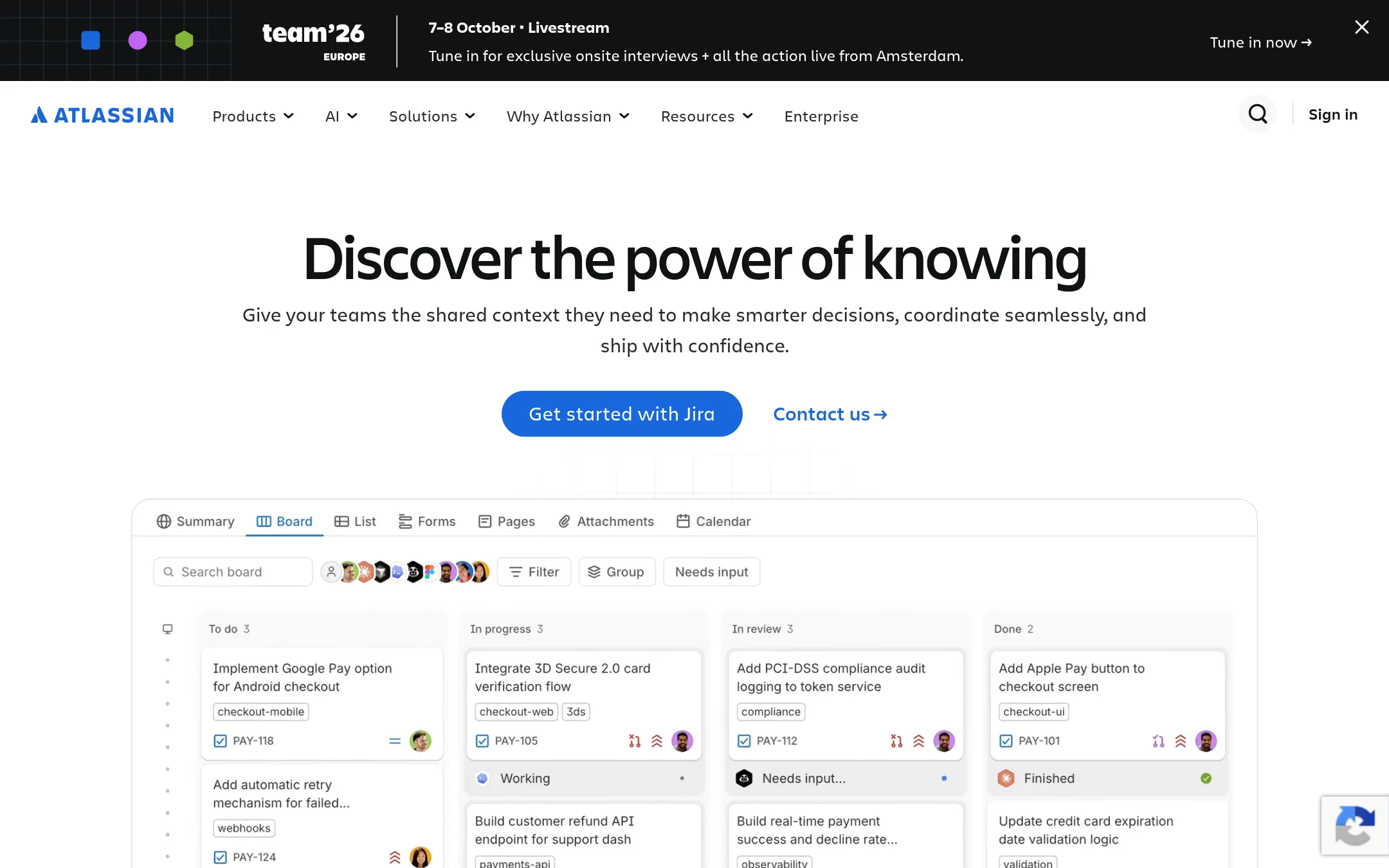
Jira is a project management tool built for software, IT, and business teams. It focuses on issue tracking, agile workflows, and development processes. Choose it instead of Smartsheet when your team needs deep integration with development tools and sprint-based planning rather than general work management.
Where it is strong
- Strong agile and scrum boards for development teams
- Deep integration with Bitbucket, GitHub, and other dev tools
- Customizable workflows and issue types for IT processes
Where it falls short
- Steeper learning curve for non-technical teams
- Less suited for portfolio-level reporting and resource planning
- Pricing:
- Pricing is not published on the site.
- Switching from Smartsheet:
- Moving from Smartsheet means reworking your sheets into issues and sprints, which takes time but gives you native dev tooling.
- Not published
5.Airtable Automations
Best for: Teams that want to build custom internal tools and automate repetitive tasks without writing code, especially those already using AI models from OpenAI, Gemini, or Anthropic.
- Pricing
- Not published
- Category
- Productivity & Project Management
Airtable Automations is a no-code platform for building custom apps and automating workflows around structured data. You would choose it over Smartsheet when your team needs a flexible database-style foundation with deep AI integration, rather than a traditional project management grid.
Where it is strong
- Build production apps with no-code components and conversational AI.
- Scale to hundreds of millions of records and tens of thousands of users.
- Strong security and compliance: ISO, HIPAA, SOC 2, and EU/Australia data residency.
Where it falls short
- Pricing is not transparent, so budgeting is harder than with Smartsheet's published tiers.
- May be overkill if you only need classic project views like Gantt or portfolio dashboards.
- Pricing:
- Pricing is not published on the site.
- Switching from Smartsheet:
- Moving from Smartsheet means rethinking your data structure, since Airtable is more database-centric than sheet-centric, and you'll need to rebuild automations and views.
- Not published
6.ClickUp
Best for: Teams that want one workspace for projects, docs, chat, and AI without juggling multiple tools
- Pricing
- Not published
- Category
- Productivity & Project Management
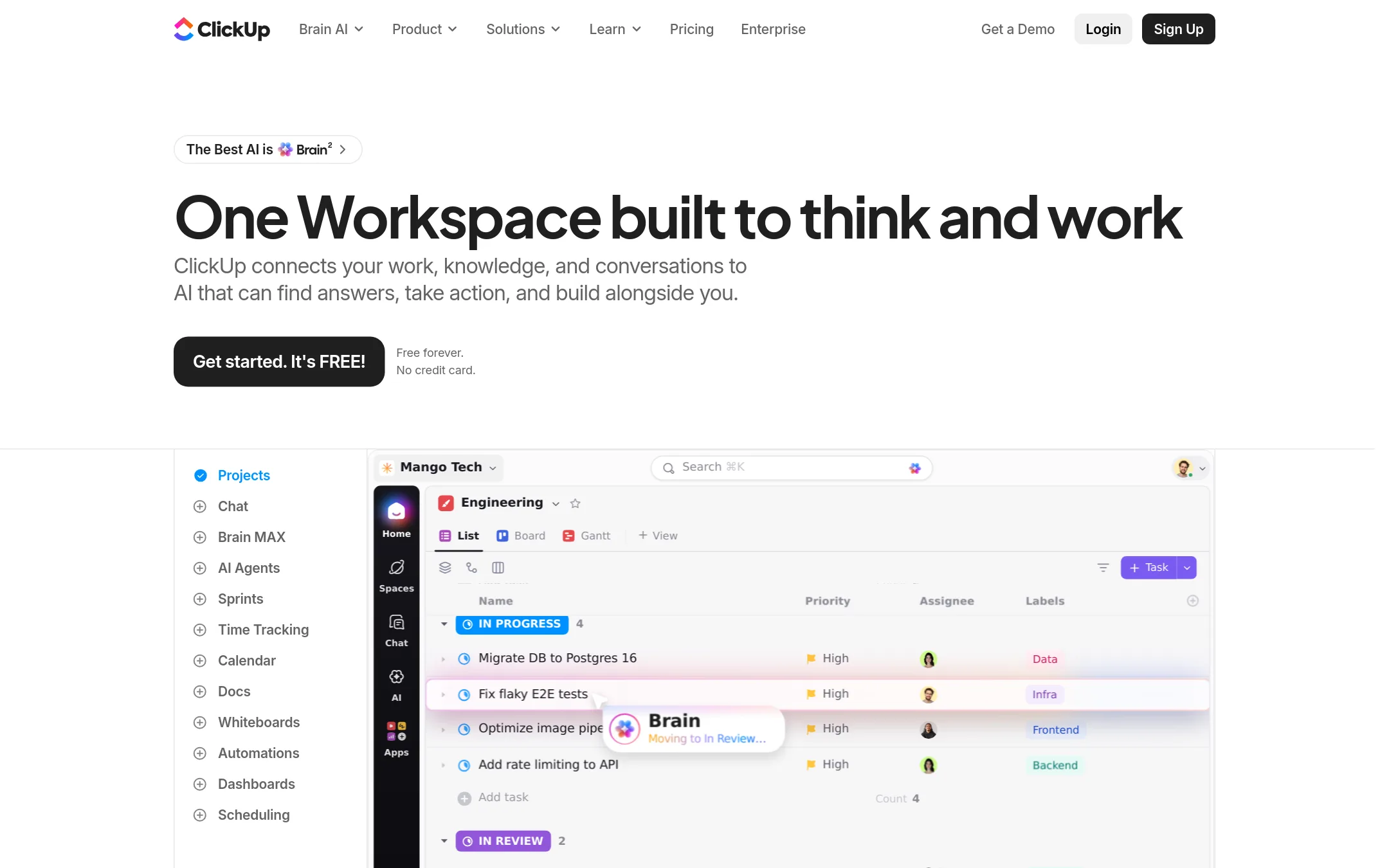
ClickUp is a broad work platform that bundles tasks, docs, chat, whiteboards, and AI agents into one workspace. Choose it over Smartsheet if you want a single tool that replaces several apps and prefer a more flexible, customizable interface over Smartsheet's structured grid-first approach.
Where it is strong
- Free forever plan with unlimited tasks and docs
- Includes AI agents, chat, whiteboards, and time tracking in one tool
- Customizable views: list, board, Gantt, calendar, table, and mind maps
Where it falls short
- Pricing details are not shown on the site, so you must contact sales
- Advanced features like whiteboards and private docs are limited on lower tiers
- Pricing:
- Pricing is not published on the site.
- Pay per use
7.Microsoft Azure CycleCloud
Best for: Research and engineering teams that need to spin up and manage HPC clusters on Azure.
- Pricing
- Pay per use
- Category
- Developer Tools
Microsoft Azure CycleCloud is an HPC orchestration tool for managing and scaling compute clusters on Azure. Choose it over Smartsheet when your work is about running simulations, rendering, or other high-performance computing workloads, not tracking project tasks.
Where it is strong
- Native integration with Azure services and identity management.
- Supports a wide range of schedulers (PBS, Slurm, etc.) for HPC workloads.
- Automates cluster provisioning and scaling based on workload demand.
Where it falls short
- Requires Azure expertise. Not a general-purpose project management tool.
- No built-in collaboration features like Smartsheet's sheets, forms, or dashboards.
- Pricing:
- Pricing is not published on the site. Azure charges per resource used, and CycleCloud itself is free to use.
- From $29/mo
8.Basecamp
Best for: Small agencies and client-service teams that want a straightforward hub for projects, messages, and files.
- Pricing
- From $29/mo
- Category
- Productivity & Project Management
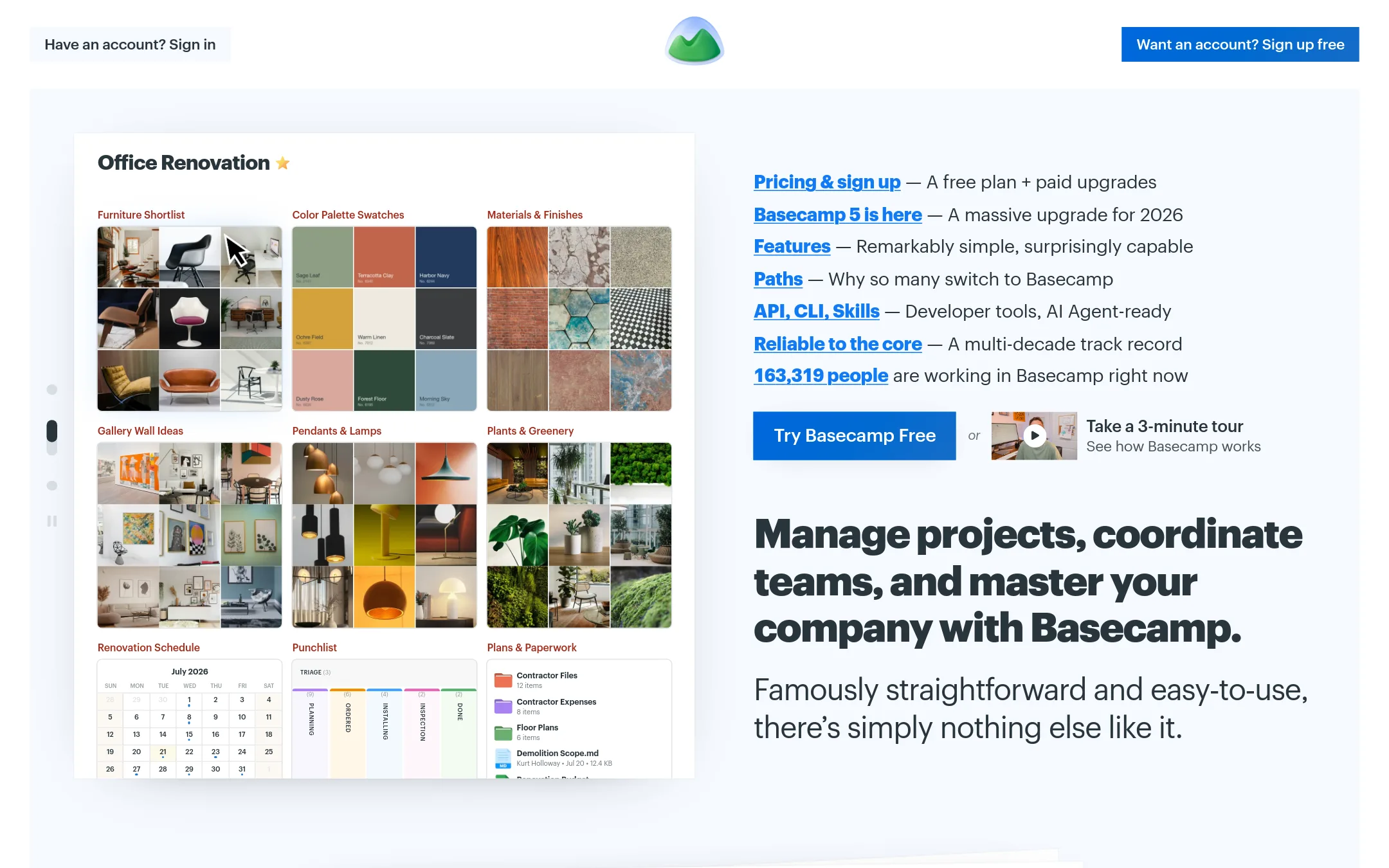
Basecamp is a project management and team communication tool that keeps discussions, files, and tasks in one place. Choose it over Smartsheet if you want a simpler, more structured tool for client work and team coordination, without the spreadsheet-like flexibility and complex automations.
Where it is strong
- Flat pricing per plan, not per user, so costs are predictable.
- Built-in message boards, chat, and file sharing reduce the need for extra tools.
- Simple interface that teams adopt quickly, even non-technical users.
Where it falls short
- Limited project and storage capacity on lower tiers, which may force upgrades.
- No spreadsheet-style grid or custom views like Smartsheet's Gantt and dashboards.
- Pricing:
- Freelancer is $29/month for 3 projects and 5 users, Pro is $79/month for 8 projects and 10 users, Pro Plus is $99/month for 12 projects and 15 users, and Pro Unlimited is $199/month billed annually for unlimited projects and users.
- Switching from Smartsheet:
- Moving from Smartsheet means recreating your project structures and workflows in Basecamp's simpler format, which may require adapting your processes.
- Free. $10–$20/user/mo
9.Notion
Best for: Startups and small teams that want a single place for docs, wikis, and lightweight project tracking without the rigidity of a dedicated PM tool.
- Pricing
- Free. $10–$20/user/mo
- Category
- Productivity & Project Management
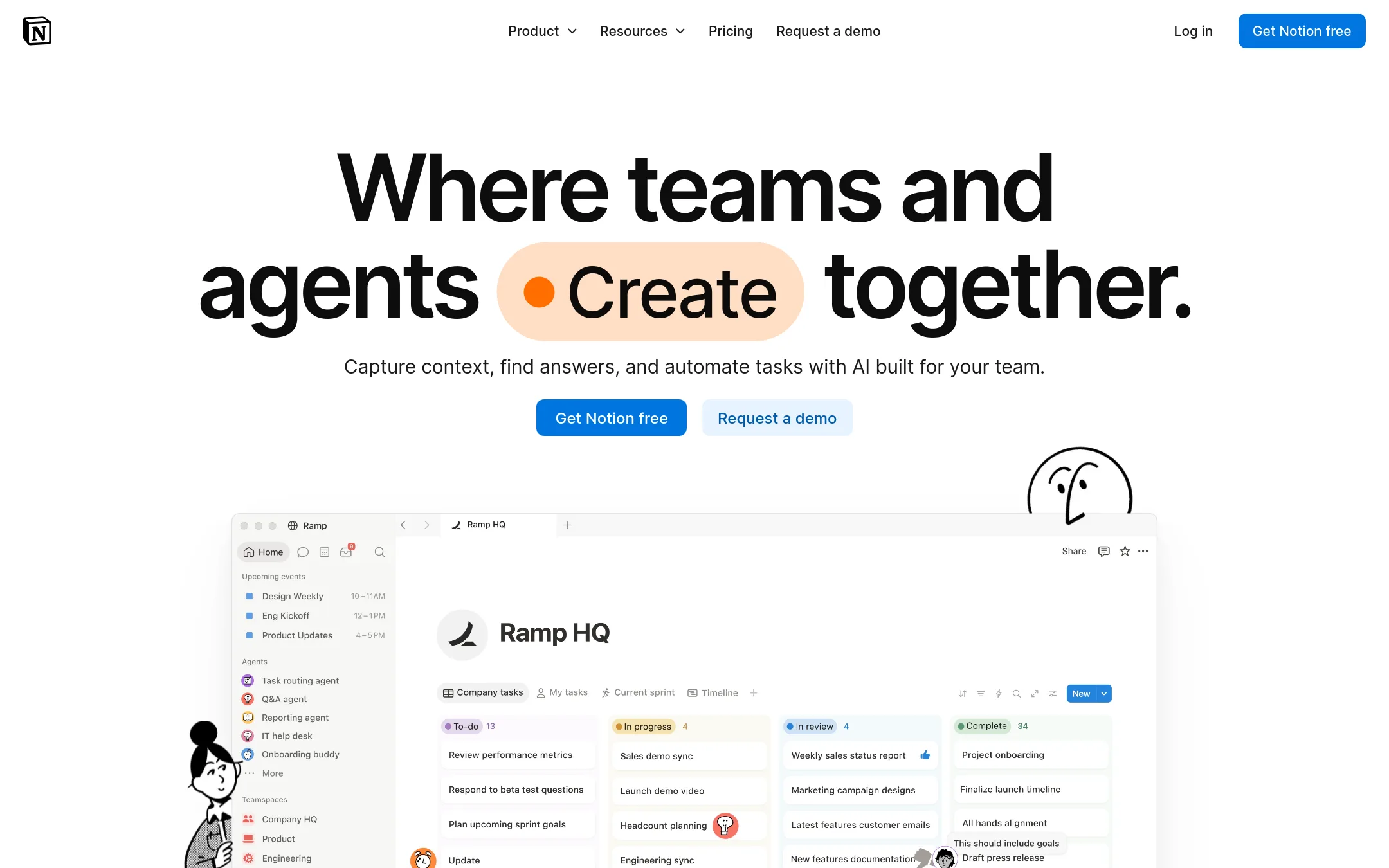
Notion is a flexible workspace that combines notes, docs, wikis, and databases in one tool. Choose it over Smartsheet if your team needs a more free-form, collaborative environment for knowledge and project tracking, rather than structured project management with Gantt charts and resource planning.
Where it is strong
- Flexible pages and databases that adapt to how your team works
- Strong AI features, including meeting notes and custom agents
- Generous free plan for individuals and small teams
Where it falls short
- No native Gantt or timeline view for project scheduling
- Advanced security and admin controls only on the Enterprise plan
- Pricing:
- In the United States, the Free plan is $0, Plus is $10 per user per month, Business is $20 per user per month, and Enterprise is custom.
- Switching from Smartsheet:
- Moving from Smartsheet to Notion means rebuilding your sheets as databases and rethinking your workflow, since Notion lacks Smartsheet's grid-based project management and automations.
- Not published
10.Zoho Meeting
Best for: Small businesses already using Zoho apps that need a simple meeting and webinar tool rather than project management.
- Pricing
- Not published
- Category
- Communication & Collaboration
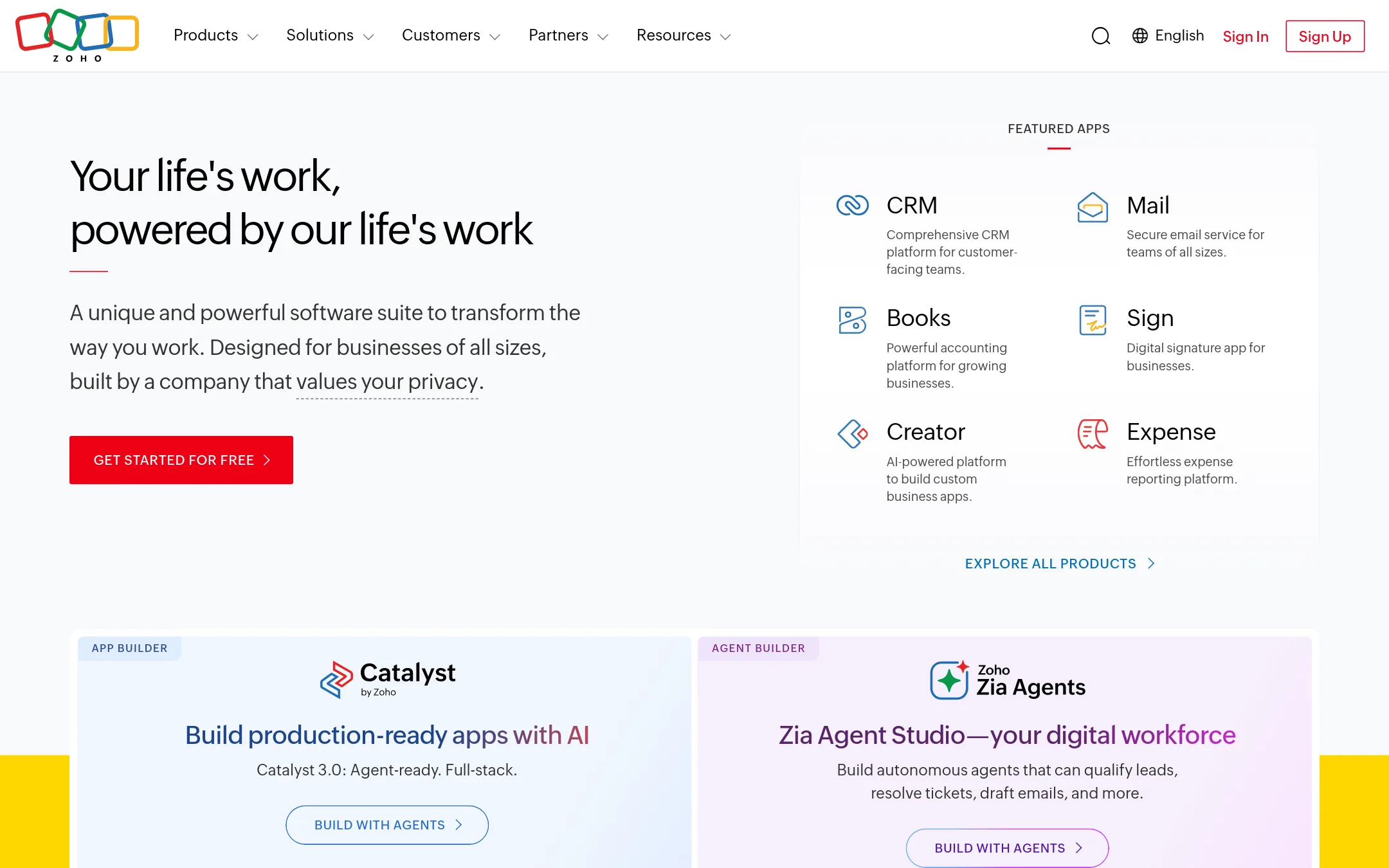
Zoho Meeting is a video conferencing and online meeting tool, not a project management platform. You would choose it instead of Smartsheet only if your primary need is running webinars and meetings, not tracking projects. It fits a small business that already uses Zoho's suite and wants meetings integrated with that ecosystem.
Where it is strong
- Integrates with the broader Zoho suite
- Built for video meetings and webinars
- Privacy-focused company with no ad-based model
Where it falls short
- No project tracking, Gantt charts, or portfolio views
- Not a work management platform, so it can't replace Smartsheet's core functions
- Pricing:
- Pricing is not published on the site.
- Not published
11.Teamwork
Best for: Agencies, consultancies, and IT services teams that need live project profitability and resource planning.
- Pricing
- Not published
- Category
- Other
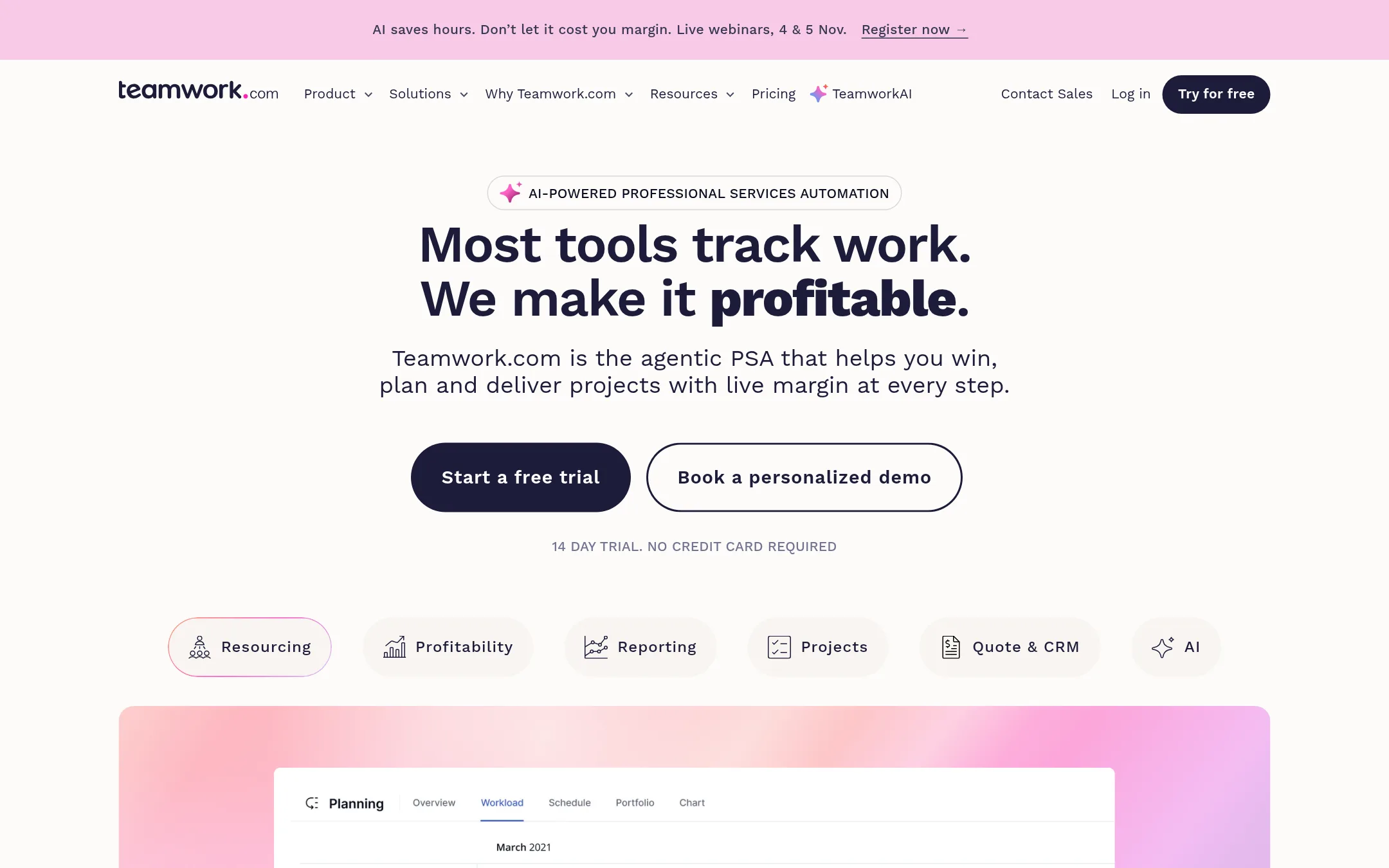
Teamwork is a professional services automation platform that tracks project profitability, utilization, and capacity in real time. Choose it over Smartsheet if you run an agency, consultancy, or IT services firm and need live margin control, resource forecasting, and billing tied to logged time.
Where it is strong
- Live margin tracking per project, client, or retainer
- Capacity planning by role or skill with utilization insights
- Native integrations with HubSpot, Salesforce, Xero, QuickBooks
Where it falls short
- Pricing not transparent on the site
- Less general-purpose than Smartsheet. Focused on services businesses
- Pricing:
- Pricing is per user per month billed yearly, with a free Basics plan for up to 5 users and 5 projects, and paid plans starting at an unlisted price. The site does not show specific dollar amounts.
- Switching from Smartsheet:
- Moving from Smartsheet involves migrating project data and rebuilding workflows, but Teamwork offers templates and onboarding services to ease the transition.
- Not published
12.LiquidPlanner
Best for: Engineering and services teams in Jira-heavy environments that need predictive scheduling and automatic workload balancing across a portfolio.
- Pricing
- Not published
- Category
- Other
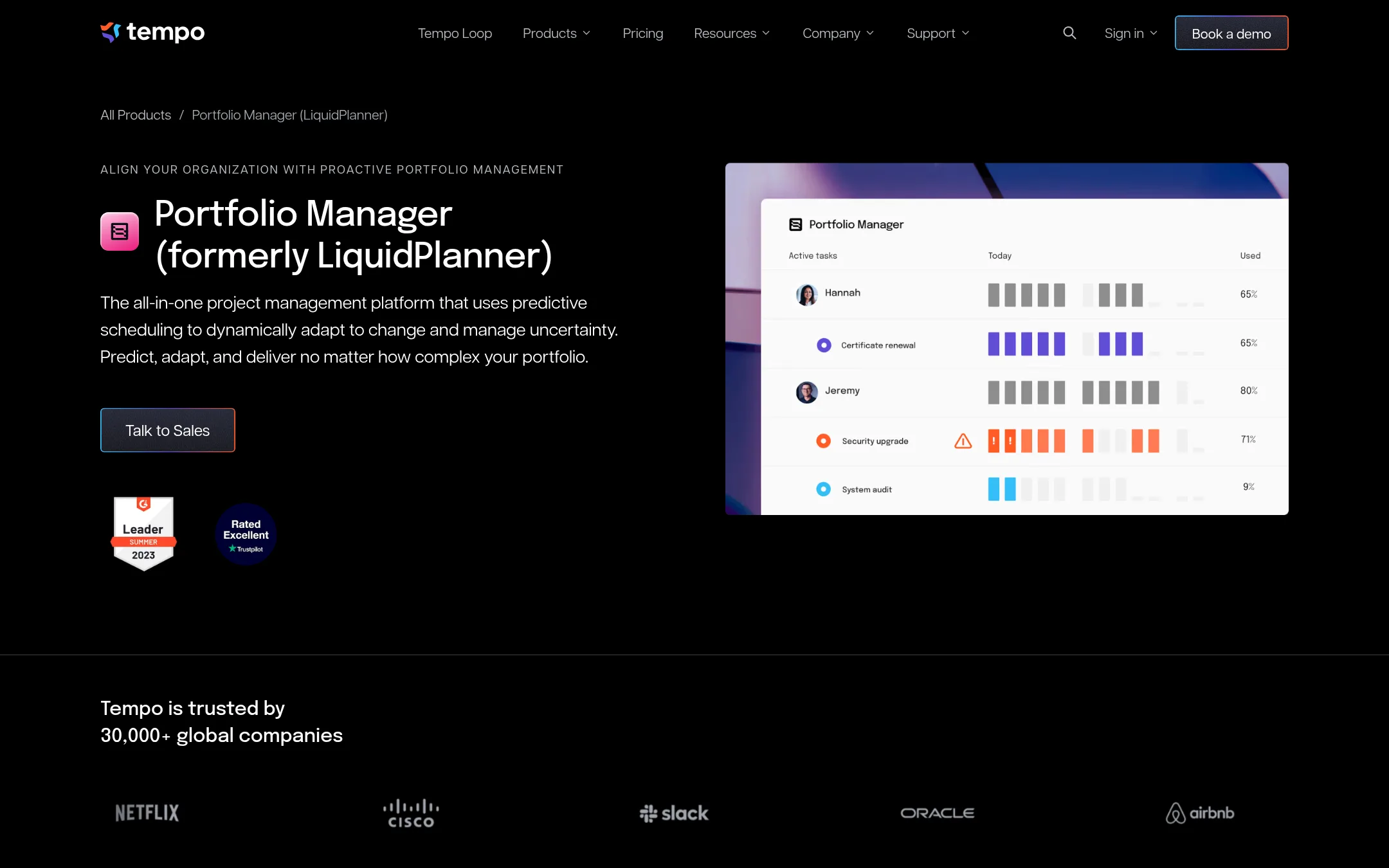
LiquidPlanner, now Tempo Portfolio Manager, uses predictive scheduling with Monte Carlo simulations to produce realistic finish dates and automatically balance workloads across projects. Choose it over Smartsheet when your team juggles many complex, interdependent projects and needs data-driven forecasts instead of manual timeline updates.
Where it is strong
- Predictive scheduling generates realistic finish dates with 90% confidence using Monte Carlo simulations.
- Automatically levels workloads and adapts to changes in resources, priority, and scope.
- Native integrations with Slack and Jira keep project data in your existing workflow.
Where it falls short
- Pricing for Portfolio Manager is not published. You must contact sales.
- The product is tightly coupled to Jira, so teams not using Jira may find it less suitable.
- Pricing:
- Pricing is not published on the site. The linked pricing page covers Tempo Timesheets, which starts at $10.00 per user per month for teams of 1-10.
- Switching from Smartsheet:
- Moving from Smartsheet involves migrating your project data and re-learning scheduling logic, as LiquidPlanner replaces manual timelines with predictive estimates.
See more comparisons in Productivity & Project Management alternatives.
FAQ
Questions about Smartsheet alternatives
What is the best Smartsheet alternative for a small team on a budget?
Basecamp offers flat pricing per plan, not per user, which keeps costs predictable for small teams. Its Freelancer plan is $29/month for 3 projects and 5 users, and the Pro plan is $79/month for 8 projects and 10 users. It is simple and quick to adopt, though it lacks Smartsheet's spreadsheet-style flexibility.
Which alternative is best for software development teams?
Jira is built for software and IT teams, with sprint planning, issue tracking, and agile reporting. It integrates deeply with development tools like Bitbucket and GitHub. However, it has a steeper learning curve for non-technical users and is less suited for portfolio-level reporting.
Are there alternatives with free plans?
Monday.com offers a free plan for up to 2 seats and 3 boards. ClickUp has a free forever plan with unlimited tasks and docs. Notion's free plan is available for individuals and small teams. These can be good starting points before committing to paid tiers.
Which alternative is best for agencies needing profitability tracking?
Teamwork is designed for professional services, with live margin tracking per project, client, or retainer, and capacity planning by role or skill. It integrates with HubSpot, Salesforce, Xero, and QuickBooks. Pricing is per user per month, but specific dollar amounts are not published on the site.
How do these alternatives handle AI features compared to Smartsheet?
Asana includes AI Teammates and AI Studio in paid plans, while Monday.com includes AI credits in every paid plan for agents that automate tasks. Wrike offers AI agents and Copilot for workflow automation. Smartsheet's AI features include conversational AI and data analysis, but these alternatives integrate AI more deeply into their core workflows.
Last updated October 30, 2026.