Sourcegraph Cody alternatives
12 products compared · Updated November 1, 2026
The short answer
For founders and operators choosing between Sourcegraph Cody alternatives, the strongest options are Cursor for individual developers and teams wanting an AI pair programmer embedded in their editor, GitLab for teams already using GitLab who want AI features within their existing DevSecOps platform, and Cognition Devin for enterprise teams seeking an autonomous agent to handle coding tasks end-to-end. Each suits different needs: Cursor for editor-centric development, GitLab for integrated AI in an existing platform, and Devin for autonomous task completion.
Your shortlist, at a glance
Read the comparisons ↓ GitHub Projects$0–$21/user/moTeams already using GitHub that want basic project tracking without leaving their code platform.
 GitLabFrom $12/user/moTeams already using GitLab for source control and CI/CD who want AI code review and agent orchestration within the same platform.
 TabnineNot publishedEnterprise engineering teams that need to govern and test AI-generated code at scale, especially in regulated industries.
 Amazon BusinessNot publishedProcurement teams that need Amazon's catalog with approval workflows, spend analytics, and bulk discounts.
 Cursor$8/mo to $200/moIndividual developers and teams who want an AI pair programmer embedded in their editor, with flexible plans from free to ultra.
 ReplitNot publishedFounders and small teams who want to prototype and ship apps quickly without deep codebase context.
 BloopSee websiteBuilding tools to plan, orchestrate and review the work of autonomous AI agents.
 CodebuffSee websiteThe CLI tool that writes code for you
 Cognition DevinNot publishedEnterprise engineering teams that want an autonomous agent to independently handle coding tasks from planning to shipping, rather than a codebase context tool for human developers.
 HumanLayerSee websiteGetting AI Coding Agents to solve hard problems in complex codebases
- OOneGrepSee websiteAI Agent for DevOps Workflow Automation
 SparklesSee websiteMake everyone on your team an engineer
About Sourcegraph Cody and its alternatives
Sourcegraph Cody is a codebase context layer that helps developers and agents search, understand, and change large codebases. It is known for deterministic code search, deep AI-powered answers, and batch changes at enterprise scale, with pricing starting at an annual contract for its Enterprise plan.
When comparing alternatives, weigh pricing structure (per user, usage-based, or credits), regions and data residency, integrations with your existing tools, support levels, and contract terms like minimums or annual commitments. Consider whether you need a full IDE, a platform with built-in AI, or an autonomous agent, and how each fits your team's workflow and scale.
Explore the alternatives
- $0–$21/user/mo
1.GitHub Projects
Best for: Teams already using GitHub that want basic project tracking without leaving their code platform.
- Pricing
- $0–$21/user/mo
- Category
- Productivity & Project Management
GitHub Projects is a lightweight planning and tracking tool built into GitHub, not a codebase-aware AI assistant. Choose it if your team already lives in GitHub and needs simple issue tracking next to code, without the deep code search and agent context that Sourcegraph Cody provides.
Where it is strong
- Native integration with GitHub repositories and pull requests
- Free tier with unlimited public/private repositories
- Includes Copilot access on Enterprise plan
Where it falls short
- No codebase-wide search or AI-powered code context
- Limited to GitHub ecosystem. Not for multi-repo or monorepo scale
- Pricing:
- Free for individuals. Team is $4 per user/month. Enterprise is $21 per user/month and includes GitHub Copilot access.
- From $12/user/mo
2.GitLab
Best for: Teams already using GitLab for source control and CI/CD who want AI code review and agent orchestration within the same platform.
GitLab is a full DevSecOps platform with AI features woven into its planning, source control, CI/CD, and security workflows. Choose it over Sourcegraph Cody if you want AI assistance and code context inside an existing GitLab instance, rather than a separate code intelligence tool.
Where it is strong
- AI features are bundled with Premium and Ultimate plans via included GitLab Credits.
- Deep integration with GitLab's planning, CI/CD, and security scanning.
- Supports connecting MCP-compatible agents and open-weight models.
Where it falls short
- AI features require purchasing GitLab Credits beyond the included amount.
- Not a dedicated code search tool like Sourcegraph Cody. Context is tied to GitLab's data plane.
- Pricing:
- Free tier for up to 5 users. Premium at $12 per user/month and Ultimate at $24 per user/month, both including GitLab Credits for AI features.
- Switching from Sourcegraph Cody:
- Moving from Sourcegraph Cody to GitLab means adopting GitLab's AI features within its platform, which may require migrating your codebase and workflows to GitLab if not already there.
- Not published
3.Tabnine
Best for: Enterprise engineering teams that need to govern and test AI-generated code at scale, especially in regulated industries.
- Pricing
- Not published
- Category
- AI & Machine Learning
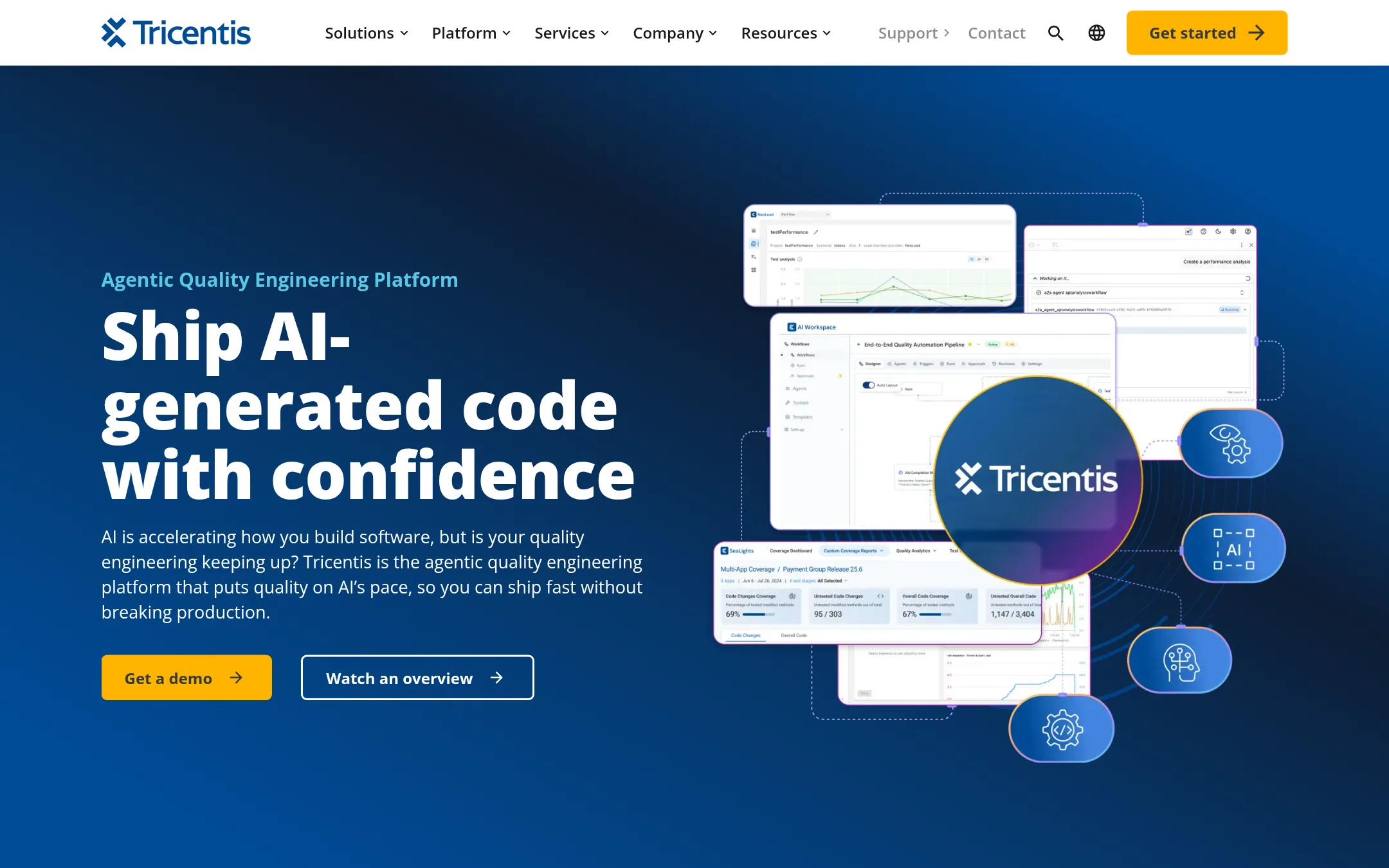
Tabnine is now part of Tricentis and focuses on agentic quality engineering, not just code completion. It helps teams test AI-generated code with autonomous agents, approval gates, and audit trails. Choose it if your main concern is ensuring AI-written code doesn't break production, rather than getting codebase-wide context for developers.
Where it is strong
- Built-in governance with approval gates and audit trails for AI actions
- Autonomous test creation from requirements, with traceability
- Covers enterprise technologies like SAP, Oracle, Salesforce, and web/mobile
Where it falls short
- Focus is on quality engineering, not code search or deep codebase context
- No standalone code assistant pricing. Requires Tricentis platform engagement
- Pricing:
- Pricing is not published on the site.
- Switching from Sourcegraph Cody:
- Moving from Sourcegraph Cody means shifting from codebase context and search to a quality-centric platform, so you'd likely need to adopt Tricentis's testing workflows and agents.
- Not published
4.Amazon Business
Best for: Procurement teams that need Amazon's catalog with approval workflows, spend analytics, and bulk discounts.

- Pricing
- Not published
- Category
- E-commerce
Amazon Business is a procurement platform for buying supplies and equipment, not a code intelligence tool. You would choose it instead of Sourcegraph Cody if your team's need is purchasing and spend management, not codebase search or AI-assisted development.
Where it is strong
- Wide product selection with quantity discounts and case packs.
- Approval flows and compliance guardrails for purchasing.
- Spend analytics with pre-built and custom reports.
Where it falls short
- No code search or AI code assistance features.
- Focused on procurement, not software development workflows.
- Pricing:
- Pricing is not published on the site.
- $8/mo to $200/mo
5.Cursor
Best for: Individual developers and teams who want an AI pair programmer embedded in their editor, with flexible plans from free to ultra.
- Pricing
- $8/mo to $200/mo
- Category
- AI & Machine Learning
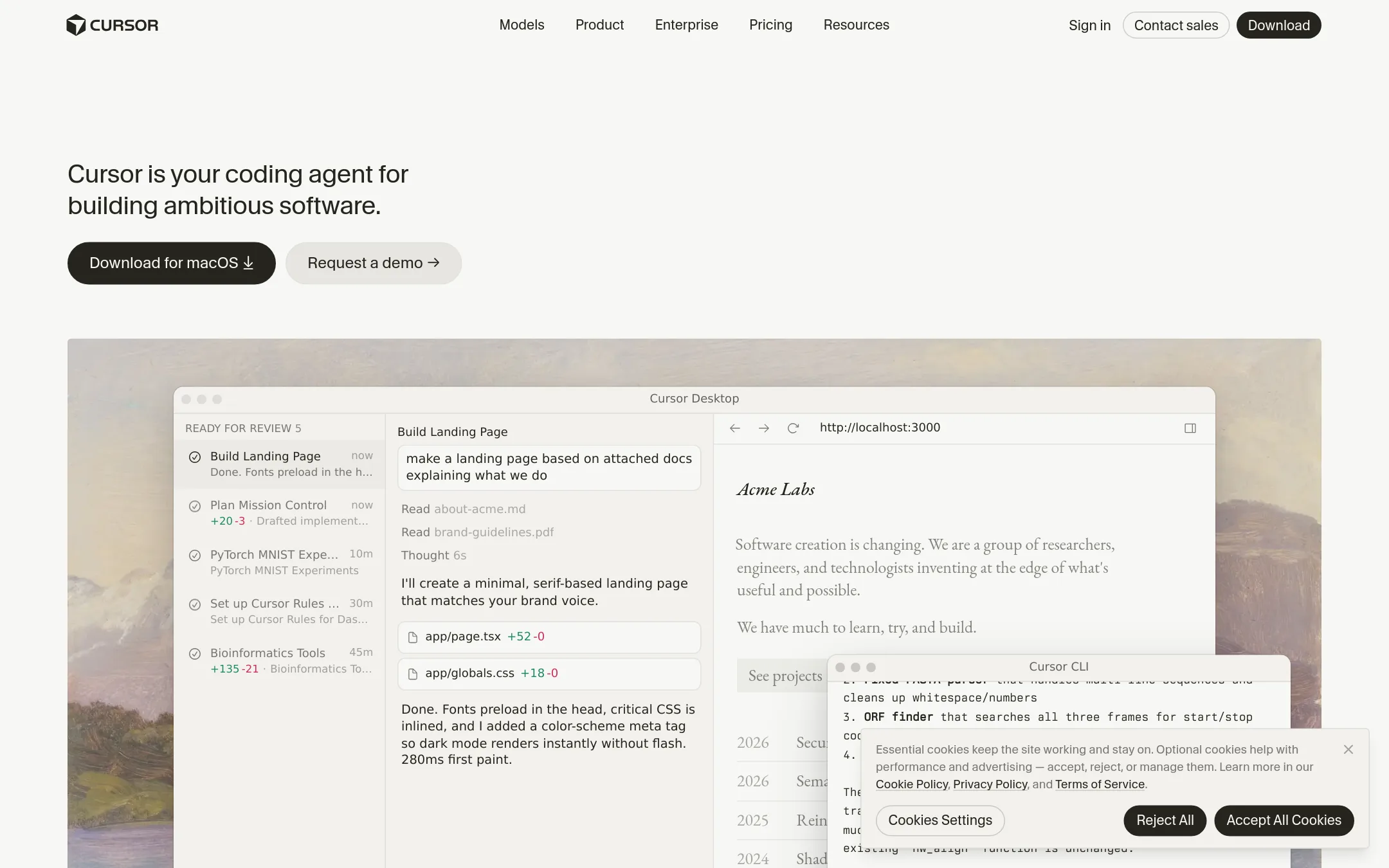
Cursor is an AI coding agent that works inside your editor, handling tasks from autocomplete to full agentic workflows. Choose it over Sourcegraph Cody if you want a tightly integrated IDE experience with a usage-based pricing model and a focus on individual developer productivity.
Where it is strong
- Deep IDE integration with context-aware completions and intelligent code navigation.
- Multiple tiers, including a free plan and a team plan, with pooled usage.
- Supports third-party models at API list price, letting you choose your preferred LLM.
Where it falls short
- Pricing page mixes Cursor with Grok features, which may confuse buyers.
- No explicit codebase-wide search or batch change features like Sourcegraph Cody.
- Pricing:
- Free plan with limited usage. Paid plans start at $8/month for Plus, $30/month for Premium, $100/month for Super, and $200/month for Ultra. Teams pricing starts at $30 per user per month. Enterprise pricing is custom.
- Switching from Sourcegraph Cody:
- Moving from Sourcegraph Cody to Cursor involves adopting a new editor-centric workflow. You'll lose the enterprise code search and batch change capabilities unless you keep Sourcegraph separately.
- Not published
6.Replit
Best for: Founders and small teams who want to prototype and ship apps quickly without deep codebase context.
- Pricing
- Not published
- Category
- Developer Tools
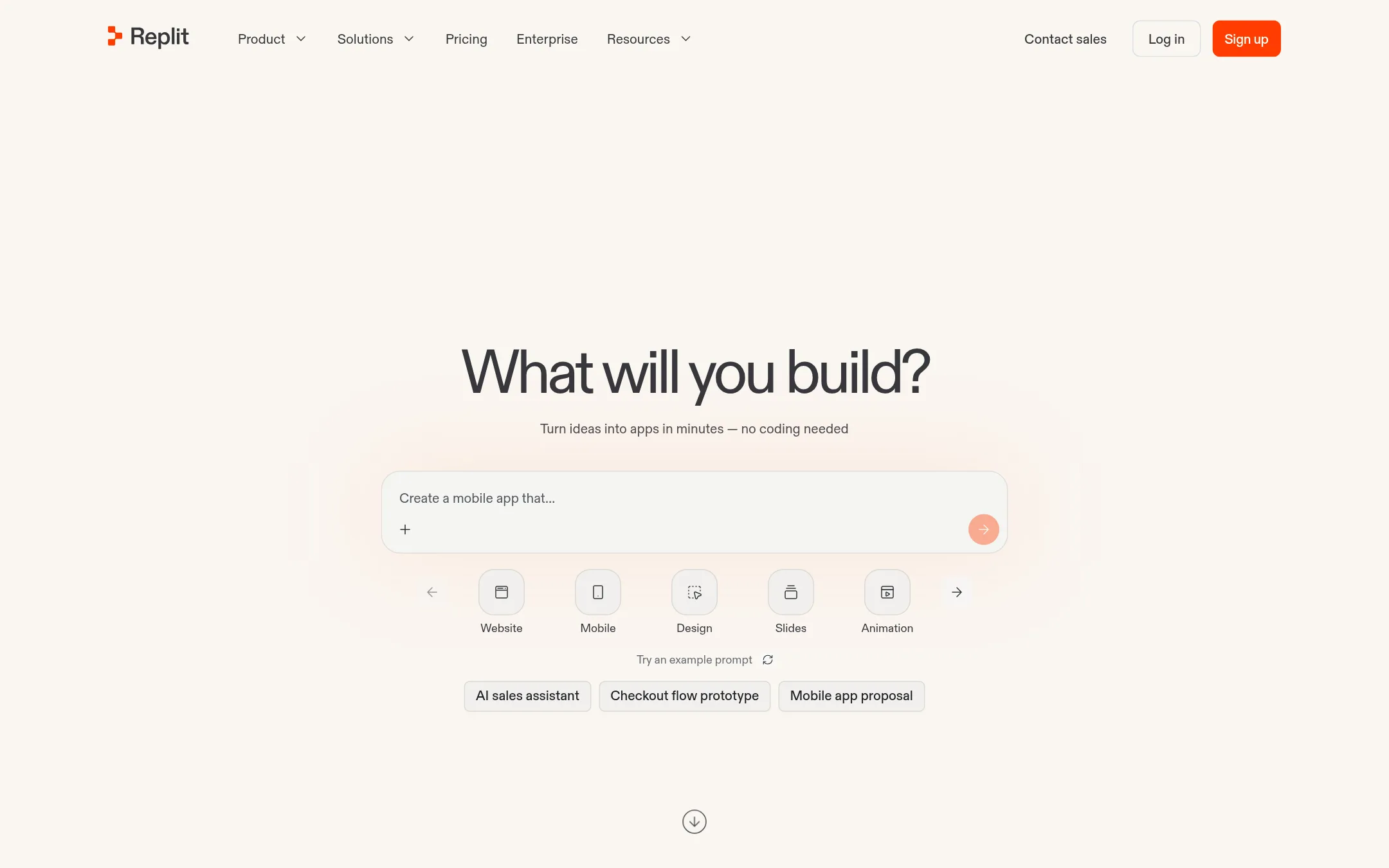
Replit is a collaborative in-browser IDE that lets you describe an app and get a working, production-ready result without writing code. Choose it over Sourcegraph Cody when you want to build and deploy full applications from scratch, rather than search and understand an existing large codebase.
Where it is strong
- No token costs in free mode for brainstorming and creating.
- Intelligent model routing cuts average cost by 65% versus previous Max Mode.
- Built-in services for auth, database, hosting, and monitoring with zero setup.
Where it falls short
- Not designed for large enterprise codebases or cross-repo search.
- Lacks Sourcegraph's deterministic code search and deep codebase grounding.
- Pricing:
- Pricing is not published on the site.
- See website
7.Bloop
AI & Machine Learning
Building tools to plan, orchestrate and review the work of autonomous AI agents.
- See website
8.Codebuff
Developer Tools
The CLI tool that writes code for you
- Not published
9.Cognition Devin
Best for: Enterprise engineering teams that want an autonomous agent to independently handle coding tasks from planning to shipping, rather than a codebase context tool for human developers.
- Pricing
- Not published
- Category
- AI & Machine Learning
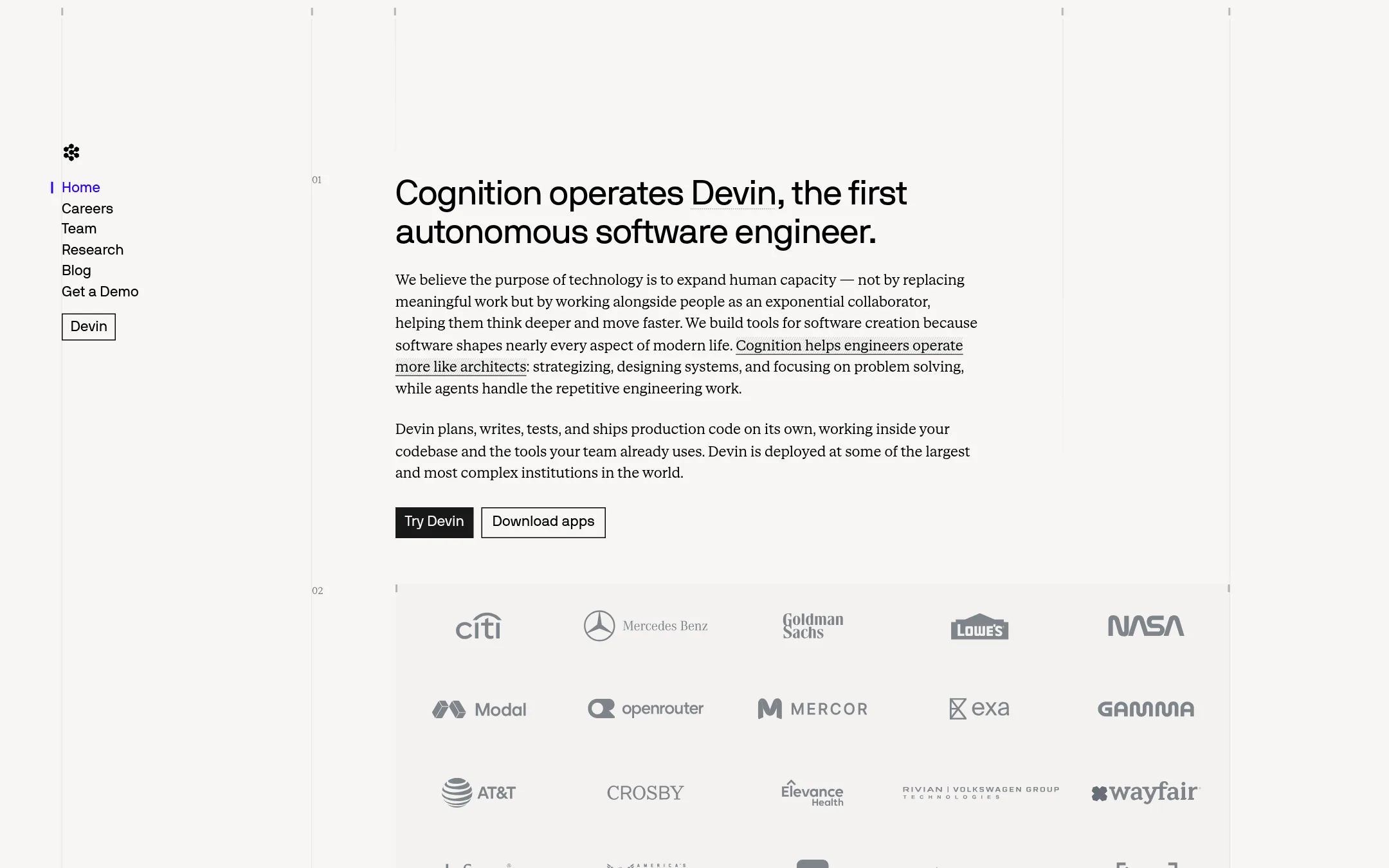
Cognition Devin is an autonomous software engineer that plans, writes, tests, and ships production code on its own, working inside your codebase and existing tools. Choose Devin instead of Sourcegraph Cody when you want an agent that completes entire tasks end-to-end, not just a context layer that assists humans and other agents with codebase understanding.
Where it is strong
- Autonomous: plans, codes, tests, and ships without human step-by-step guidance
- Works inside your codebase and with the tools your team already uses
- Deployed at large, complex institutions, indicating enterprise readiness
Where it falls short
- No public pricing, so cost is unclear without contacting sales
- No code search or deep codebase context features like Sourcegraph Cody offers
- Pricing:
- Pricing is not published on the site.
- Switching from Sourcegraph Cody:
- Moving from Sourcegraph Cody to Devin means shifting from a context layer that assists humans and agents to an autonomous agent that takes over coding tasks, so you would need to integrate Devin into your workflow and likely reassign human oversight roles.
- See website
10.HumanLayer
Developer Tools
Getting AI Coding Agents to solve hard problems in complex codebases
- OSee website
11.OneGrep
Developer Tools
AI Agent for DevOps Workflow Automation
- See website
12.Sparkles
Developer Tools
Make everyone on your team an engineer
See more comparisons in AI & Machine Learning alternatives.
FAQ
Questions about Sourcegraph Cody alternatives
What is the cheapest alternative to Sourcegraph Cody?
GitLab offers a free tier for up to 5 users, and Cursor has a free plan with limited usage. For paid plans, Cursor starts at $8 per month for Plus, while GitLab Premium is $12 per user per month. GitHub Projects is free for individuals, but it lacks AI features.
Which alternative is best for teams already using GitHub?
GitHub Projects is the most integrated option, offering basic project tracking within GitHub, but it lacks codebase-wide search or AI context. If you need AI features, GitLab is a separate platform, while Cursor works as an editor extension and can integrate with GitHub repositories.
Are there alternatives with usage-based pricing?
Cursor uses a usage-based model with tiers from free to $200 per month, and Codeium has quotas that scale with usage. GitLab includes GitLab Credits with Premium and Ultimate plans, but you may need to purchase more for heavy AI use.
Which alternative is best for enterprise teams needing governance?
Tabnine, now part of Tricentis, focuses on governance with approval gates and audit trails for AI actions, making it suitable for regulated industries. Cognition Devin is deployed at large institutions and offers autonomous task completion, but pricing is not public.
Do any alternatives offer autonomous coding agents?
Cognition Devin is an autonomous software engineer that plans, codes, tests, and ships without step-by-step guidance. Codeium also manages autonomous agents locally or in the cloud, but it focuses on agent orchestration rather than full autonomy.
Last updated November 1, 2026.