
Sparkles alternatives
6 products compared · Updated November 3, 2026
The short answer
For teams that want to turn prompts into pull requests on existing GitHub repos, Sparkles is the direct option. Replit suits teams building new apps from scratch, Cursor suits engineers who want IDE-based AI help, and Sourcegraph Cody suits enterprises with large codebases needing deep code intelligence.
Your shortlist, at a glance
Read the comparisons ↓ GitHub ProjectsFrom $0, $4/user/moSoftware teams already using GitHub that want lightweight project tracking next to their code, without adopting a separate tool.
 ChatGPTSee websiteAI chatbot for exploring ideas, solving problems, and learning faster
 Cognition DevinNot publishedEngineering teams at large enterprises that need an autonomous agent to handle substantial coding work end-to-end without human supervision.
 Cursor$8–$200/mo per seatEngineering teams that live in an IDE and want AI assistance with per-seat plans, cloud agents, and code reviews.
 ReplitNot publishedTeams and individuals who want to build and deploy full-stack apps from a prompt, without managing separate hosting or infrastructure.
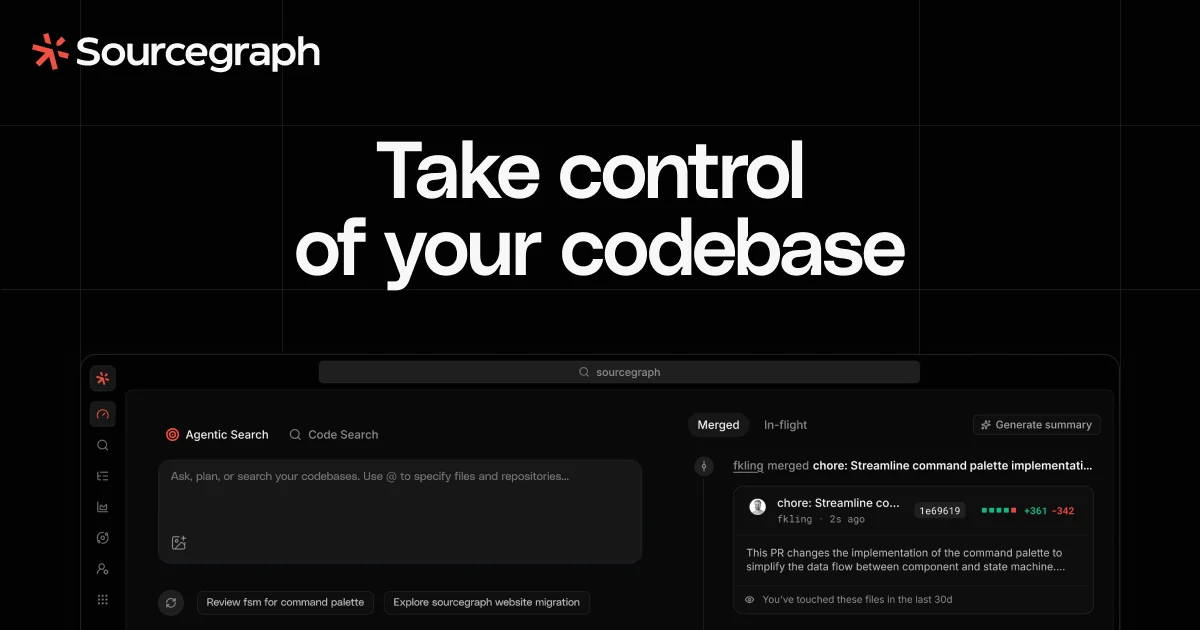 Sourcegraph CodyCustom quoteEnterprise engineering teams with large monorepos or multi-repo architectures that need code search, grounded AI answers, and agentic batch changes.
About Sparkles and its alternatives
Sparkles is a developer tool that lets anyone on your team, not just engineers, create pull requests from plain-language prompts. It connects to GitHub, runs agents in isolated sandboxes, and streams the work live. Sparkles is known for its shared org-wide credits, Slack integration, and support for Claude Code, Codex, and OpenCode.
When comparing alternatives, weigh pricing structure (per-seat vs. shared credits), whether the tool works on existing repos or builds new apps, integration depth with your stack, and contract terms like minimums or annual commitments. Also consider whether you need enterprise features like SSO or self-hosting.
Explore the alternatives
- From $0, $4/user/mo
1.GitHub Projects
Best for: Software teams already using GitHub that want lightweight project tracking next to their code, without adopting a separate tool.
- Pricing
- From $0, $4/user/mo
- Category
- Productivity & Project Management
GitHub Projects is the built-in planning and tracking tool inside GitHub, so teams that already live in GitHub can manage issues, sprints, and roadmaps without leaving their code. Choose it over Sparkles when your team needs project management tied directly to pull requests and repositories, not AI coding agents.
Where it is strong
- Native integration with GitHub repos and pull requests
- Free tier includes unlimited repositories and basic project tracking
- Enterprise plan includes Copilot and advanced security
Where it falls short
- No AI coding agents that generate pull requests from prompts
- Project management features are simpler than dedicated tools
- Pricing:
- Free plan at $0, Team at $4 per user per month, Enterprise at $21 per user per month, with Copilot available free up to 2,000 completions per month.
- See website
2.ChatGPT
AI & Machine Learning
OpenAI's coding agent that can autonomously work on GitHub issues and create pull requests.
- Not published
3.Cognition Devin
Best for: Engineering teams at large enterprises that need an autonomous agent to handle substantial coding work end-to-end without human supervision.
- Pricing
- Not published
- Category
- AI & Machine Learning
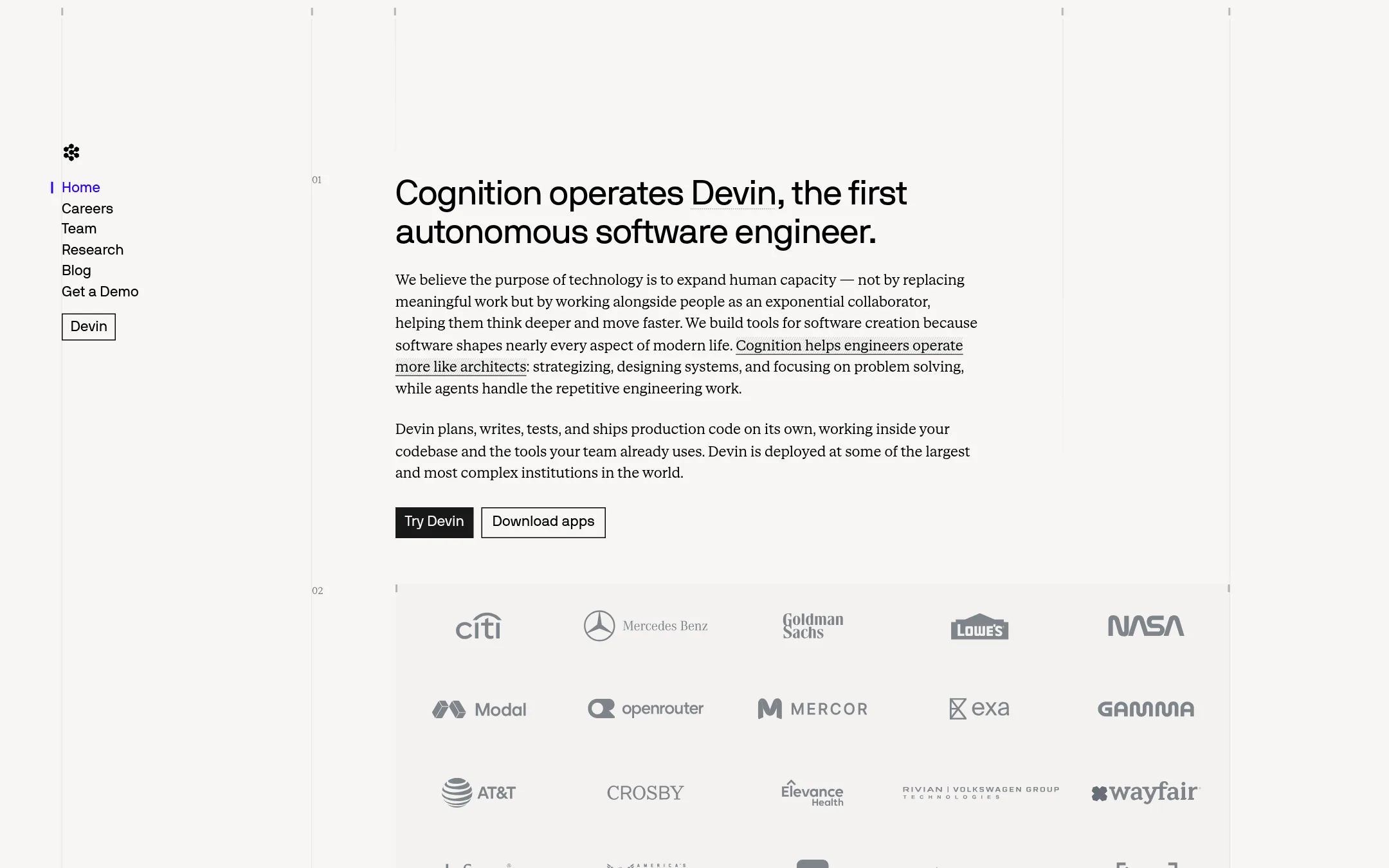
Devin is an autonomous software engineer that plans, writes, tests, and ships production code on its own, working inside your codebase and existing tools. Choose it over Sparkles when you need a fully independent agent for complex engineering tasks, not a team-wide tool that turns non-engineers into PR authors.
Where it is strong
- Autonomous planning, coding, testing, and shipping of production code
- Works inside your codebase and existing tools
- Deployed at some of the largest and most complex institutions in the world
Where it falls short
- Pricing is not public, likely enterprise-focused
- No self-serve team collaboration or Slack-based prompting like Sparkles
- Pricing:
- Pricing is not published on the site.
- $8–$200/mo per seat
4.Cursor
Best for: Engineering teams that live in an IDE and want AI assistance with per-seat plans, cloud agents, and code reviews.
- Pricing
- $8–$200/mo per seat
- Category
- AI & Machine Learning
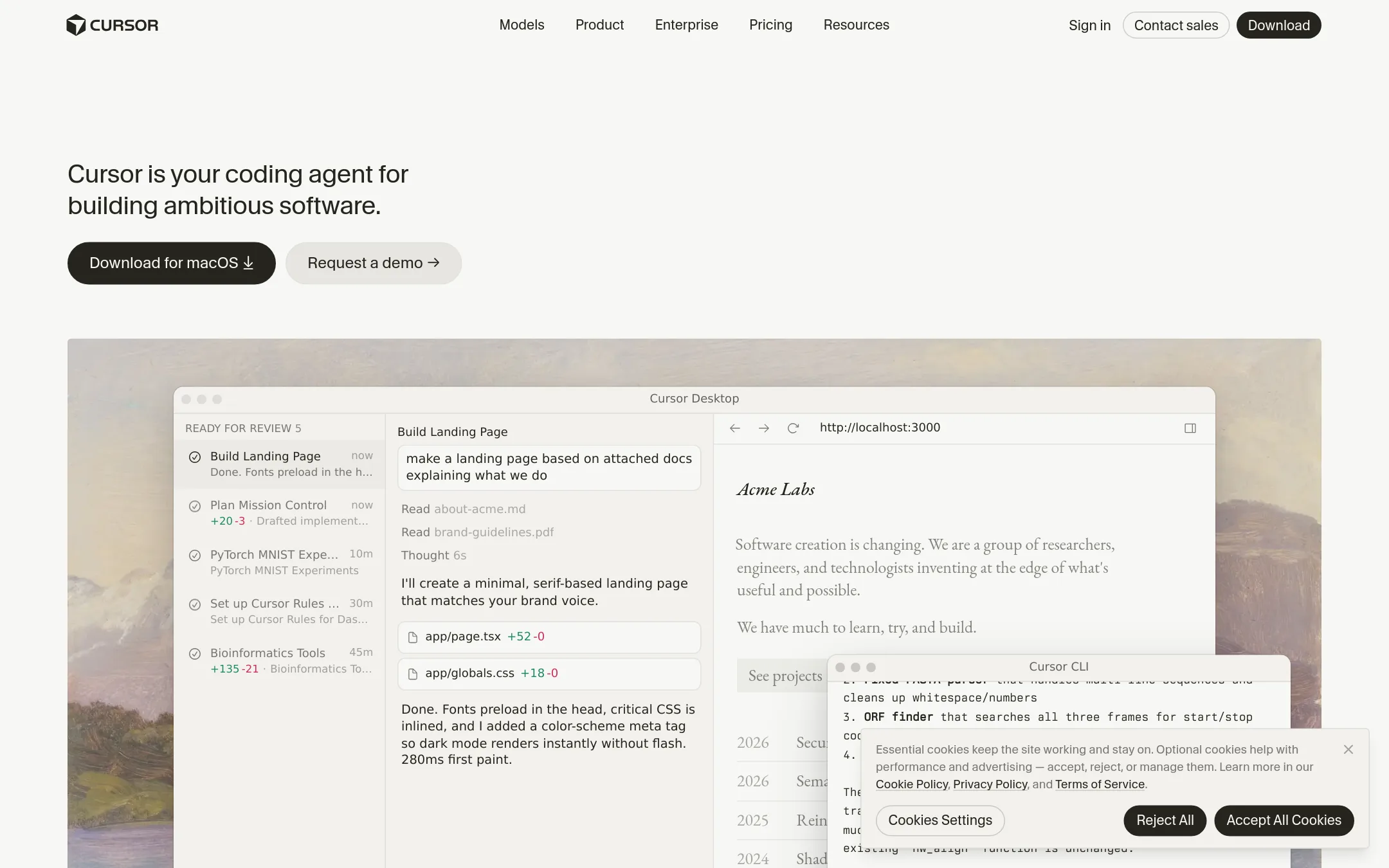
Cursor is an AI coding agent that works inside your editor, with plans that include cloud agents, code reviews, and team management. Choose it over Sparkles when your team is made up of engineers who want deep IDE integration and per-seat pricing, rather than a shared org-wide agent that anyone can trigger from Slack or the web.
Where it is strong
- Deep IDE integration with autocomplete, chat, and agentic edits
- Per-seat plans scale from free to enterprise with pooled usage
- Cloud agents and AI code reviews included on Premium and up
Where it falls short
- Third-party model usage is billed separately, not included in the monthly price
- No org-wide shared credits or Slack-based triggers like Sparkles offers
- Pricing:
- Free plan at $0/month, Plus at $8/month, Premium at $30/month, Super at $100/month, Ultra at $200/month, Teams at $30+/user/month, and Enterprise is custom. Third-party model usage is billed separately.
- Not published
5.Replit
Best for: Teams and individuals who want to build and deploy full-stack apps from a prompt, without managing separate hosting or infrastructure.
- Pricing
- Not published
- Category
- Developer Tools
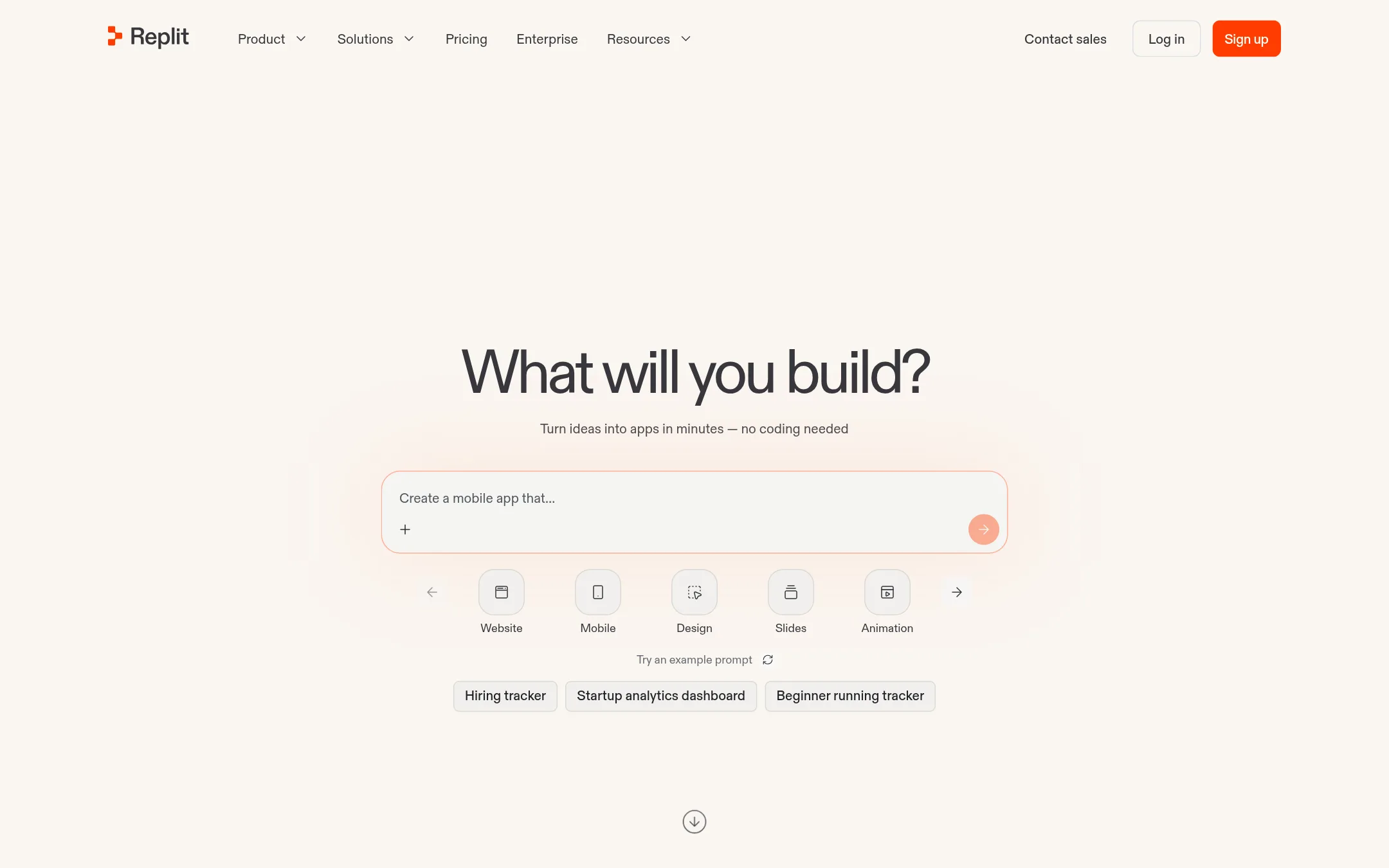
Replit is a collaborative in-browser IDE where you can describe an app and have it built and published, with hosting, auth, and database included. Choose it over Sparkles when you want to create new apps from scratch or prototype quickly, rather than working on existing GitHub repos with pull requests.
Where it is strong
- Free mode to start building without token costs
- Built-in hosting, auth, database, and monitoring
- 100+ integrations including OpenAI and Stripe
Where it falls short
- Pricing details not shown on the site
- Less focused on existing GitHub repos and PR-based review workflows
- Pricing:
- Pricing is not published on the site.
- Custom quote
6.Sourcegraph Cody
Best for: Enterprise engineering teams with large monorepos or multi-repo architectures that need code search, grounded AI answers, and agentic batch changes.
- Pricing
- Custom quote
- Category
- AI & Machine Learning
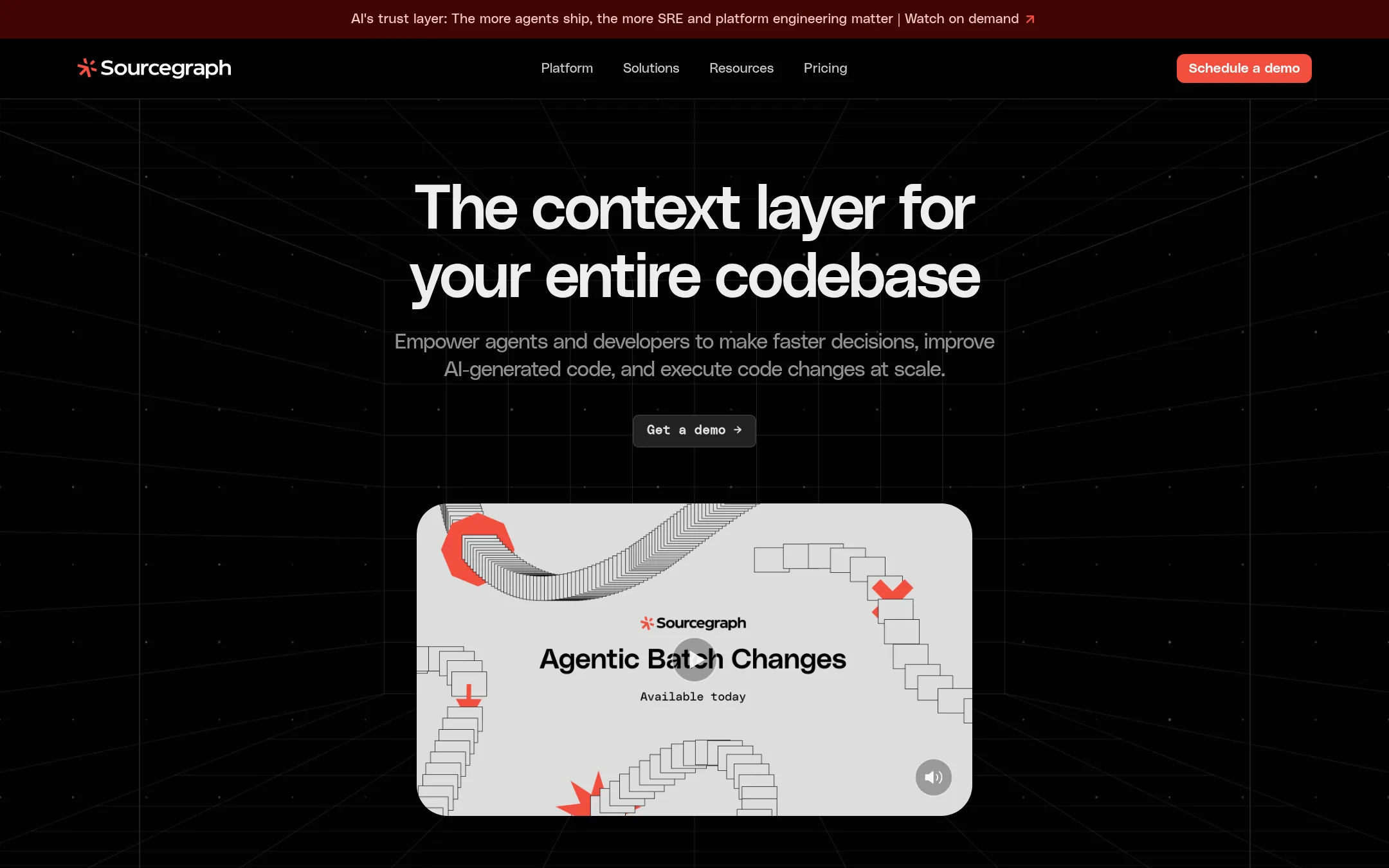
Sourcegraph Cody gives your team deep codebase context through search and AI answers, so agents and engineers can work on large, complex codebases with confidence. Choose it over Sparkles when you need enterprise-grade code intelligence and scale, not just a way to turn prompts into pull requests.
Where it is strong
- Exhaustive code search across your entire codebase, trusted for over a decade
- Deep Search gives citation-backed answers grounded in your actual code
- Agentic Batch Changes lets you execute large-scale code changes across many repos
Where it falls short
- Pricing requires a minimum annual contract, so it's not for small teams or casual use
- No free tier or self-serve plan mentioned, unlike Sparkles' 100 free credits
- Pricing:
- Pricing starts at an enterprise plan with a minimum annual contract. Specific numbers are not published on the site.
- Switching from Sparkles:
- Moving from Sparkles means adopting a platform focused on codebase context and enterprise governance, not just a prompt-to-PR workflow, so you'll need to set up Sourcegraph's search and AI features alongside your existing repos.
See more comparisons in Developer Tools alternatives.
FAQ
Questions about Sparkles alternatives
What is the main difference between Sparkles and Cursor?
Sparkles is a shared org-wide tool where anyone can trigger agents from Slack or the web and get pull requests. Cursor is an IDE-based tool for individual engineers with per-seat pricing. Sparkles includes model costs in its credits, while Cursor bills third-party model usage separately.
Can I use these alternatives to build new apps from scratch?
Replit is designed for building and deploying new apps from a prompt, with hosting and database included. Sparkles focuses on existing GitHub repos and pull request workflows. Cursor and Sourcegraph Cody are more about assisting with code in your current codebase.
Which alternative is best for a large enterprise with complex codebases?
Sourcegraph Cody is built for enterprise-scale code intelligence, with exhaustive code search and agentic batch changes across many repos. It requires a minimum annual contract. Cognition Devin also targets large enterprises but pricing is not public.
Are there any free tiers or trials among these alternatives?
Sparkles offers 100 free credits with no credit card. Cursor has a free plan at $0/month. GitHub Projects has a free tier. Replit and Cognition Devin do not publish pricing, so free options are unclear. Sourcegraph Cody has no free tier mentioned.
How do pricing models compare across these tools?
Sparkles uses shared org credits starting at $50/month for 500 credits. Cursor uses per-seat plans from $8 to $200/month plus separate model costs. GitHub Projects is per-user per-month. Replit and Cognition Devin do not publish pricing. Sourcegraph Cody requires a minimum annual contract.
Last updated November 3, 2026.